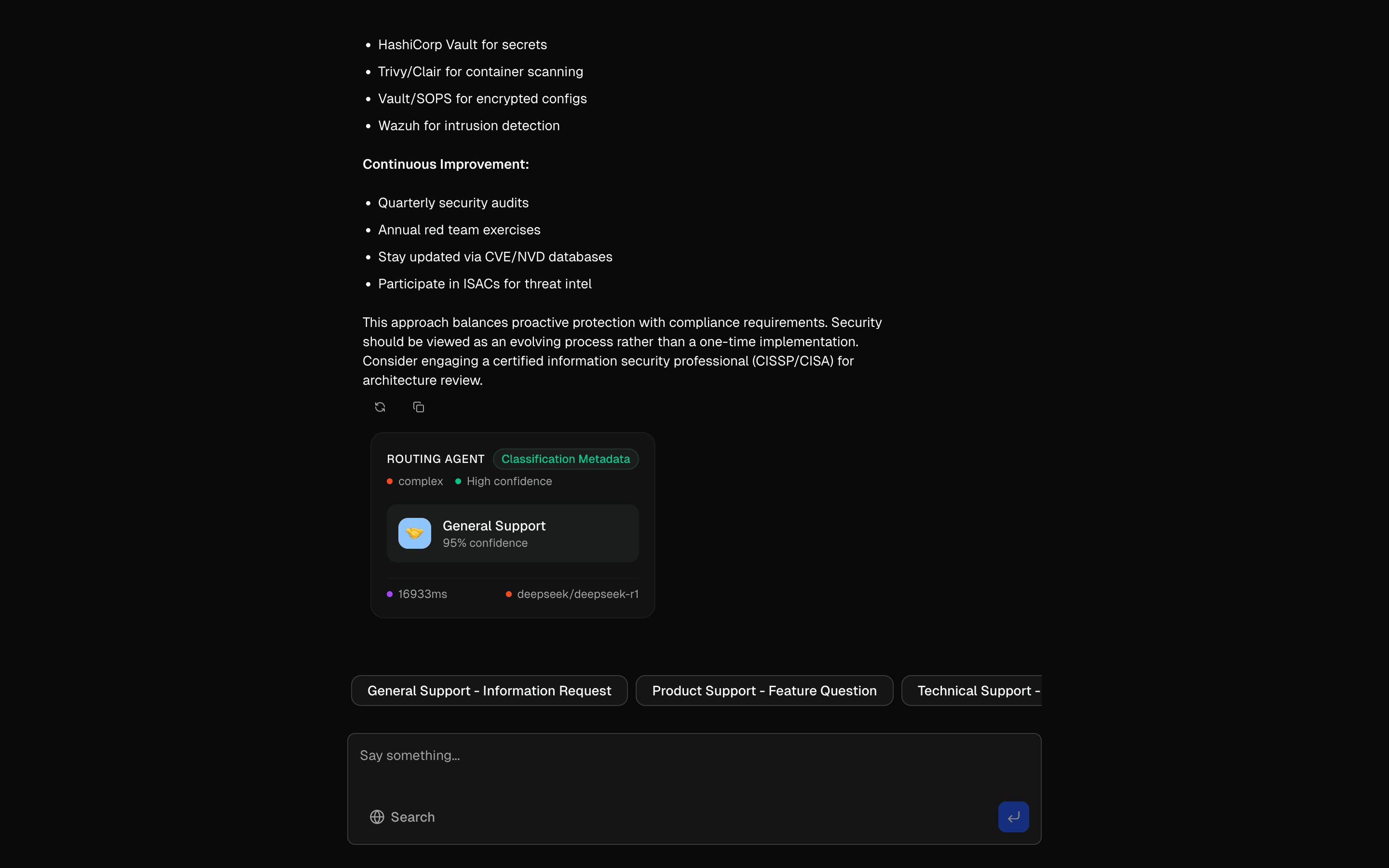
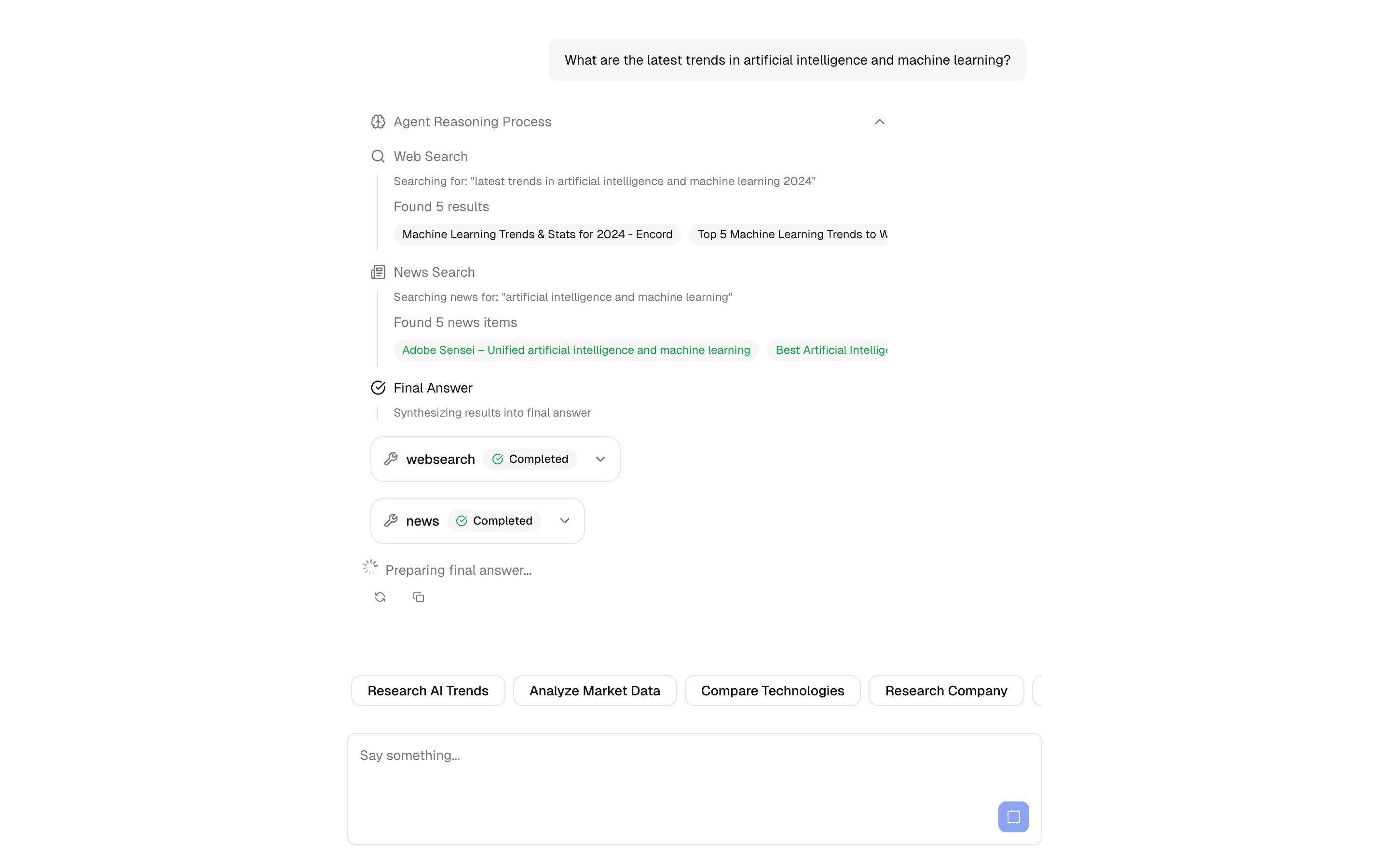
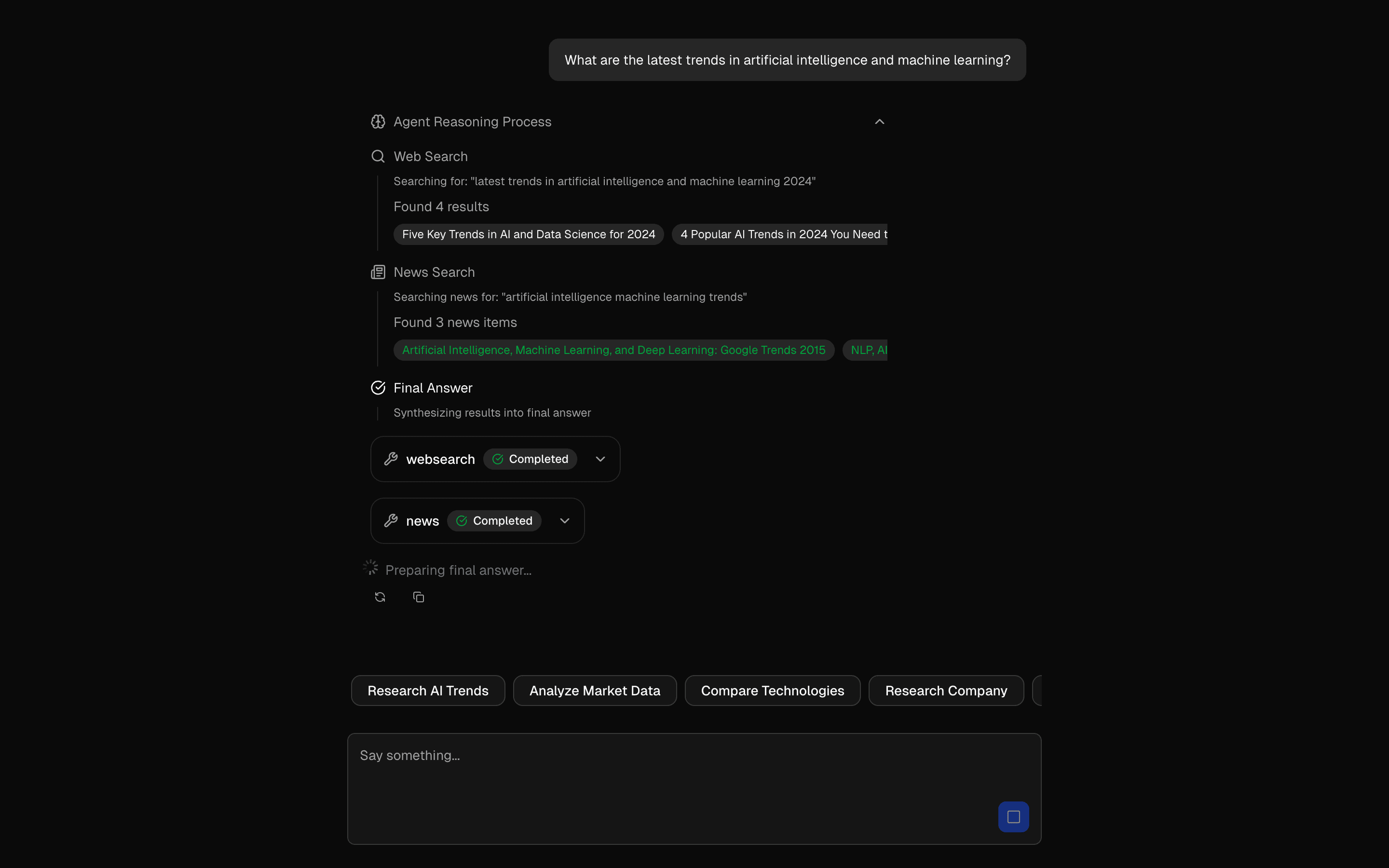
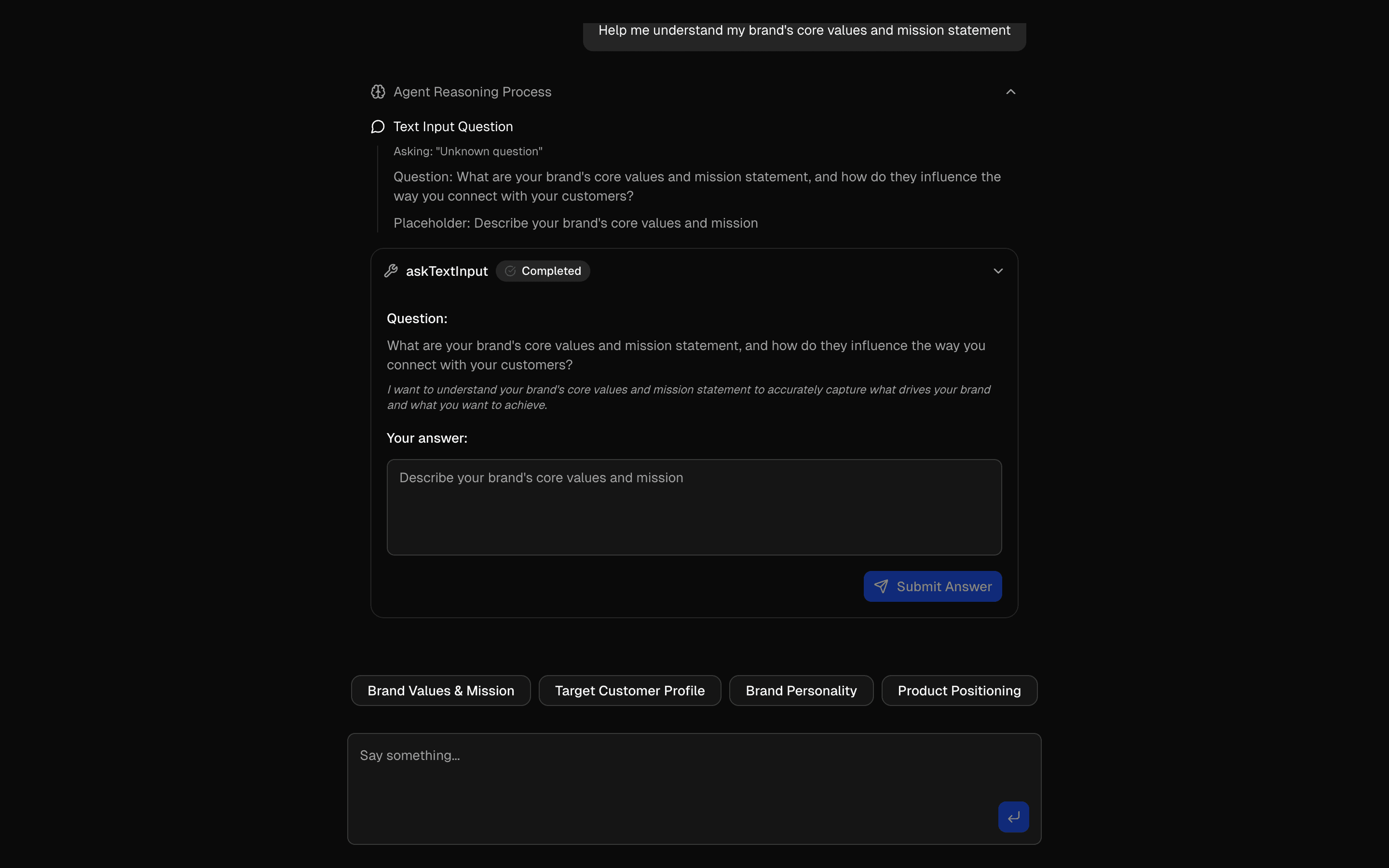
Loading pattern preview
PatternsAgent Patterns
HIL Inquire Text Input
HIL Inquire Text Input
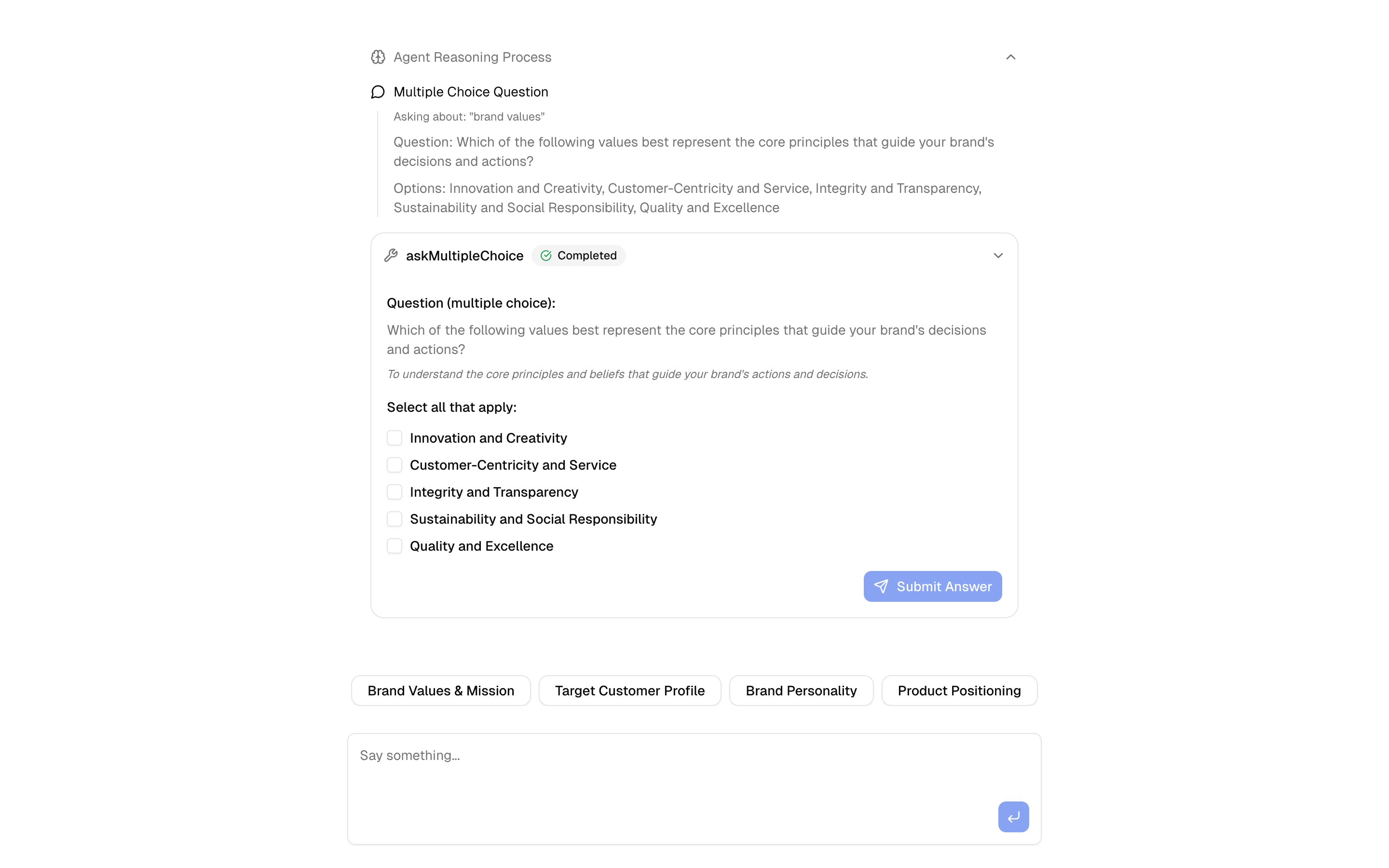
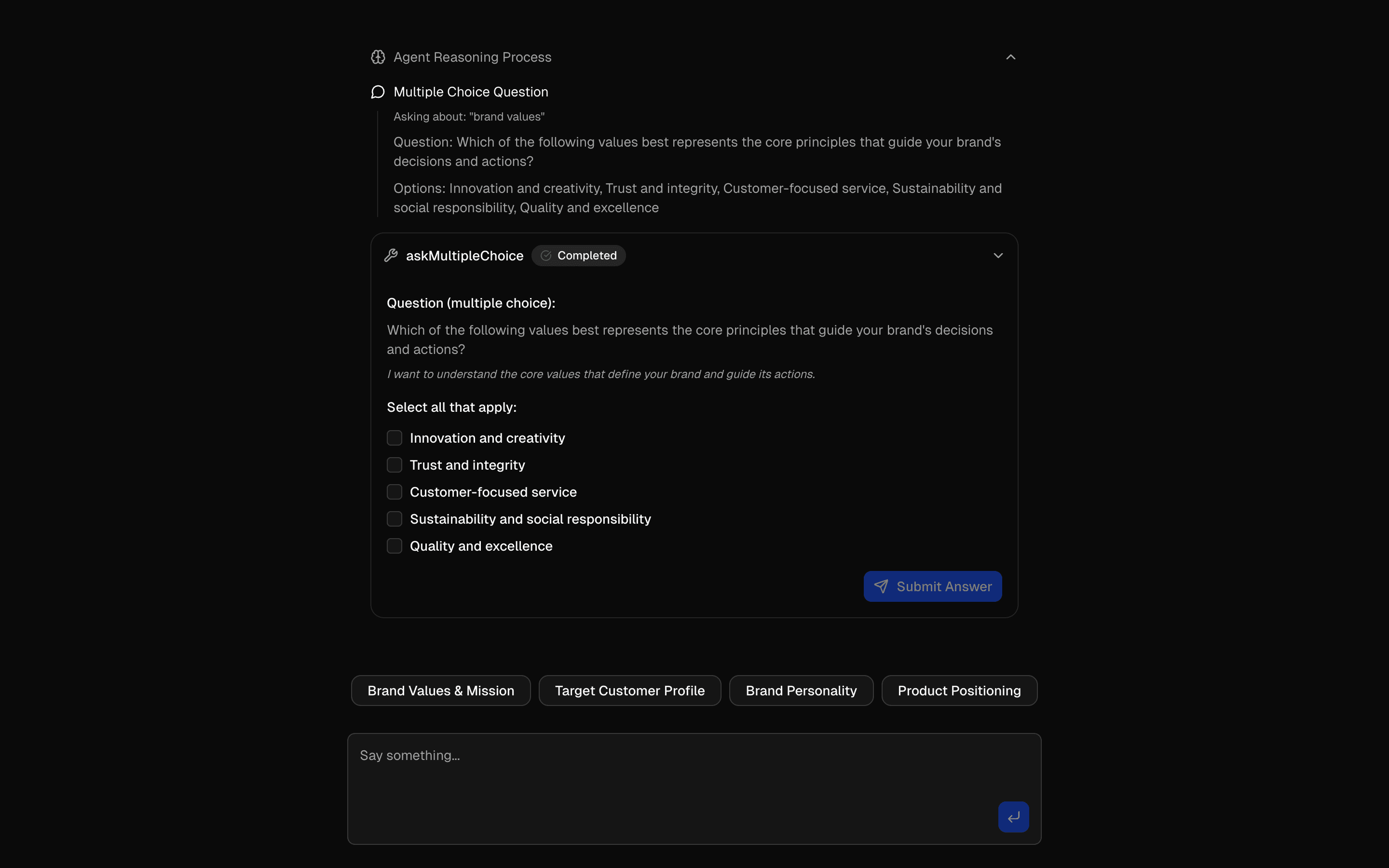
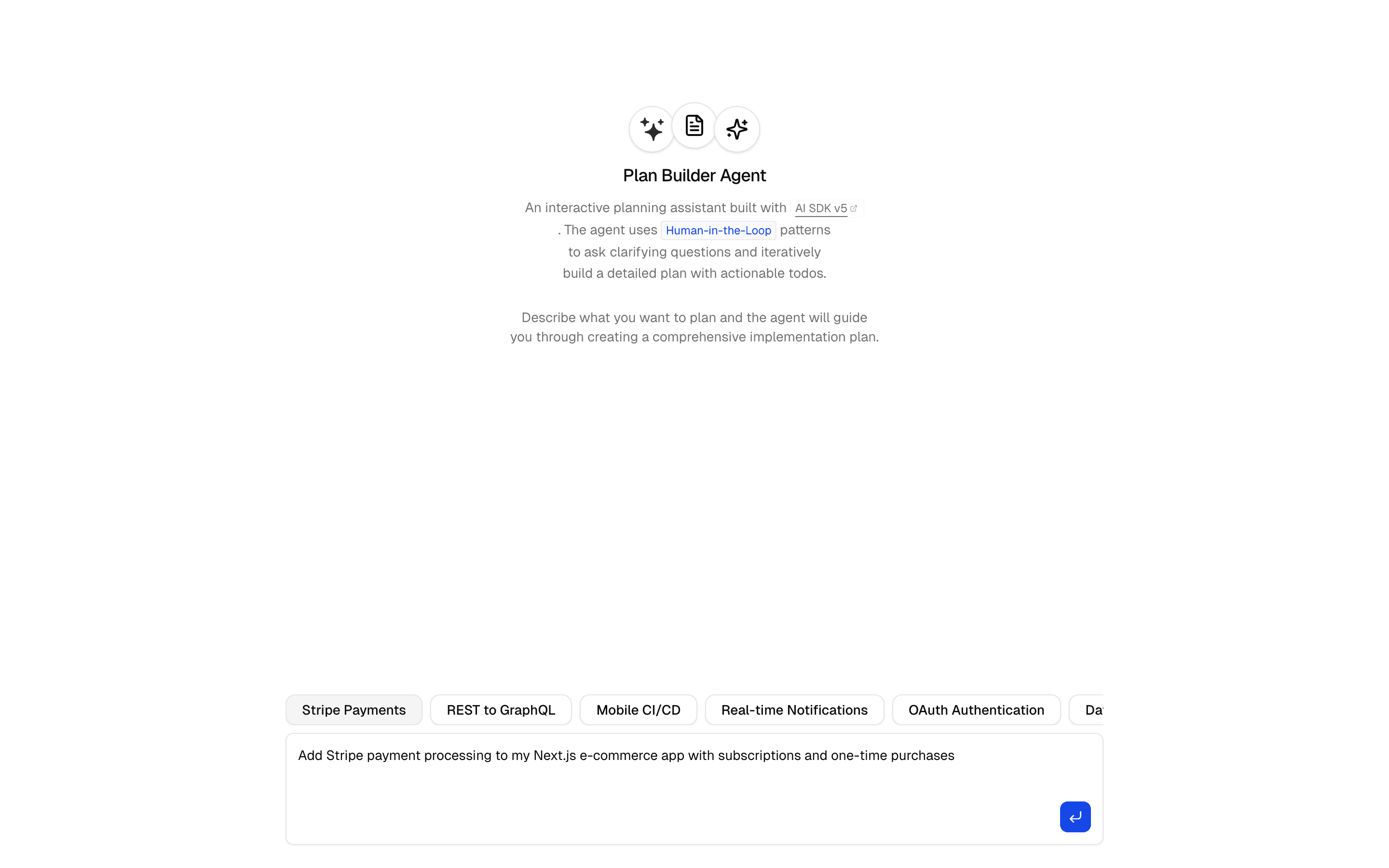
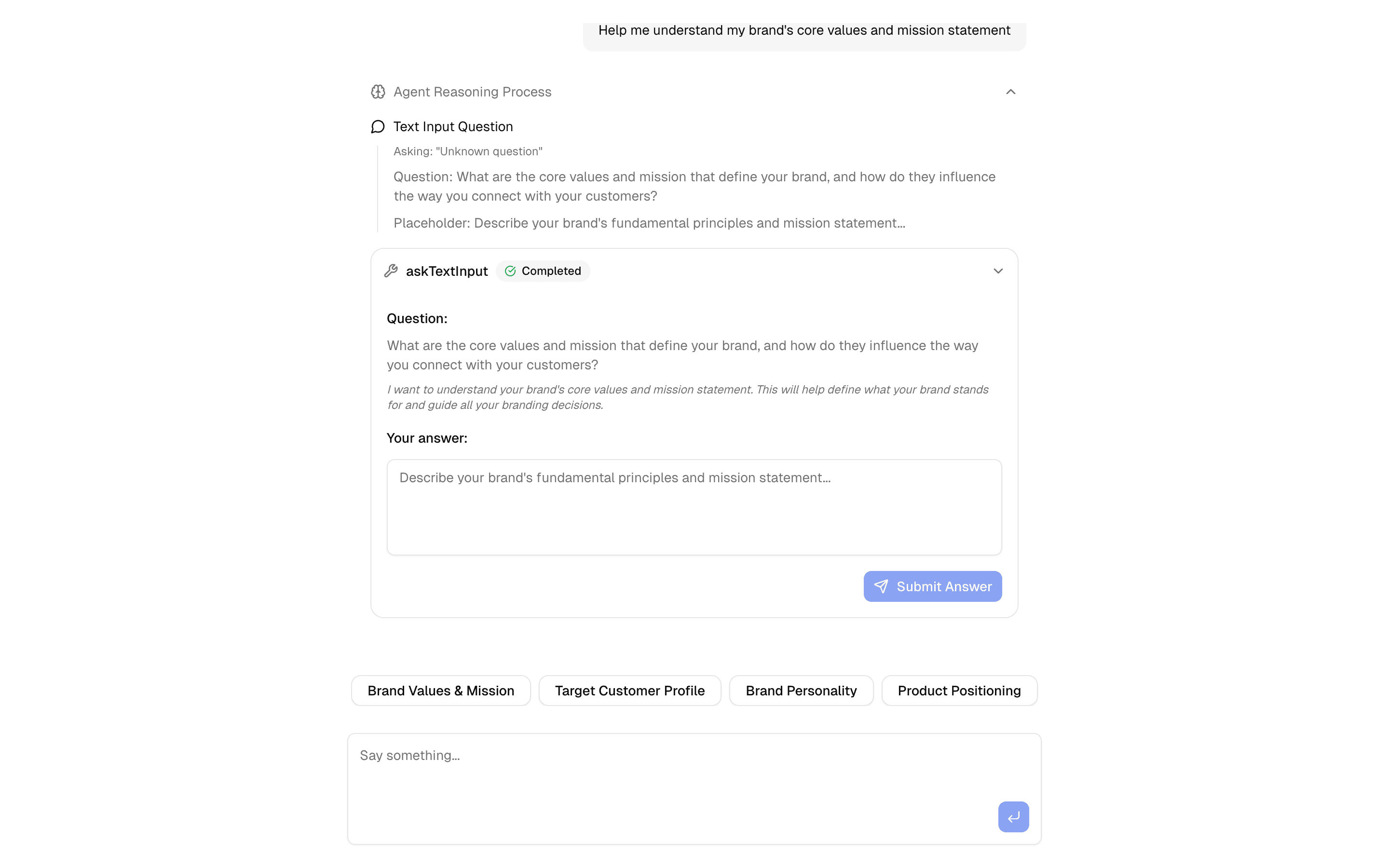
Gather detailed information through AI-driven text input questions. Includes approval workflows and real-time rendering.
Loading pattern preview
Problems solved
Technical challenges this implementation handles out of the box.
- Pause the agent to collect free-text answers mid-loop
- Resume ToolLoopAgent after open-ended user input
- Gather detailed brand or requirements context through questions
- Stop on askTextInput with hasToolCall and process responses
Use cases
Products and workflows this pattern is designed to support.
- Discovery interviews in chat
- Requirements gathering agents
- Customer onboarding with open-ended prompts
- User research intake workflows
Setup
Requirements, wiring steps, and what this pattern adds to your project.
Getting started
Pick how you want to pull this pattern in. Then wire env vars and routes the same way.
- 1
Install from the preview toolbar

Copy the install command above and run it in your project — Pro patterns include a short-lived token.
- 2
Add environment variables to .env.local
OPENAI_API_KEY
- 3
Point client fetches at your API routes
Replace preview `/view/.../api/...` paths with `/api/...` in the installed files.
- 4
Customize the agent and tool files
Adapt prompts, tools, and stop conditions for your product — Copy for AI in the toolbar helps seed that work.
- 5
Run your dev server and open the pattern route
Install dependencies if needed, then start the app and verify responses.
Environment variables
OPENAI_API_KEYGet key
Capabilities
AI SDK APIs
AgenttoolstepCountIsvalidateUIMessagesuseChatInferAgentUIMessagegenerateObjectProviders
OpenAI
External services
Upstash
Files added
7 filesapp/page.tsxapp/layout.tsxapp/api/inquire-text/route.tslib/ai/multiple-choice-inquire-agent.tslib/ai/tools/ask-multiple-choice-tool.tslib/tool-approval-types.tsREADME.md
Dependencies
11 totalnpm packages
6AISDKlucide-reactNext.jsReactsonnerZod
Registry components
buttonemptylabeltextareatooltip
Critical files
ai/multiple-choice-inquire-agent.tsAgent implementation using ToolLoopAgent with hasToolCall('askTextInput') stop condition. Contains processTextInputToolCalls for handling free-text user answers.
tools/ask-multiple-choice-tool.tsTool (askTextInputTool) that dynamically generates text input questions with placeholders using generateObject.
Requirements
- Complexity
- Intermediate
- Setup time
- ~15 minutes
- Node
- 24+
- Memory
- 512MB
Upstash Redis