We now support Hono and Nitro
So you can ship ai agents anywhere
AI SDK Agents
You can copy & paste.
Like shadcn for the AI SDK. Blocks for memory, human-in-the-loop, workflows, and artifacts you can drop into your app with v0, Next.js, or Hono or .

204 AI Components
UI for common AI interfaces. Compatible with the Vercel AI SDK. Install with the shadcn CLI, or copy and paste.
Drop into any react app. Everything you need to build AI-native apps.
Browse AI components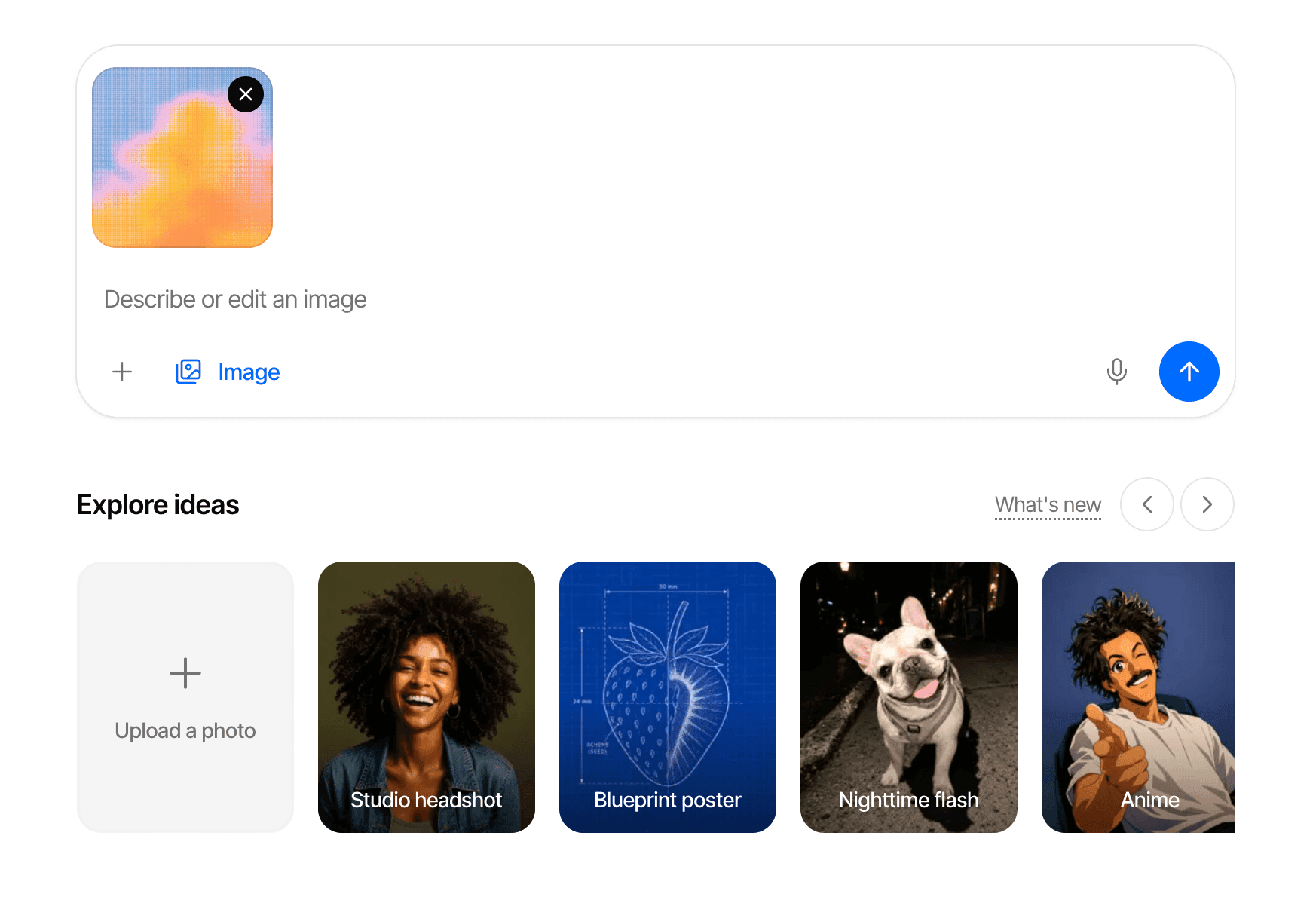

 Edit regionImagesBrush a mask and say what should change
 Source viewerAnswersOpens the document at the cited passage
 Spend breakdownUsage & billingAI spend by model, feature or user
 Selection actionsAnswersSelect text to ask, explain or quote
 Run receiptLogs & tracesWhat a run cost and where it went
 Claude map itineraryResultsMulti-day trip on a map, day by day
 Trace viewerLogs & tracesOne run as a timeline, open on the failure
 Mention menuComposerType @ to pull in files, people and tools
 Prose diffWritingAccept or reject a rewrite word by word
154 AI SDK blocks.
Full-stack apps. Five ways to consume. Headless, themeable, and interactive.
DownloadDownload as a Next.js app, or export verified blocks as a Hono API server.

Shadcn RegistryInstall using shadcn/ui CLI or MCP to add blocks to your existing project.
Full Source CodeEvery block ships its full source code. Read it, change it, own it.
Open in v0Edit and customize full stack AI Agent blocks directly in the v0 editor.
Open in v0
Edit and customize components directly in the v0 editor
Copy for a coding agentCopy the selected block’s implementation as AI-ready context for Cursor, Claude Code, or Codex.
Explore
Find the block for what you’re building.
Start with what your app needs to do. Pick a use case to see the block to start with.
Start from a complete agent app
Analyze and plan a business task
Use domain context to analyze, enrich, or plan.
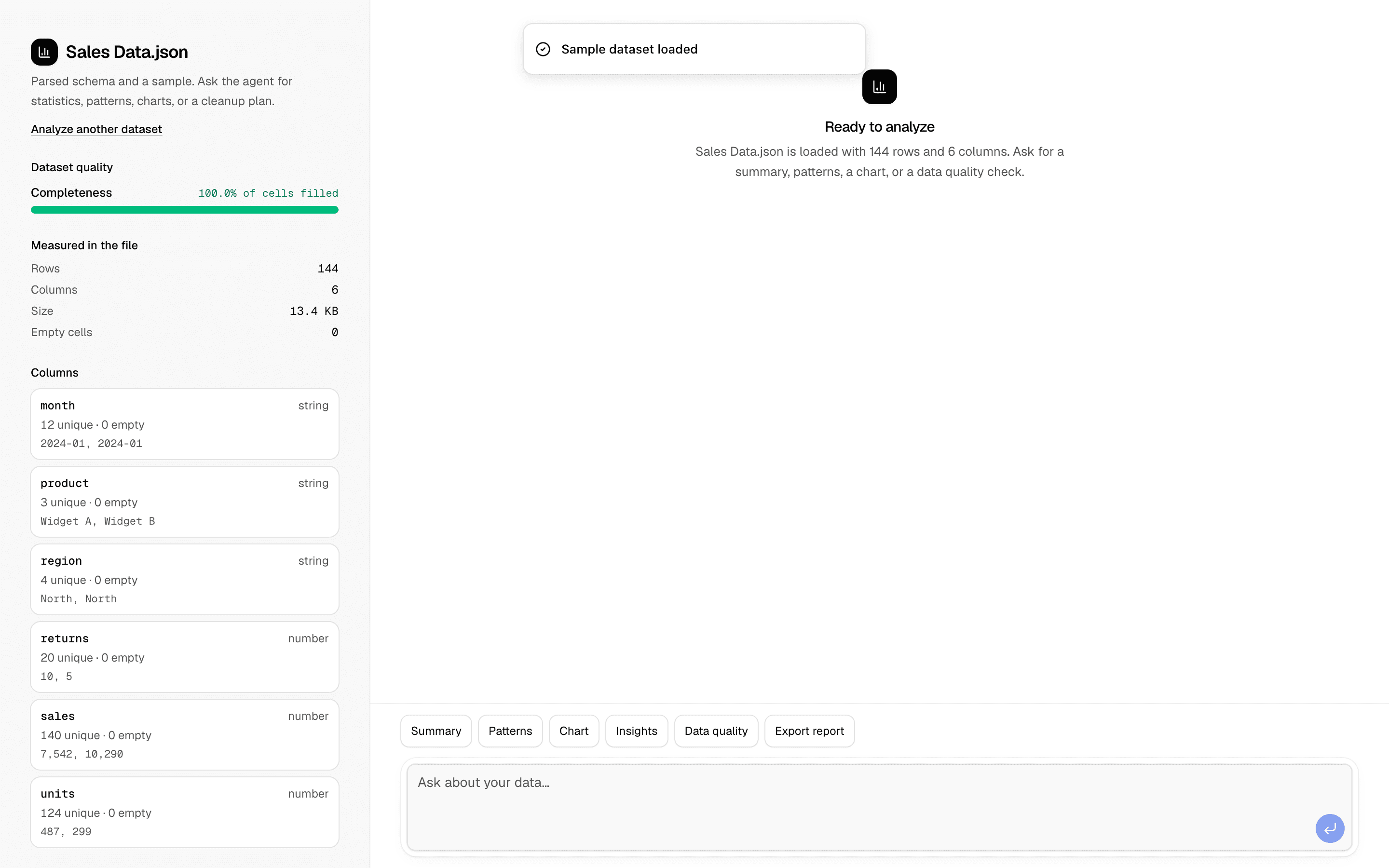
 Start hereData Analysis AgentUse this when users upload a CSV or JSON dataset and need an agent to find correlations, outliers, and trends, then chart them and export a report.ProView block
Also consider
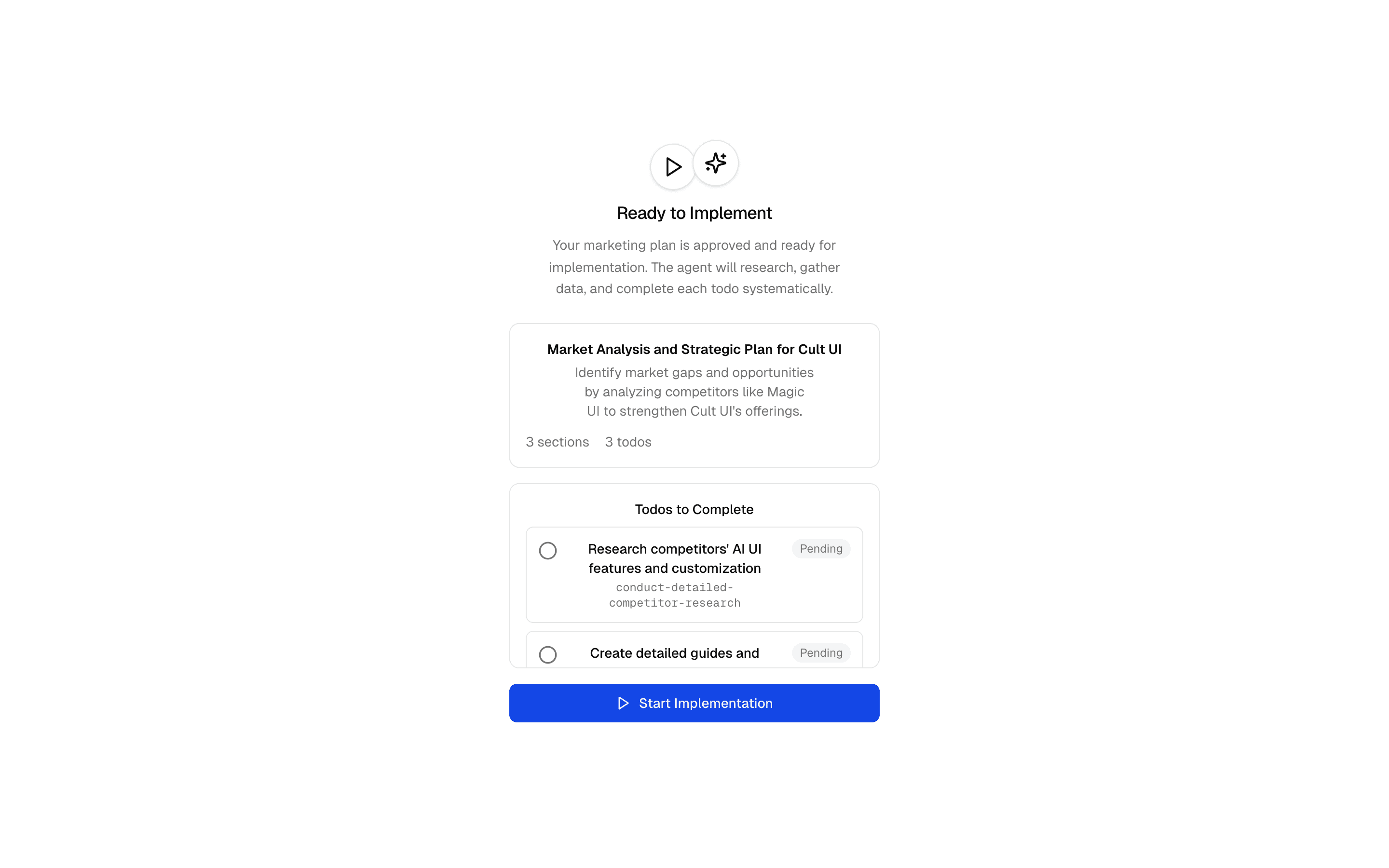
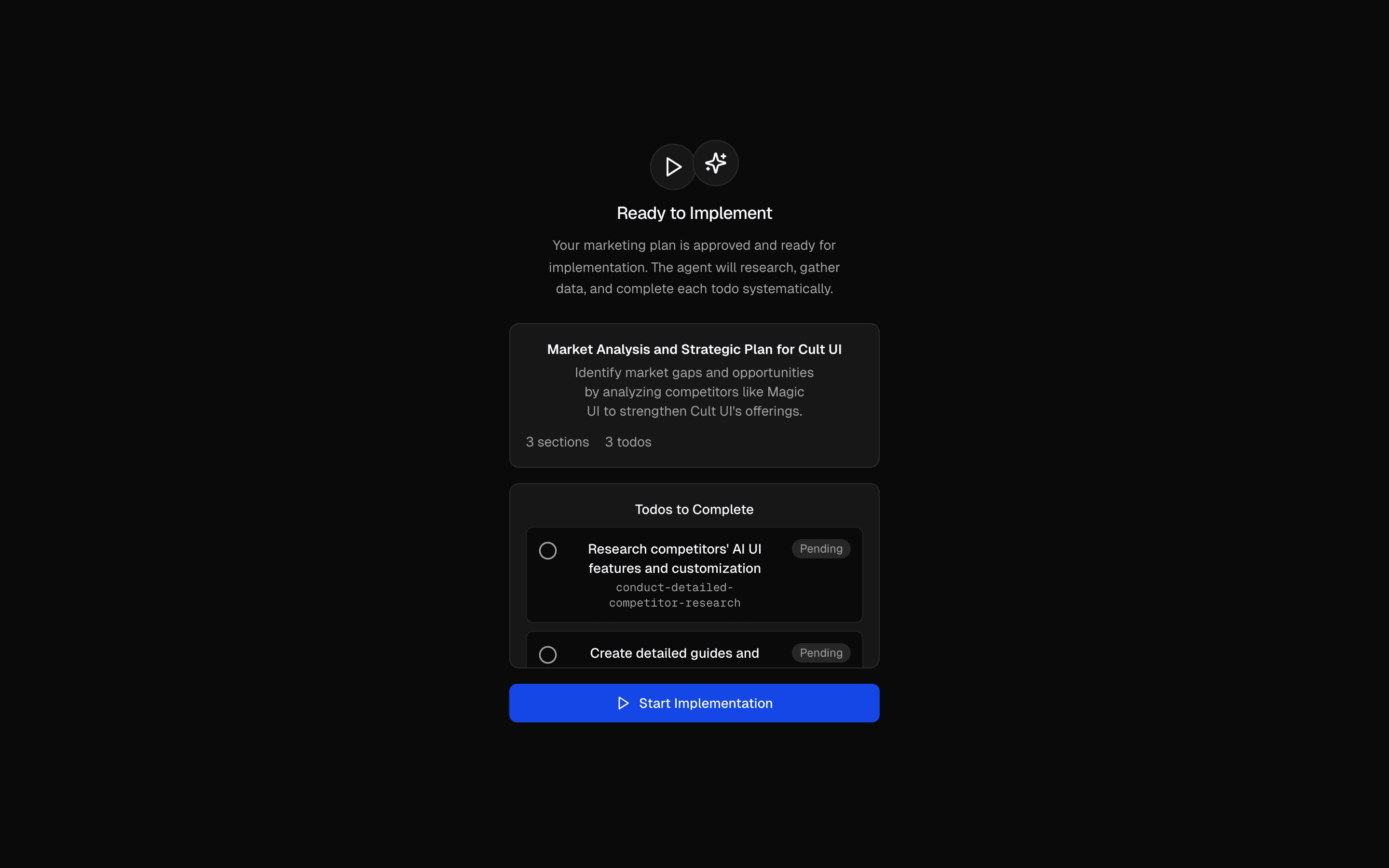 Marketing Plan & Implement AgentUse this when your agent must capture brand details from a URL or form, get a todo plan approved, then carry it out with scraping and research tools.Pro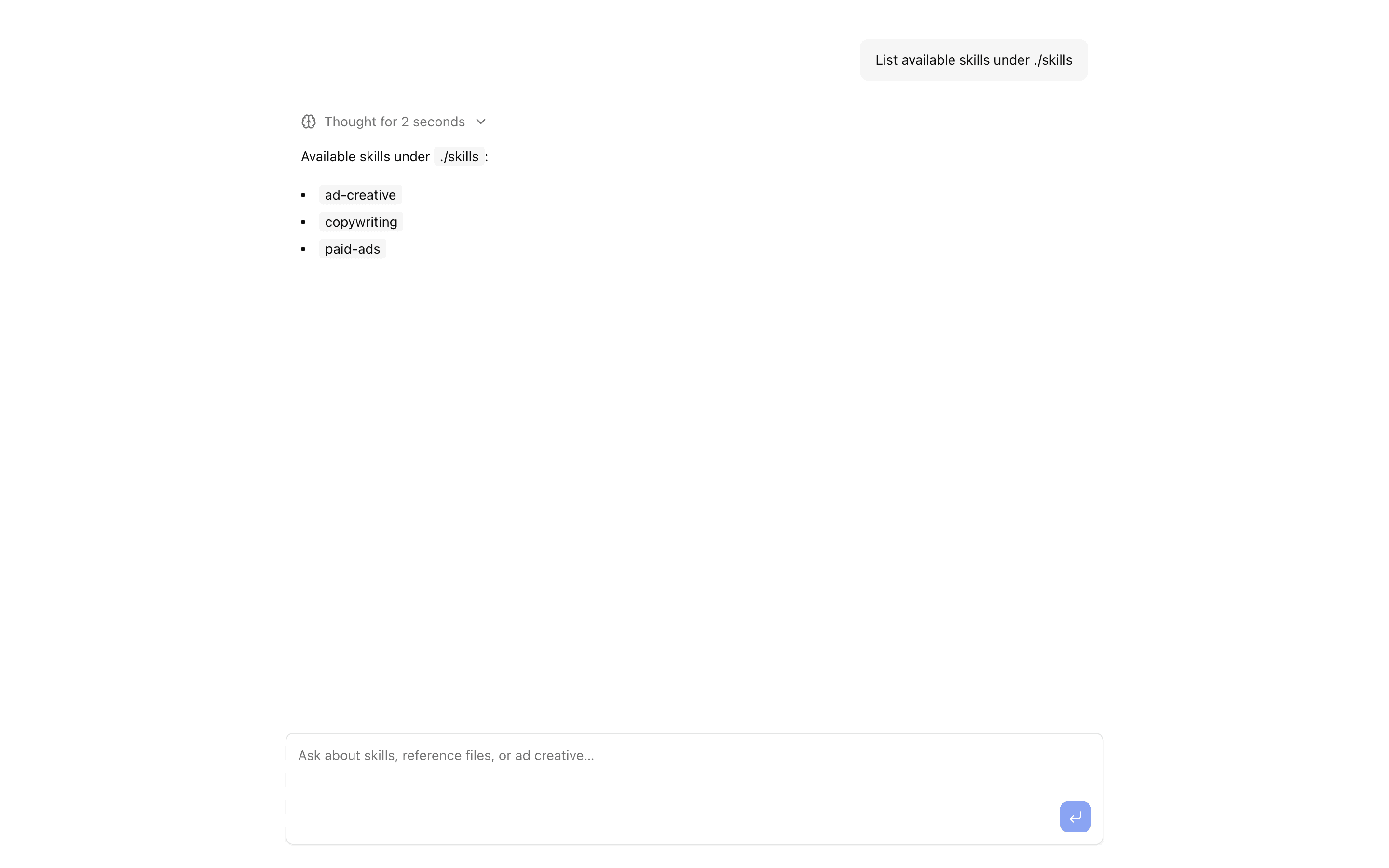
 Marketing agent with skills + readFileChat UI wired to a ToolLoopAgent that loads filesystem skills and exposes readFile on the skill sandbox—demo includes ad-creative, copywriting, and paid-ads sk…Pro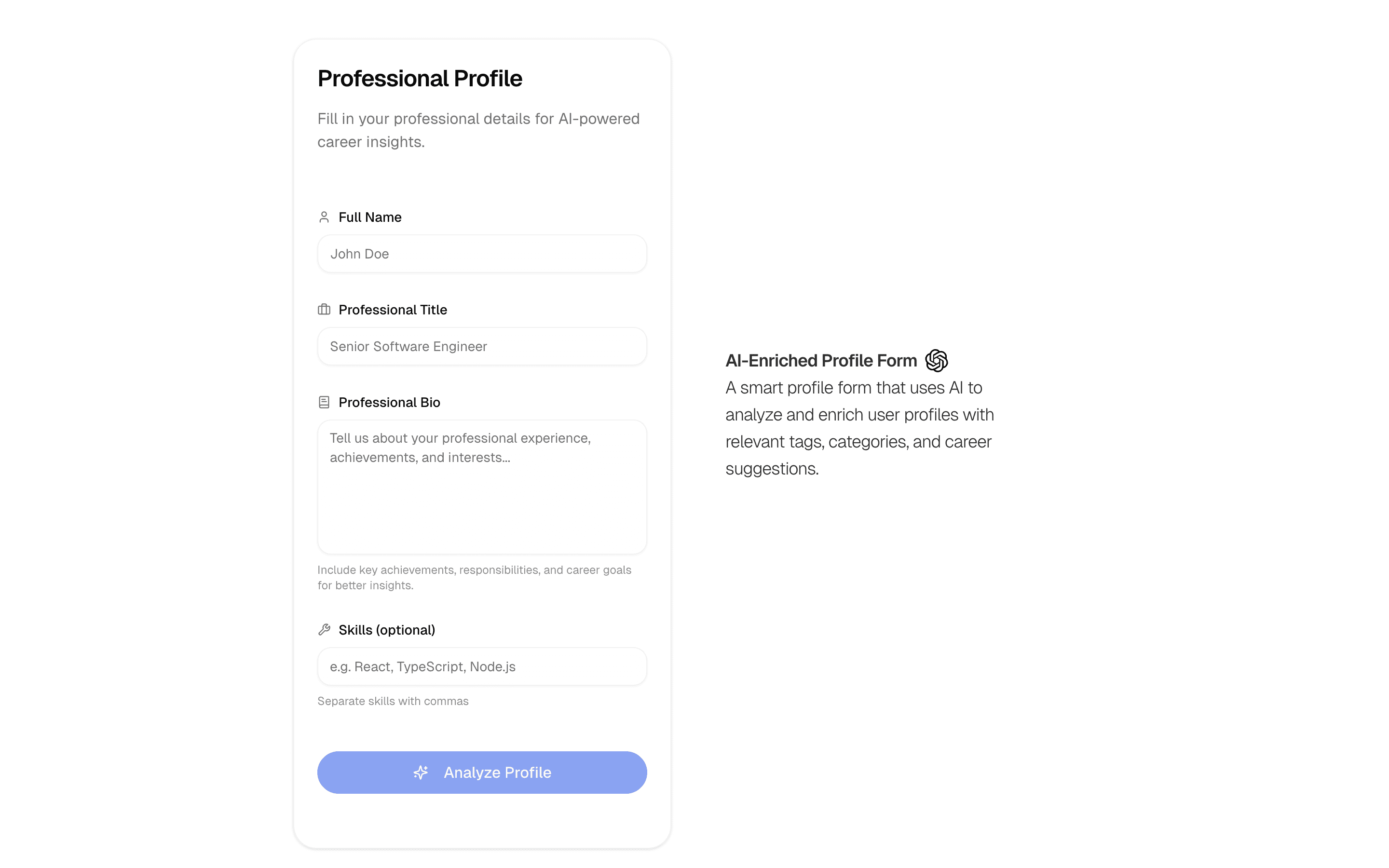
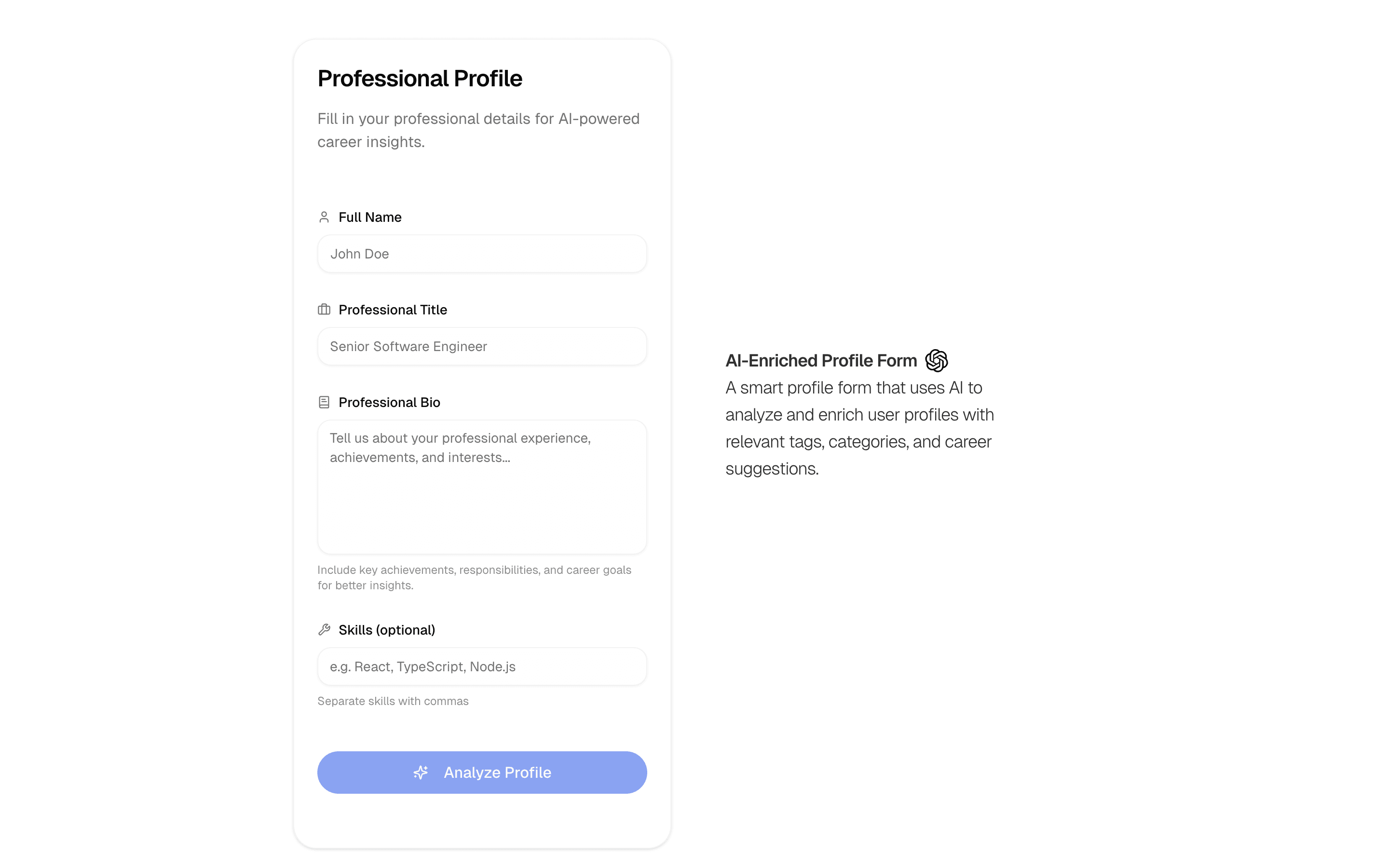
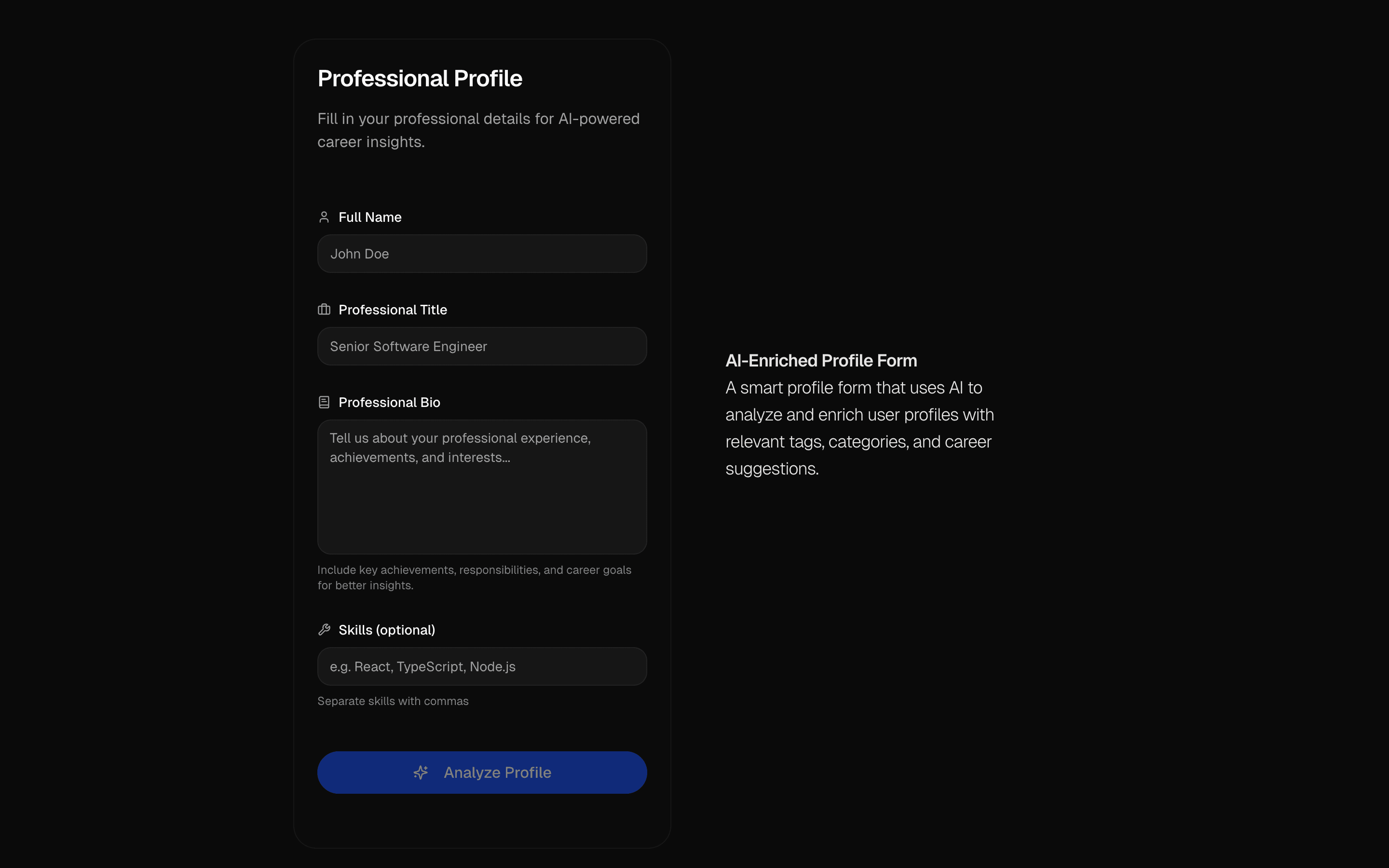
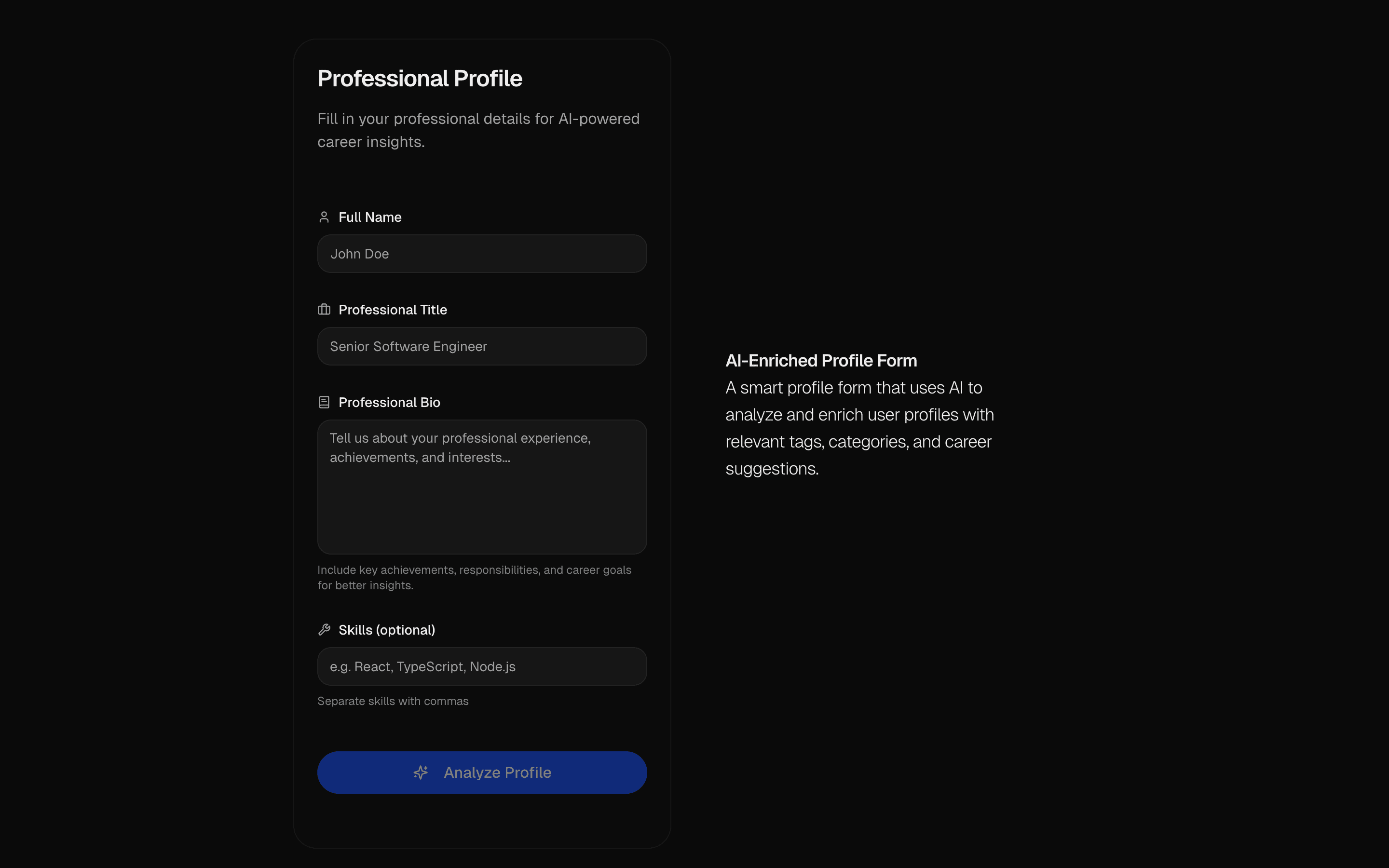 AI Profile Enrichment FormUse this when users fill out a sparse profile form and you want AI to stream in the missing fields for them to review before accepting.Pro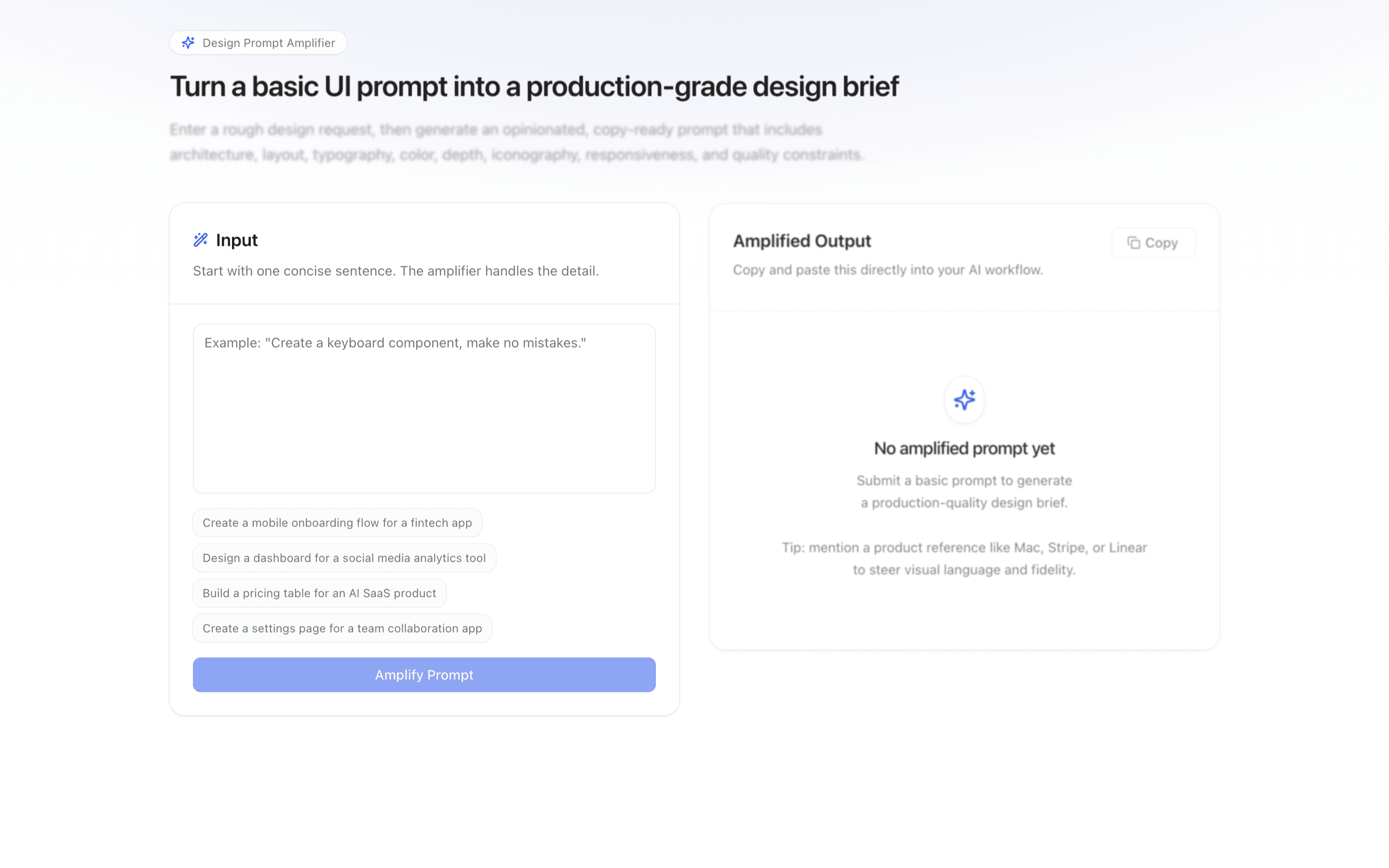
 Prompt UI ImproverUse this when you have a one-line UI request and need it expanded into a detailed design brief to hand to another model or engineer.Pro
Start from a complete agent app
Create brand assets
Turn brand context into visual direction and materials.
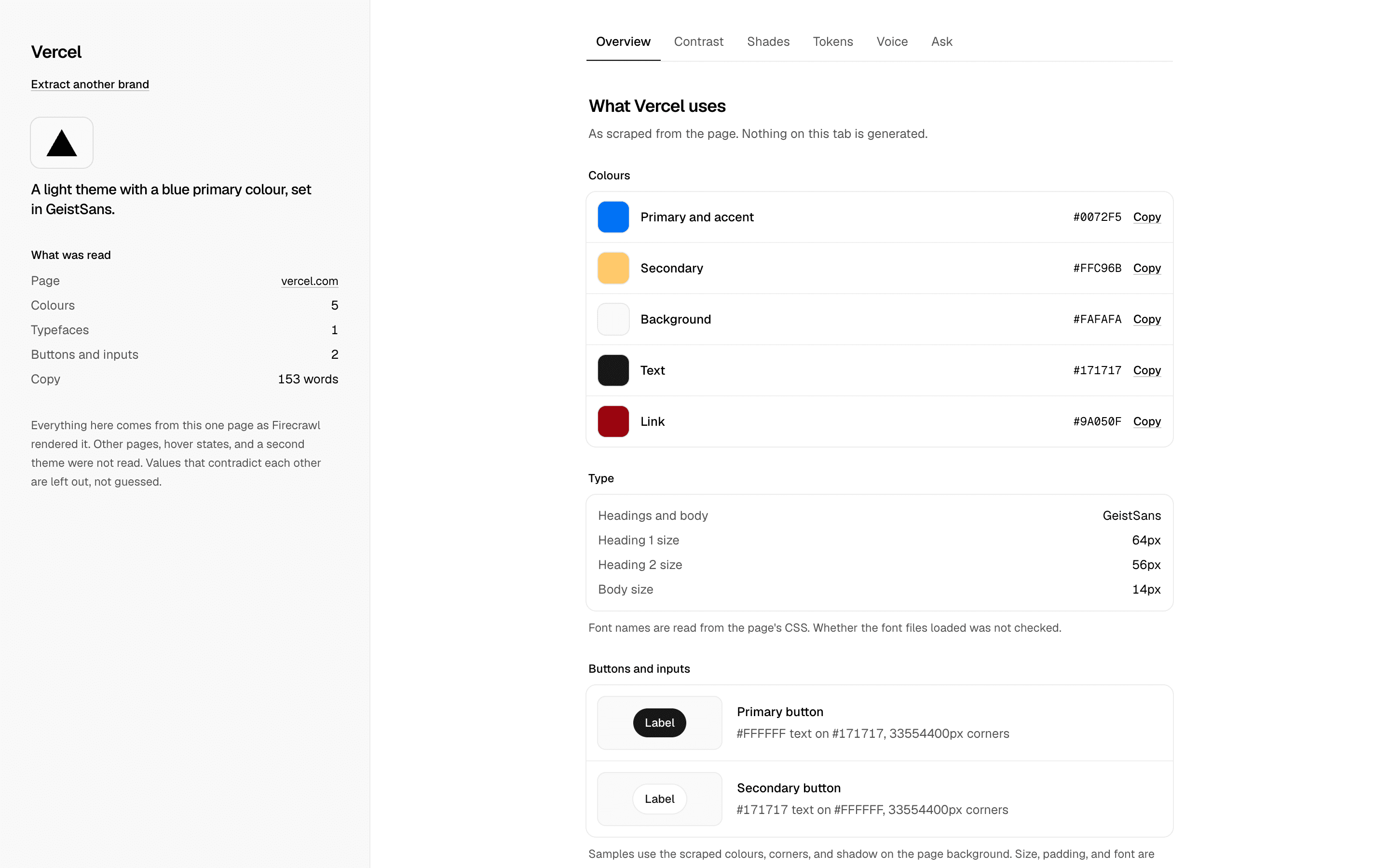
 Start hereBranding AgentUse this when you want a grounded agent that pulls a site's brand tokens and answers contrast, palette, and voice questions from the scraped page.ProView block
Also consider
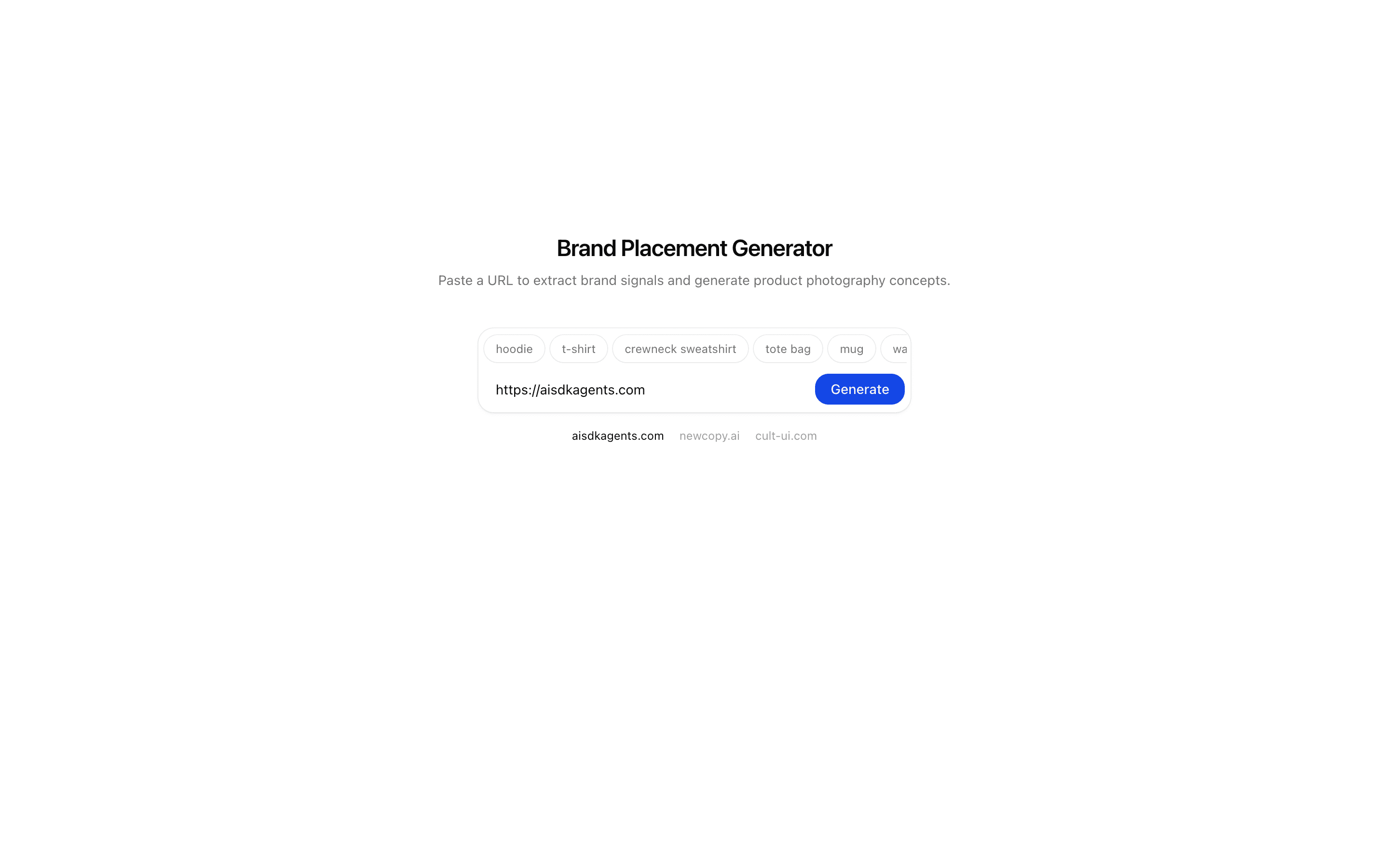
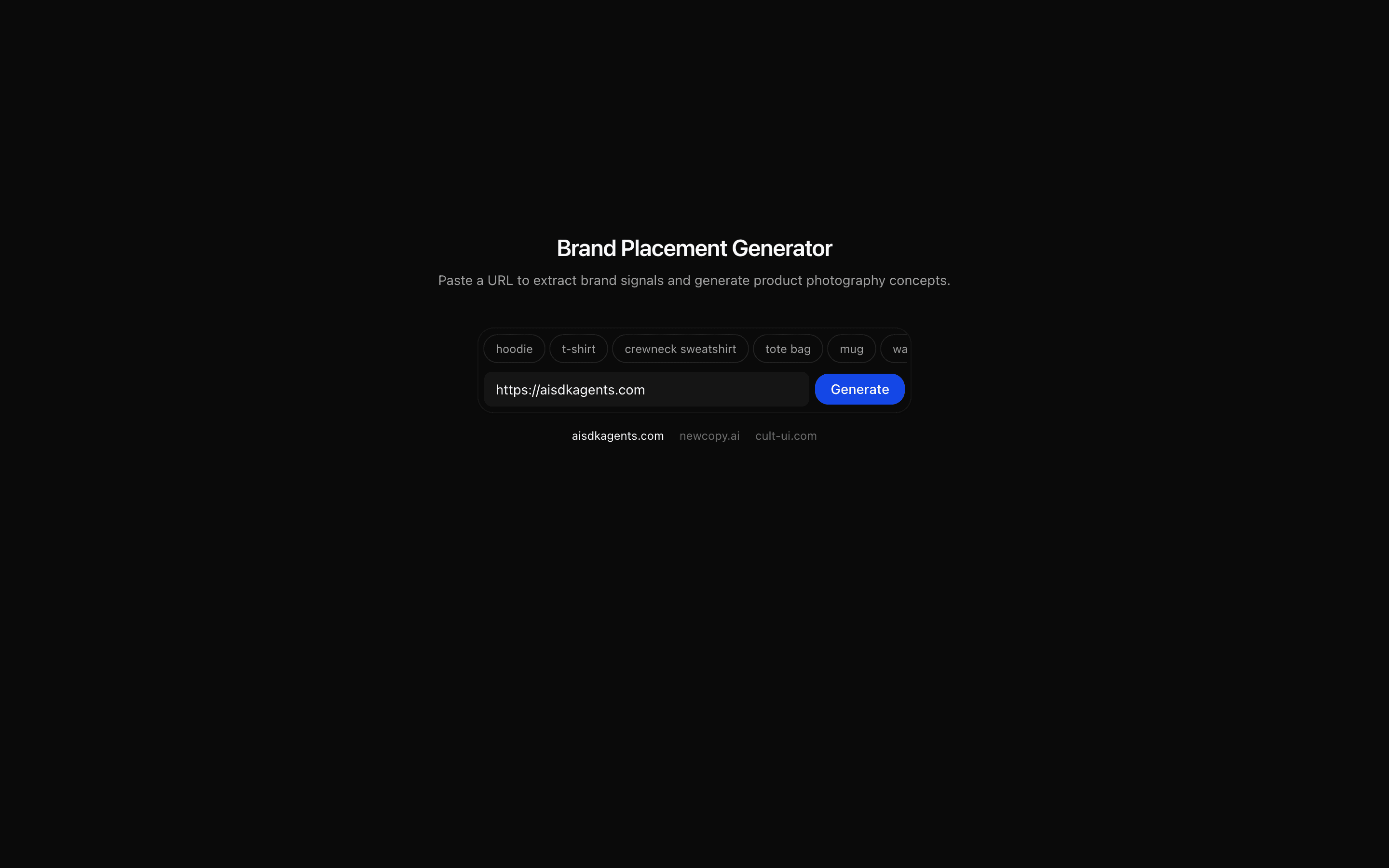 Brand Product Placement Generator (Nano Banana)Use this when you need to turn a brand URL into a product photography brief and several on-brand placement concepts, such as logo-on-apparel shots.Pro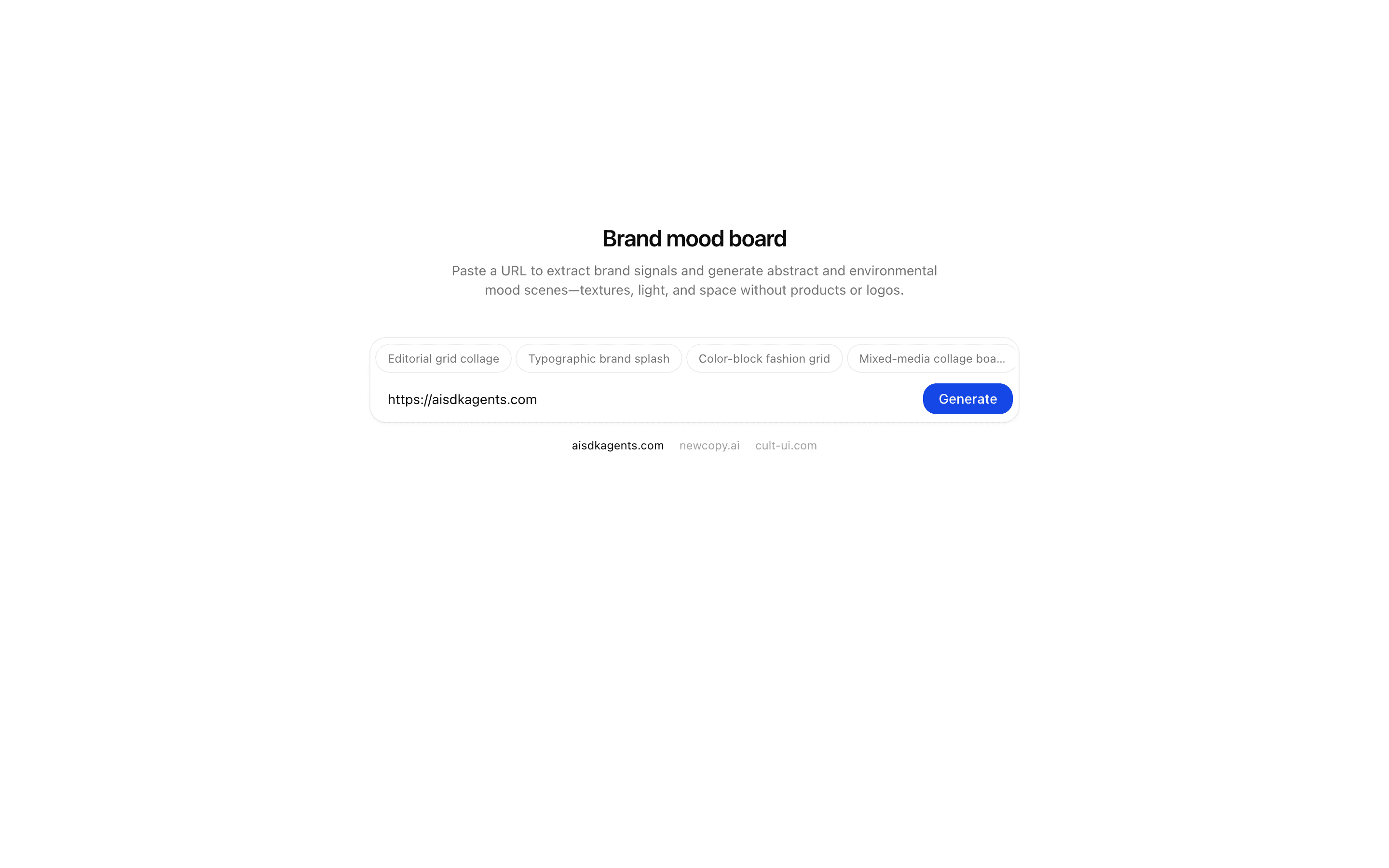
 Brand Mood Board GeneratorUse this when you need abstract or environmental mood images, such as hero or slide backgrounds, generated from a brand's website URL.Pro
 Brand Guidelines Image GeneratorUse this when you need brand-standards manual spreads like color, typography, and grid pages rendered as images from a website URL, with edits.Pro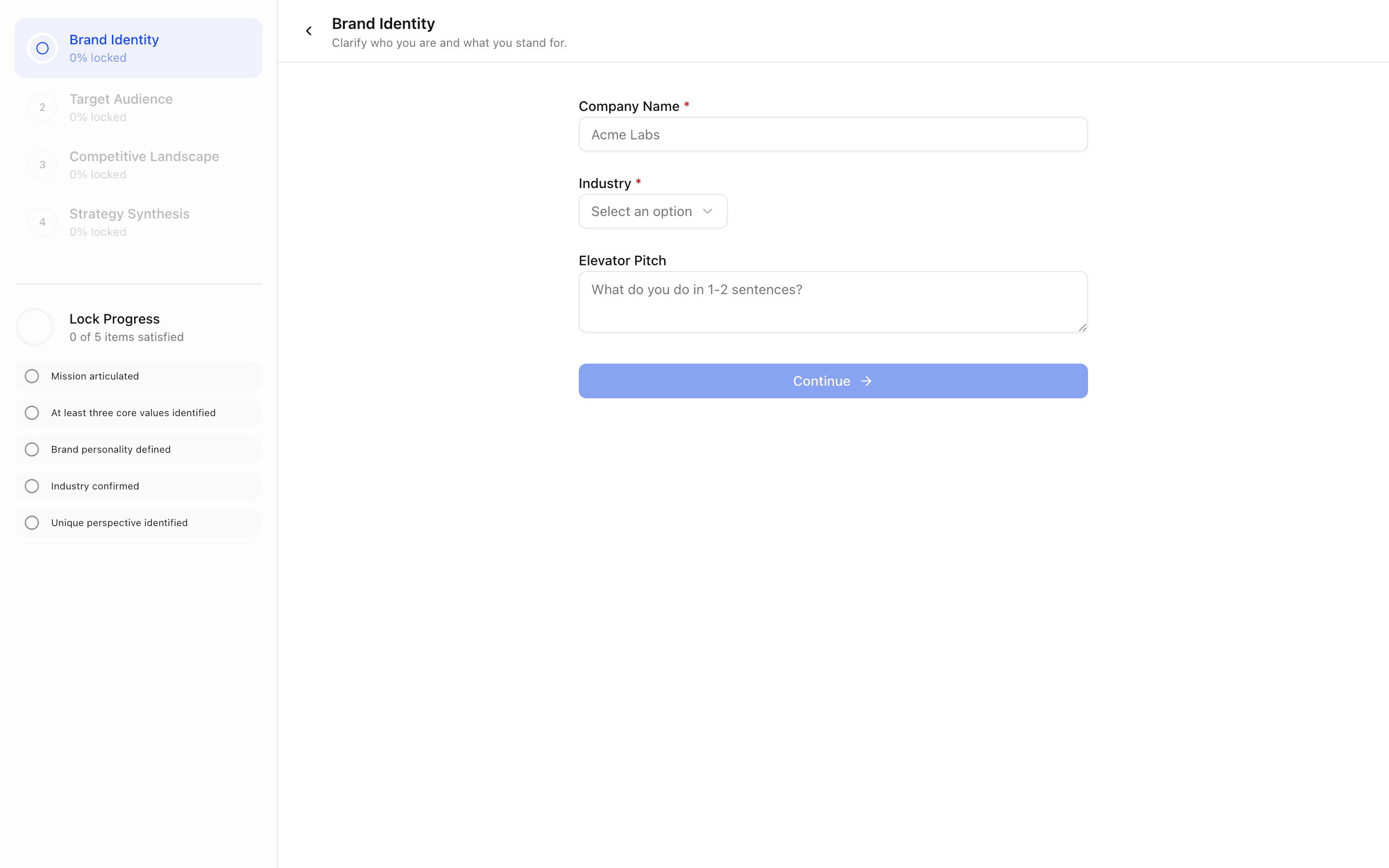
 AI Wizard Brand StrategyUse this when you are building a brand discovery or marketing onboarding flow where AI interviews gate progress and end in a written strategy.Pro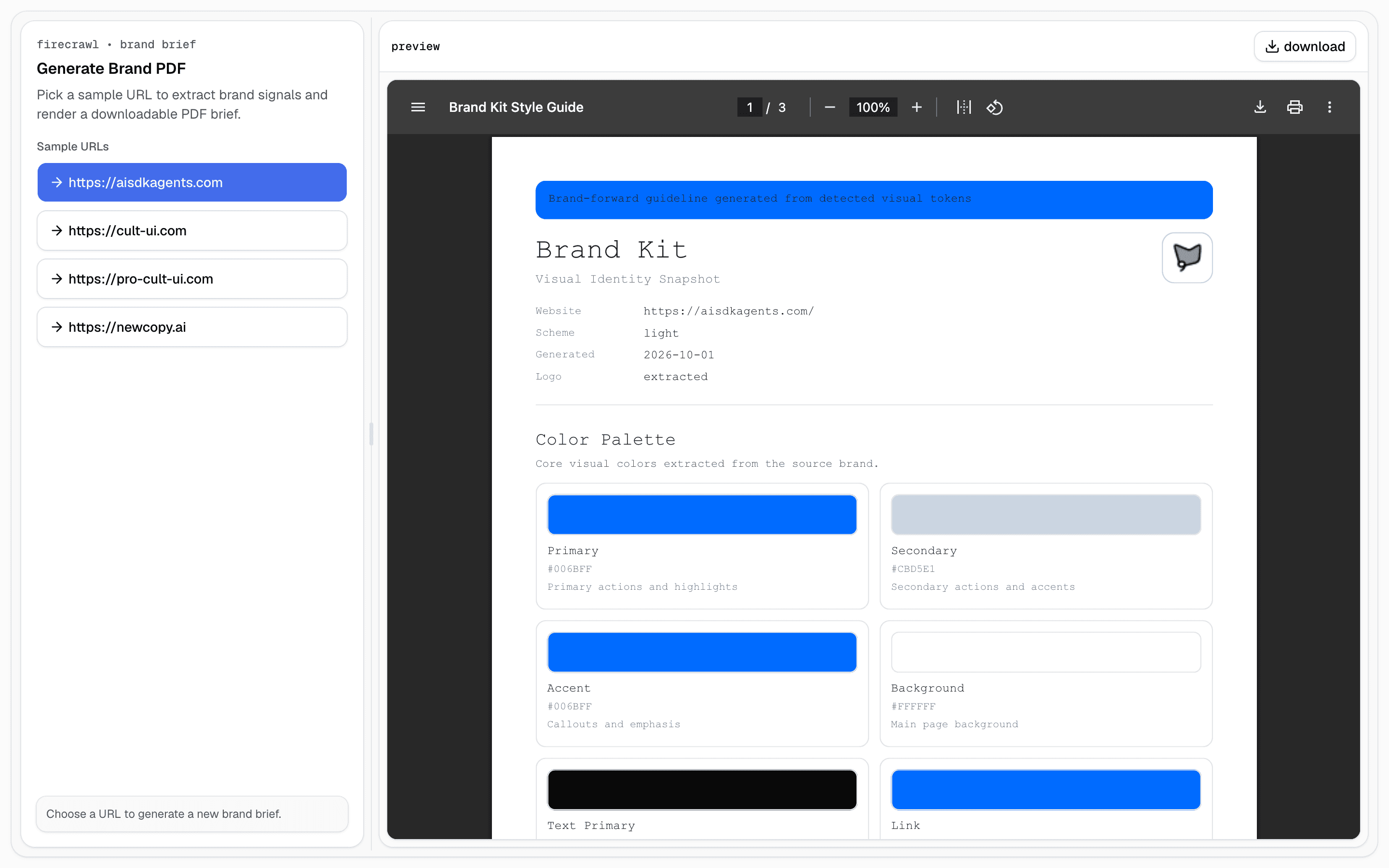
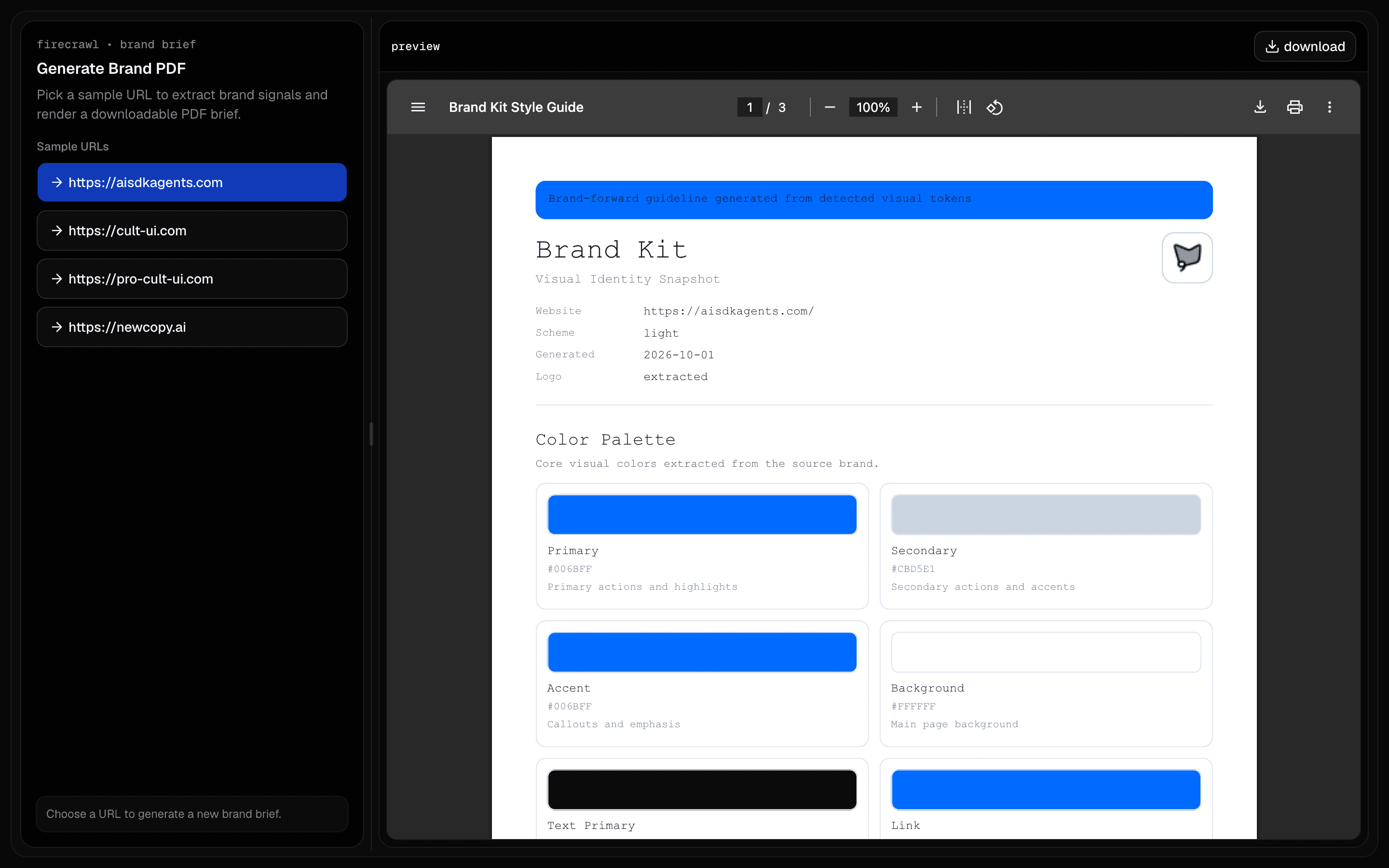 Firecrawl Brand PDFUse this when you need a downloadable brand brief PDF from a single website URL, covering token candidates and implementation recommendations.Pro
Start from a complete agent app
Research a market
Explore competitors, user needs, and product demand.
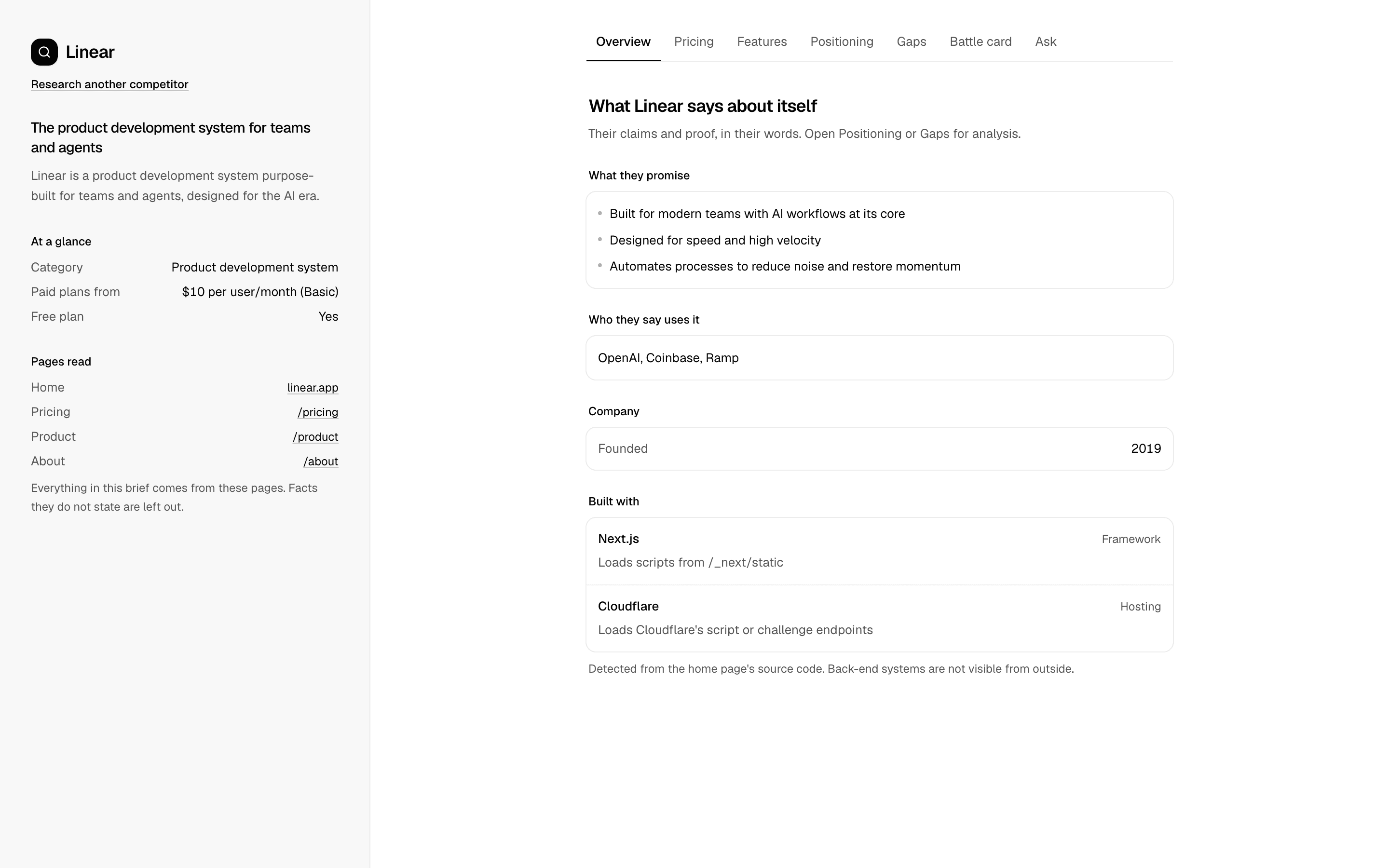
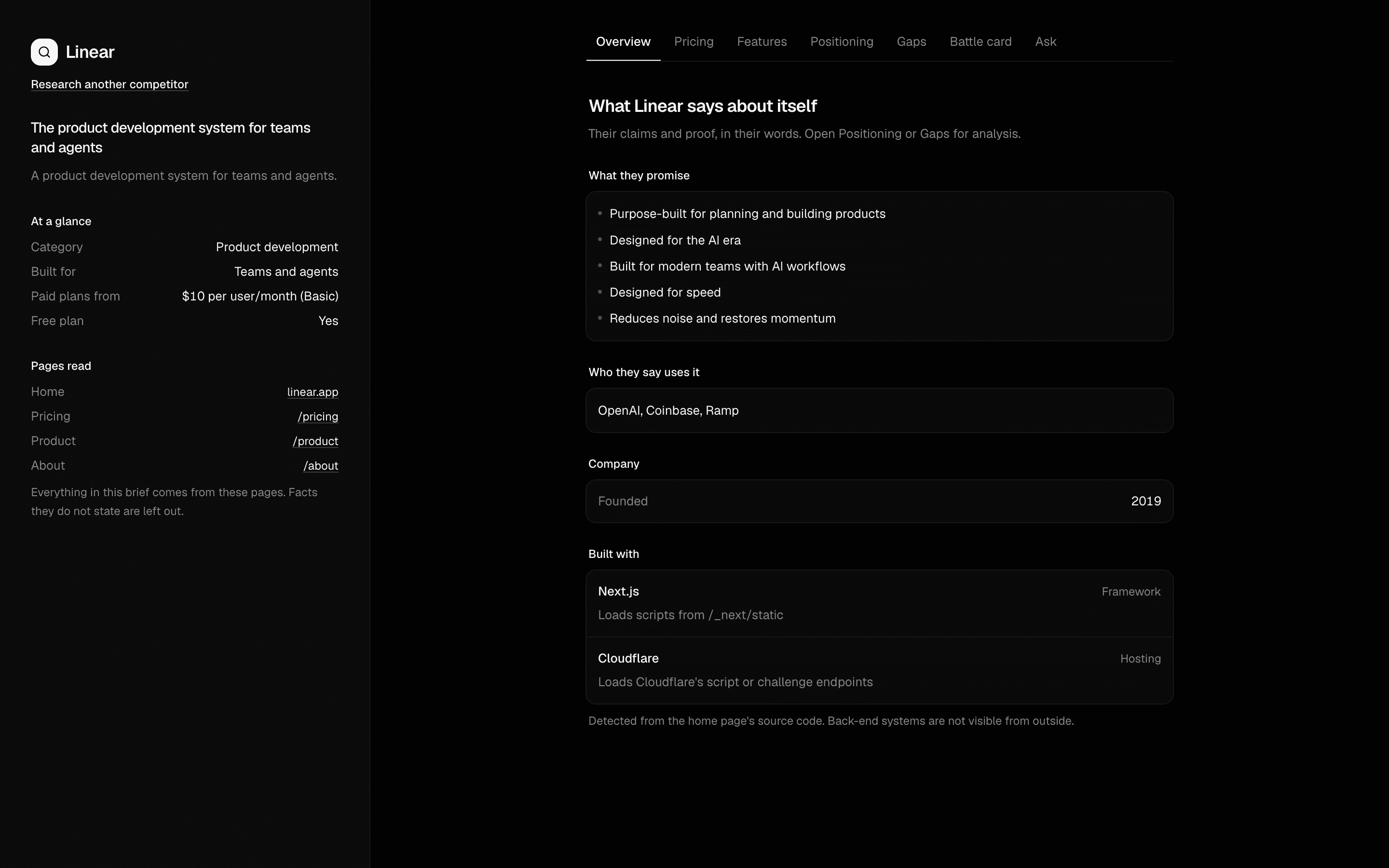 Start hereCompetitor Research AgentUse this when you have one competitor URL and need a brief you can trust: pricing, features, and tech read from the site, plus agent analysis that quotes its evidence.ProView block
Also consider
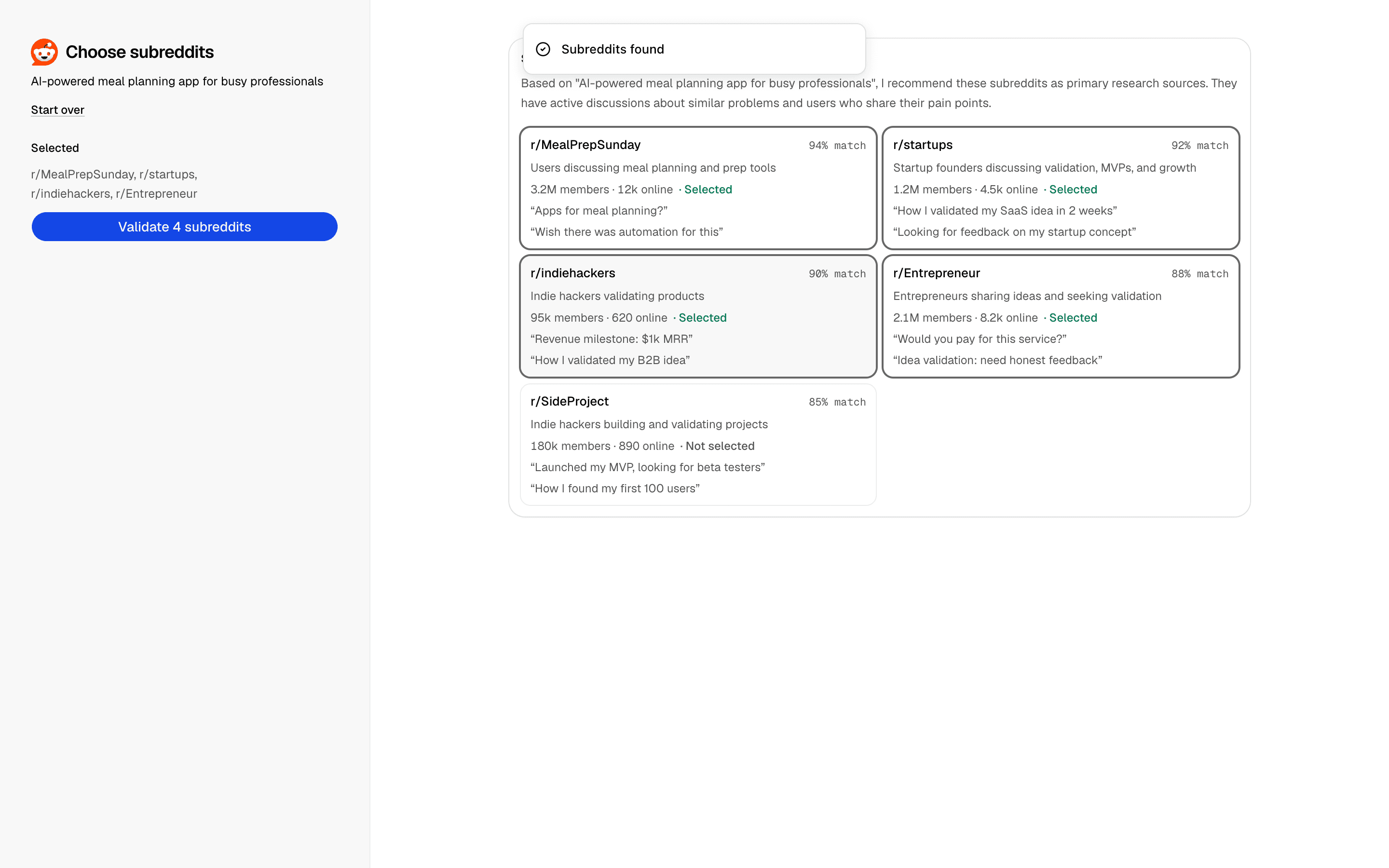
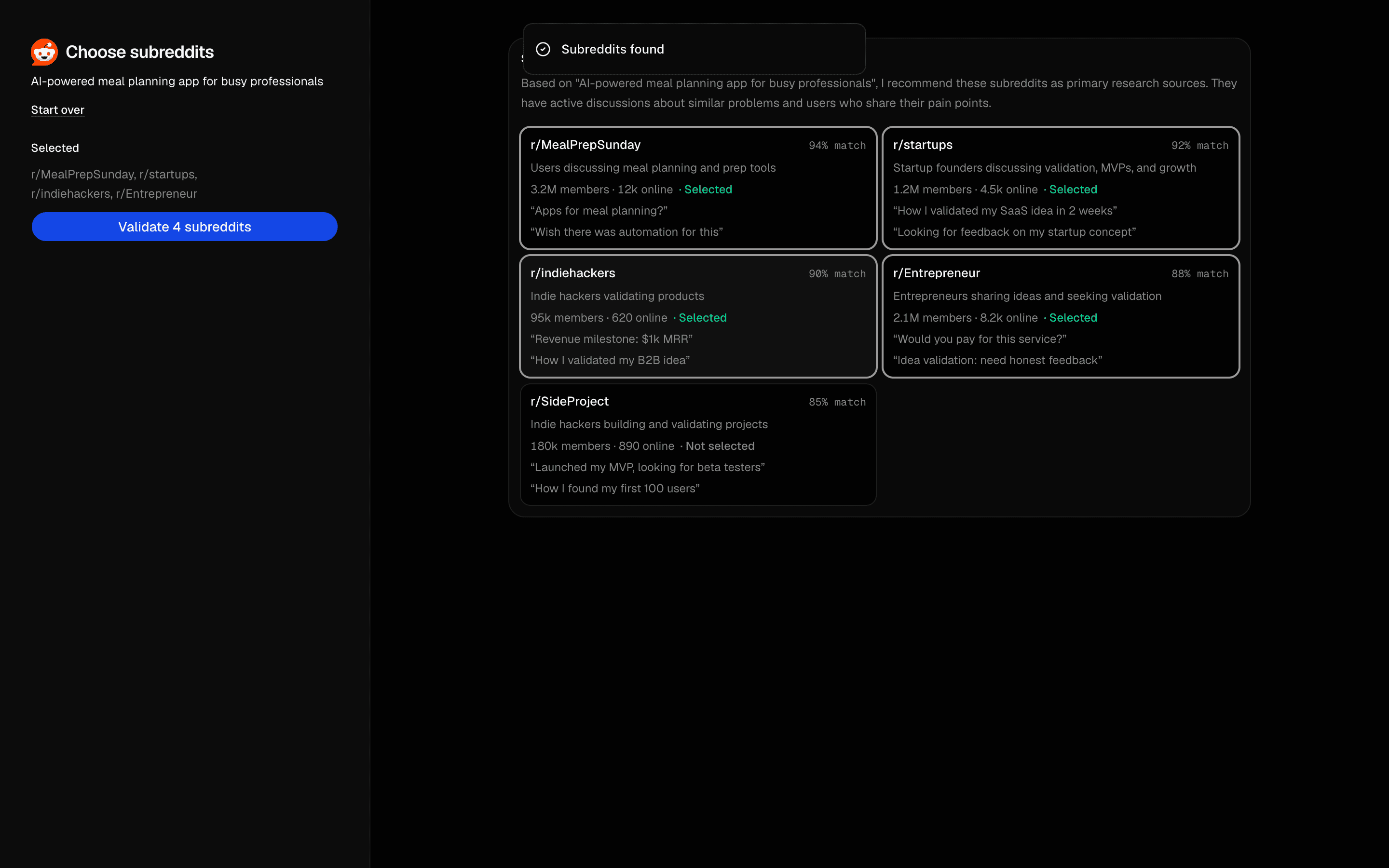 Reddit Product Validation AgentUse this when you have a startup idea and want an agent to find relevant subreddits, then mine them for demand signals and a go/no-go scorecard.Pro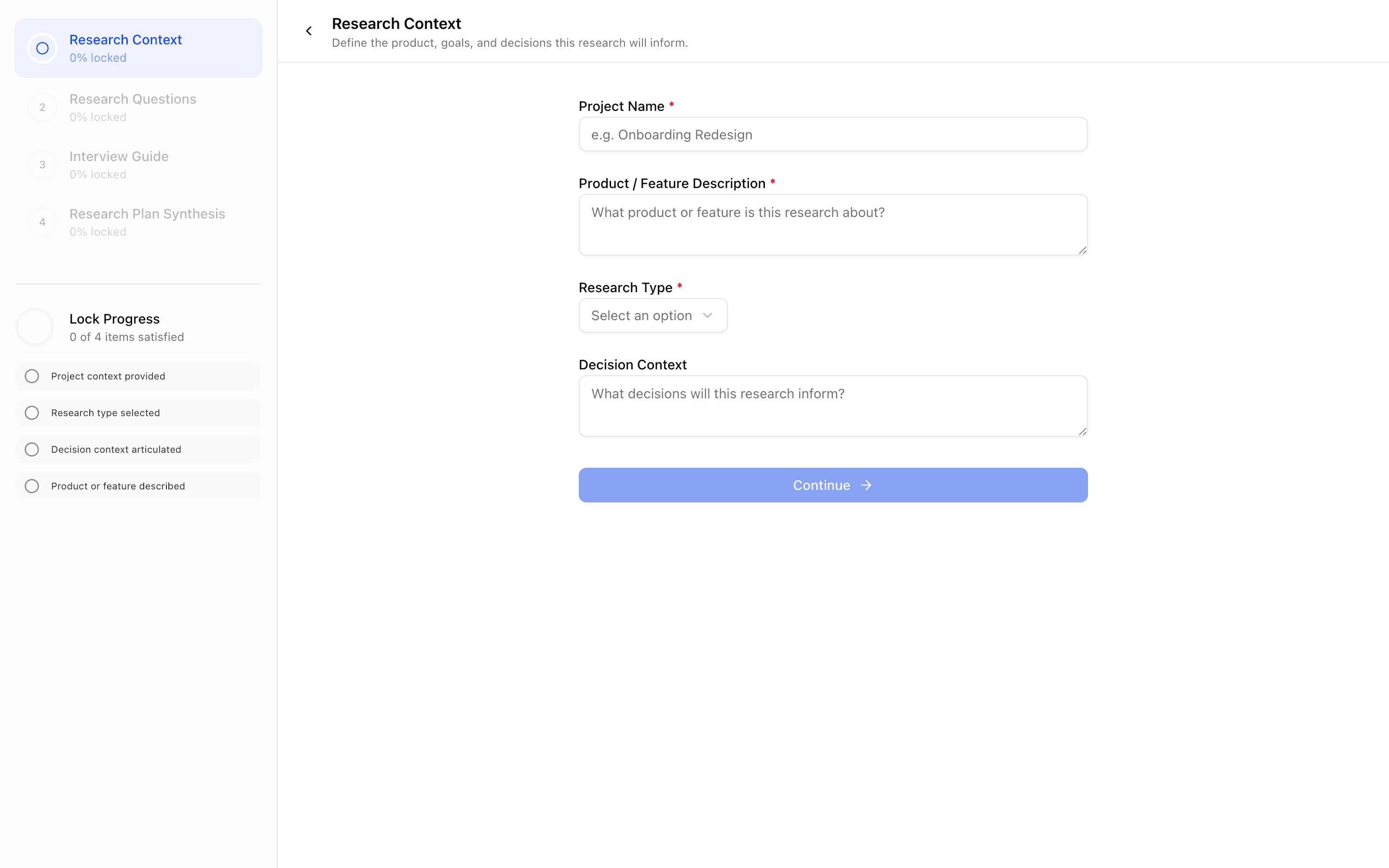
 Levee User ResearchUse this when you are building a product research onboarding tool where each locked stage feeds earlier answers into a generated research plan.Pro
Start from a complete agent app
Audit a website
Find opportunities in accessibility, search, and conversion.
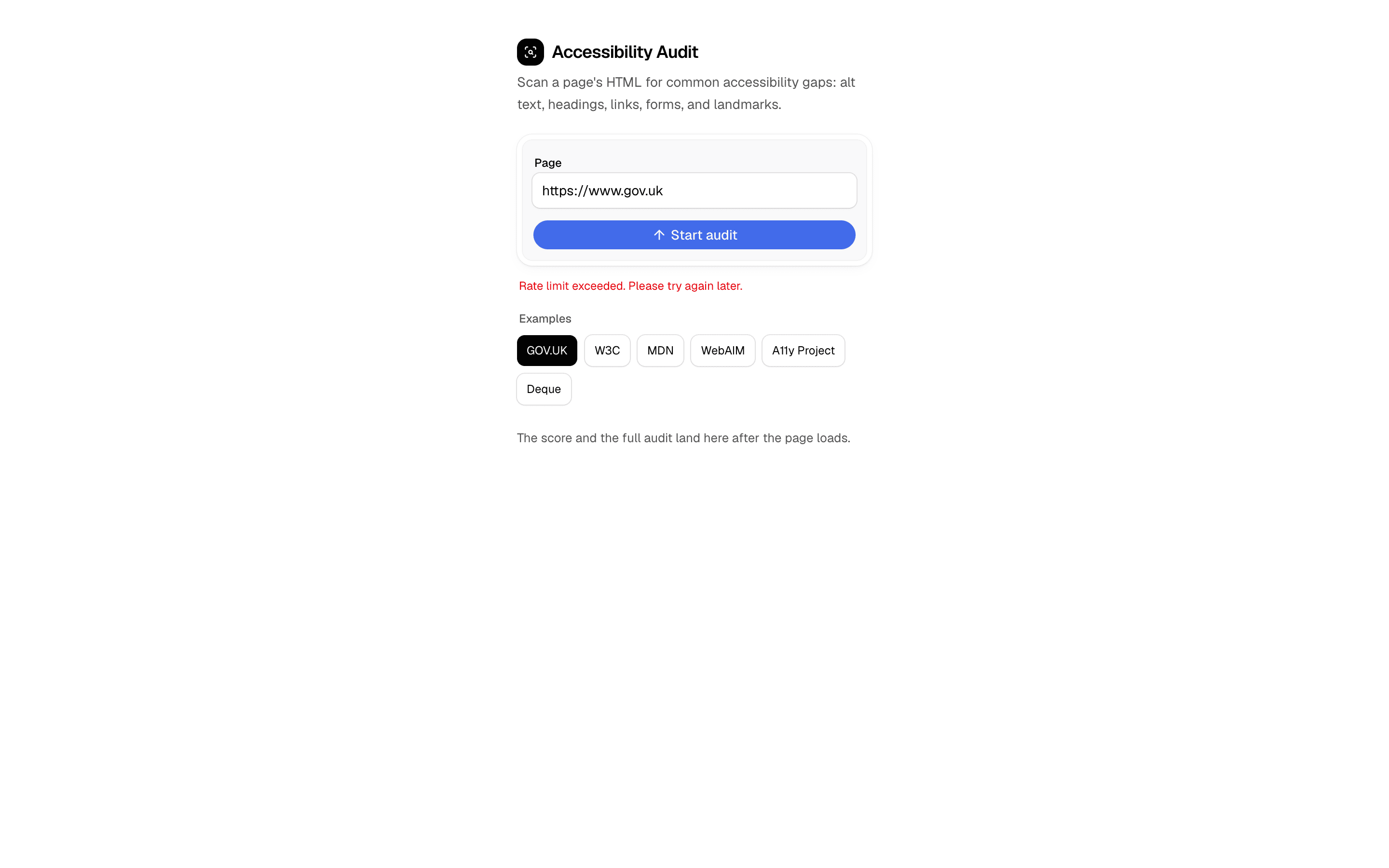
 Start hereAccessibility Audit AgentUse this when you want a fast HTML accessibility scan of a live URL with an honest score and fix list, not a full WCAG conformance engine.ProView block
Also consider
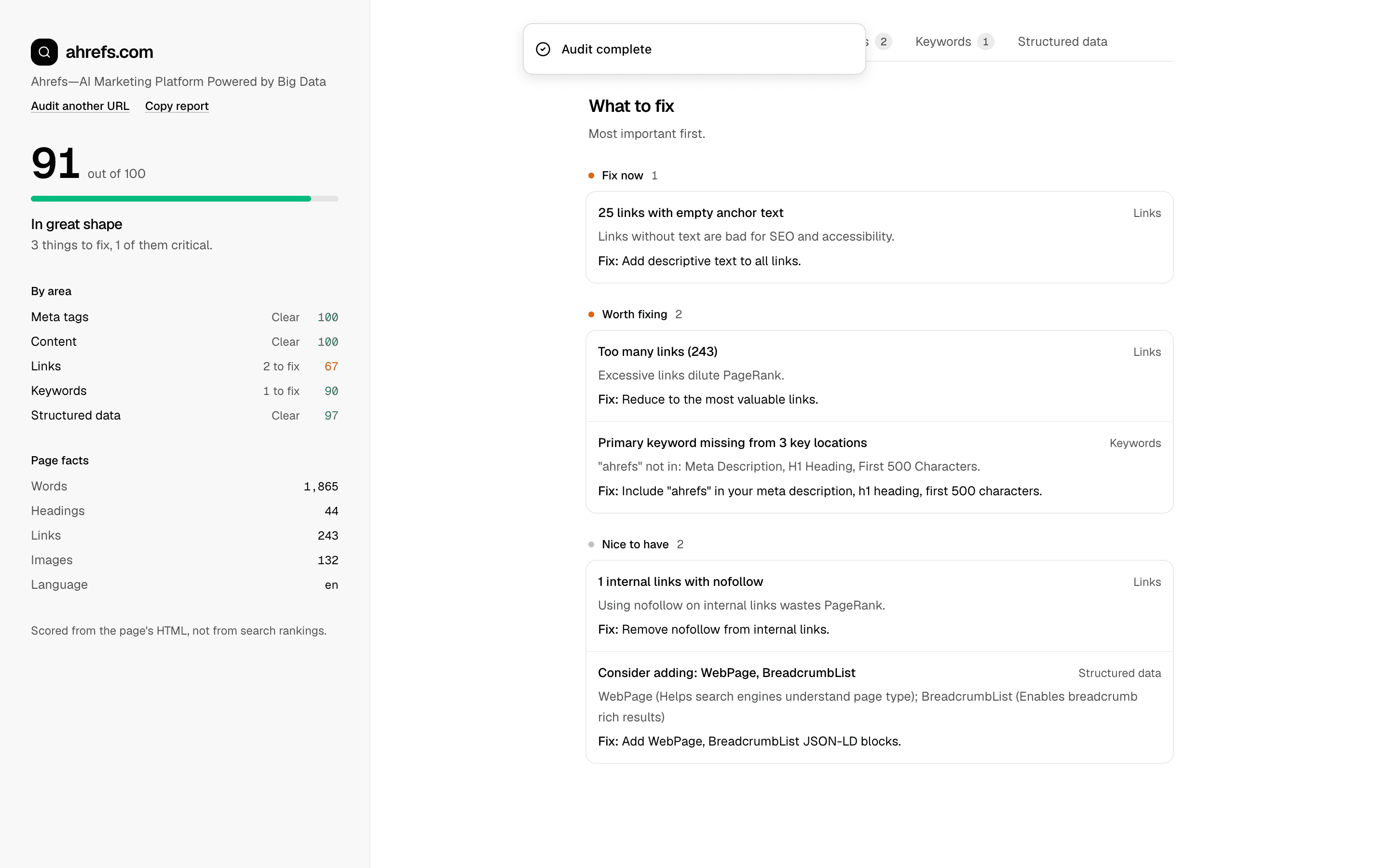
 SEO AuditUse this when a marketing team needs exportable SEO scorecards that check title, meta description, and Open Graph tags and list top fixes for a page.Pro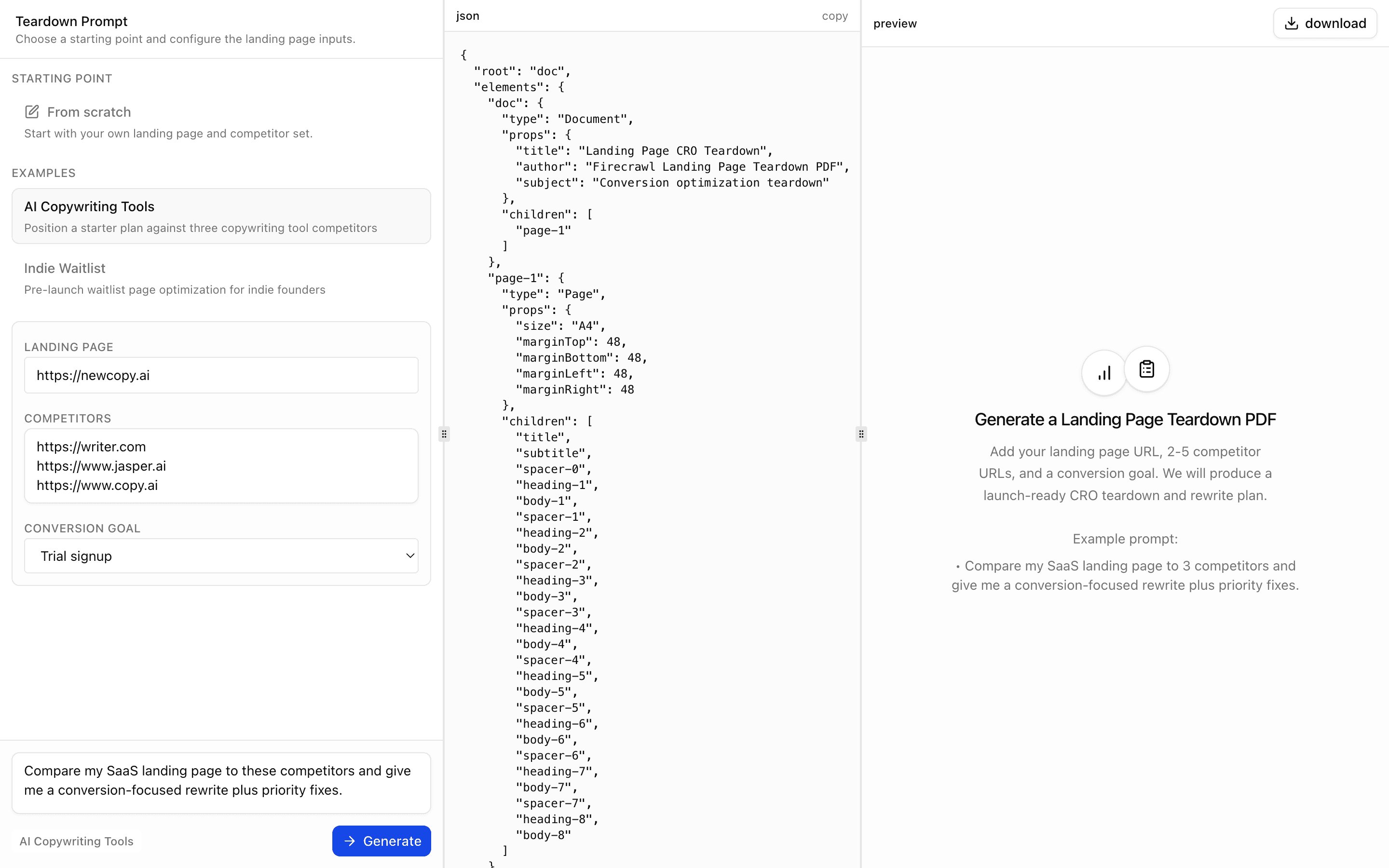
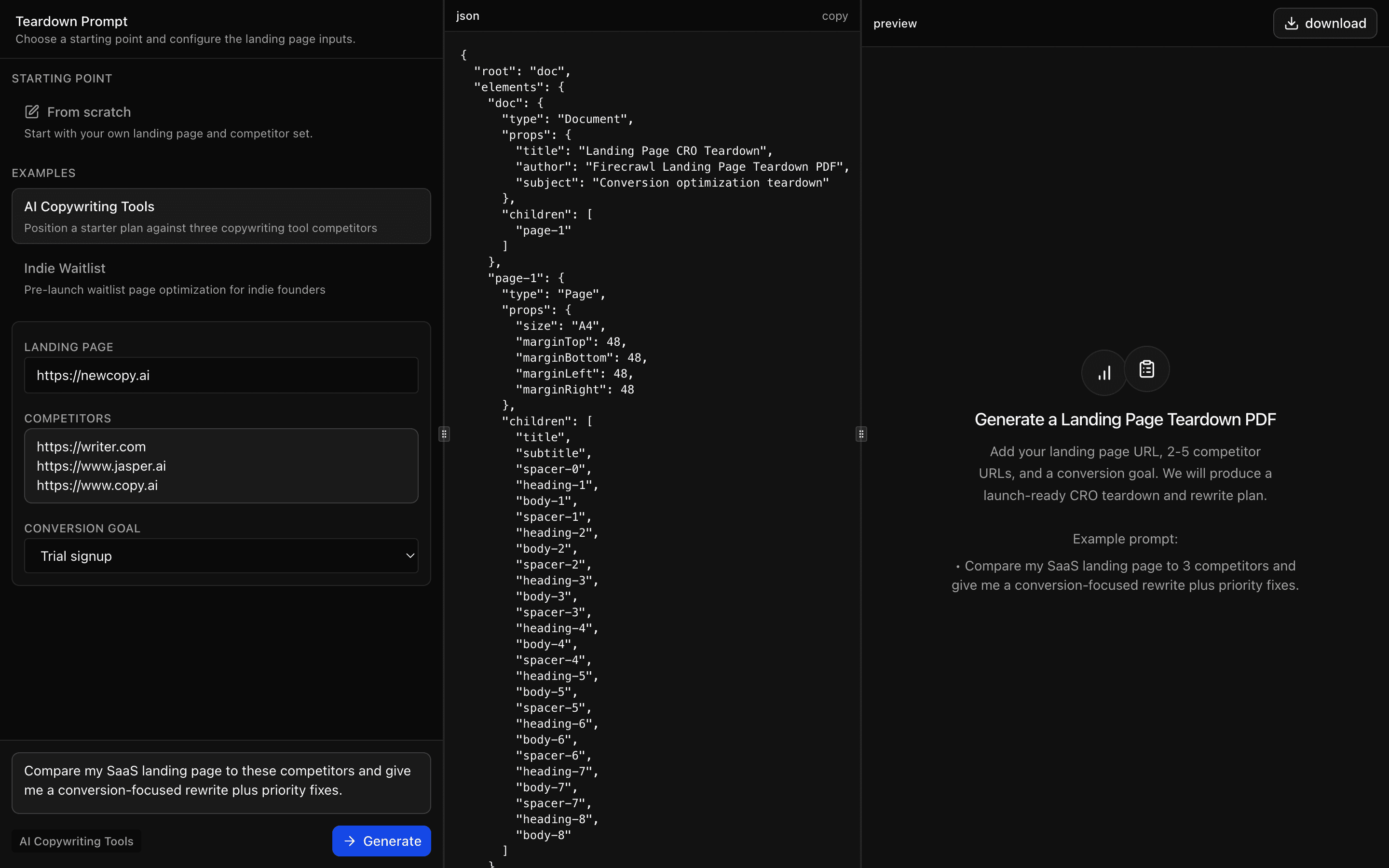 Firecrawl Landing Page Teardown PDFUse this when you need a conversion teardown PDF comparing your landing page against 2-5 competitor pages, with copy rewrites and a short test plan.Pro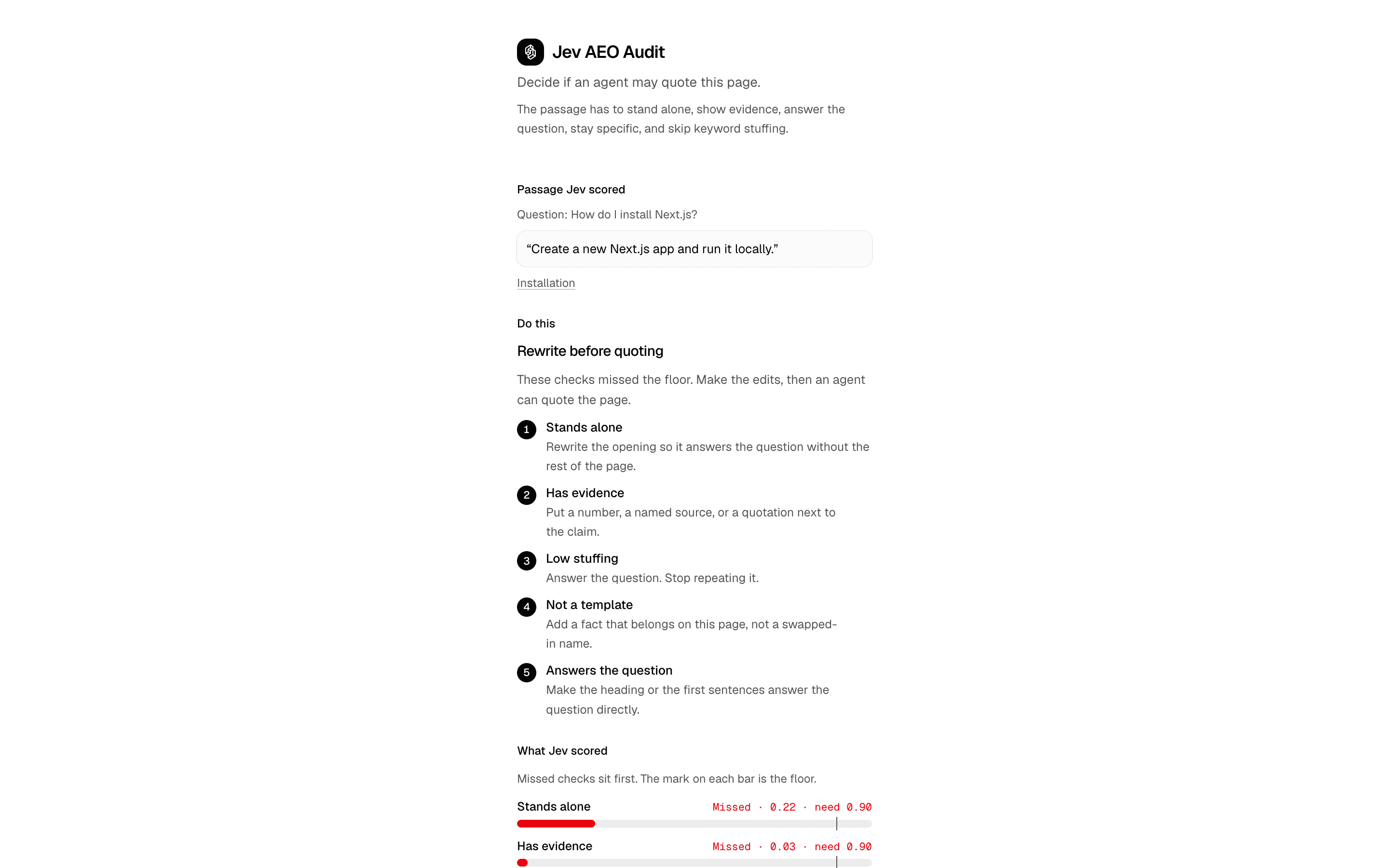
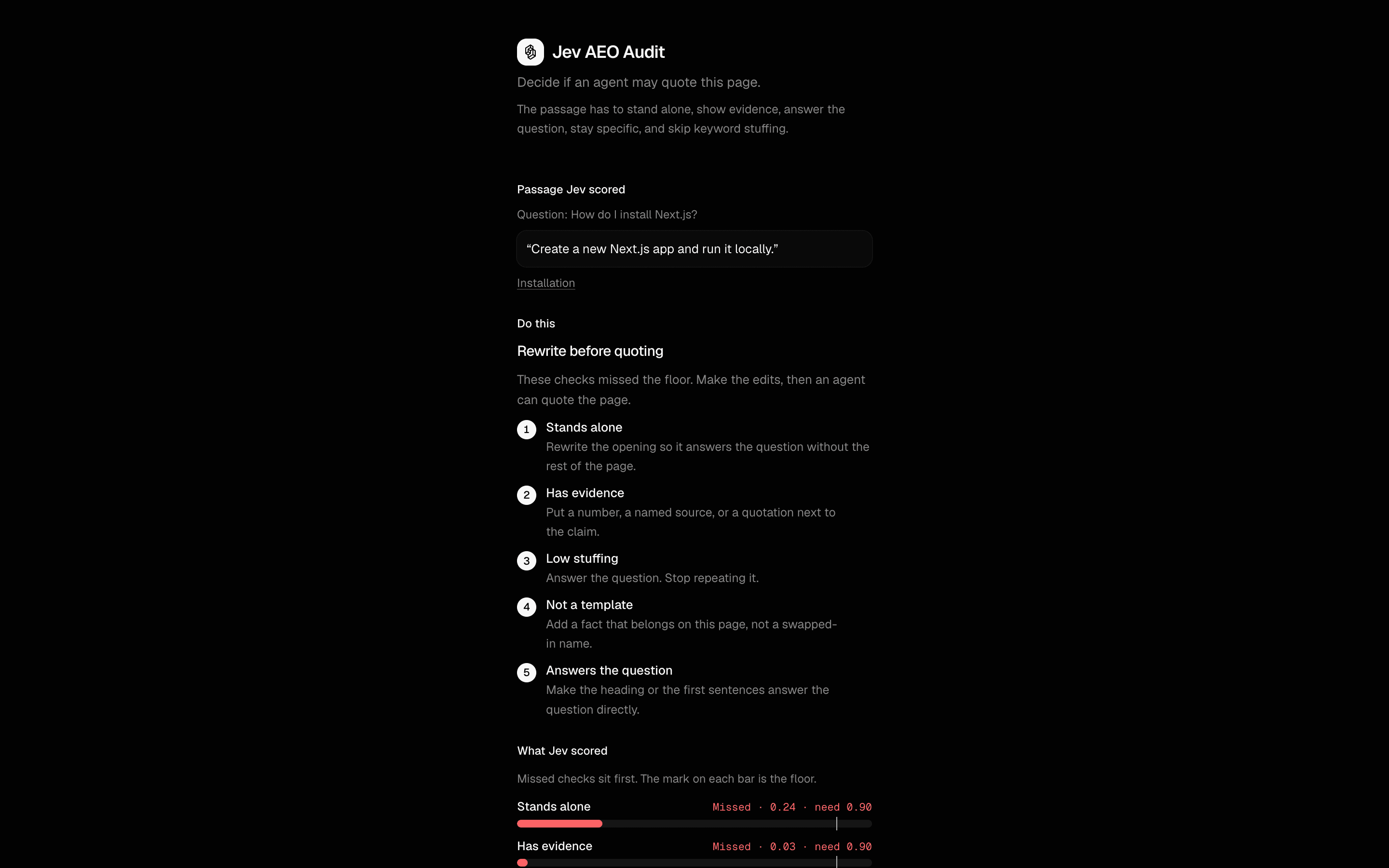 Jev AEO AuditUse this when auditing a page for AEO and you want title, canonical, and noindex checks in code while Jev judges the citation-worthiness.Pro
Generate documents and artifacts
Create docs and presentations
Give the user an editable or downloadable artifact.
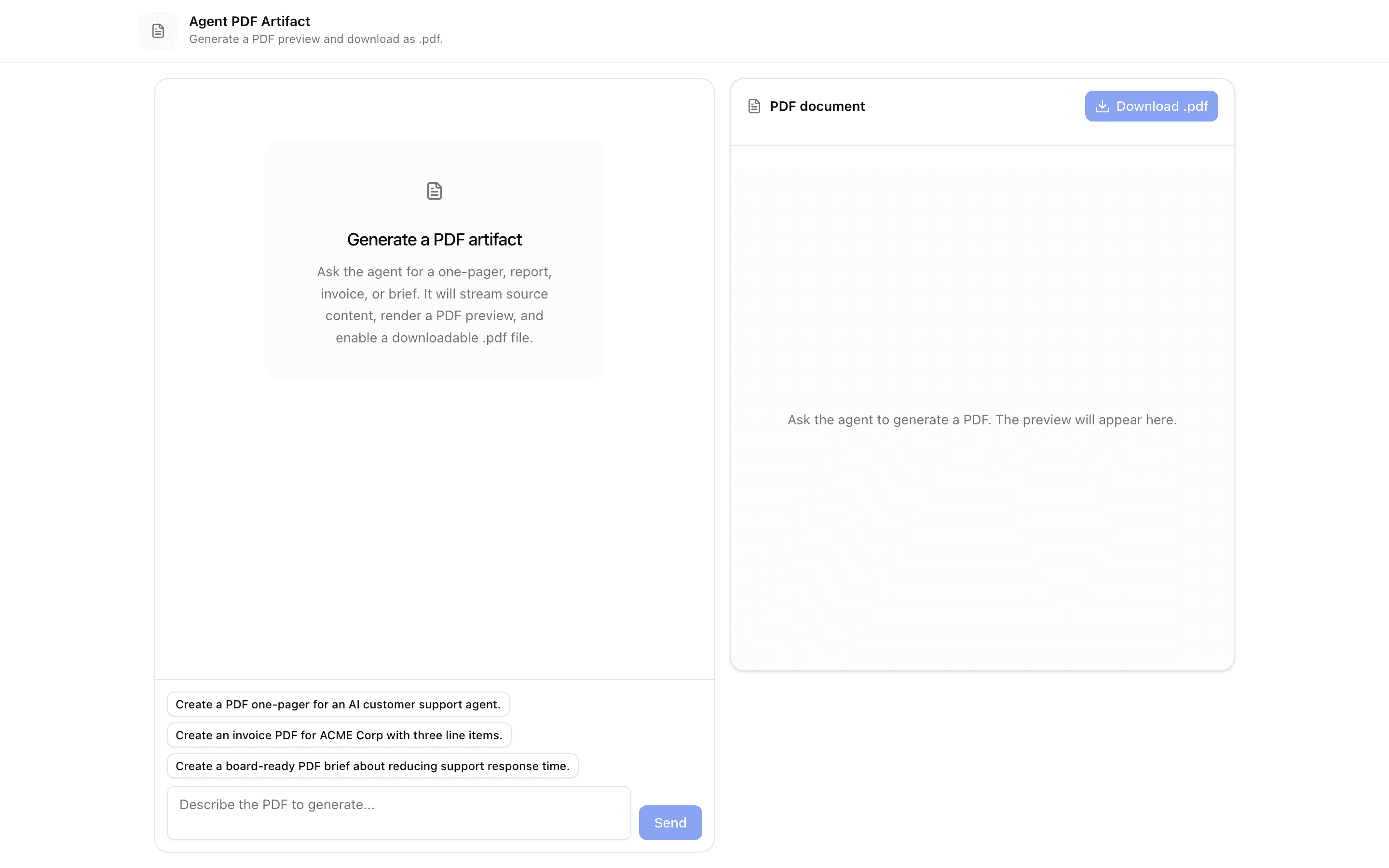
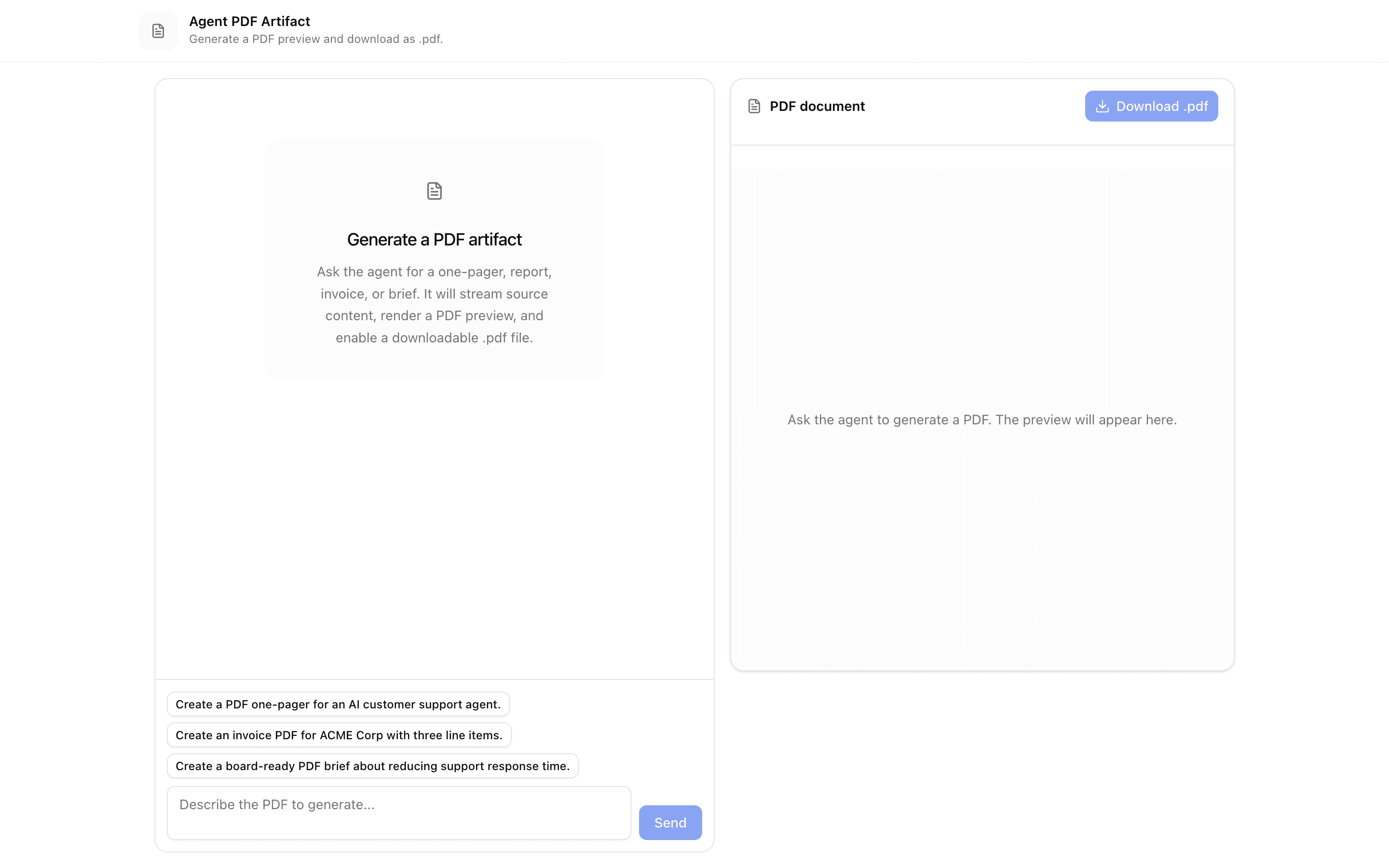
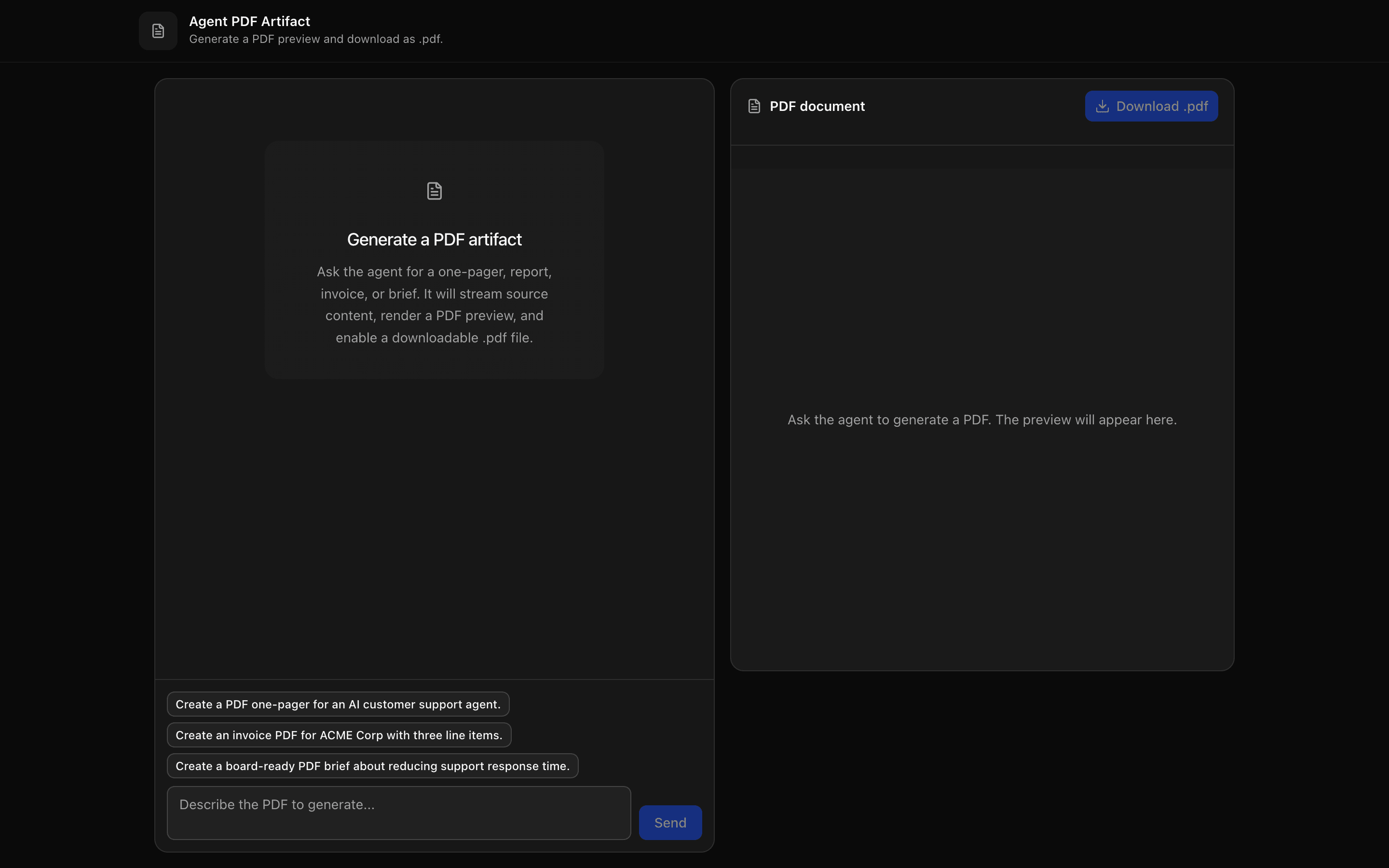
 Start hereAgent PDF ArtifactUse this when your agent writes a report or brief and users need to watch a live PDF preview fill in, then download it as a .pdf file.ProView block
Also consider
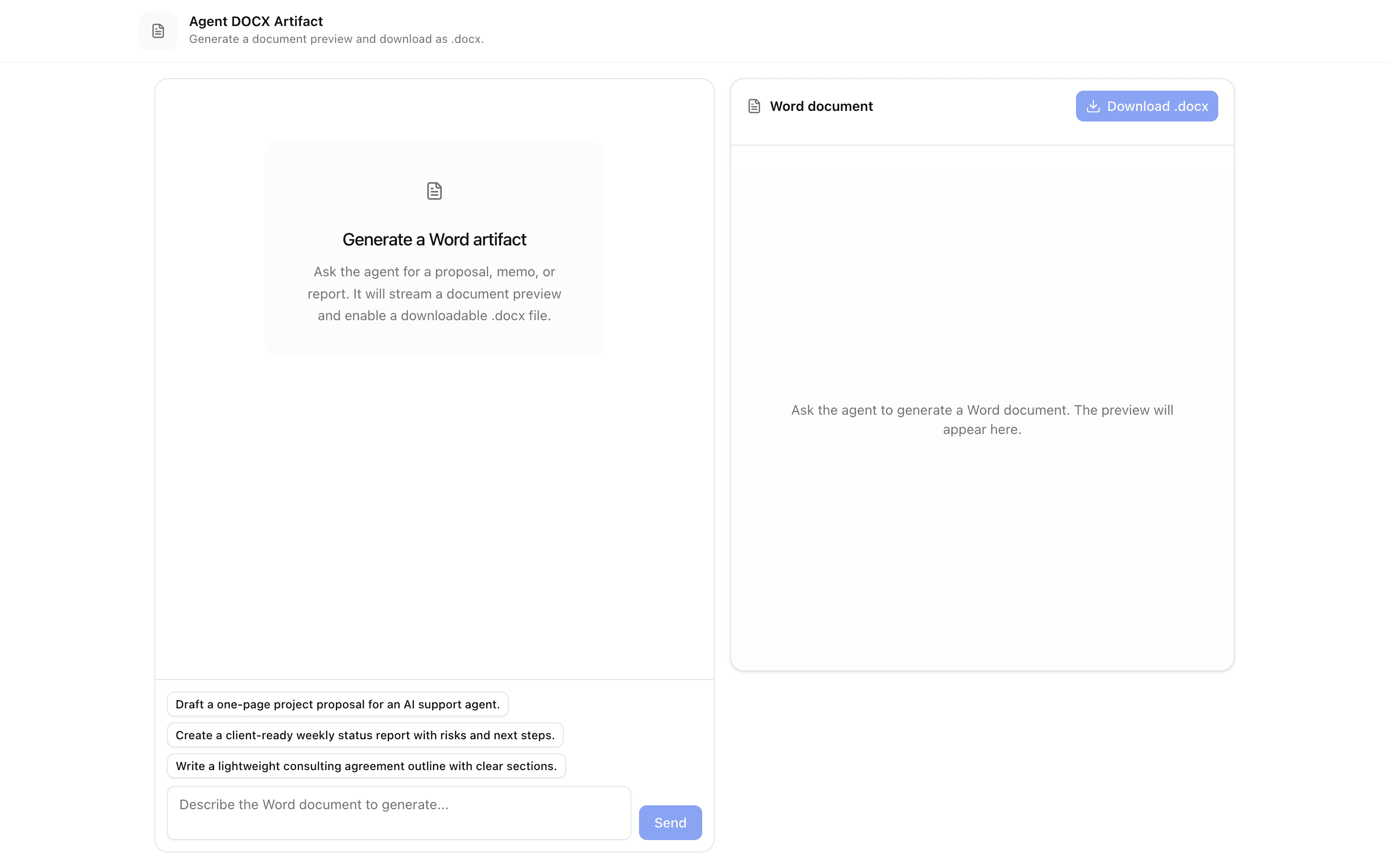
 Agent DOCX ArtifactUse this when your agent drafts documents that users must download as editable Word files, built client-side from Markdown streamed via a tool call.Pro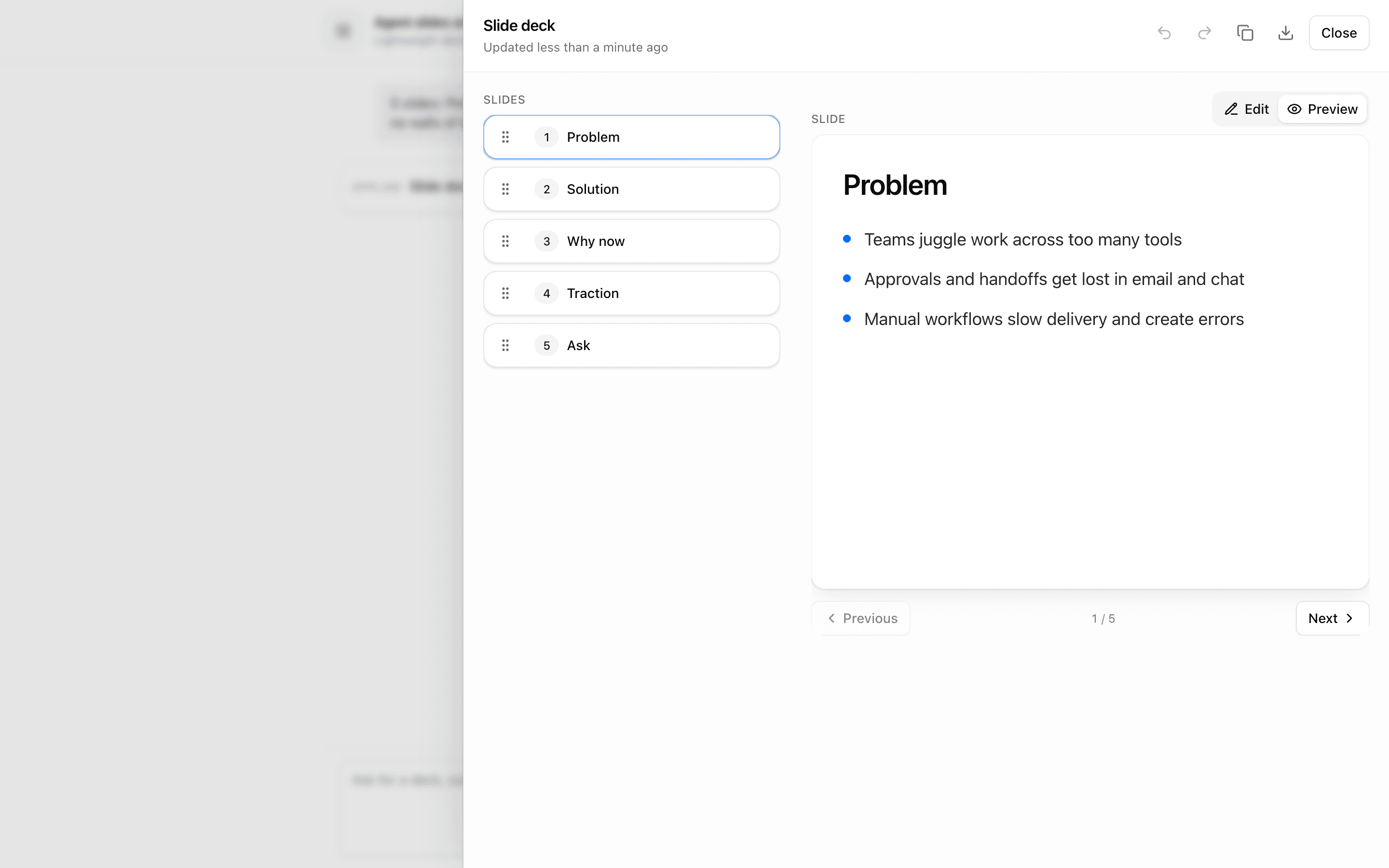
 Agent Slides ArtifactUse this when you are prototyping an agent that builds slide decks as a sortable, editable artifact streamed through data-slidesDelta parts.Pro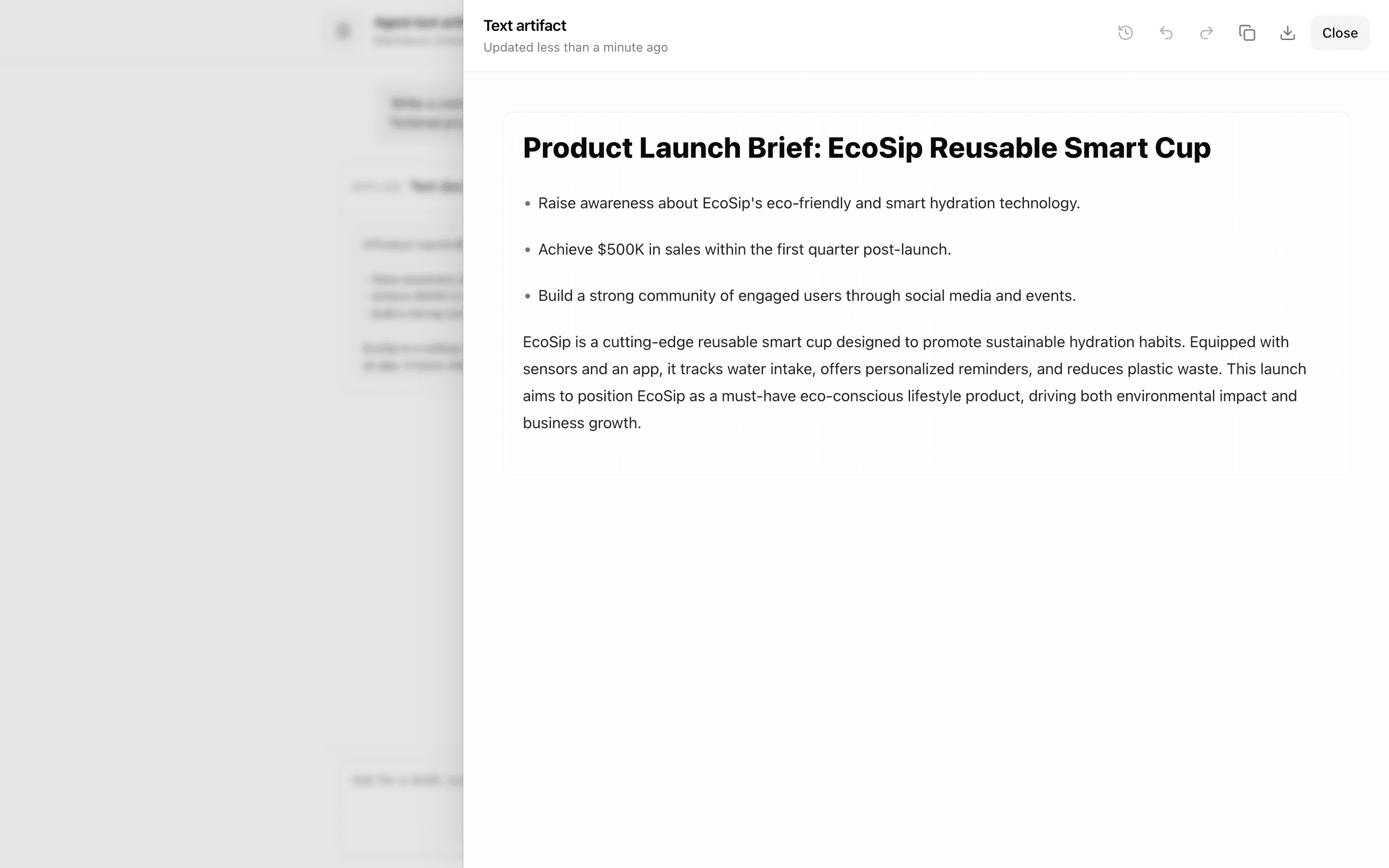
 Agent Text ArtifactUse this when an agent should stream Markdown text into a document the user can edit in a rich editor next to the chat, with versions kept in memory.Pro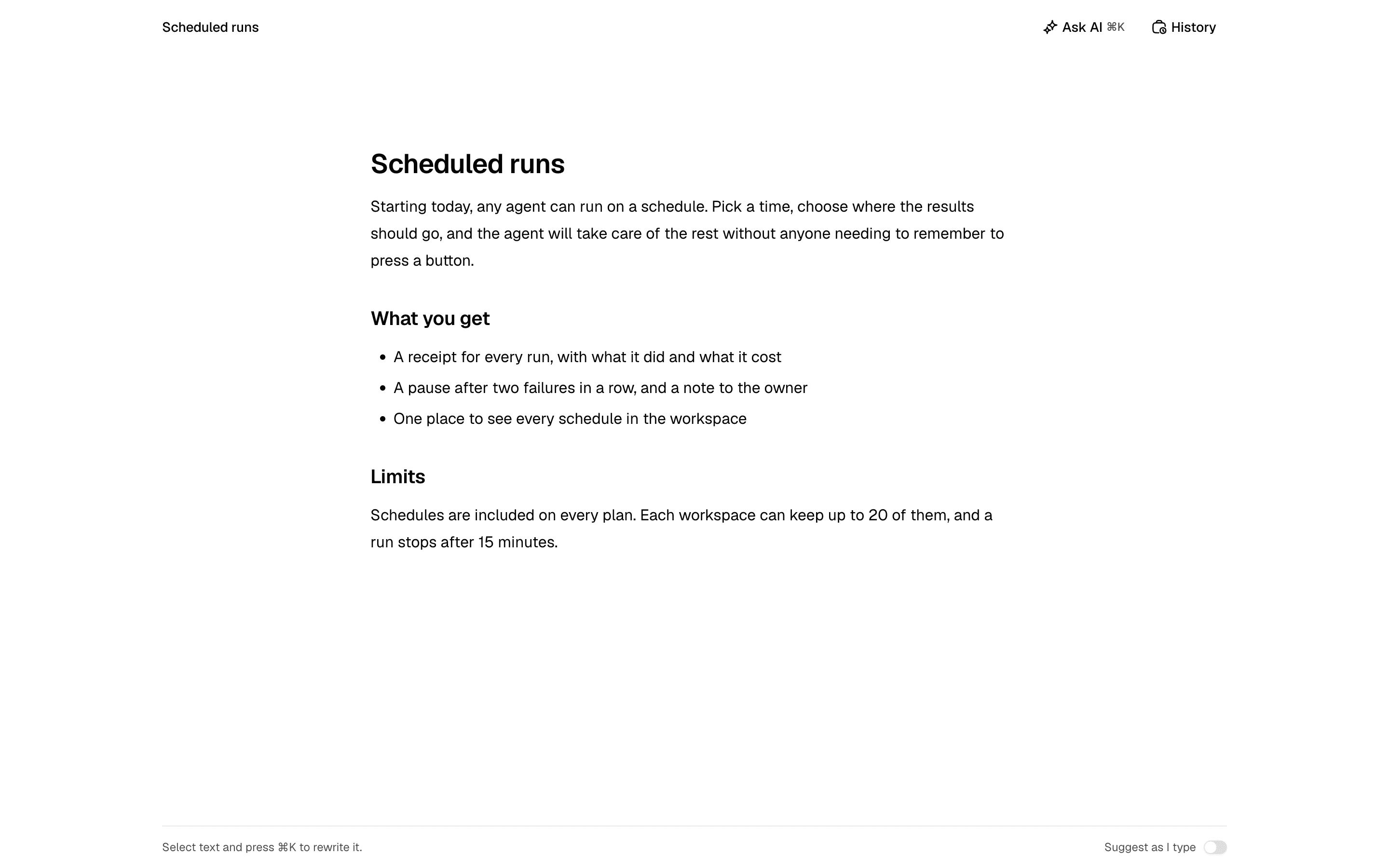
 Agent Document EditorUse this when people write and edit a document themselves and want the model to change the part they point at, with every AI edit reviewed in place and reversible. For an agent that writes a whole document from a chat, see agent-text-artifact.Pro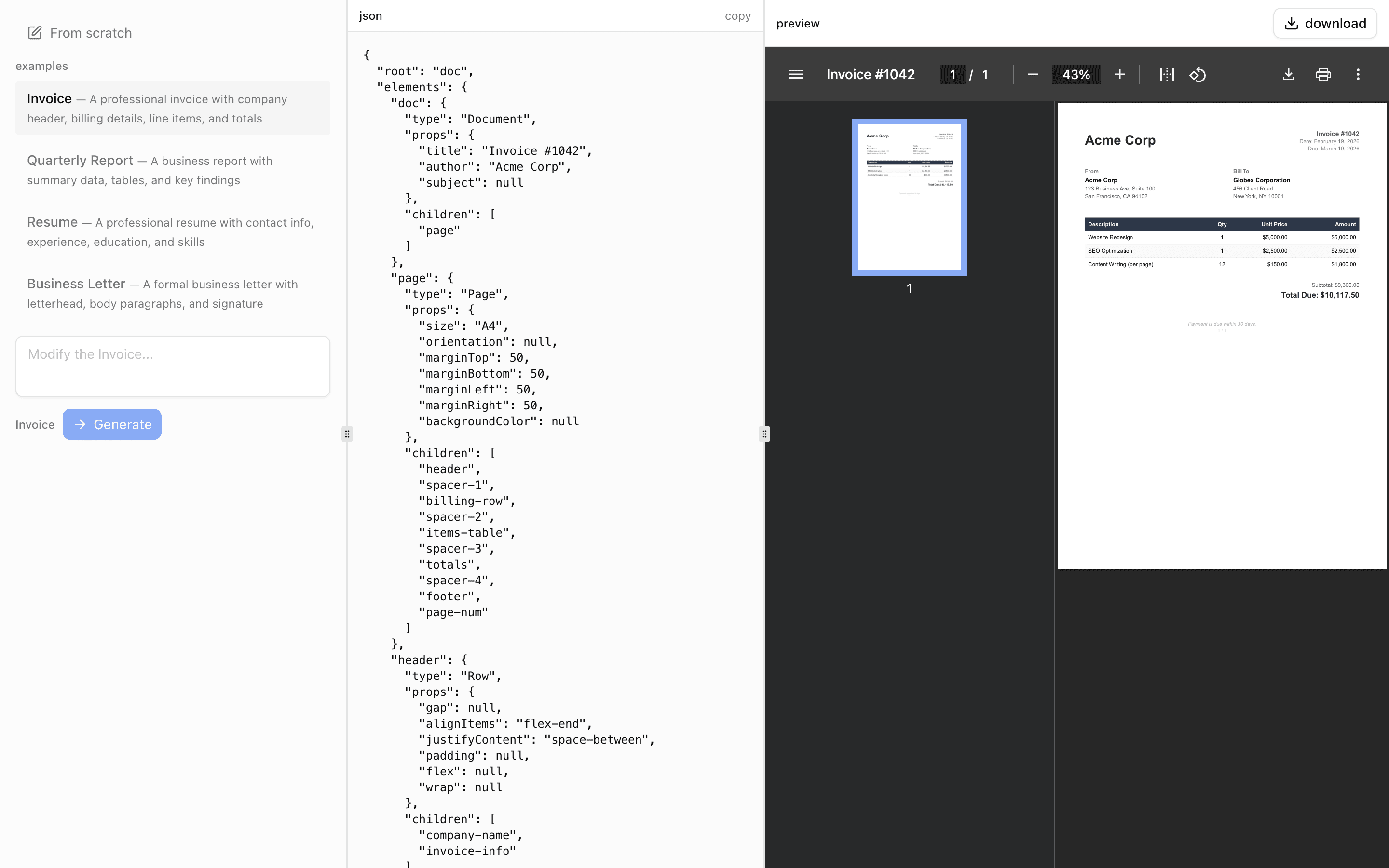
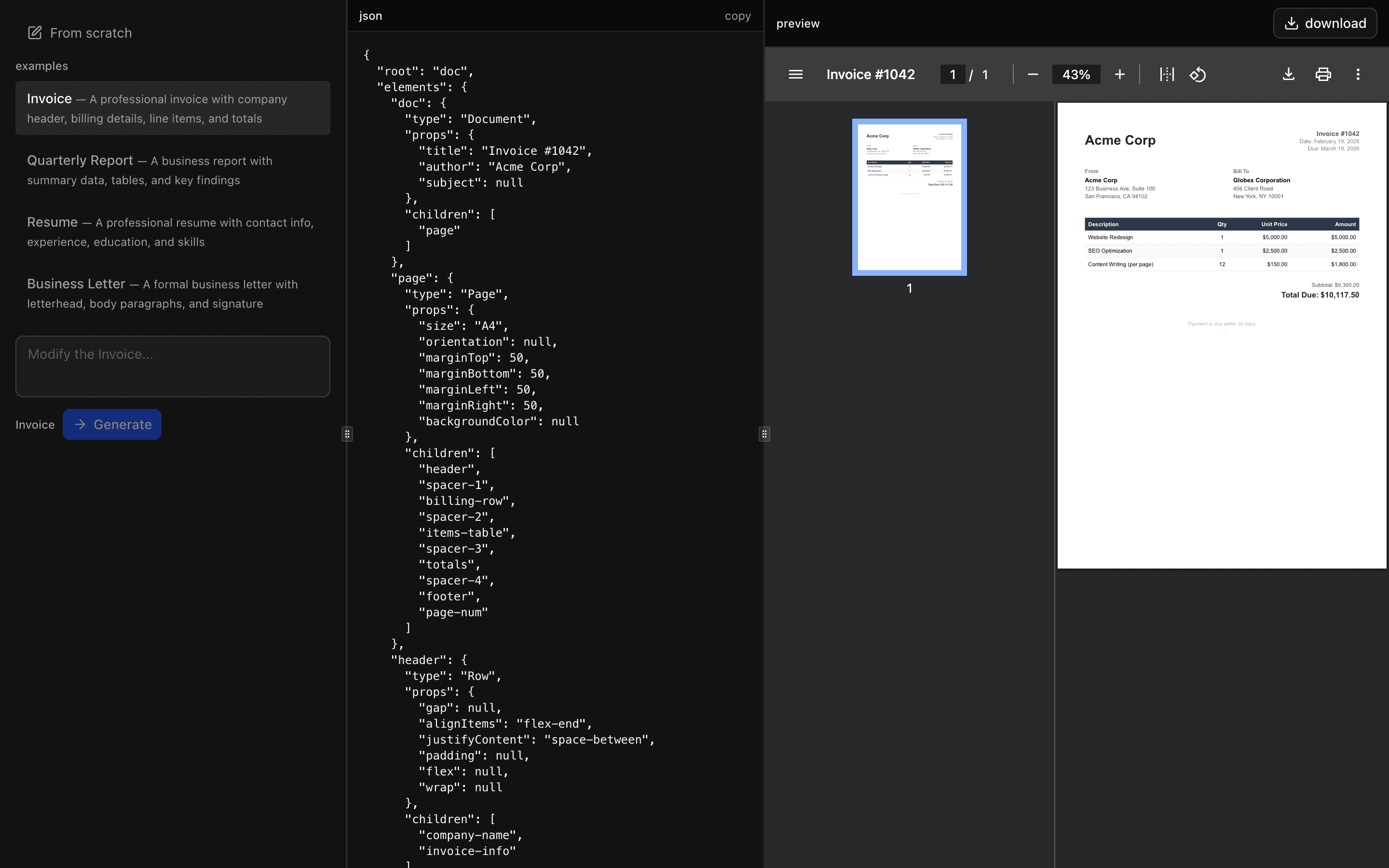 JSON Render PDFUse this when your app must turn prompts or refined examples into PDF files while keeping the model limited to approved react-pdf components.Pro
 JSON Render EmailUse this when you need to turn a prompt into a React Email template and copy out its HTML and plain-text versions after previewing it.Pro
Generate documents and artifacts
Work with tables and sheets
Let users inspect, edit, and export their data.
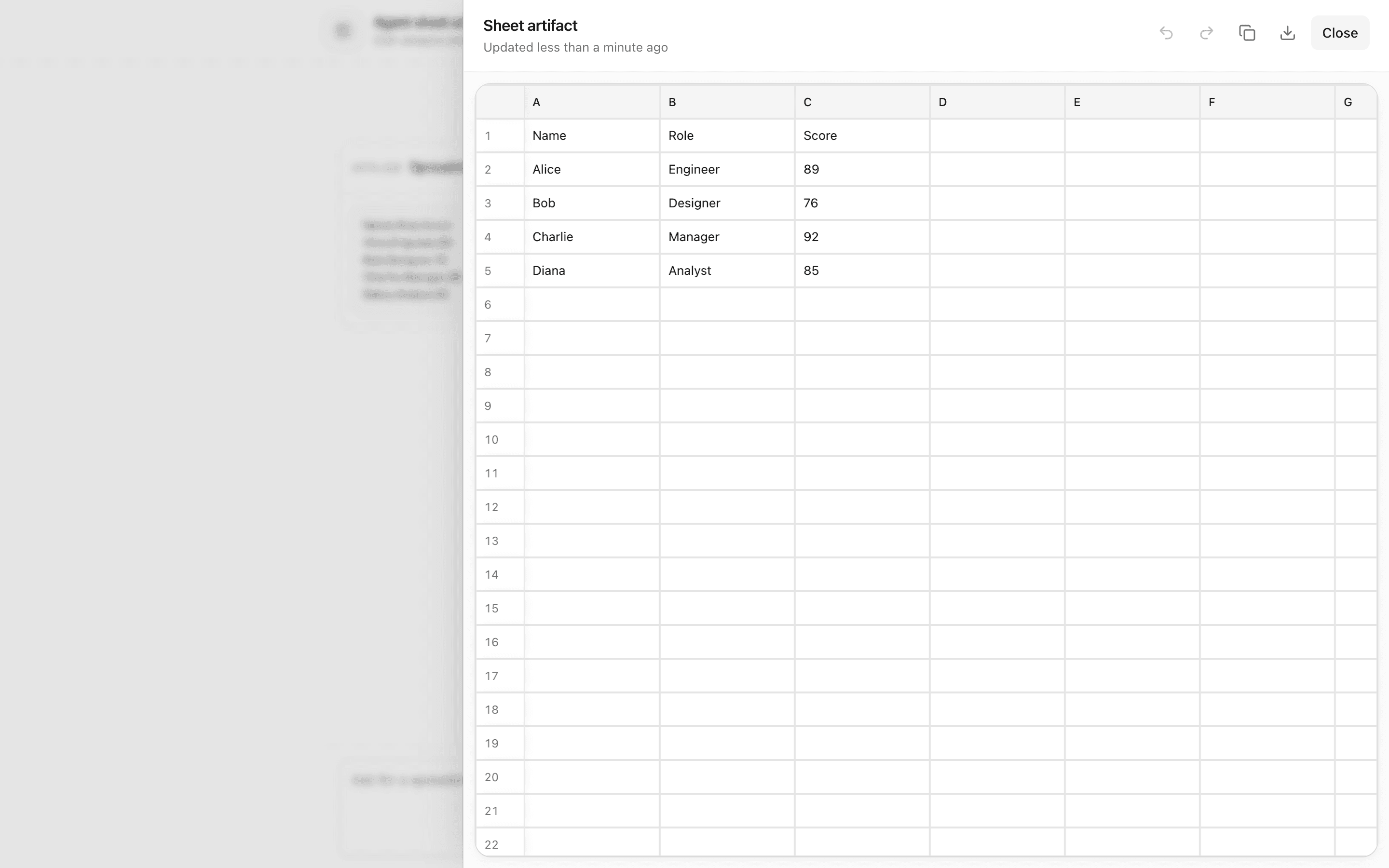
 Start hereAgent Sheet ArtifactUse this when a chat agent should stream CSV table updates into a side artifact panel the user can edit as a grid, with versions kept in memory.ProView block
Also consider
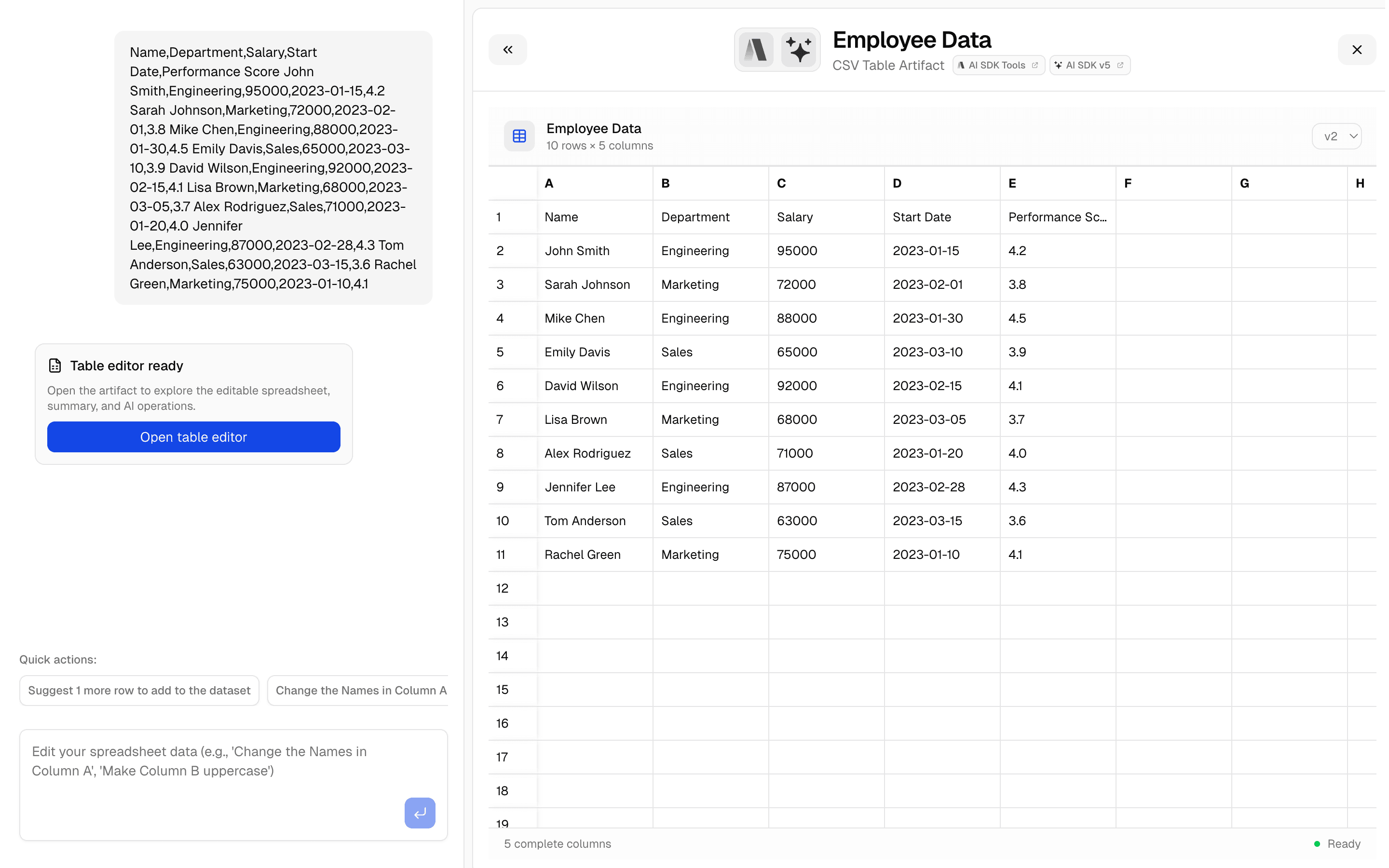
 CSV Editor ArtifactUse this when your chat app needs a spreadsheet artifact that auto-detects column types and is backed by Upstash storage.Pro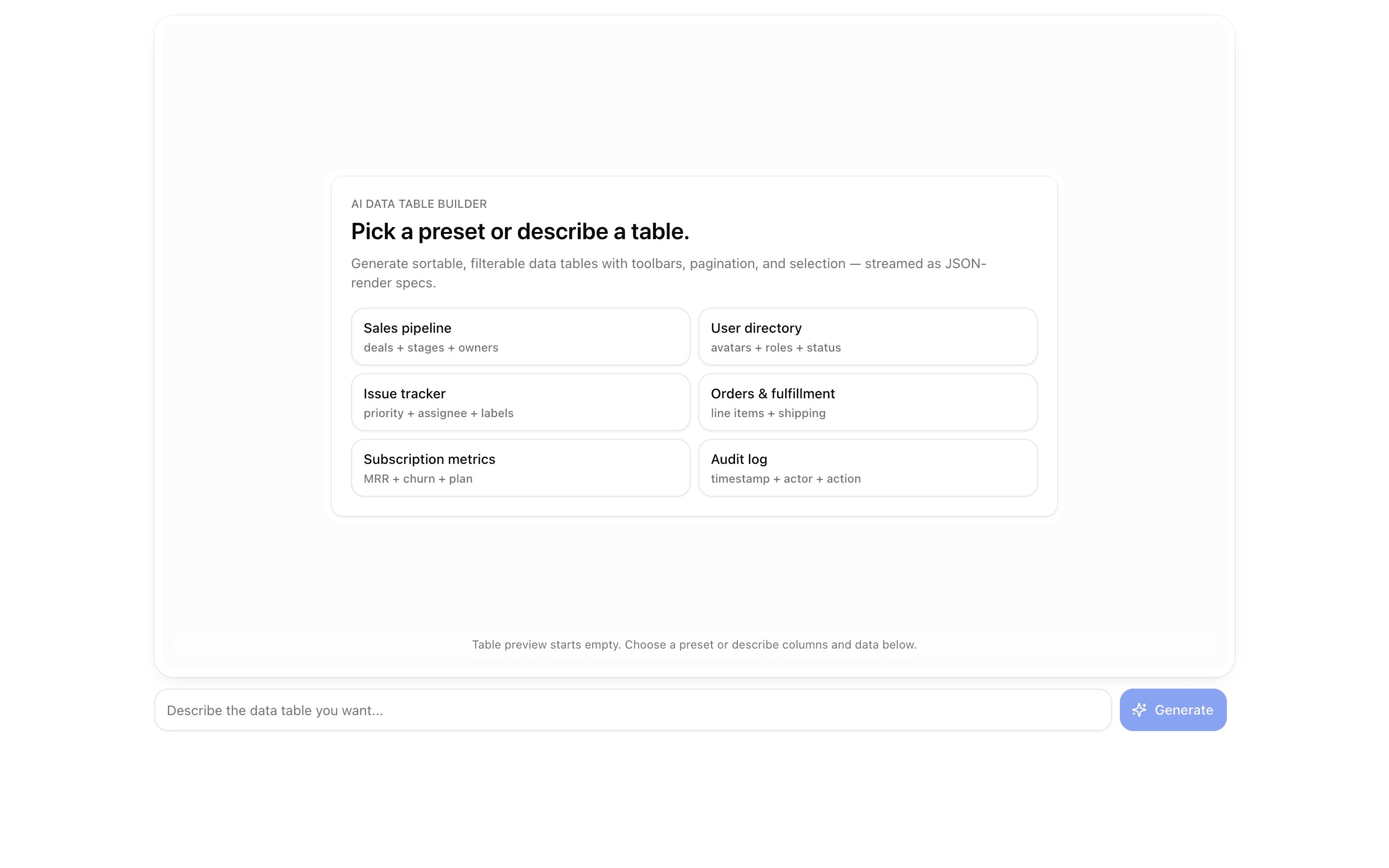
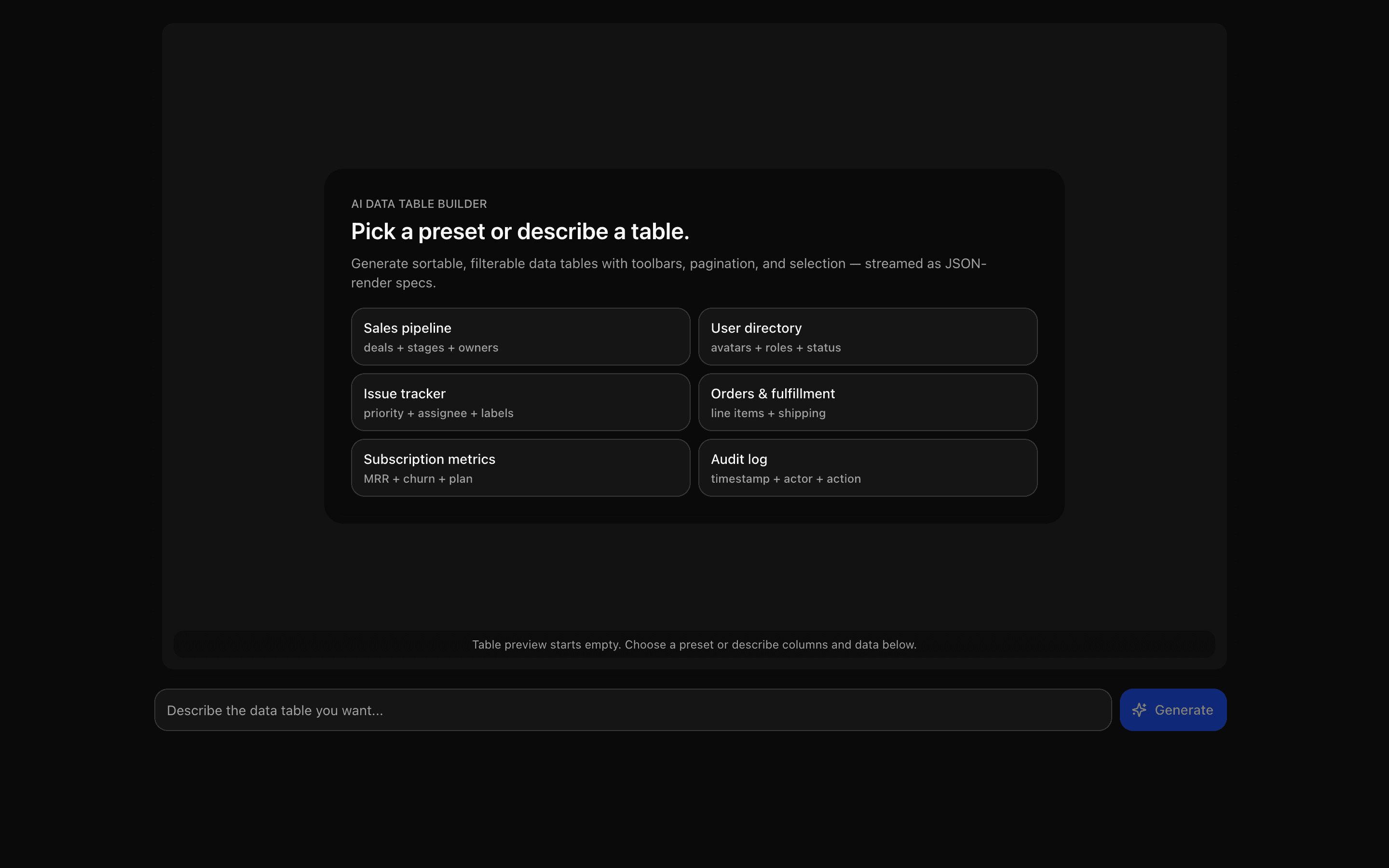 JSON Render Data TableUse this when you are building a prompt-driven data grid with search, filter, pagination, and bulk action toolbars generated from a json-render spec.Pro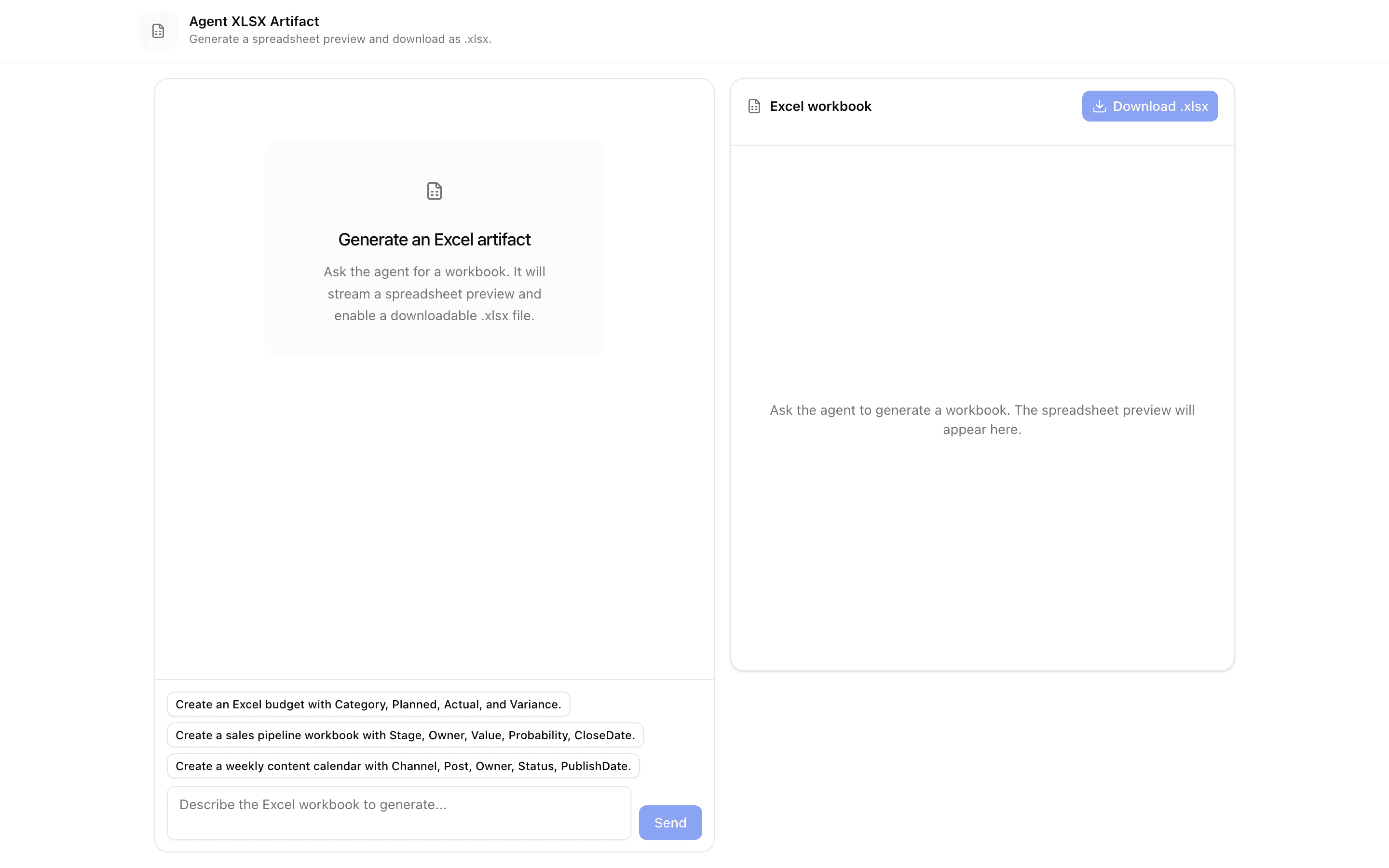
 Agent XLSX ArtifactUse this when your chat agent needs to hand users a downloadable .xlsx file, previewing the tabular data it streams as CSV before export.Pro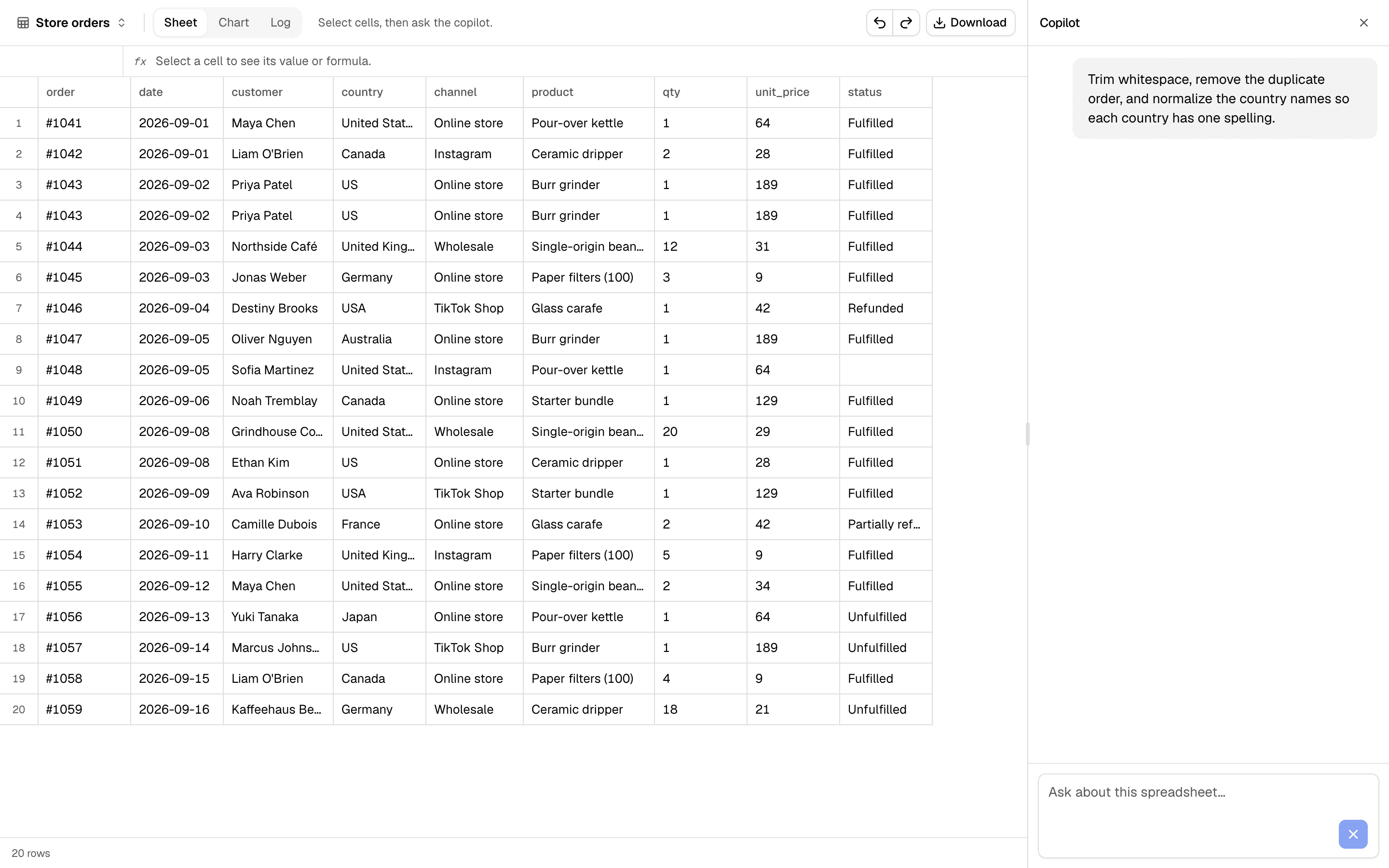
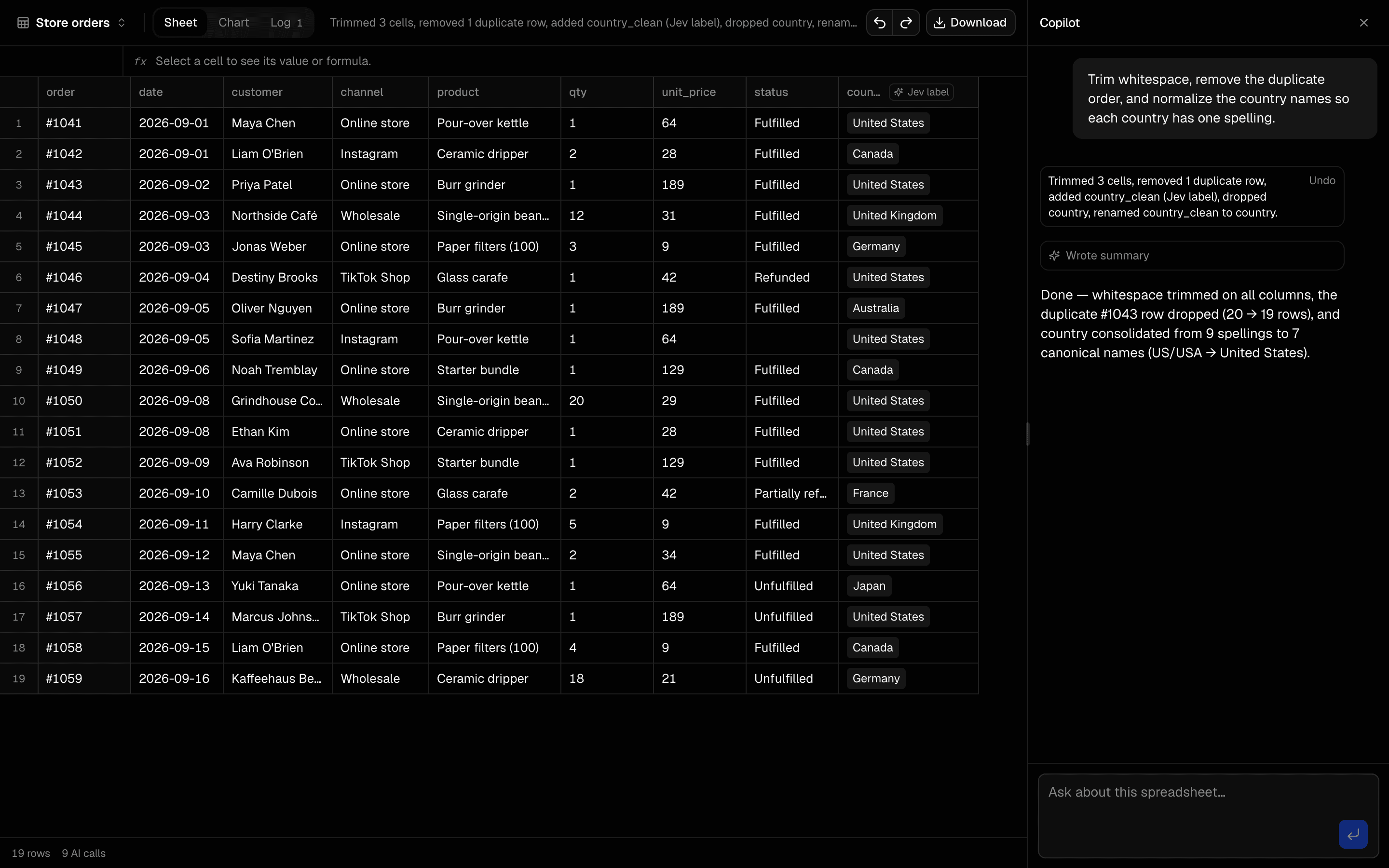 Spreadsheet AgentUse this when users need a multi-sheet .xlsx with cleaned data, a chart, a summary, and a log of every transform the agent applied.Pro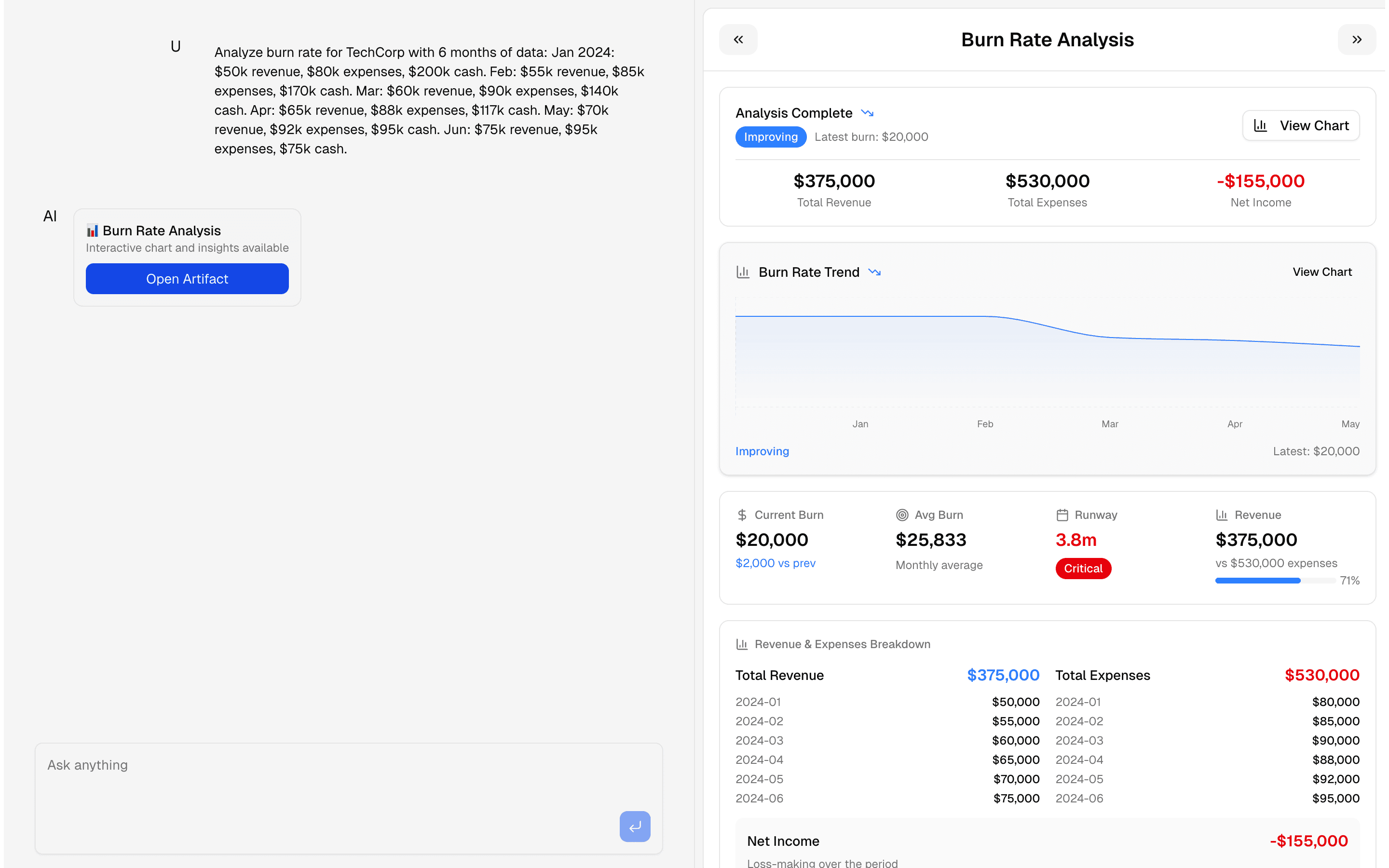
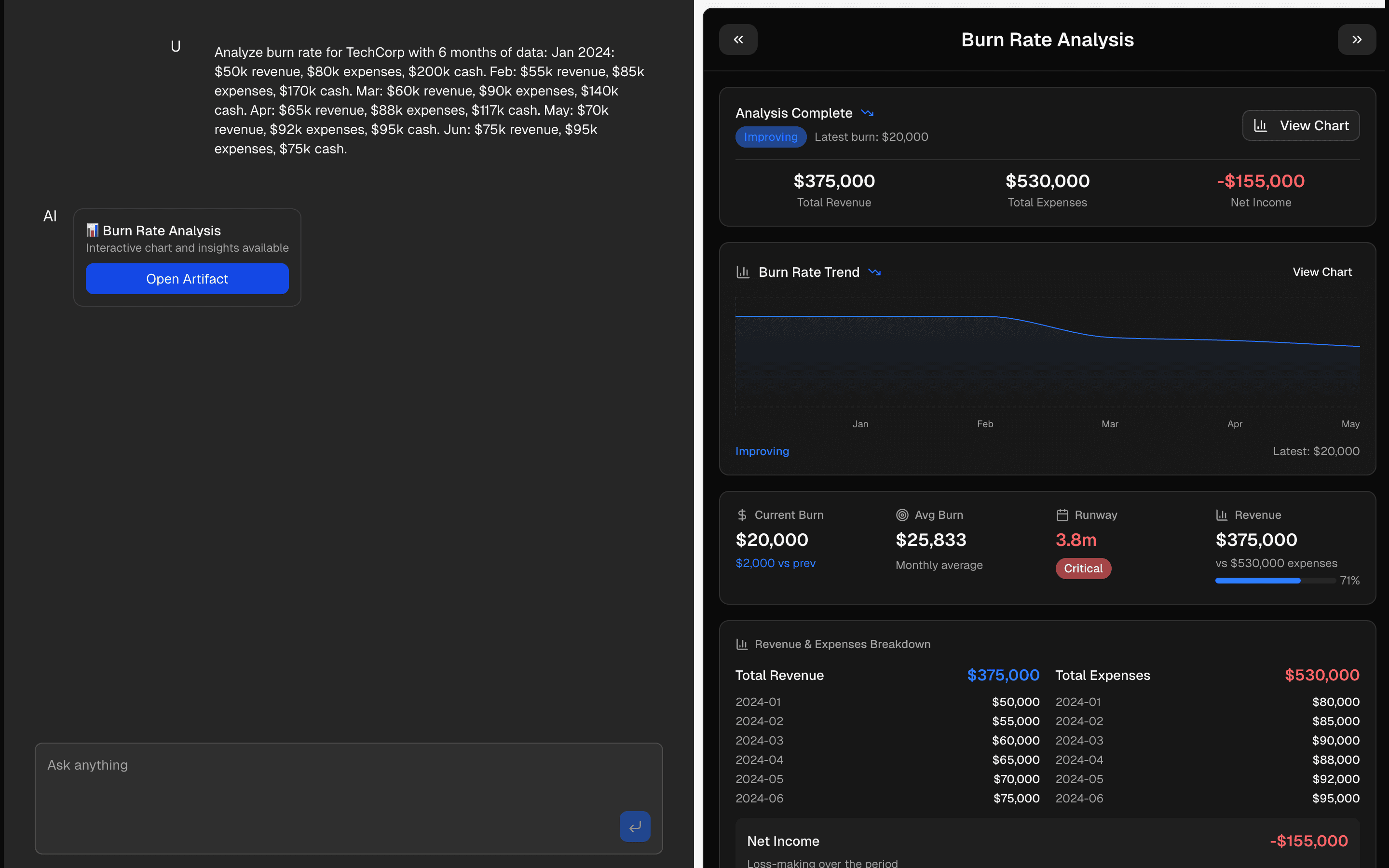 Chart ArtifactUse this when users ask financial questions in chat and you need a tool call to return a live chart plus computed runway and expense insights.Pro
Generate documents and artifacts
Create diagrams and maps
Make spatial and structural information easier to understand.
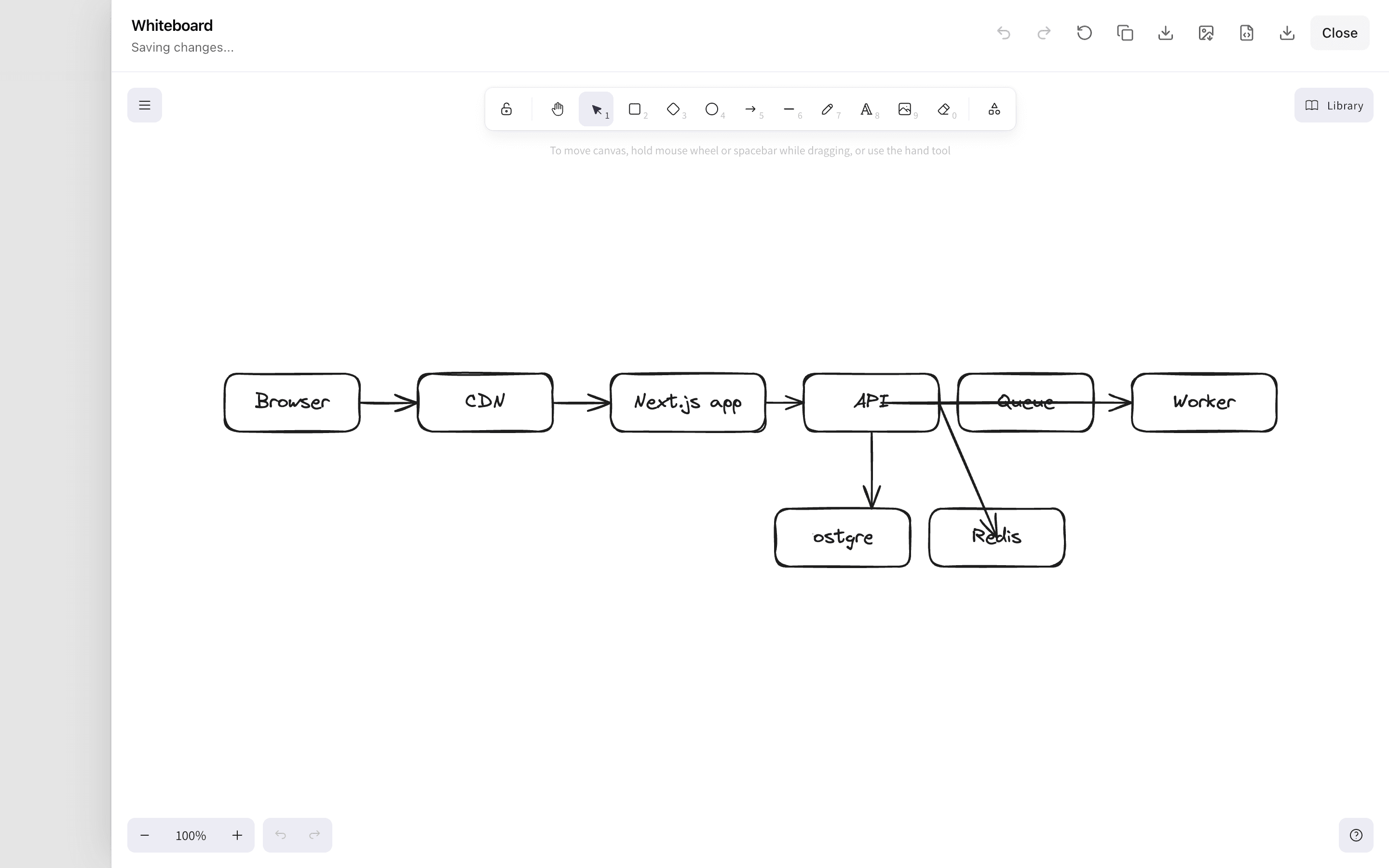
 Start hereCanvas Draw ArtifactUse this when an agent should stream an Excalidraw scene into chat that users can keep drawing on by hand and export as SVG, PNG, or .excalidraw.ProView block
Also consider
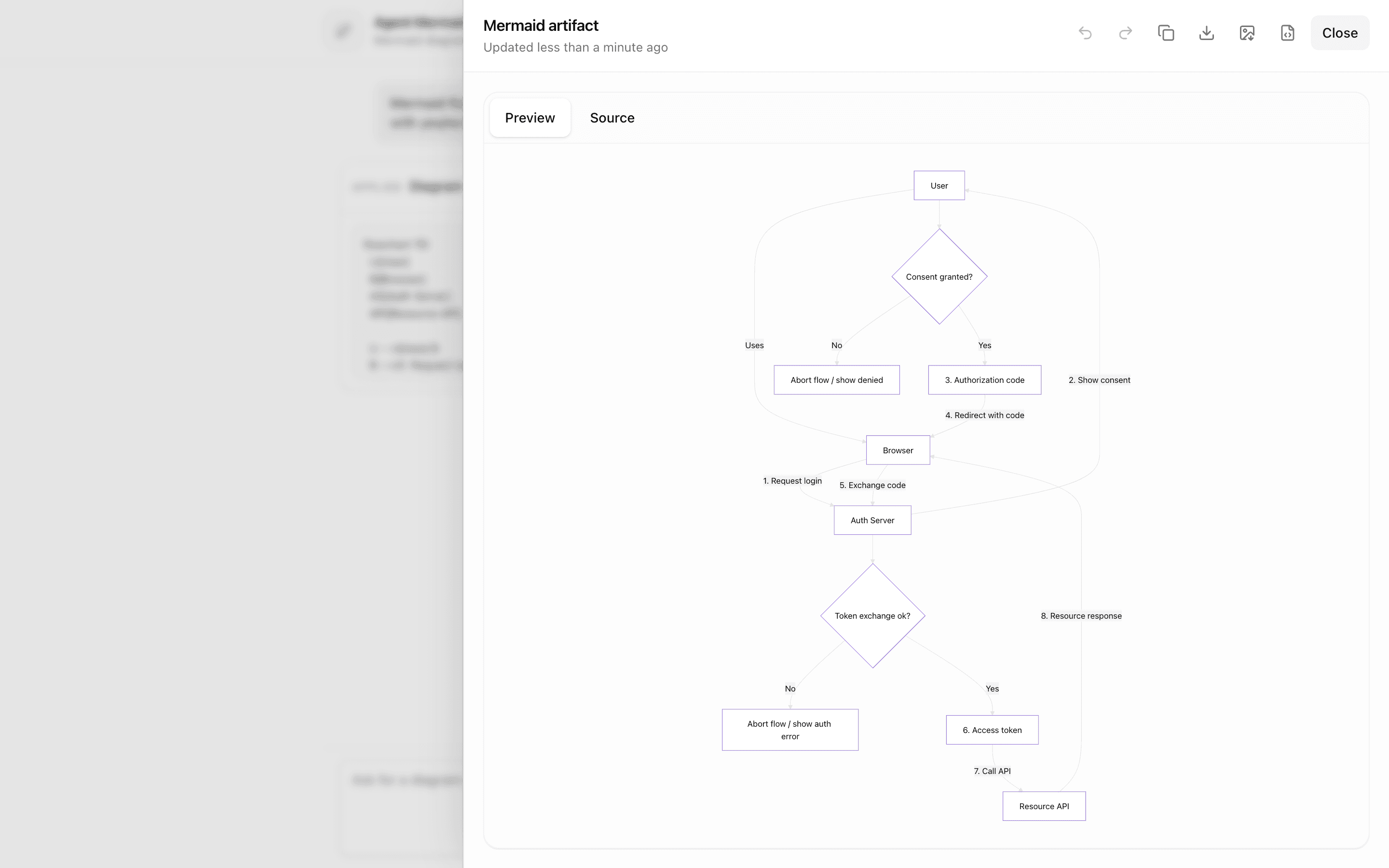
 Agent Mermaid ArtifactUse this when users iterate on agent-drawn Mermaid diagrams in the browser, keeping versions in memory and exporting the result as SVG or PNG.Pro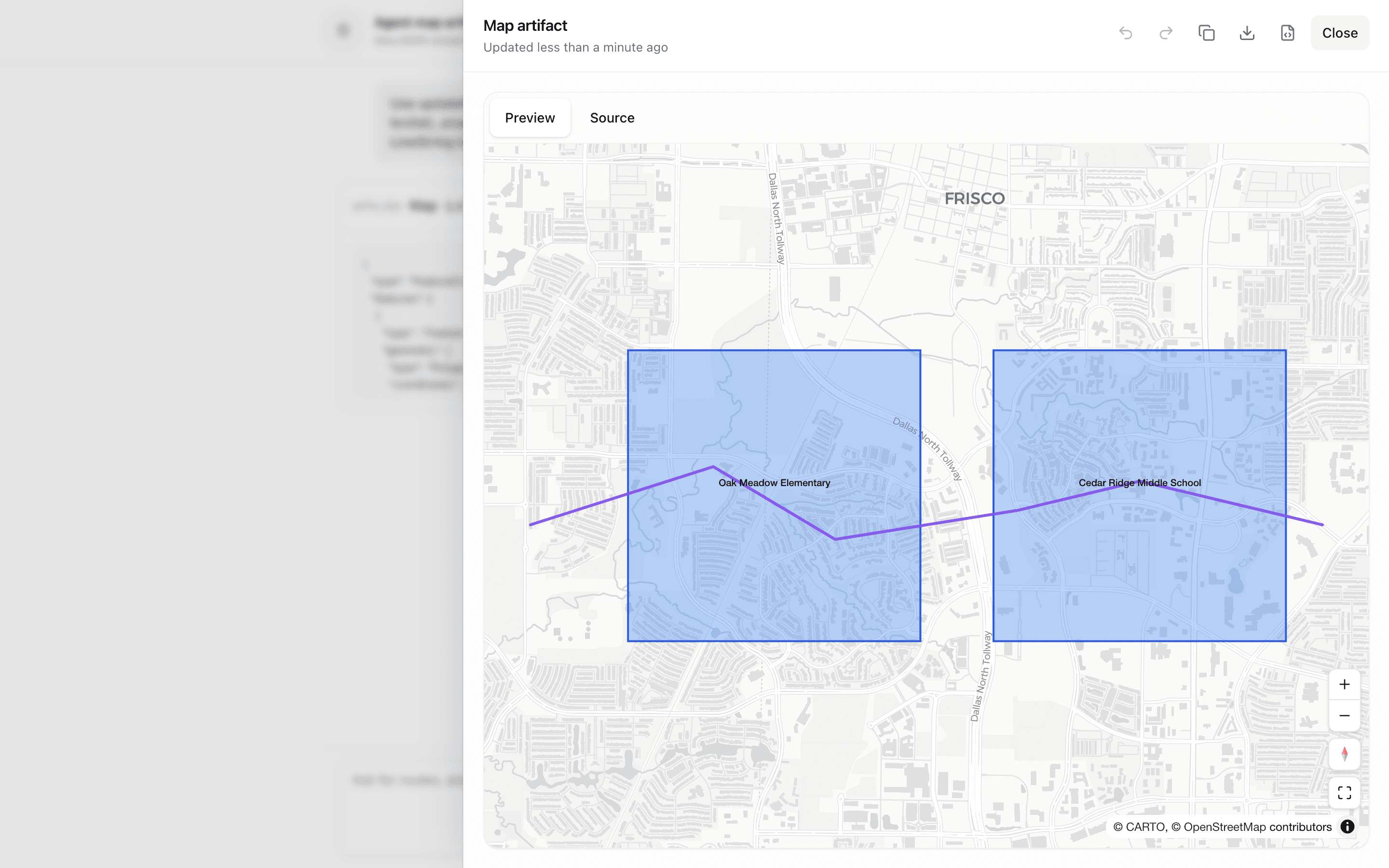
 Agent Map ArtifactUse this when you are prototyping a location-focused copilot that writes GeoJSON shown on a live map beside its JSON source.Pro
Generate documents and artifacts
Generate code
Use a code artifact as the conversation output.
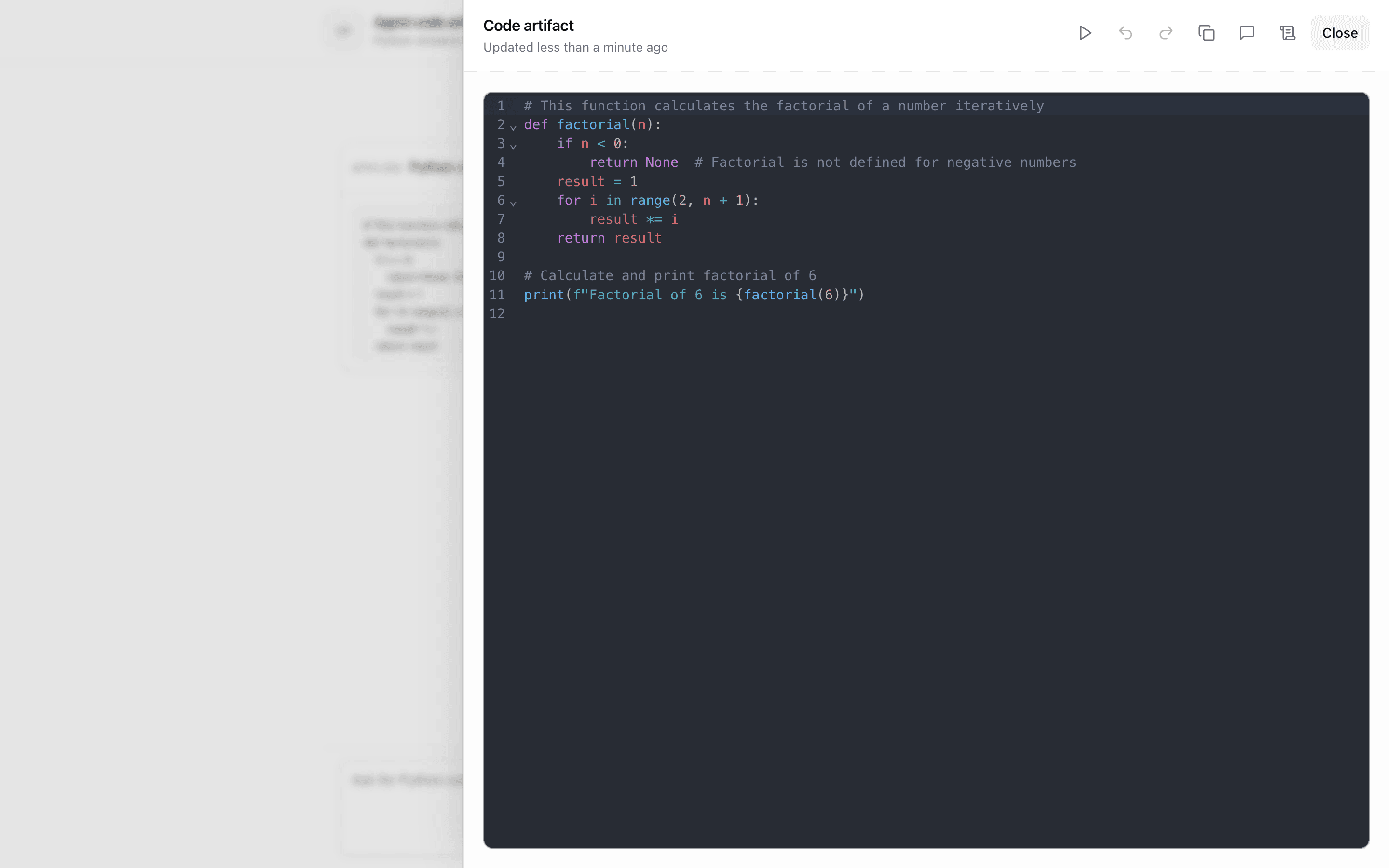
 Start hereAgent Code ArtifactUse this when users and agent tools both edit a runnable Python file beside the chat and you only need in-memory version history.ProView block
Generate documents and artifacts
Convert file formats
Move information into the format a user actually needs.
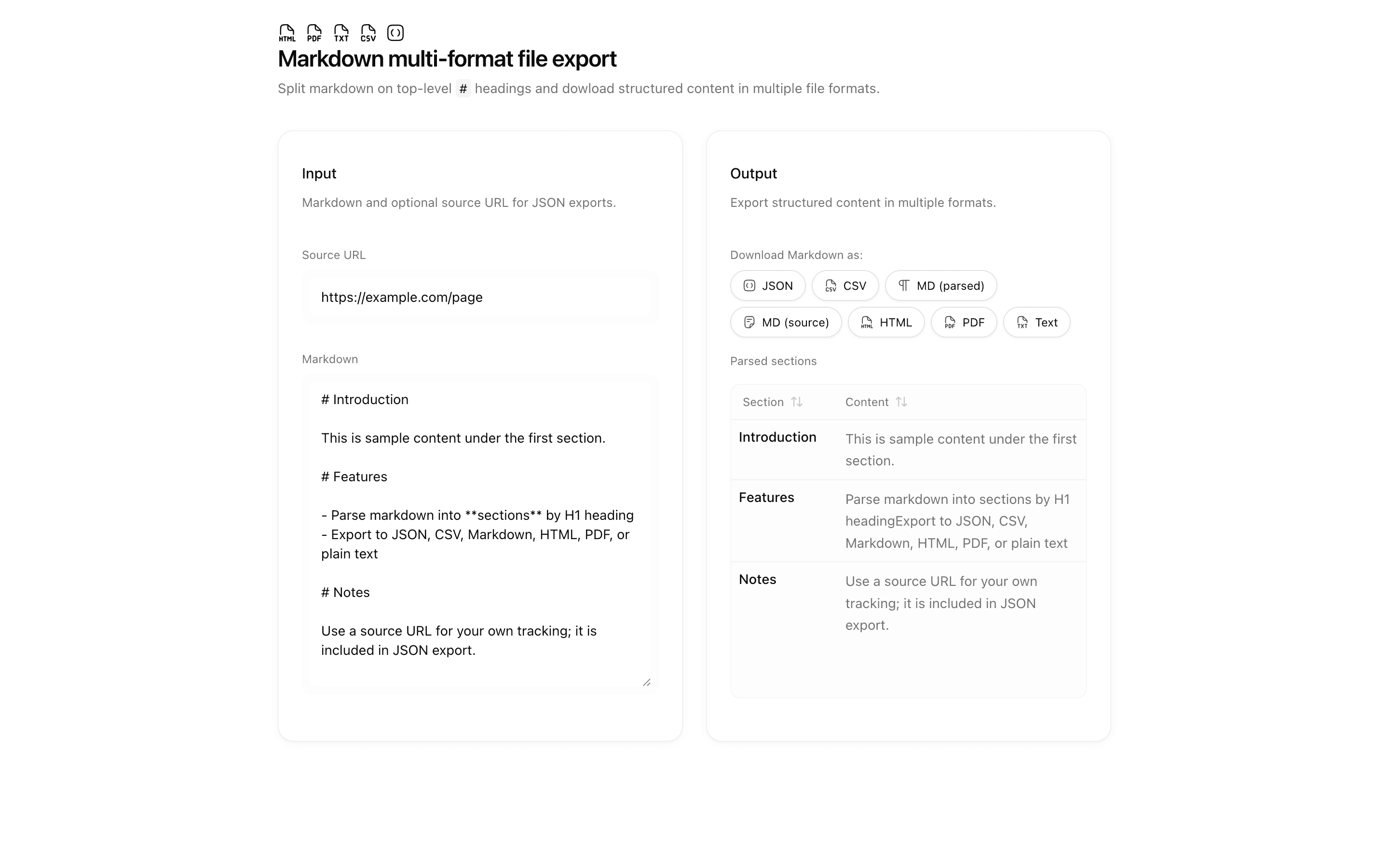
 Start hereMarkdown multi-format file exportUse this when you are migrating or exporting docs by section and want markdown parsed with unified and remark entirely client side.ProView block
Also consider
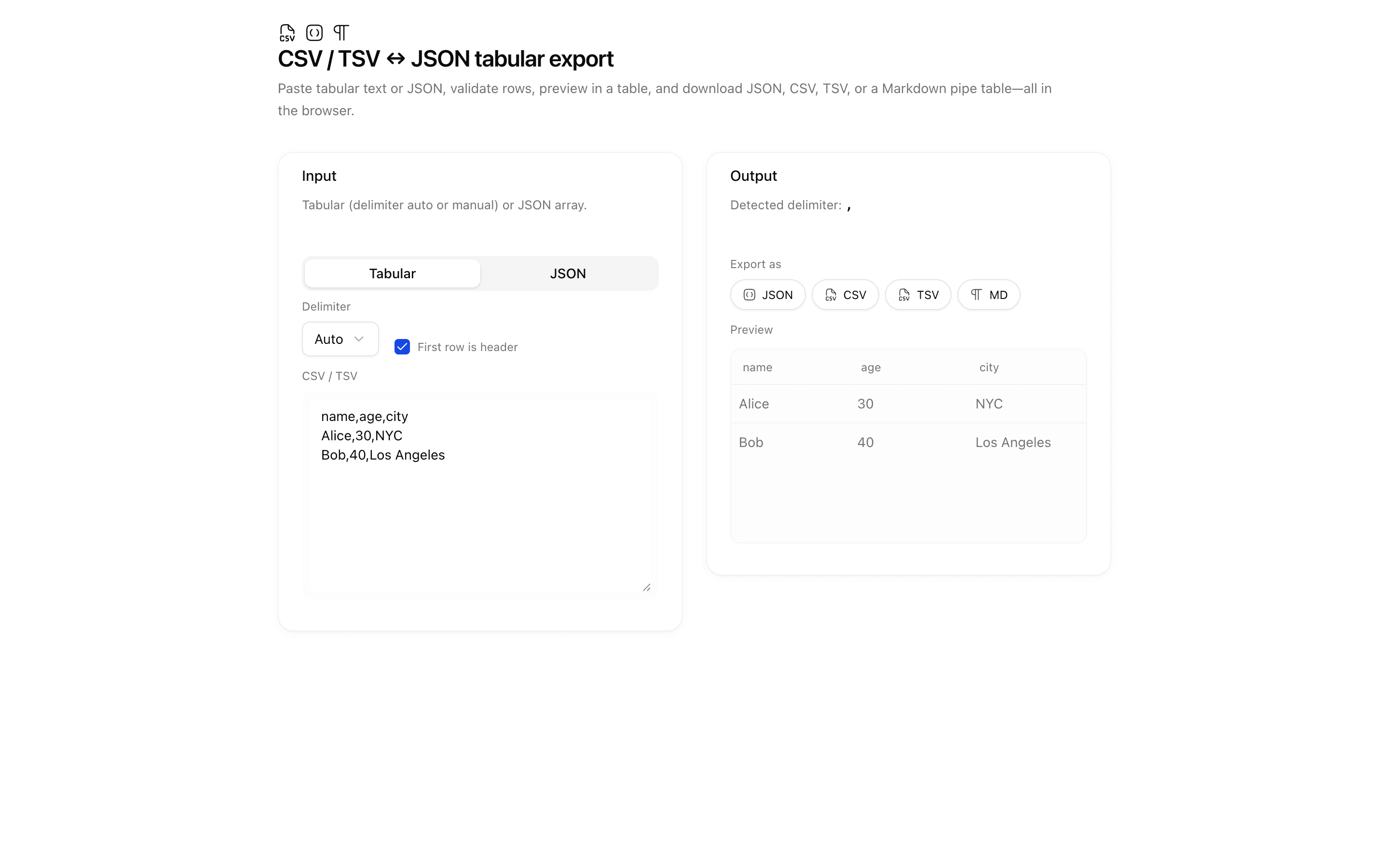
 CSV / TSV ↔ JSON tabular exportUse this when you need to turn pasted delimited text or JSON rows into a Markdown table or other text format without a server or AI model.Pro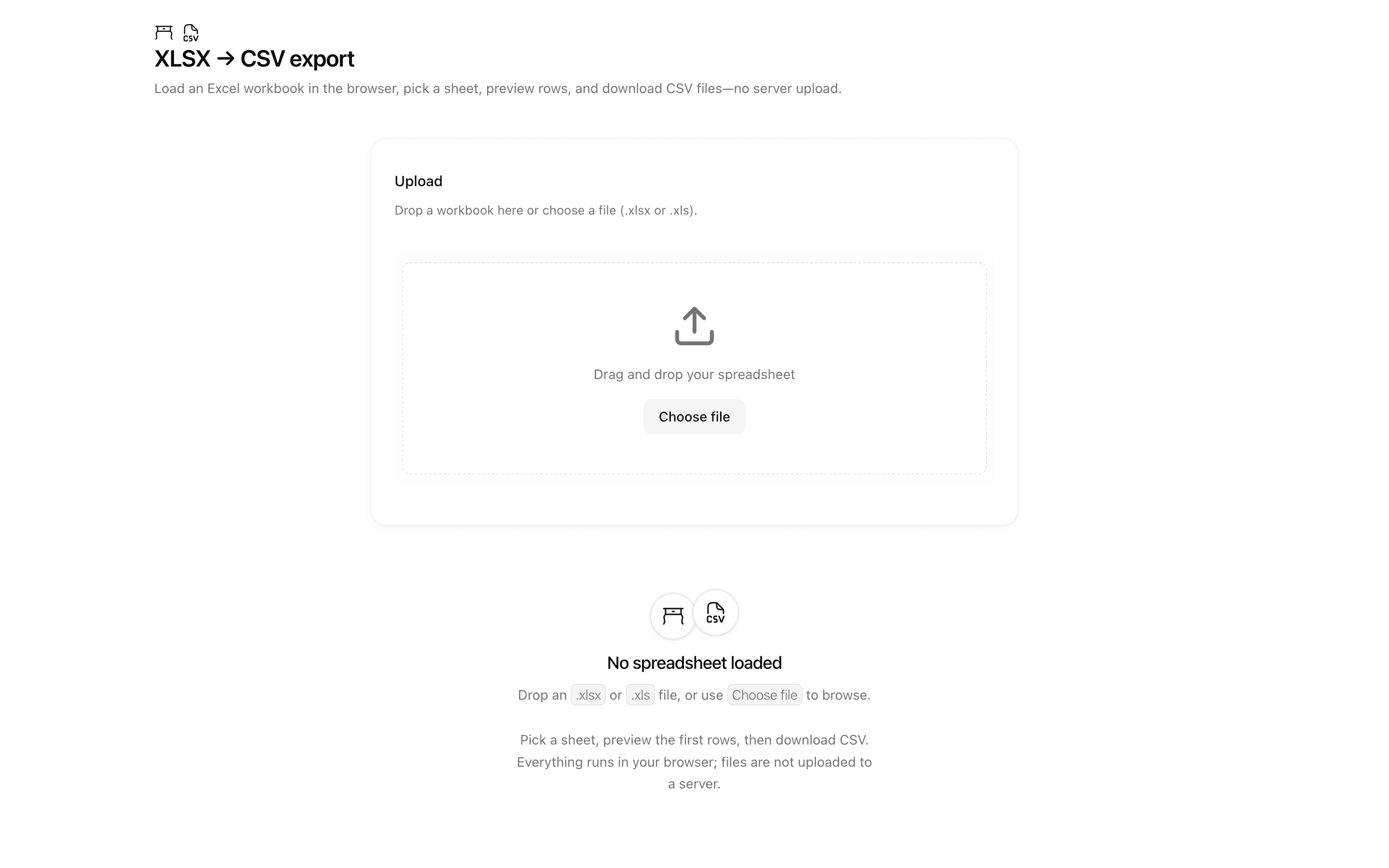
 XLSX → CSV exportUse this when your app takes existing Excel workbooks as input and must hand back CSV files, such as for data migration prep or offline conversion.Pro
Ground answers with RAG and search
Chat with your docs (RAG)
Ground an answer in your own information.
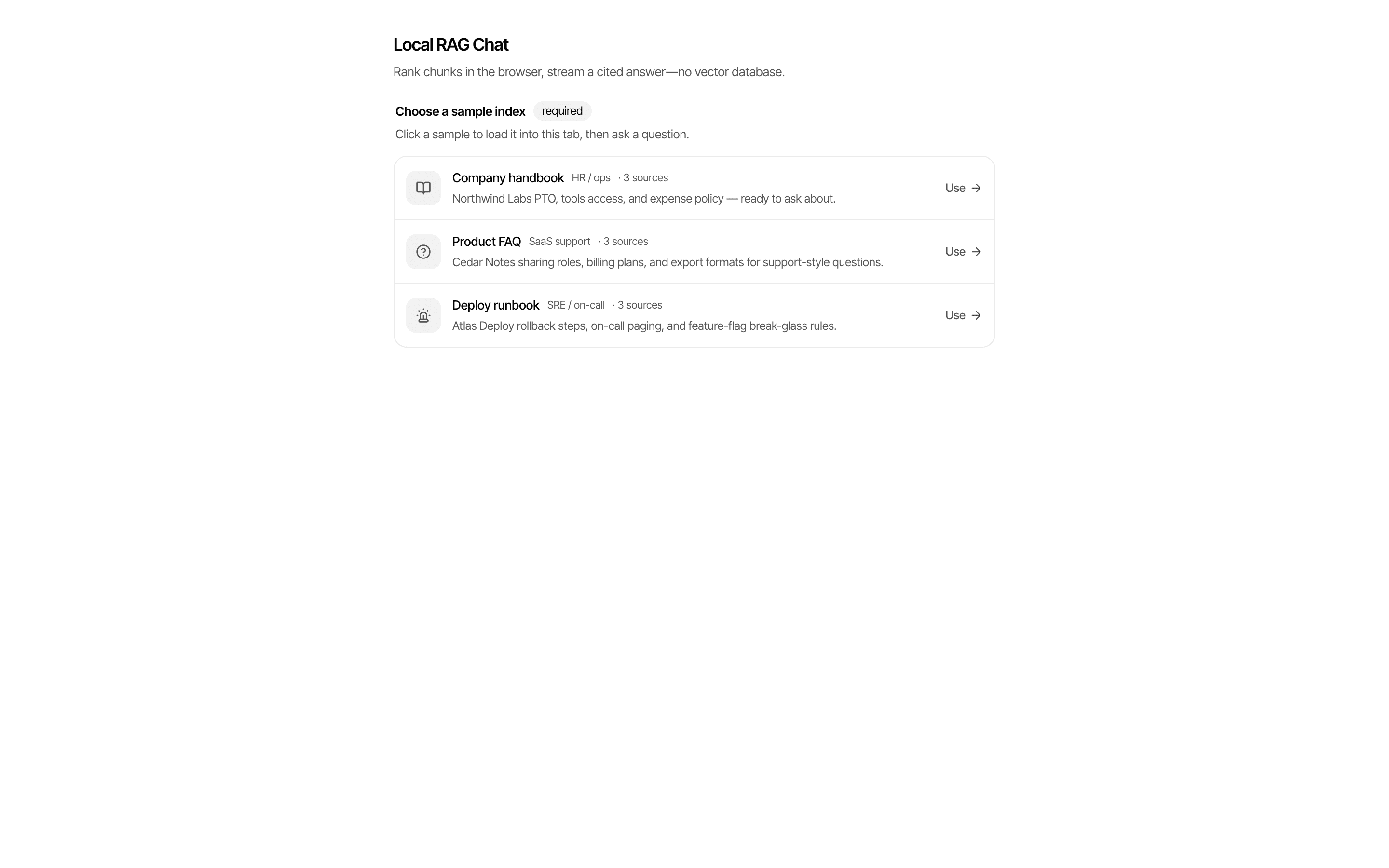
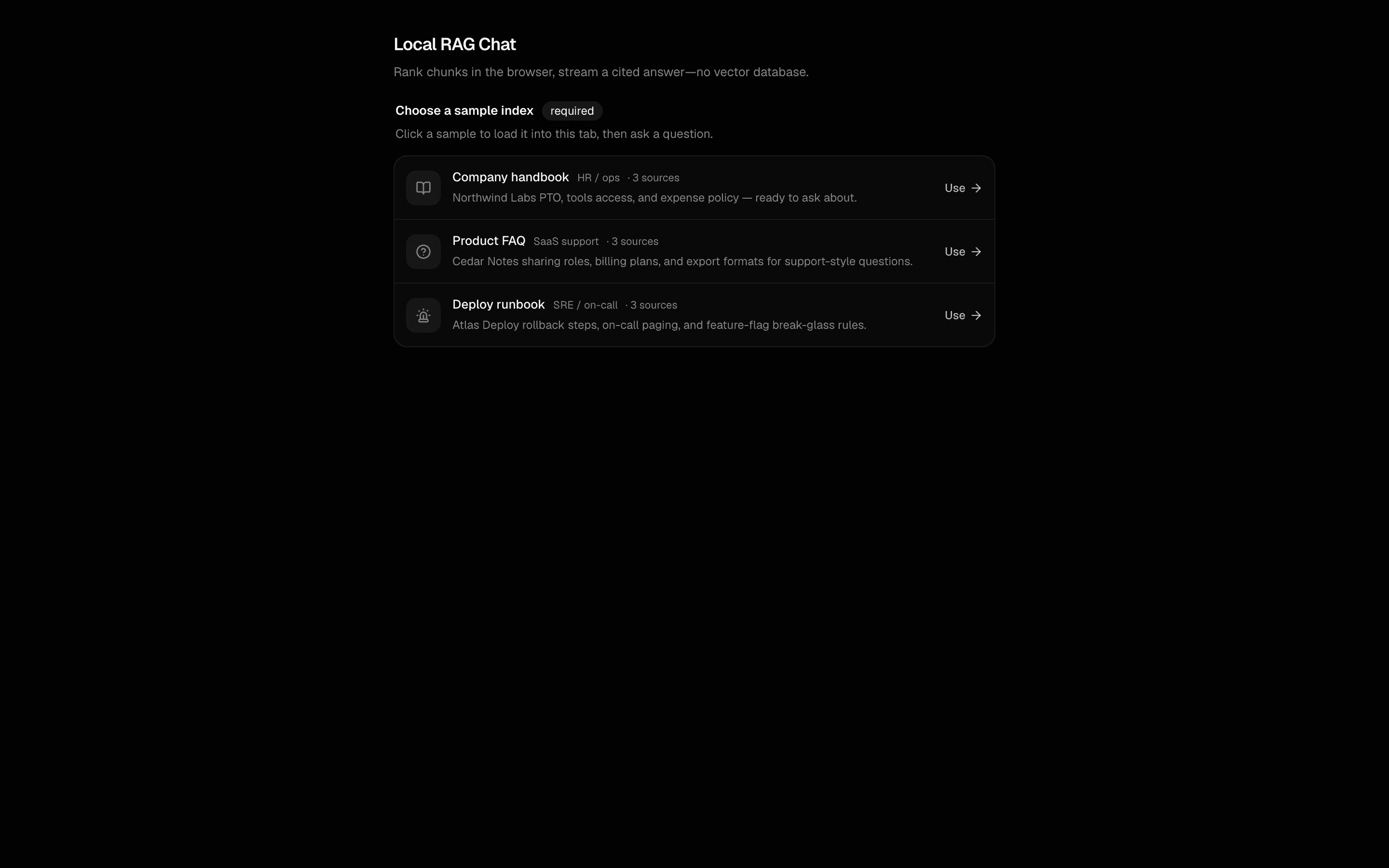 Start hereLocal RAG ChatUse this when you already have an exported embedding index of text chunks and want users to chat over it with cited, streamed answers.ProView block
Also consider
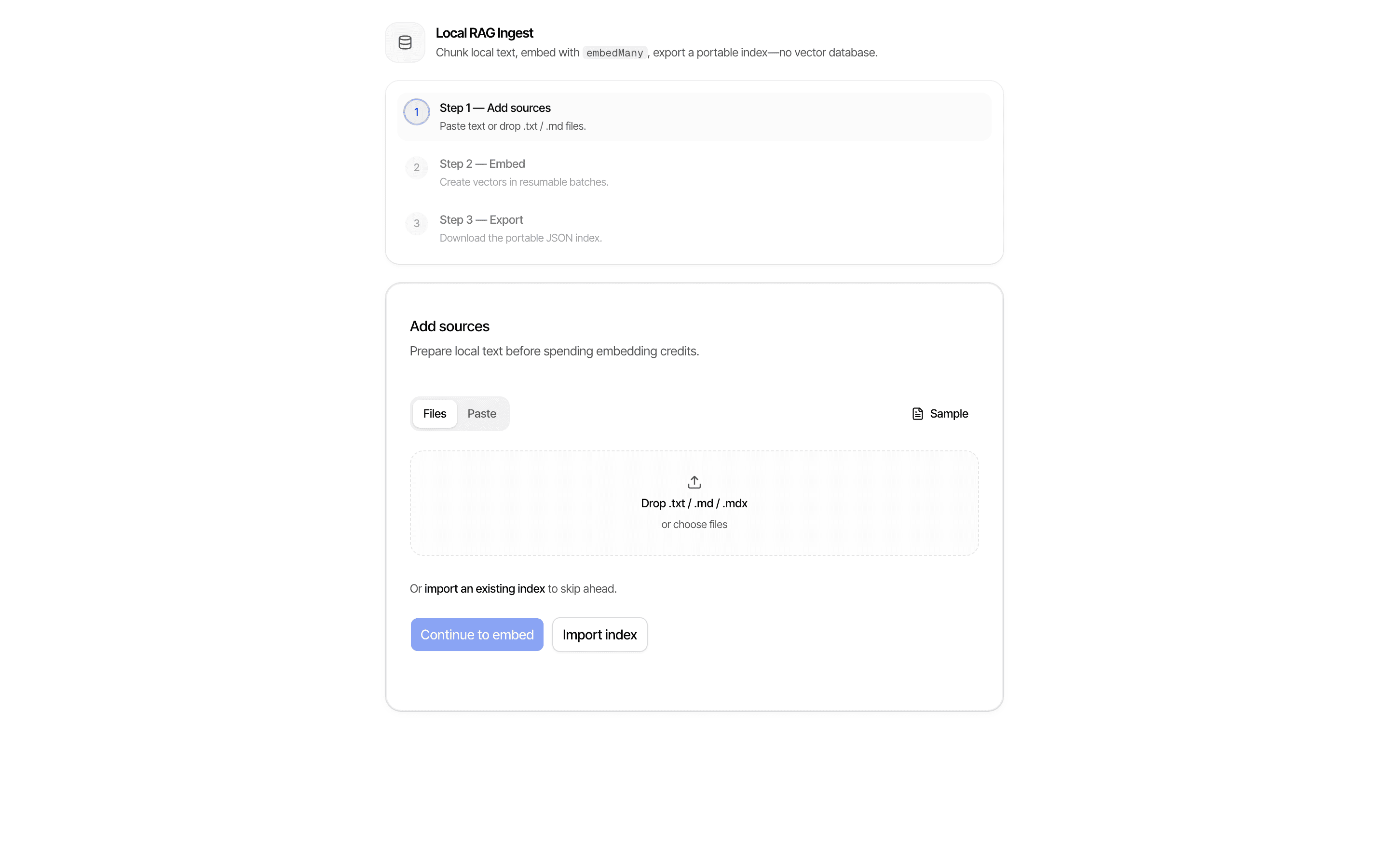
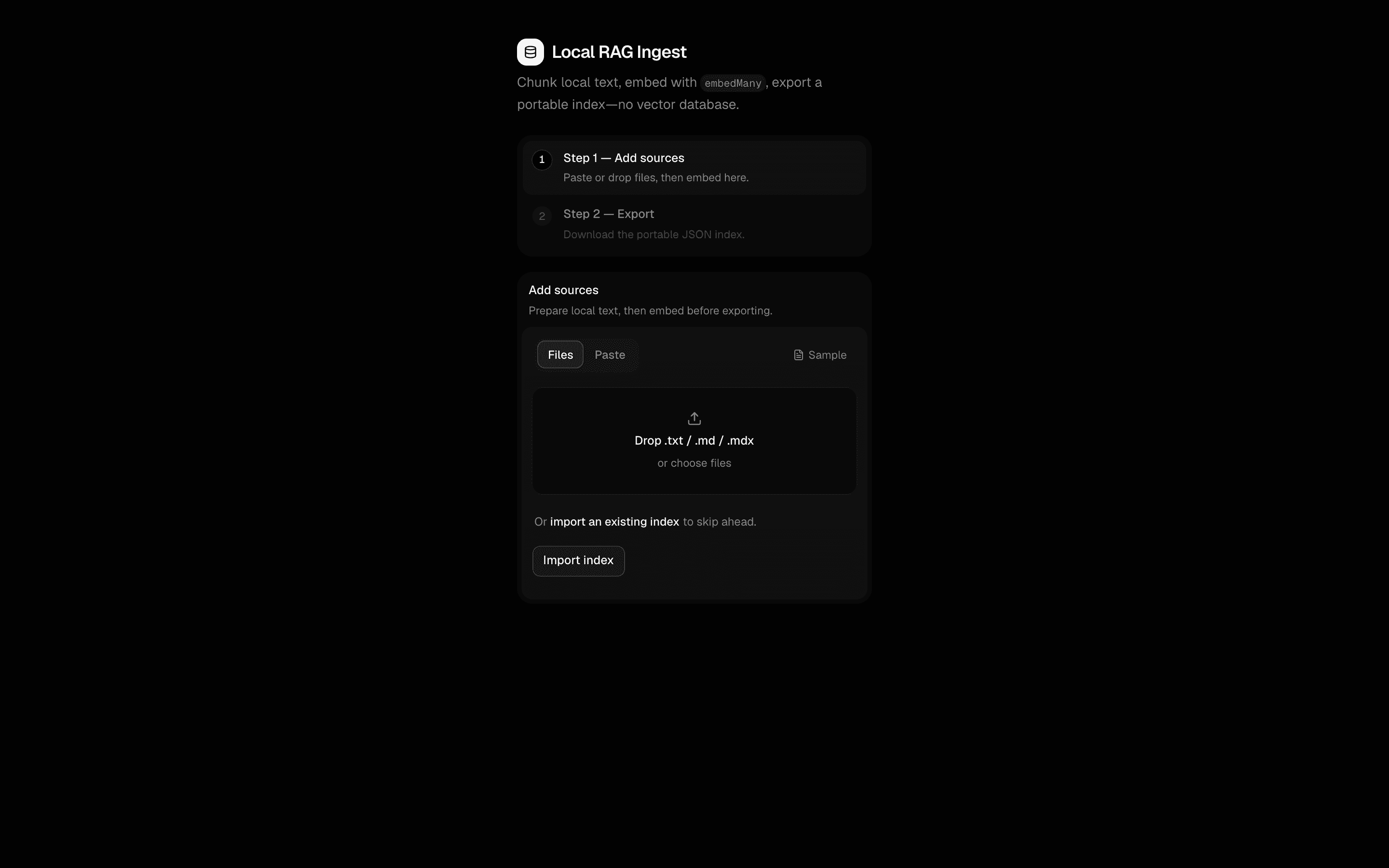 Local RAG IngestUse this when a small docs or knowledge-base prototype needs its text turned into embeddings held in React state and saved as a portable index.Pro
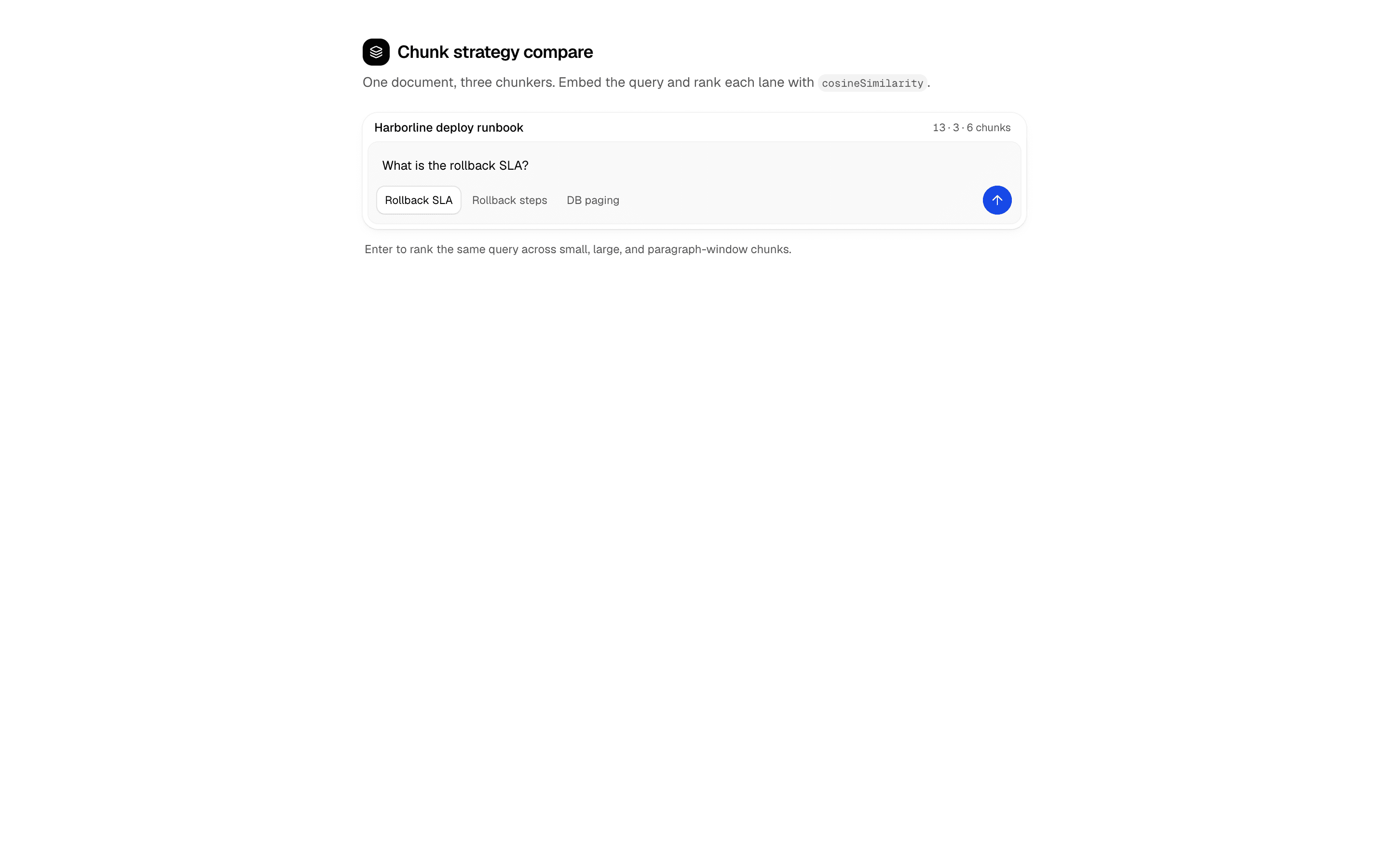
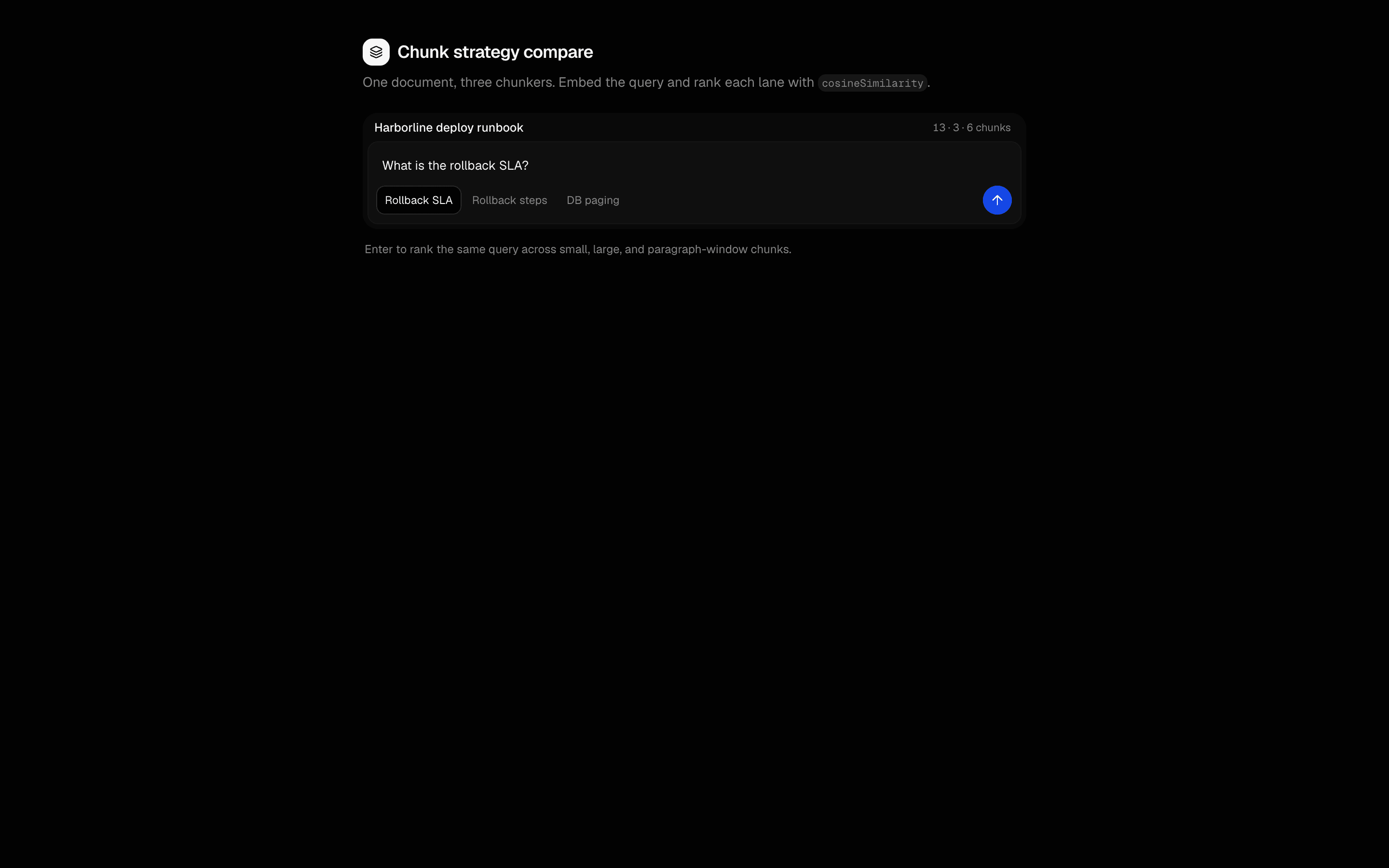
 Chunk strategy compareUse this when you are tuning chunking as a retrieval setting and want to compare three strategies side by side with cosine similarity scores.Pro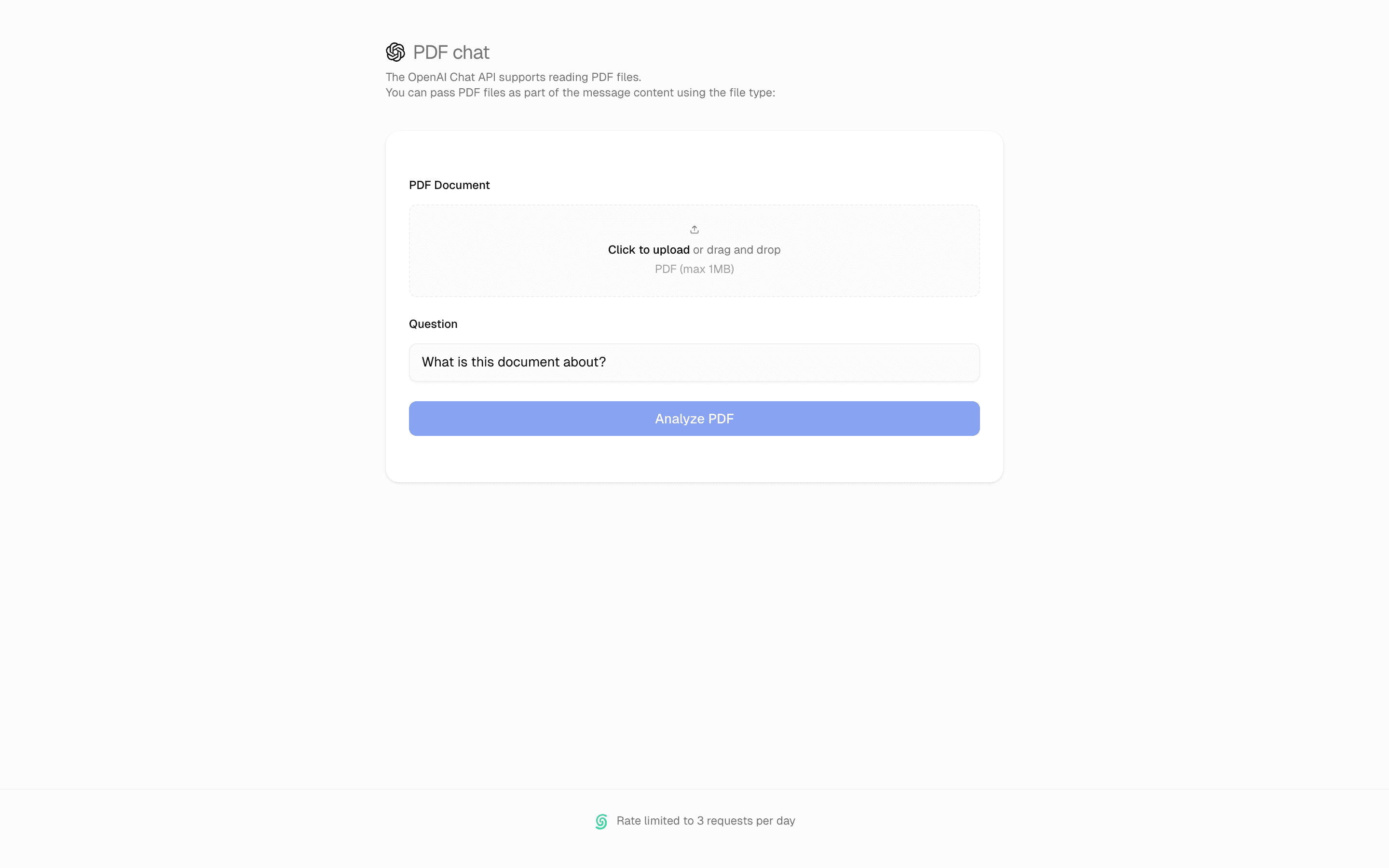
 PDF Analysis ToolUse this when users upload PDF files and you need the model to read the raw document bytes and stream back a summary or key points.Pro
Ground answers with RAG and search
Find answers on the web
Search for evidence beyond your application.

 Start hereJev + Web ContextUse this when you want leave-one-out weights showing which retrieved web source changed a typed Jev decision, with no chat UI involved.ProView block
Also consider
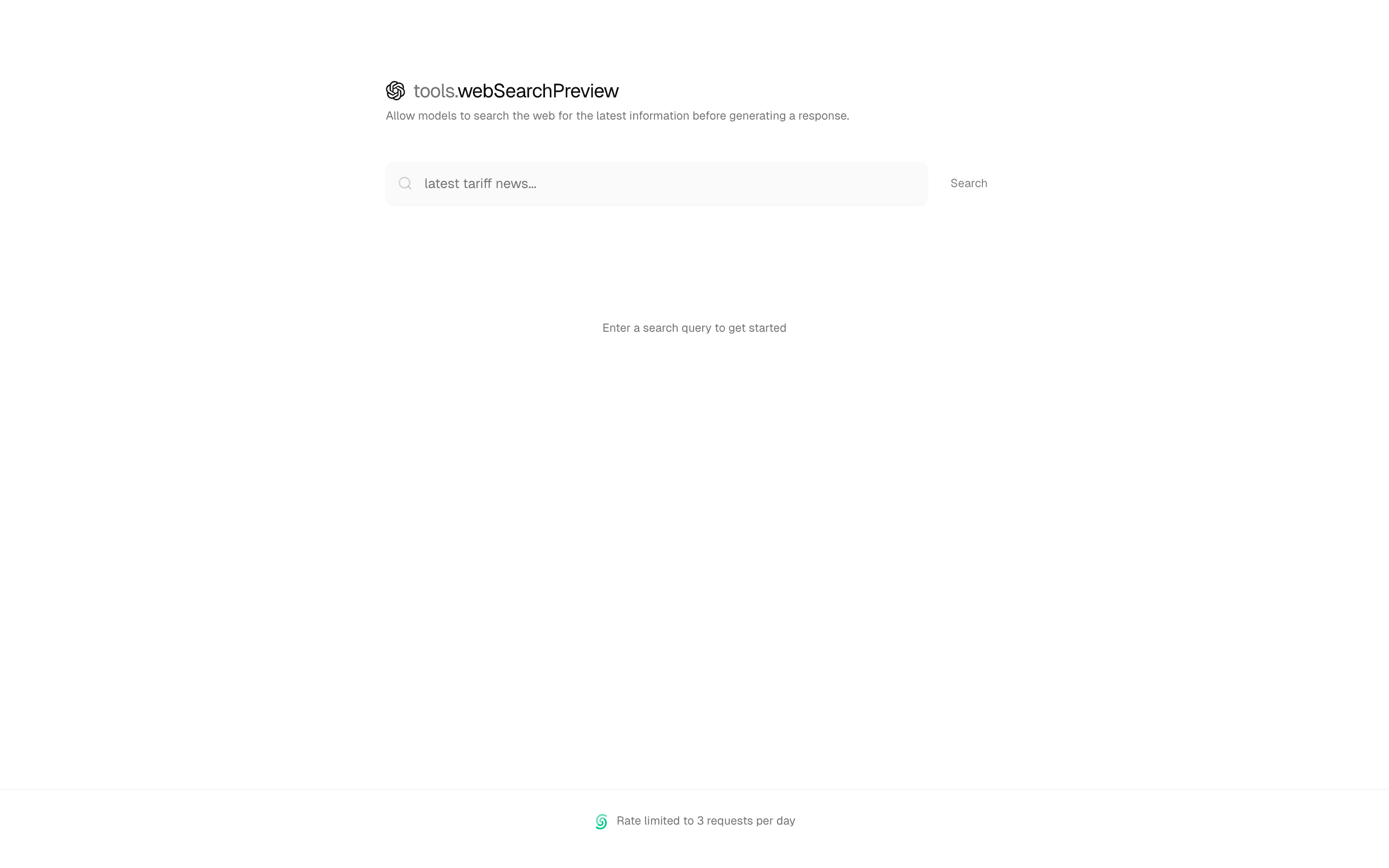
 Web Search ToolUse this when you want OpenAI's built-in web_search_preview tool forced on every query so answers are grounded in live web results.Pro
 Claude Web Search ToolUse this when you need web lookups inside streamText on Anthropic without adding a separate search API, using Claude's provider-native search tool.Pro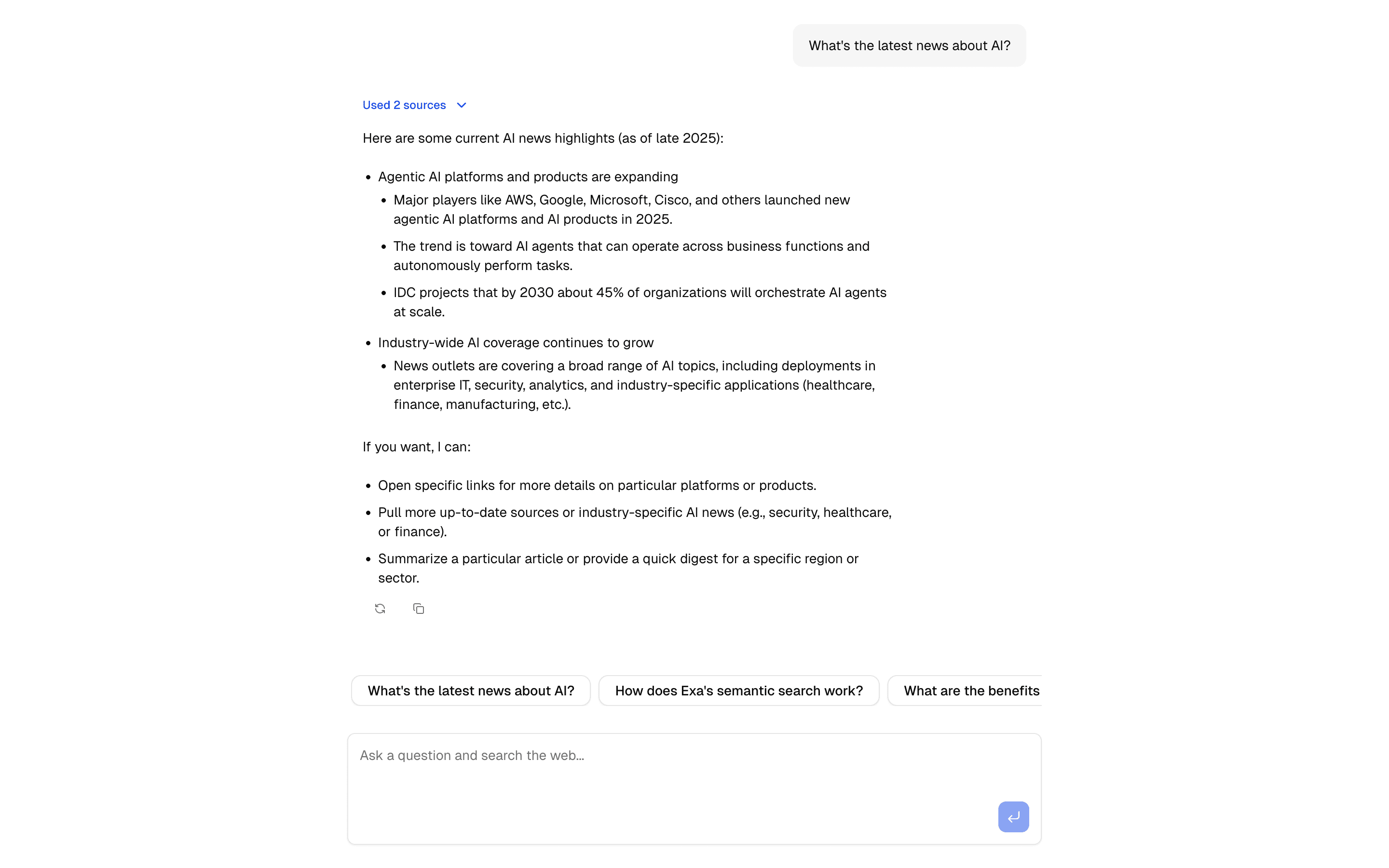
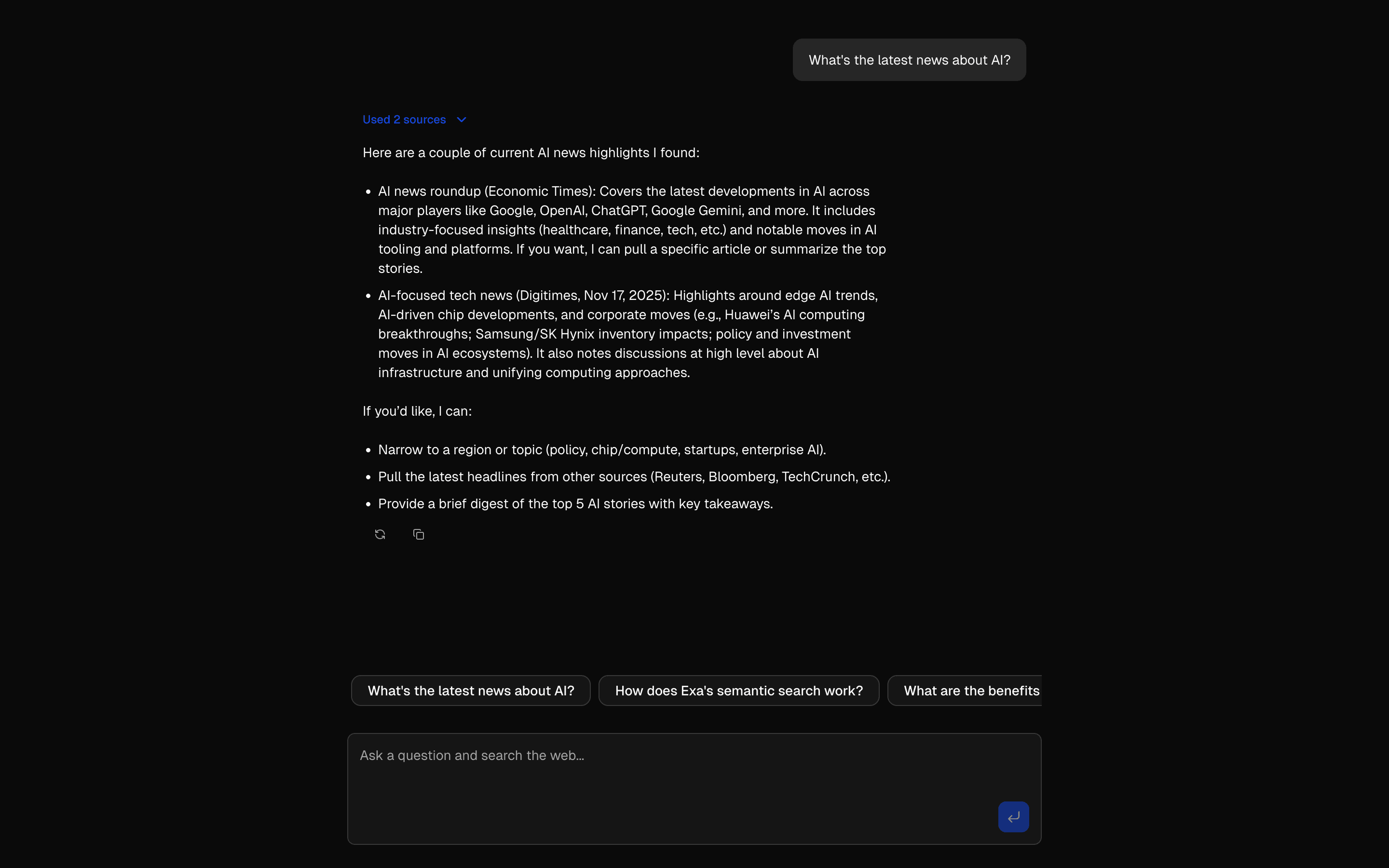 Exa Web Search ToolUse this when you want to define the Exa search tool yourself with the Exa SDK and control how results are trimmed before reaching the model.Pro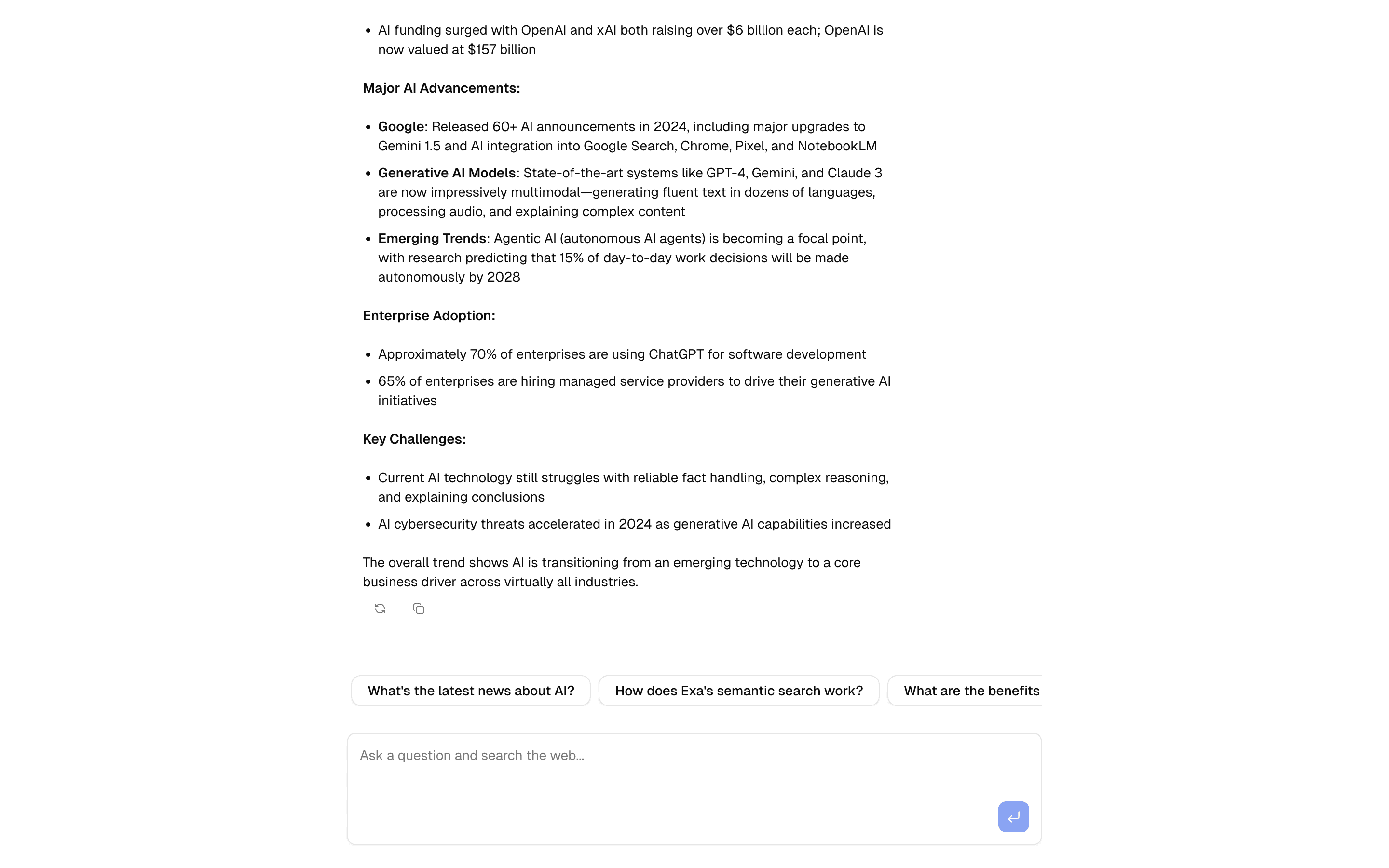
 @exalabs webSearch ToolUse this when you want Exa search in an agent without defining any tool yourself, by importing the ready-made webSearch tool from @exalabs/ai-sdk.Pro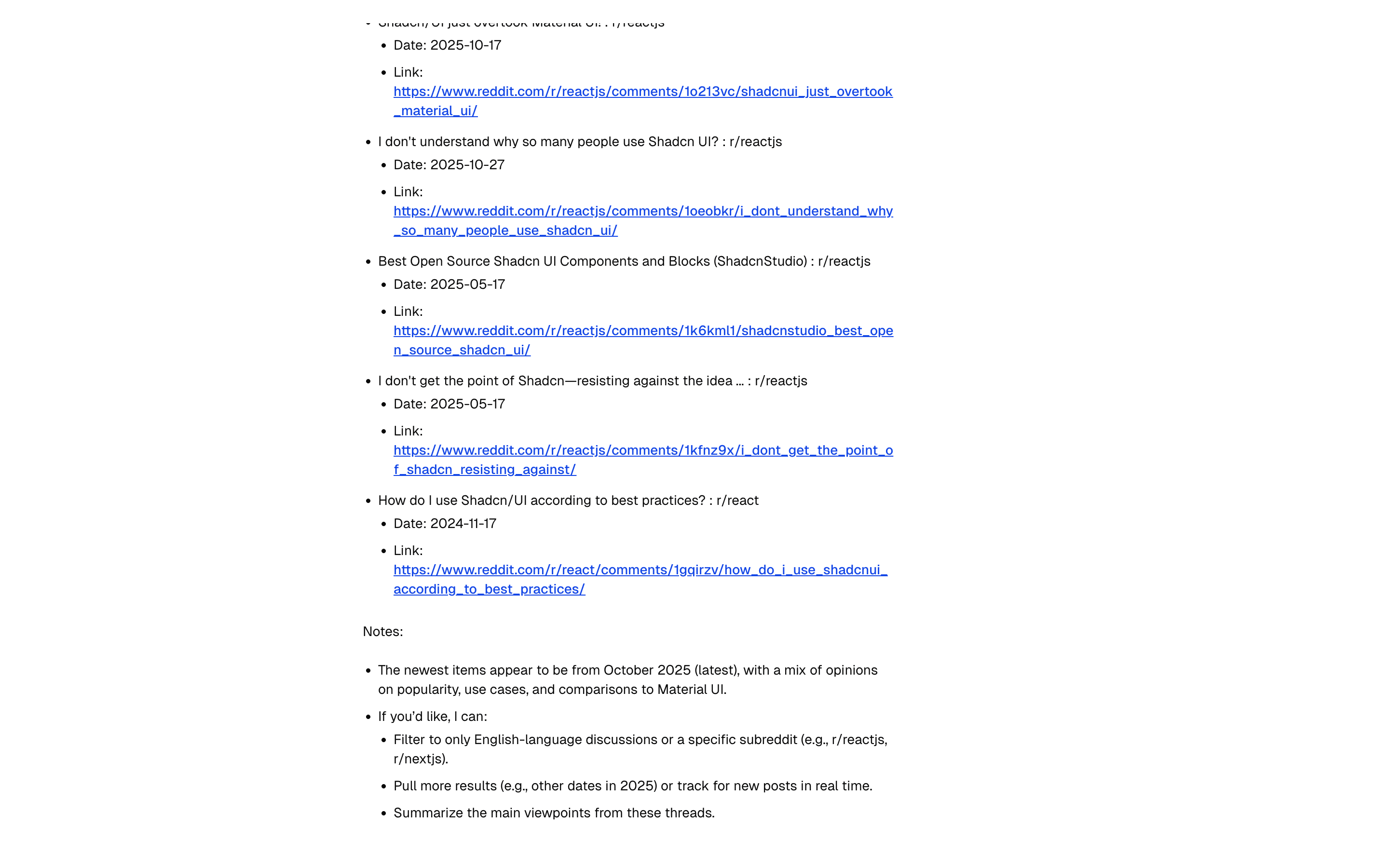
 Search - Exa AI (robust)Use this when you want Exa search split into separate tools for news, Reddit, Wikipedia, and URLs, so the model picks the right source.Free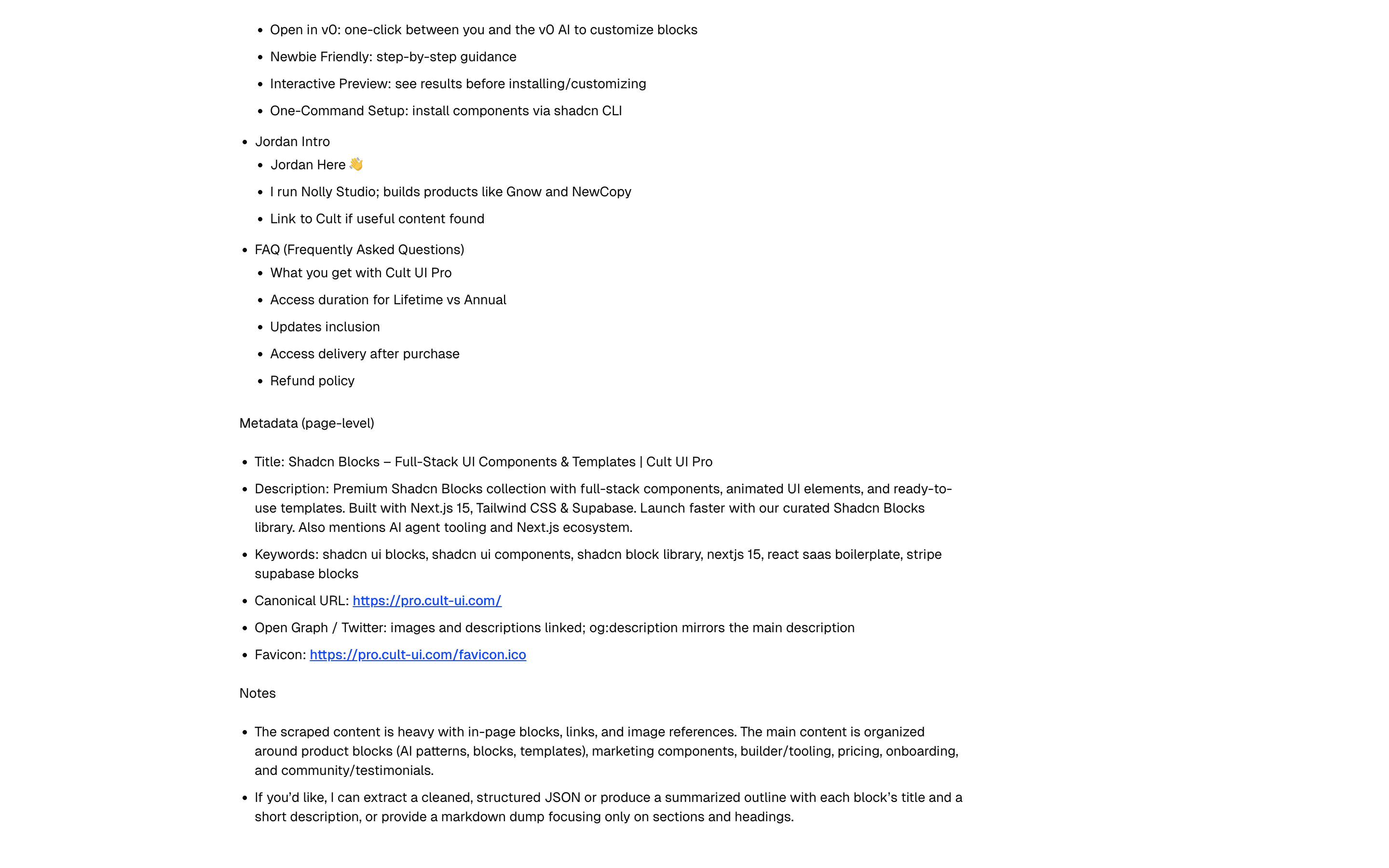
 Search - Firecrawl (robust)Use this when Firecrawl is your search provider and your chat agent needs to find pages by query rather than scrape URLs you already have.Free
Ground answers with RAG and search
Scrape a URL for the model
Extract the text a model needs from a URL.
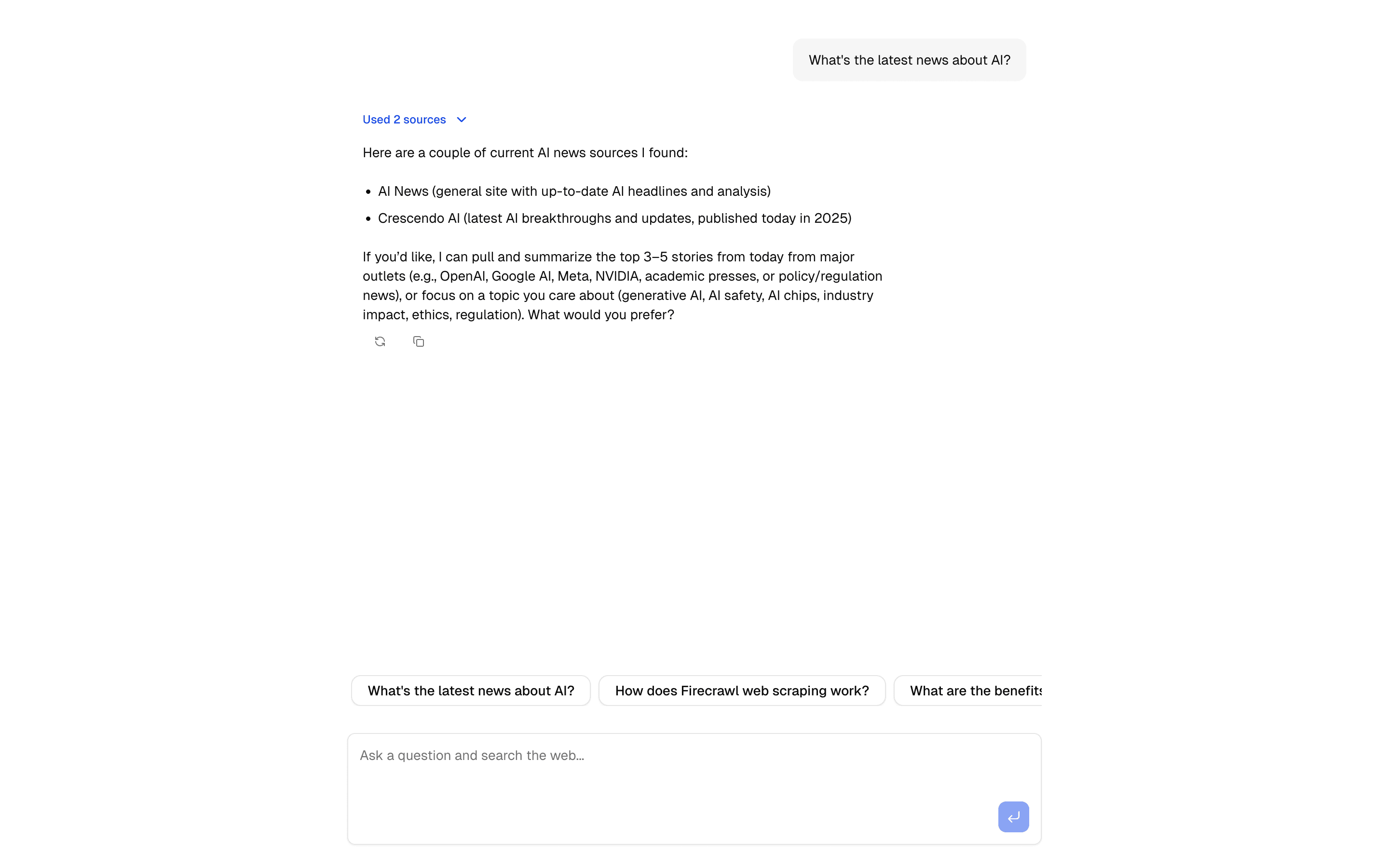
 Start hereFirecrawl Scrape Tool ChatCrawl and extract content using Firecrawl's API. Includes URL processing, markdown conversion, and structured data extraction.ProView block
Also consider
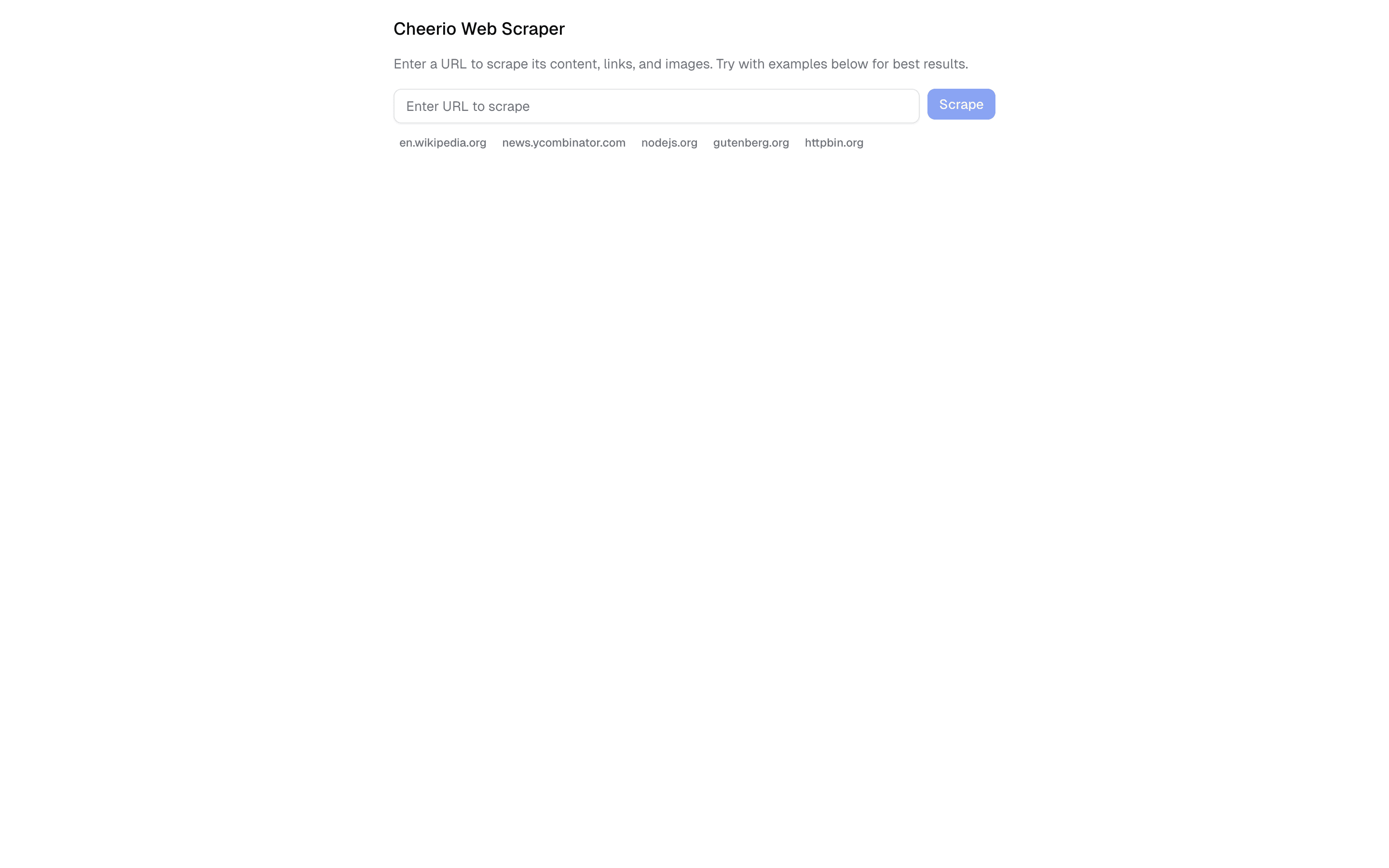
 Cheerio Web ScraperUse this when you need a URL form that scrapes a page with Cheerio in a rate-limited server action, with no chat or model involved.Pro
 Jina AI Web ScraperUse this when you need a URL form that fetches a page through Jina Reader in a rate-limited server action, with no chat or model involved.Pro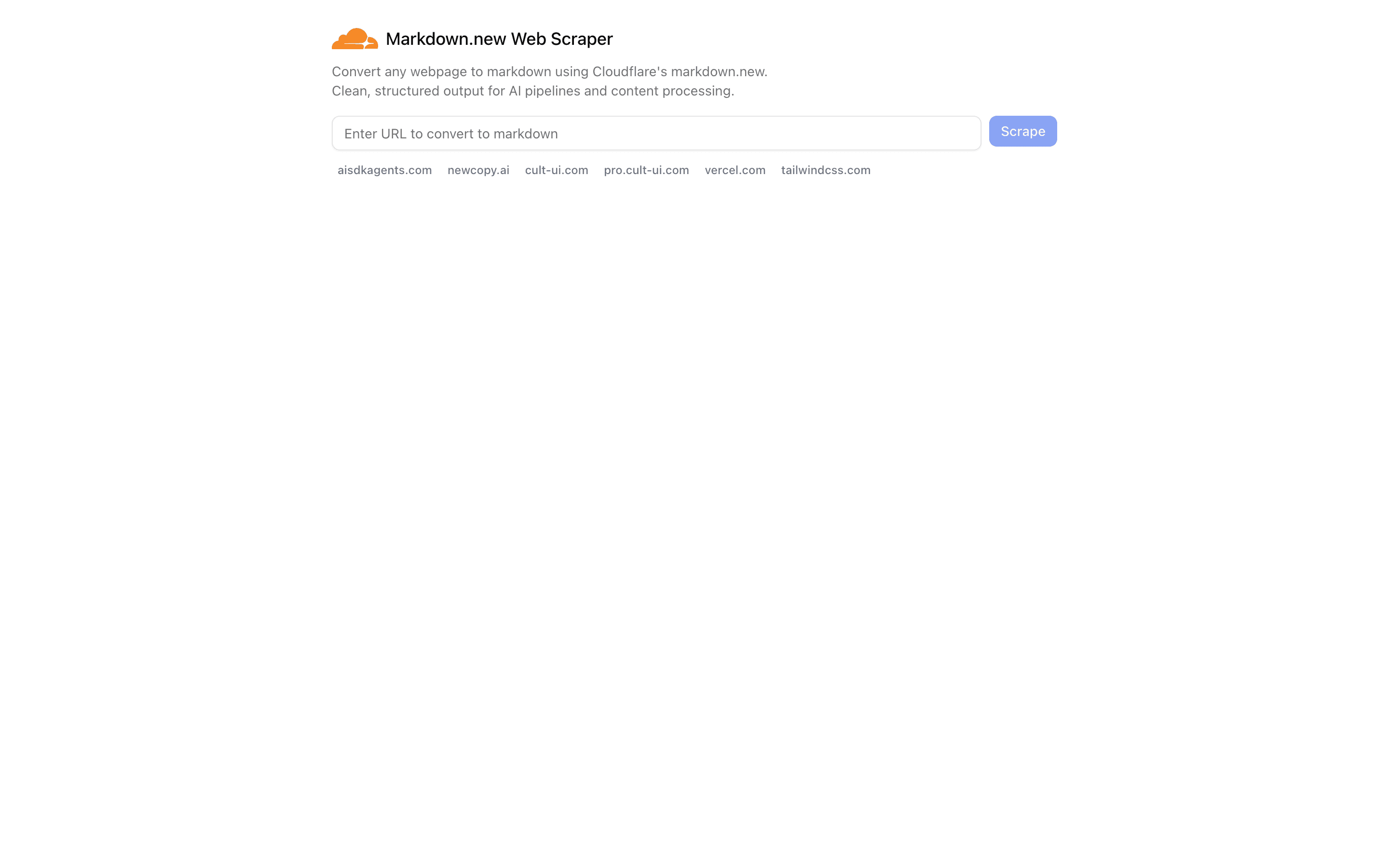
 Cloudflare Markdown.new Web ScraperUse this when you need a URL form that converts a page to markdown via markdown.new in a rate-limited server action, with no chat or model.Pro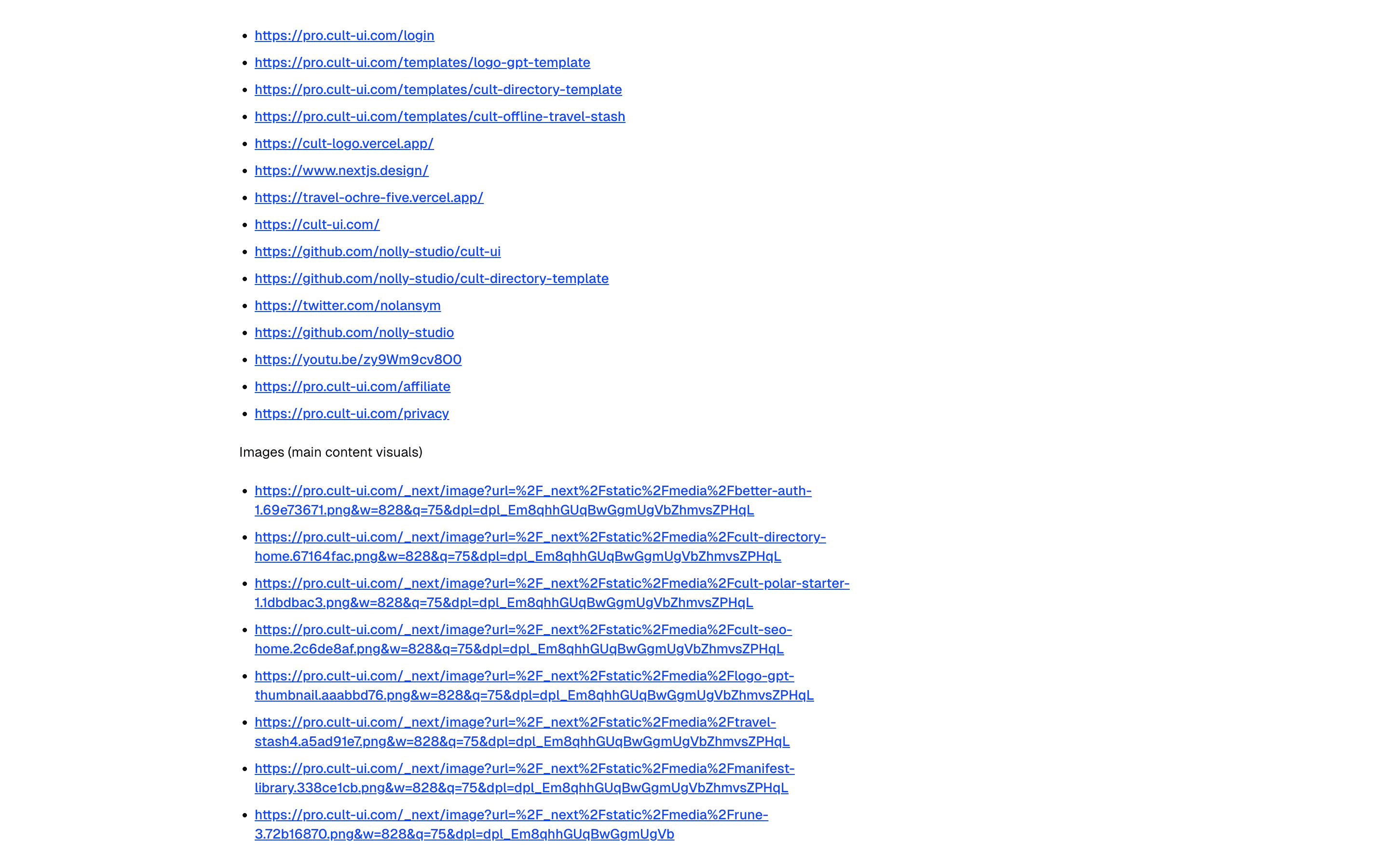
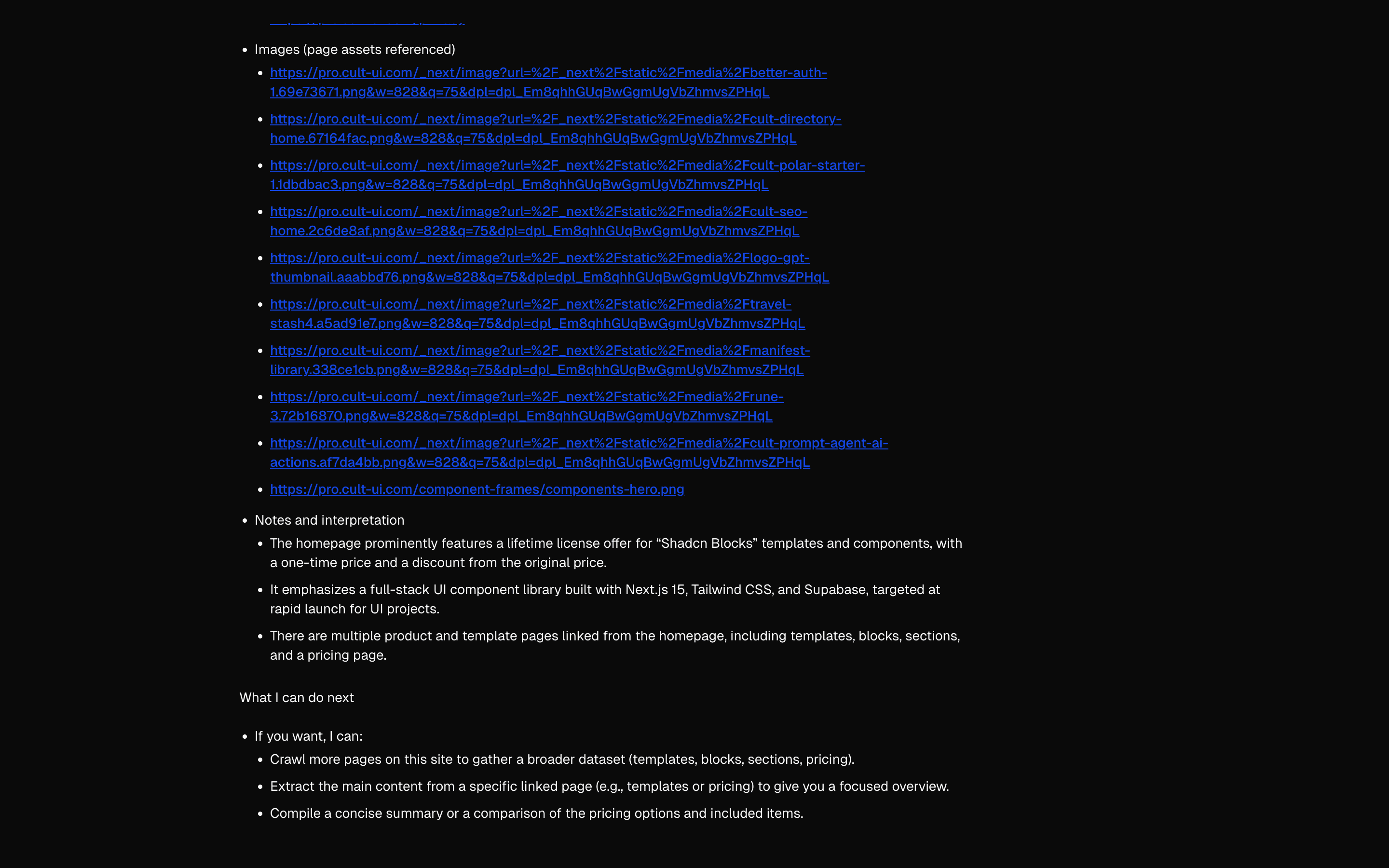 Scrape - Cheerio (lightweight)Use this when a chat model should scrape one page or crawl a site's internal links itself with Cheerio tools, without a scraping service.Free
 Scrape - Jina AI (advanced)Use this when you are prototyping a research or docs ingestion chat that turns links users paste into markdown via Jina Reader.Free
 Scrape - Markdown.new (free)Use this when a chat model should read a URL as markdown through a markdown.new tool, with no scraping API key to set up.Free
Ground answers with RAG and search
Search an image collection
Index visual content and retrieve relevant images.

 Start hereLocal Image IngestUse this when teaching or prototyping caption-then-embed for images and you want a downloadable index file as the result.ProView block
Also consider


Orchestrate multi-agent workflows
Route to sub-agents
Route, delegate, and coordinate specialized agents.
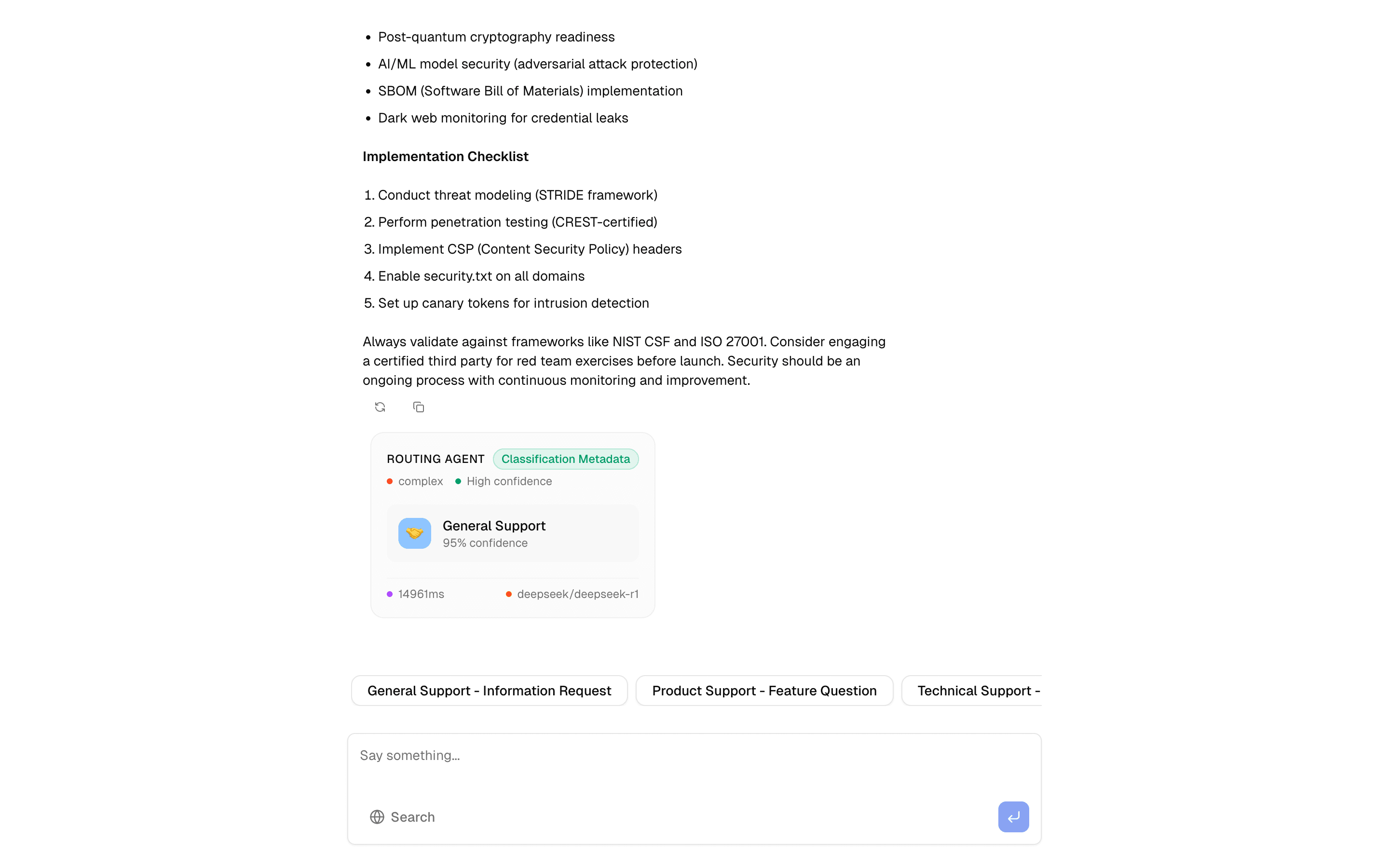
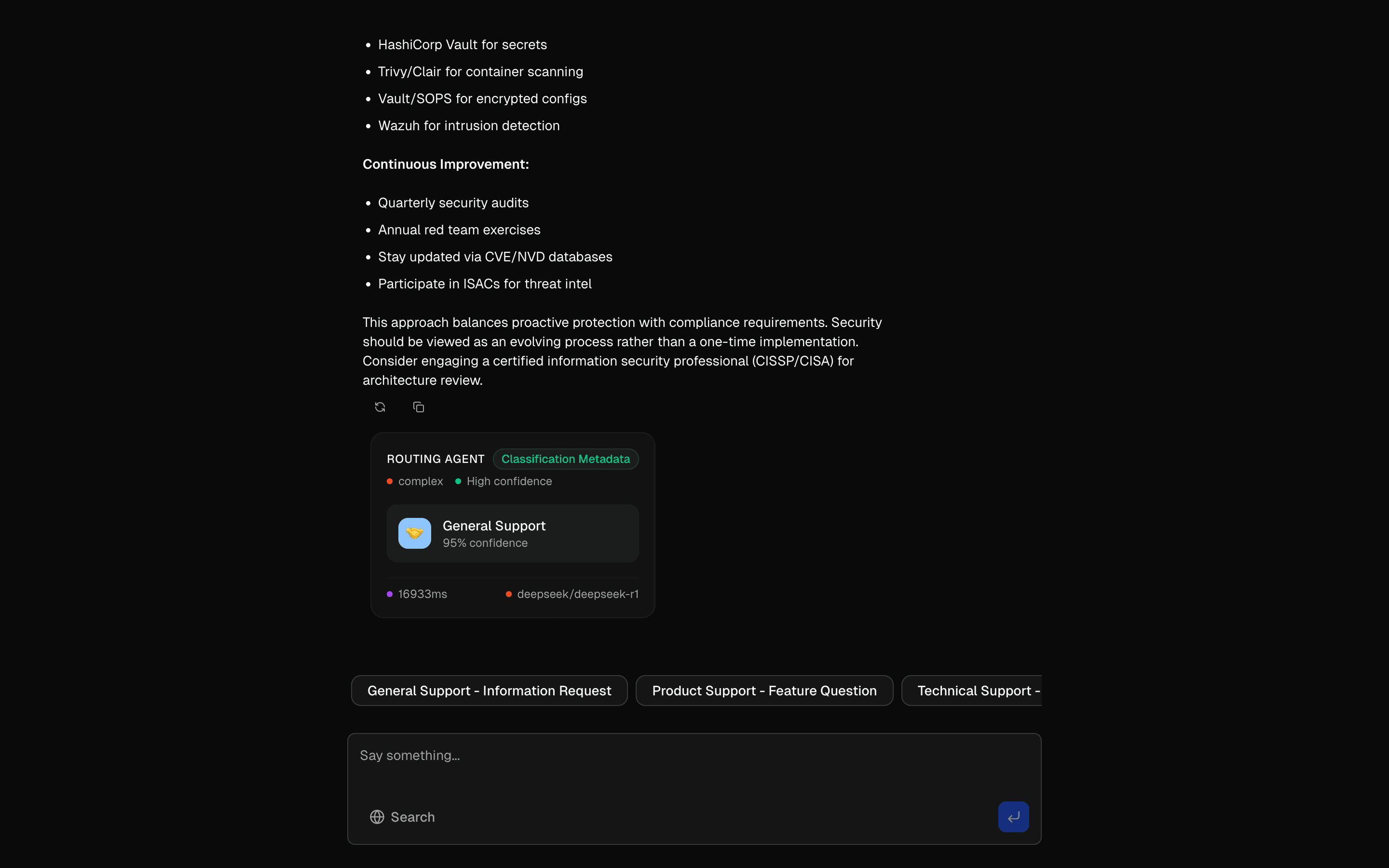 Start hereAgent Routing PatternUse this when one chat endpoint should sort queries into specialist agents and fall back across OpenAI, Perplexity, and Deepseek if a provider fails.ProView block
Also consider
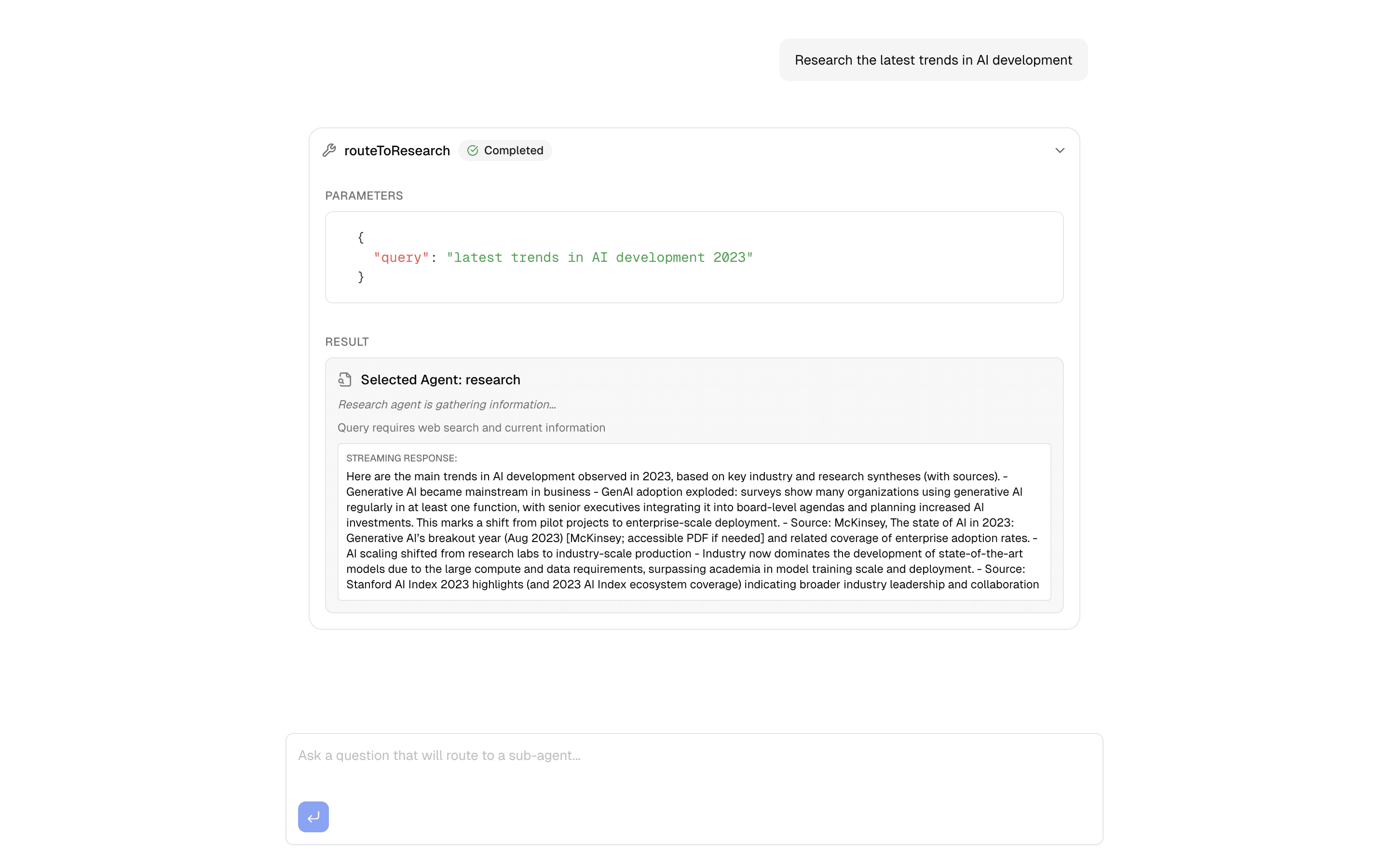
 Sub-Agent OrchestratorCustom Agent implementation demonstrating the Agent interface abstraction with an orchestrator that routes queries to specialized sub-agents (research, analysi…Pro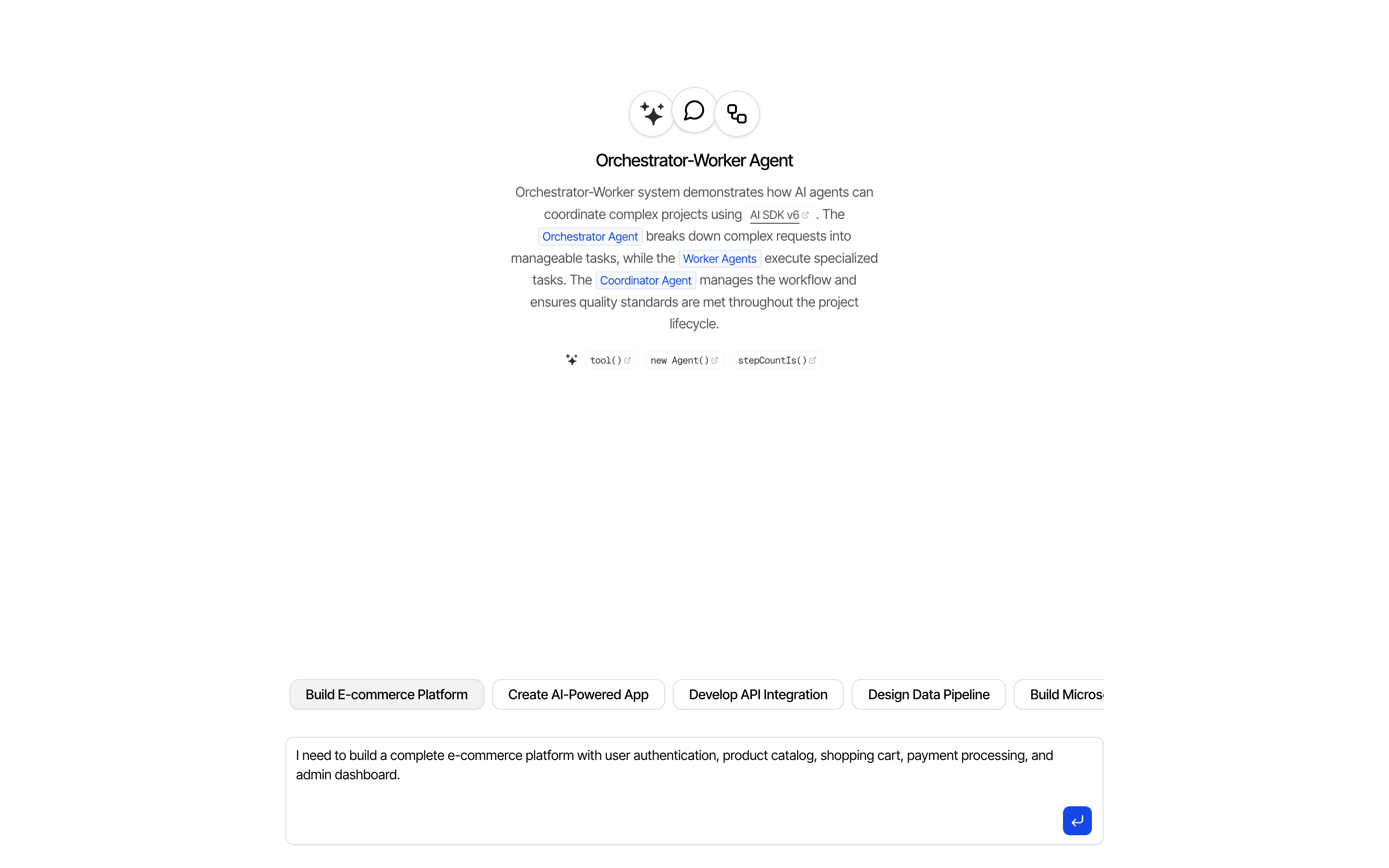
 Orchestrator-Worker PatternUse this when an orchestrator agent built with Experimental_Agent must assign tasks to typed worker tools and report progress as it streams.Pro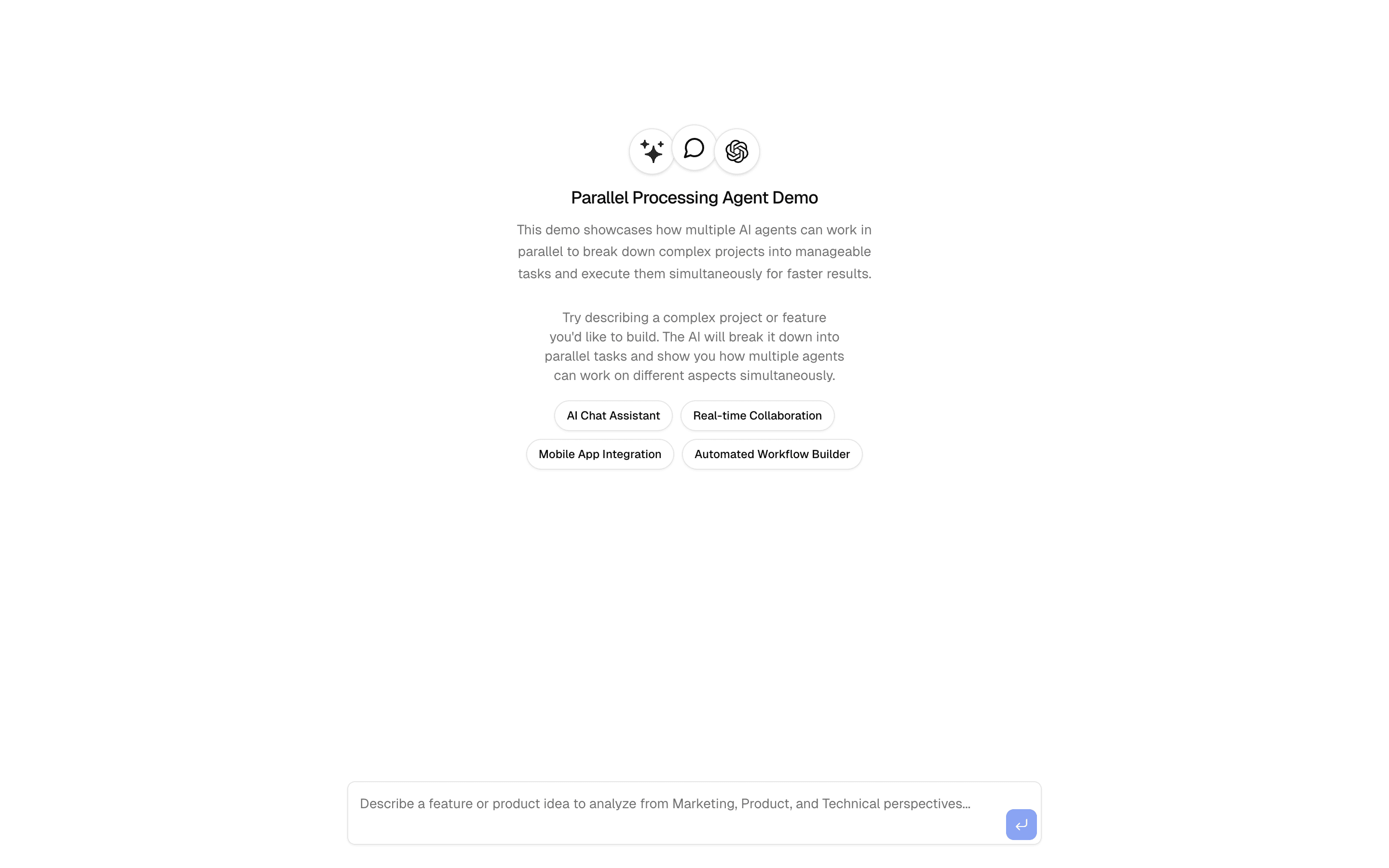
 Parallel Processing PatternProcess content with multiple AI agents running simultaneously. Demonstrates concurrent analysis for faster results.Pro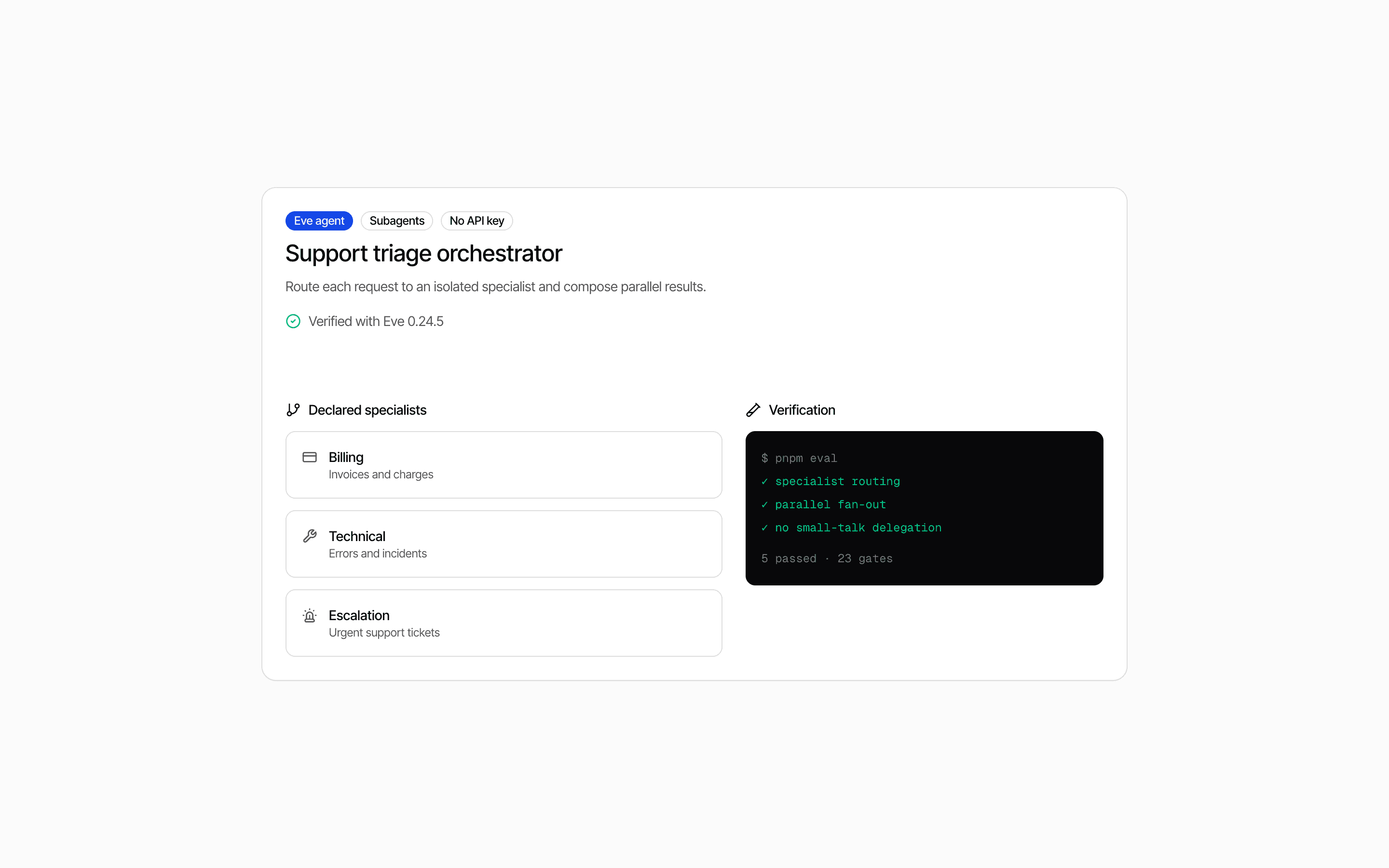
 Eve Triage Orchestrator AgentUse this when one support message mixes intents and an Eve coordinator should split it across declared specialist subagents running in parallel.Pro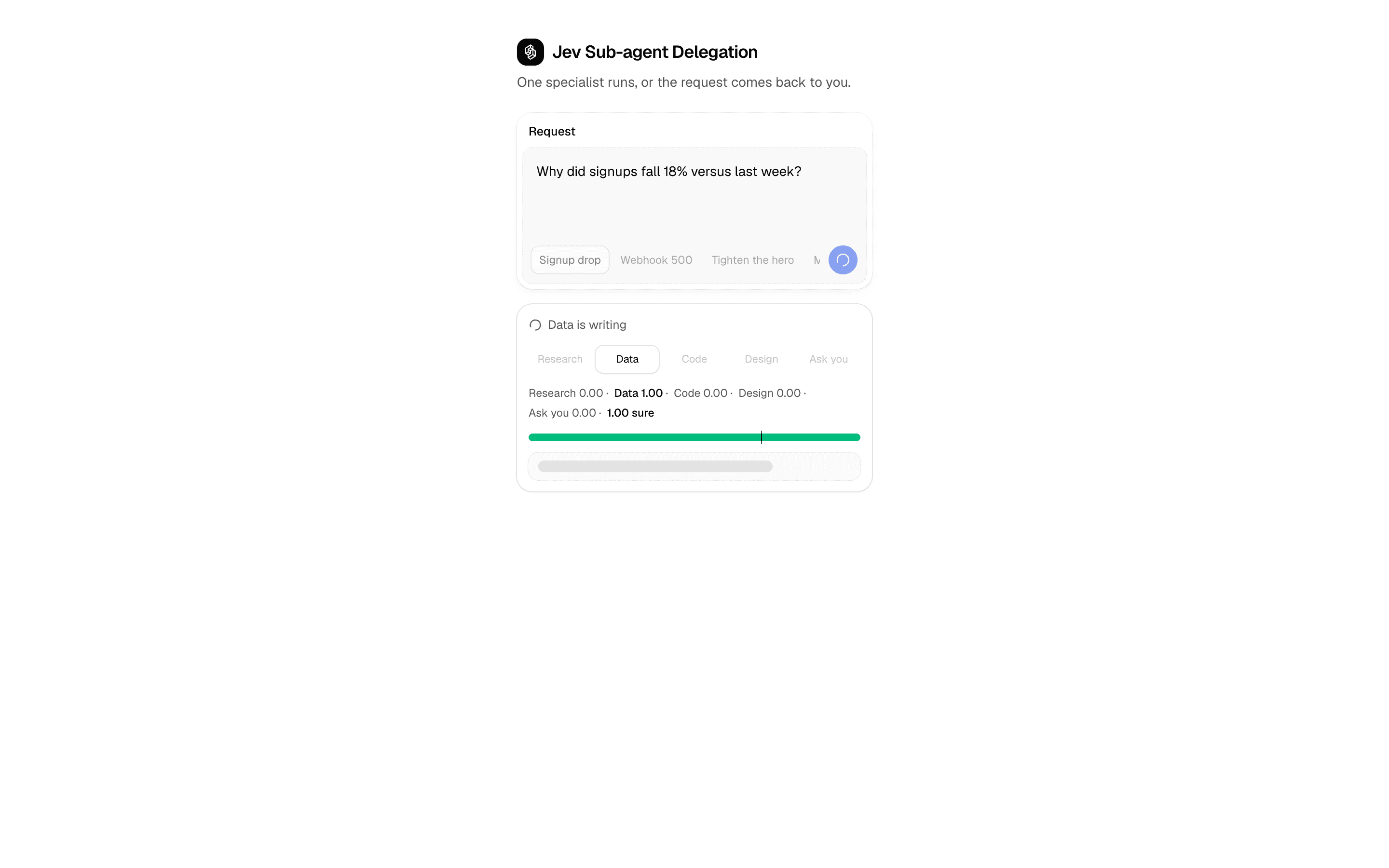
 Jev Sub-agent DelegationUse this when you delegate a request to one specialist agent and want to show the Jev choice distribution before its result.Pro
Orchestrate multi-agent workflows
Remember and follow up
Carry information and recurring work across sessions.
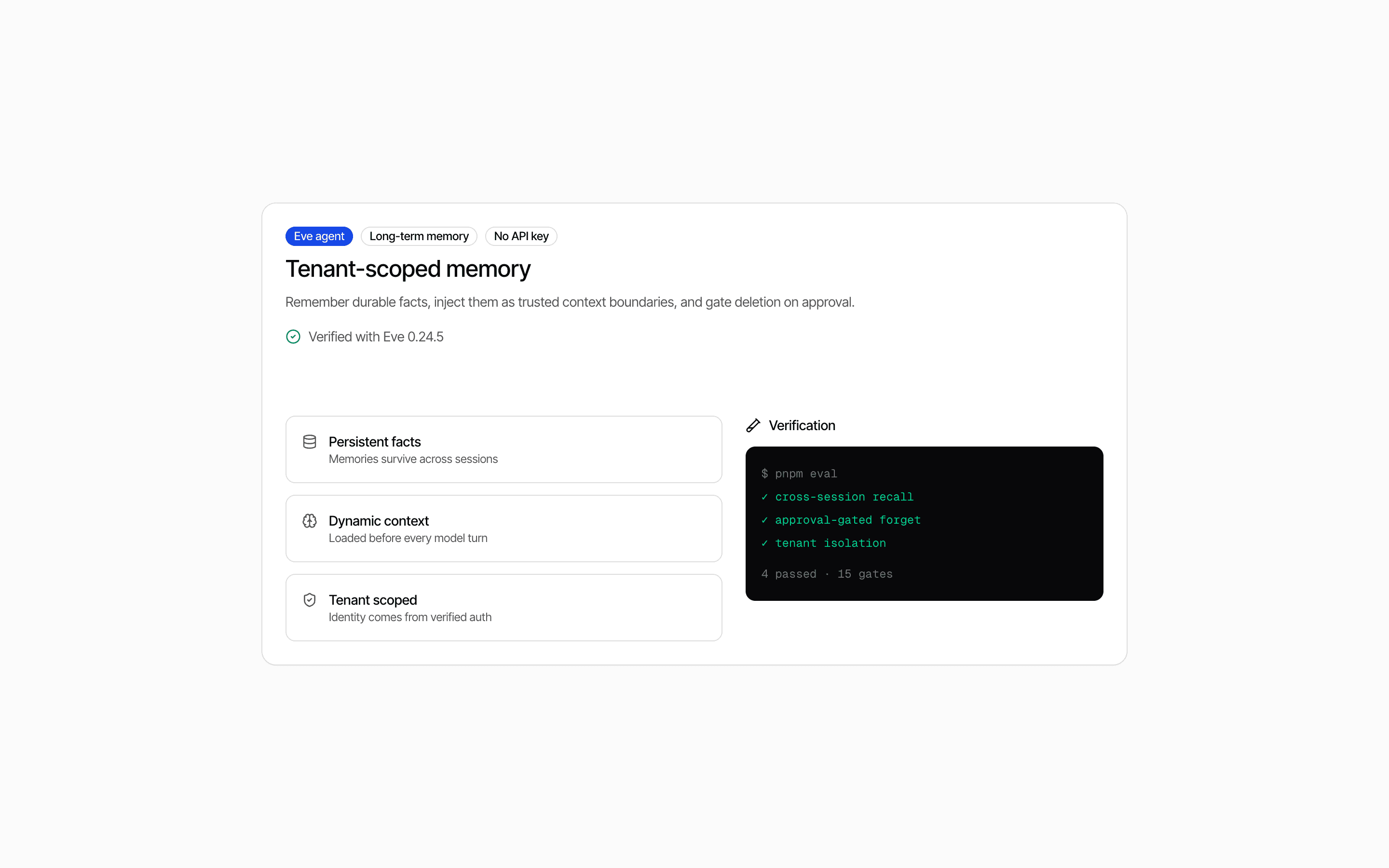
 Start hereEve Long-Term Memory AgentUse this when your Eve agent needs per-user memory it can save, list, and forget, injected as context before every turn and isolated by tenant.ProView block
Also consider
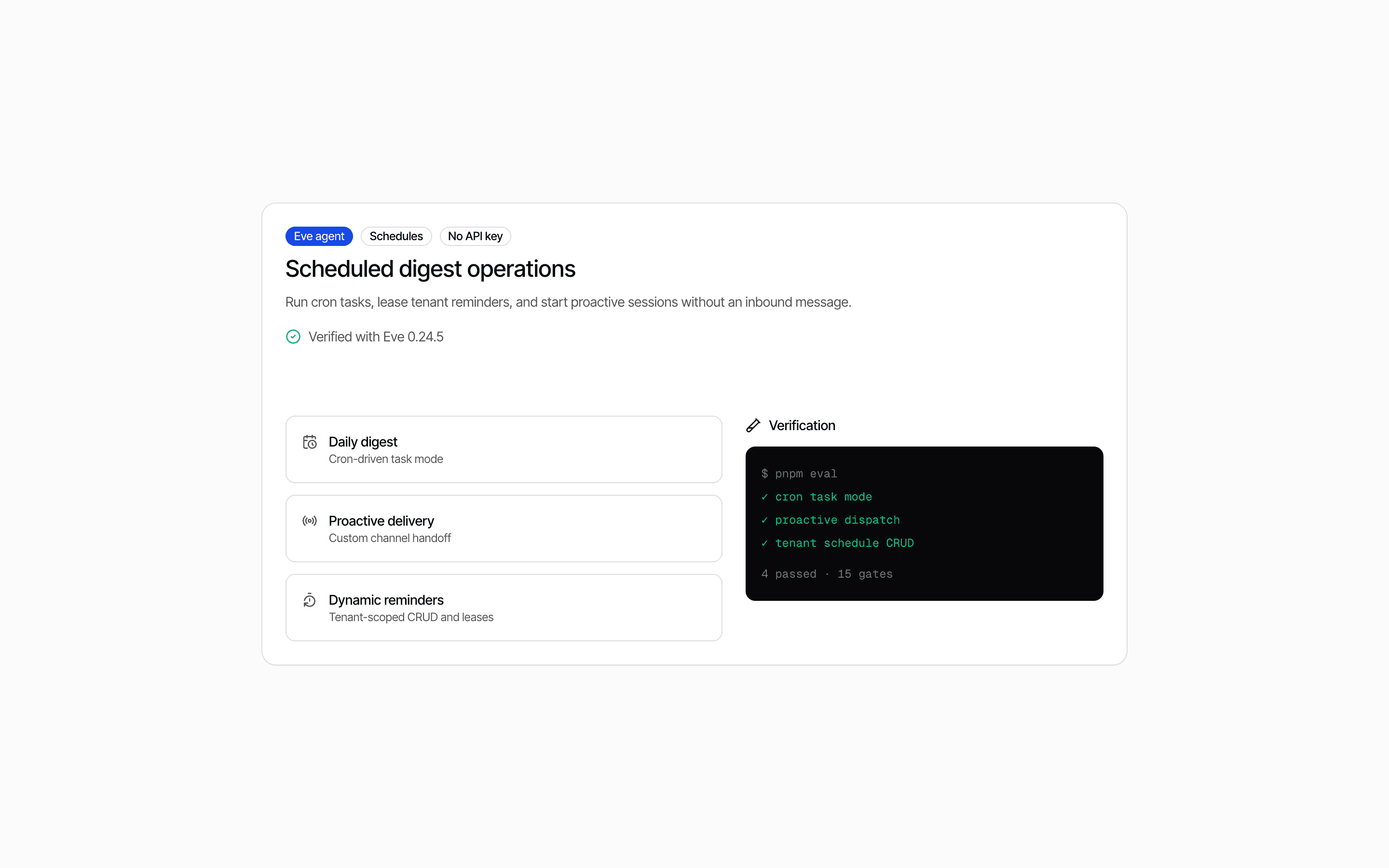
 Eve Scheduled Digest AgentUse this when you need to test cron and dynamic schedule dispatch for an Eve agent deterministically, without provider credentials.Pro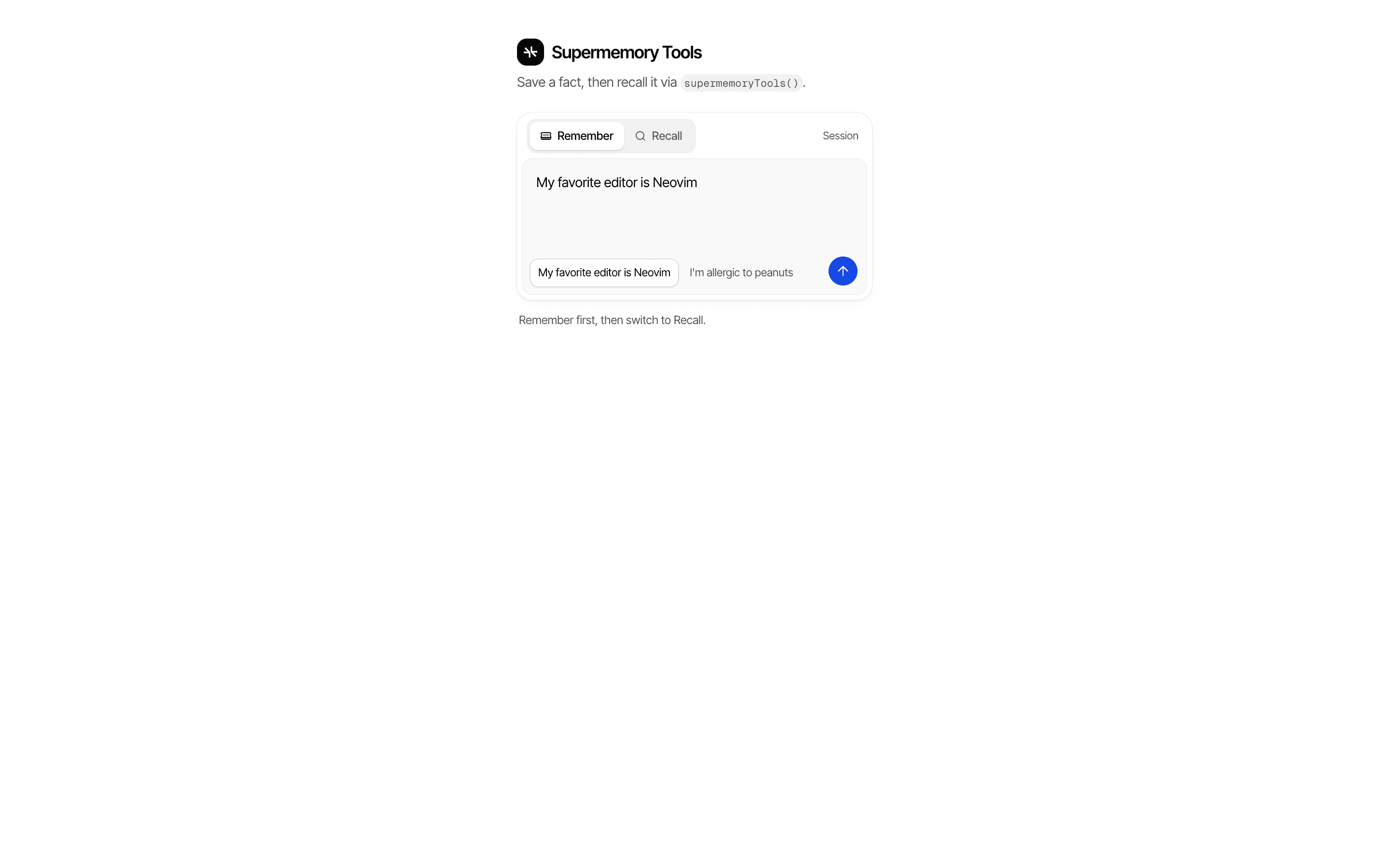
 Supermemory ToolsUse this when your app should remember user facts across turns by storing them in Supermemory, with the user's memory container set on the server.Pro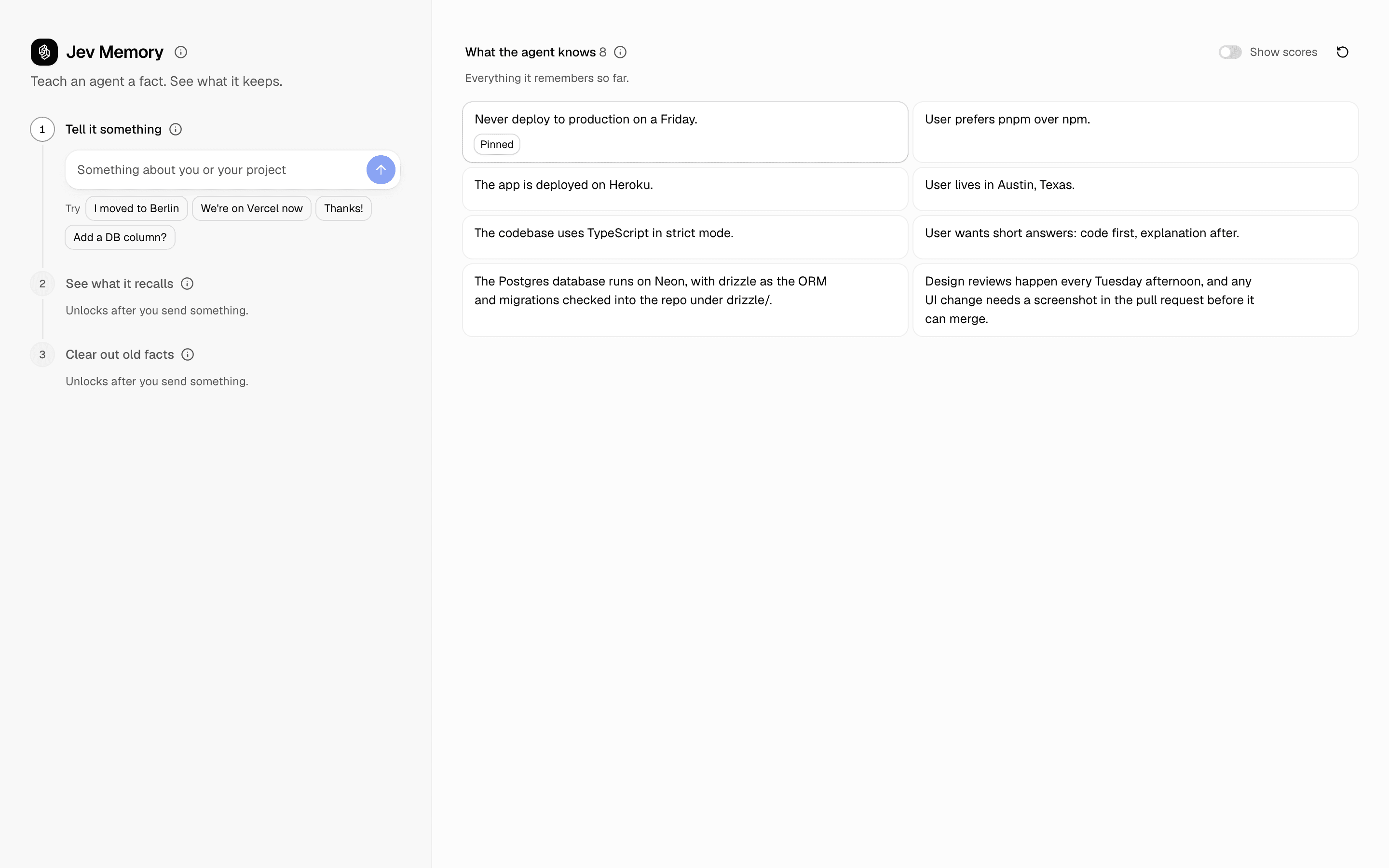
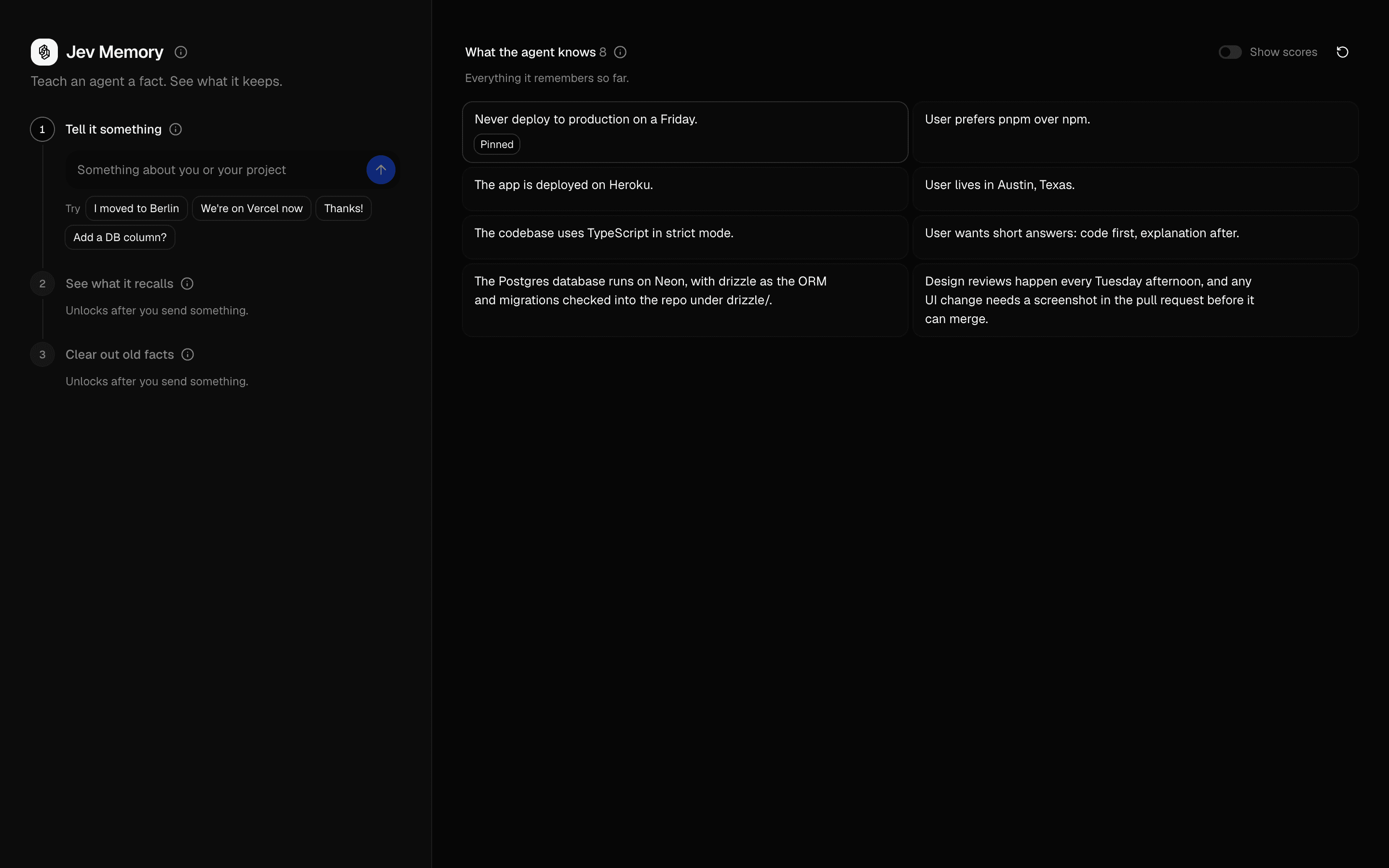 Jev MemoryUse this when an agent's memory store fills with stale or trivial facts and you need gated writes, budgeted recall, and eviction instead of rewriting.Pro
Orchestrate multi-agent workflows
Run a multi-step workflow
Break a larger job into connected stages.
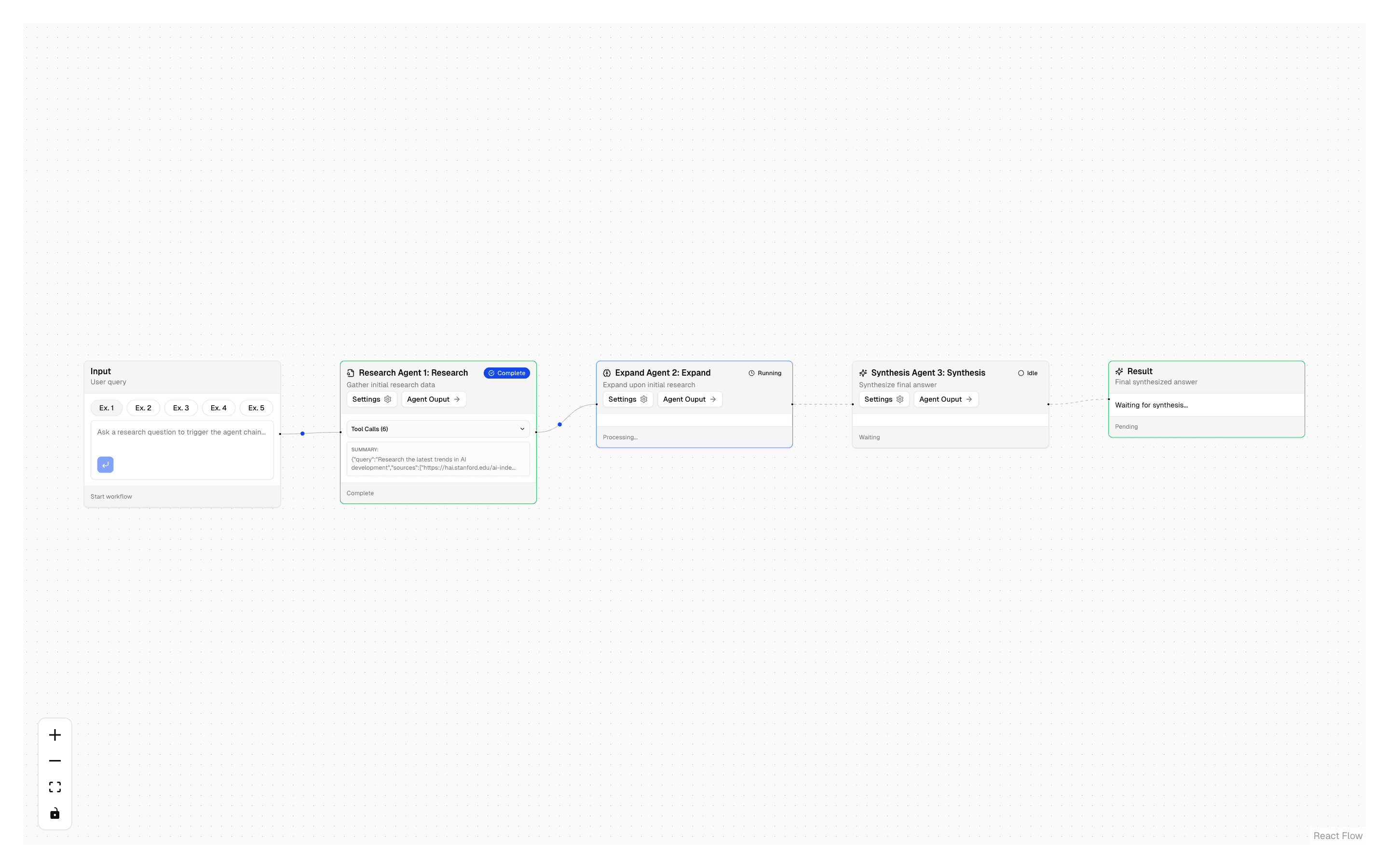
 Start hereResearch Agent ChainUse this when one agent doing all the research is too broad and you want separate gather, expand, and synthesize agents run in order with Exa search.ProView block
Also consider
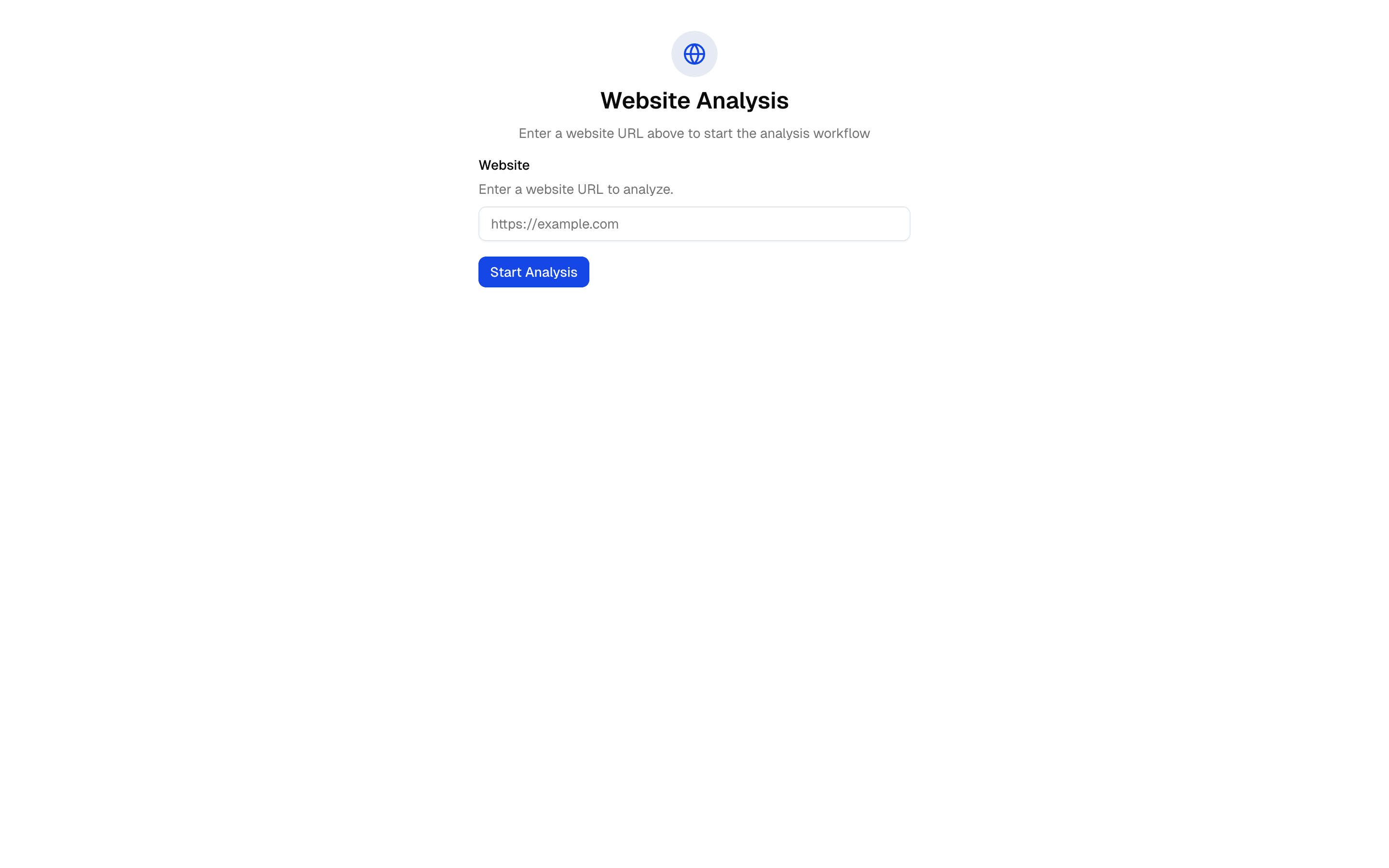
 Workflow - URL AnalysisUse this when you need to run a URL through fixed scrape, analyze, and summarize steps in sequence and stream each step's status to the UI.Pro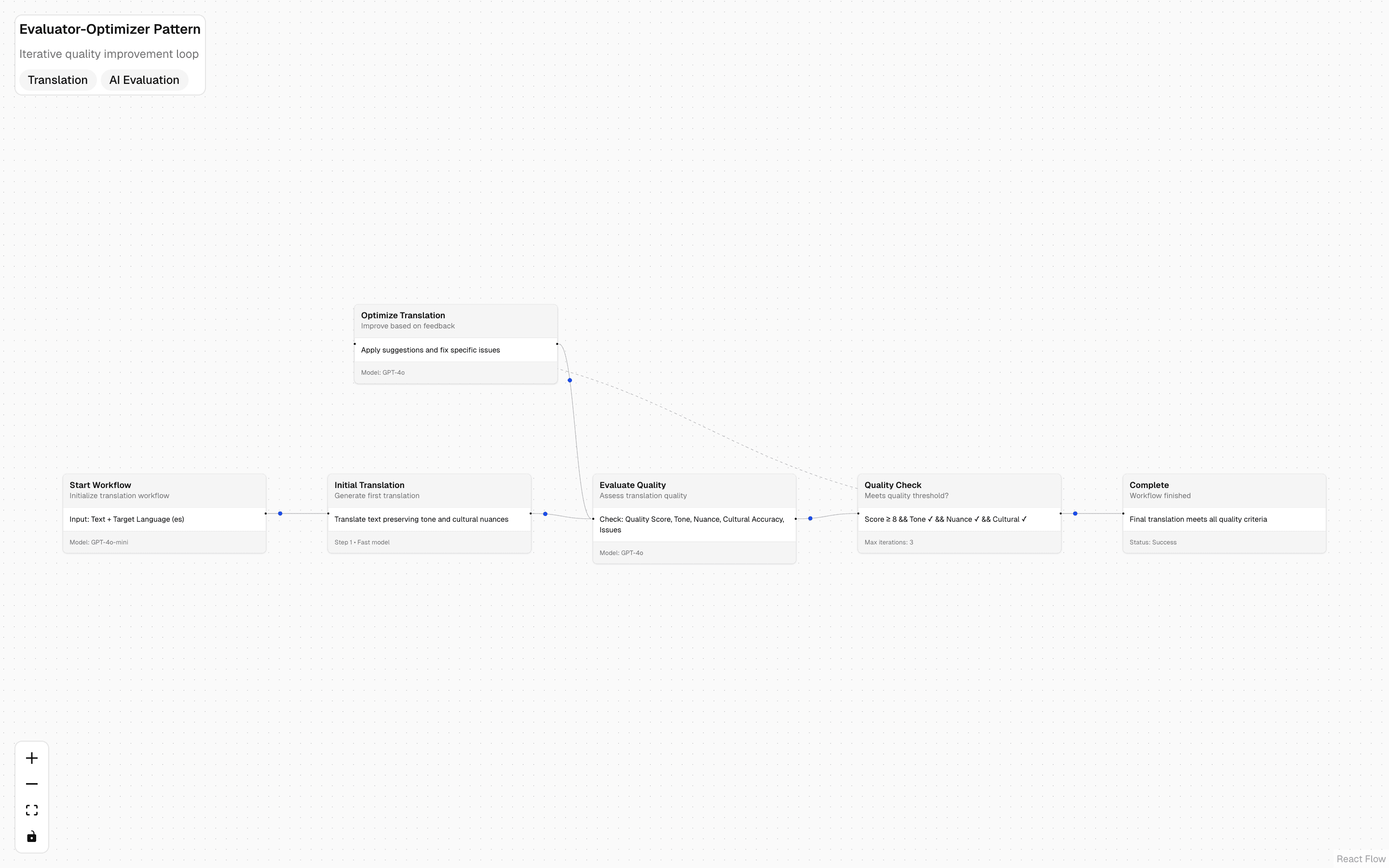
 Evaluator Workflow PatternUse this when you want an evaluator-optimizer loop to run as Workflow DevKit durable steps, so iterative scoring and refinement survive restarts.Free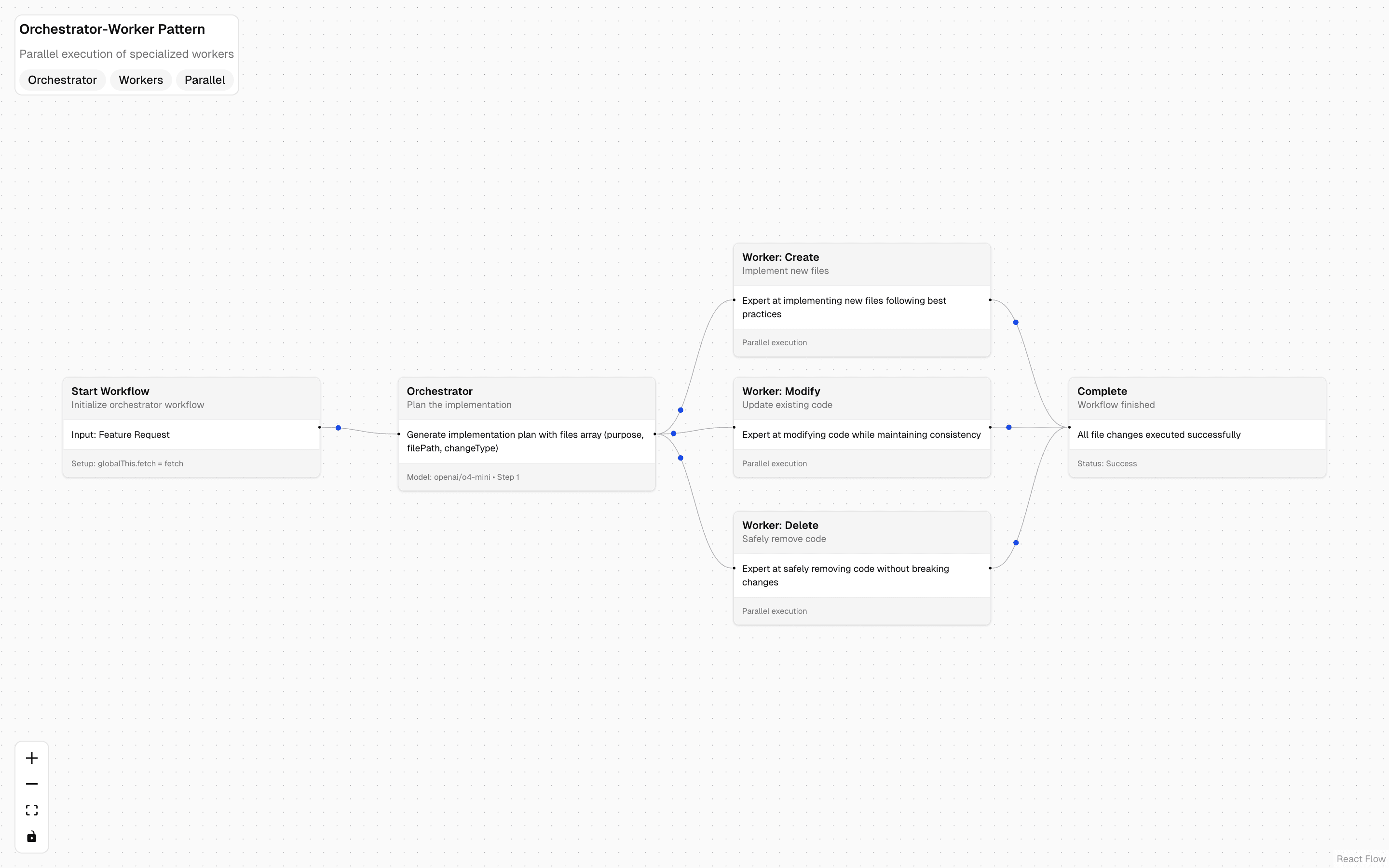
 Orchestrator-Worker Workflow PatternUse this when a durable workflow must plan a multi-file change set, then hand create, modify, and delete work to parallel specialized workers.Free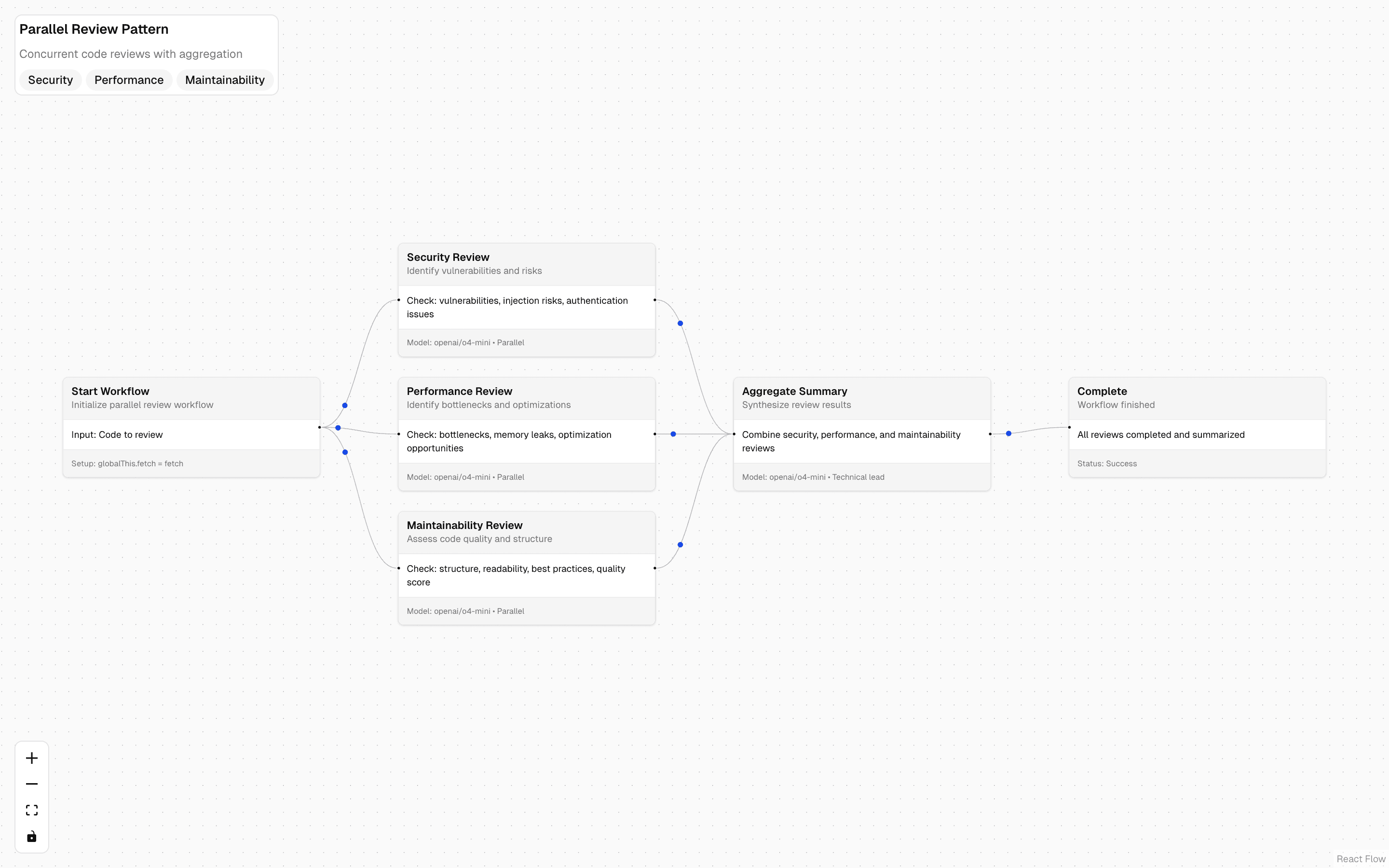
 Parallel Review Workflow PatternUse this when you need several independent AI reviews of the same input to run at once in a durable workflow and be merged into one result.Free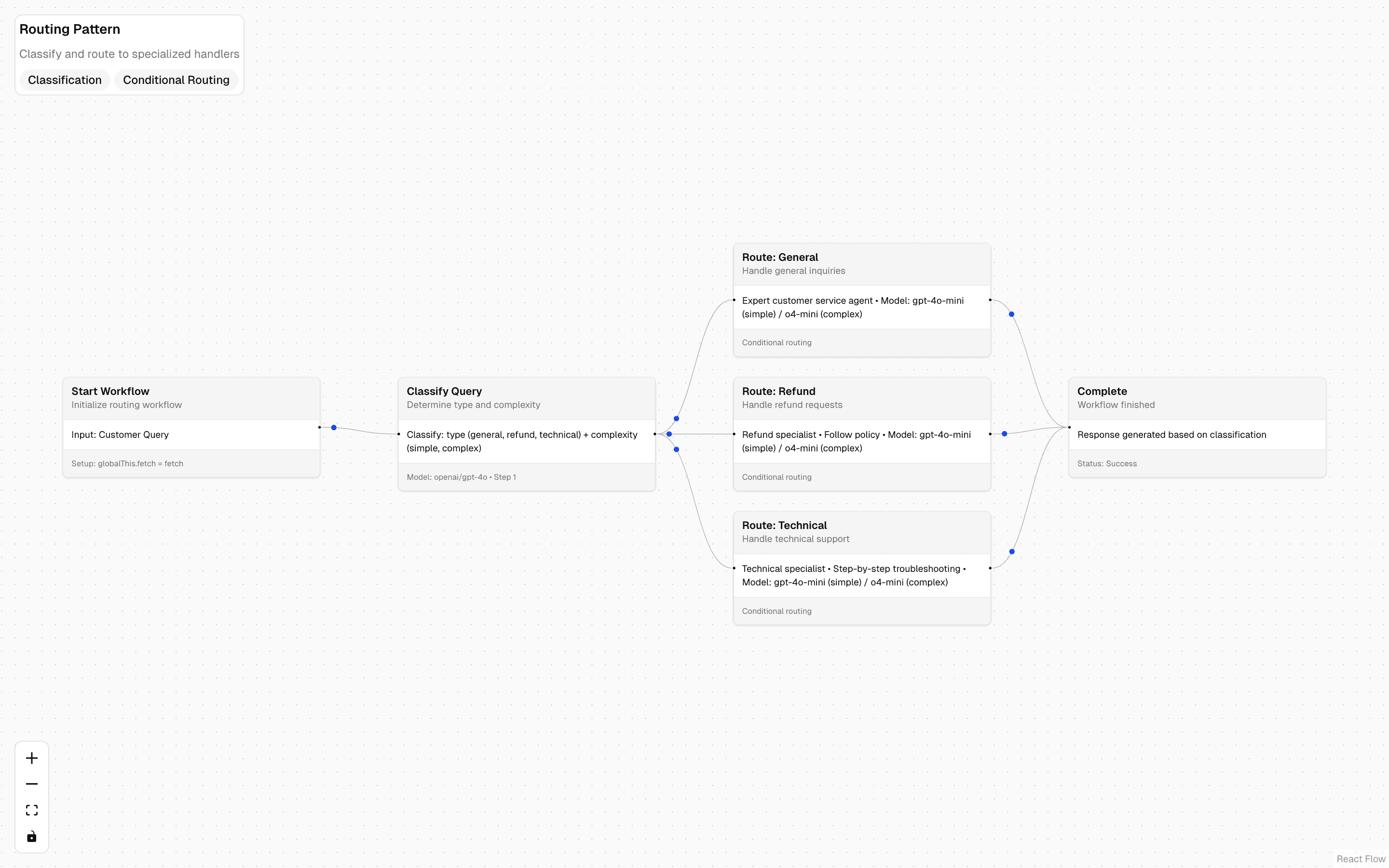
 Routing Workflow PatternUse this when a durable workflow should pick a different handler or model per request based on how an AI classifies it, such as support tickets.Free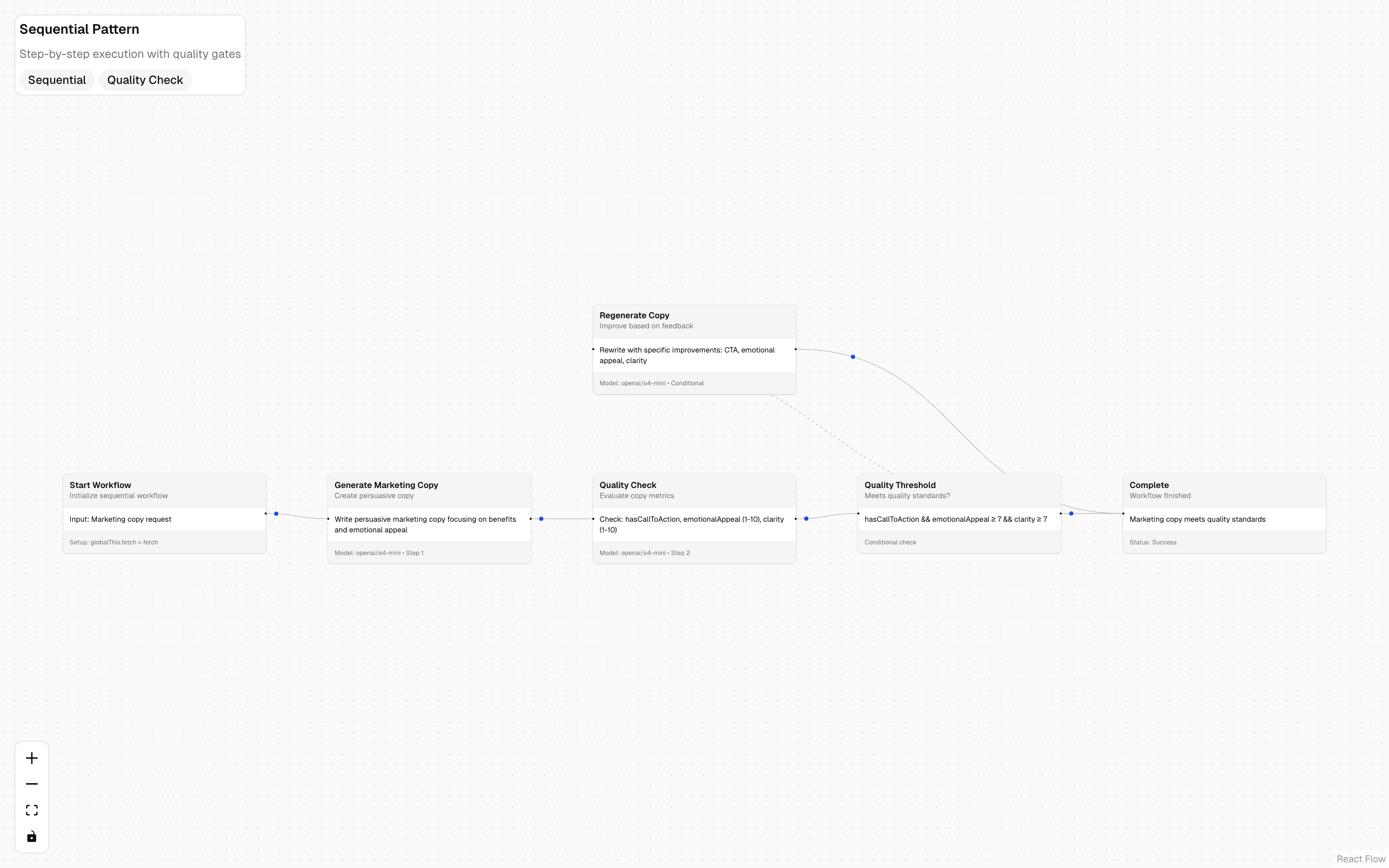
 Sequential Workflow PatternUse this when each stage's output feeds the next and you need a pass/fail gate before moving on, such as drafting then polishing copy.Free
Add human-in-the-loop
Approve tool calls
Put a person between a proposal and execution.
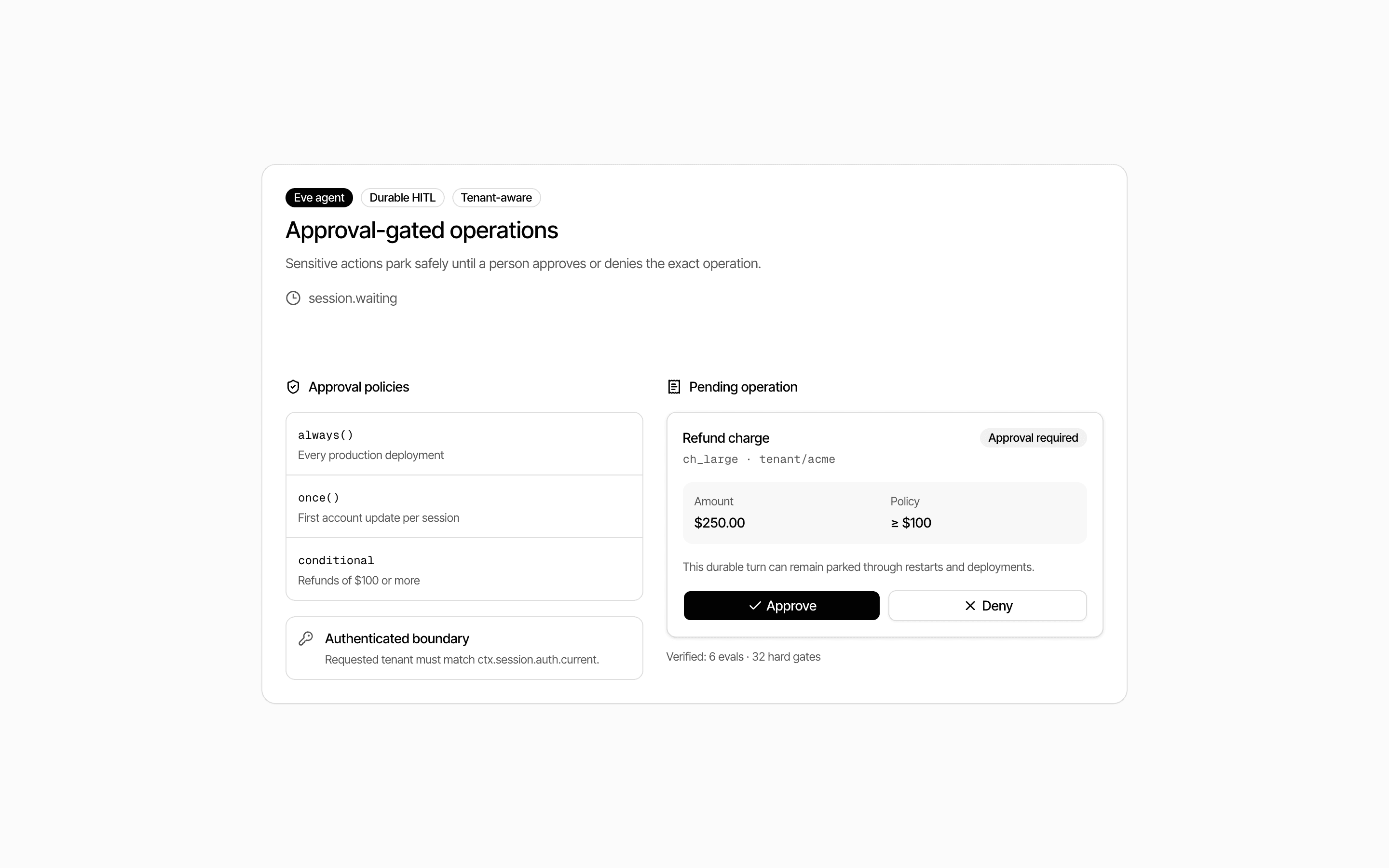
 Start hereEve Approval-Gated Operations AgentUse this when an Eve agent must pause sensitive operations like refunds or deploys until a person approves, then resume the same durable turn.ProView block
Also consider
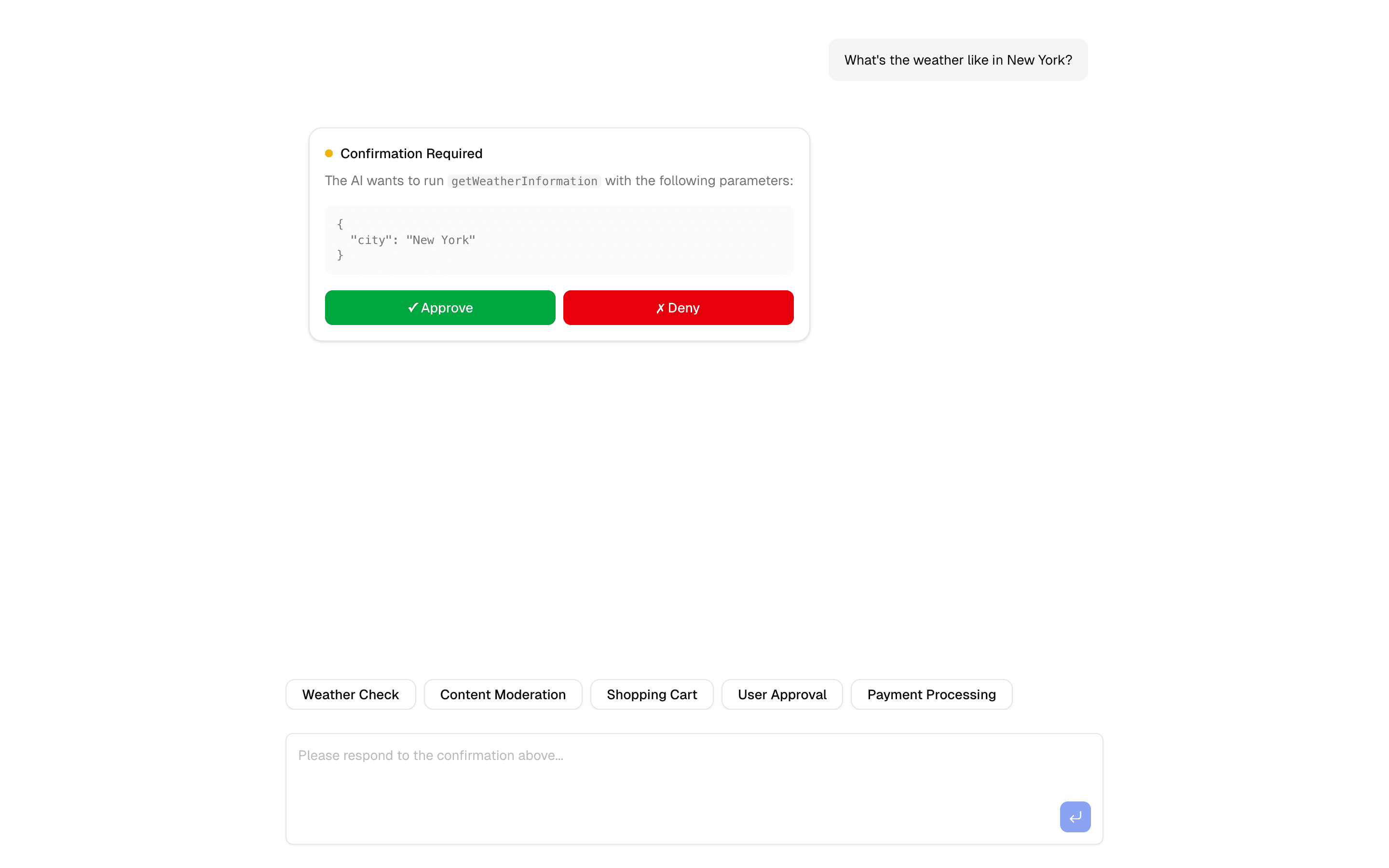
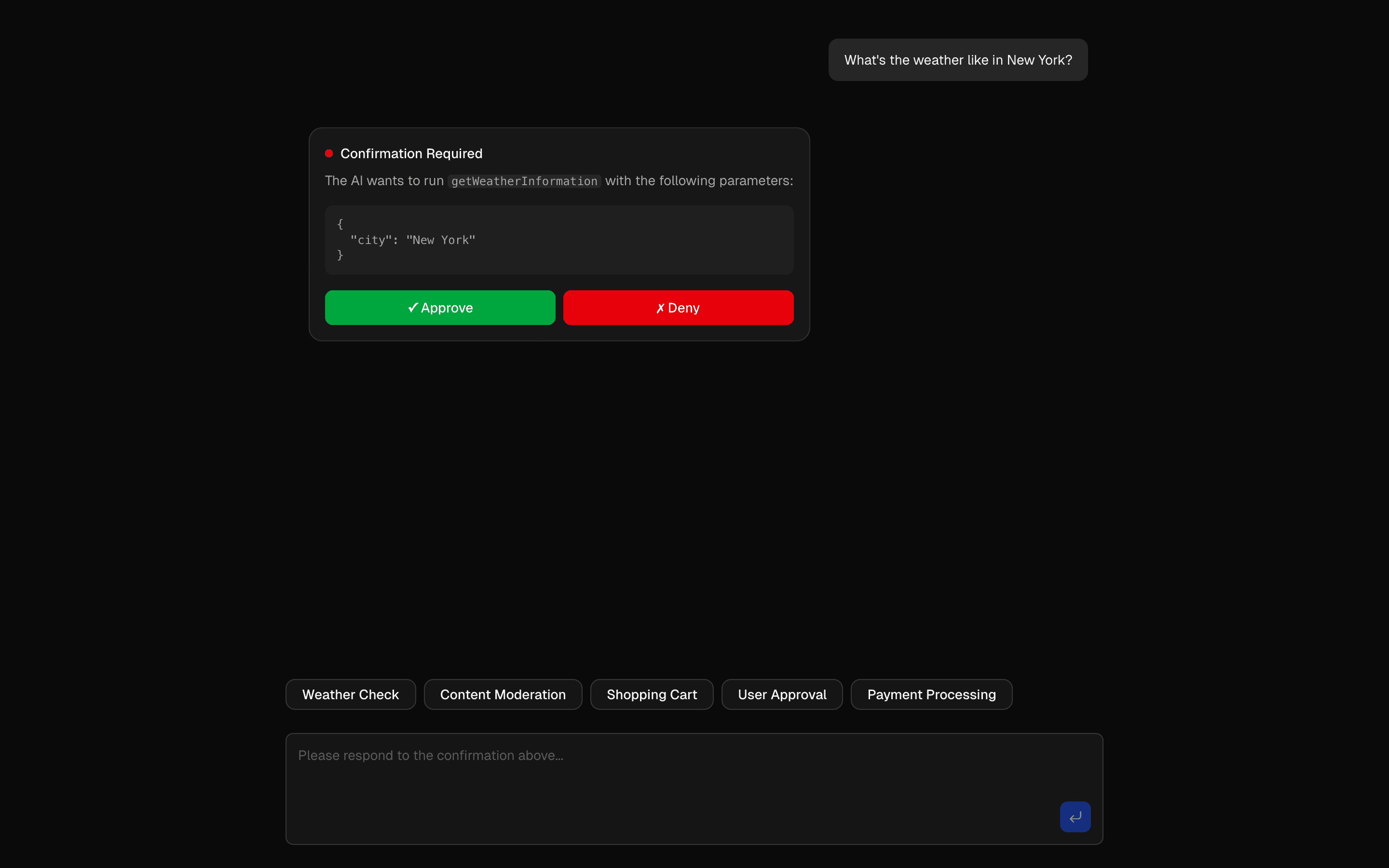 HIL Tool Approval BasicUse this when you want a basic starting point for gating risky agent tool calls behind a human approve or deny step, with Upstash in the stack.Pro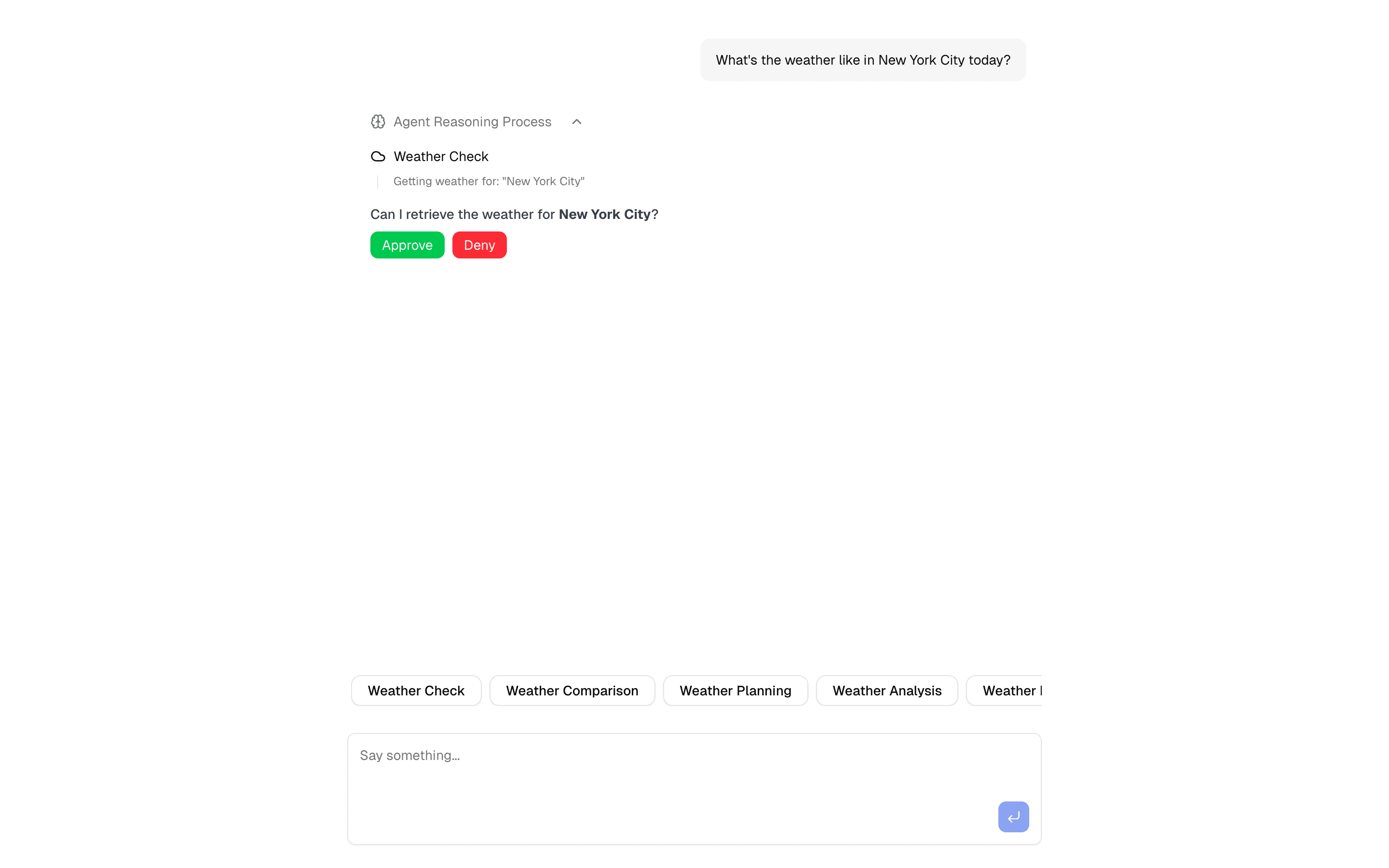
 HIL Needs ApprovalDemonstrate tool approval with async generators. Includes real-time feedback, approval workflows, and interactive management.Pro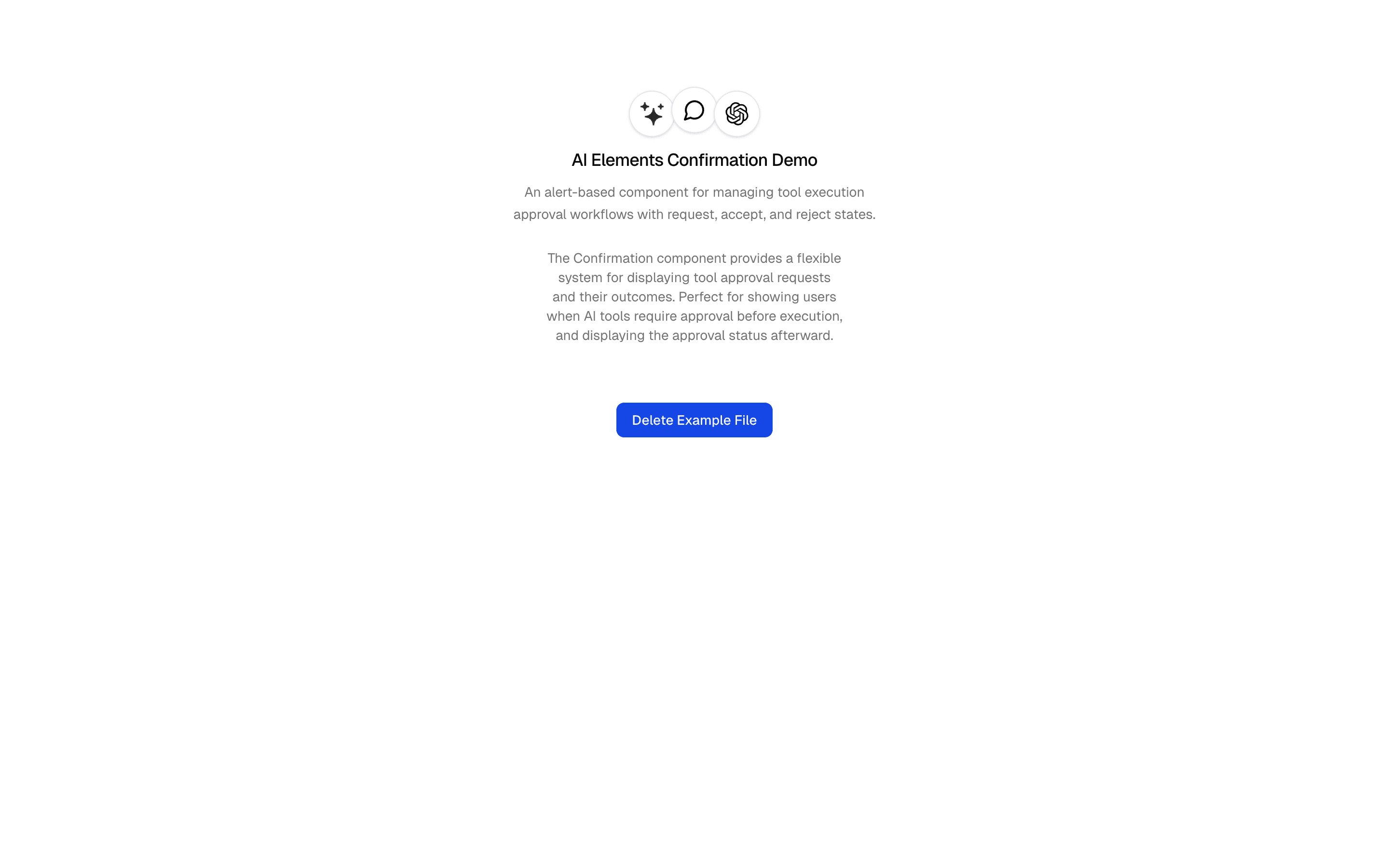
 Tool ApprovalUse this when a destructive action, such as deleting a file, needs an in-chat confirm or deny step built only on the AI SDK's own approval flow.Pro
Add human-in-the-loop
Review a plan
Show the intended work before committing to it.
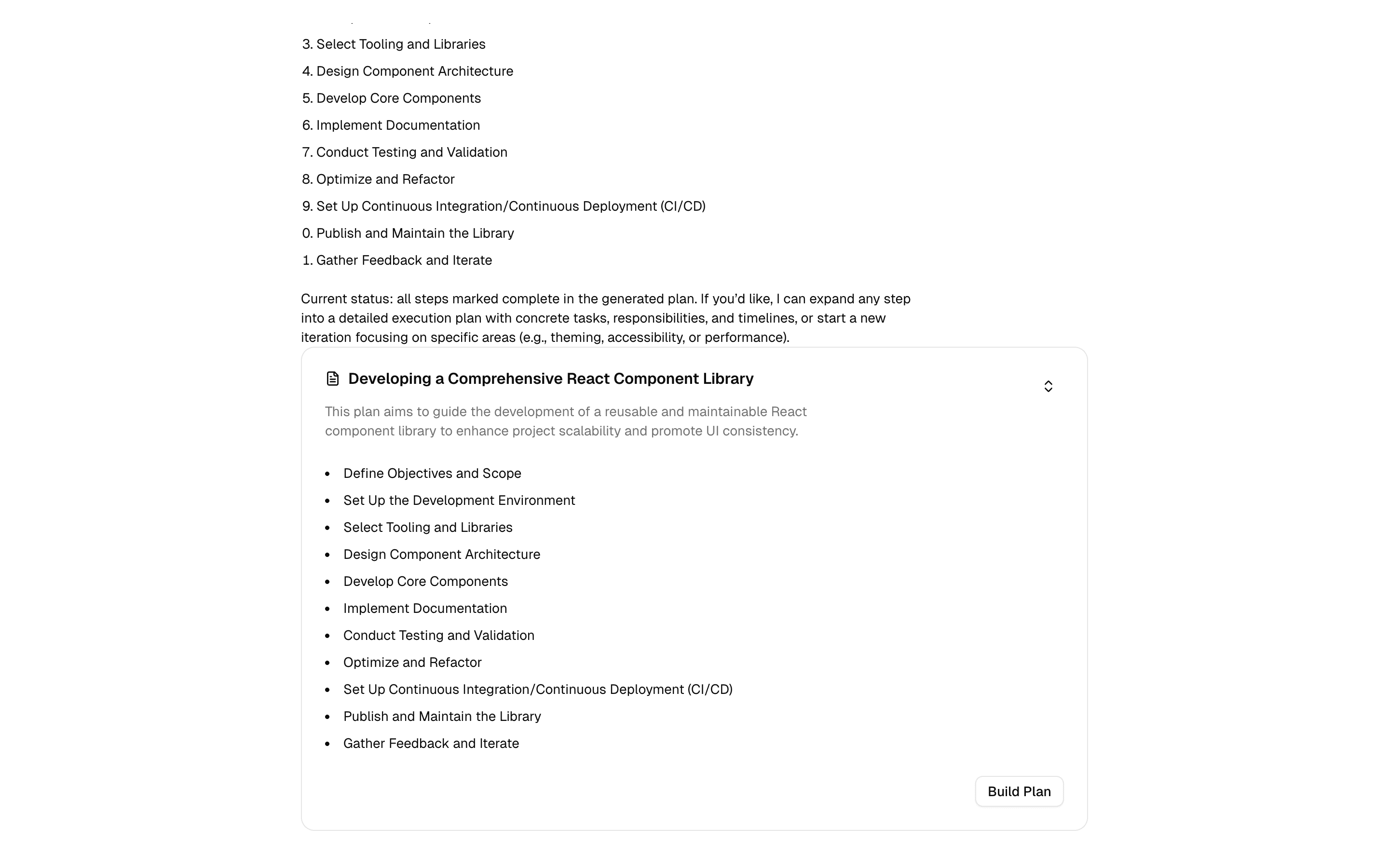
 Start herePlanUse this when your chat agent produces step-by-step plans and you want them streamed into a collapsible plan component with shimmer while steps load.ProView block
Also consider
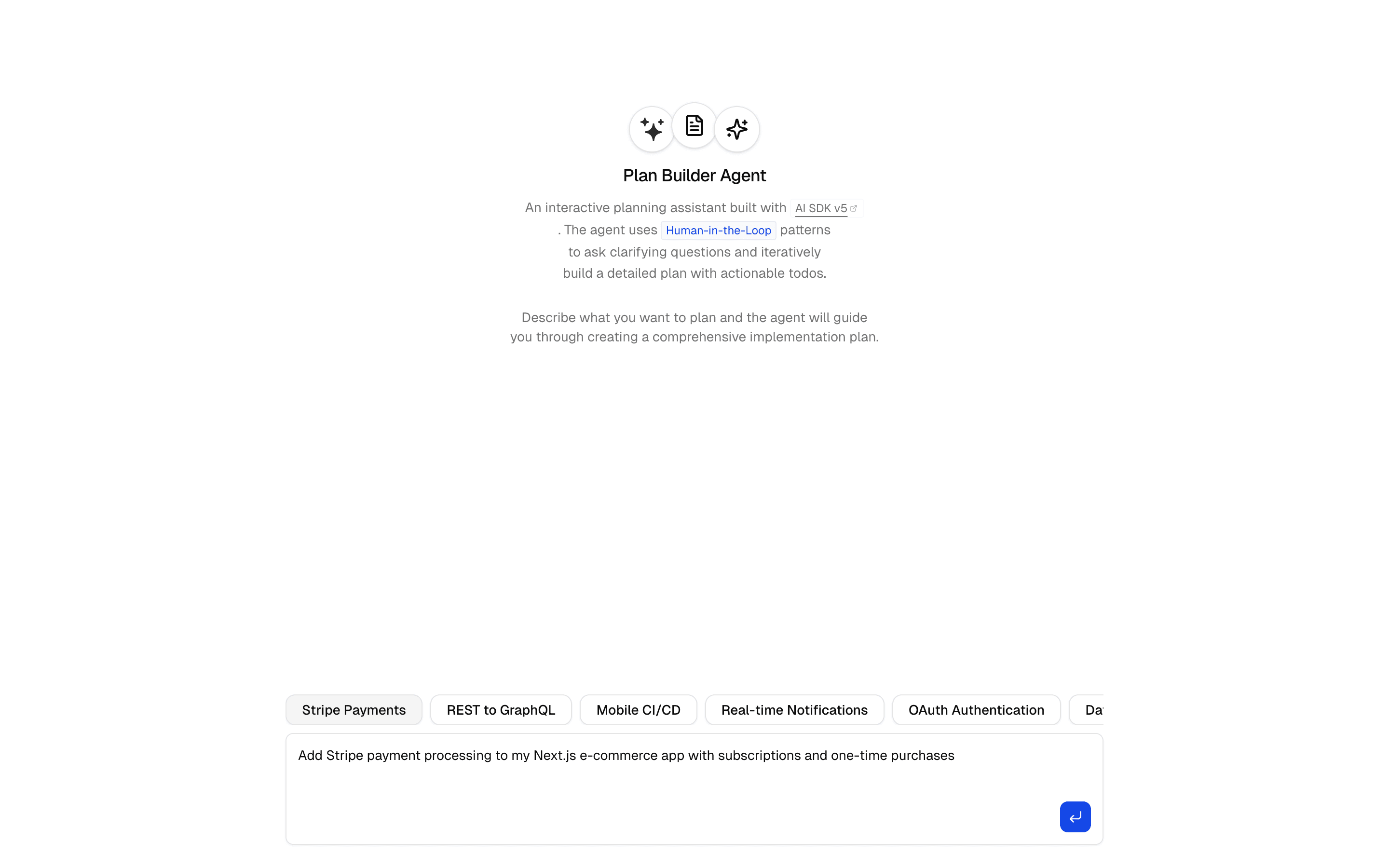
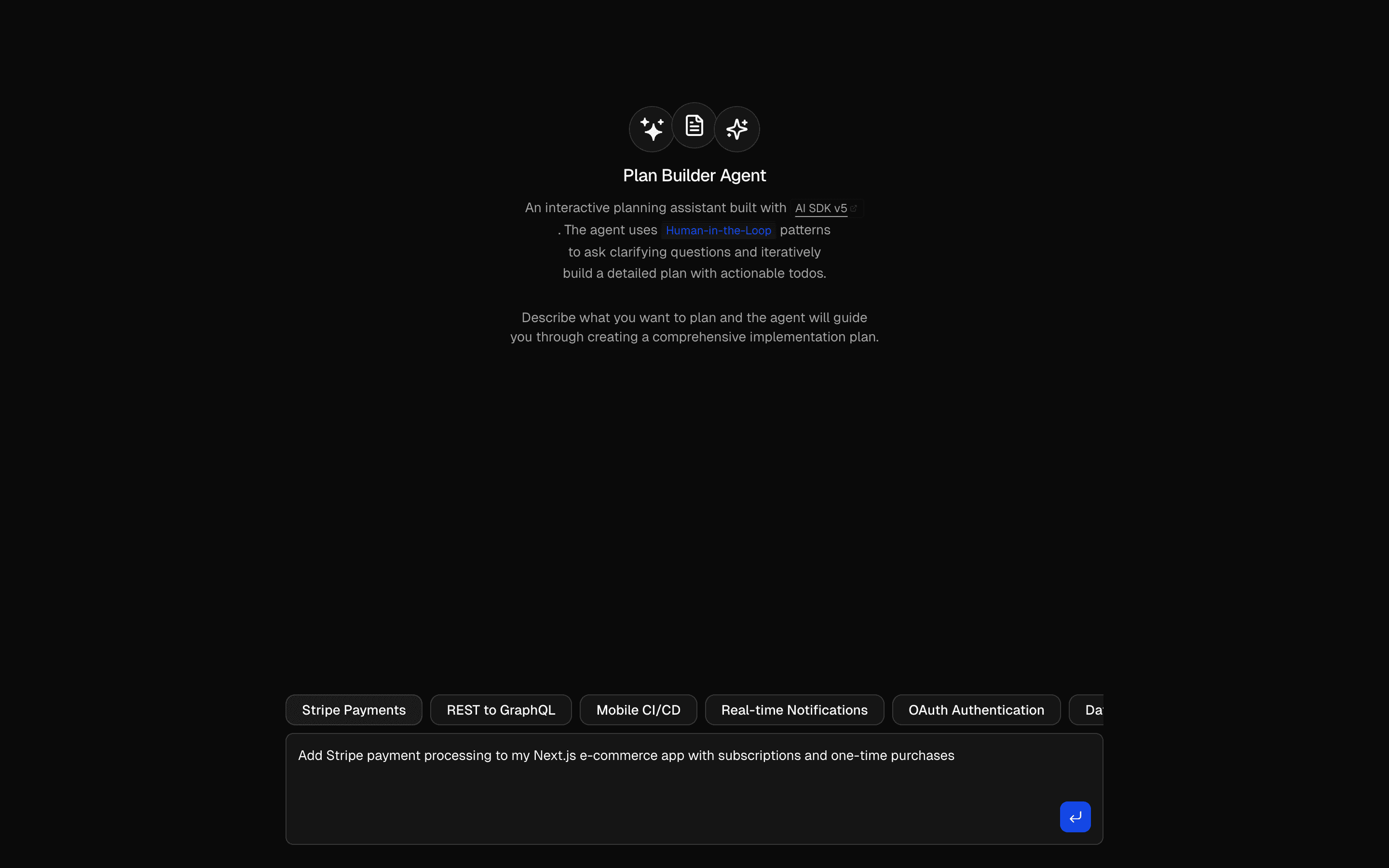
Add human-in-the-loop
Ask for missing context
Get the context you need before moving forward.
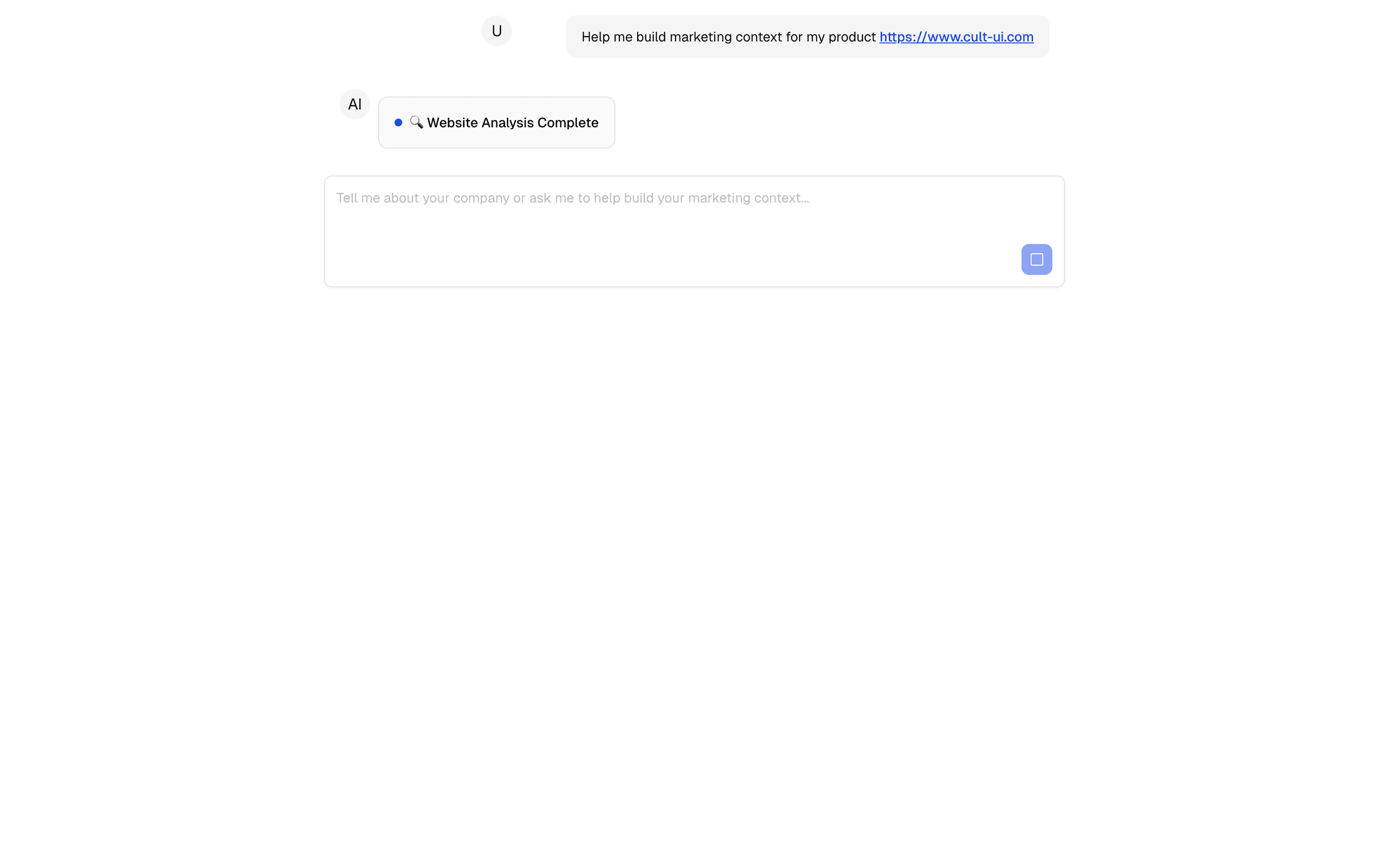
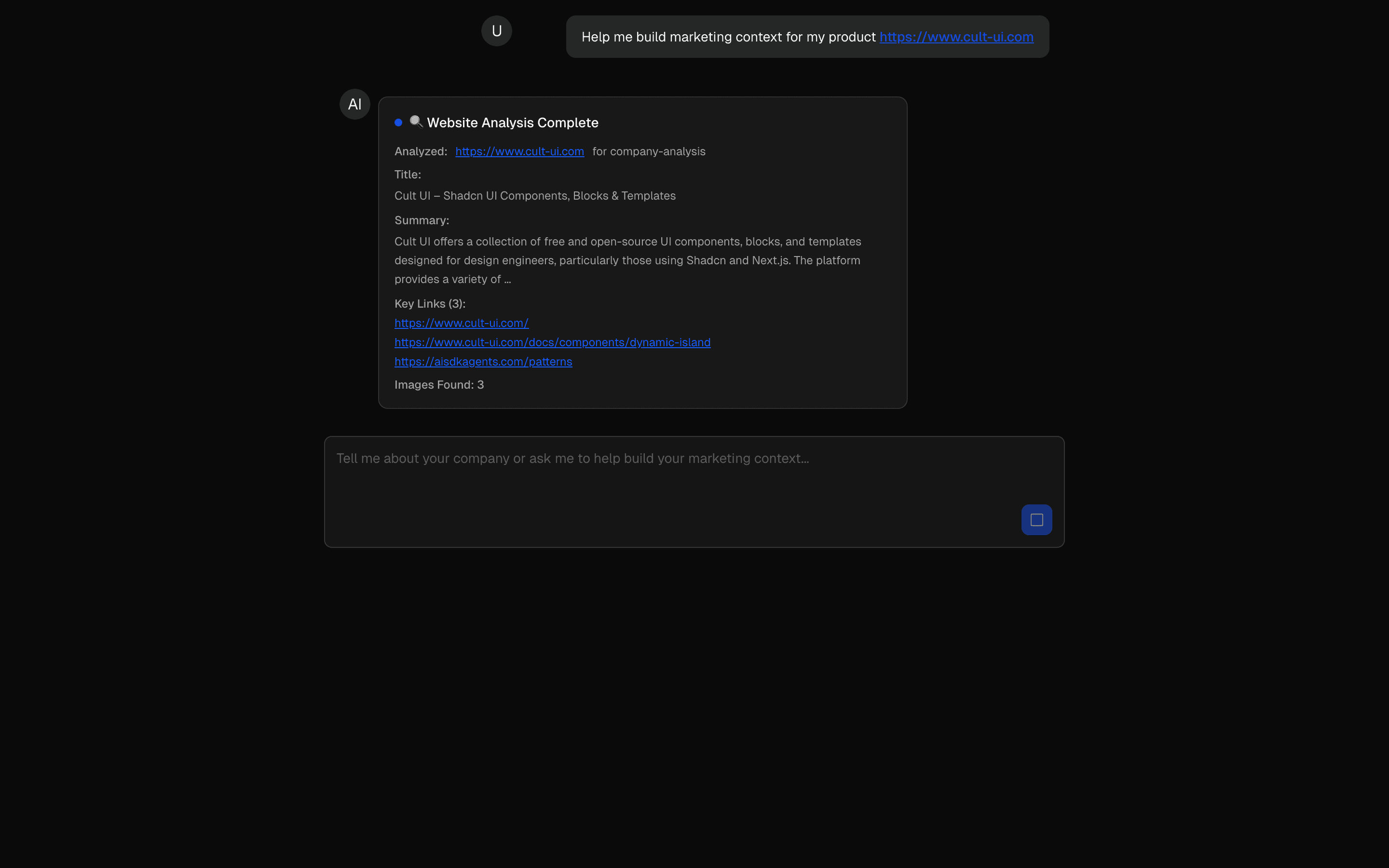 Start hereHIL Agentic Context BuilderUse this when an agent must interview a user and research the web to build a brand profile, stopping once a completion tool fires.ProView block
Also consider
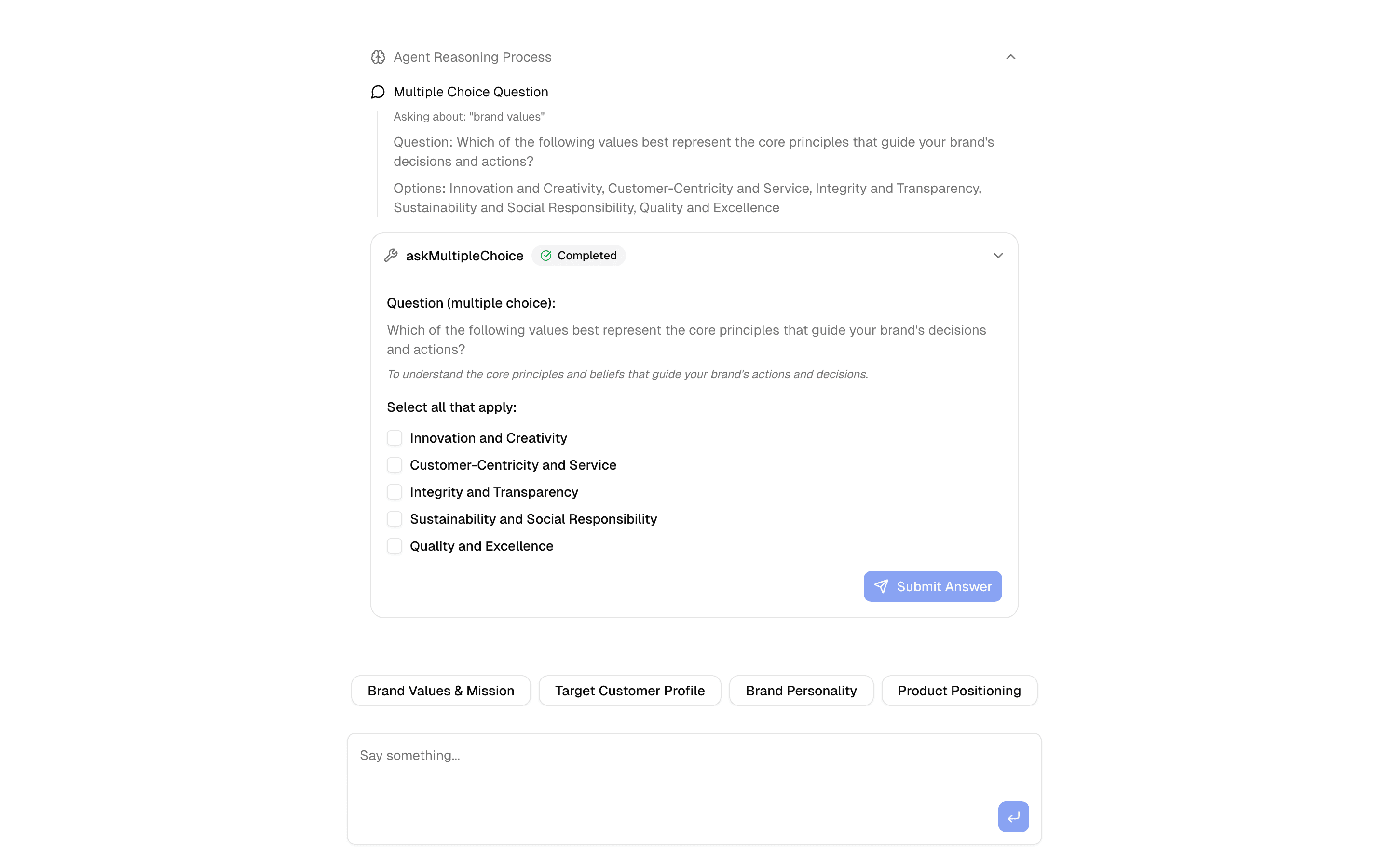
 HIL Inquire Multiple ChoiceUse this when an agent loop must stop on an inquire tool call to collect a multiple-choice answer before continuing with that context.Pro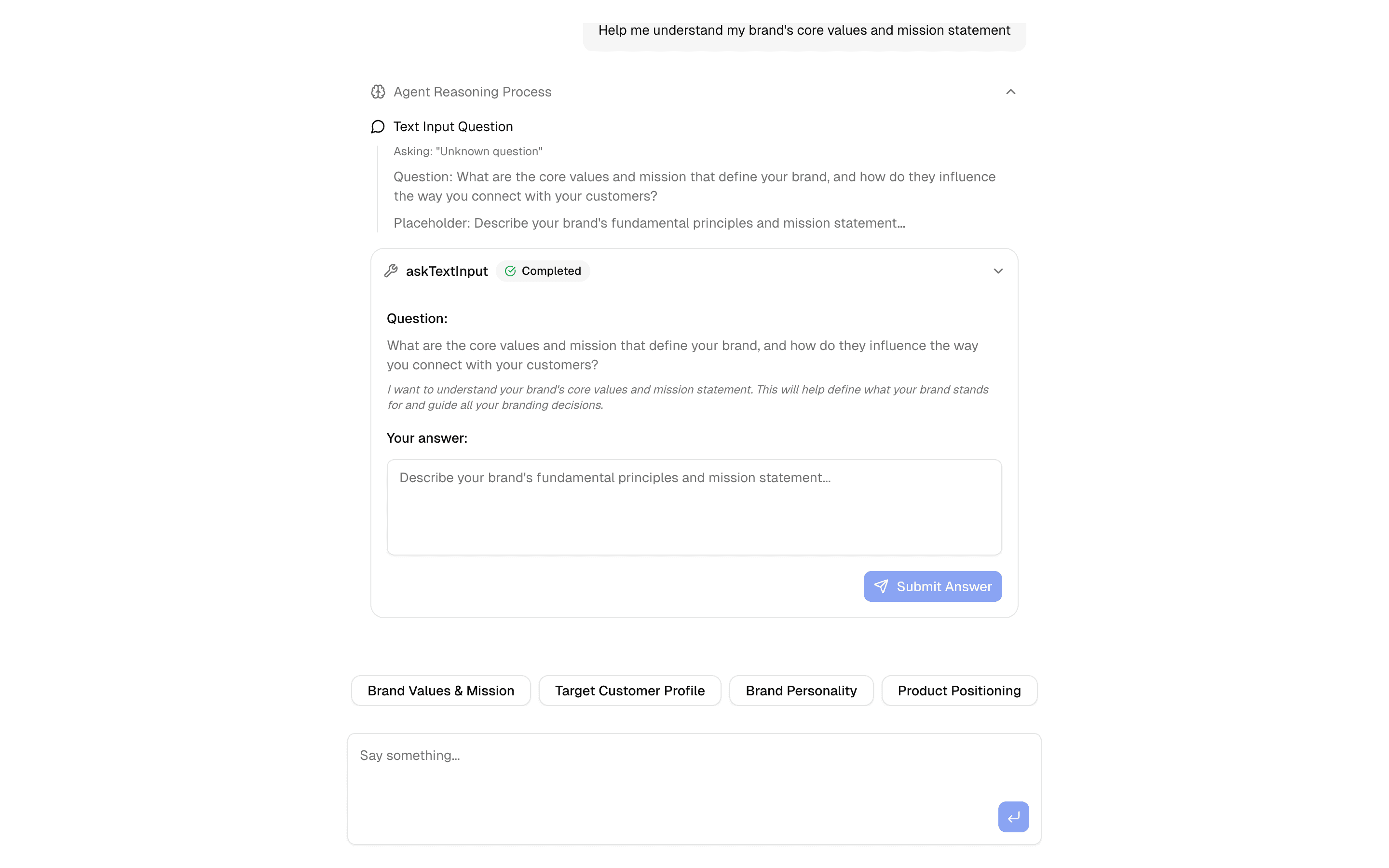
 HIL Inquire Text InputUse this when your agent needs to pause mid-loop, ask the user an open-ended question, and resume once they type a free-text answer.Pro
Add evals and guardrails
Verify and improve answers
Evaluate, verify, and improve an output.
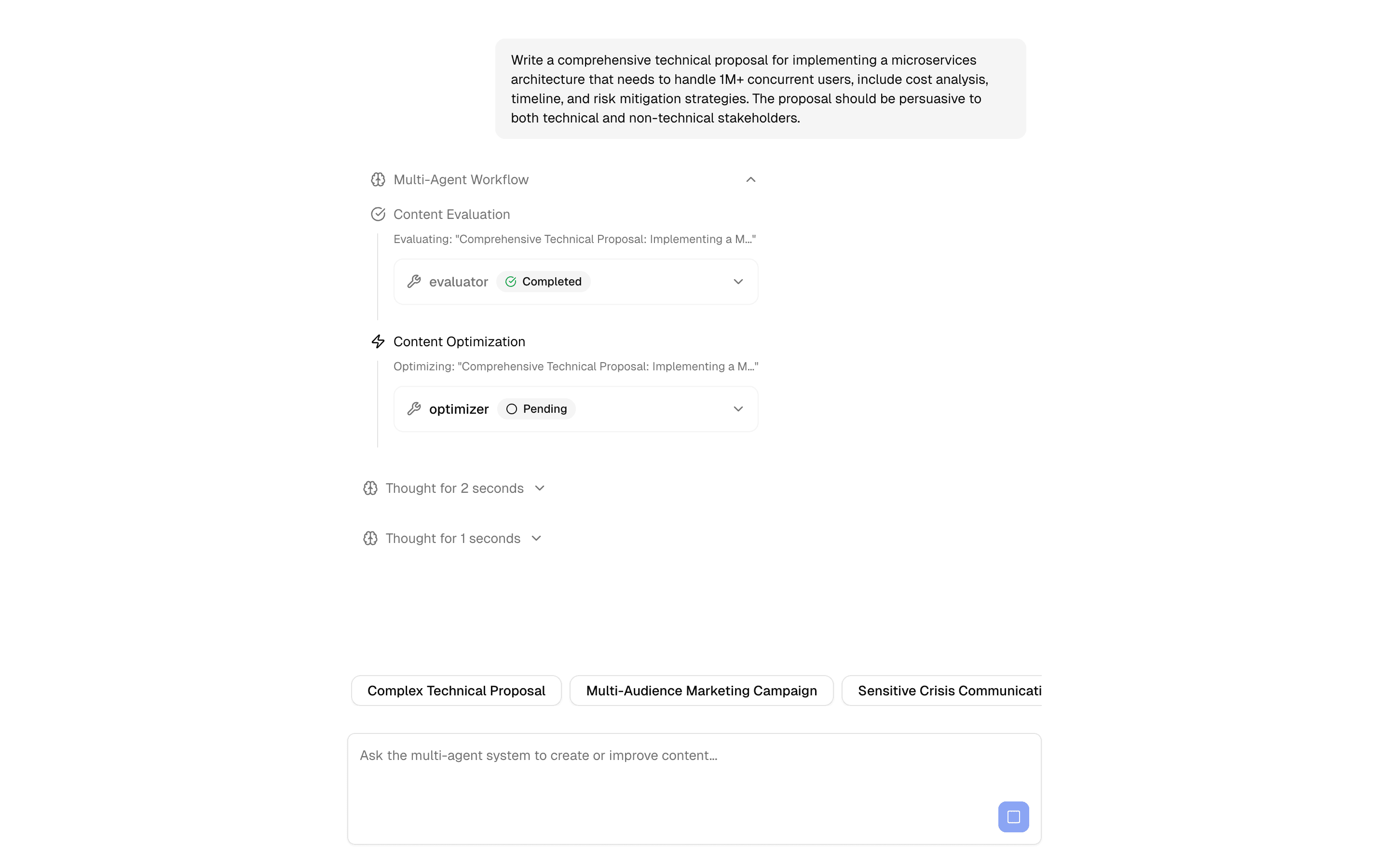
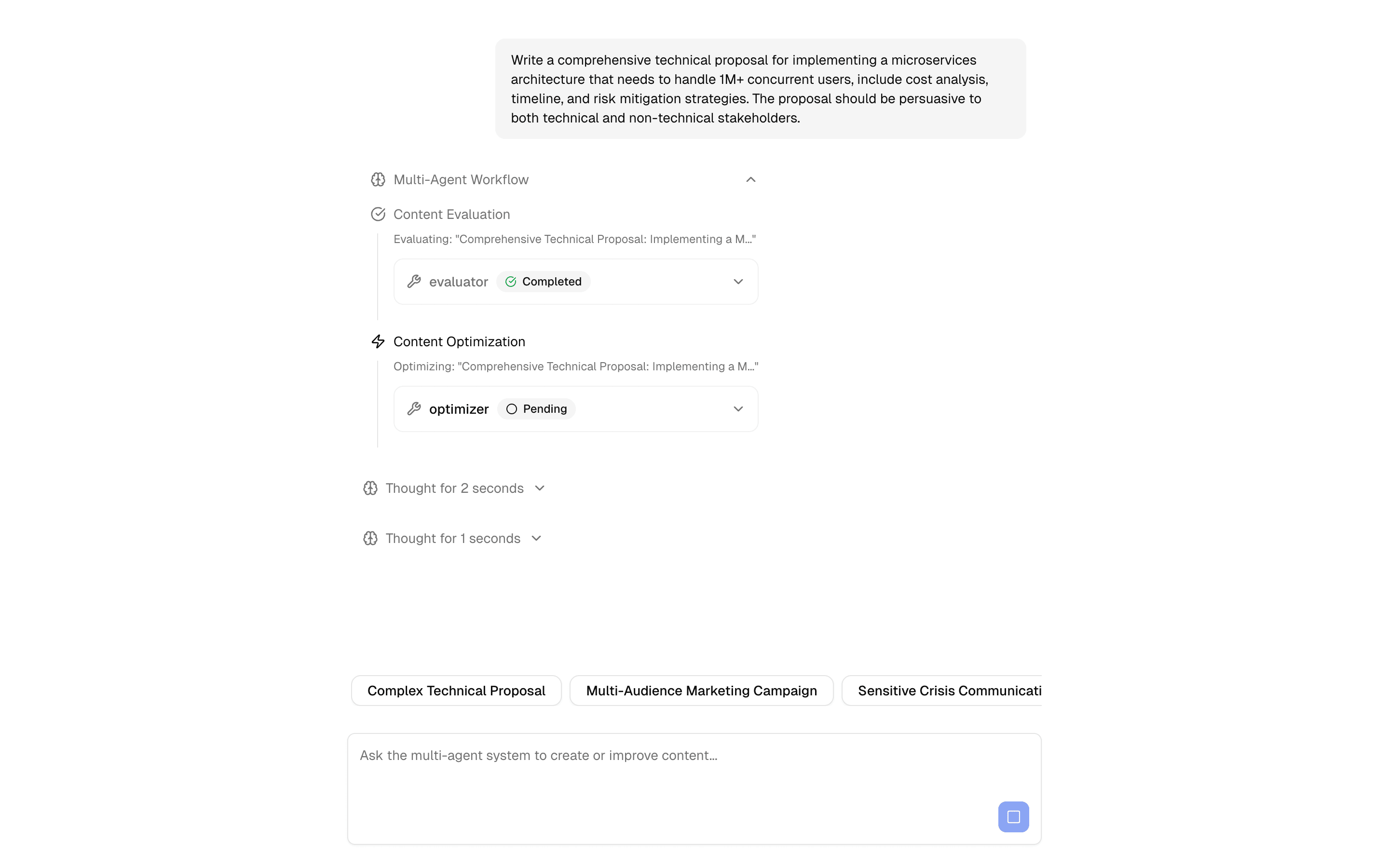
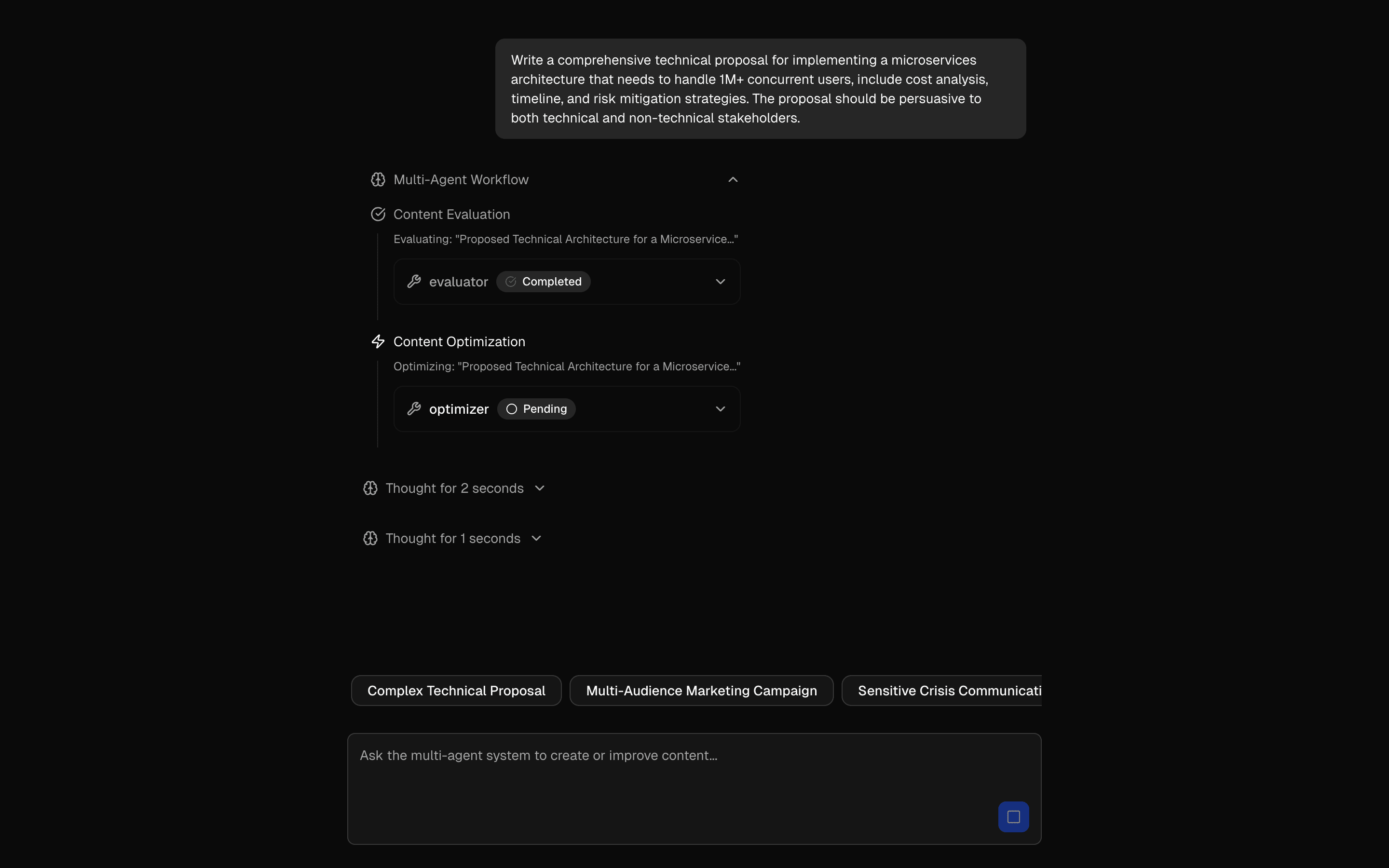
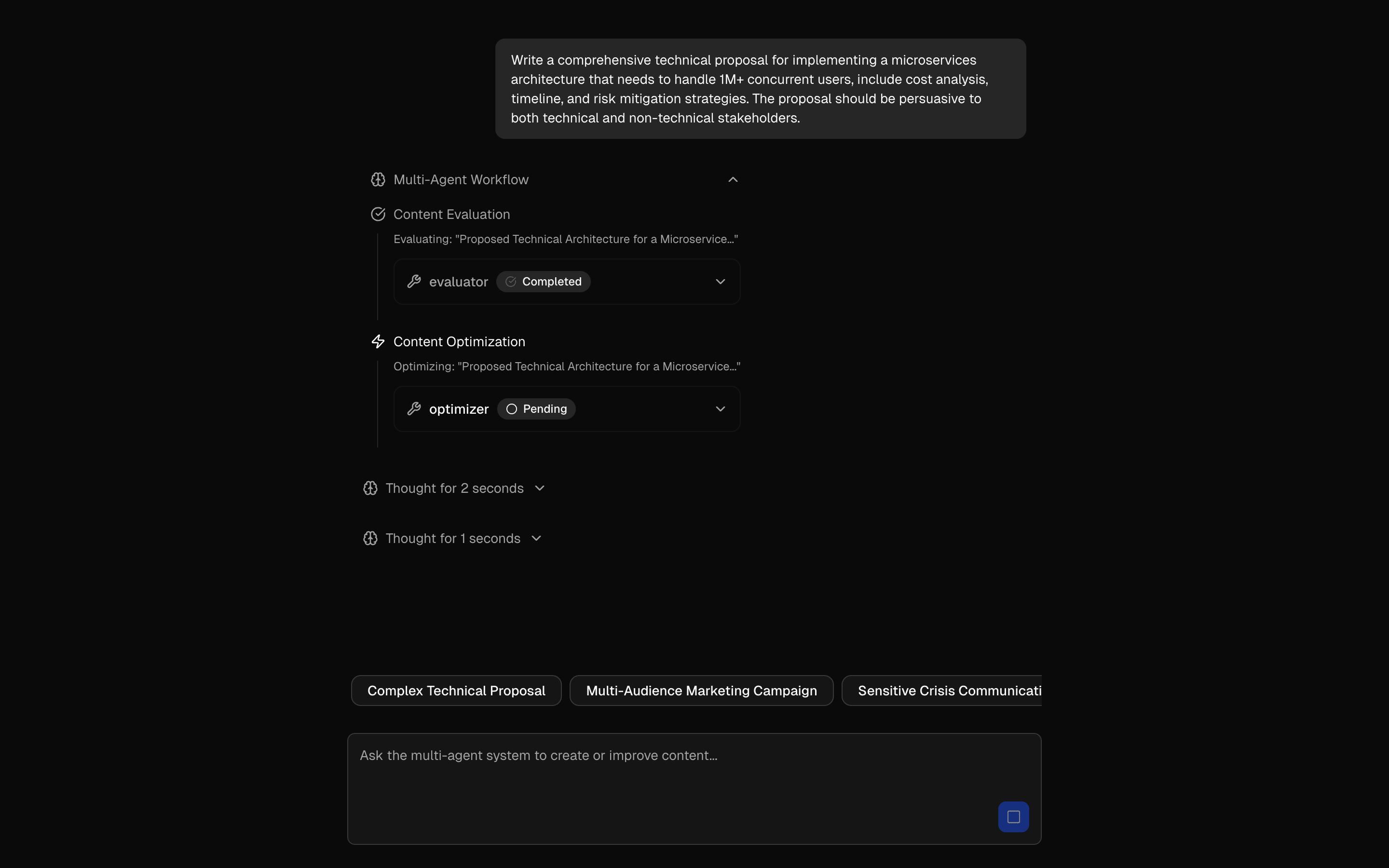 Start hereEvaluator-Optimizer PatternUse this when you want one orchestrator agent to loop evaluator and optimizer tools over a draft until it meets a quality bar or hits a step limit.ProView block
Also consider
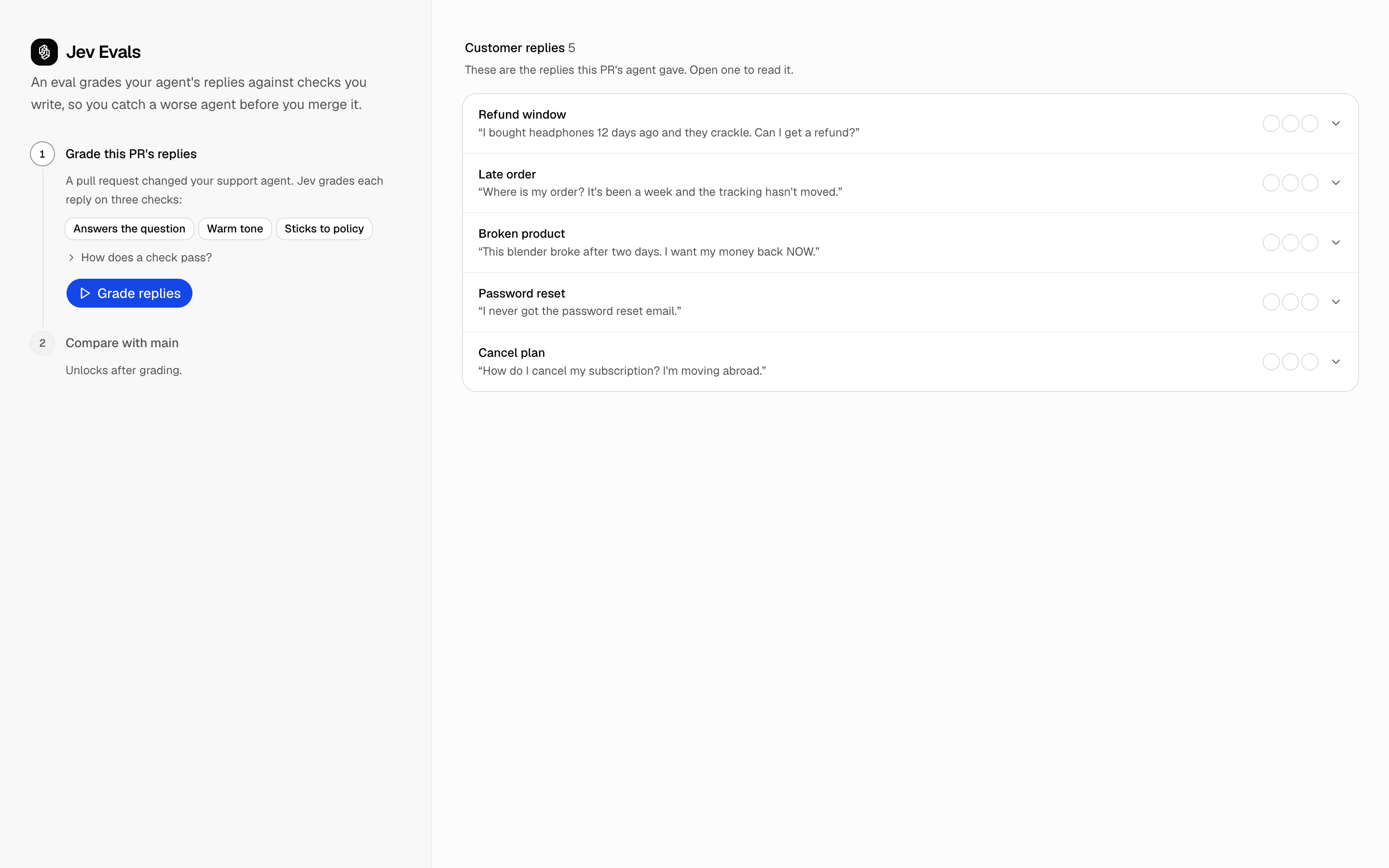
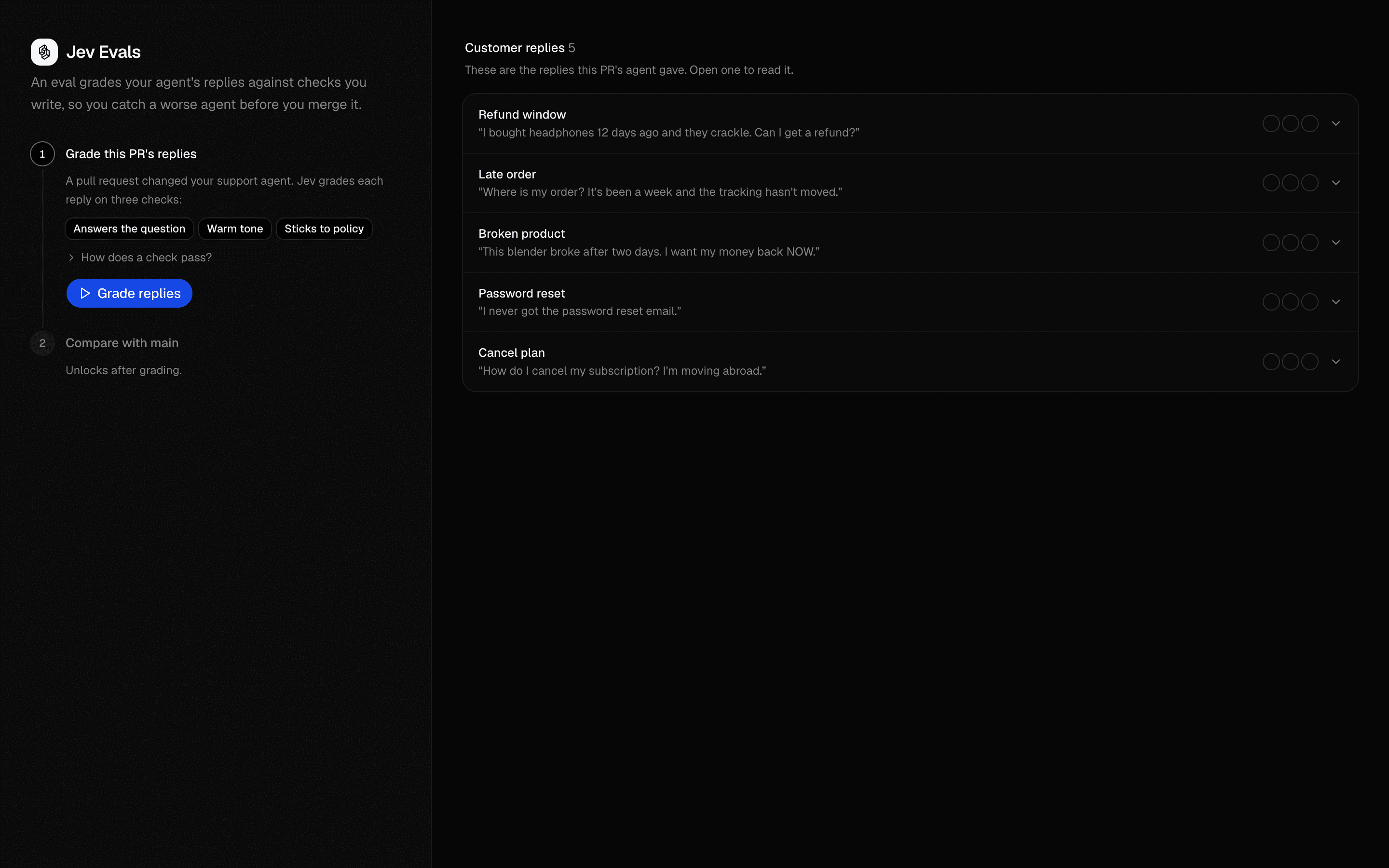 Jev EvalsUse this when you need per-PR eval checks for an agent that diff a candidate run against a stored baseline to flag fractional drops.Pro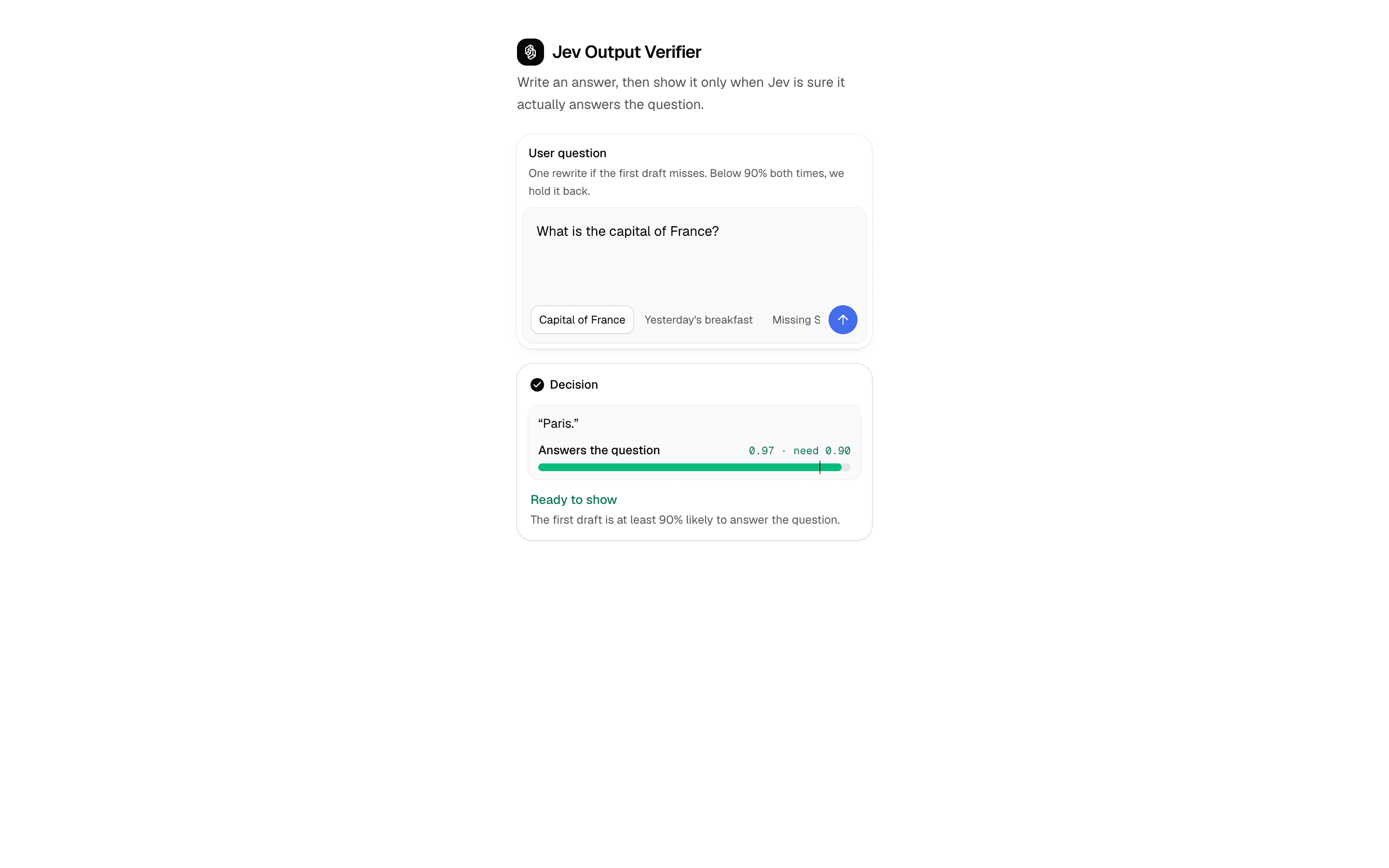
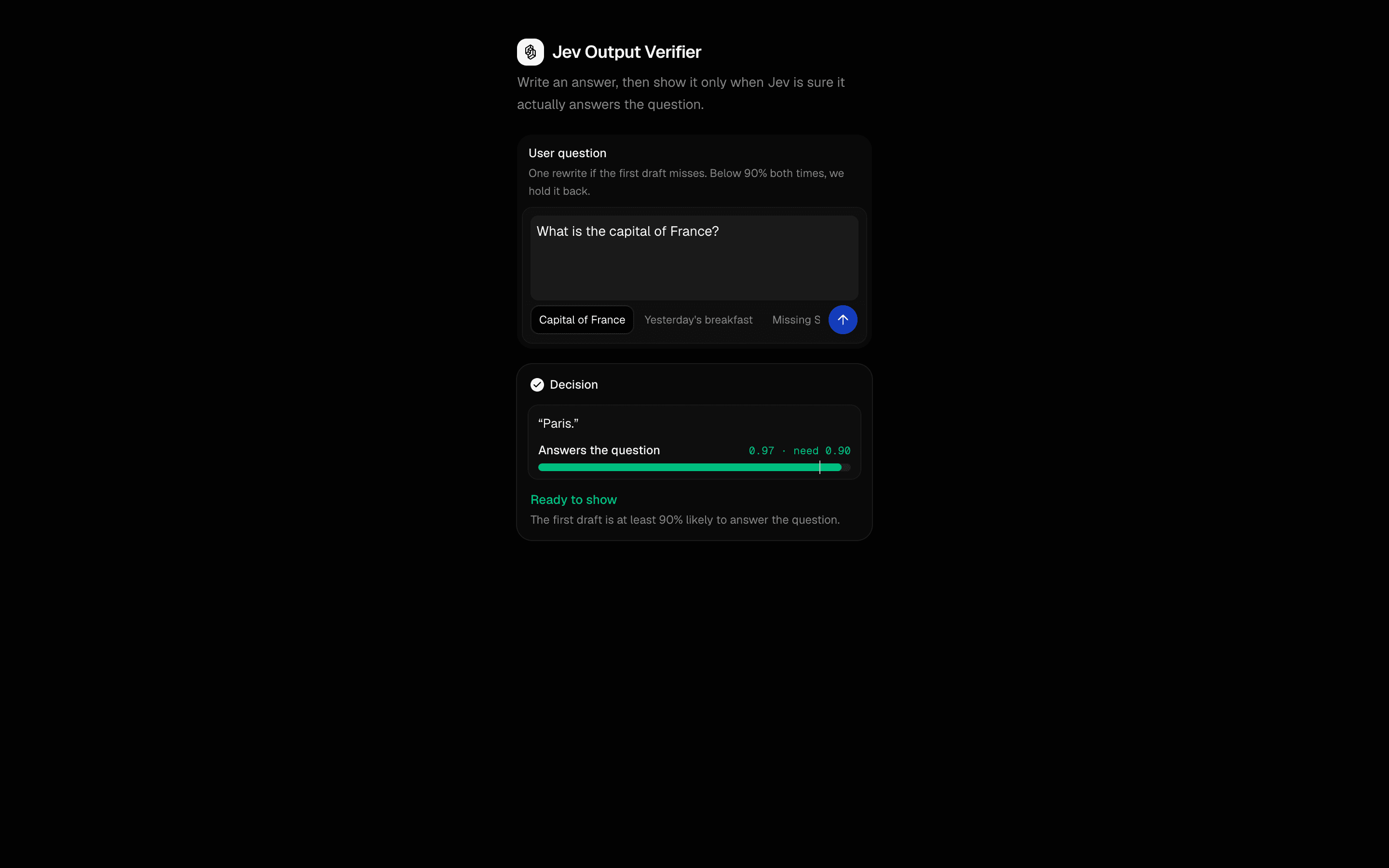 Jev Output VerifierUse this when you want your own code to hold the confidence floor a draft answer must clear before display, with at most one retry on a miss.Pro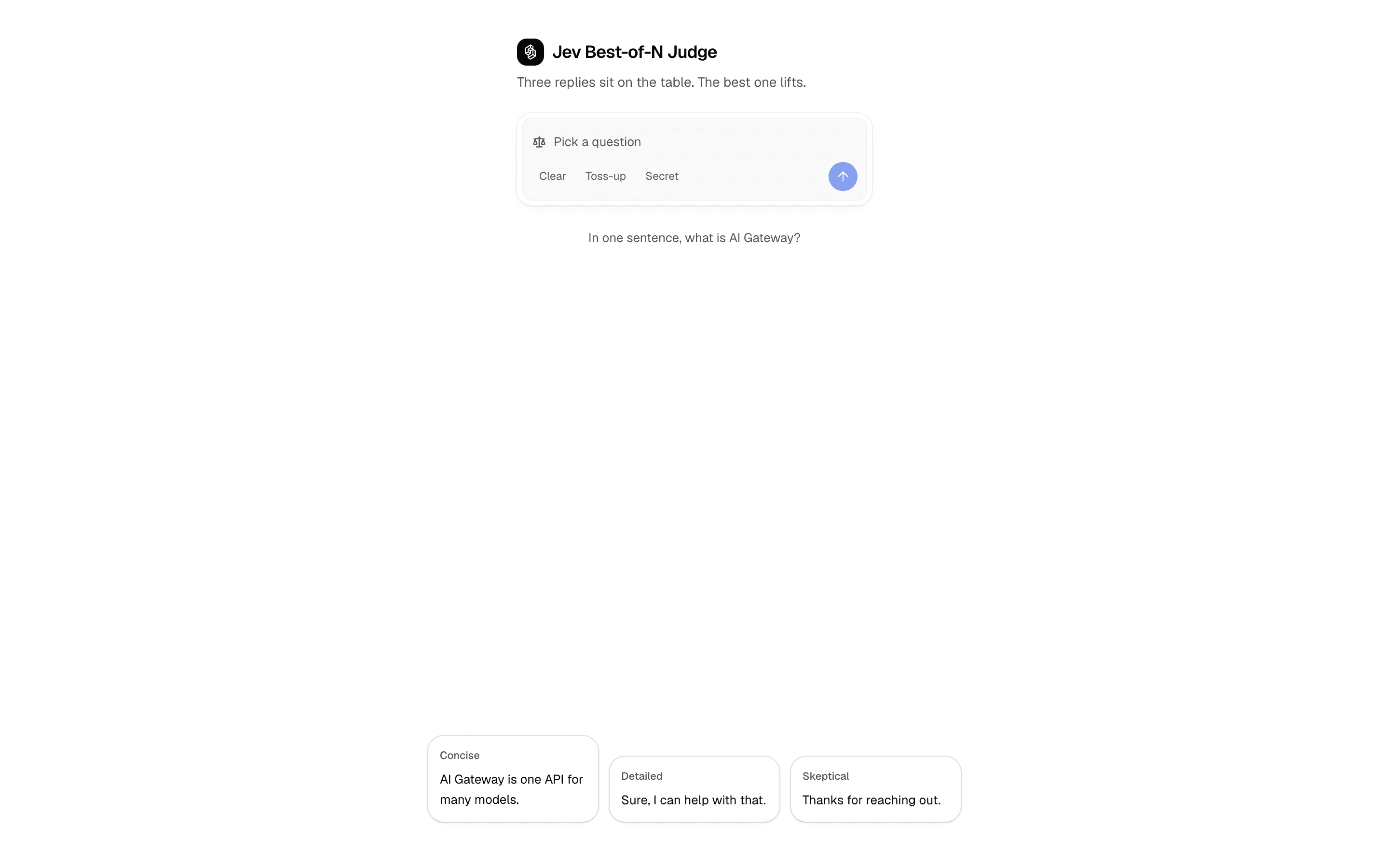
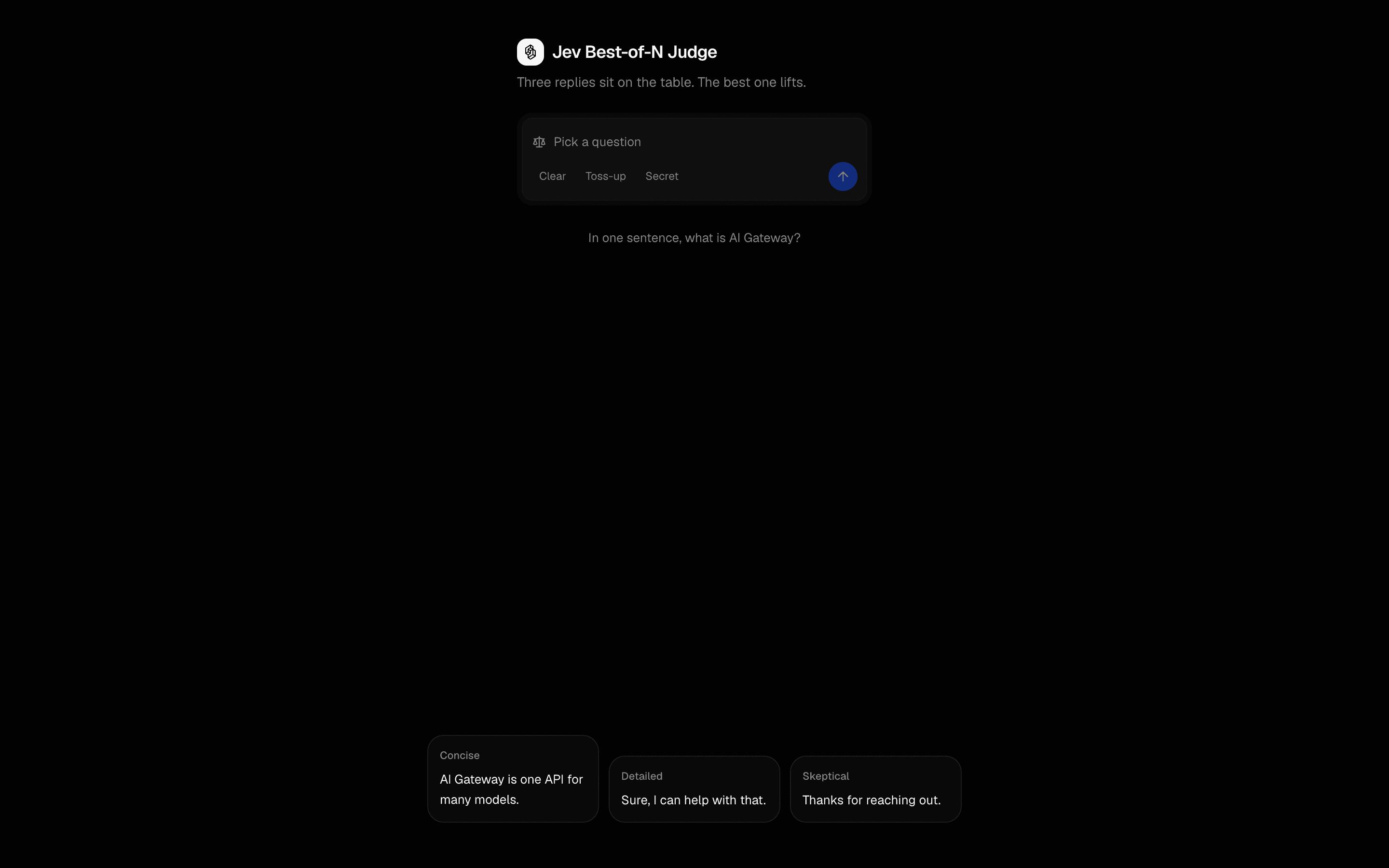 Jev Best-of-N JudgeUse this when you already have several candidate replies to one prompt and need one chosen, or none at all if the pick is too close to call.Pro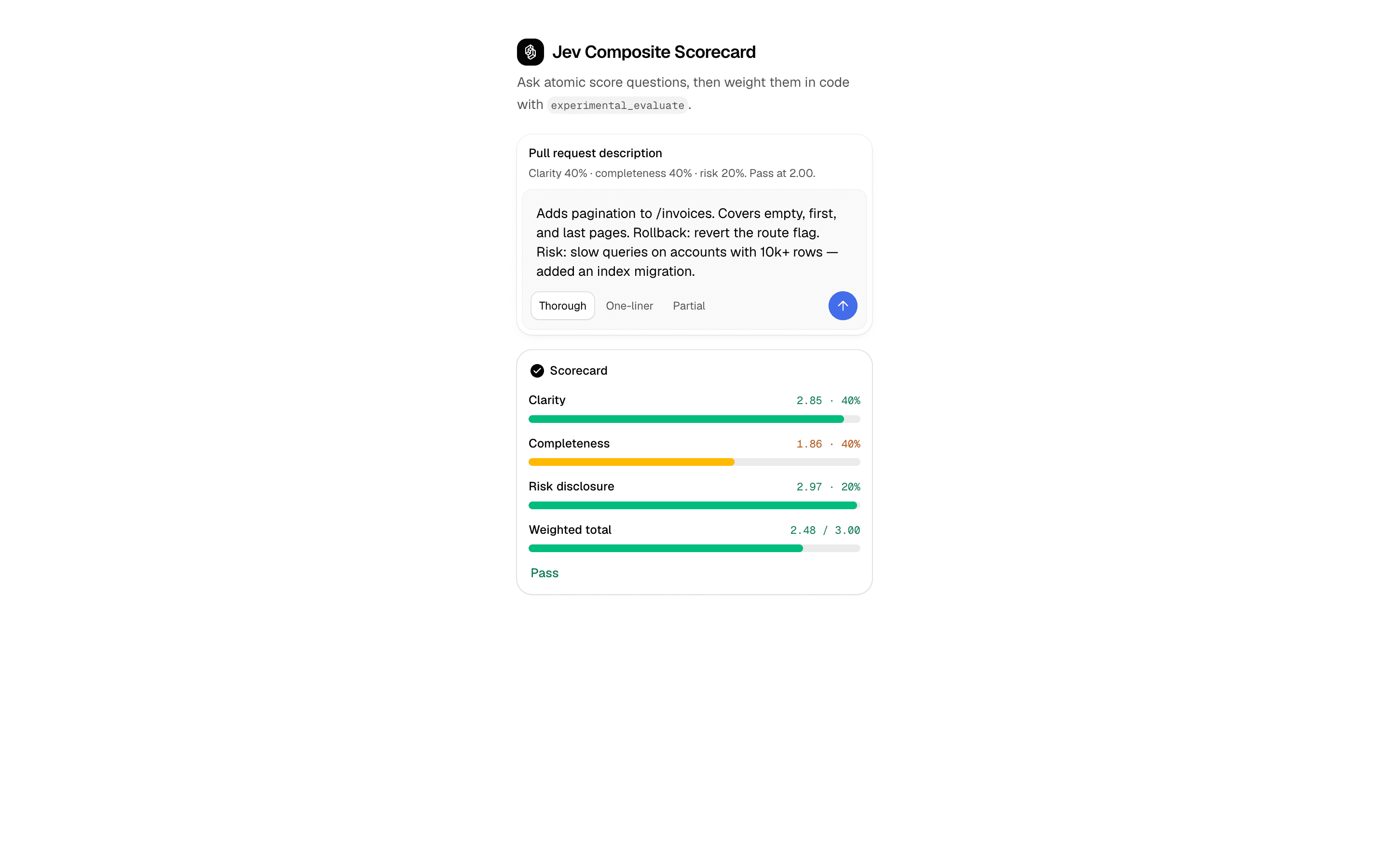
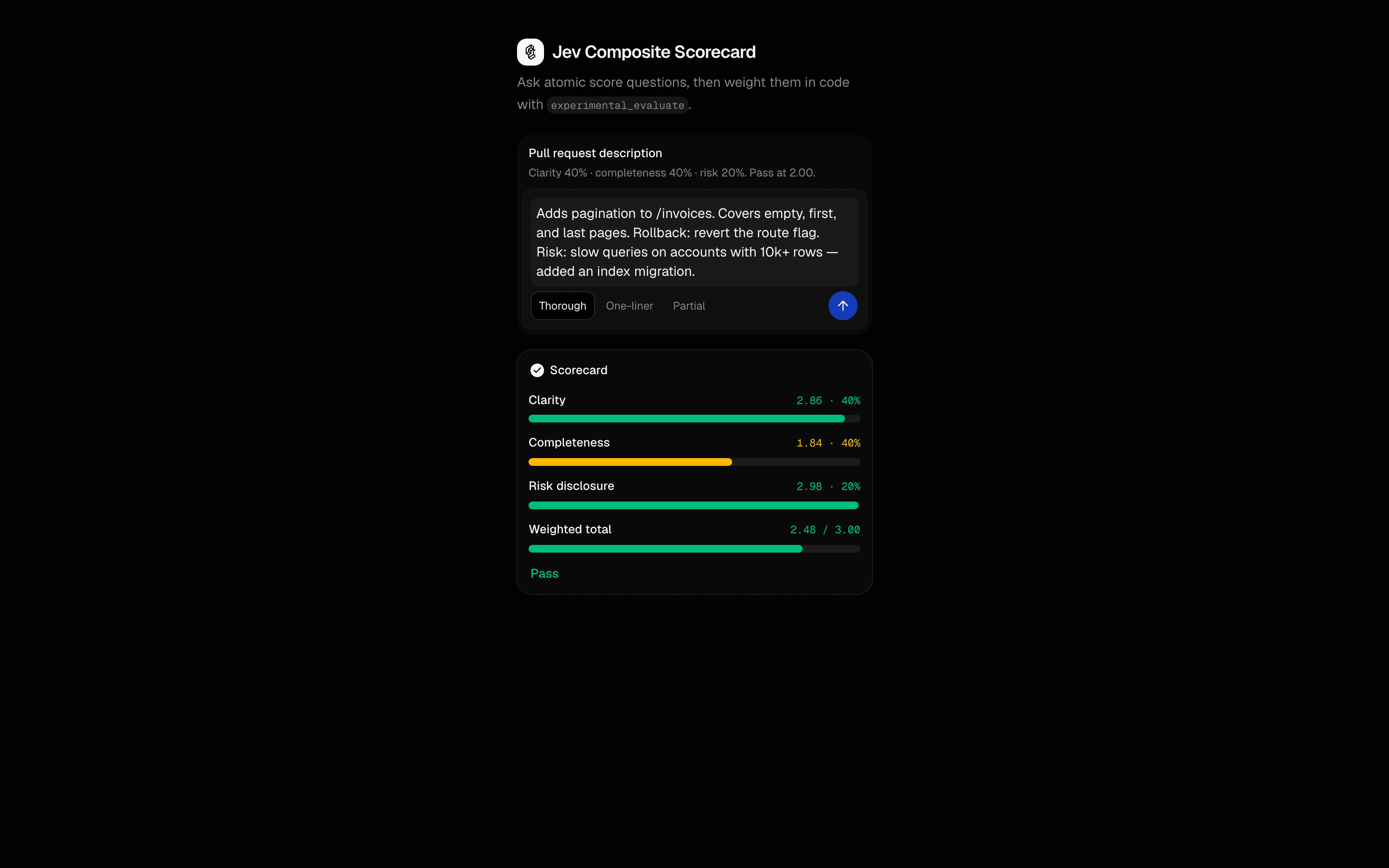 Jev Composite ScorecardUse this when one blended rubric hides which factor failed and you want atomic Jev scores merged into a single weighted score in your app.Pro
Add evals and guardrails
Constrain the model’s choices
Gate an action or choose within a closed set.
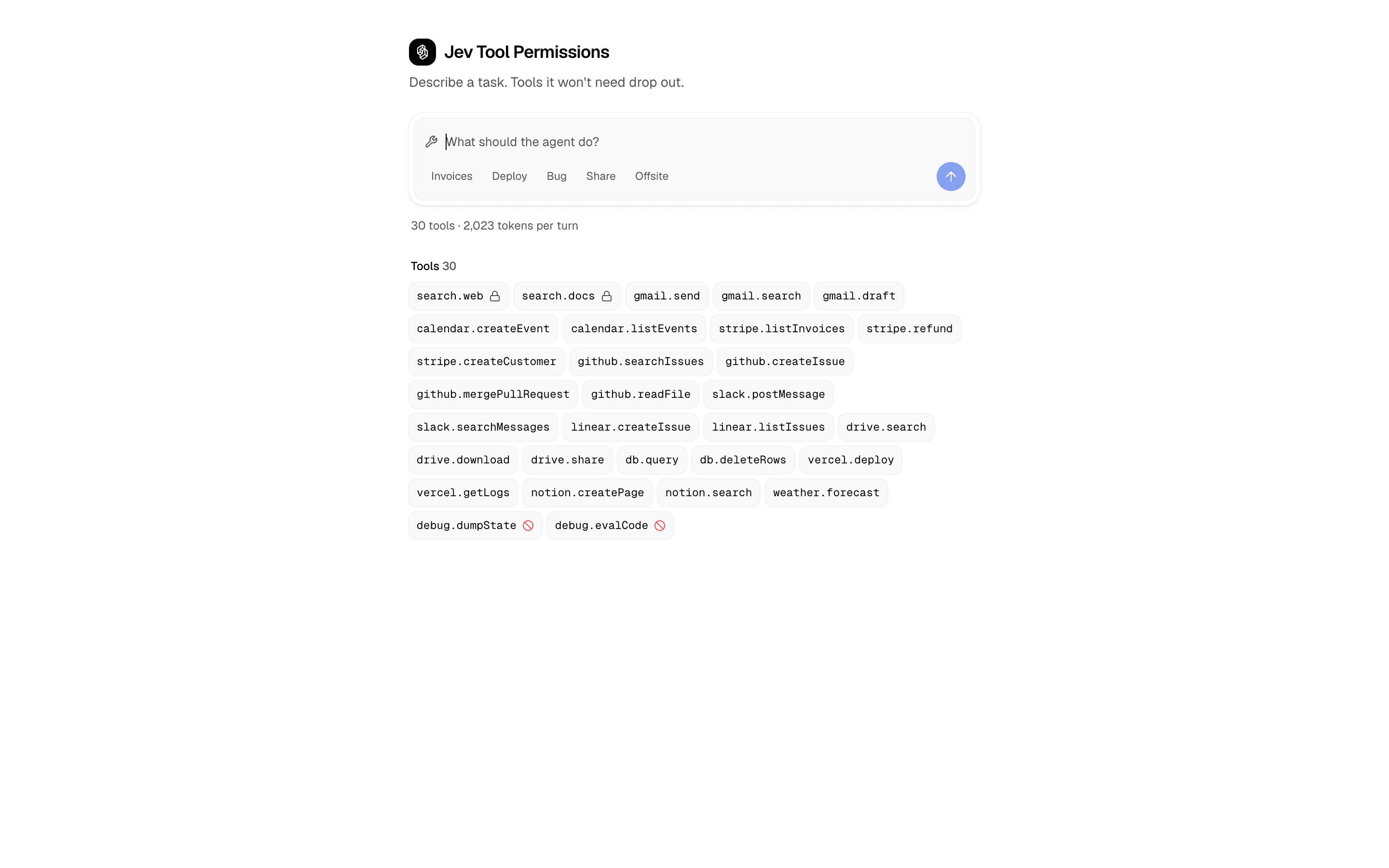
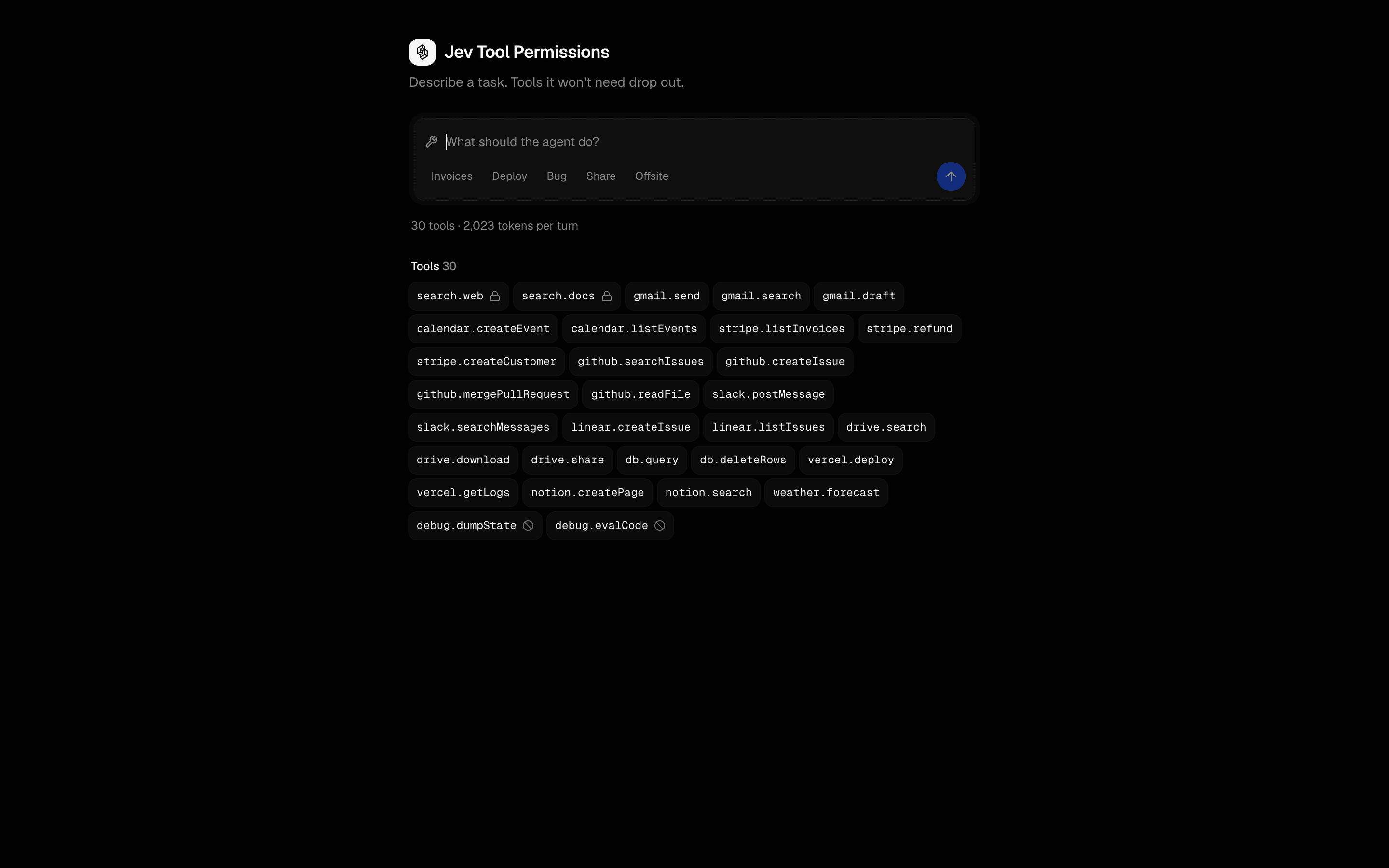 Start hereJev Tool PermissionsUse this when an agent has dozens of MCP tools and you want deny rules plus one Jev relevance check per tool to trim the list before each step.ProView block
Also consider
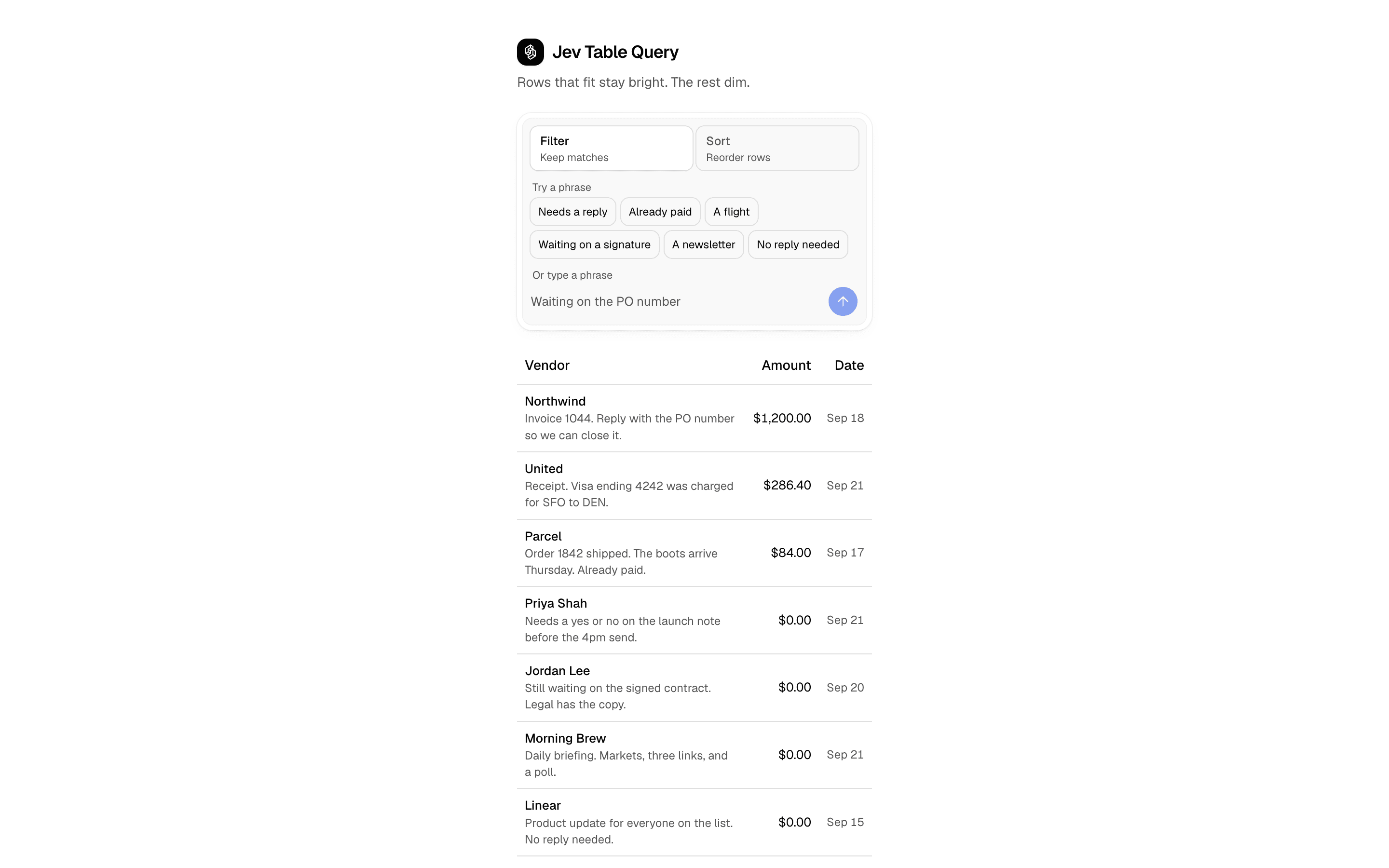
 Jev Table QueryUse this when users type filter or sort requests over a fixed table, with column sorts run in code and other phrases scored by the model per row.Pro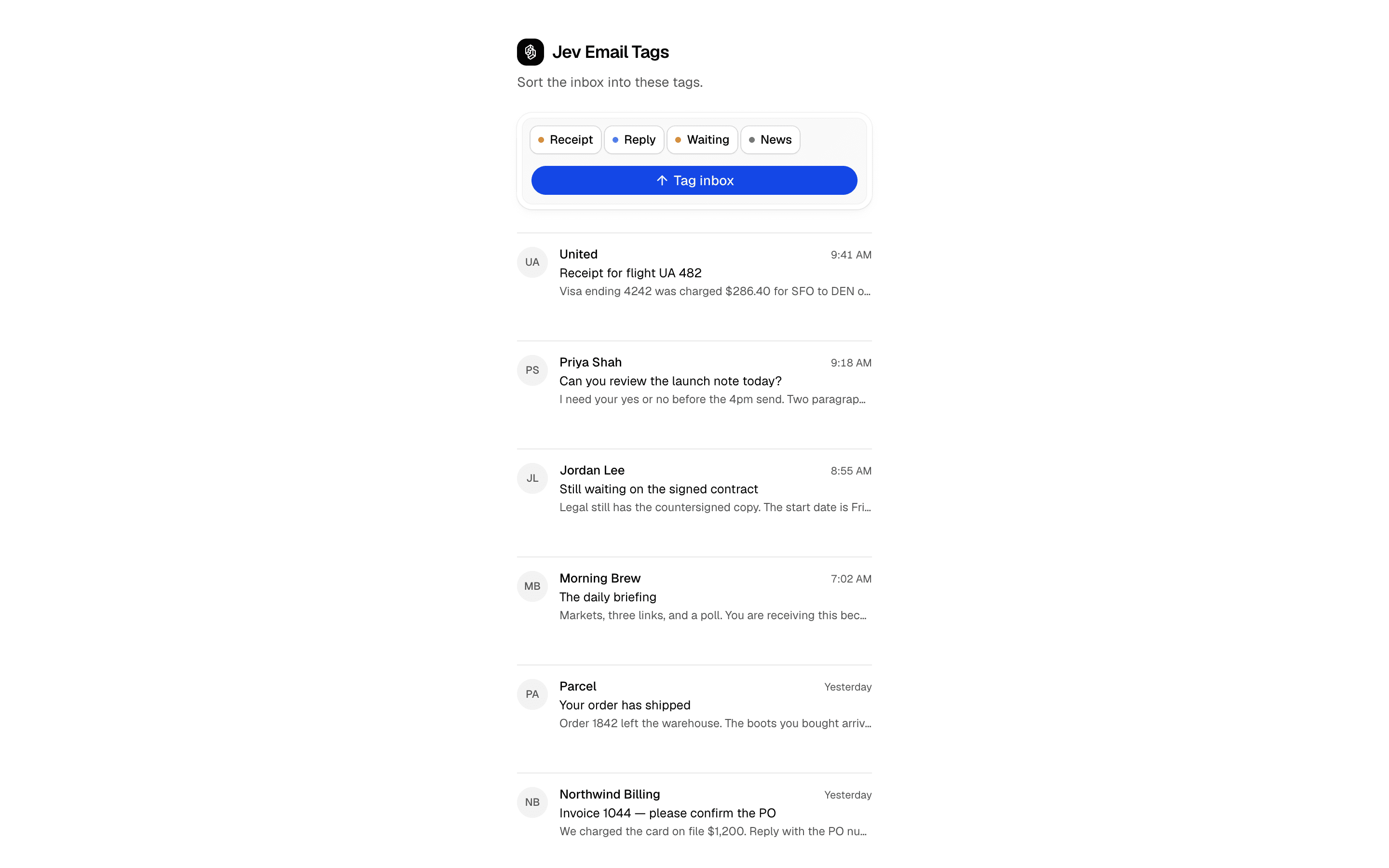
 Jev Email TagsUse this when you are multi-label tagging a known set of messages, such as an inbox, without writing a classifier prompt or allowing invented labels.Pro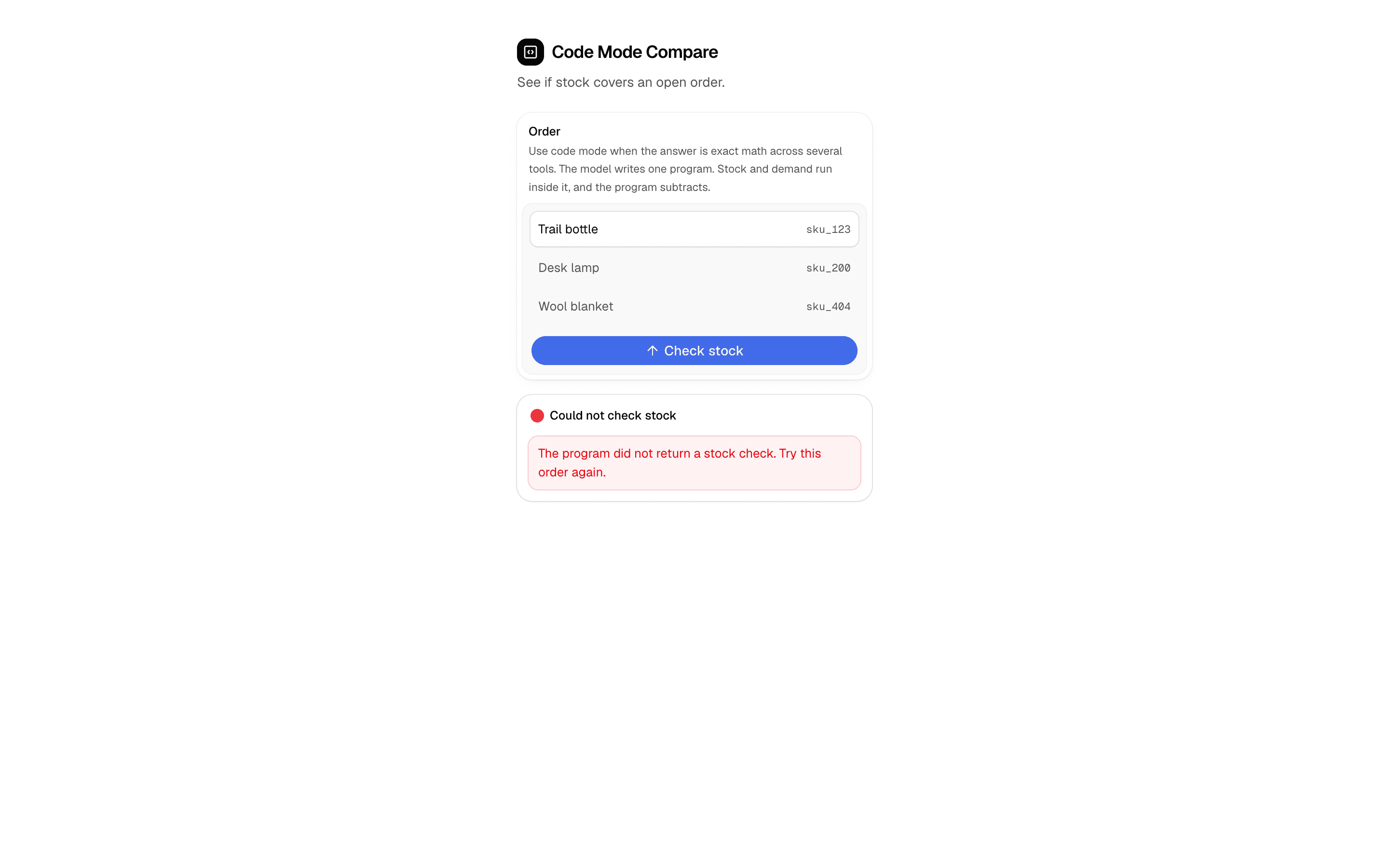
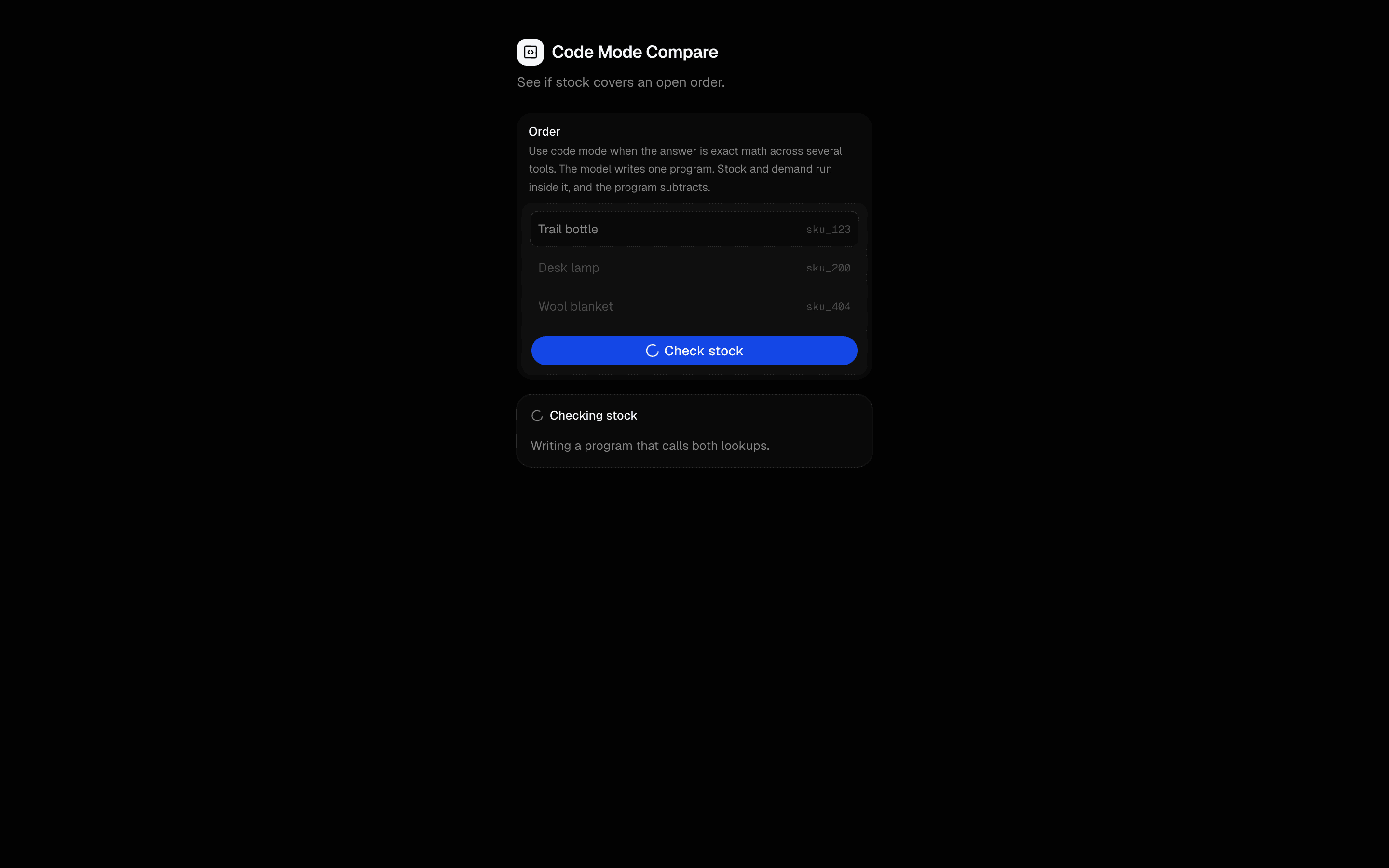 Code Mode CompareUse this when a check needs two lookups combined in one step, such as stock against open orders, and you want a single result back.Pro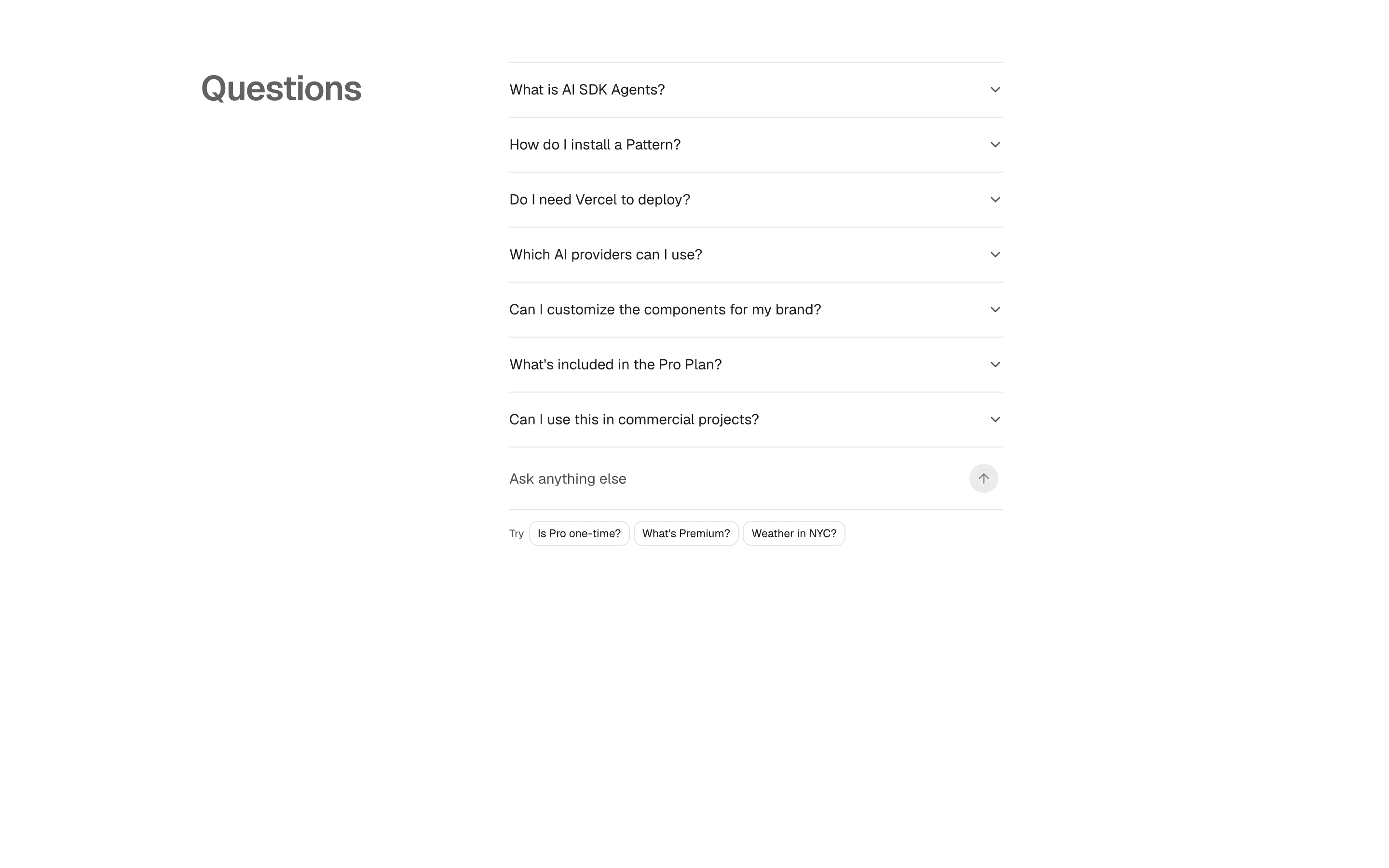
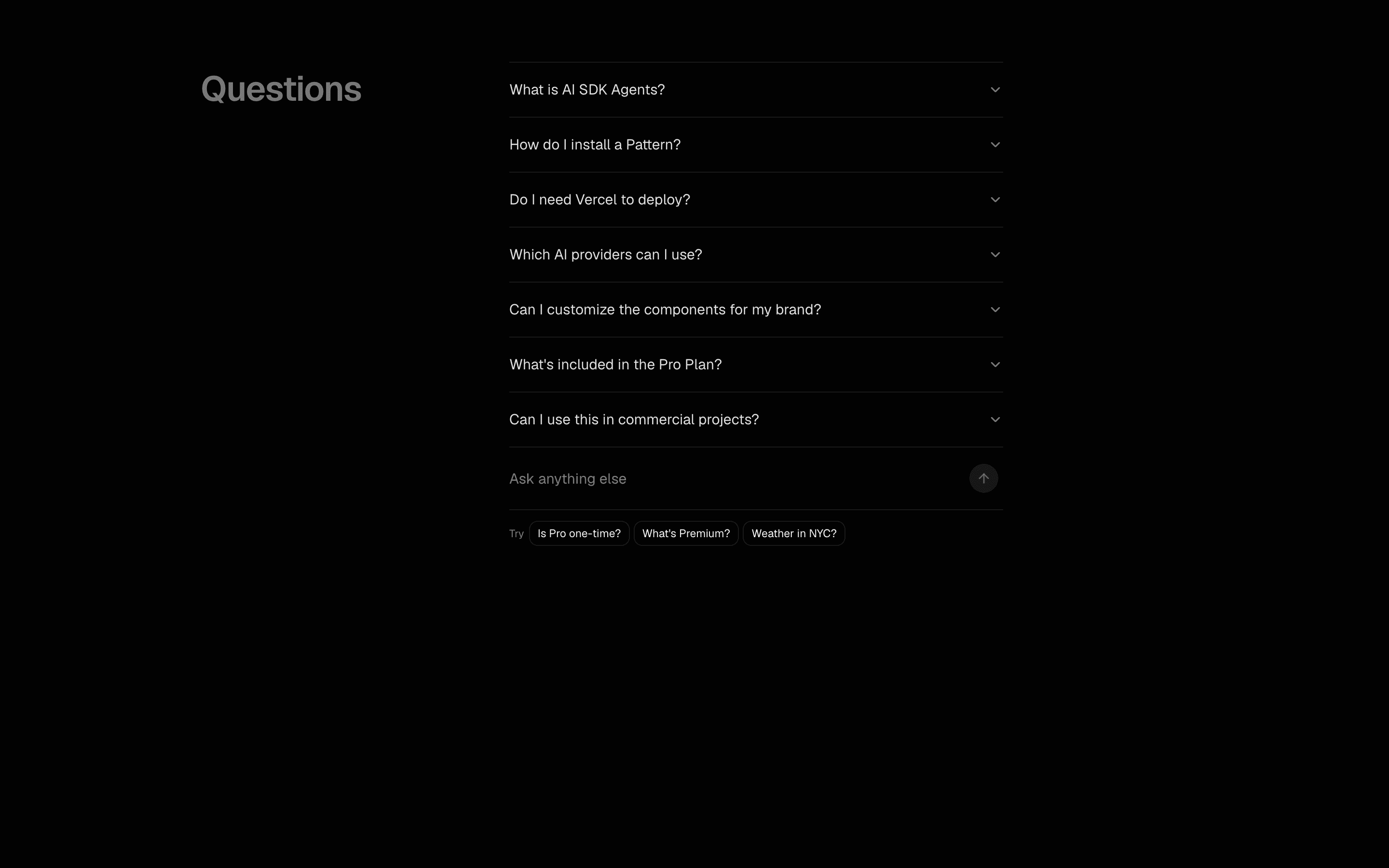 Jev Infinite FAQUse this when FAQ visitors ask in their own words and you want to open the matching canned answer or add a grounded answer as a new row.Pro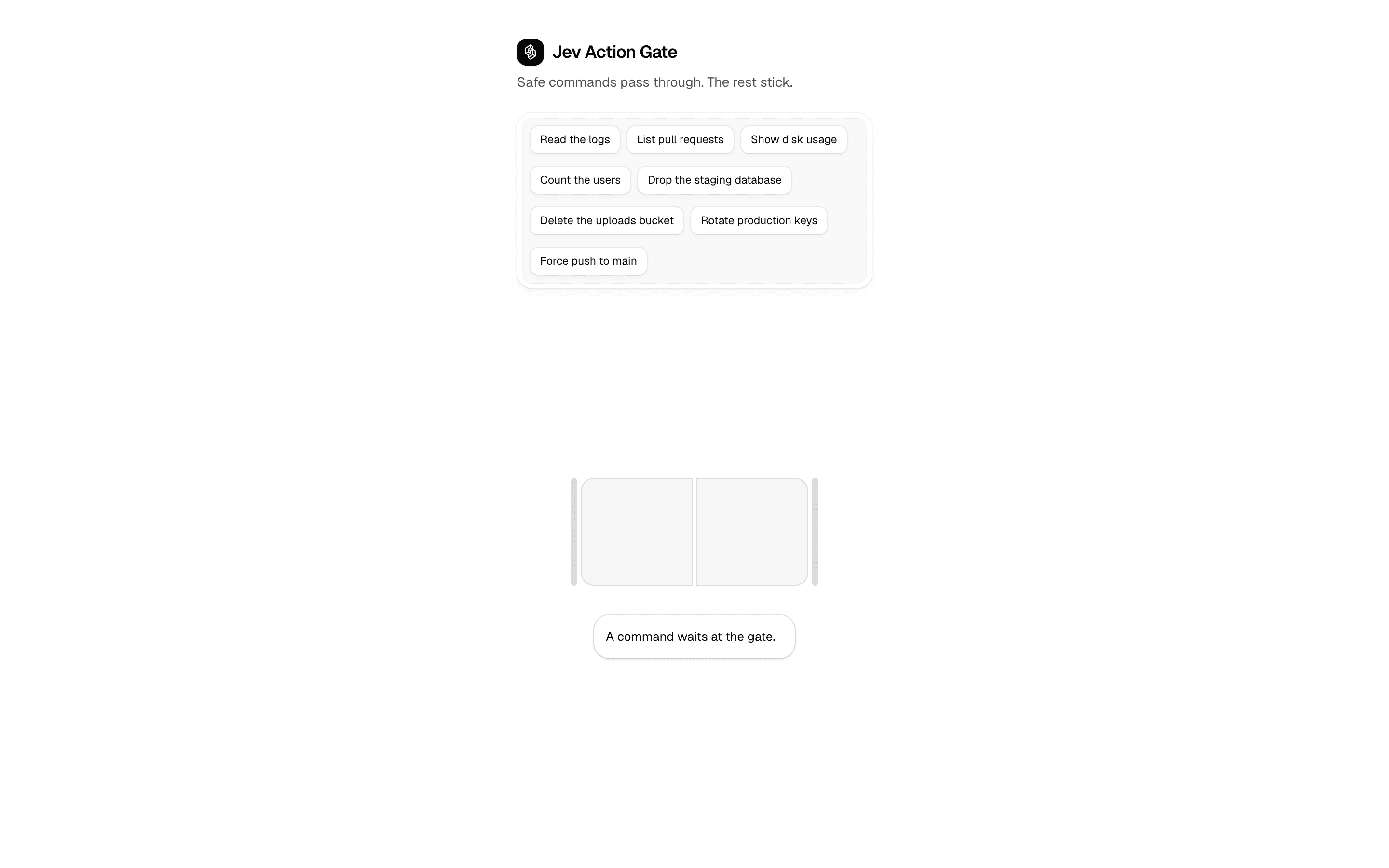
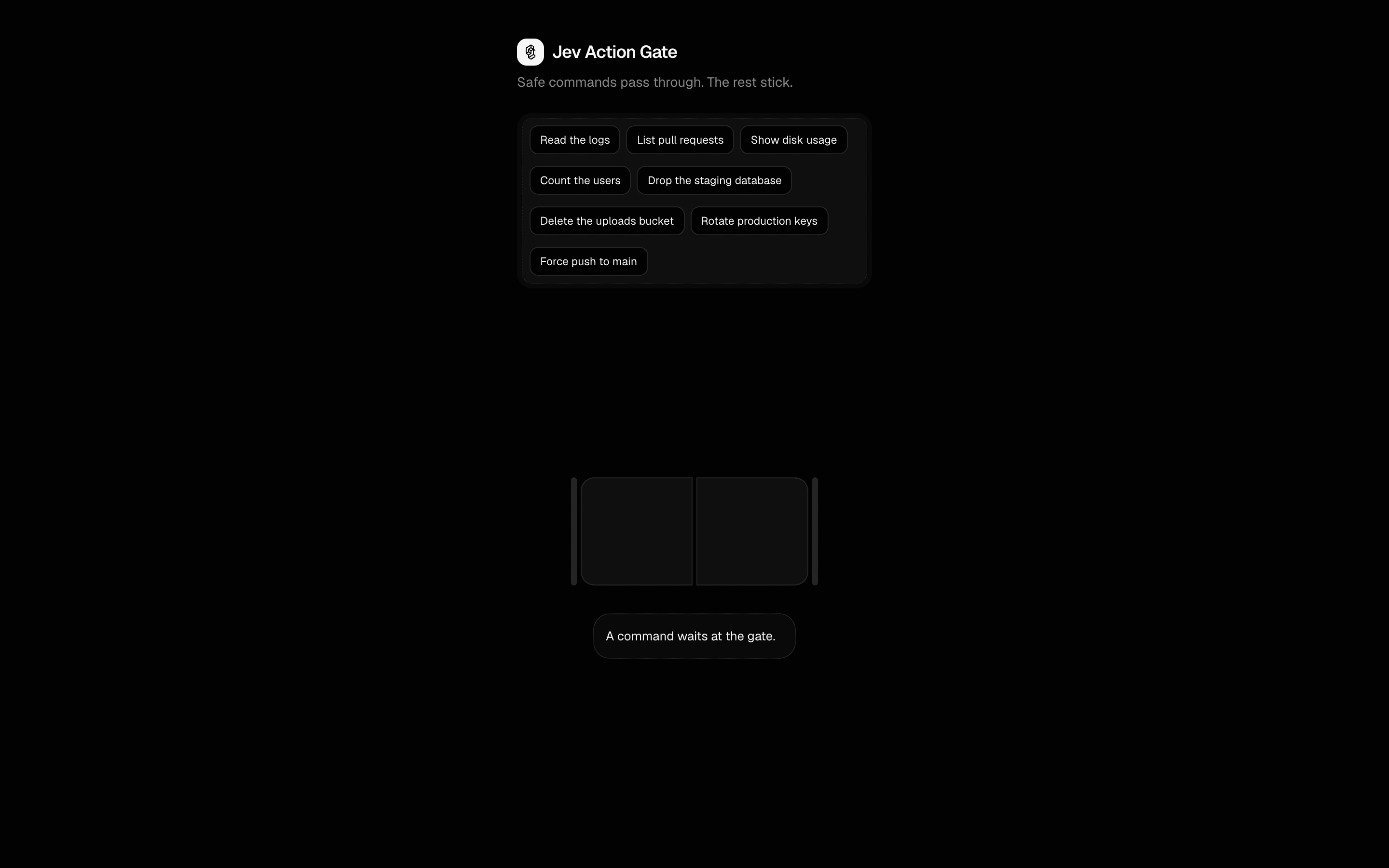 Jev Action GateUse this when you are deciding whether to auto-approve one proposed action at a time, using a single Jev probability against a floor you control.Free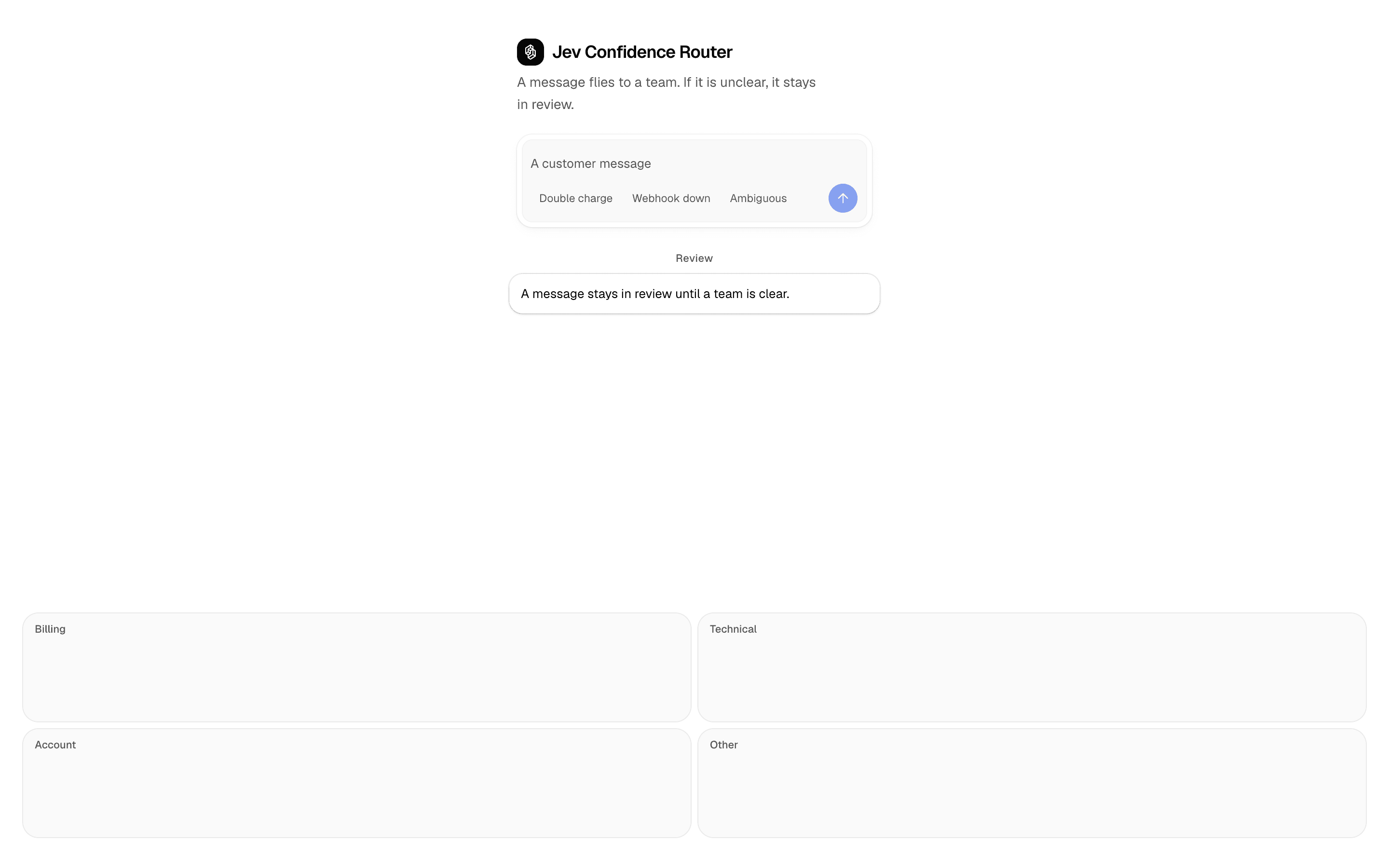
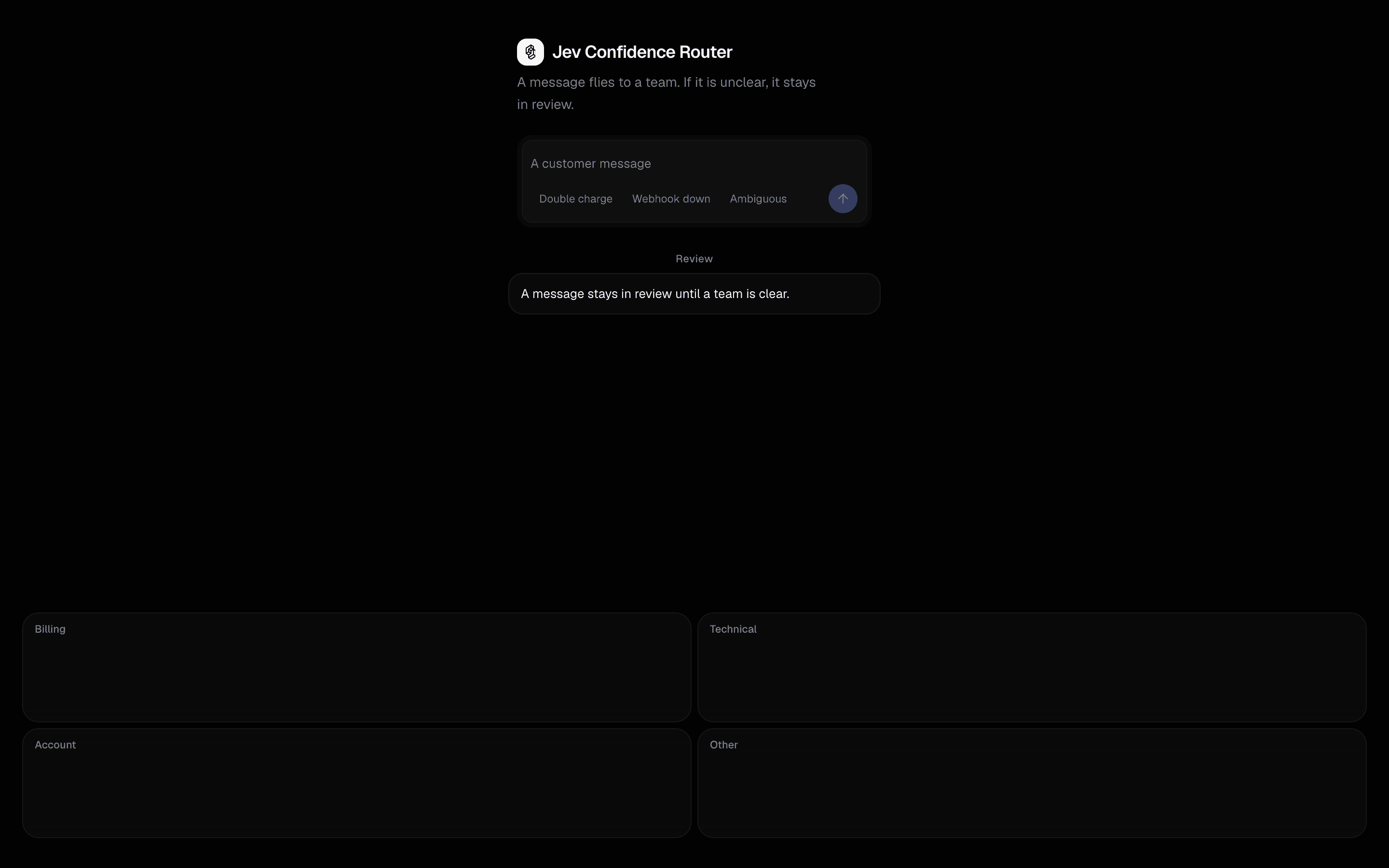 Jev Confidence RouterUse this when incoming messages must land in one of a fixed set of team queues, with low-confidence cases held back for human review.Free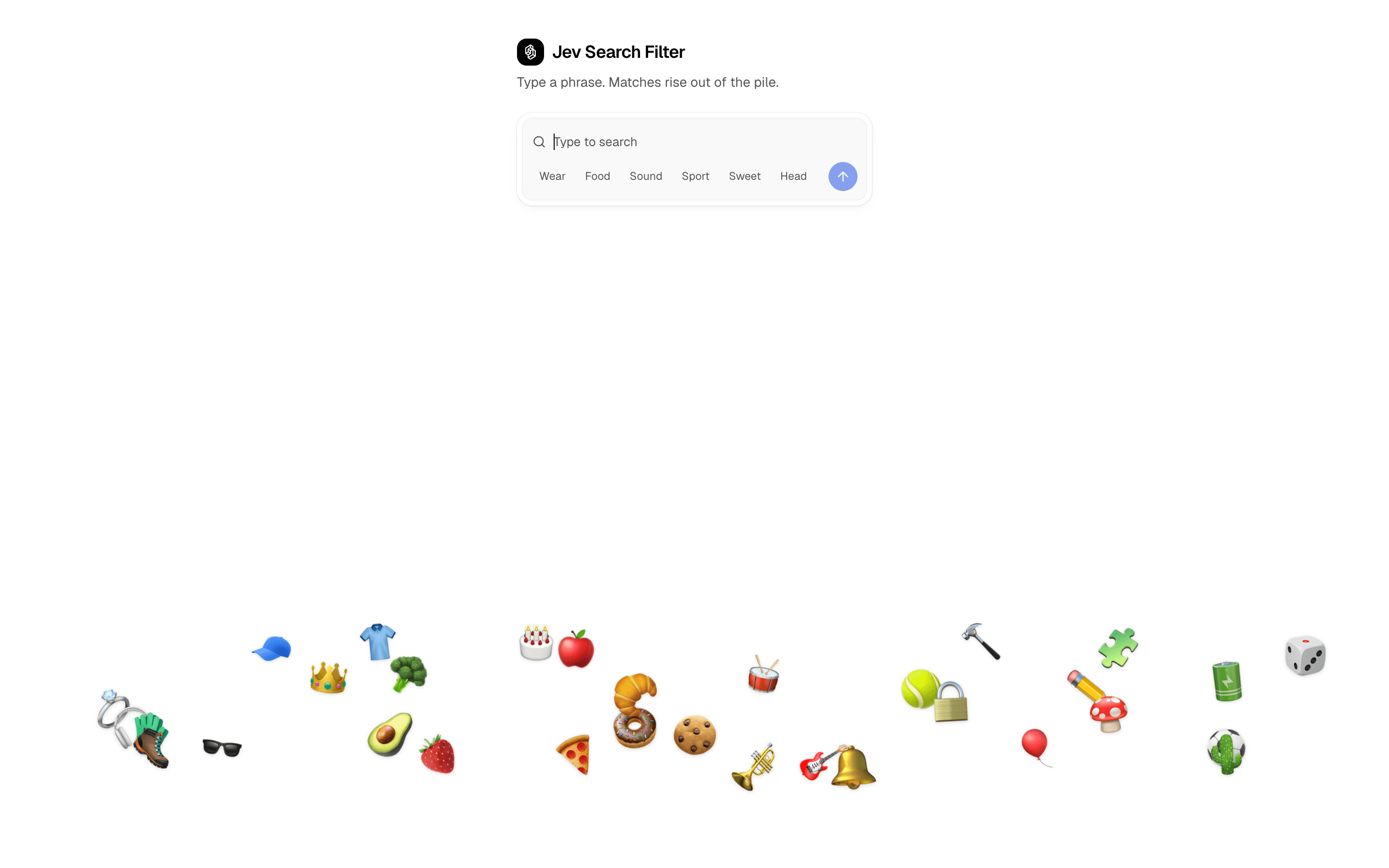
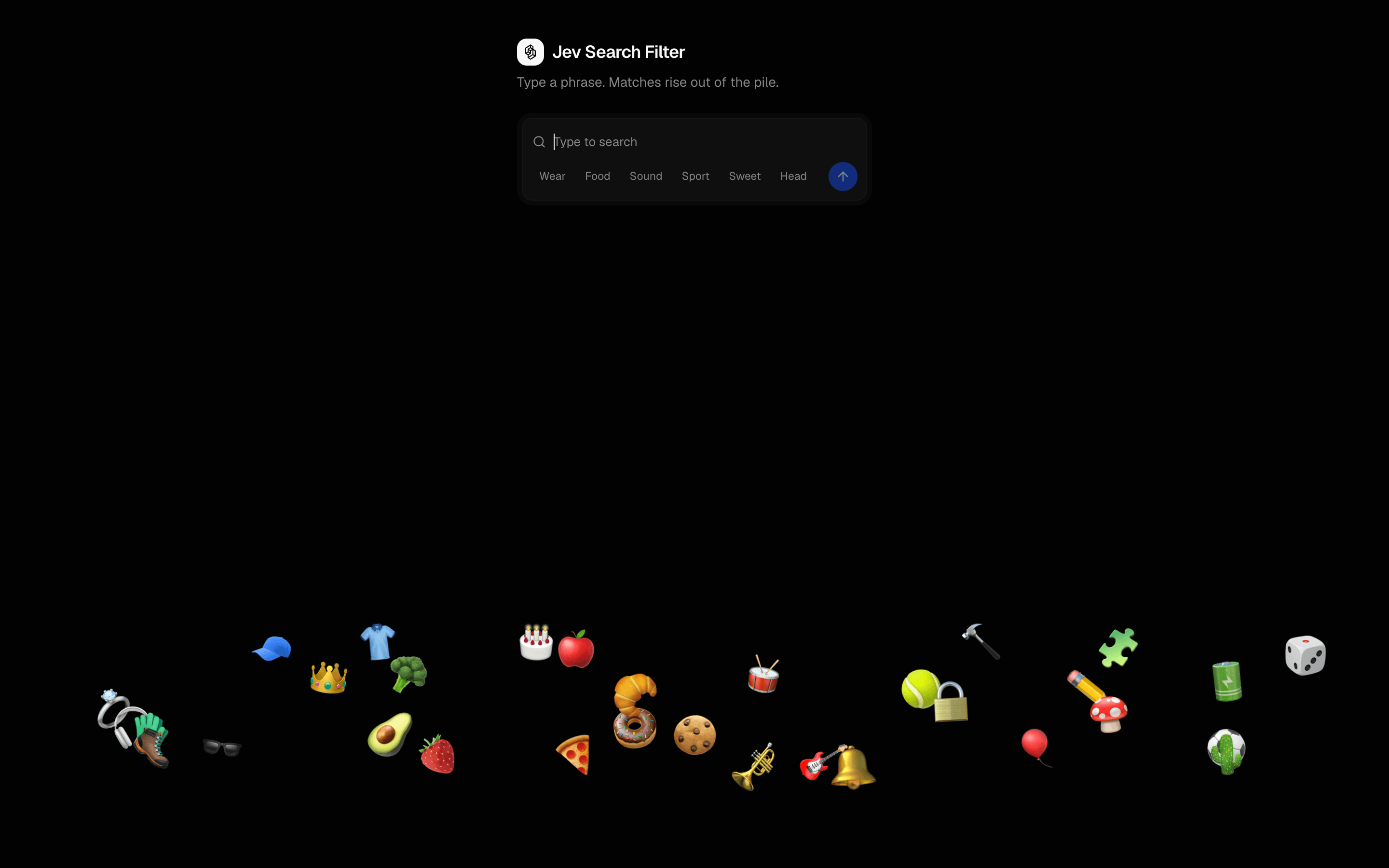 Jev Search FilterUse this when you want semantic search over a known catalog, such as emoji or icons, without building embeddings, scoring each item with a boolean.Free
Generate images, voice, and video
Create or edit images
Generate, combine, or transform visual content.
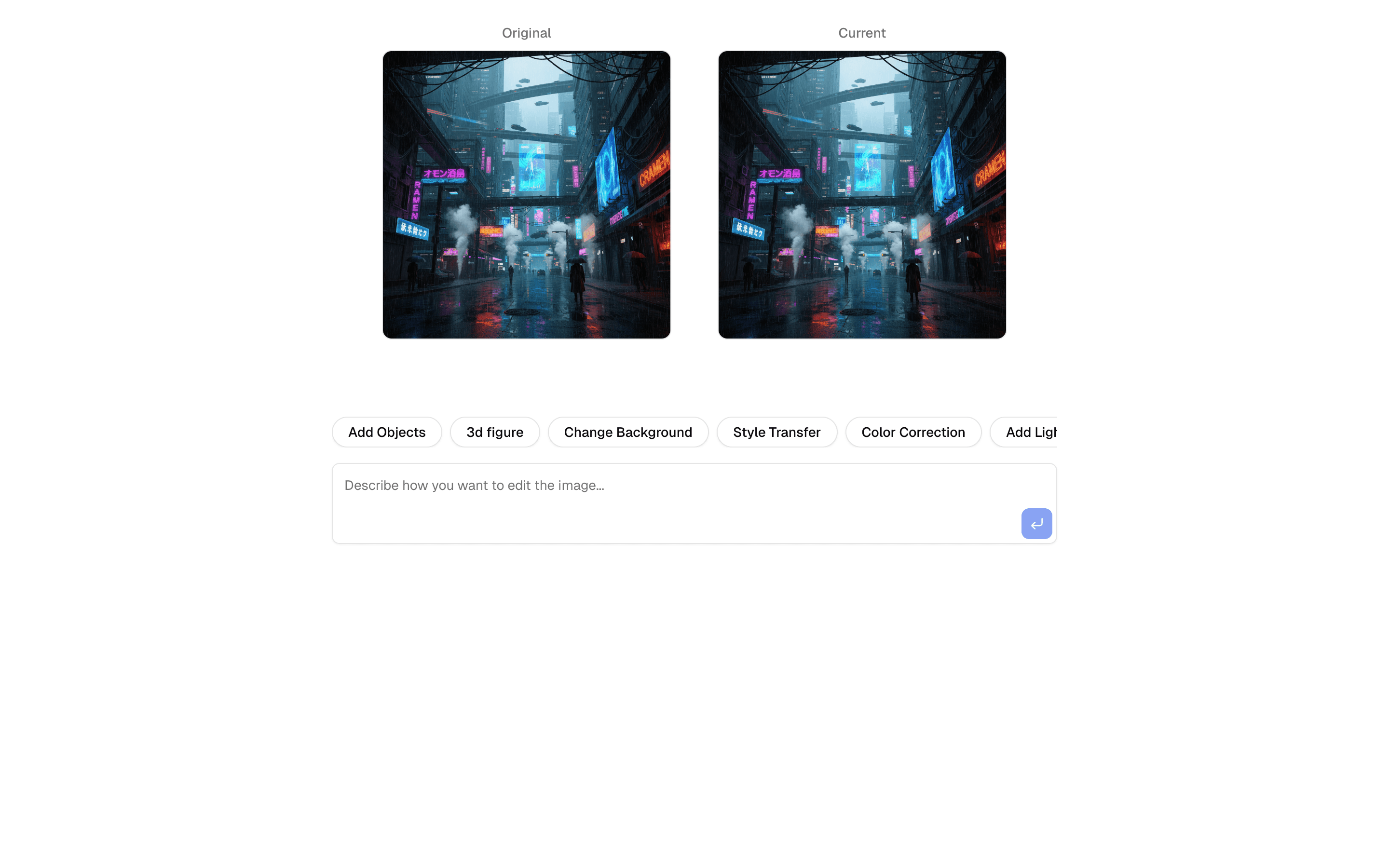
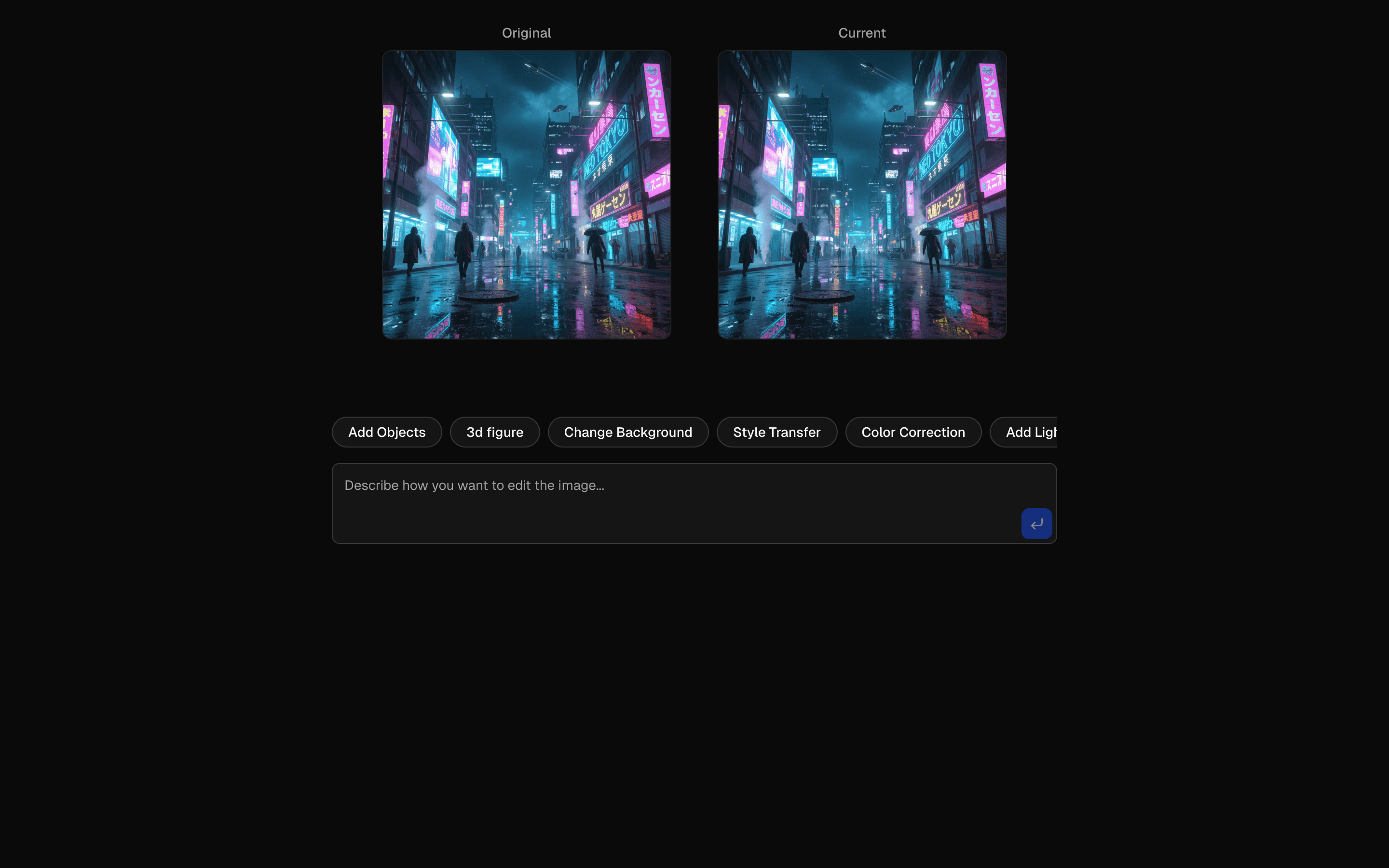 Start hereAI SDK Nano Banana Image EditUse this when you need to edit an uploaded image with plain-language instructions and keep a version history to compare before and after results.ProView block
Also consider

 AI SDK Nano Banana Image MergeUse this when you need to combine two source images into one new composition with Nano Banana, guided by a text prompt and saved version history.Pro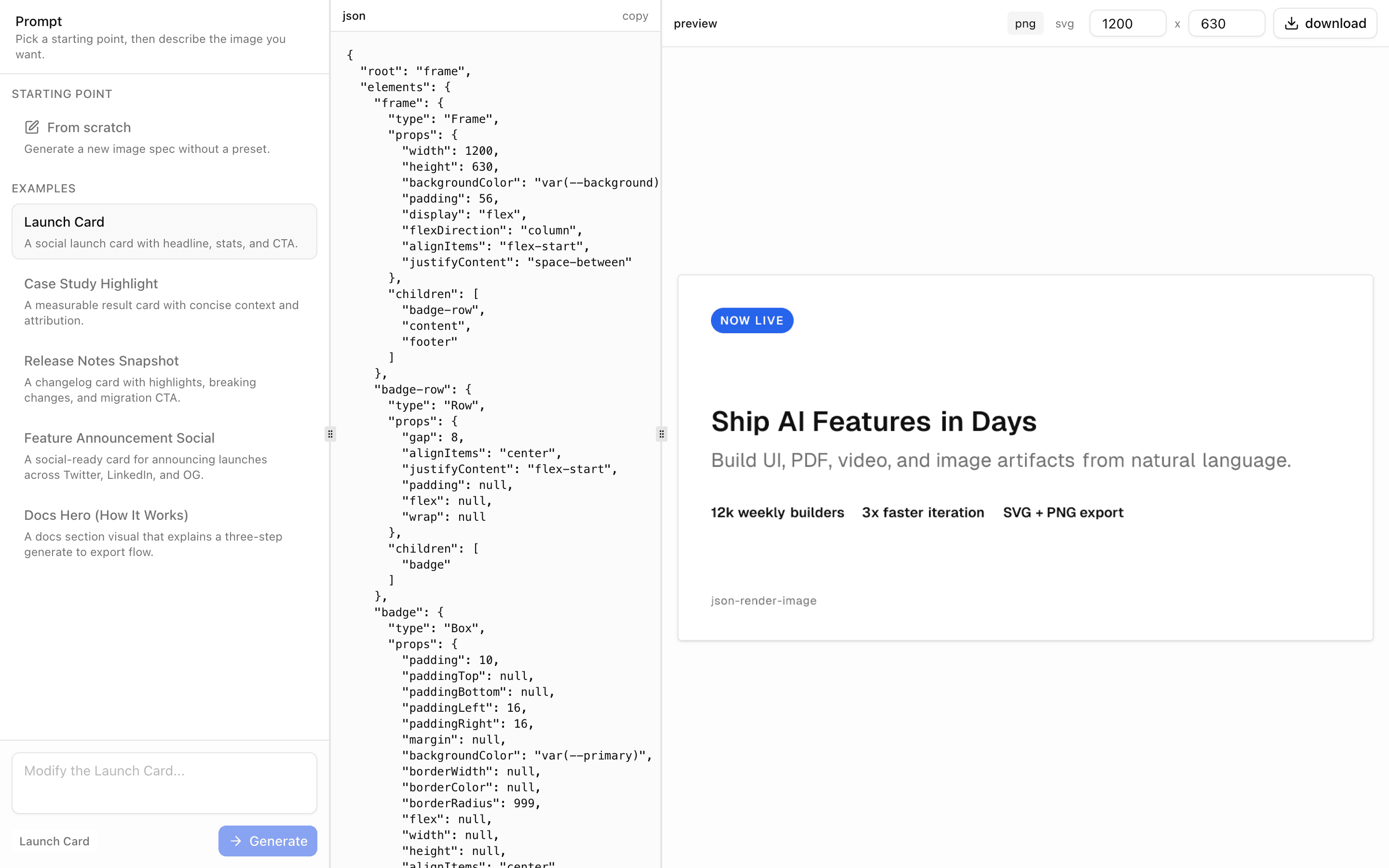
 JSON Render ImageUse this when users describe a social card or marketing graphic in plain language and need a downloadable SVG or PNG image as the result.Pro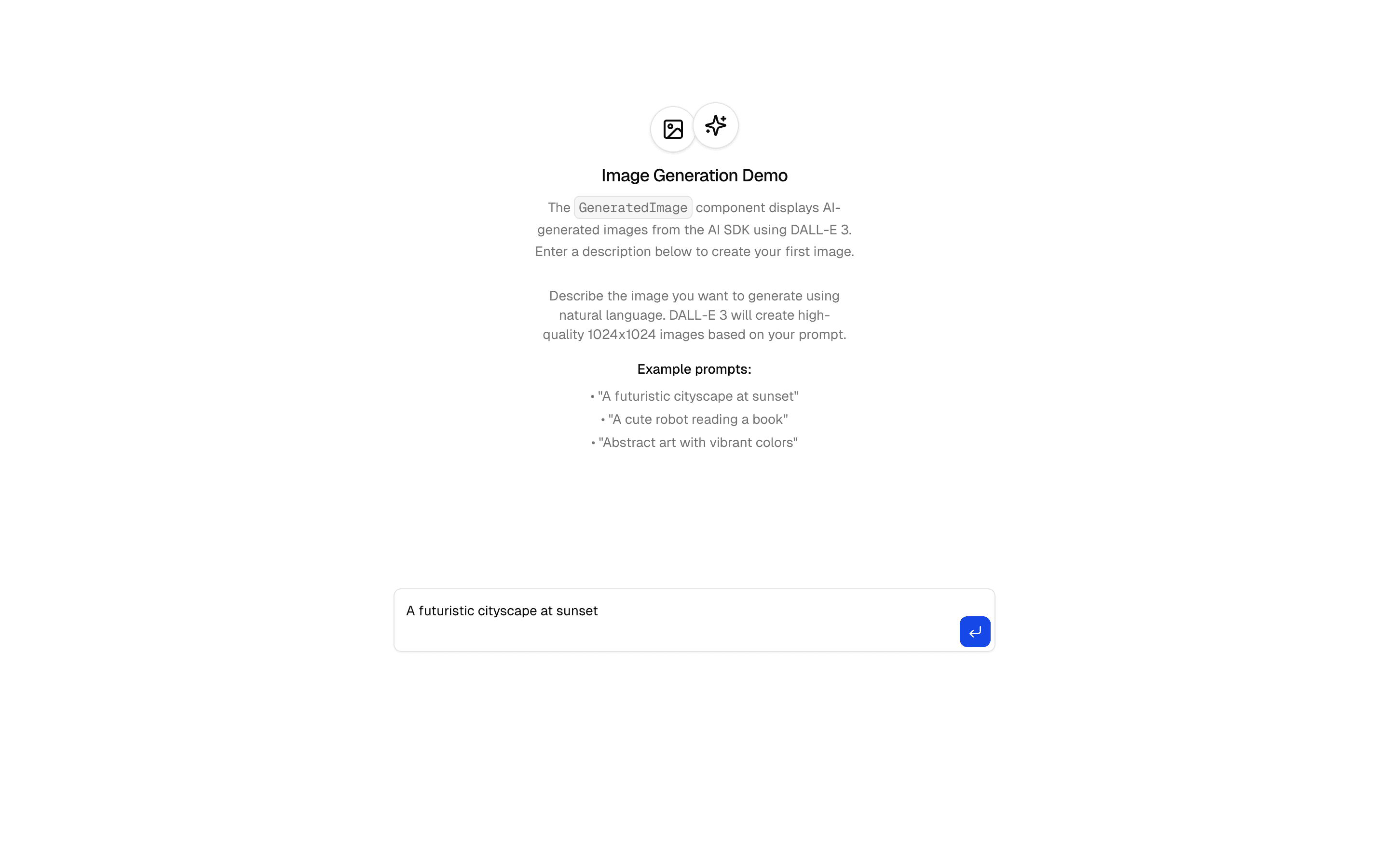
 Image Generation DemoUse this when you need AI-generated images to show up inside an AI Elements chat conversation using the GeneratedImage component.Pro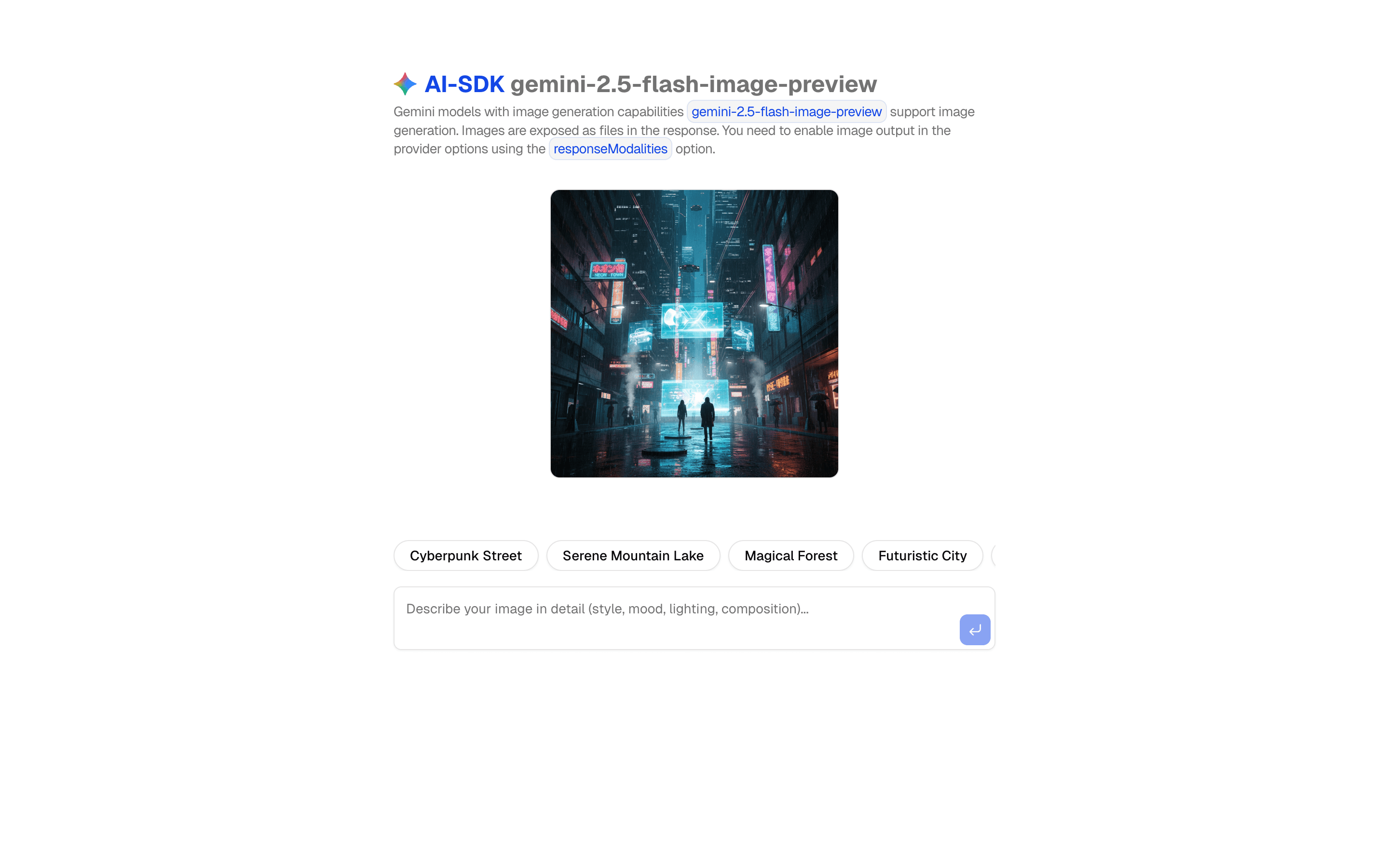
 AI SDK Nano Banana ImageGenerate images using Gemini 3.1 Flash Lite Image with prompt optimization. Includes style adaptation and customizable parameters.Pro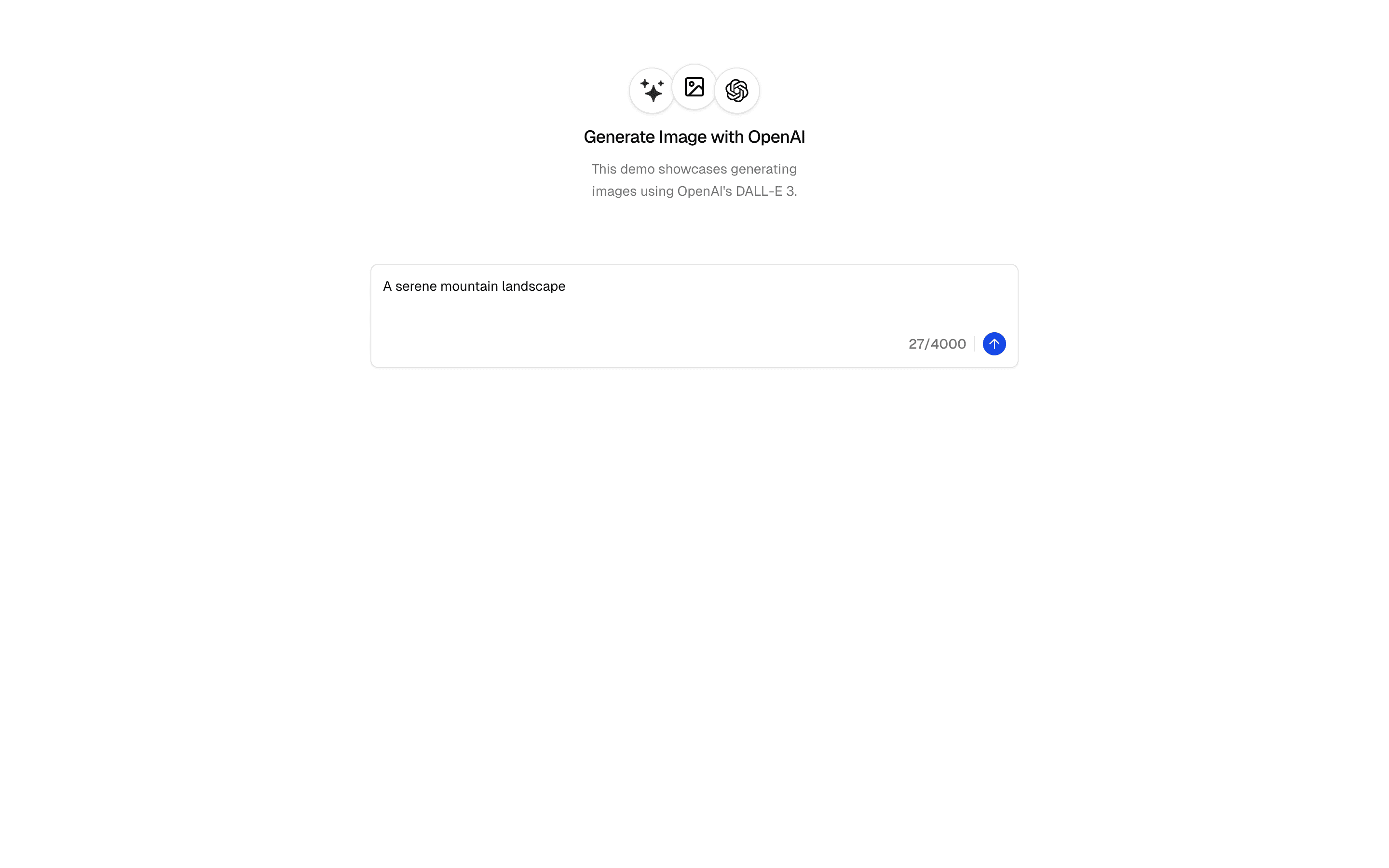
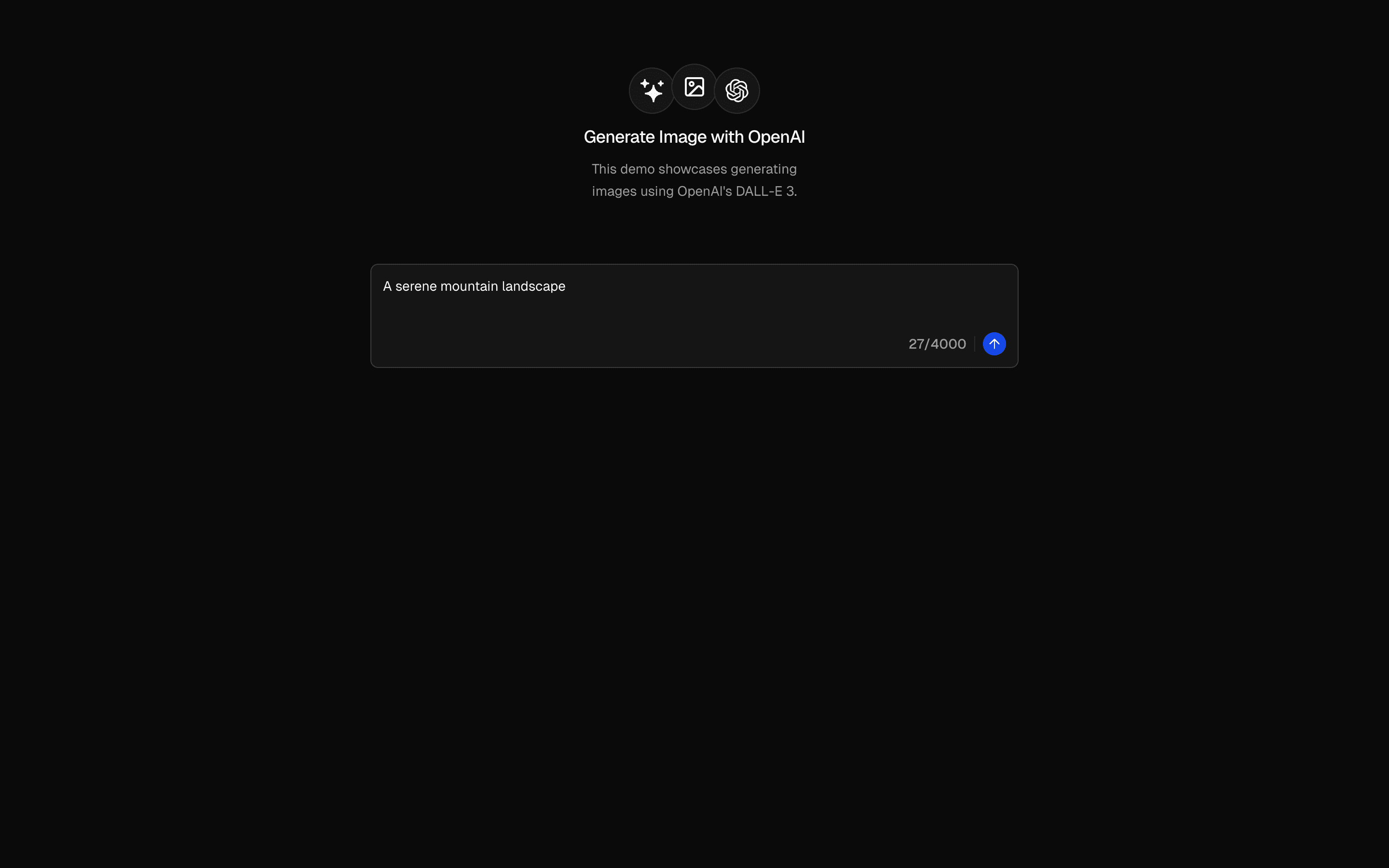 Generate Image (OpenAI)Use this when your app should generate images from prompts on OpenAI GPT Image via AI SDK generateImage and the AI Gateway.Free
 Generate Image (Flux)Use this when you are building a basic Flux image playground and need the minimal generateImage wiring through the AI Gateway to start from.Free
 Generate Image (Grok Imagine)Use this when your app should generate images on xAI Grok Imagine and you want a starting setup that shows results in a basic UI.Free
 Generate Image (Google Gemini)Use this when you are on Google Gemini and need a starting point for prompt-to-image generation with results shown in a simple UI.Free
Generate images, voice, and video
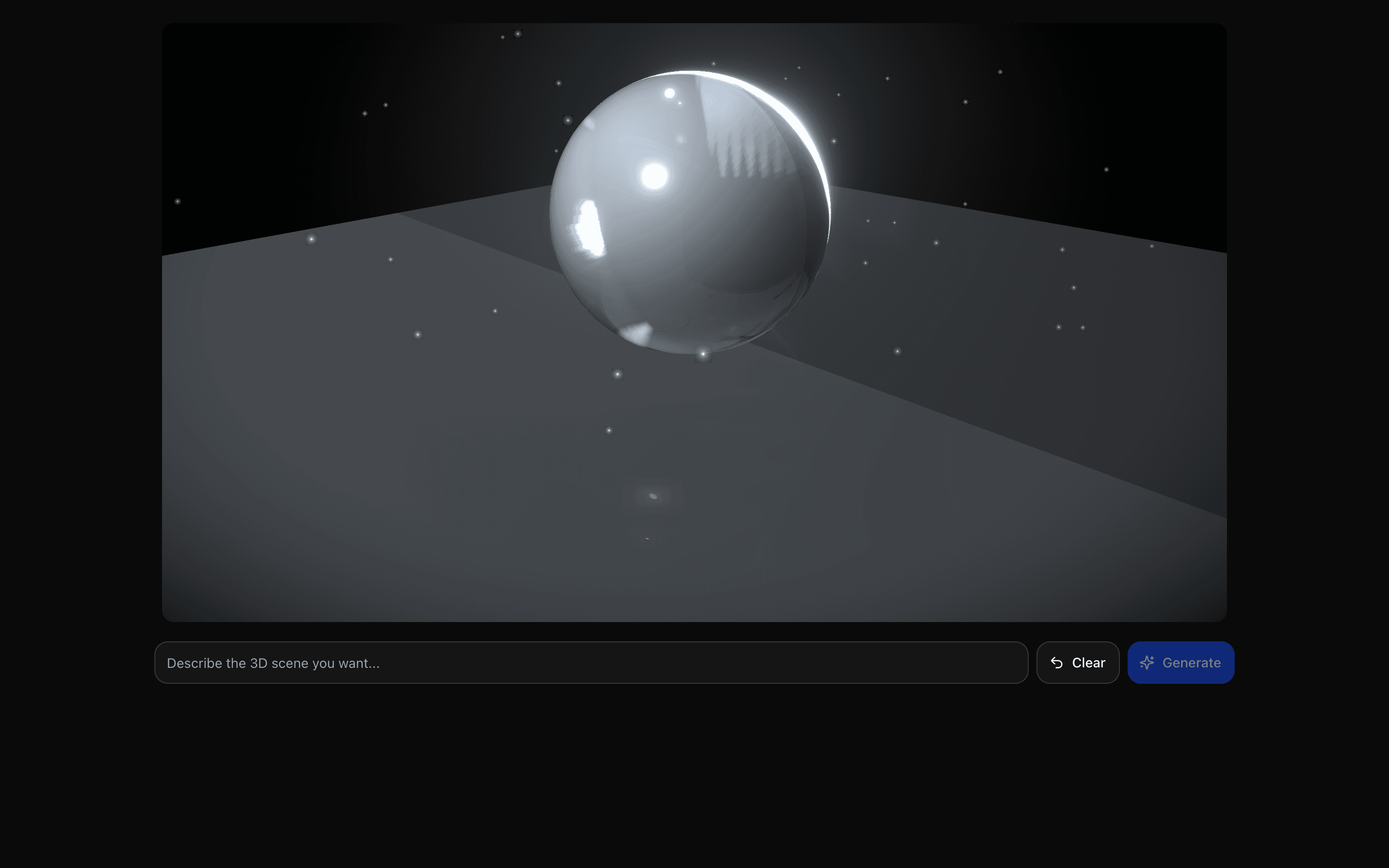
Create video and 3D scenes
Move beyond text and static images.
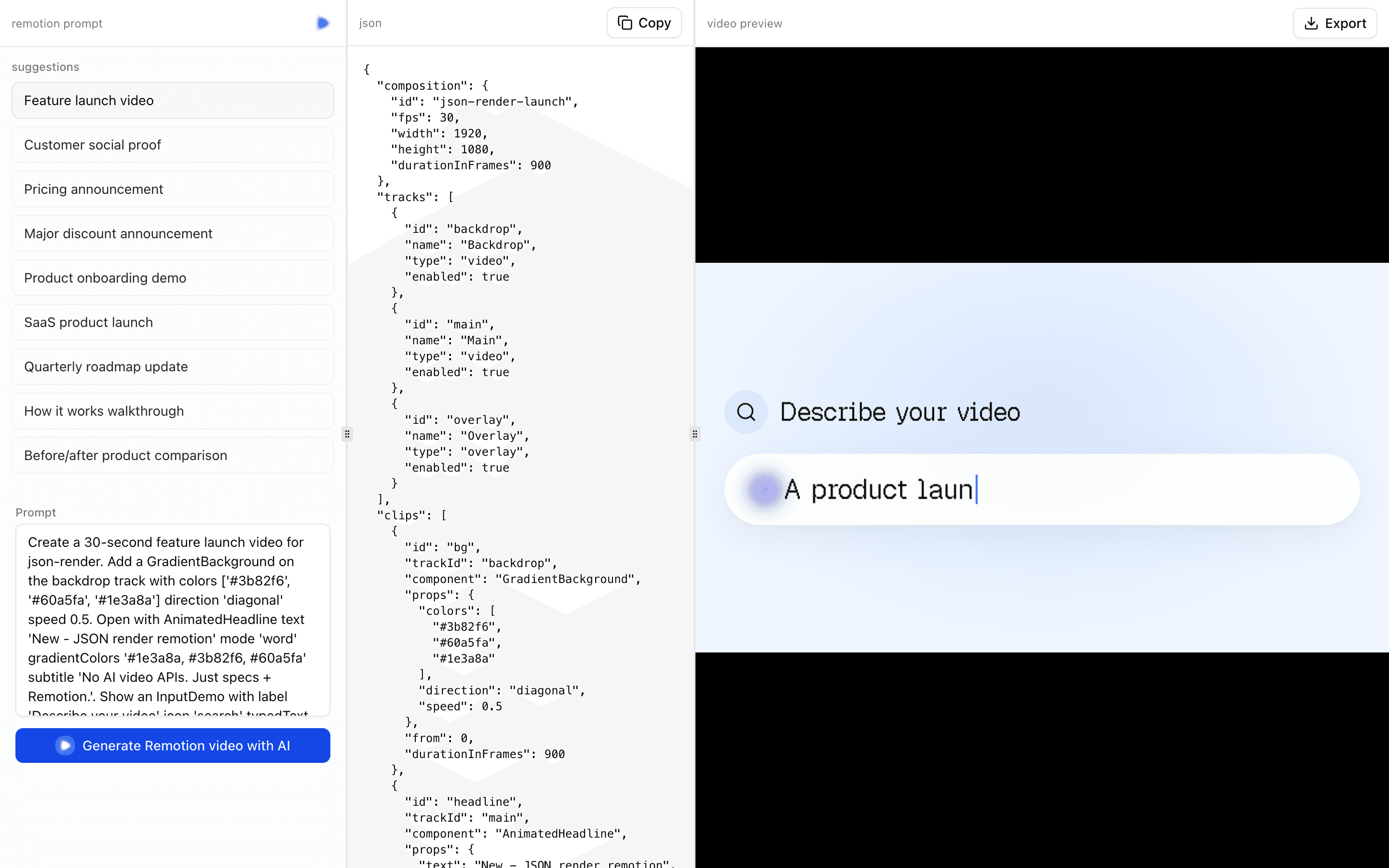
 Start hereJSON Render RemotionUse this when you are prototyping prompt-to-video features, such as intro or slideshow drafts, and want output that plays in Remotion.ProView block
Also consider

Generate images, voice, and video
Add speech and transcription
Add voice input or spoken output to a product.
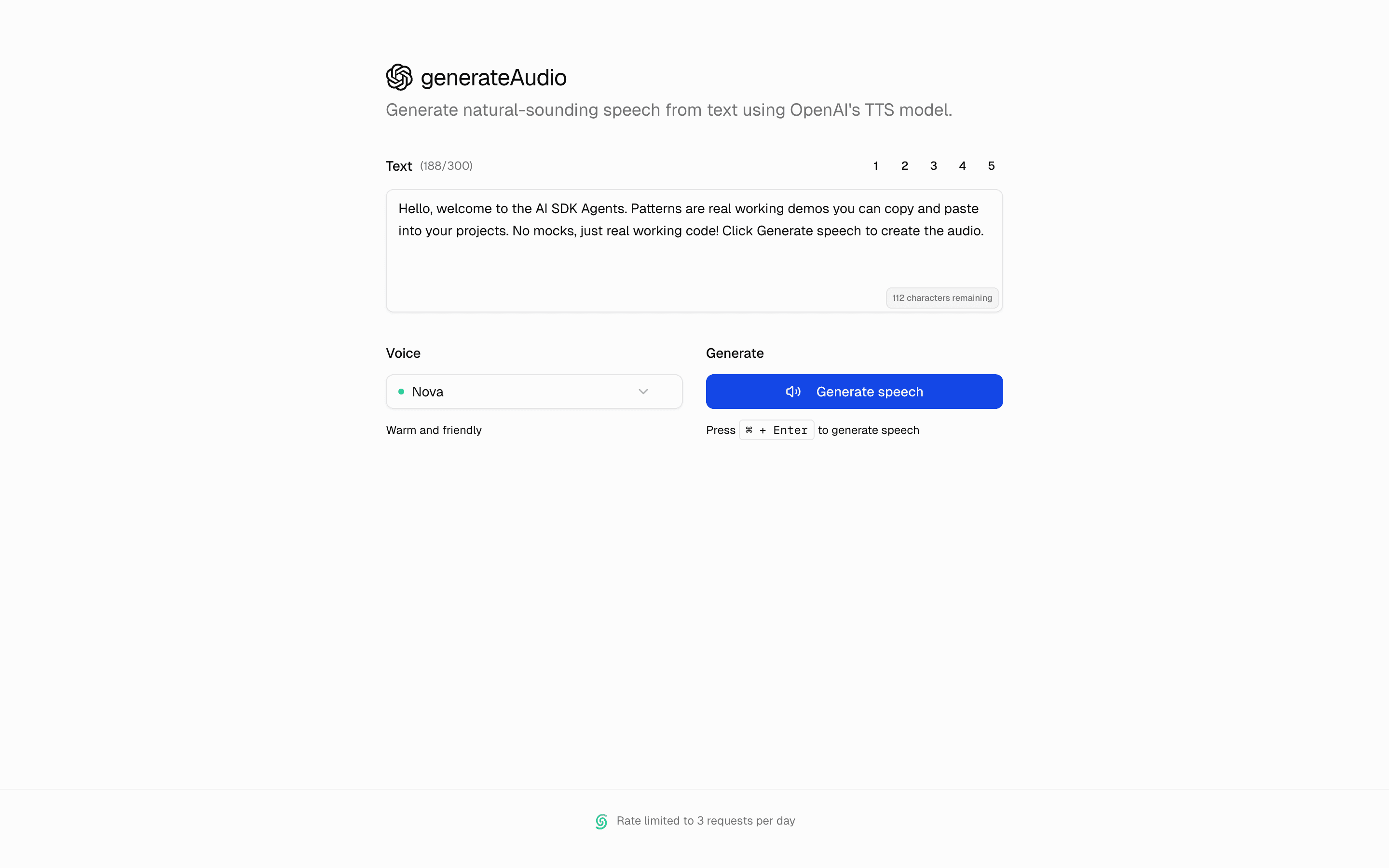
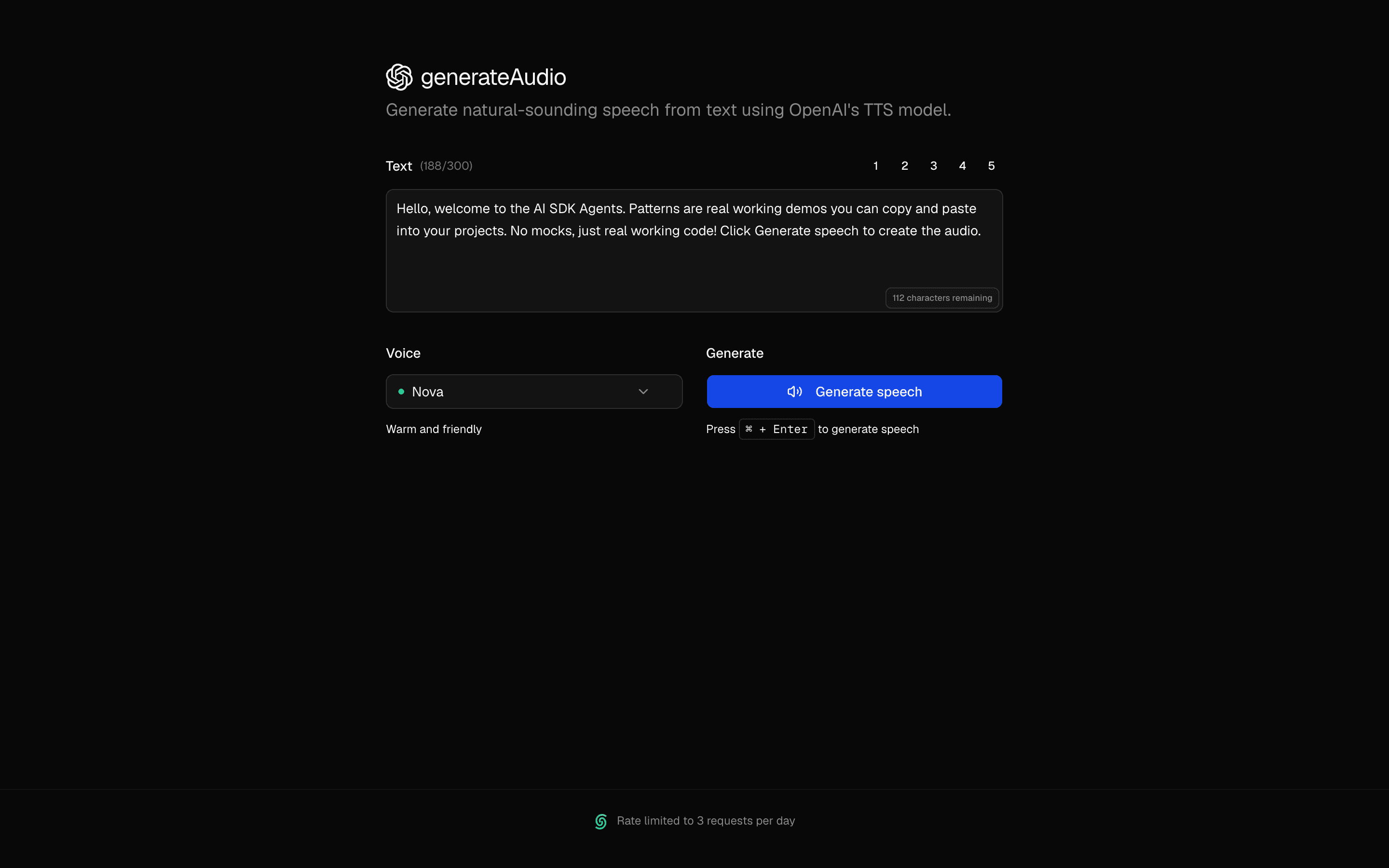 Start hereGenerate Speech (OpenAI)Use this when you need to turn written text into spoken audio with OpenAI speech models, choosing a voice and speed, then playing or downloading it.FreeView block
Also consider
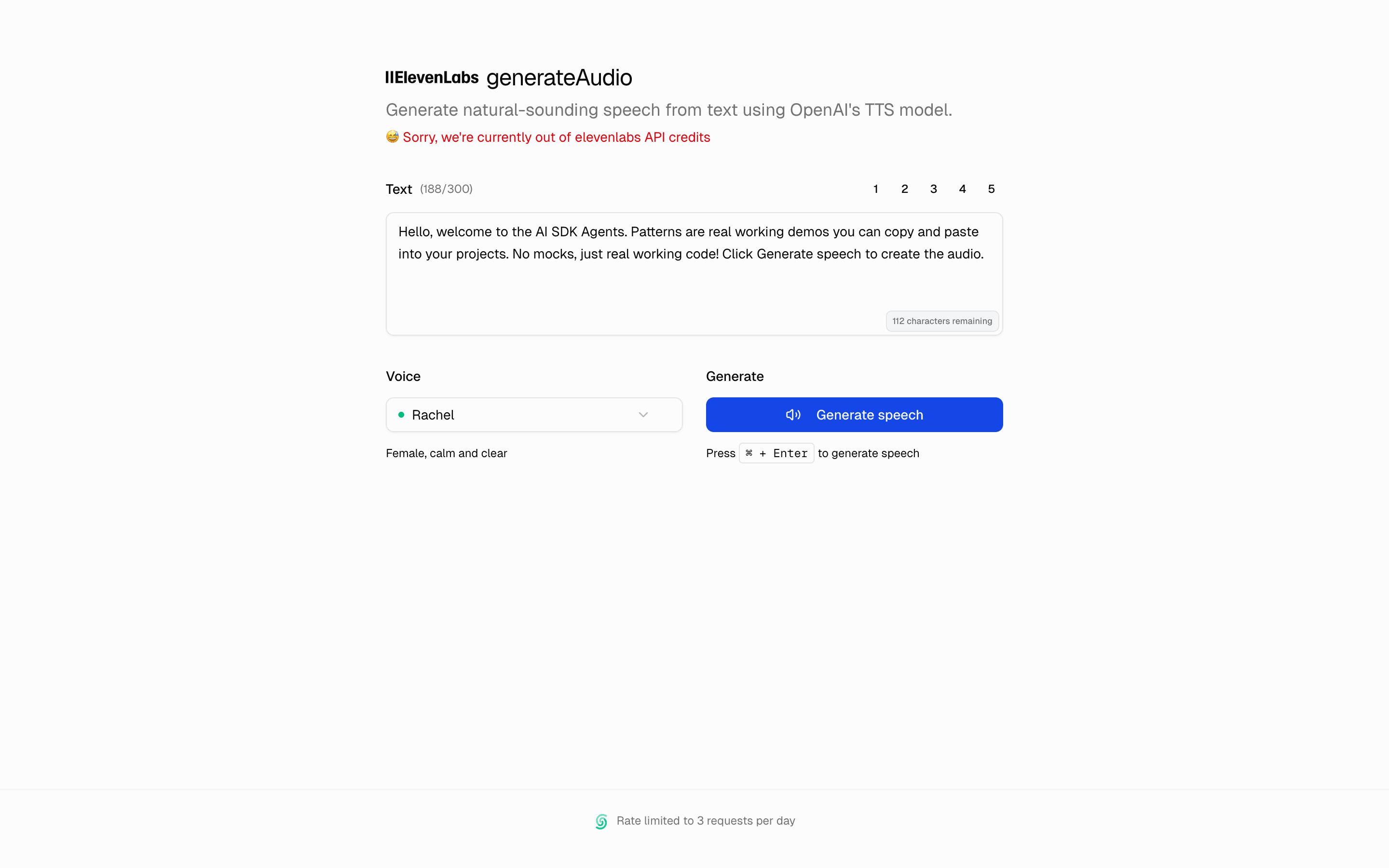
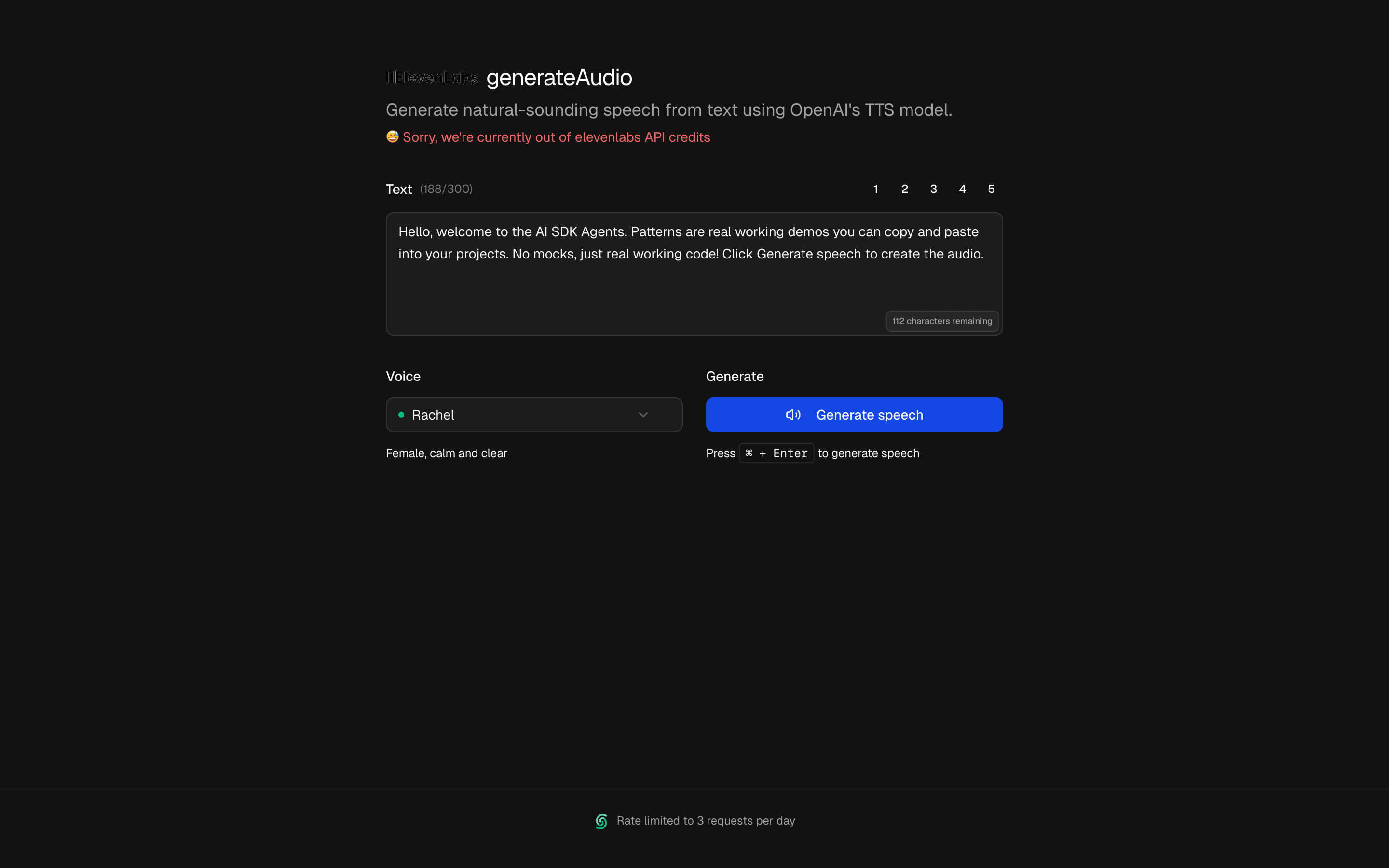 Generate Speech (ElevenLabs)Use this when you need to turn written text into spoken audio with ElevenLabs voices through the AI SDK and play or download the result.Free
 Transcribe Audio (OpenAI)Use this when you want a minimal starting point for AI SDK transcription on OpenAI, from audio upload to returned transcript text.Free
 Transcribe Audio (ElevenLabs)Use this when you need to turn uploaded audio files into plain transcript text with ElevenLabs speech-to-text through the AI SDK.Free
Give agents tools
Act with tools
Give an agent bounded access to useful operations.
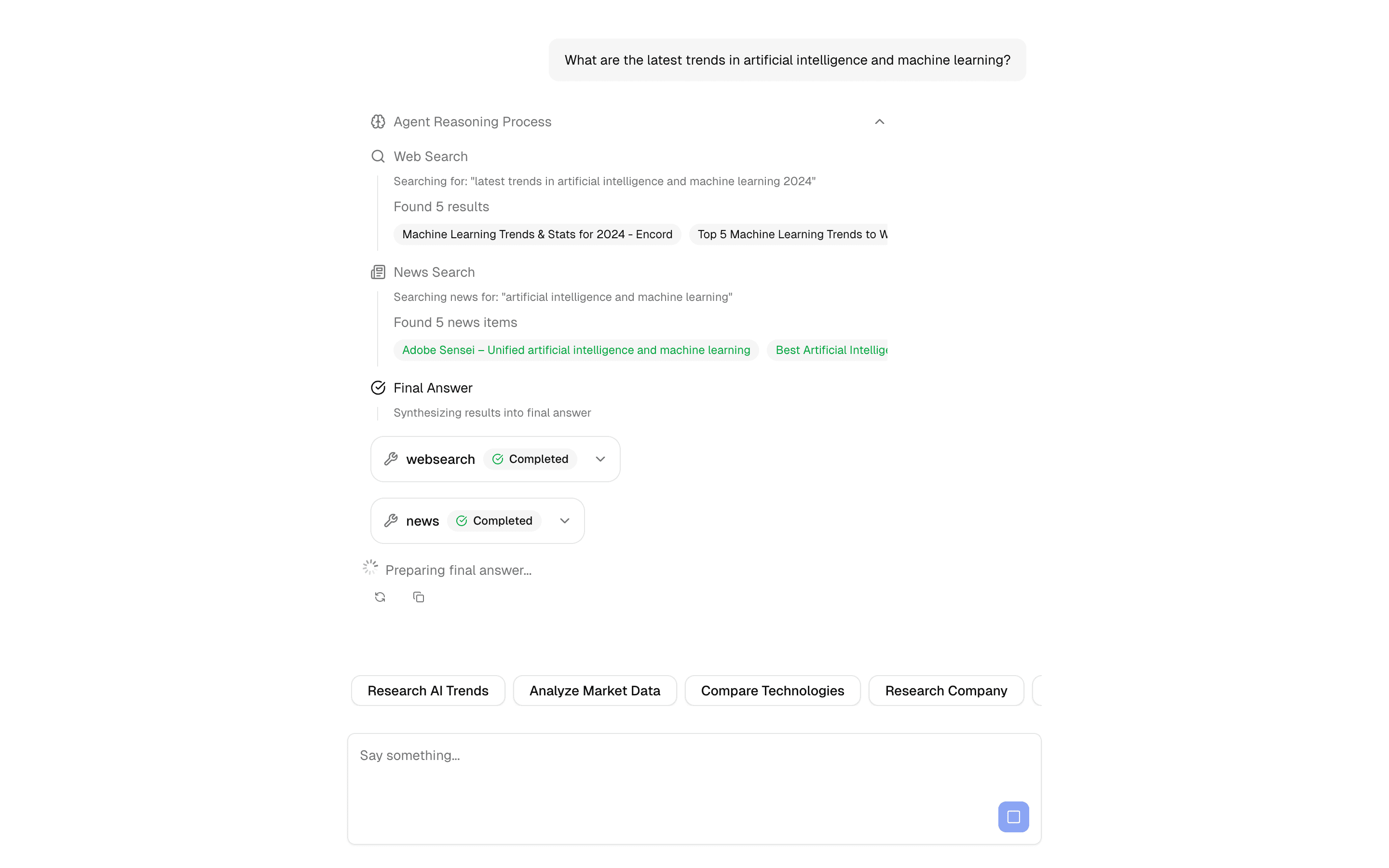
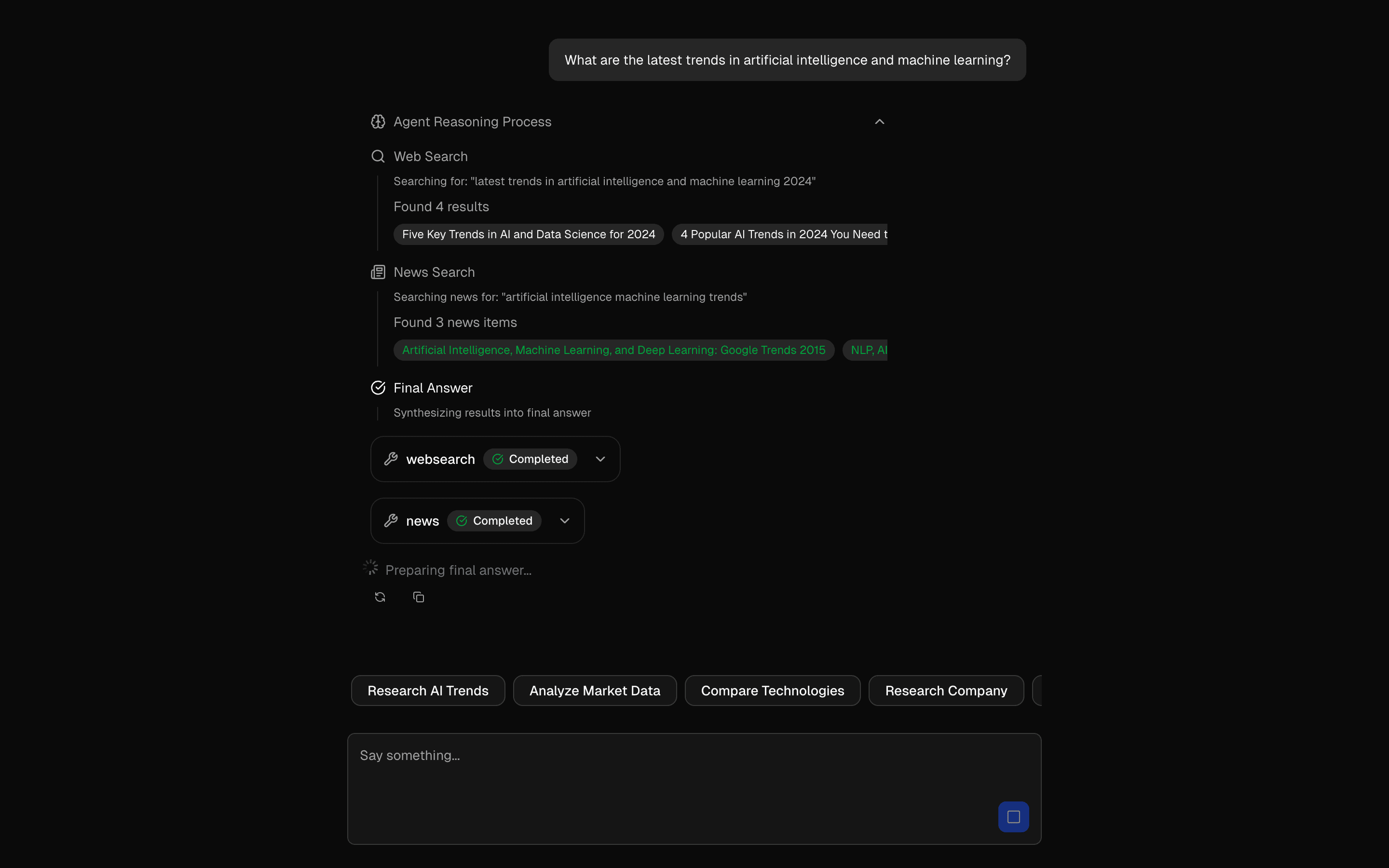 Start hereMulti-Step Tool PatternUse this when a chat agent must call several typed tools in a row, feeding each result into the next step, with a step limit to stop runaway loops.ProView block
Also consider
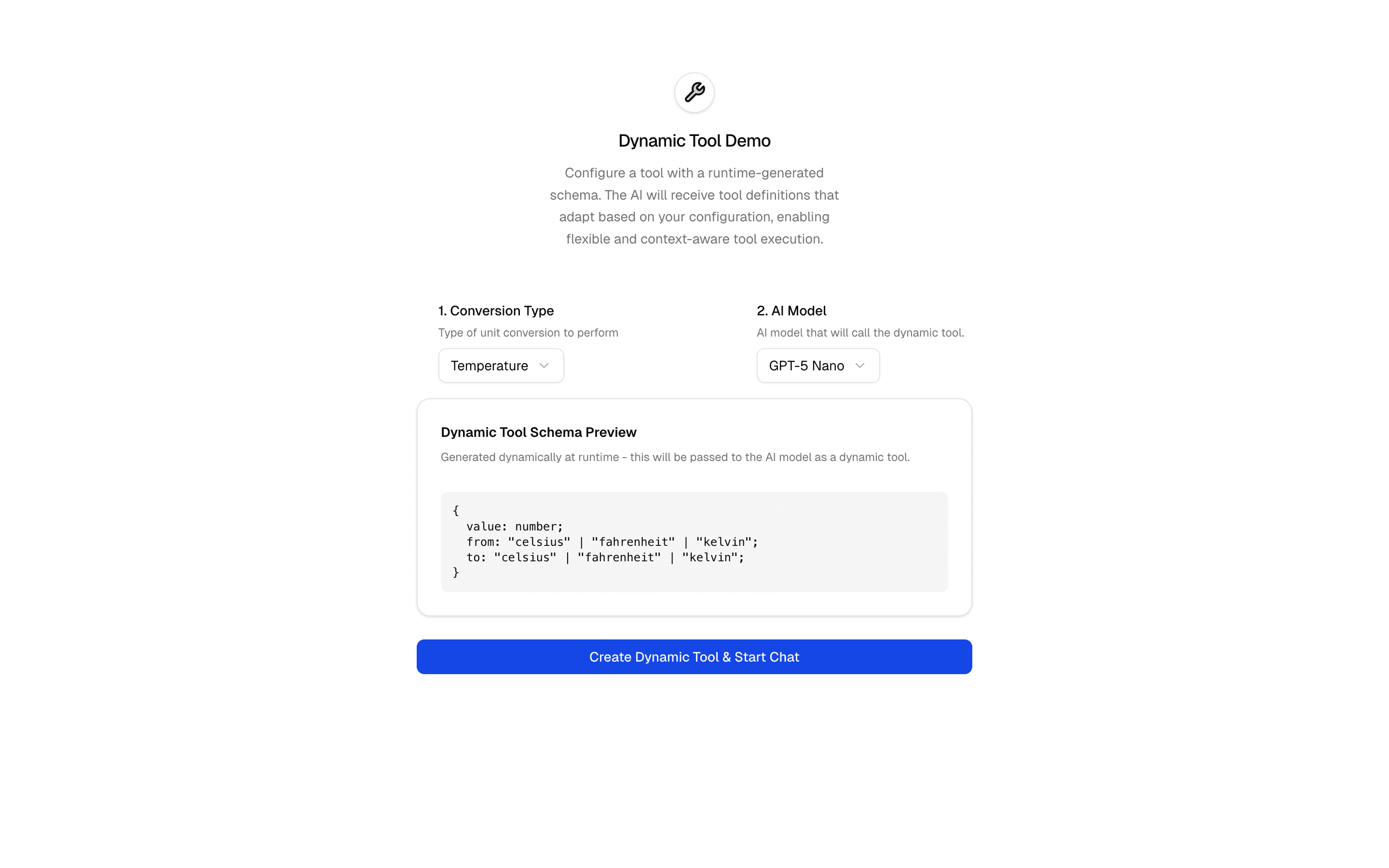
 Dynamic ToolUse this when you need to build tools with dynamicTool whose Zod schemas change per request, like a converter whose inputs differ by conversion type.Pro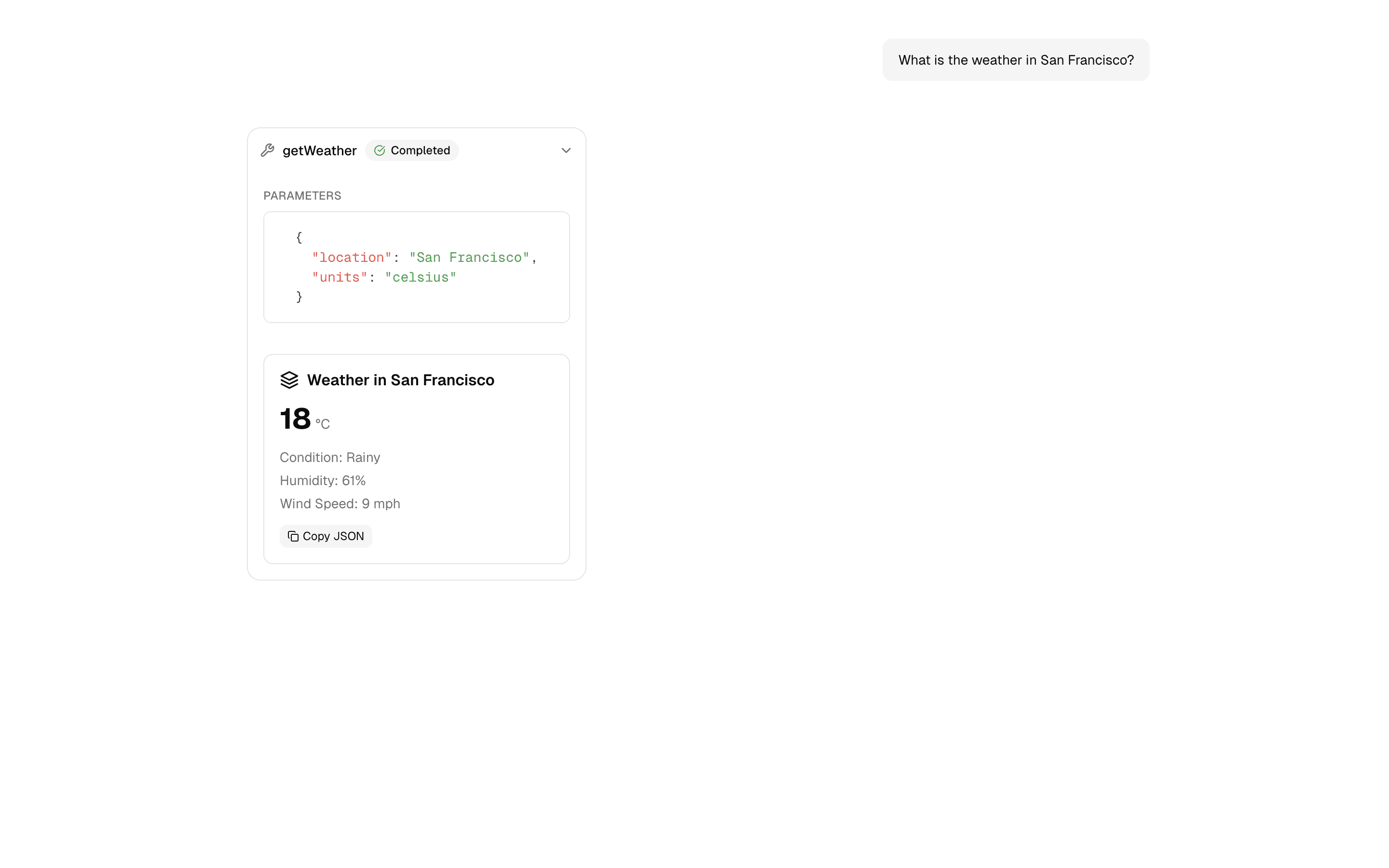
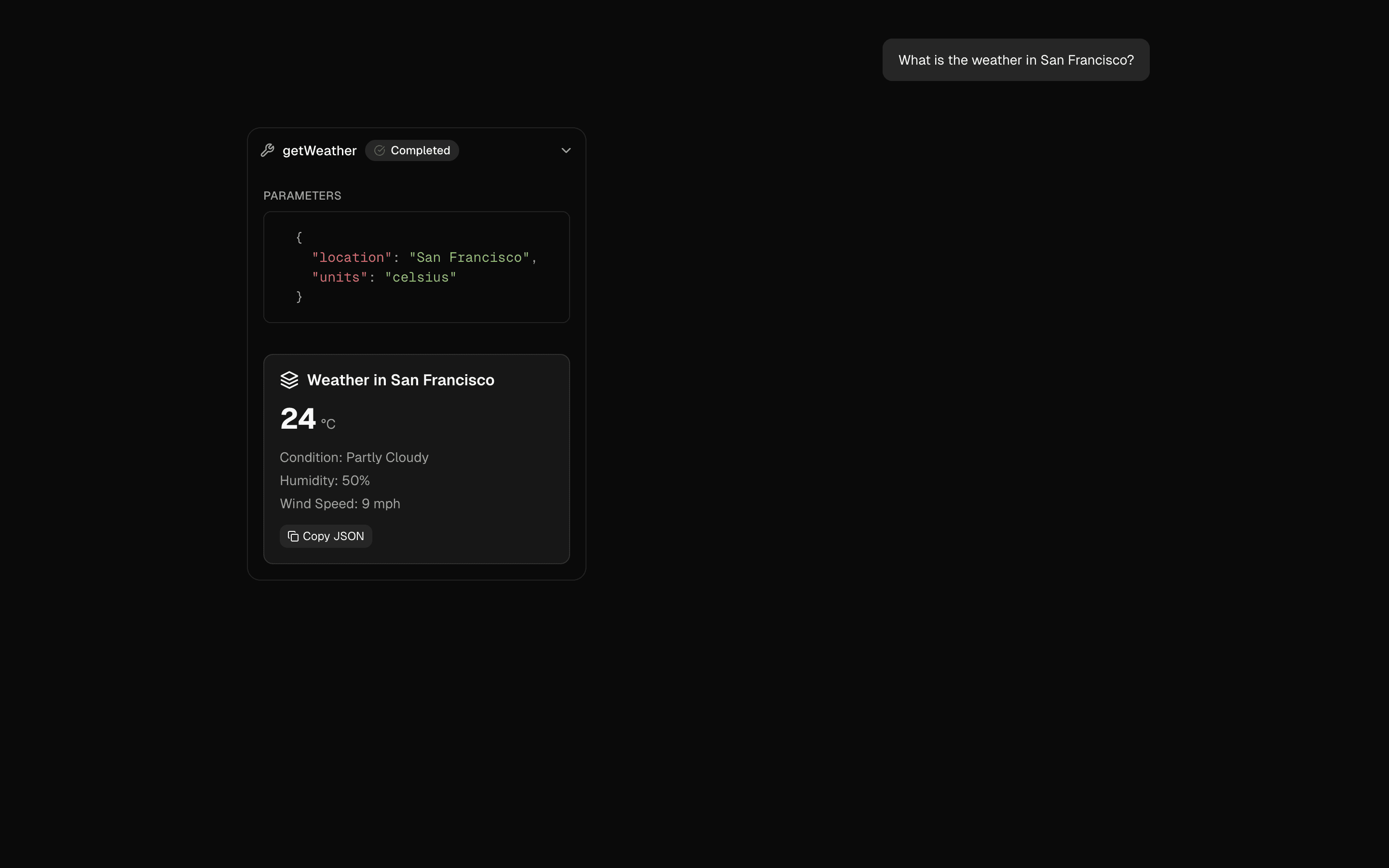 Tool Call RepairUse this when your model often sends tool arguments that fail schema validation and you want them fixed before execution without extra chat turns.Pro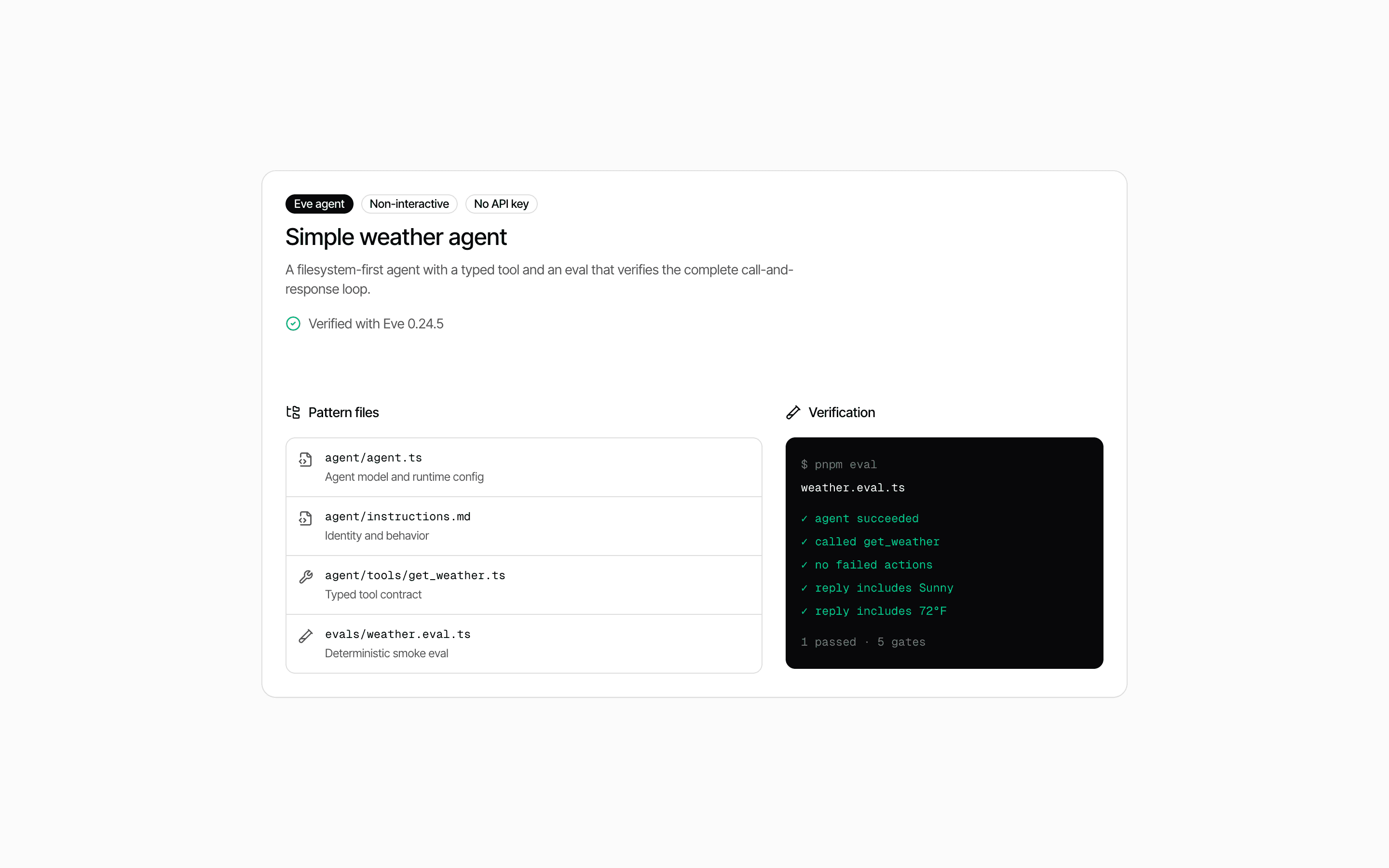
 Eve Simple Tool AgentUse this when you are starting your first Eve agent and want one typed tool plus deterministic evals that run without any provider API keys.Pro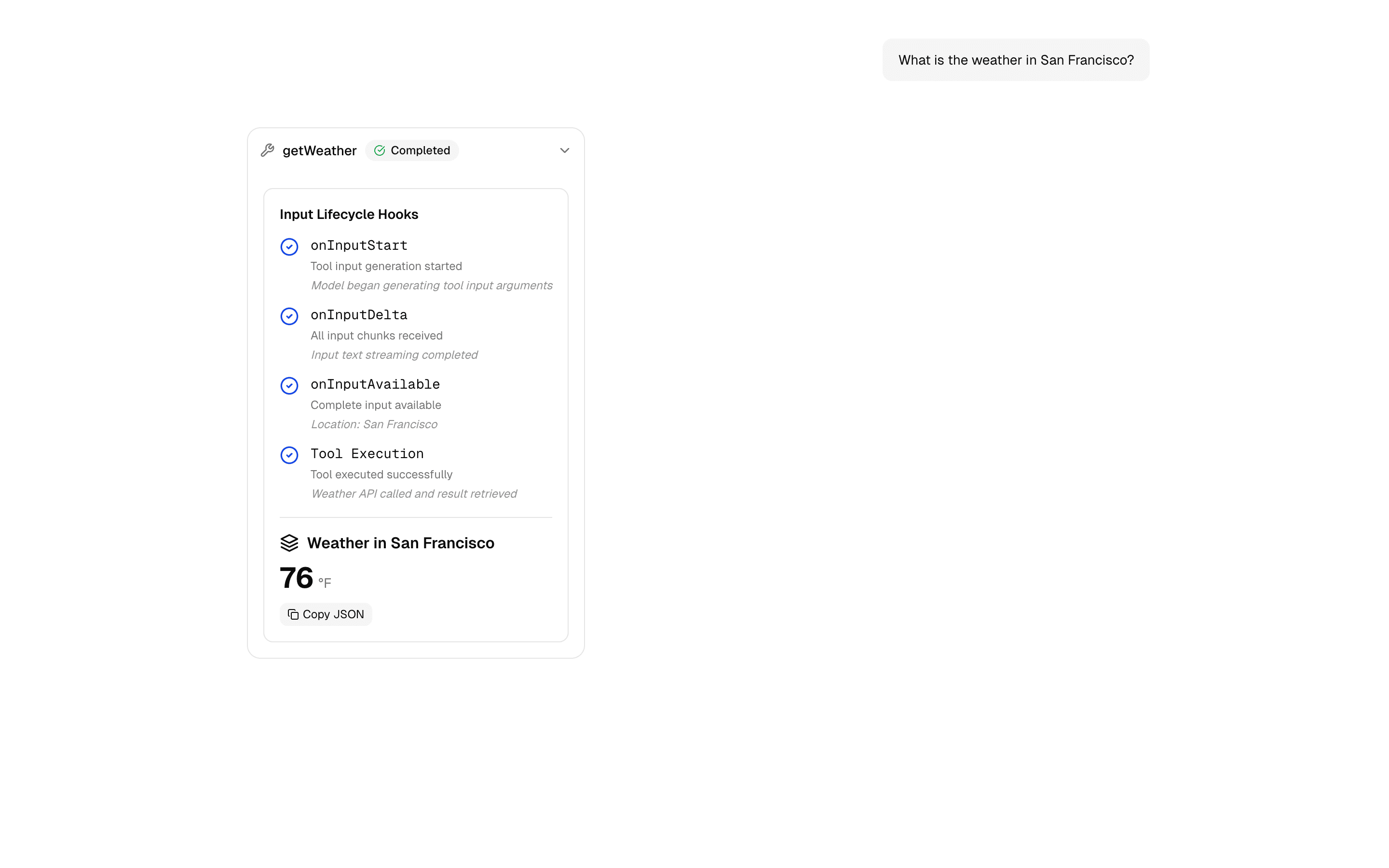
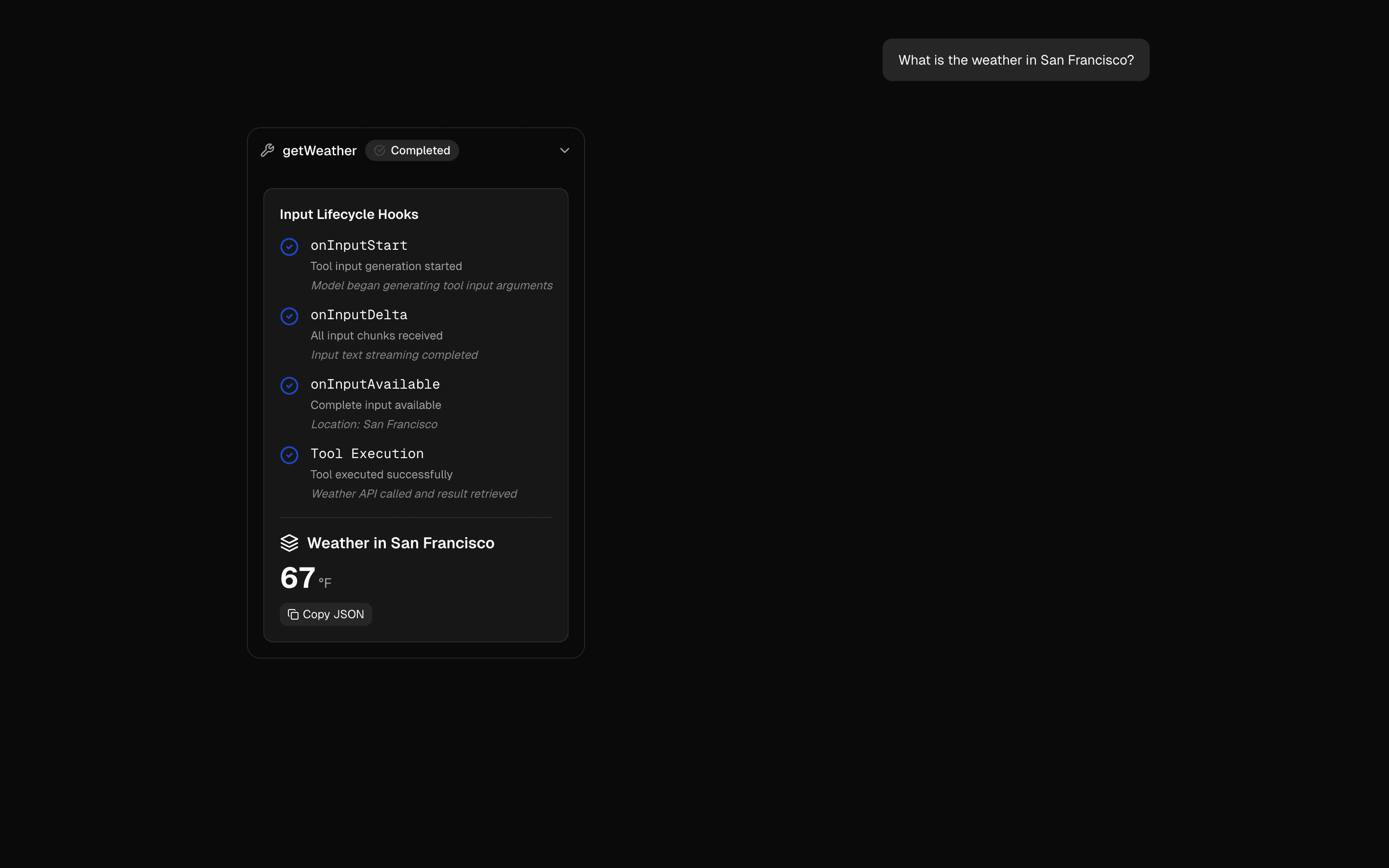 Tool Input Lifecycle HooksUse this when you want UI state, like a spinner or progress label, to react to tool input starting, streaming, and becoming fully available.Pro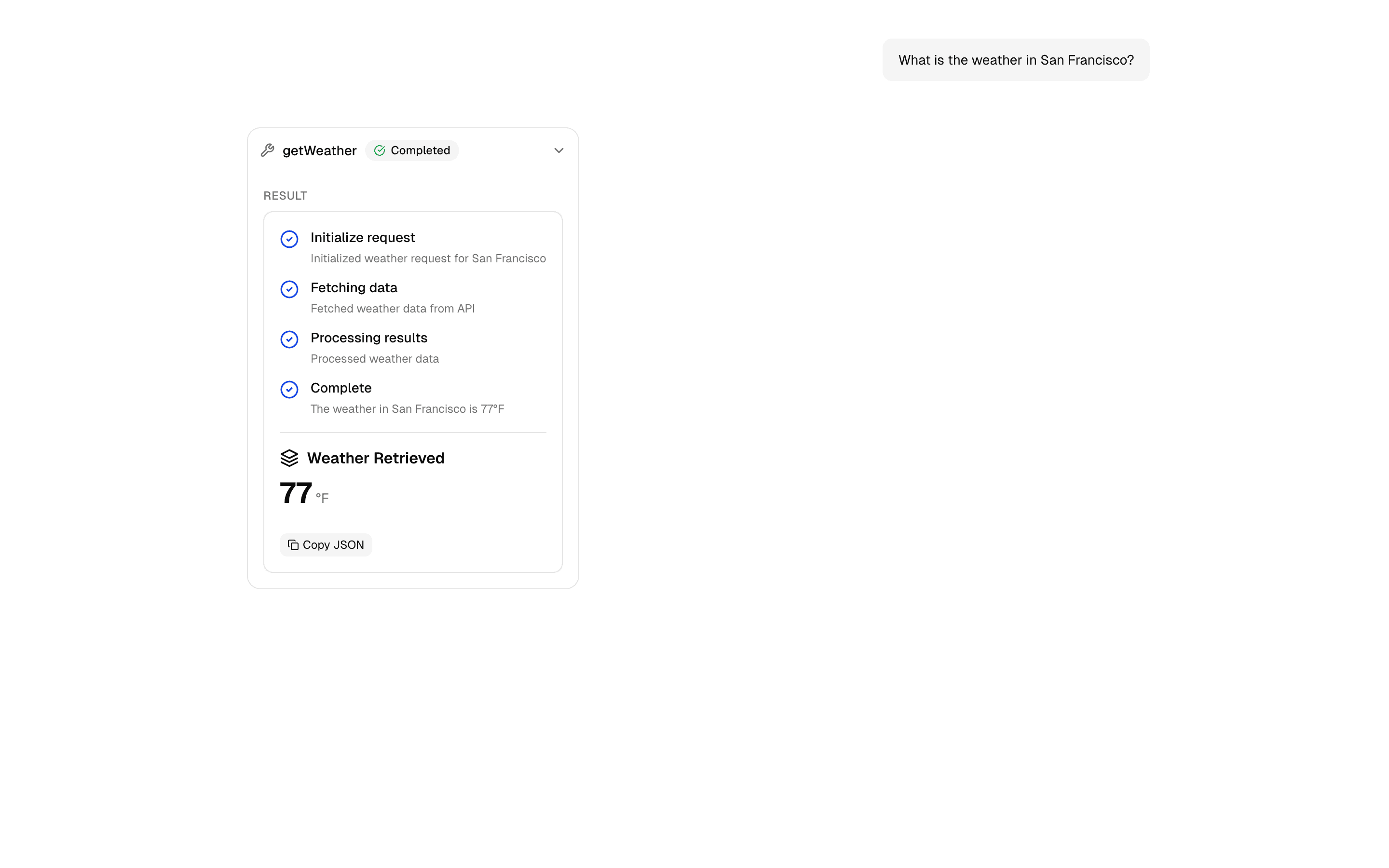
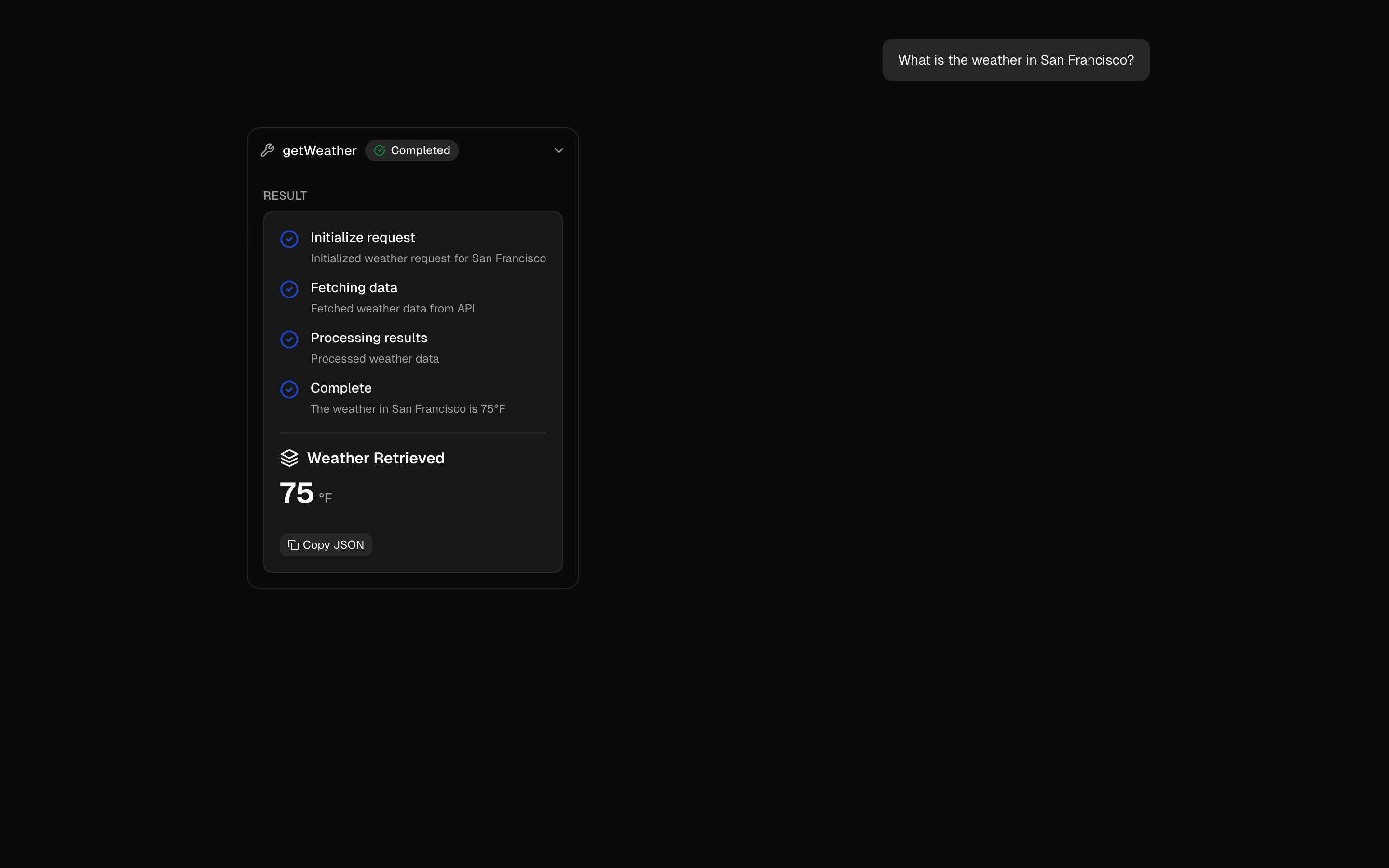 Preliminary Tool ResultsReturn preliminary tool results using async iterables. Stream status updates during tool execution before the final result is available.Pro
Give agents tools
Pass user context to tools
Keep request-specific context close to execution.
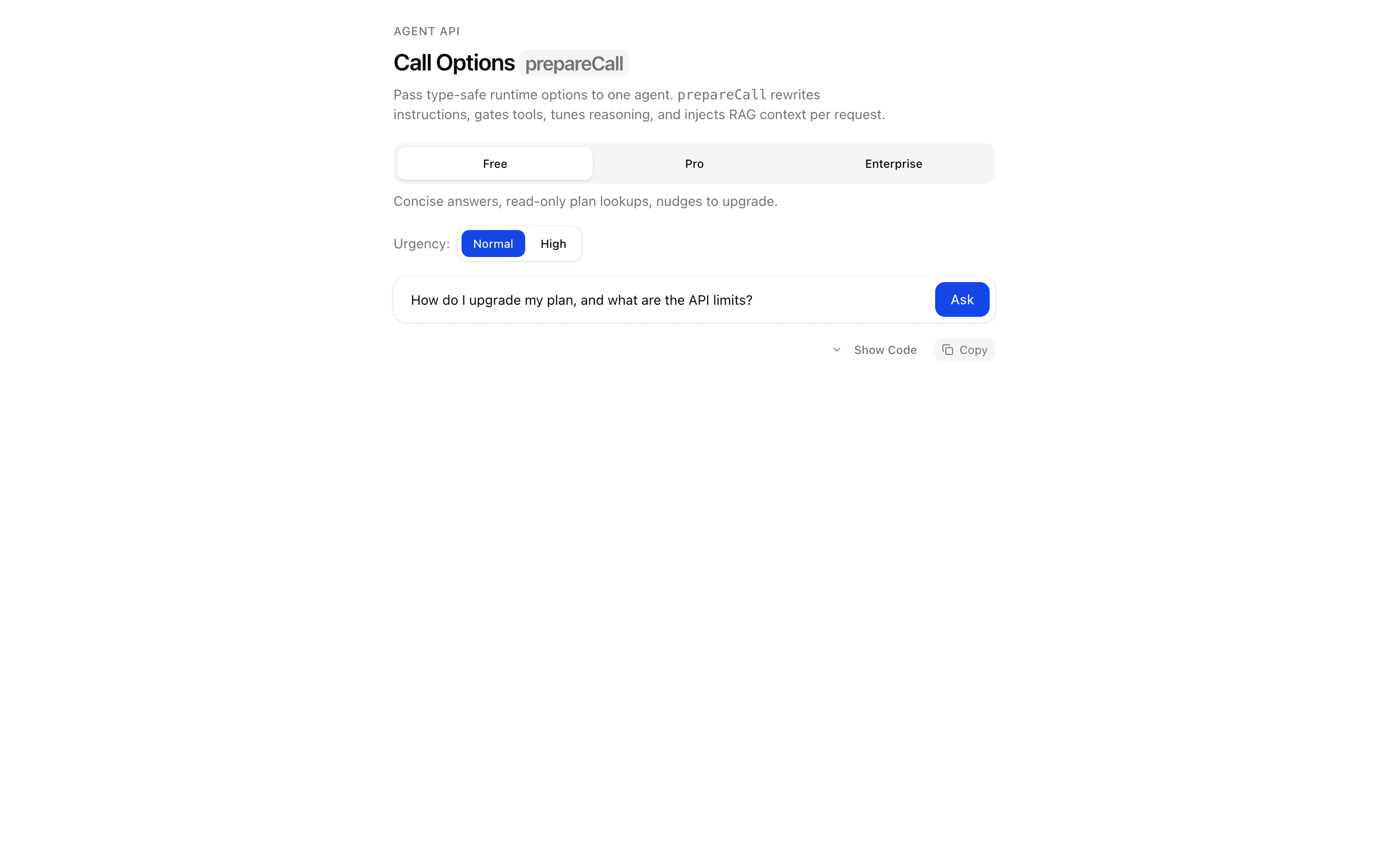
 Start hereCall Options: prepareCallUse this when you need to inject per-user context, such as retrieved documents, into an agent's instructions at call time using typed call options.ProView block
Also consider
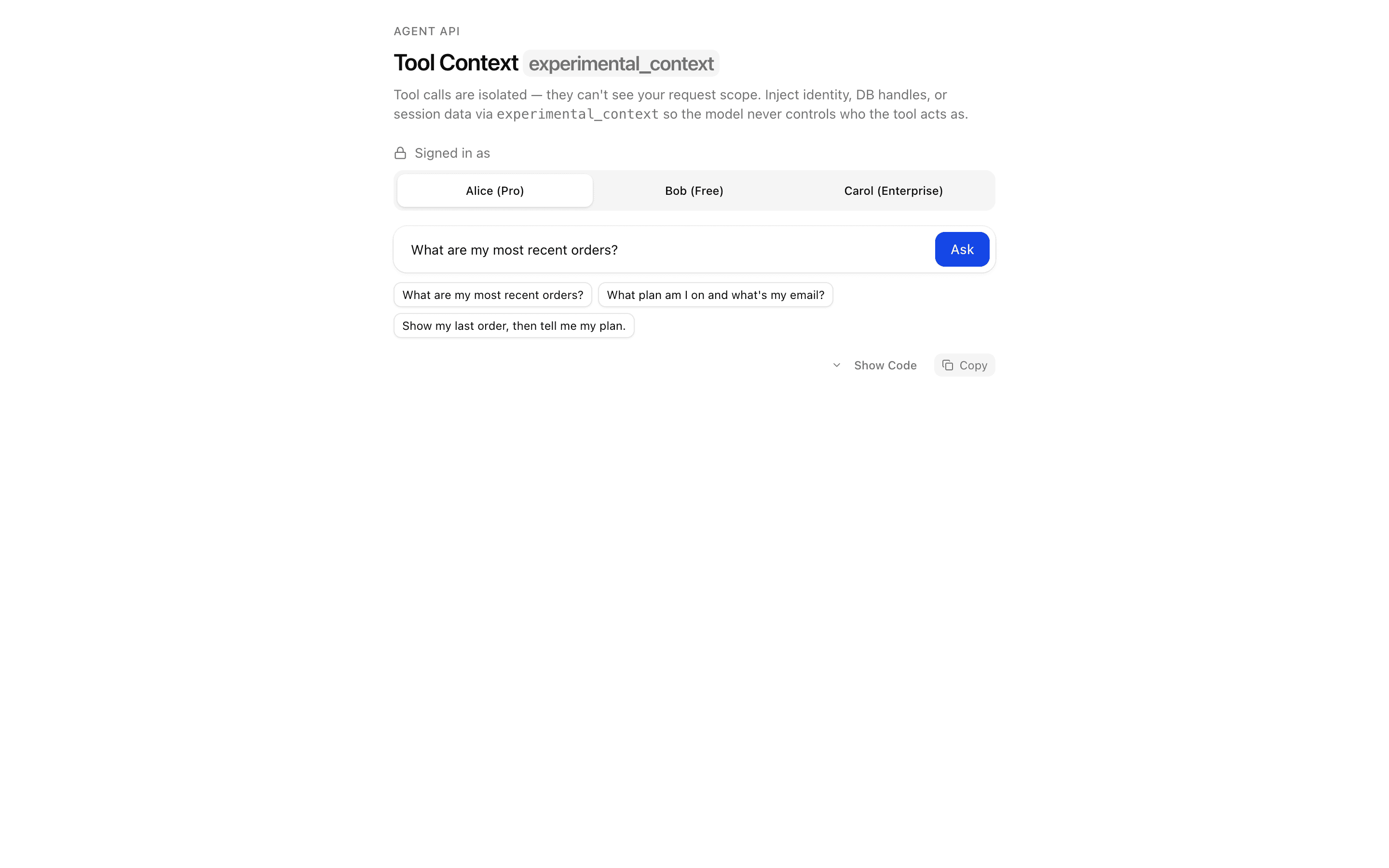
 Tool Context: experimental_contextUse this when a multi-tenant agent must scope every tool call to the authenticated request so a prompt injection cannot reach another user's data.Pro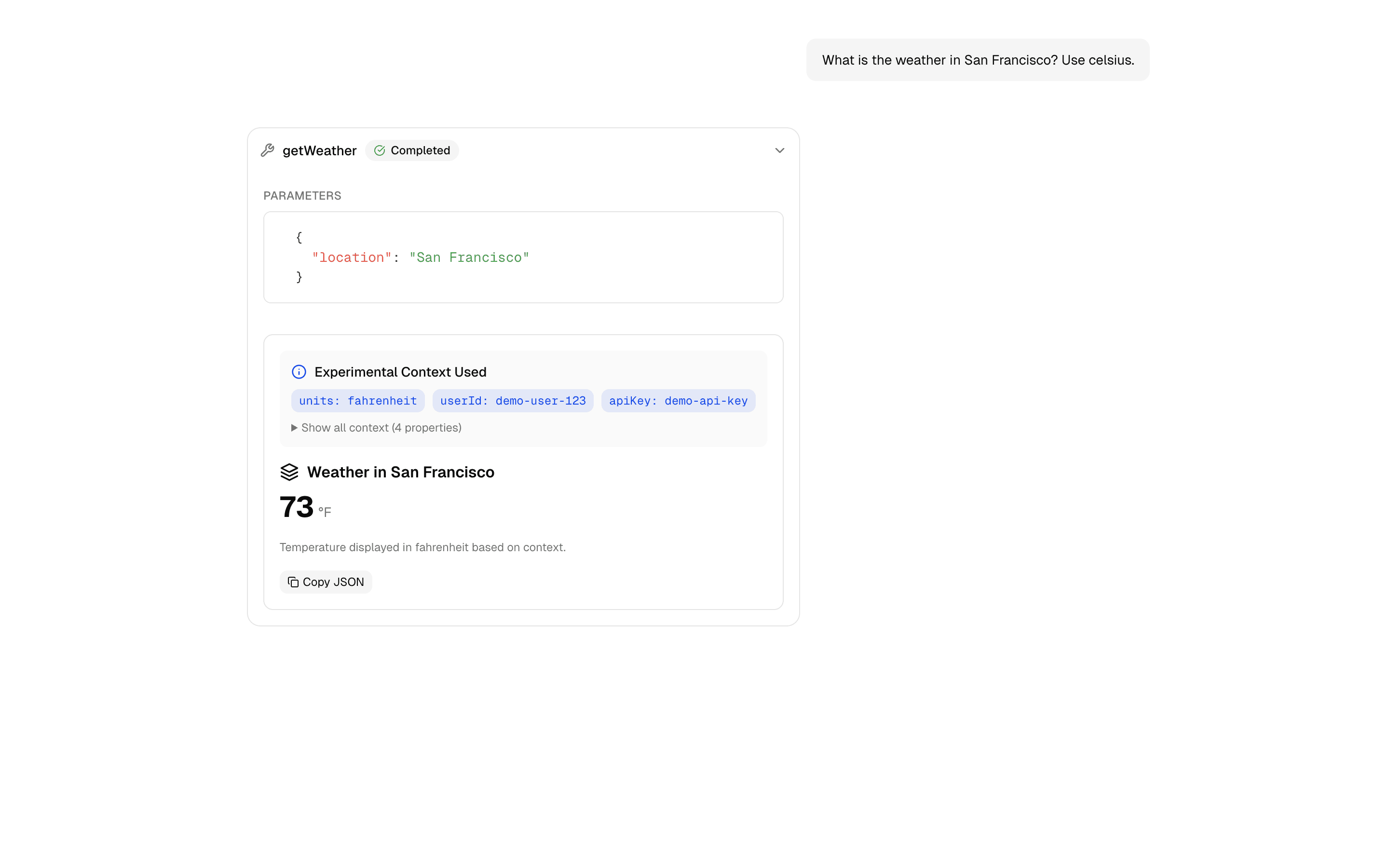
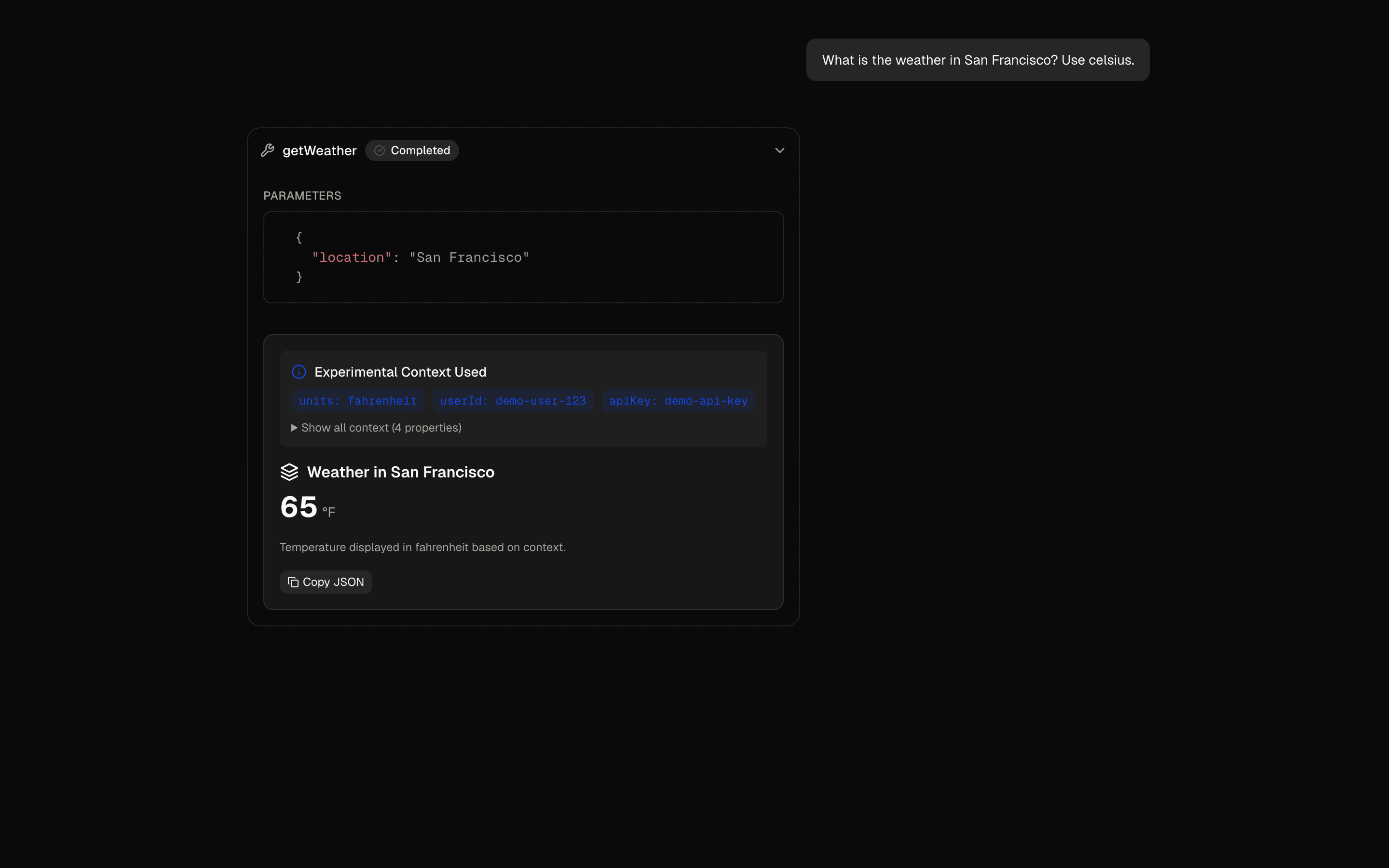 Tool API ContextUse this when you call generateText or streamText directly and want one tool definition to adapt to each user's preferences or session settings.Pro
Give agents tools
Control an agent’s loop
Bound loops and keep message history manageable.
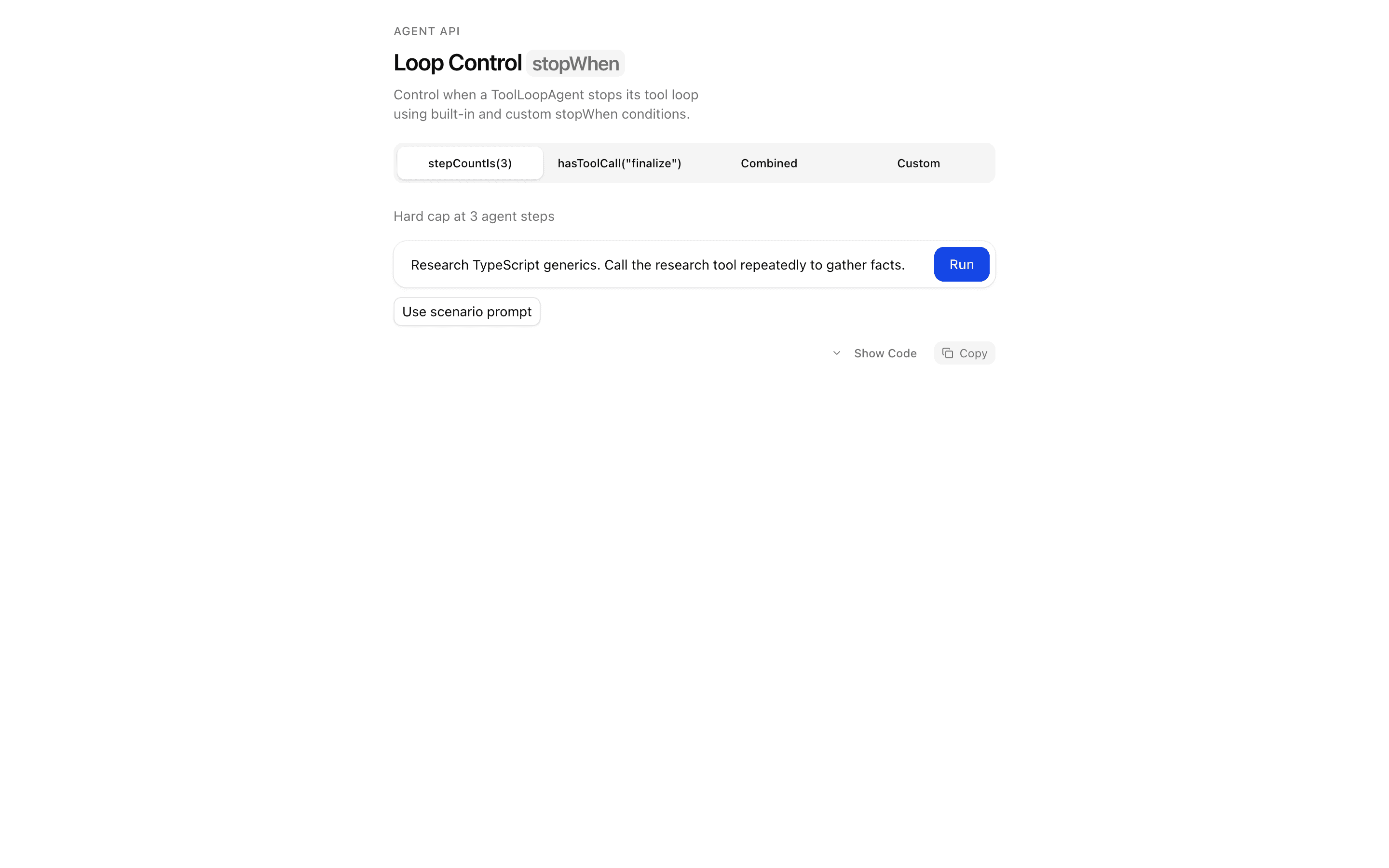
 Start hereLoop Control: stopWhenUse this when you are tuning at which step an agent loop halts and want to see each step on a timeline as your stop rules trigger.ProView block
Also consider

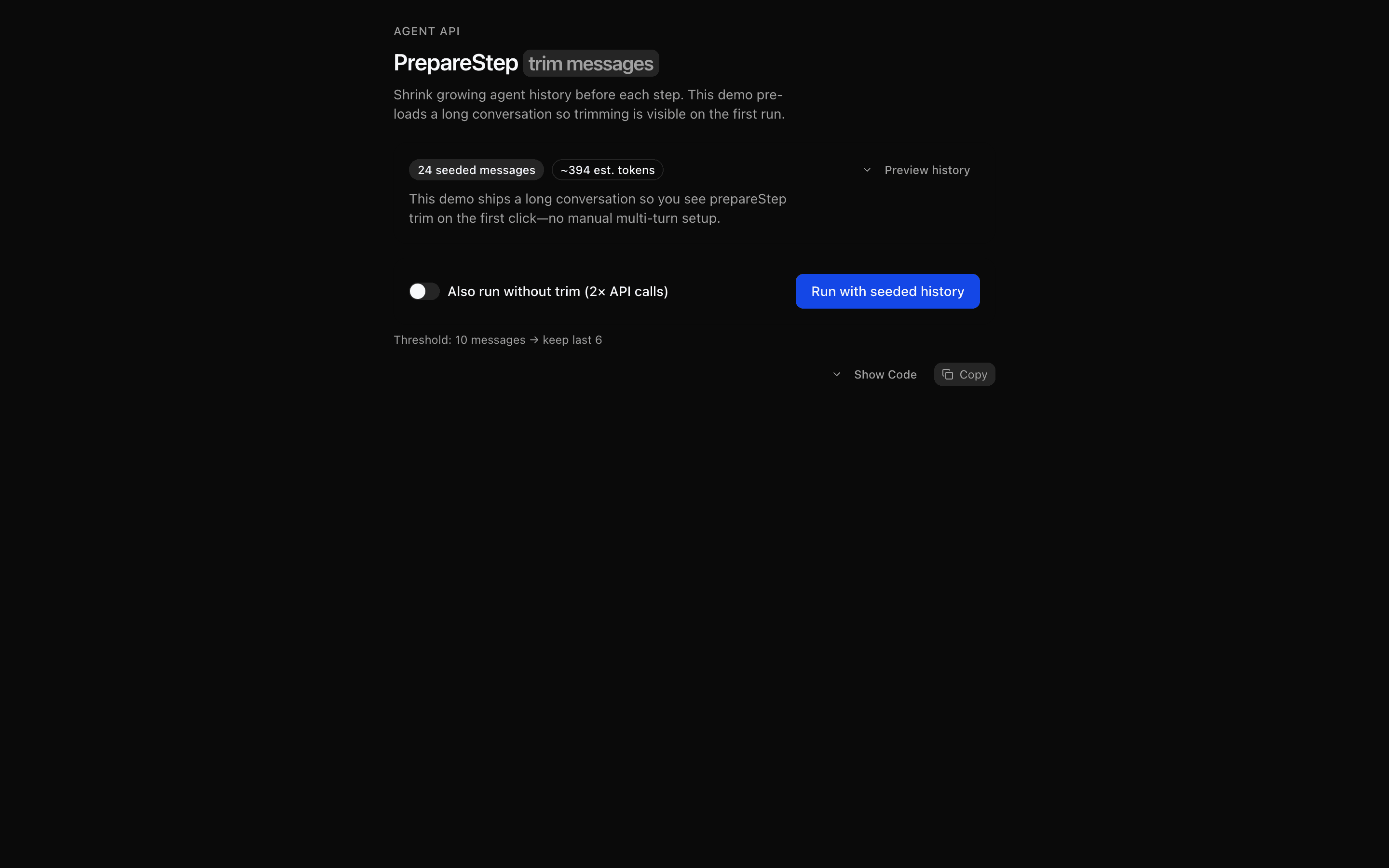 PrepareStep: Trim Message HistoryUse this when you want to drop stale turns but keep recent tool results before every agent step, and see per-step telemetry on what was cut.Pro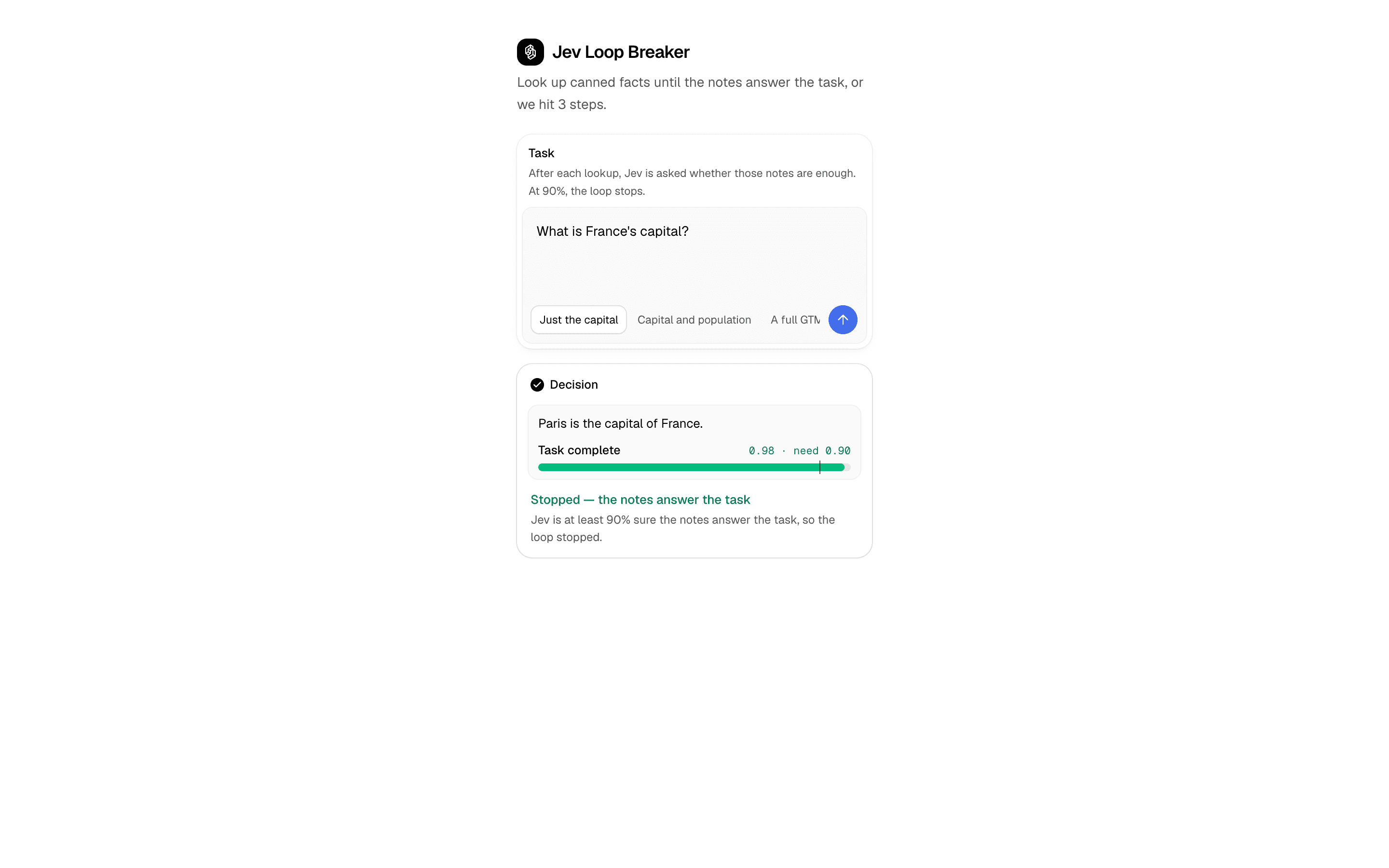
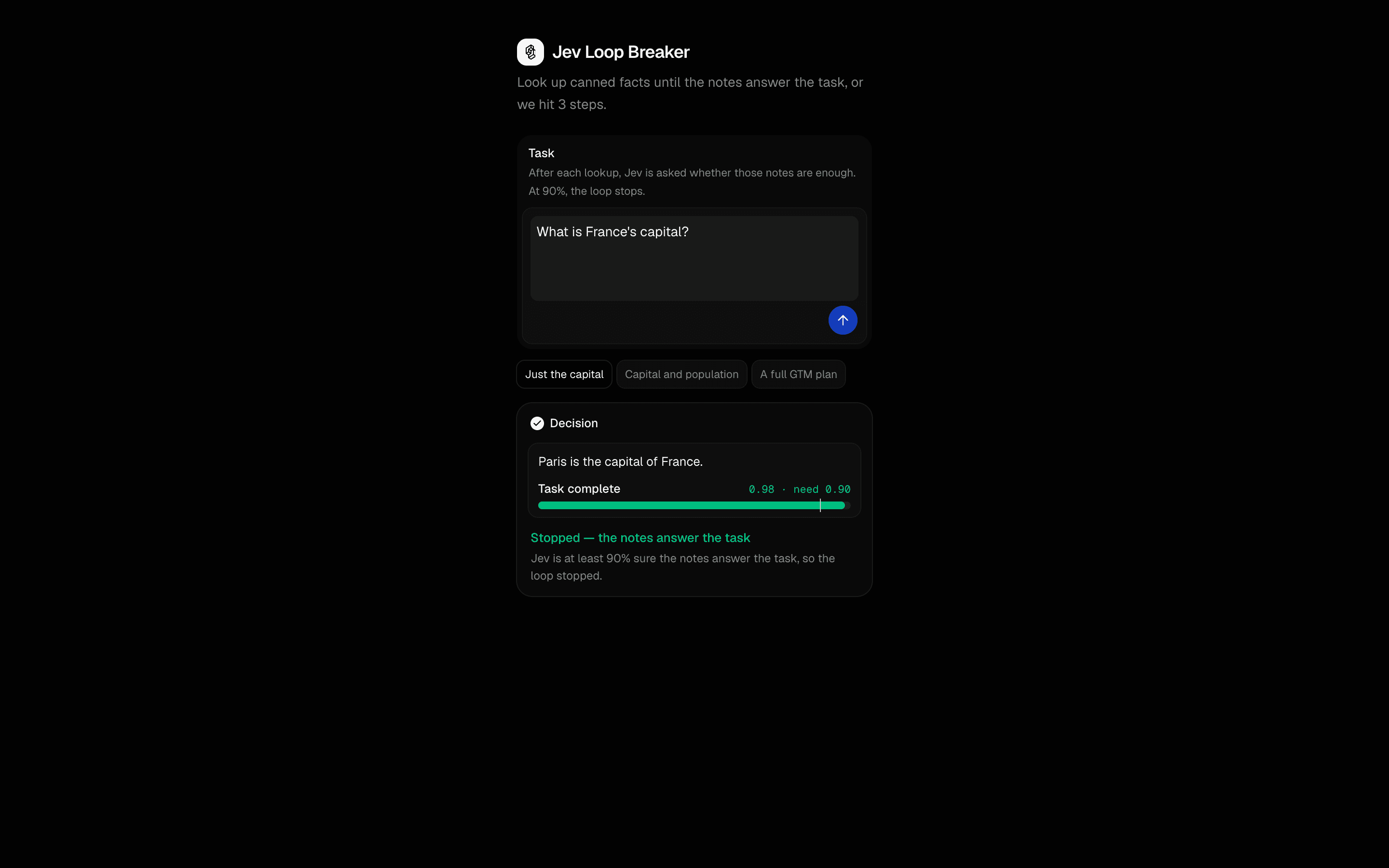 Jev Loop BreakerUse this when an agent looks up facts step by step and you want the stop threshold in your own code, not left to the model to decide.Pro
Give agents tools
Give an agent instructions and skills
Give an agent reusable instructions and domain knowledge.
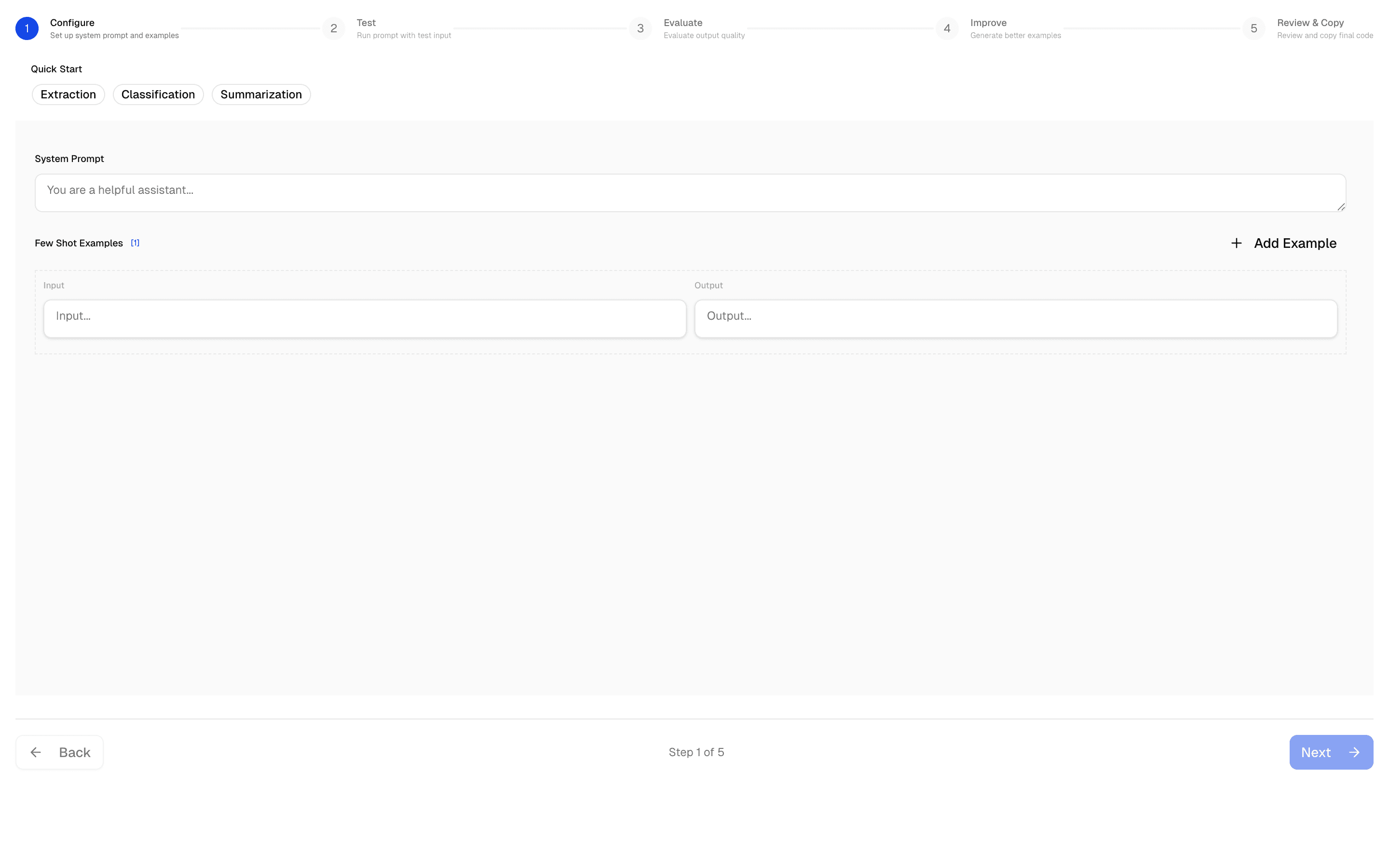
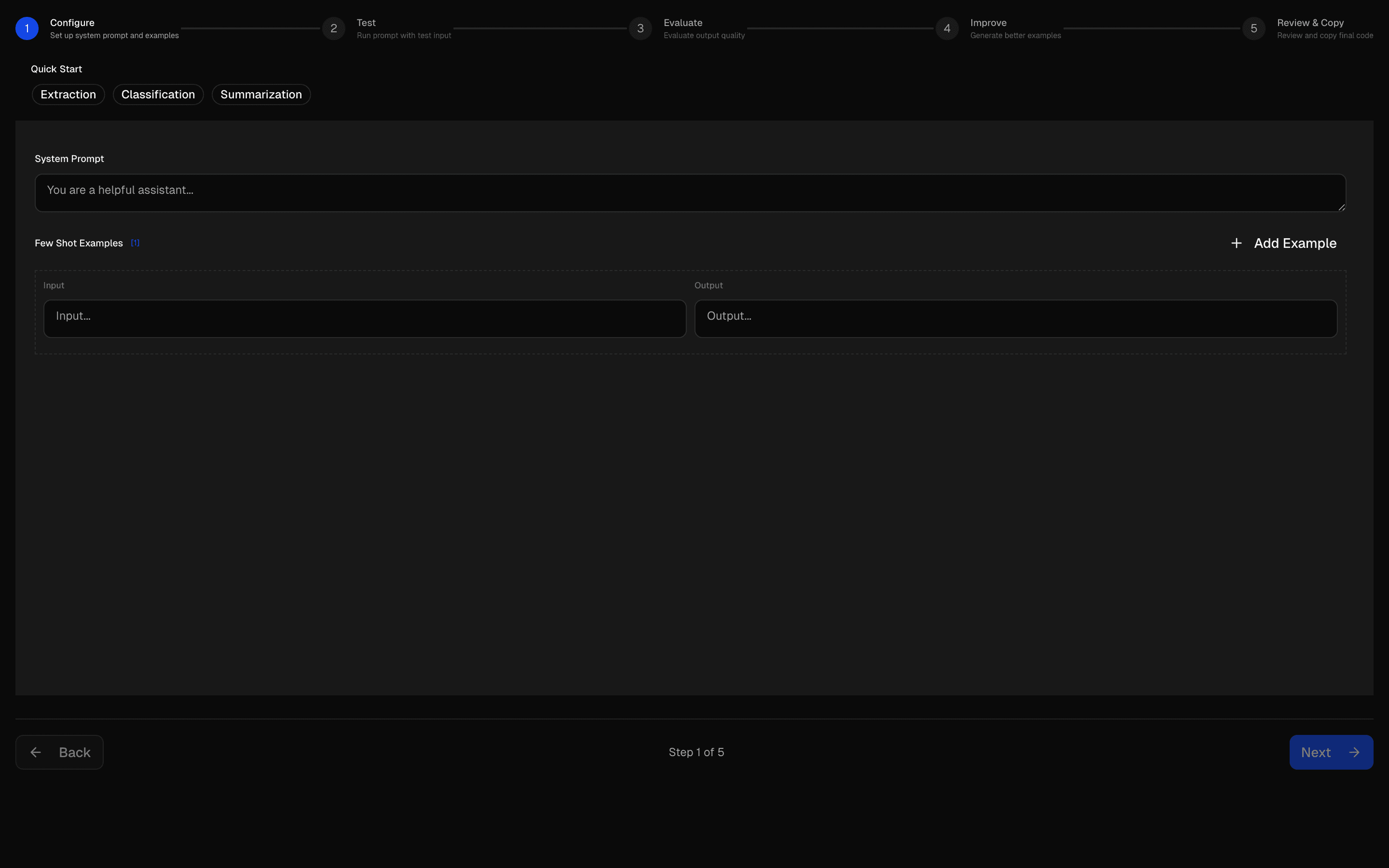 Start hereAI SDK Prompt Few-Shot EditorUse this when you need to write a prompt with editable input/output examples and test it against sample cases before using it.ProView block
Also consider
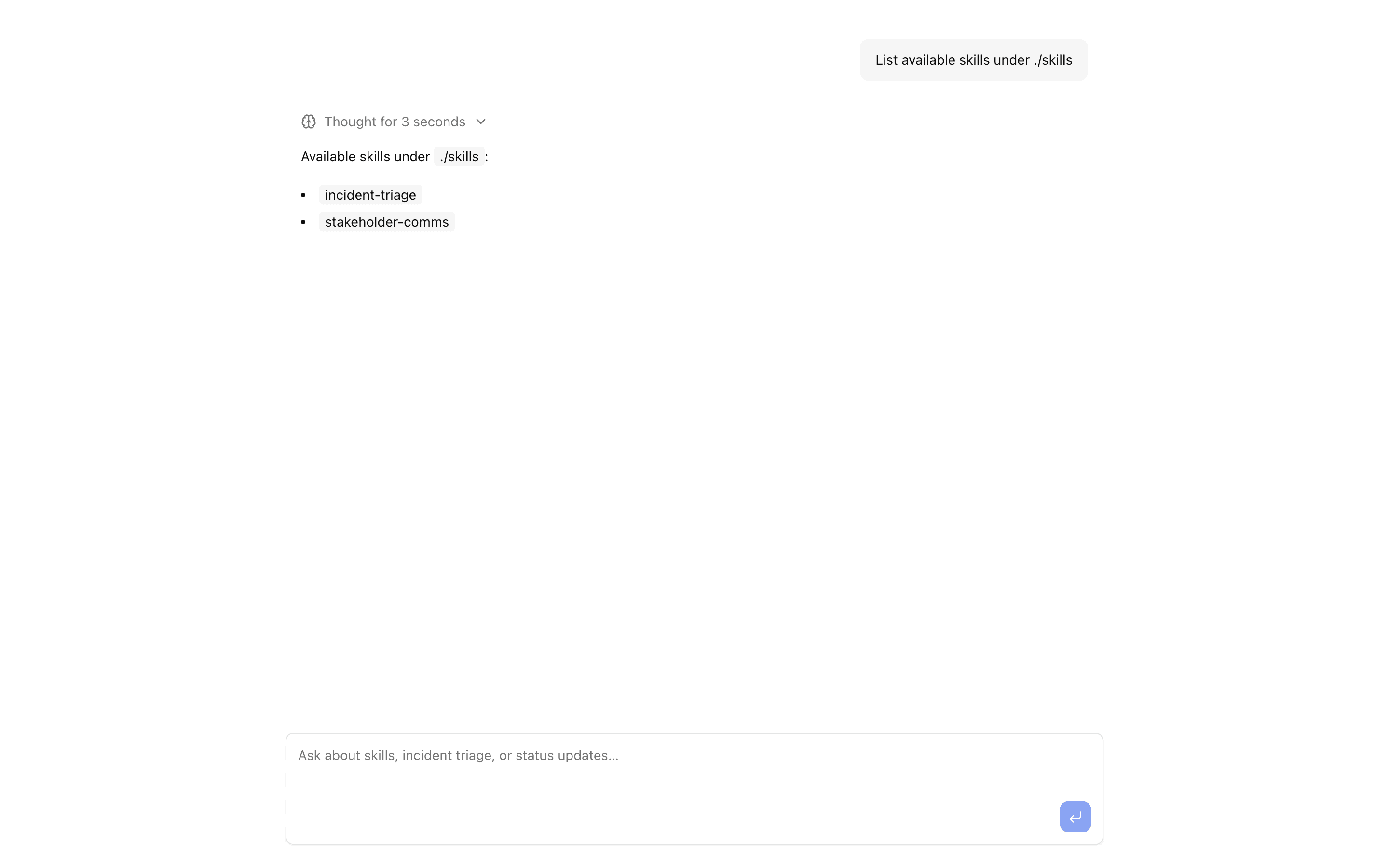
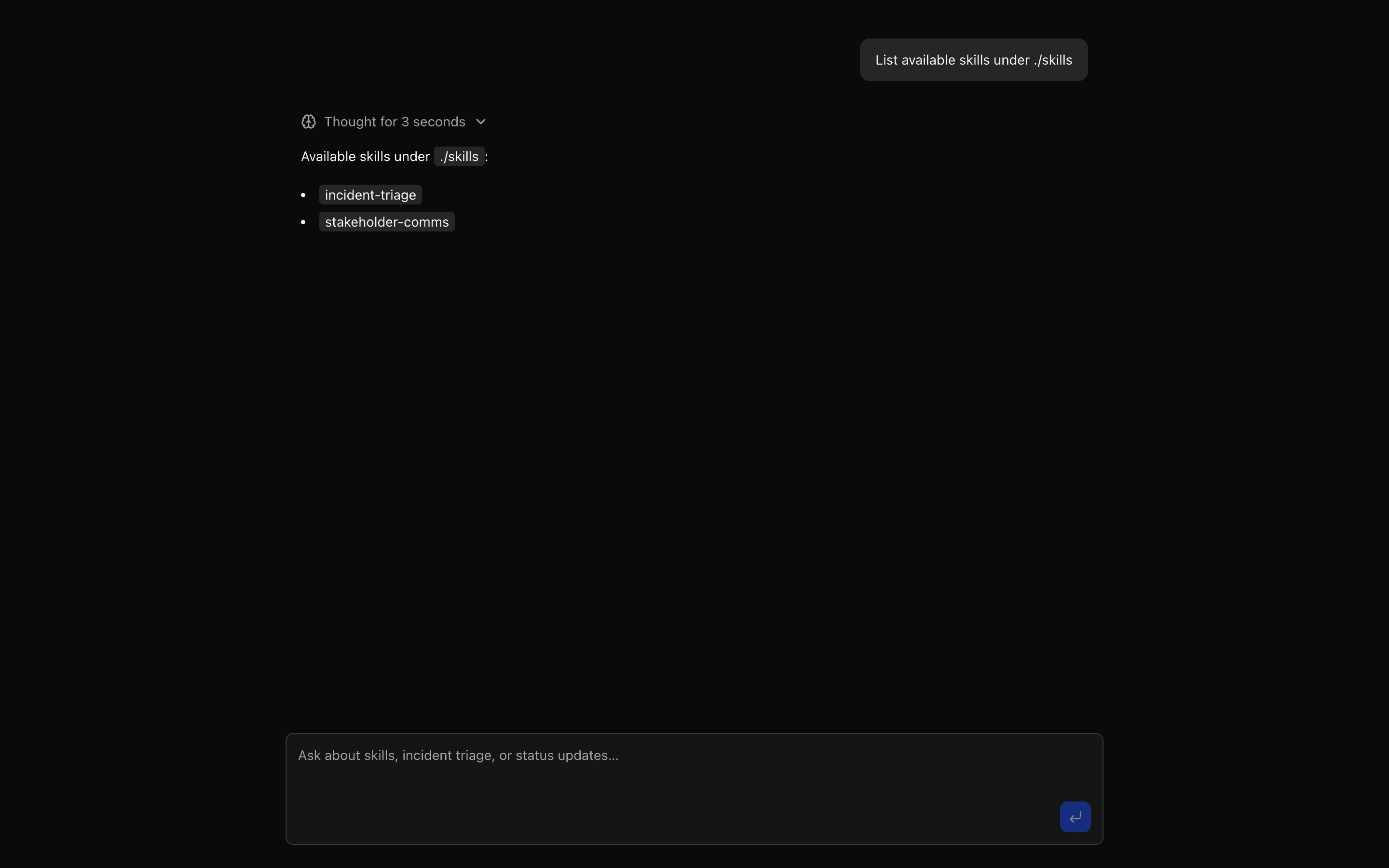
Build the chat interface
Show reasoning and tool calls
Make reasoning, tasks, and tool execution visible.
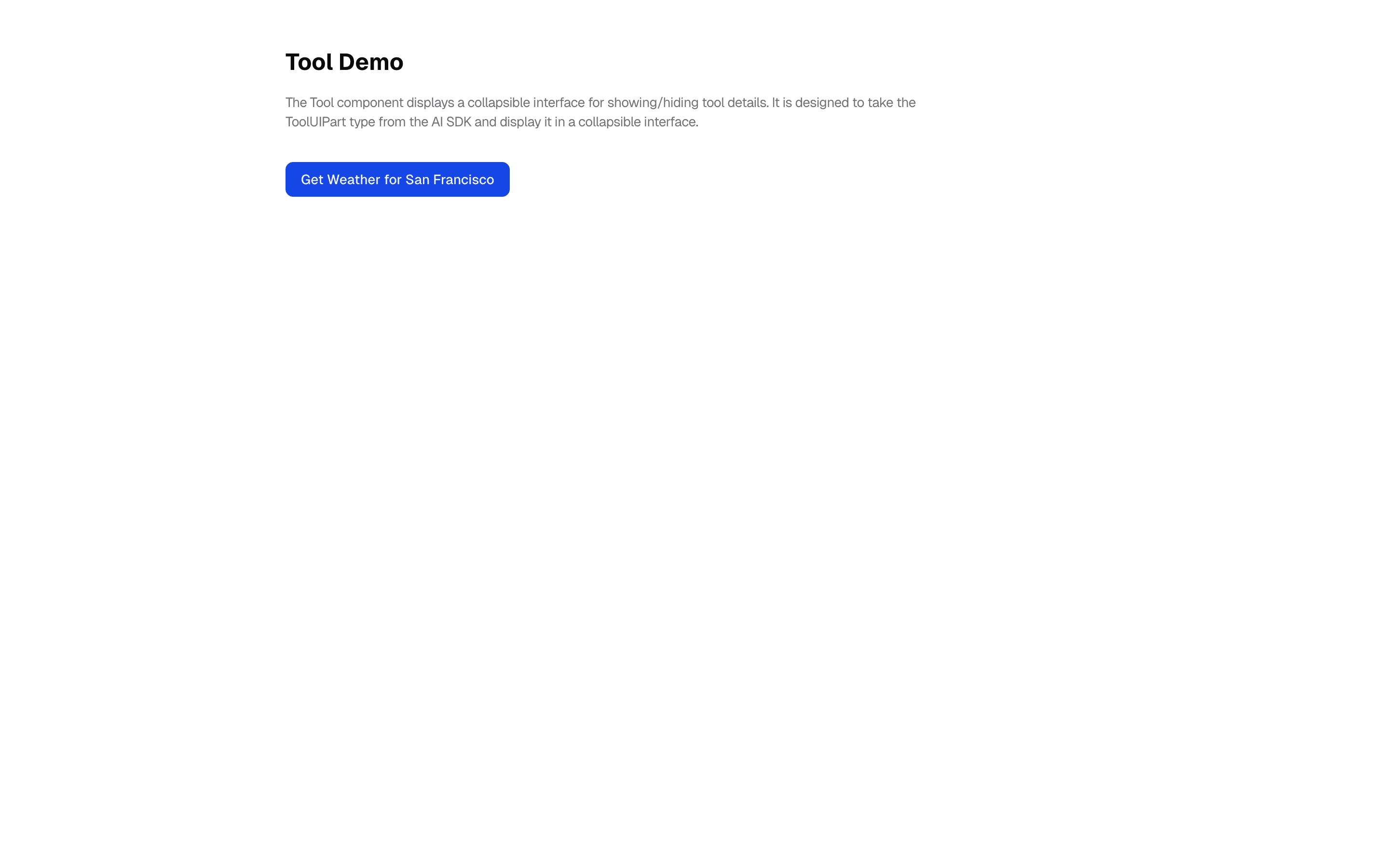
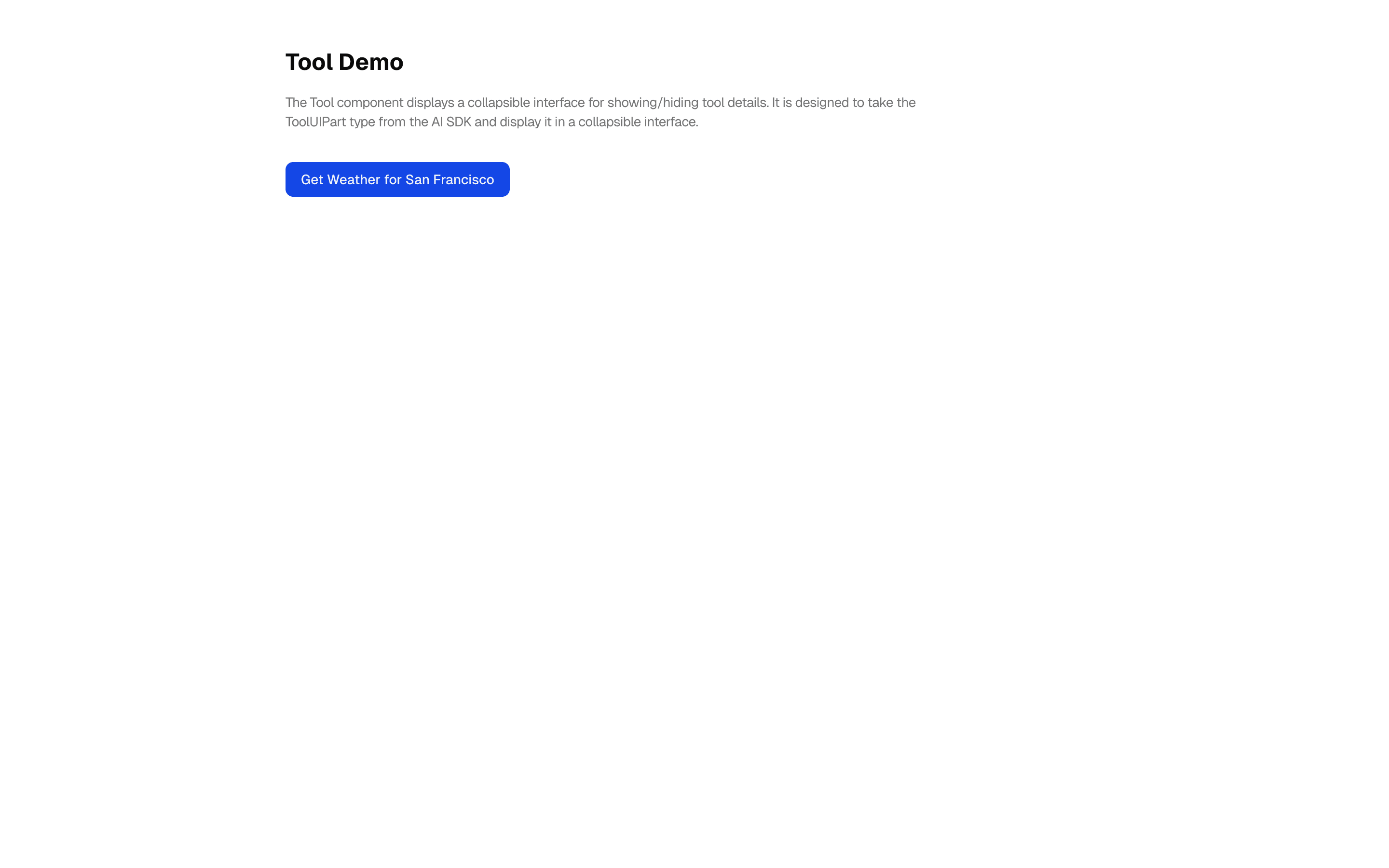
 Start hereTool ExecutionUse this when your chat app calls tools and you want each call's input, output, and status rendered inline as it streams.ProView block
Also consider
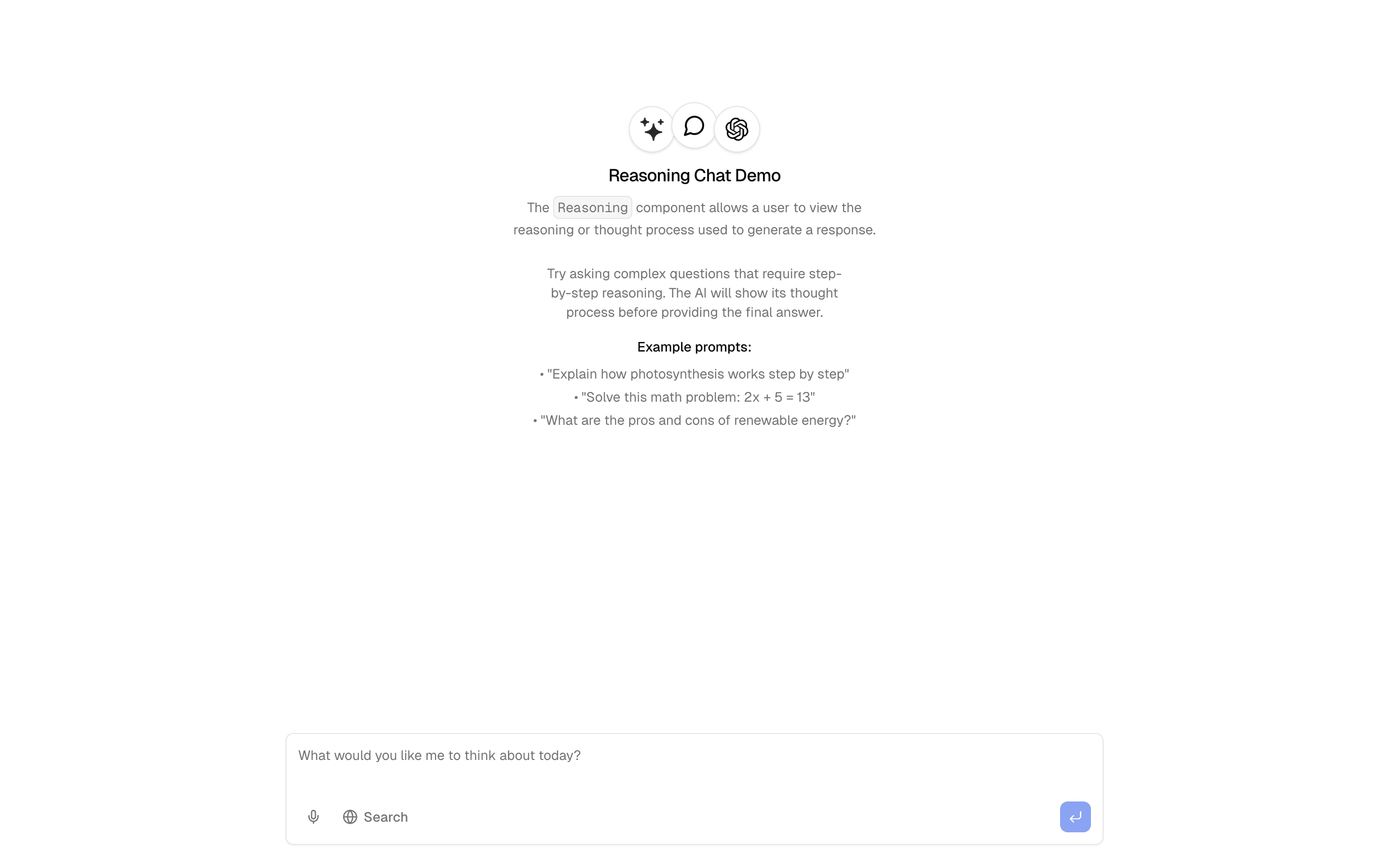
 ReasoningUse this when your chat needs to stream a model's reasoning parts next to its final answer so users can open and inspect how it got there.Pro
 Task Management DemoUse this when you need the model to stream a schema-validated list of tasks and show them in an interactive task UI as they arrive.Pro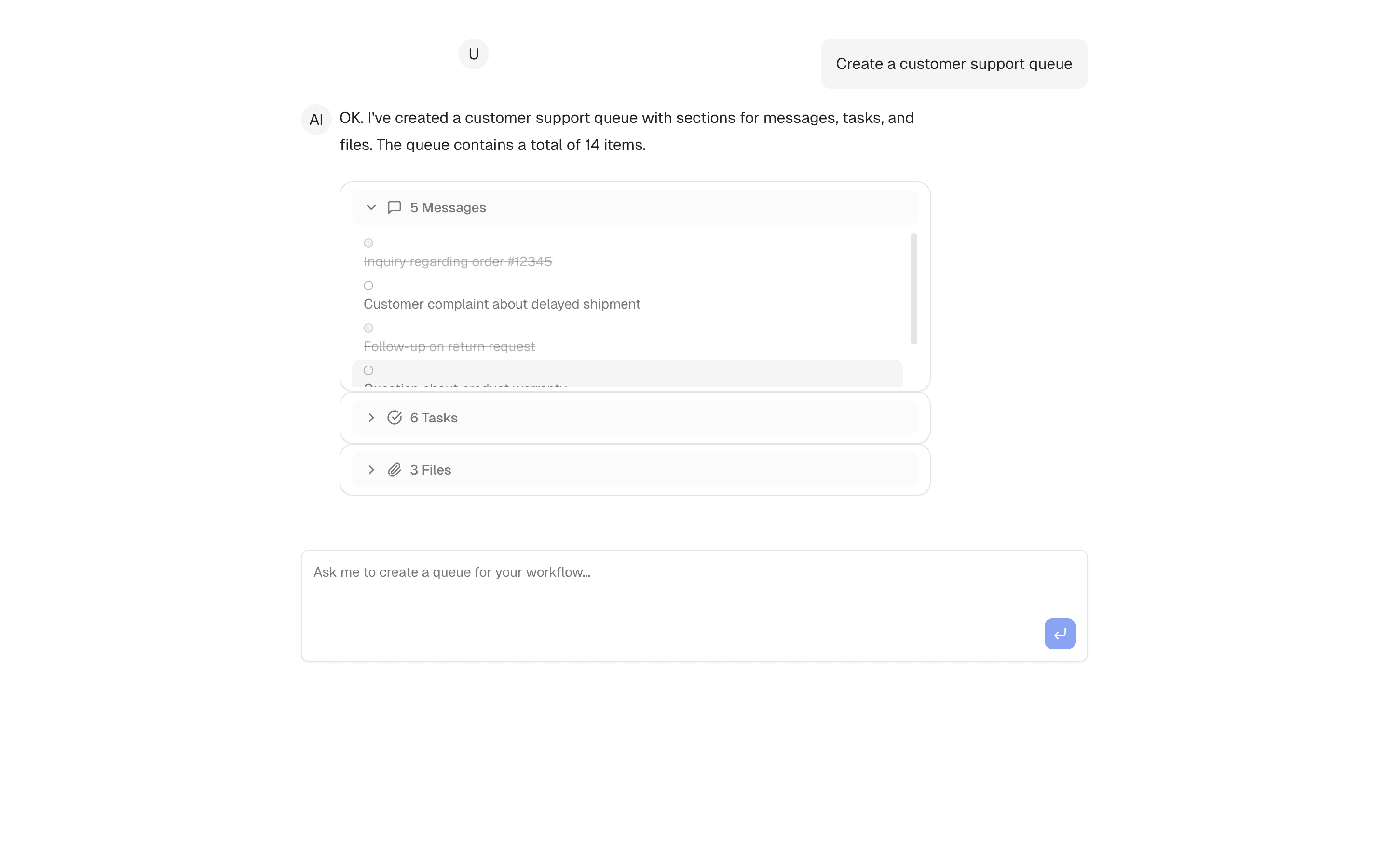
 QueueUse this when your chat UI must render agent tool output as a queue object holding messages, todo items, and attachments instead of plain text.Pro
Build the chat interface
Render generative UI
Render a useful UI from a generated specification.

 Start hereAI Form GeneratorUse this when you are prototyping forms, such as surveys or admin inputs, and want a validated Zod schema generated from a description.ProView block
Also consider
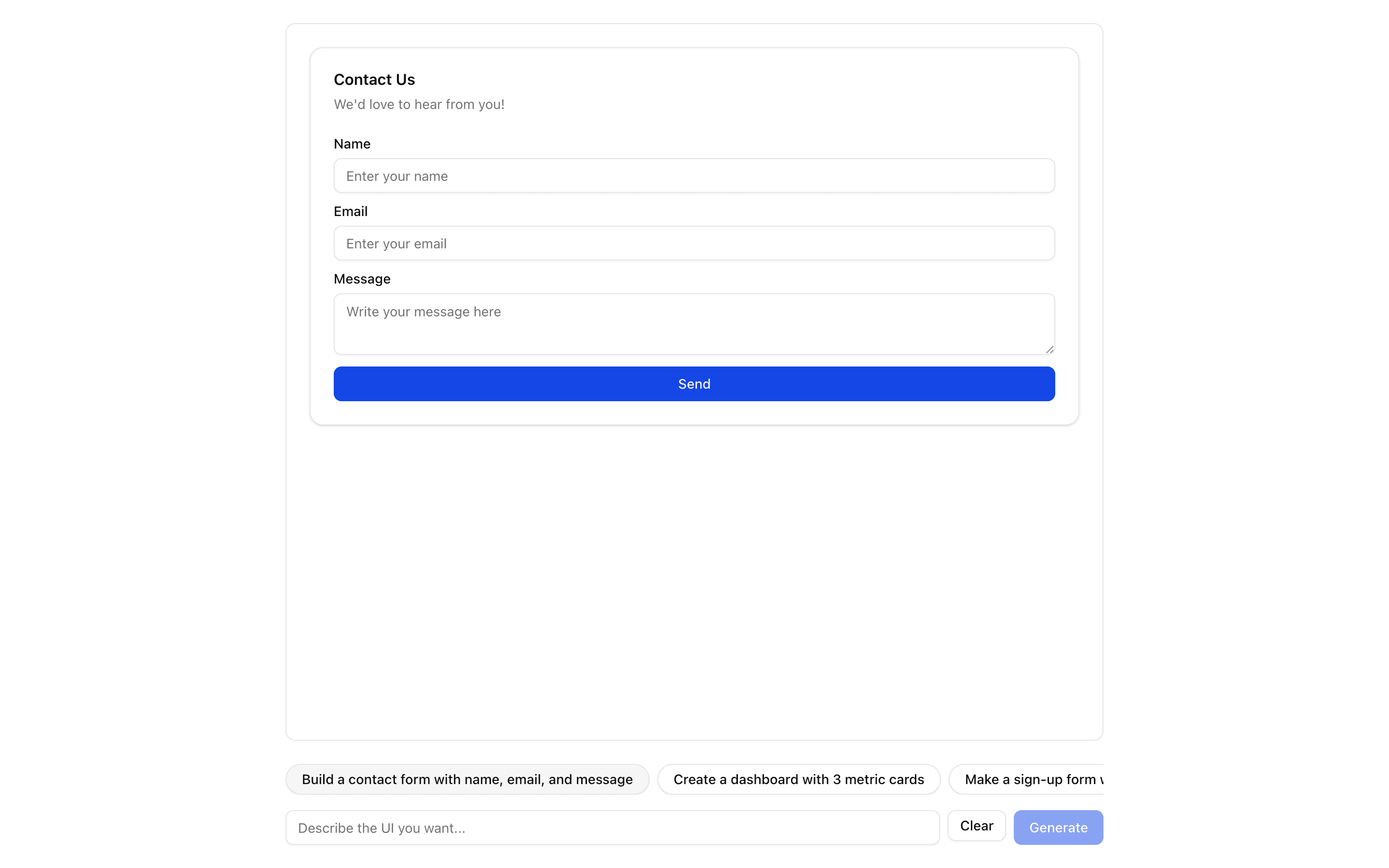
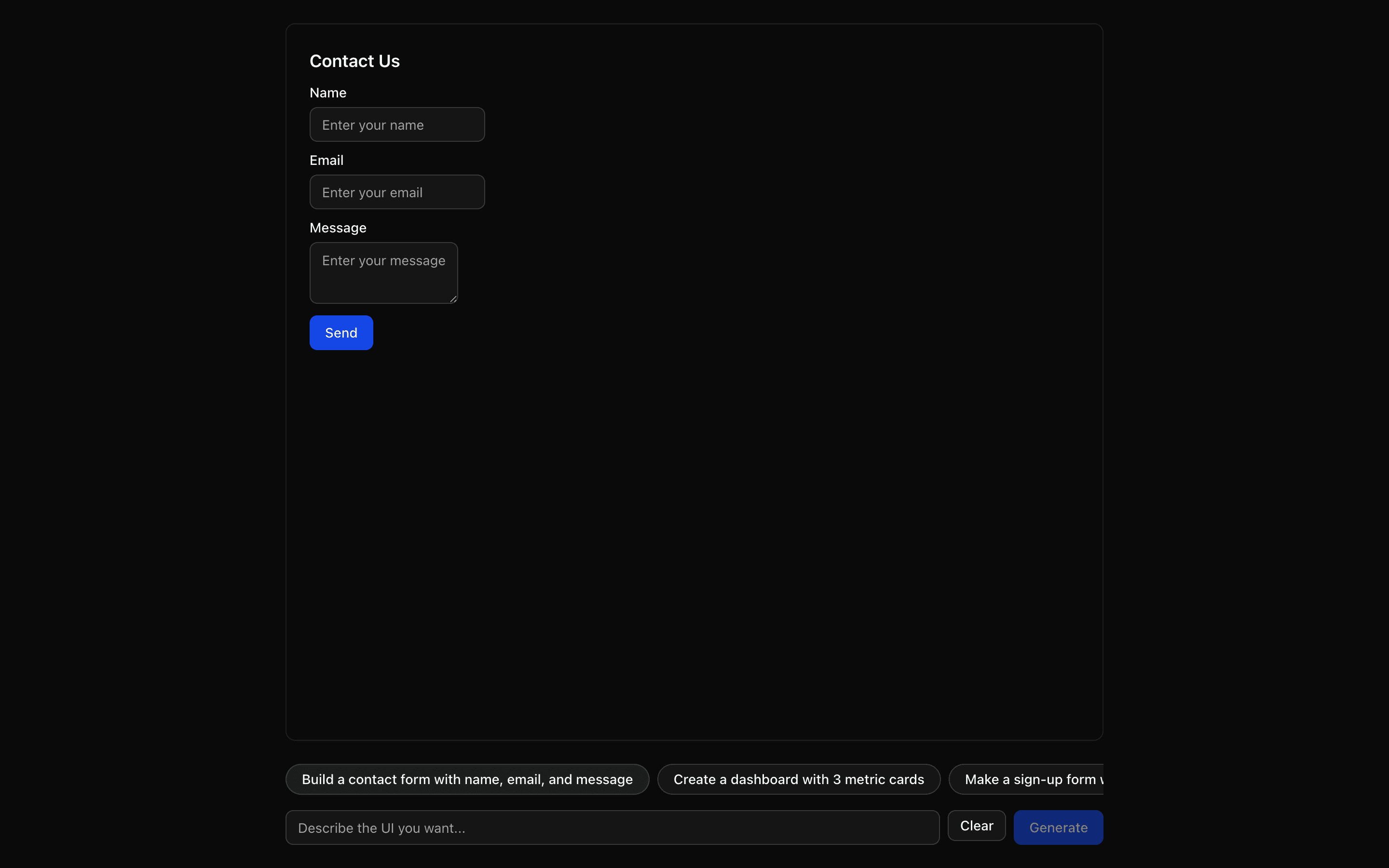 JSON Render ShadcnUse this when prompts should render only from a fixed catalog of shadcn components provided by the @json-render/shadcn package.Pro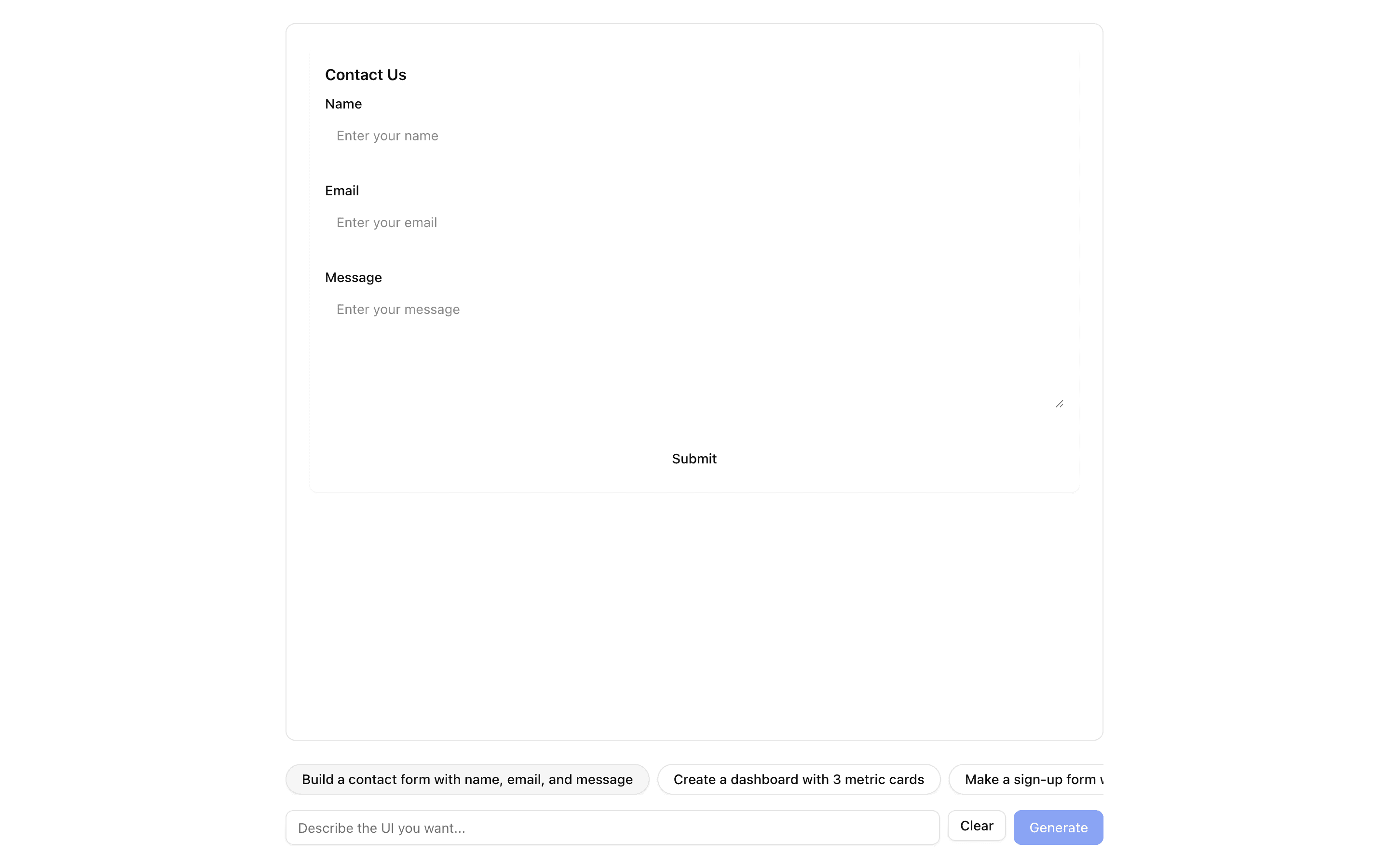
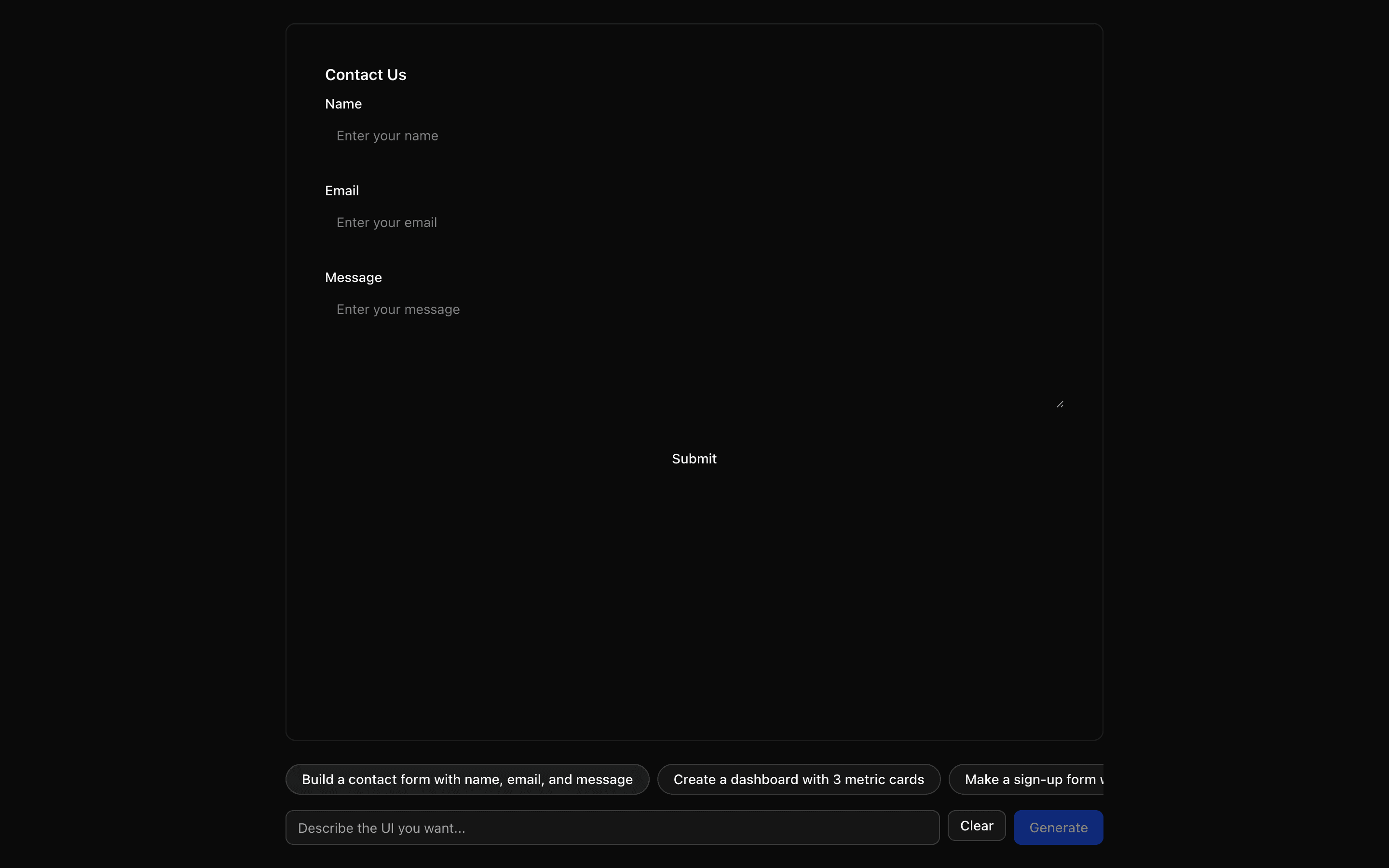 JSON Render ReactUse this when you want to define your own small component catalog and render streamed JSON specs with the base @json-render React renderer.Pro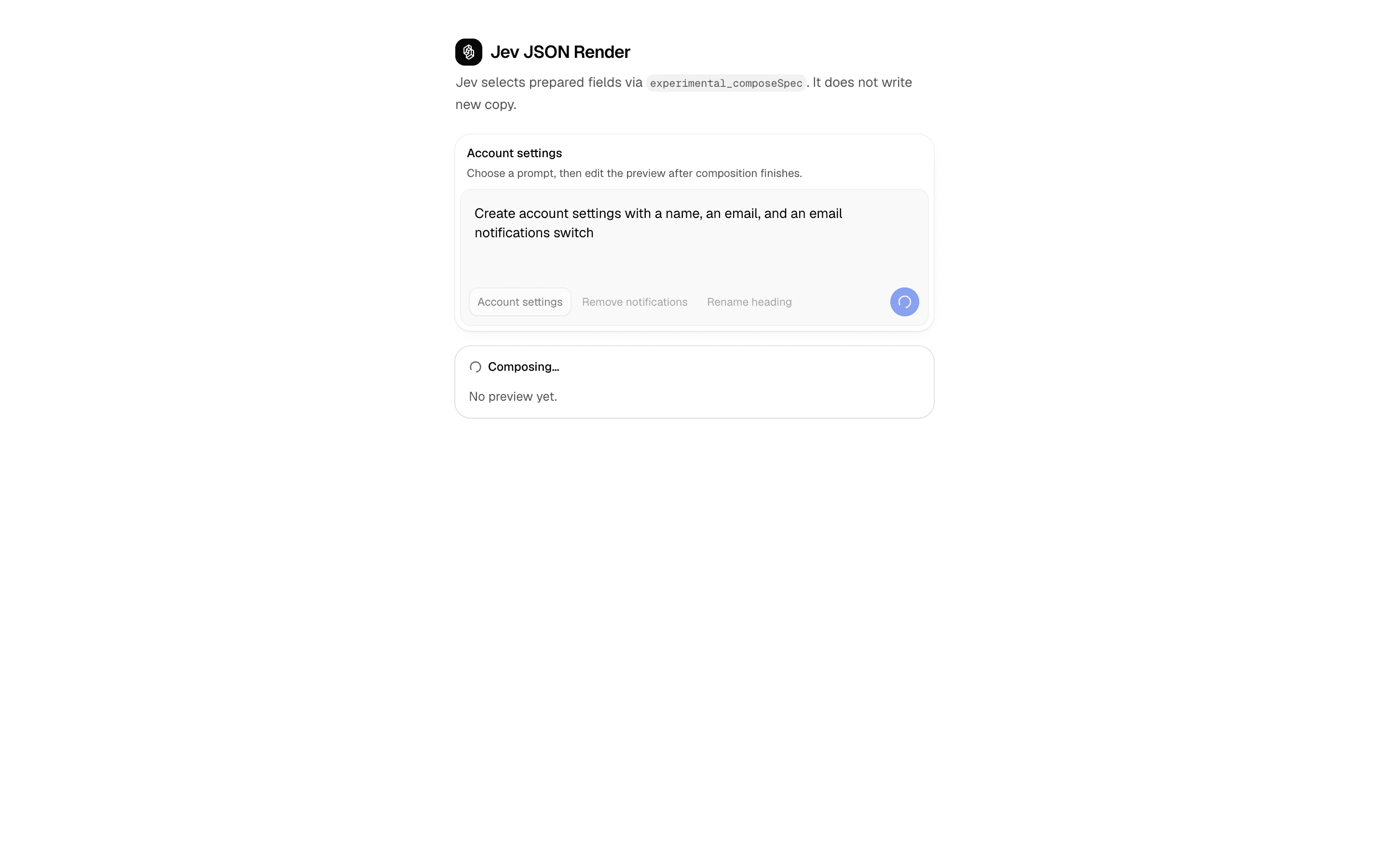
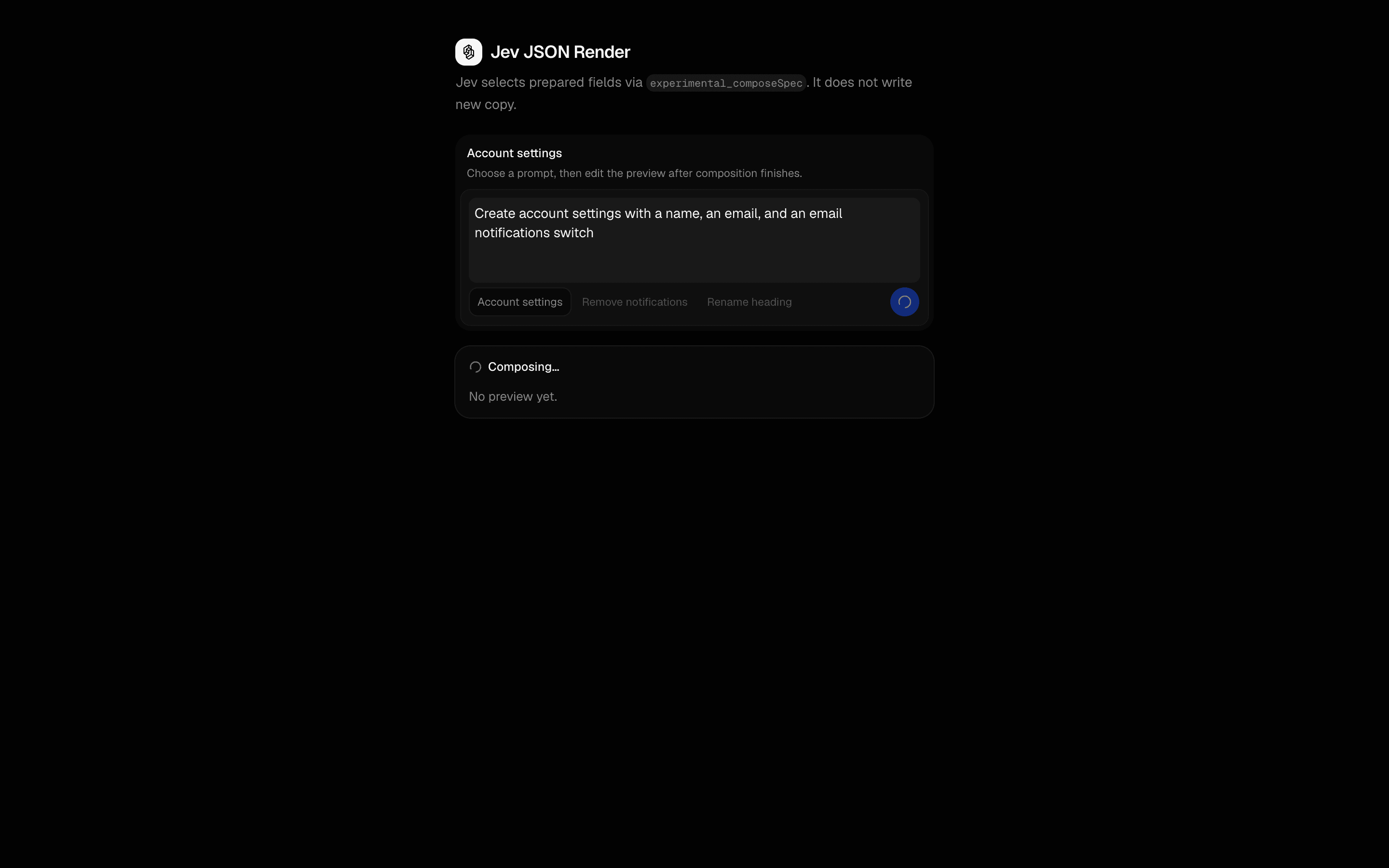 Jev JSON RenderUse this when users request UI edits that add, remove, or replace prepared elements in a json-render spec, and the model must not write new prose.Pro
Build the chat interface
Build a familiar chat UI
Start with a conversation interface people recognize.
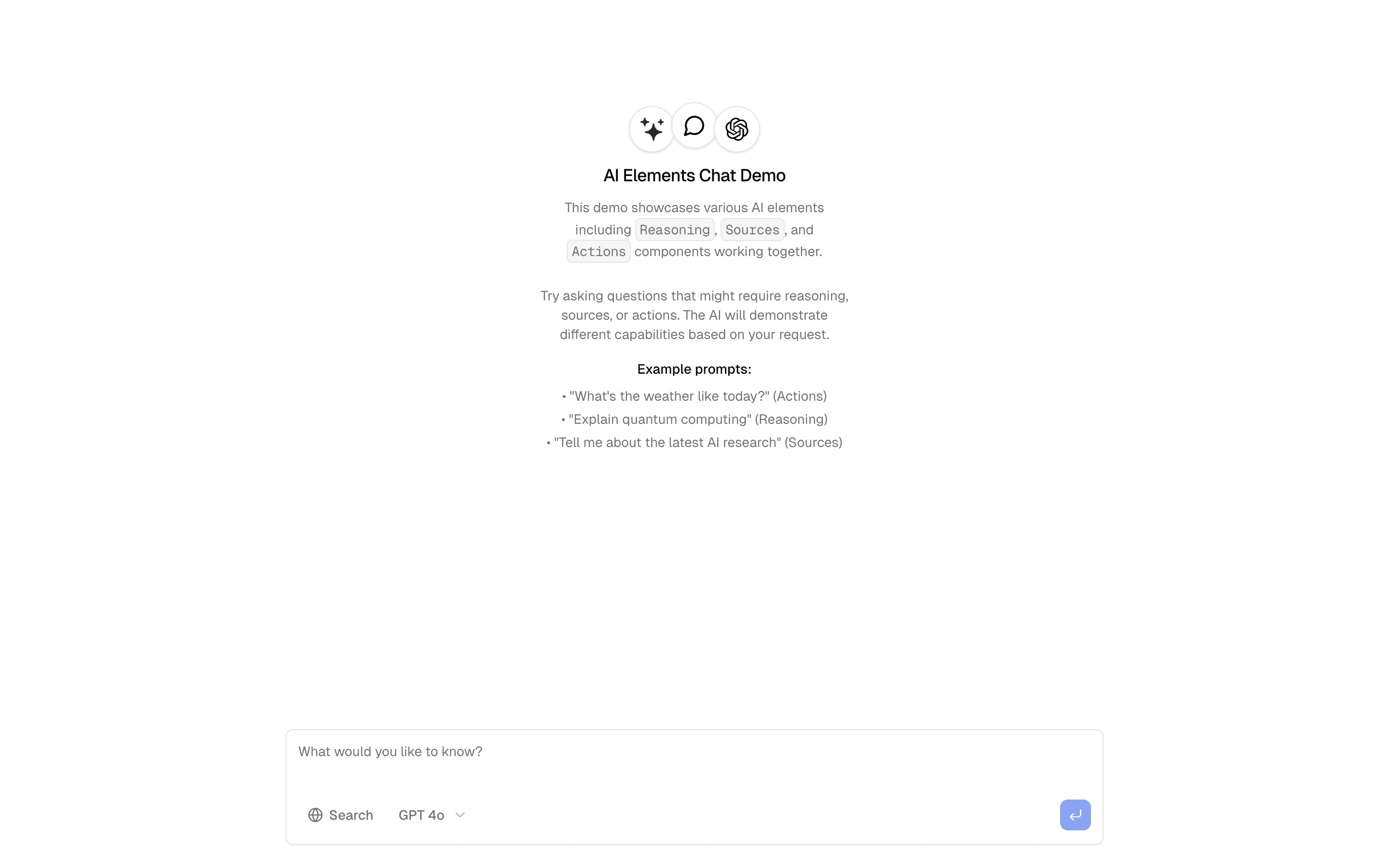
 Start hereBasic Chat InterfaceChat interface with streaming responses and message history. Includes typing indicators and message status tracking.ProView block
Also consider

 Chat-Base CloneUse this when building a Chatbase-style support widget that lets users pick models via AI Gateway and cites web search sources in the stream.Pro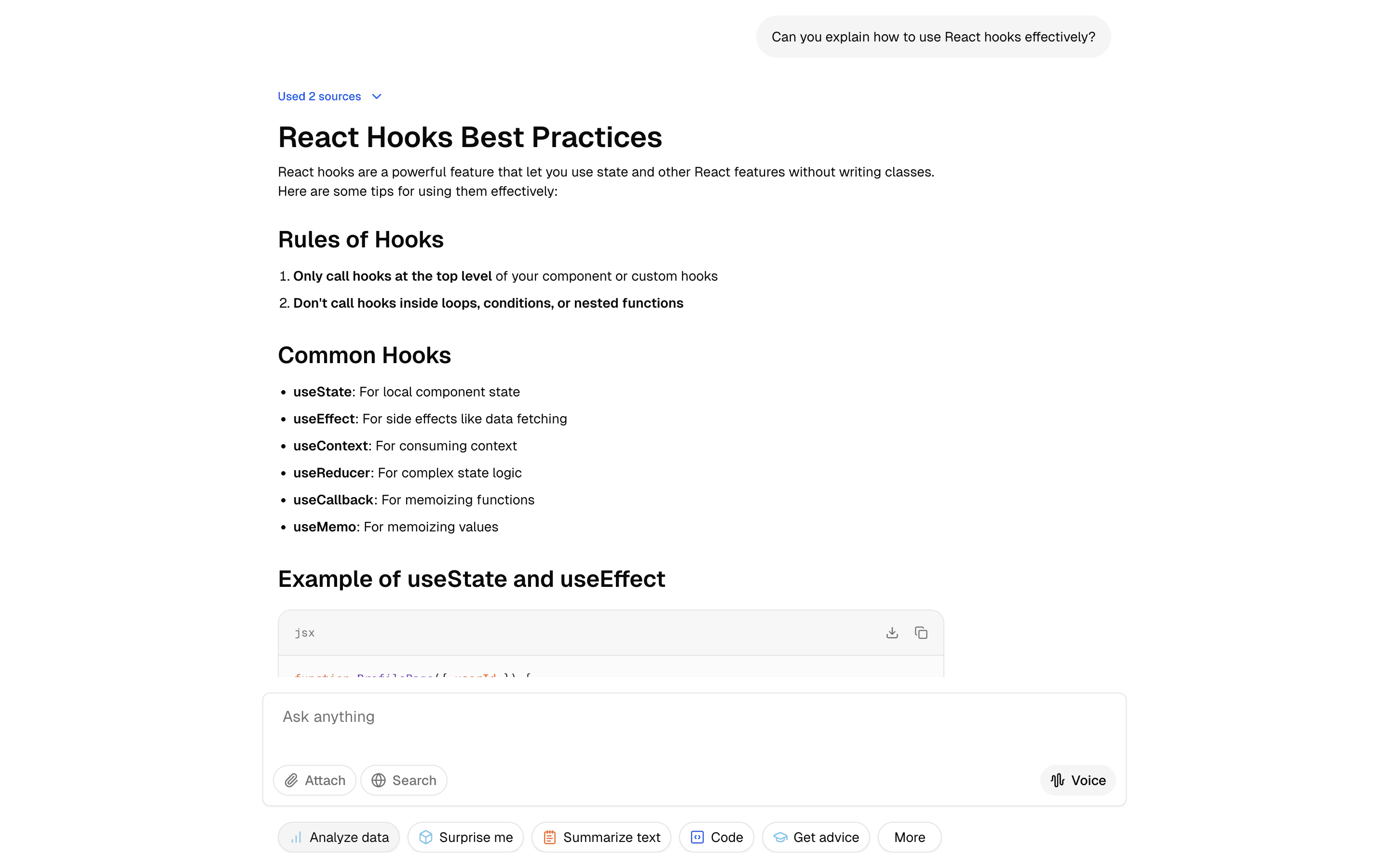
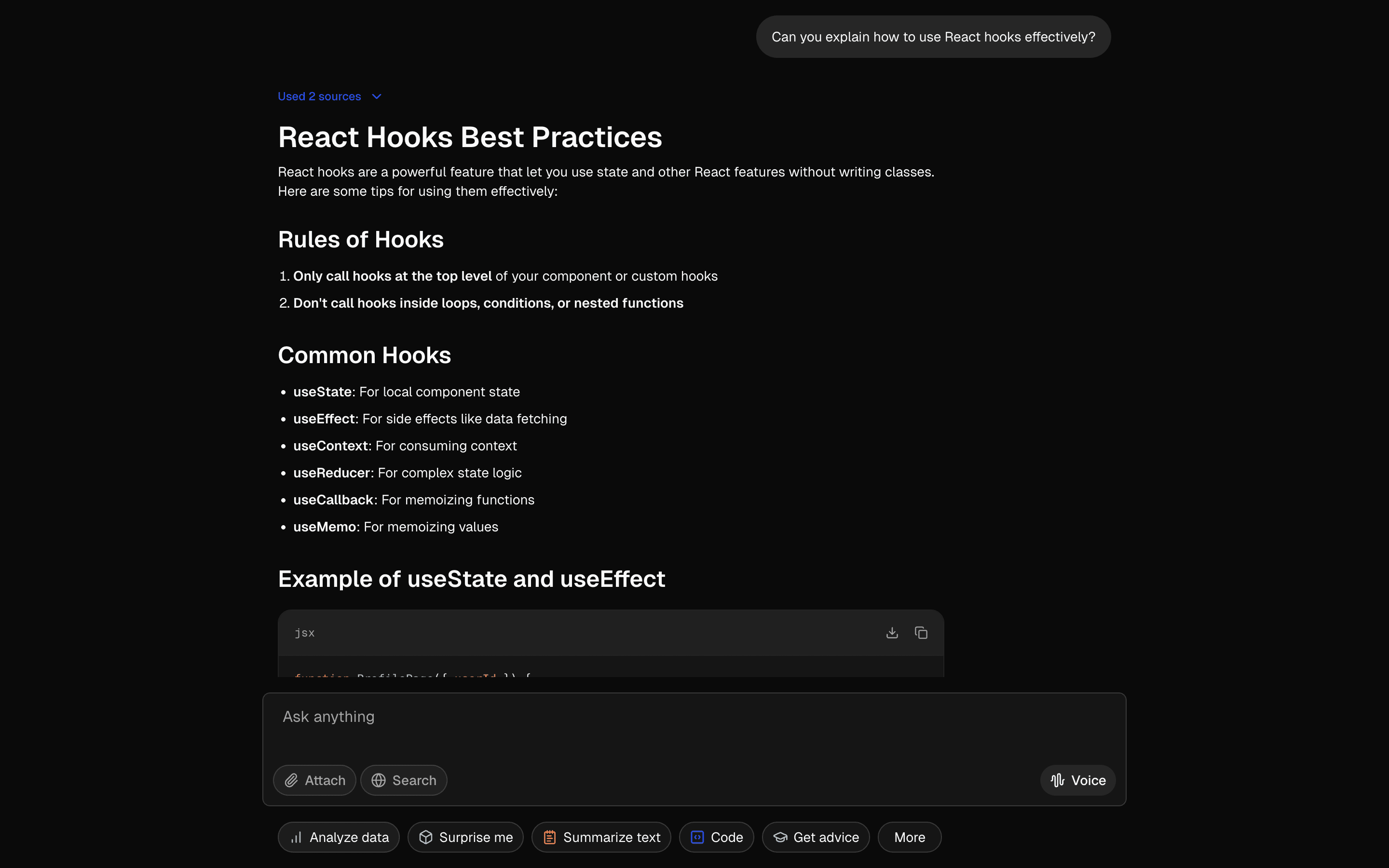 ChatGPTUse this when you need a UI that mirrors ChatGPT's layout so stakeholders can review a familiar chat experience before any model is connected.Free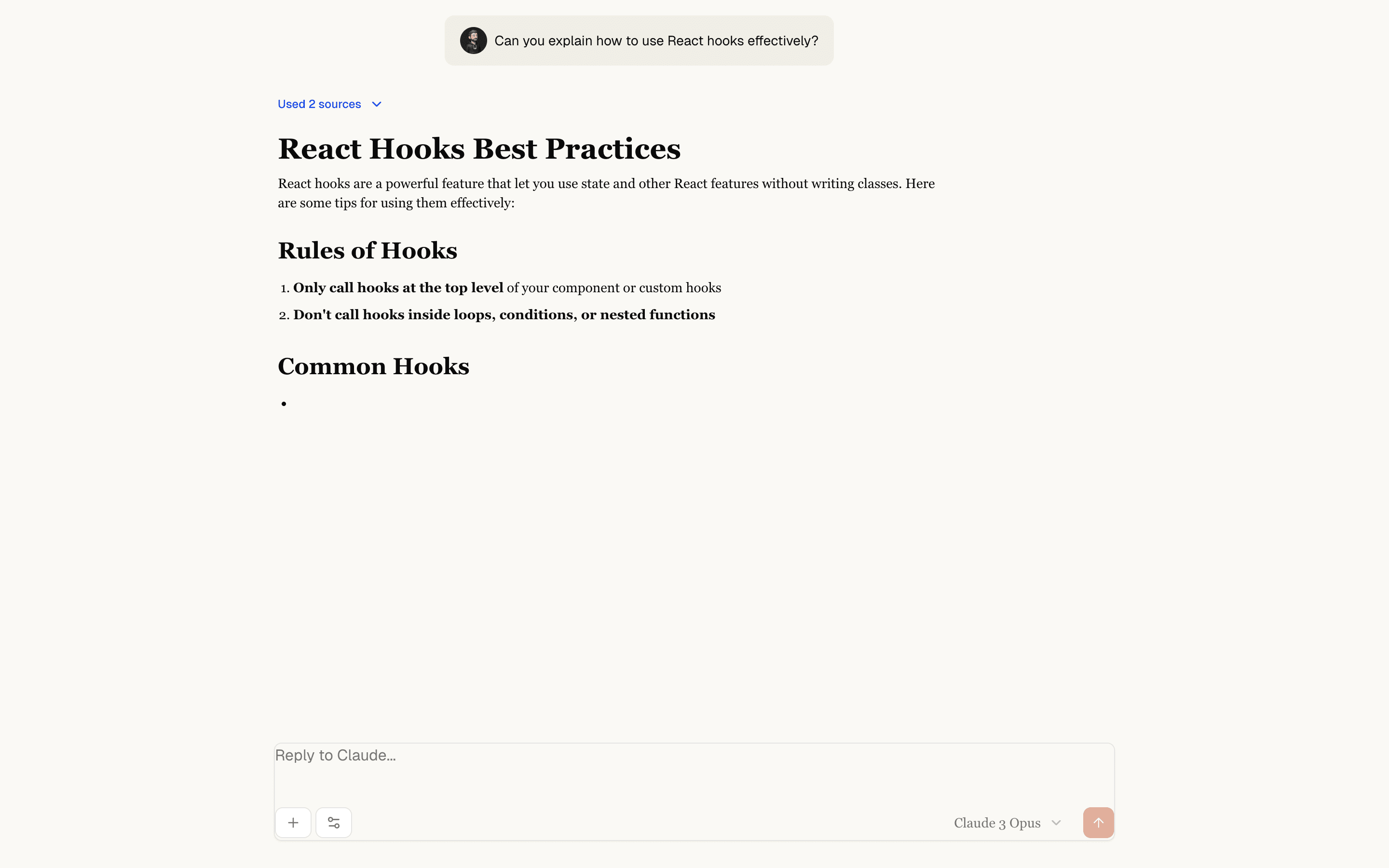
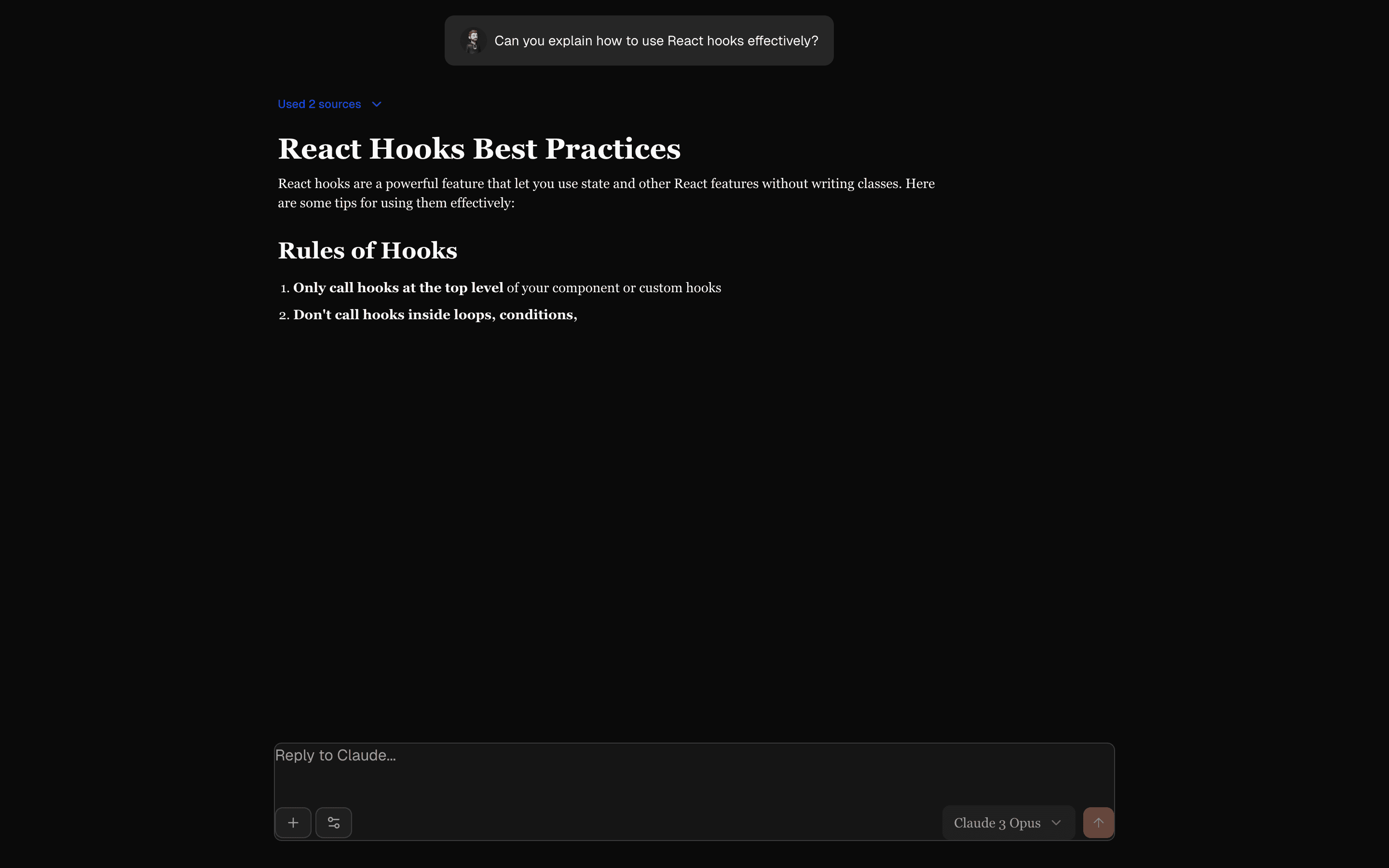 Chat ClaudeUse this when you need a Claude-style chat layout with reasoning, sources, and message branching on mock replies, before any model is connected.Free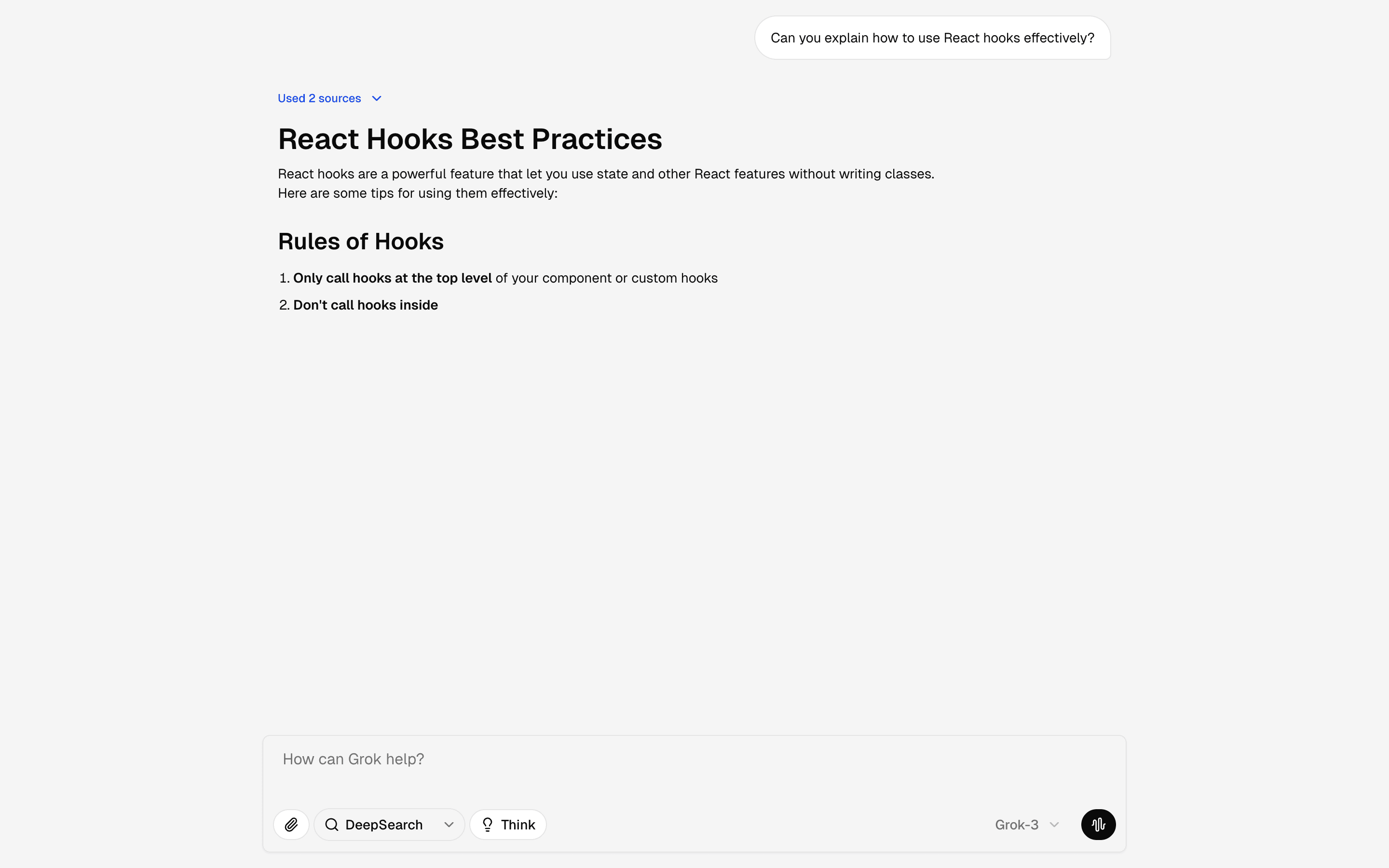
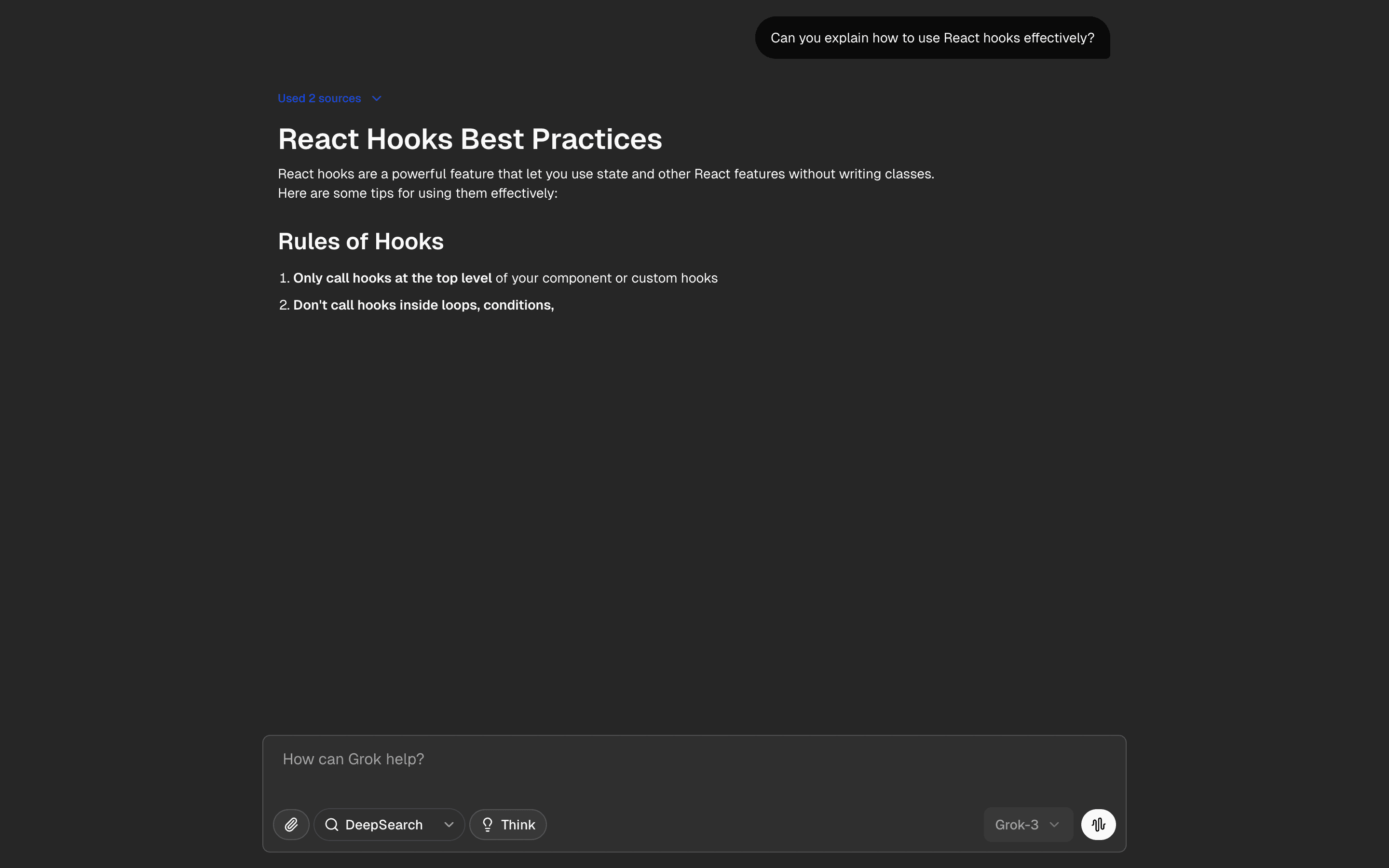 Chat GrokUse this when you want a front-end reference for a Grok-like assistant shell with prompt tools and suggestions for demos or design reviews.Free
Build the chat interface
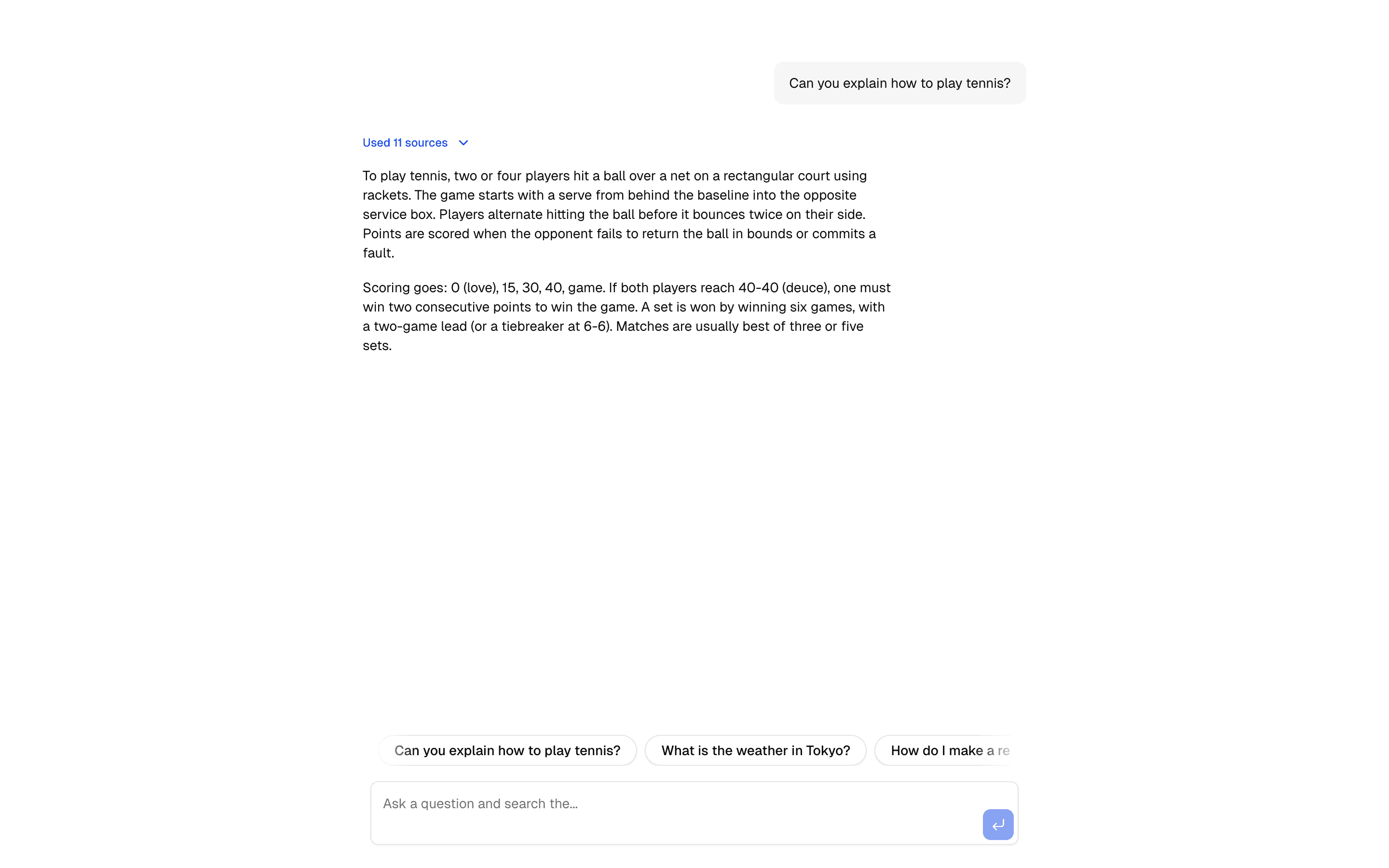
Cite the answer’s sources
Surface sources and citations beside the response.
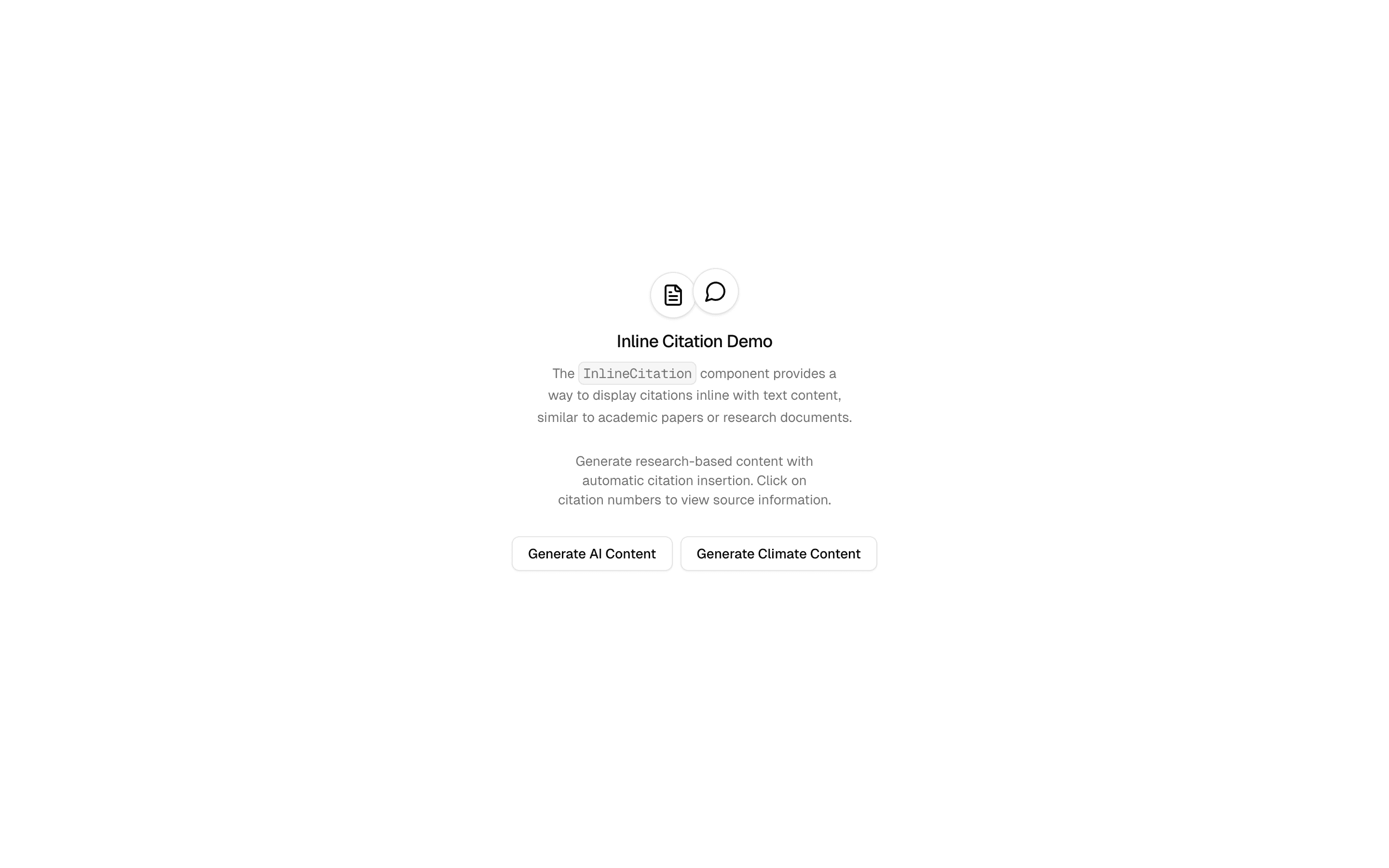
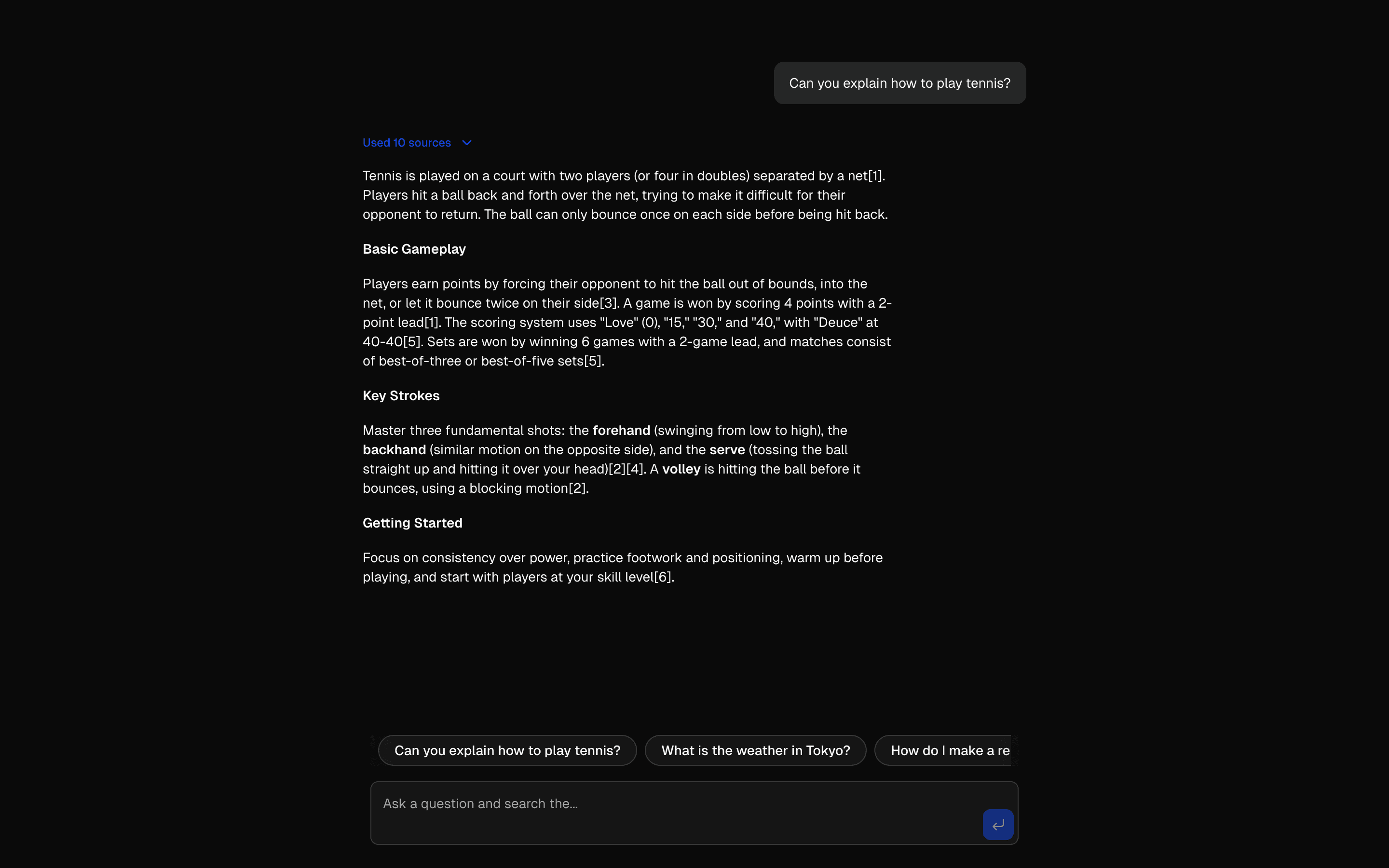
 Start hereInline Citations DemoUse this when citations must sit inline in the generated content itself, like footnotes in a draft, rather than as a list of links after the answer.ProView block
Also consider
Stream text and structured output
Generate structured output
Shape model output into typed objects, arrays, or choices.
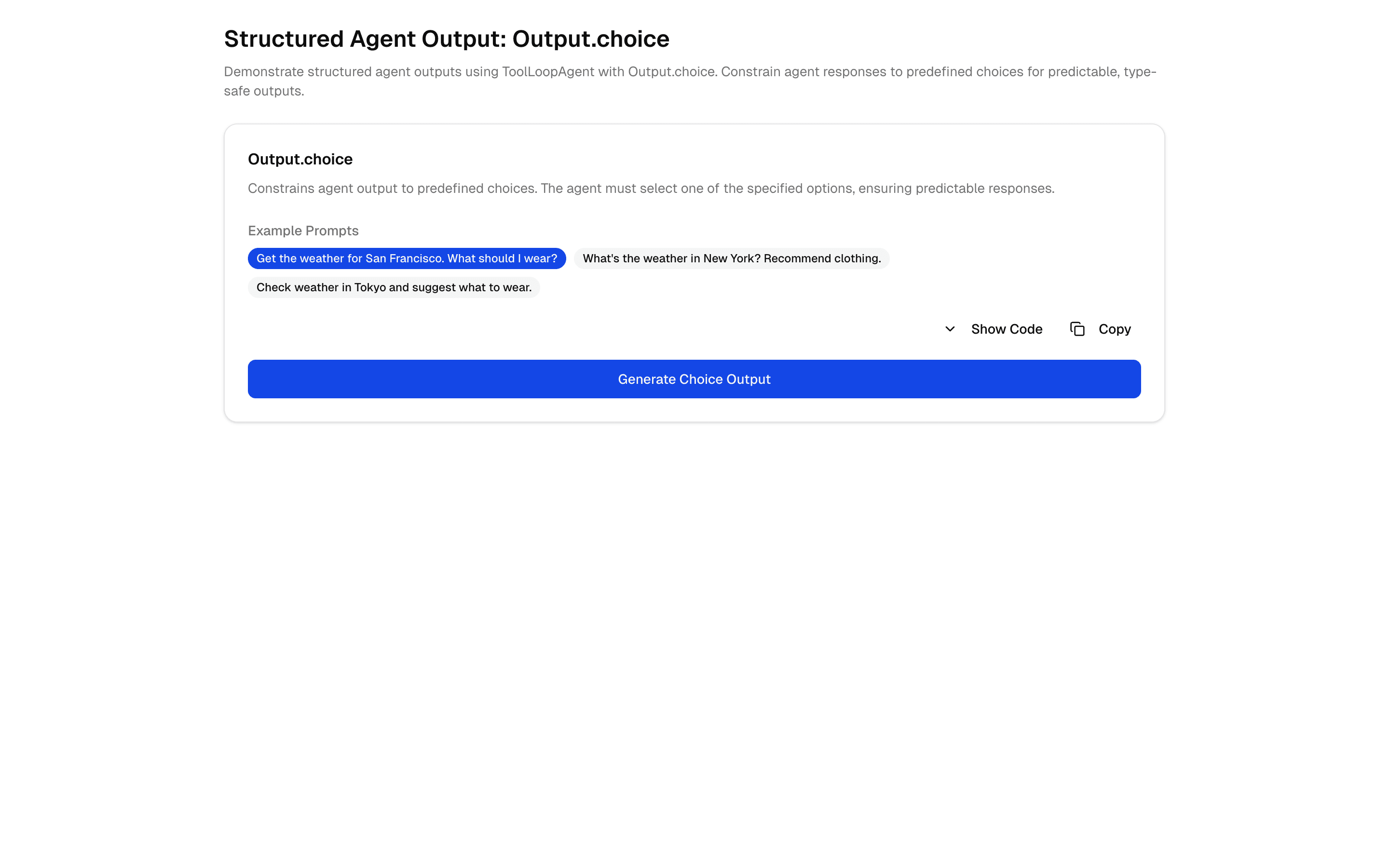
 Start hereStructured Agent Output: Output.choiceUse this when a tool-calling agent must end its run by picking exactly one answer from a fixed set of labels you define.ProView block
Also consider
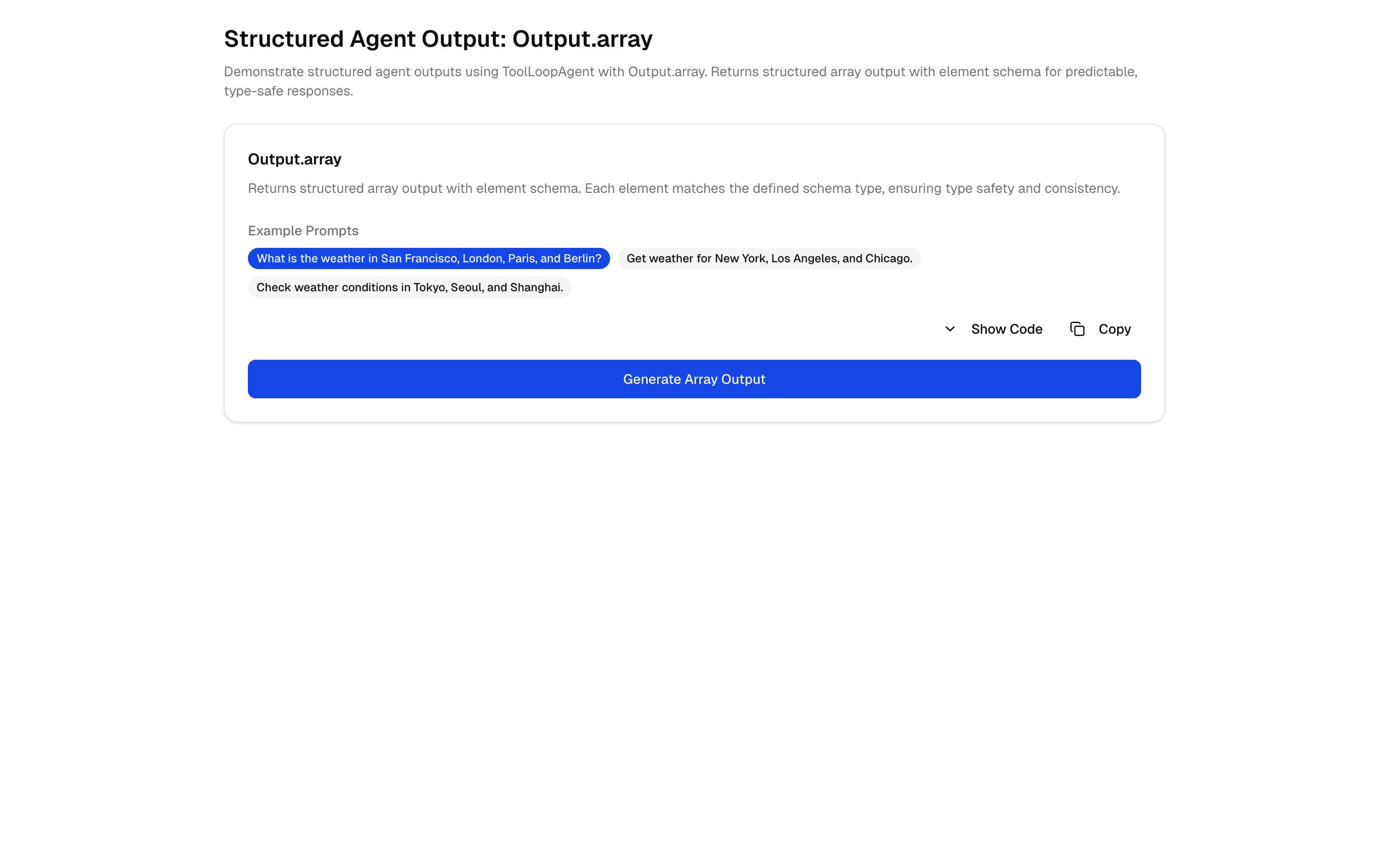
 Structured Agent Output: Output.arrayUse this when your agent calls tools across several steps and needs to finish with an array of items, such as checklist entries or recommendations.Pro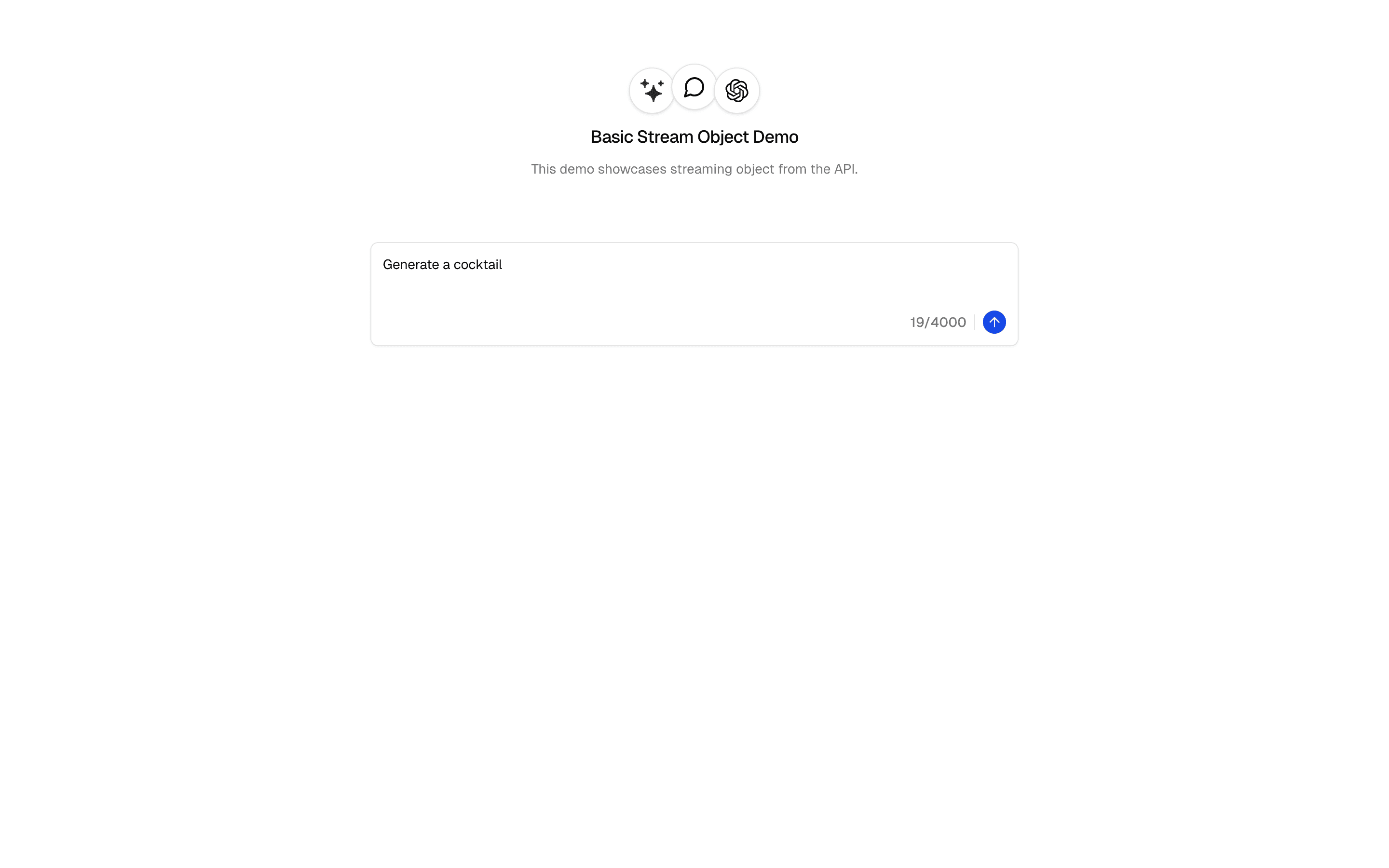
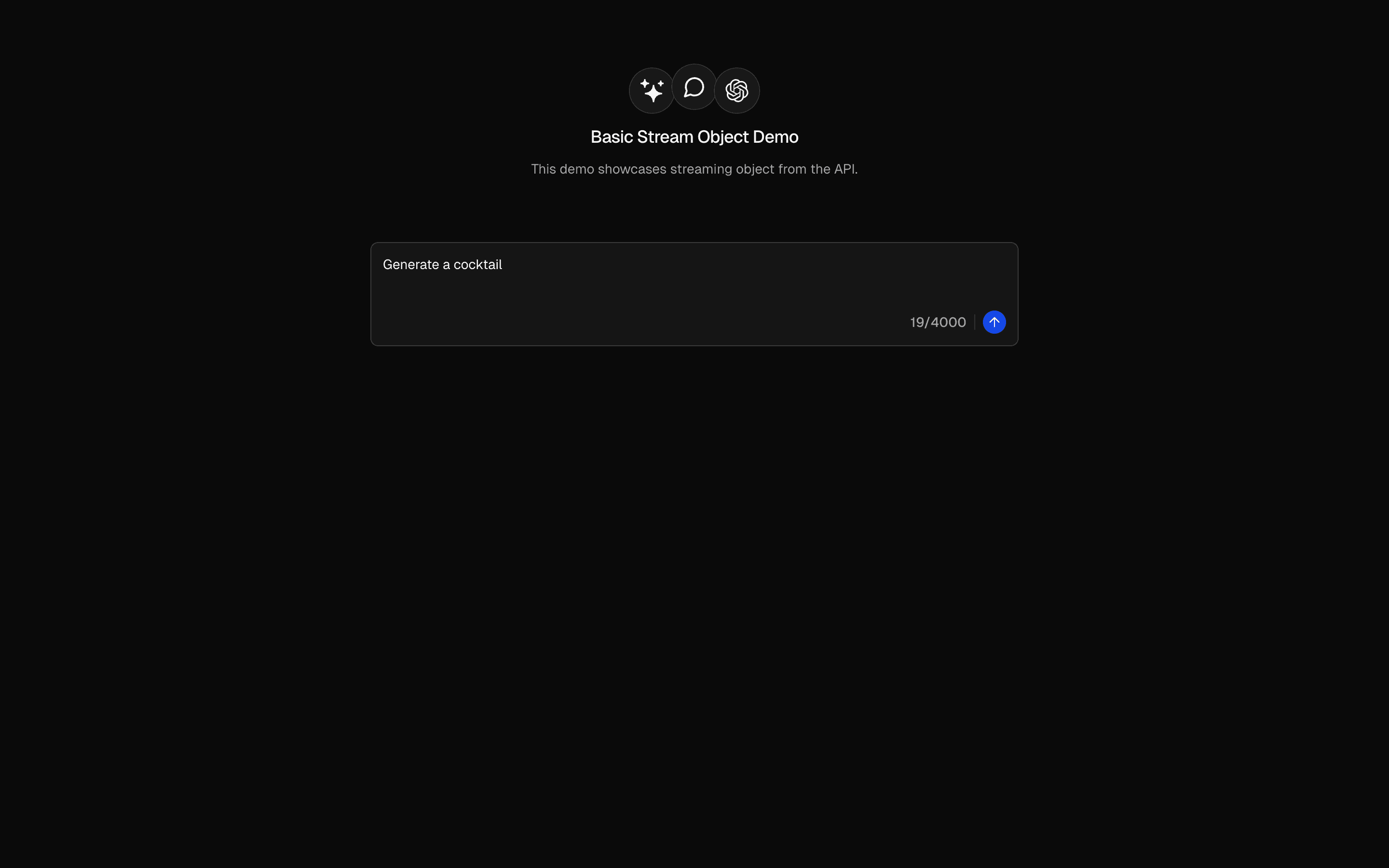 Streaming Structured OutputUse this when you need a typed, schema-validated object to stream into the UI and render field by field as partial JSON arrives.Free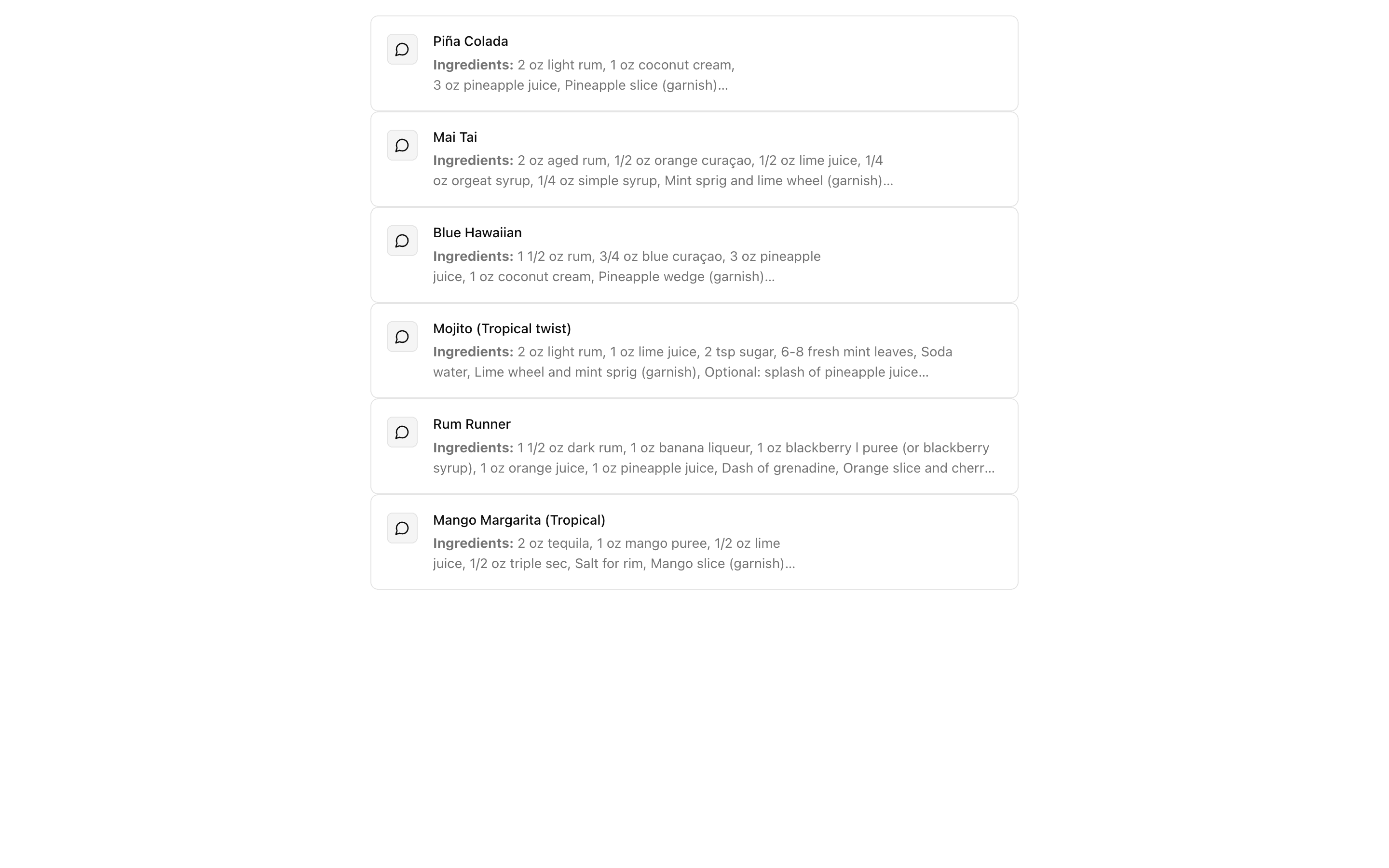
 OpenAI Structured OutputUse this when you need an OpenAI model to return one complete, schema-validated object in a single response, such as extracted fields or tags.Free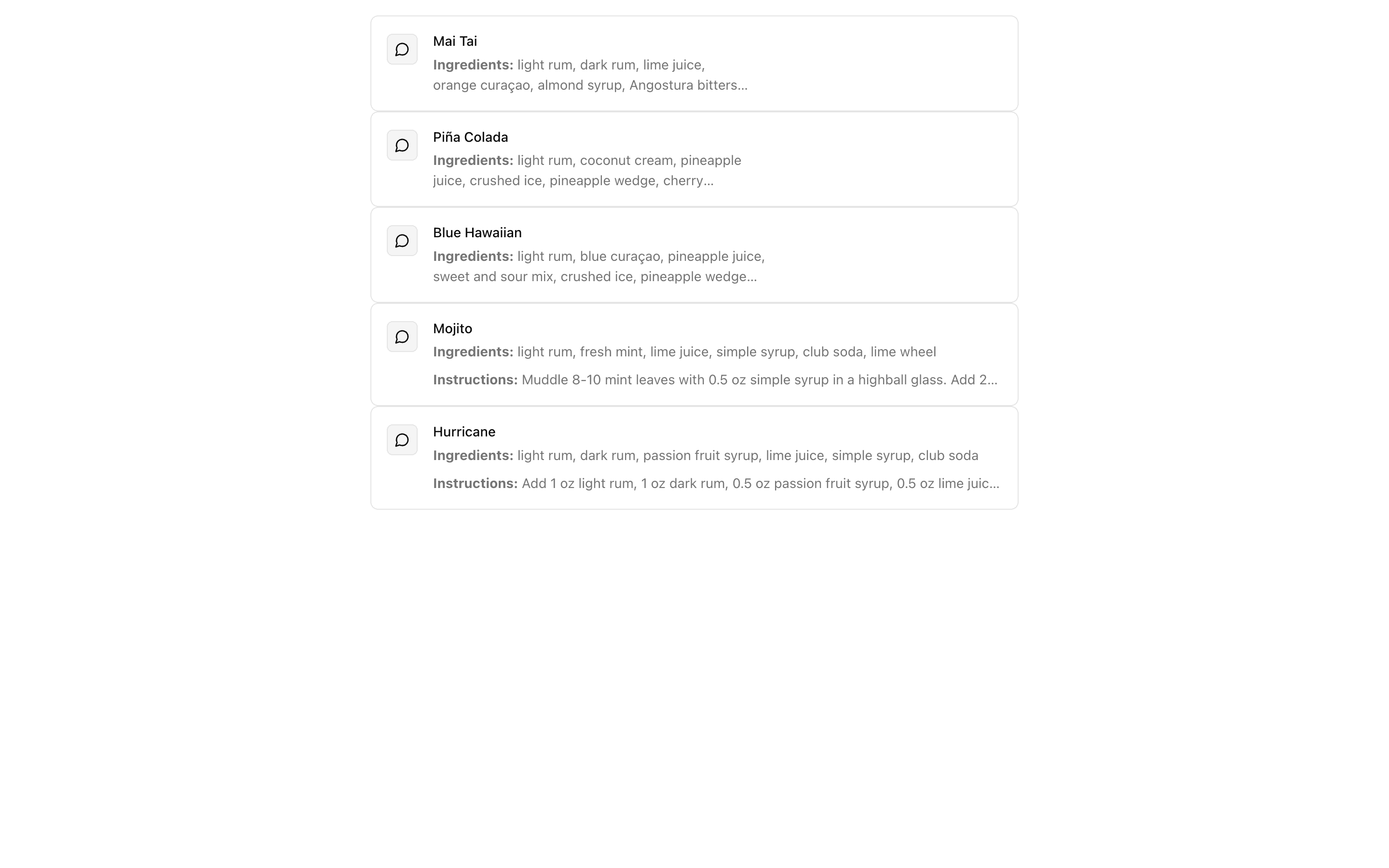
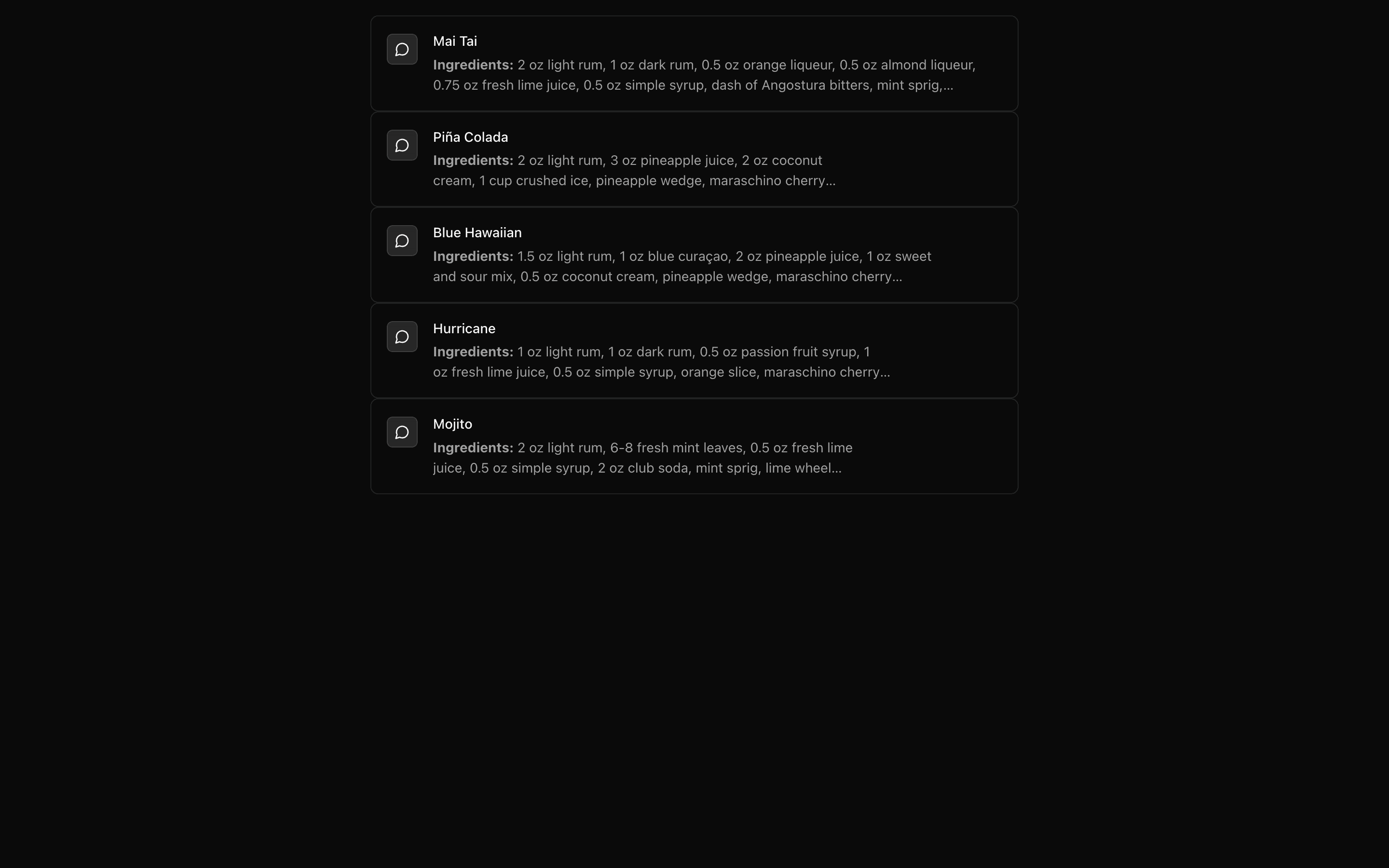 Claude Structured OutputUse this when your app runs on Anthropic Claude and needs typed JSON back from a prompt, generated in full with generateText and Output.object.Free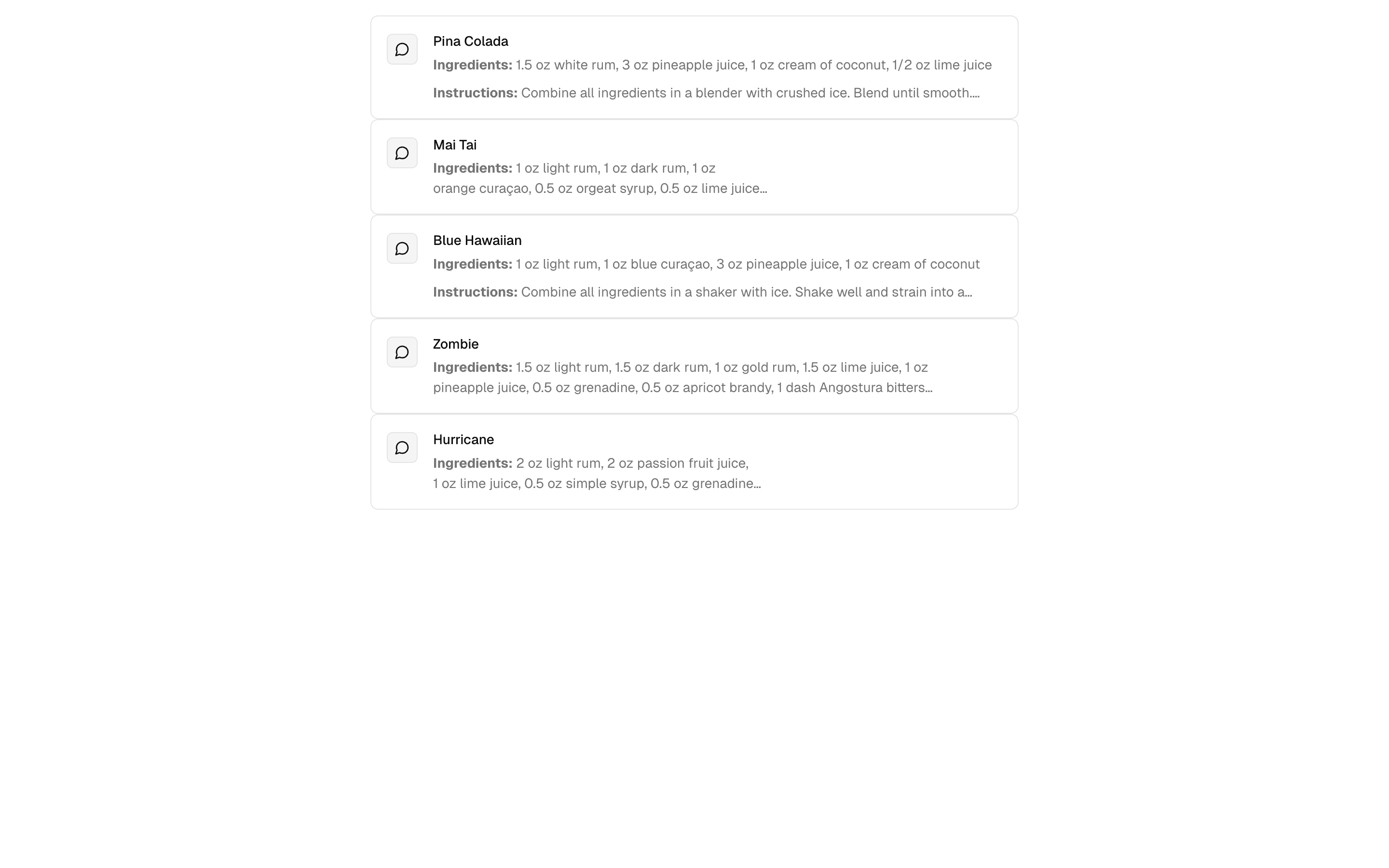
 Gemini Structured OutputUse this when your app runs on Gemini and you want typed JSON from a prompt via generateText with Output.object, delivered all at once.Free
Stream text and structured output
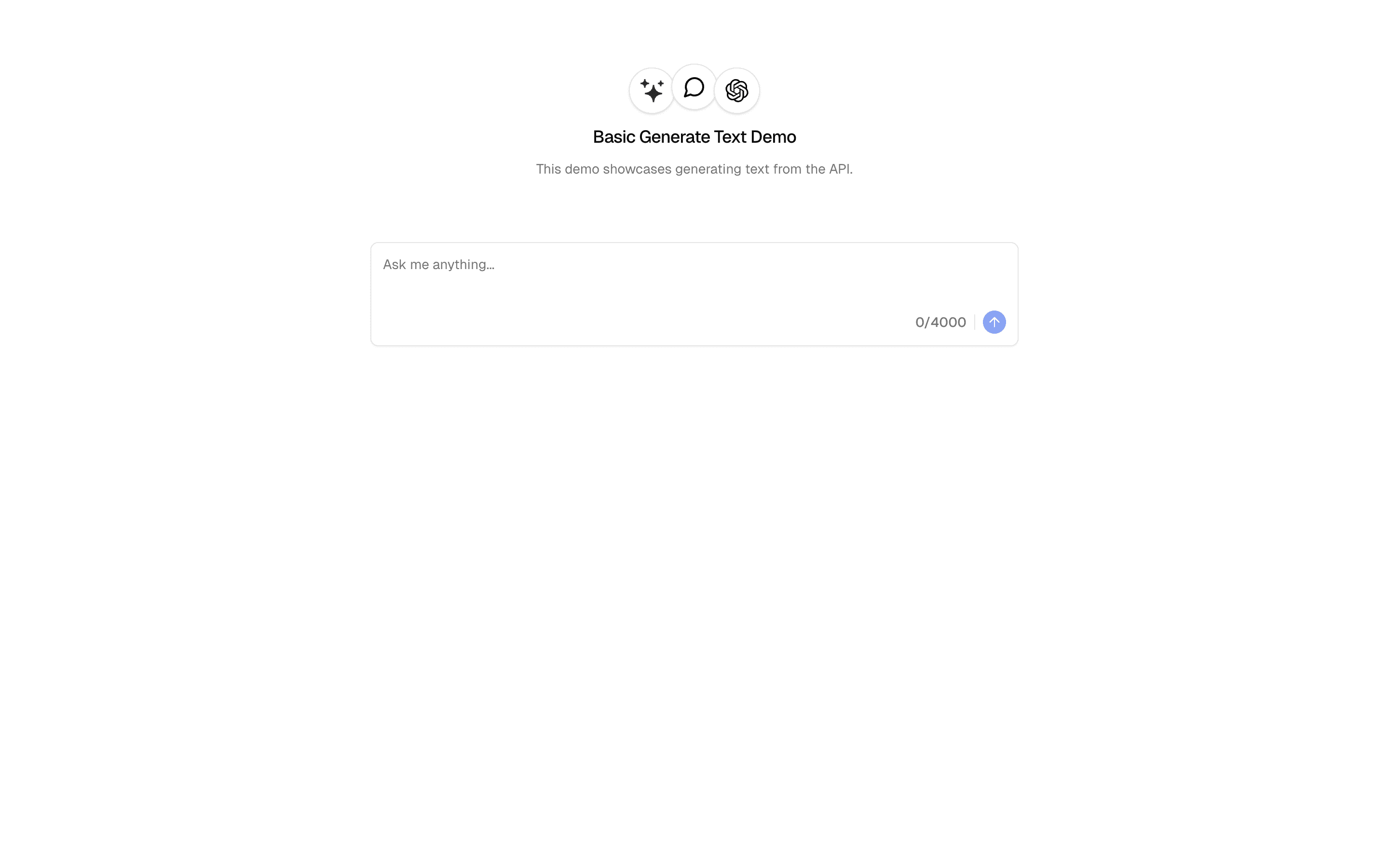
Generate and stream text
Start with the smallest text generation experience.
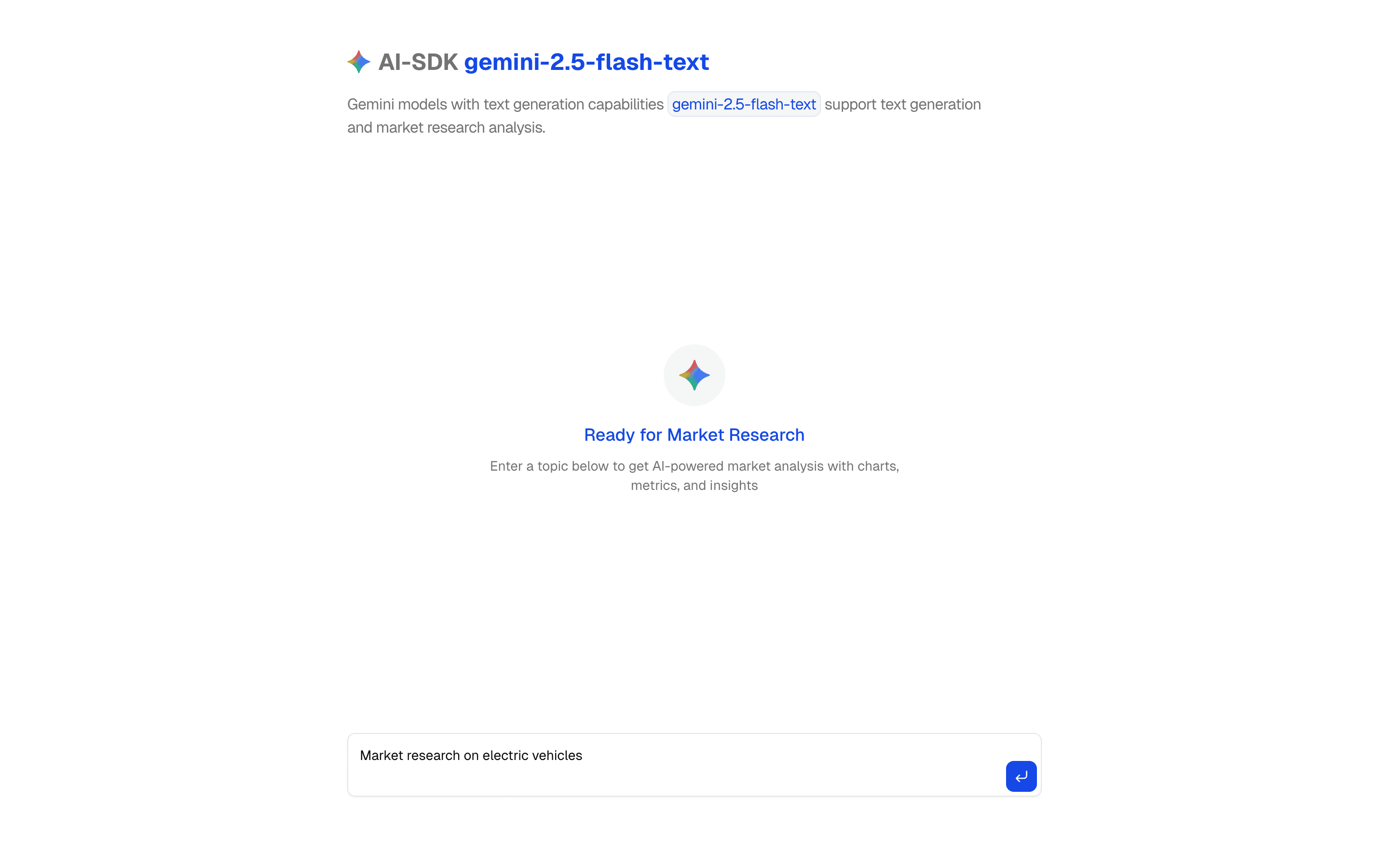
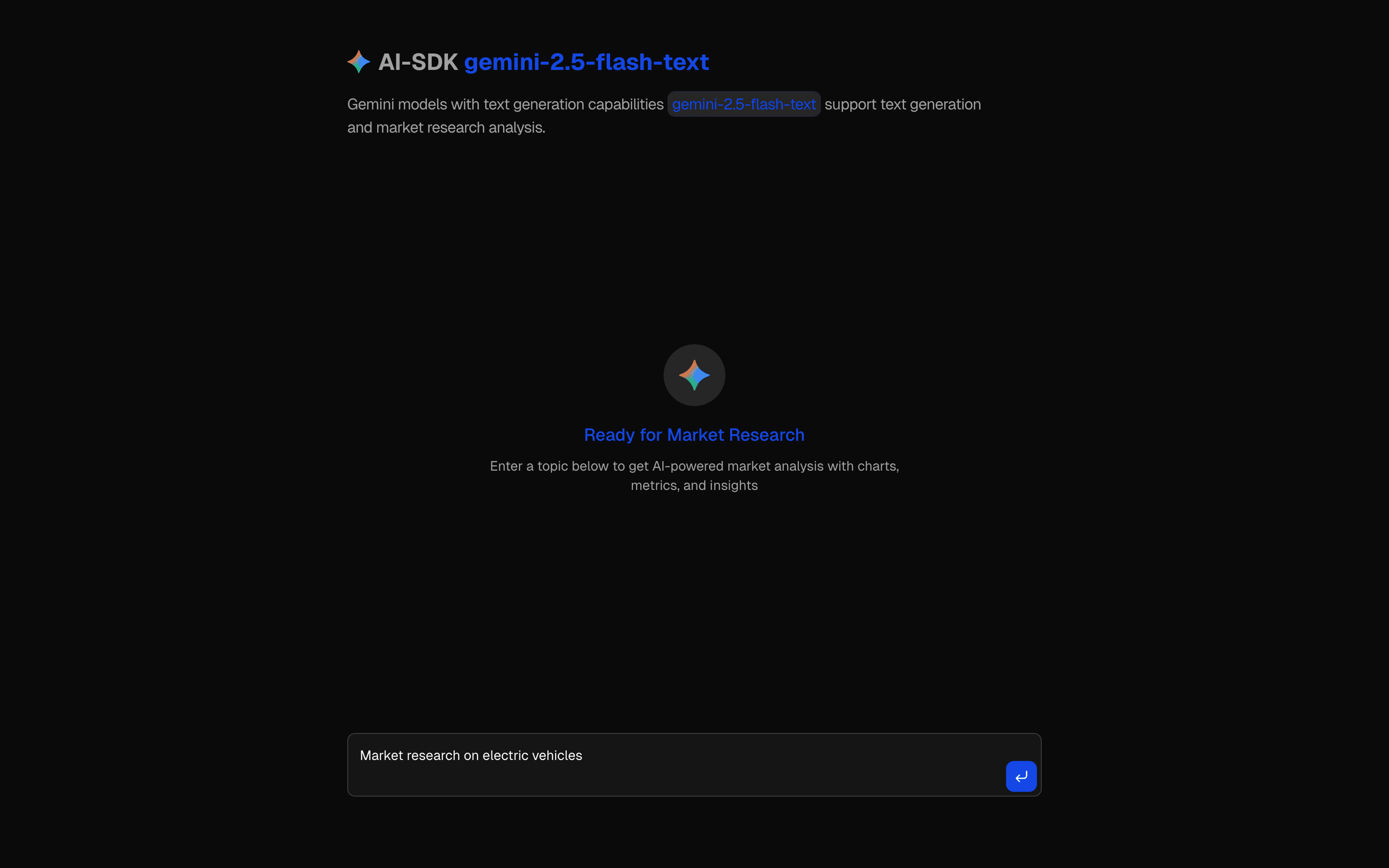 Start hereAI SDK Gemini Flash TextUse this when you want to set up Google's Gemini 2.5 Flash provider in the AI SDK for a fast, low-cost text chat or completion UI.ProView block
Also consider
Stream text and structured output
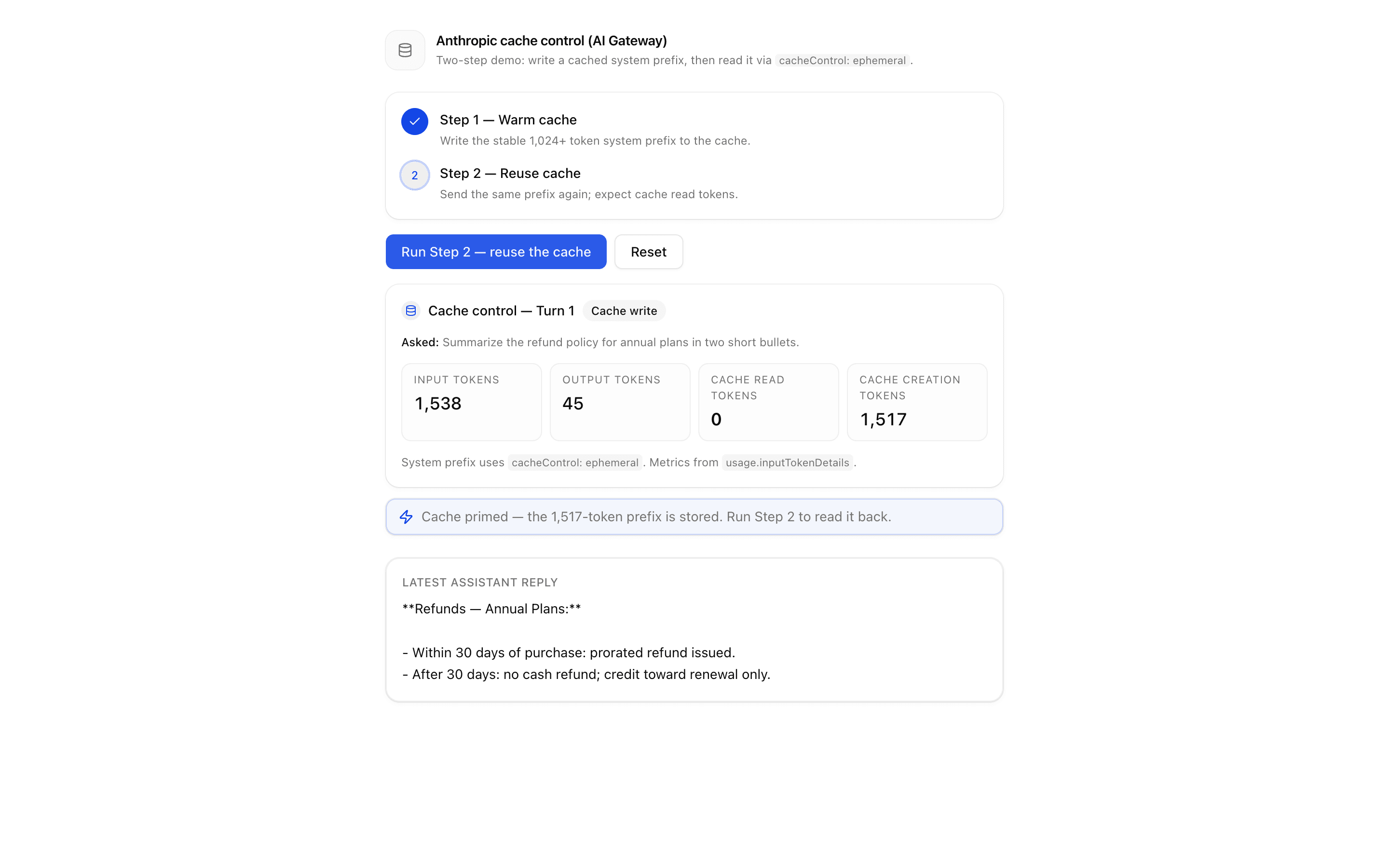
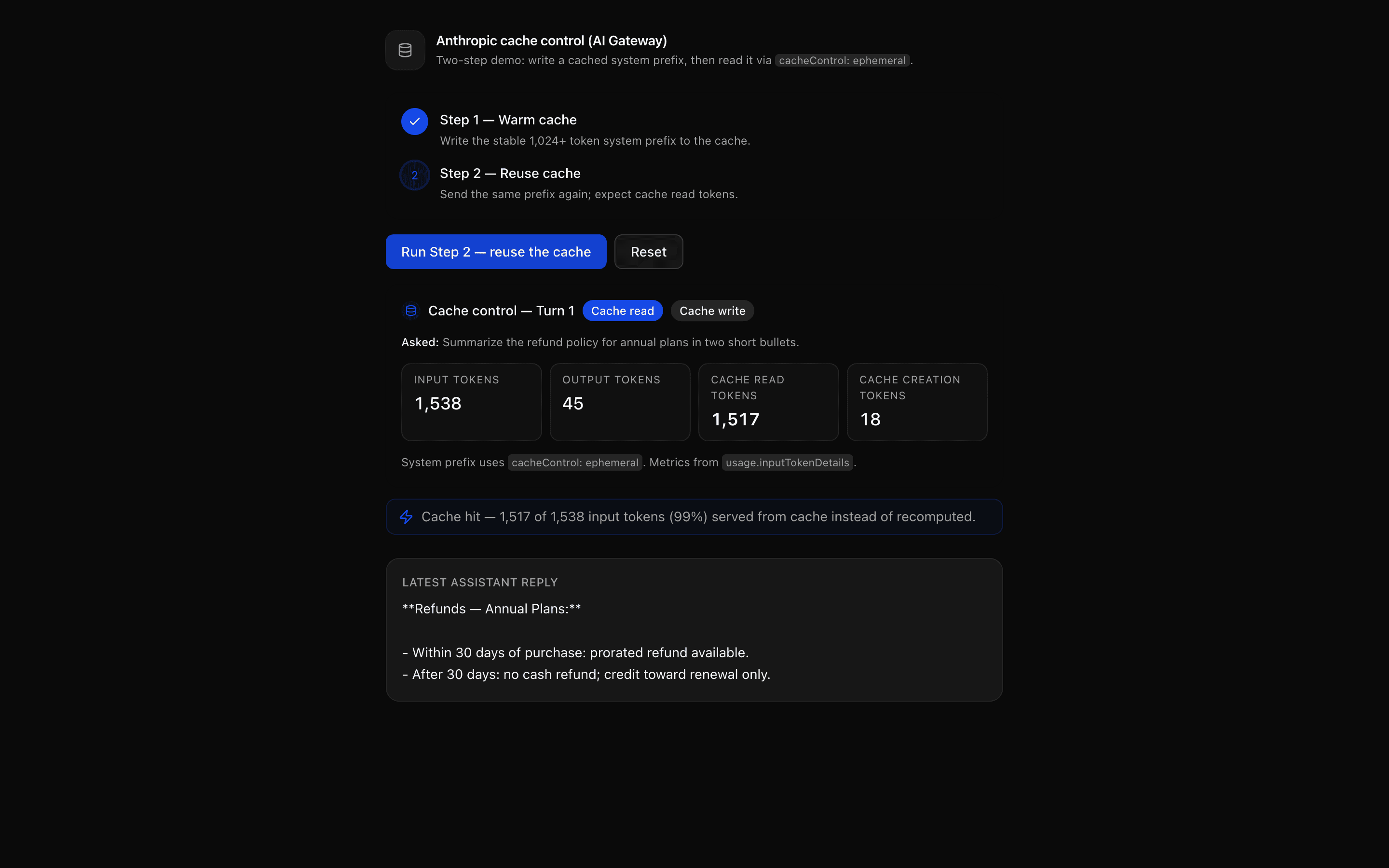
Cache repeated prompts
Reuse stable prompt context through provider caching.
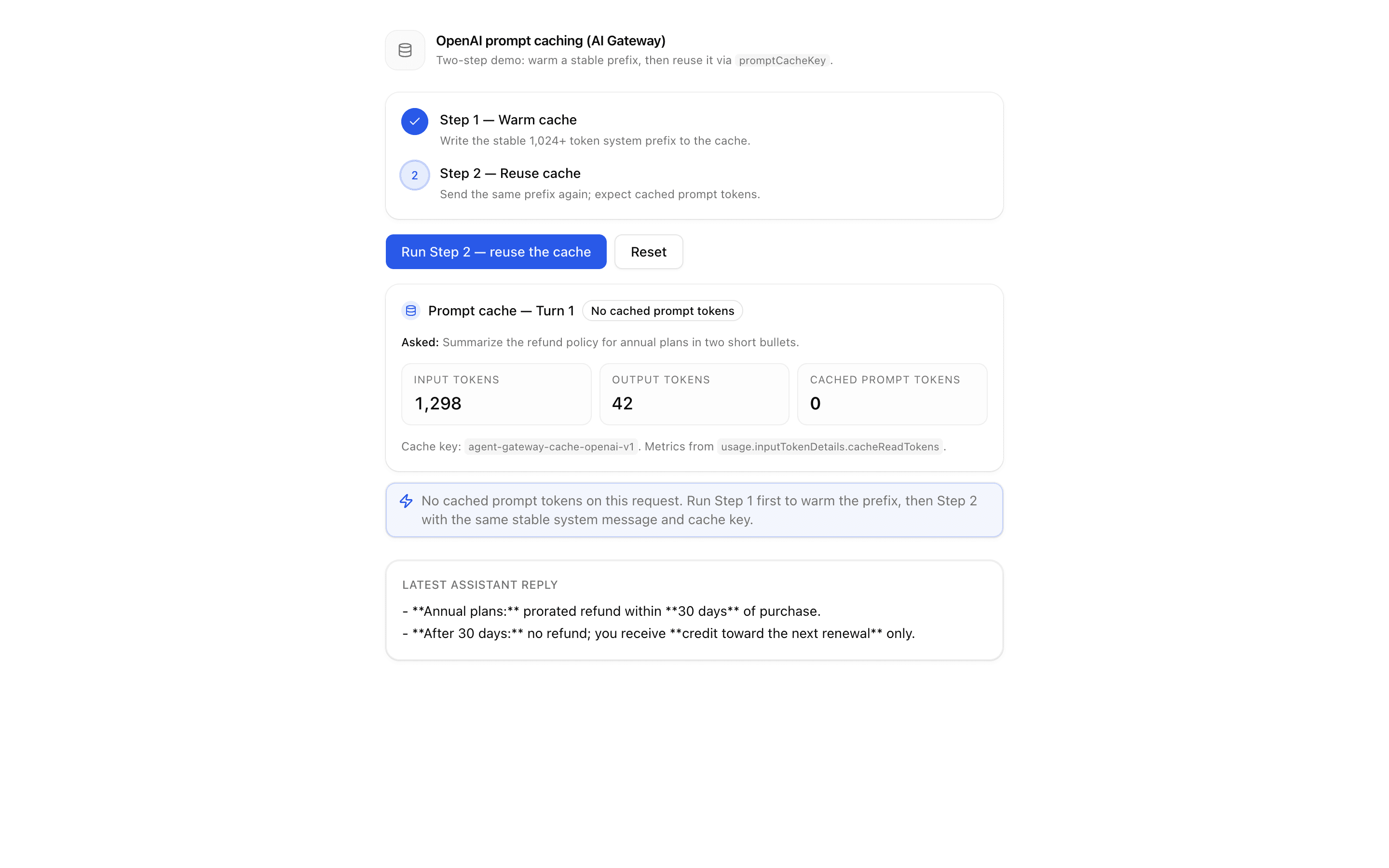
 Start hereOpenAI Prompt Caching (AI Gateway)Use this when your OpenAI agent resends the same system prompt each turn and you want to cache it through AI Gateway using promptCacheKey.ProView block
Also consider
Stream text and structured output
Organize and understand data
Group records by meaning and match the ones that are the same thing.
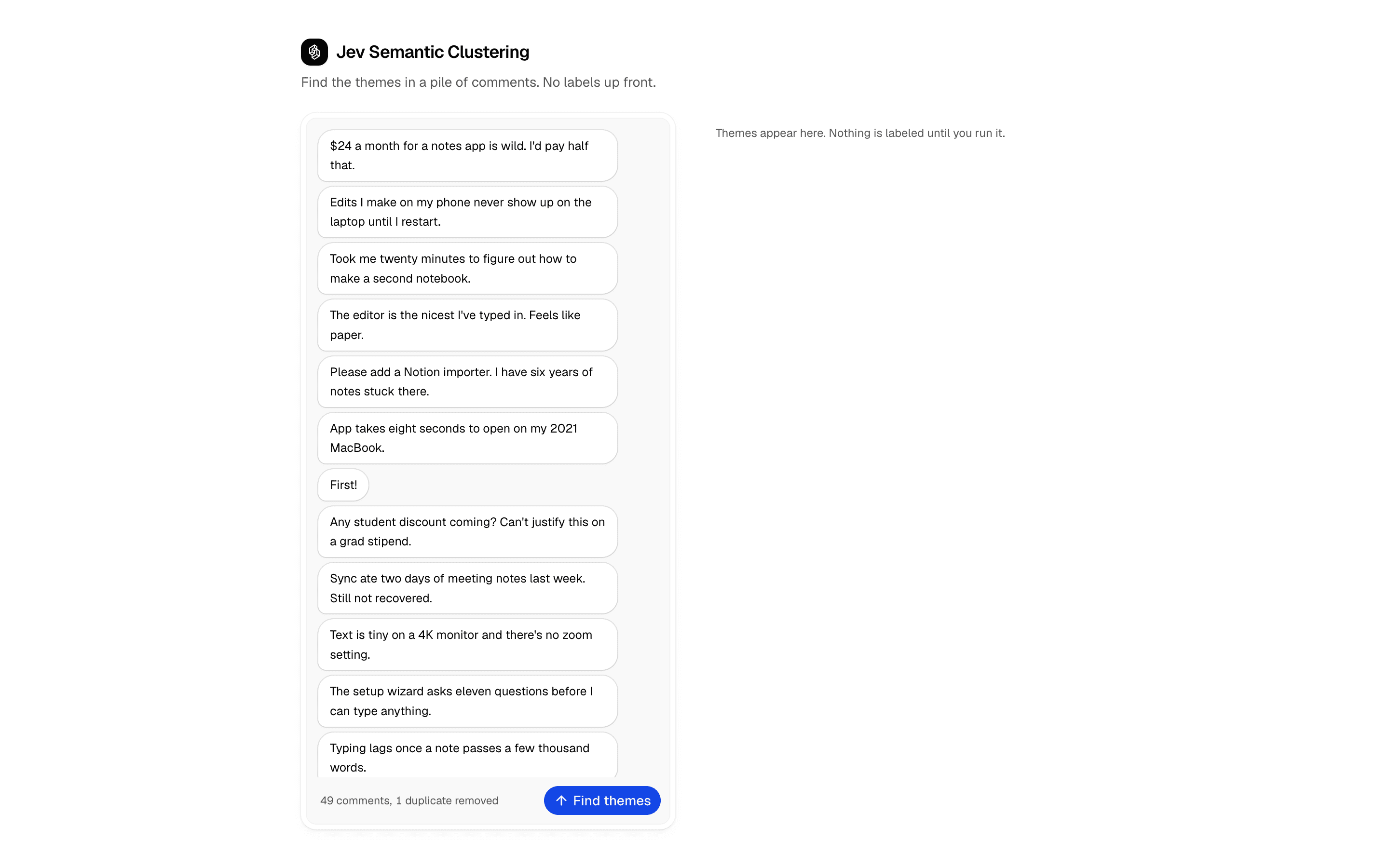
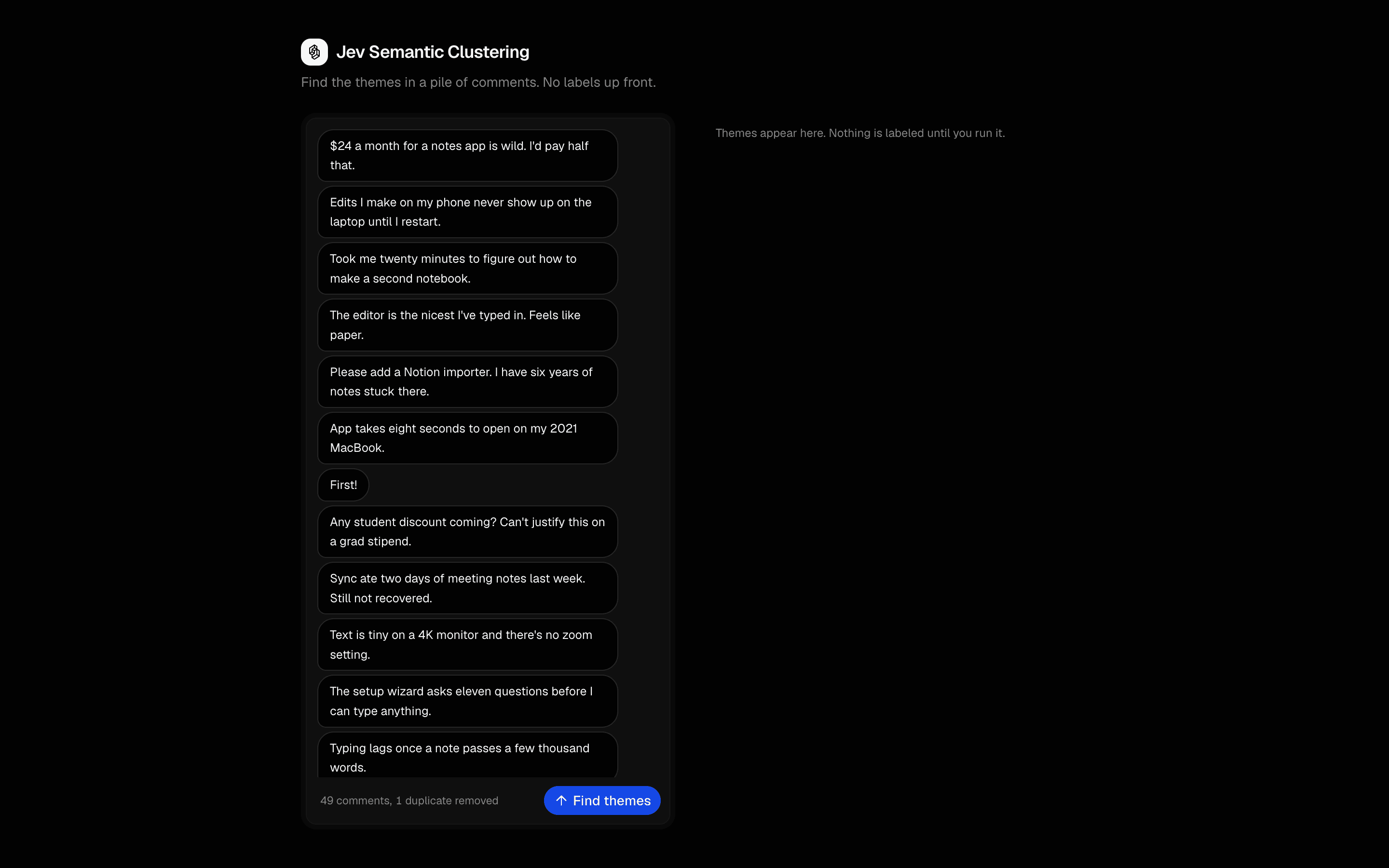 Start hereJev Semantic ClusteringUse this when you have a pile of comments, tickets, or survey answers and need to discover the themes in them before any categories exist.ProView block
Also consider
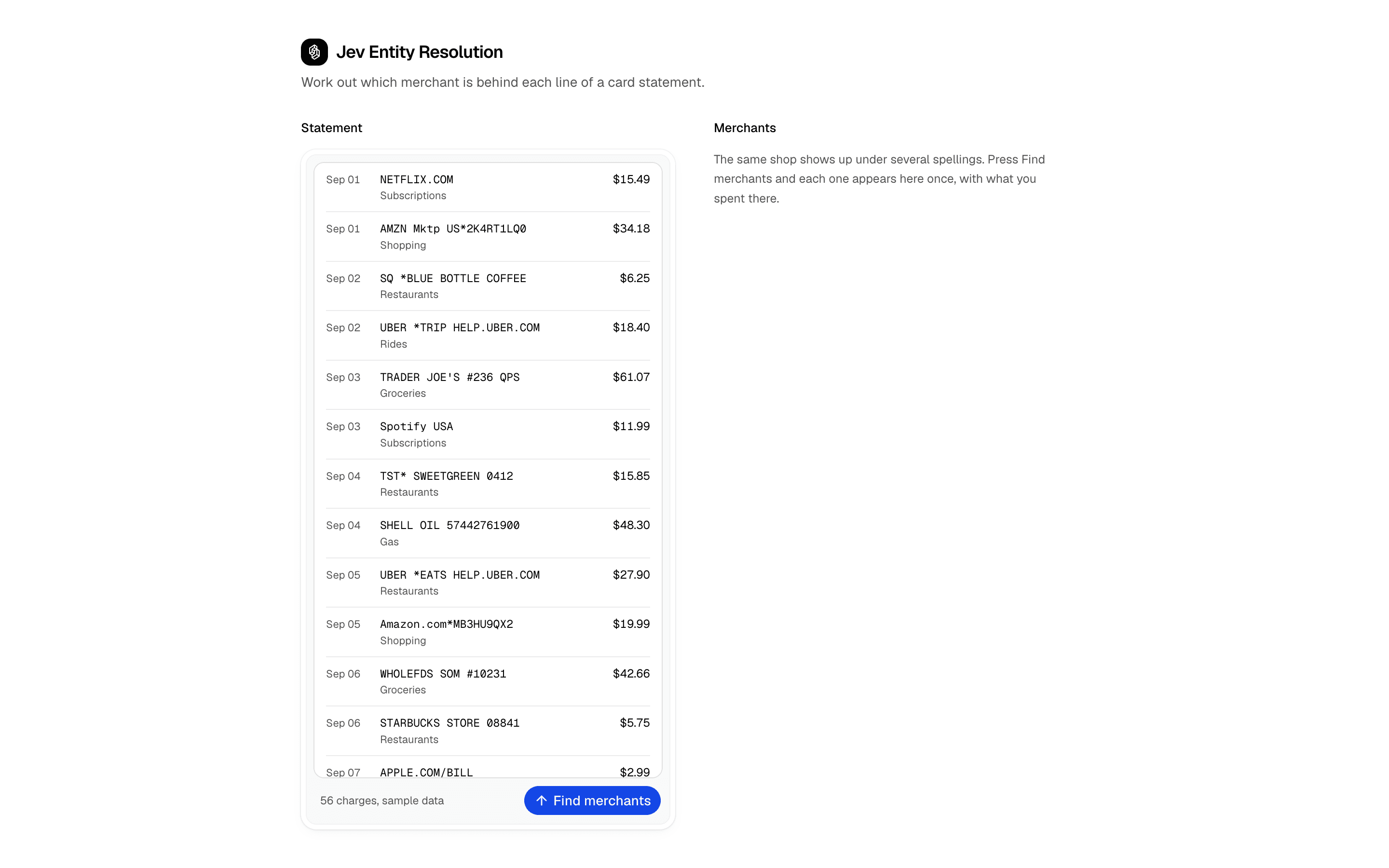
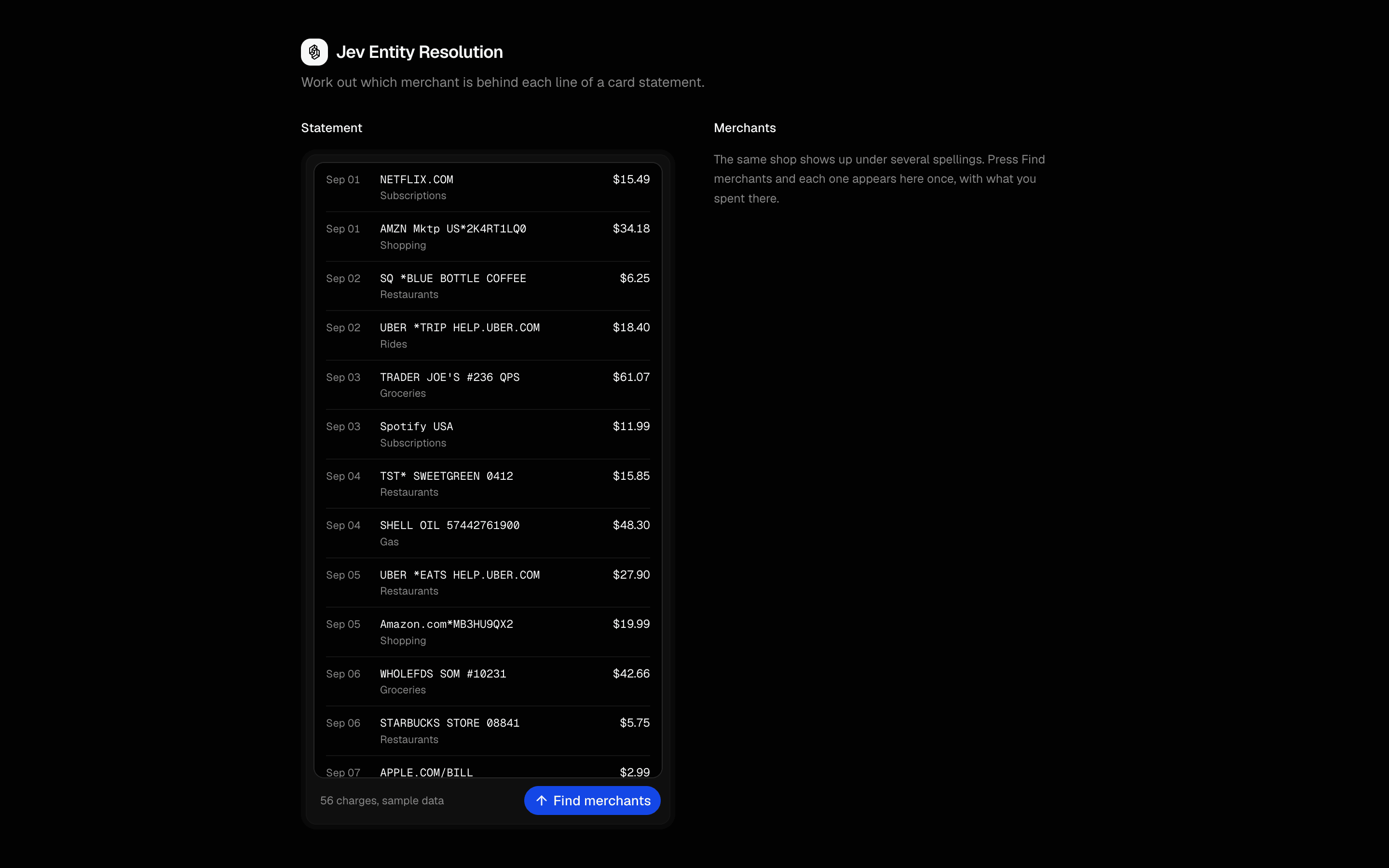
36 use cases. 154 blocks. Find your next building block.
Browse all blocksFrequently Asked Questions
AI SDK Agents is copy-paste agent patterns on the Vercel AI SDK: typed tools, streaming UI, and multi-step workflows. Each pattern includes React UI on shadcn/ui plus API routes for OpenAI, Anthropic, Google, and other AI SDK providers.
@shadcn
aisdkagents Looks amazing. A registry of agents makes so much sense. I like this distribution method.
Join AI Engineers from these companies