Loading pattern preview
BlocksMedia
AI SDK Nano Banana Image Edit
AI SDK Nano Banana Image Edit
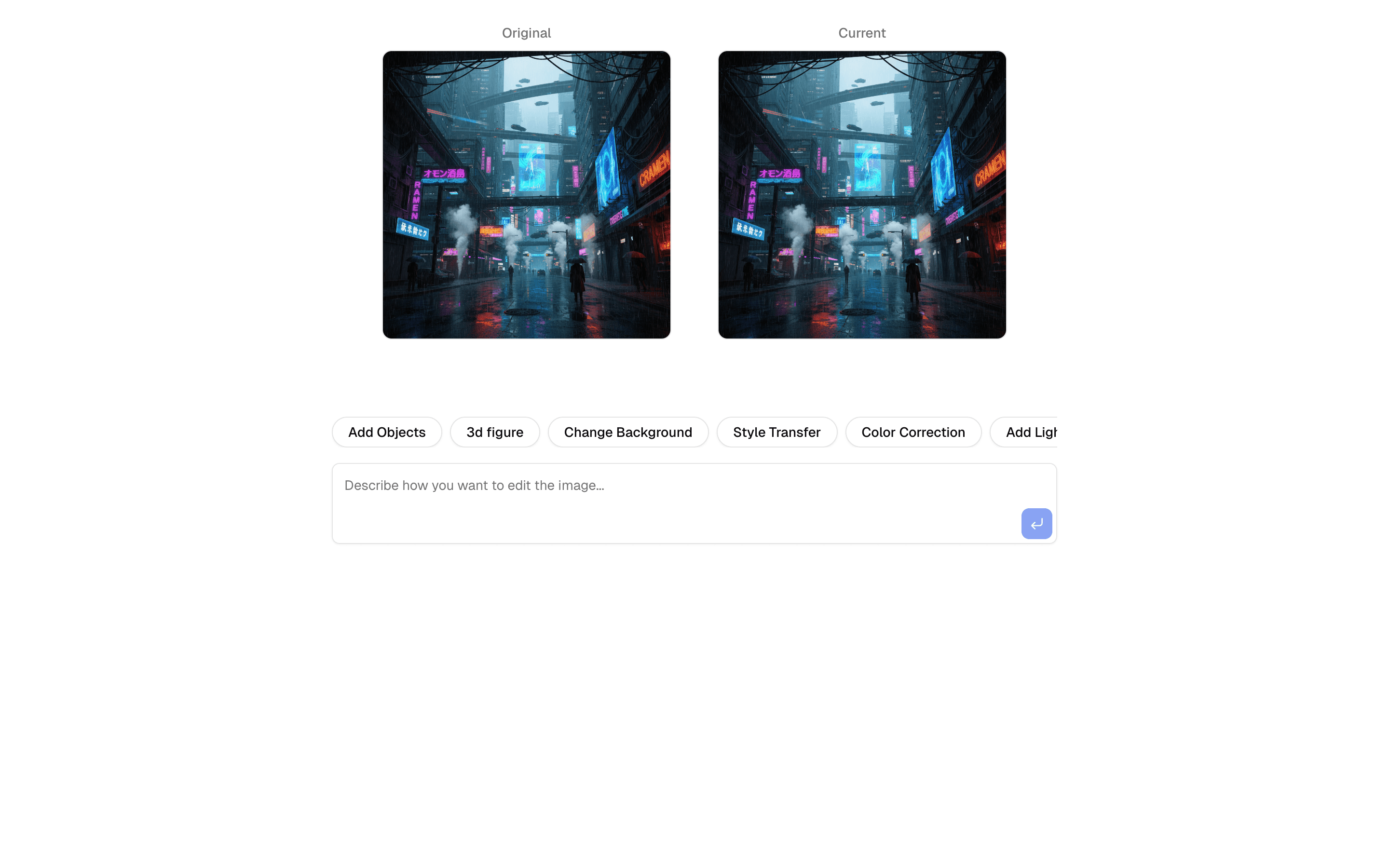
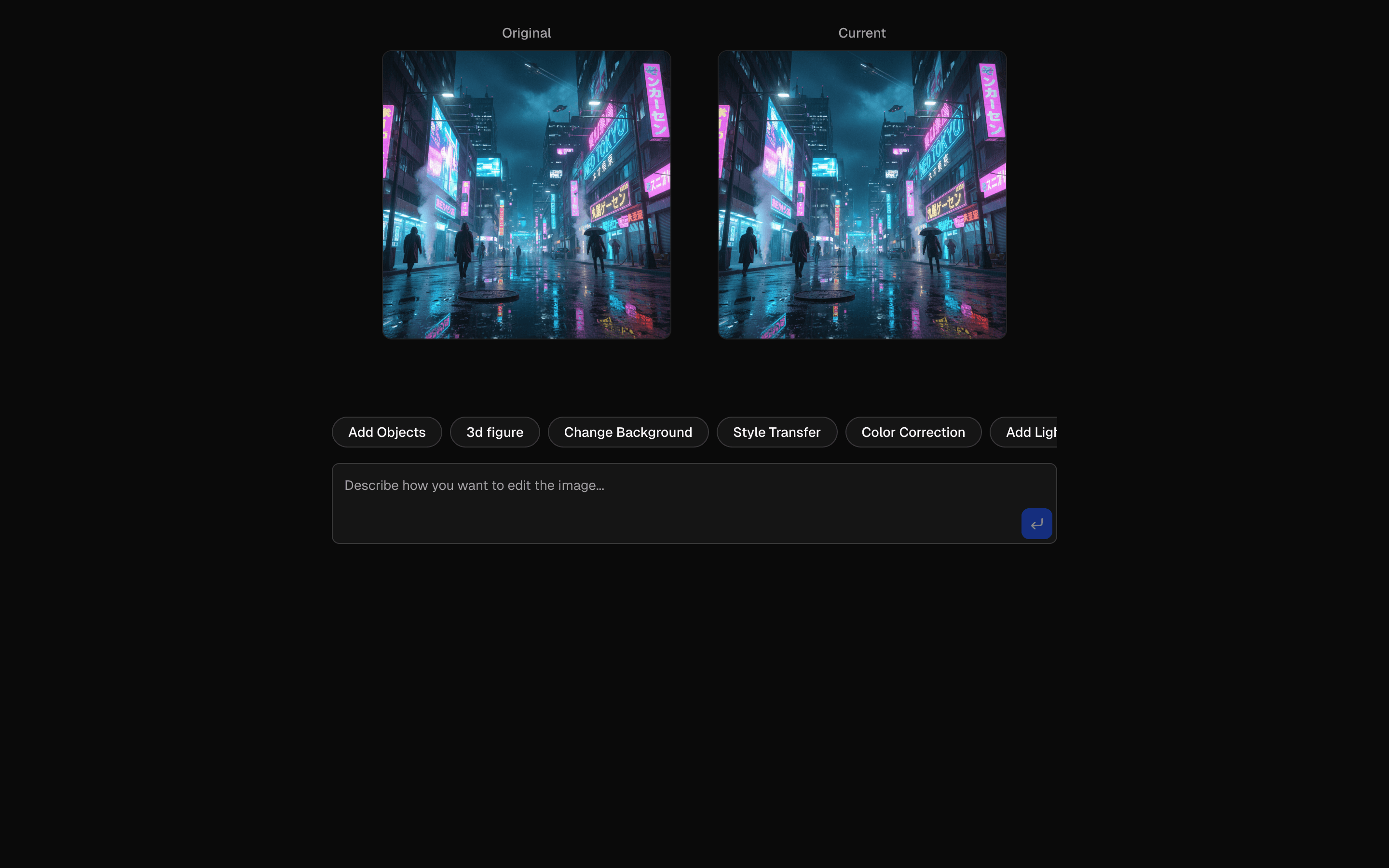
Generate and edit images using Nano Banana 2.5 Flash. Create new images from text or edit existing ones with natural language. Includes version history and image comparison.
Use this when you need to edit an uploaded image with plain-language instructions and keep a version history to compare before and after results.
Loading pattern preview
Problems solved
Technical challenges this implementation handles out of the box.
- Edit existing images with Gemini Flash image editing
- Apply natural-language edit instructions to an uploaded image
- Compare before and after results in the demo UI
- Keep edit workflows client-visible without a custom image backend
Use cases
Products and workflows this pattern is designed to support.
- Creative retouch assistants
- Brand asset revision tools
- Product photo cleanup workflows
- Prompt-based image editing demos
Compare with
Similar patterns, and when each one is the better fit.
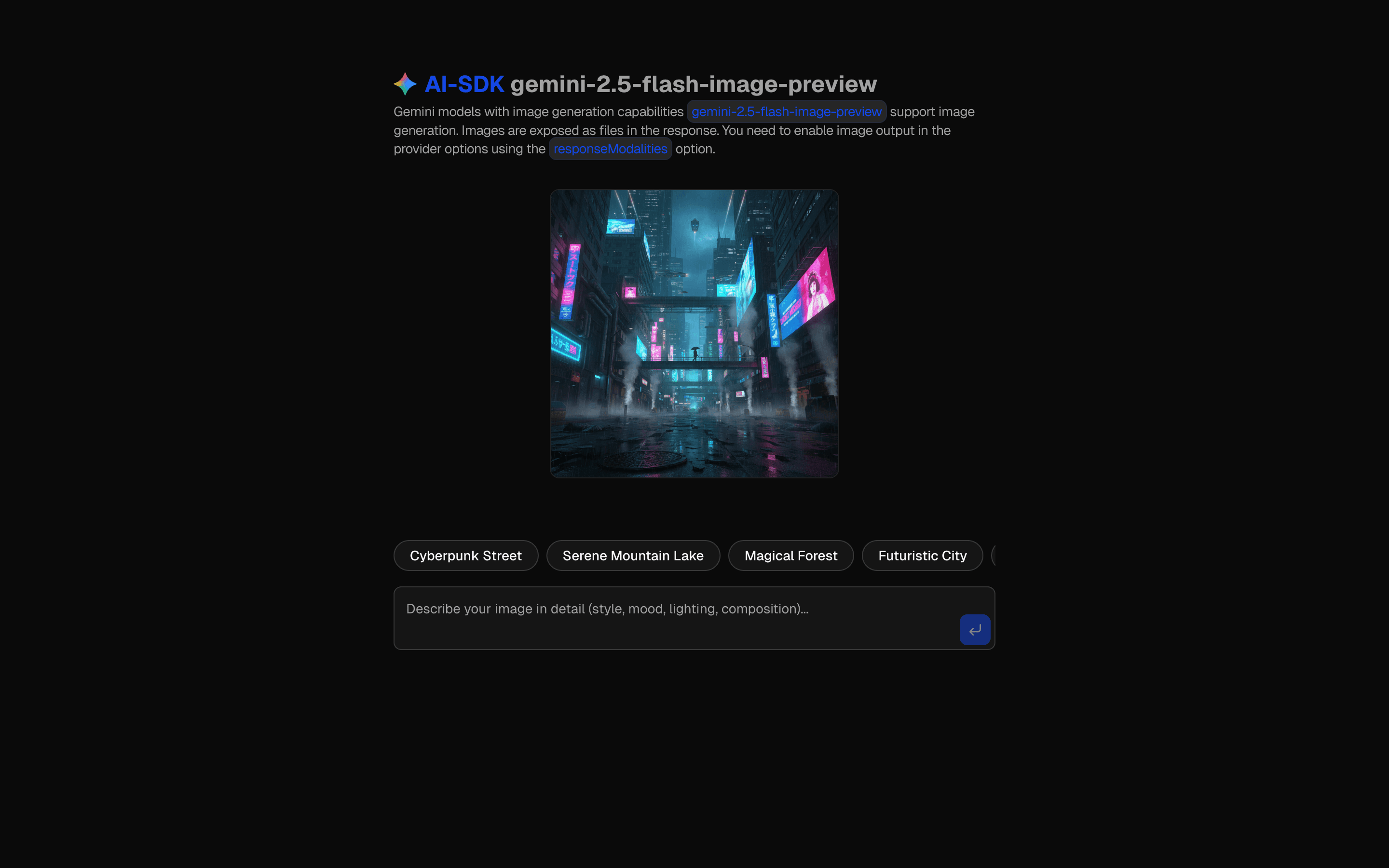
 AI SDK Nano Banana Image MergeUse this when you need to combine two source images into one new composition with Nano Banana, guided by a text prompt and saved version history.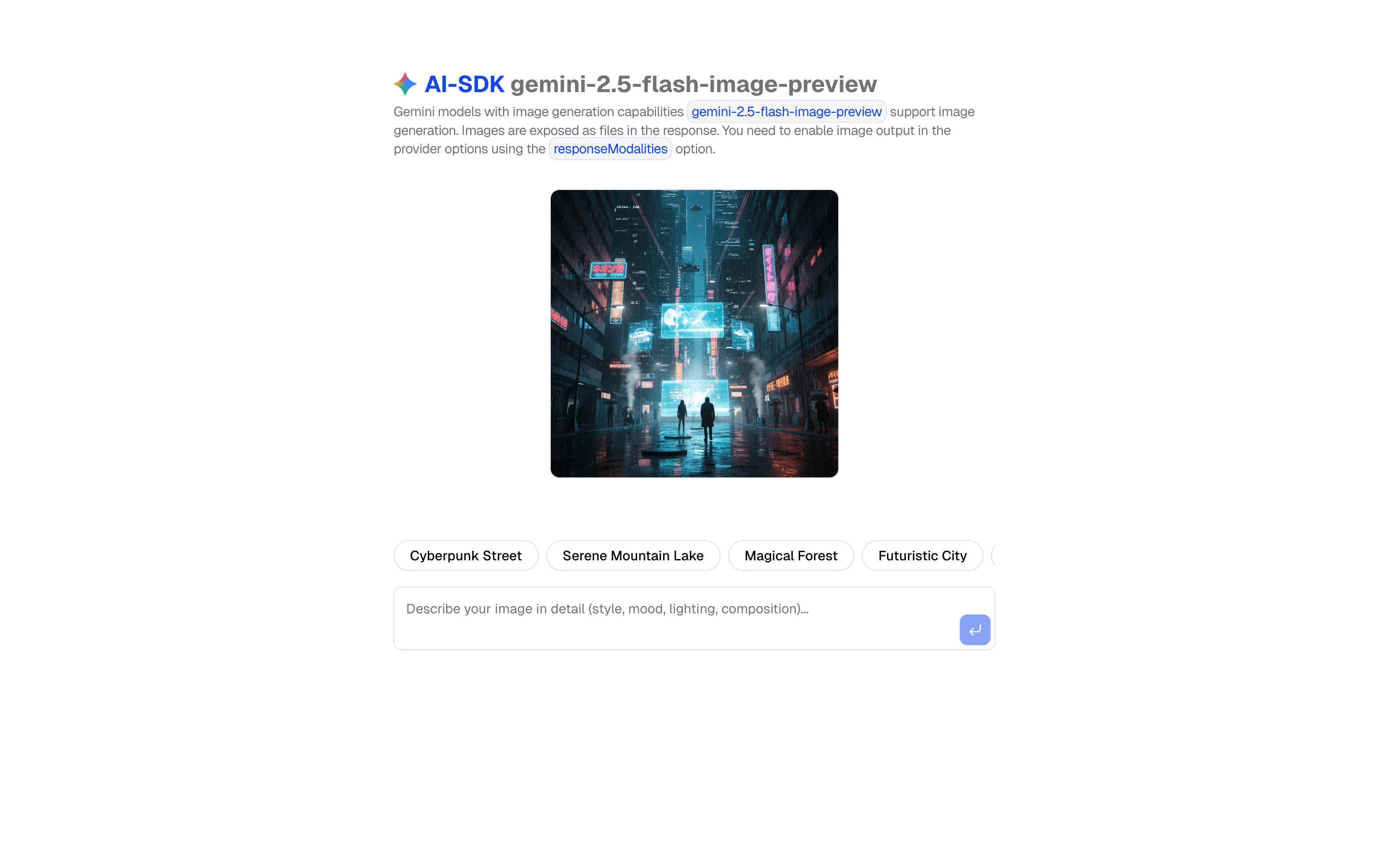
 AI SDK Nano Banana ImageGenerate images using Gemini 3.1 Flash Lite Image with prompt optimization. Includes style adaptation and customizable parameters.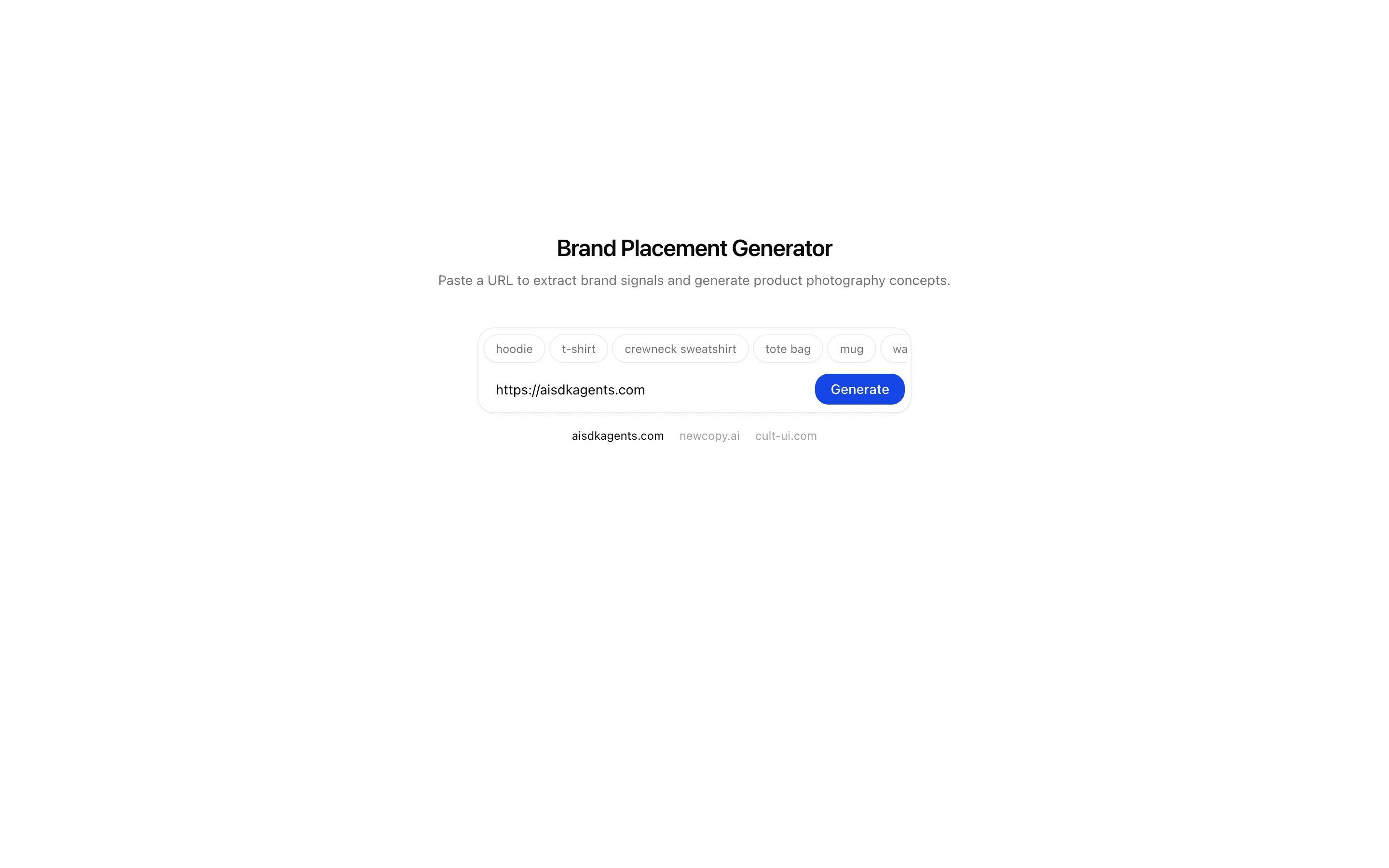
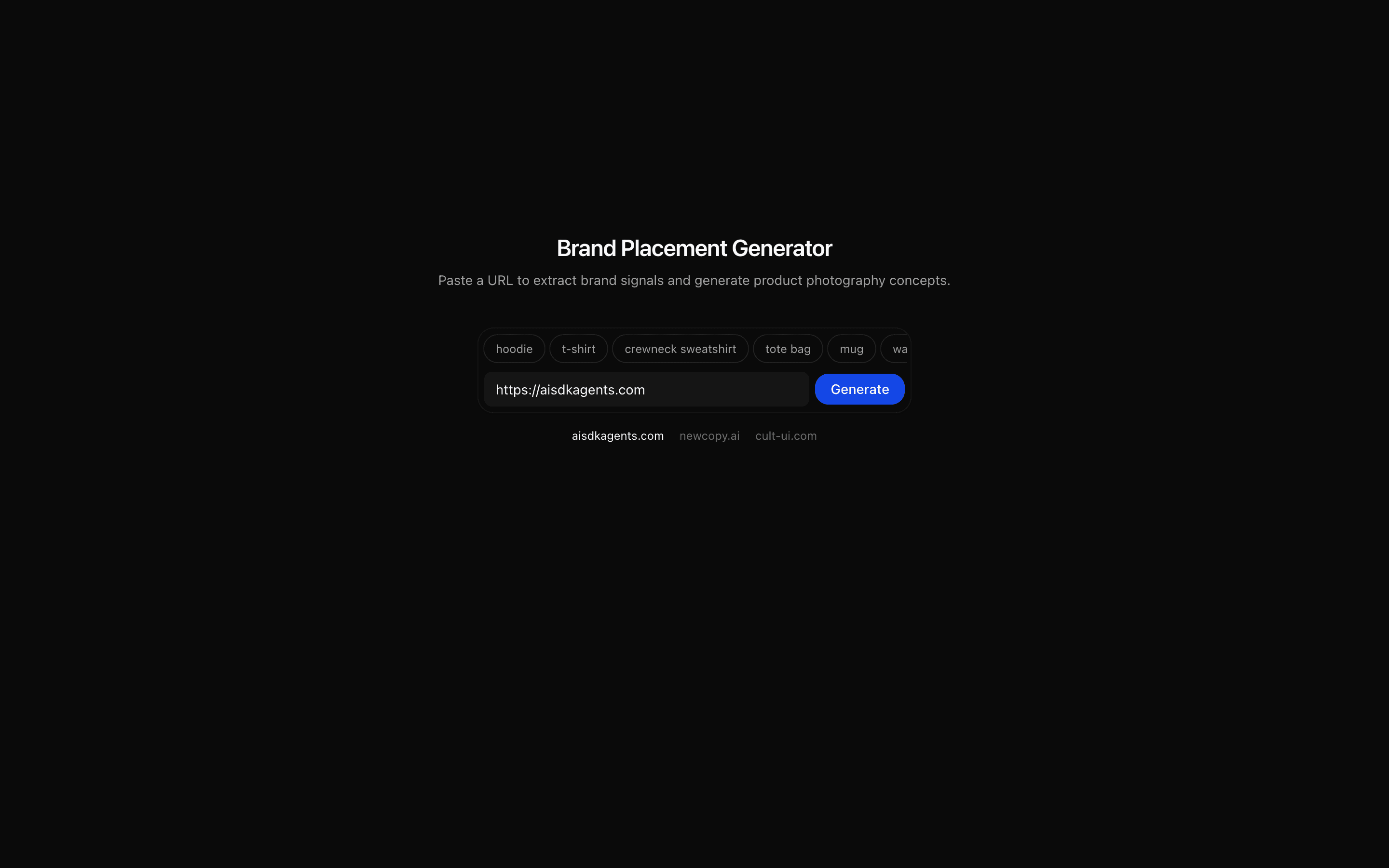 Brand Product Placement Generator (Nano Banana)Use this when you need to turn a brand URL into a product photography brief and several on-brand placement concepts, such as logo-on-apparel shots.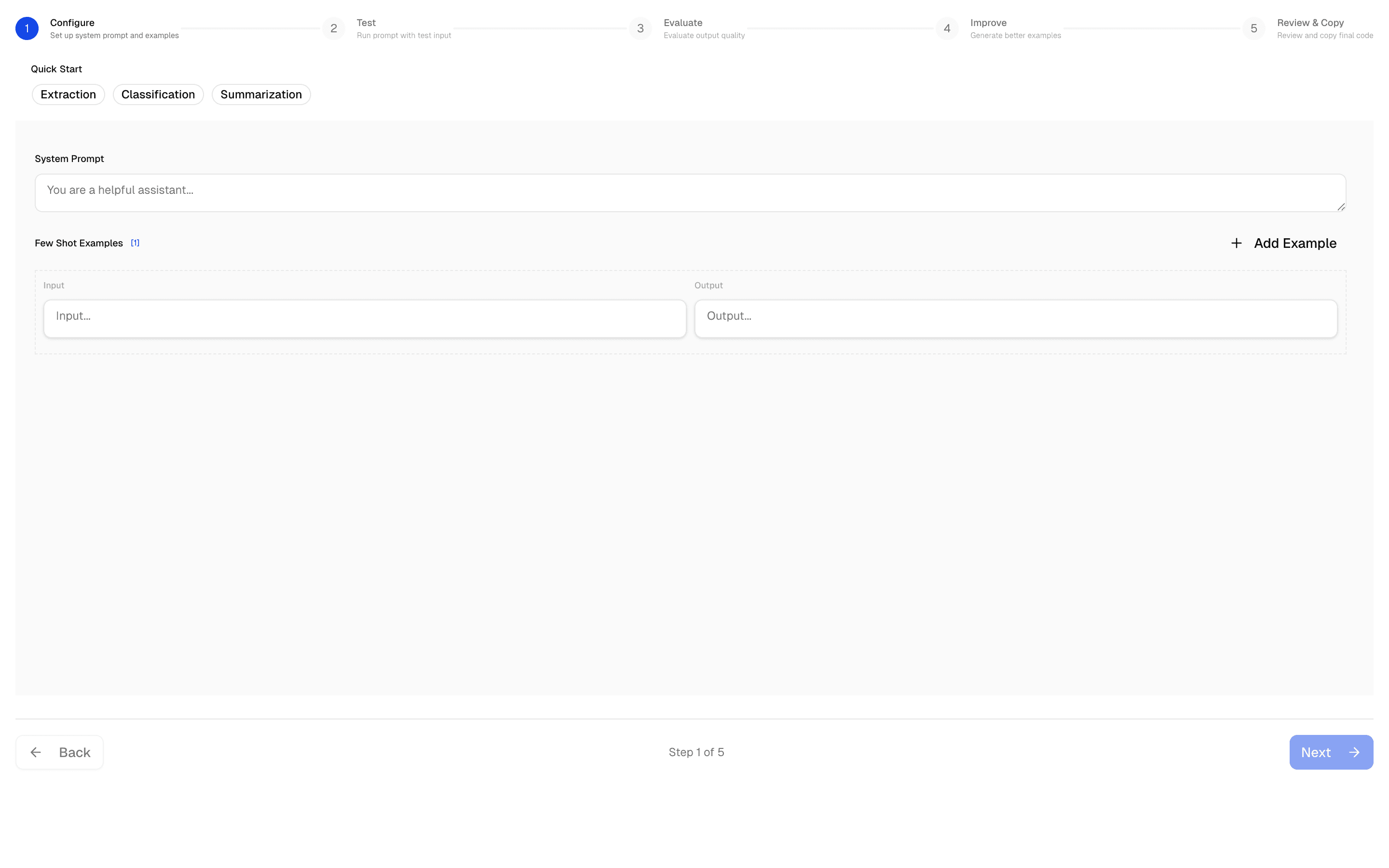
 AI SDK Prompt Few-Shot EditorUse this when you need to write a prompt with editable input/output examples and test it against sample cases before using it.
Setup
Requirements, wiring steps, and what this pattern adds to your project.
Getting started
Pick how you want to pull this pattern in. Then wire env vars and routes the same way.
- 1
Download → Next.js app
Use Download → Next.js app in the preview toolbar. You get a zip scaffold (Pro downloads rewrite preview `/view/.../api/*` paths to `/api/*` automatically).
- 2
Extract the zip and install dependencies
Unzip the archive, then run `pnpm install` (or npm / yarn) in the project folder.
- 3
Fill .env.local
The download includes .env.local placeholders when needed. Add real values for: GOOGLE_AI_API_KEY, AI_GATEWAY_API_KEY.
- 4
Customize the agent and tool files
Adapt prompts, tools, and stop conditions in the generated project for your product.
- 5
Run the app and open the pattern route
Run `pnpm dev`, open the setup/checklist page if present, then navigate to the generated pattern route and verify responses.
Environment variables
Capabilities
AI SDK APIs
generateTextgenerateImagegatewayProviders
Gemini
External services
Upstash
Files added
9 files
app/page.tsxapp/layout.tsxapp/create-image-action.tsxapp/edit-image-action.tsxlib/rate-limit.tslib/image-utils.tshooks/use-image-version.tshooks/image-version-context.tsxREADME.md
Dependencies
10 total
npm packages
7UpstashAISDKlucide-reactmotionNext.jsReactreact-dropzone
 Registry components
buttondialogtextarea
Critical files
4 files
app/create-image-action.tsxServer action for image creation: uses generateText with gateway and IMAGE+TEXT response modalities. Shows the gateway pattern for Gemini image generation.
app/edit-image-action.tsxServer action for image editing: processes existing image data into base64 data URL, constructs a multimodal message with image + text edit instructions, and sends to Gemini flash image model.
lib/image-utils.tsShared image processing utilities: processImageData, createDataUrl, validateFiles, extractImageData. Essential for all image generation/editing operations.
hooks/use-image-version.tsComplex state machine hook using useReducer: manages image versioning (current/previous/original), UI state, and prompts via separate reducers. Implements edit history tracking and version management.
Requirements
- Complexity
- Intermediate
- Setup time
- ~20 minutes
- Node
- 24+
- Memory
- 512MB
Upstash Redis for rate limiting