Loading pattern preview
BlocksTools & Utilities
Scrape - Cheerio (lightweight)
Scrape - Cheerio (lightweight)
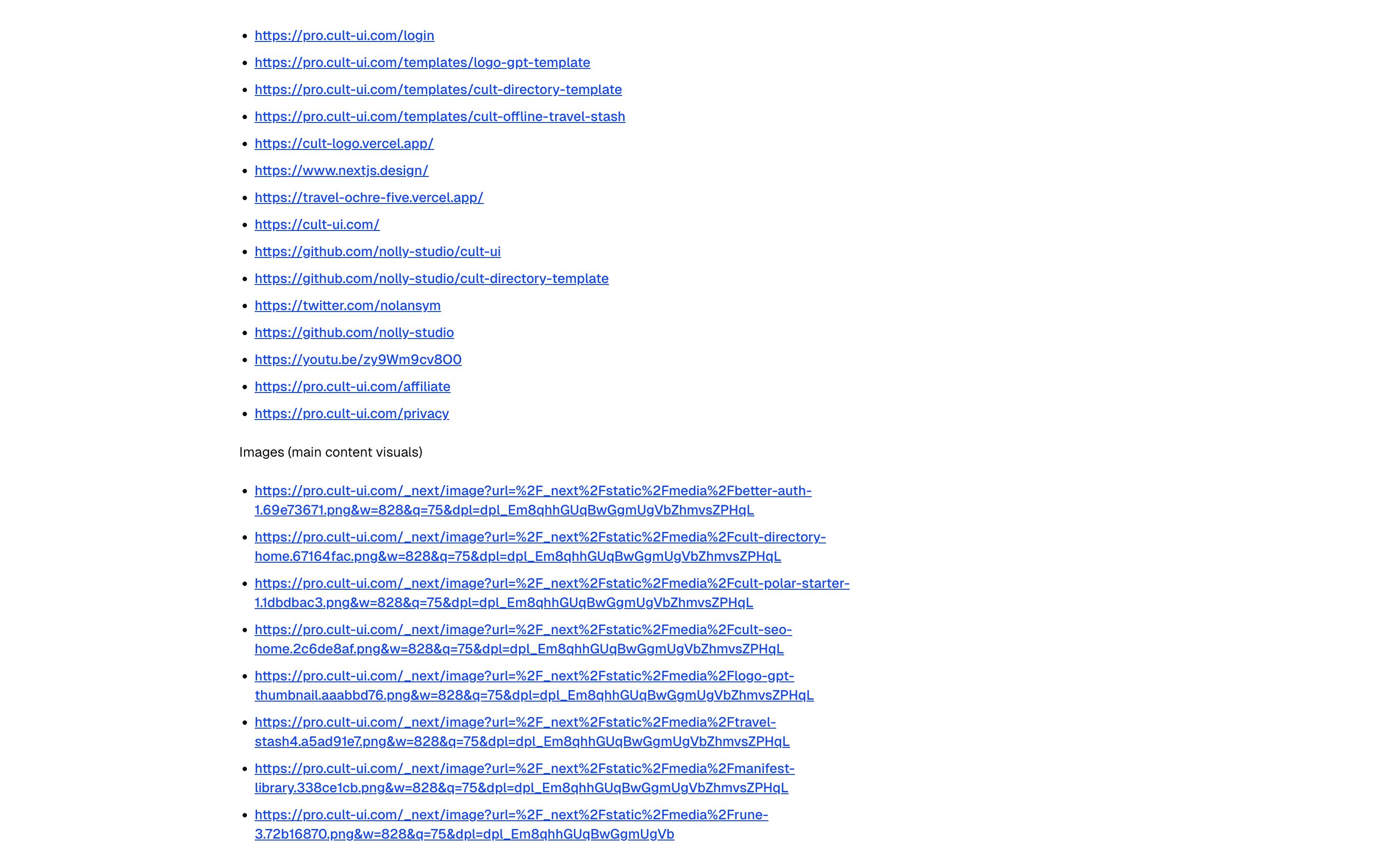
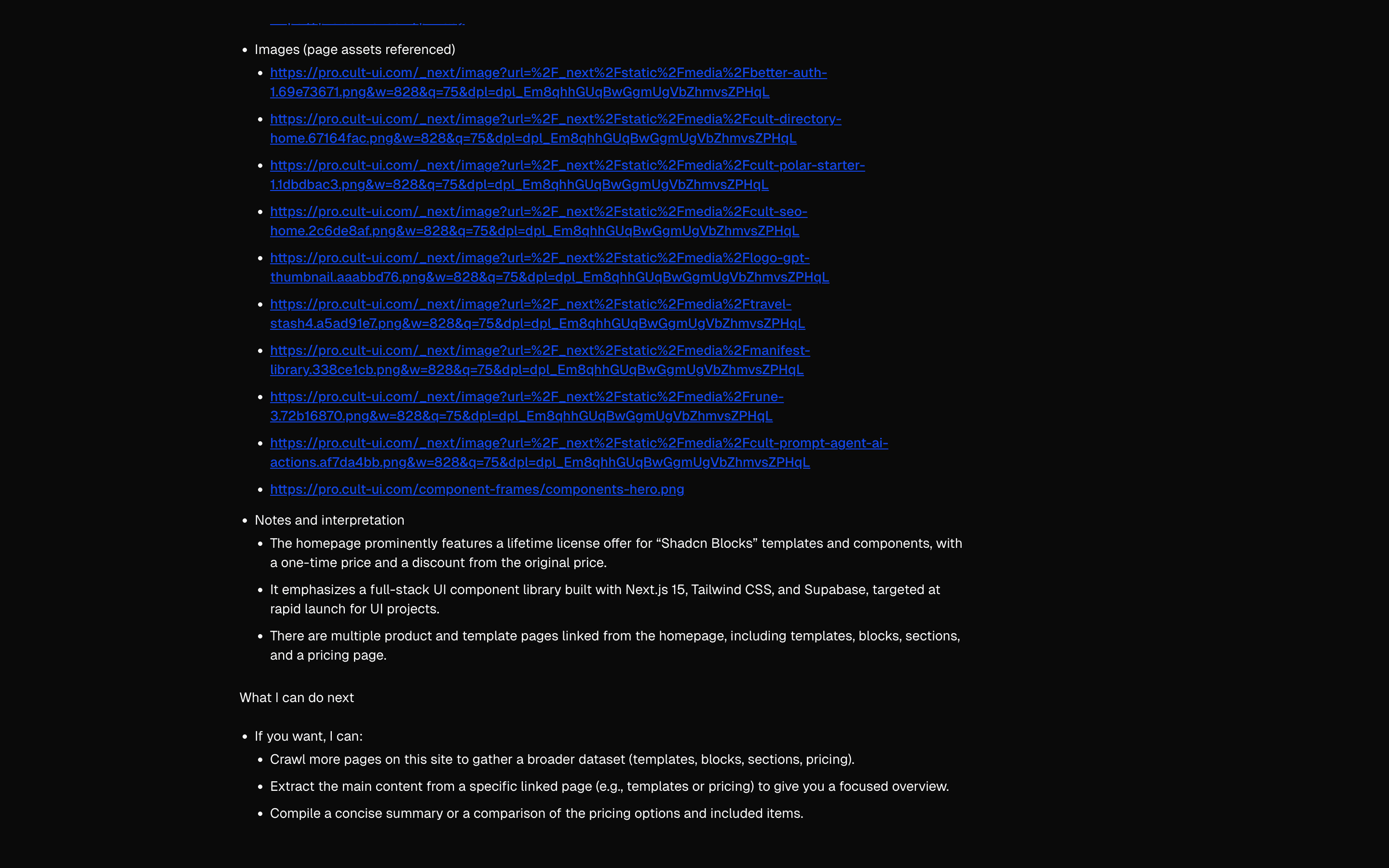
Scrape websites using Cheerio's fast HTML parser. Includes URL scraping, website crawling, and content extraction without external API costs.
Use this when a chat model should scrape one page or crawl a site's internal links itself with Cheerio tools, without a scraping service.
Loading pattern preview
Problems solved
Technical challenges this implementation handles out of the box.
- Scrape page HTML with Cheerio inside a tool call
- Extract readable text from a URL for the model
- Demonstrate lightweight Cheerio scraping with the AI SDK
Use cases
Products and workflows this pattern is designed to support.
- Cheerio scrape onboarding demos
- URL content extraction tools
- Competitive page text grabs
- Lightweight HTML parsing samples
Compare with
Similar patterns, and when each one is the better fit.
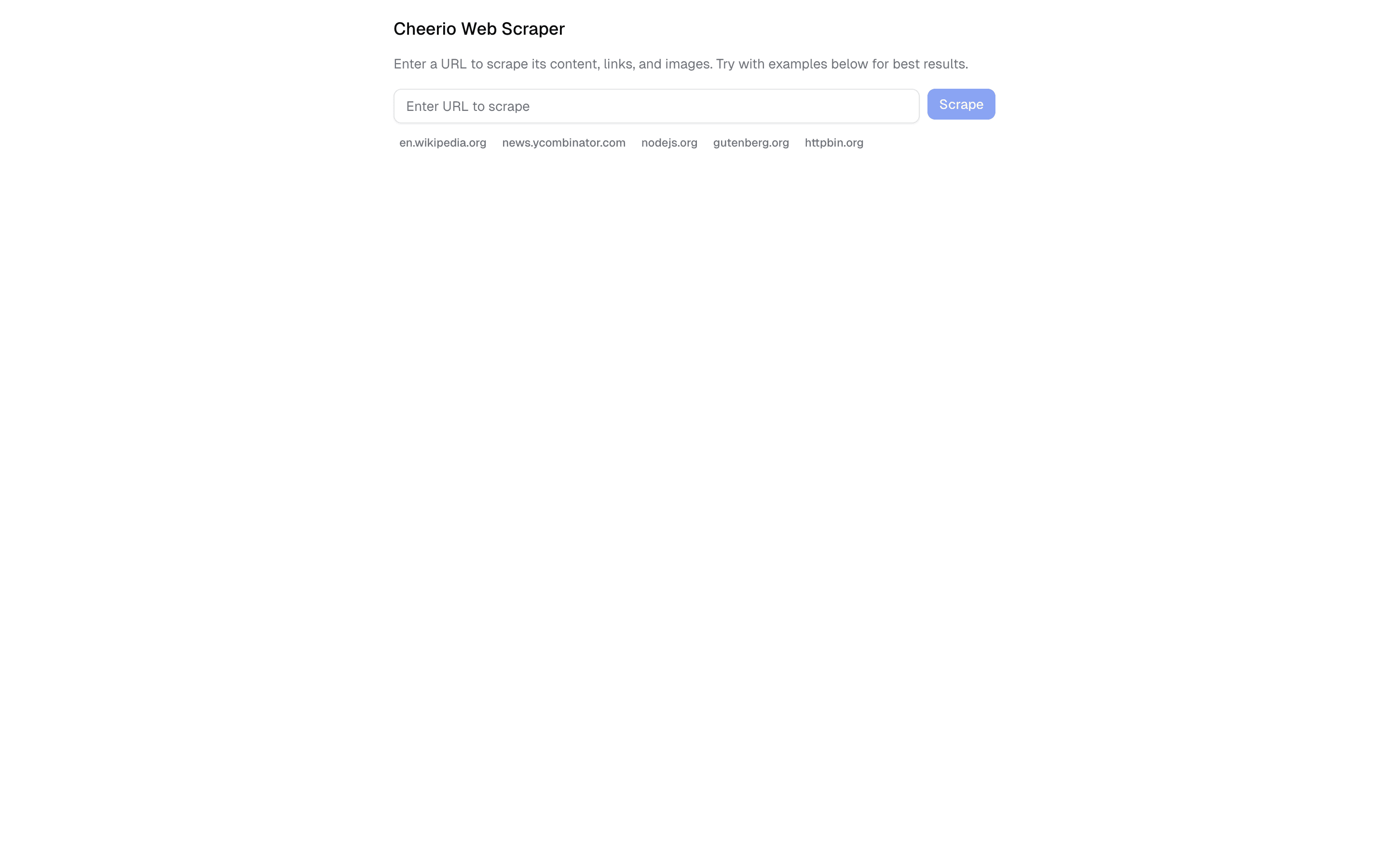
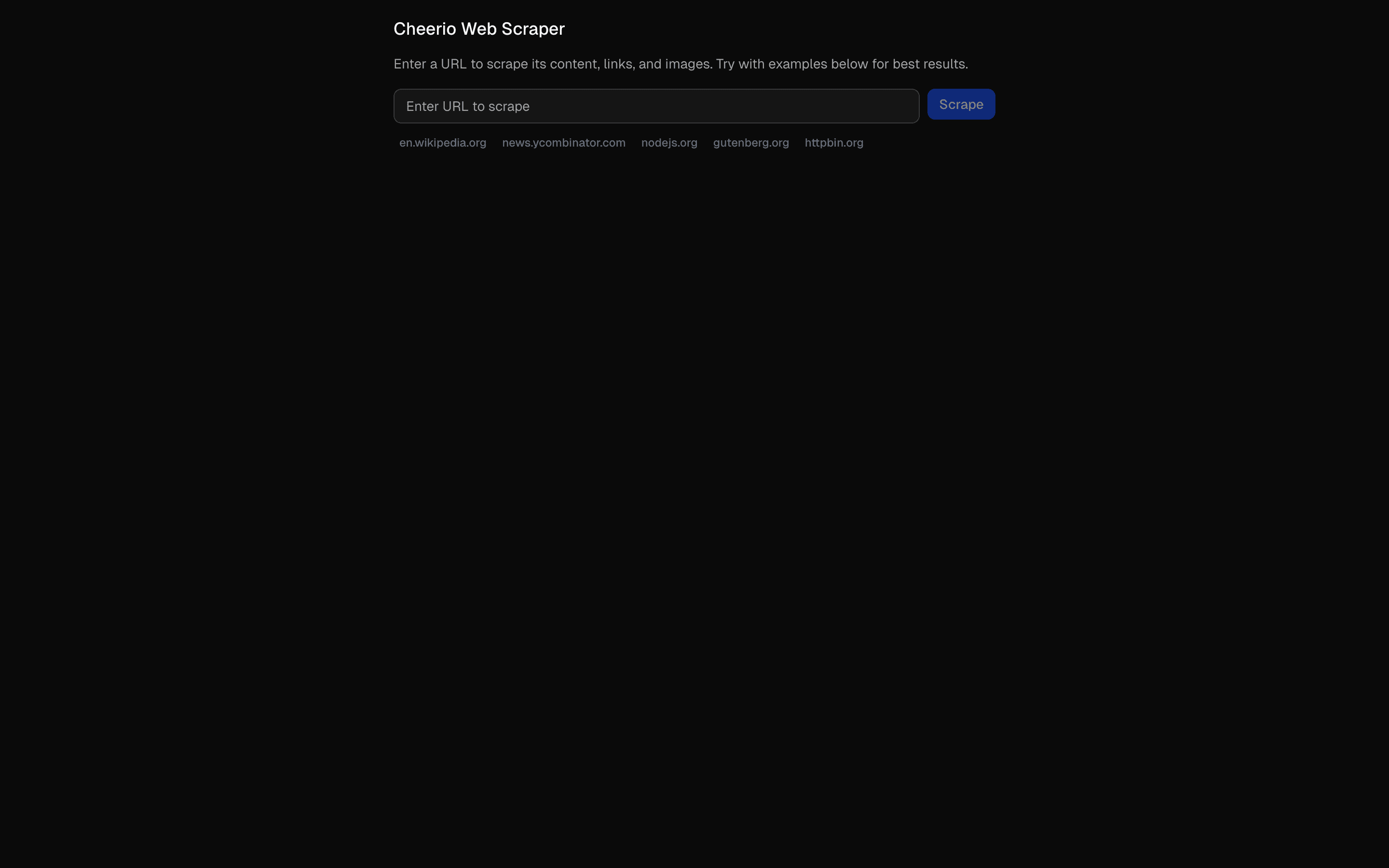 Cheerio Web ScraperUse this when you need a URL form that scrapes a page with Cheerio in a rate-limited server action, with no chat or model involved.
 Scrape - Jina AI (advanced)FreeUse this when you are prototyping a research or docs ingestion chat that turns links users paste into markdown via Jina Reader.
 Scrape - Markdown.new (free)FreeUse this when a chat model should read a URL as markdown through a markdown.new tool, with no scraping API key to set up.
 Firecrawl Scrape Tool ChatCrawl and extract content using Firecrawl's API. Includes URL processing, markdown conversion, and structured data extraction.
Setup
Requirements, wiring steps, and what this pattern adds to your project.
Getting started
Pick how you want to pull this pattern in. Then wire env vars and routes the same way.
- 1
Download → Next.js app
Use Download → Next.js app in the preview toolbar. You get a zip scaffold (Pro downloads rewrite preview `/view/.../api/*` paths to `/api/*` automatically).
- 2
Extract the zip and install dependencies
Unzip the archive, then run `pnpm install` (or npm / yarn) in the project folder.
- 3
Fill .env.local
The download includes .env.local placeholders when needed. Add real values for: OPENAI_API_KEY.
- 4
Customize the agent and tool files
Adapt prompts, tools, and stop conditions in the generated project for your product.
- 5
Run the app and open the pattern route
Run `pnpm dev`, open the setup/checklist page if present, then navigate to the generated pattern route and verify responses.
Environment variables
OPENAI_API_KEYGet key
Capabilities
AI SDK APIs
streamTextconvertToCoreMessagestooluseChatProviders
OpenAI
Files added
6 files
app/page.tsxapp/layout.tsxapp/api/tool-scrape-cheerio/route.tscomponents/cheerio-scrape-demo.tsxtools/cheerio.tstools/cheerio-ui.tsx
Dependencies
12 total
npm packages
6AISDKcheeriolucide-reactNext.jsReactZod
 Registry components
alertemptyinput-groupseparatortabstooltip
Critical files
2 files
tool-scrape-cheerio/route.tsAPI route implementing a web scraping assistant using streamText with Cheerio tools. Contains the AI pipeline with system prompt, tool binding, and step count limits.
tools/cheerio.tsCore scraping engine and tool definitions using Cheerio. Implements scrapeUrl (HTML parsing, content extraction, retry with exponential backoff) and crawlWebsite (BFS crawler with depth limits).
Requirements
- Complexity
- Beginner