Loading pattern preview
BlocksBasics
AI SDK Prompt Few-Shot Editor
AI SDK Prompt Few-Shot Editor
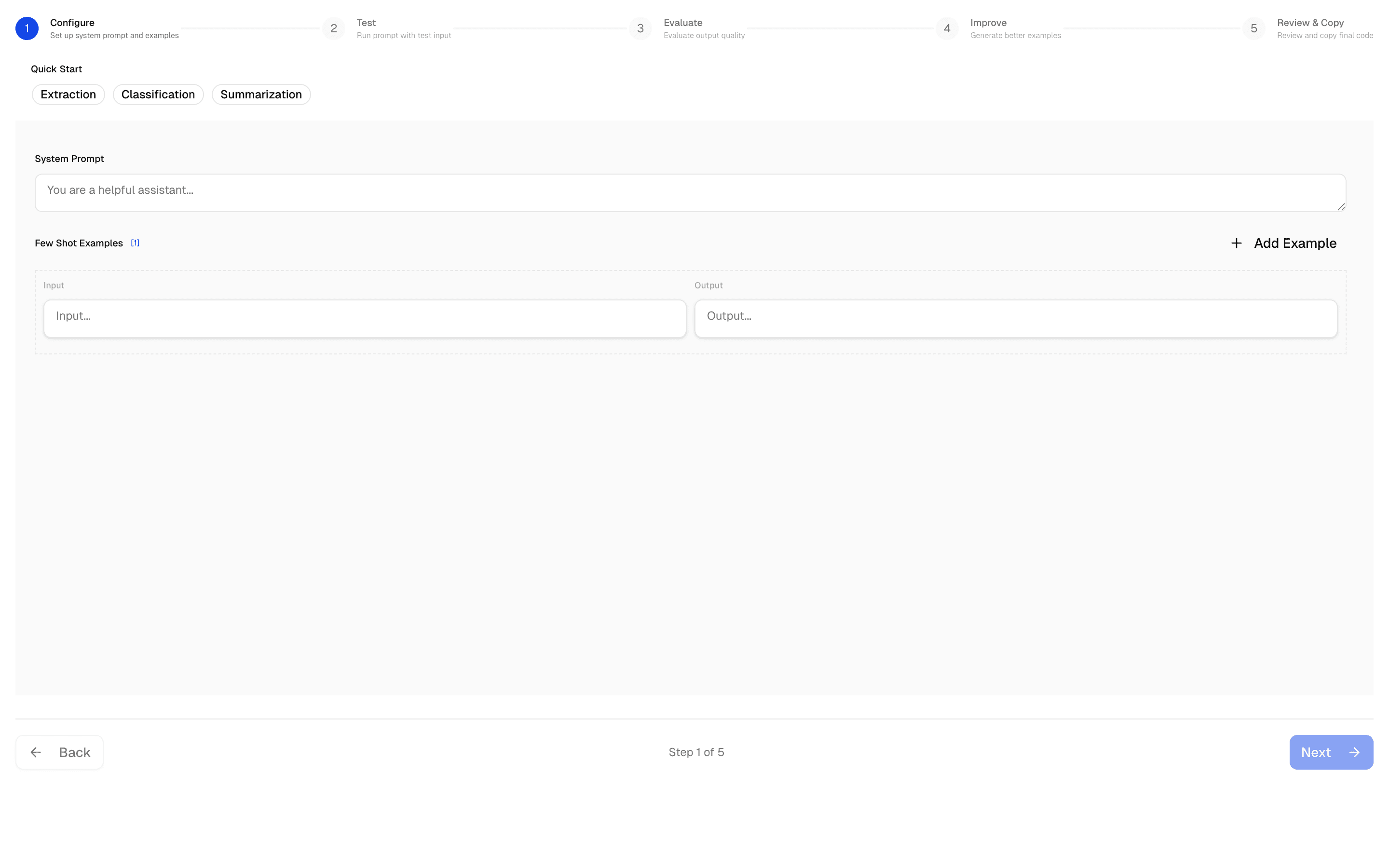
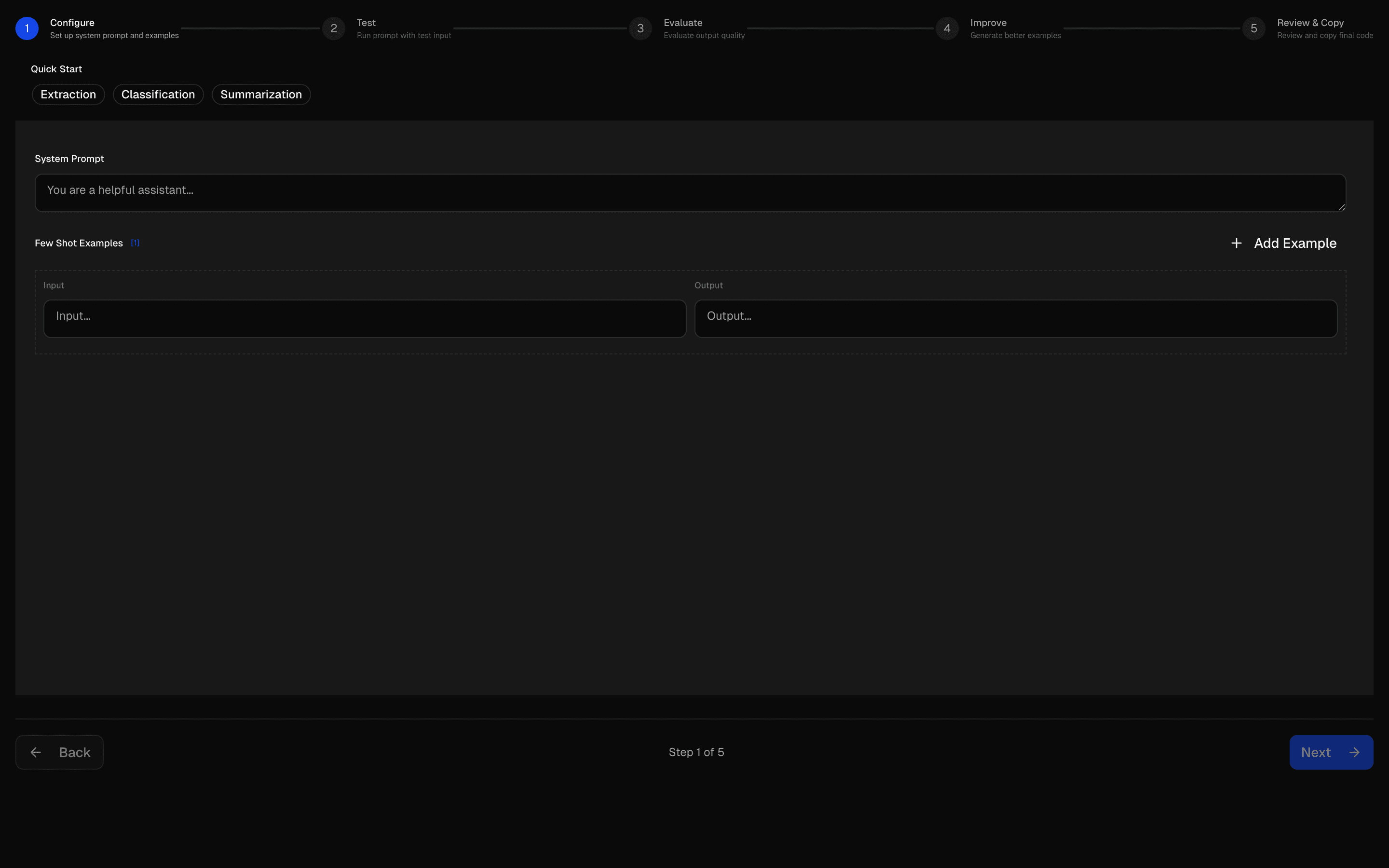
Create and test prompts with few-shot examples. Evaluate AI responses and tune model performance through experimentation.
Use this when you need to write a prompt with editable input/output examples and test it against sample cases before using it.
Loading pattern preview
Problems solved
Technical challenges this implementation handles out of the box.
- Author few-shot prompts with editable input/output examples
- Generate improved example sets with structured AI suggestions
- Test extraction and classification prompts against sample cases
- Step through setup, examples, improvement, and evaluation
Use cases
Products and workflows this pattern is designed to support.
- Few-shot prompt workshops
- Support ticket classifier prompt design
- Structured data extraction prompt tuning
- Teaching example-driven prompting with the AI SDK
Compare with
Similar patterns, and when each one is the better fit.
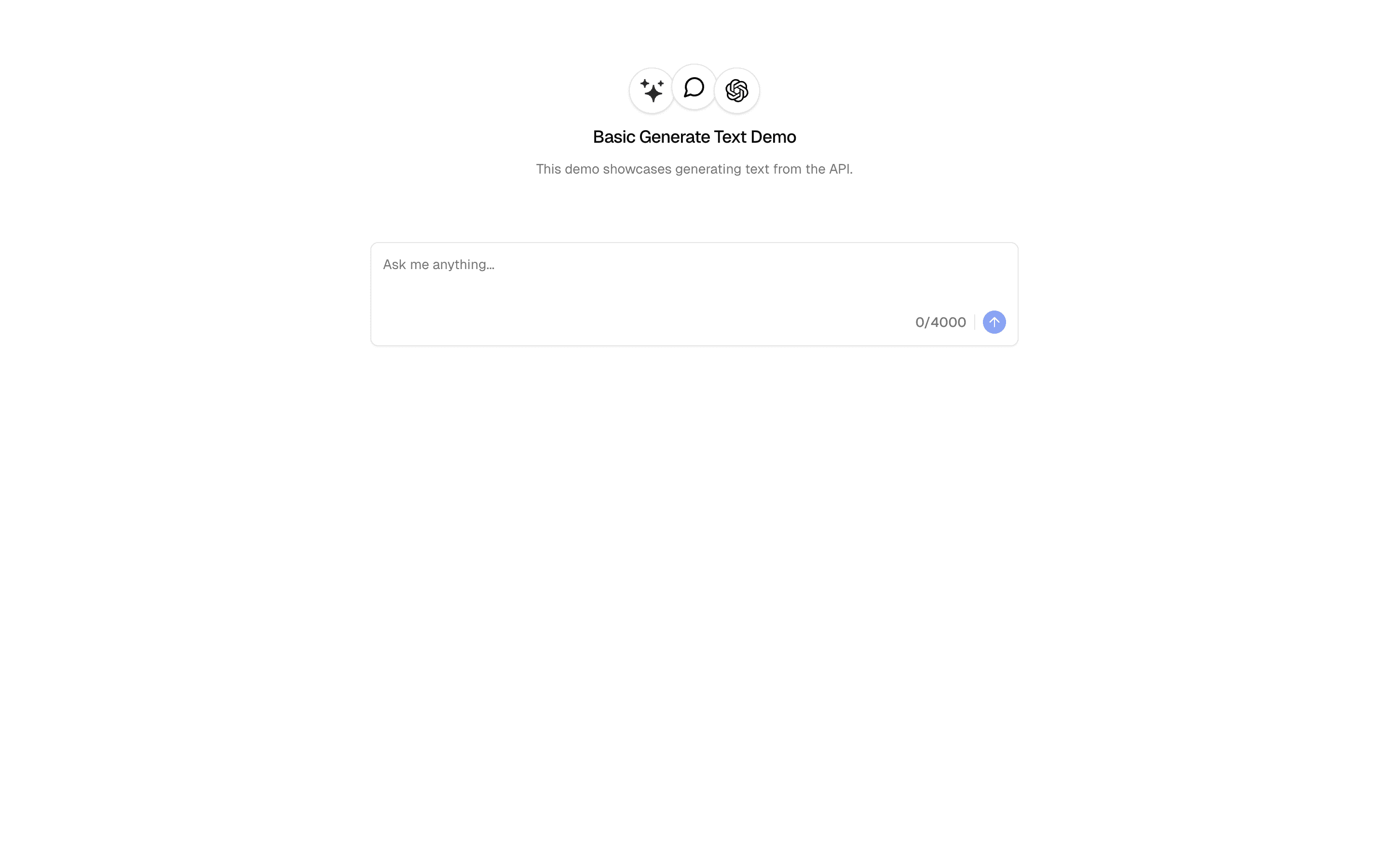
 Generate TextFreeUse this when you need a minimal API route that calls an AI Gateway model with generateText and returns one finished plain text response.
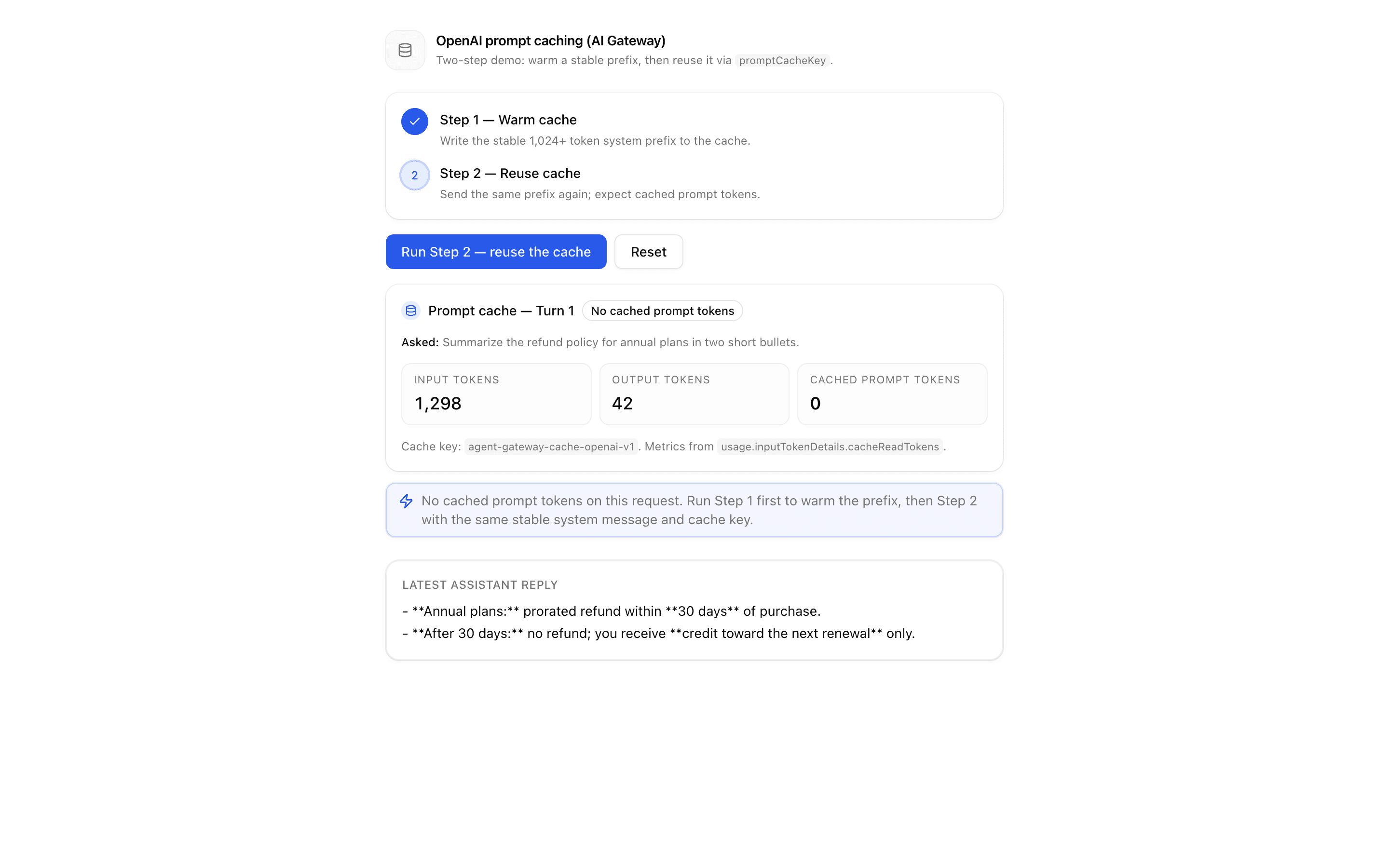
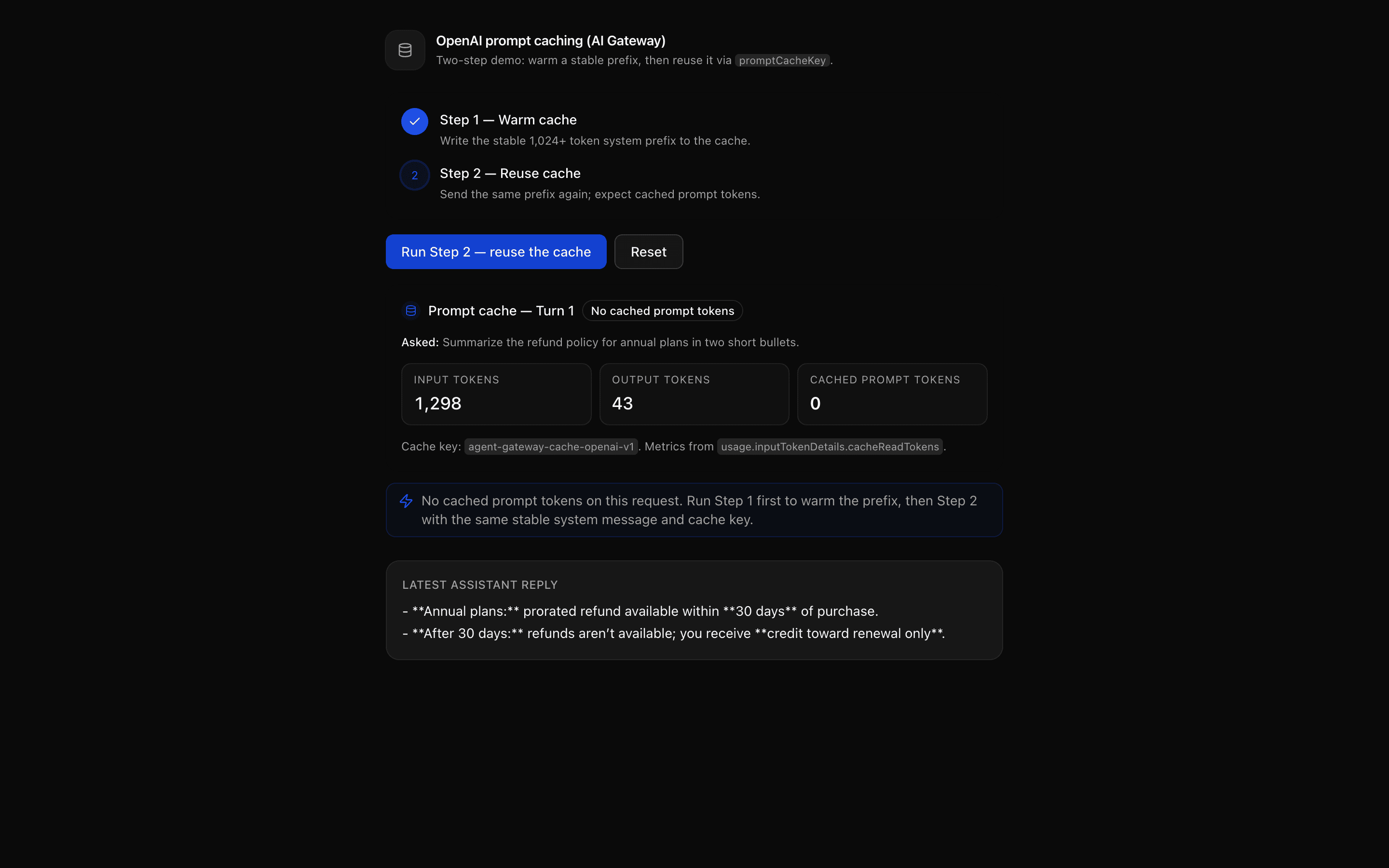 OpenAI Prompt Caching (AI Gateway)Use this when your OpenAI agent resends the same system prompt each turn and you want to cache it through AI Gateway using promptCacheKey.
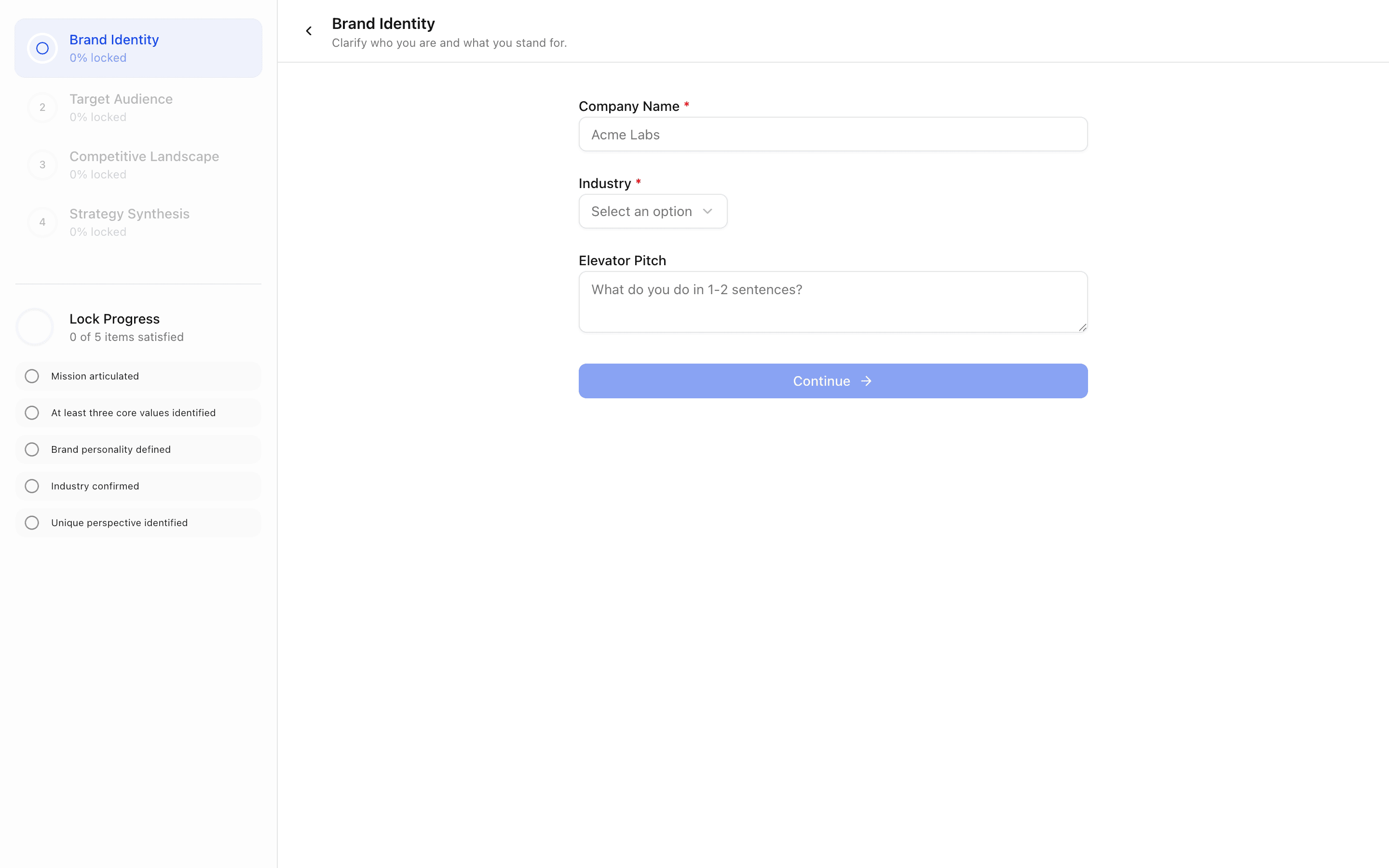
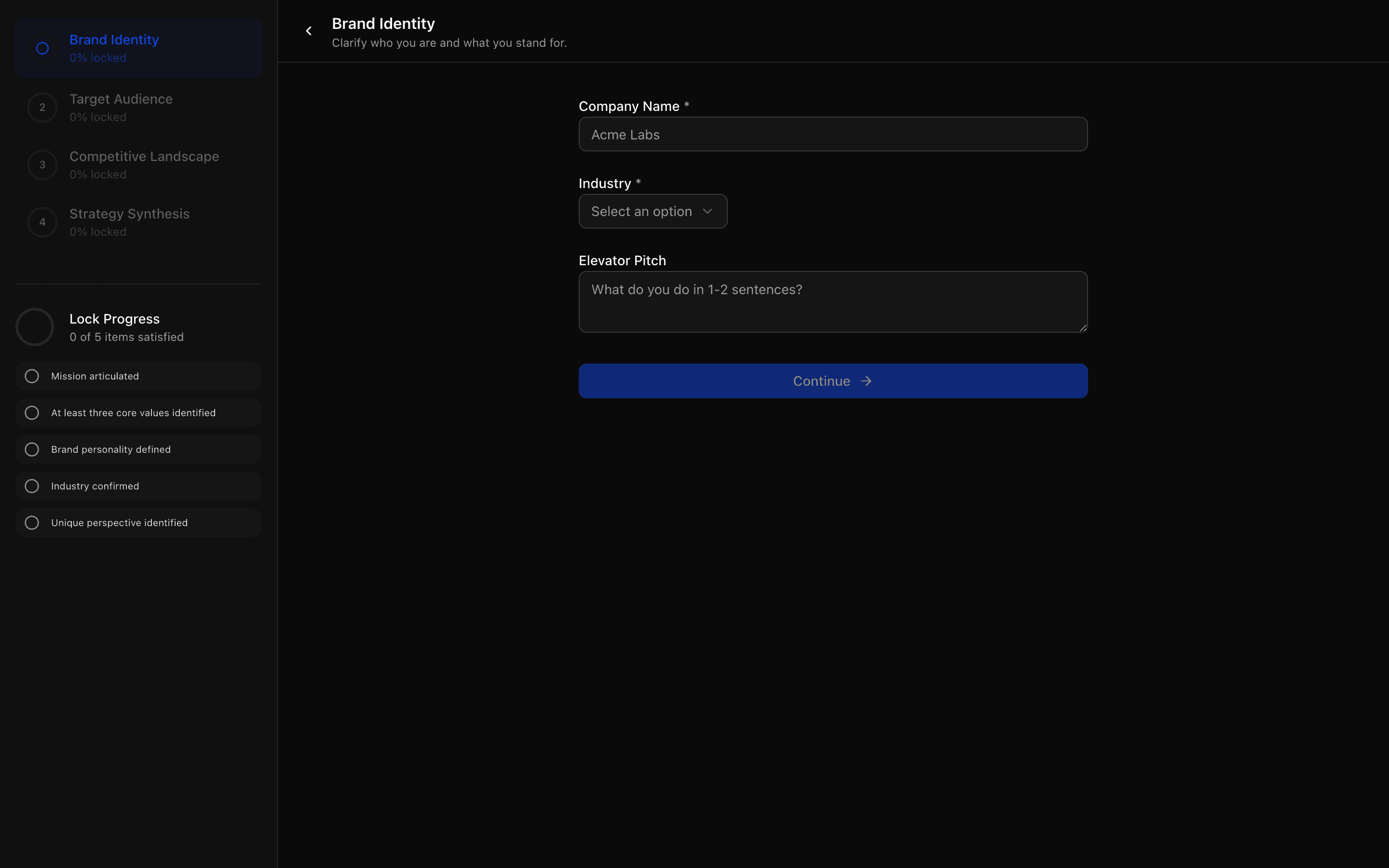 AI Wizard Brand StrategyUse this when you are building a brand discovery or marketing onboarding flow where AI interviews gate progress and end in a written strategy.
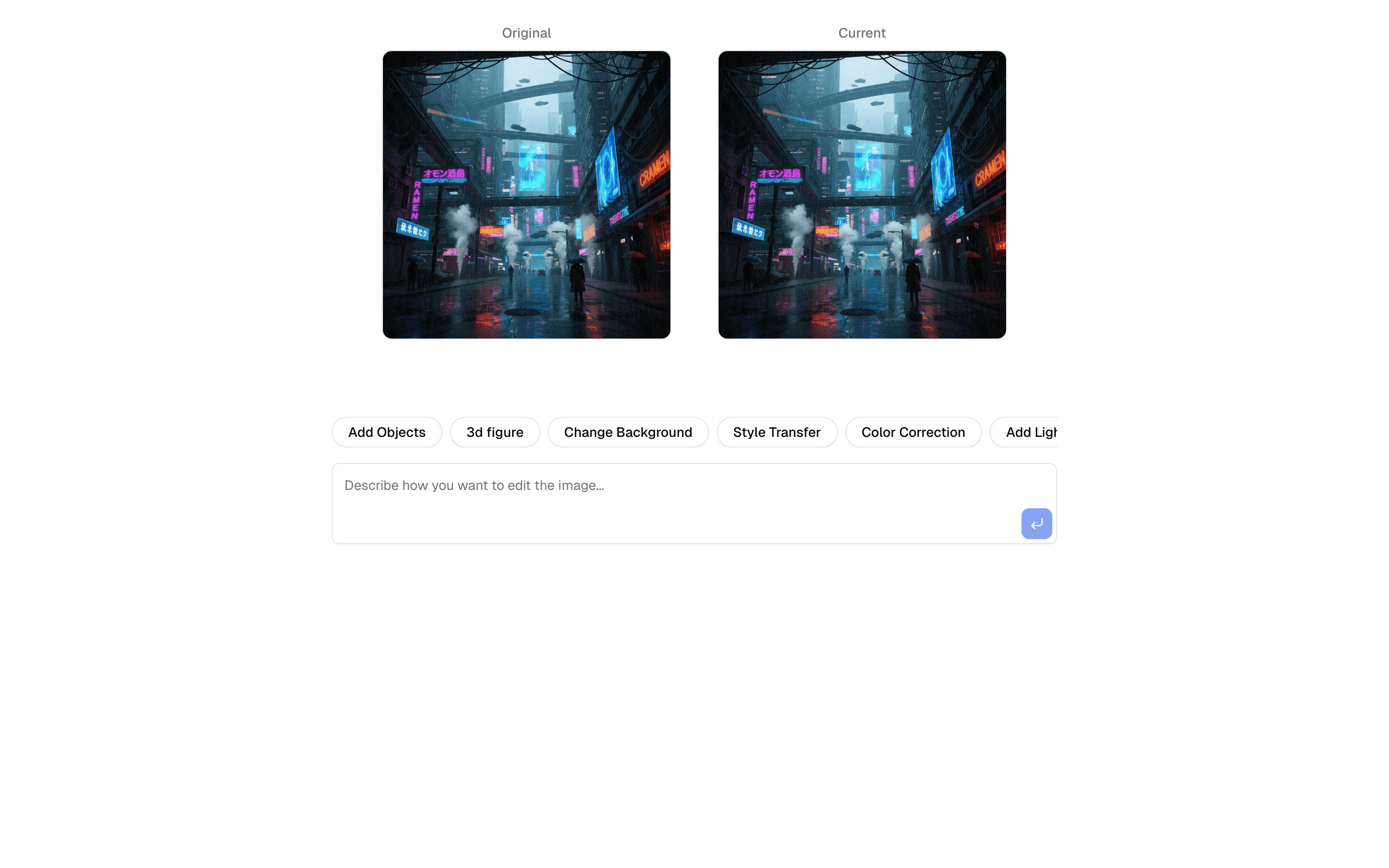
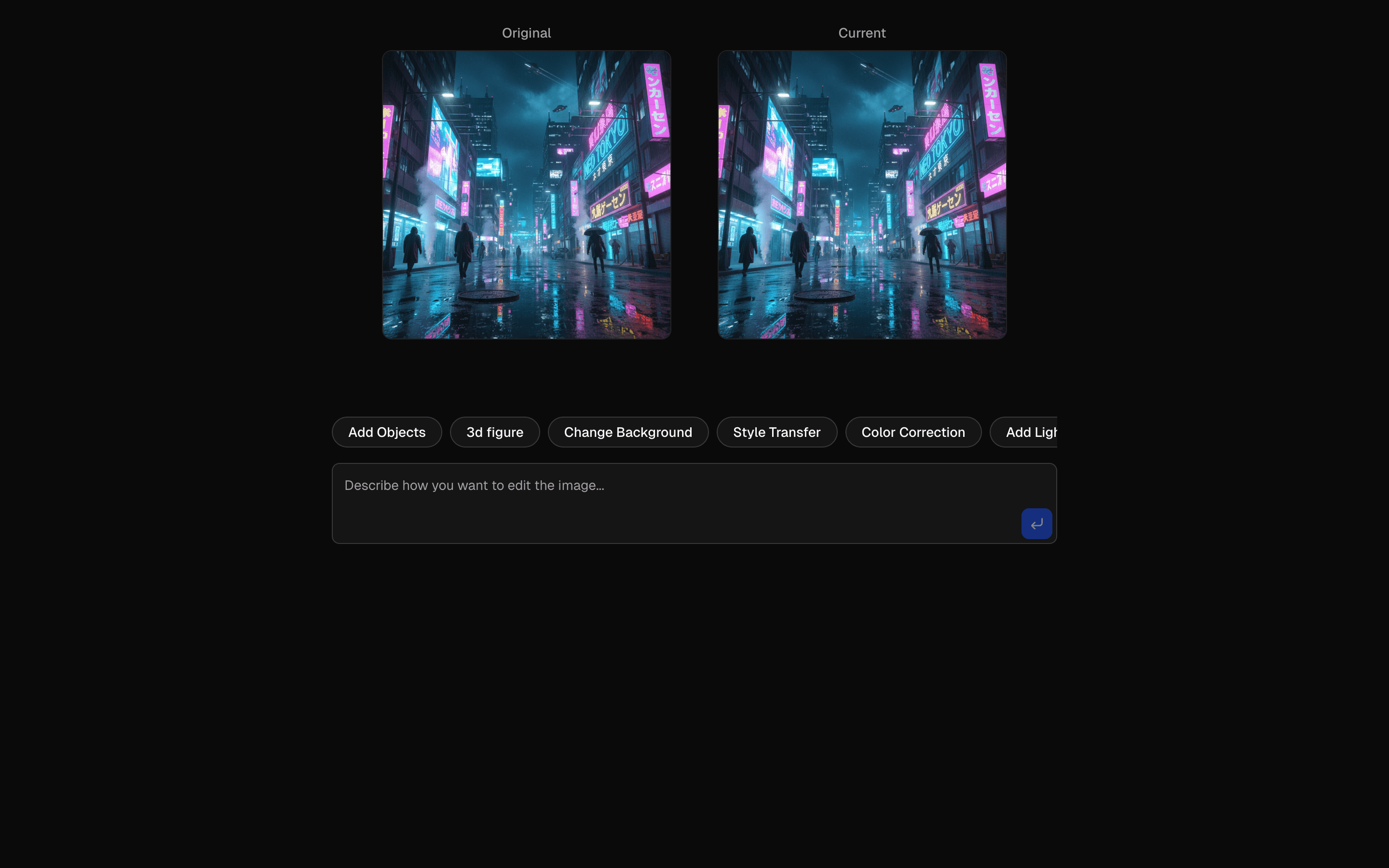 AI SDK Nano Banana Image EditUse this when you need to edit an uploaded image with plain-language instructions and keep a version history to compare before and after results.
Setup
Requirements, wiring steps, and what this pattern adds to your project.
Getting started
Pick how you want to pull this pattern in. Then wire env vars and routes the same way.
- 1
Download → Next.js app
Use Download → Next.js app in the preview toolbar. You get a zip scaffold (Pro downloads rewrite preview `/view/.../api/*` paths to `/api/*` automatically).
- 2
Extract the zip and install dependencies
Unzip the archive, then run `pnpm install` (or npm / yarn) in the project folder.
- 3
Fill .env.local
The download includes .env.local placeholders when needed. Add real values for: OPENAI_API_KEY.
- 4
Customize the agent and tool files
Adapt prompts, tools, and stop conditions in the generated project for your product.
- 5
Run the app and open the pattern route
Run `pnpm dev`, open the setup/checklist page if present, then navigate to the generated pattern route and verify responses.
Environment variables
OPENAI_API_KEYGet key
Capabilities
AI SDK APIs
generateObjectgenerateTextFiles added
4 files
app/page.tsxapp/layout.tsxapp/actions.tsxlib/rate-limit.ts
Dependencies
19 total
npm packages
10AISDK@hookform/resolversUpstashlucide-reactNext.jsReactreact-hook-formshikisonnerZod
 Registry components
badgebuttoncardformlabelprogressscroll-areasonnertooltip
Critical files
2 files
app/actions.tsxCore AI pipeline: uses generateObject and generateText with OpenAI to evaluate few-shot prompts (scoring consistency/relevance/quality) and generate improved examples.
lib/schema.tsDefines Zod schemas that drive the AI structured output: evaluationResultSchema, improvedExamplesSchema, promptFormSchema, and default example sets for extraction/classification/summarization tasks.
Requirements
- Complexity
- Intermediate
- Setup time
- ~15 minutes