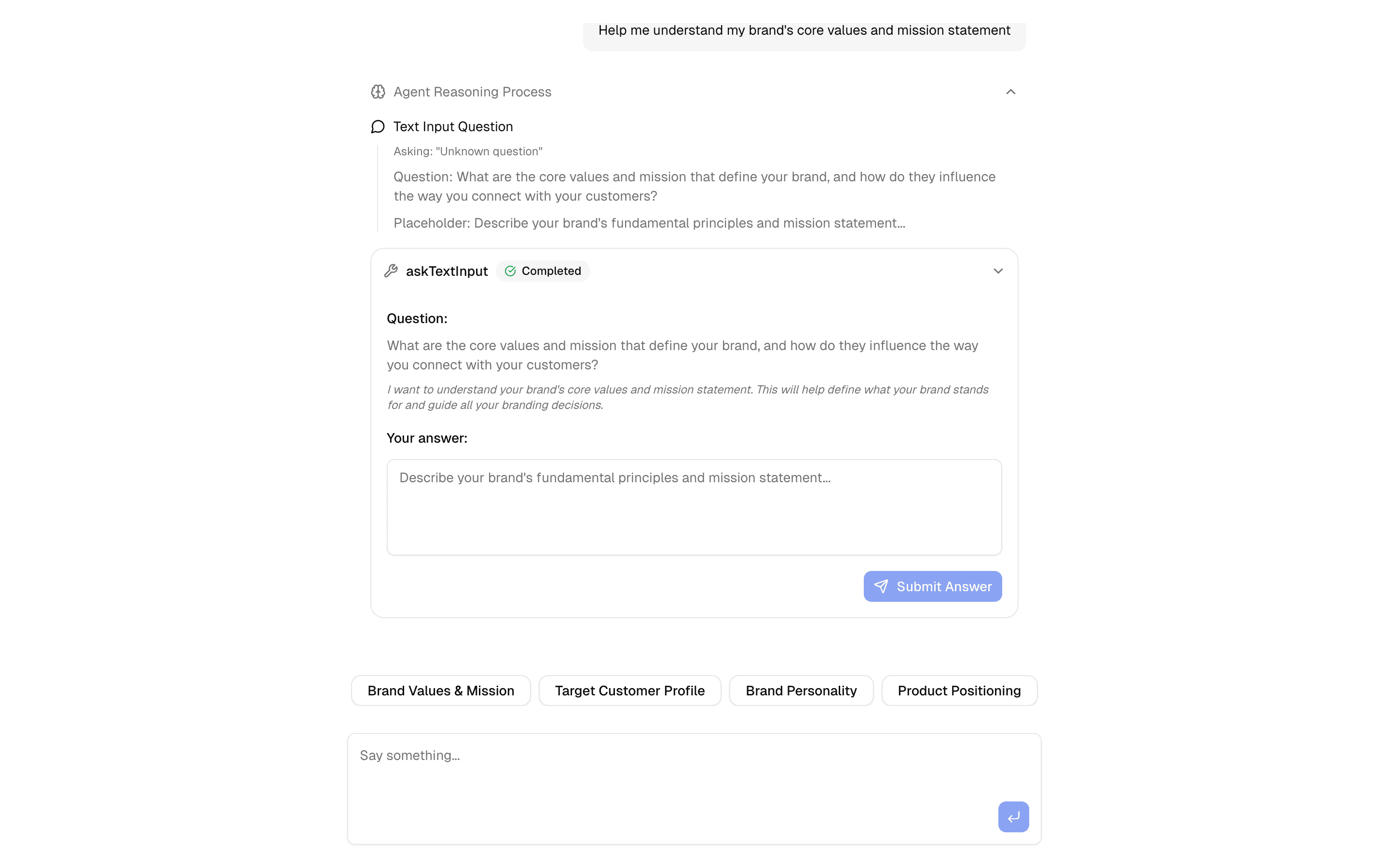
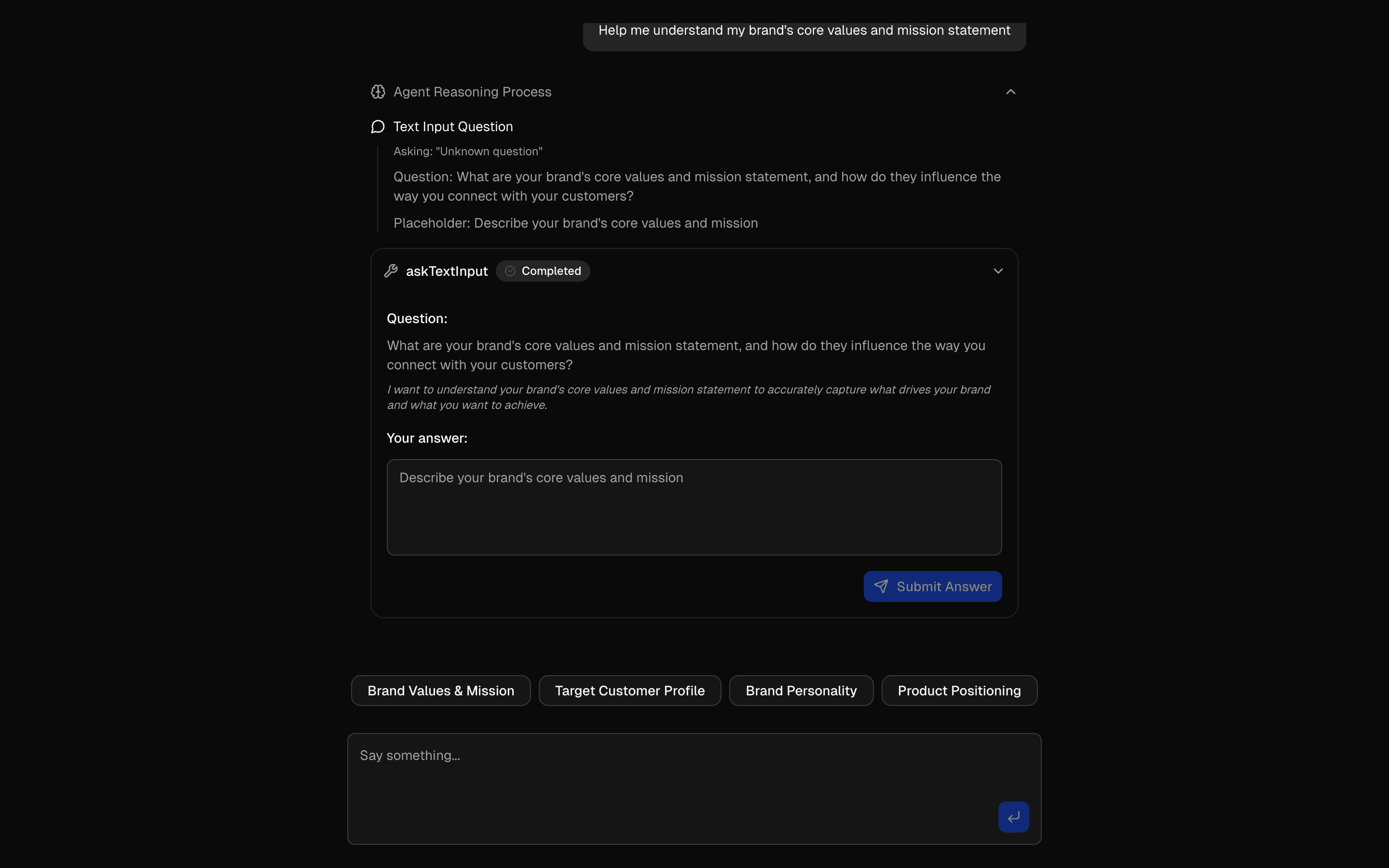
Loading pattern preview
BlocksHuman-in-the-Loop
HIL Inquire Text Input
HIL Inquire Text Input
Gather detailed information through AI-driven text input questions. Includes approval workflows and real-time rendering.
Use this when your agent needs to pause mid-loop, ask the user an open-ended question, and resume once they type a free-text answer.
Loading pattern preview
Problems solved
Technical challenges this implementation handles out of the box.
- Pause the agent to collect free-text answers mid-loop
- Resume ToolLoopAgent after open-ended user input
- Gather detailed brand or requirements context through questions
- Stop on askTextInput with hasToolCall and process responses
Use cases
Products and workflows this pattern is designed to support.
- Discovery interviews in chat
- Requirements gathering agents
- Customer onboarding with open-ended prompts
- User research intake workflows
Compare with
Similar patterns, and when each one is the better fit.
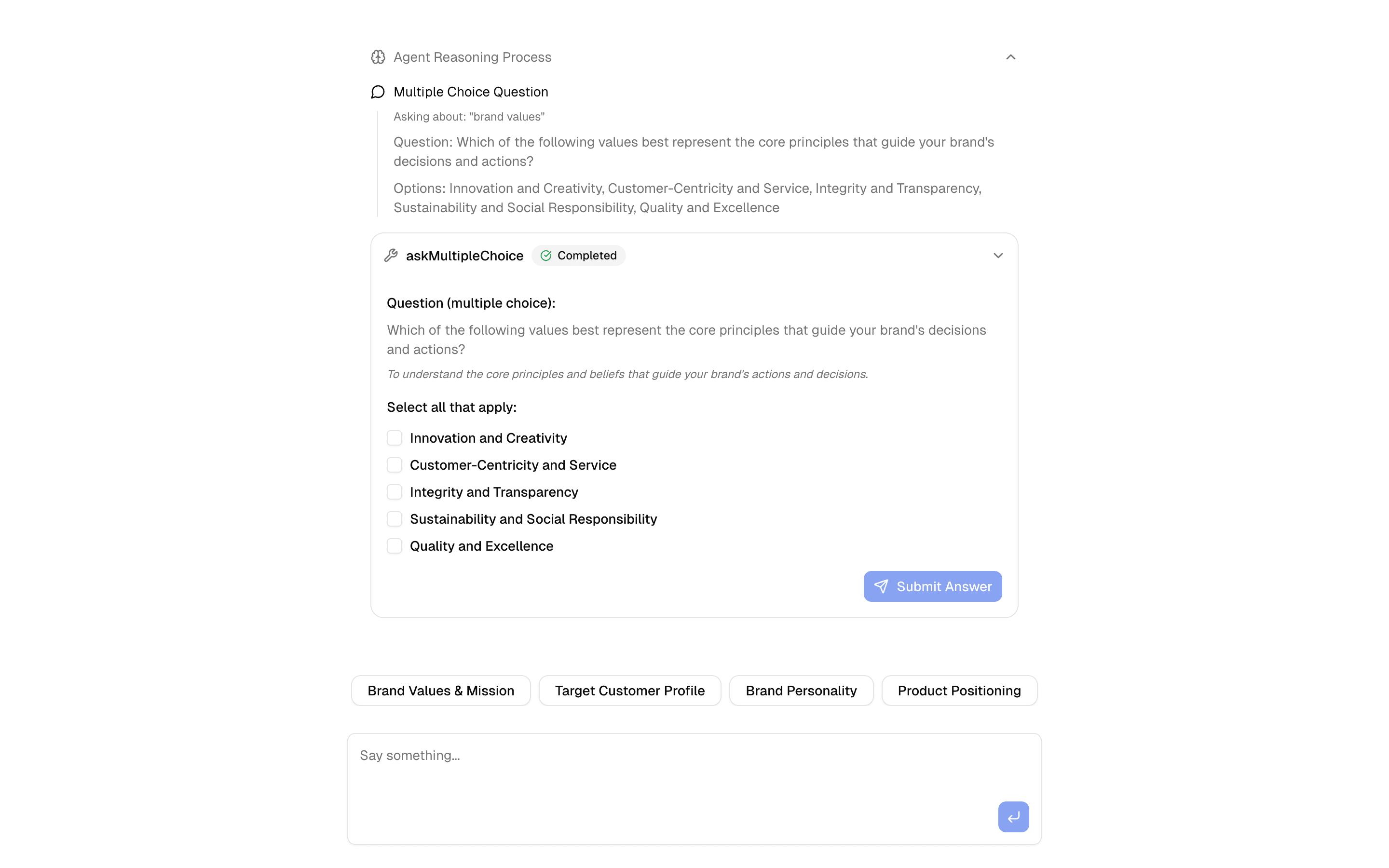
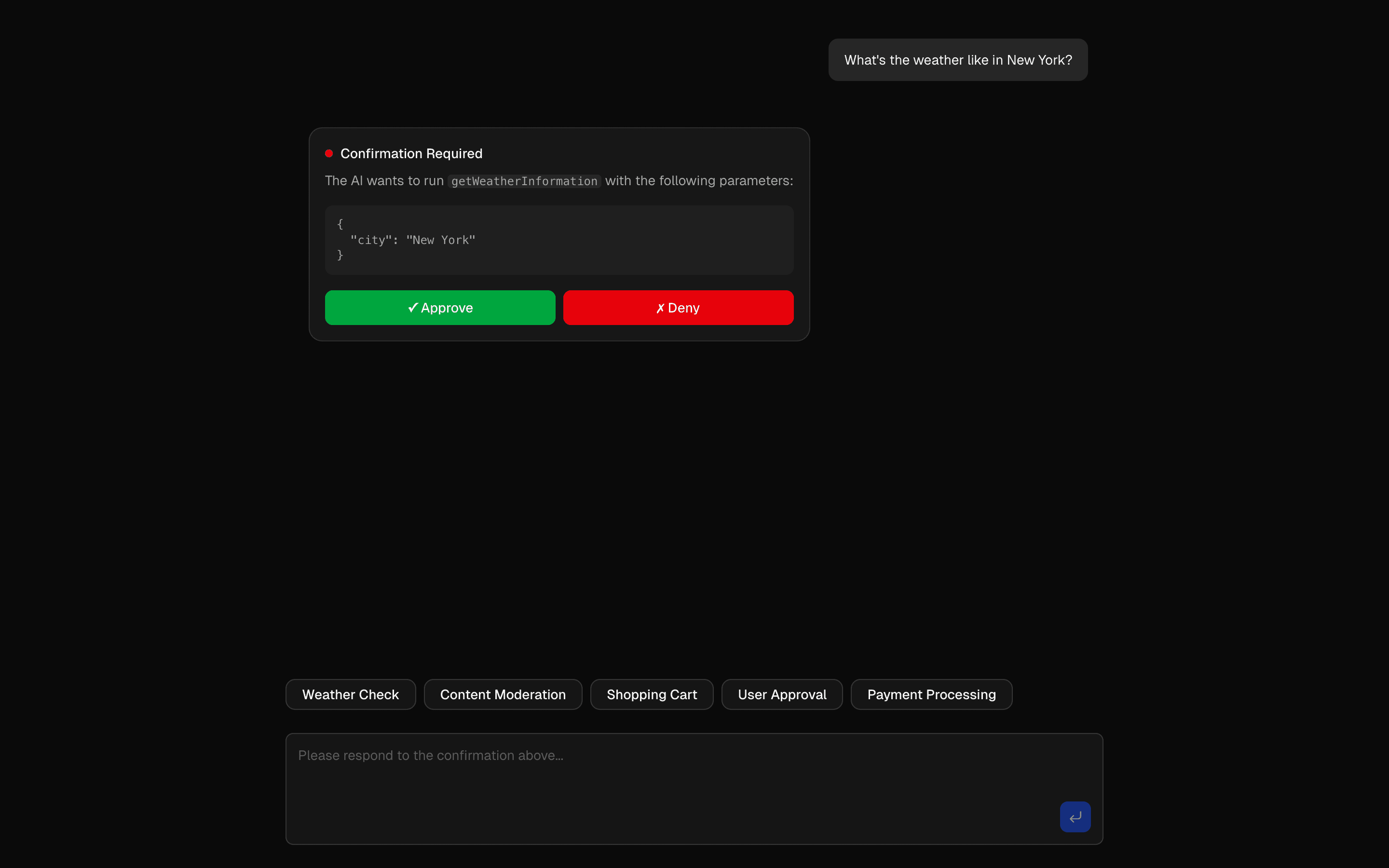
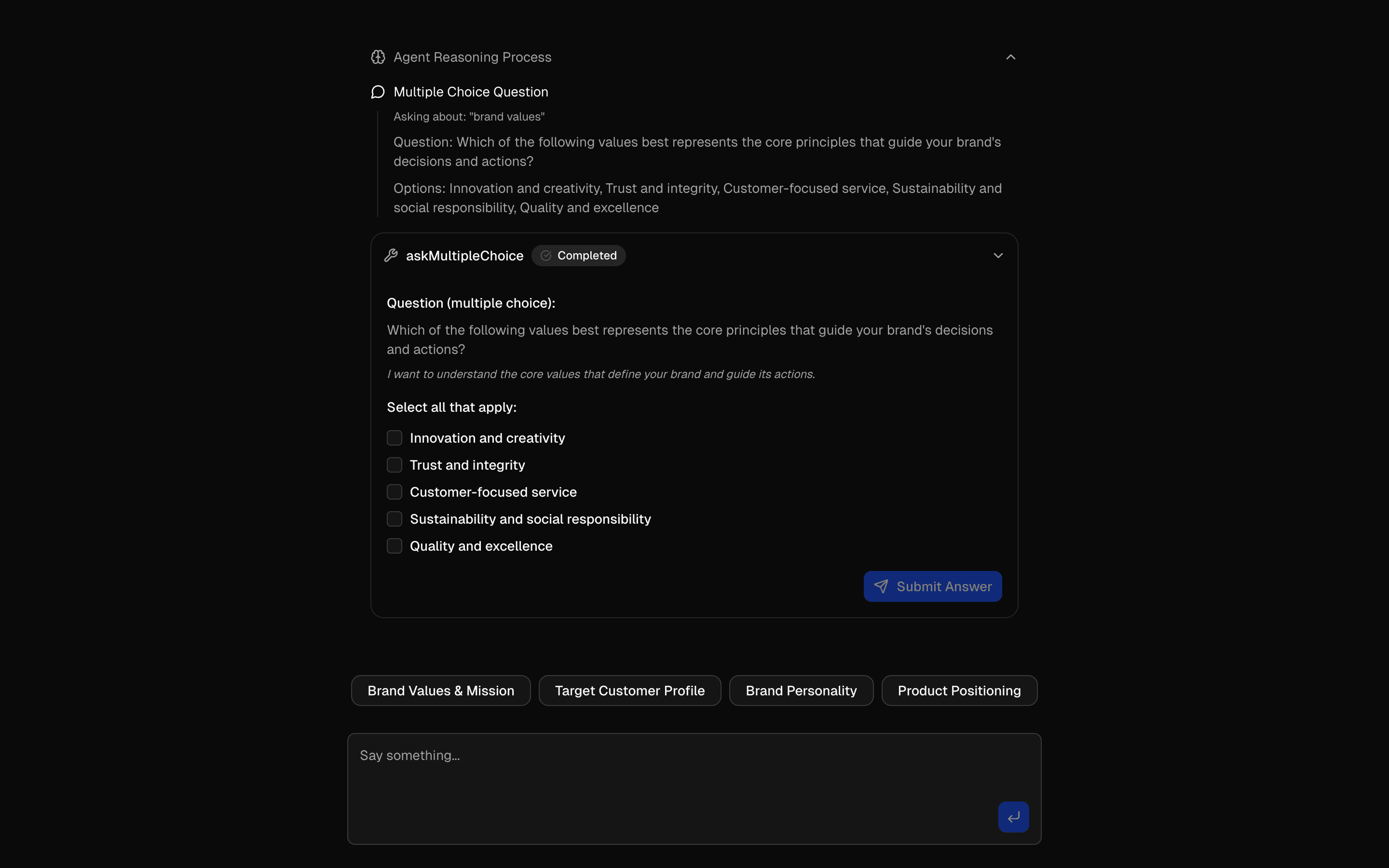 HIL Inquire Multiple ChoiceUse this when an agent loop must stop on an inquire tool call to collect a multiple-choice answer before continuing with that context.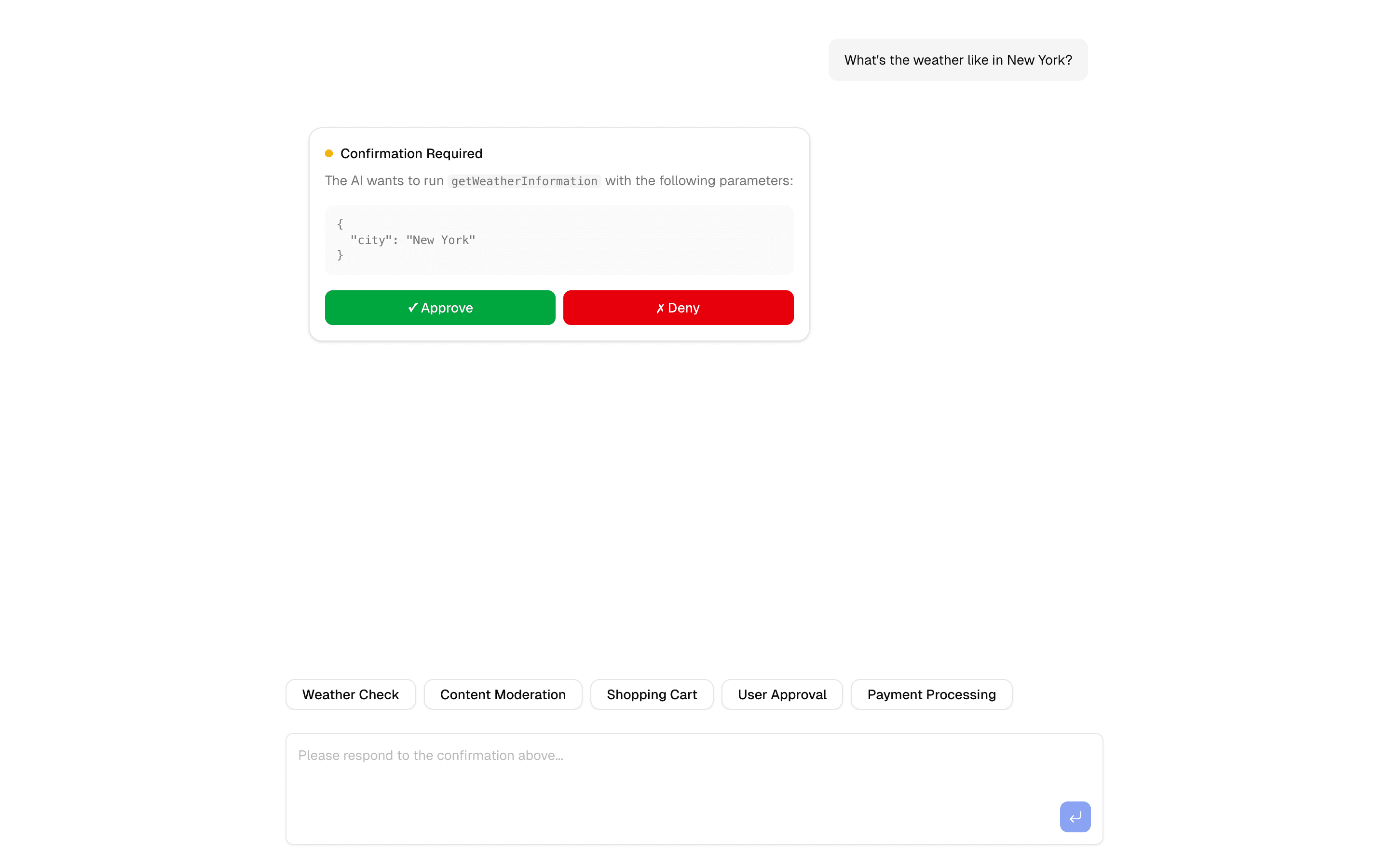
 HIL Tool Approval BasicUse this when you want a basic starting point for gating risky agent tool calls behind a human approve or deny step, with Upstash in the stack.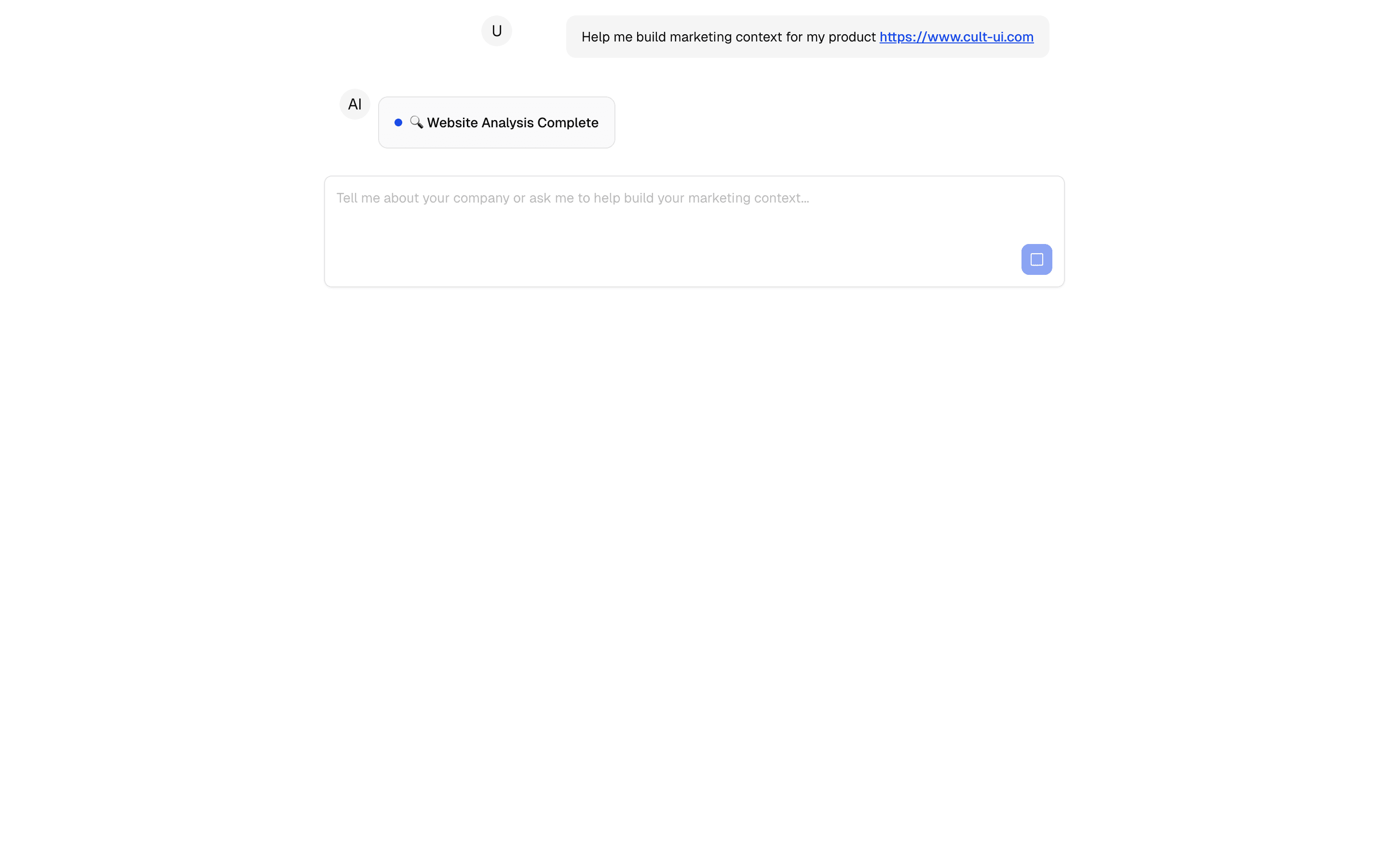
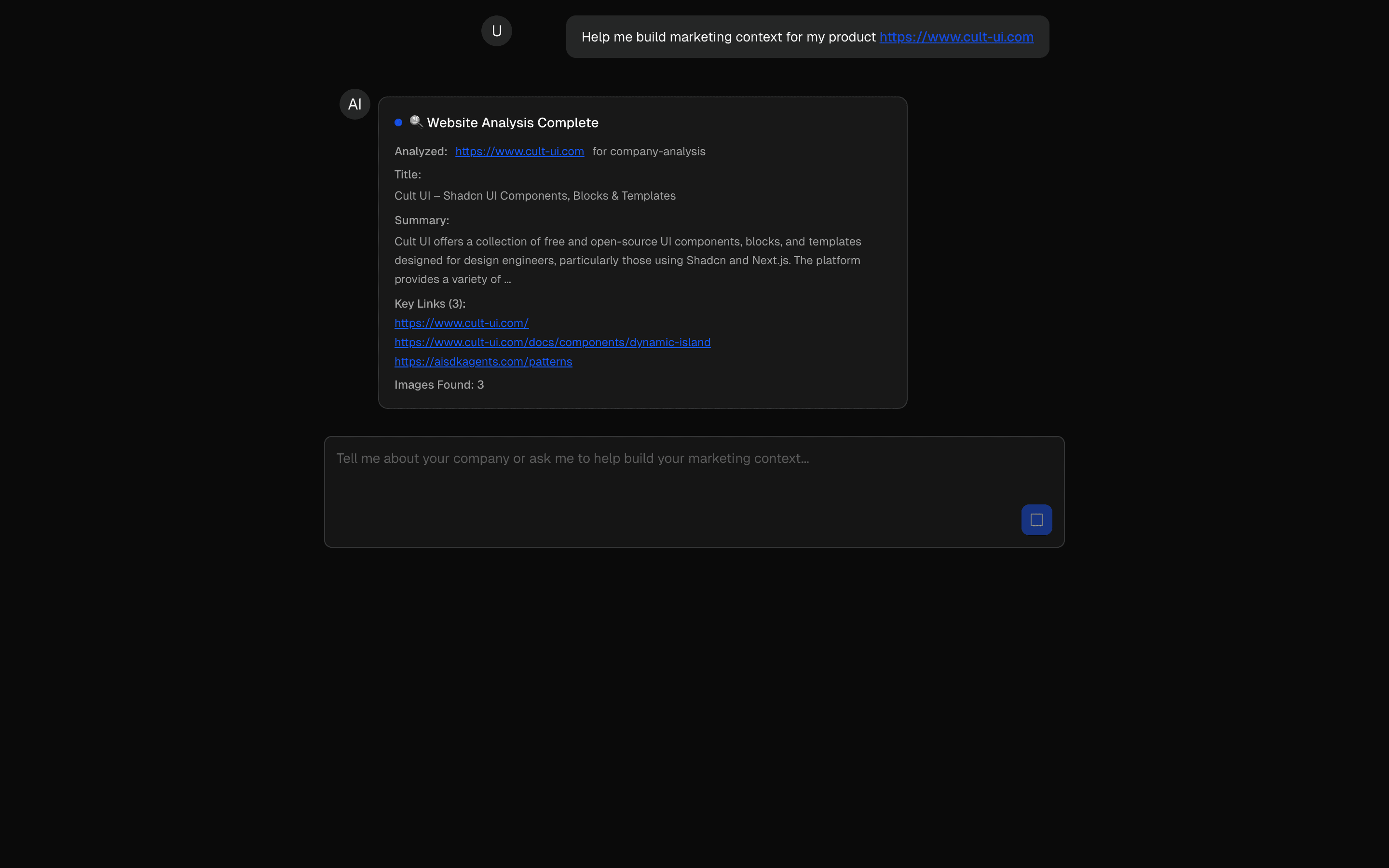 HIL Agentic Context BuilderUse this when an agent must interview a user and research the web to build a brand profile, stopping once a completion tool fires.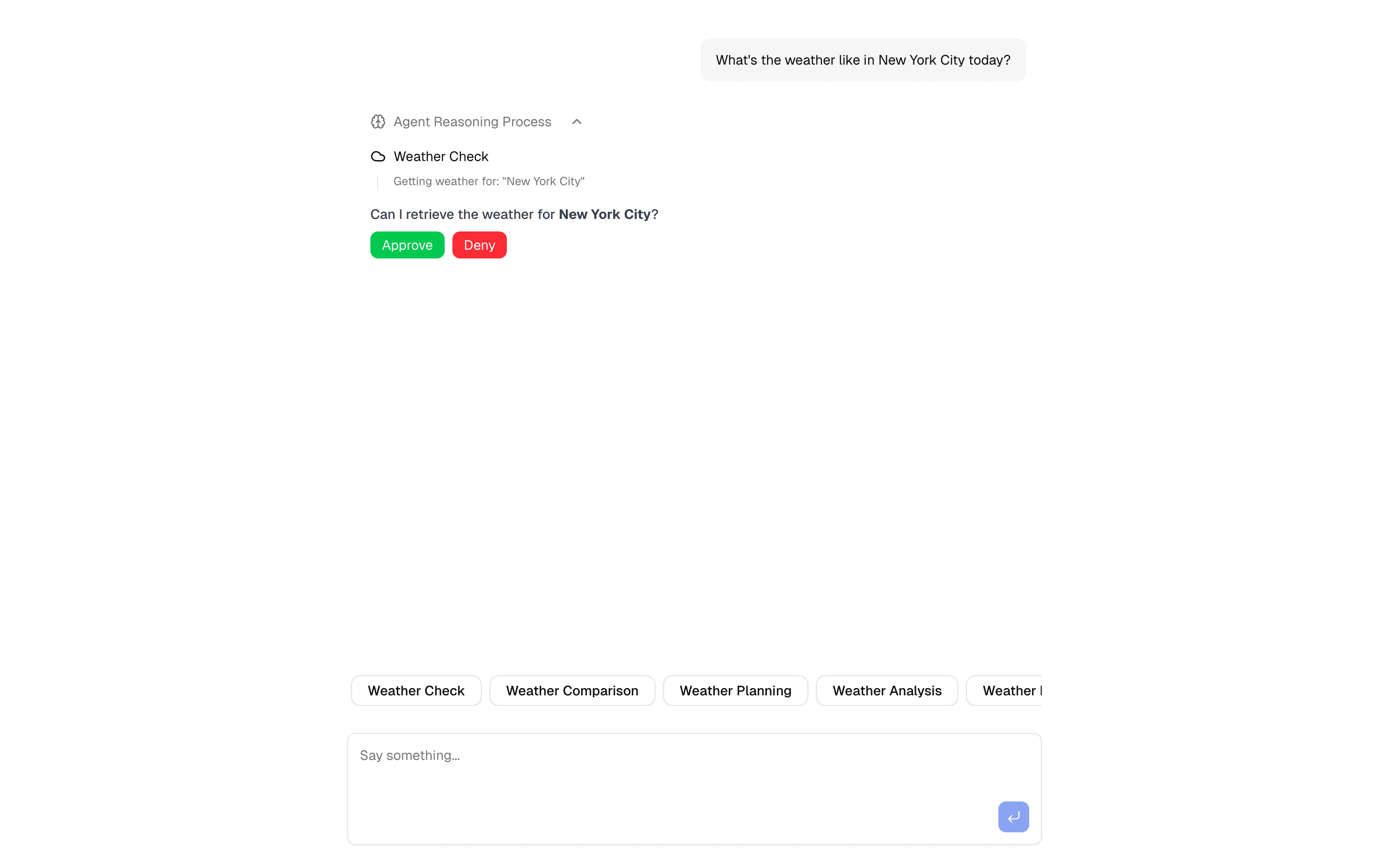
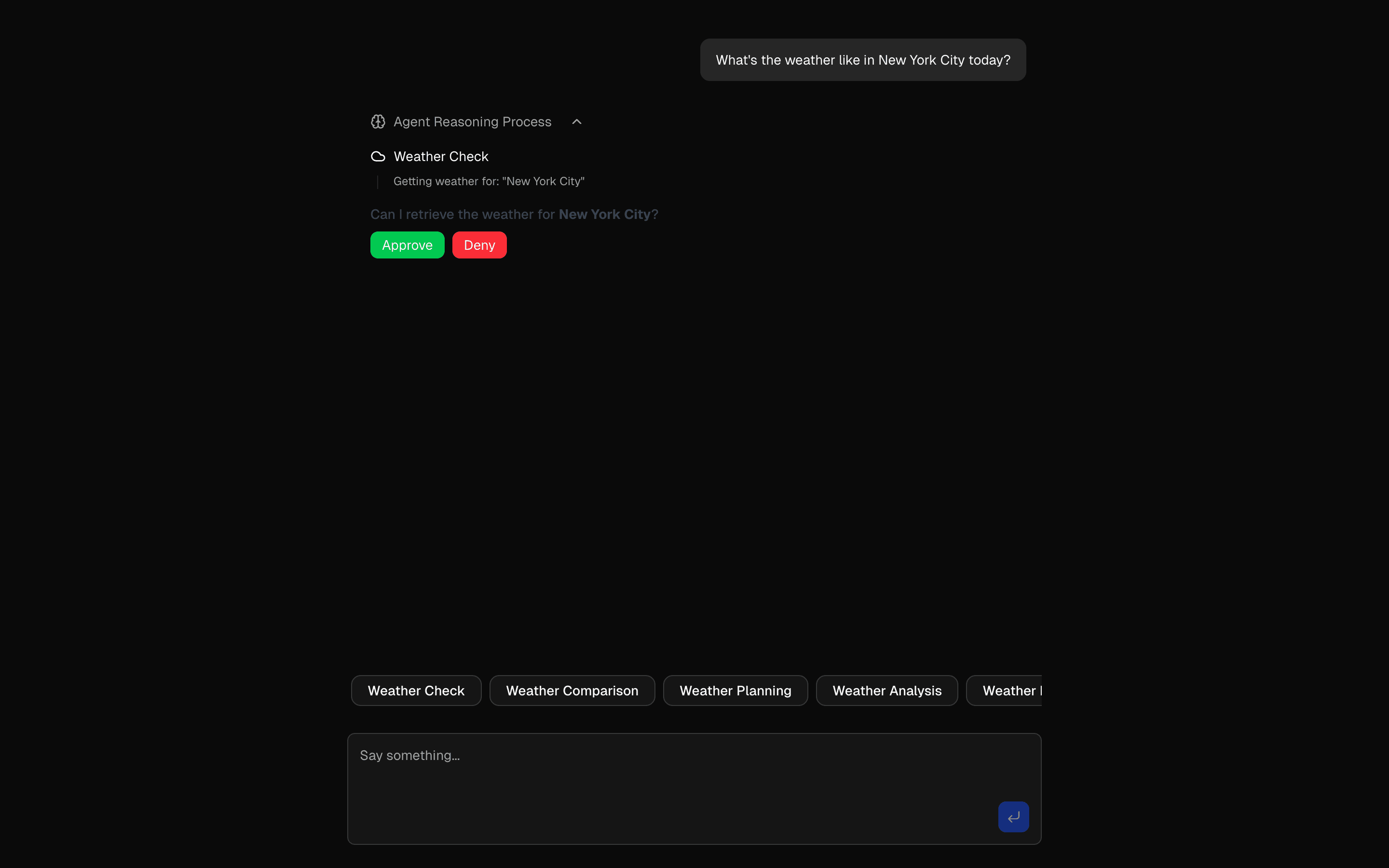 HIL Needs ApprovalDemonstrate tool approval with async generators. Includes real-time feedback, approval workflows, and interactive management.
Setup
Requirements, wiring steps, and what this pattern adds to your project.
Getting started
Pick how you want to pull this pattern in. Then wire env vars and routes the same way.
- 1
Download → Next.js app
Use Download → Next.js app in the preview toolbar. You get a zip scaffold (Pro downloads rewrite preview `/view/.../api/*` paths to `/api/*` automatically).
- 2
Extract the zip and install dependencies
Unzip the archive, then run `pnpm install` (or npm / yarn) in the project folder.
- 3
Fill .env.local
The download includes .env.local placeholders when needed. Add real values for: OPENAI_API_KEY.
- 4
Customize the agent and tool files
Adapt prompts, tools, and stop conditions in the generated project for your product.
- 5
Run the app and open the pattern route
Run `pnpm dev`, open the setup/checklist page if present, then navigate to the generated pattern route and verify responses.
Environment variables
OPENAI_API_KEYGet key
Capabilities
AI SDK APIs
AgenttoolstepCountIsvalidateUIMessagesuseChatInferAgentUIMessagegenerateObjectProviders
OpenAI
External services
Upstash
Files added
7 files
app/page.tsxapp/layout.tsxapp/api/inquire-text/route.tslib/ai/multiple-choice-inquire-agent.tslib/ai/tools/ask-multiple-choice-tool.tslib/tool-approval-types.tsREADME.md
Dependencies
11 total
npm packages
6AISDKlucide-reactNext.jsReactsonnerZod
 Registry components
buttonemptylabeltextareatooltip
Critical files
2 files
ai/multiple-choice-inquire-agent.tsAgent implementation using ToolLoopAgent with hasToolCall('askTextInput') stop condition. Contains processTextInputToolCalls for handling free-text user answers.
tools/ask-multiple-choice-tool.tsTool (askTextInputTool) that dynamically generates text input questions with placeholders using generateObject.
Requirements
- Complexity
- Intermediate
- Setup time
- ~15 minutes
- Node
- 24+
- Memory
- 512MB
Upstash Redis