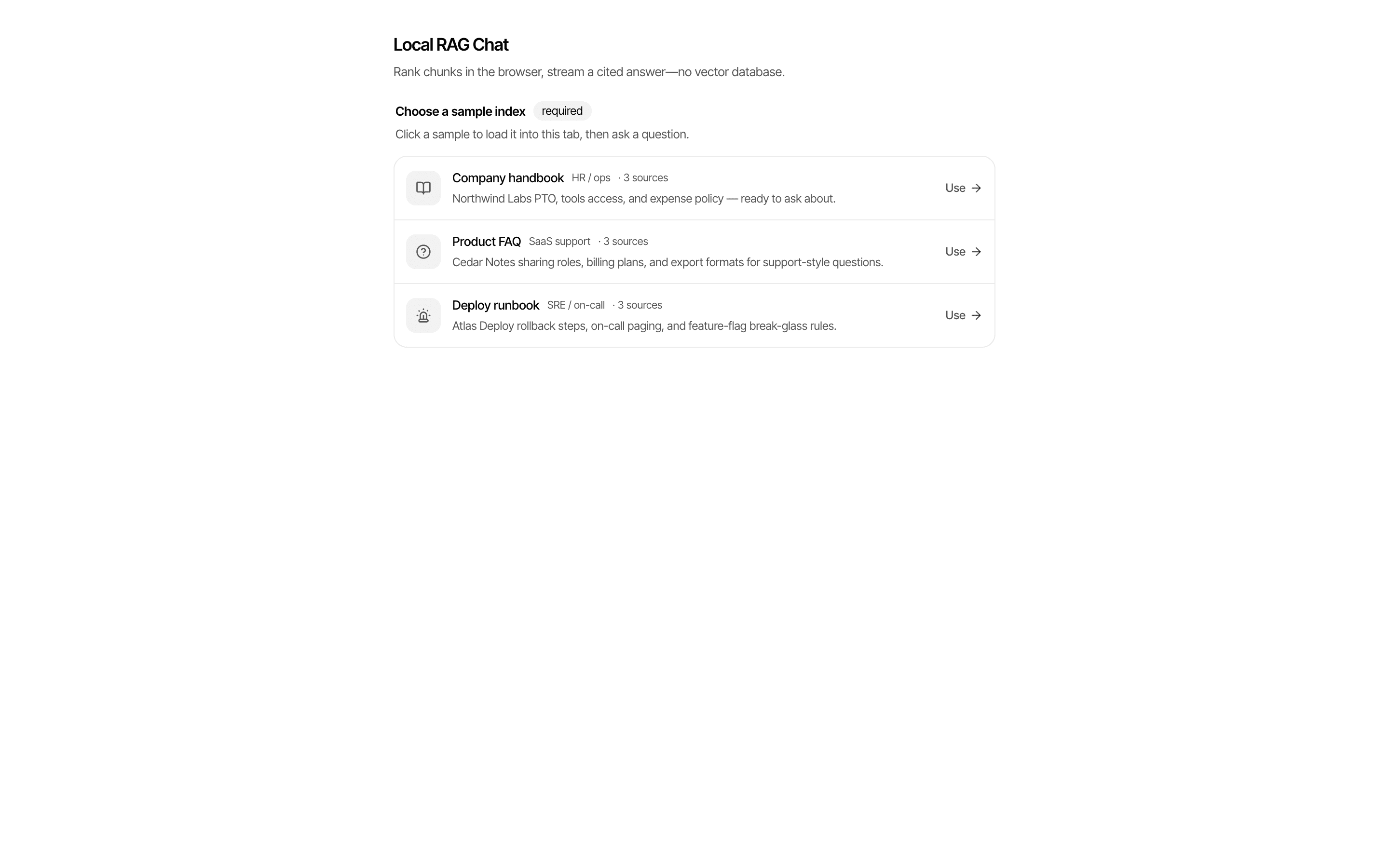
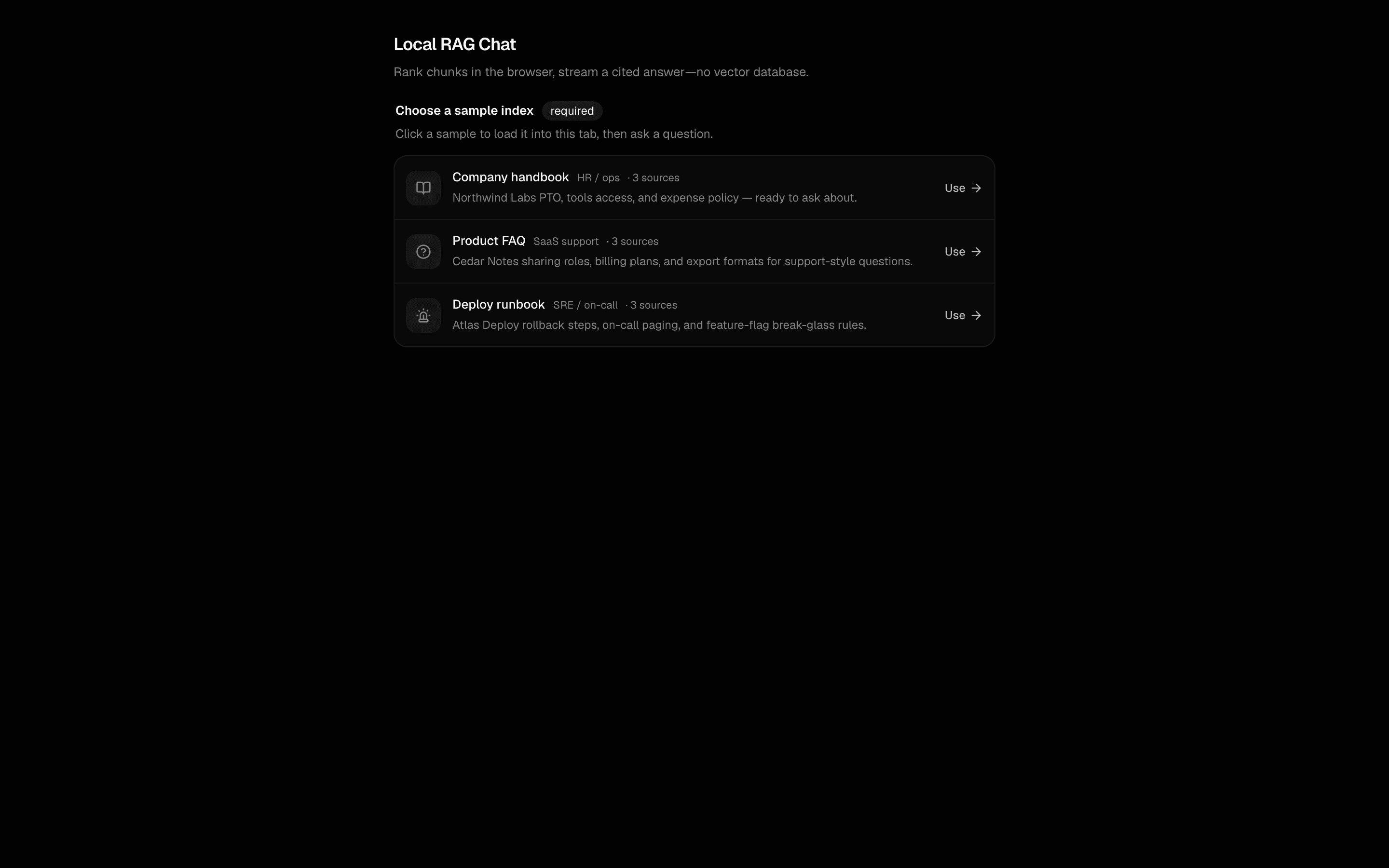
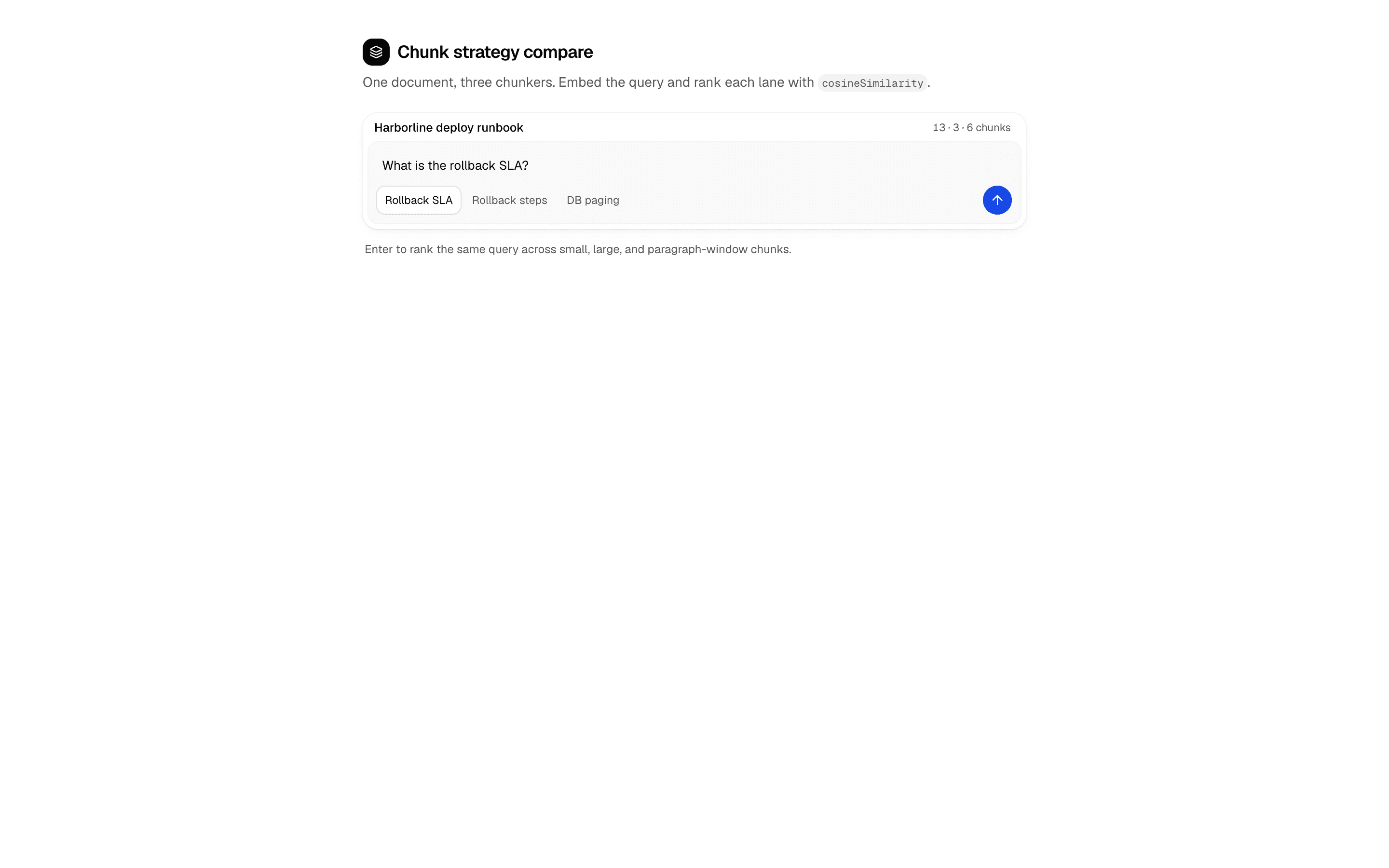
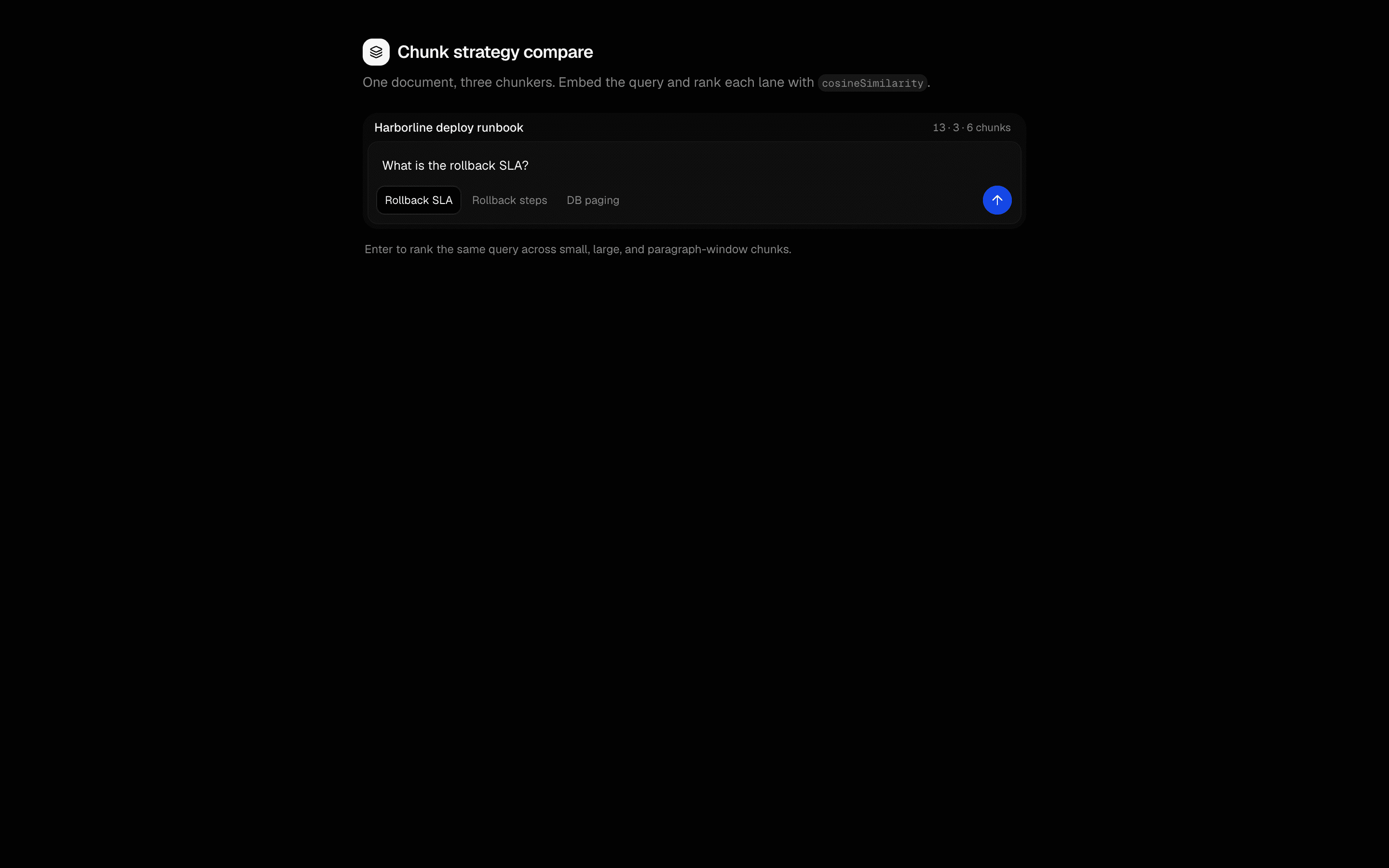
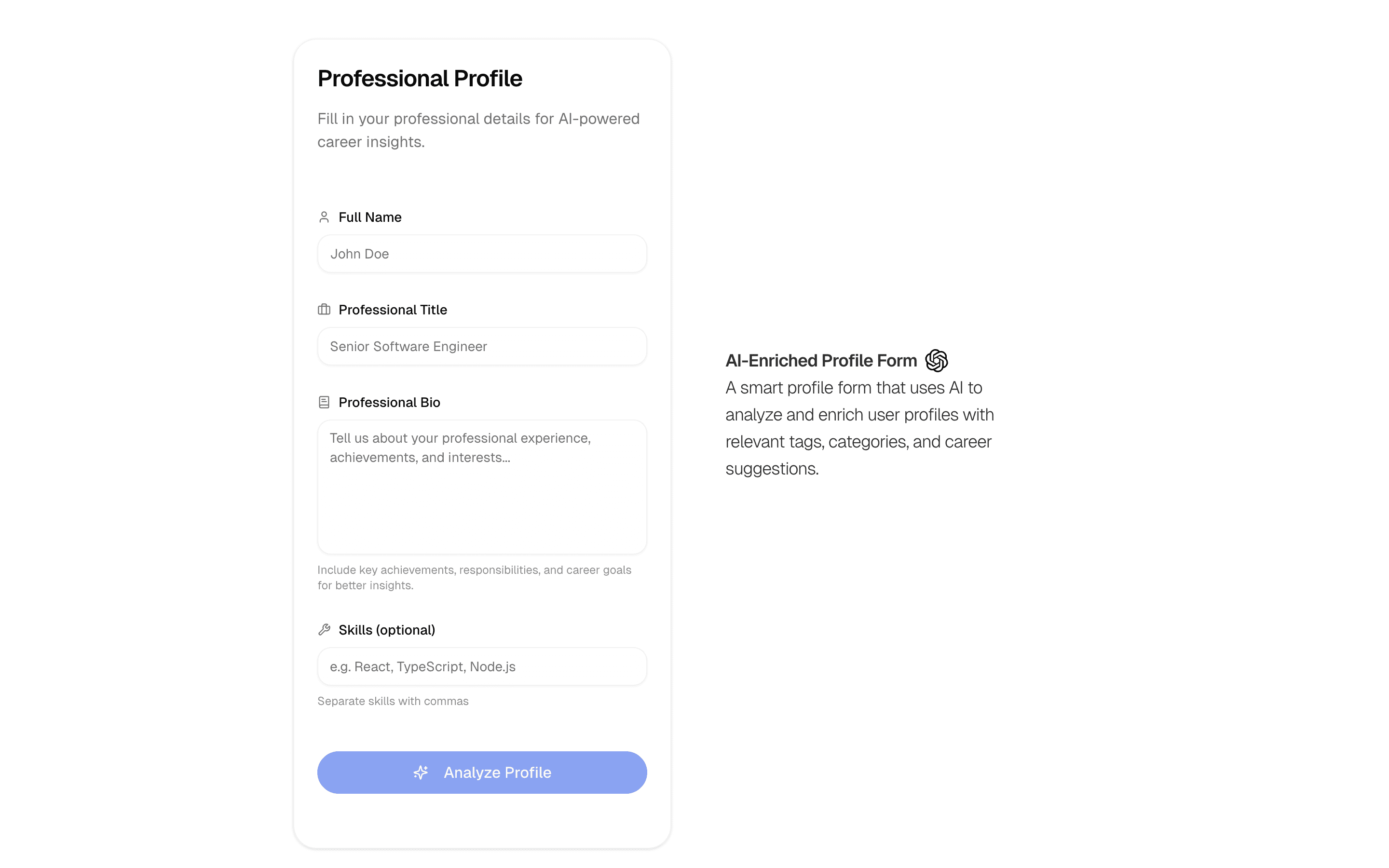
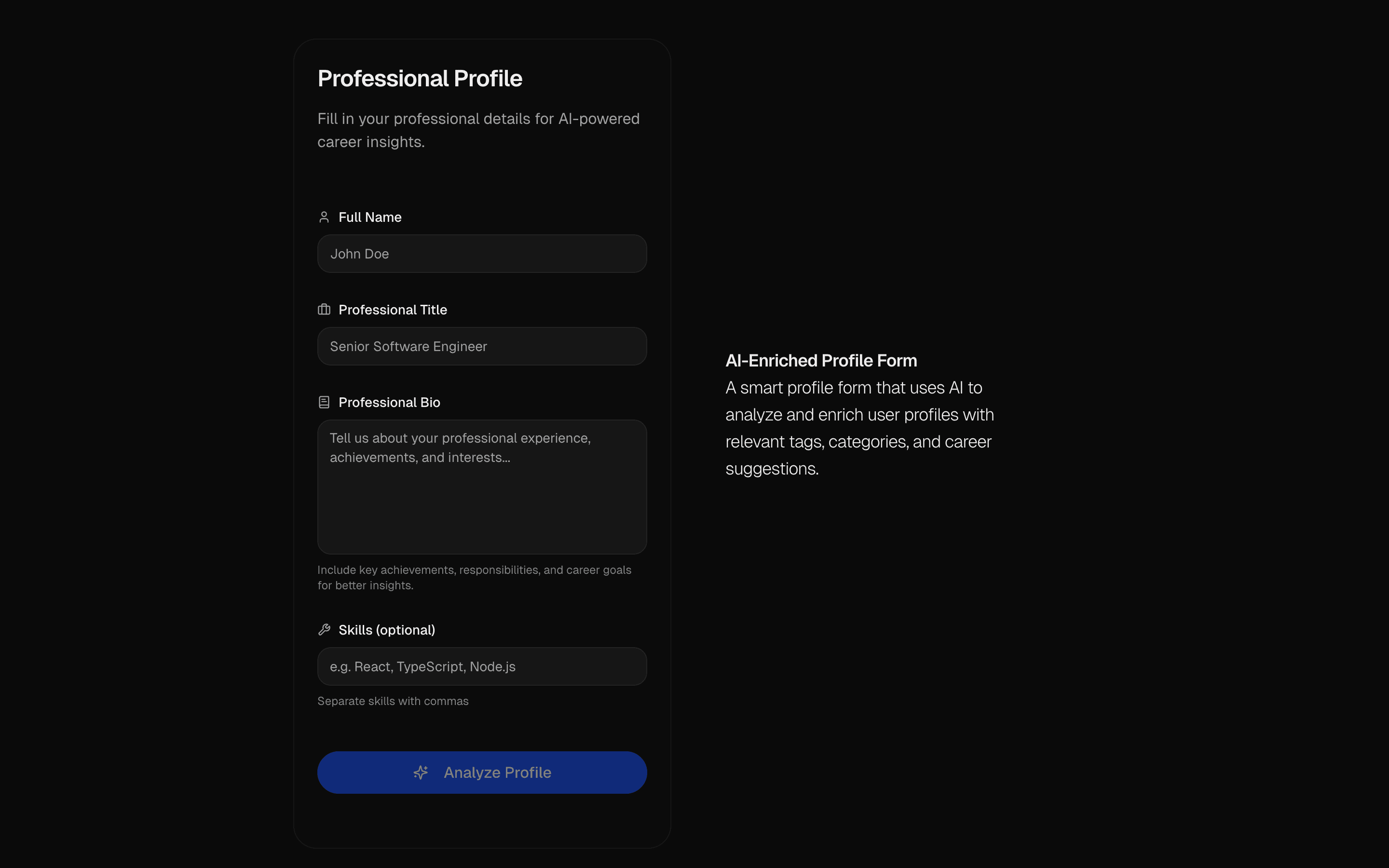
Analyze user profiles with AI and provide personalized suggestions. Enriches data, suggests improvements, and offers career insights.
Use this when users fill out a sparse profile form and you want AI to stream in the missing fields for them to review before accepting.
Similar patterns, and when each one is the better fit.

Data Analysis AgentUse this when users upload a CSV or JSON dataset and need an agent to find correlations, outliers, and trends, then chart them and export a report.
AI Wizard Brand StrategyUse this when you are building a brand discovery or marketing onboarding flow where AI interviews gate progress and end in a written strategy.
HIL Agentic Context BuilderUse this when an agent must interview a user and research the web to build a brand profile, stopping once a completion tool fires.
AI Form GeneratorUse this when you are prototyping forms, such as surveys or admin inputs, and want a validated Zod schema generated from a description.Requirements, wiring steps, and what this pattern adds to your project.
Pick how you want to pull this pattern in. Then wire env vars and routes the same way.
Download → Next.js app
Use Download → Next.js app in the preview toolbar. You get a zip scaffold (Pro downloads rewrite preview `/view/.../api/*` paths to `/api/*` automatically).
Extract the zip and install dependencies
Unzip the archive, then run `pnpm install` (or npm / yarn) in the project folder.
Fill .env.local
The download includes .env.local placeholders when needed. Add real values for: OPENAI_API_KEY.
Customize the agent and tool files
Adapt prompts, tools, and stop conditions in the generated project for your product.
Run the app and open the pattern route
Run `pnpm dev`, open the setup/checklist page if present, then navigate to the generated pattern route and verify responses.
OPENAI_API_KEYGet keyAI SDK APIs
streamObjectcreateStreamableValueProviders
External services
app/page.tsxapp/layout.tsxapp/actions.tsxlib/schema.tslib/rate-limit.tsnpm packages
11
Registry components
app/actions.tsxCore AI pipeline: uses streamObject with OpenAI and createStreamableValue to stream structured profile enrichment (tags, category, skill level, career suggestions) back to the client in real-time.
lib/schema.tsDefines the enrichedProfileSchema (suggestedTags, categoryMatch, skillLevel, careerSuggestions) and the profileFormSchema for input validation. Essential for the streamObject pipeline.
Analyze user profiles with AI and provide personalized suggestions. Enriches data, suggests improvements, and offers career insights.
Use this when users fill out a sparse profile form and you want AI to stream in the missing fields for them to review before accepting.
Similar patterns, and when each one is the better fit.

Data Analysis AgentUse this when users upload a CSV or JSON dataset and need an agent to find correlations, outliers, and trends, then chart them and export a report.
AI Wizard Brand StrategyUse this when you are building a brand discovery or marketing onboarding flow where AI interviews gate progress and end in a written strategy.
HIL Agentic Context BuilderUse this when an agent must interview a user and research the web to build a brand profile, stopping once a completion tool fires.
AI Form GeneratorUse this when you are prototyping forms, such as surveys or admin inputs, and want a validated Zod schema generated from a description.Requirements, wiring steps, and what this pattern adds to your project.
Pick how you want to pull this pattern in. Then wire env vars and routes the same way.
Download → Next.js app
Use Download → Next.js app in the preview toolbar. You get a zip scaffold (Pro downloads rewrite preview `/view/.../api/*` paths to `/api/*` automatically).
Extract the zip and install dependencies
Unzip the archive, then run `pnpm install` (or npm / yarn) in the project folder.
Fill .env.local
The download includes .env.local placeholders when needed. Add real values for: OPENAI_API_KEY.
Customize the agent and tool files
Adapt prompts, tools, and stop conditions in the generated project for your product.
Run the app and open the pattern route
Run `pnpm dev`, open the setup/checklist page if present, then navigate to the generated pattern route and verify responses.
OPENAI_API_KEYGet keyAI SDK APIs
streamObjectcreateStreamableValueProviders
External services
app/page.tsxapp/layout.tsxapp/actions.tsxlib/schema.tslib/rate-limit.tsnpm packages
11
Registry components
app/actions.tsxCore AI pipeline: uses streamObject with OpenAI and createStreamableValue to stream structured profile enrichment (tags, category, skill level, career suggestions) back to the client in real-time.
lib/schema.tsDefines the enrichedProfileSchema (suggestedTags, categoryMatch, skillLevel, careerSuggestions) and the profileFormSchema for input validation. Essential for the streamObject pipeline.
Loading preview…
Early-bird pricing — limited time


Open on desktop for the interactive preview.
Analyze user profiles with AI and provide personalized suggestions. Enriches data, suggests improvements, and offers career insights.
Loading preview…
Early-bird pricing — limited time


Open on desktop for the interactive preview.
Analyze user profiles with AI and provide personalized suggestions. Enriches data, suggests improvements, and offers career insights.