Loading pattern preview
BlocksChat UIs
Tool Execution
Tool Execution
Connect AI agents with external APIs and services. Demonstrates tool calling with weather data, error handling, and visual feedback.
Use this when your chat app calls tools and you want each call's input, output, and status rendered inline as it streams.
Loading pattern preview
Problems solved
Technical challenges this implementation handles out of the box.
- Render AI SDK tool invocations with dedicated tool UI parts
- Show tool input, output, and status during streaming
- Demonstrate tool calling inside an AI Elements chat shell
Use cases
Products and workflows this pattern is designed to support.
- Tool-calling chat demos
- Debugging UIs for tool arguments and results
- Product tours of AI Elements Tool
- Assistants that surface tool activity inline
Compare with
Similar patterns, and when each one is the better fit.
 Tool ApprovalUse this when a destructive action, such as deleting a file, needs an in-chat confirm or deny step built only on the AI SDK's own approval flow.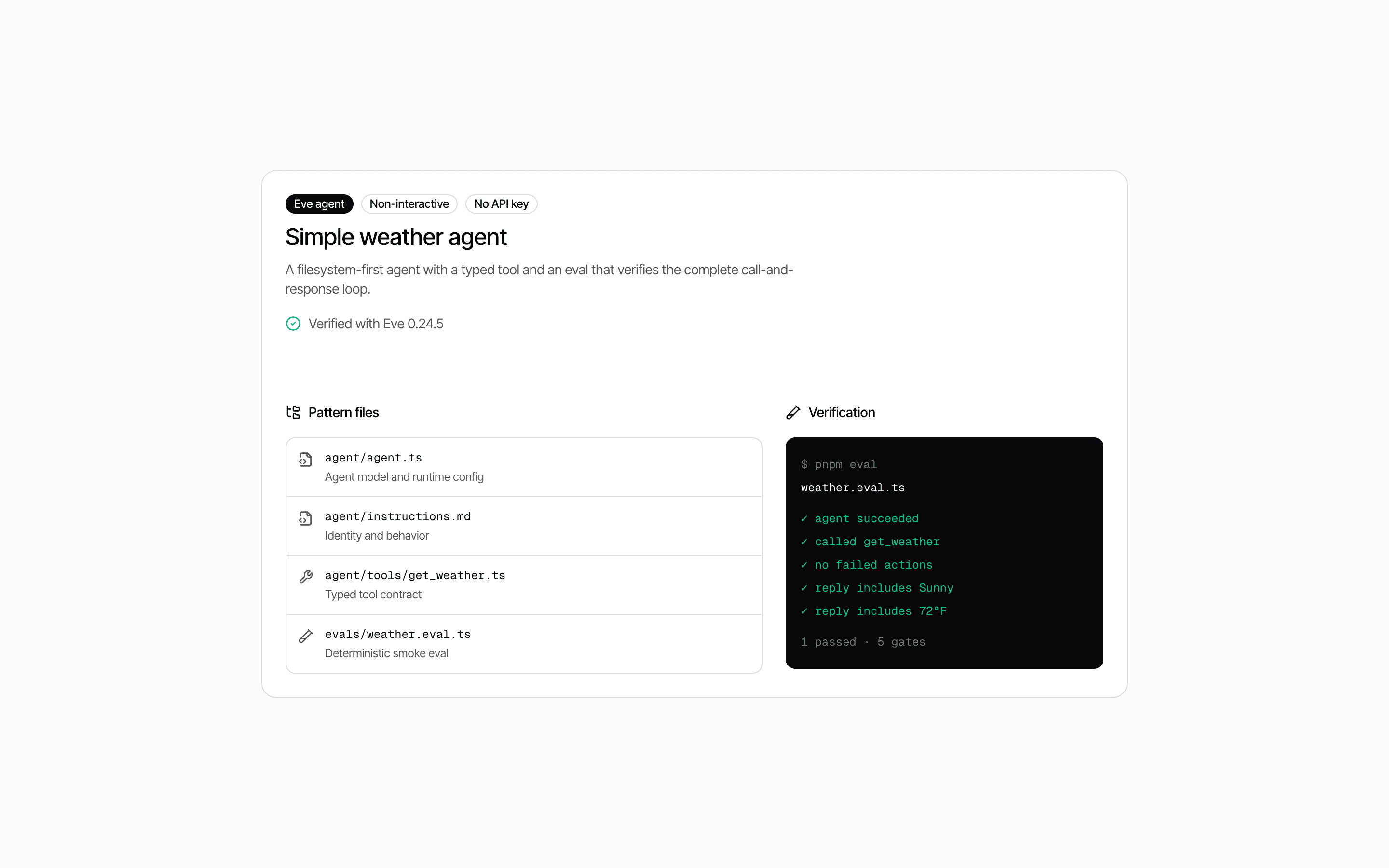
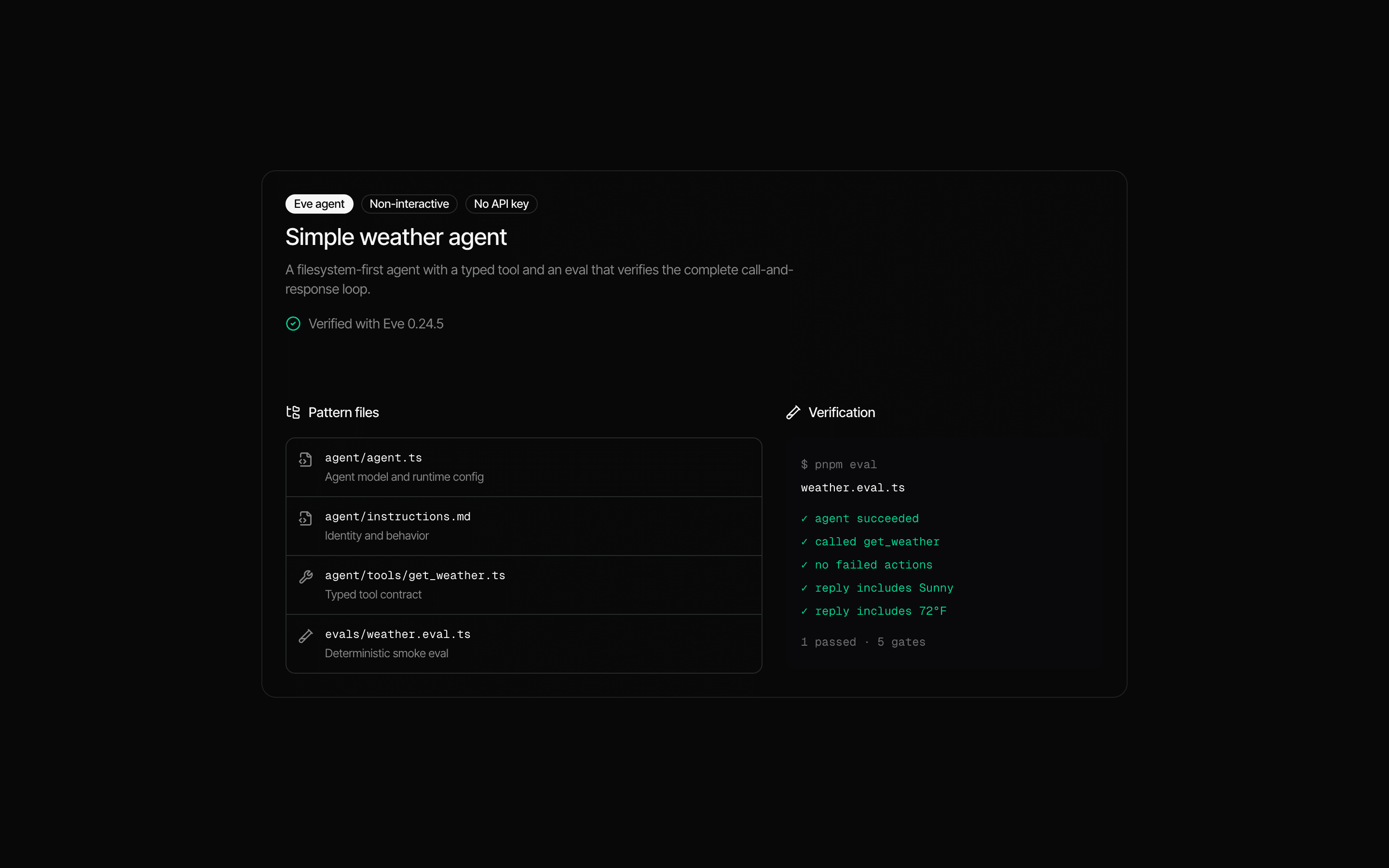 Eve Simple Tool AgentUse this when you are starting your first Eve agent and want one typed tool plus deterministic evals that run without any provider API keys.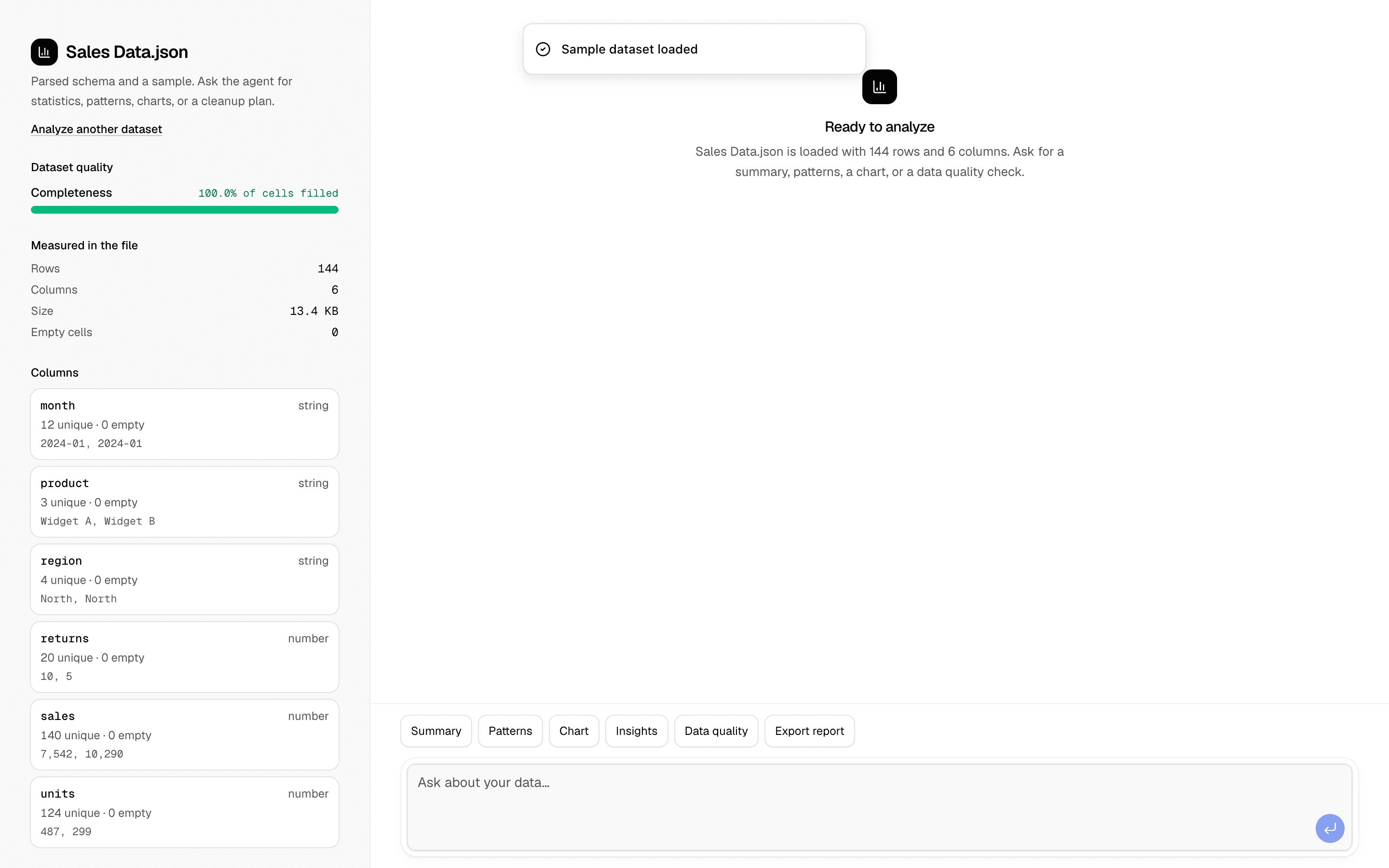
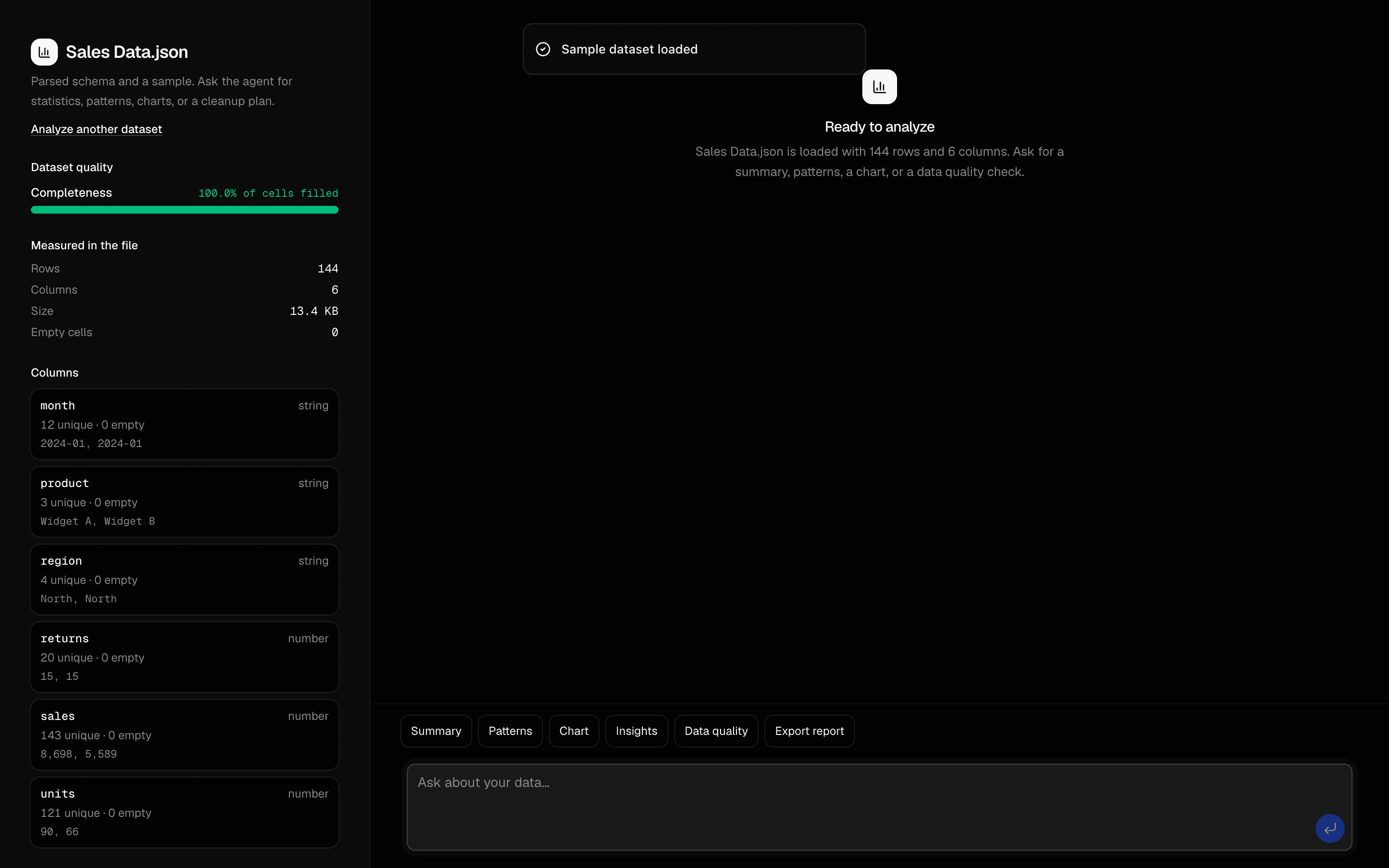 Data Analysis AgentUse this when users upload a CSV or JSON dataset and need an agent to find correlations, outliers, and trends, then chart them and export a report.
 Just Bash Skills AgentUse this when an ops or on-call assistant should load markdown runbooks and checklists from disk as skills, using only a skill tool and readFile.
Setup
Requirements, wiring steps, and what this pattern adds to your project.
Getting started
Pick how you want to pull this pattern in. Then wire env vars and routes the same way.
- 1
Download → Next.js app
Use Download → Next.js app in the preview toolbar. You get a zip scaffold (Pro downloads rewrite preview `/view/.../api/*` paths to `/api/*` automatically).
- 2
Extract the zip and install dependencies
Unzip the archive, then run `pnpm install` (or npm / yarn) in the project folder.
- 3
Fill .env.local
The download includes .env.local placeholders when needed. Add real values for: OPENAI_API_KEY.
- 4
Customize the agent and tool files
Adapt prompts, tools, and stop conditions in the generated project for your product.
- 5
Run the app and open the pattern route
Run `pnpm dev`, open the setup/checklist page if present, then navigate to the generated pattern route and verify responses.
Environment variables
OPENAI_API_KEYGet key
Capabilities
AI SDK APIs
streamTexttoolconvertToModelMessagesProviders
OpenAI
Files added
6 files
app/ai-elements-tool/page.tsxapp/ai-elements-tool/layout.tsxlib/request-utils.tscomponents/tool-demo.tsxapp/api/chat/route.tsREADME.md
Dependencies
13 total
npm packages
7AISDKshadcn/uiNext.jsReactstreamdownZodlucide-react
 Registry components
buttontooltipmessage-scrollermessagebubbleempty
Critical files
1 file
chat/route.tsAPI route demonstrating inline tool definition with execute function. Defines a fetch_weather_data tool with zod schema and mock execute function. Shows the pattern for tools with immediate execution.
Requirements
- Complexity
- Beginner
- Setup time
- ~15 minutes
- Node
- 24+
- Memory
- 512MB
Upstash Redis