Loading pattern preview
BlocksTools & Utilities
Supermemory Tools
Supermemory Tools
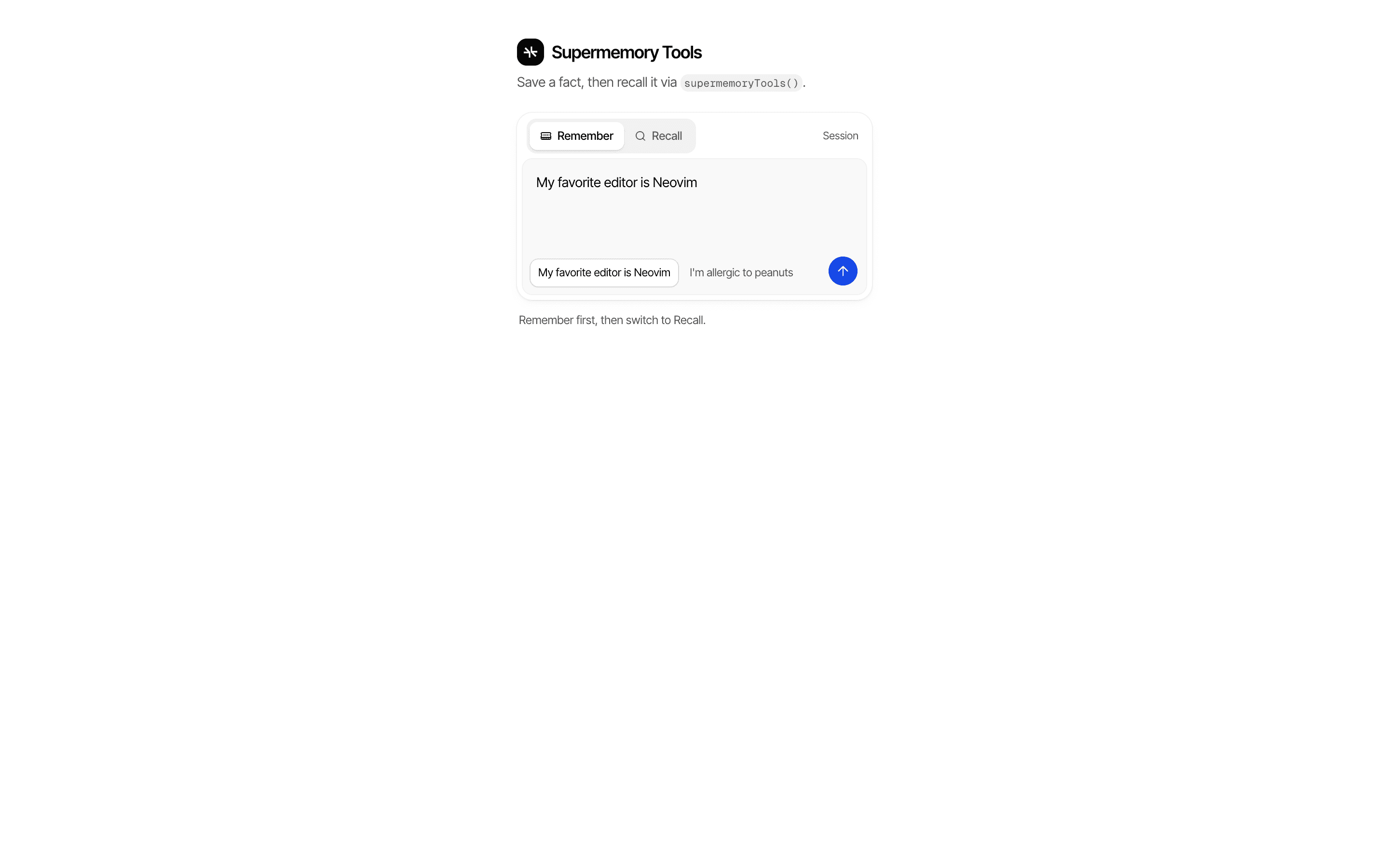
Save and recall facts with Supermemory tools — addMemory and searchMemories in a simple Remember / Recall playground.
Use this when your app should remember user facts across turns by storing them in Supermemory, with the user's memory container set on the server.
Loading pattern preview
Problems solved
Technical challenges this implementation handles out of the box.
- Wire Supermemory provider tools into an AI SDK generateText call
- Remember and recall user facts across turns via Supermemory
- Keep tenant/user container scope server-derived
Use cases
Products and workflows this pattern is designed to support.
- Personalized assistant prototypes
- Preference memory without a chat UI
- Memory-provider integration demos
Compare with
Similar patterns, and when each one is the better fit.
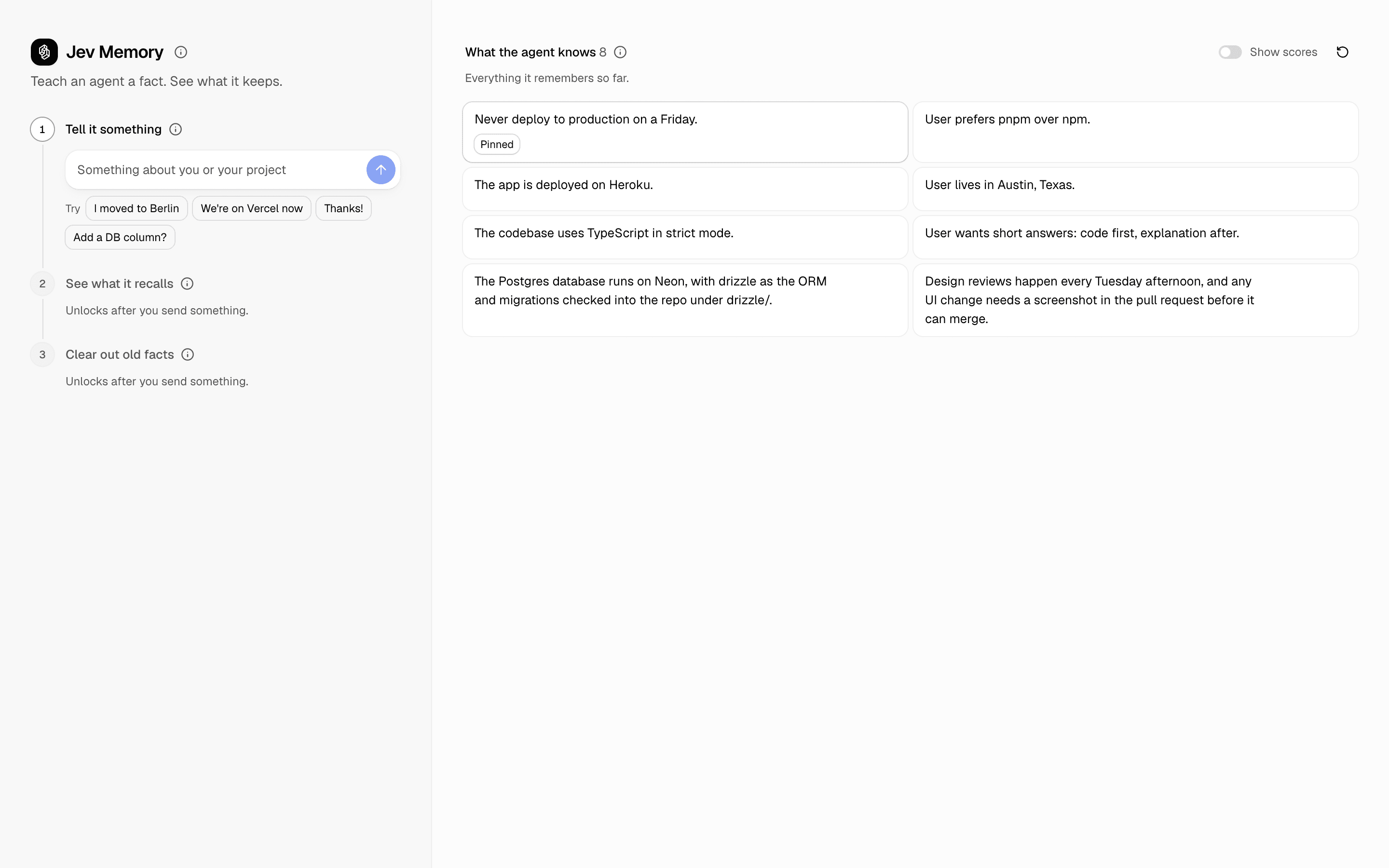
 Jev MemoryUse this when an agent's memory store fills with stale or trivial facts and you need gated writes, budgeted recall, and eviction instead of rewriting.
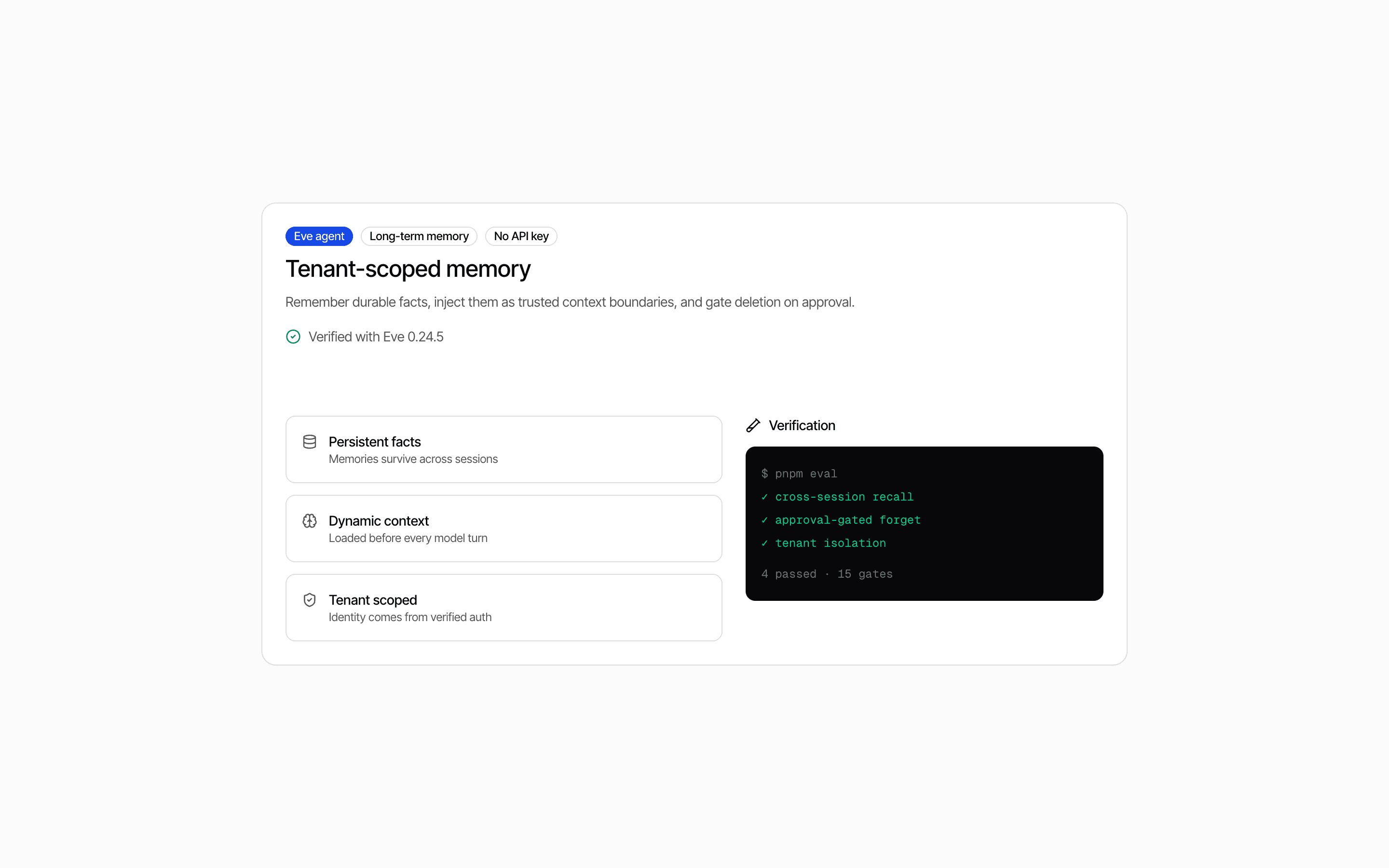
 Eve Long-Term Memory AgentUse this when your Eve agent needs per-user memory it can save, list, and forget, injected as context before every turn and isolated by tenant.
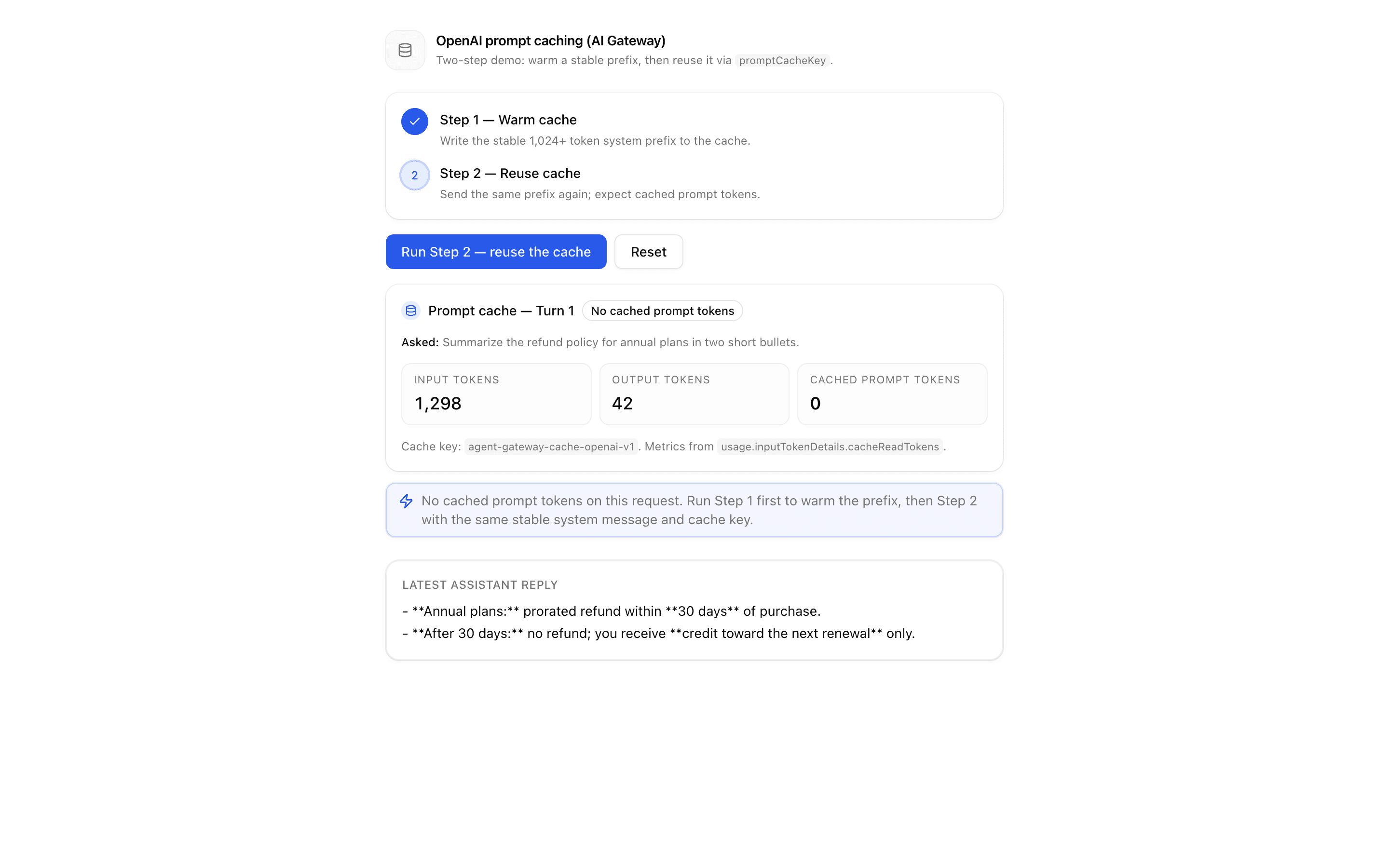
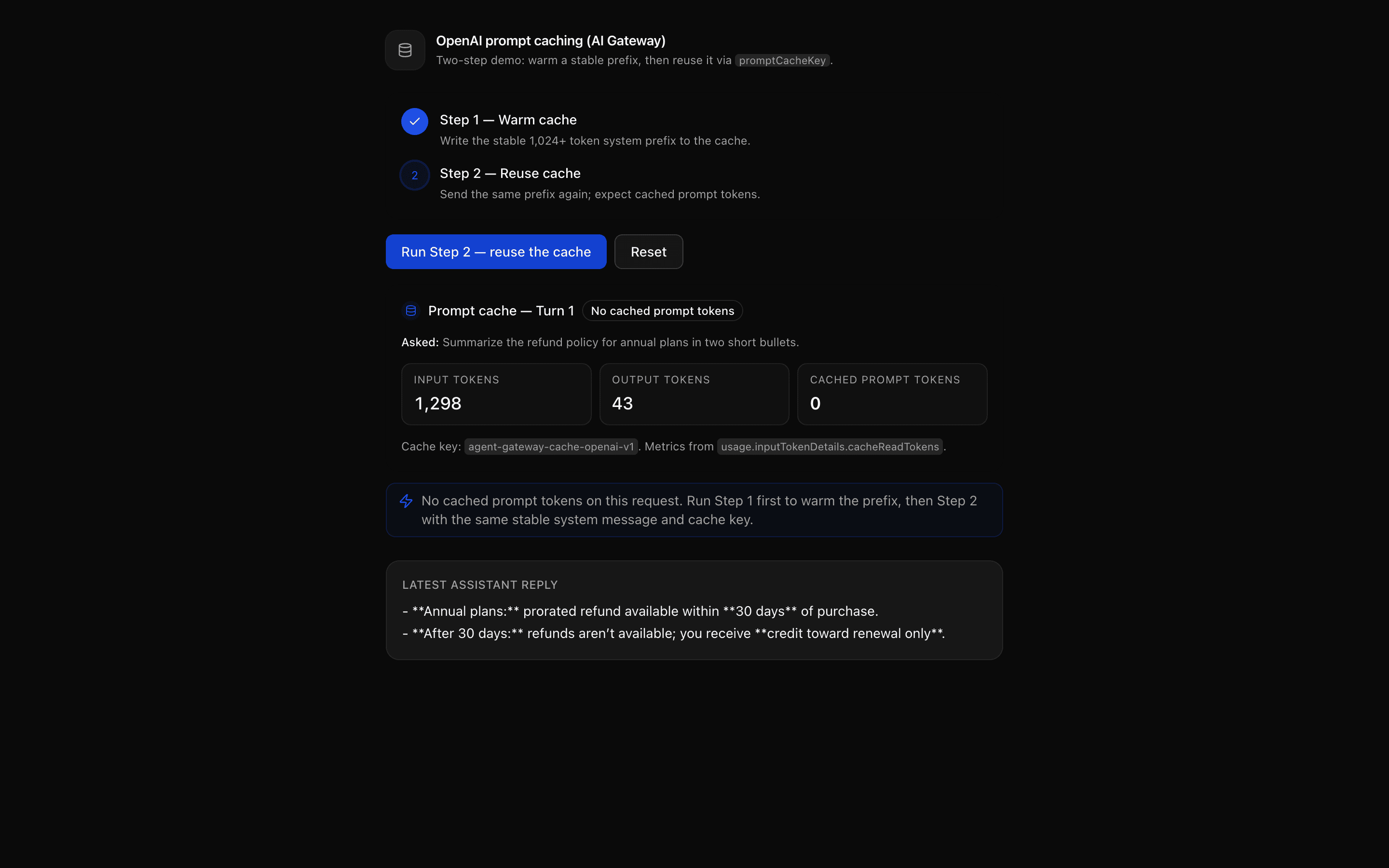 OpenAI Prompt Caching (AI Gateway)Use this when your OpenAI agent resends the same system prompt each turn and you want to cache it through AI Gateway using promptCacheKey.
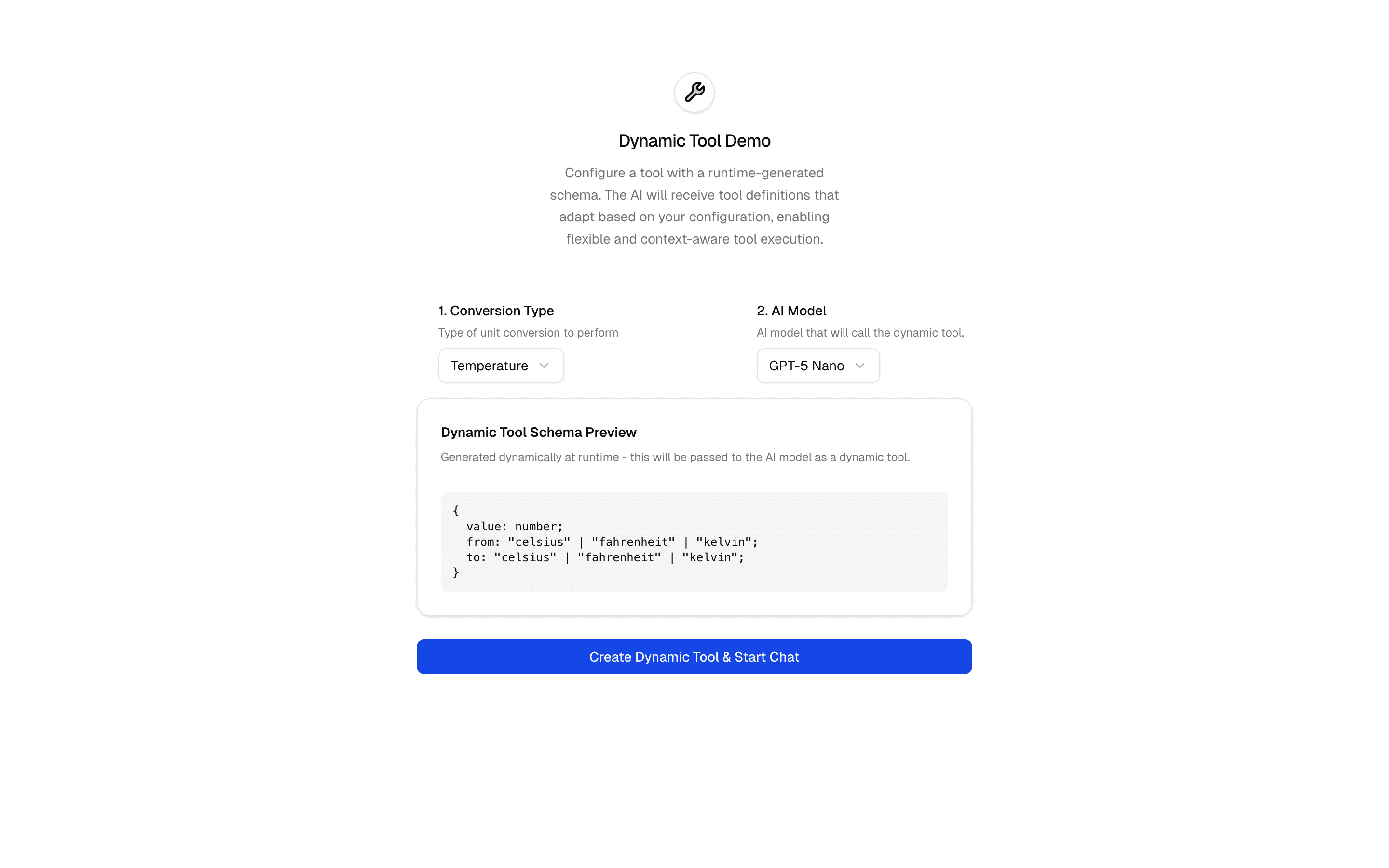
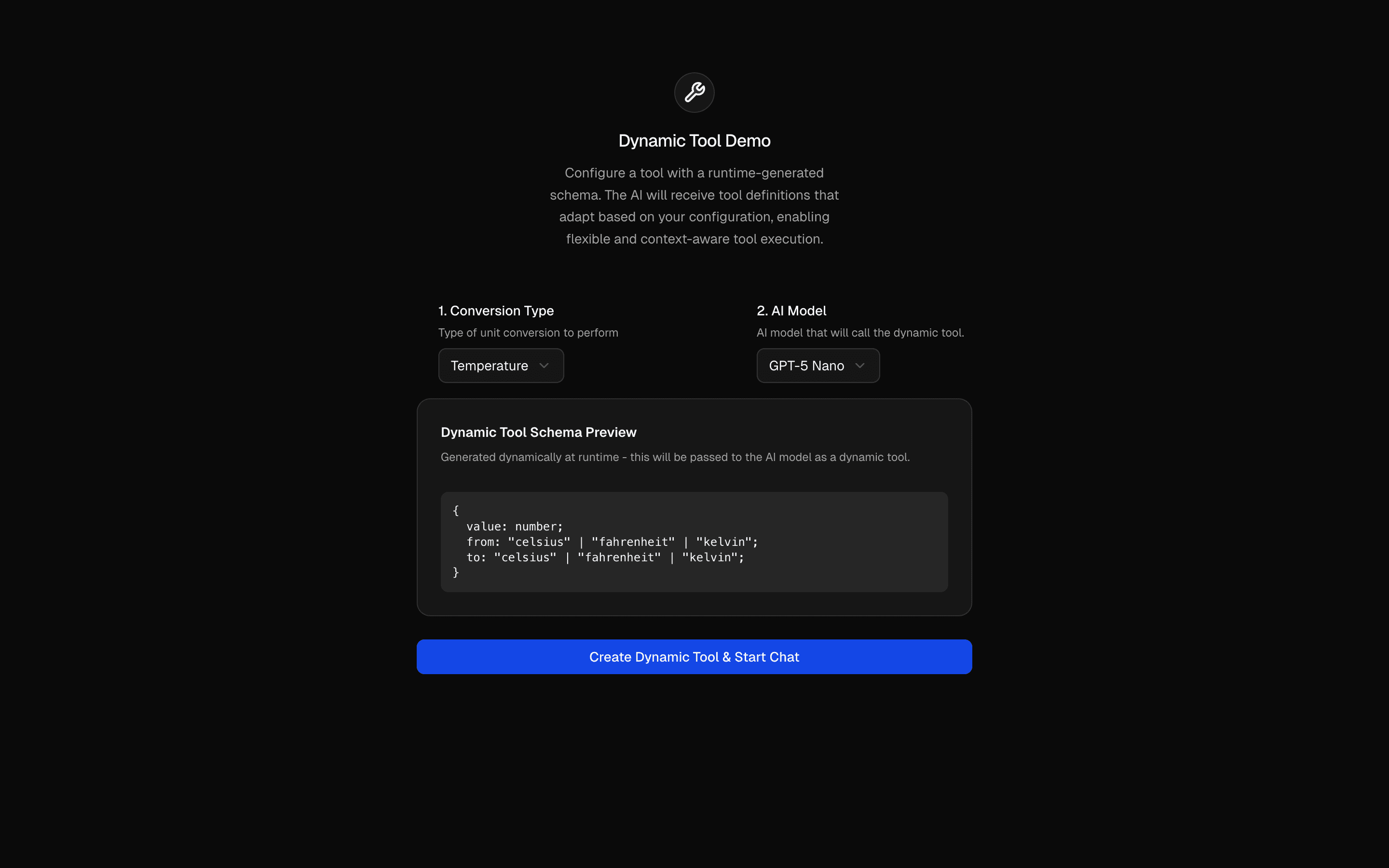 Dynamic ToolUse this when you need to build tools with dynamicTool whose Zod schemas change per request, like a converter whose inputs differ by conversion type.
Setup
Requirements, wiring steps, and what this pattern adds to your project.
Getting started
Pick how you want to pull this pattern in. Then wire env vars and routes the same way.
- 1
Download → Next.js app
Use Download → Next.js app in the preview toolbar. You get a zip scaffold (Pro downloads rewrite preview `/view/.../api/*` paths to `/api/*` automatically).
- 2
Extract the zip and install dependencies
Unzip the archive, then run `pnpm install` (or npm / yarn) in the project folder.
- 3
Fill .env.local
The download includes .env.local placeholders when needed. Add real values for: SUPERMEMORY_API_KEY, AI_GATEWAY_API_KEY.
- 4
Customize the agent and tool files
Adapt prompts, tools, and stop conditions in the generated project for your product.
- 5
Run the app and open the pattern route
Run `pnpm dev`, open the setup/checklist page if present, then navigate to the generated pattern route and verify responses.
Environment variables
Capabilities
AI SDK APIs
generateTextisStepCountExternal services
gatewaySupermemoryvercel-ai-gateway
Files added
12 files
app/page.tsxapp/layout.tsxapp/api/memory-supermemory/route.tscomponents/memory-demo.tsxcomponents/memory-activity.tsxcomponents/supermemory-icon.tsxhooks/use-memory-playground.tslib/memory-container-tag.tslib/memory-container.tslib/memory-playground.tslib/request-utils.tsREADME.md
Dependencies
10 total
npm packages
6SupermemoryAISDKlucide-reactNext.jsReactZod
 Registry components
buttoncollapsibletabstextarea
Critical files
3 files
memory-supermemory/route.tsAction-based API (remember|recall) that calls supermemoryTools(apiKey, { containerTags }) with a server-derived preview containerTag via generateText. Bridge the nested ai@5 Tool type to the app's ai@7 ToolSet with a cast — do not invent a thinner tool wrapper or local memory store.
lib/memory-container.tsPreview isolation helper: httpOnly cookie -> containerTag. Production must replace with authenticated user id; never let the model choose container scope.
lib/memory-playground.tsPlayground request contract and prompts for remember vs recall turns.
Requirements
- Complexity
- Beginner
- Setup time
- ~10 minutes
- Node
- 24+
- Memory
- 256MB