Loading pattern preview
BlocksTools & Utilities
Jev Action Gate
Jev Action Gate
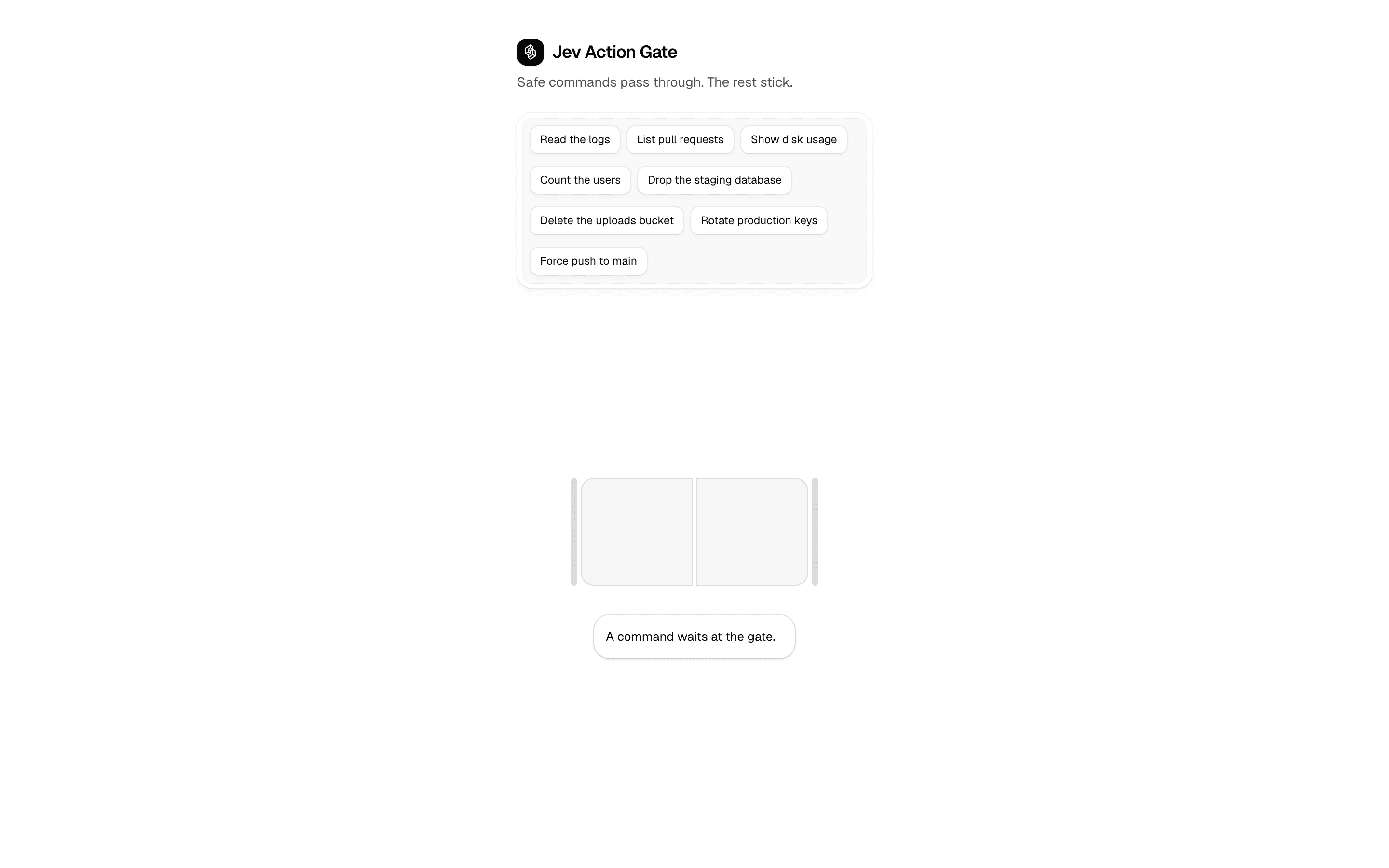
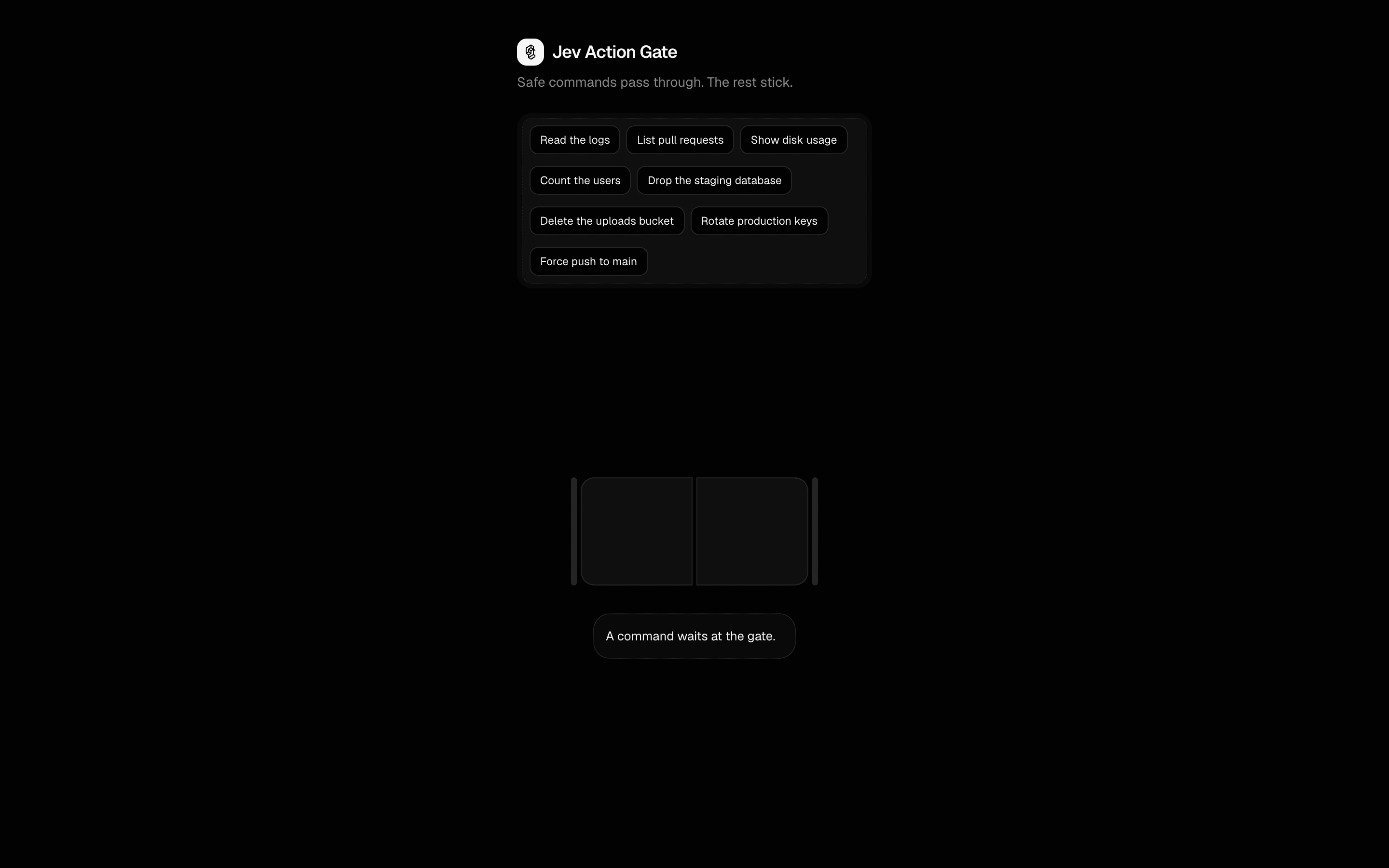
One command at a time. It passes the gate only when a Jev boolean clears 0.90.
Use this when you are deciding whether to auto-approve one proposed action at a time, using a single Jev probability against a floor you control.
Loading pattern preview
Problems solved
Technical challenges this implementation handles out of the box.
- Gate a proposed action with one boolean probability
- Keep auto-run thresholds in application code
- Hold anything below the floor for human approval
Use cases
Products and workflows this pattern is designed to support.
- Tool-call auto-approval floors
- Destructive-action confirmation gates
- Teaching Jev boolean probabilities
Compare with
Similar patterns, and when each one is the better fit.

 Jev Search FilterFreeUse this when you want semantic search over a known catalog, such as emoji or icons, without building embeddings, scoring each item with a boolean.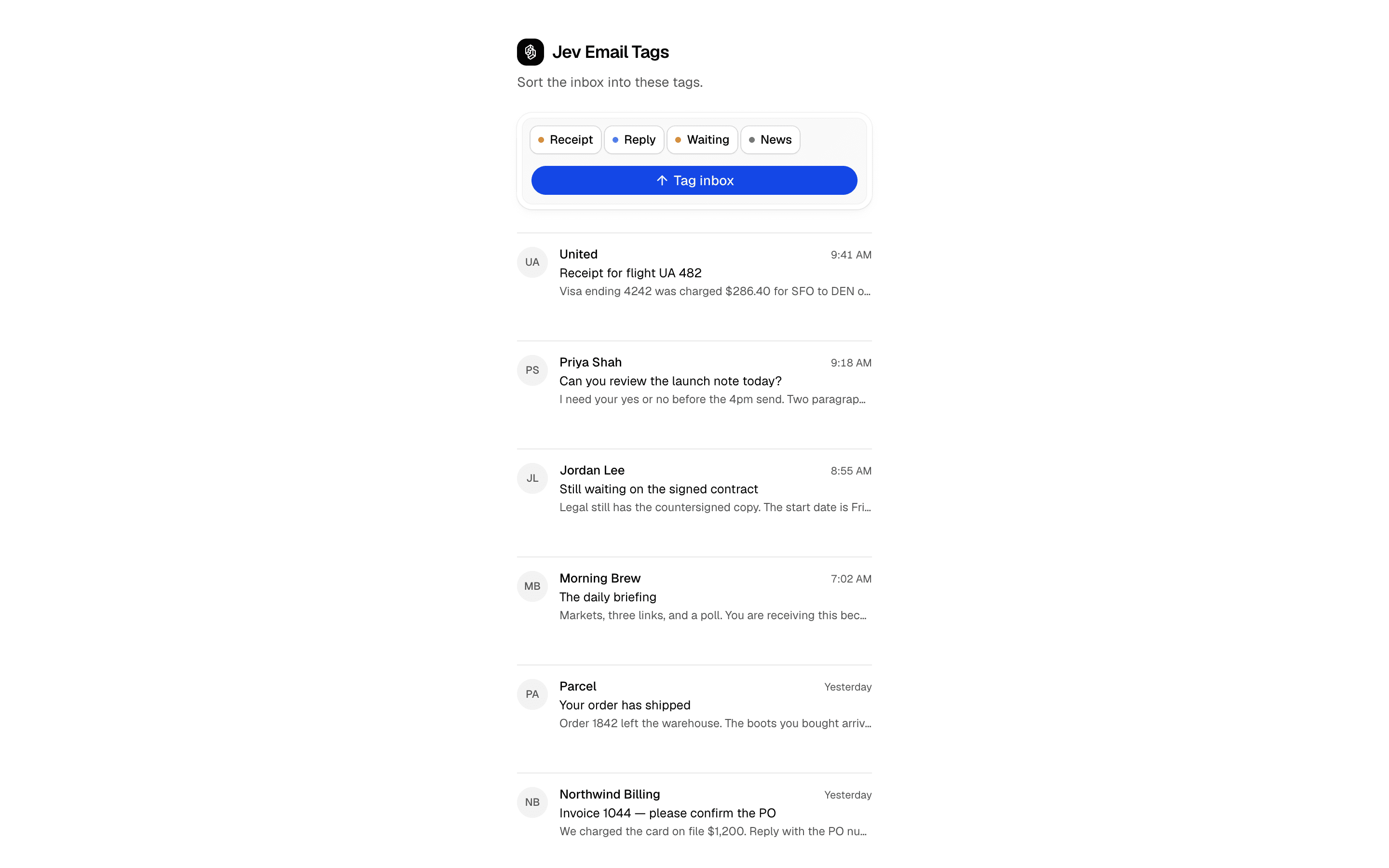
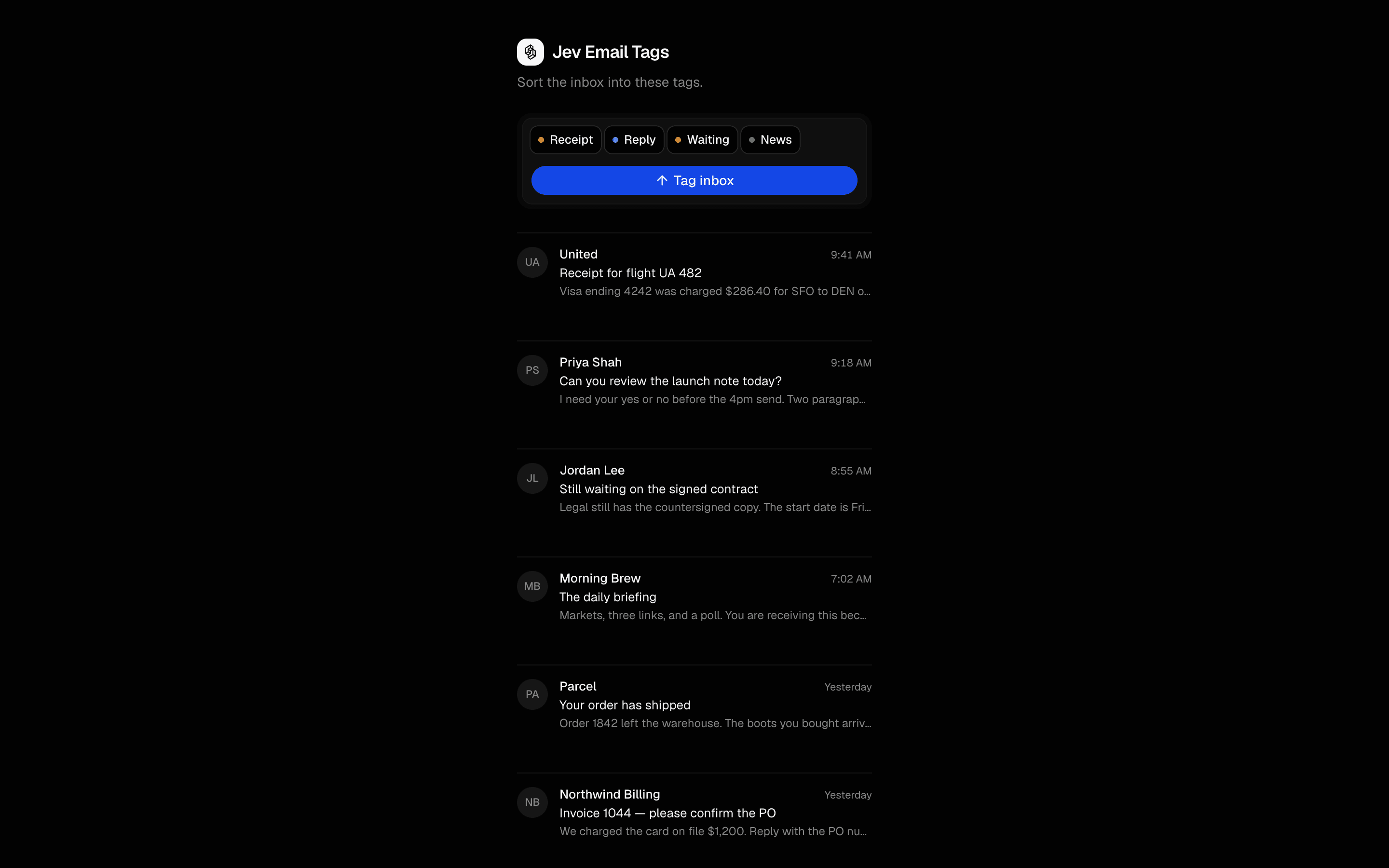 Jev Email TagsUse this when you are multi-label tagging a known set of messages, such as an inbox, without writing a classifier prompt or allowing invented labels.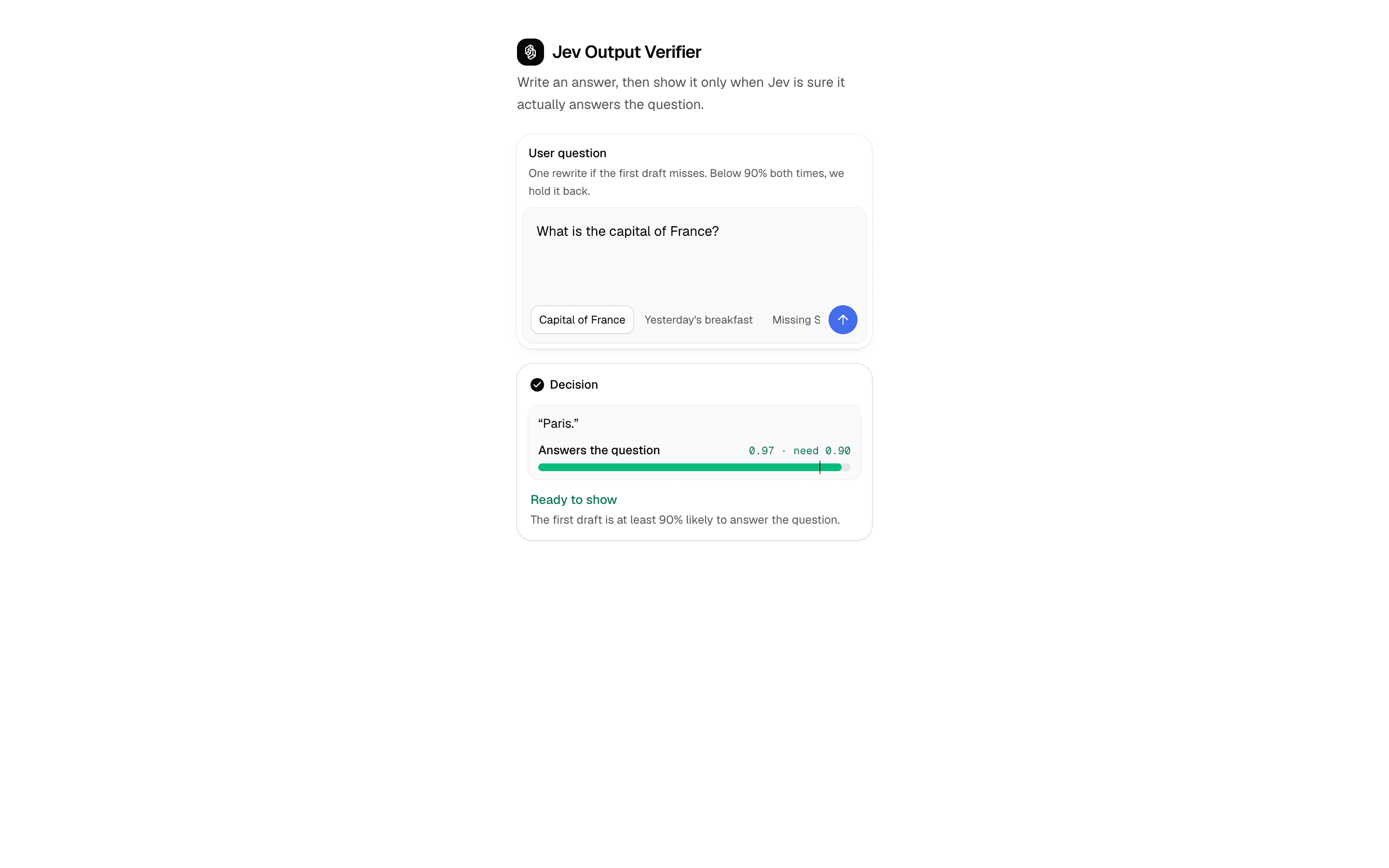
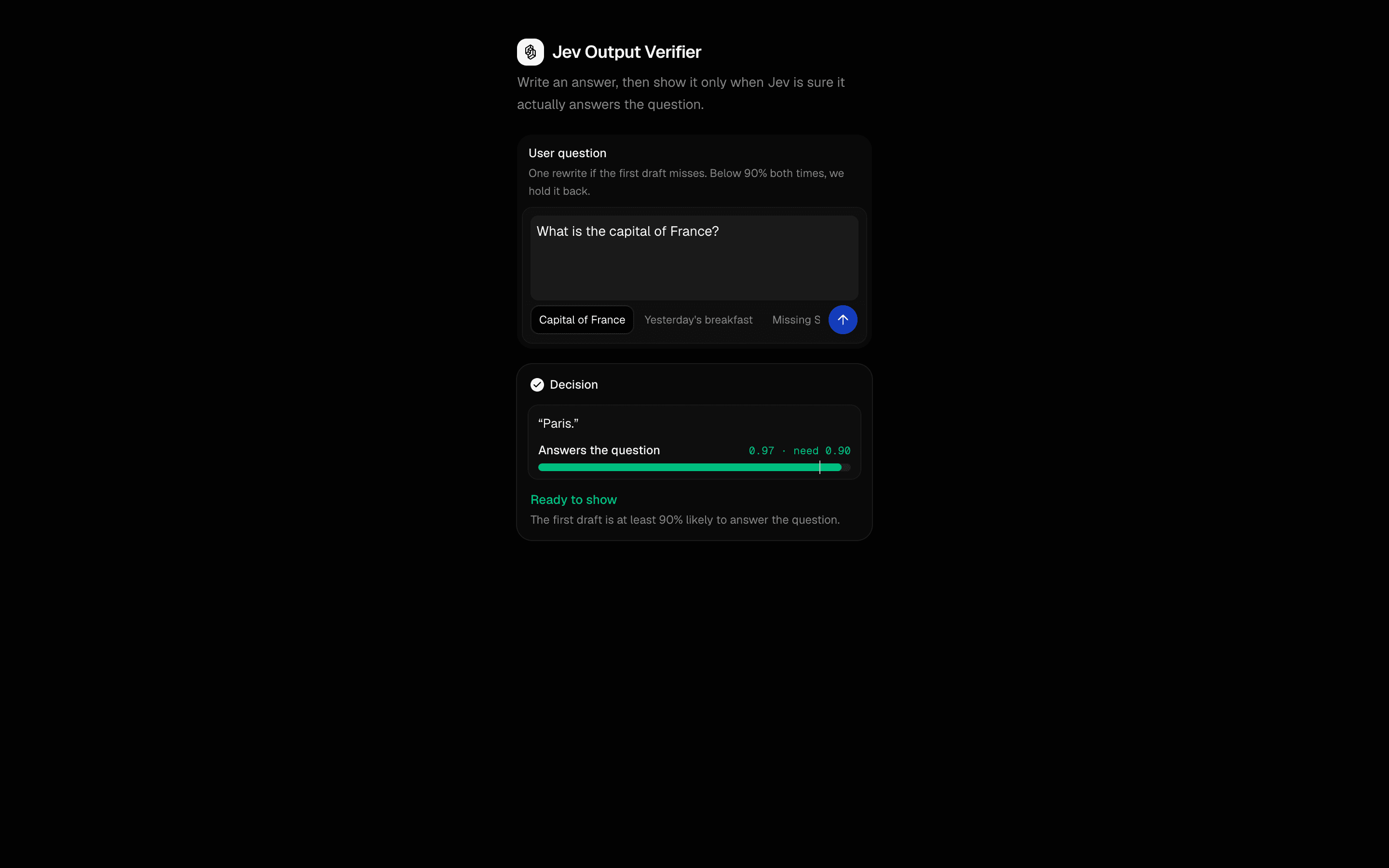 Jev Output VerifierUse this when you want your own code to hold the confidence floor a draft answer must clear before display, with at most one retry on a miss.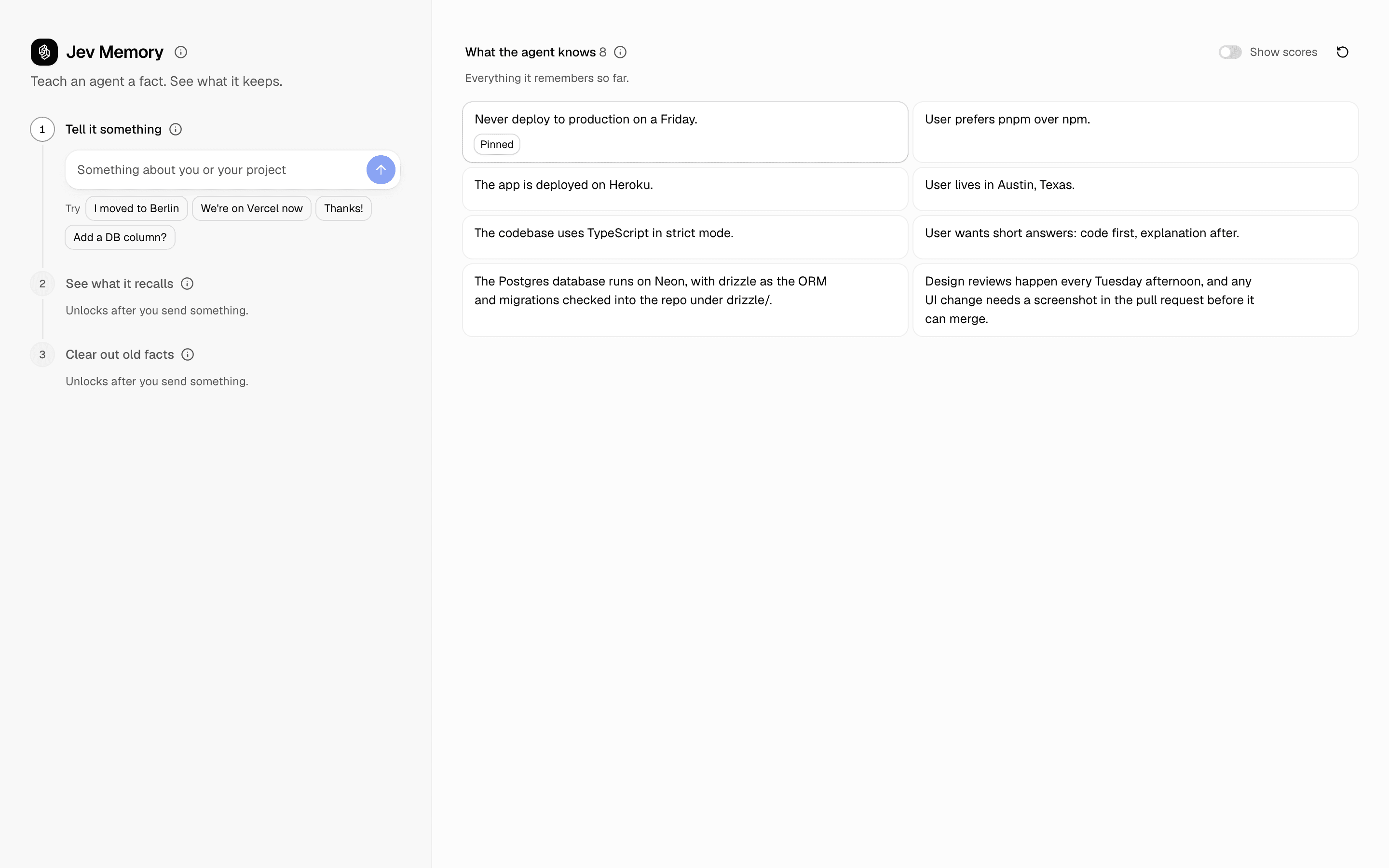
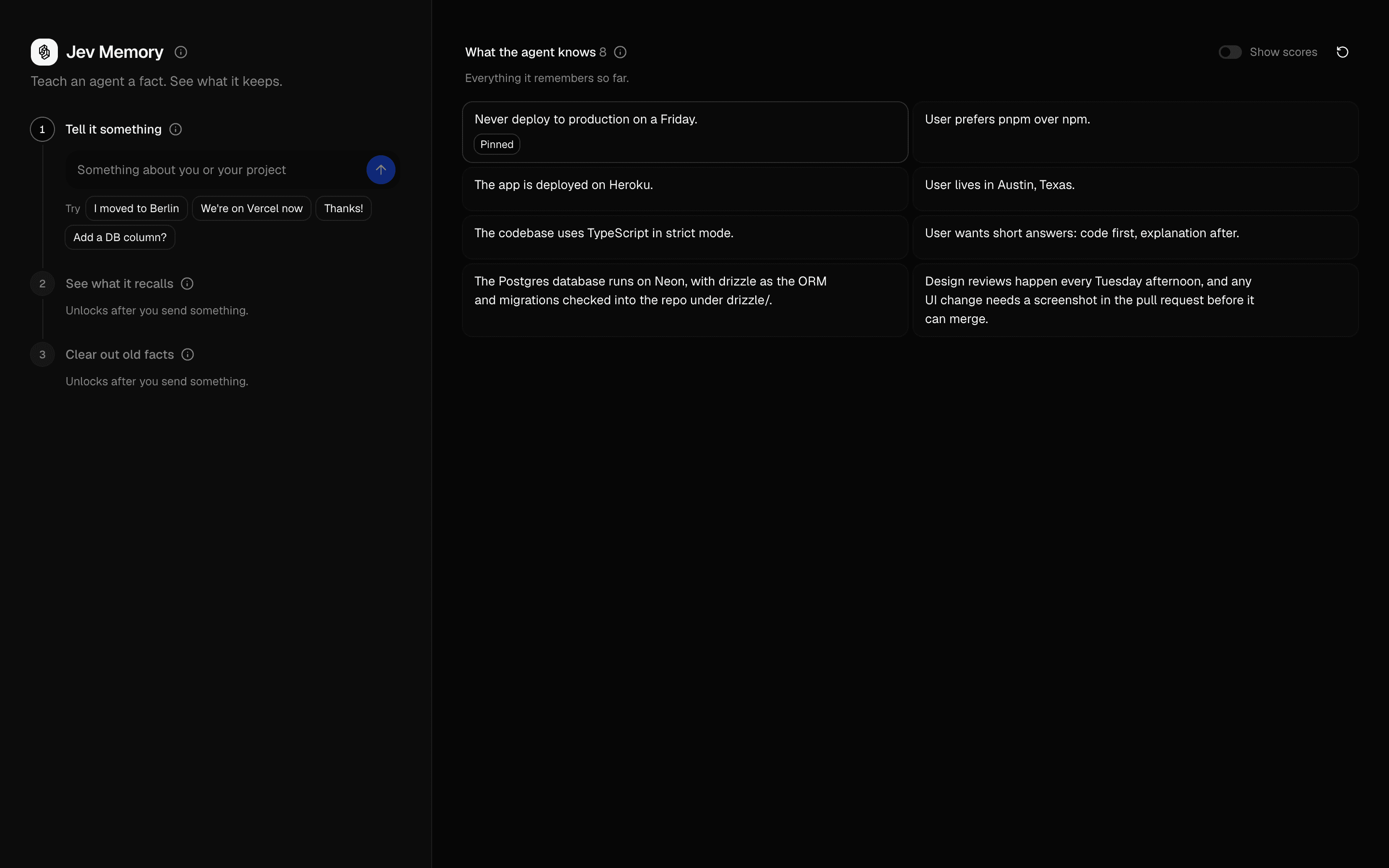 Jev MemoryUse this when an agent's memory store fills with stale or trivial facts and you need gated writes, budgeted recall, and eviction instead of rewriting.
Setup
Requirements, wiring steps, and what this pattern adds to your project.
Getting started
Pick how you want to pull this pattern in. Then wire env vars and routes the same way.
- 1
Download → Next.js app
Use Download → Next.js app in the preview toolbar. You get a zip scaffold (Pro downloads rewrite preview `/view/.../api/*` paths to `/api/*` automatically).
- 2
Extract the zip and install dependencies
Unzip the archive, then run `pnpm install` (or npm / yarn) in the project folder.
- 3
Fill .env.local
The download includes .env.local placeholders when needed. Add real values for: AI_GATEWAY_API_KEY.
- 4
Customize the agent and tool files
Adapt prompts, tools, and stop conditions in the generated project for your product.
- 5
Run the app and open the pattern route
Run `pnpm dev`, open the setup/checklist page if present, then navigate to the generated pattern route and verify responses.
Environment variables
AI_GATEWAY_API_KEYGet key
Capabilities
AI SDK APIs
experimental_evaluateProviders
Jev
External services
gatewayvercel-ai-gatewayUpstash
Files added
13 files
app/page.tsxapp/layout.tsxapp/api/action-gate/route.tscomponents/action-gate-demo.tsxcomponents/command-gate.tsxcomponents/typesafe-ai.tsxcomponents/probability-bar.tsxhooks/use-action-gate.tslib/gate-policy.tslib/gate-questions.tslib/rate-limit.tslib/request-utils.tsREADME.md
Dependencies
7 total
npm packages
6UpstashAISDKlucide-reactmotionNext.jsReact
 Registry components
button
Critical files
3 files
lib/gate-policy.tsPure decideGate policy: auto-run only when P(safeToRun) >= 0.90. Keep the threshold in application code, not in the prompt. Unit-test with Experimental_EvaluationMockModelV4 — do not call Jev from tests.
lib/gate-questions.tsBoolean question, true/false criteria, and AUTO_RUN_THRESHOLD. Ask one atomic thing: is it safe to run this action unattended?
action-gate/route.tsRate-limited experimental_evaluate call through AI Gateway model typesafe-ai/jev with zeroDataRetention. Returns decideGate(probability), never executes the action.
Requirements
- Complexity
- Beginner
- Setup time
- ~5 minutes
- Node
- 24+
- Memory
- 256MB
Upstash Redis for deployed demo rate limiting