Loading pattern preview
BlocksArtifacts
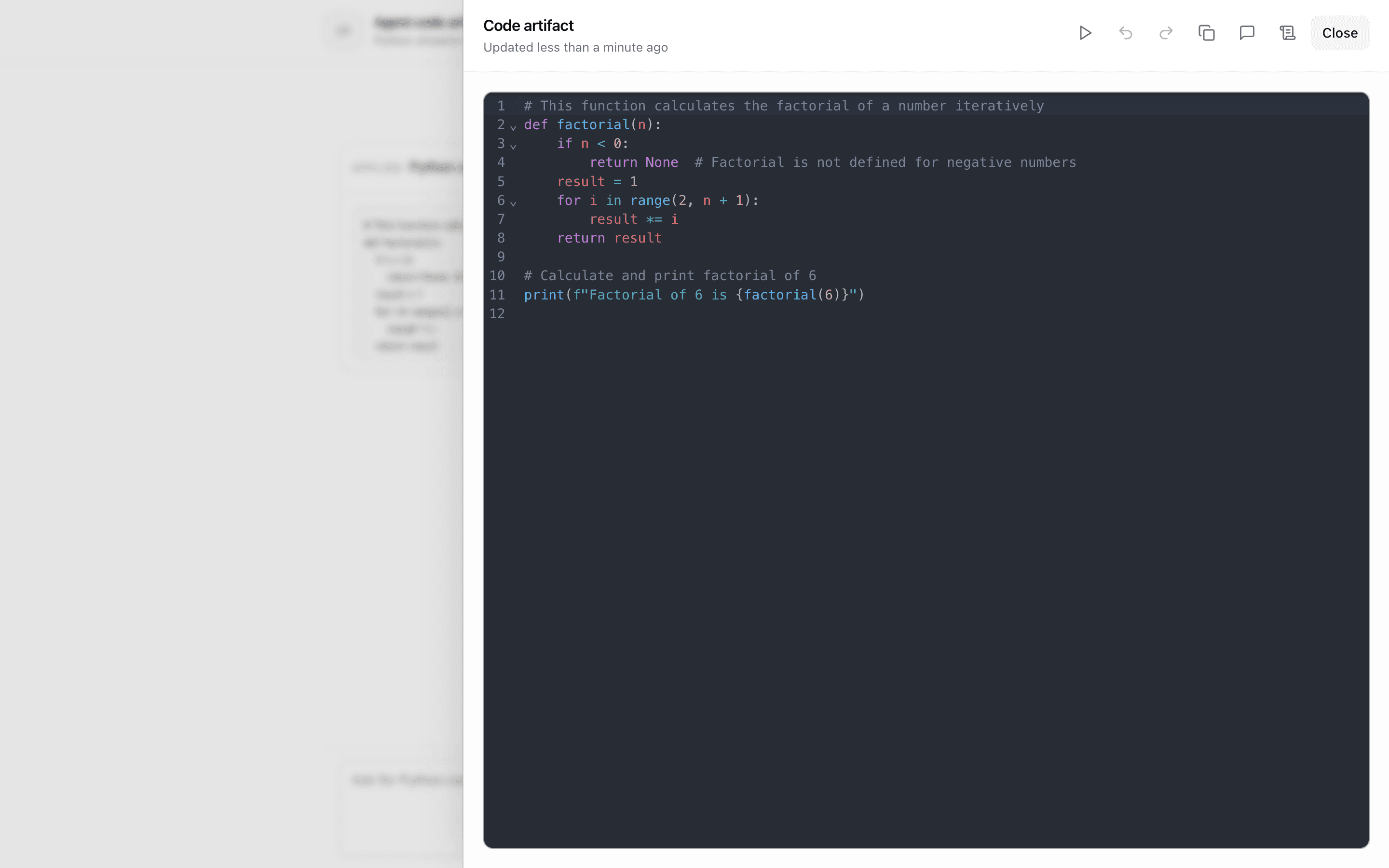
Agent Code Artifact
Agent Code Artifact
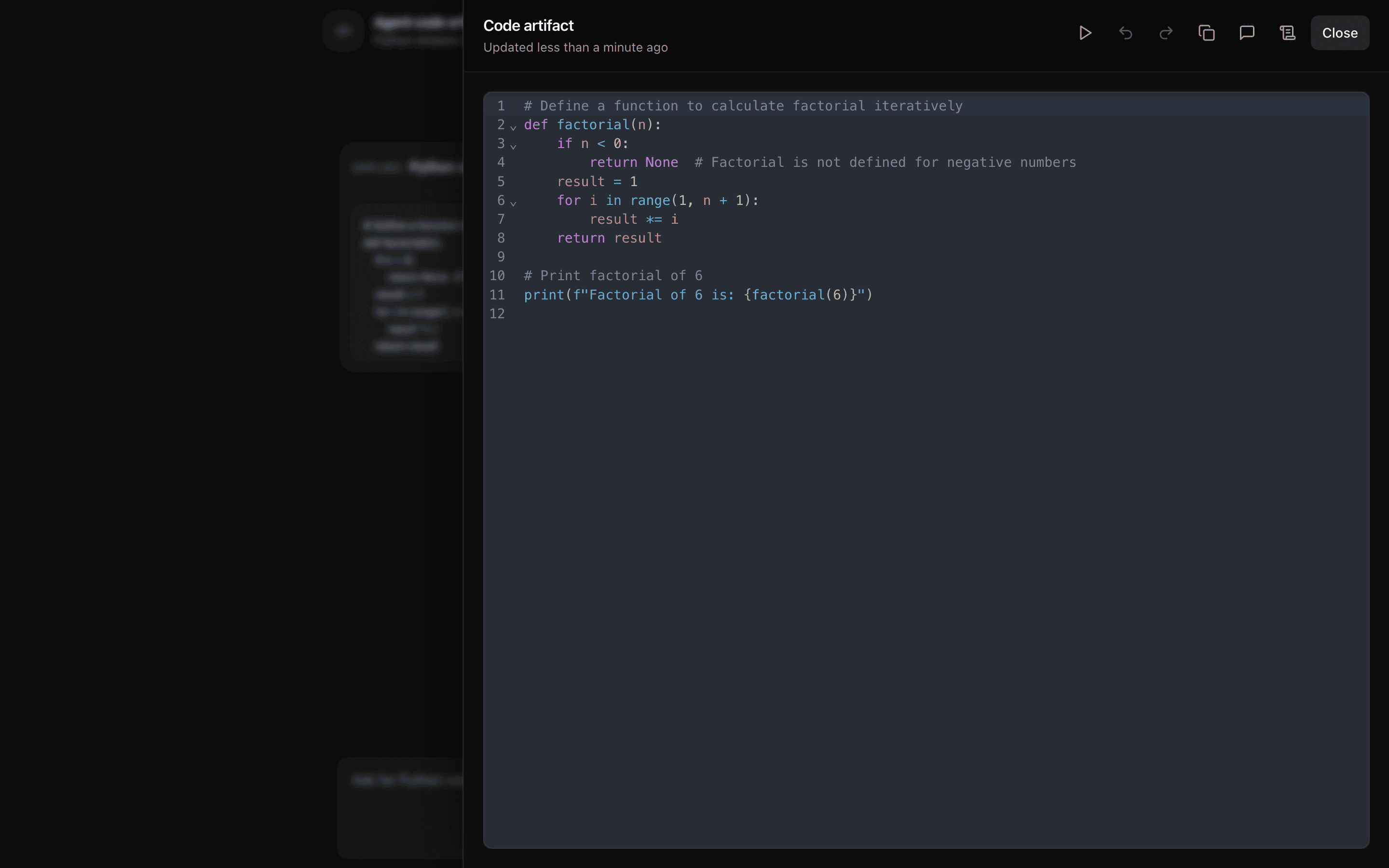
Template-style code artifact with data-codeDelta streaming, CodeMirror Python editor, Pyodide run, in-memory versions, and quick prompts — no database persistence.
Use this when users and agent tools both edit a runnable Python file beside the chat and you only need in-memory version history.
Loading pattern preview
Problems solved
Technical challenges this implementation handles out of the box.
- Stream Python code updates with data-codeDelta UI parts
- Edit code in a CodeMirror editor with Pyodide run support
- Keep code versions in memory without database persistence
- Update the artifact from agent tools and quick prompts
Use cases
Products and workflows this pattern is designed to support.
- Python coding copilots in chat
- Runnable notebook-style demos
- Teaching code artifacts with Pyodide
- In-browser code editors for agents
Compare with
Similar patterns, and when each one is the better fit.
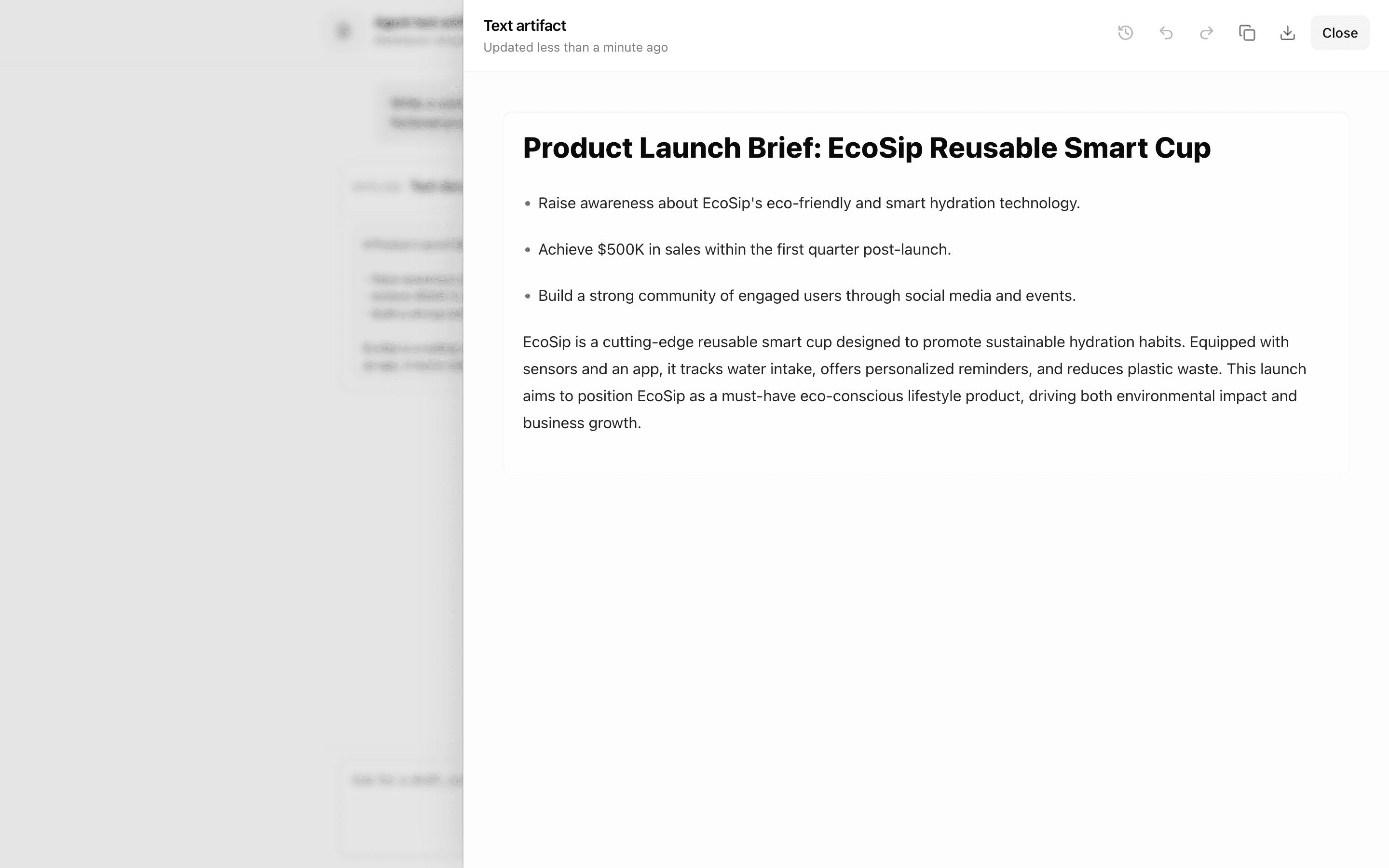
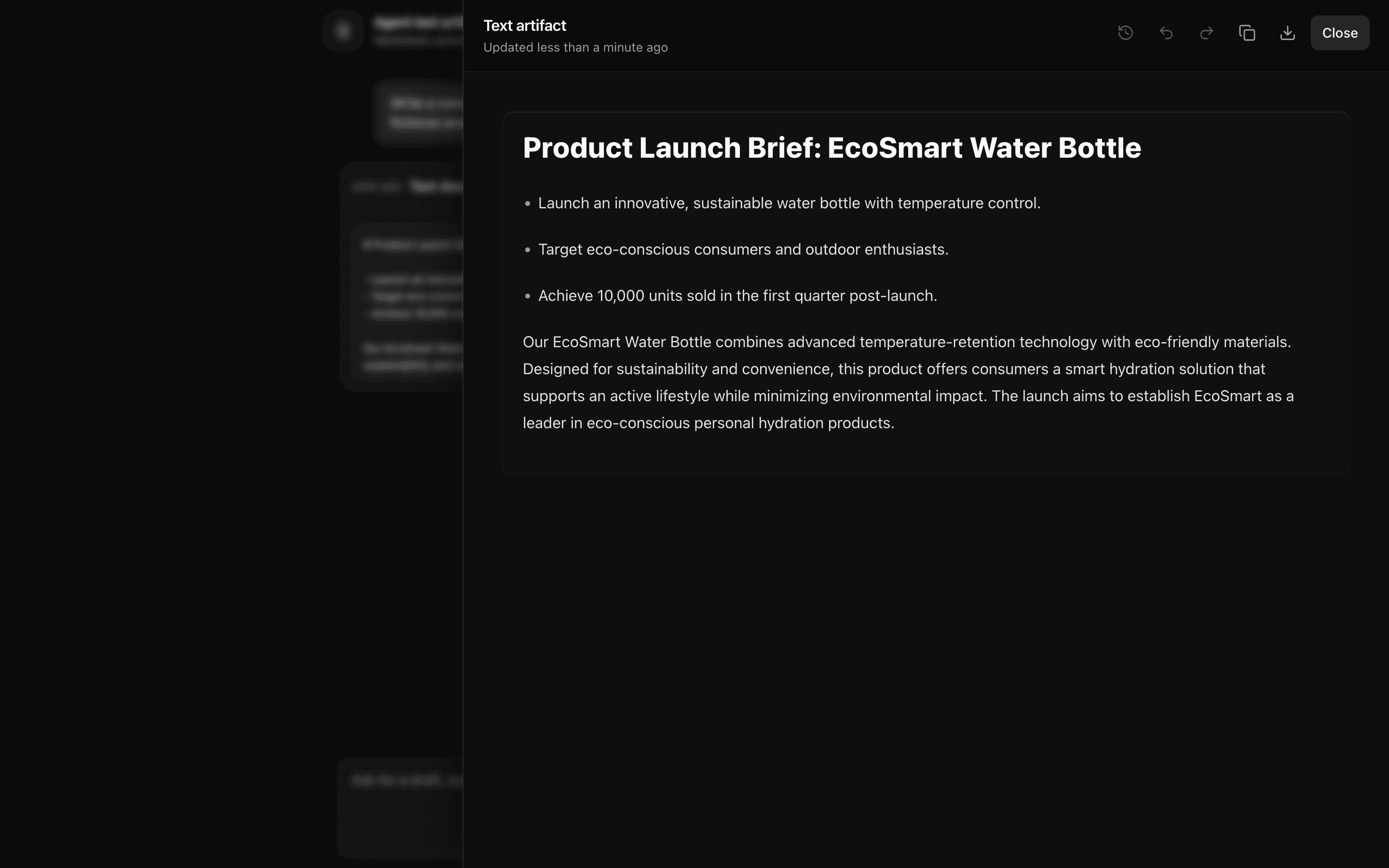 Agent Text ArtifactUse this when an agent should stream Markdown text into a document the user can edit in a rich editor next to the chat, with versions kept in memory.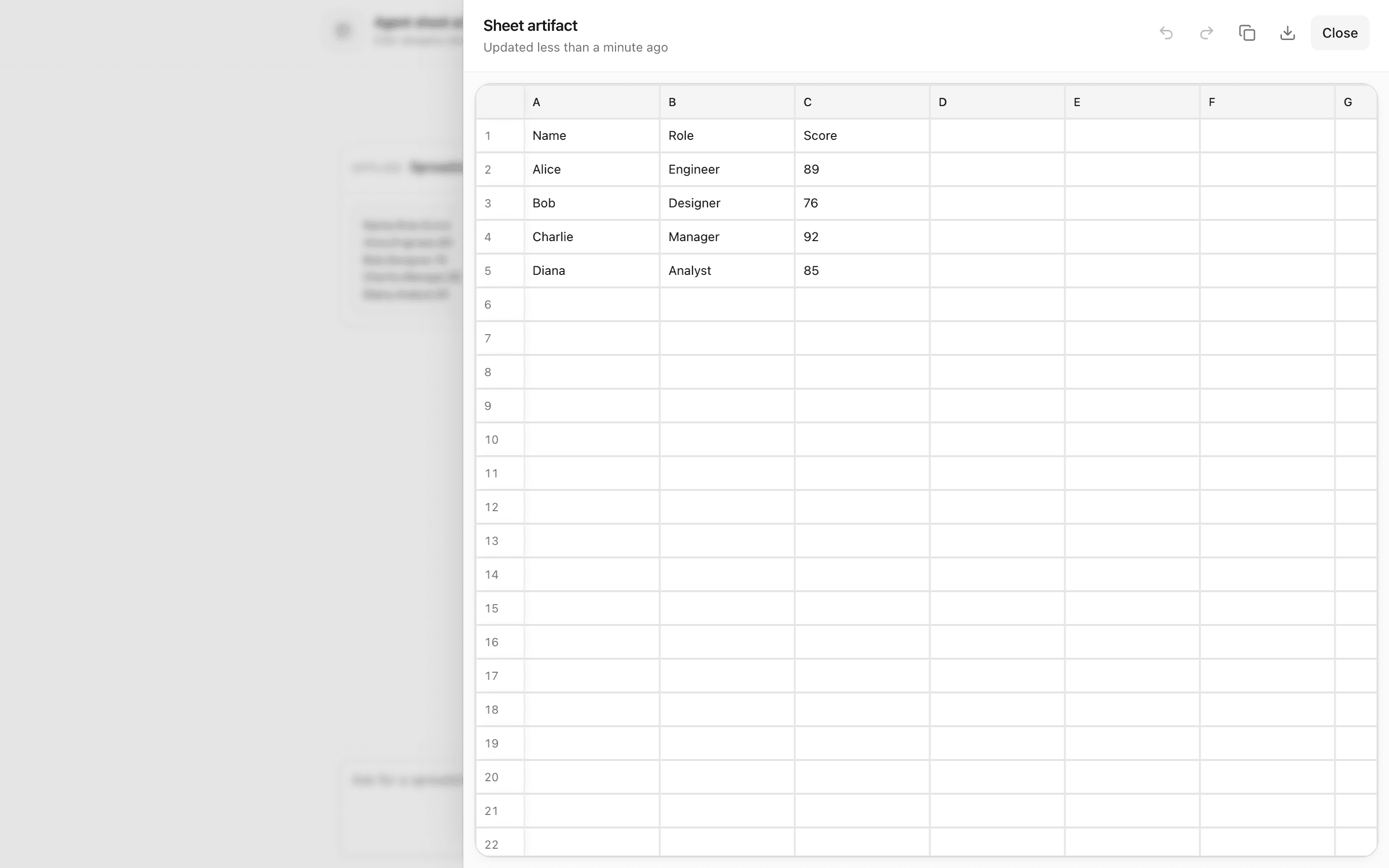
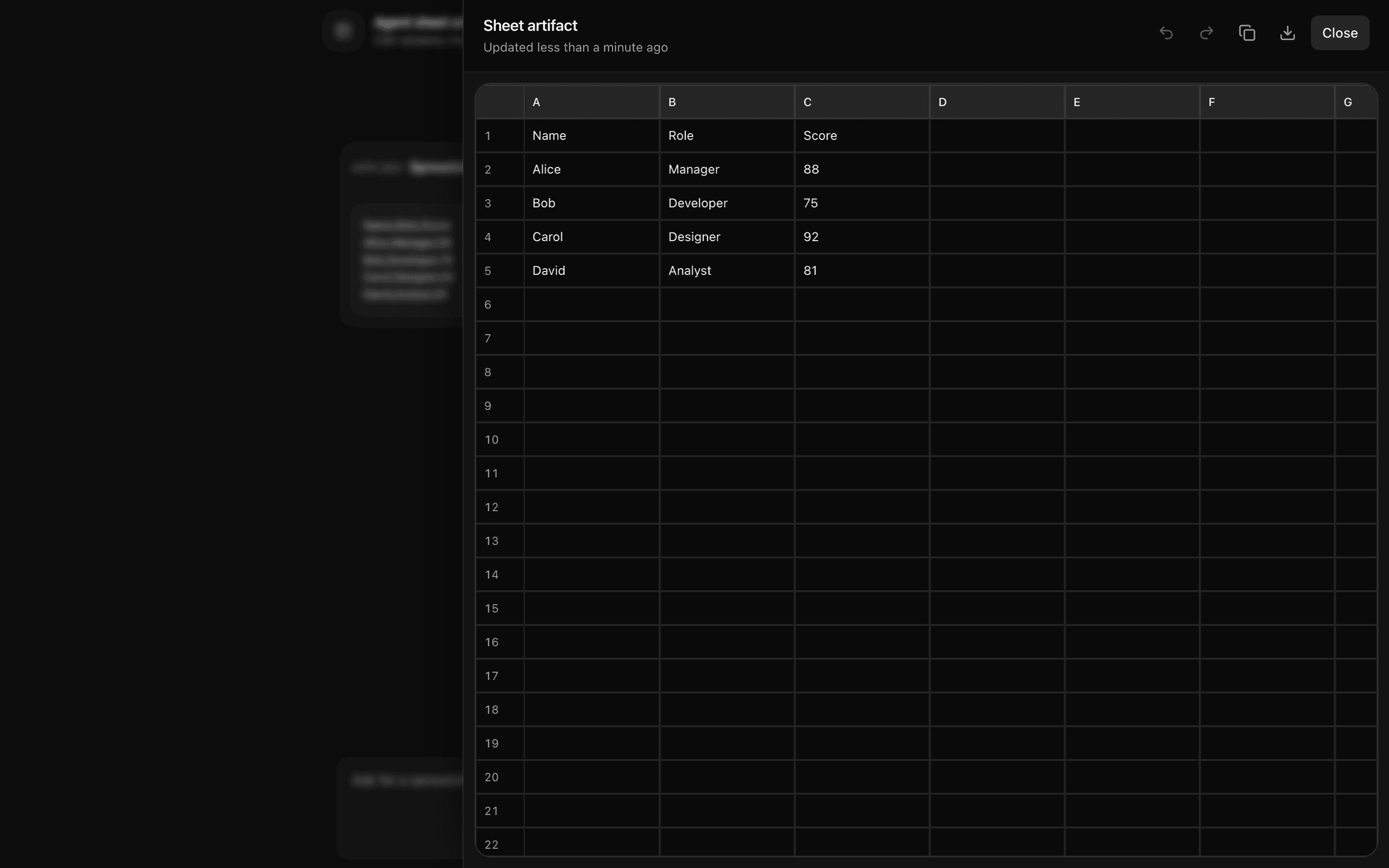 Agent Sheet ArtifactUse this when a chat agent should stream CSV table updates into a side artifact panel the user can edit as a grid, with versions kept in memory.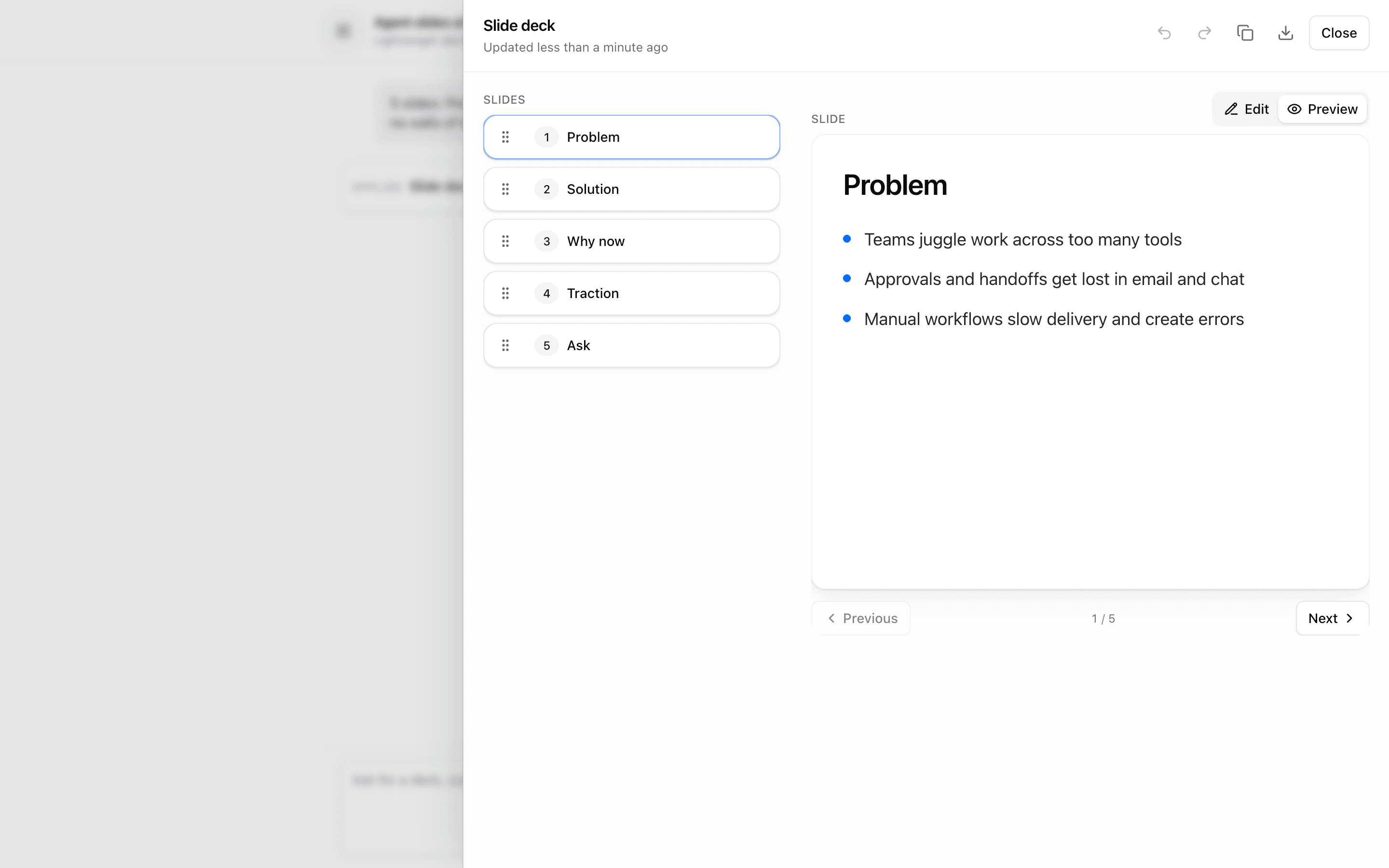
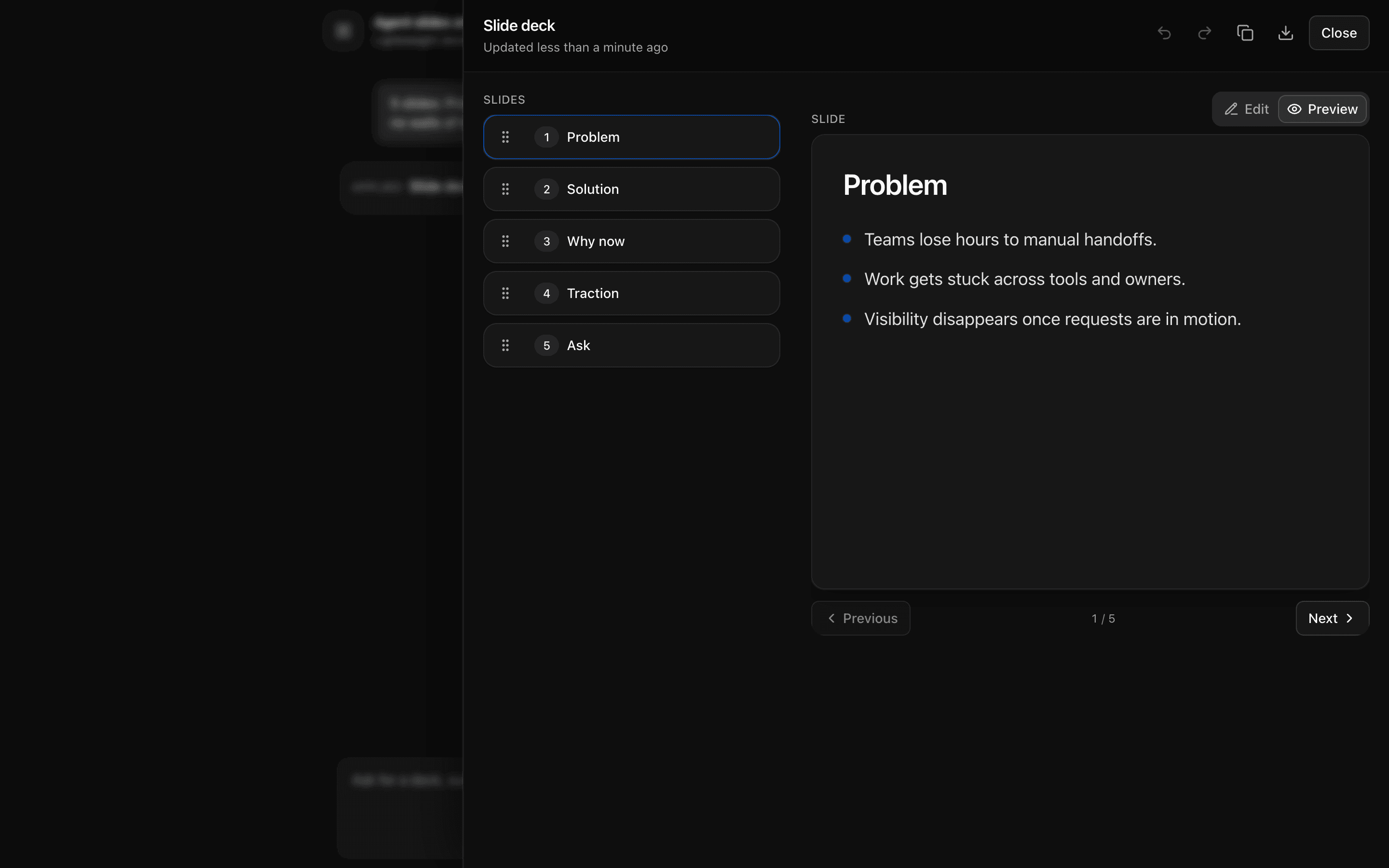 Agent Slides ArtifactUse this when you are prototyping an agent that builds slide decks as a sortable, editable artifact streamed through data-slidesDelta parts.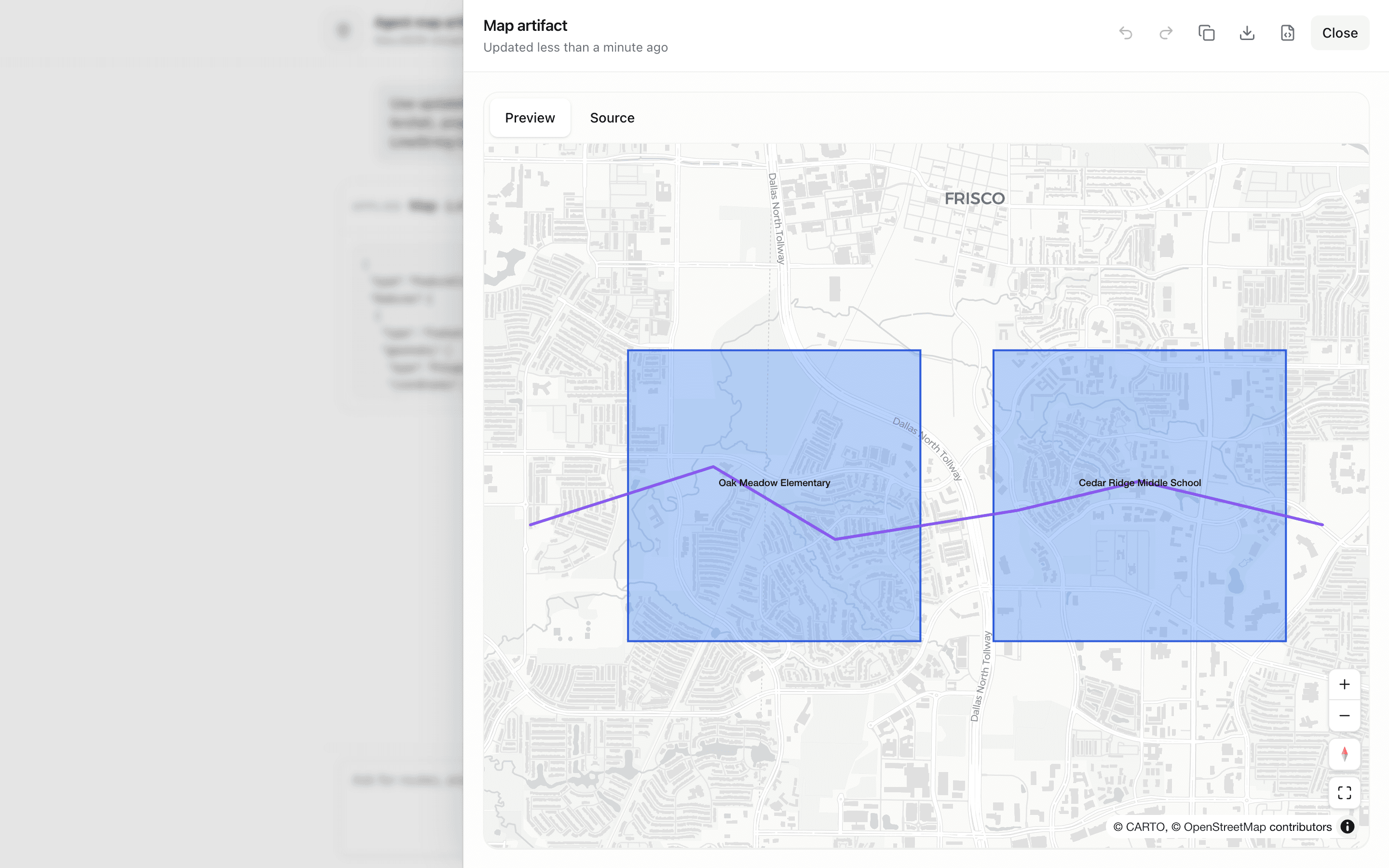
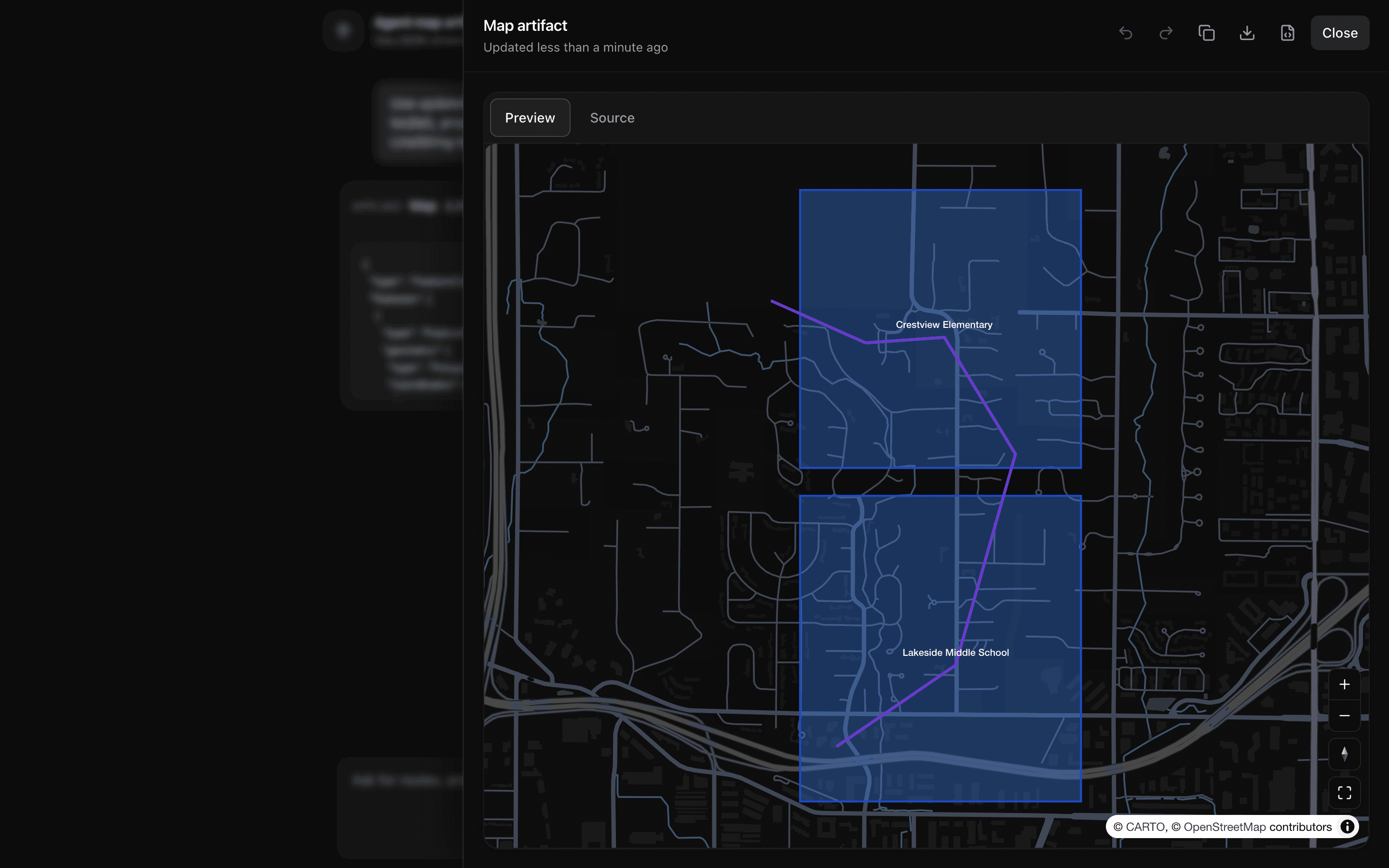 Agent Map ArtifactUse this when you are prototyping a location-focused copilot that writes GeoJSON shown on a live map beside its JSON source.
Setup
Requirements, wiring steps, and what this pattern adds to your project.
Getting started
Pick how you want to pull this pattern in. Then wire env vars and routes the same way.
- 1
Download → Next.js app
Use Download → Next.js app in the preview toolbar. You get a zip scaffold (Pro downloads rewrite preview `/view/.../api/*` paths to `/api/*` automatically).
- 2
Extract the zip and install dependencies
Unzip the archive, then run `pnpm install` (or npm / yarn) in the project folder.
- 3
Fill .env.local
The download includes .env.local placeholders when needed. Add real values for: AI_GATEWAY_API_KEY.
- 4
Customize the agent and tool files
Adapt prompts, tools, and stop conditions in the generated project for your product.
- 5
Run the app and open the pattern route
Run `pnpm dev`, open the setup/checklist page if present, then navigate to the generated pattern route and verify responses.
Environment variables
AI_GATEWAY_API_KEYGet key
Capabilities
AI SDK APIs
streamTextcreateUIMessageStreamgatewaytoolProviders
OpenAI
External services
Upstash
Files added
19 files
app/page.tsxapp/layout.tsxapp/api/agent-code-artifact/route.tscomponents/agent-code-demo.tsxcomponents/code-artifact-tool.tsxcomponents/code-artifact-panel.tsxcomponents/code-editor.tsxcomponents/console.tsxcomponents/data-stream-provider.tsxcomponents/data-stream-handler.tsxcomponents/empty-state.tsxhooks/use-artifact.tsxlib/types.tslib/create-artifact.tslib/code-artifact.tsxlib/artifacts.tslib/rate-limit.tslib/request-utils.tsREADME.md
Dependencies
18 total
npm packages
14AISDK@codemirror/lang-python@codemirror/state@codemirror/theme-one-dark@codemirror/viewUpstashcodemirrordate-fnslucide-reactNext.jsReactsonnerusehooks-tsZod
 Registry components
buttondraweremptytooltip
Critical files
2 files
lib/code-artifact.tsxDefines codeArtifact with onStreamPart for data-codeDelta, CodeMirror content, Pyodide Run, and toolbar actions.
agent-code-artifact/route.tscreateUIMessageStream merges streamText with updateCodeDocument tool; emits data-id, data-title, data-kind, data-codeDelta, data-finish.
Requirements
- Complexity
- Intermediate
- Setup time
- ~8 minutes
- Node
- 24+
- Memory
- 256MB
Upstash Redis