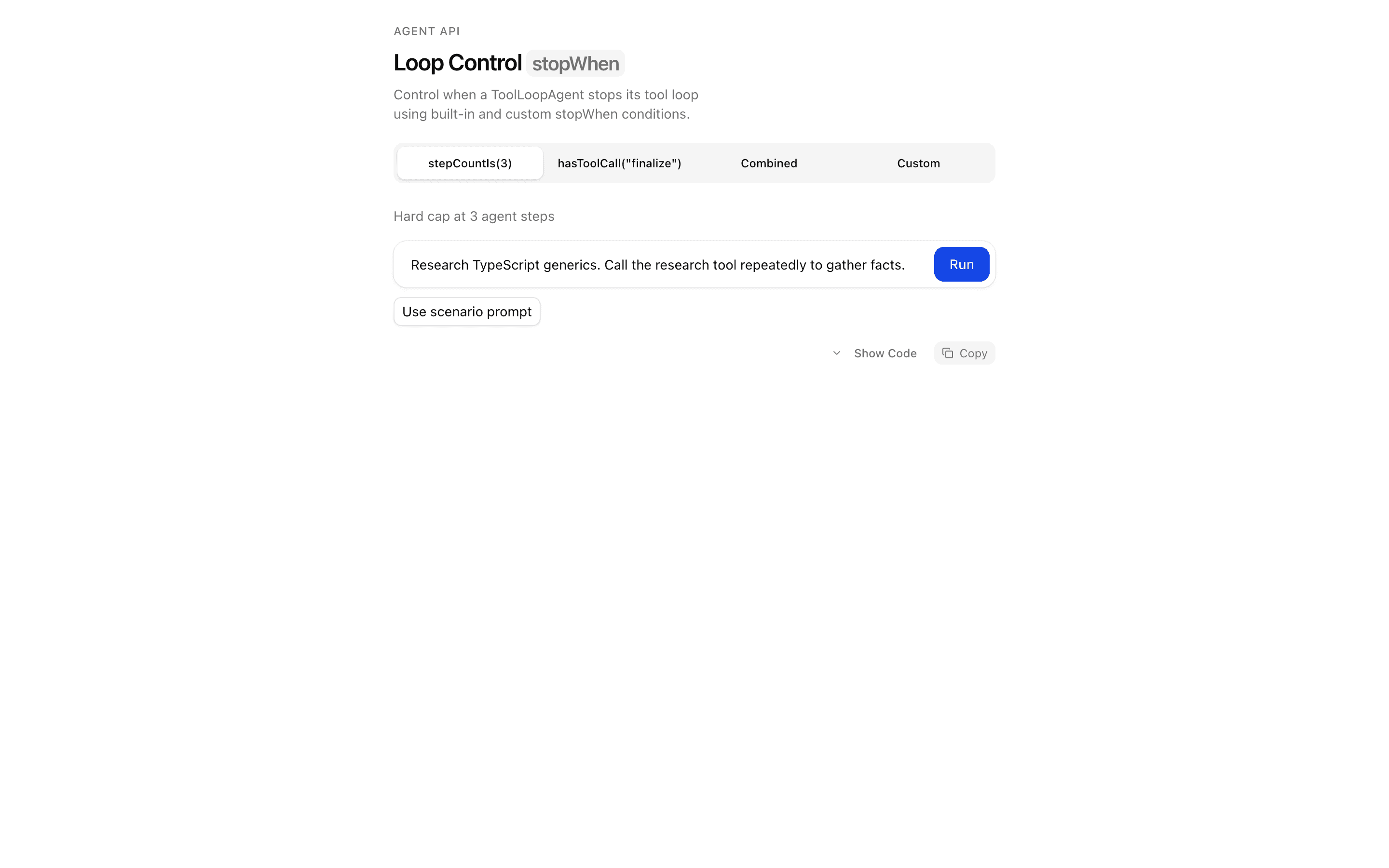
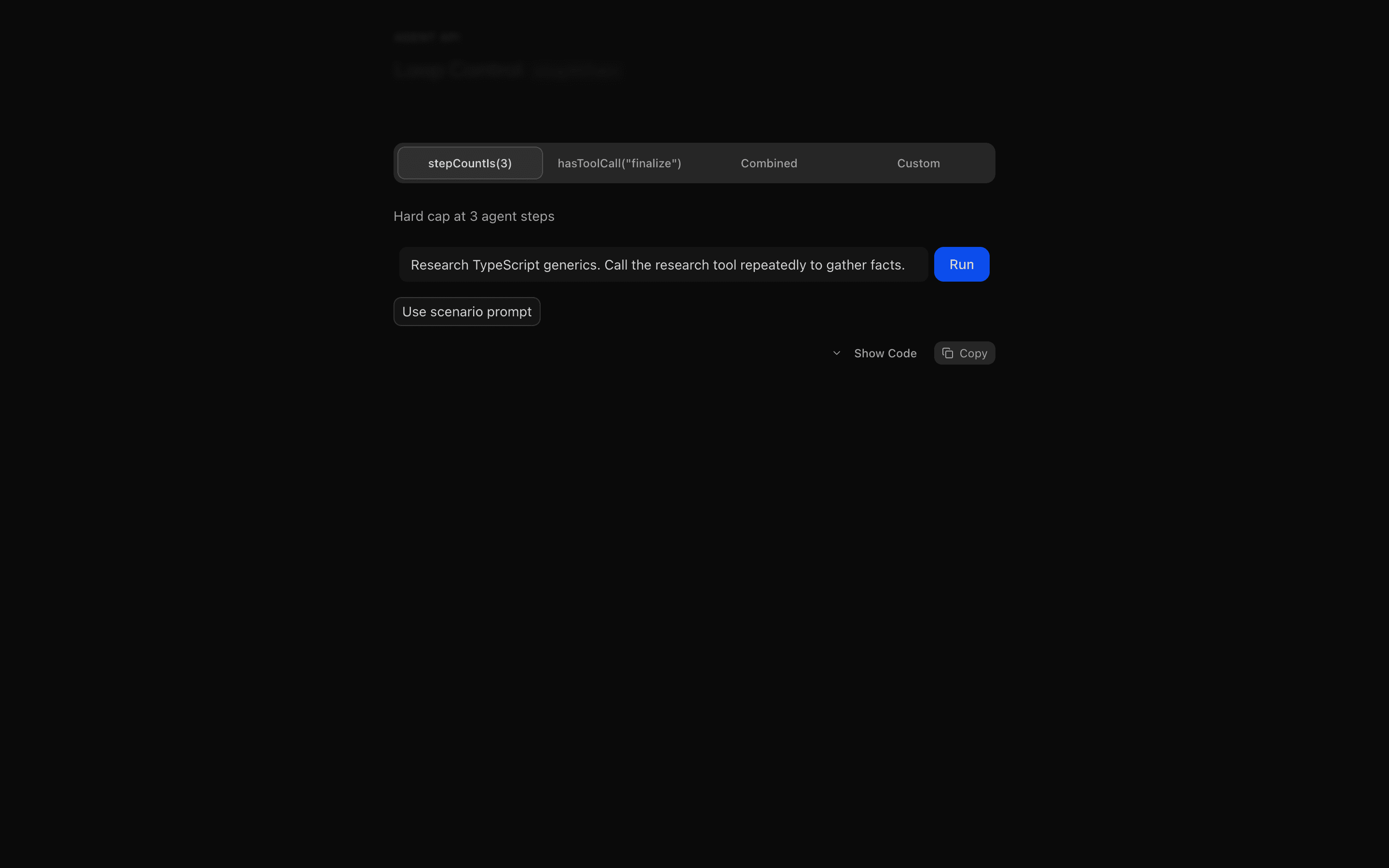
Loading pattern preview
BlocksAgent Patterns
Loop Control: stopWhen
Loop Control: stopWhen
Demonstrate ToolLoopAgent loop control with stopWhen. Covers stepCountIs, hasToolCall, combined conditions, and a custom StopCondition with step timeline visualization.
Use this when you are tuning at which step an agent loop halts and want to see each step on a timeline as your stop rules trigger.
Loading pattern preview
Problems solved
Technical challenges this implementation handles out of the box.
- Stop agent loops with stepCountIs
- Halt when a specific tool is called via hasToolCall
- Combine multiple stopWhen conditions
- Implement custom StopCondition logic over step history
Use cases
Products and workflows this pattern is designed to support.
- Budgeting agent steps in long tool loops
- Stopping when a completion tool fires
- Preventing runaway tool-calling agents
- Visualizing step timelines for loop control
Compare with
Similar patterns, and when each one is the better fit.
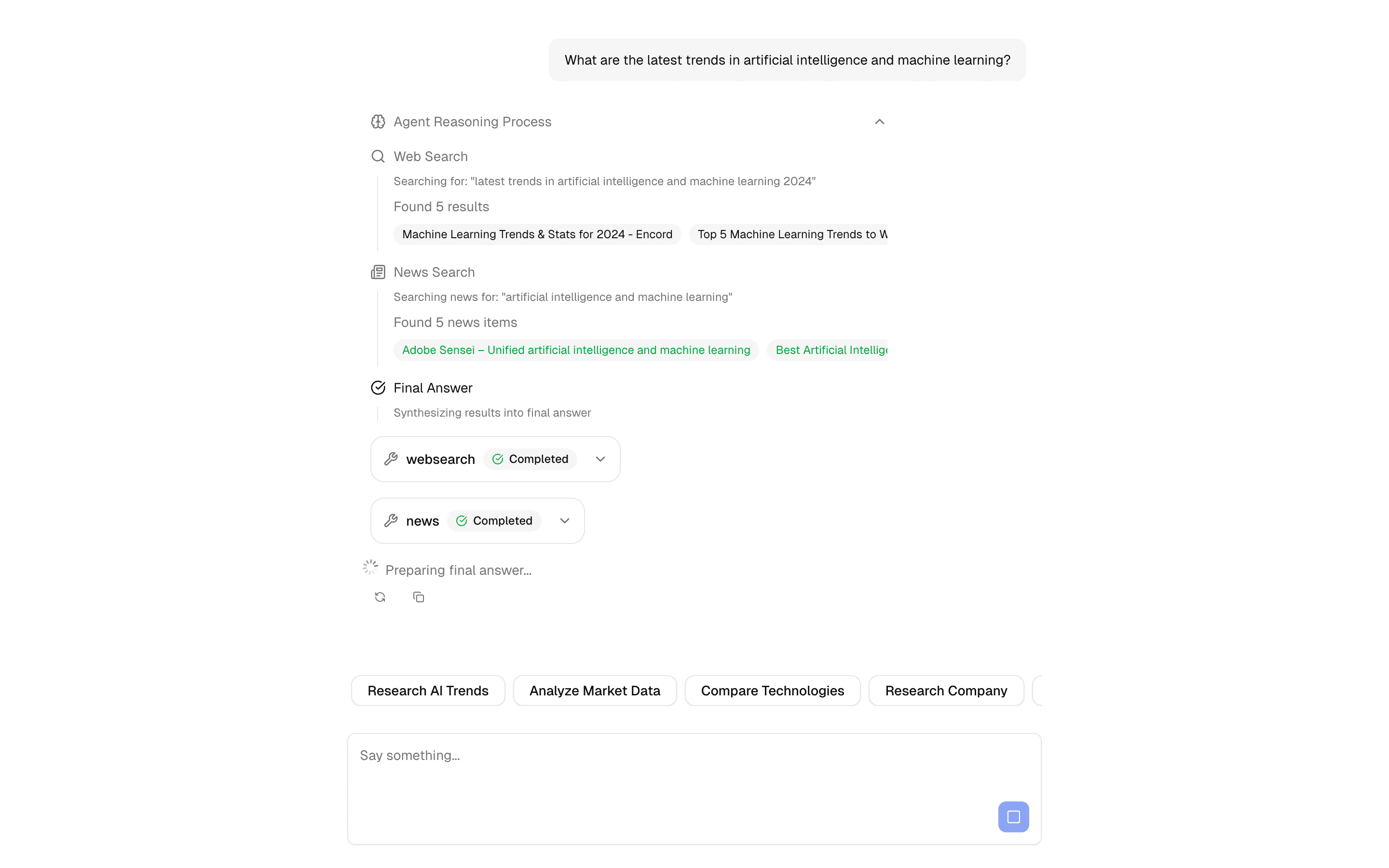
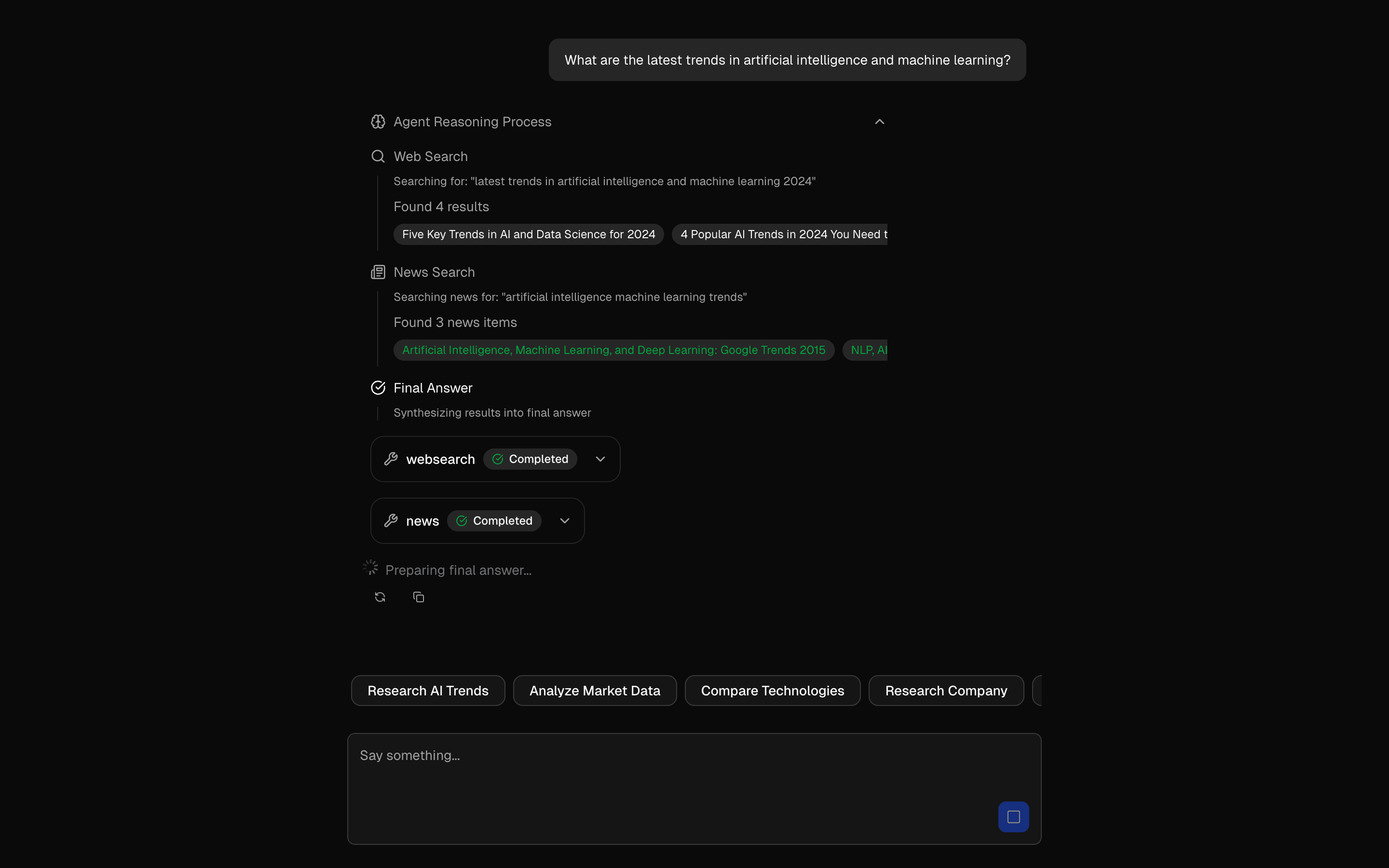 Multi-Step Tool PatternUse this when a chat agent must call several typed tools in a row, feeding each result into the next step, with a step limit to stop runaway loops.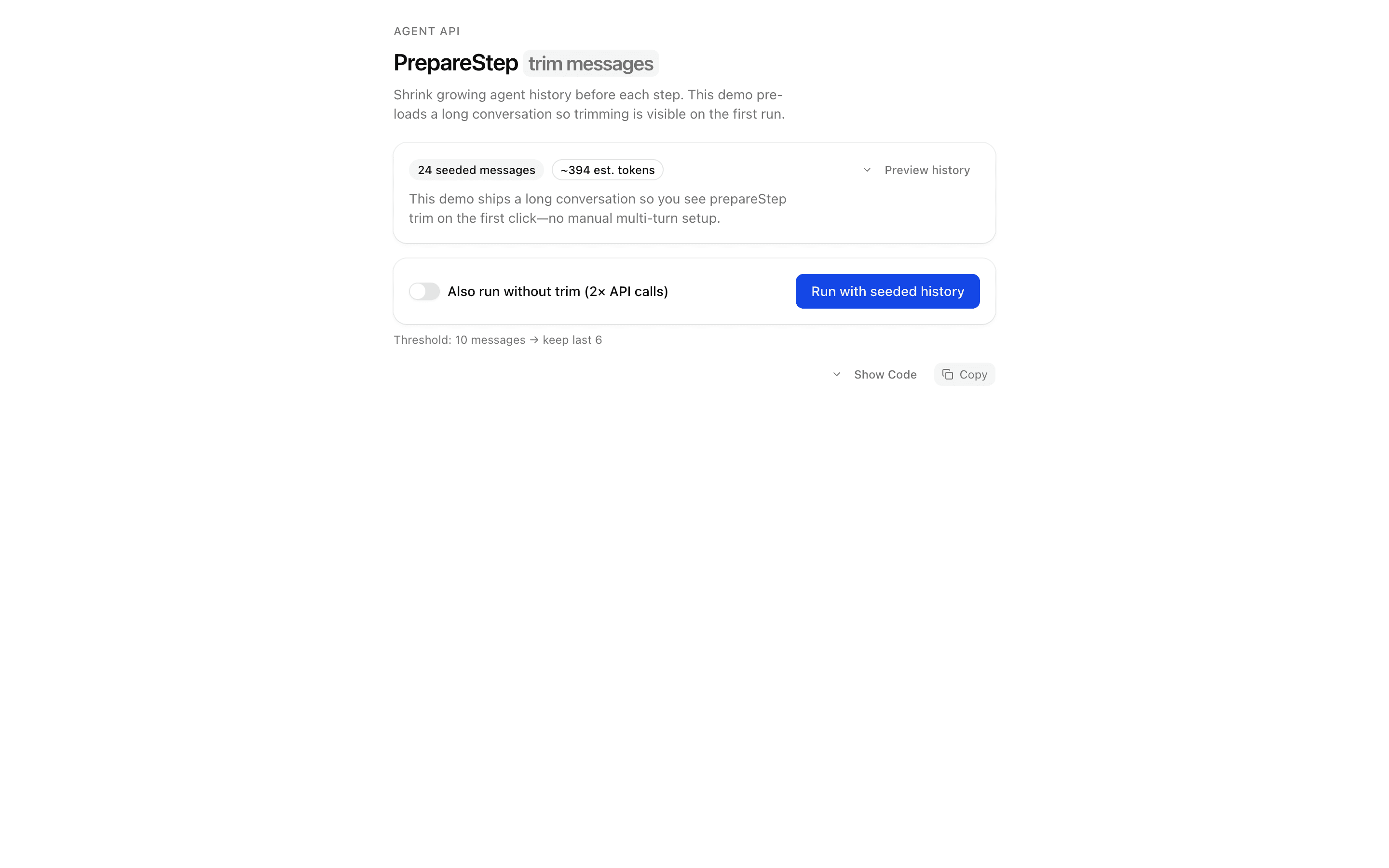
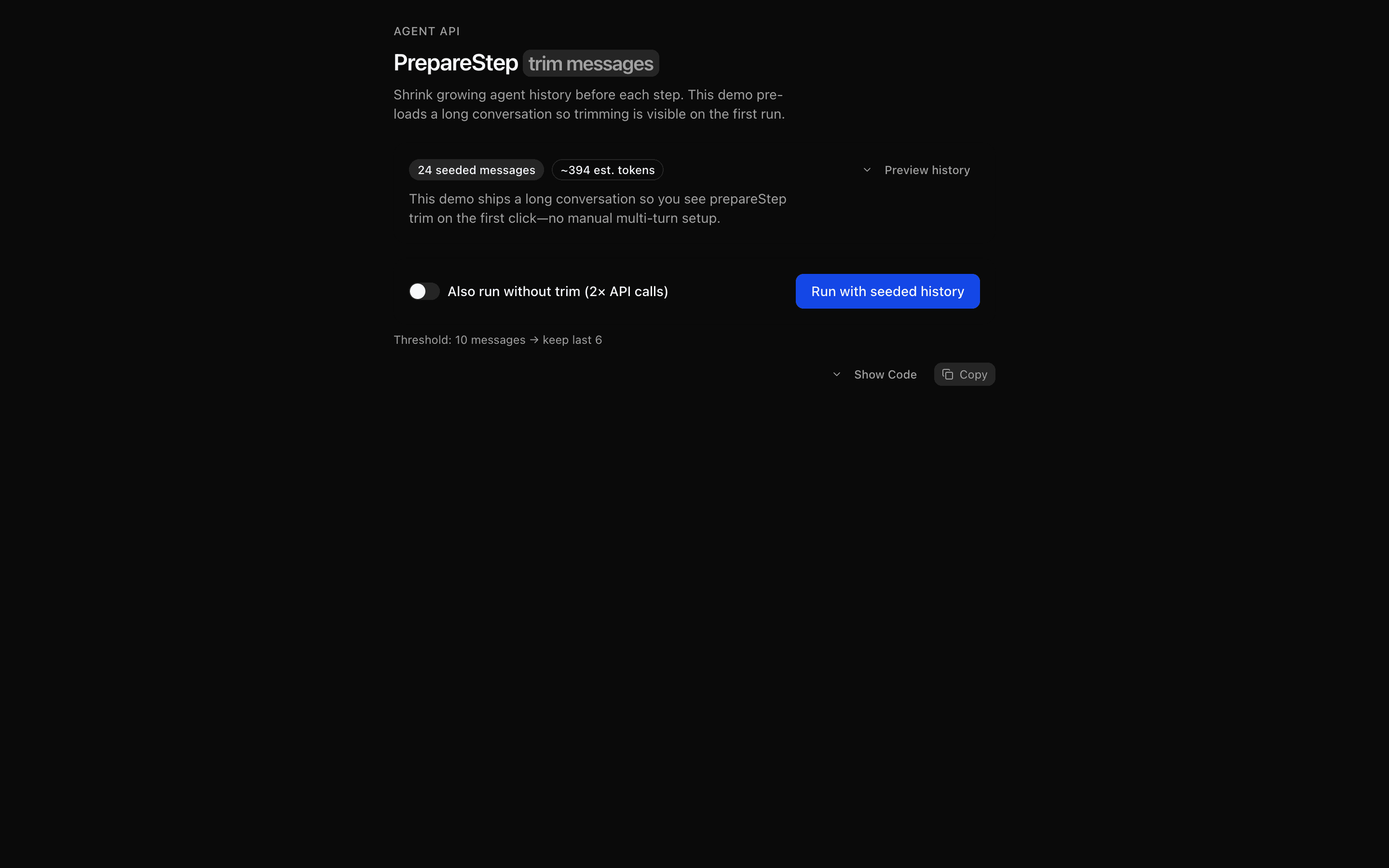 PrepareStep: Trim Message HistoryUse this when you want to drop stale turns but keep recent tool results before every agent step, and see per-step telemetry on what was cut.
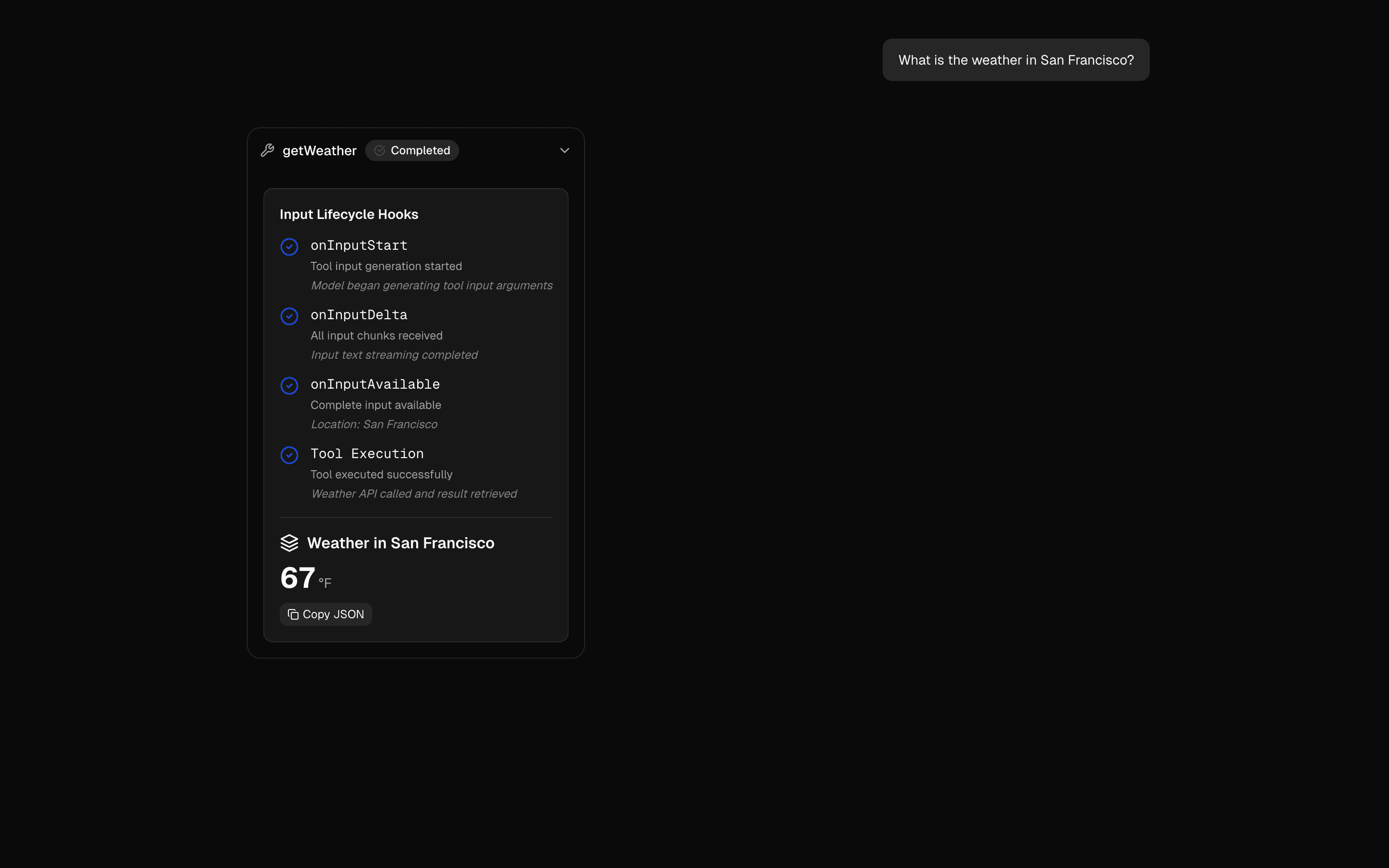 Tool Input Lifecycle HooksUse this when you want UI state, like a spinner or progress label, to react to tool input starting, streaming, and becoming fully available.
 Human in the Loop Plan Builder AgentUses ToolLoopAgent pattern to gather requirements and generate plans. Generates markdown plans with structured todo lists.
Setup
Requirements, wiring steps, and what this pattern adds to your project.
Getting started
Pick how you want to pull this pattern in. Then wire env vars and routes the same way.
- 1
Download → Next.js app
Use Download → Next.js app in the preview toolbar. You get a zip scaffold (Pro downloads rewrite preview `/view/.../api/*` paths to `/api/*` automatically).
- 2
Extract the zip and install dependencies
Unzip the archive, then run `pnpm install` (or npm / yarn) in the project folder.
- 3
Fill .env.local
The download includes .env.local placeholders when needed. Add real values for: OPENAI_API_KEY.
- 4
Customize the agent and tool files
Adapt prompts, tools, and stop conditions in the generated project for your product.
- 5
Run the app and open the pattern route
Run `pnpm dev`, open the setup/checklist page if present, then navigate to the generated pattern route and verify responses.
Environment variables
OPENAI_API_KEYGet key
Capabilities
AI SDK APIs
ToolLoopAgentstopWhenstepCountIshasToolCallStopConditiontoolgatewayProviders
OpenAI
Files added
11 files
app/page.tsxapp/layout.tsxapp/api/loop-control/route.tscomponents/loop-control-demo.tsxcomponents/step-result-display.tsxlib/stop-mode-config.tslib/stop-agents.tslib/infer-stop-reason.tstools/research.tstools/finalize.tsREADME.md
Dependencies
14 total
npm packages
5AISDKlucide-reactNext.jsReactZod
 Registry components
alertbadgebuttoncardcollapsibleinputskeletontabstooltip
Critical files
5 files
lib/stop-agents.tsCore pattern: createLoopControlAgent(mode) returns ToolLoopAgent instances with stepCountIs, hasToolCall, combined stopWhen array, and custom StopCondition.
lib/infer-stop-reason.tsMaps GenerateTextResult steps to a human-readable explanation of which stopWhen condition likely terminated the loop.
loop-control/route.tsAPI route accepting prompt + mode, runs agent.generate(), returns step timeline and stopReason metadata.
tools/research.tsDemo research tool that keeps the agent loop running across multiple steps.
tools/finalize.tsCompletion tool used with hasToolCall('finalize') stop condition demonstrations.
Requirements
- Complexity
- Intermediate
- Setup time
- ~10 minutes
- Node
- 24+
- Memory
- 512MB