Loading pattern preview
BlocksReal-world Examples
SEO Audit
SEO Audit
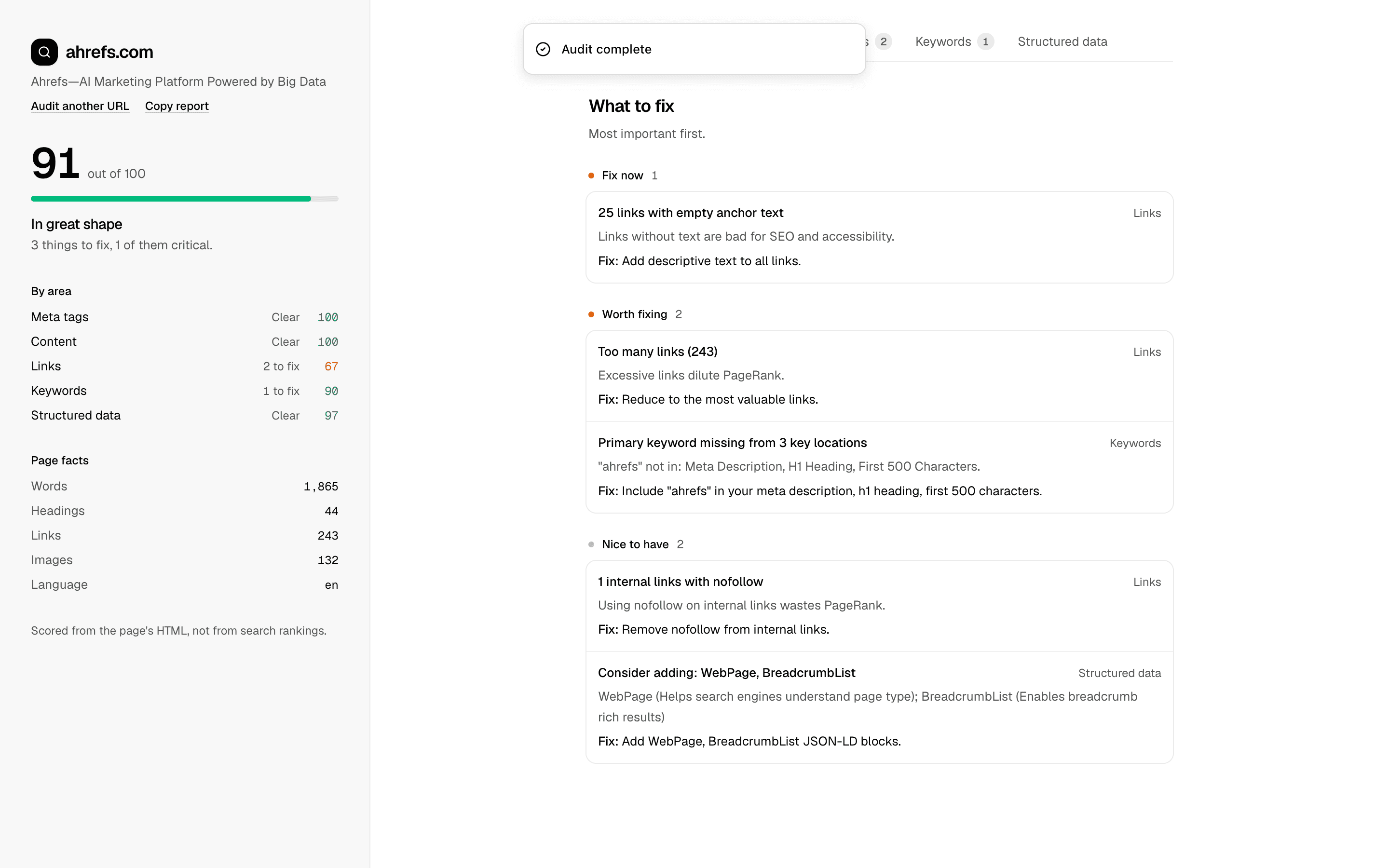
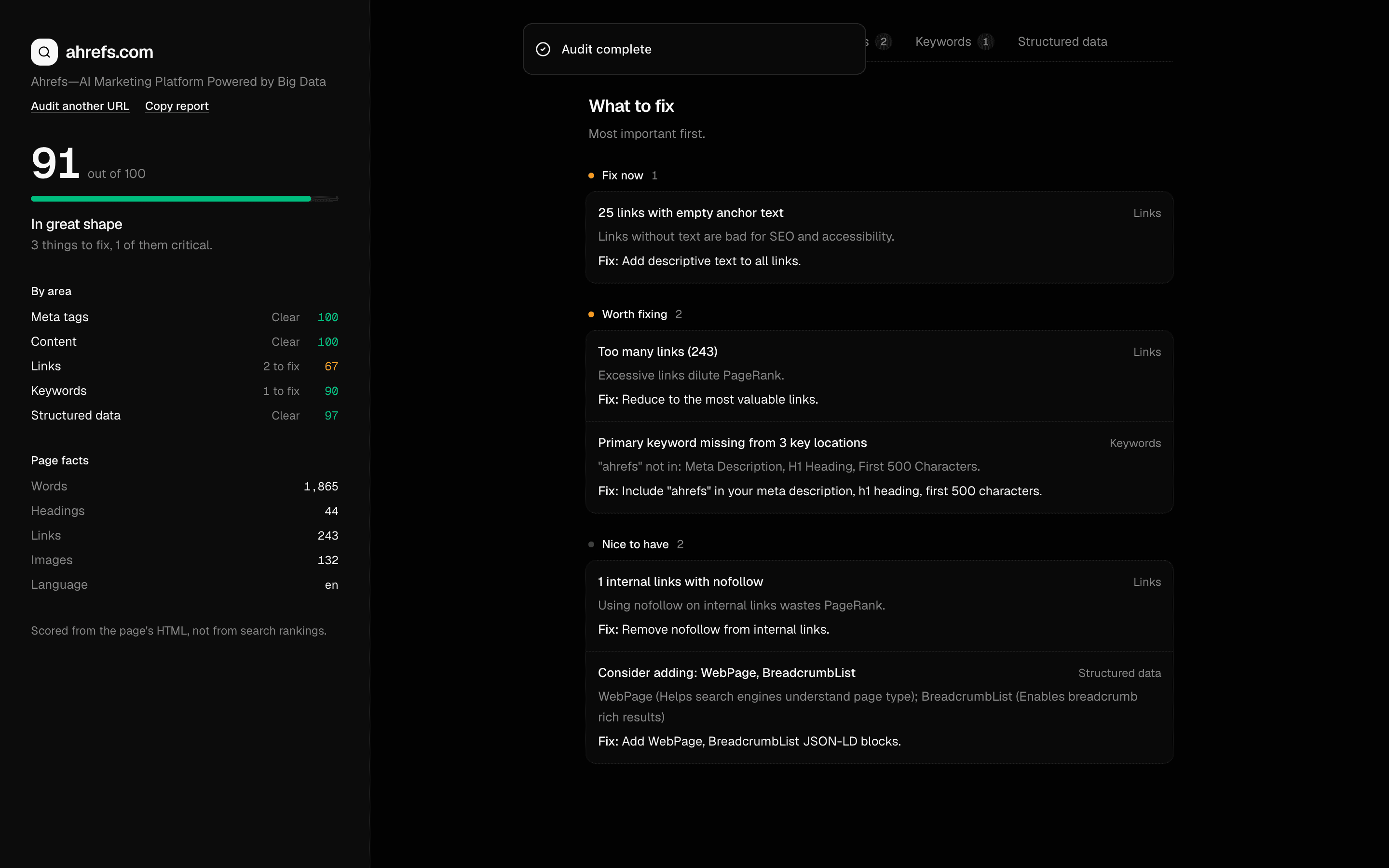
Audit any website for on-page SEO issues using Firecrawl. Scrapes a URL, then renders a full-screen report analyzing meta tags, content structure, links, keywords, and schema markup with exportable reports.
Use this when a marketing team needs exportable SEO scorecards that check title, meta description, and Open Graph tags and list top fixes for a page.
Loading pattern preview
Problems solved
Technical challenges this implementation handles out of the box.
- Audit on-page SEO issues from a scraped URL
- Check title, meta description, Open Graph, and Twitter tags
- Analyze headings, readability, links, and keyword placement
- Validate JSON-LD structured data and recommend missing schema
- Produce scored SEO reports with top priorities
Use cases
Products and workflows this pattern is designed to support.
- On-page SEO auditing tools
- Meta tag optimization reviews
- Internal linking audits
- Schema markup validation
- Marketing team SEO scorecards
Compare with
Similar patterns, and when each one is the better fit.
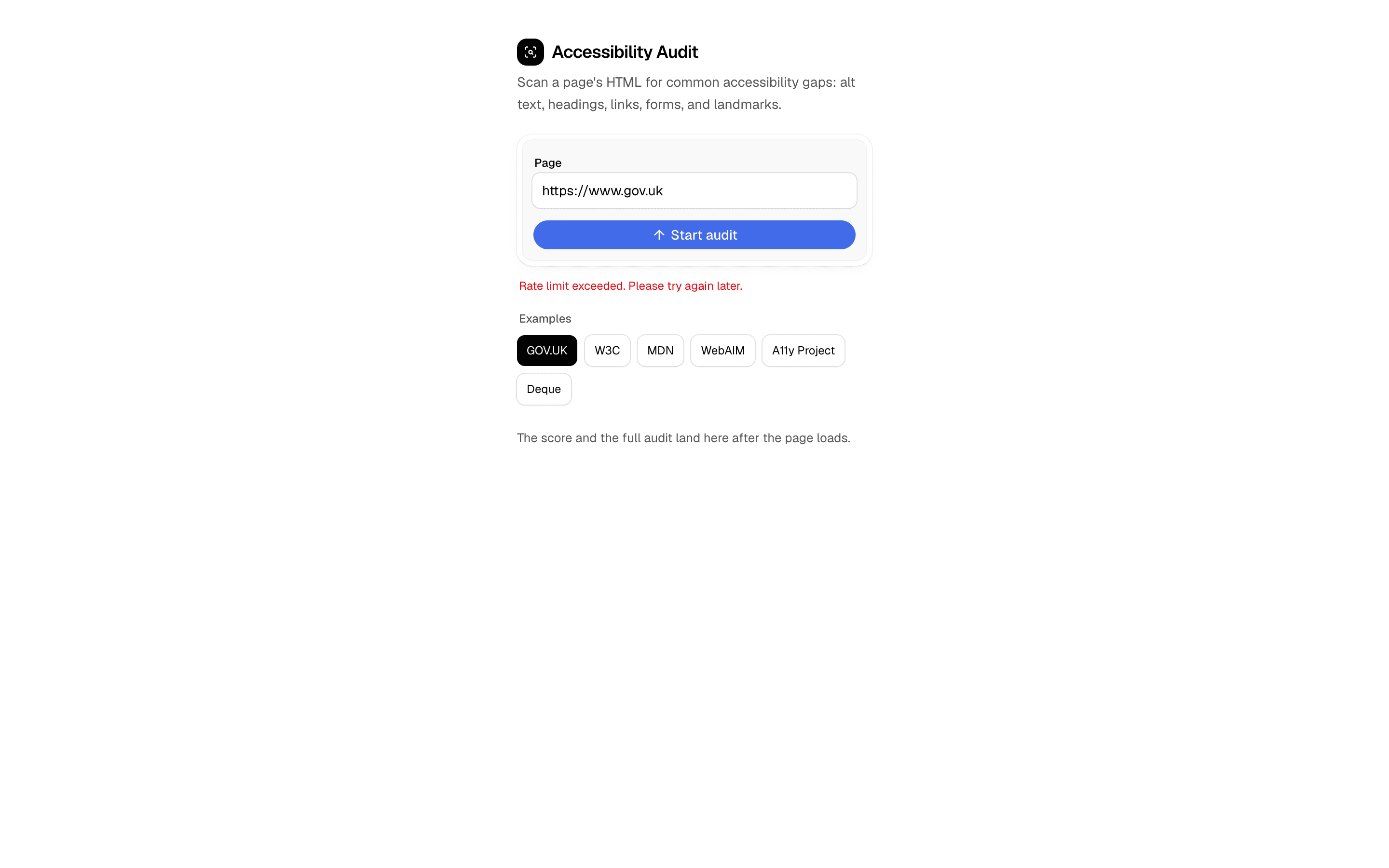
 Accessibility Audit AgentUse this when you want a fast HTML accessibility scan of a live URL with an honest score and fix list, not a full WCAG conformance engine.
 Firecrawl Scrape Tool ChatCrawl and extract content using Firecrawl's API. Includes URL processing, markdown conversion, and structured data extraction.
 Search - Firecrawl (robust)FreeUse this when Firecrawl is your search provider and your chat agent needs to find pages by query rather than scrape URLs you already have.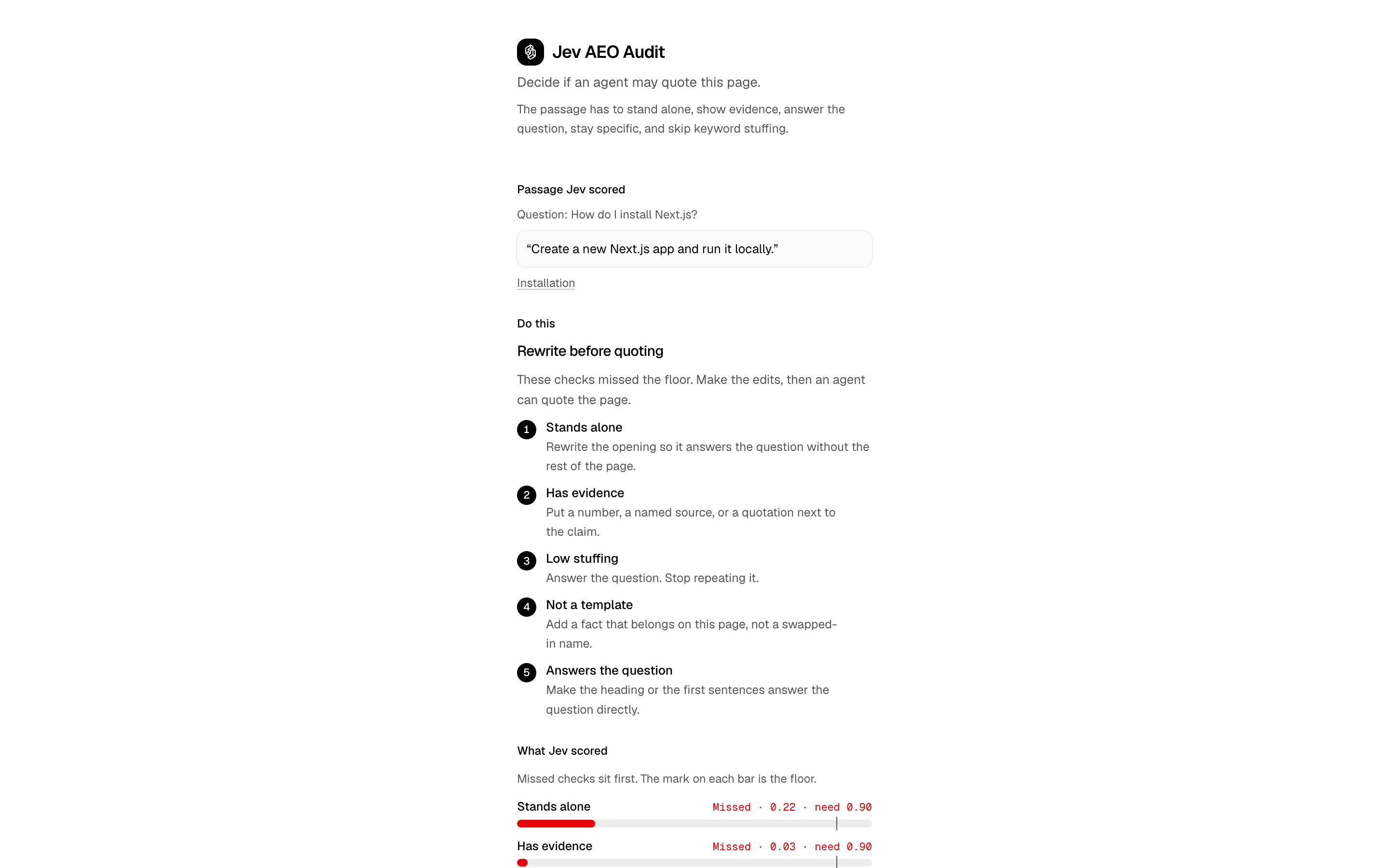
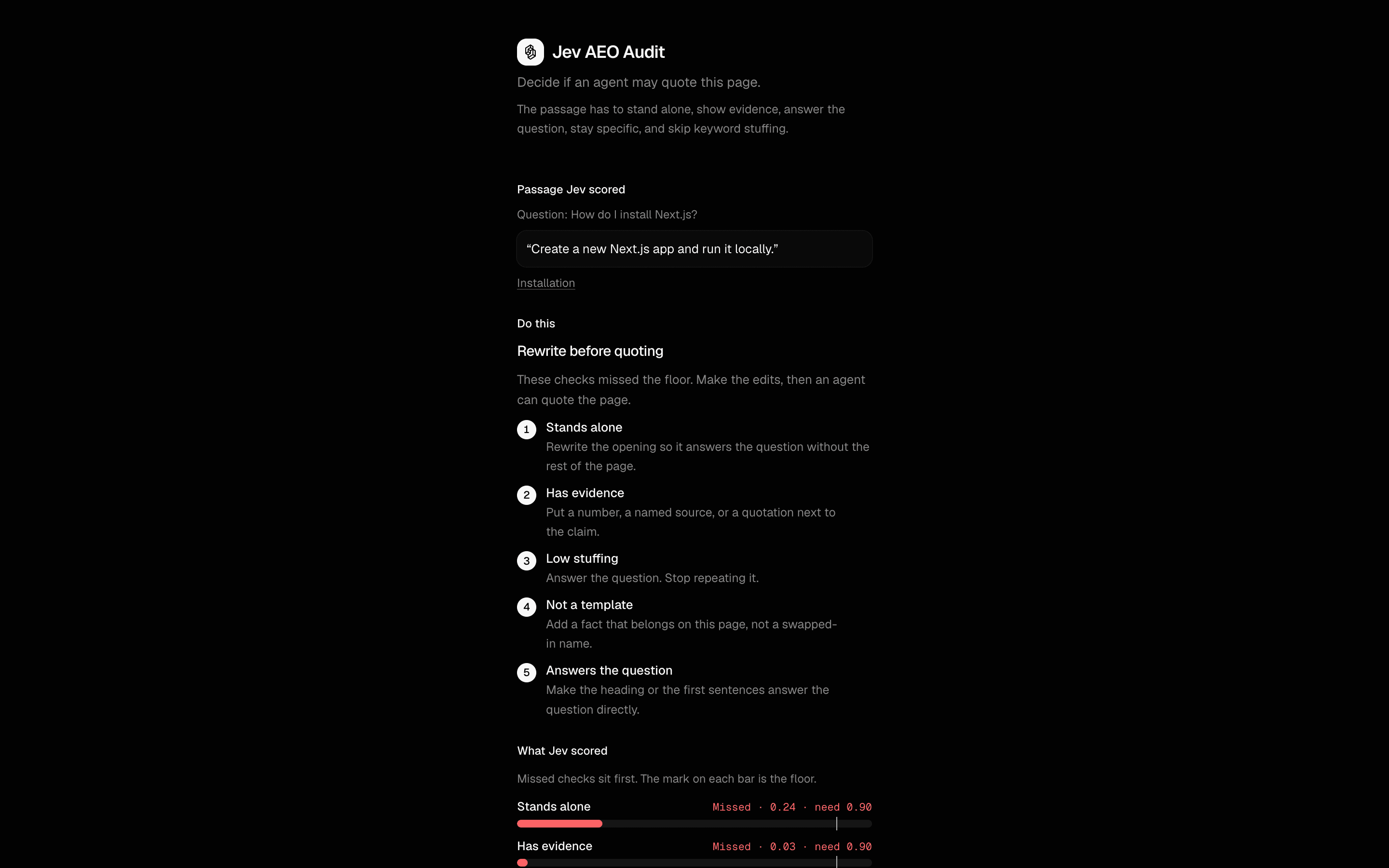 Jev AEO AuditUse this when auditing a page for AEO and you want title, canonical, and noindex checks in code while Jev judges the citation-worthiness.
Setup
Requirements, wiring steps, and what this pattern adds to your project.
Getting started
Pick how you want to pull this pattern in. Then wire env vars and routes the same way.
- 1
Download → Next.js app
Use Download → Next.js app in the preview toolbar. You get a zip scaffold (Pro downloads rewrite preview `/view/.../api/*` paths to `/api/*` automatically).
- 2
Extract the zip and install dependencies
Unzip the archive, then run `pnpm install` (or npm / yarn) in the project folder.
- 3
Fill .env.local
The download includes .env.local placeholders when needed. Add real values for: FIRECRAWL_API_KEY.
- 4
Customize the agent and tool files
Adapt prompts, tools, and stop conditions in the generated project for your product.
- 5
Run the app and open the pattern route
Run `pnpm dev`, open the setup/checklist page if present, then navigate to the generated pattern route and verify responses.
Environment variables
FIRECRAWL_API_KEYGet key
Capabilities
External services
FirecrawlUpstash
Files added
8 files
app/page.tsxapp/layout.tsxlib/actions.tslib/analyzers.tslib/audit-areas.tslib/seo-types.tslib/rate-limit.tsREADME.md
Dependencies
9 total
npm packages
7@mendable/firecrawl-jsUpstashlucide-reactNext.jsReactsonnerZod
 Registry components
buttoninput
Critical files
2 files
lib/analyzers.tsPure analysis functions for meta tags, content structure, links, keywords, schema markup, and aggregate report generation.
lib/actions.tsServer action using Firecrawl to scrape a URL and extract SEO-relevant context (meta tags, headings, links, images, schema markup).
Requirements
- Complexity
- Advanced
- Setup time
- ~5 minutes
- Node
- 24+
- Memory
- 256MB
Upstash Redis