Loading pattern preview
BlocksChat UIs
Plan
Plan
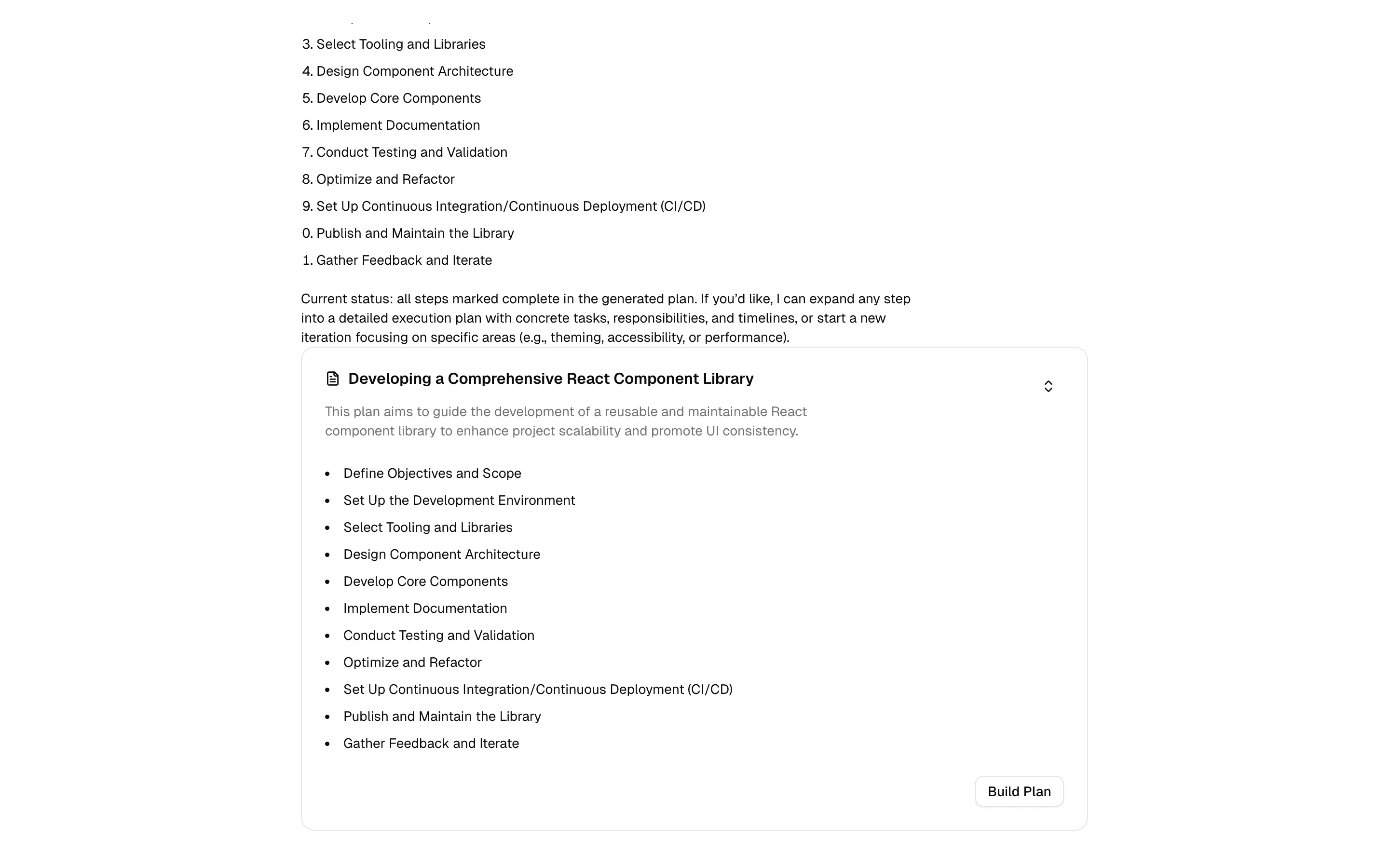
A collapsible plan component for displaying AI-generated execution plans with streaming support and shimmer animations.
Use this when your chat agent produces step-by-step plans and you want them streamed into a collapsible plan component with shimmer while steps load.
Loading pattern preview
Problems solved
Technical challenges this implementation handles out of the box.
- Stream AI-generated execution plans into a collapsible plan UI
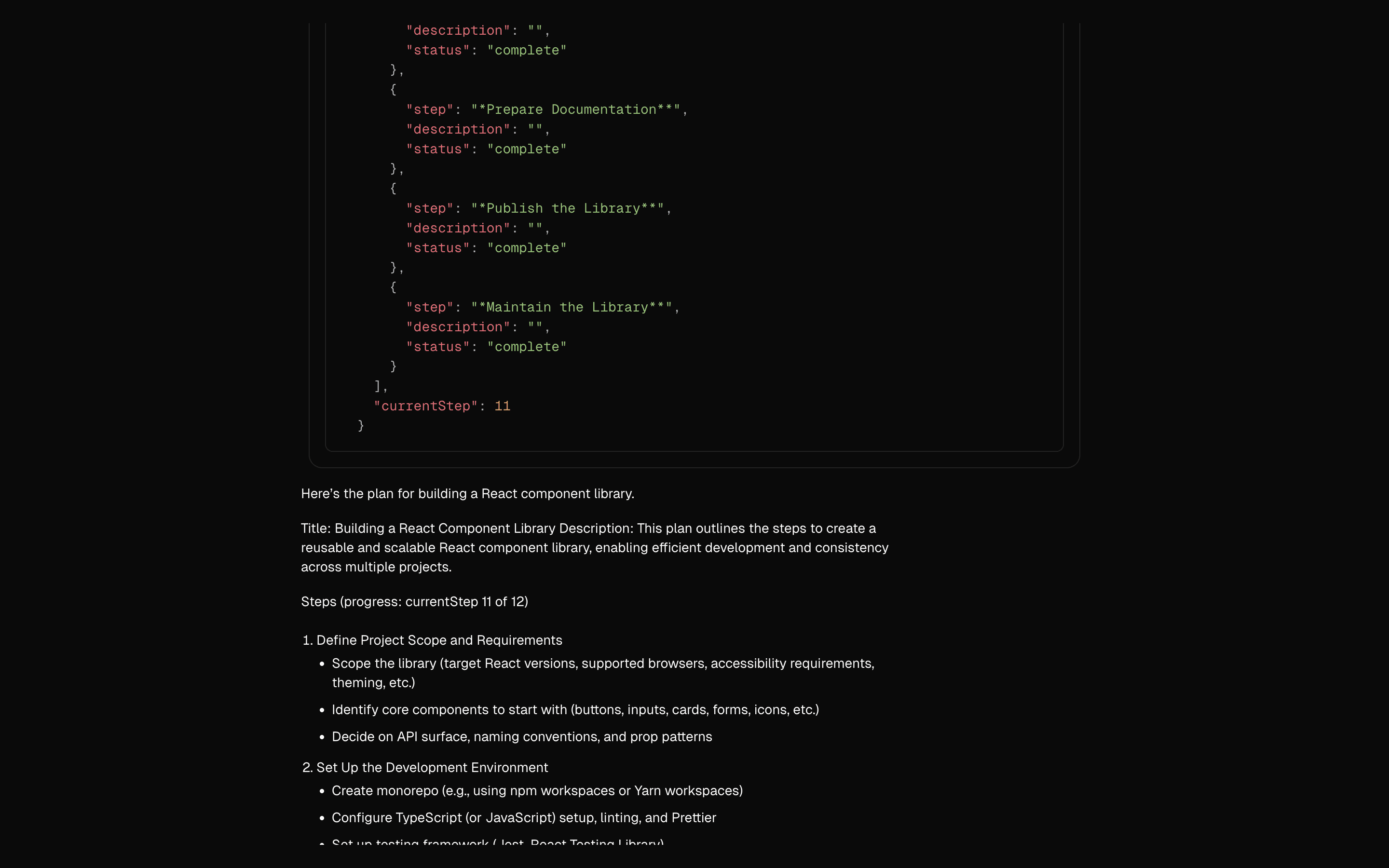
- Convert plan data parts back into model-visible text for edits
- Generate structured plan updates through a dedicated tool
- Show shimmer loading while plan steps arrive
Use cases
Products and workflows this pattern is designed to support.
- Project planning copilots
- Marketing campaign plan builders
- Technical migration checklists
- Task breakdown assistants
Compare with
Similar patterns, and when each one is the better fit.
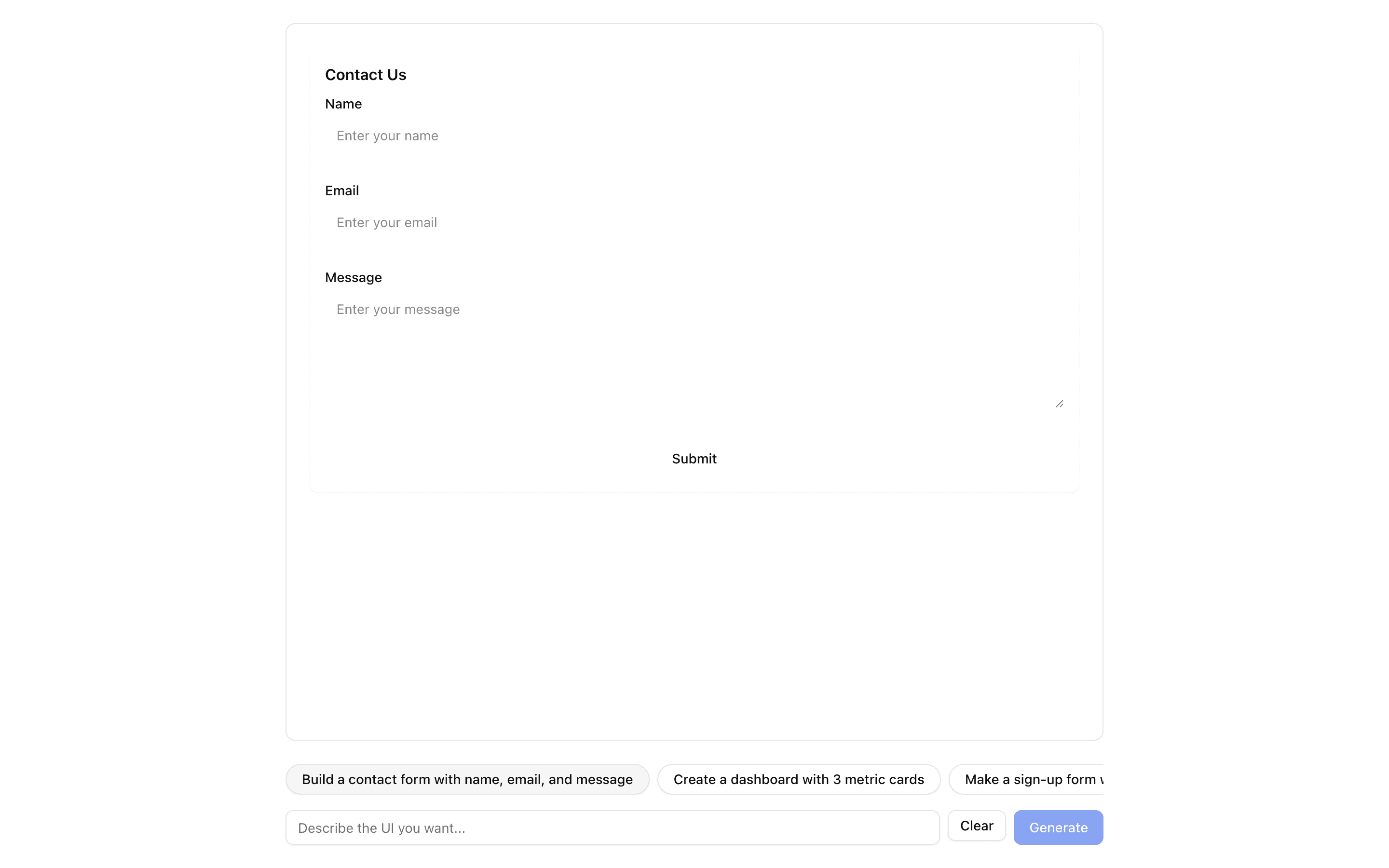
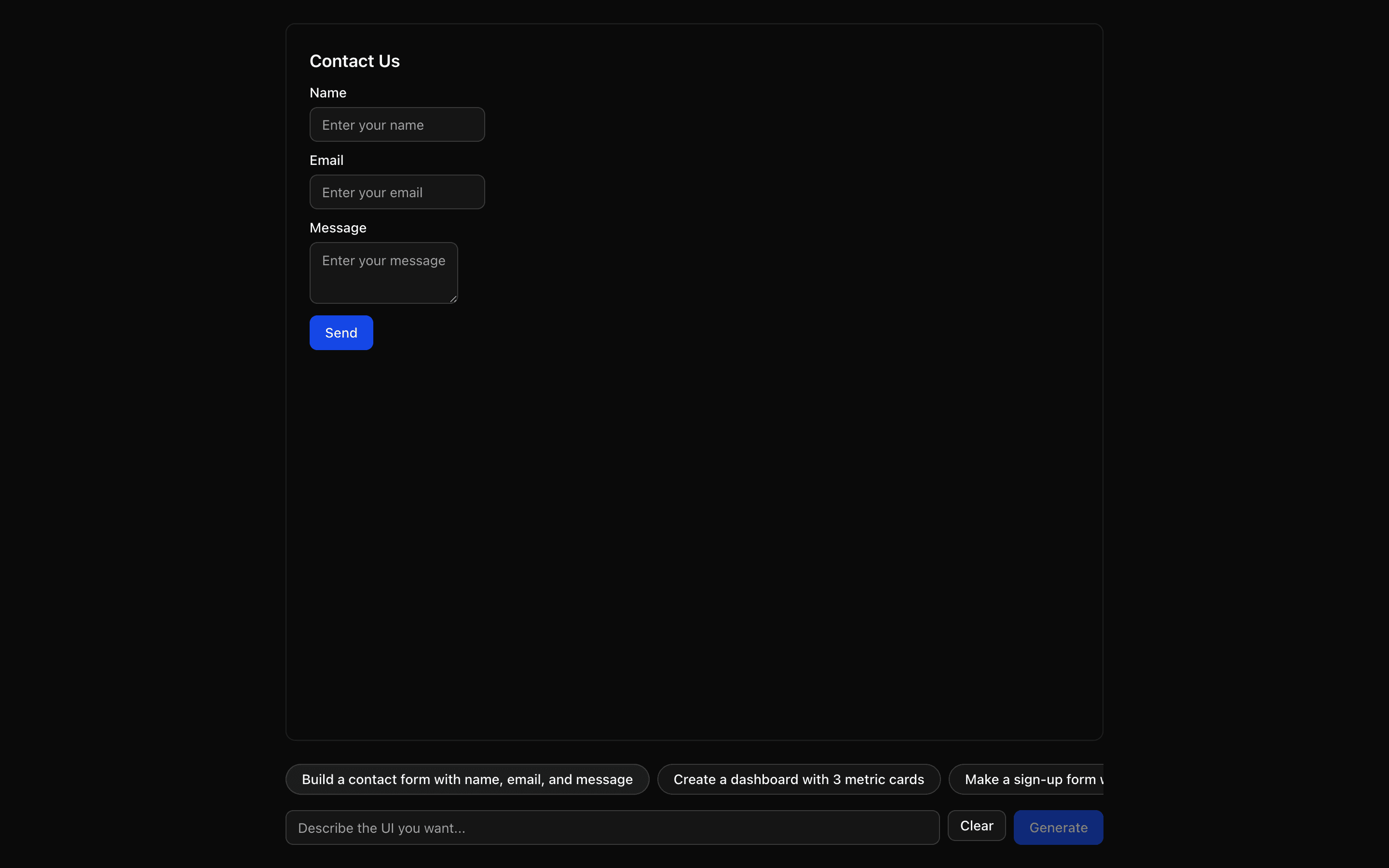
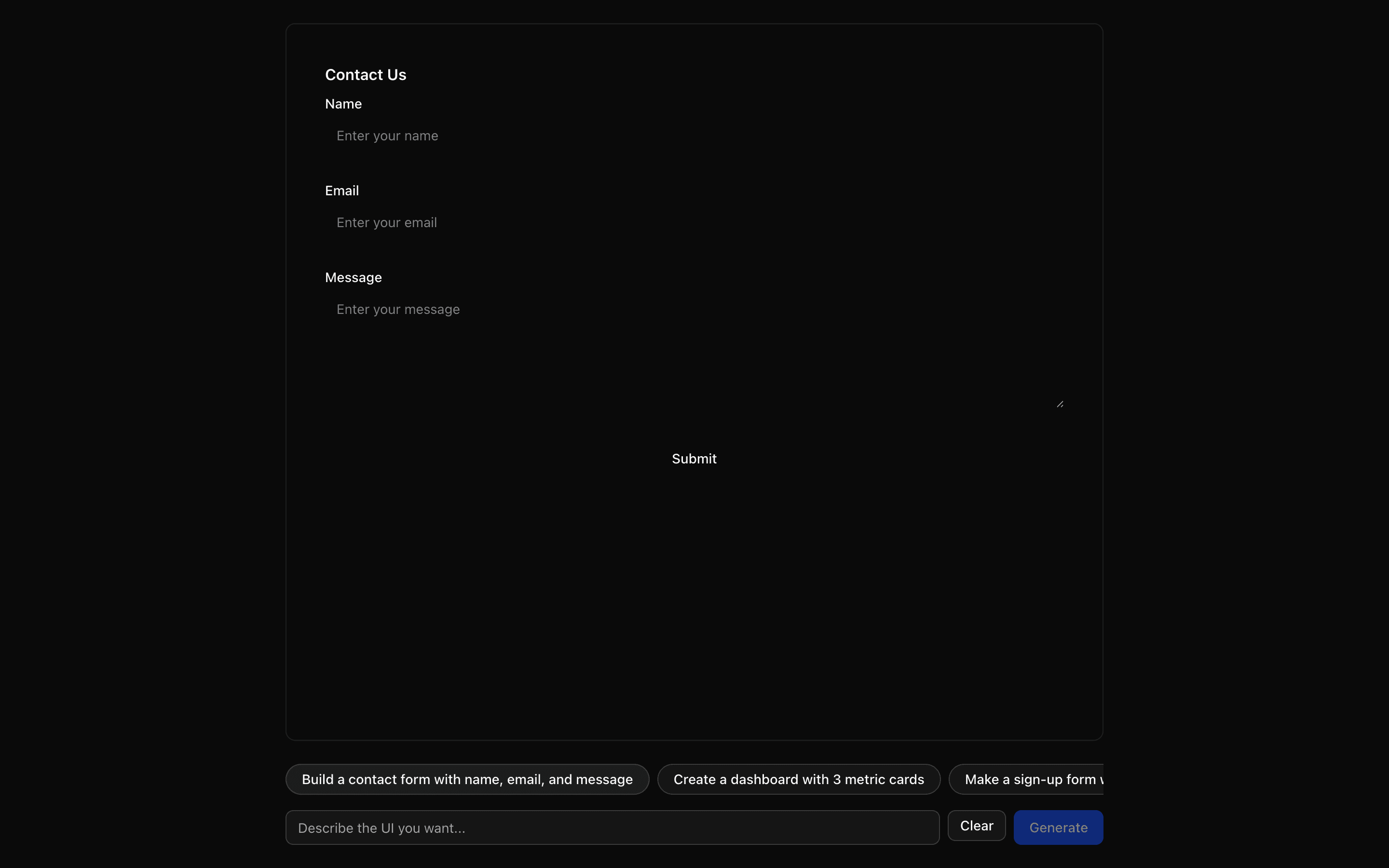 JSON Render ReactUse this when you want to define your own small component catalog and render streamed JSON specs with the base @json-render React renderer.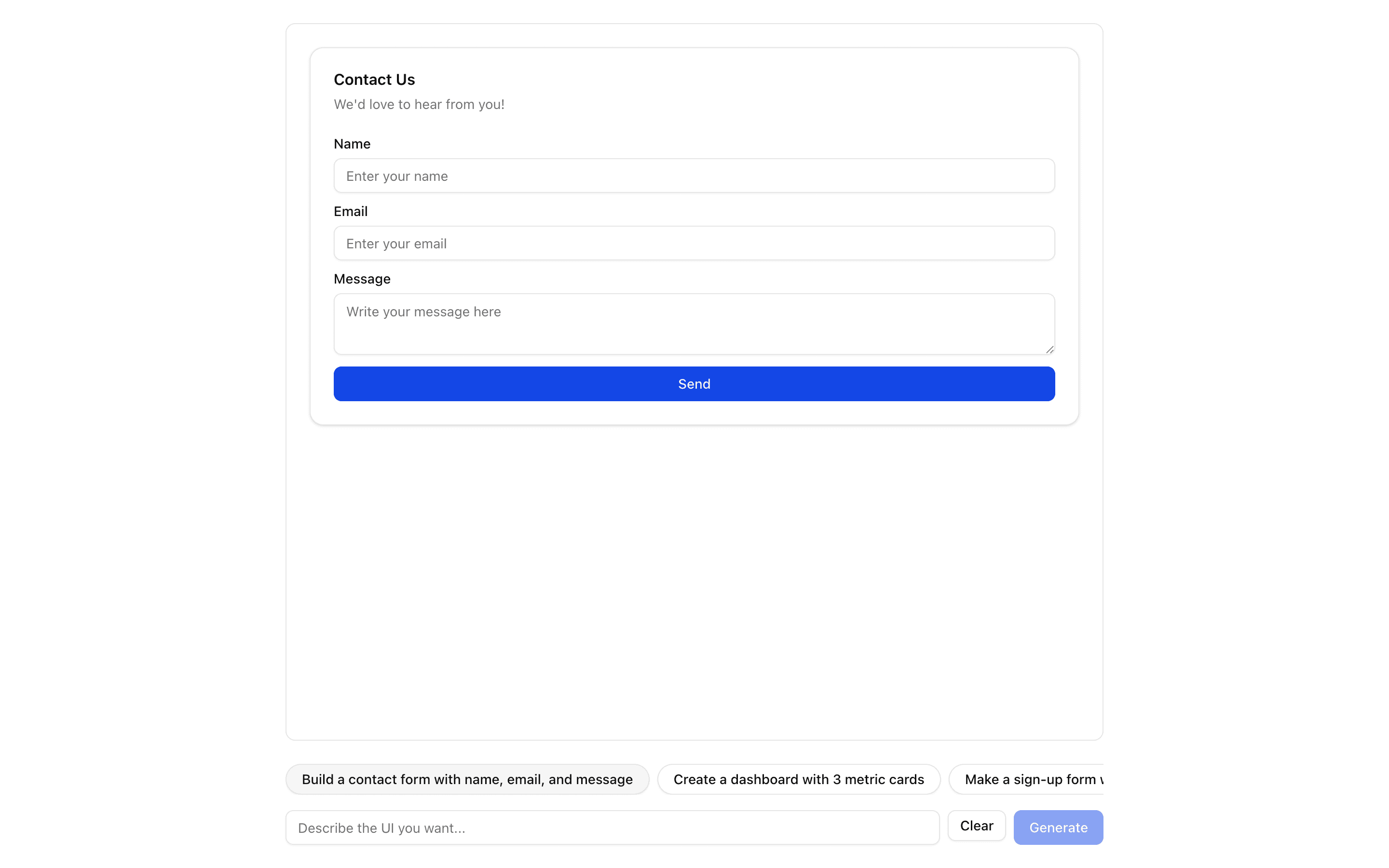
 JSON Render ShadcnUse this when prompts should render only from a fixed catalog of shadcn components provided by the @json-render/shadcn package.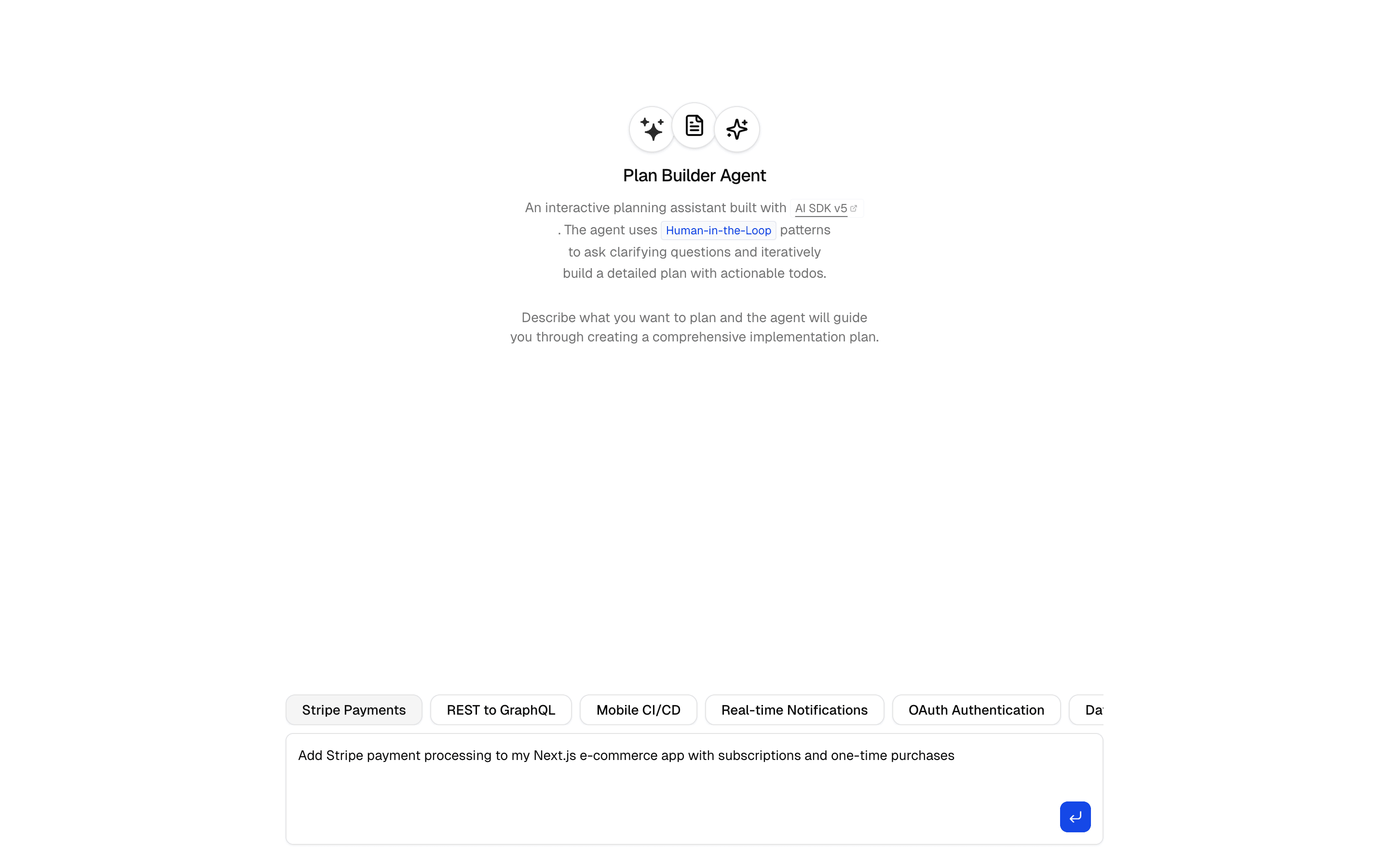
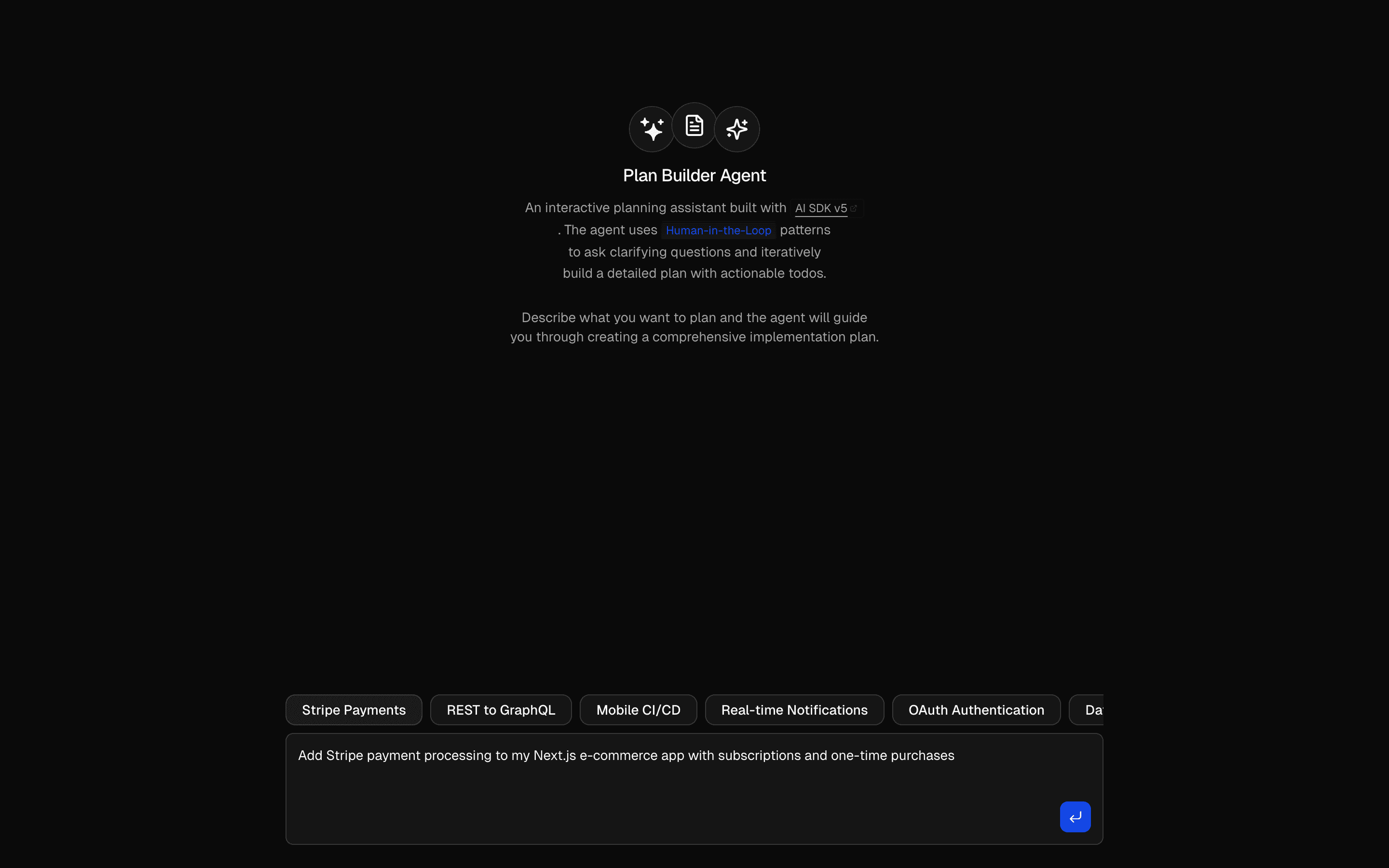 Human in the Loop Plan Builder AgentUses ToolLoopAgent pattern to gather requirements and generate plans. Generates markdown plans with structured todo lists.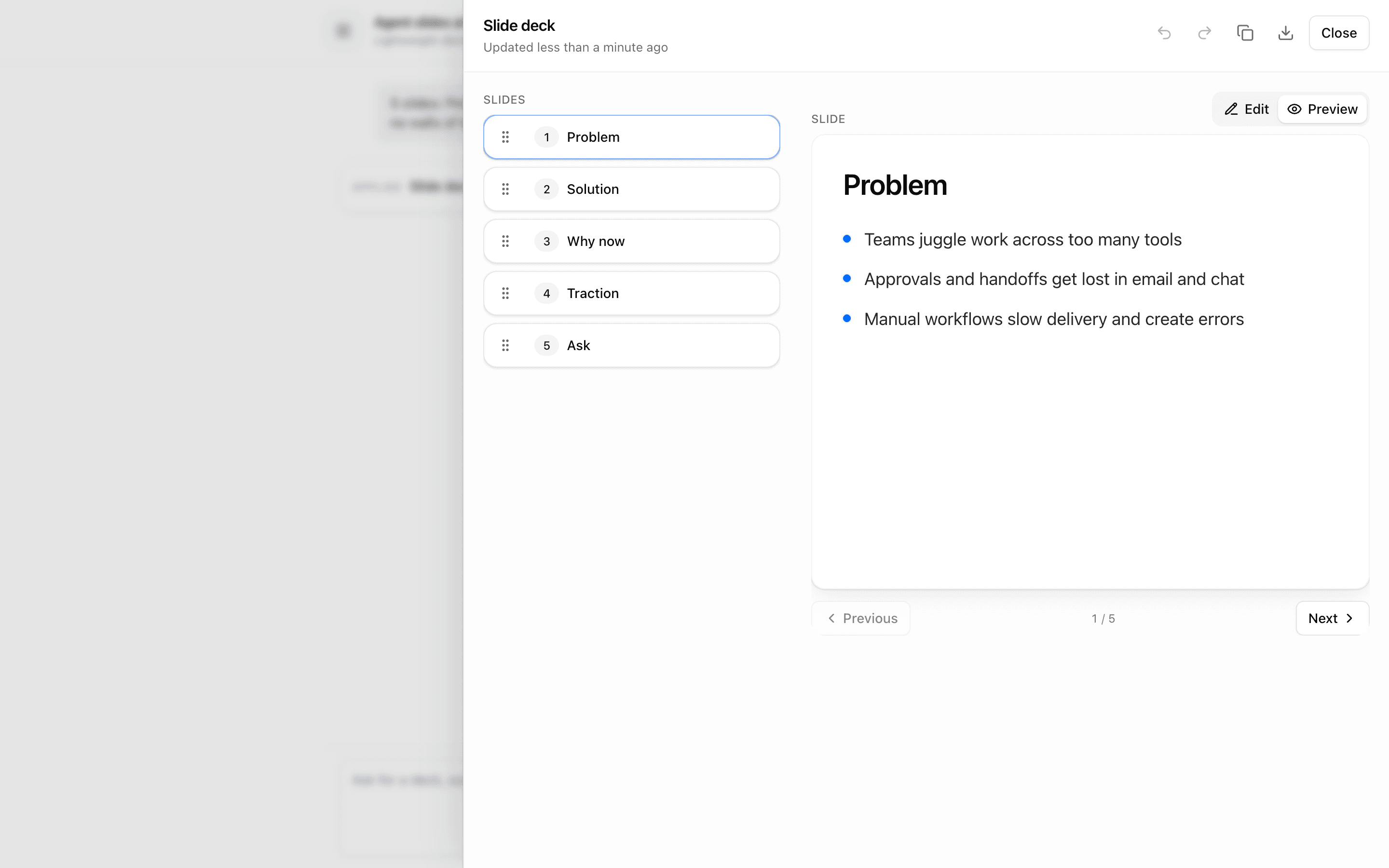
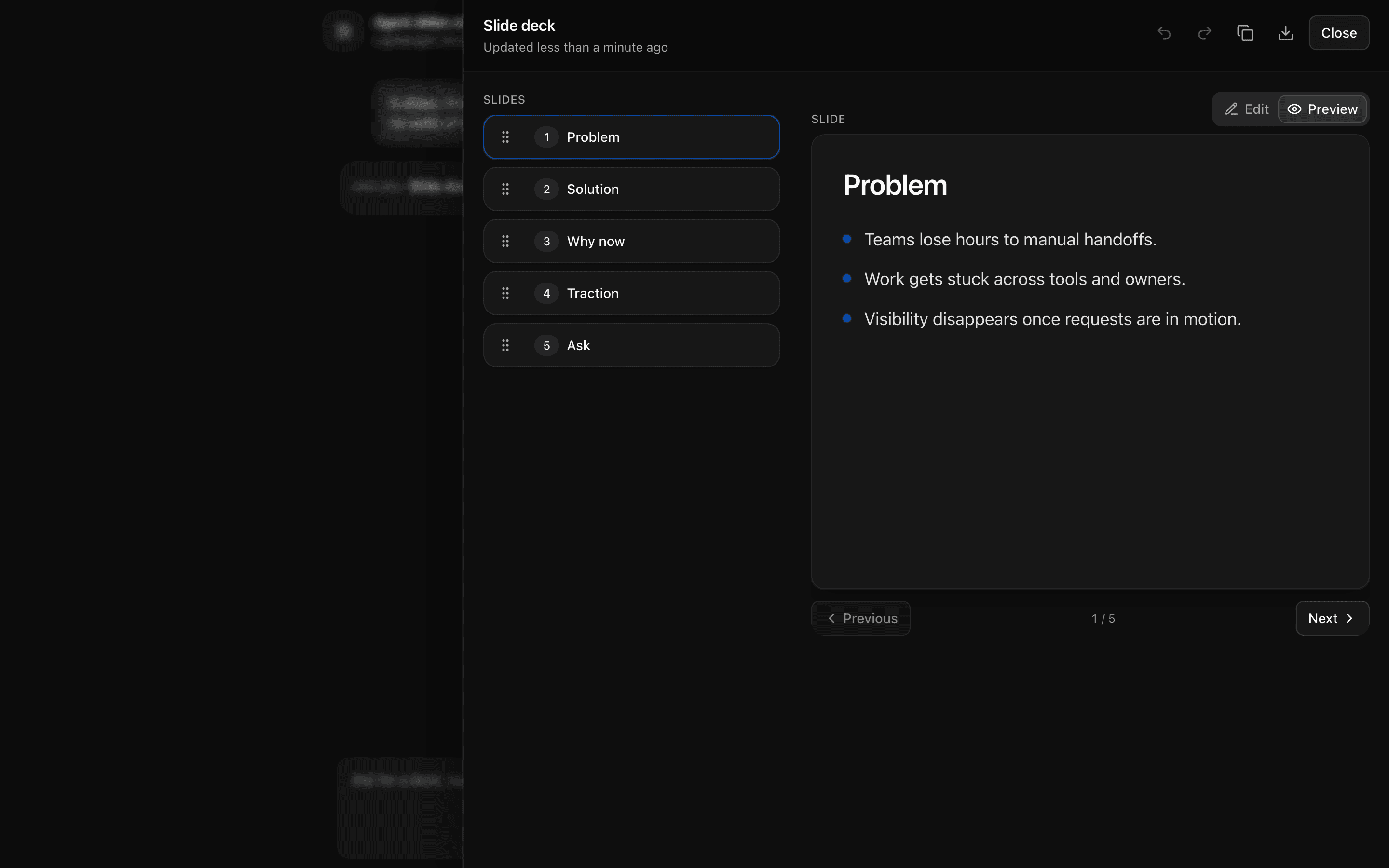 Agent Slides ArtifactUse this when you are prototyping an agent that builds slide decks as a sortable, editable artifact streamed through data-slidesDelta parts.
Setup
Requirements, wiring steps, and what this pattern adds to your project.
Getting started
Pick how you want to pull this pattern in. Then wire env vars and routes the same way.
- 1
Download → Next.js app
Use Download → Next.js app in the preview toolbar. You get a zip scaffold (Pro downloads rewrite preview `/view/.../api/*` paths to `/api/*` automatically).
- 2
Extract the zip and install dependencies
Unzip the archive, then run `pnpm install` (or npm / yarn) in the project folder.
- 3
Fill .env.local
The download includes .env.local placeholders when needed. Add real values for: OPENAI_API_KEY.
- 4
Customize the agent and tool files
Adapt prompts, tools, and stop conditions in the generated project for your product.
- 5
Run the app and open the pattern route
Run `pnpm dev`, open the setup/checklist page if present, then navigate to the generated pattern route and verify responses.
Environment variables
OPENAI_API_KEYGet key
Capabilities
AI SDK APIs
ToolLoopAgentcreateUIMessageStreamcreateUIMessageStreamResponseconvertToModelMessagesvalidateUIMessagesstreamTexttoolgatewayProviders
OpenAI
Files added
7 files
app/page.tsxapp/layout.tsxcomponents/plan-demo.tsxlib/types.tslib/plan-agent.tslib/tools/plan-generator.tsapp/api/plan/route.ts
Dependencies
10 total
npm packages
5AISDKlucide-reactNext.jsReactZod
 Registry components
cardcollapsiblebuttonemptytooltip
Critical files
3 files
plan/route.tsAPI route for the plan agent. Uses createUIMessageStream with custom PlanUIMessage type. Implements convertDataPart to transform plan data parts back into text so the model can see and edit existing plans. Extracts generatePlan tool output on finish to write structured data-plan-info parts.
lib/plan-agent.tsDefines the ToolLoopAgent for plan generation. Configures 5 tools (generatePlan, executeStep, updatePlan, reviewPlan, buildPlan) with detailed workflow instructions. Uses stepCountIs(20) stop condition.
tools/plan-generator.tsImplements 5 generator-based plan tools using async *execute pattern for progressive streaming. Each tool uses nested streamText calls for AI-powered content generation.
Requirements
- Complexity
- Beginner
- Setup time
- ~10 minutes
- Node
- 24+
- Memory
- 512MB