Loading pattern preview
BlocksReal-world Examples
Brand Mood Board Generator
Brand Mood Board Generator
Paste a website URL to extract brand signals with Firecrawl, generate a structured mood-scene brief for abstract and environmental imagery, auto-create four brand-world images, and click any result into a local edit flow.
Use this when you need abstract or environmental mood images, such as hero or slide backgrounds, generated from a brand's website URL.
Loading pattern preview
Problems solved
Technical challenges this implementation handles out of the box.
- Turn a brand URL into abstract and environmental mood imagery
- Generate complementary brand-world scenes in parallel
- Build a structured mood-scene brief from Firecrawl brand signals
- Refine scenes through a local edit flow with before/after compare
Use cases
Products and workflows this pattern is designed to support.
- Hero and slide backgrounds aligned to a live brand
- Campaign texture frames without product shots
- Spatial and lighting mood exploration
- Brand atmosphere decks from a website URL
Compare with
Similar patterns, and when each one is the better fit.
 Brand Guidelines Image GeneratorUse this when you need brand-standards manual spreads like color, typography, and grid pages rendered as images from a website URL, with edits.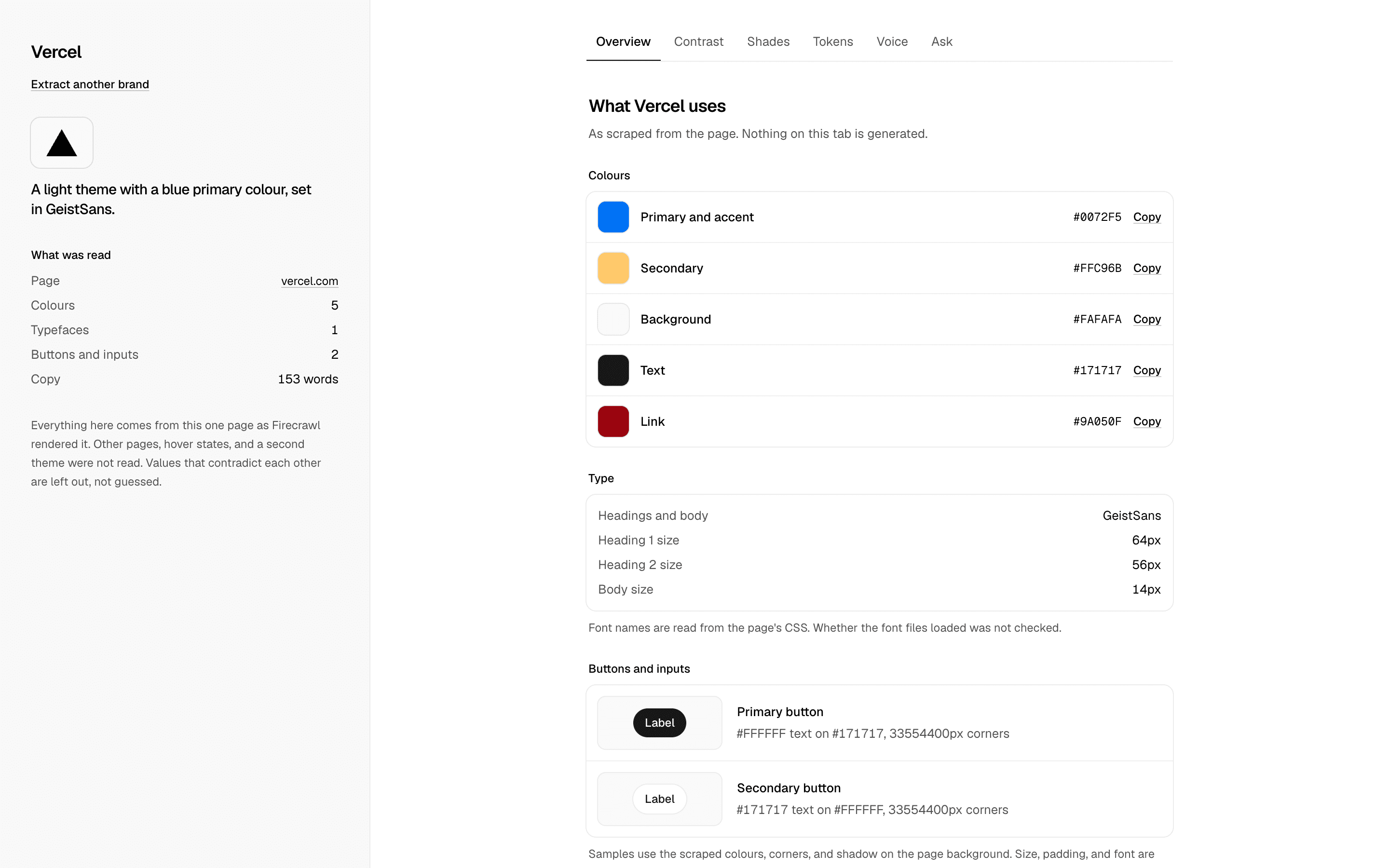
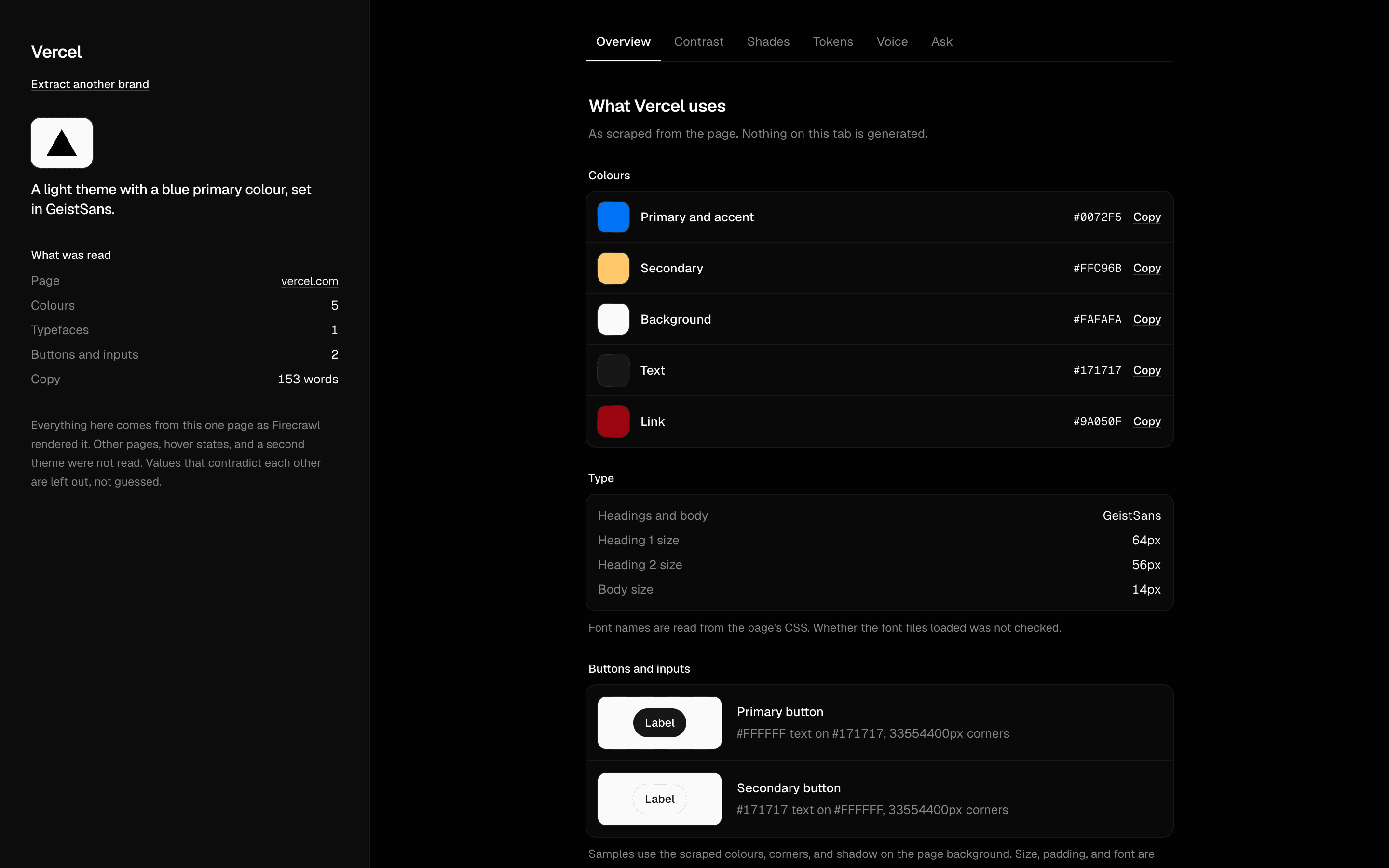 Branding AgentUse this when you want a grounded agent that pulls a site's brand tokens and answers contrast, palette, and voice questions from the scraped page.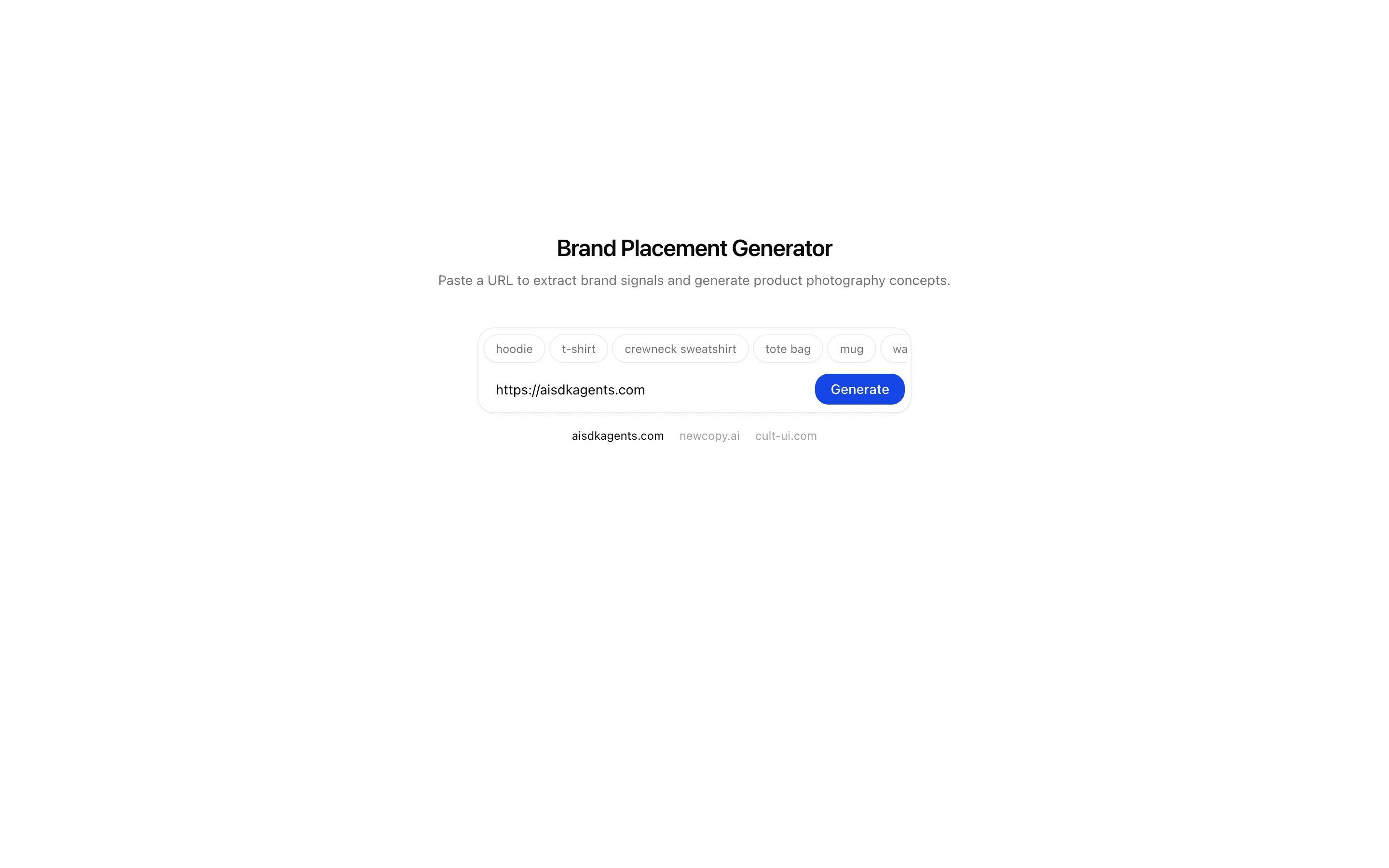
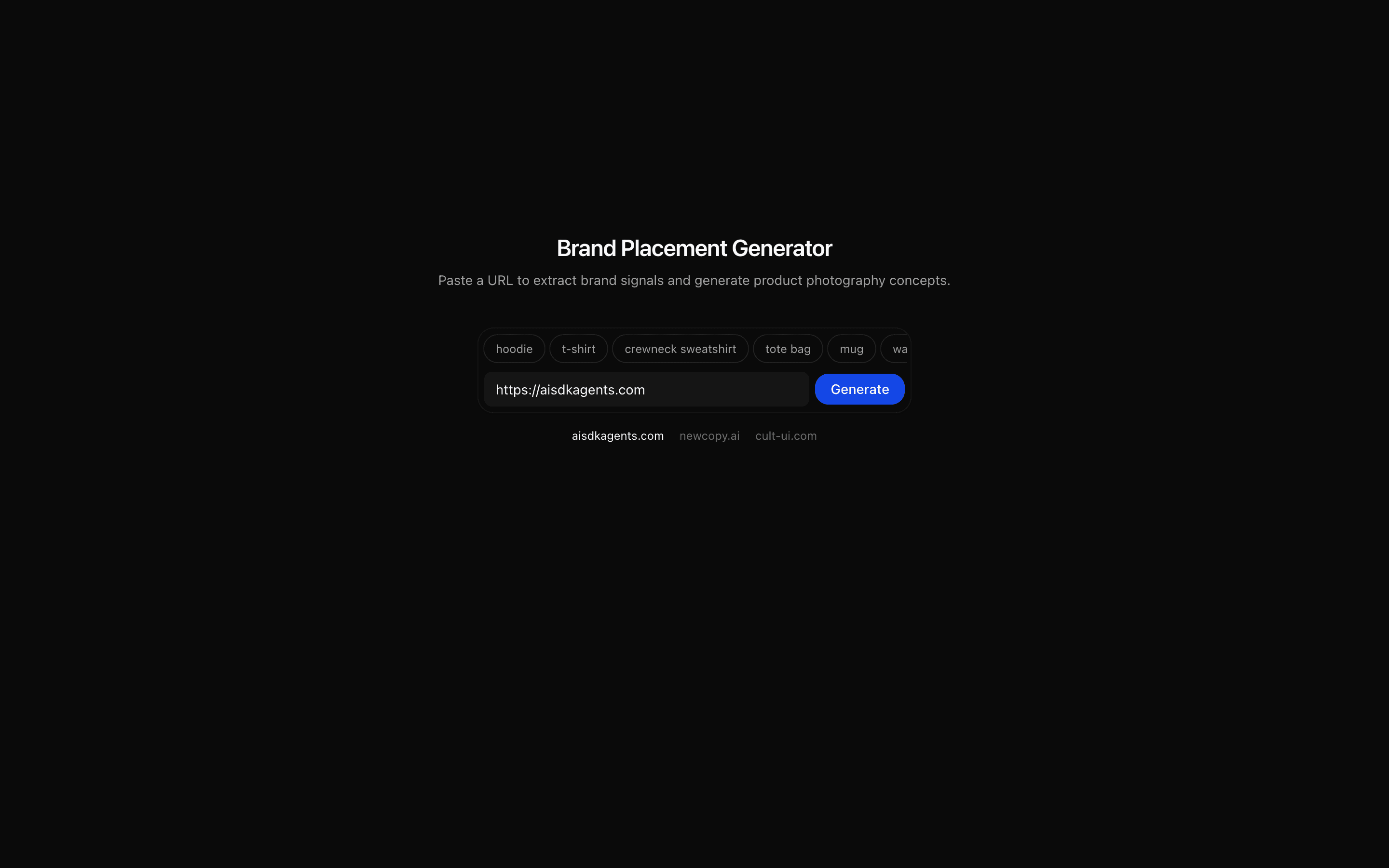 Brand Product Placement Generator (Nano Banana)Use this when you need to turn a brand URL into a product photography brief and several on-brand placement concepts, such as logo-on-apparel shots.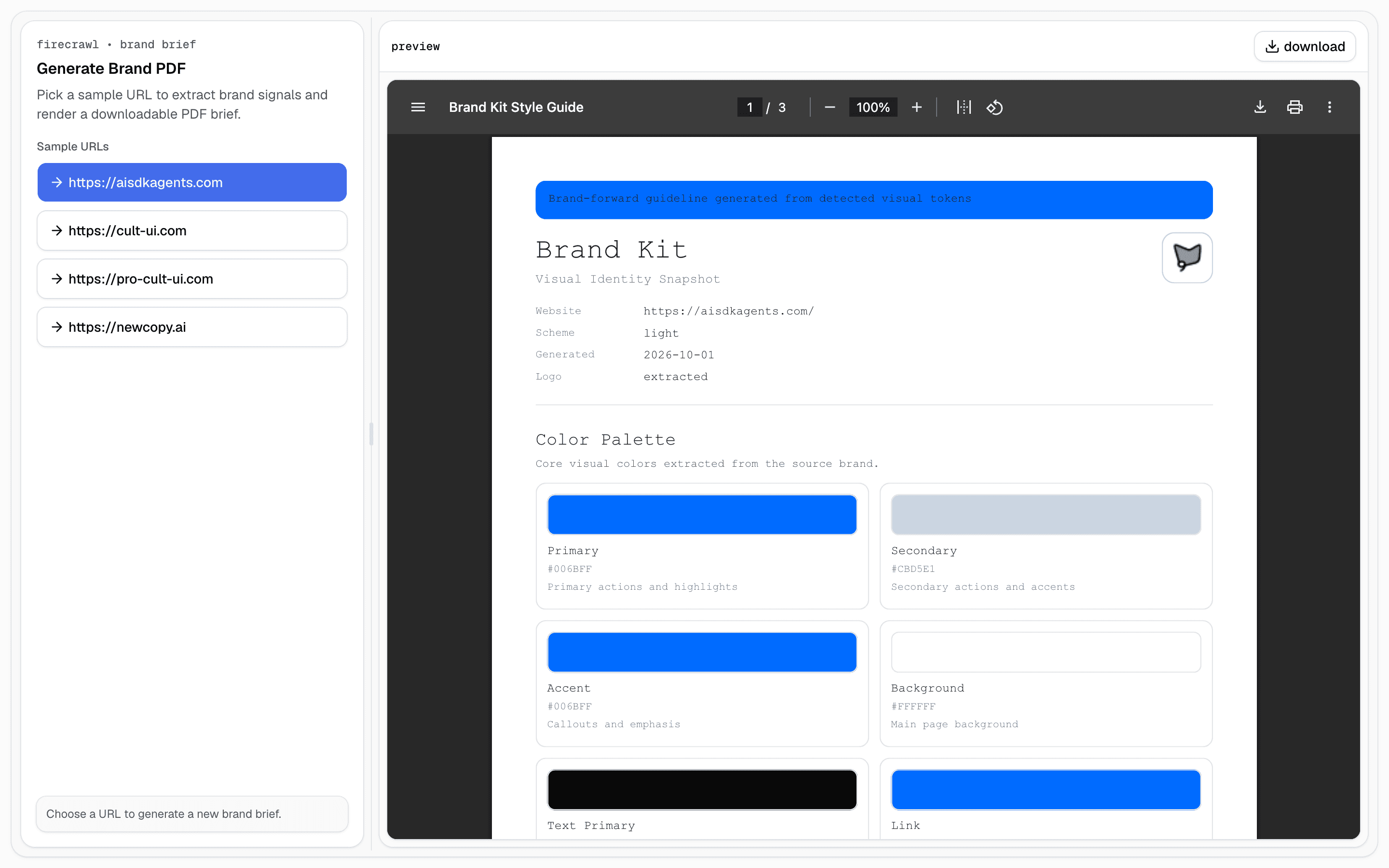
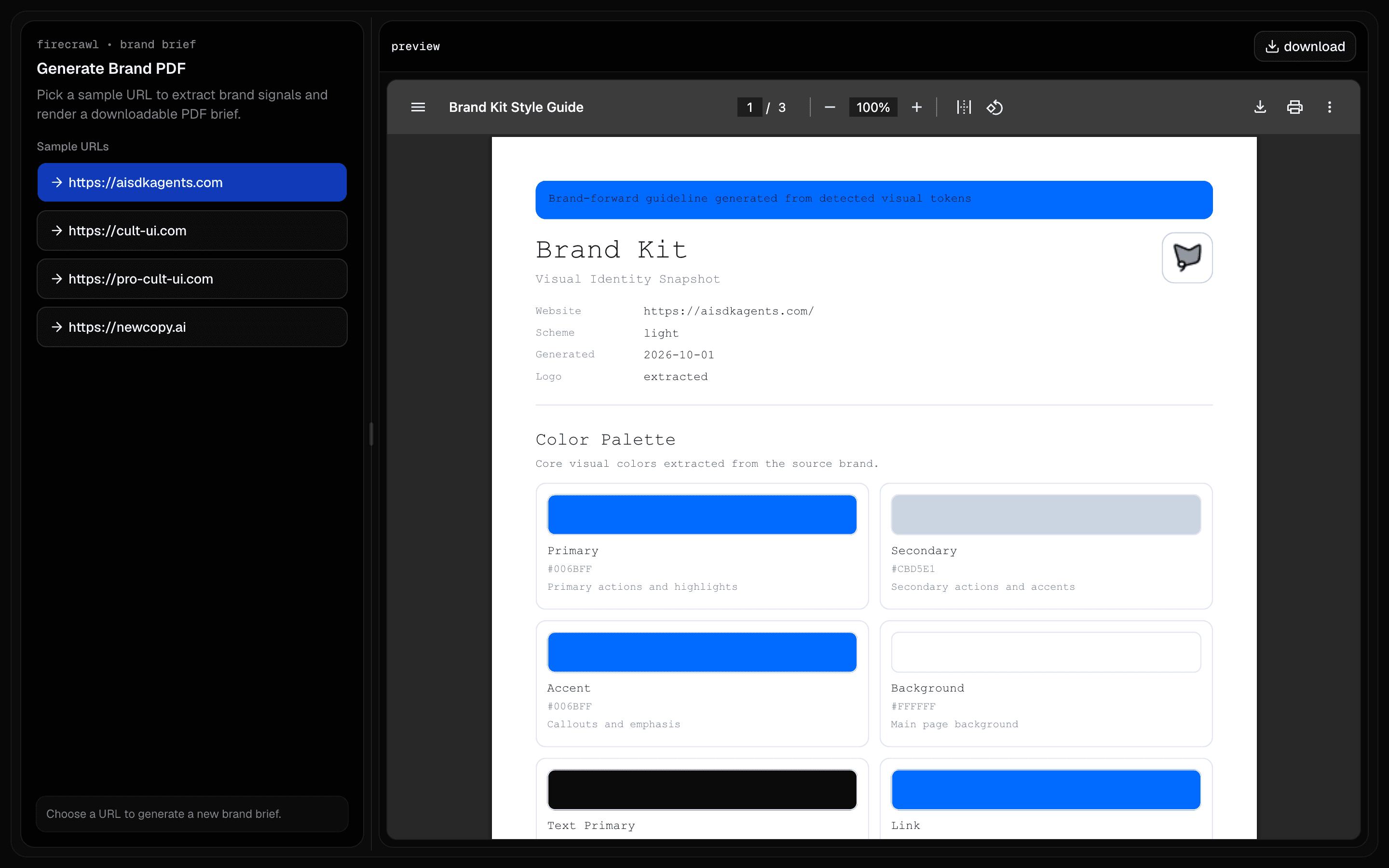 Firecrawl Brand PDFUse this when you need a downloadable brand brief PDF from a single website URL, covering token candidates and implementation recommendations.
Setup
Requirements, wiring steps, and what this pattern adds to your project.
Getting started
Pick how you want to pull this pattern in. Then wire env vars and routes the same way.
- 1
Download → Next.js app
Use Download → Next.js app in the preview toolbar. You get a zip scaffold (Pro downloads rewrite preview `/view/.../api/*` paths to `/api/*` automatically).
- 2
Extract the zip and install dependencies
Unzip the archive, then run `pnpm install` (or npm / yarn) in the project folder.
- 3
Fill .env.local
The download includes .env.local placeholders when needed. Add real values for: FIRECRAWL_API_KEY, AI_GATEWAY_API_KEY.
- 4
Customize the agent and tool files
Adapt prompts, tools, and stop conditions in the generated project for your product.
- 5
Run the app and open the pattern route
Run `pnpm dev`, open the setup/checklist page if present, then navigate to the generated pattern route and verify responses.
Environment variables
Capabilities
AI SDK APIs
generateTextOutput.objectgatewayProviders
Gemini
External services
FirecrawlUpstash
Files added
17 files
app/page.tsxapp/layout.tsxapp/api/brand-mood/route.tsapp/create-image-action.tsxapp/edit-image-action.tsxcomponents/gemini-flash-image.tsxcomponents/block-header.tsxcomponents/countdown.tsxlib/brand-context.tslib/brand-mood-schema.tslib/mood-scene-prompts.tslib/cached-brand-payloads.tslib/rate-limit.tslib/image-utils.tshooks/use-image-version.tshooks/image-version-context.tsxREADME.md
Dependencies
16 total
npm packages
8@mendable/firecrawl-jsUpstashAISDKlucide-reactmotionNext.jsReactZod
 Registry components
badgebuttoncardemptyinputseparatorskeletontextarea
Critical files
6 files
brand-mood/route.tsCore pipeline route: validates the URL, scrapes branding and markdown with Firecrawl, generates a schema-validated mood brief via generateText + Output.object, normalizes four mood template scenes, and returns prompt-ready scene objects.
lib/brand-mood-schema.tsShared Zod contract for Firecrawl branding, mood scene variables, scene concepts, and the BrandMoodBrief schema.
lib/mood-scene-prompts.tsDeterministic local prompt library for brand-world scenes. The model chooses structured variables and template IDs, while final prompt composition stays in code via buildMoodPrompt().
components/gemini-flash-image.tsxMain URL-first workbench UI. Handles extraction, structured brief hydration, parallel image generation for four cards, per-card loading/error states, and click-to-edit routing into the selected image panel.
hooks/use-image-version.tsReducer-based workflow and editor state for the block. Separates gallery scene generation from the selected image's local edit history and comparison logic.
app/edit-image-action.tsxSelected-image edit action using Gemini flash image preview. Converts the current image to a data URL, sends multimodal edit instructions, and returns a new image version for local comparison.
Requirements
- Complexity
- Advanced
- Setup time
- ~12 minutes
- Node
- 24+
- Memory
- 512MB
Upstash Redis