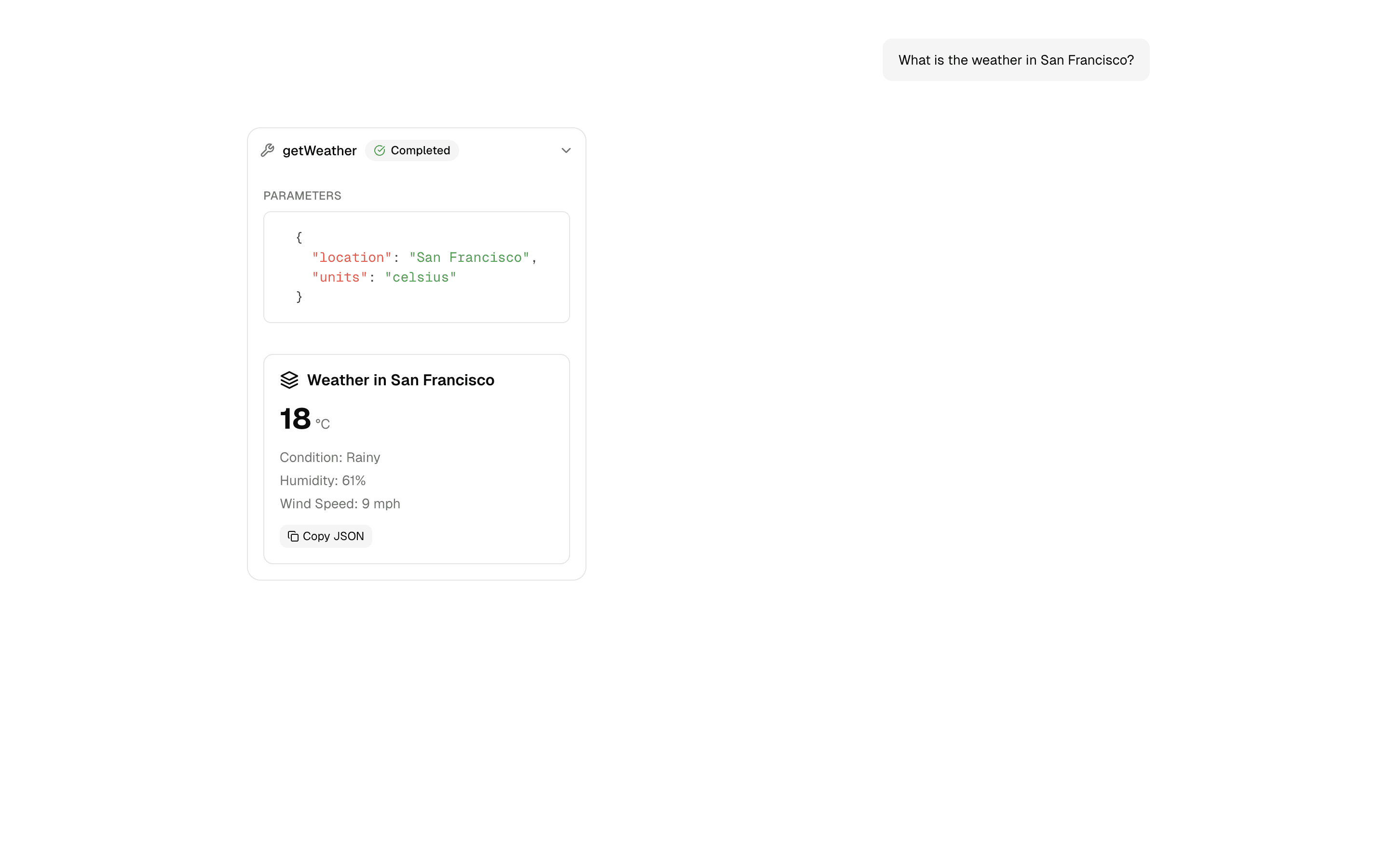
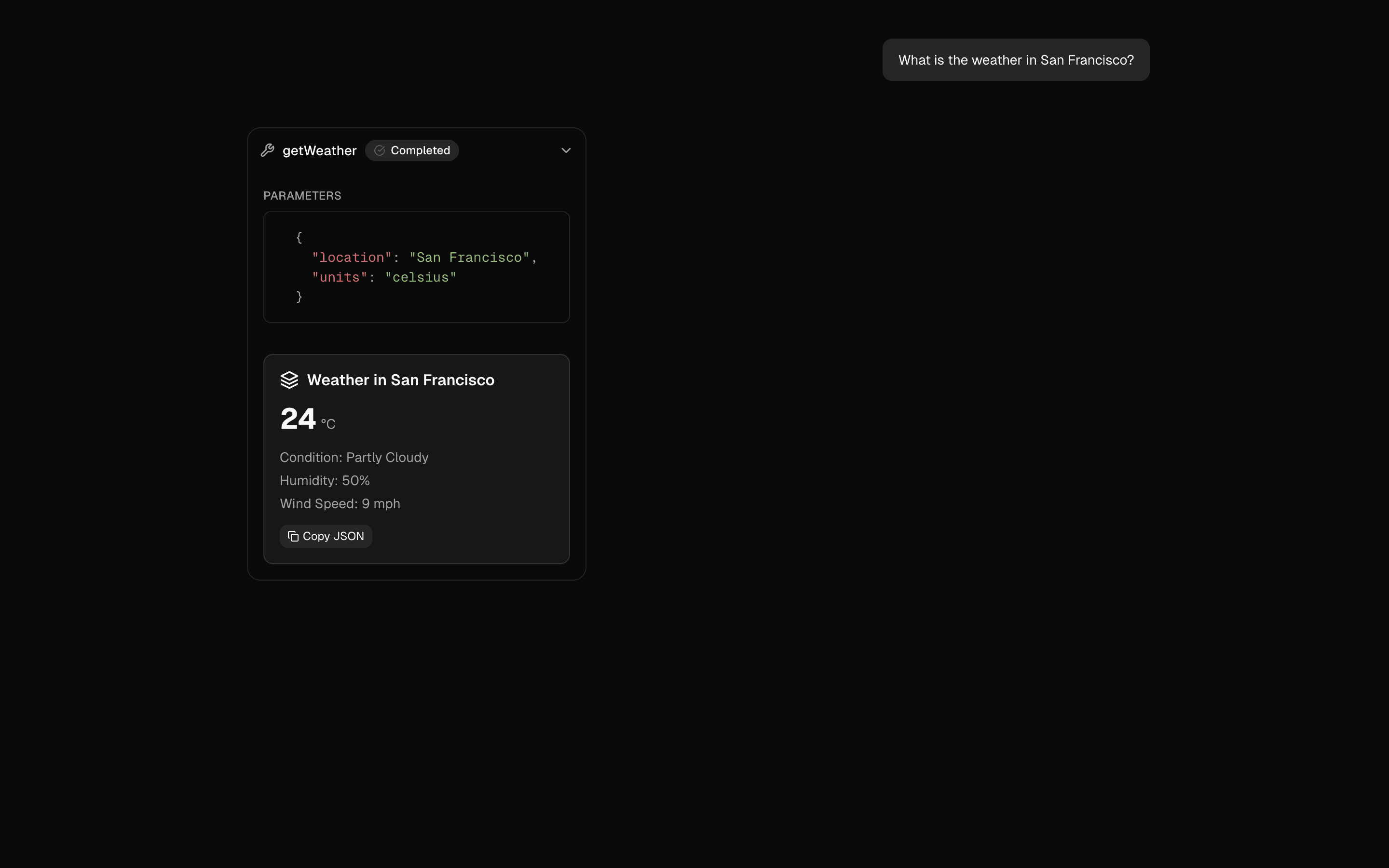
Loading pattern preview
BlocksTools & Utilities
Tool Call Repair
Tool Call Repair
Repair invalid tool calls using experimental_repairToolCall. Fix schema validation errors without requiring additional steps that pollute message history.
Use this when your model often sends tool arguments that fail schema validation and you want them fixed before execution without extra chat turns.
Loading pattern preview
Problems solved
Technical challenges this implementation handles out of the box.
- Repair malformed tool calls before retrying execution
- Fix schema validation errors with generateObject
- Avoid polluting message history with extra repair turns
- Stream repair metadata to the client as data parts
Use cases
Products and workflows this pattern is designed to support.
- Agents using smaller models that misformat tool args
- Complex Zod schemas that fail first-pass validation
- Automatic tool-call error recovery
- Improving tool success rates in production agents
Compare with
Similar patterns, and when each one is the better fit.
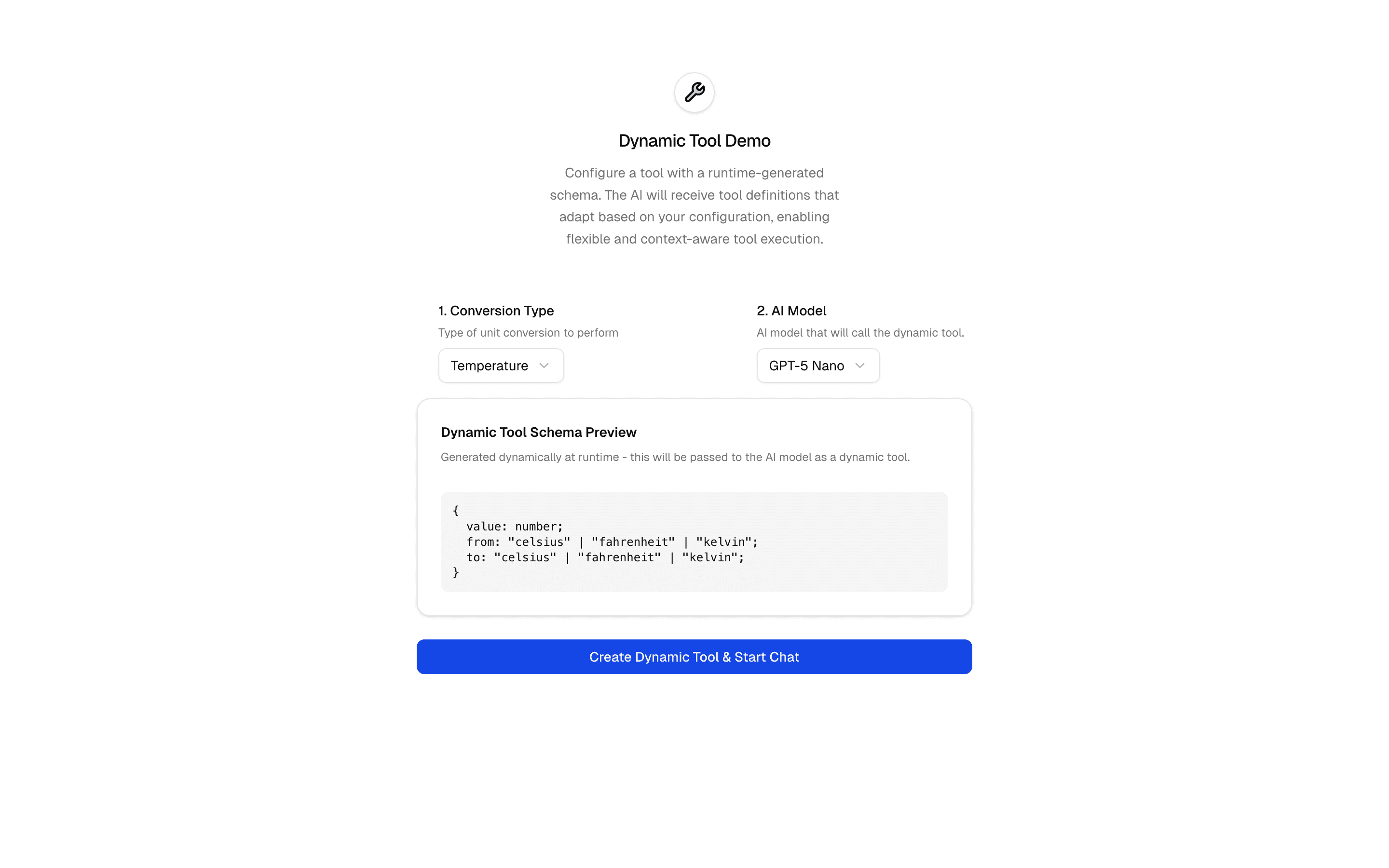
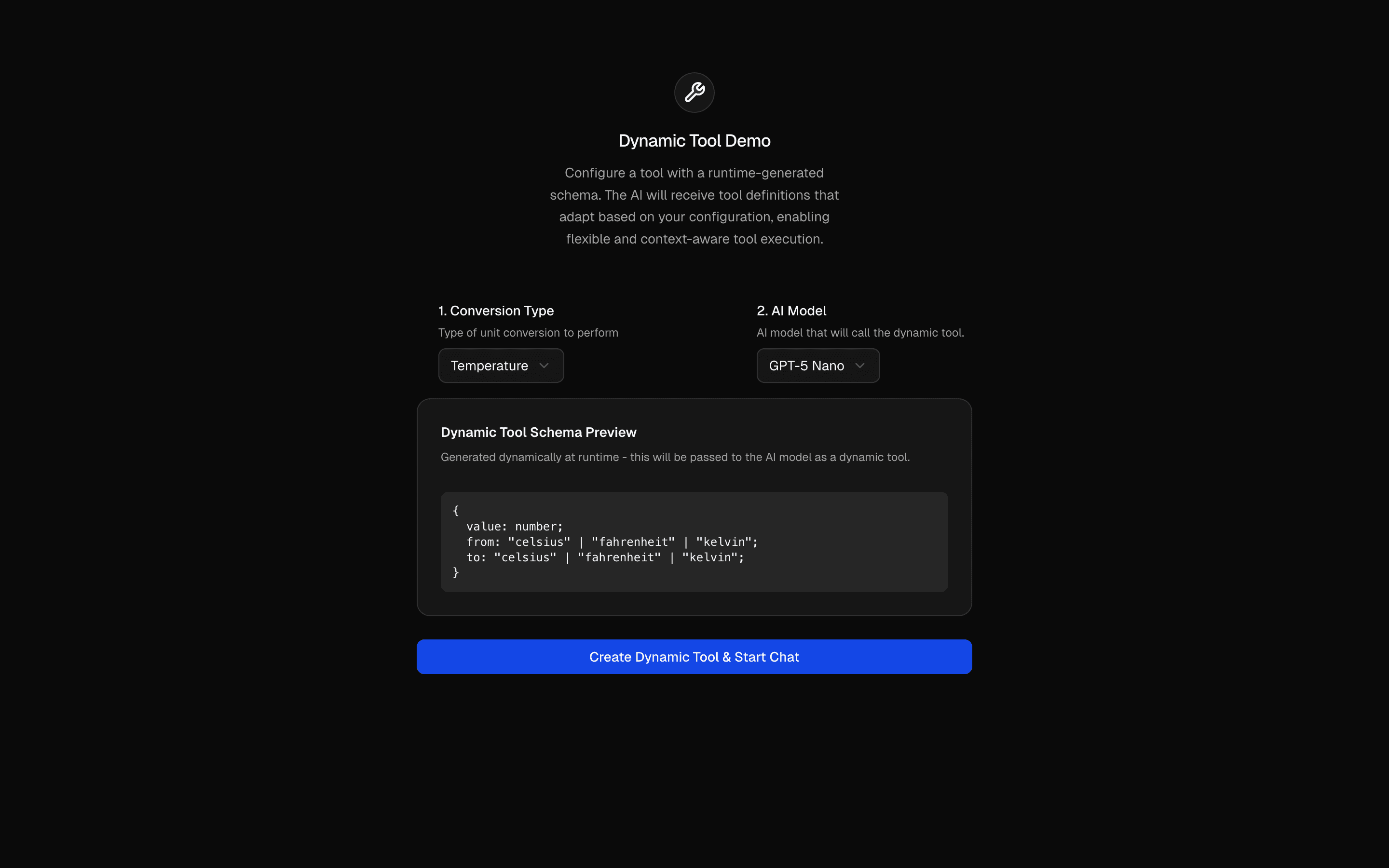 Dynamic ToolUse this when you need to build tools with dynamicTool whose Zod schemas change per request, like a converter whose inputs differ by conversion type.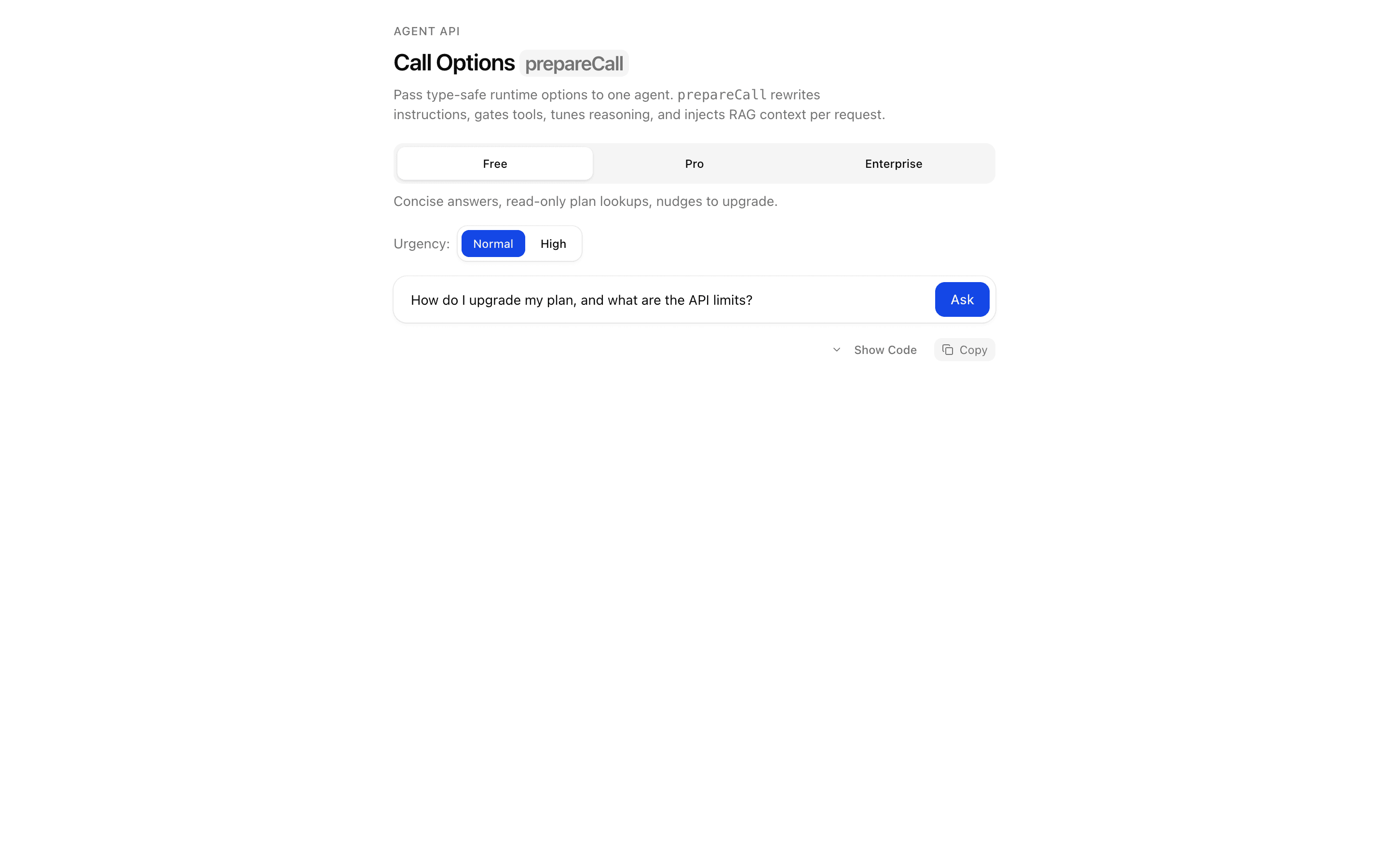
 Call Options: prepareCallUse this when you need to inject per-user context, such as retrieved documents, into an agent's instructions at call time using typed call options.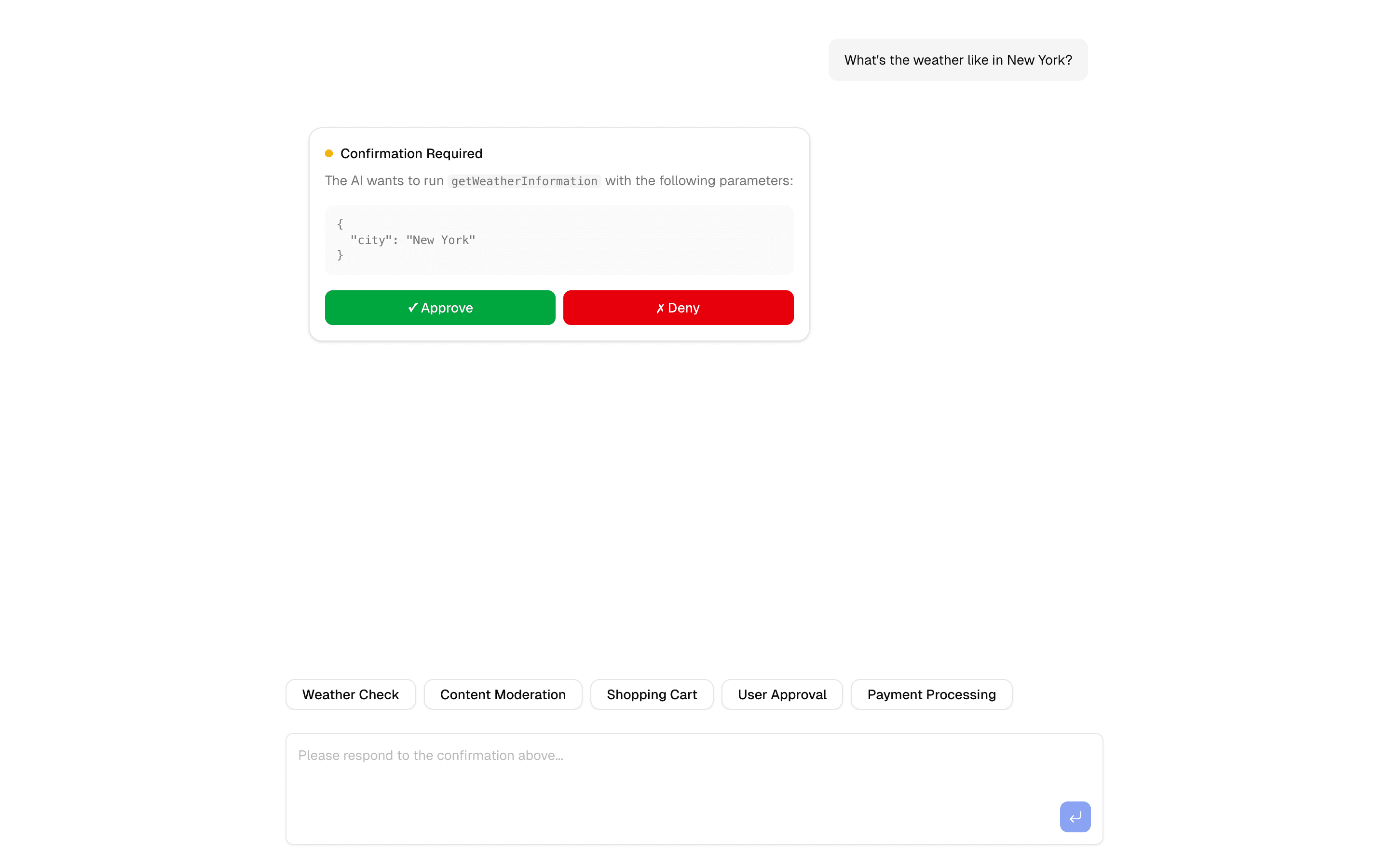
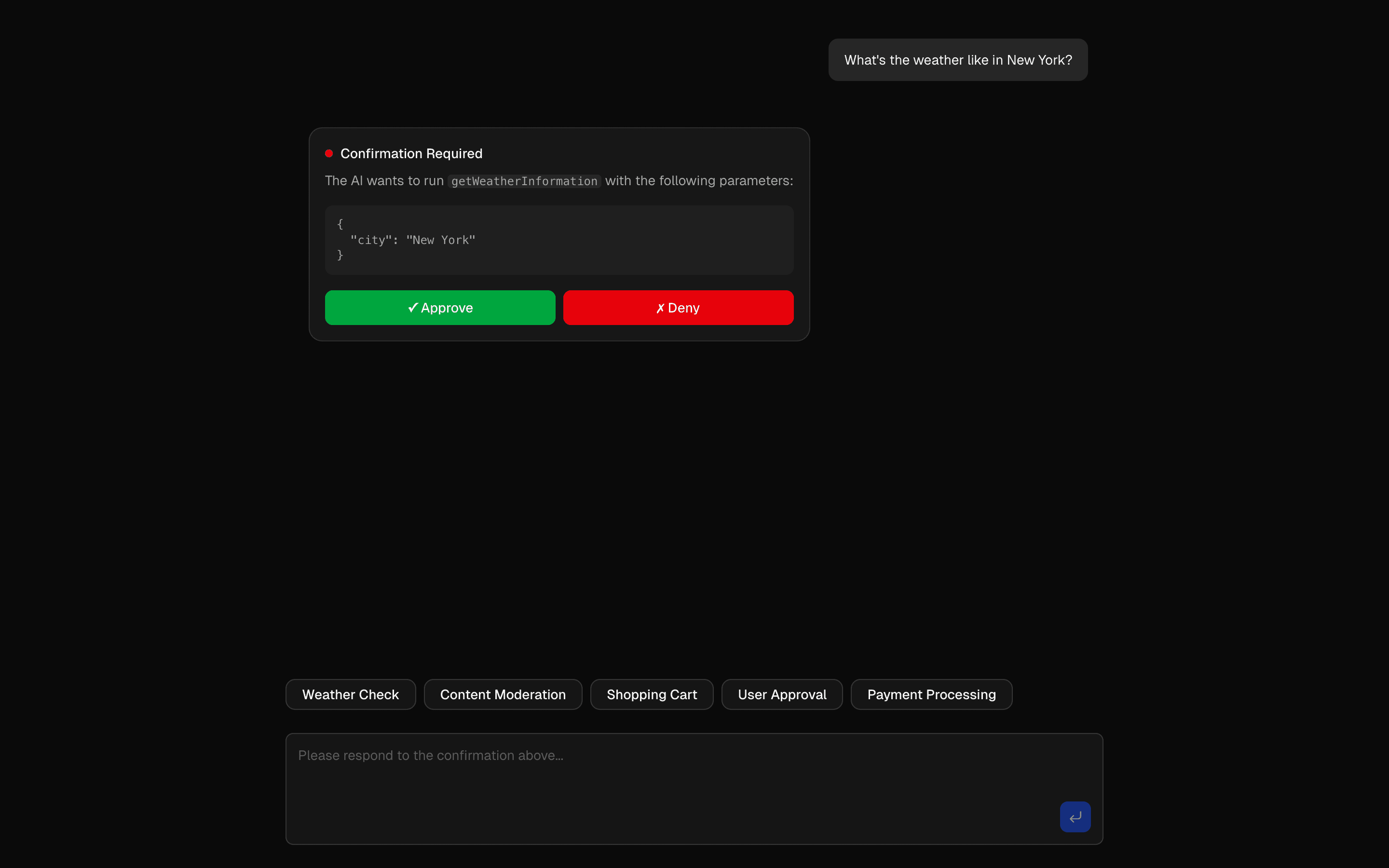 HIL Tool Approval BasicUse this when you want a basic starting point for gating risky agent tool calls behind a human approve or deny step, with Upstash in the stack.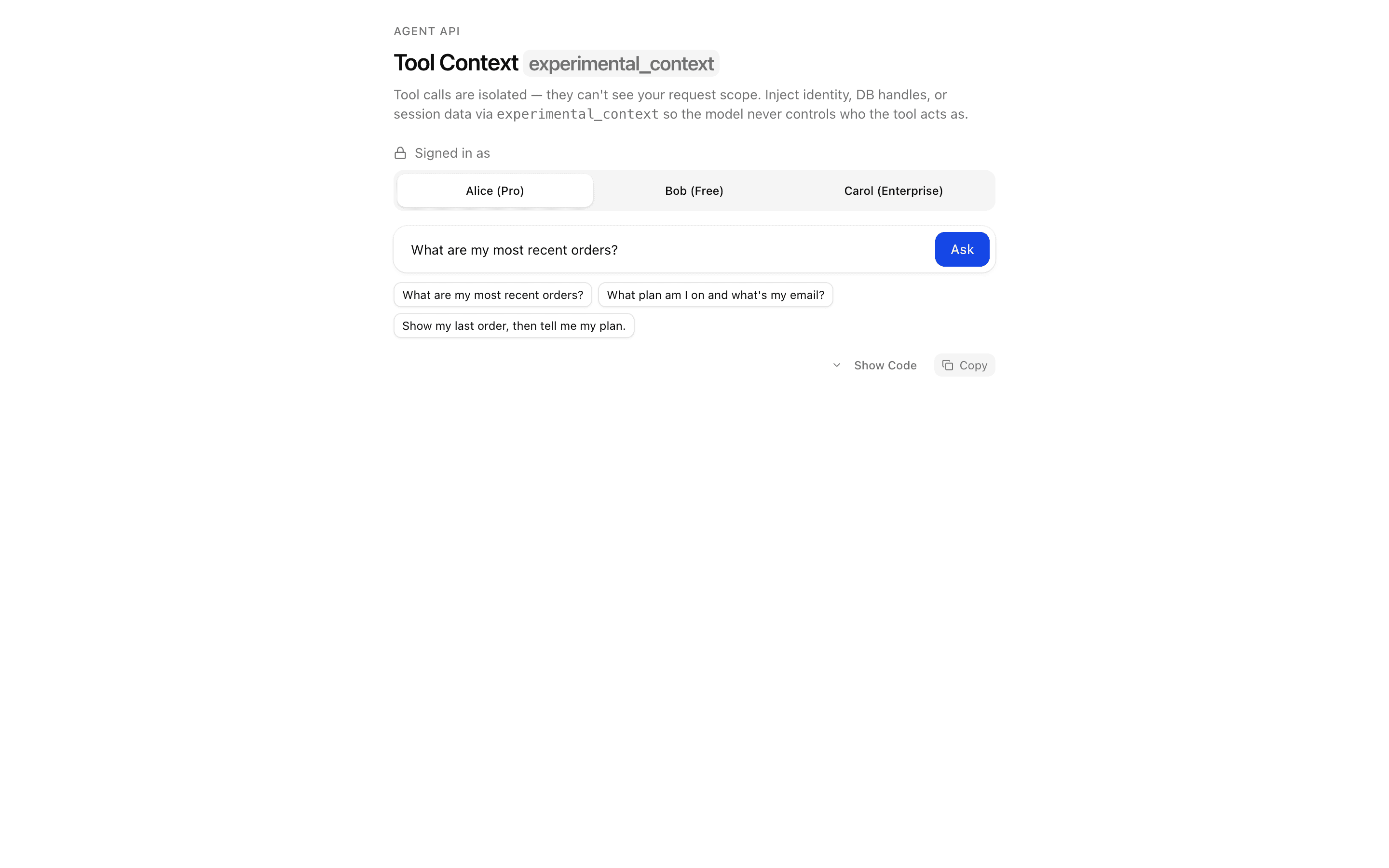
 Tool Context: experimental_contextUse this when a multi-tenant agent must scope every tool call to the authenticated request so a prompt injection cannot reach another user's data.
Setup
Requirements, wiring steps, and what this pattern adds to your project.
Getting started
Pick how you want to pull this pattern in. Then wire env vars and routes the same way.
- 1
Download → Next.js app
Use Download → Next.js app in the preview toolbar. You get a zip scaffold (Pro downloads rewrite preview `/view/.../api/*` paths to `/api/*` automatically).
- 2
Extract the zip and install dependencies
Unzip the archive, then run `pnpm install` (or npm / yarn) in the project folder.
- 3
Fill .env.local
The download includes .env.local placeholders when needed. Add real values for: OPENAI_API_KEY.
- 4
Customize the agent and tool files
Adapt prompts, tools, and stop conditions in the generated project for your product.
- 5
Run the app and open the pattern route
Run `pnpm dev`, open the setup/checklist page if present, then navigate to the generated pattern route and verify responses.
Environment variables
OPENAI_API_KEYGet key
Capabilities
AI SDK APIs
streamTextconvertToModelMessagestooluseChatexperimental_repairToolCallgenerateObjectNoSuchToolErrorProviders
OpenAI
Files added
7 files
app/page.tsxapp/layout.tsxapp/api/tool-repair/route.tscomponents/tool-repair-demo.tsxlib/types.tstools/weather.tstools/weather-ui.tsx
Dependencies
15 total
npm packages
7AISDKshadcn/uilucide-reactNext.jsReactstreamdownZod
 Registry components
alertemptyinput-groupseparatormessage-scrollermessagebubbletooltip
Critical files
2 files
tool-repair/route.tsAPI route implementing experimental_repairToolCall. When a tool call fails validation, uses generateObject with the tool's inputSchema to repair malformed input. Demonstrates streaming repair metadata via data parts.
tools/weather.tsWeather tool with strict Zod schema designed to trigger repair scenarios. Includes repair state detection via experimental_context.
Requirements
- Complexity
- Intermediate
- Setup time
- ~5 minutes
- Node
- 24+
- Memory
- 512MB