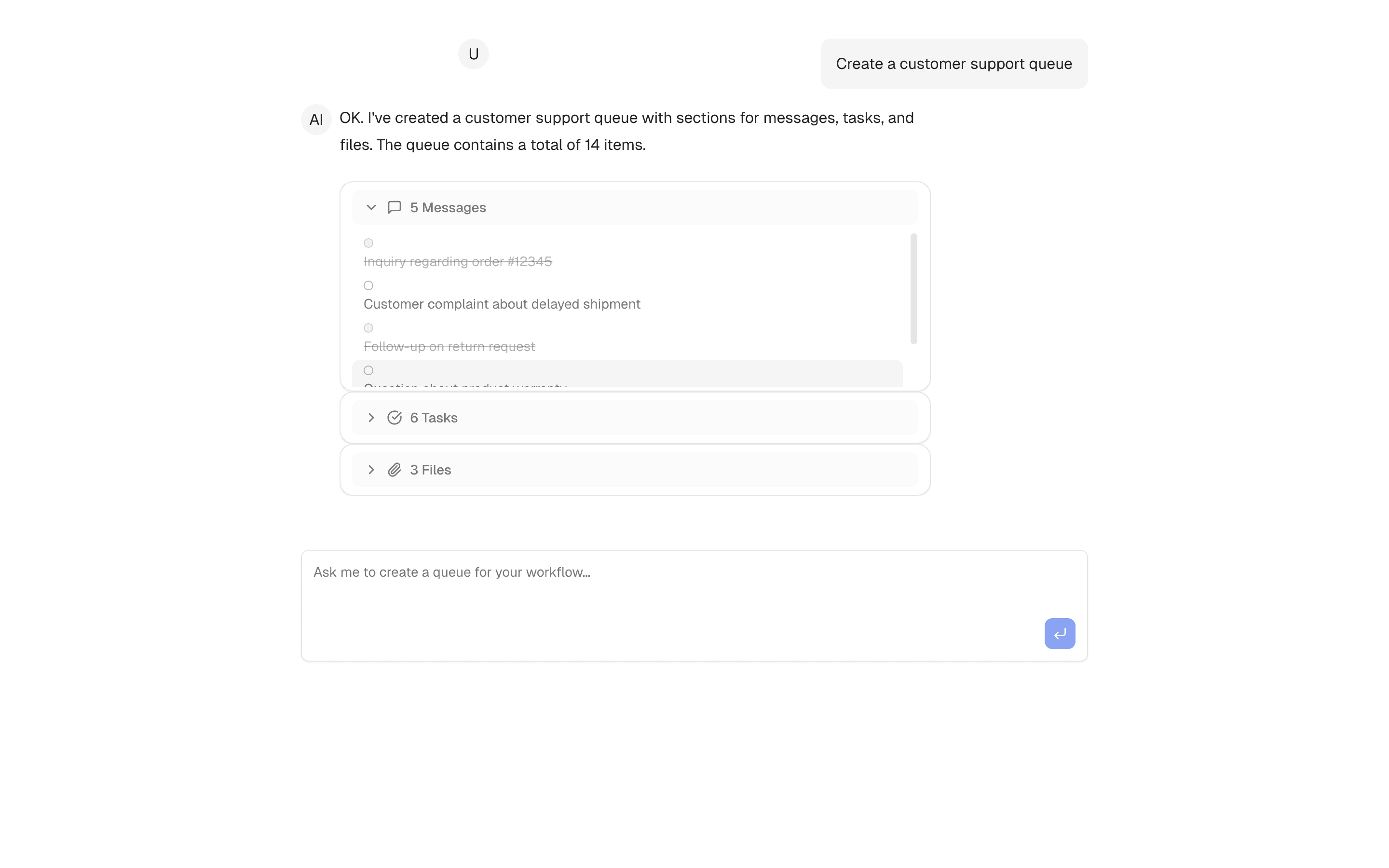
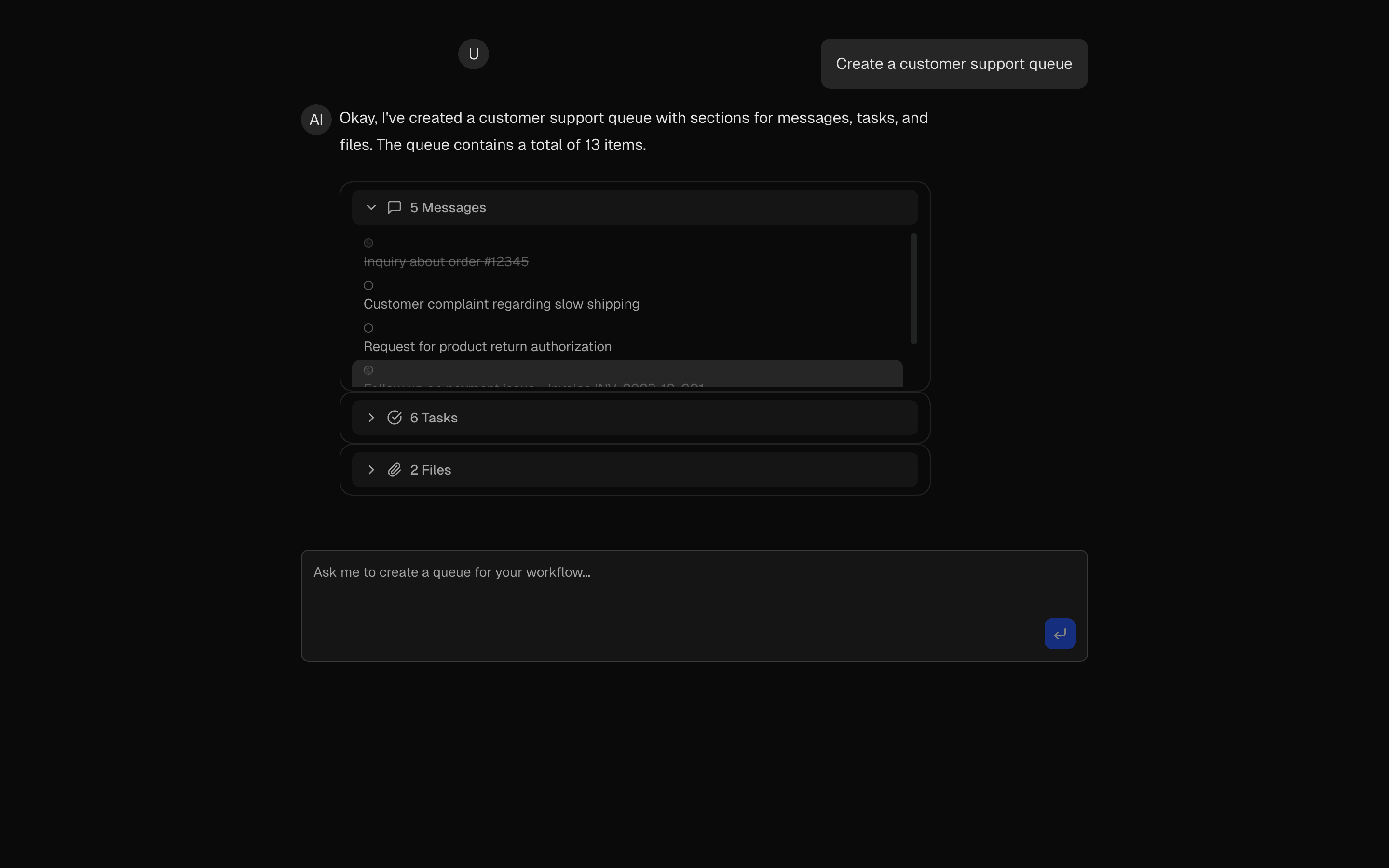
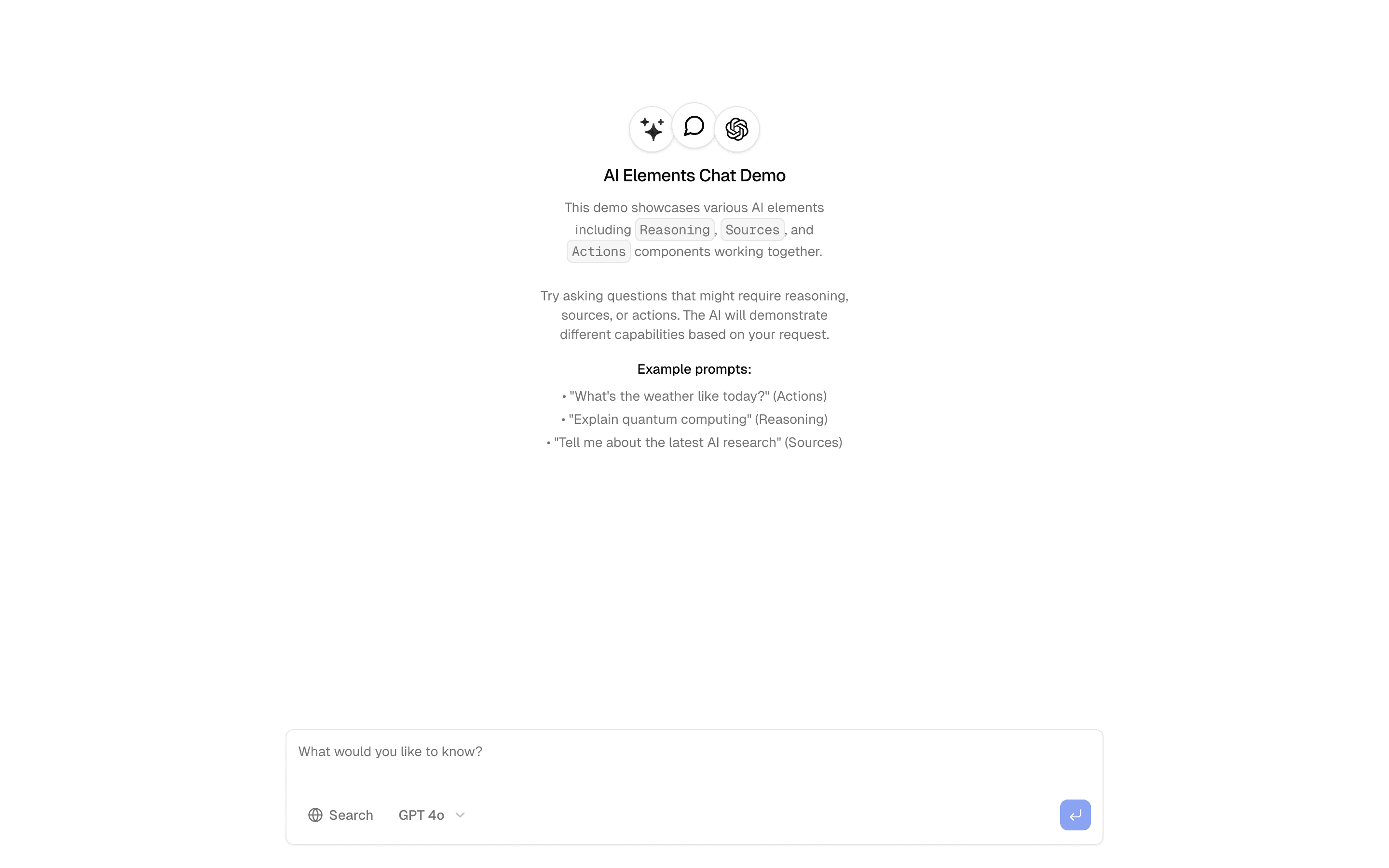
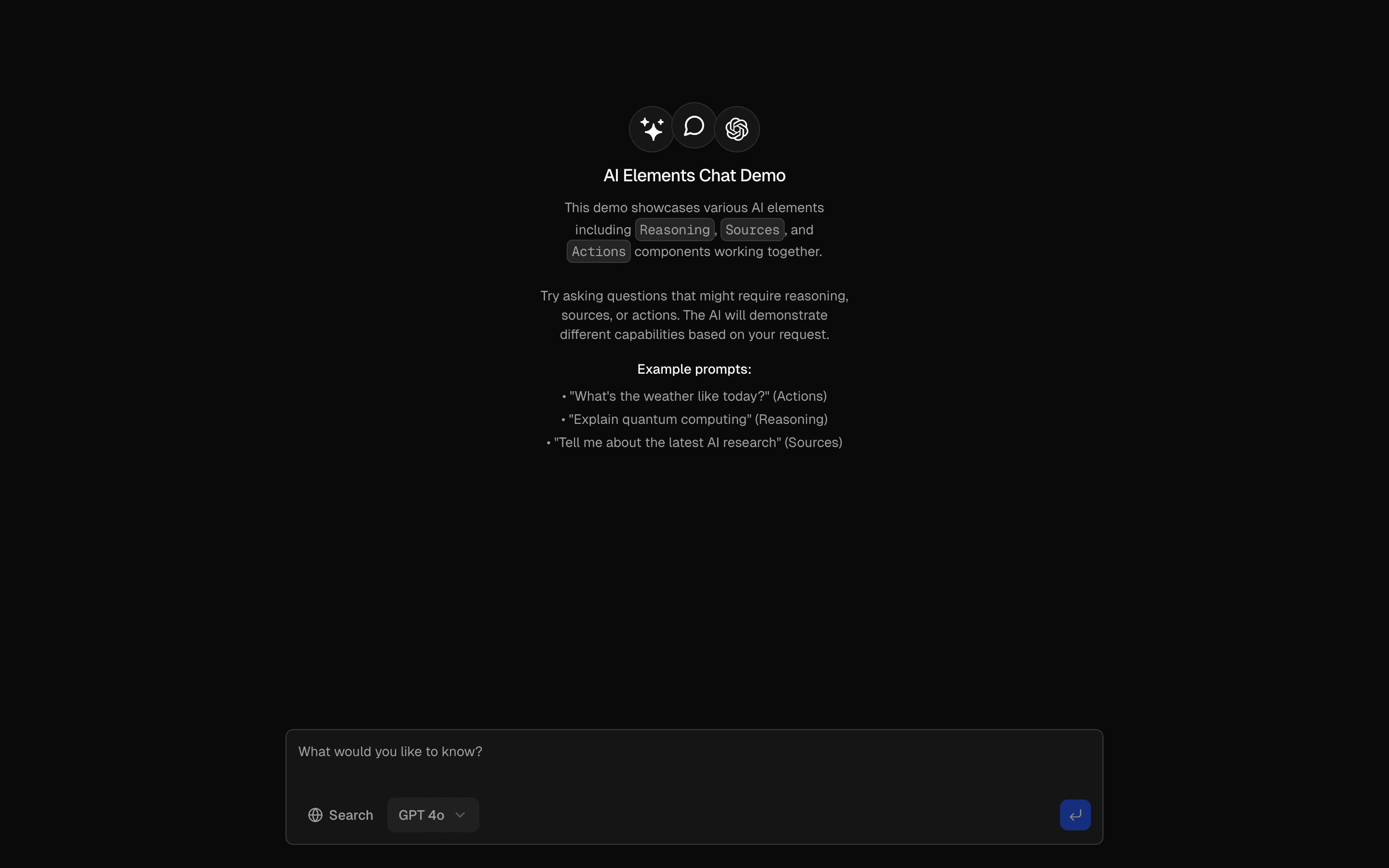
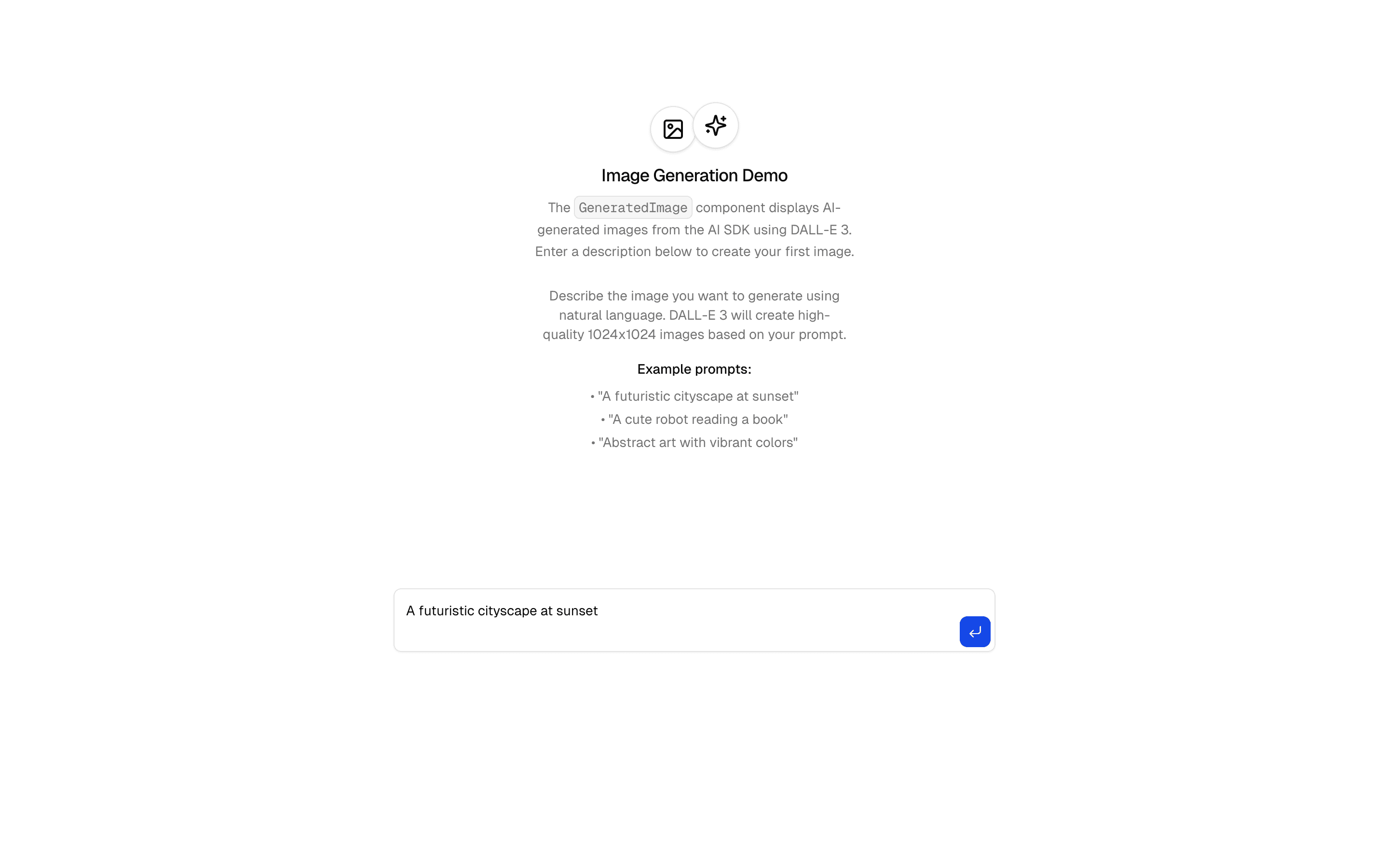
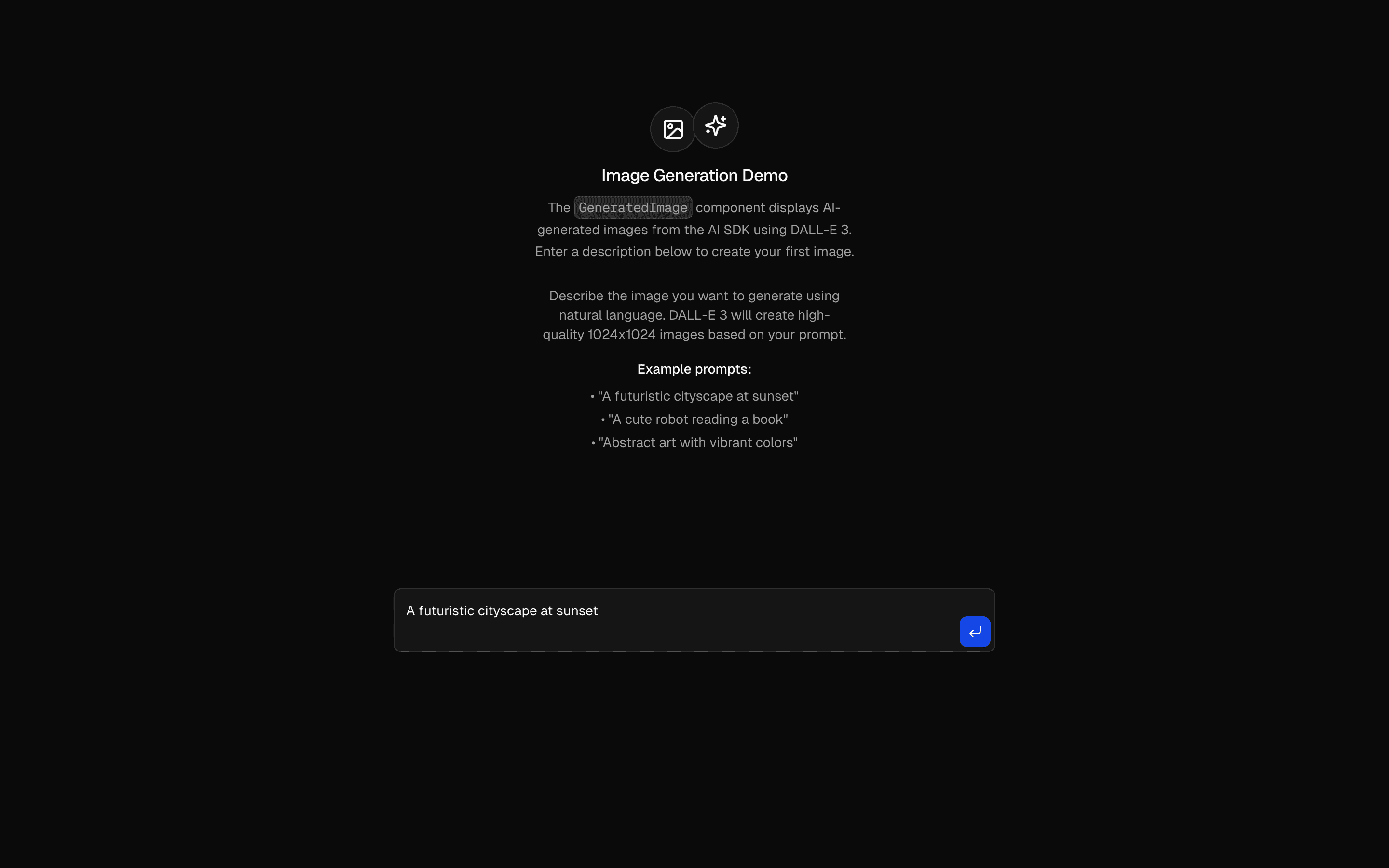
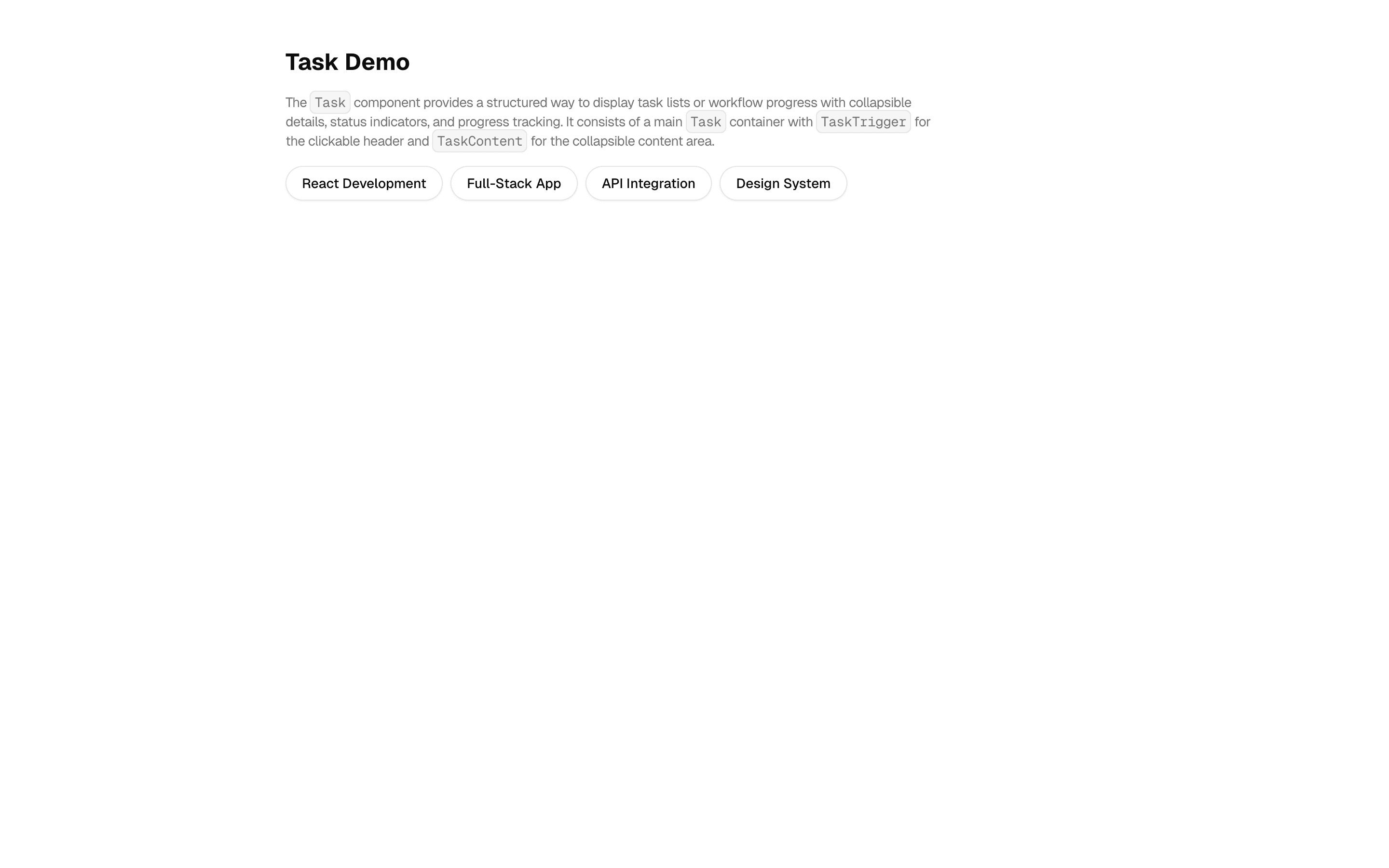
Task management with AI workflow automation. Creates tasks, tracks progress, and assigns work automatically.
Use this when you need the model to stream a schema-validated list of tasks and show them in an interactive task UI as they arrive.
Similar patterns, and when each one is the better fit.

Tool ApprovalUse this when a destructive action, such as deleting a file, needs an in-chat confirm or deny step built only on the AI SDK's own approval flow.
Evaluator Workflow PatternFreeUse this when you want an evaluator-optimizer loop to run as Workflow DevKit durable steps, so iterative scoring and refinement survive restarts.
Workflow - URL AnalysisUse this when you need to run a URL through fixed scrape, analyze, and summarize steps in sequence and stream each step's status to the UI.
QueueUse this when your chat UI must render agent tool output as a queue object holding messages, todo items, and attachments instead of plain text.Requirements, wiring steps, and what this pattern adds to your project.
Pick how you want to pull this pattern in. Then wire env vars and routes the same way.
Download → Next.js app
Use Download → Next.js app in the preview toolbar. You get a zip scaffold (Pro downloads rewrite preview `/view/.../api/*` paths to `/api/*` automatically).
Extract the zip and install dependencies
Unzip the archive, then run `pnpm install` (or npm / yarn) in the project folder.
Fill .env.local
The download includes .env.local placeholders when needed. Add real values for: OPENAI_API_KEY.
Customize the agent and tool files
Adapt prompts, tools, and stop conditions in the generated project for your product.
Run the app and open the pattern route
Run `pnpm dev`, open the setup/checklist page if present, then navigate to the generated pattern route and verify responses.
OPENAI_API_KEYGet keyAI SDK APIs
streamObjectProviders
app/page.tsxapp/layout.tsxapp/api/agent/route.tslib/request-utils.tslib/schema.tsREADME.mdnpm packages
4
Registry components
agent/route.tsAPI route using streamObject with a structured Zod schema to generate development task workflows. Uses deepseek/deepseek-v4.1-flash to produce structured task data via toTextStreamResponse().
lib/schema.tsZod schema defining the structured output format for task generation: tasksSchema wraps an array of taskSchema objects with title, status, and items array.
Task management with AI workflow automation. Creates tasks, tracks progress, and assigns work automatically.
Use this when you need the model to stream a schema-validated list of tasks and show them in an interactive task UI as they arrive.
Similar patterns, and when each one is the better fit.

Tool ApprovalUse this when a destructive action, such as deleting a file, needs an in-chat confirm or deny step built only on the AI SDK's own approval flow.
Evaluator Workflow PatternFreeUse this when you want an evaluator-optimizer loop to run as Workflow DevKit durable steps, so iterative scoring and refinement survive restarts.
Workflow - URL AnalysisUse this when you need to run a URL through fixed scrape, analyze, and summarize steps in sequence and stream each step's status to the UI.
QueueUse this when your chat UI must render agent tool output as a queue object holding messages, todo items, and attachments instead of plain text.Requirements, wiring steps, and what this pattern adds to your project.
Pick how you want to pull this pattern in. Then wire env vars and routes the same way.
Download → Next.js app
Use Download → Next.js app in the preview toolbar. You get a zip scaffold (Pro downloads rewrite preview `/view/.../api/*` paths to `/api/*` automatically).
Extract the zip and install dependencies
Unzip the archive, then run `pnpm install` (or npm / yarn) in the project folder.
Fill .env.local
The download includes .env.local placeholders when needed. Add real values for: OPENAI_API_KEY.
Customize the agent and tool files
Adapt prompts, tools, and stop conditions in the generated project for your product.
Run the app and open the pattern route
Run `pnpm dev`, open the setup/checklist page if present, then navigate to the generated pattern route and verify responses.
OPENAI_API_KEYGet keyAI SDK APIs
streamObjectProviders
app/page.tsxapp/layout.tsxapp/api/agent/route.tslib/request-utils.tslib/schema.tsREADME.mdnpm packages
4
Registry components
agent/route.tsAPI route using streamObject with a structured Zod schema to generate development task workflows. Uses deepseek/deepseek-v4.1-flash to produce structured task data via toTextStreamResponse().
lib/schema.tsZod schema defining the structured output format for task generation: tasksSchema wraps an array of taskSchema objects with title, status, and items array.
Loading preview…
Early-bird pricing — limited time


Open on desktop for the interactive preview.
Task management with AI workflow automation. Creates tasks, tracks progress, and assigns work automatically.
Loading preview…
Early-bird pricing — limited time


Open on desktop for the interactive preview.
Task management with AI workflow automation. Creates tasks, tracks progress, and assigns work automatically.