Loading pattern preview
BlocksReal-world Examples
Firecrawl Landing Page Teardown PDF
Firecrawl Landing Page Teardown PDF
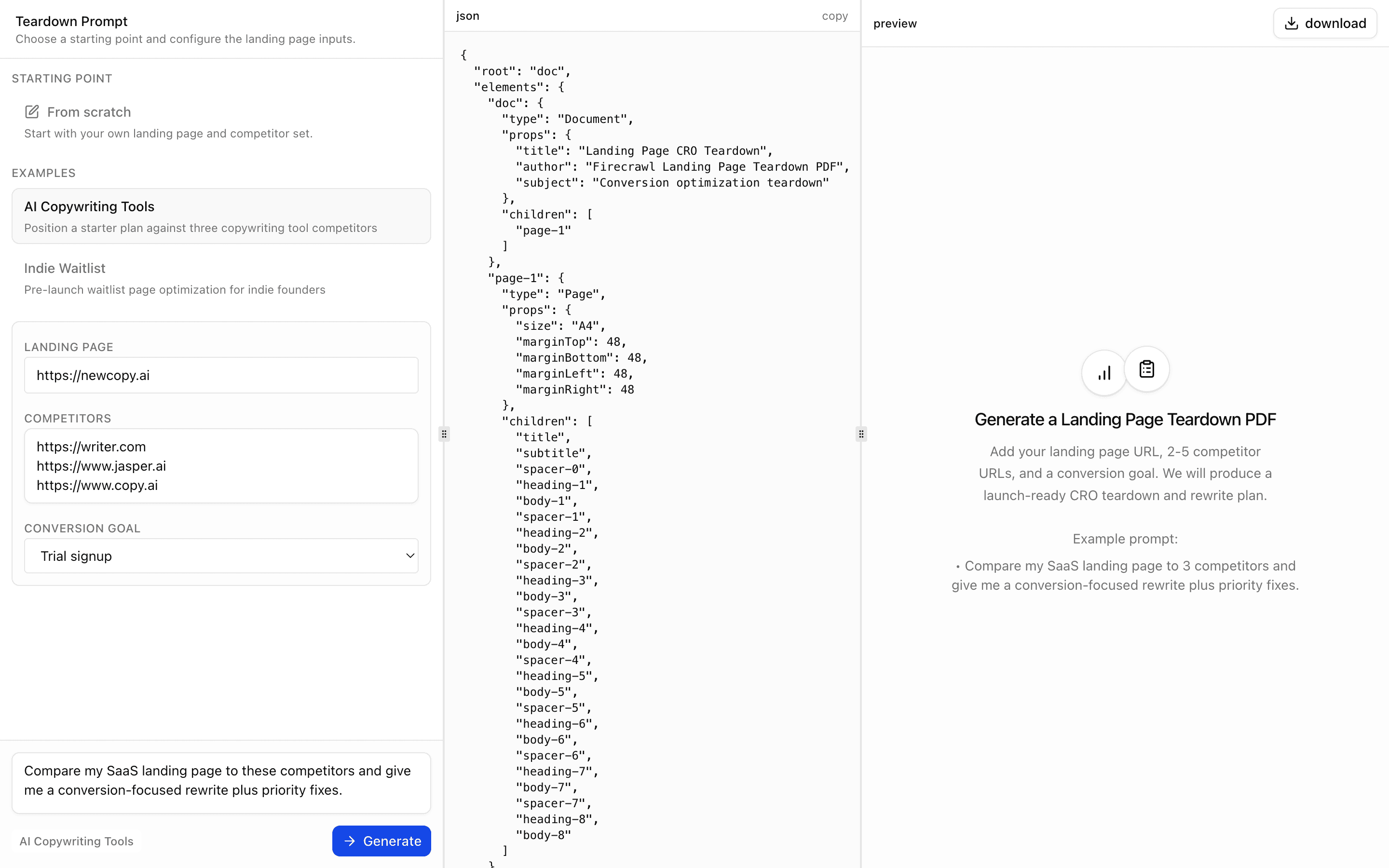
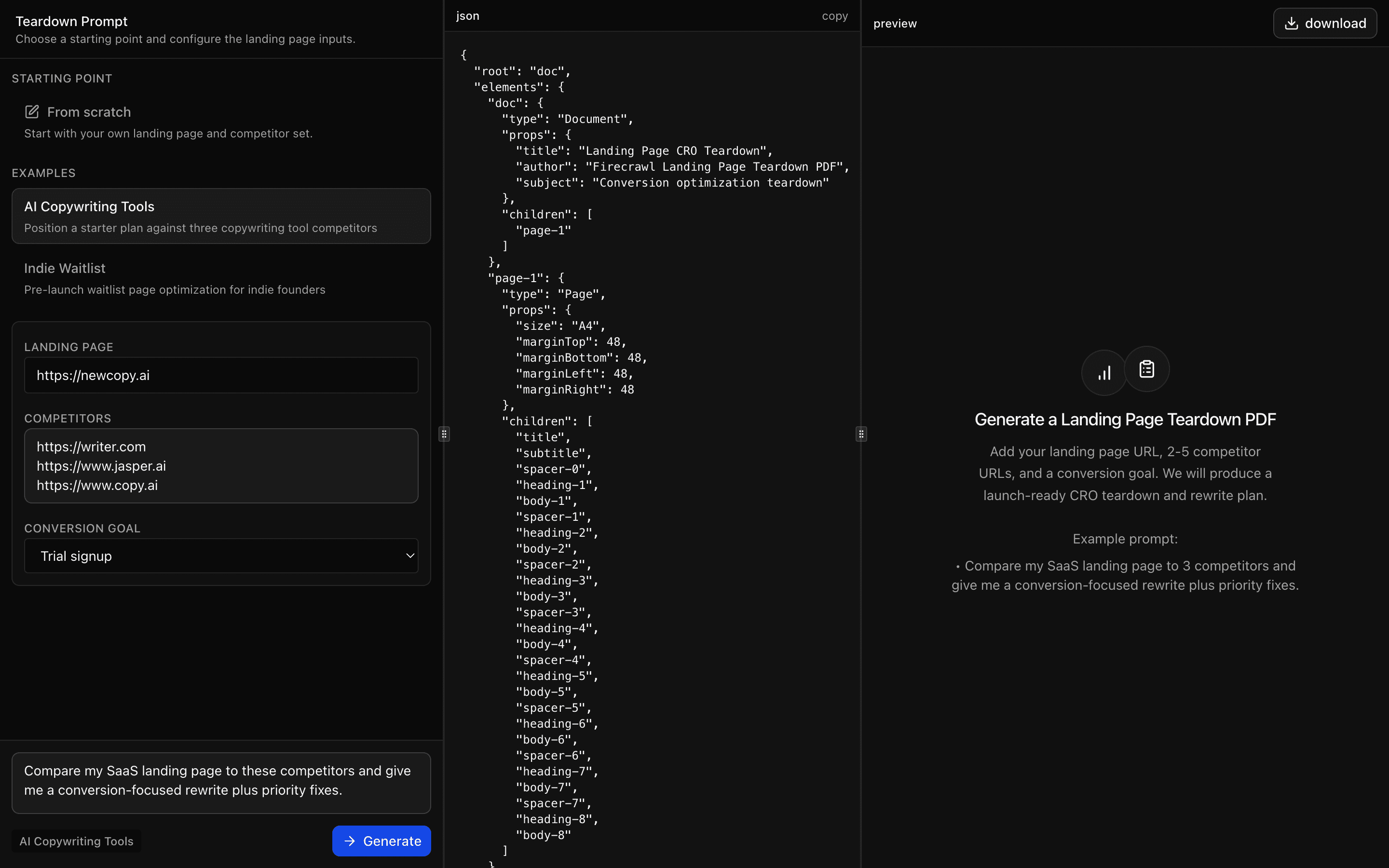
Generate a conversion-focused landing page teardown PDF using one landing URL plus 2-5 competitor URLs.
Use this when you need a conversion teardown PDF comparing your landing page against 2-5 competitor pages, with copy rewrites and a short test plan.
Loading pattern preview
Problems solved
Technical challenges this implementation handles out of the box.
- Teardown a landing page plus competitor URLs into a CRO PDF
- Scrape markdown with Firecrawl for structured extraction
- Produce copy rewrites and a short test plan in the PDF
- Stream a deterministic JSON Render PDF from extracted insights
Use cases
Products and workflows this pattern is designed to support.
- Pre-launch conversion optimization
- Founder pricing and positioning validation
- Landing page copy rewrite planning
- Competitive CRO teardown reports
Compare with
Similar patterns, and when each one is the better fit.
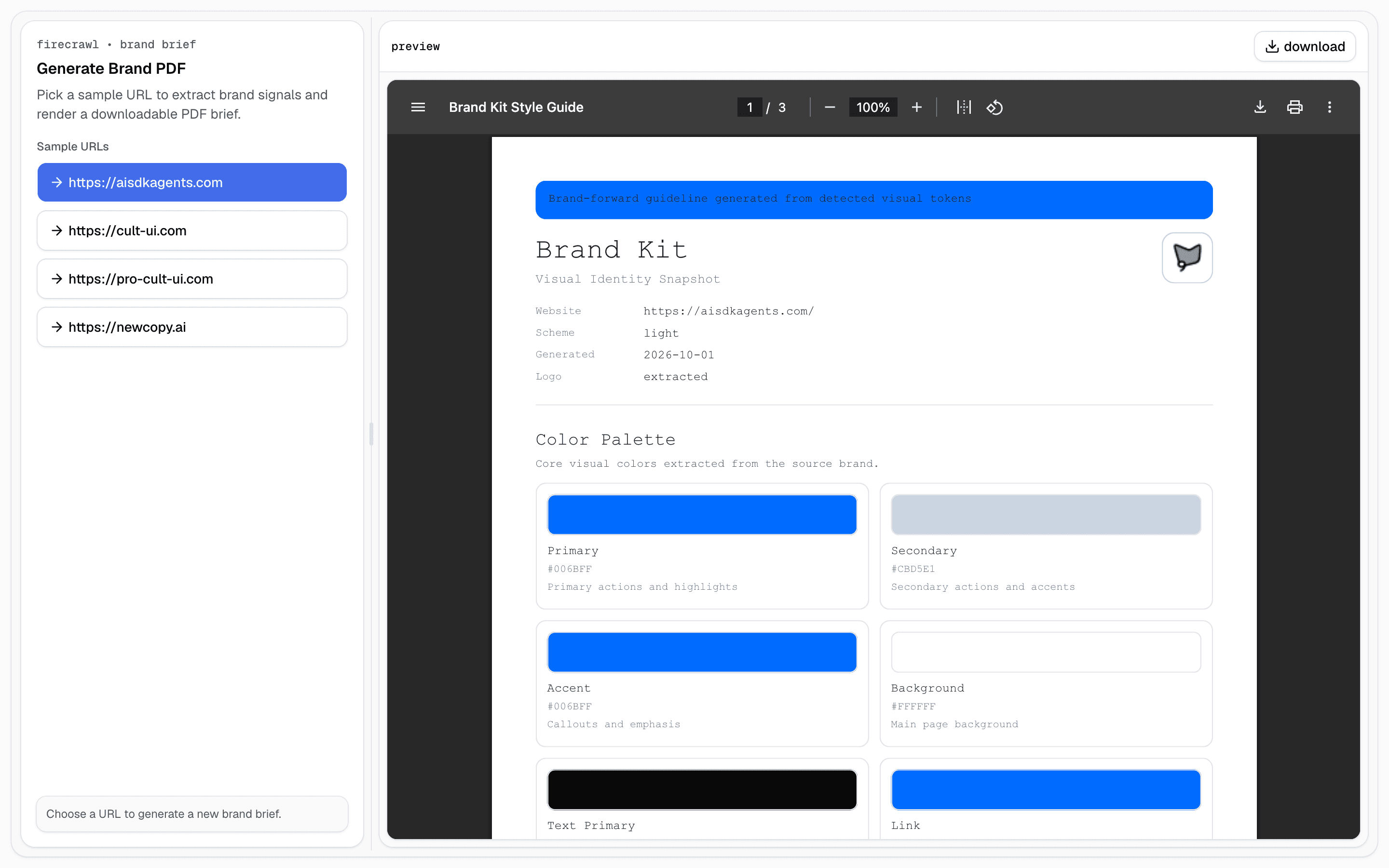
 Firecrawl Brand PDFUse this when you need a downloadable brand brief PDF from a single website URL, covering token candidates and implementation recommendations.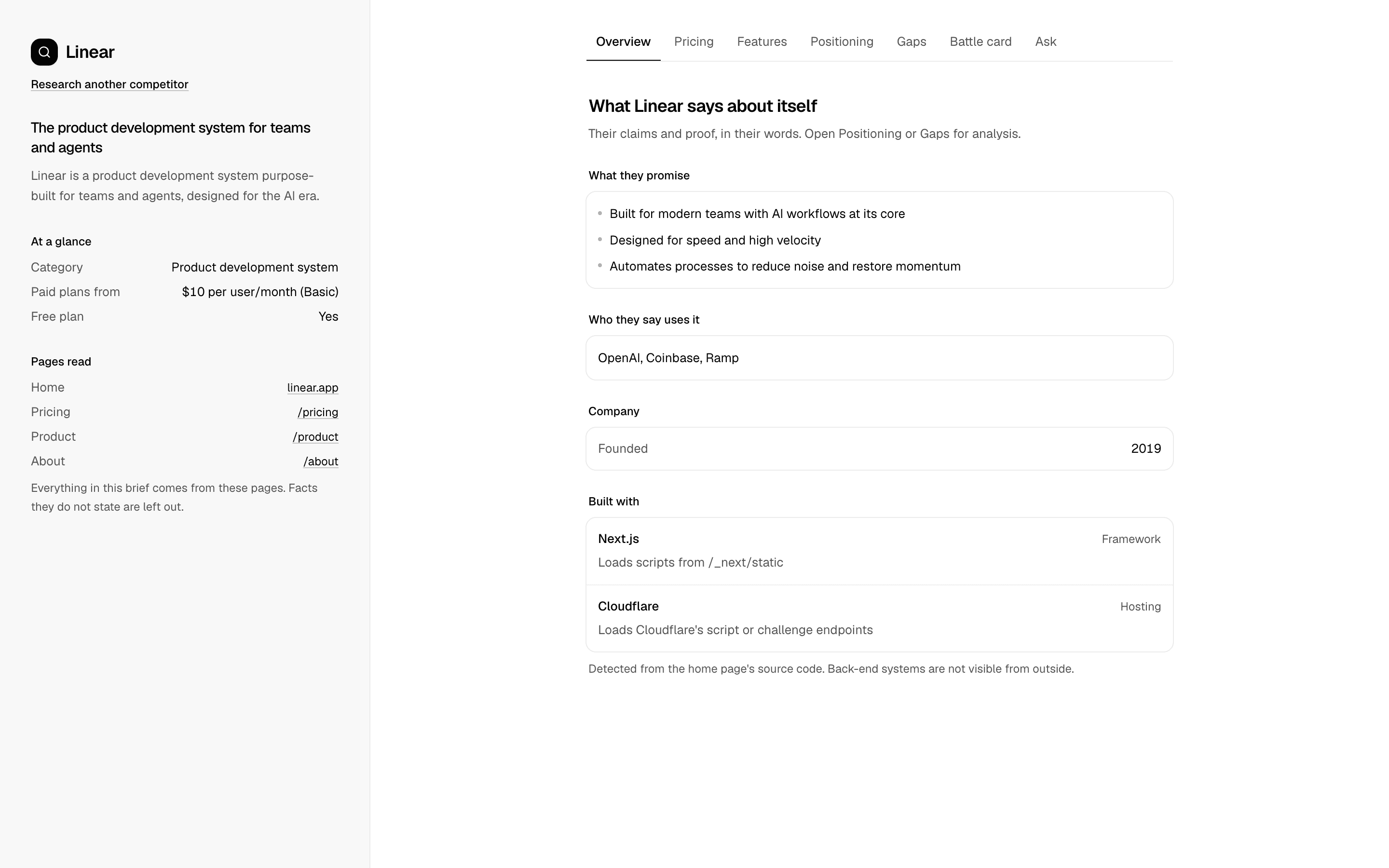
 Competitor Research AgentUse this when you have one competitor URL and need a brief you can trust: pricing, features, and tech read from the site, plus agent analysis that quotes its evidence.
 SEO AuditUse this when a marketing team needs exportable SEO scorecards that check title, meta description, and Open Graph tags and list top fixes for a page.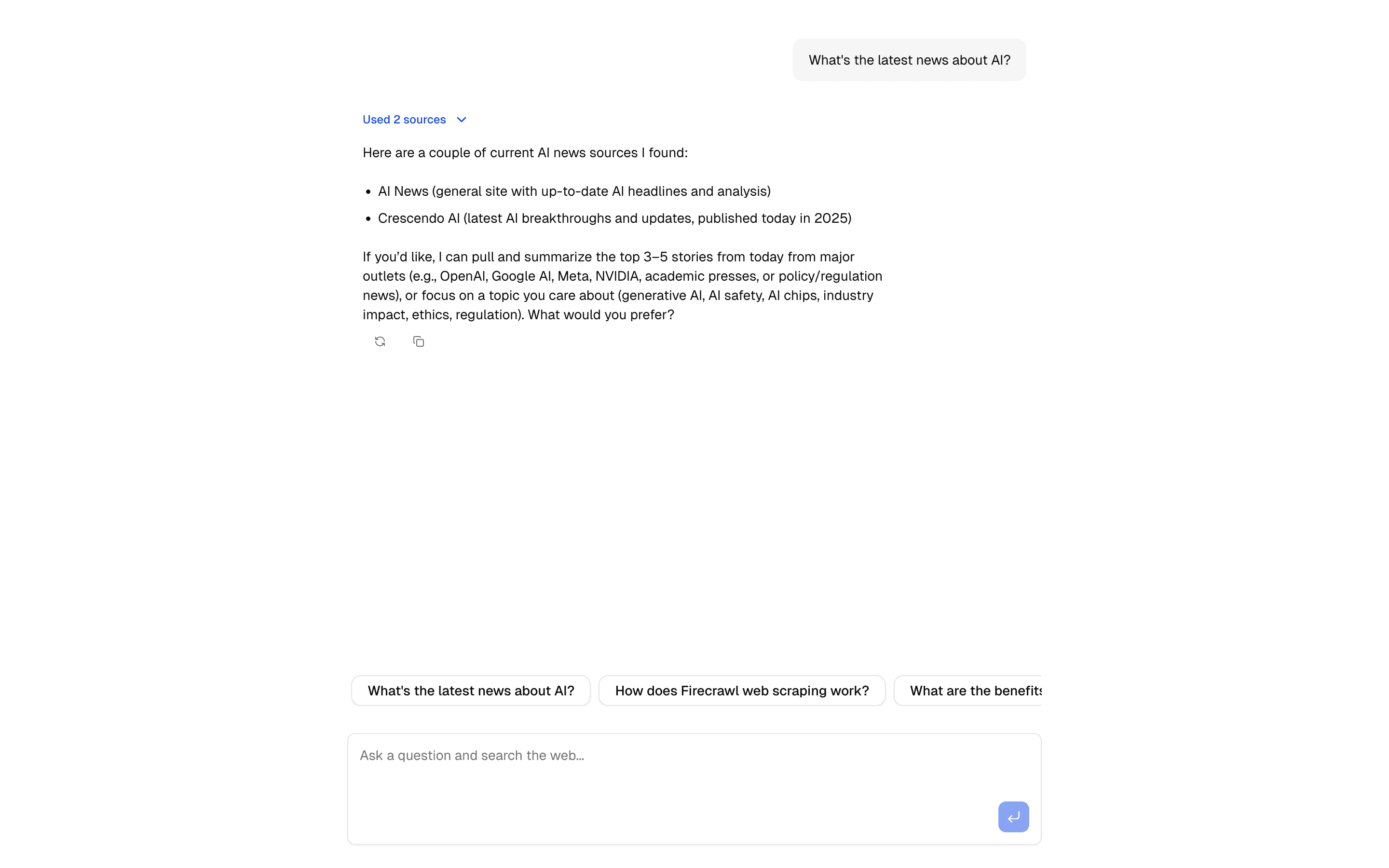
 Firecrawl Scrape Tool ChatCrawl and extract content using Firecrawl's API. Includes URL processing, markdown conversion, and structured data extraction.
Setup
Requirements, wiring steps, and what this pattern adds to your project.
Getting started
Pick how you want to pull this pattern in. Then wire env vars and routes the same way.
- 1
Download → Next.js app
Use Download → Next.js app in the preview toolbar. You get a zip scaffold (Pro downloads rewrite preview `/view/.../api/*` paths to `/api/*` automatically).
- 2
Extract the zip and install dependencies
Unzip the archive, then run `pnpm install` (or npm / yarn) in the project folder.
- 3
Fill .env.local
The download includes .env.local placeholders when needed. Add real values for: FIRECRAWL_API_KEY, AI_GATEWAY_API_KEY.
- 4
Customize the agent and tool files
Adapt prompts, tools, and stop conditions in the generated project for your product.
- 5
Run the app and open the pattern route
Run `pnpm dev`, open the setup/checklist page if present, then navigate to the generated pattern route and verify responses.
Environment variables
Capabilities
AI SDK APIs
generateObjectstreamTextgatewayProviders
Gemini
External services
FirecrawlUpstash
Files added
13 files
app/page.tsxapp/layout.tsxapp/api/firecrawl-landing-page-teardown-pdf-generate/route.tsapp/api/pdf/route.tscomponents/firecrawl-landing-page-teardown-pdf-demo.tsxcomponents/empty-state.tsxcomponents/countdown.tsxlib/catalog.tslib/examples.tslib/rate-limit.tslib/request-utils.tslib/teardown-types.tsREADME.md
Dependencies
16 total
npm packages
11@json-render/core@json-render/react-pdf@mendable/firecrawl-jsUpstashAISDKlucide-reactNext.jsReactZodmotionsonner
 Registry components
buttonemptyresizablesheettextarea
Critical files
2 files
firecrawl-landing-page-teardown-pdf-generate/route.tsCore pipeline: input validation, Firecrawl markdown scraping, structured CRO extraction via generateObject, and deterministic JSON Render PDF streaming.
lib/teardown-types.tsStrict Zod schema for all fixed CRO report sections, used to enforce deterministic analysis output before PDF generation.
Requirements
- Complexity
- Advanced
- Setup time
- ~10 minutes
- Node
- 24+
- Memory
- 512MB
Upstash Redis