Loading pattern preview
BlocksTools & Utilities
CSV / TSV ↔ JSON tabular export
CSV / TSV ↔ JSON tabular export
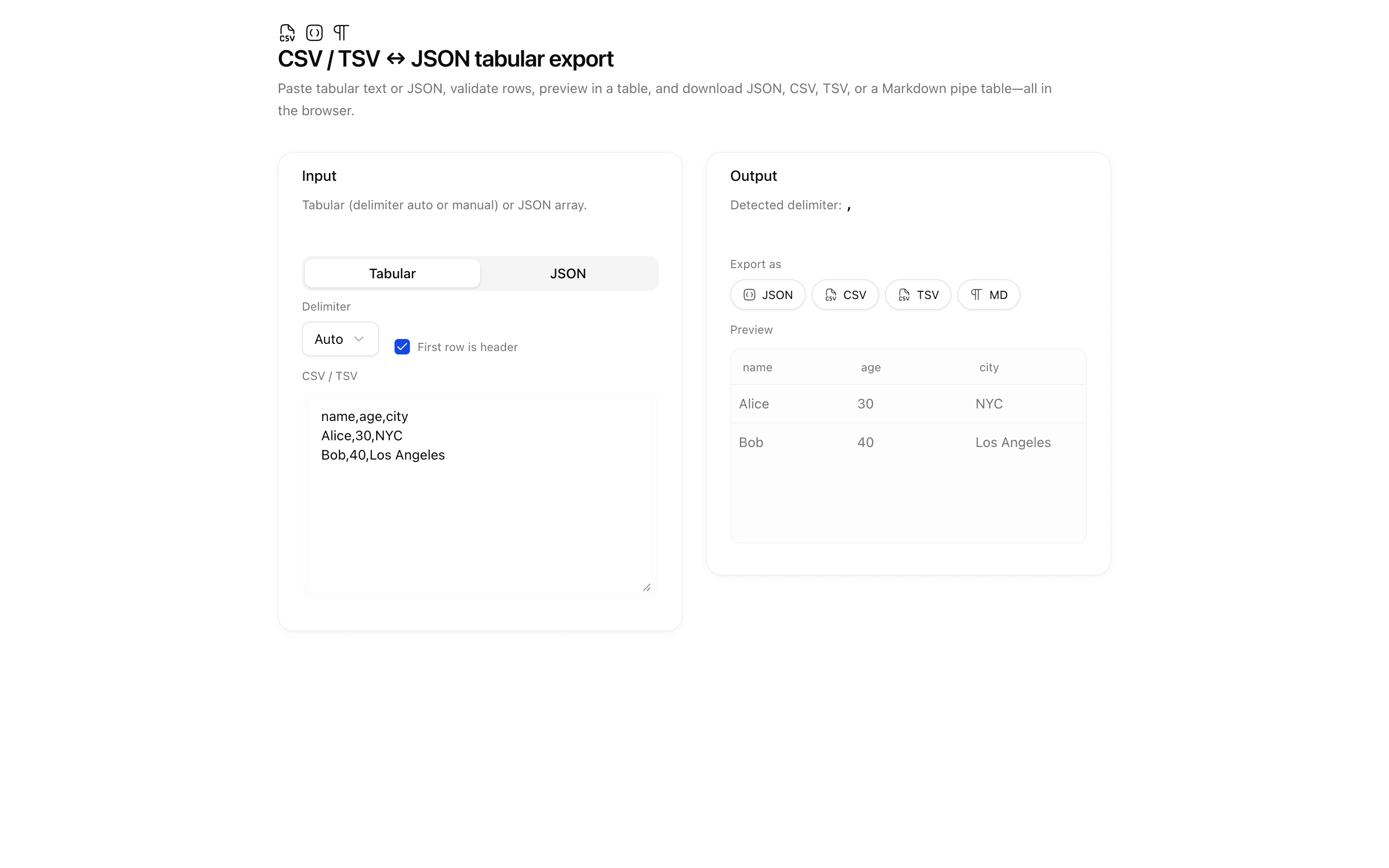
Paste CSV, TSV, or JSON arrays; detect delimiters with Papa Parse; validate rectangular rows; preview in a table; export JSON, CSV, TSV, or Markdown tables in the browser.
Use this when you need to turn pasted delimited text or JSON rows into a Markdown table or other text format without a server or AI model.
Loading pattern preview
Problems solved
Technical challenges this implementation handles out of the box.
- Convert pasted CSV, TSV, or JSON arrays into a rectangular table
- Detect delimiters and validate rows with Papa Parse
- Export JSON, CSV, TSV, or GitHub-flavored Markdown tables in-browser
Use cases
Products and workflows this pattern is designed to support.
- Spreadsheet interchange utilities
- API fixture editing
- Markdown table generation
- Offline tabular data cleanup
Compare with
Similar patterns, and when each one is the better fit.
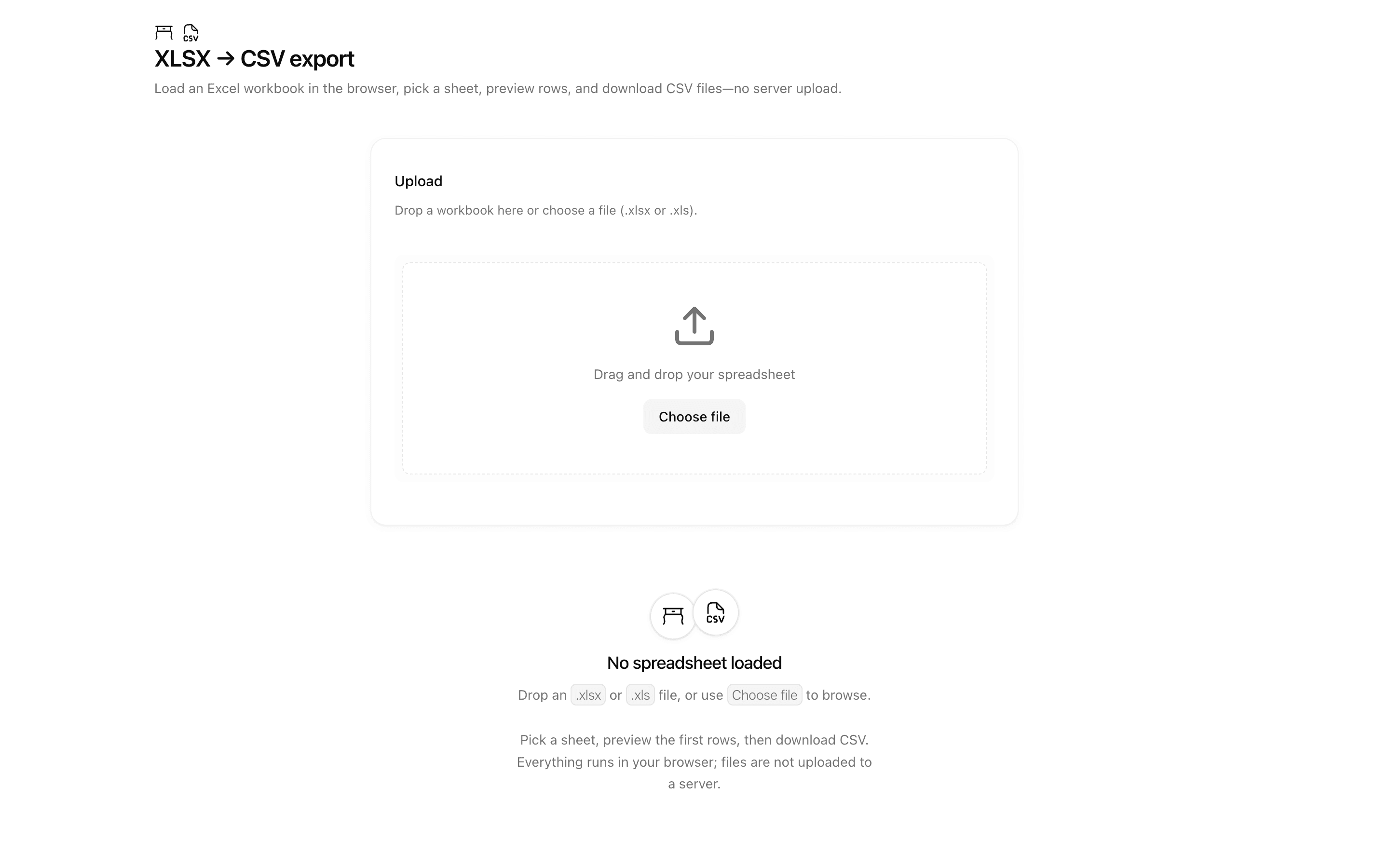
 XLSX → CSV exportUse this when your app takes existing Excel workbooks as input and must hand back CSV files, such as for data migration prep or offline conversion.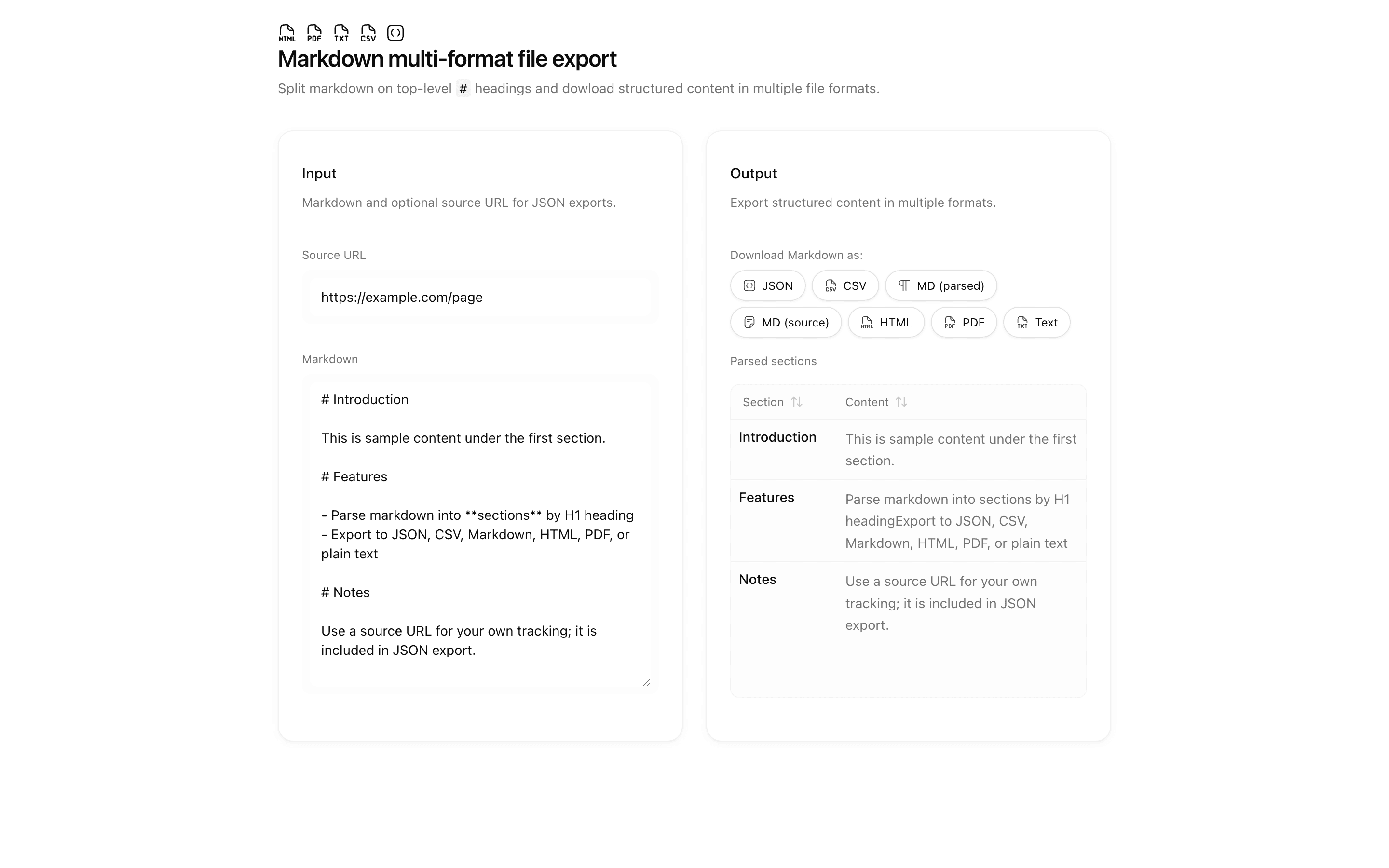
 Markdown multi-format file exportUse this when you are migrating or exporting docs by section and want markdown parsed with unified and remark entirely client side.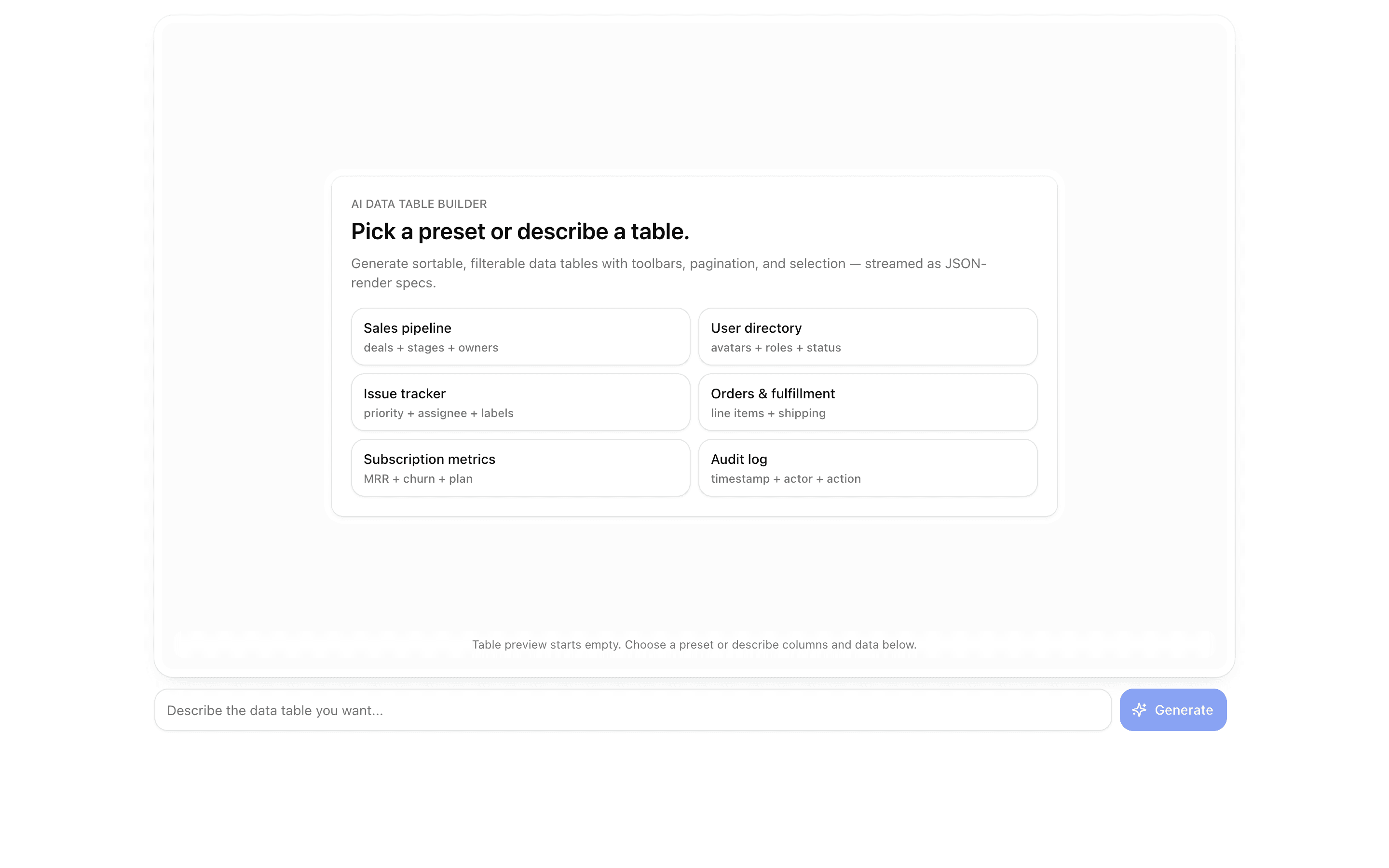
 JSON Render Data TableUse this when you are building a prompt-driven data grid with search, filter, pagination, and bulk action toolbars generated from a json-render spec.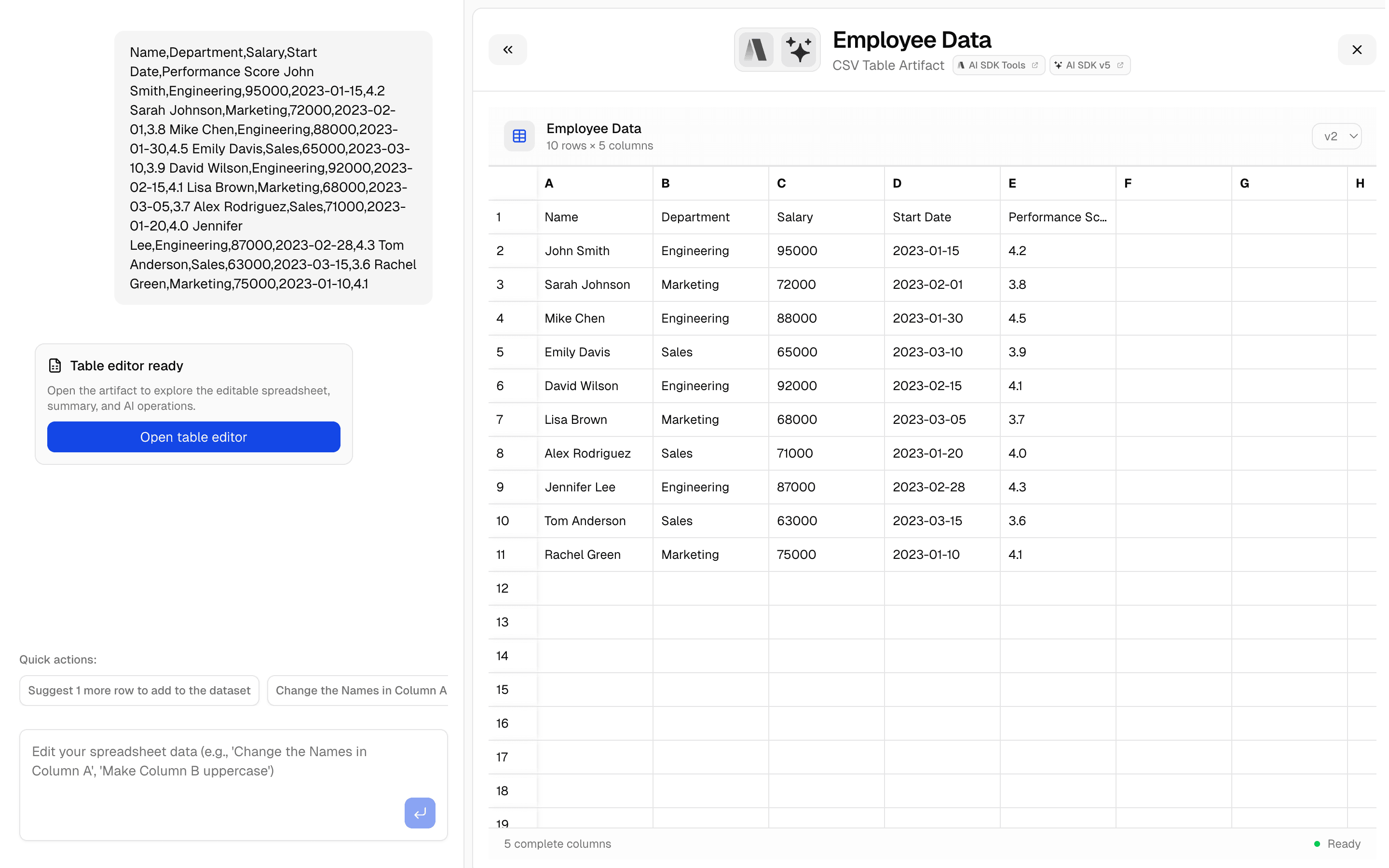
 CSV Editor ArtifactUse this when your chat app needs a spreadsheet artifact that auto-detects column types and is backed by Upstash storage.
Setup
Requirements, wiring steps, and what this pattern adds to your project.
Getting started
Pick how you want to pull this pattern in. Then wire env vars and routes the same way.
- 1
Download → Next.js app
Use Download → Next.js app in the preview toolbar. You get a zip scaffold (Pro downloads rewrite preview `/view/.../api/*` paths to `/api/*` automatically).
- 2
Extract the zip and install dependencies
Unzip the archive, then run `pnpm install` (or npm / yarn) in the project folder.
- 3
Customize the agent and tool files
Adapt prompts, tools, and stop conditions in the generated project for your product.
- 4
Run the app and open the pattern route
Run `pnpm dev`, open the setup/checklist page if present, then navigate to the generated pattern route and verify responses.
Files added
3 files
app/page.tsxapp/layout.tsxREADME.md
Dependencies
17 total
npm packages
7@hugeicons-pro/core-stroke-rounded@hugeicons/reactfile-saverNext.jspapaparseReactsonner
 Registry components
buttoncardcheckboxemptylabelscroll-areaselecttabletabstextarea
Critical files
1 file
lib/tabular-export.tsPapa Parse for CSV/TSV with optional header row and delimiter override; JSON array parsing; rectangular validation; GFM pipe-table export; file-saver downloads for JSON, CSV, TSV, Markdown.
Requirements
- Complexity
- Beginner
- Setup time
- ~5 minutes