Loading pattern preview
BlocksArtifacts
JSON Render Image
JSON Render Image
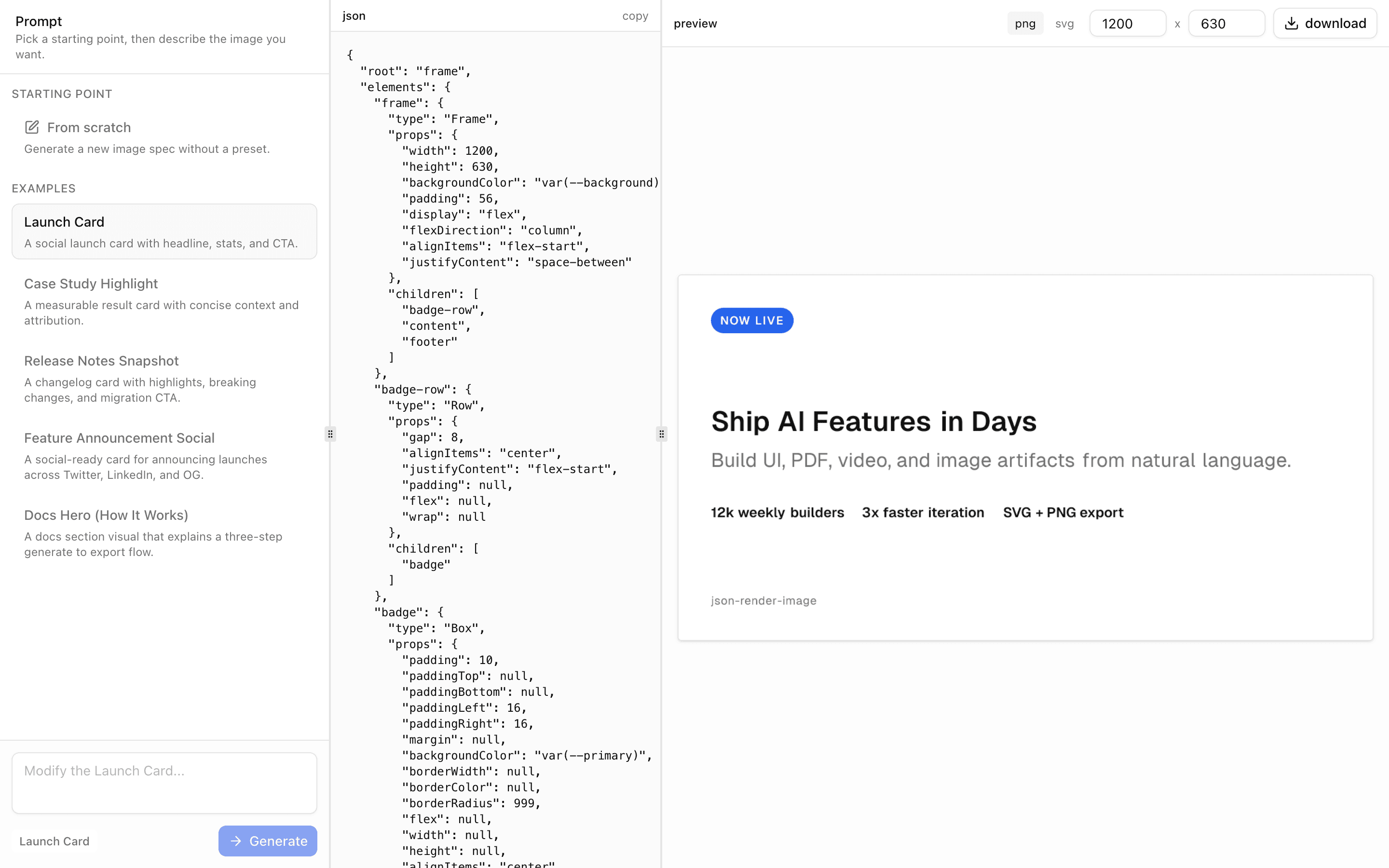
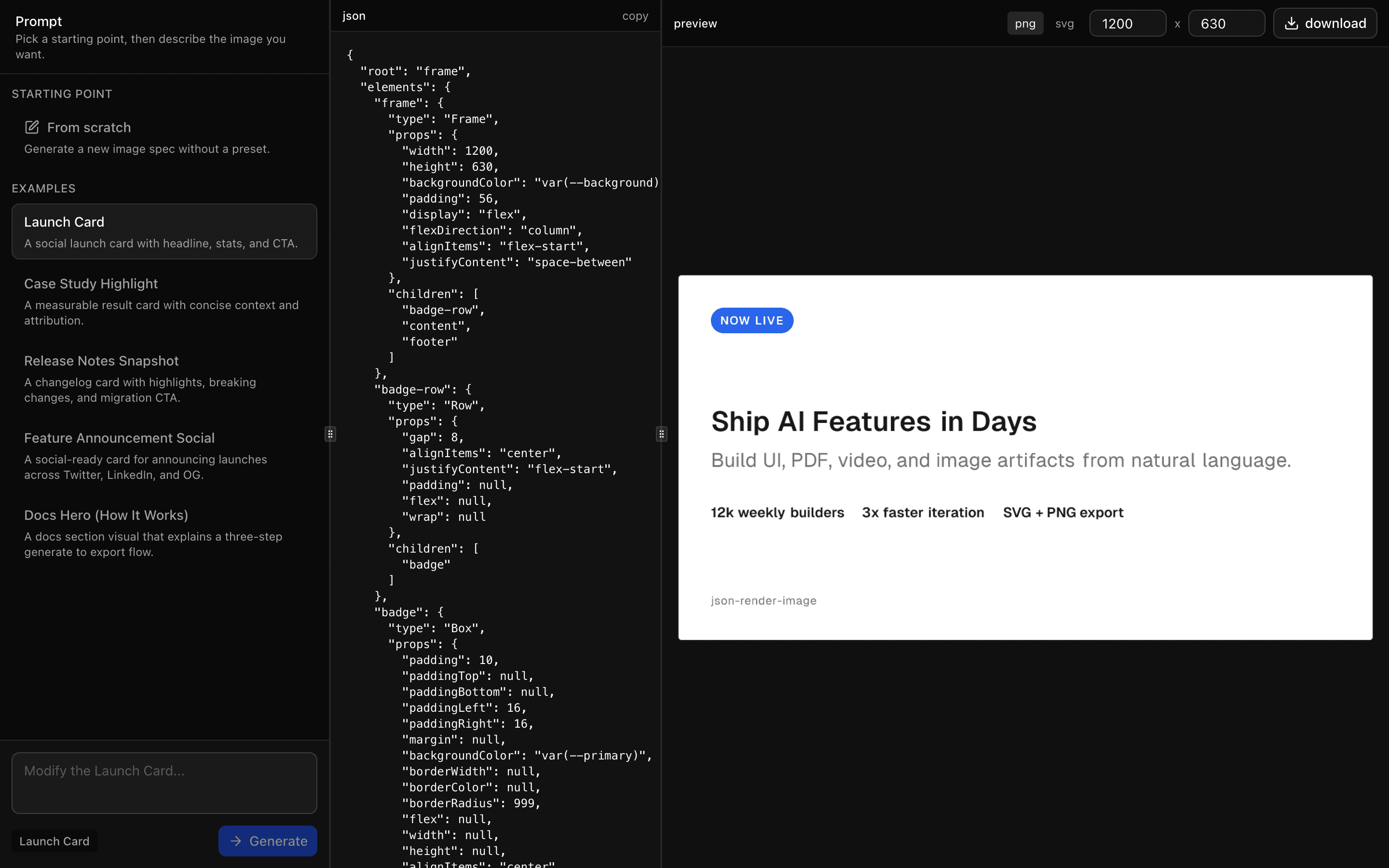
Generate social cards and marketing images from natural language using @json-render/image with live spec streaming and SVG/PNG export.
Use this when users describe a social card or marketing graphic in plain language and need a downloadable SVG or PNG image as the result.
Loading pattern preview
Problems solved
Technical challenges this implementation handles out of the box.
- Generate social and marketing image specs from natural language
- Stream structured image specs for iterative design
- Export AI outputs as SVG and PNG
Use cases
Products and workflows this pattern is designed to support.
- Social media launch graphics
- Quote card generation
- Feature marketing assets
- Prompt-driven visual design tools
Compare with
Similar patterns, and when each one is the better fit.
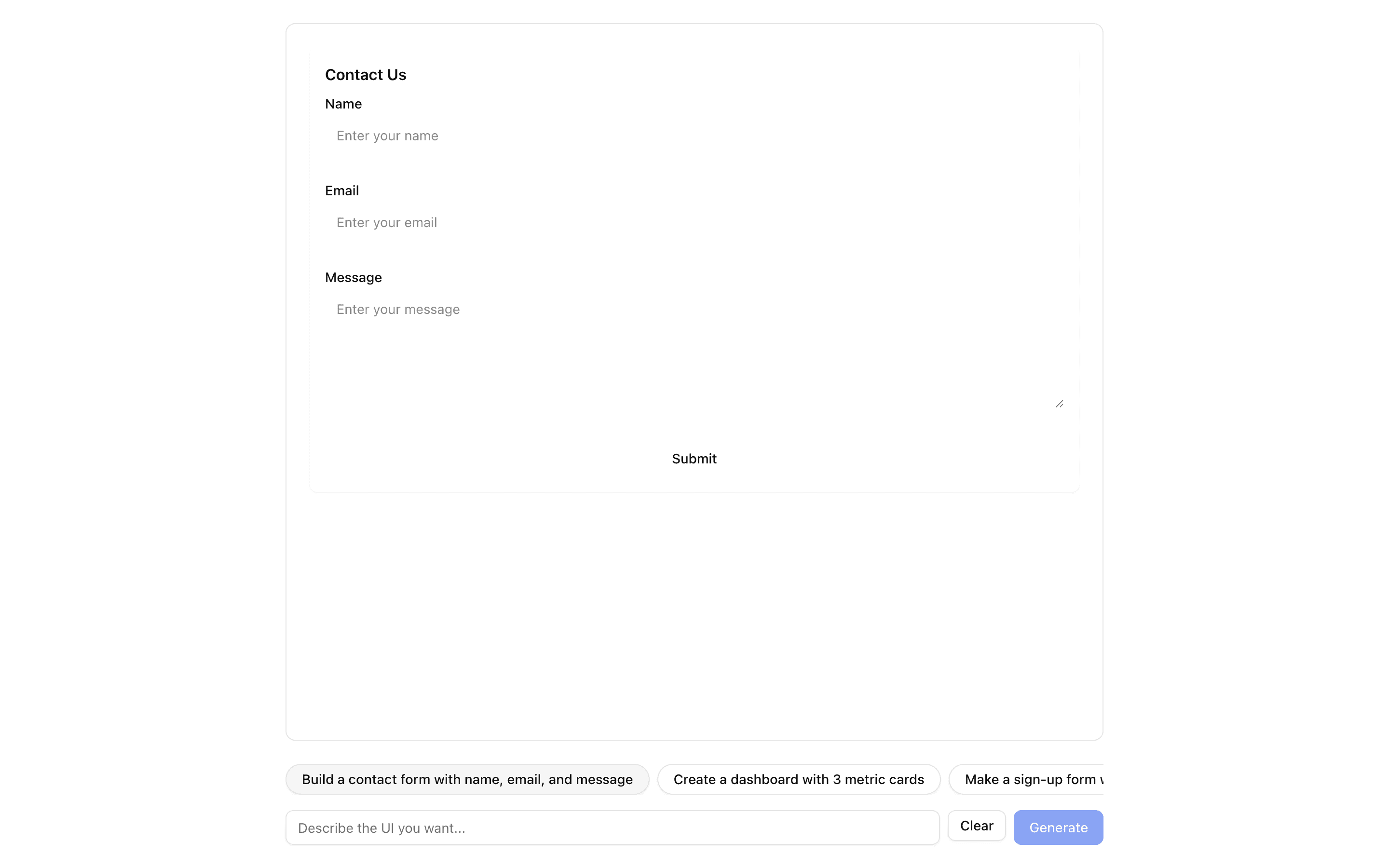
 JSON Render ReactUse this when you want to define your own small component catalog and render streamed JSON specs with the base @json-render React renderer.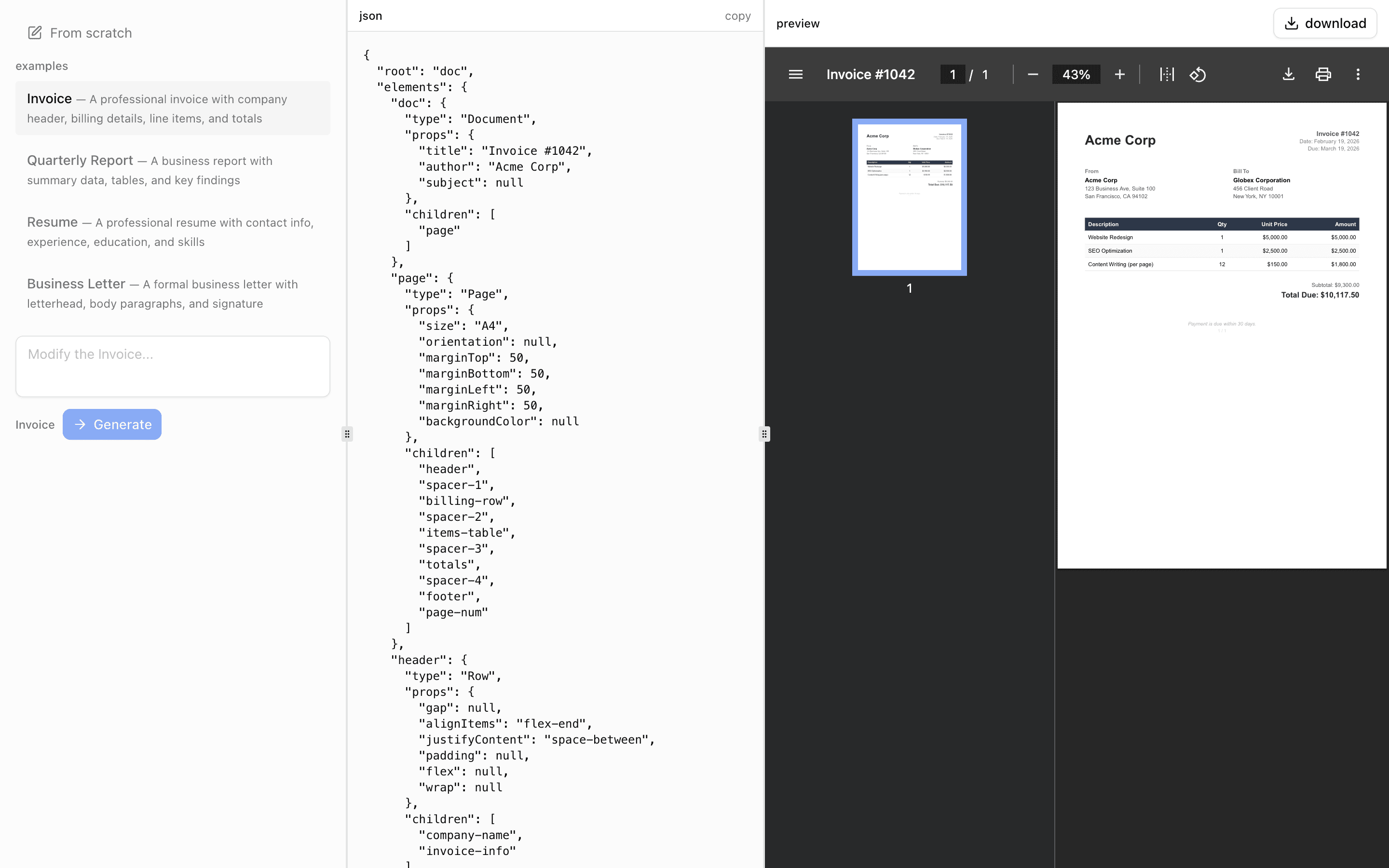
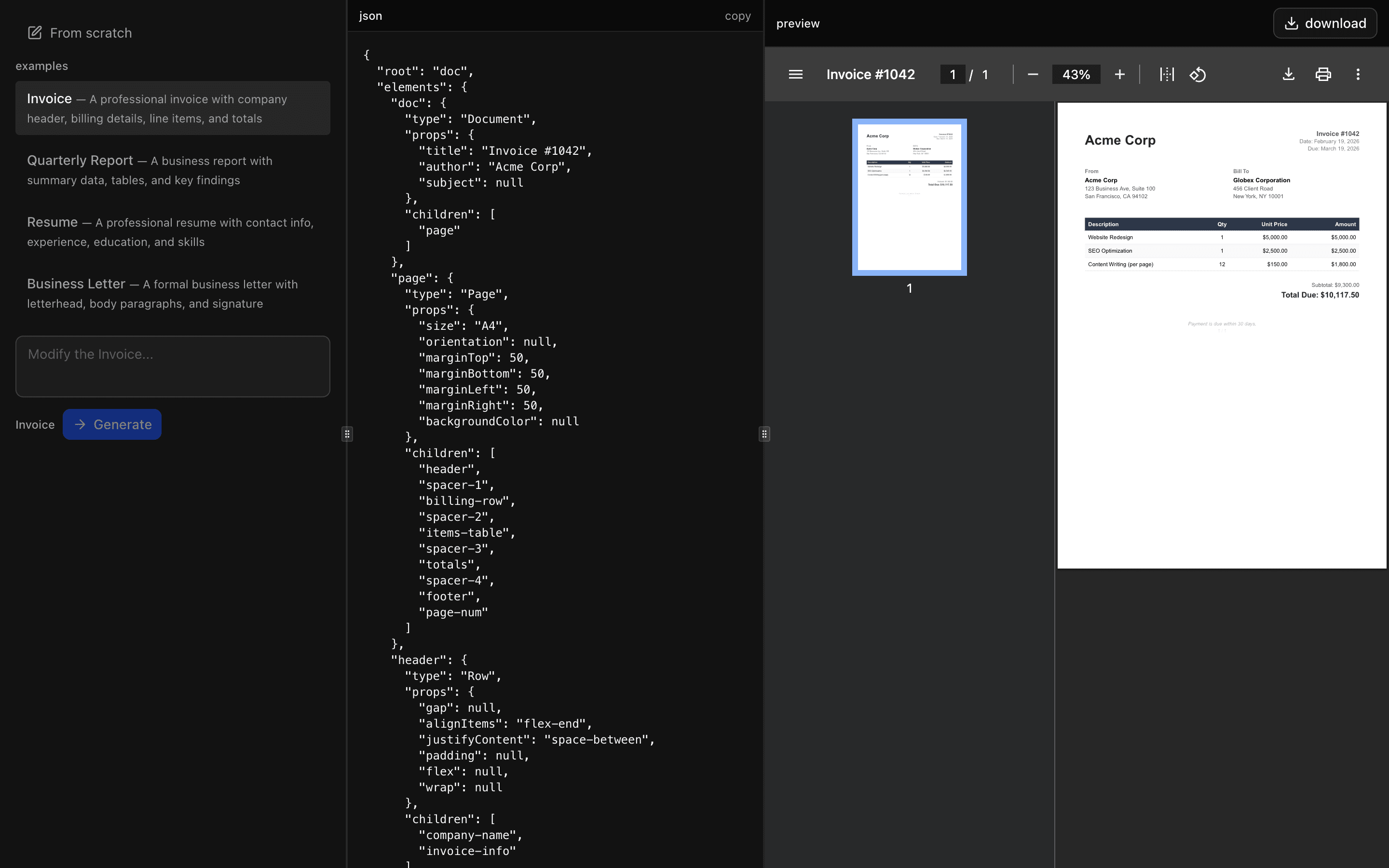 JSON Render PDFUse this when your app must turn prompts or refined examples into PDF files while keeping the model limited to approved react-pdf components.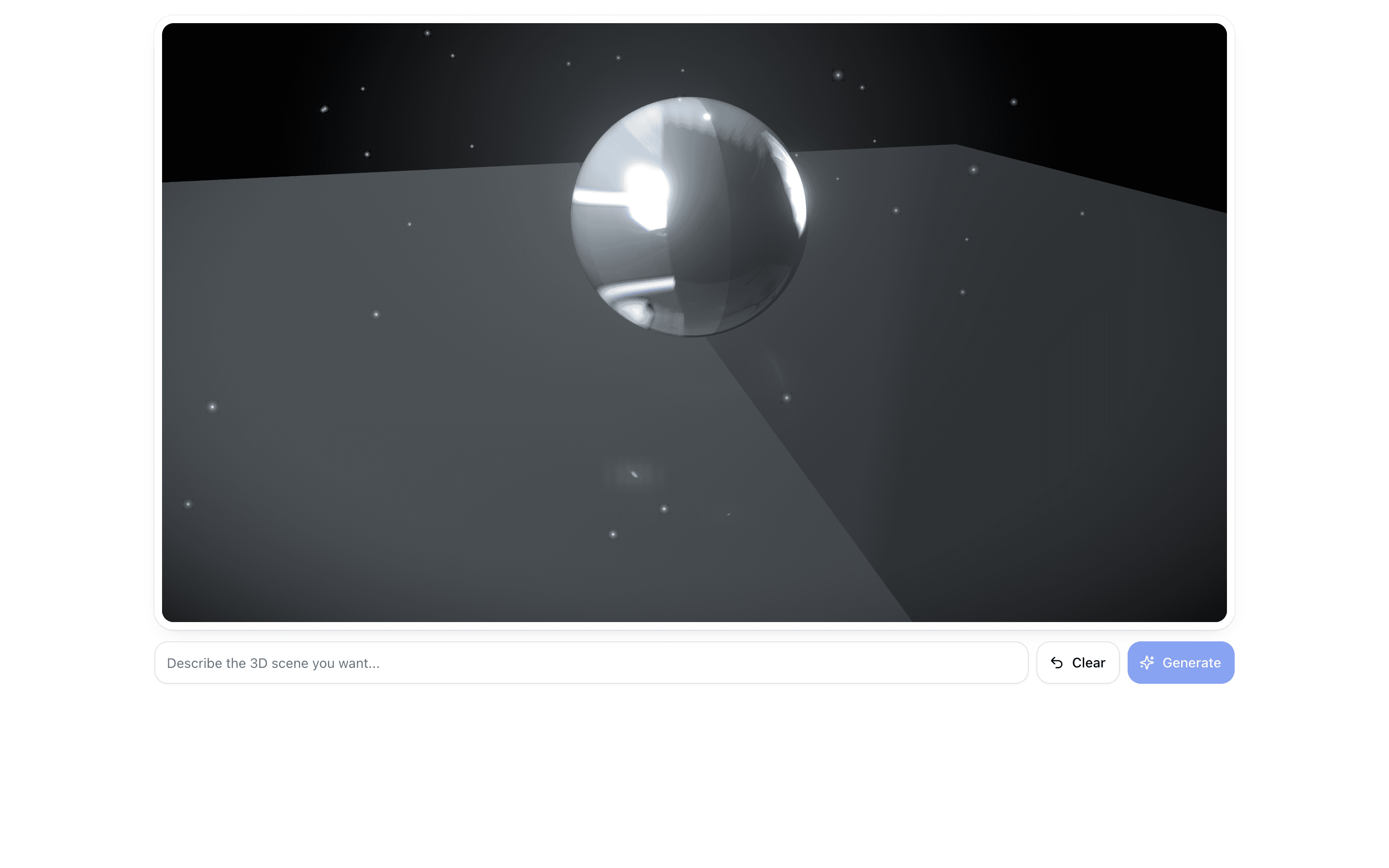
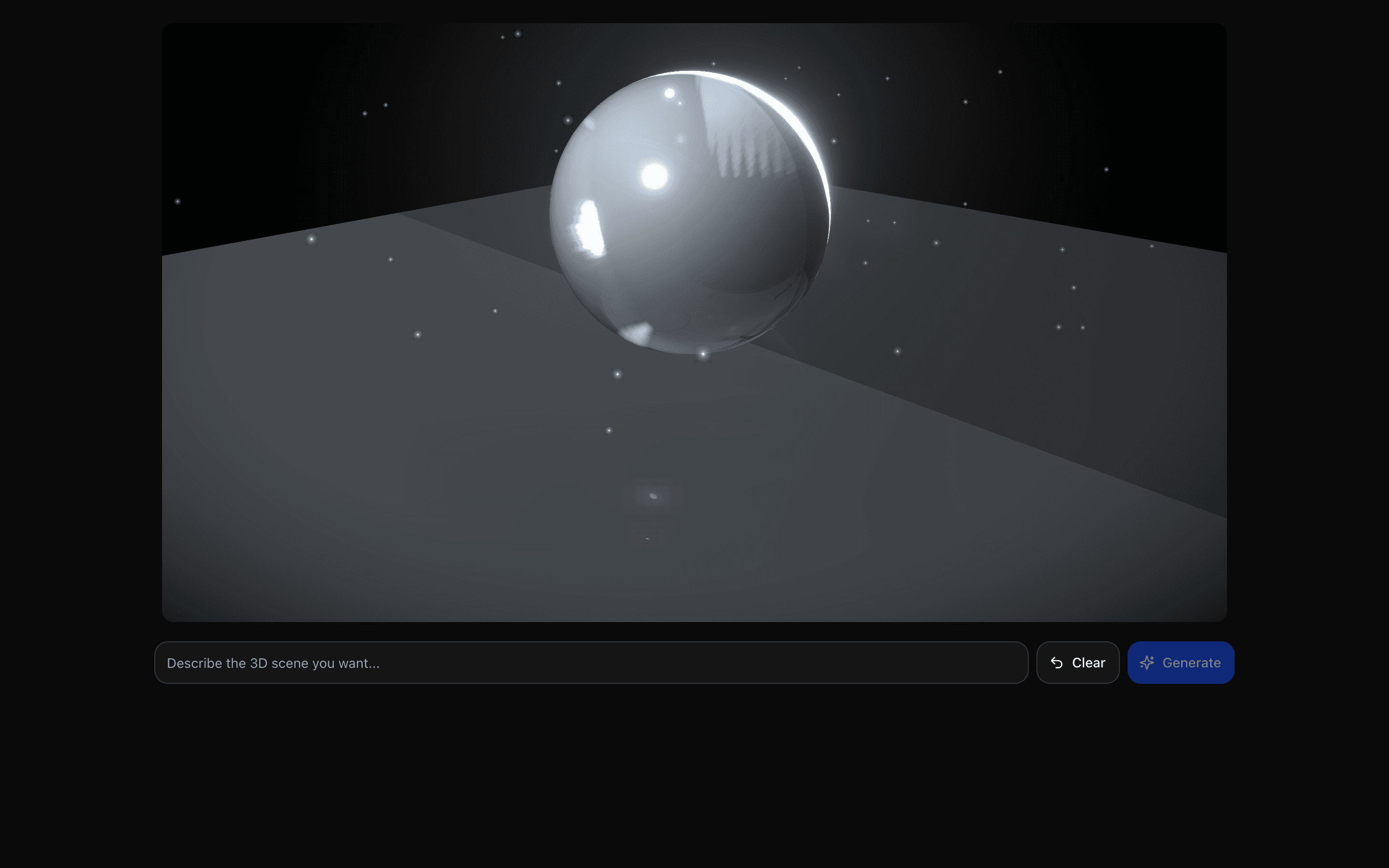 JSON Render Three.jsUse this when users describe a 3D scene in plain language and need it streamed as a live React Three Fiber render they can orbit right away.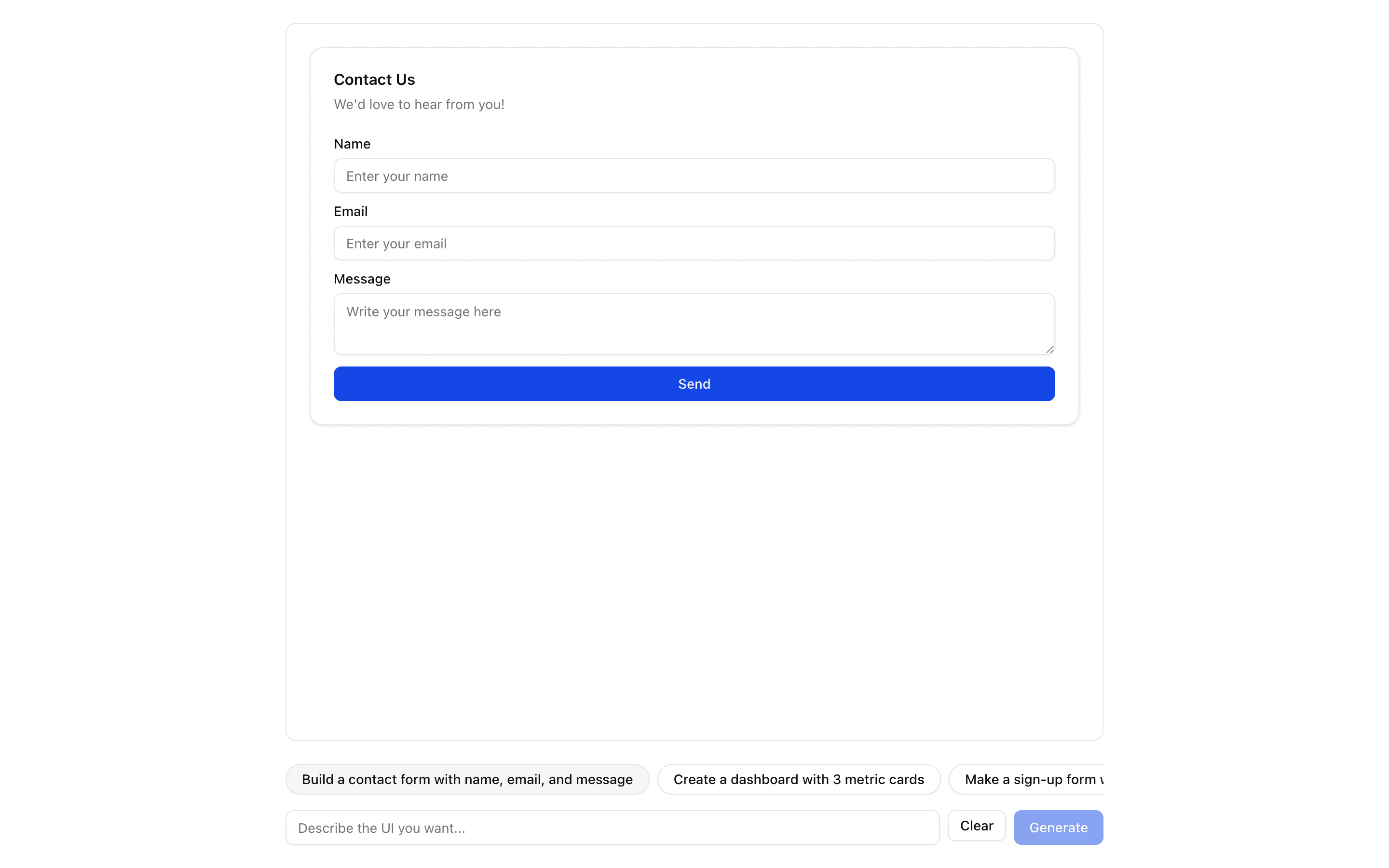
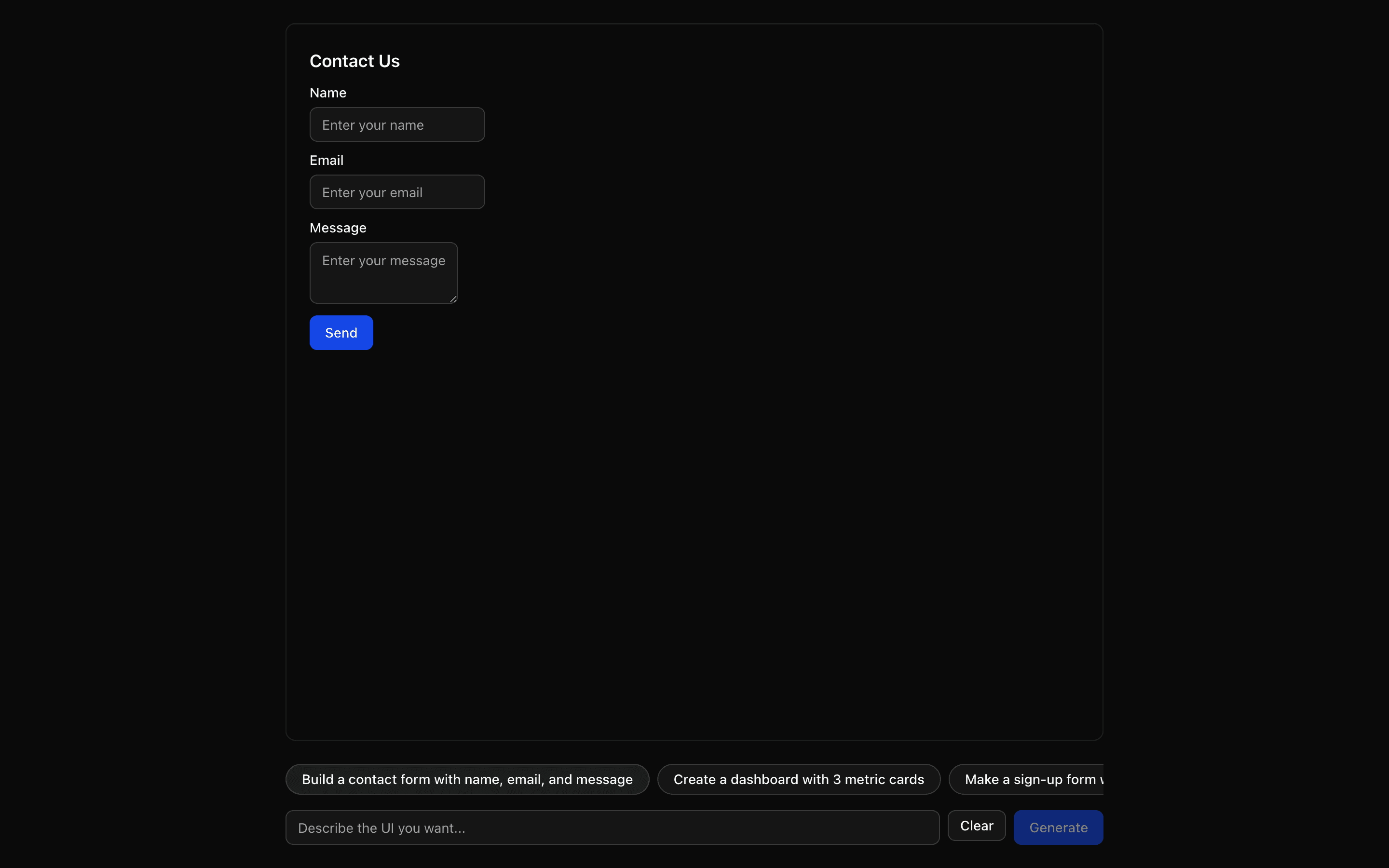 JSON Render ShadcnUse this when prompts should render only from a fixed catalog of shadcn components provided by the @json-render/shadcn package.
Setup
Requirements, wiring steps, and what this pattern adds to your project.
Getting started
Pick how you want to pull this pattern in. Then wire env vars and routes the same way.
- 1
Download → Next.js app
Use Download → Next.js app in the preview toolbar. You get a zip scaffold (Pro downloads rewrite preview `/view/.../api/*` paths to `/api/*` automatically).
- 2
Extract the zip and install dependencies
Unzip the archive, then run `pnpm install` (or npm / yarn) in the project folder.
- 3
Fill .env.local
The download includes .env.local placeholders when needed. Add real values for: AI_GATEWAY_API_KEY.
- 4
Customize the agent and tool files
Adapt prompts, tools, and stop conditions in the generated project for your product.
- 5
Run the app and open the pattern route
Run `pnpm dev`, open the setup/checklist page if present, then navigate to the generated pattern route and verify responses.
Environment variables
AI_GATEWAY_API_KEYGet key
Capabilities
AI SDK APIs
streamTextgatewayProviders
Gemini
External services
Upstash
Files added
13 files
app/page.tsxapp/layout.tsxapp/api/json-render-image-generate/route.tsapp/api/image/route.tscomponents/json-render-image-demo.tsxcomponents/empty-state.tsxlib/catalog.tslib/examples.tslib/fonts.tslib/fonts/geist-regular-otf.jsonlib/fonts/geist-semibold-otf.jsonlib/rate-limit.tsREADME.md
Dependencies
17 total
npm packages
11@json-render/core@json-render/image@resvg/resvg-jsUpstashAISDKlucide-reactNext.jsReactZodmotionsonner
 Registry components
buttonemptyinputresizablesheettextarea
Critical files
2 files
lib/catalog.tsImage catalog definitions using defineCatalog and @json-render/image schema to constrain AI output.
image/route.tsImage render endpoint supporting both SVG and PNG formats with shared validation and Satori font loading.
Requirements
- Complexity
- Intermediate
- Setup time
- ~5 minutes
- Node
- 24+
- Memory
- 256MB
Upstash Redis