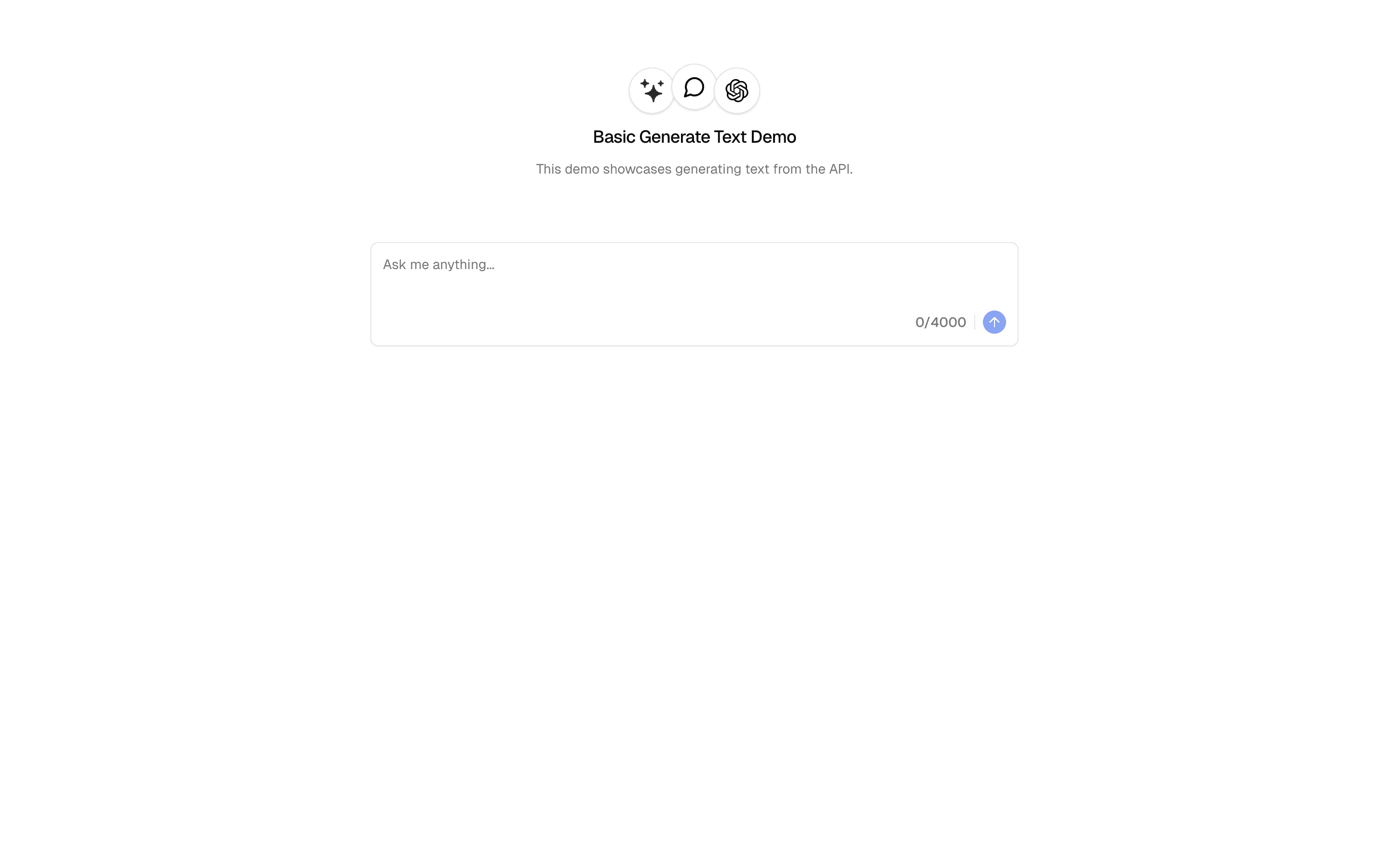
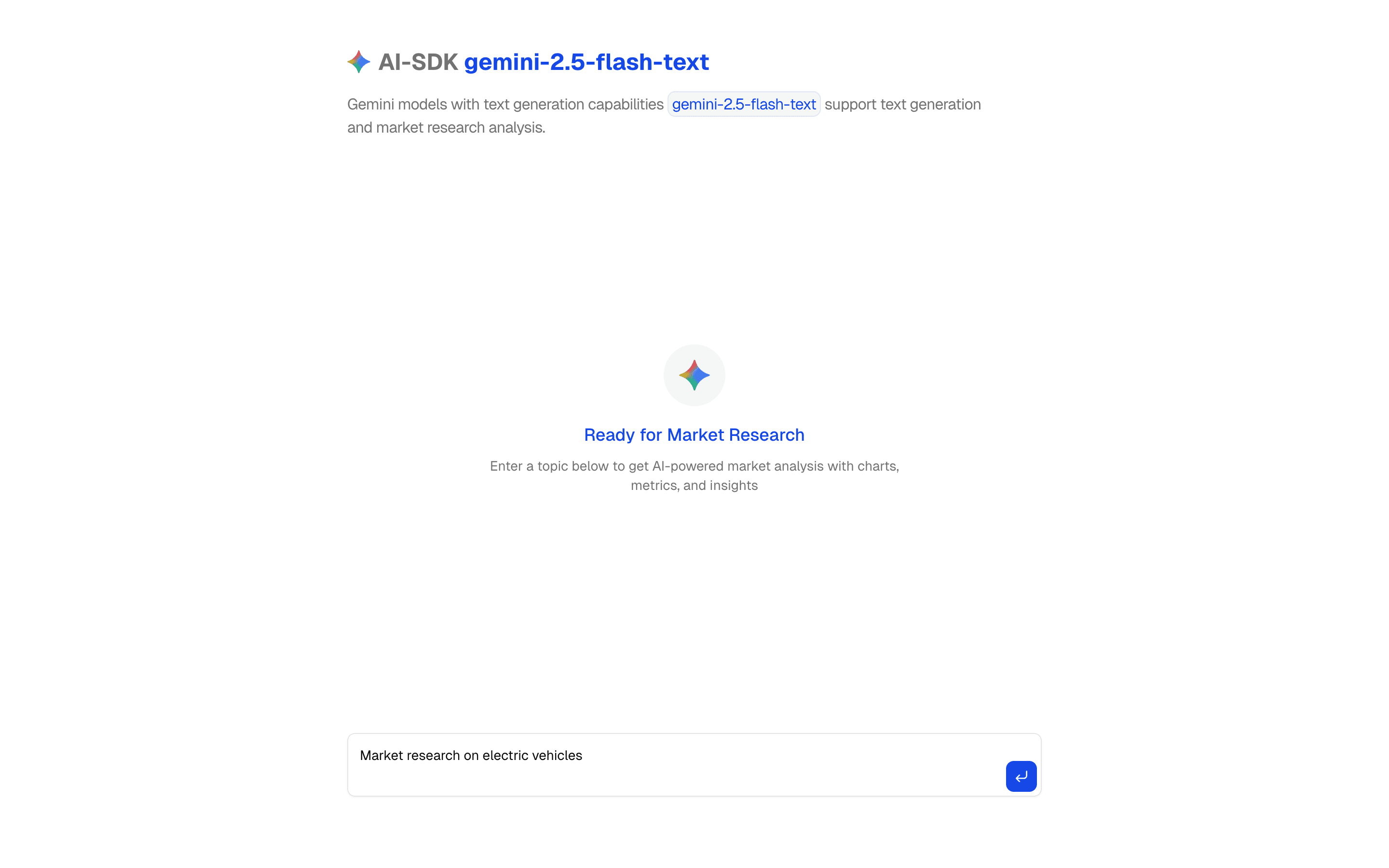
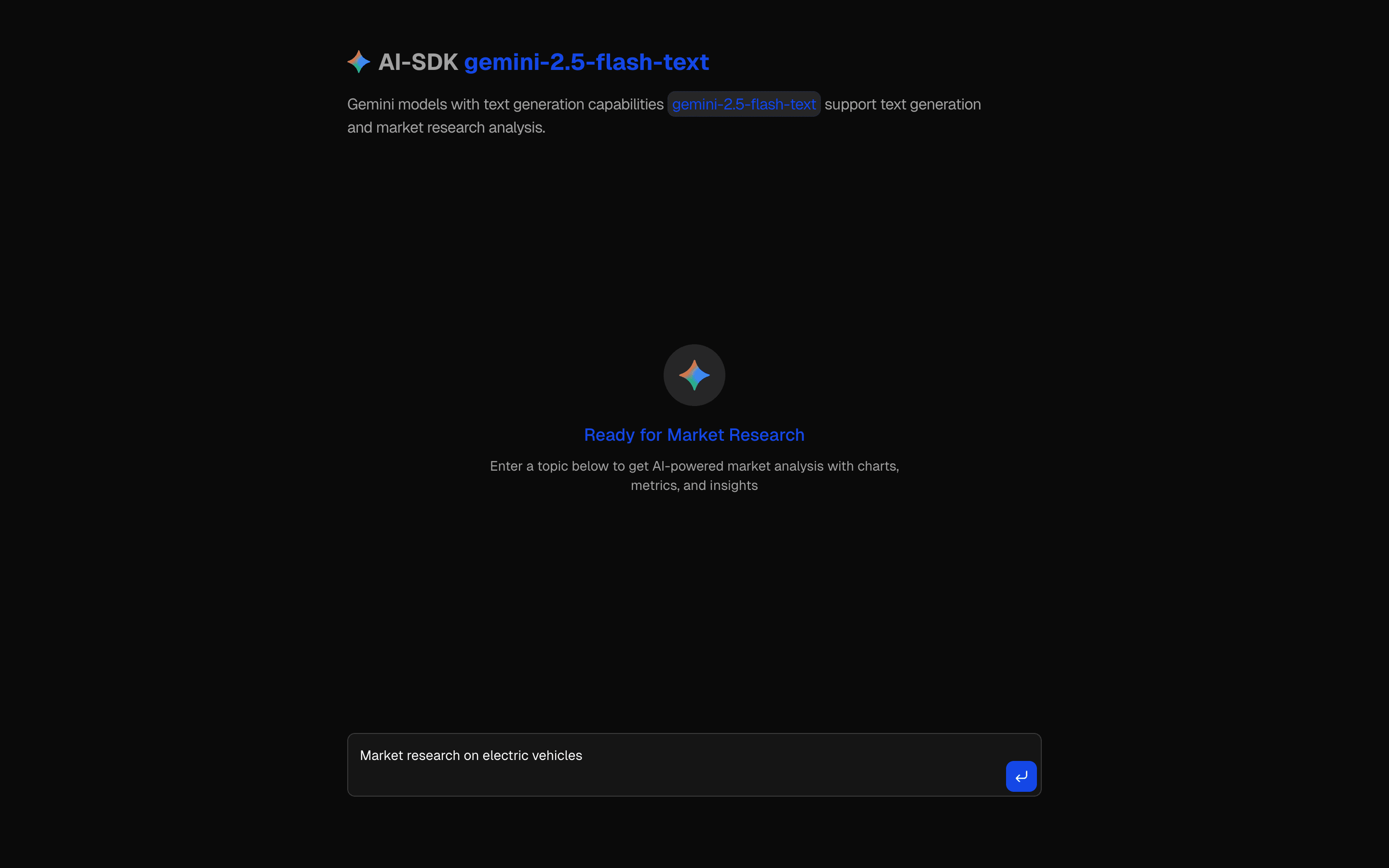
Generate text and analyze market research using Google's Gemini 2.5 Flash. Includes interactive charts and data visualization.
Use this when you want to set up Google's Gemini 2.5 Flash provider in the AI SDK for a fast, low-cost text chat or completion UI.
Similar patterns, and when each one is the better fit.

Generate Image (Google Gemini)FreeUse this when you are on Google Gemini and need a starting point for prompt-to-image generation with results shown in a simple UI.
AI SDK Nano Banana ImageGenerate images using Gemini 3.1 Flash Lite Image with prompt optimization. Includes style adaptation and customizable parameters.
Gemini Structured OutputFreeUse this when your app runs on Gemini and you want typed JSON from a prompt via generateText with Output.object, delivered all at once.
Generate TextFreeUse this when you need a minimal API route that calls an AI Gateway model with generateText and returns one finished plain text response.Requirements, wiring steps, and what this pattern adds to your project.
Pick how you want to pull this pattern in. Then wire env vars and routes the same way.
Download → Next.js app
Use Download → Next.js app in the preview toolbar. You get a zip scaffold (Pro downloads rewrite preview `/view/.../api/*` paths to `/api/*` automatically).
Extract the zip and install dependencies
Unzip the archive, then run `pnpm install` (or npm / yarn) in the project folder.
Fill .env.local
The download includes .env.local placeholders when needed. Add real values for: GOOGLE_AI_API_KEY.
Customize the agent and tool files
Adapt prompts, tools, and stop conditions in the generated project for your product.
Run the app and open the pattern route
Run `pnpm dev`, open the setup/checklist page if present, then navigate to the generated pattern route and verify responses.
GOOGLE_AI_API_KEYGet keyAI SDK APIs
generateTextgenerateObjecttoolProviders
External services
app/page.tsxapp/layout.tsxcomponents/chart.tsxapp/actions.tsxlib/rate-limit.tsREADME.mdnpm packages
8
Registry components
app/actions.tsxMulti-step AI research pipeline: first uses generateText with Gemini 2.5 Flash + Google Search tool, then uses generateObject to structure results into analysis, chartData, metrics, and sources.
Generate text and analyze market research using Google's Gemini 2.5 Flash. Includes interactive charts and data visualization.
Use this when you want to set up Google's Gemini 2.5 Flash provider in the AI SDK for a fast, low-cost text chat or completion UI.
Similar patterns, and when each one is the better fit.

Generate Image (Google Gemini)FreeUse this when you are on Google Gemini and need a starting point for prompt-to-image generation with results shown in a simple UI.
AI SDK Nano Banana ImageGenerate images using Gemini 3.1 Flash Lite Image with prompt optimization. Includes style adaptation and customizable parameters.
Gemini Structured OutputFreeUse this when your app runs on Gemini and you want typed JSON from a prompt via generateText with Output.object, delivered all at once.
Generate TextFreeUse this when you need a minimal API route that calls an AI Gateway model with generateText and returns one finished plain text response.Requirements, wiring steps, and what this pattern adds to your project.
Pick how you want to pull this pattern in. Then wire env vars and routes the same way.
Download → Next.js app
Use Download → Next.js app in the preview toolbar. You get a zip scaffold (Pro downloads rewrite preview `/view/.../api/*` paths to `/api/*` automatically).
Extract the zip and install dependencies
Unzip the archive, then run `pnpm install` (or npm / yarn) in the project folder.
Fill .env.local
The download includes .env.local placeholders when needed. Add real values for: GOOGLE_AI_API_KEY.
Customize the agent and tool files
Adapt prompts, tools, and stop conditions in the generated project for your product.
Run the app and open the pattern route
Run `pnpm dev`, open the setup/checklist page if present, then navigate to the generated pattern route and verify responses.
GOOGLE_AI_API_KEYGet keyAI SDK APIs
generateTextgenerateObjecttoolProviders
External services
app/page.tsxapp/layout.tsxcomponents/chart.tsxapp/actions.tsxlib/rate-limit.tsREADME.mdnpm packages
8
Registry components
app/actions.tsxMulti-step AI research pipeline: first uses generateText with Gemini 2.5 Flash + Google Search tool, then uses generateObject to structure results into analysis, chartData, metrics, and sources.
Loading preview…
Early-bird pricing — limited time


Open on desktop for the interactive preview.
Generate text and analyze market research using Google's Gemini 2.5 Flash. Includes interactive charts and data visualization.
Loading preview…
Early-bird pricing — limited time


Open on desktop for the interactive preview.
Generate text and analyze market research using Google's Gemini 2.5 Flash. Includes interactive charts and data visualization.