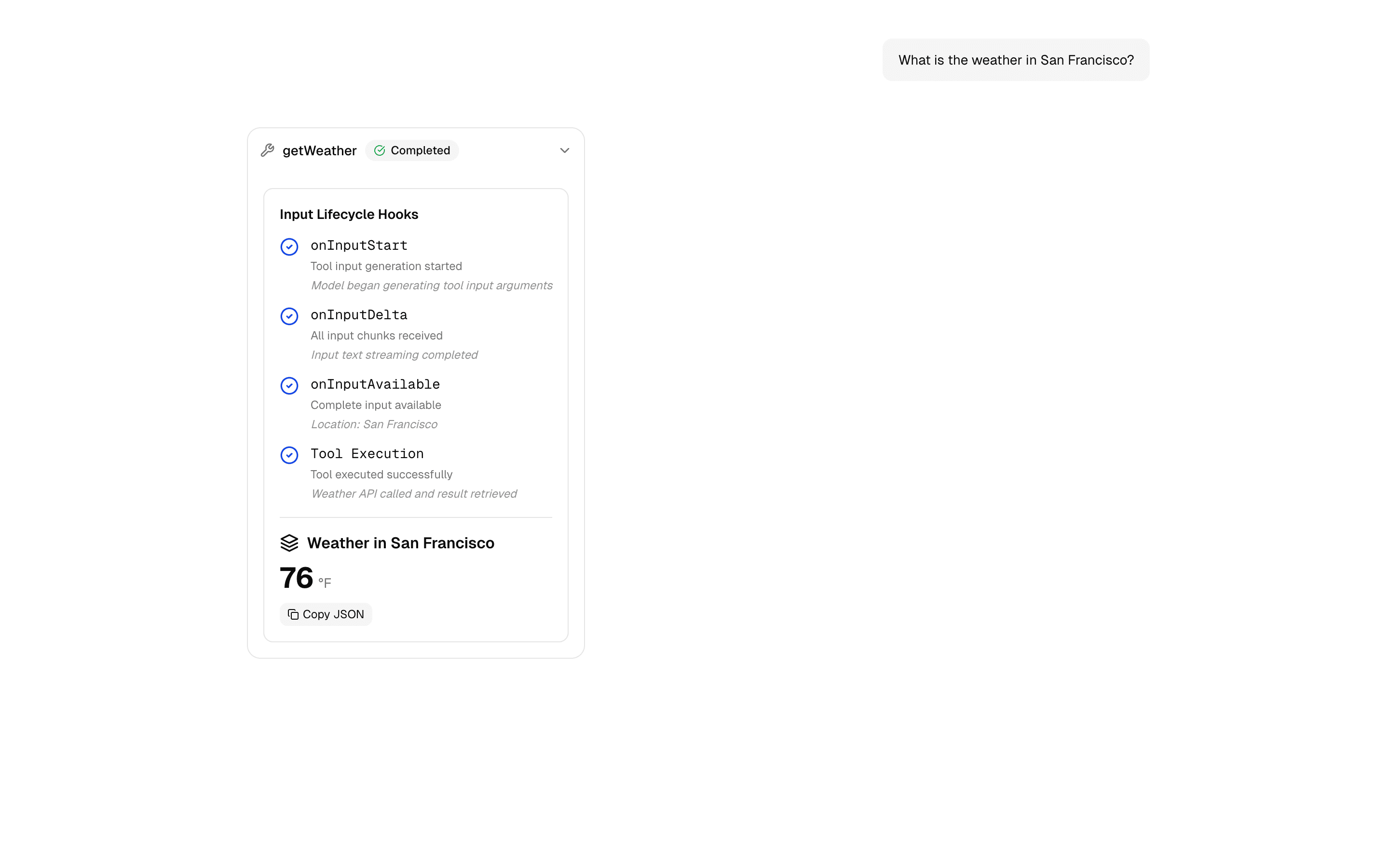
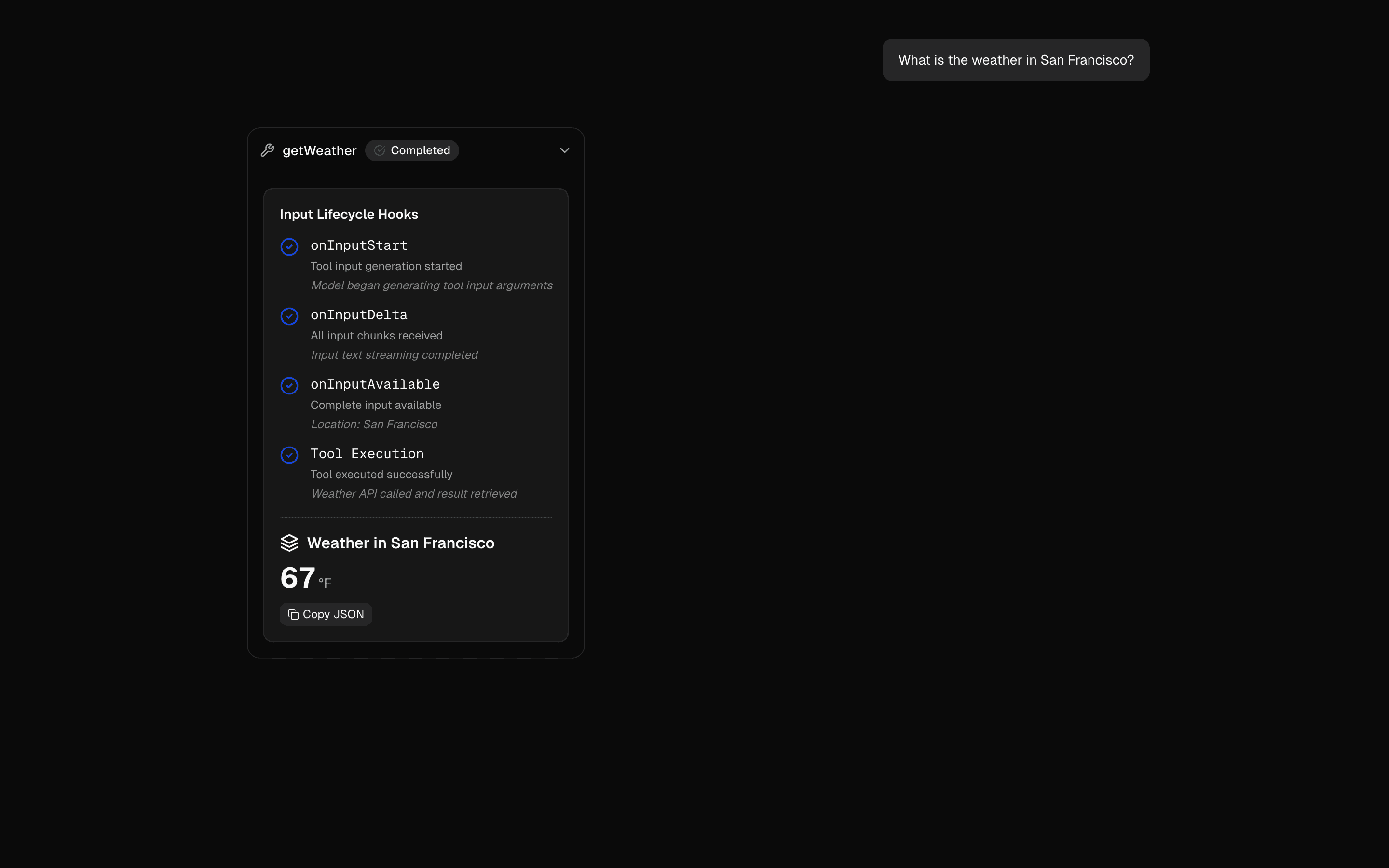
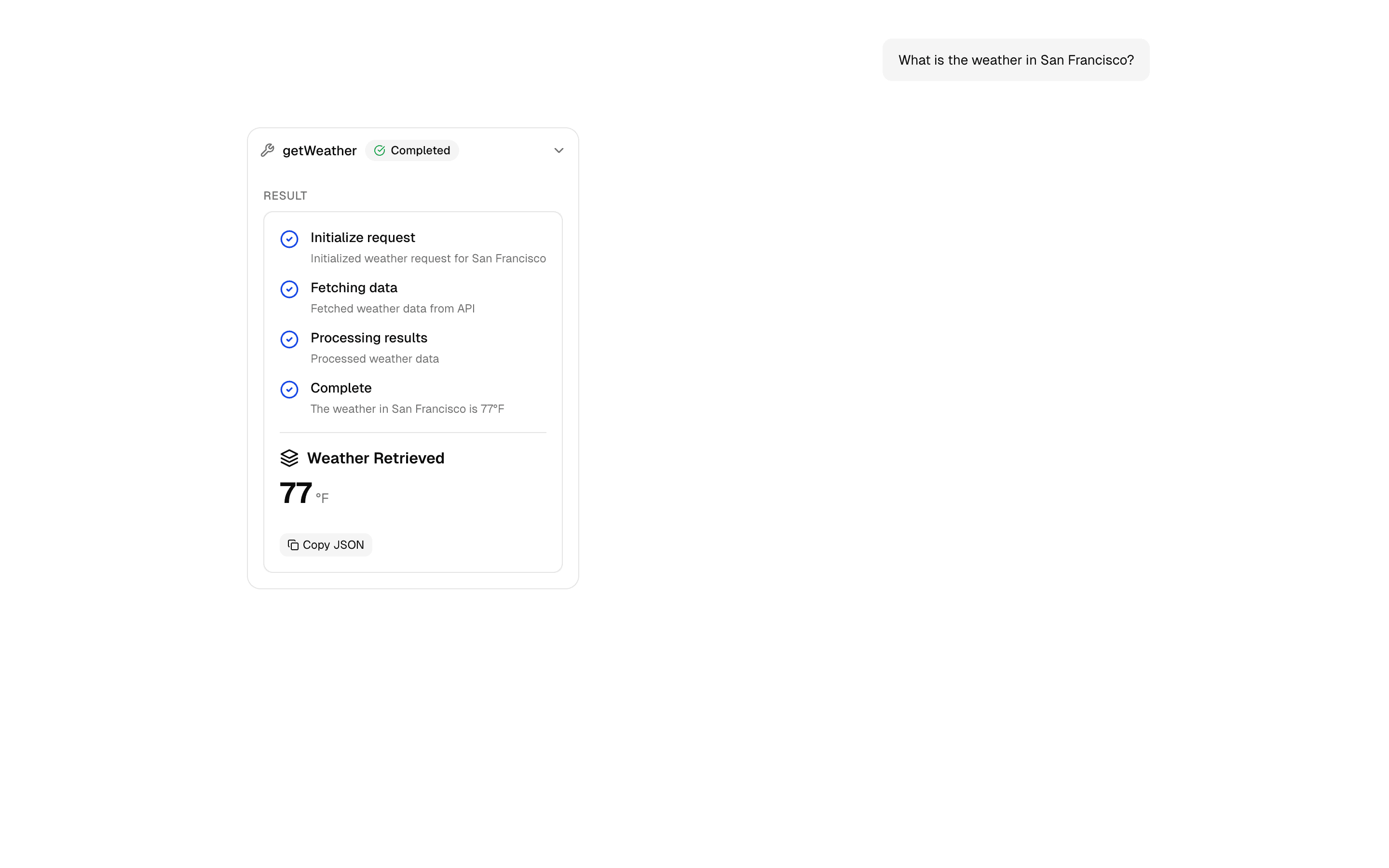
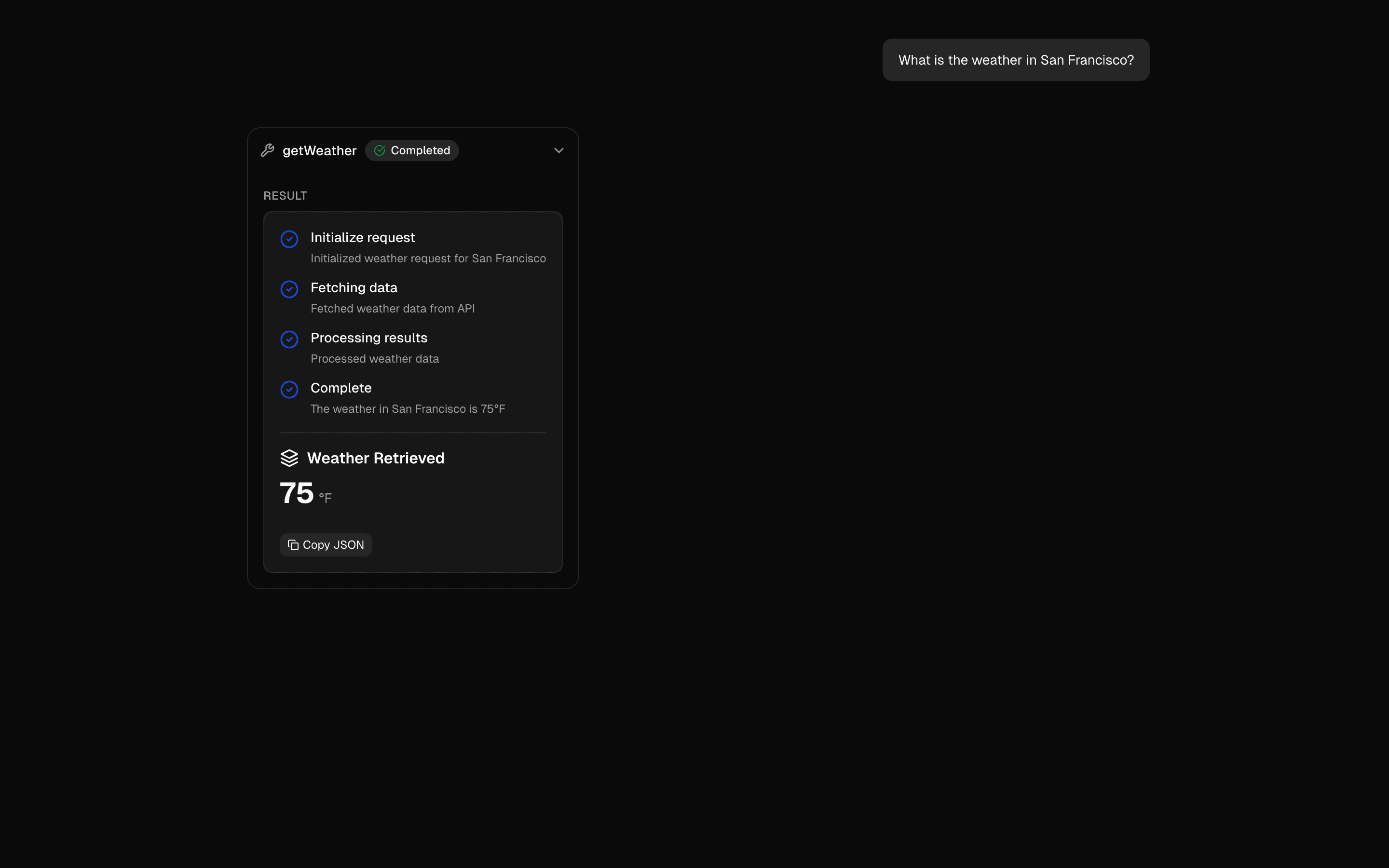
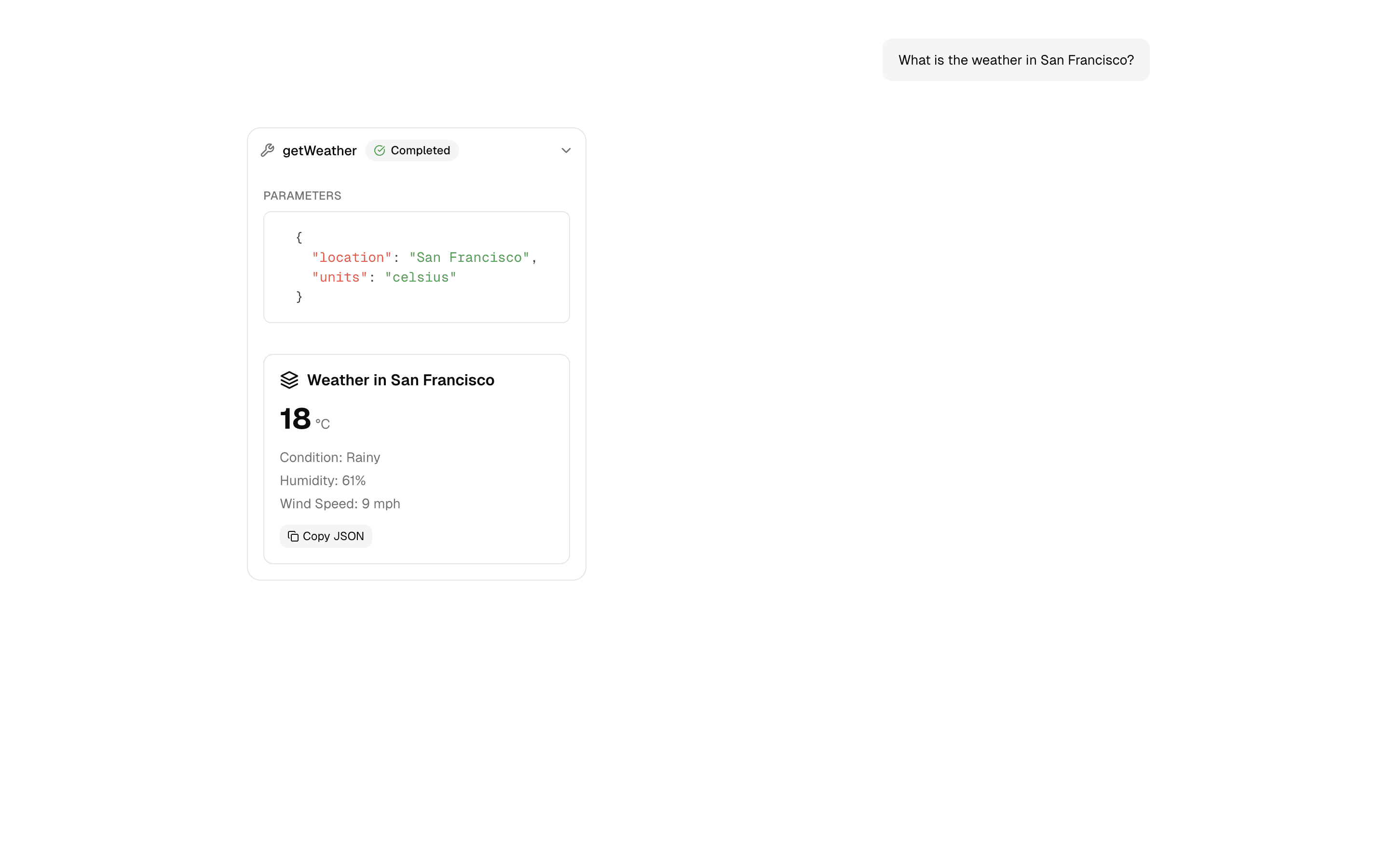
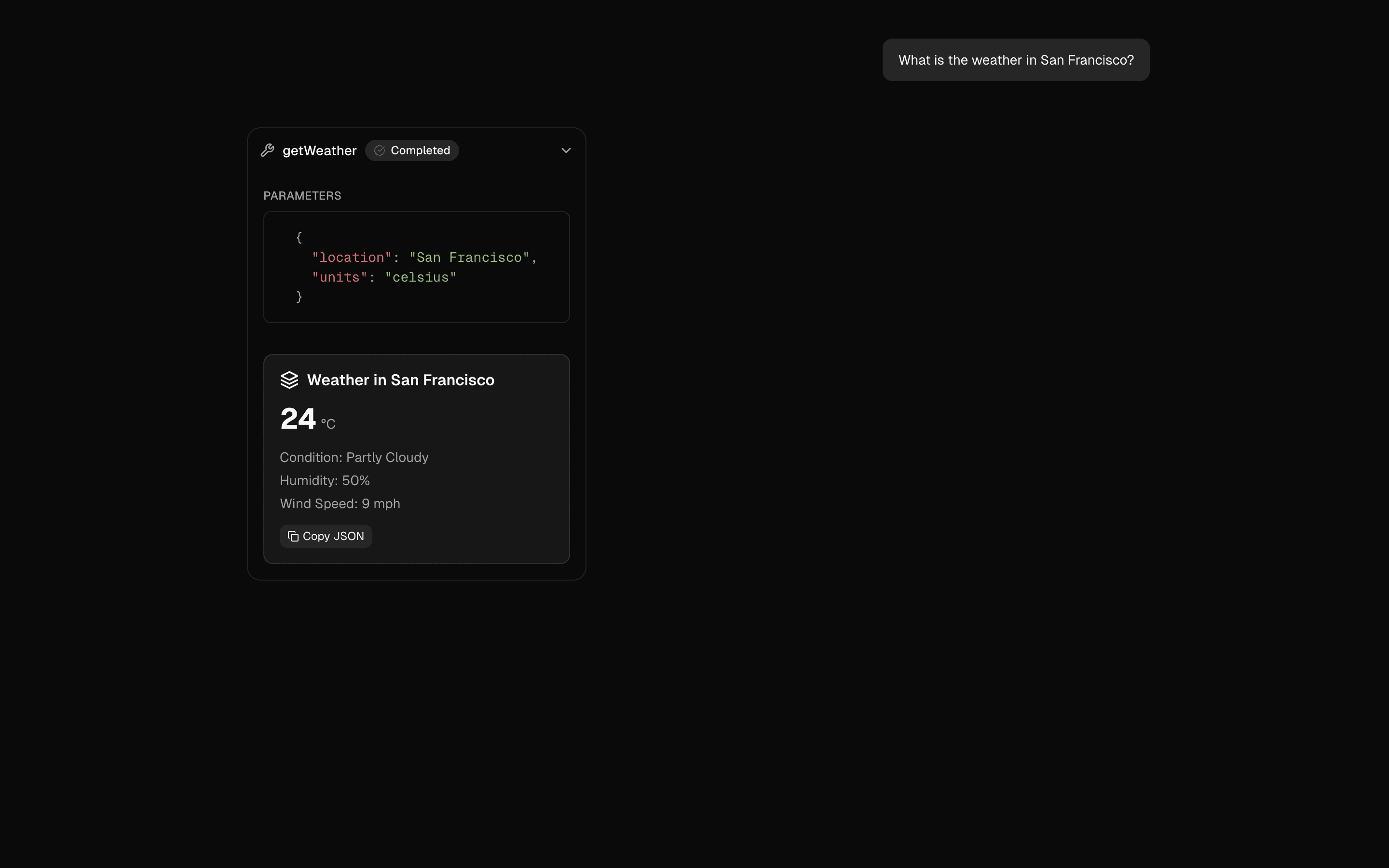
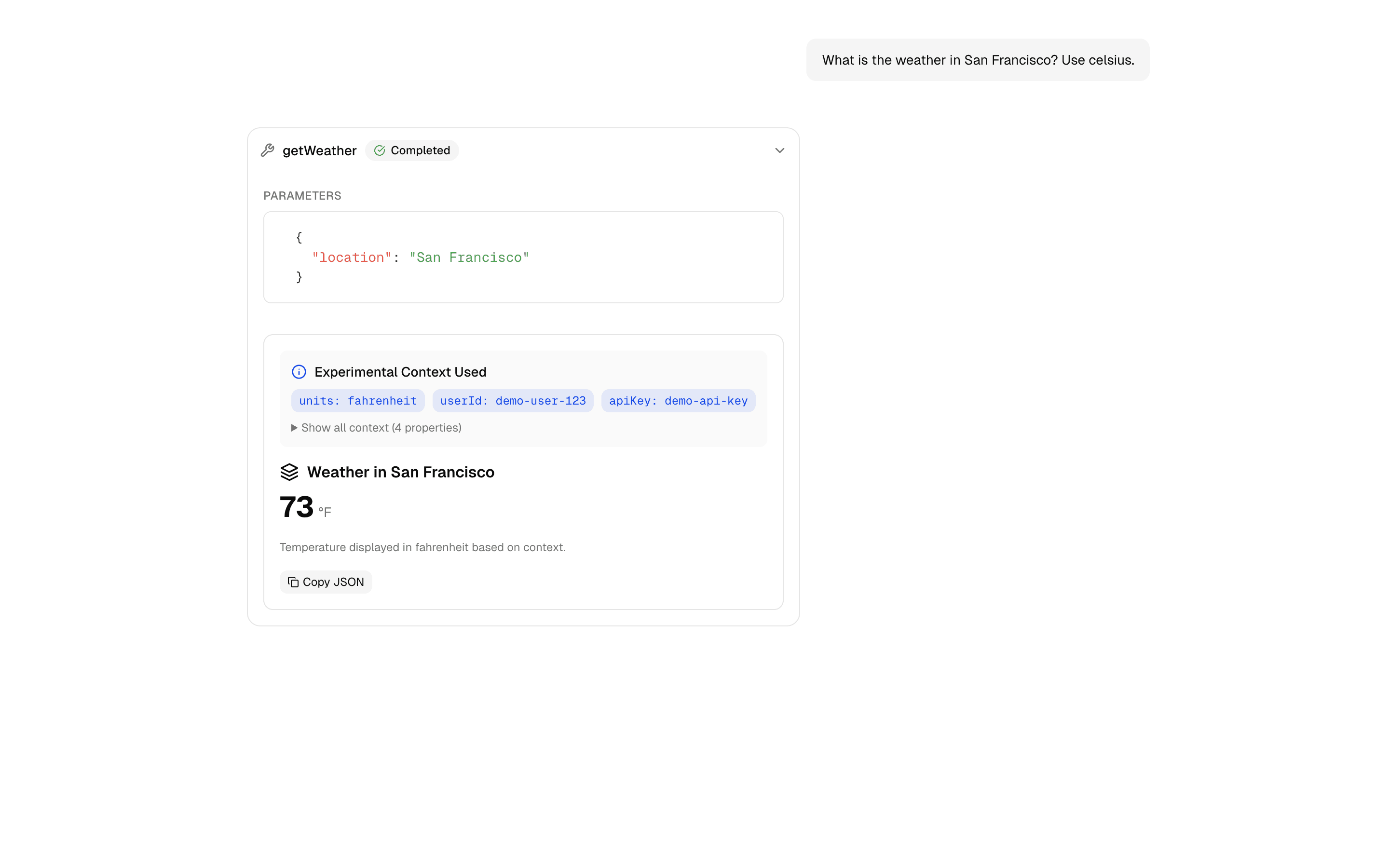
Pass arbitrary context from generateText/streamText to tool execution via experimental_context. Access context in tool execute functions for dynamic behavior.
Use this when you call generateText or streamText directly and want one tool definition to adapt to each user's preferences or session settings.
Similar patterns, and when each one is the better fit.

Tool Context: experimental_contextUse this when a multi-tenant agent must scope every tool call to the authenticated request so a prompt injection cannot reach another user's data.
Tool ExecutionUse this when your chat app calls tools and you want each call's input, output, and status rendered inline as it streams.
Multi-Step Tool PatternUse this when a chat agent must call several typed tools in a row, feeding each result into the next step, with a step limit to stop runaway loops.
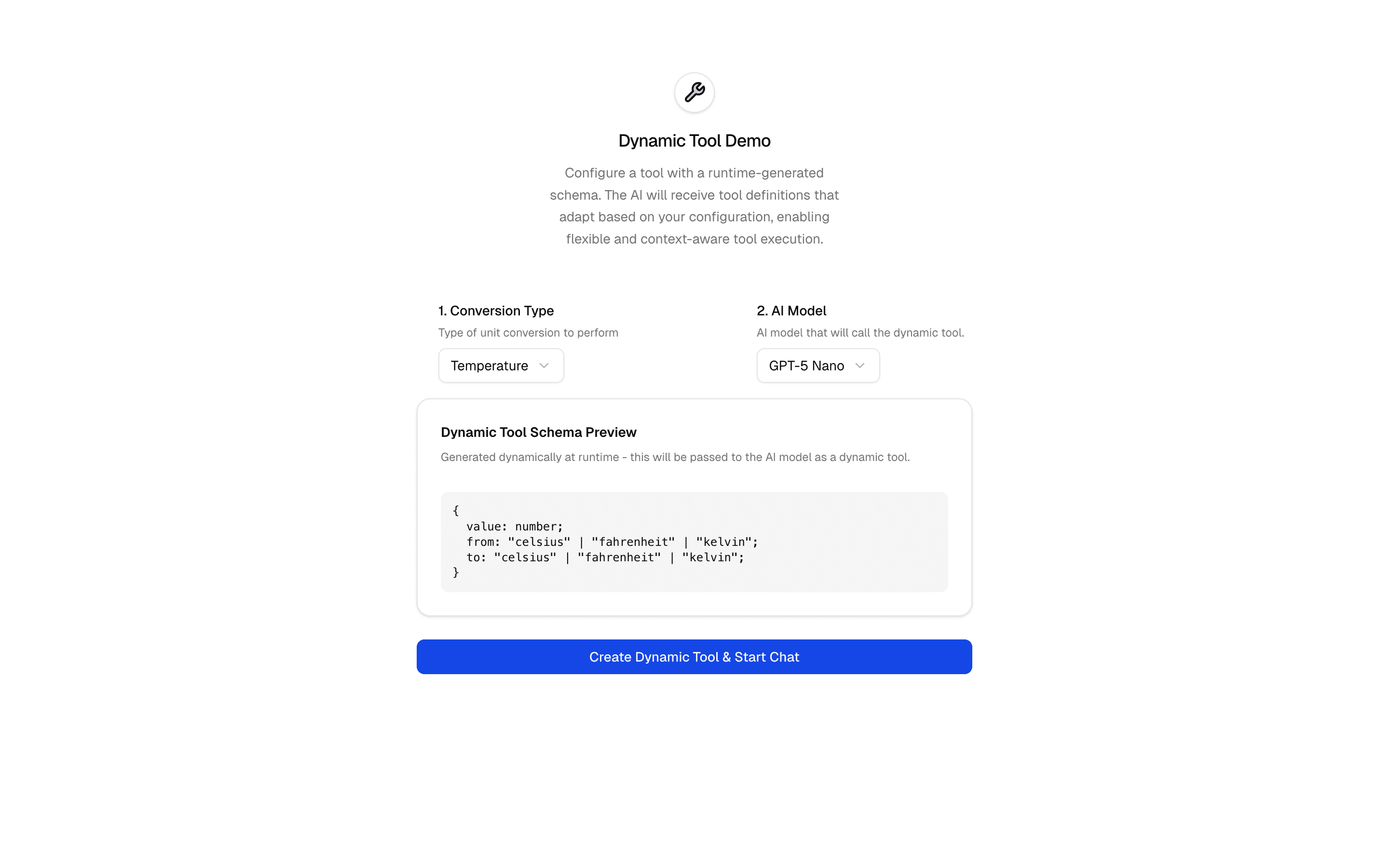
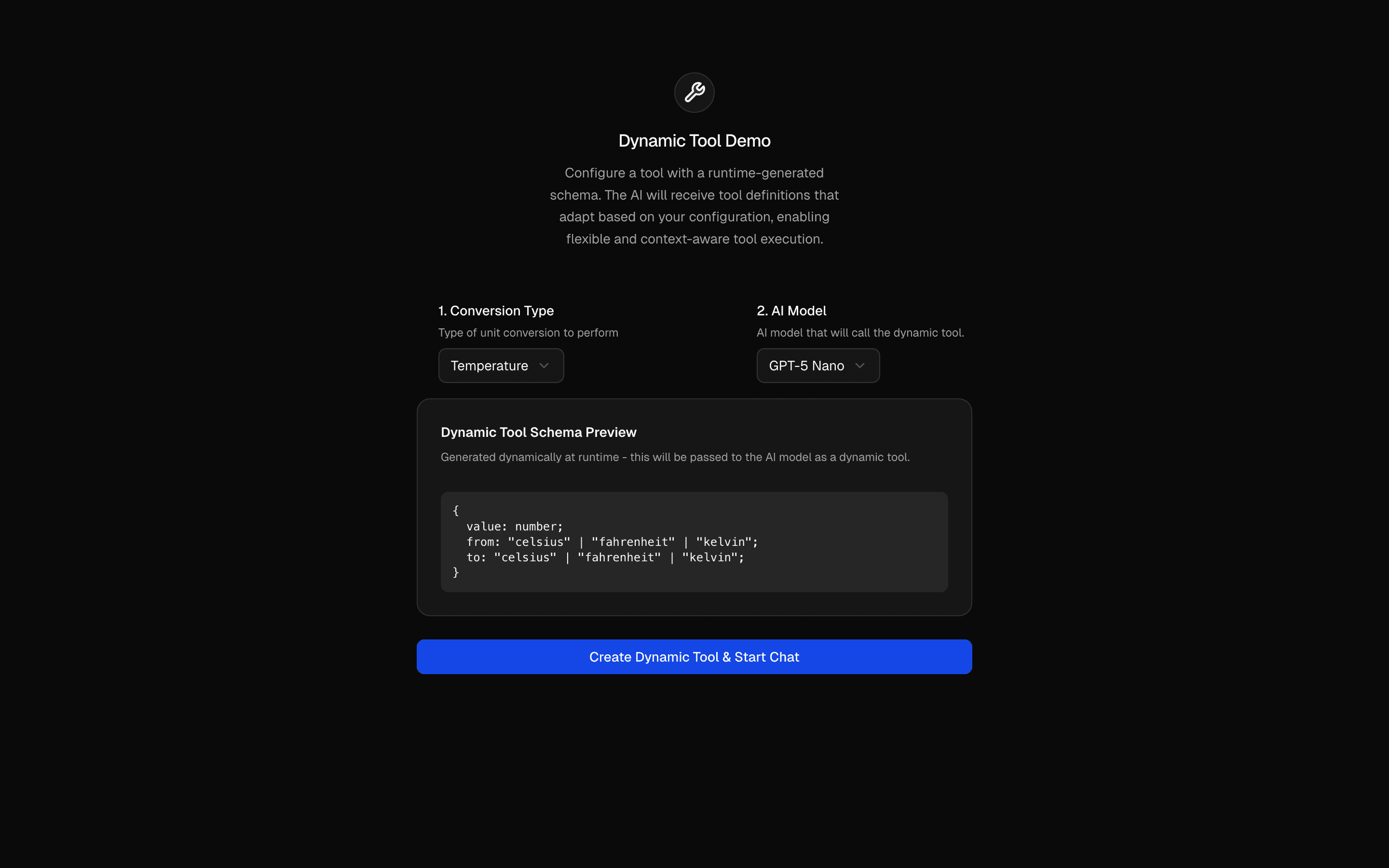
Dynamic ToolUse this when you need to build tools with dynamicTool whose Zod schemas change per request, like a converter whose inputs differ by conversion type.Requirements, wiring steps, and what this pattern adds to your project.
Pick how you want to pull this pattern in. Then wire env vars and routes the same way.
Download → Next.js app
Use Download → Next.js app in the preview toolbar. You get a zip scaffold (Pro downloads rewrite preview `/view/.../api/*` paths to `/api/*` automatically).
Extract the zip and install dependencies
Unzip the archive, then run `pnpm install` (or npm / yarn) in the project folder.
Fill .env.local
The download includes .env.local placeholders when needed. Add real values for: OPENAI_API_KEY.
Customize the agent and tool files
Adapt prompts, tools, and stop conditions in the generated project for your product.
Run the app and open the pattern route
Run `pnpm dev`, open the setup/checklist page if present, then navigate to the generated pattern route and verify responses.
OPENAI_API_KEYGet keyAI SDK APIs
streamTextconvertToModelMessagestooluseChatexperimental_contextProviders
app/page.tsxapp/layout.tsxapp/api/tool-context/route.tscomponents/context-demo.tsxtools/weather.tstools/weather-ui.tsxnpm packages
7
Registry components
tool-context/route.tsAPI route demonstrating experimental_context passing. Derives context from user input and passes it via experimental_context to streamText, making it available to all tools.
tools/weather.tsWeather tool demonstrating how to access experimental_context in the execute function's second parameter. Shows the receiving side of the context pattern.
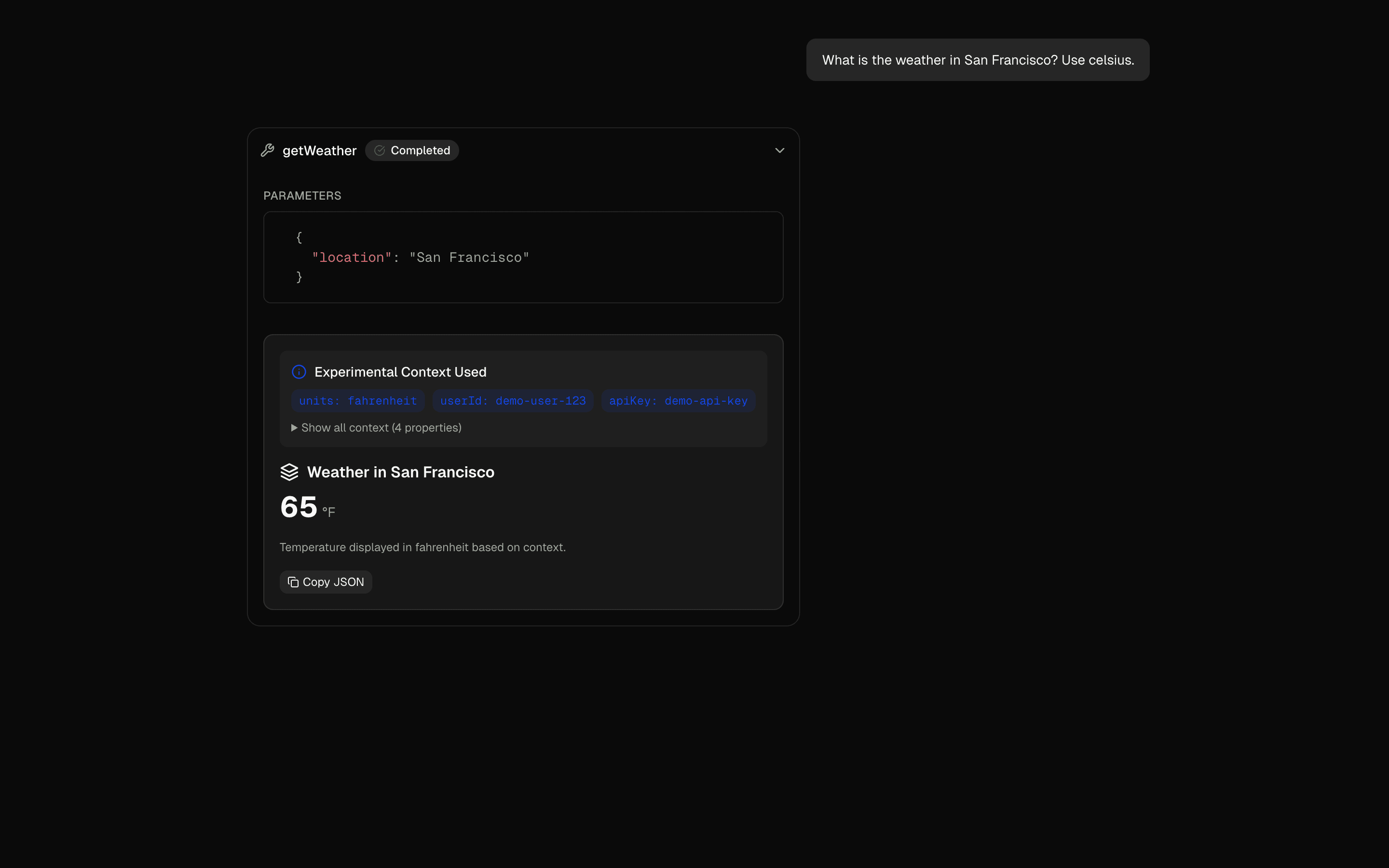
Pass arbitrary context from generateText/streamText to tool execution via experimental_context. Access context in tool execute functions for dynamic behavior.
Use this when you call generateText or streamText directly and want one tool definition to adapt to each user's preferences or session settings.
Similar patterns, and when each one is the better fit.

Tool Context: experimental_contextUse this when a multi-tenant agent must scope every tool call to the authenticated request so a prompt injection cannot reach another user's data.
Tool ExecutionUse this when your chat app calls tools and you want each call's input, output, and status rendered inline as it streams.
Multi-Step Tool PatternUse this when a chat agent must call several typed tools in a row, feeding each result into the next step, with a step limit to stop runaway loops.
Dynamic ToolUse this when you need to build tools with dynamicTool whose Zod schemas change per request, like a converter whose inputs differ by conversion type.Requirements, wiring steps, and what this pattern adds to your project.
Pick how you want to pull this pattern in. Then wire env vars and routes the same way.
Download → Next.js app
Use Download → Next.js app in the preview toolbar. You get a zip scaffold (Pro downloads rewrite preview `/view/.../api/*` paths to `/api/*` automatically).
Extract the zip and install dependencies
Unzip the archive, then run `pnpm install` (or npm / yarn) in the project folder.
Fill .env.local
The download includes .env.local placeholders when needed. Add real values for: OPENAI_API_KEY.
Customize the agent and tool files
Adapt prompts, tools, and stop conditions in the generated project for your product.
Run the app and open the pattern route
Run `pnpm dev`, open the setup/checklist page if present, then navigate to the generated pattern route and verify responses.
OPENAI_API_KEYGet keyAI SDK APIs
streamTextconvertToModelMessagestooluseChatexperimental_contextProviders
app/page.tsxapp/layout.tsxapp/api/tool-context/route.tscomponents/context-demo.tsxtools/weather.tstools/weather-ui.tsxnpm packages
7
Registry components
tool-context/route.tsAPI route demonstrating experimental_context passing. Derives context from user input and passes it via experimental_context to streamText, making it available to all tools.
tools/weather.tsWeather tool demonstrating how to access experimental_context in the execute function's second parameter. Shows the receiving side of the context pattern.
Loading preview…
Early-bird pricing — limited time


Open on desktop for the interactive preview.
Pass arbitrary context from generateText/streamText to tool execution via experimental_context. Access context in tool execute functions for dynamic behavior.
Loading preview…
Early-bird pricing — limited time


Open on desktop for the interactive preview.
Pass arbitrary context from generateText/streamText to tool execution via experimental_context. Access context in tool execute functions for dynamic behavior.