Loading pattern preview
BlocksChat UIs
Queue
Queue
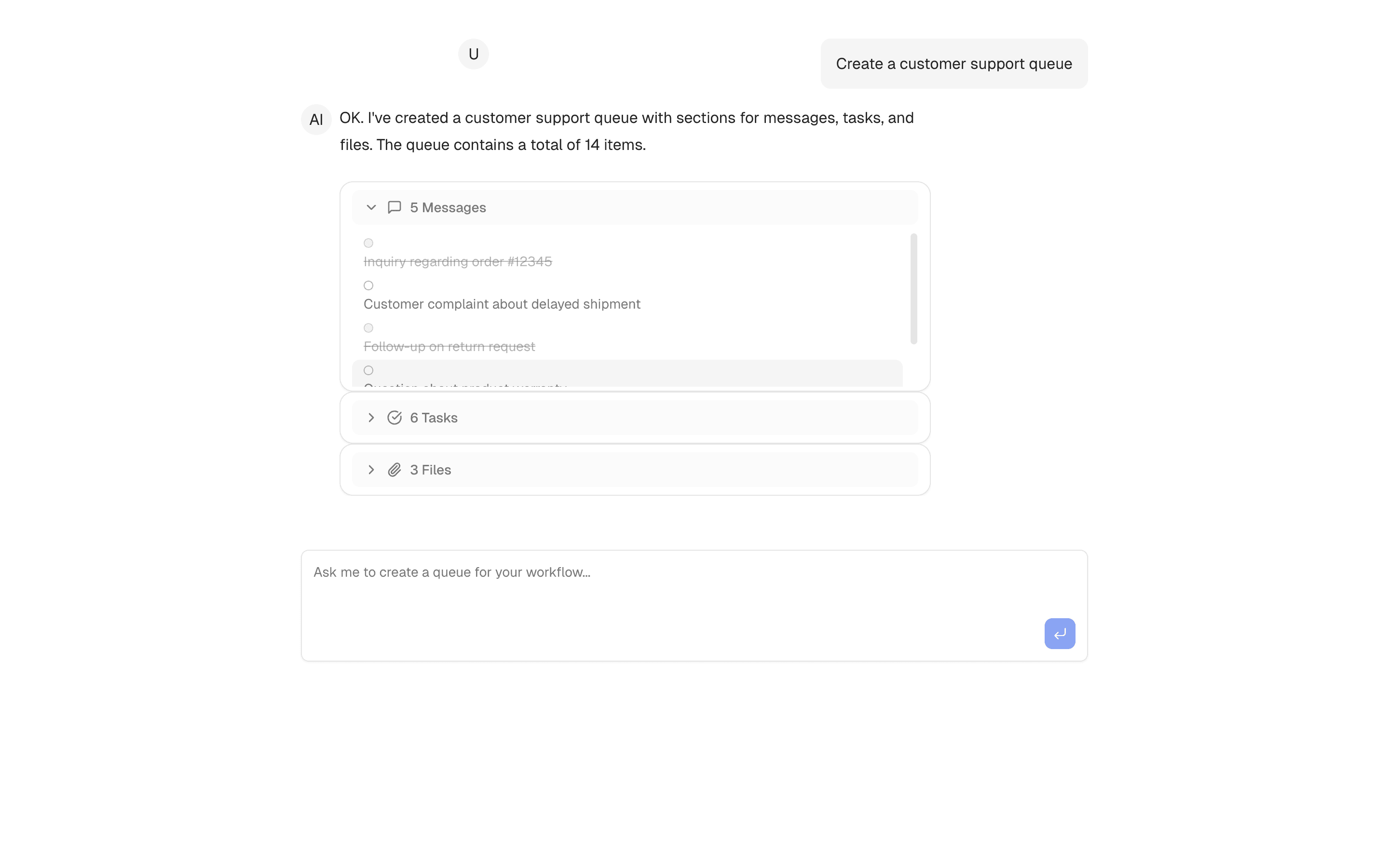
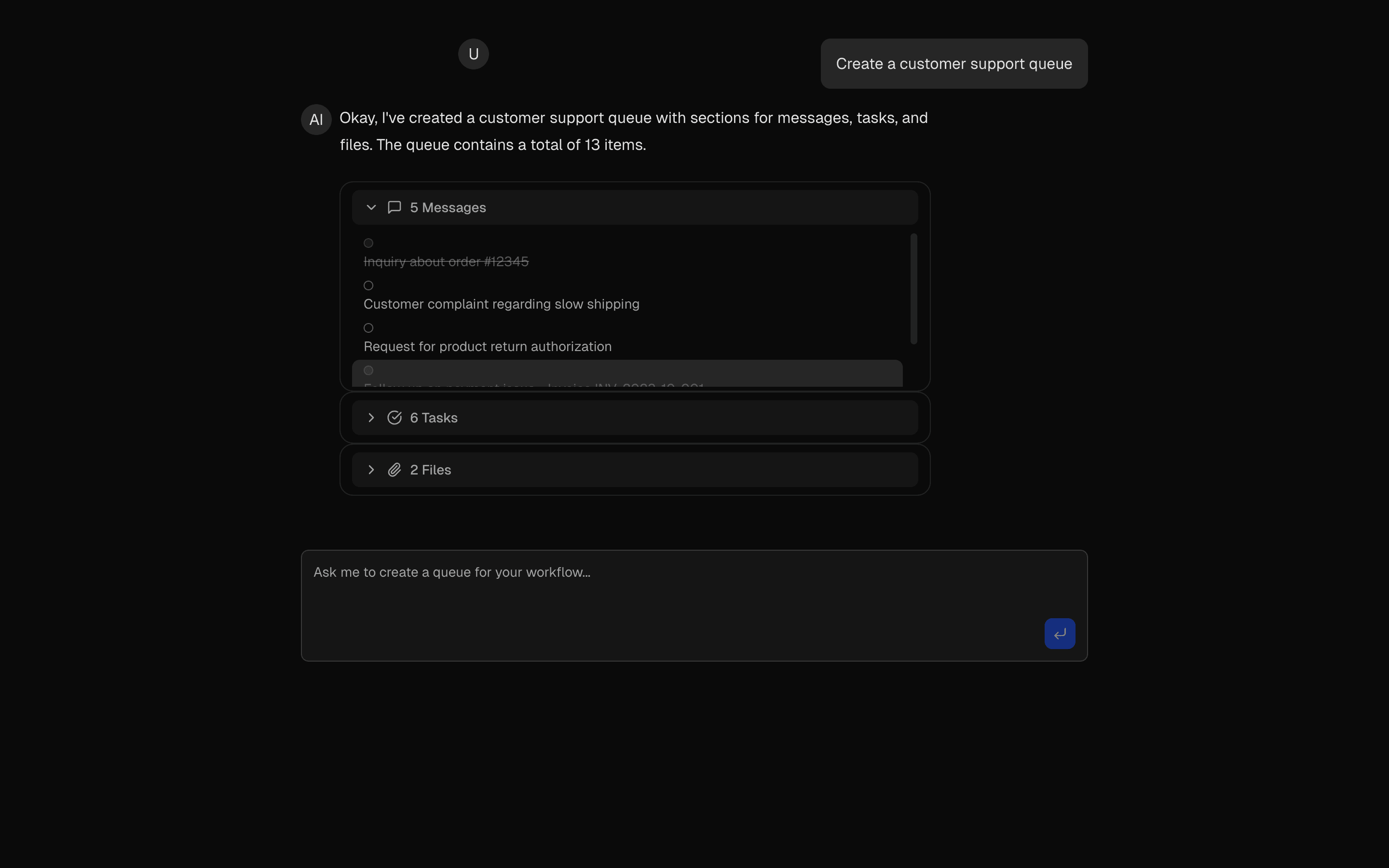
Queue management assistant using AI agents. Generate structured queues with messages, todos, and attachments through conversation.
Use this when your chat UI must render agent tool output as a queue object holding messages, todo items, and attachments instead of plain text.
Loading pattern preview
Problems solved
Technical challenges this implementation handles out of the box.
- Generate structured queues with messages, todos, and attachments
- Drive queue creation through Experimental_Agent tool calls
- Manage conversational workflow state in a chat UI
Use cases
Products and workflows this pattern is designed to support.
- Support ticket intake queues
- Content review queues with attachments
- Ops todo lists built through chat
- Agent demos for structured queue outputs
Compare with
Similar patterns, and when each one is the better fit.
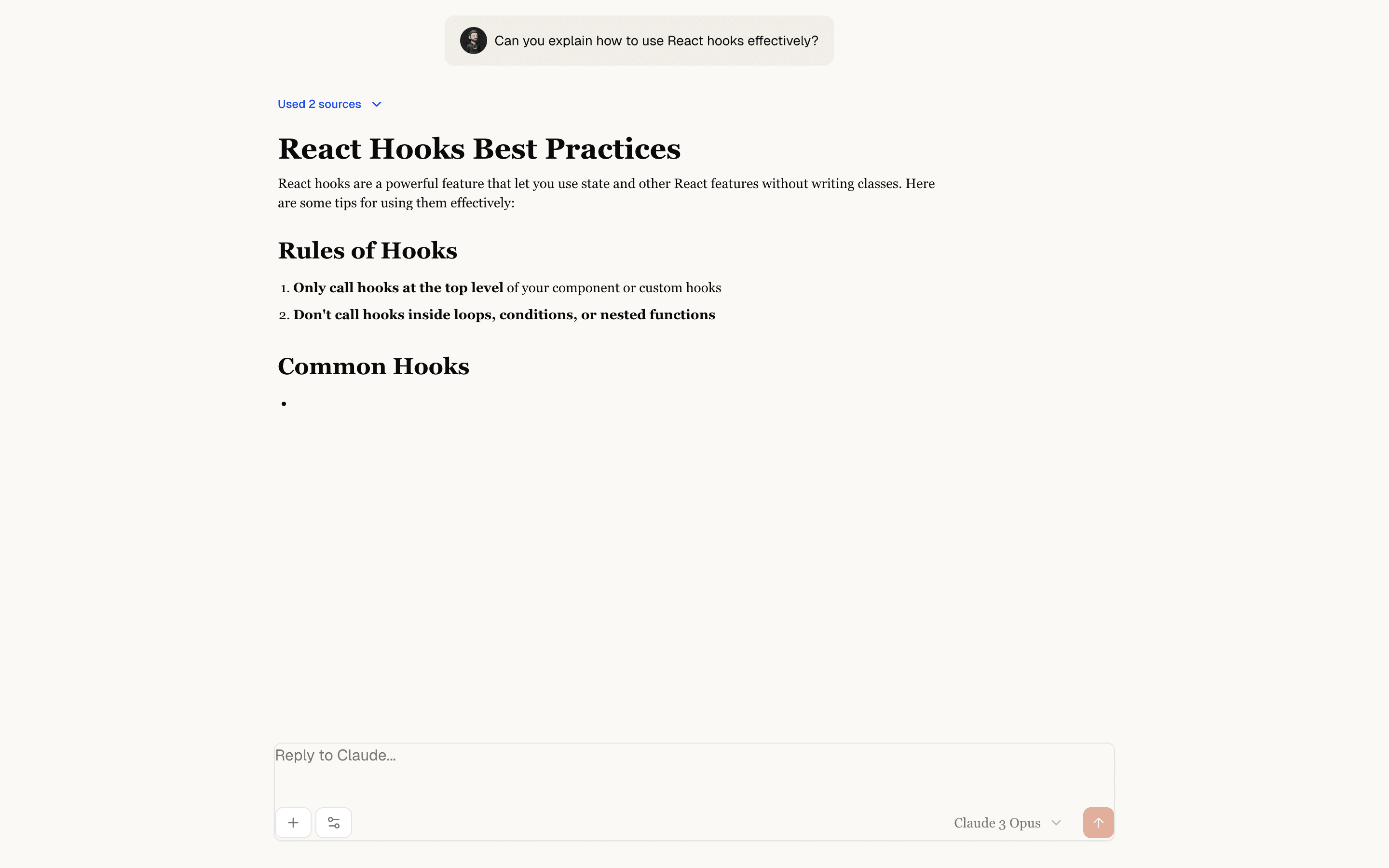
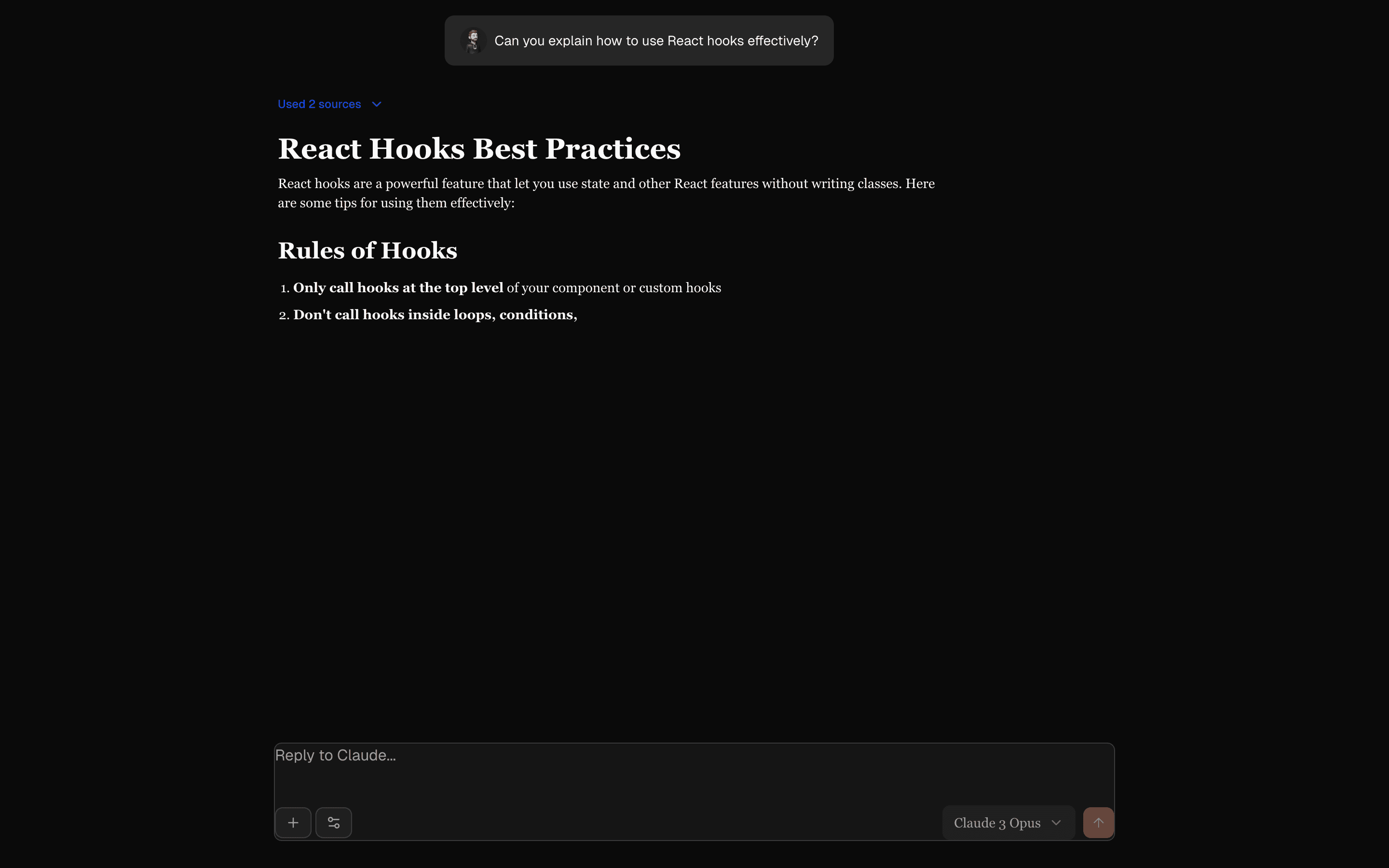 Chat ClaudeFreeUse this when you need a Claude-style chat layout with reasoning, sources, and message branching on mock replies, before any model is connected.
 Task Management DemoUse this when you need the model to stream a schema-validated list of tasks and show them in an interactive task UI as they arrive.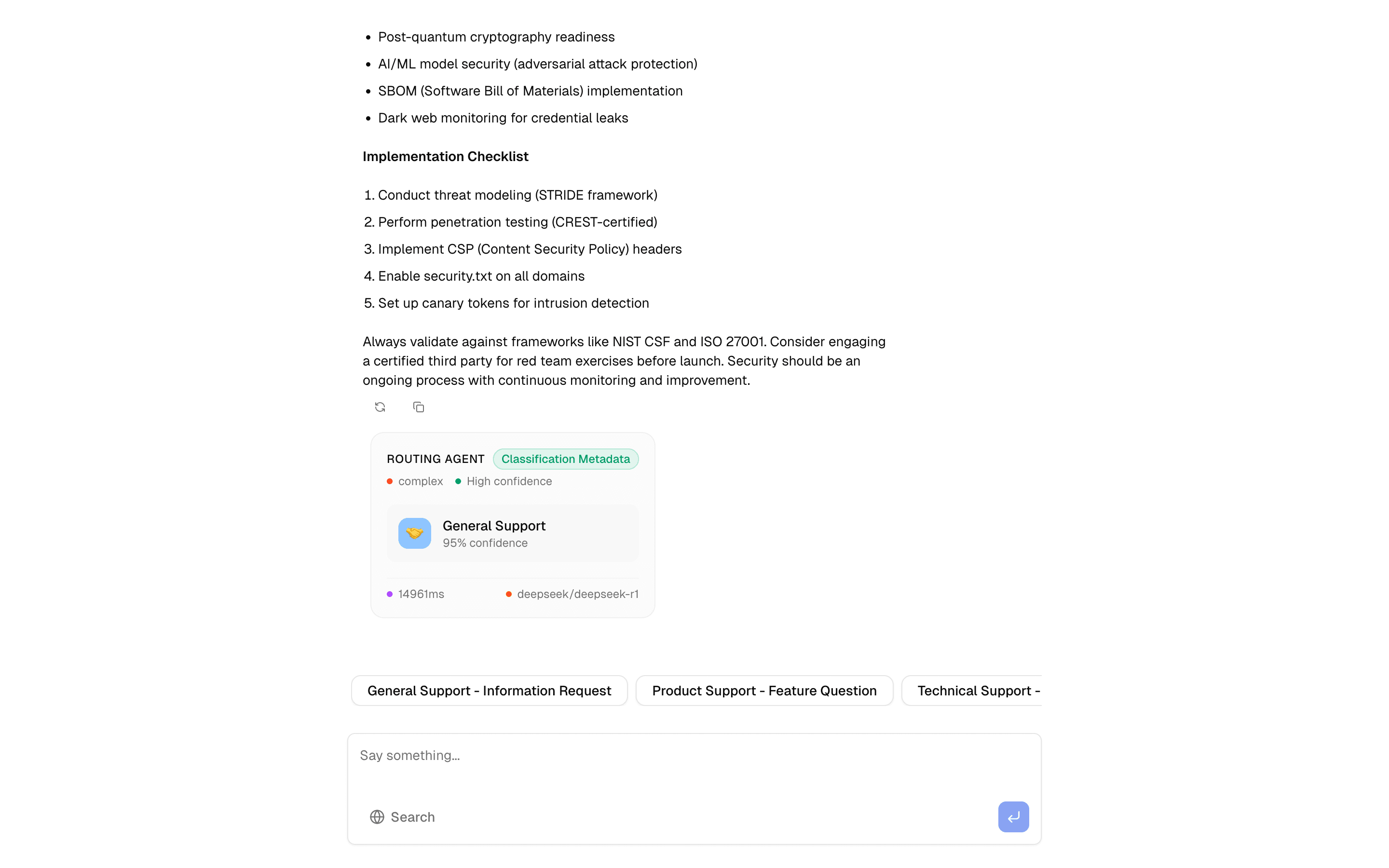
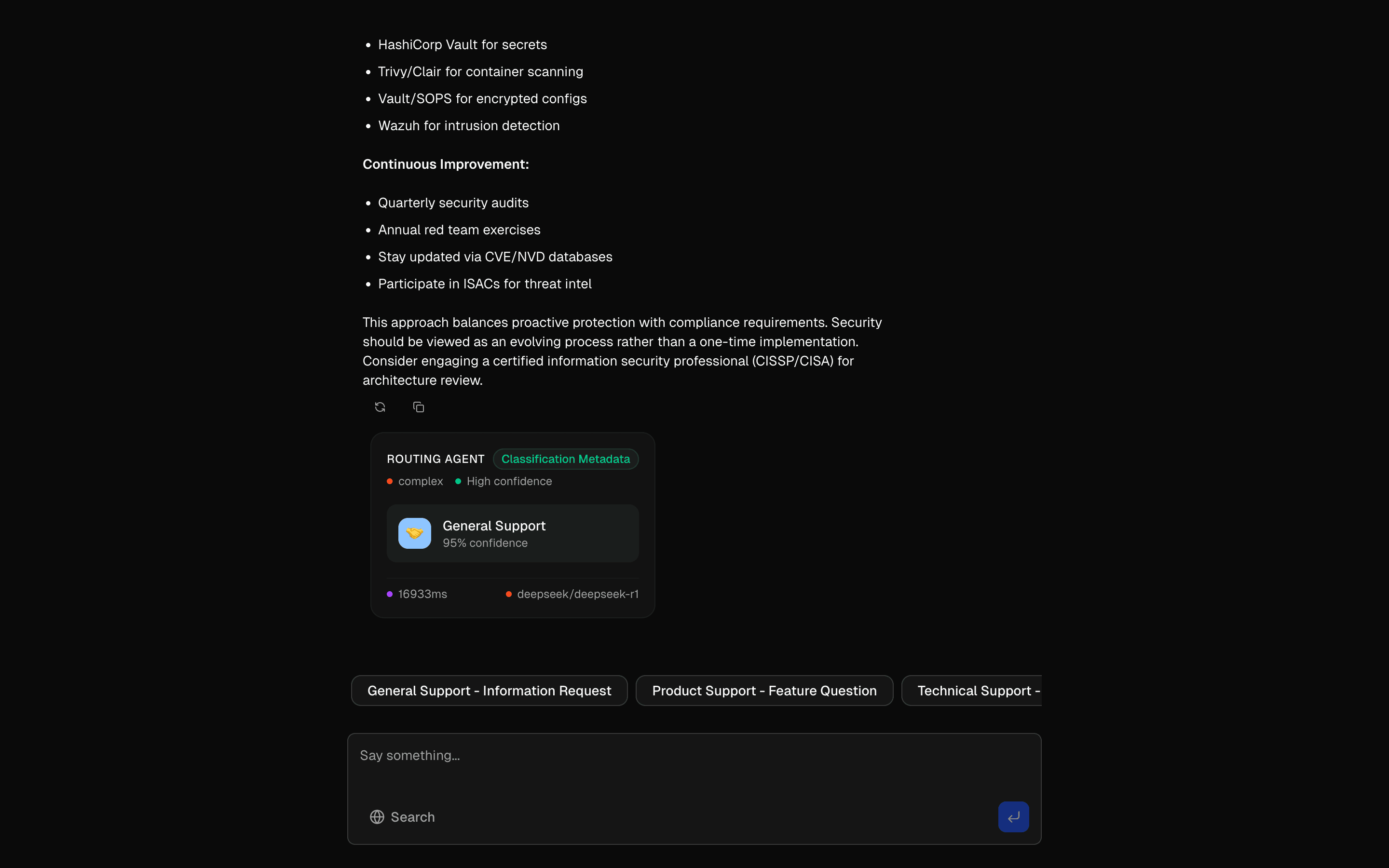 Agent Routing PatternUse this when one chat endpoint should sort queries into specialist agents and fall back across OpenAI, Perplexity, and Deepseek if a provider fails.
 ChatGPTFreeUse this when you need a UI that mirrors ChatGPT's layout so stakeholders can review a familiar chat experience before any model is connected.
Setup
Requirements, wiring steps, and what this pattern adds to your project.
Getting started
Pick how you want to pull this pattern in. Then wire env vars and routes the same way.
- 1
Download → Next.js app
Use Download → Next.js app in the preview toolbar. You get a zip scaffold (Pro downloads rewrite preview `/view/.../api/*` paths to `/api/*` automatically).
- 2
Extract the zip and install dependencies
Unzip the archive, then run `pnpm install` (or npm / yarn) in the project folder.
- 3
Fill .env.local
The download includes .env.local placeholders when needed. Add real values for: GOOGLE_API_KEY.
- 4
Customize the agent and tool files
Adapt prompts, tools, and stop conditions in the generated project for your product.
- 5
Run the app and open the pattern route
Run `pnpm dev`, open the setup/checklist page if present, then navigate to the generated pattern route and verify responses.
Environment variables
GOOGLE_API_KEYGet key
Capabilities
AI SDK APIs
generateObjecttoolAgentvalidateUIMessagesProviders
Gemini
Files added
10 files
app/page.tsxapp/layout.tsxapp/api/agent/route.tscomponents/queue-demo.tsxlib/queue-agent.tslib/queue-tool.tslib/types.tslib/schema.tslib/request-utils.tsREADME.md
Dependencies
9 total
npm packages
5AISDKlucide-reactNext.jsReactZod
 Registry components
buttonemptytooltipavatar
Critical files
3 files
agent/route.tsAPI route using createAgentUIStreamResponse with the Experimental_Agent pattern. Shows the new Agent API pattern from AI SDK.
lib/queue-agent.tsDefines the queue management Agent using the Experimental_Agent API from AI SDK. Uses deepseek/deepseek-v4.1-flash with createQueue tool and stepCountIs(5) stop condition.
lib/queue-tool.tsImplements the createQueue tool that uses generateObject with a structured Zod schema to generate queue data (sections with messages, todos, attachments).
Requirements
- Complexity
- Beginner
- Setup time
- ~10 minutes
- Node
- 24+
- Memory
- 512MB
Upstash Redis