Topic
AI Chat Components
The UI half of an AI app is its own problem: streaming text that doesn't jump, reasoning you can collapse, citations that trace to sources, tool calls the user can approve. These components solve exactly that layer. Built on AI Elements and styled with Tailwind, each one drops into a Next.js app with the AI SDK's useChat — open the live preview, copy the source, restyle to match your product.
For the full component catalog (chat, tools, forms on shadcn/ui), see AI components.
Featured patterns
A curated starting point for this topic — open a live preview, then adapt the source.
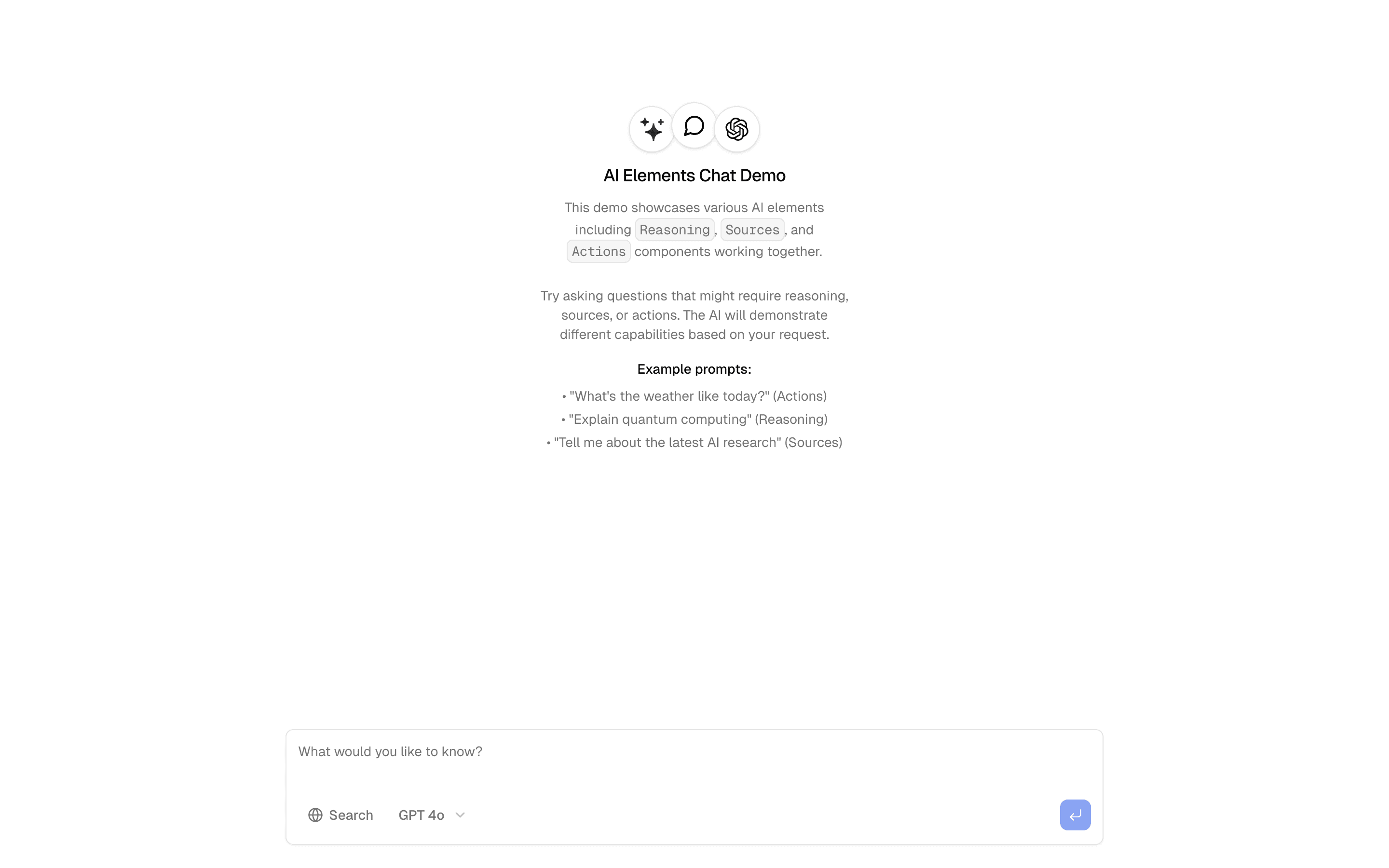
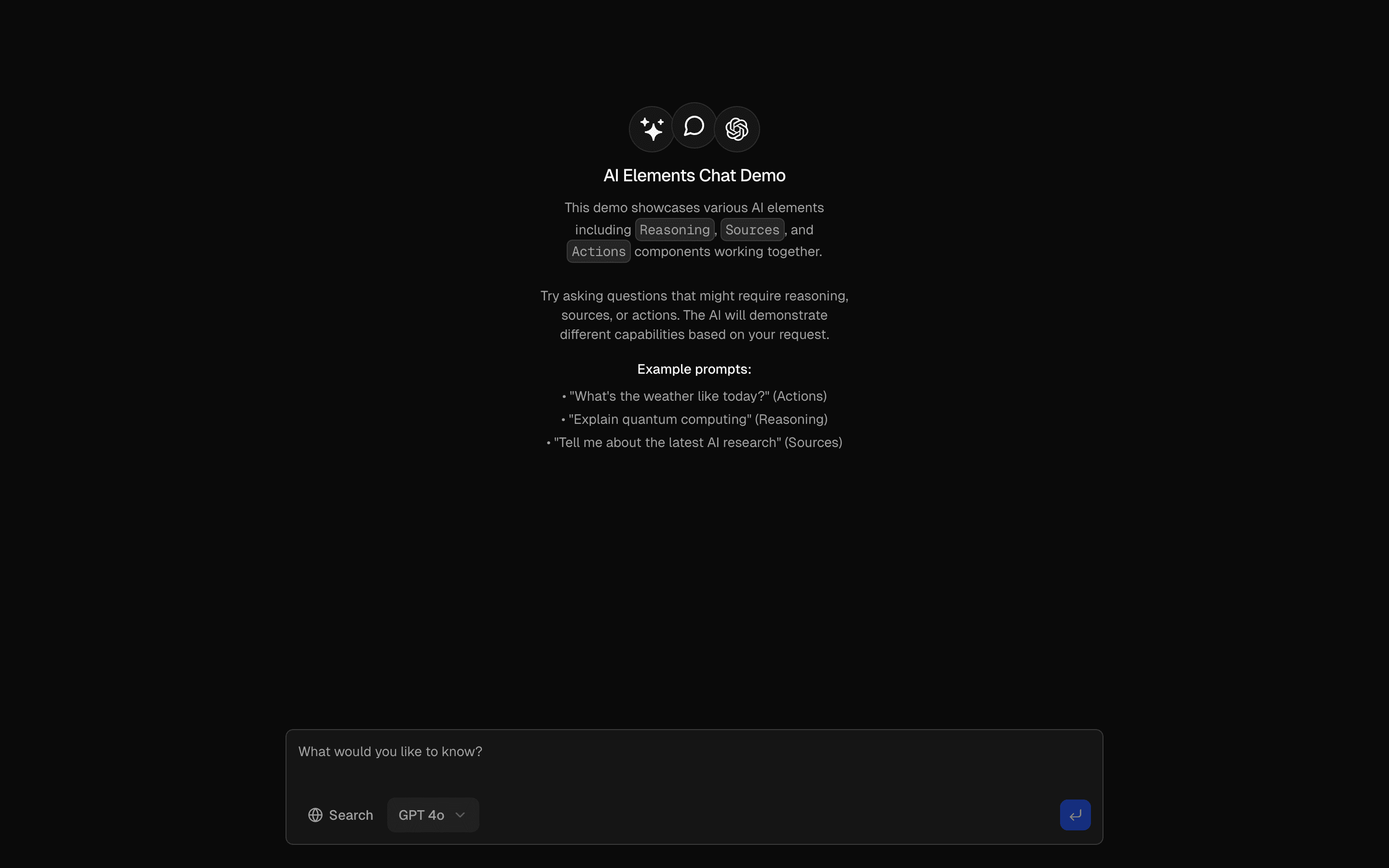
Basic Chat Interface
Chat interface with streaming responses and message history. Includes typing indicators and message status tracking.
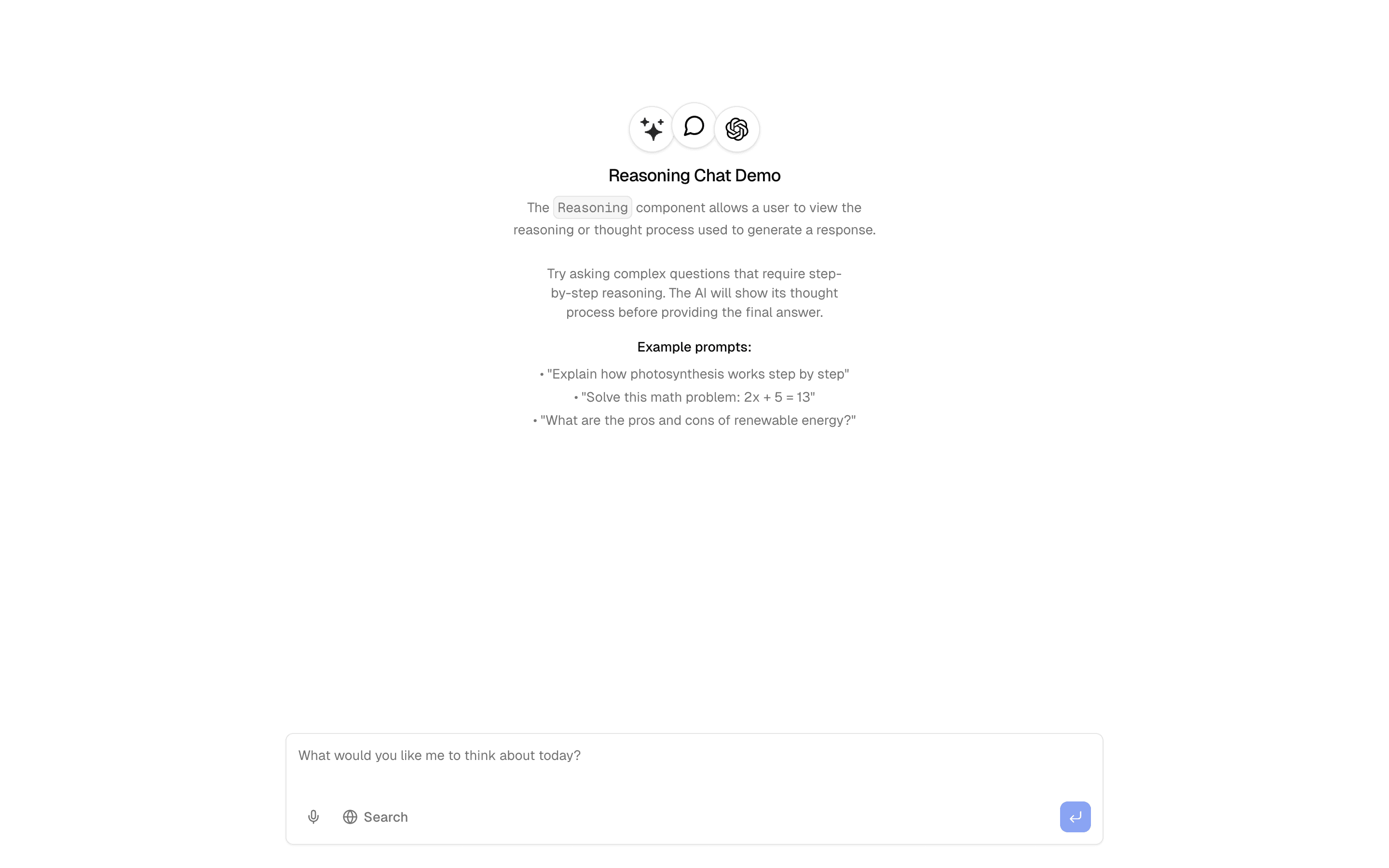
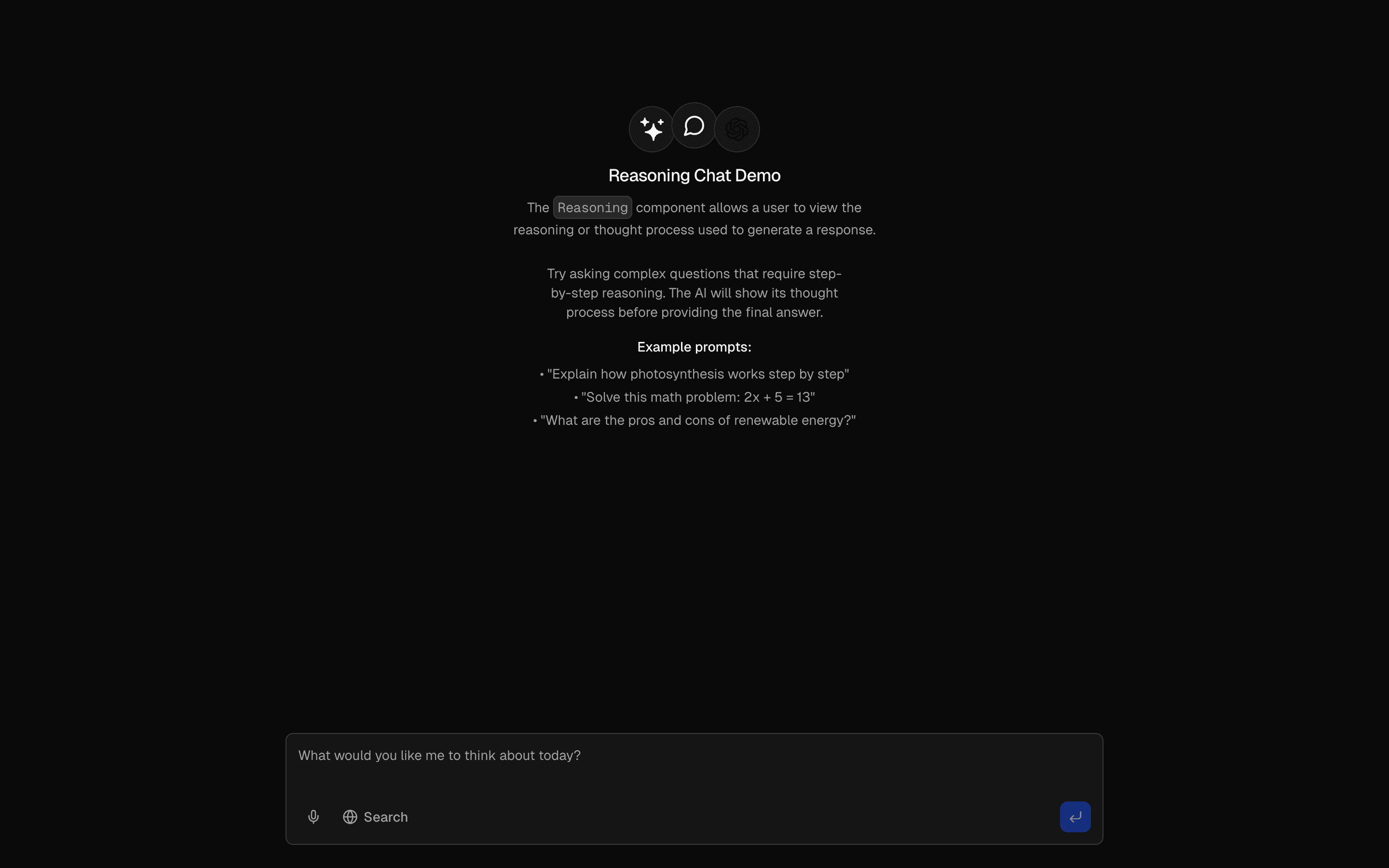
Reasoning
Chat that shows AI's step-by-step reasoning. Includes decision trees, logical breakdowns, and explanatory tooltips.
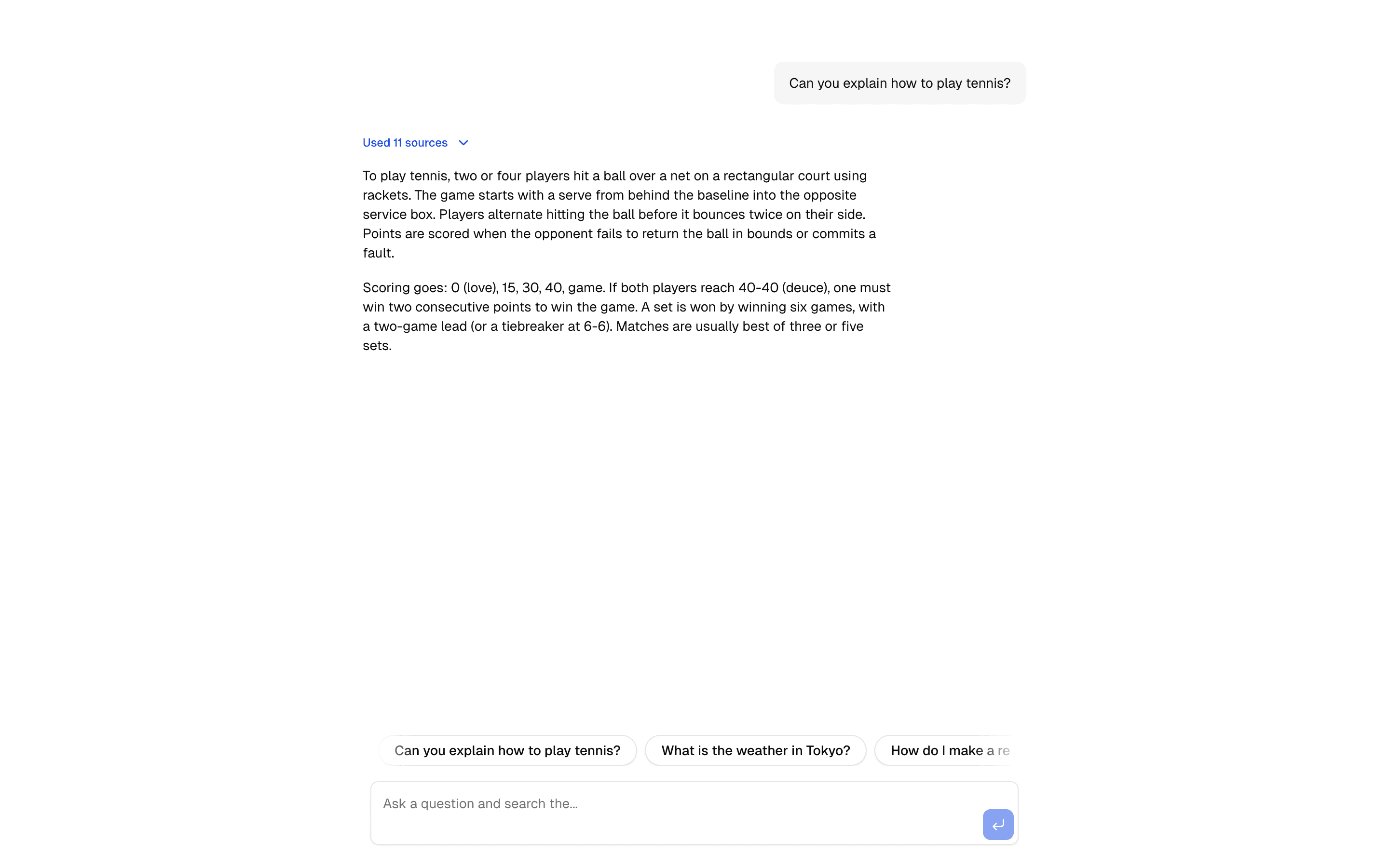
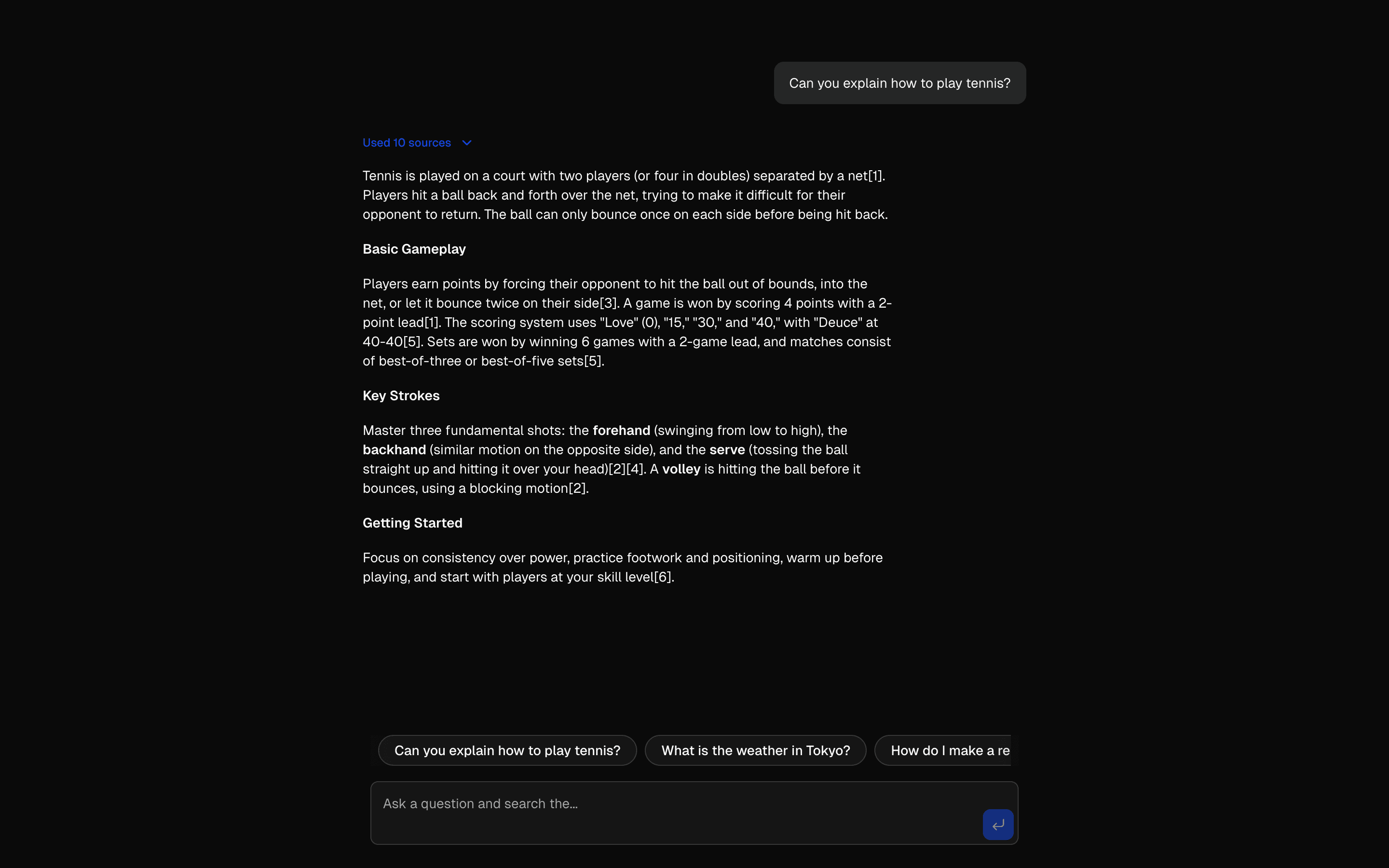
Sources & Citations
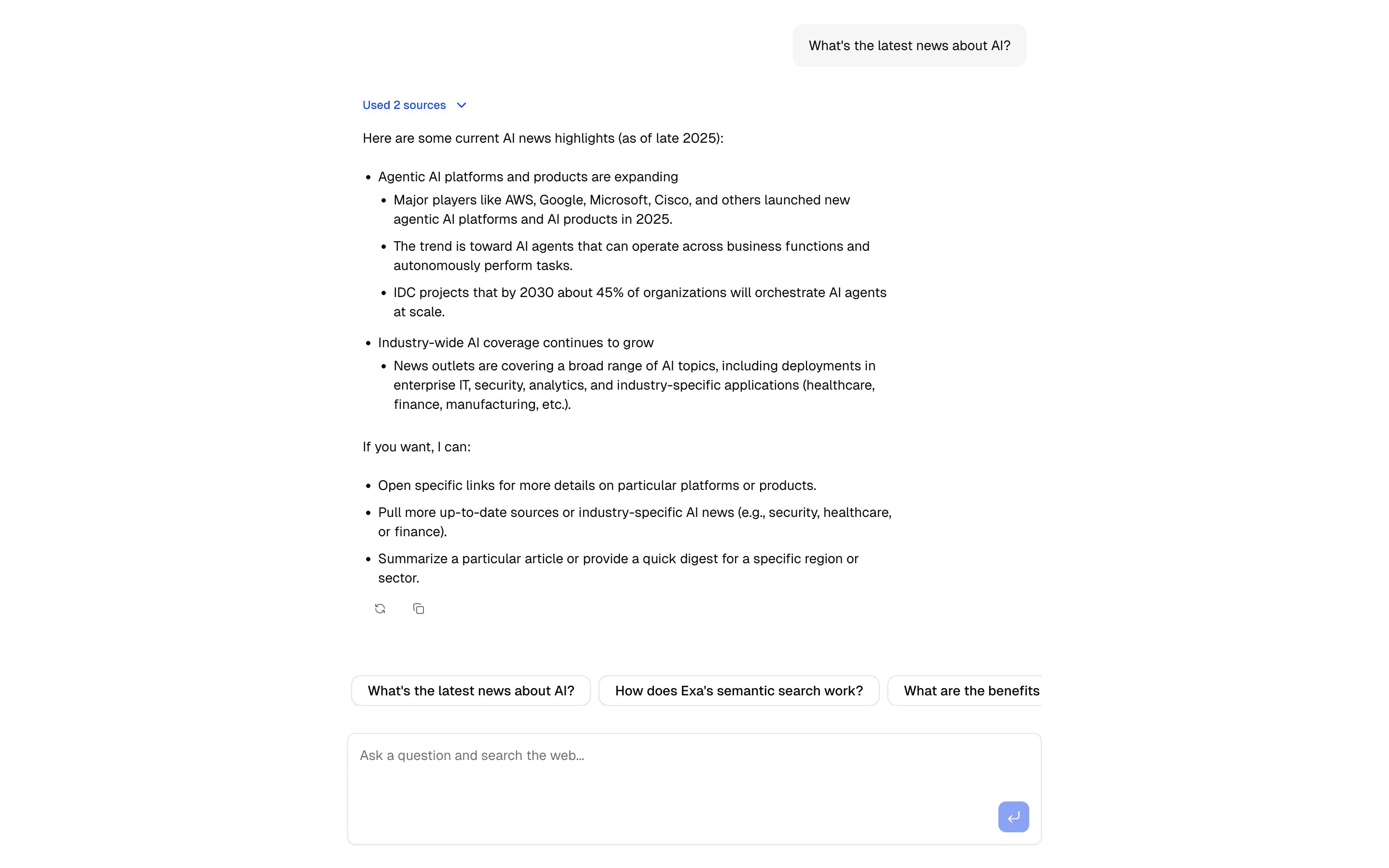
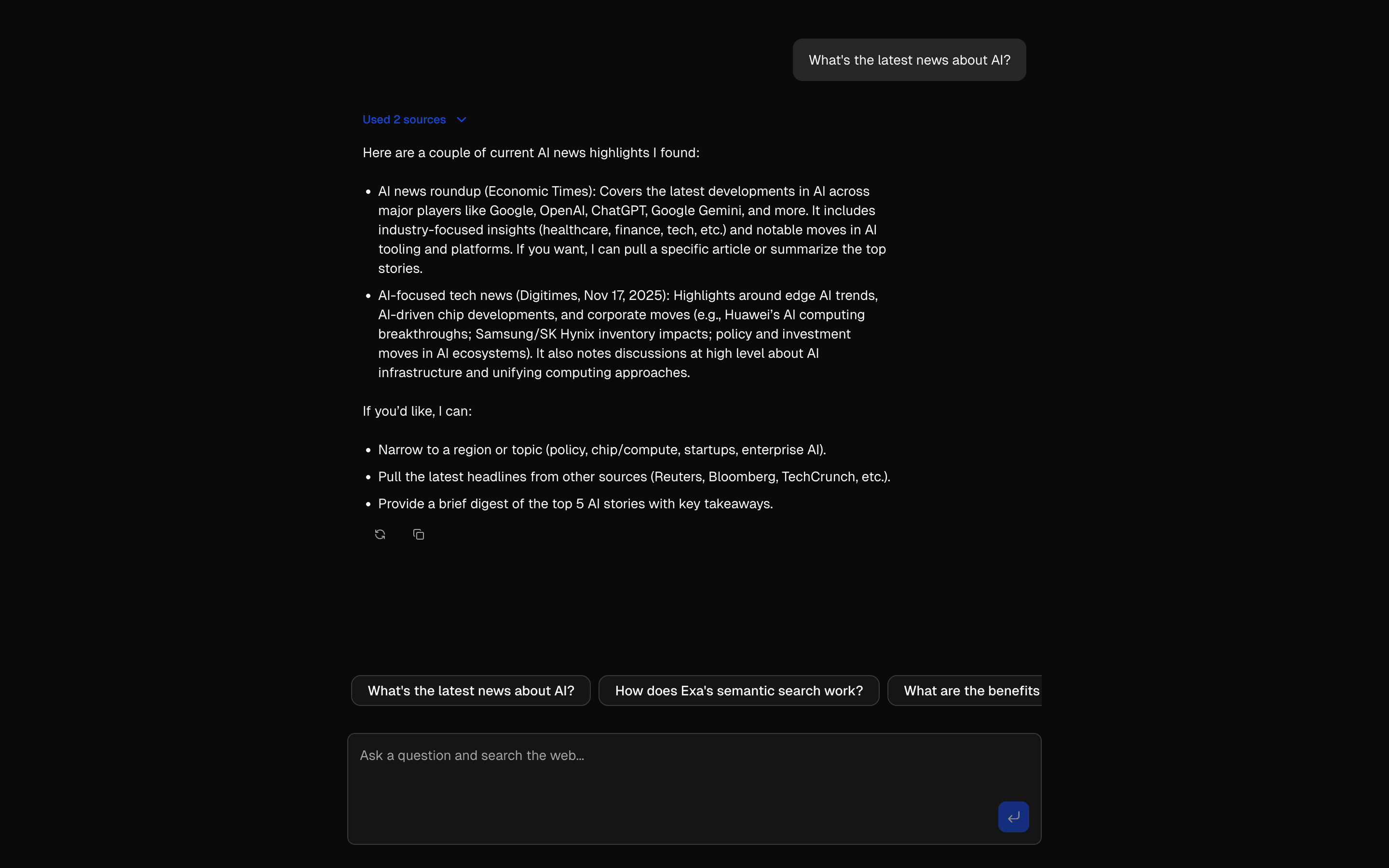
Chat with source citations using Perplexity's Sonar model. Answers include clickable links for fact-checking.
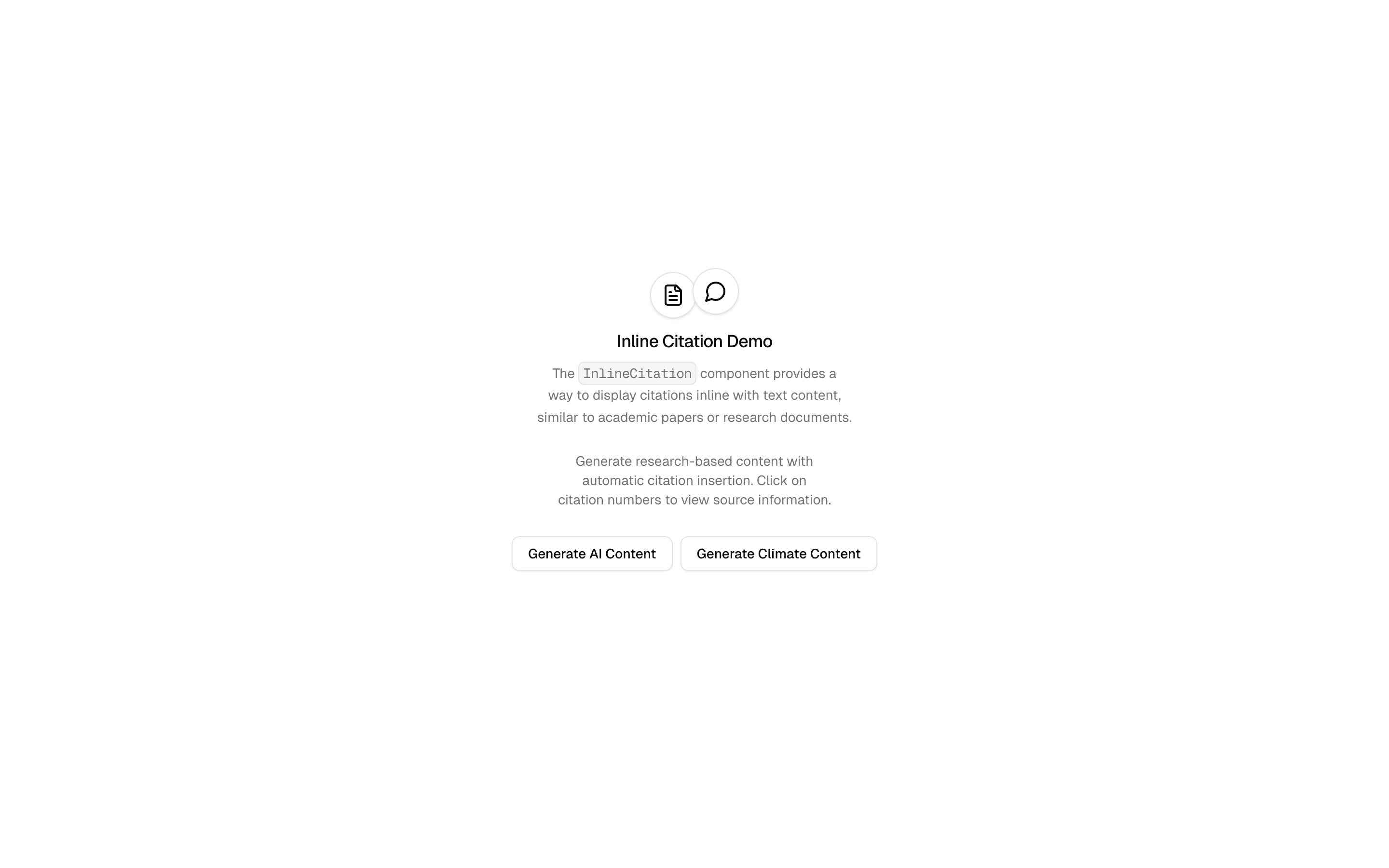
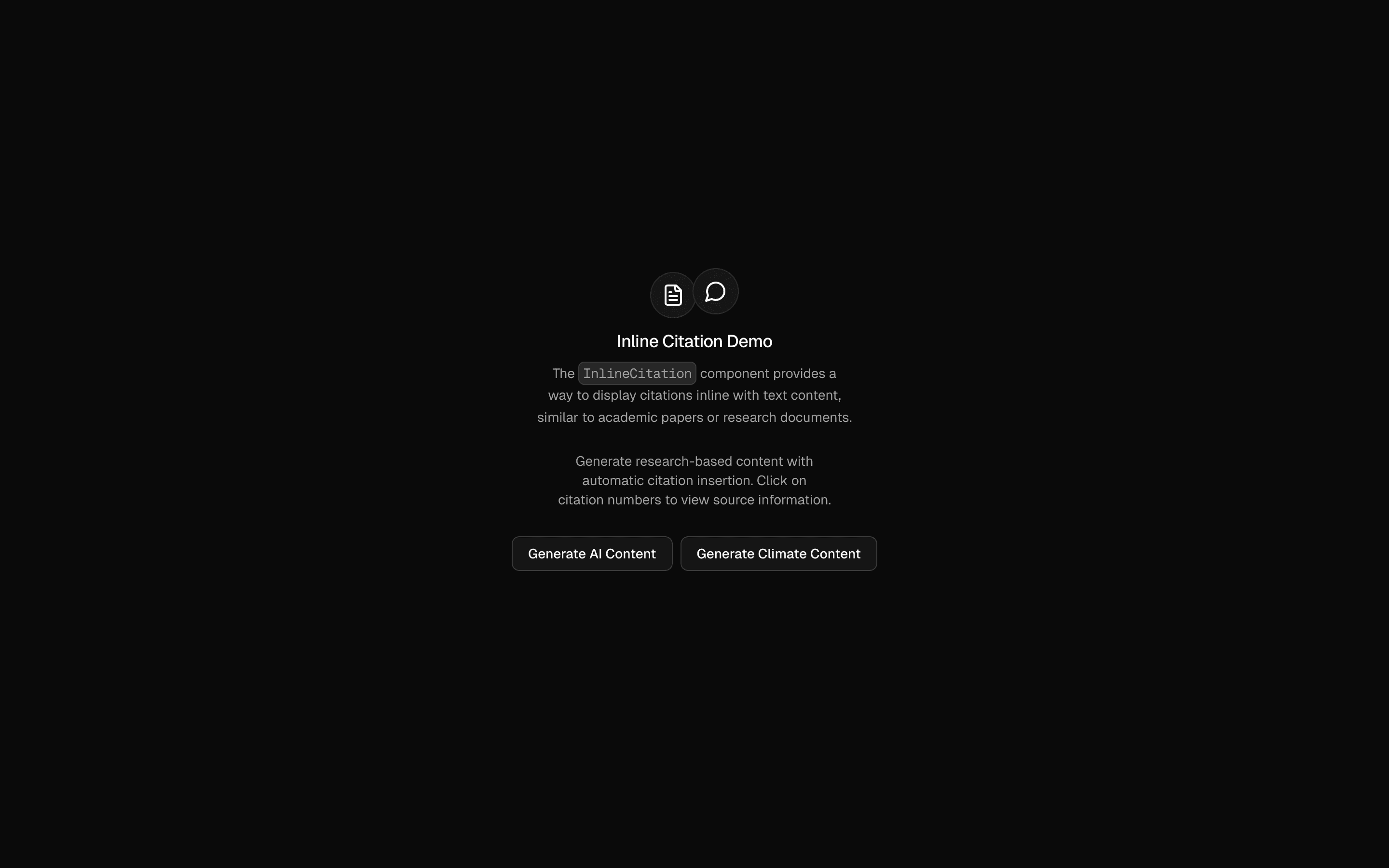
Inline Citations Demo
Generate content with embedded citations and clickable references. Includes source verification and formatting for research writing.
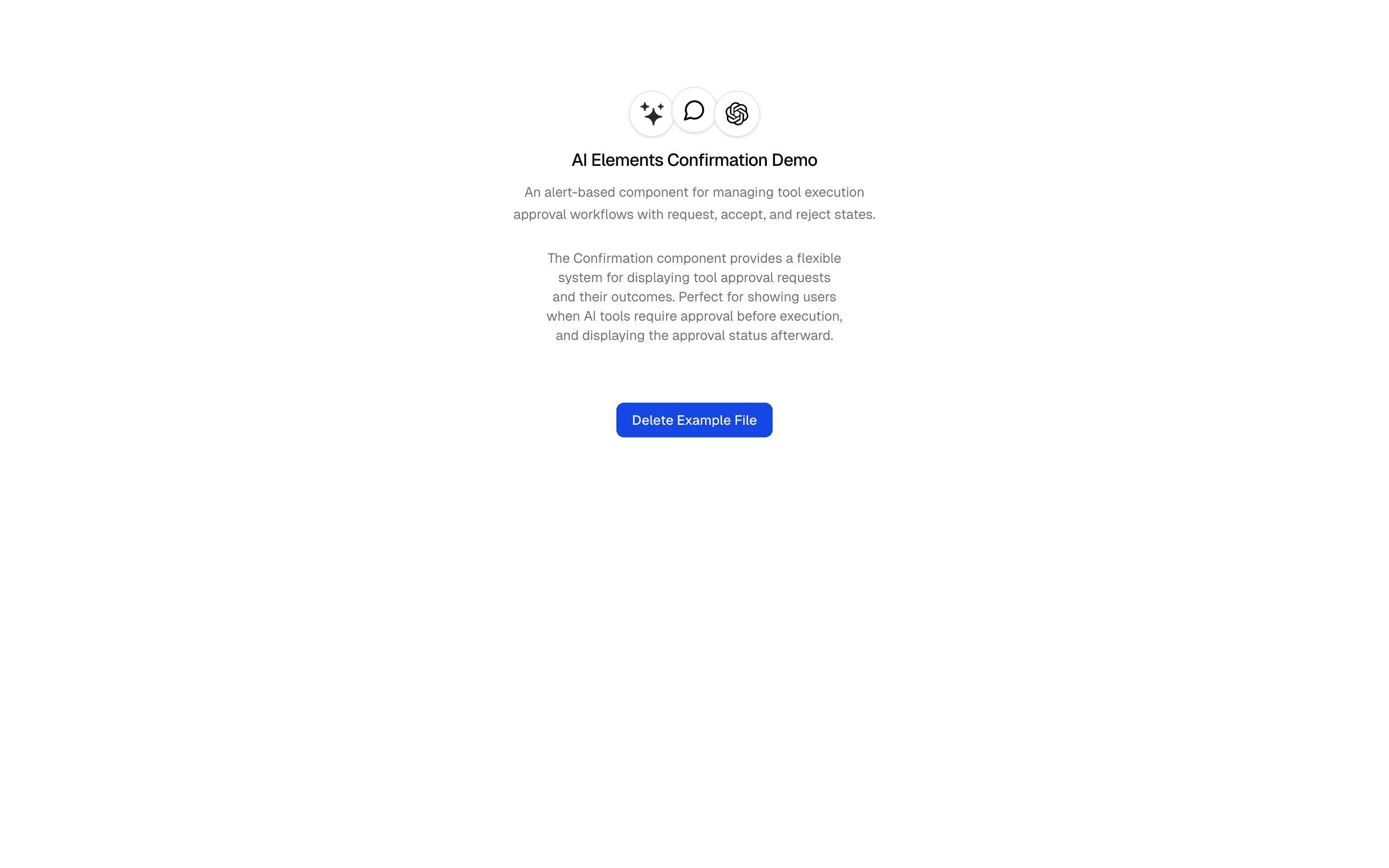
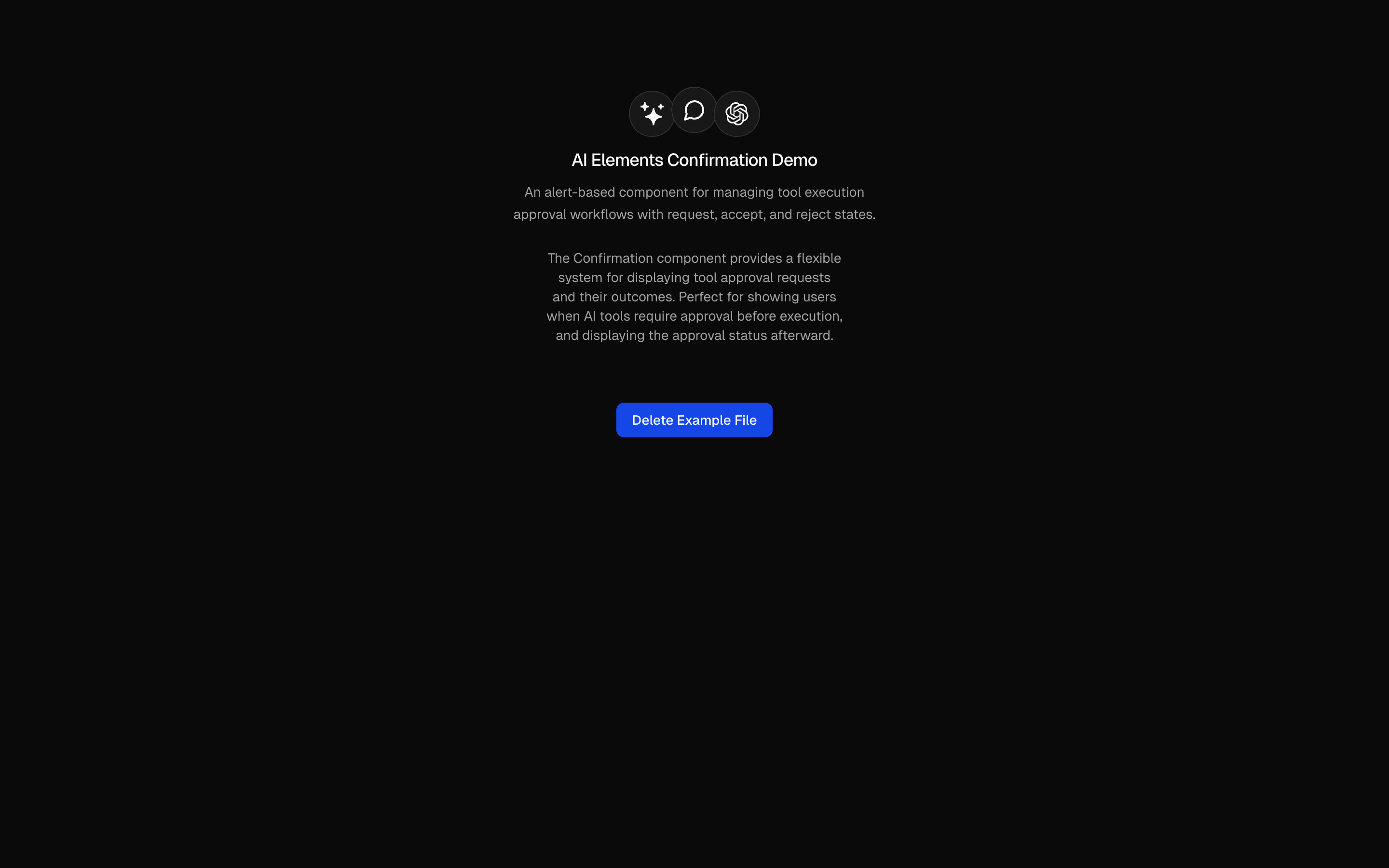
Tool Approval
Demonstrate tool execution with user confirmation. Includes approval workflows, confirmation UI, and state management for safe AI operations.
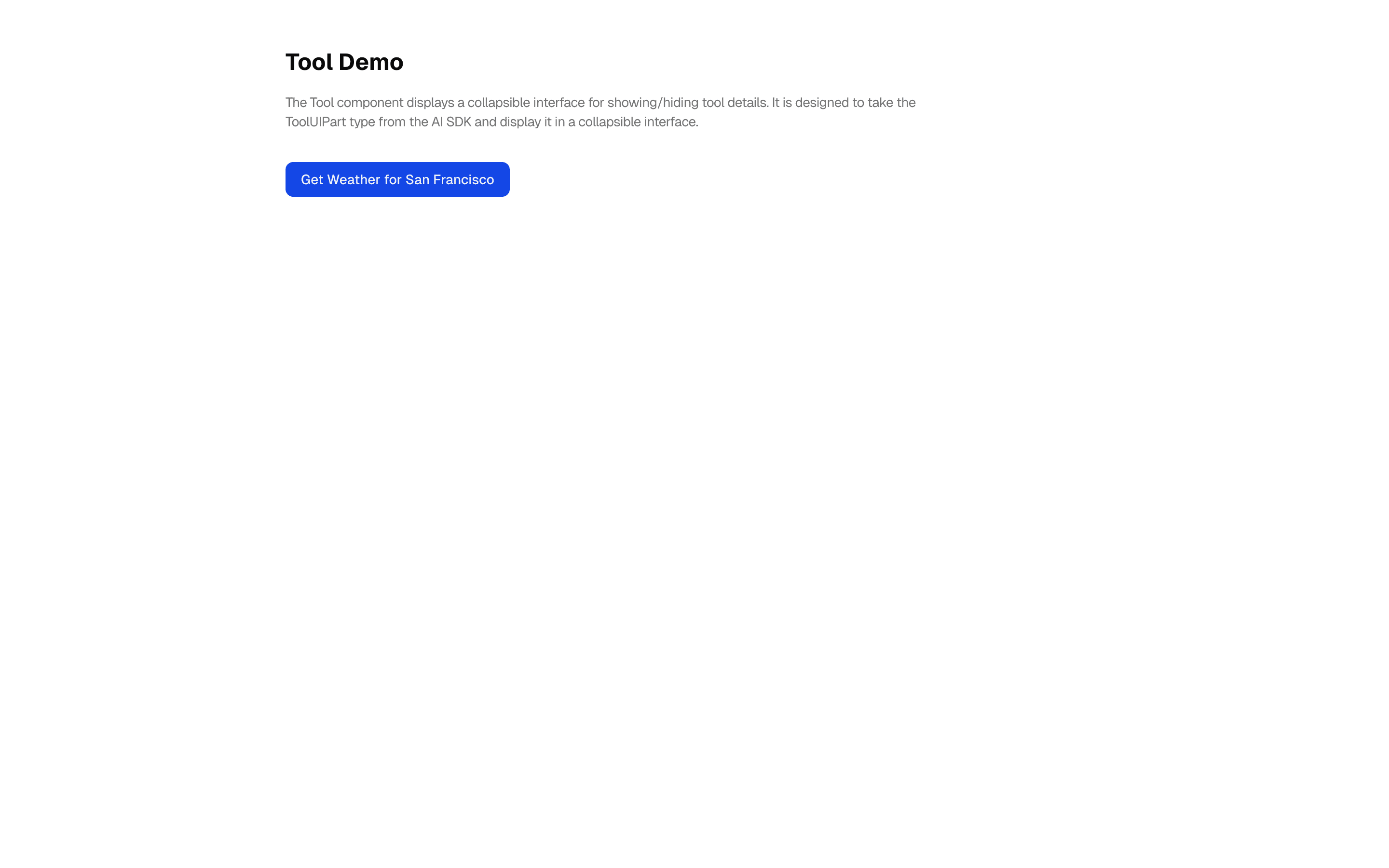
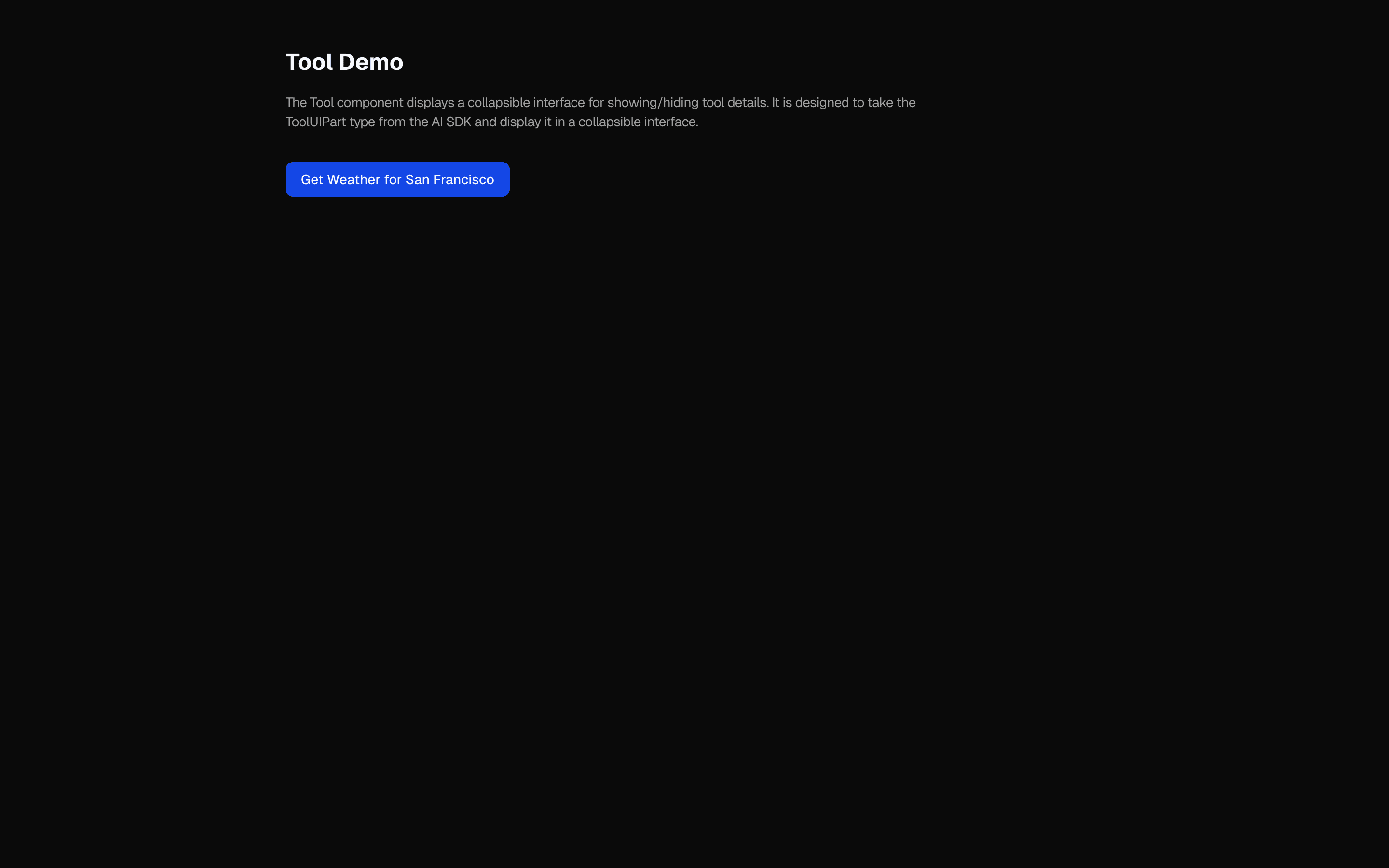
Tool Execution
Connect AI agents with external APIs and services. Demonstrates tool calling with weather data, error handling, and visual feedback.


Chat-Base Clone
A comprehensive Chatbase clone demo with widget interface, model selection, web search integration, and human-in-the-loop tool approval workflows.
More patterns
Additional patterns that fit this topic.
Related topics
Continue with adjacent topics that share the same building blocks.
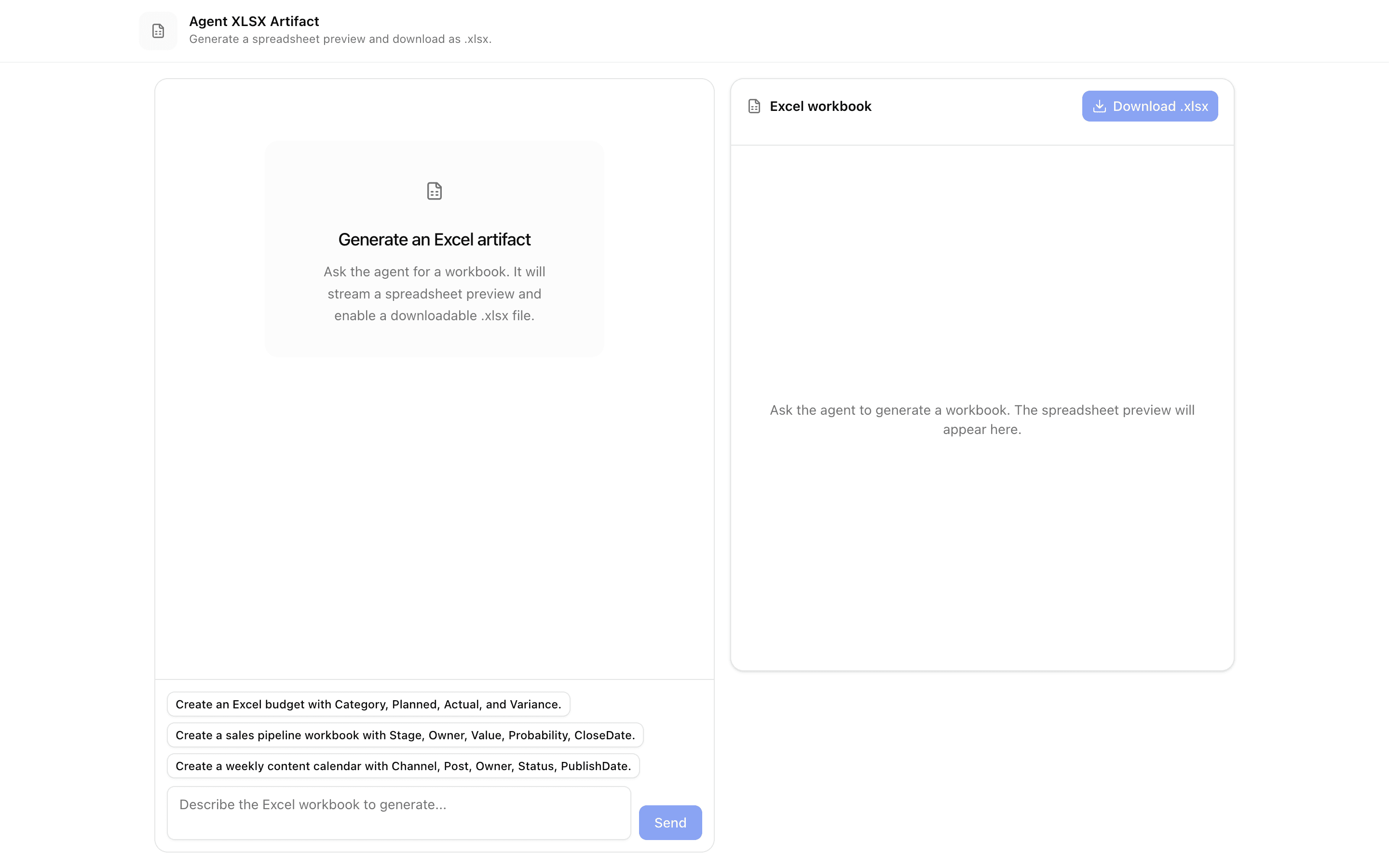
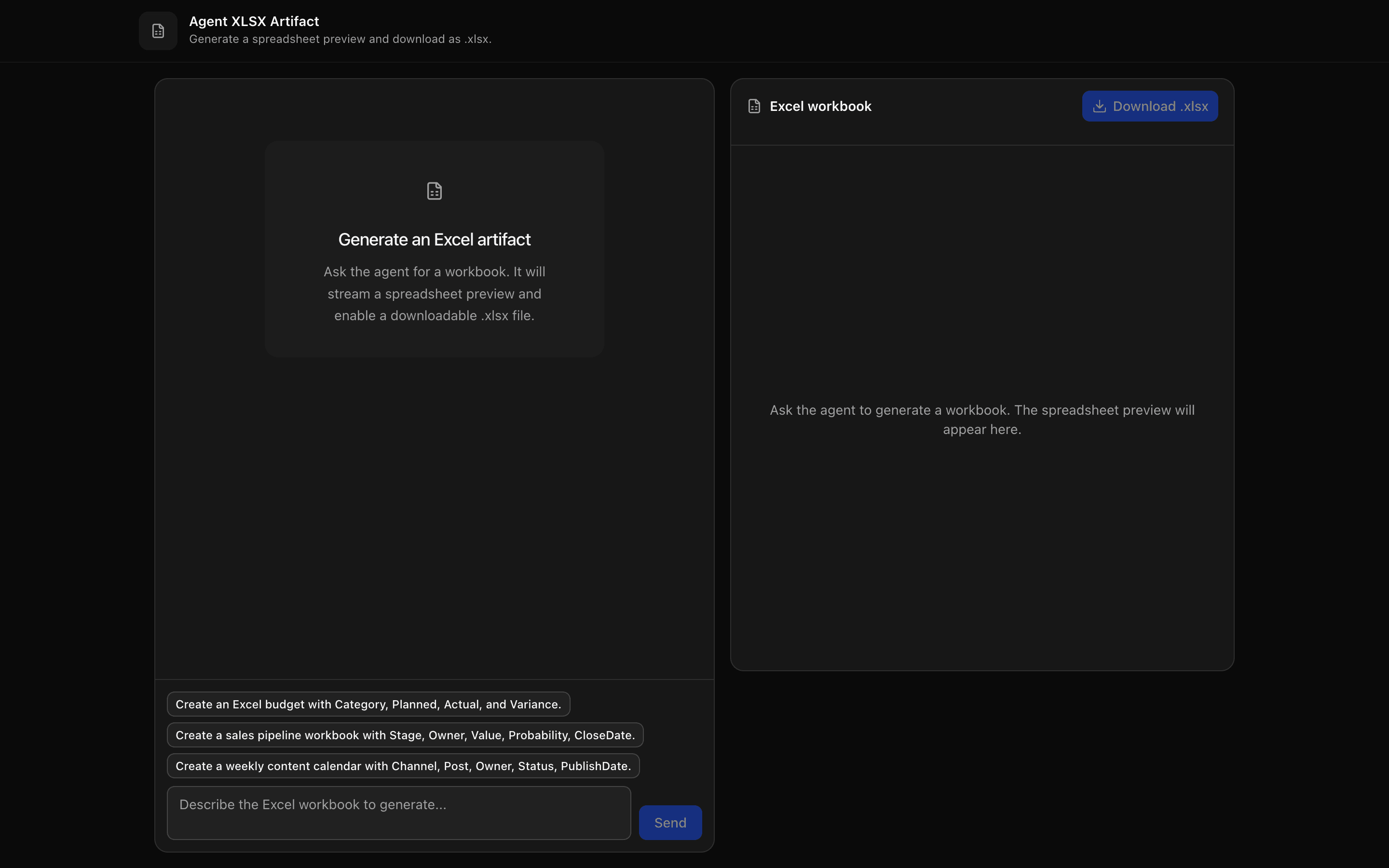
AI Artifacts
21Patterns for AI agents that output real files and rich UI: XLSX spreadsheets, PDF reports, Word docs, slides, charts, tables, mermaid diagrams, and JSON-driven interfaces. Full source included.
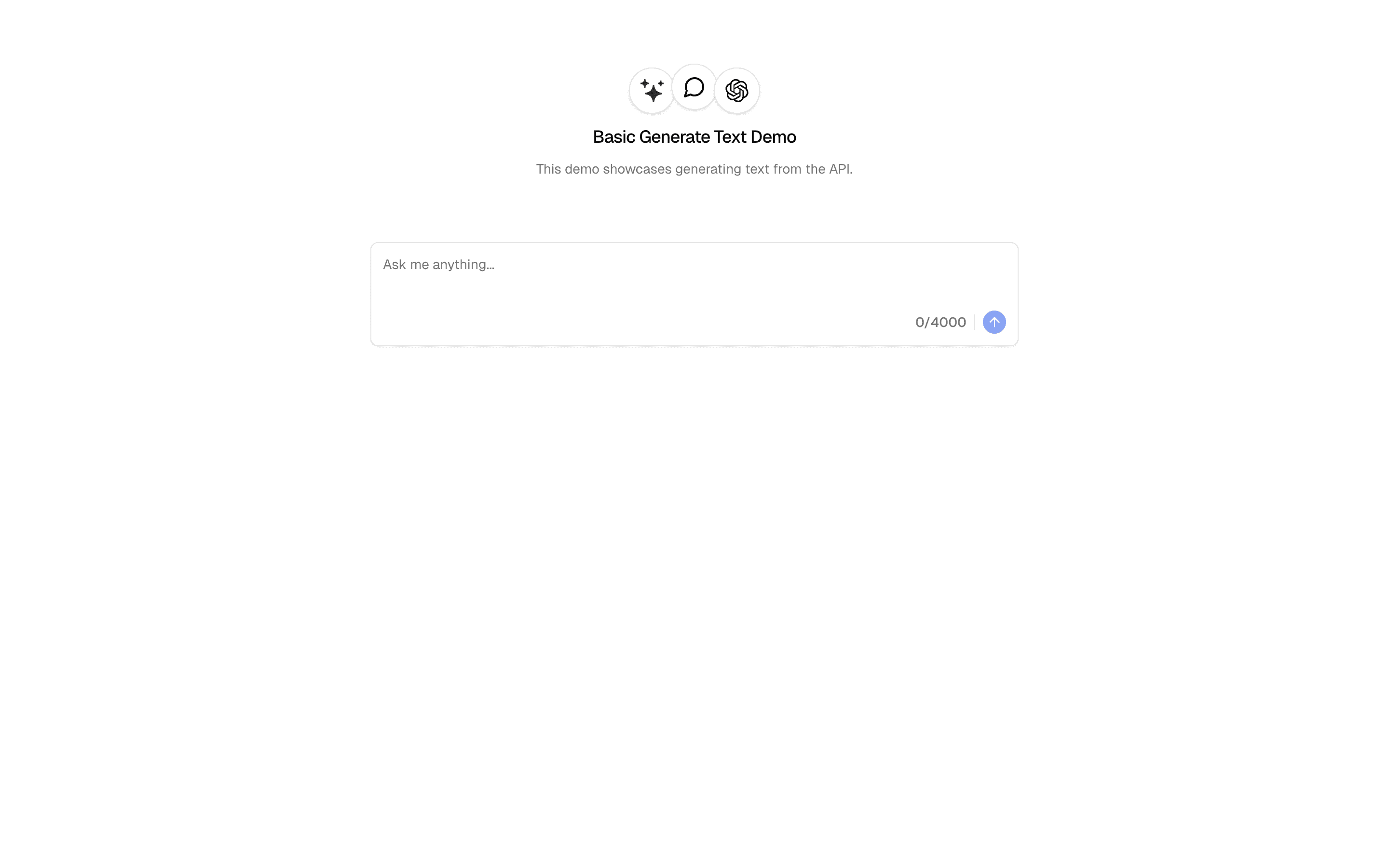
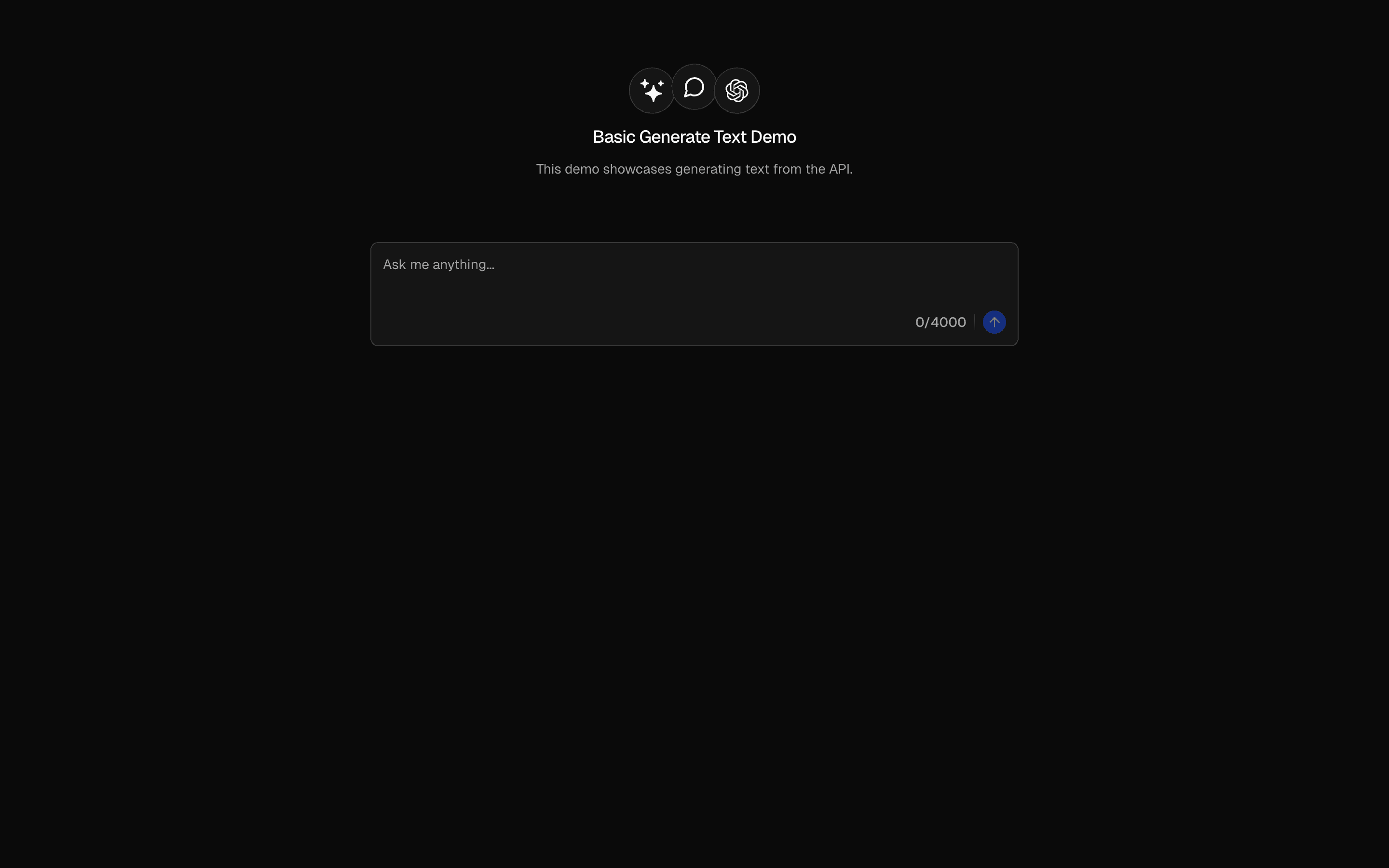
AI SDK Examples
71Complete, running examples for the AI SDK: generateText, streamText, structured output, tool calling, agent loop control, prepareStep, and tool-call repair. Copy the source, keep shipping.
AI Agent Tools
22Give agents real capabilities: tool() definitions with lifecycle hooks, dynamic tools, tool-call repair, web search (Exa, Firecrawl), scraping, PDF ingestion, and human approval gates.
Browse by category
Jump into the catalog filtered by category.
You’ve reached the end of AI Chat Components.