Explore Topics
Topic
57 patterns

AI Agent Development

Start building AI agents with foundational SDK patterns, then progress to advanced orchestration and multi-agent systems. Every pattern includes complete source code and runs on the Vercel AI SDK.

7 featured of 57 patterns

Featured Patterns

7 curated
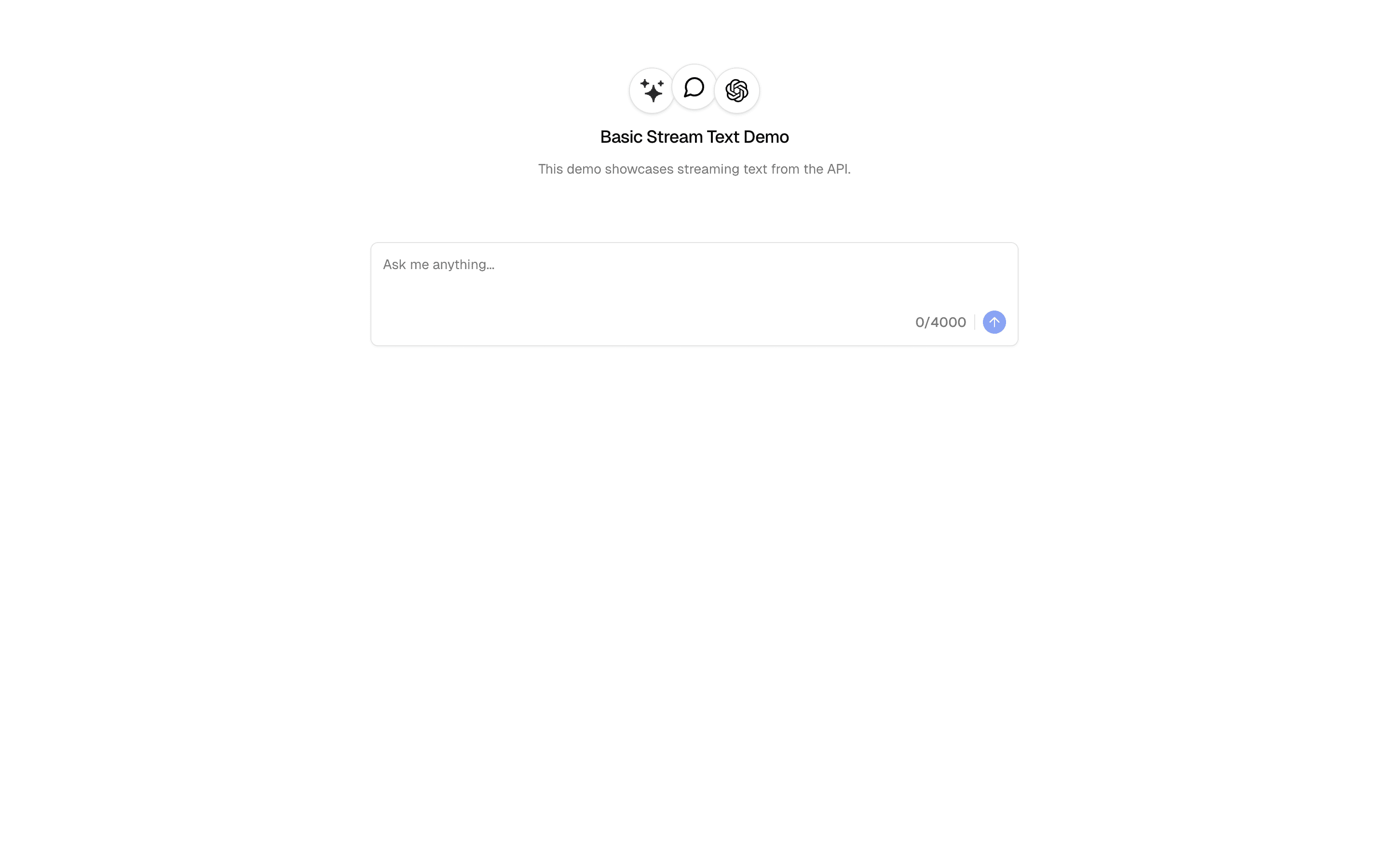
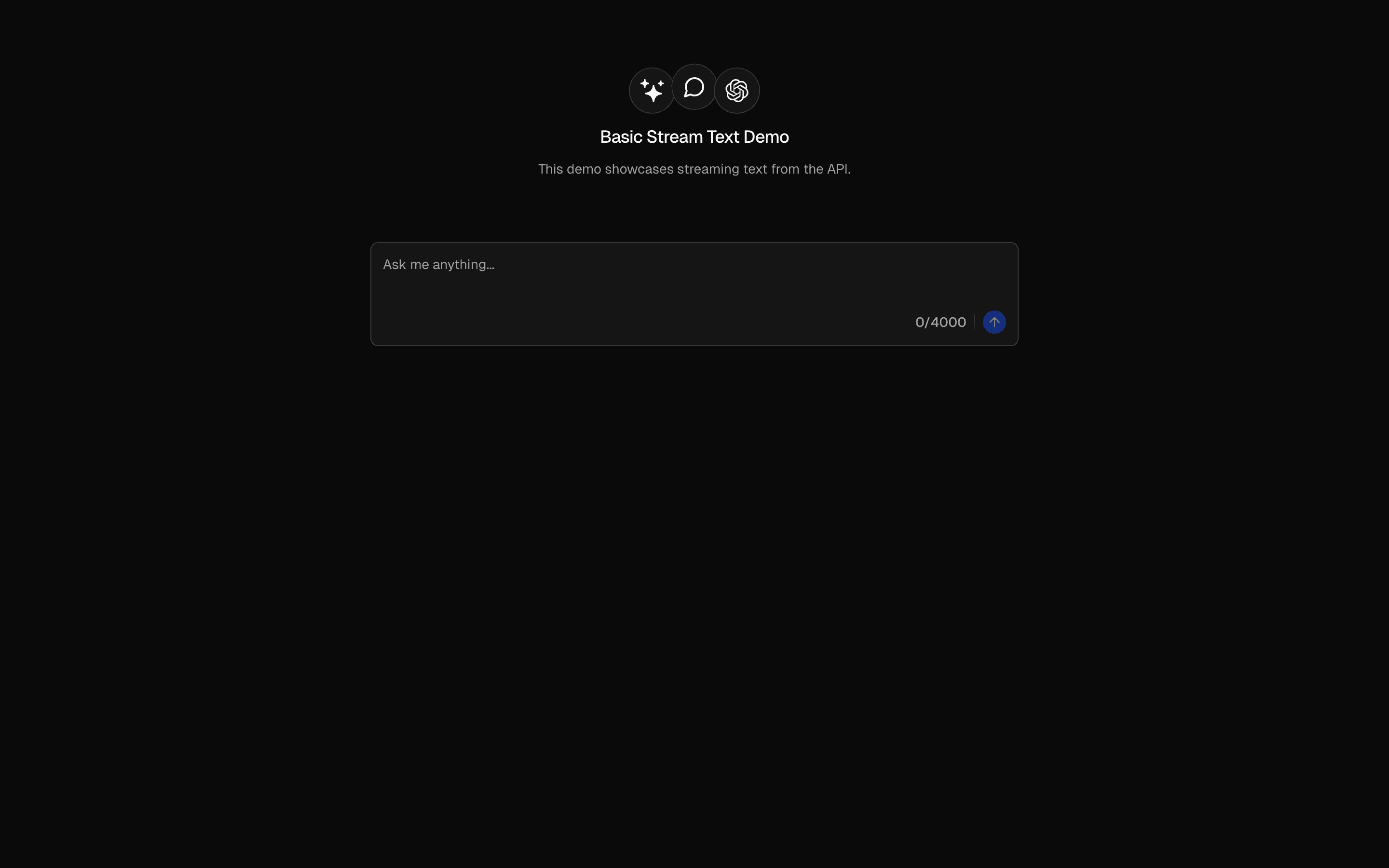
Generate Text preview

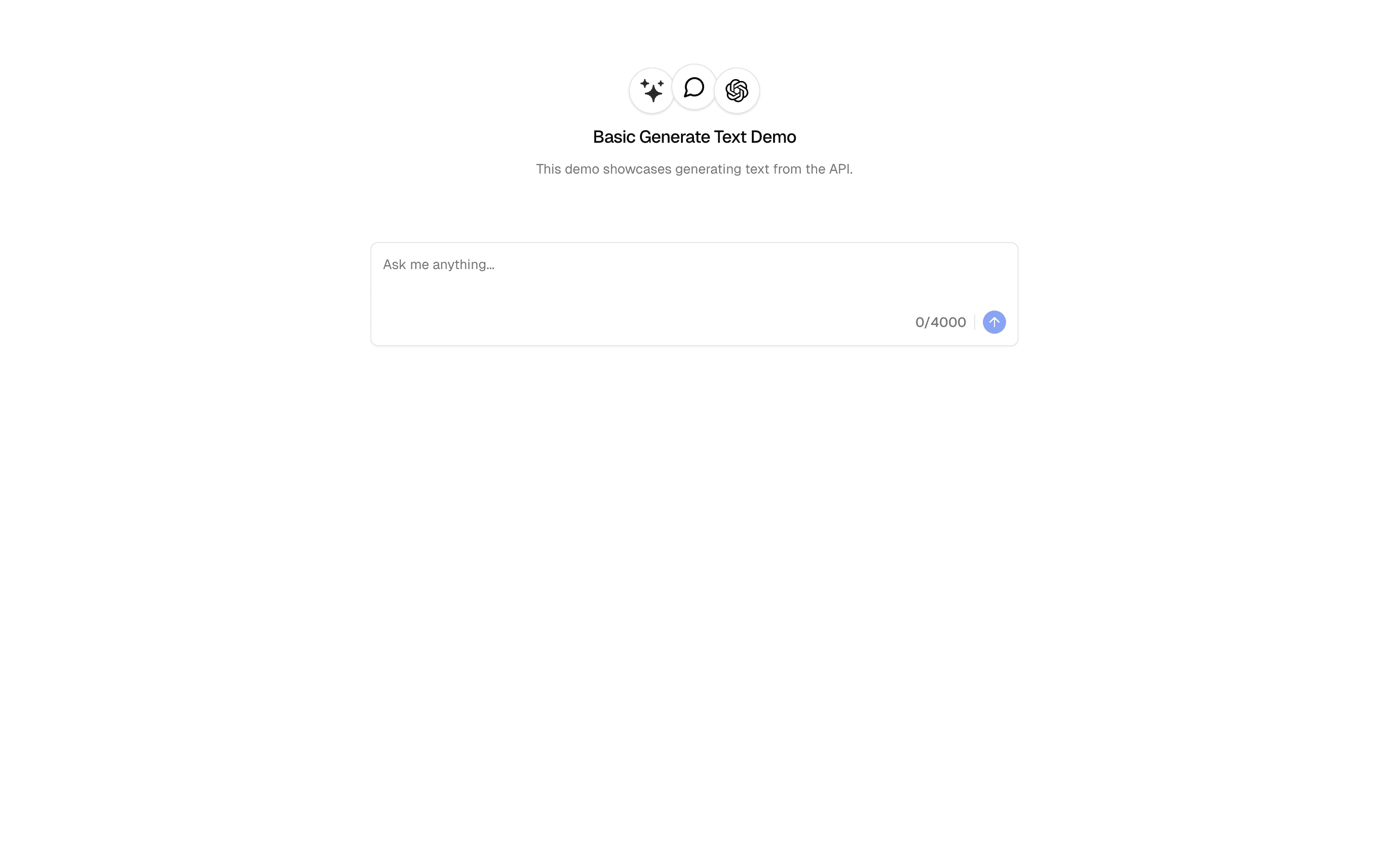
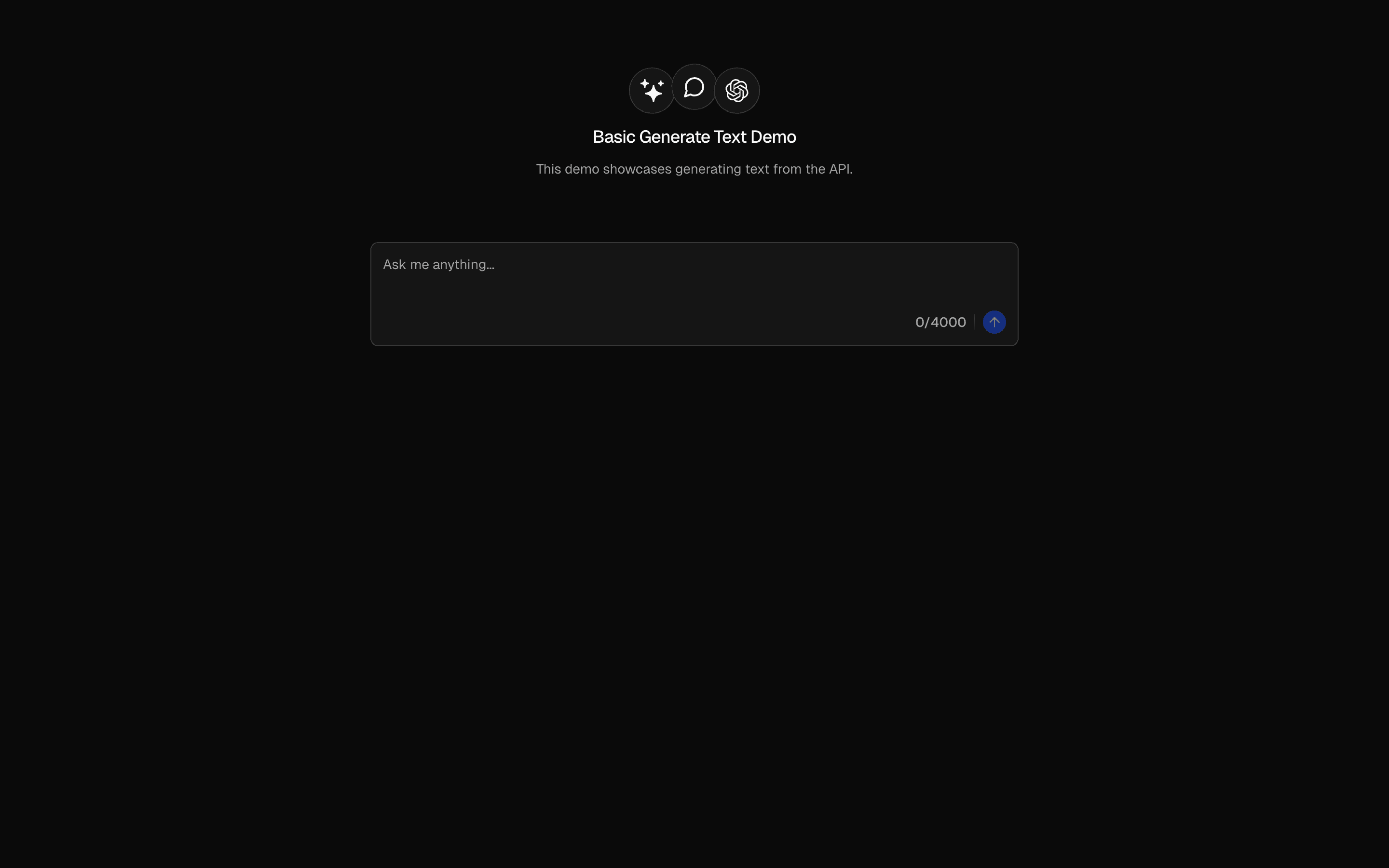
generateText is the foundational building block of the AI SDK — it sends a prompt to a language model and returns the complete response as a string. No streaming, no tool calling, no agent loops. Just prompt in, text out.

The function takes a model instance (from any provider — OpenAI, Anthropic, Google, etc.) and a prompt configuration. It returns a typed result object containing the generated text, token usage statistics, and metadata about the generation. The entire response is available at once, making it ideal for server-side processing where you need the complete output before continuing.

Under the hood, generateText handles provider-specific API differences, retry logic, and error normalization. You write one function call; the SDK handles the HTTP request, response parsing, rate limit retries, and type conversion for whichever provider you are using.

This is the right starting point for any AI integration. Once you understand generateText, every other SDK function is a variation on this pattern — streamText adds streaming, generateObject adds structured output, and agent() adds tool loops. Master this function first.
APIsgenerateTextconvertToModelMessages
Servicesopenaiperplexity
Tagsaiprompttext-generationai-sdkopenai
Stream Text preview

streamText delivers the AI response token by token as it is generated, enabling real-time UI updates. Instead of waiting for the entire response, your application receives a readable stream that you can pipe directly to the client.

The API mirrors generateText — same model configuration, same prompt format — but returns a stream instead of a complete string. On the server side, you create the stream and return it as an HTTP response. On the client side, the AI SDK's useChat hook or a manual stream reader processes each chunk and updates the UI in real time.

The key performance insight is time to first token. With generateText, the user waits 2-5 seconds seeing nothing. With streamText, the first words appear within 200-500ms, and the response builds up progressively. This dramatically improves perceived performance even though the total generation time is identical.

Use streamText for any user-facing text generation: chat interfaces, content creation tools, writing assistants, or code generation. Use generateText when you need the complete response before proceeding — background processing, evaluations, or pipeline steps where partial output is not useful.

APIsstreamTextuseCompletion
Servicesopenai
Tagsaiprompttext-generationstreamingai-sdkopenai
OpenAI Structured Output preview

generateObject combines AI generation with structured output validation. Instead of receiving freeform text, you define a Zod schema and the AI SDK ensures the model's response conforms to that exact shape — with TypeScript types inferred automatically.

The function passes your Zod schema to the model as a JSON schema constraint. The model generates a response that matches the schema, and the SDK validates the output before returning it. If validation fails, the SDK can automatically retry with the validation error as feedback, giving the model a chance to correct its output.

The power of this pattern is type-safe AI output. Instead of parsing unreliable text with regex, you get a typed object that matches your schema exactly. A z.object({ sentiment: z.enum(["positive", "negative", "neutral"]), confidence: z.number() }) schema returns exactly that shape — guaranteed.

This is essential for any AI integration that feeds into downstream code. Classification, extraction, analysis, form generation — anywhere the AI output needs to be processed programmatically rather than displayed as text. Combined with Output.object() in streaming mode, you can even stream structured data progressively.

APIsgenerateTextOutput.object
Servicesopenai
Tagsaipromptobject-generationstructured-dataai-sdkopenaizod
Agent Routing Pattern preview

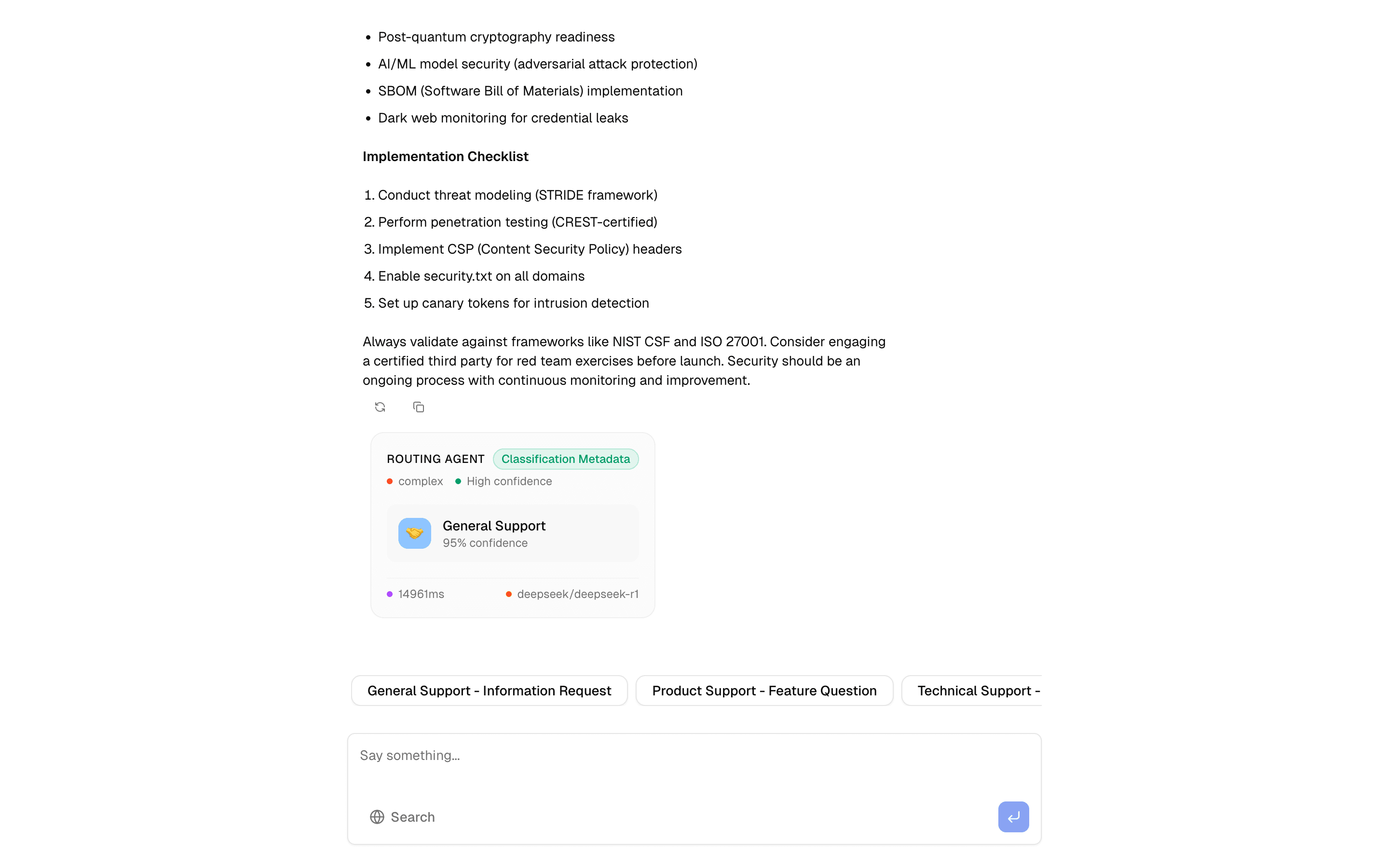
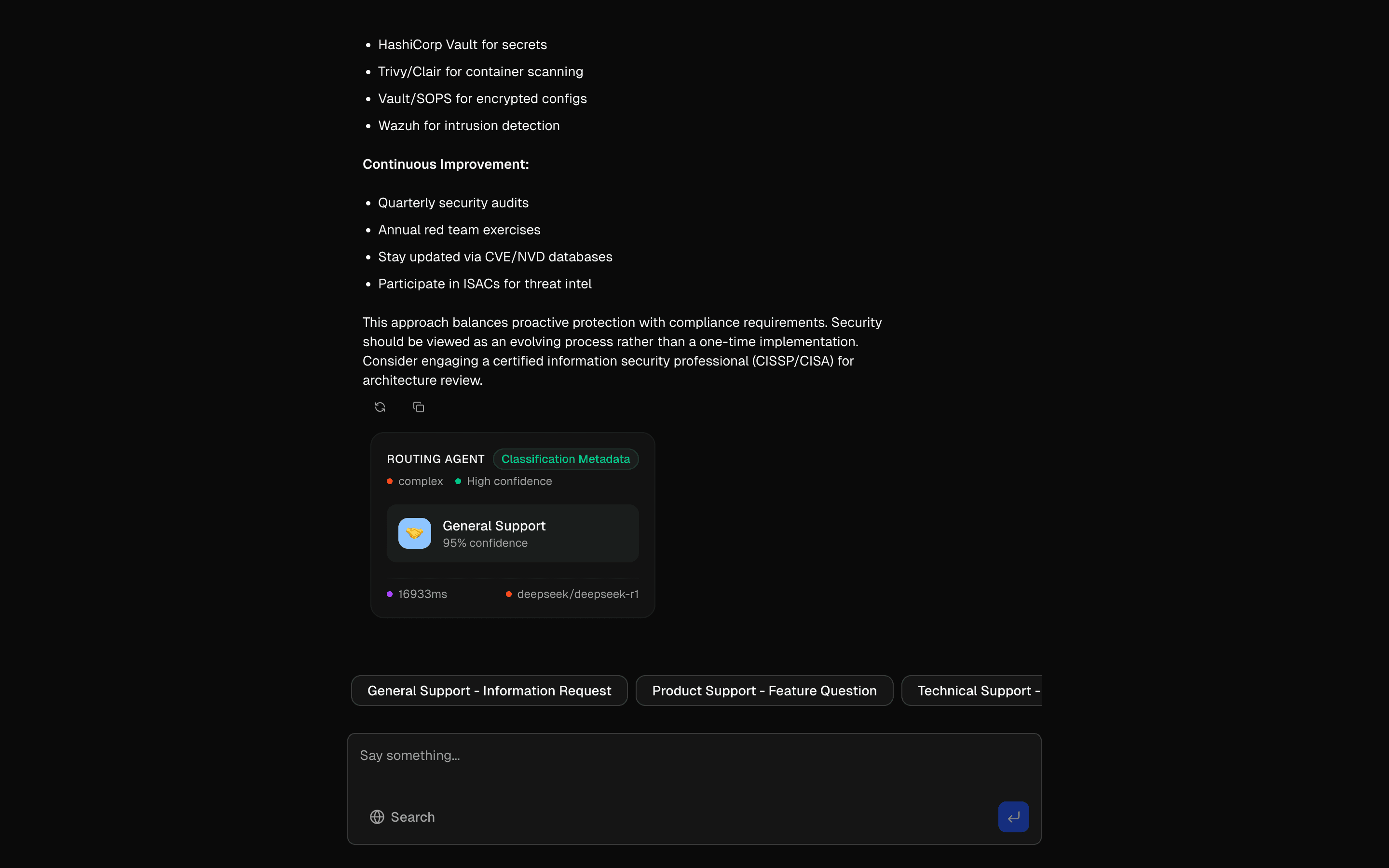
The routing pattern is the front door of any multi-agent system. Instead of sending every user message to a single monolithic prompt, it classifies the input first and dispatches it to a specialized sub-agent — each with its own system prompt, model, and toolset.

At the core is a classification step powered by generateObject. A Zod schema defines the possible intent categories (like "technical", "billing", or "sales"), and a fast, inexpensive model makes the routing decision. The downstream agent then handles the actual response with a more capable model if needed.

The key architectural insight is separation of classification from generation. The classifier runs something like GPT-4o-mini to keep latency under 200ms, while the responding agent can use a heavier model for quality. This keeps costs manageable at scale — you only pay for expensive inference on the messages that need it.

This pattern also includes load balancing across providers and graceful fallback handling. If the primary model is unavailable, the router can redirect to an alternative without the user noticing. Use this when your application serves multiple distinct user intents that benefit from specialized prompts or different model configurations.

APIsgenerateObjectstreamTextconvertToModelMessagesnew Agenttool(stepCountIs
Servicesopenaiperplexitydeepseek
Tagsaiagentsroutingai-sdk
Parallel Processing Pattern preview

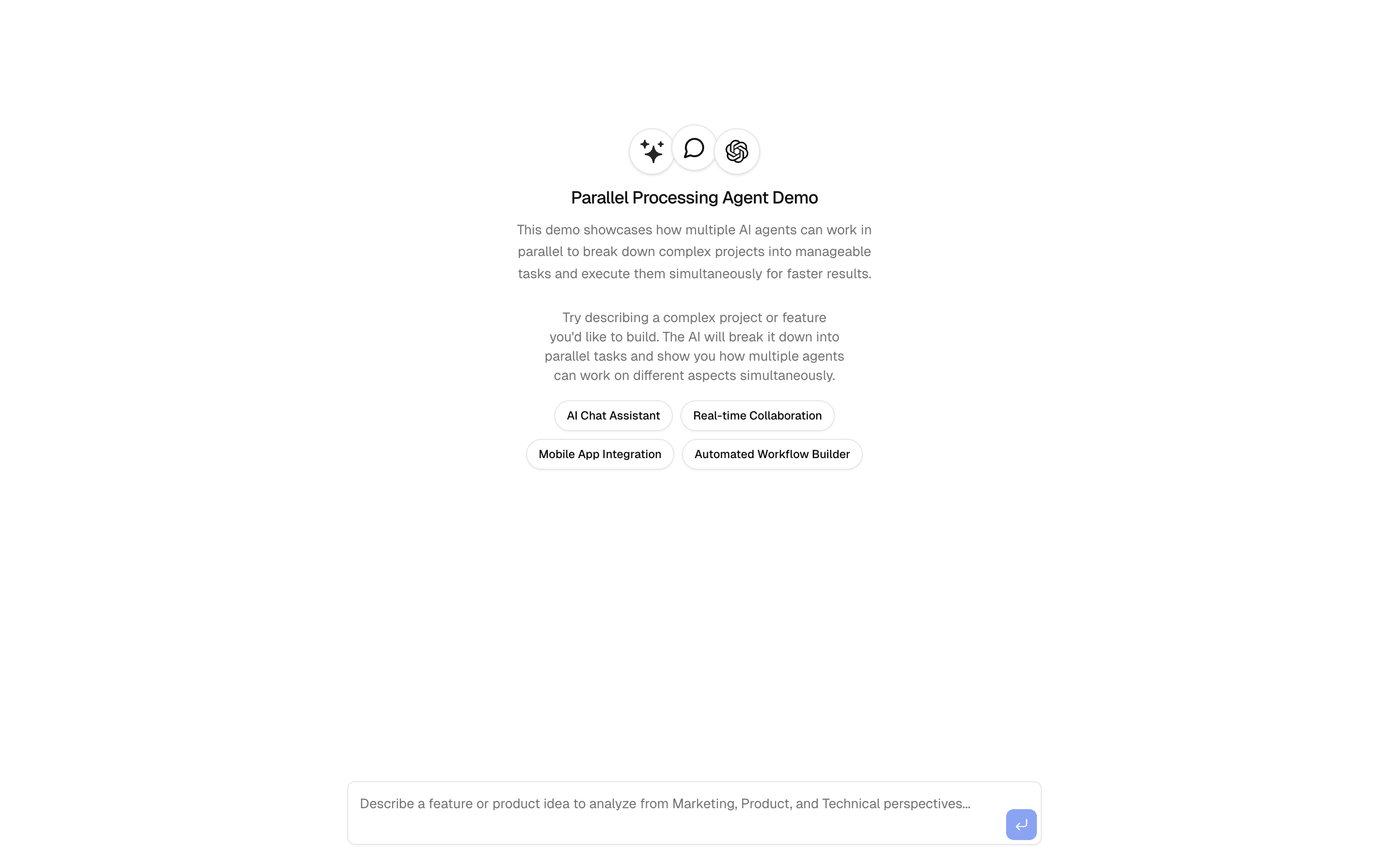
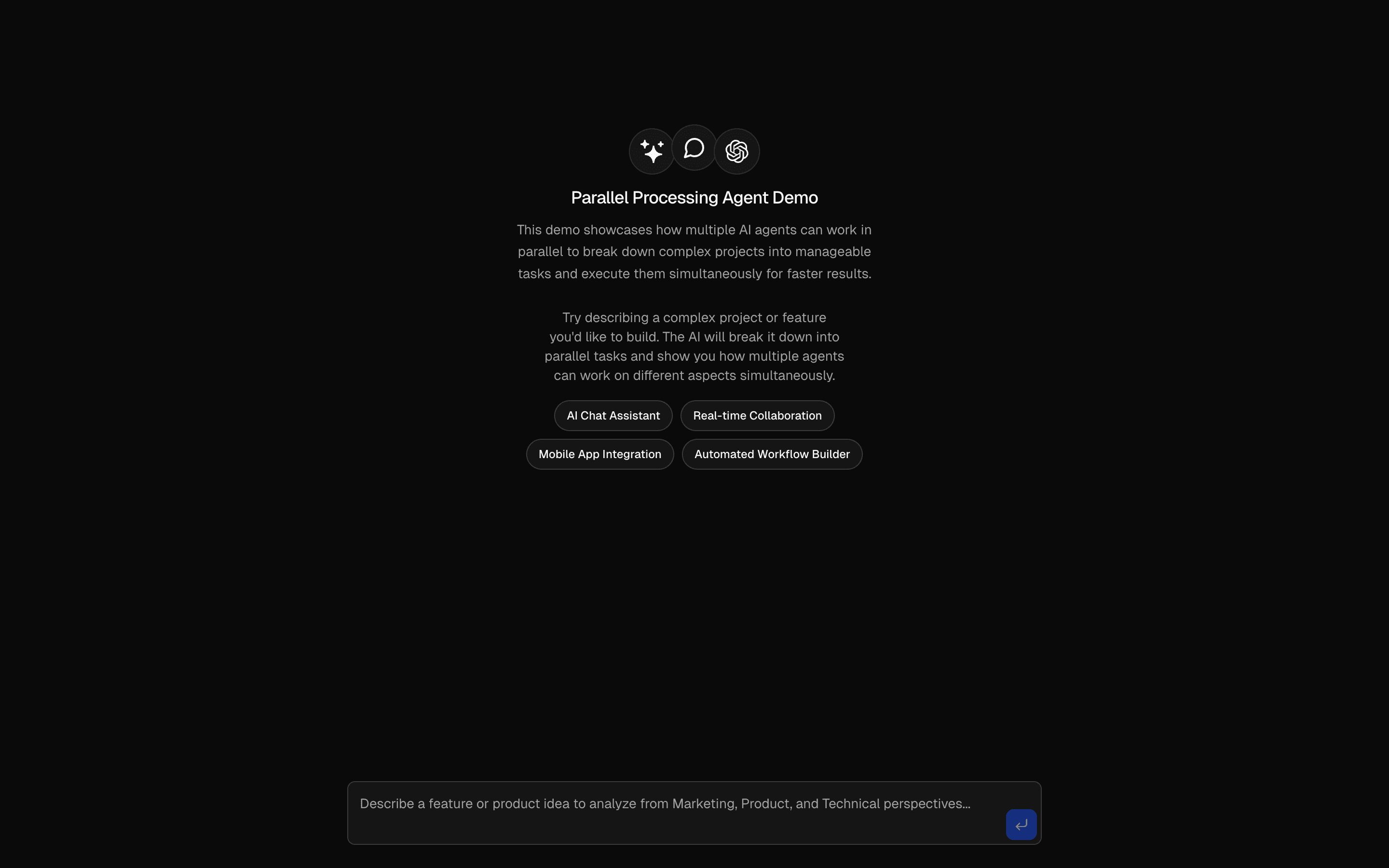
Most AI workflows run sequentially — analyze this, then summarize that, then format the result. The parallel processing pattern breaks this assumption by running multiple agents simultaneously on the same input, each providing a different perspective.

Under the hood, this uses Promise.all with multiple generateText calls. Each agent has its own system prompt tuned for a specific analytical lens — sentiment analysis, factual extraction, creative interpretation, or whatever your domain requires. The results are collected and presented together, giving the user a multi-faceted view in roughly the same time as a single analysis.

The performance benefit is significant. If each analysis takes 2-3 seconds sequentially, five analyses would take 10-15 seconds. Running them in parallel brings that back down to 3 seconds — the time of the slowest individual call.

Use this pattern for document review, research synthesis, content evaluation, or any scenario where multiple independent perspectives improve the final output. The key constraint: each parallel task must be independent. If one agent needs the output of another, use sequential chaining instead.

APIsgenerateText
Servicesopenai
Tagsaiparallel-processingai-agentsserver-actionscontent-analysisdemo
Research Agent Chain preview

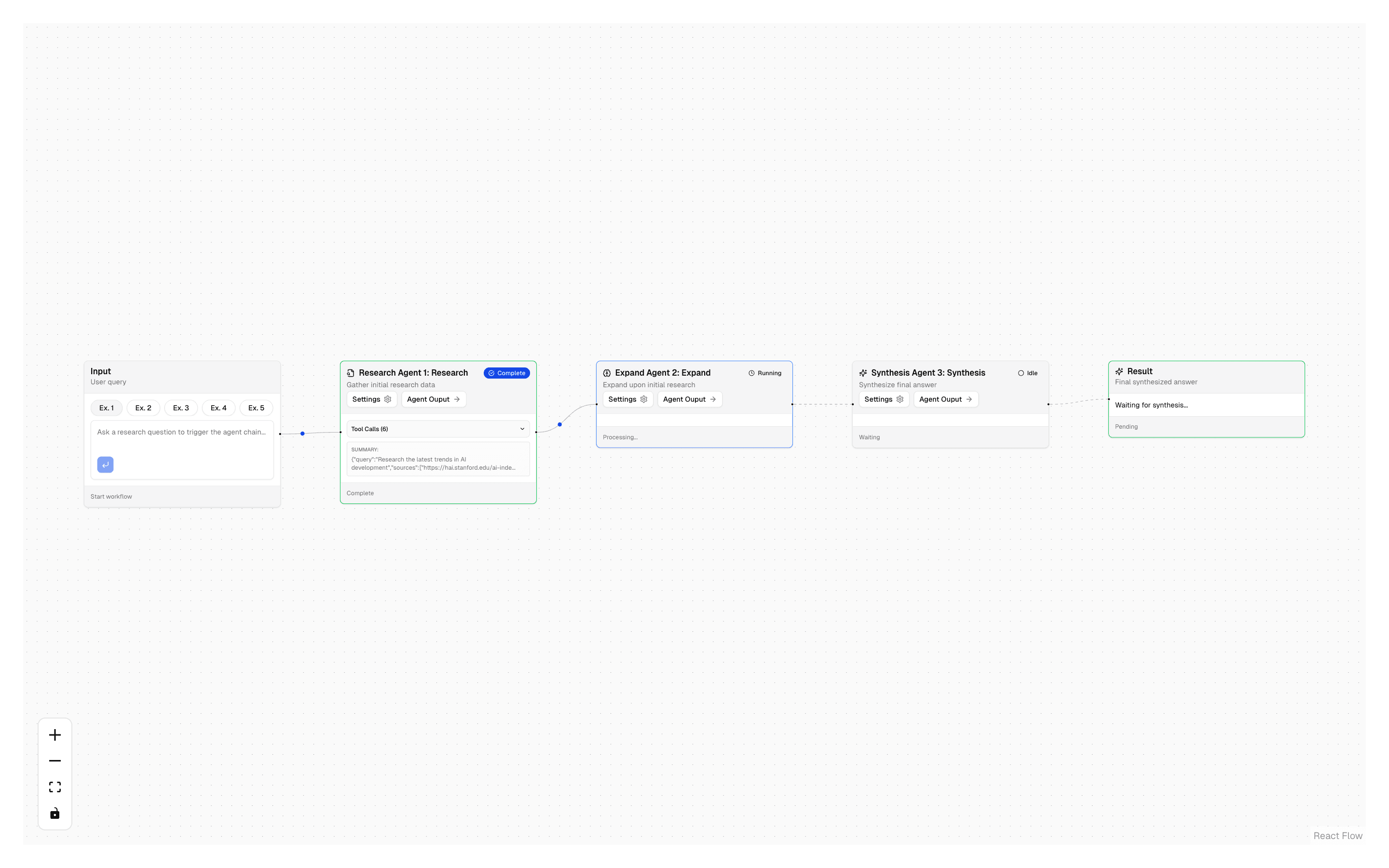
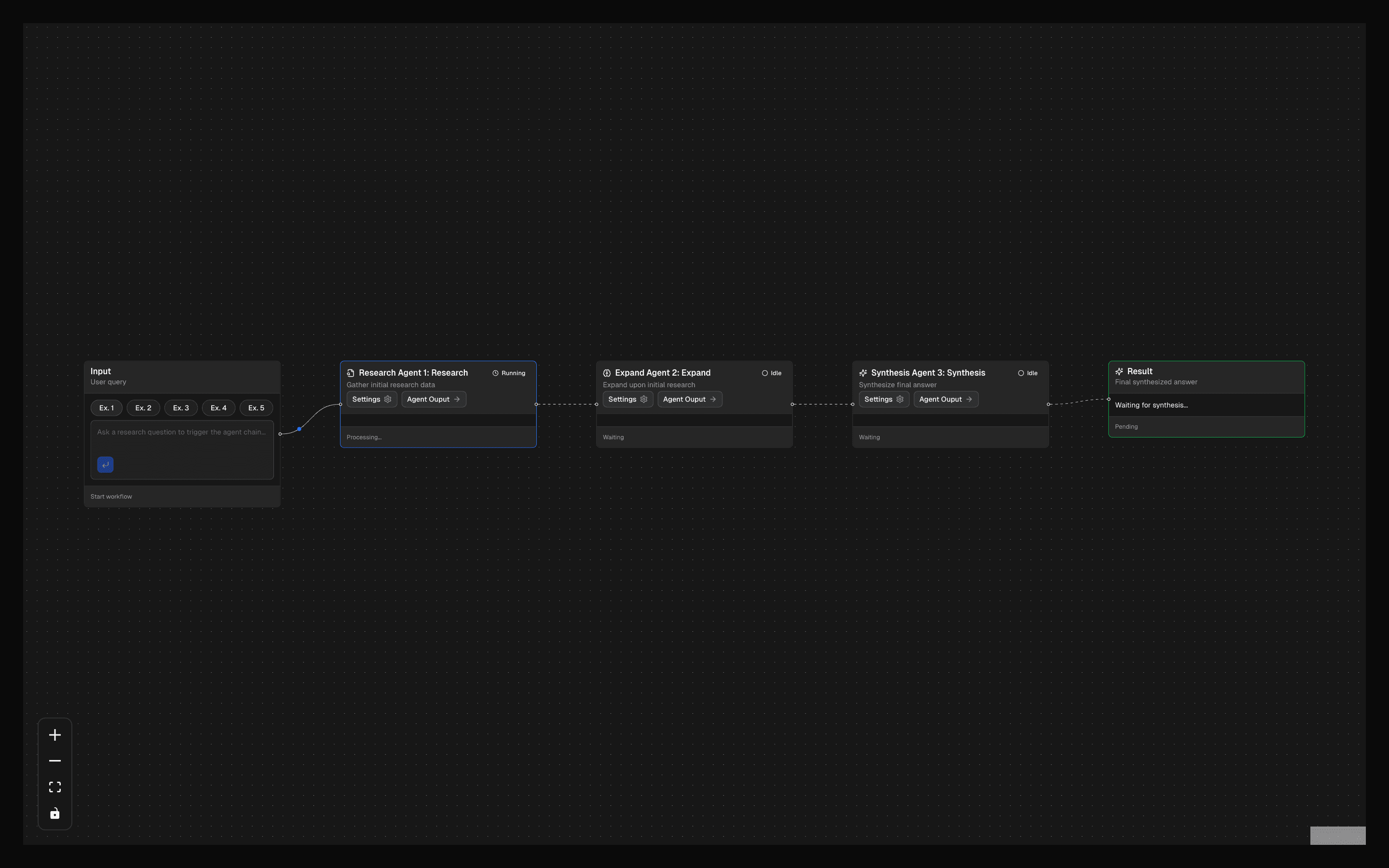
The agent-to-agent workflow demonstrates how to chain multiple agents into a sequential pipeline where each agent's output feeds into the next. Unlike parallel processing where agents work independently, this pattern creates a linear assembly line of specialized AI steps.

The first agent analyzes the input and produces a structured intermediate result. The second agent takes that result and transforms it further — adding context, reformatting, or enriching with additional data. Each agent has its own system prompt, model, and tool set optimized for its specific stage.

The pattern uses generateText calls chained with await, passing the output of one directly into the prompt of the next. The intermediate results are typed with Zod schemas, giving you compile-time safety across the agent boundary. If the first agent's output schema changes, TypeScript catches the mismatch immediately.

Build on this pattern for multi-stage content pipelines: draft → review → polish, or extract → enrich → summarize. The key advantage over a single prompt is that each agent can be tested, debugged, and improved independently. You can swap out one stage without touching the others.

APIsToolLoopAgentcreateAgentUIStreamResponsetool(Output.objectstepCountIsprepareStepgatewayInferAgentUIMessage
Servicesopenaiexa
Tagsaiagentschainai-sdkstructured-outputagent-chainexasequential-agentsresearchsynthesis
Orchestrator-Worker Pattern preview

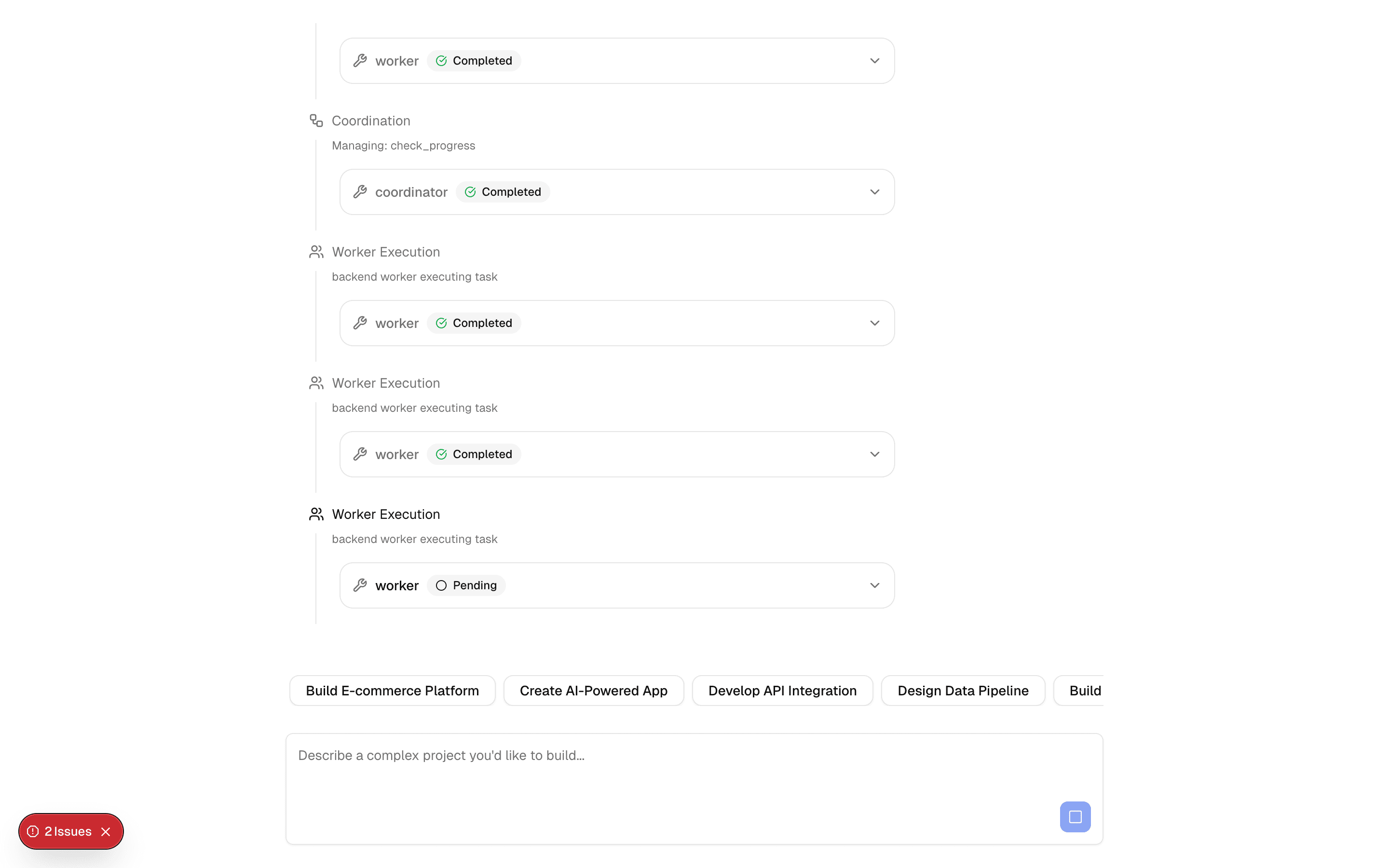
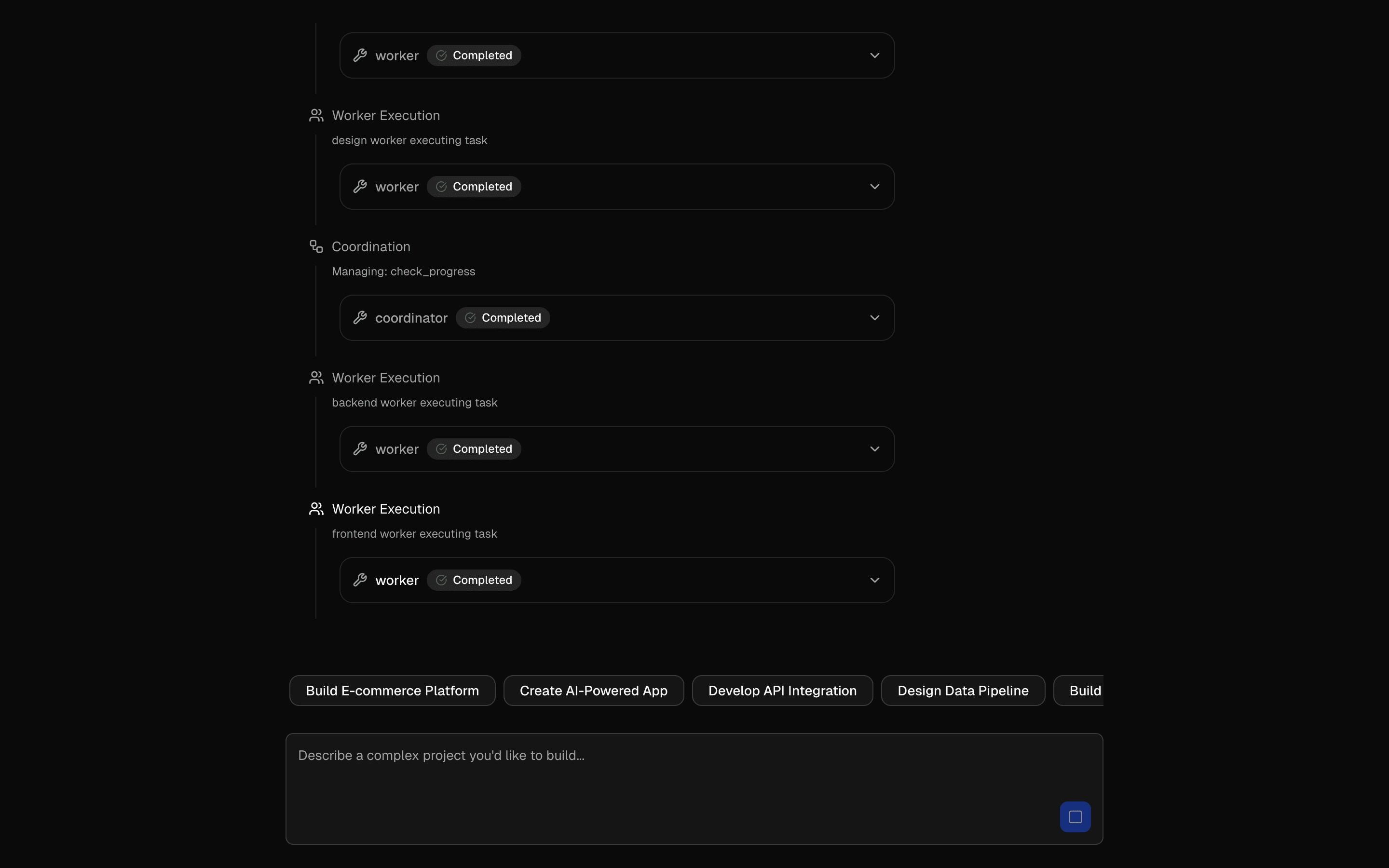
The orchestrator-worker pattern tackles complex, multi-phase projects by breaking them into discrete tasks assigned to specialized worker agents. An orchestrator agent plans the work, assigns tasks, tracks progress, and synthesizes the final deliverables.

This is the most advanced coordination pattern in the collection. The orchestrator uses new Agent with strongly-typed tools to manage the full project lifecycle: planning phases, assigning workers, monitoring progress, resolving blockers, and collecting results. Each worker agent is scoped to a specific domain — design, engineering, testing — with tools and prompts tailored to their specialty.

The key difference from simple routing is state management. The orchestrator maintains a project state object that tracks which tasks are complete, which are blocked, and what the overall progress looks like. Workers report back through structured tool outputs, and the orchestrator decides what to do next.

This pattern shines for multi-step, multi-discipline projects: software feature development, content production pipelines, research coordination, or anything that requires planning before execution. It is more complex to set up than routing or parallel processing, but the payoff is full lifecycle management of non-trivial work.

APIsnew Agenttool(stepCountIsExperimental_Agenttools:gateway
Servicesopenai
Tagsaiagentsorchestratorworkerproject-managementcoordinationai-sdk-v5strongly-typedstreamingdeliverables

All Patterns

50 more
01
HIL Tool Approval Basic
INT
02
HIL Agentic Context Builder
INT
03
AI SDK Prompt Few-Shot Editor
INT
04
AI SDK Gemini Flash Text
INT
05
AI SDK Gemini Flash Image
INT
06
AI SDK Gemini Flash Image Edit
INT
07
AI SDK Gemini Flash Image Merge
INT
08
Multi-Step Tool Pattern
INT
09
Evaluator-Optimizer Pattern
ADV
10
Workflow - URL Analysis
BEG
11
HIL Needs Approval
INT
12
HIL Inquire Multiple Choice
INT
13
HIL Inquire Text Input
INT
14
Tool Input Lifecycle Hooks
BEG
15
Preliminary Tool Results
BEG
16
Tool API Context
BEG
17
Tool Call Repair
INT
18
Dynamic Tool
INT
19
Structured Agent Output: Output.choice
INT
20
Structured Agent Output: Output.array
INT
21
Chat-Base Clone
INT
22
AI Form Generator
INT
23
Sub-Agent Orchestrator
INT
24
Human in the Loop Plan Builder Agent
ADV
25
Branding Agent
INT
26
Competitor Research Agent
INT
27
Data Analysis Agent
INT
28
Accessibility Audit Agent
INT
29
SEO Audit
BEG
30
Reddit Product Validation Agent
INT
31
Levee Brand Strategy
ADV
32
Generate Speech (OpenAI)
33
Transcribe Audio (OpenAI)
34
Streaming Structured Output
35
Claude Structured Output
36
Gemini Structured Output
37
Generate Image (OpenAI)
38
Generate Image (Fal.ai)
39
Generate Speech (ElevenLabs)
40
Transcribe Audio (ElevenLabs)
41
Search - Exa AI (robust)
42
Search - Firecrawl (robust)
43
Scrape - Cheerio (lightweight)
44
Scrape - Jina AI (advanced)
45
Scrape - Markdown.new (free)
46
Evaluator Workflow Pattern
INT
47
Orchestrator-Worker Workflow Pattern
INT
48
Parallel Review Workflow Pattern
INT
49
Routing Workflow Pattern
INT
50
Sequential Workflow Pattern
INT
End of AI Agent Development