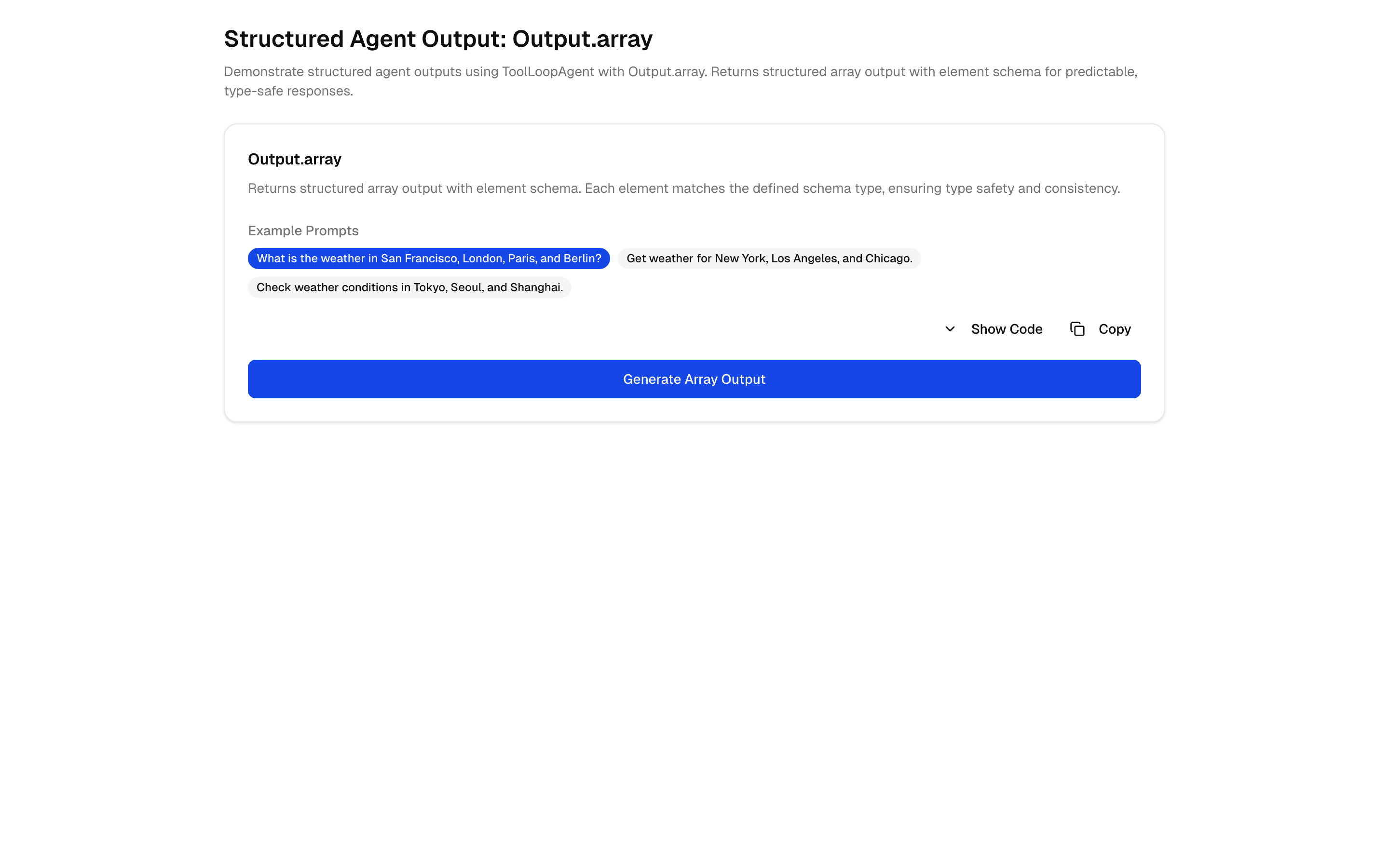
Structured Agent Output: Output.array
Structured Agent Output: Output.array
Demonstrate structured agent outputs using ToolLoopAgent with Output.array. Returns structured array output with element schema for predictable, type-safe responses.
Use this when your agent calls tools across several steps and needs to finish with an array of items, such as checklist entries or recommendations.
Problems solved
- Return structured arrays from ToolLoopAgent with Output.array
- Validate each array element against a Zod object schema
- Combine list-shaped outputs with tool-calling agents
Use cases
- Multi-location aggregation agents
- Checklist generators with typed items
- Batch recommendation responses
- API agents that must return object lists
Compare with
Similar patterns, and when each one is the better fit.
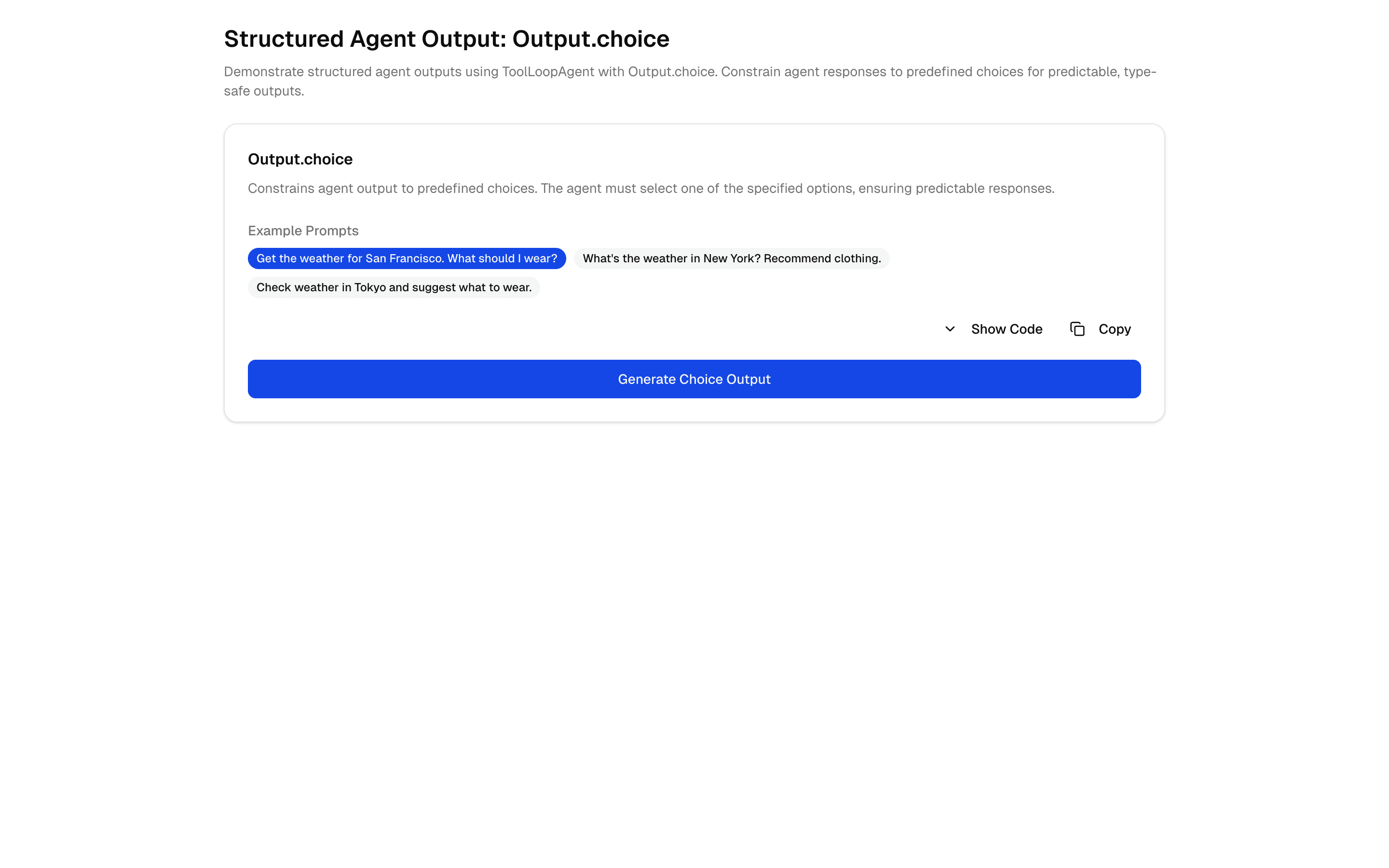
 Structured Agent Output: Output.choiceUse this when a tool-calling agent must end its run by picking exactly one answer from a fixed set of labels you define.
 OpenAI Structured OutputFreeUse this when you need an OpenAI model to return one complete, schema-validated object in a single response, such as extracted fields or tags.
 Claude Structured OutputFreeUse this when your app runs on Anthropic Claude and needs typed JSON back from a prompt, generated in full with generateText and Output.object.
 Streaming Structured OutputFreeUse this when you need a typed, schema-validated object to stream into the UI and render field by field as partial JSON arrives.
Setup
Requirements, wiring steps, and what this pattern adds to your project.
Getting started
Pick how you want to pull this pattern in. Then wire env vars and routes the same way.
- 1
Download → Next.js app
Use Download → Next.js app in the preview toolbar. You get a zip scaffold (Pro downloads rewrite preview `/view/.../api/*` paths to `/api/*` automatically).
- 2
Extract the zip and install dependencies
Unzip the archive, then run `pnpm install` (or npm / yarn) in the project folder.
- 3
Fill .env.local
The download includes .env.local placeholders when needed. Add real values for: OPENAI_API_KEY.
- 4
Customize the agent and tool files
Adapt prompts, tools, and stop conditions in the generated project for your product.
- 5
Run the app and open the pattern route
Run `pnpm dev`, open the setup/checklist page if present, then navigate to the generated pattern route and verify responses.
Environment variables
OPENAI_API_KEYGet key
Capabilities
AI SDK APIs
ToolLoopAgentOutput.arrayagent.generatetoolgatewayProviders
Files added
7 files
app/page.tsxapp/layout.tsxapp/api/array/route.tscomponents/structured-array-demo.tsxcomponents/output-display.tsxlib/array-agent.tstools/weather.ts
Dependencies
14 total
npm packages
5 Registry components
Critical files
3 files
lib/array-agent.tsCore agent definition using ToolLoopAgent with Output.array() and a z.object element schema for structured array output.
tools/weather.tsTool definition providing weather data that the array agent collects across multiple locations.
array/route.tsAPI route showing ToolLoopAgent.generate() for non-streaming structured array output.
Requirements
- Complexity
- Intermediate
- Setup time
- ~5 minutes
- Node
- 24+
- Memory
- 512MB