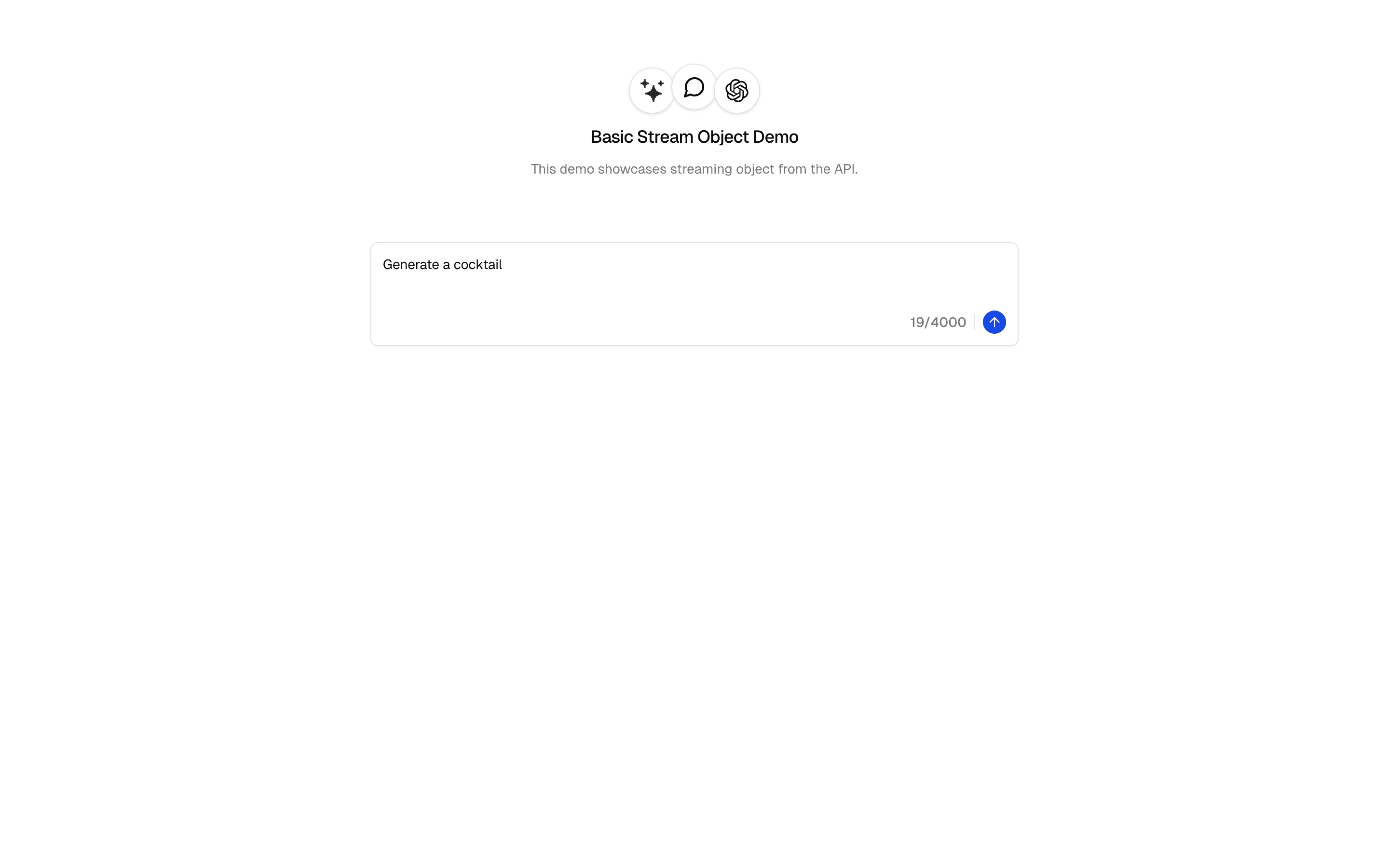
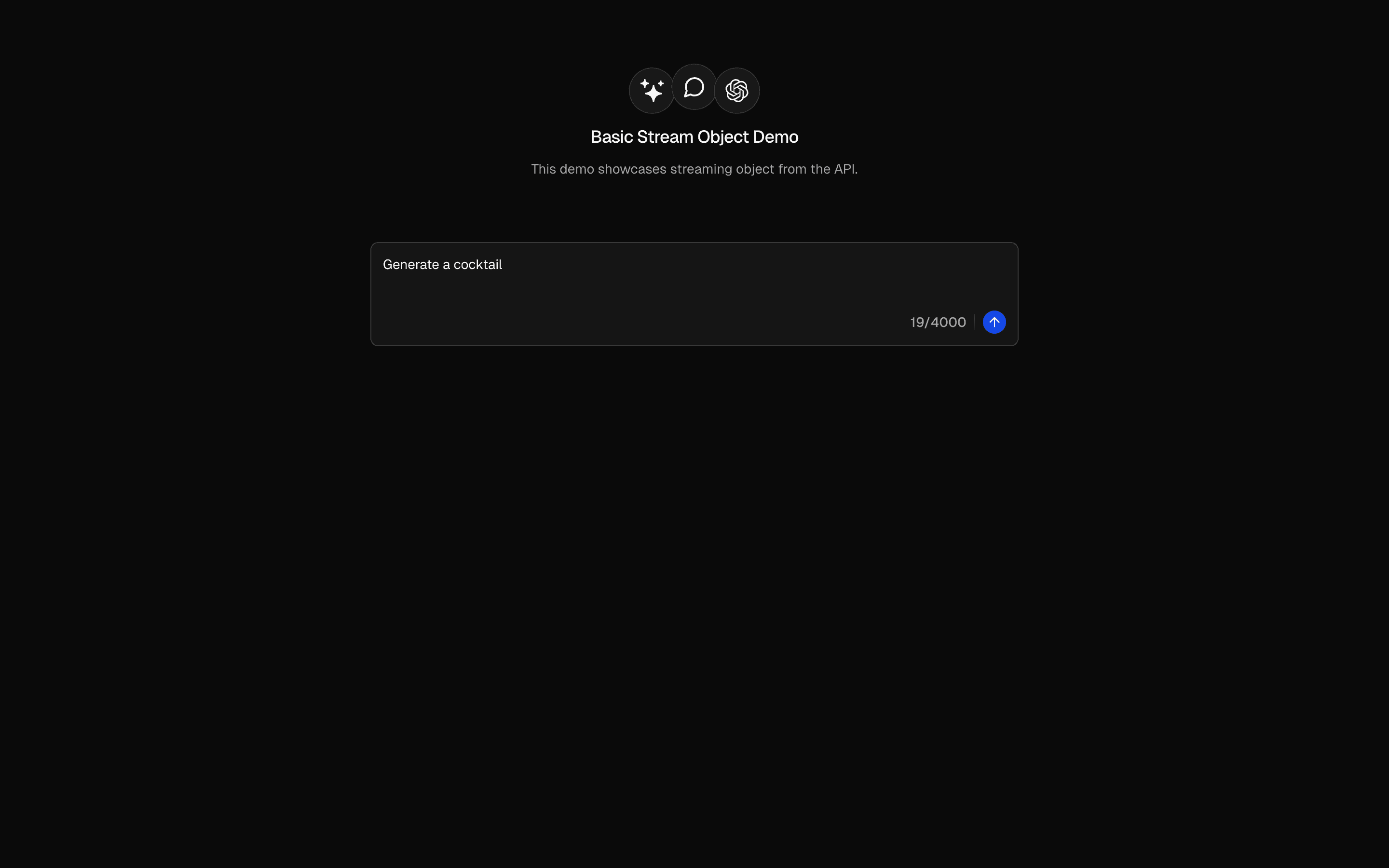
Streaming Structured Output
Stream structured output from AI prompts in real-time using streamText with Output.object(). Generate typed data with useObject and live rendering.
Loading preview…
Problems solved
- Stream structured objects with streamObject
- Validate progressive JSON against a Zod schema
- Render partial structured output as it arrives
Use cases
- Streaming form-fill prototypes
- Live structured extraction demos
- AI SDK streamObject onboarding samples
- Progressive JSON generation UIs
Setup
Requirements, wiring steps, and what this pattern adds to your project.
Getting started
Pick how you want to pull this pattern in — then wire env vars and routes the same way.
- 1
Install from the preview toolbar

Copy the install command above and run it in your project — Pro patterns include a short-lived token.
- 2
Add environment variables to .env.local
OPENAI_API_KEY
- 3
Point client fetches at your API routes
Replace preview `/view/.../api/...` paths with `/api/...` in the installed files.
- 4
Customize the agent and tool files
Adapt prompts, tools, and stop conditions for your product — Copy for AI in the toolbar helps seed that work.
- 5
Run your dev server and open the pattern route
Install dependencies if needed, then start the app and verify responses.
Environment variables
OPENAI_API_KEYGet key
Capabilities
AI SDK APIs
streamTextOutput.objectuseObjectProviders
Files added
5 filesapp/page.tsxapp/layout.tsxcomponents/basic-stream-object-form.tsxapp/api/stream-object/route.tsapp/api/stream-object/schema.ts
Dependencies
11 totalnpm packages
5
Registry components
Critical files
stream-object/route.tsAPI route demonstrating AI SDK streamText with Output.object for structured object streaming. Uses a Zod schema to validate streamed output and toTextStreamResponse().
stream-object/schema.tsZod schema defining the structured output shape used by the stream-object route for validated AI output.
Requirements
- Complexity
- Beginner