Loading pattern preview
BlocksAgent Patterns
Call Options: prepareCall
Call Options: prepareCall
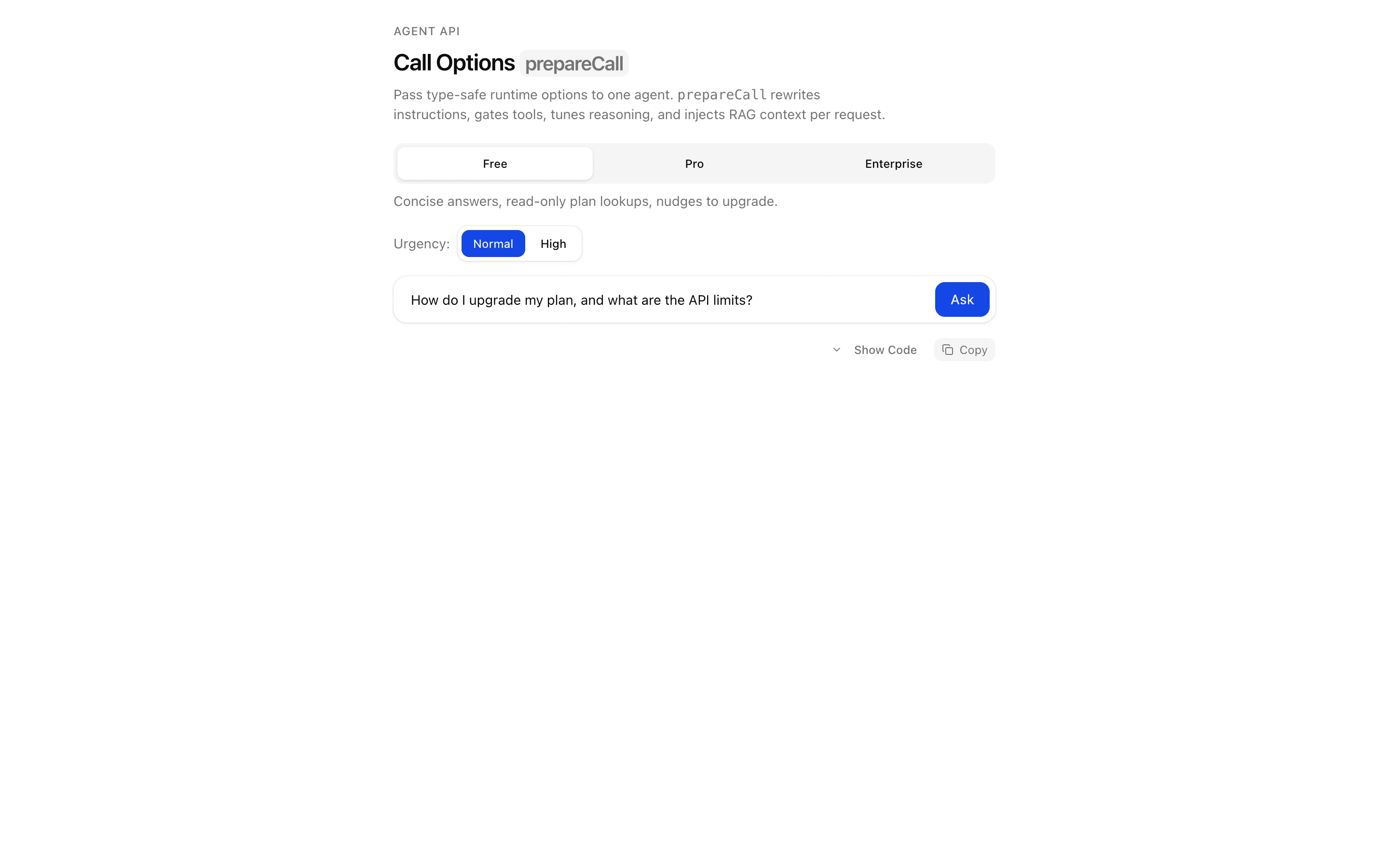
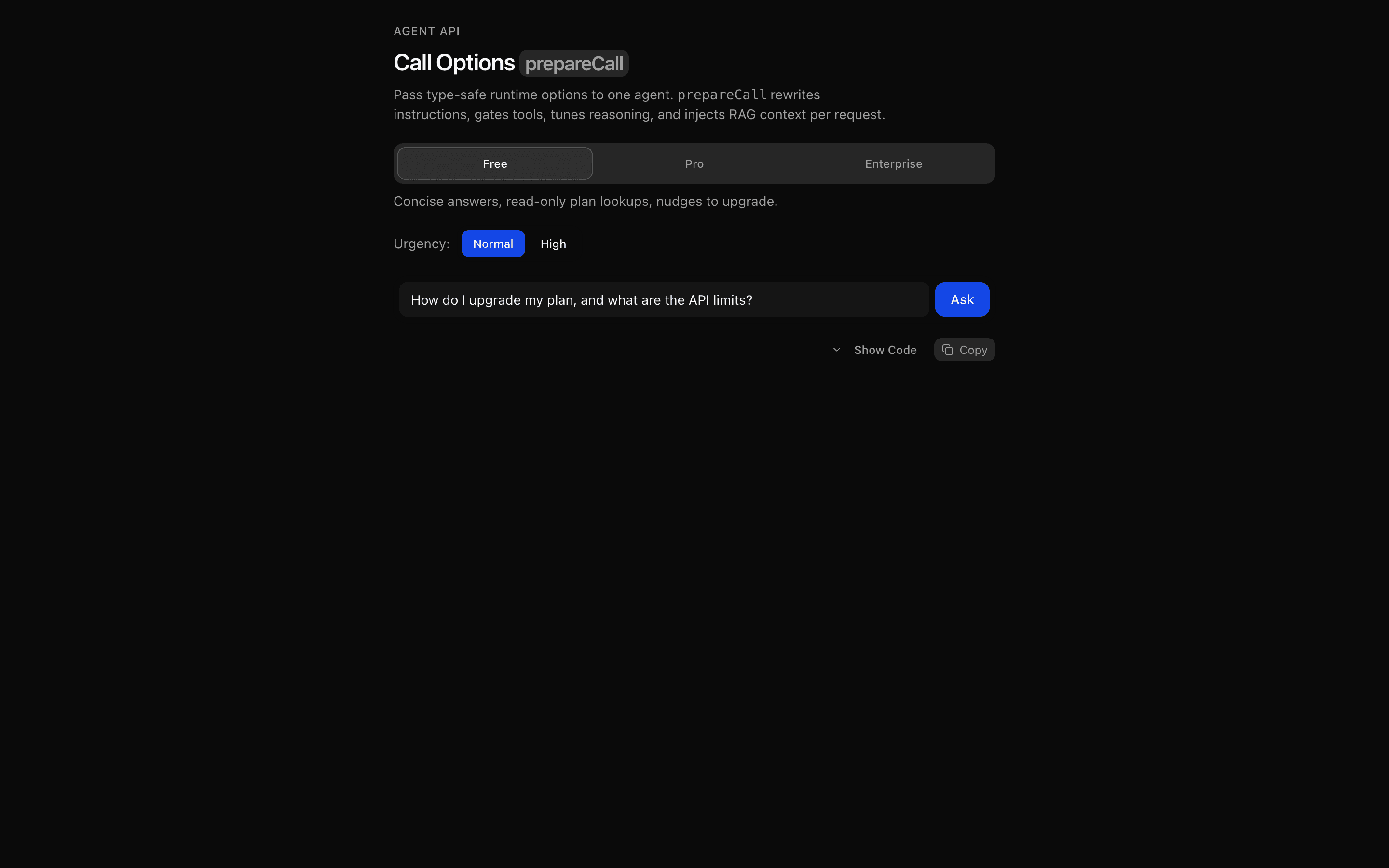
Dynamically configure one ToolLoopAgent per request with callOptionsSchema and prepareCall. A customer-support agent rewrites instructions, gates tools, tunes reasoning effort, and injects RAG context based on account tier and urgency.
Use this when you need to inject per-user context, such as retrieved documents, into an agent's instructions at call time using typed call options.
Loading pattern preview
Problems solved
Technical challenges this implementation handles out of the box.
- Configure one ToolLoopAgent per request with prepareCall
- Inject per-user RAG context into instructions at runtime
- Gate tools by account tier with activeTools
- Tune reasoning effort from request urgency
Use cases
Products and workflows this pattern is designed to support.
- Multi-tier customer support agents
- Per-user RAG injection
- Role-based tool access
- Runtime provider option selection
Compare with
Similar patterns, and when each one is the better fit.
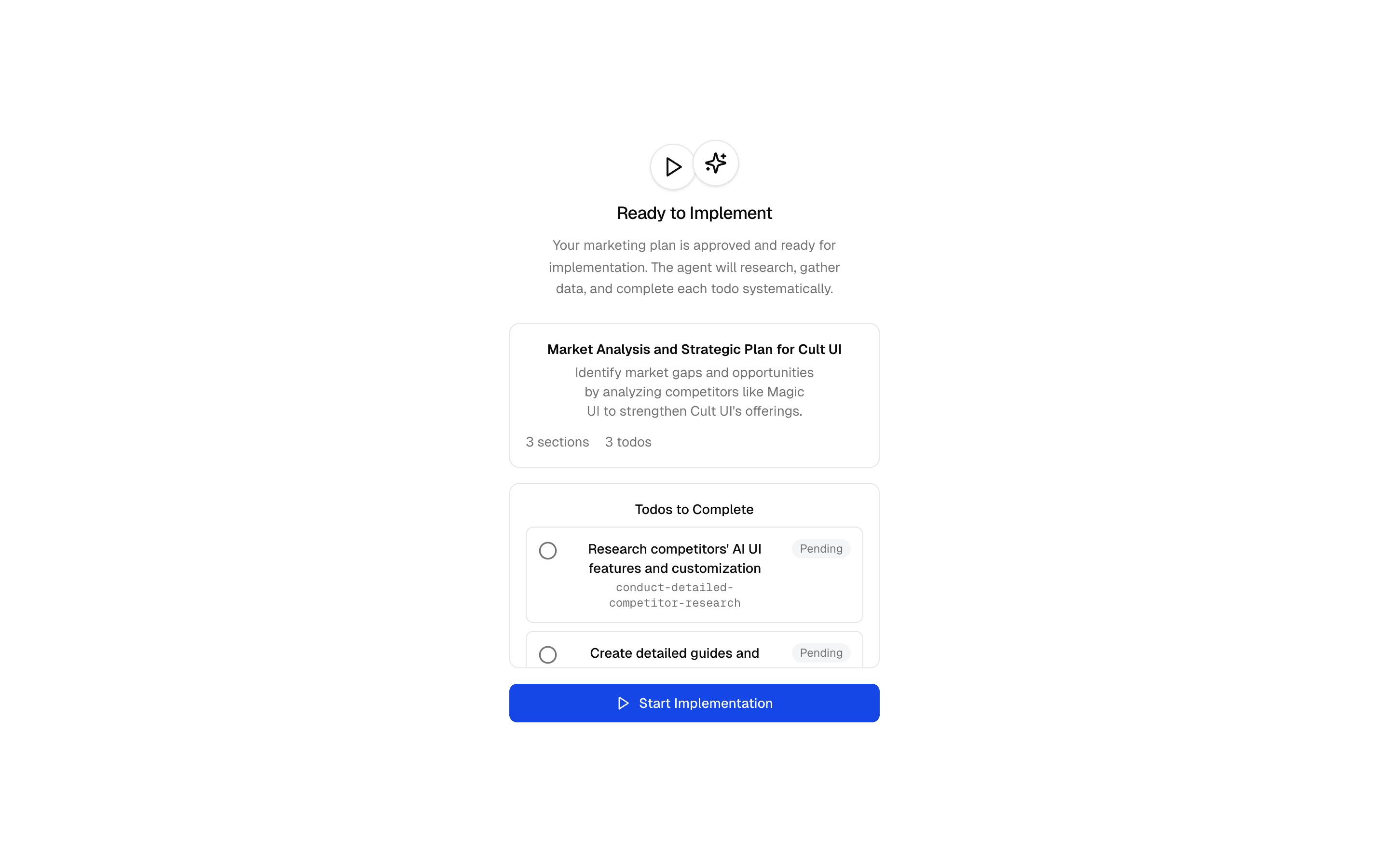
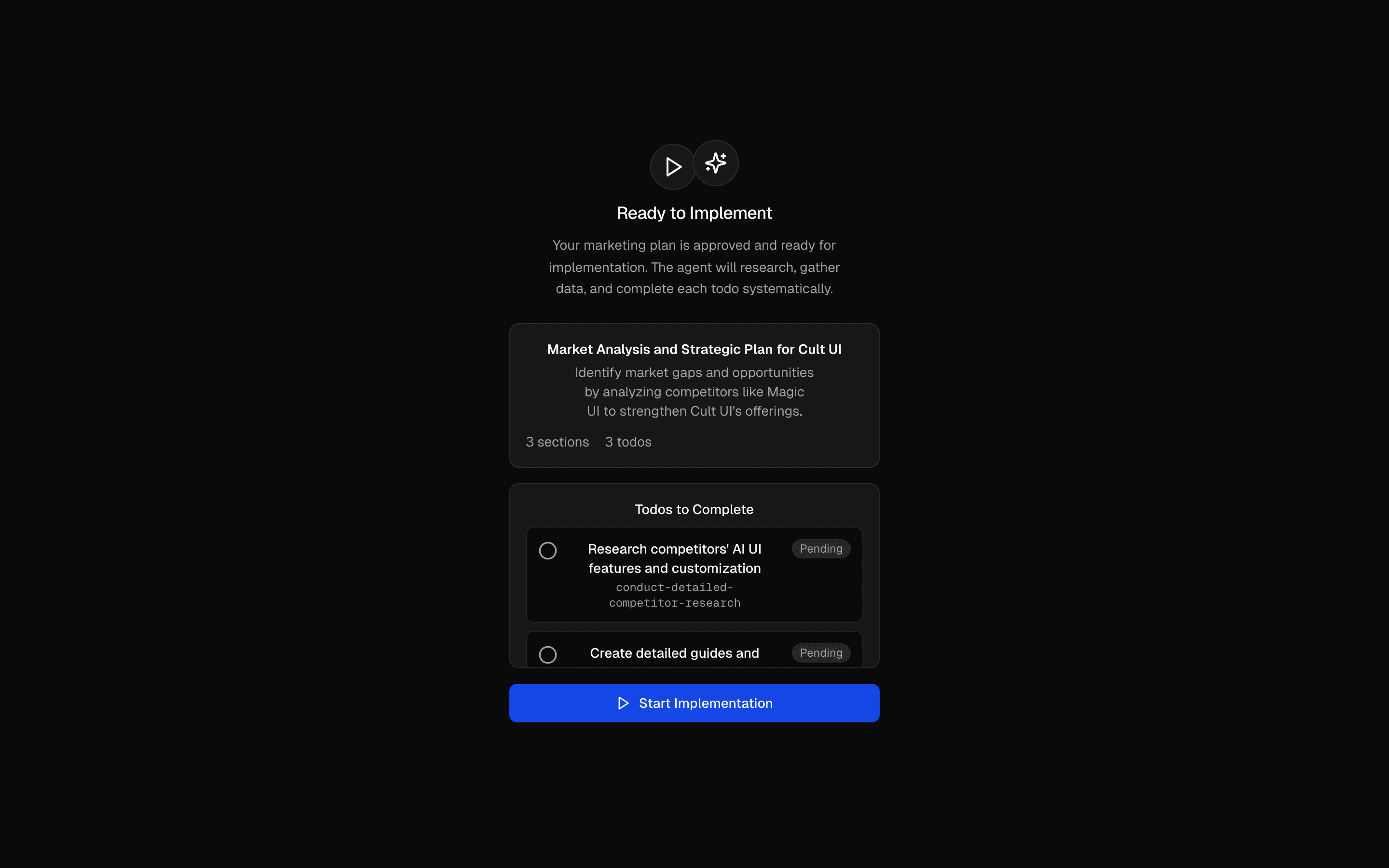 Marketing Plan & Implement AgentUse this when your agent must capture brand details from a URL or form, get a todo plan approved, then carry it out with scraping and research tools.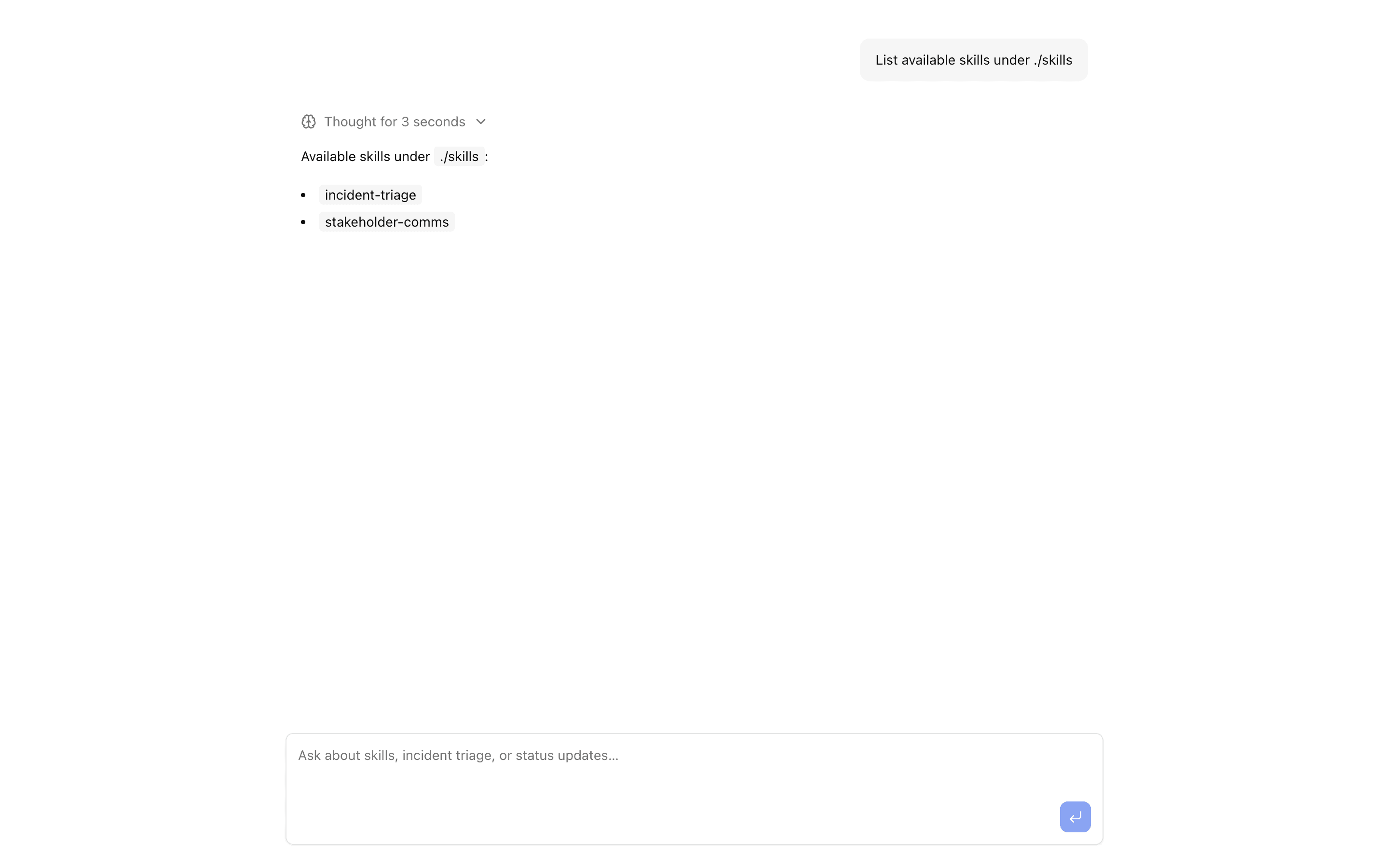
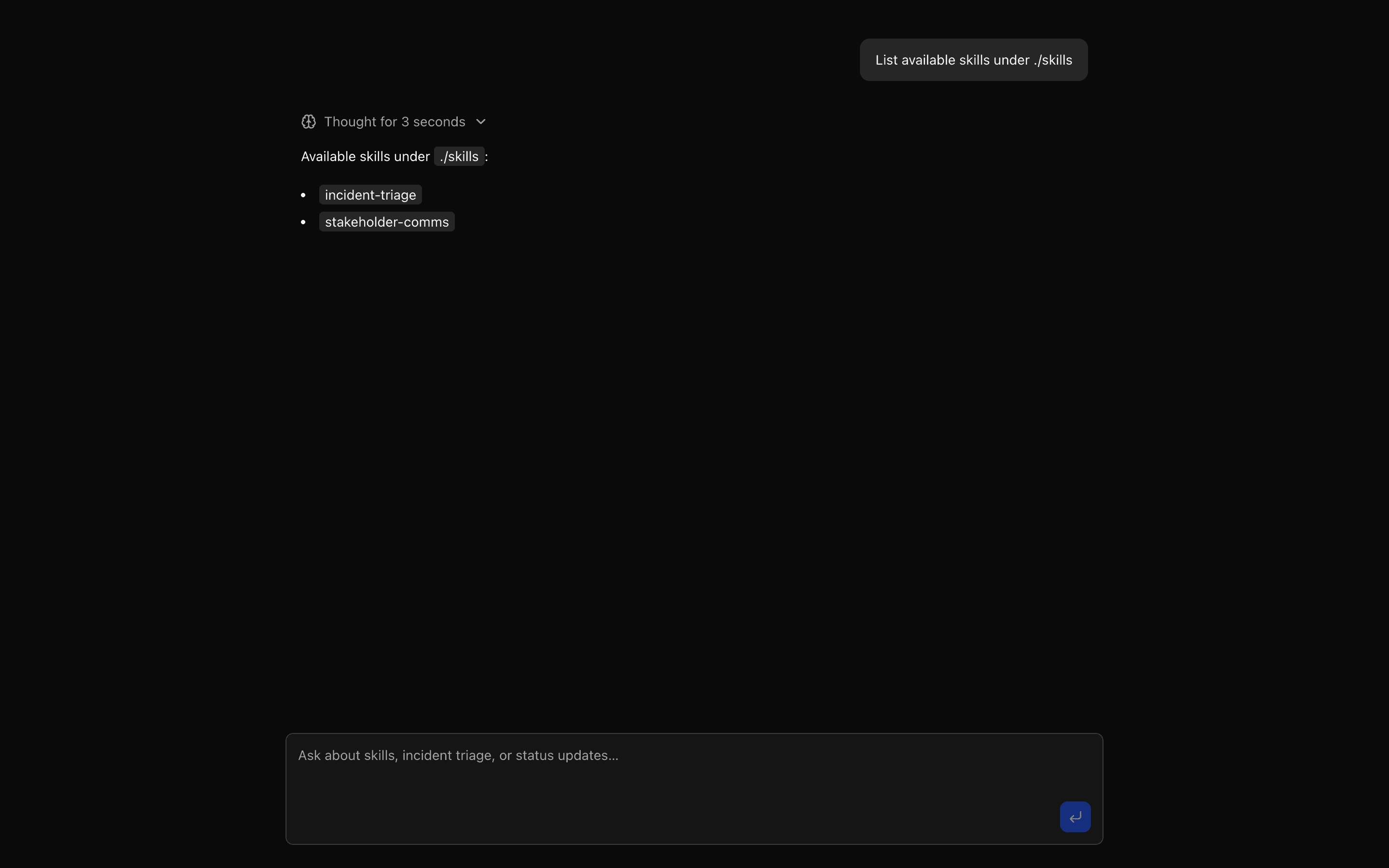 Just Bash Skills AgentUse this when an ops or on-call assistant should load markdown runbooks and checklists from disk as skills, using only a skill tool and readFile.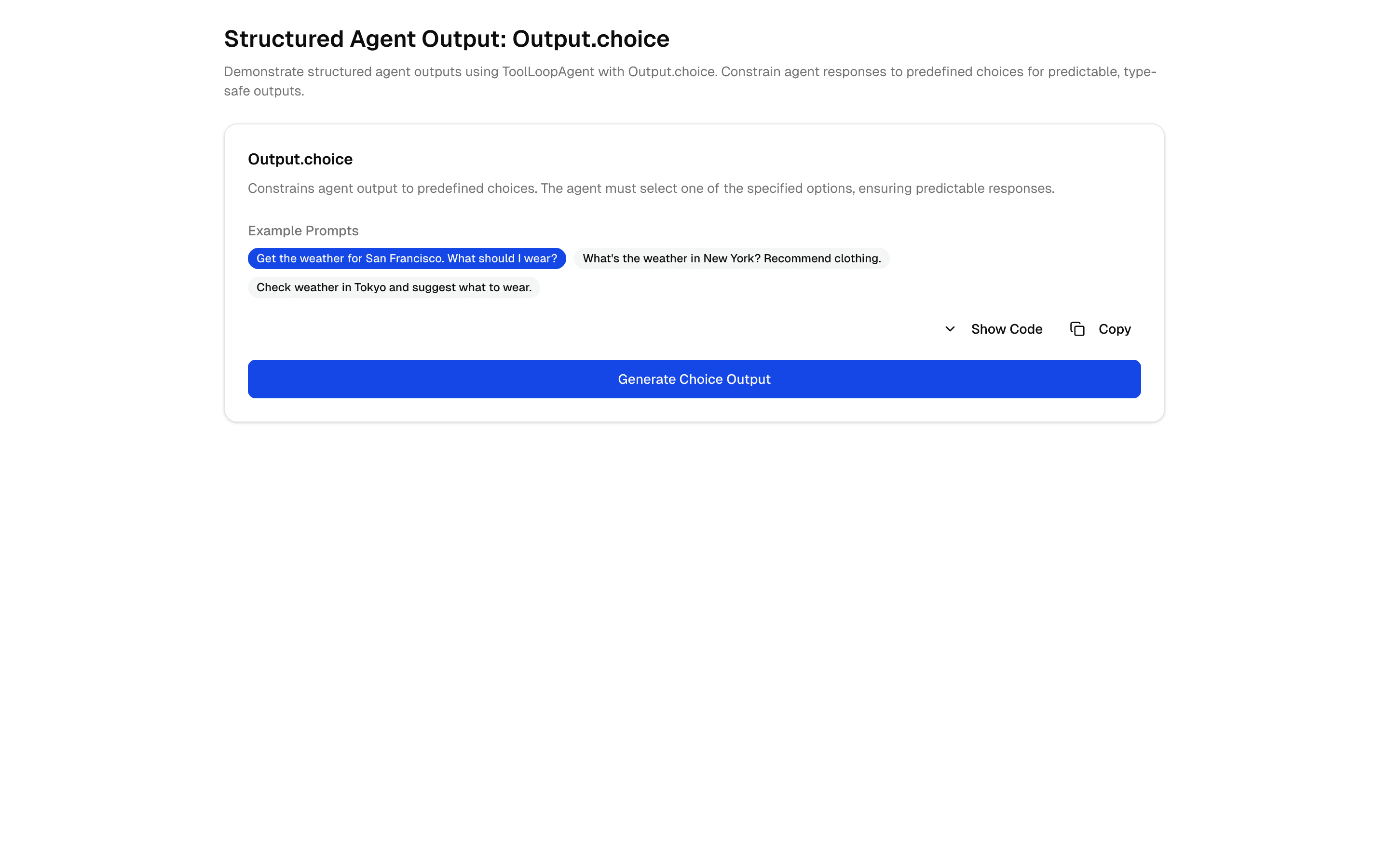
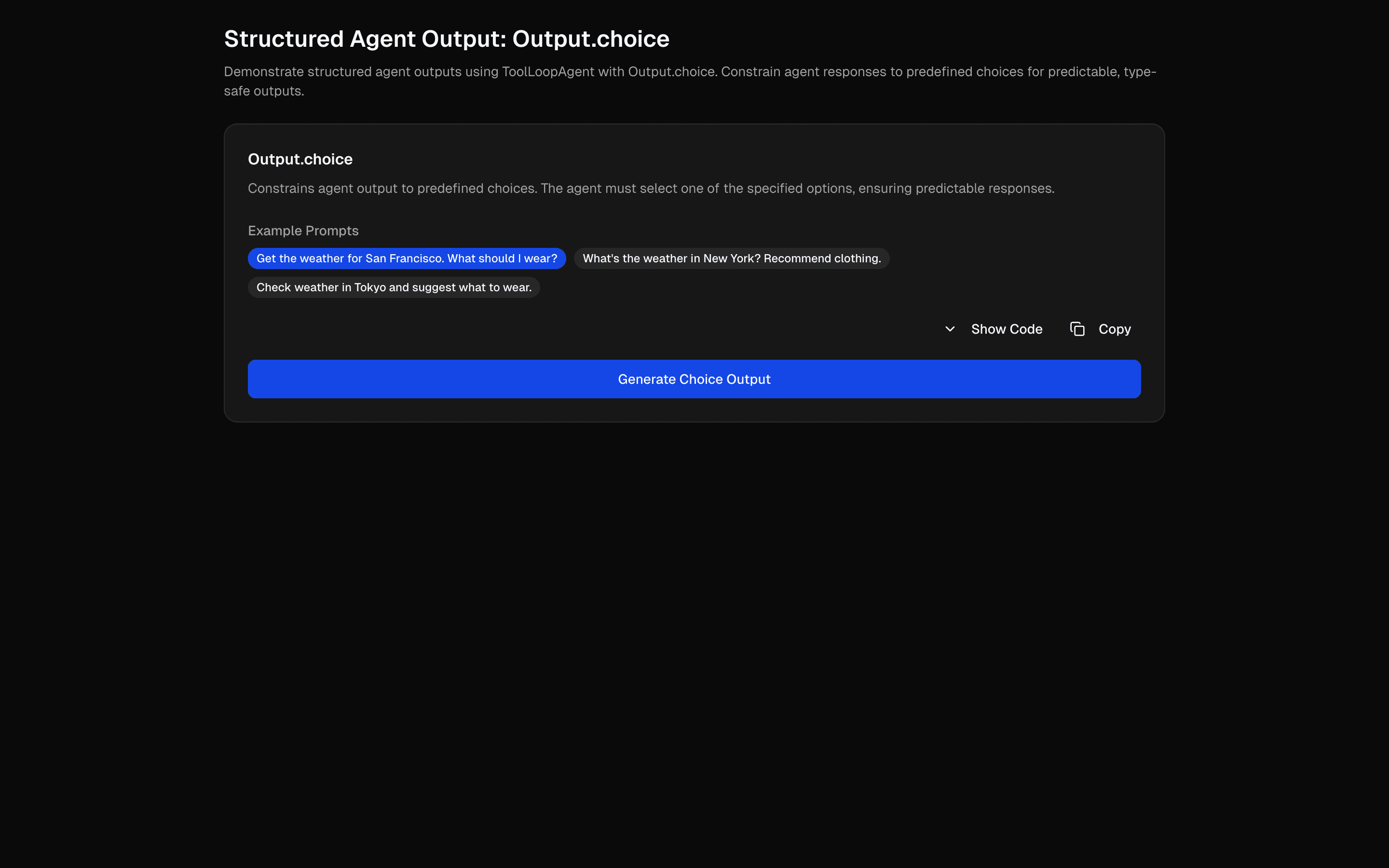 Structured Agent Output: Output.choiceUse this when a tool-calling agent must end its run by picking exactly one answer from a fixed set of labels you define.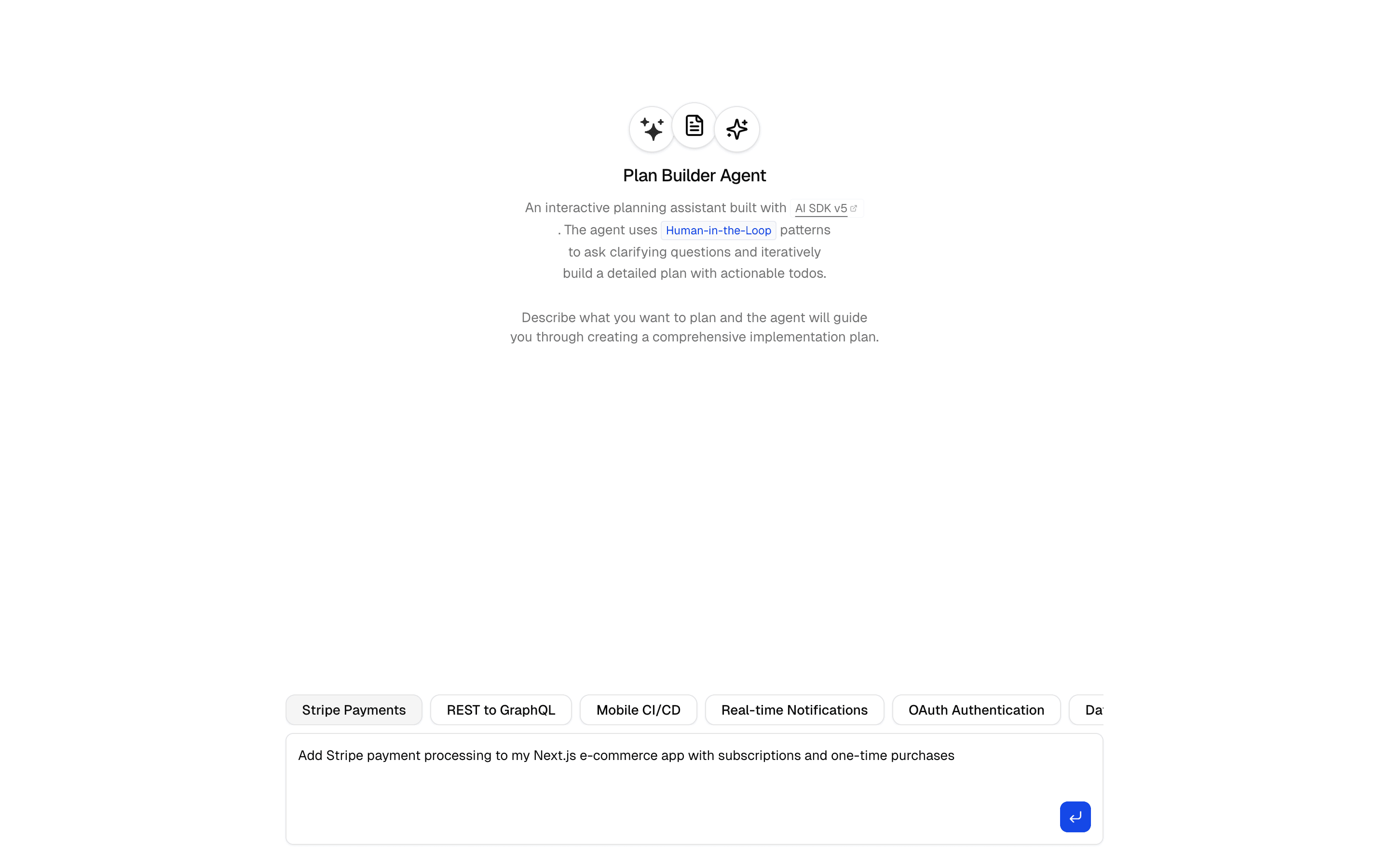
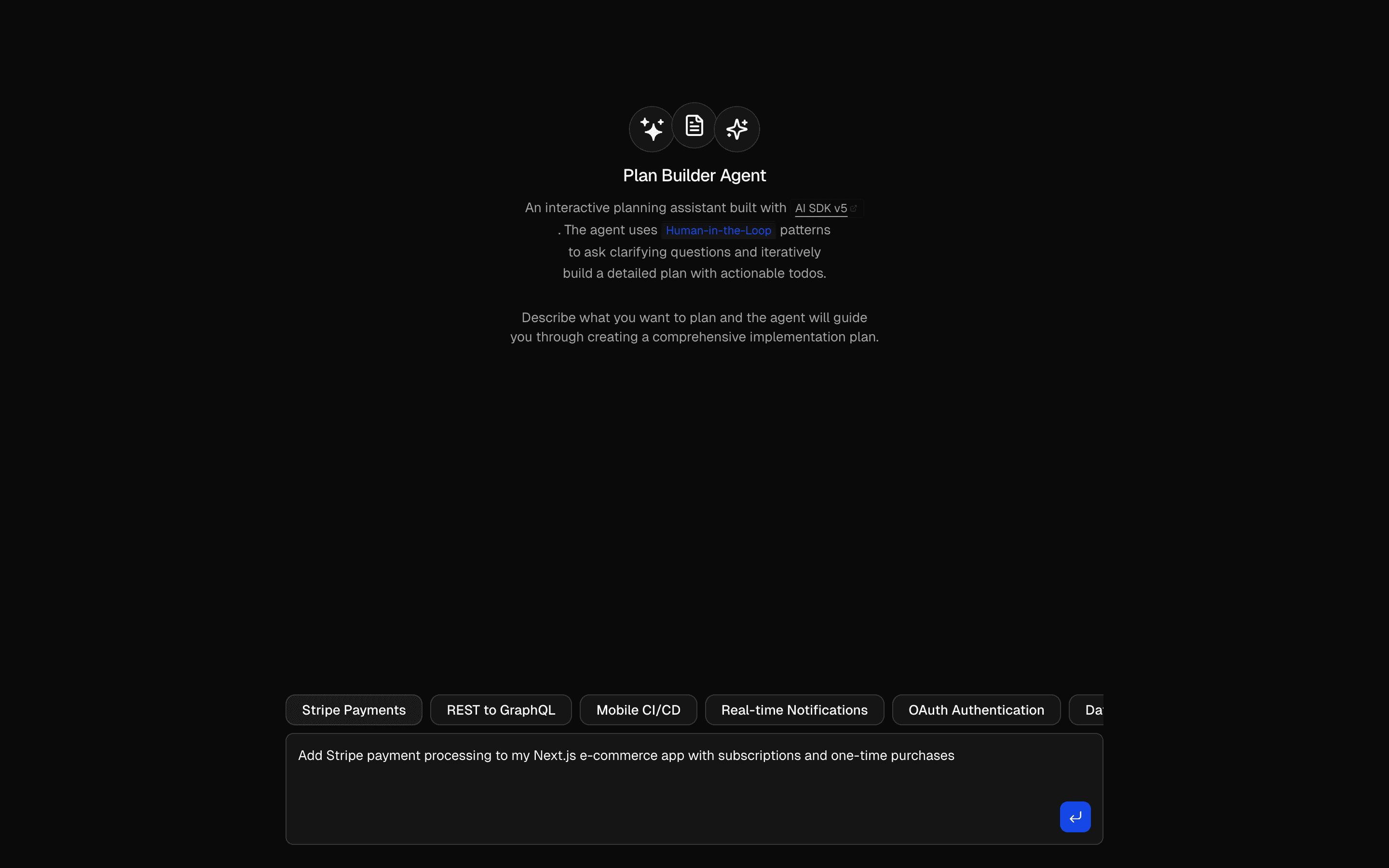 Human in the Loop Plan Builder AgentUses ToolLoopAgent pattern to gather requirements and generate plans. Generates markdown plans with structured todo lists.
Setup
Requirements, wiring steps, and what this pattern adds to your project.
Getting started
Pick how you want to pull this pattern in. Then wire env vars and routes the same way.
- 1
Download → Next.js app
Use Download → Next.js app in the preview toolbar. You get a zip scaffold (Pro downloads rewrite preview `/view/.../api/*` paths to `/api/*` automatically).
- 2
Extract the zip and install dependencies
Unzip the archive, then run `pnpm install` (or npm / yarn) in the project folder.
- 3
Fill .env.local
The download includes .env.local placeholders when needed. Add real values for: OPENAI_API_KEY.
- 4
Customize the agent and tool files
Adapt prompts, tools, and stop conditions in the generated project for your product.
- 5
Run the app and open the pattern route
Run `pnpm dev`, open the setup/checklist page if present, then navigate to the generated pattern route and verify responses.
Environment variables
OPENAI_API_KEYGet key
Capabilities
AI SDK APIs
ToolLoopAgentcallOptionsSchemaprepareCallactiveToolsproviderOptionstoolgatewayProviders
OpenAI
Files added
10 files
app/page.tsxapp/layout.tsxapp/api/support/route.tscomponents/call-options-demo.tsxcomponents/prepared-config-display.tsxlib/support-agent.tslib/customer-data.tstools/get-plan-limits.tstools/create-ticket.tsREADME.md
Dependencies
15 total
npm packages
6AISDKlucide-reactNext.jsReactZodstreamdown
 Registry components
alertbadgebuttoncardcollapsibleinputskeletontabstooltip
Critical files
3 files
lib/support-agent.tsCore pattern: ToolLoopAgent with callOptionsSchema (zod) and prepareCall that returns modified instructions, activeTools, and providerOptions from runtime options. prepareCall can be async for RAG.
support/route.tsCalls agent.generate({ prompt, options }) with the required, type-checked call options and returns the resolved config plus the answer.
lib/customer-data.tsClient-safe tier config + fake knowledge base and keyword retrieval used by prepareCall to inject RAG context.
Requirements
- Complexity
- Intermediate
- Setup time
- ~10 minutes
- Node
- 24+
- Memory
- 512MB