Loading pattern preview
BlocksAgent Patterns
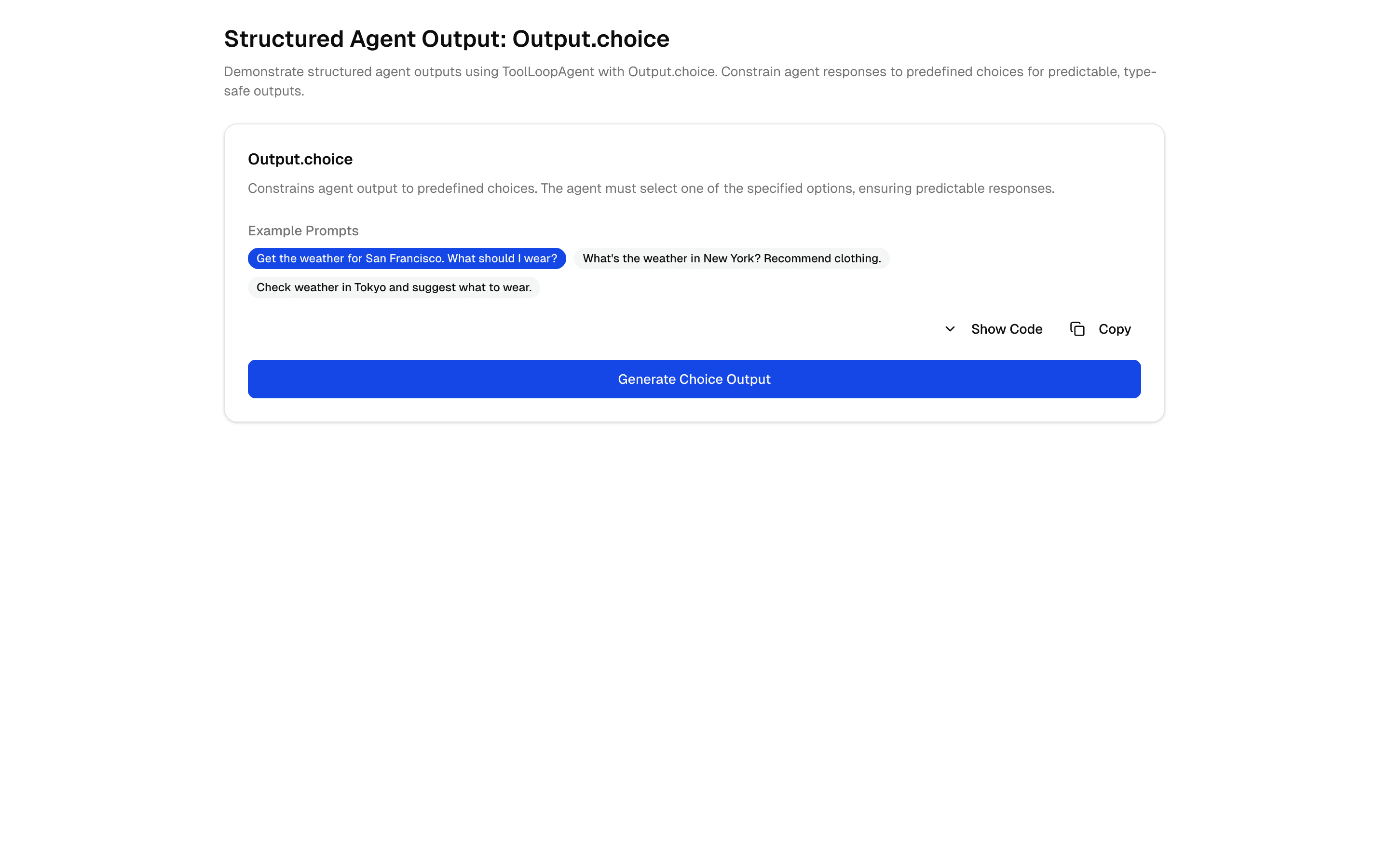
Structured Agent Output: Output.choice
Structured Agent Output: Output.choice
Demonstrate structured agent outputs using ToolLoopAgent with Output.choice. Constrain agent outputs to predefined choices for predictable, type-safe responses.
Use this when a tool-calling agent must end its run by picking exactly one answer from a fixed set of labels you define.
Loading pattern preview
Problems solved
Technical challenges this implementation handles out of the box.
- Constrain ToolLoopAgent output to Output.choice options
- Return predictable enum-like agent answers
- Combine constrained outputs with tool-calling agents
Use cases
Products and workflows this pattern is designed to support.
- Recommendation agents with fixed option sets
- Triage bots that must pick from known labels
- Form-like agent decisions
- Guaranteed-format agent API responses
Compare with
Similar patterns, and when each one is the better fit.
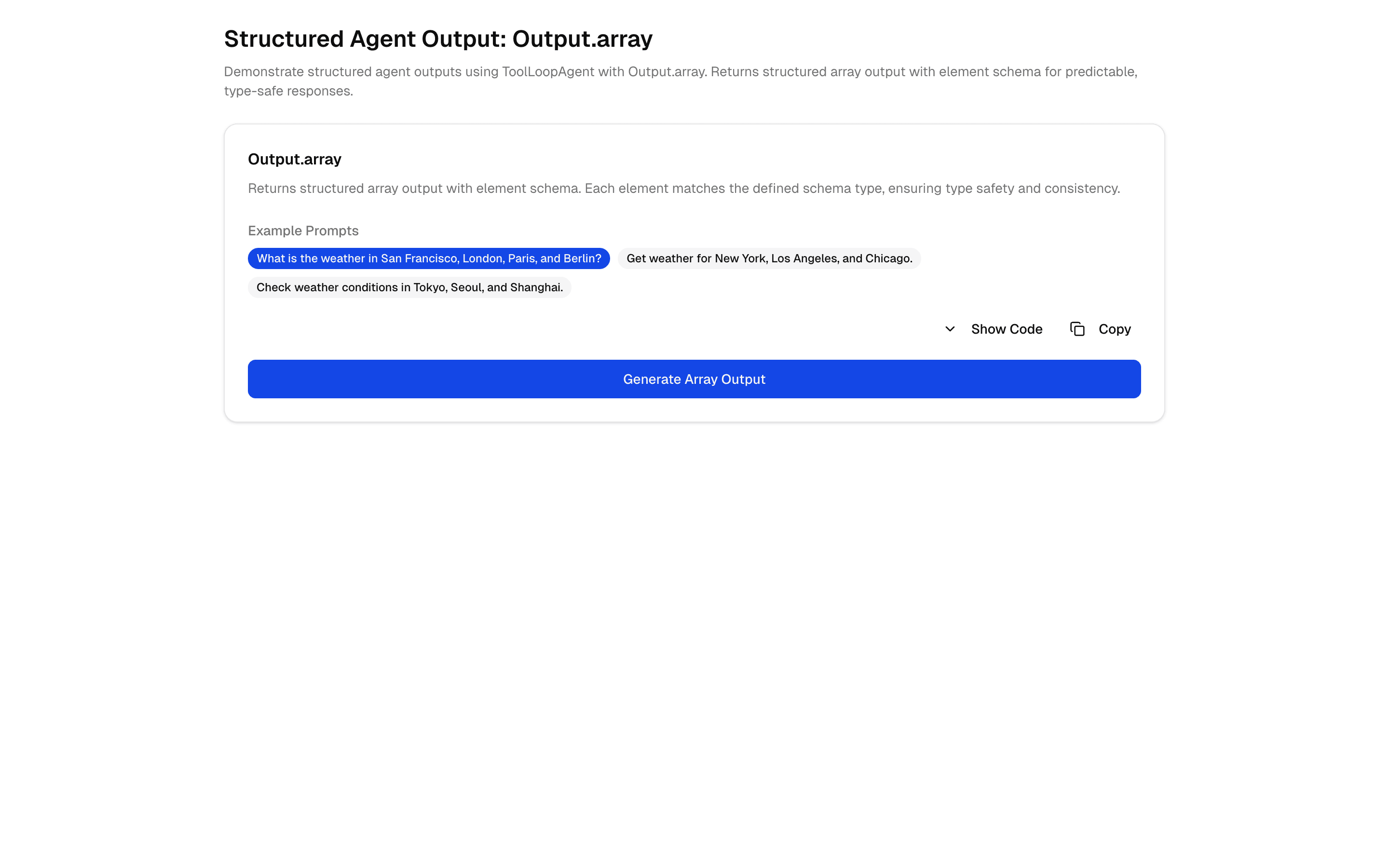
 Structured Agent Output: Output.arrayUse this when your agent calls tools across several steps and needs to finish with an array of items, such as checklist entries or recommendations.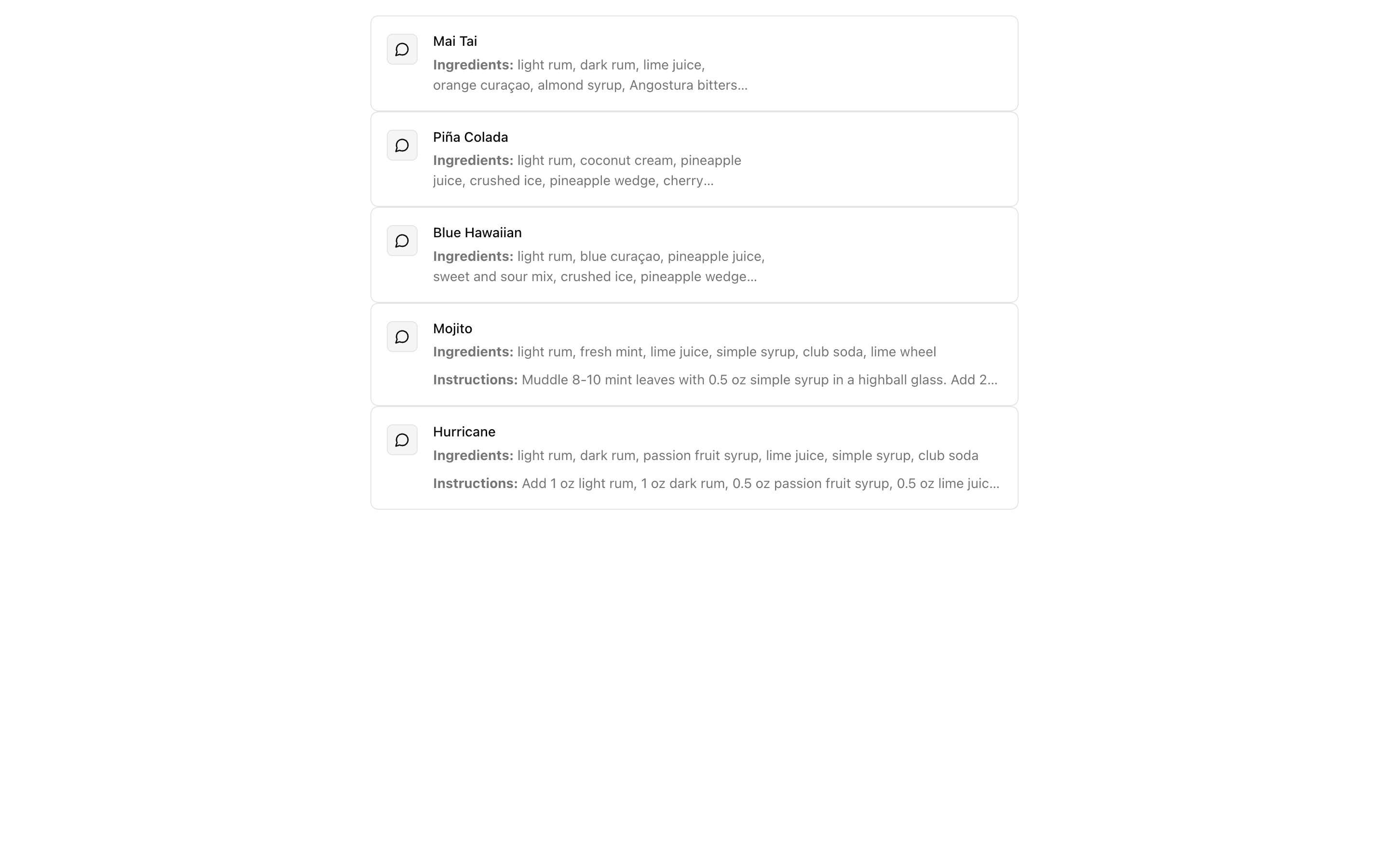
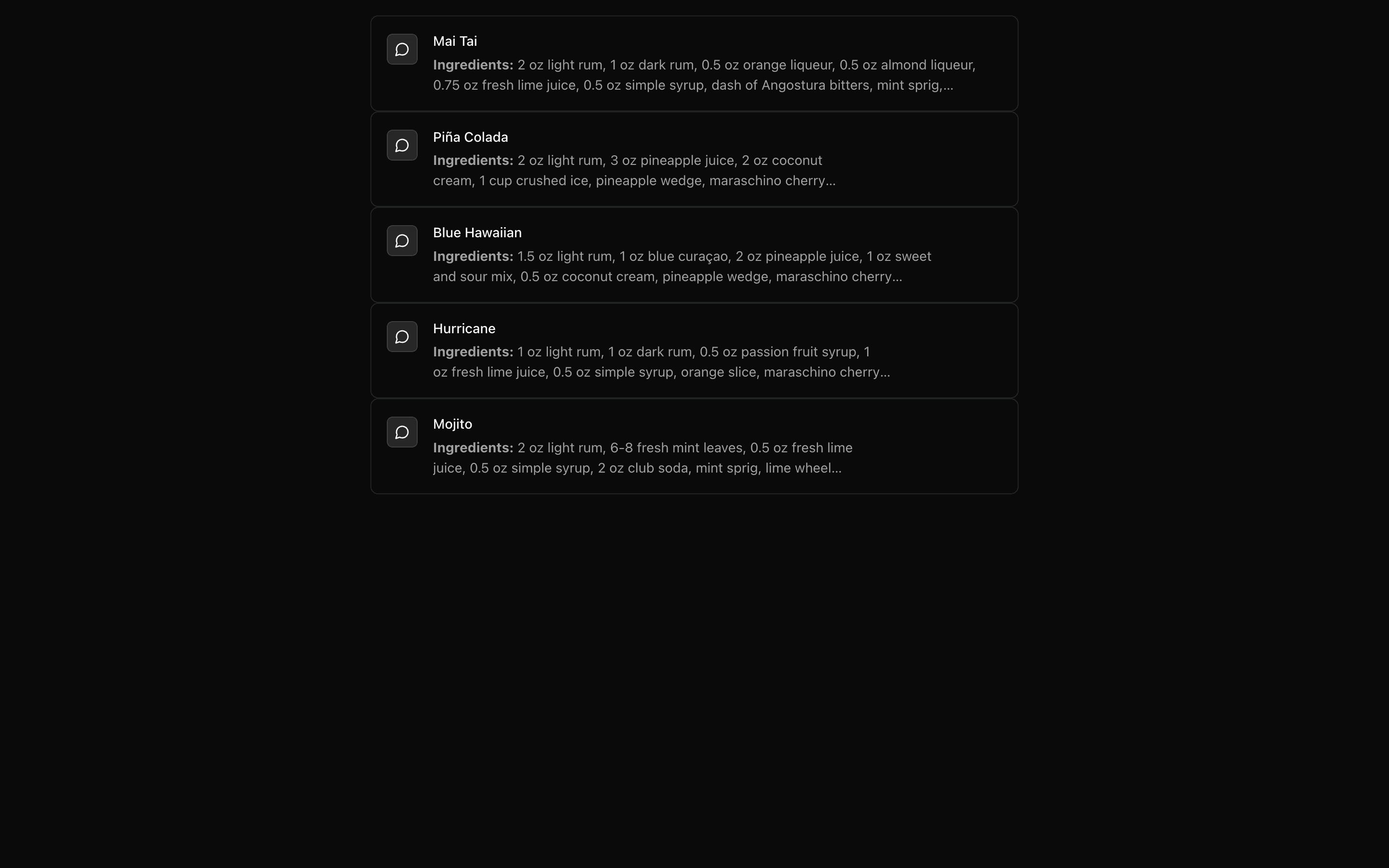 Claude Structured OutputFreeUse this when your app runs on Anthropic Claude and needs typed JSON back from a prompt, generated in full with generateText and Output.object.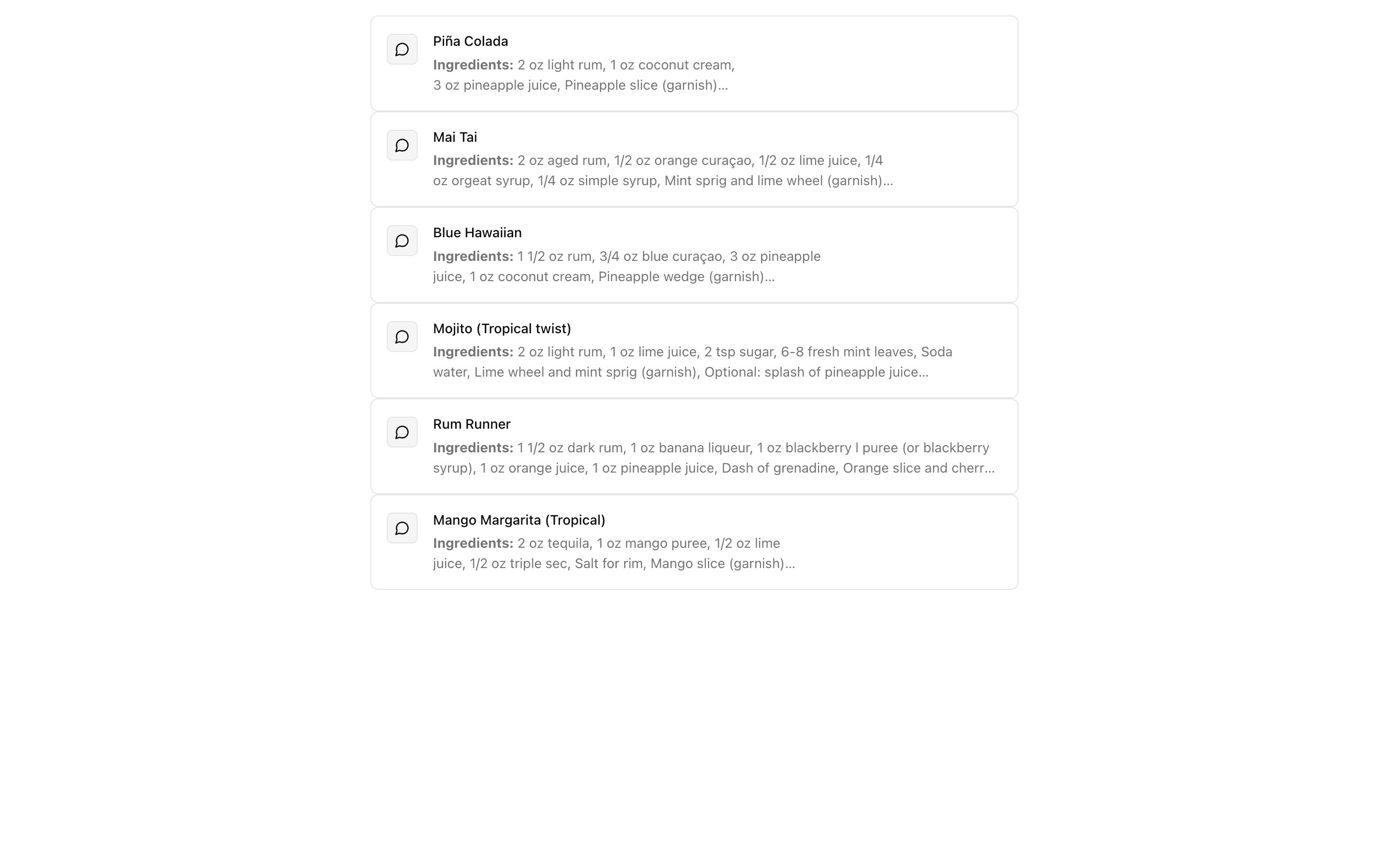
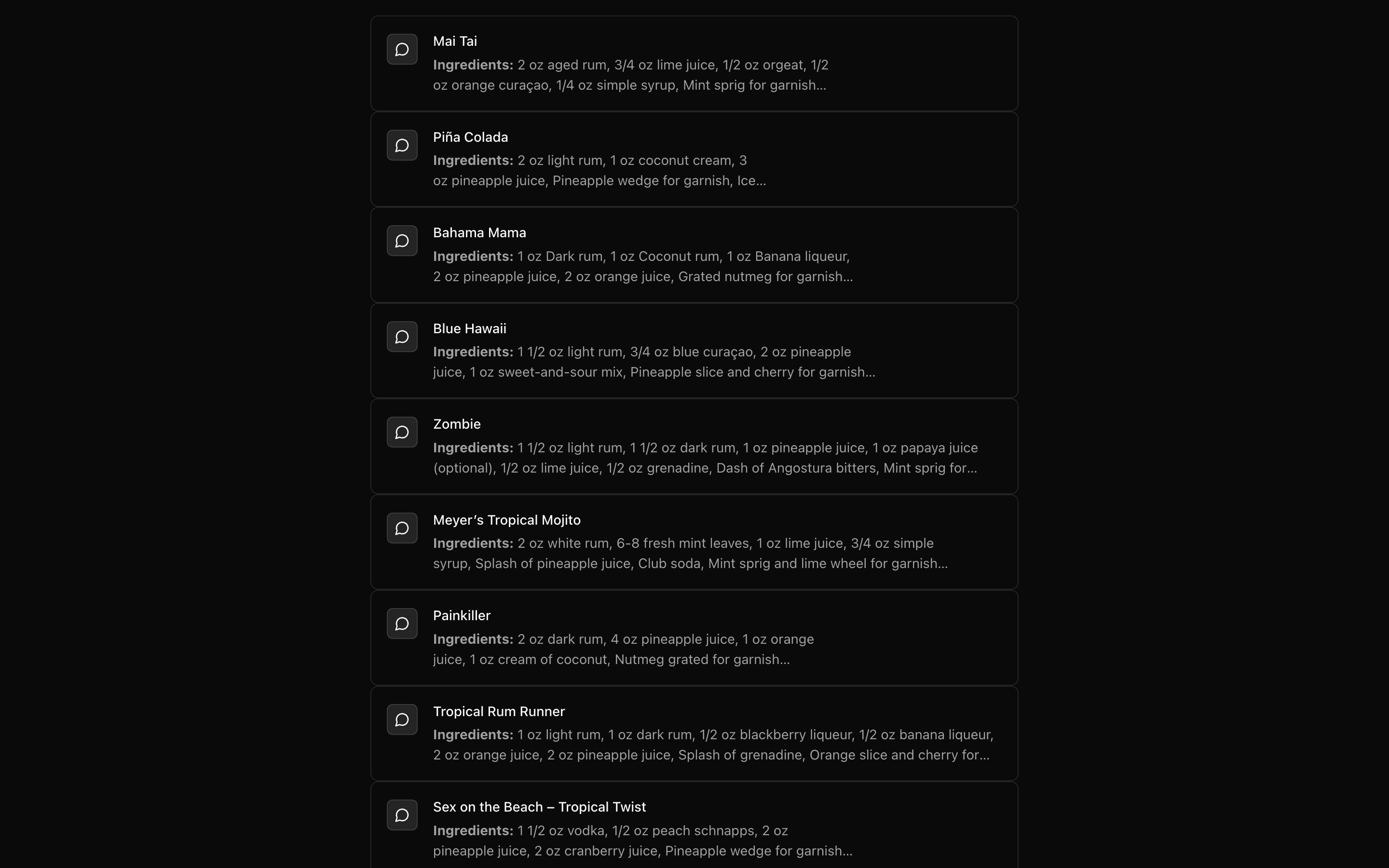 OpenAI Structured OutputFreeUse this when you need an OpenAI model to return one complete, schema-validated object in a single response, such as extracted fields or tags.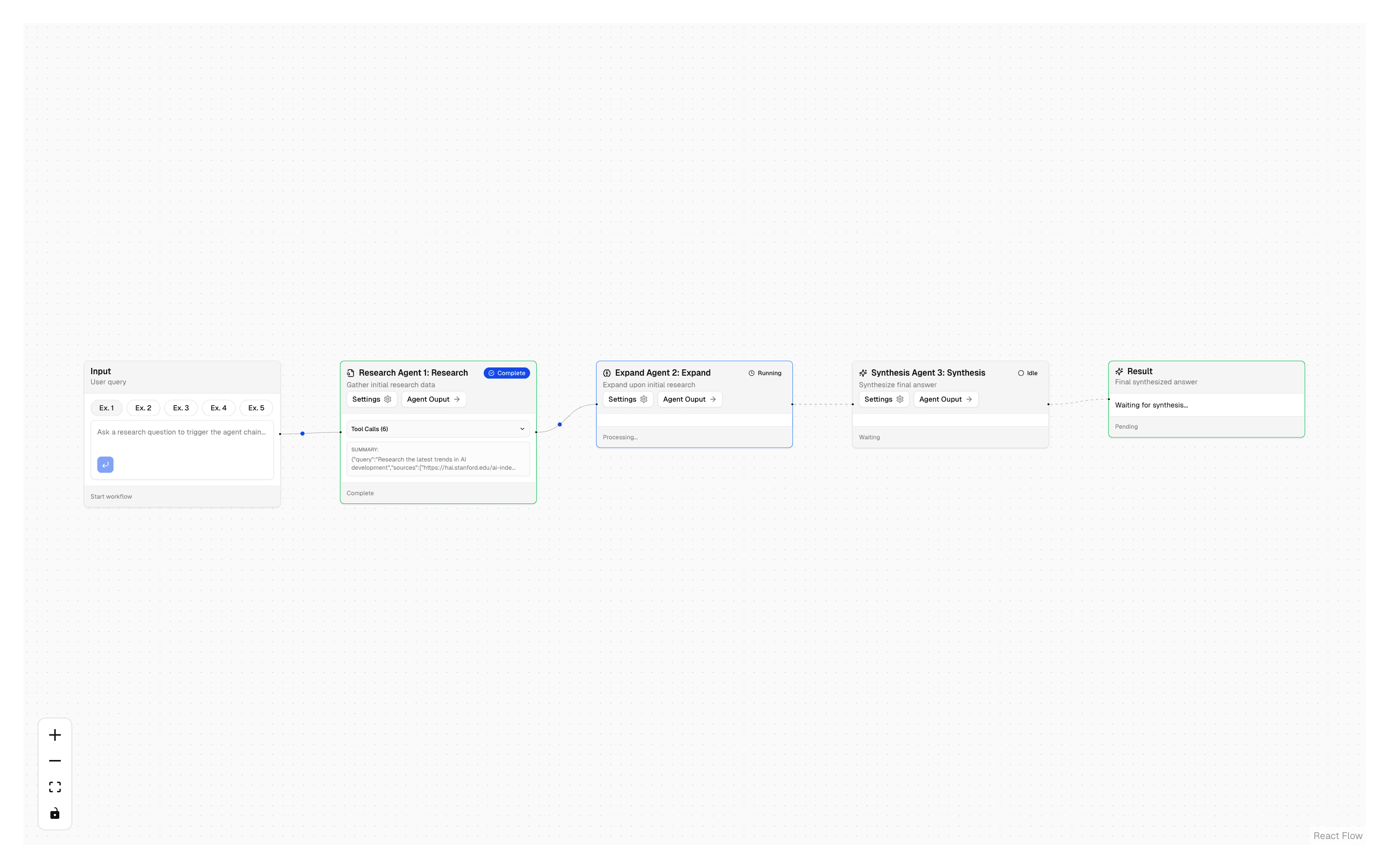
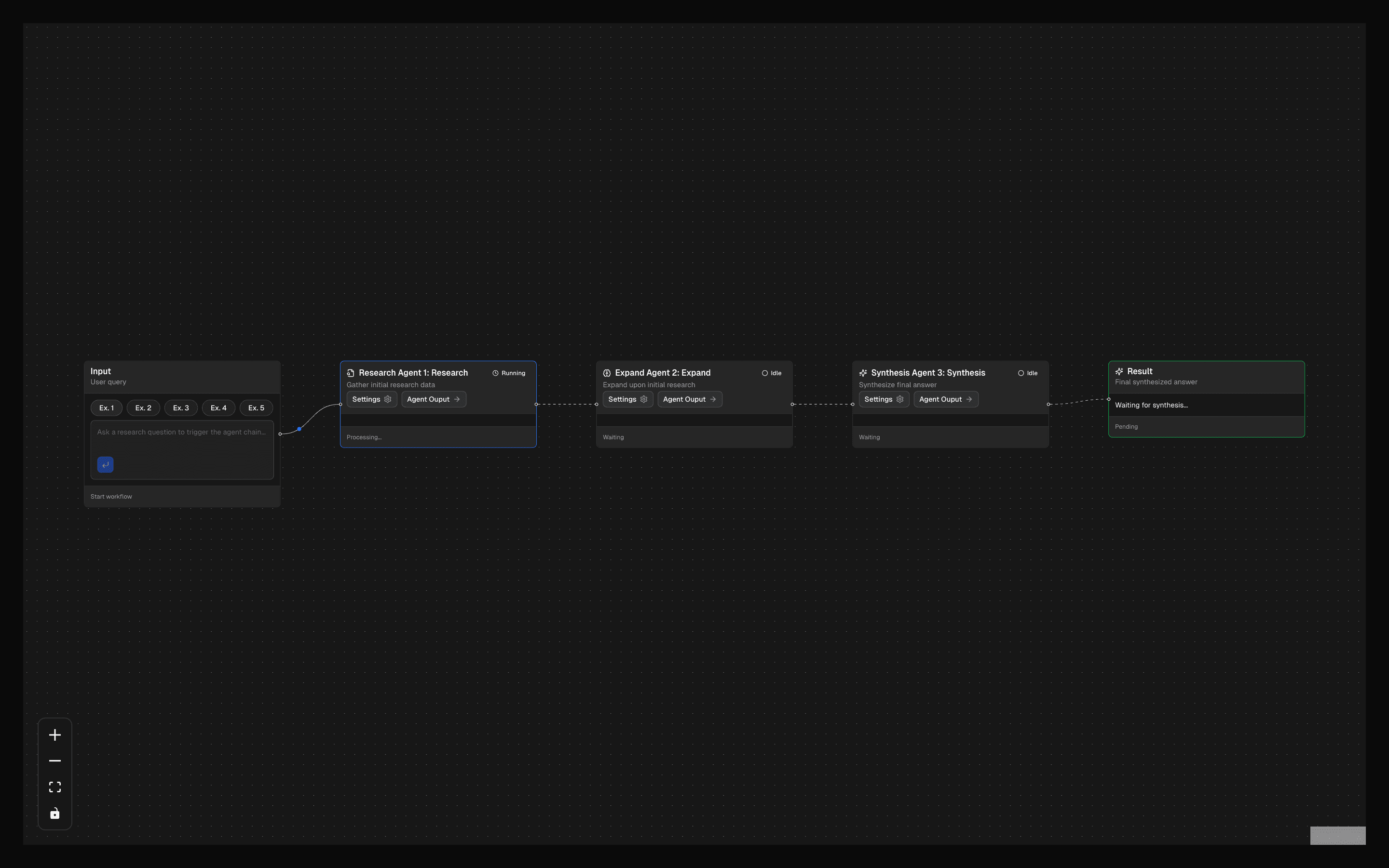 Research Agent ChainUse this when one agent doing all the research is too broad and you want separate gather, expand, and synthesize agents run in order with Exa search.
Setup
Requirements, wiring steps, and what this pattern adds to your project.
Getting started
Pick how you want to pull this pattern in. Then wire env vars and routes the same way.
- 1
Download → Next.js app
Use Download → Next.js app in the preview toolbar. You get a zip scaffold (Pro downloads rewrite preview `/view/.../api/*` paths to `/api/*` automatically).
- 2
Extract the zip and install dependencies
Unzip the archive, then run `pnpm install` (or npm / yarn) in the project folder.
- 3
Fill .env.local
The download includes .env.local placeholders when needed. Add real values for: OPENAI_API_KEY.
- 4
Customize the agent and tool files
Adapt prompts, tools, and stop conditions in the generated project for your product.
- 5
Run the app and open the pattern route
Run `pnpm dev`, open the setup/checklist page if present, then navigate to the generated pattern route and verify responses.
Environment variables
OPENAI_API_KEYGet key
Capabilities
AI SDK APIs
ToolLoopAgentOutput.choiceagent.generatetoolProviders
OpenAI
Files added
7 files
app/page.tsxapp/layout.tsxapp/api/choice/route.tscomponents/structured-choice-demo.tsxcomponents/output-display.tsxlib/choice-agent.tstools/weather.ts
Dependencies
14 total
npm packages
5AISDKlucide-reactNext.jsReactZod
 Registry components
alertbadgebuttoncardcollapsibleinputskeletontabstooltip
Critical files
3 files
lib/choice-agent.tsCore agent definition using ToolLoopAgent with Output.choice() to constrain LLM output to predefined string options.
tools/weather.tsTool definition using ai SDK tool() with zod inputSchema and execute function. Provides the tool the agent calls before producing its constrained choice output.
choice/route.tsAPI route showing how to call ToolLoopAgent.generate() for non-streaming structured output and extract the result.
Requirements
- Complexity
- Intermediate
- Setup time
- ~5 minutes
- Node
- 24+
- Memory
- 512MB