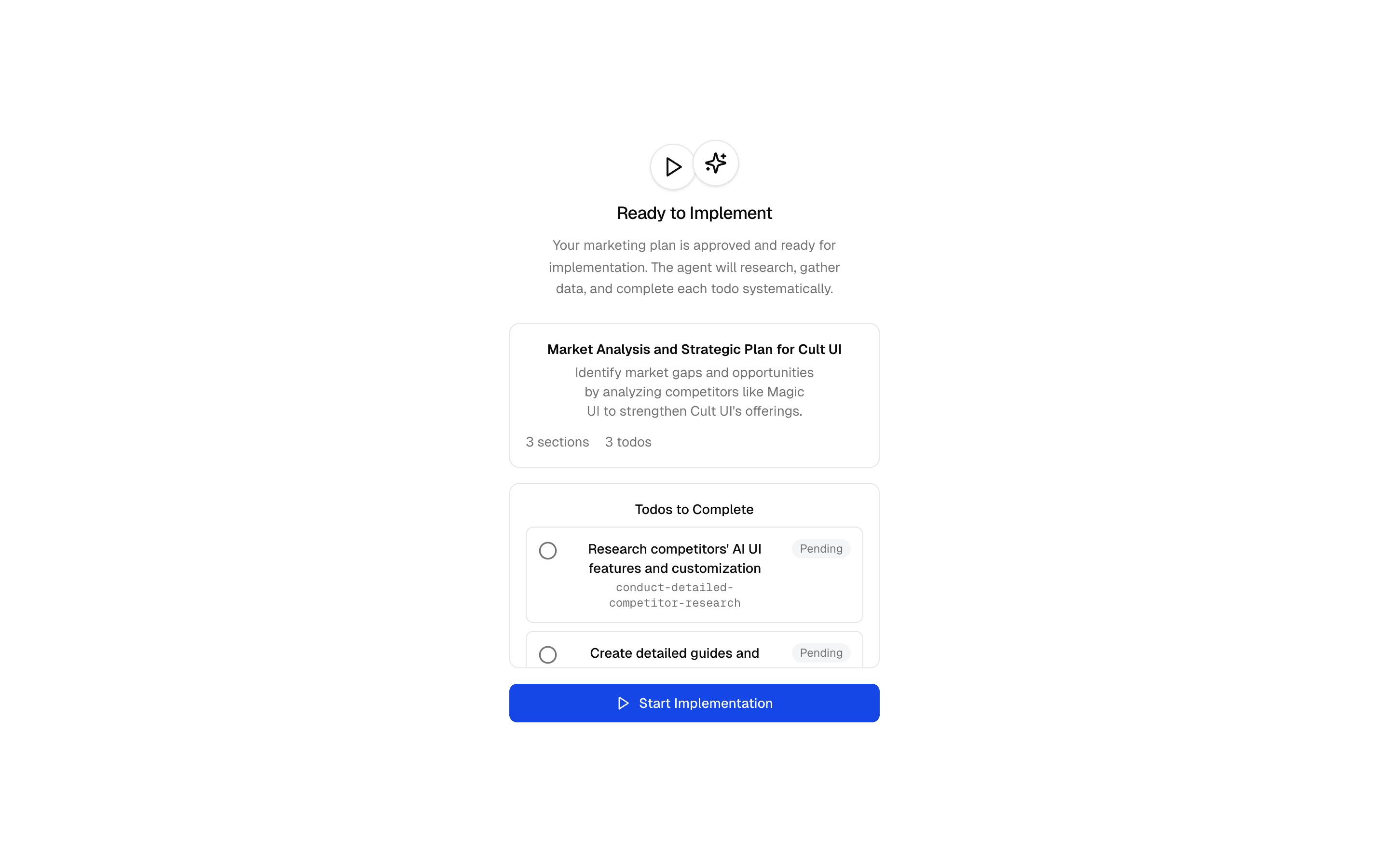
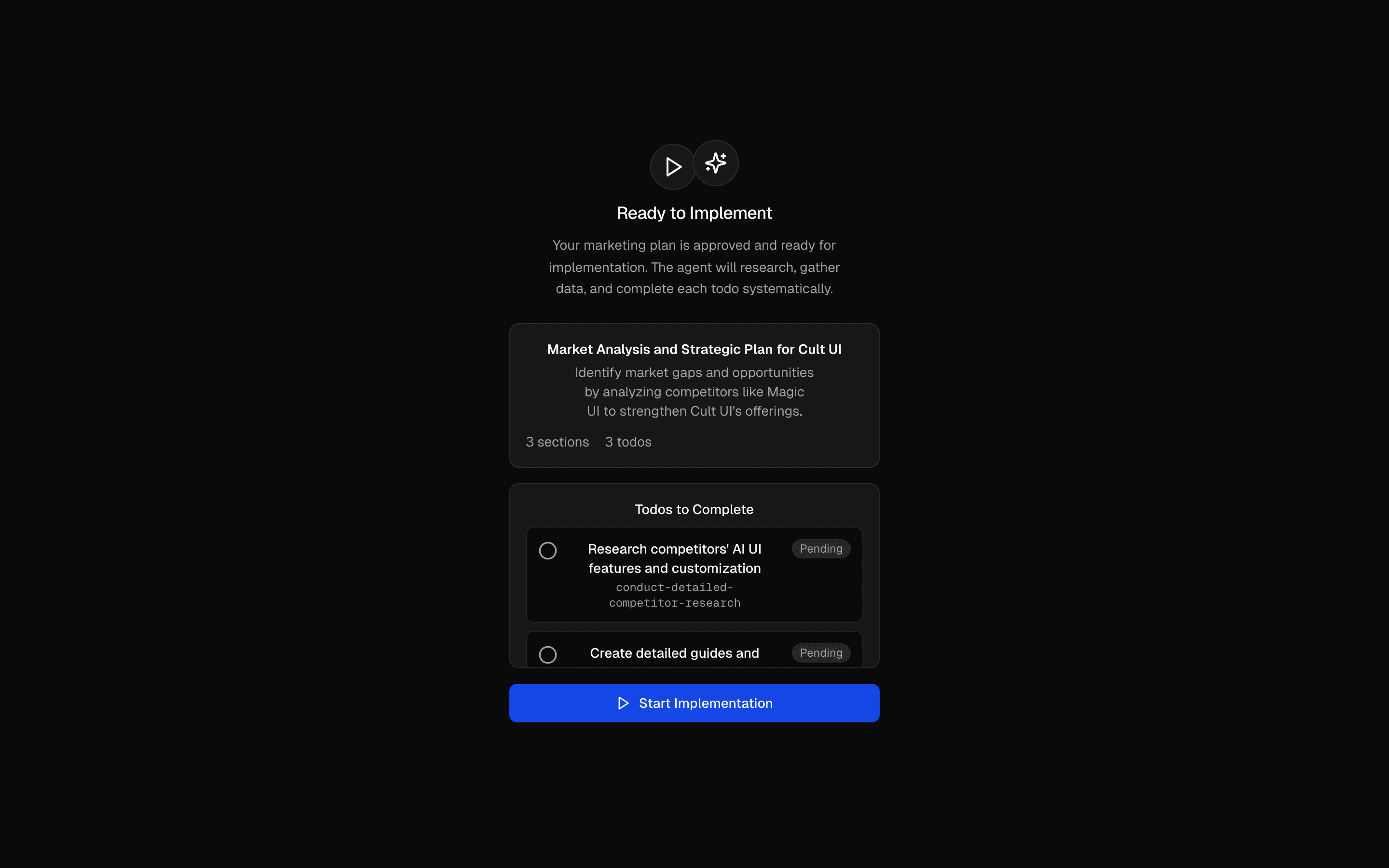
Loading pattern preview
BlocksReal-world Examples
Marketing Plan & Implement Agent
Marketing Plan & Implement Agent
Two-phase marketing agent with brand context: Stage 0 extracts brand info from URL or manual input, planning phase gathers requirements and creates a plan with todos, implementation phase executes the plan using web scraping and research tools. Uses callOptionsSchema + prepareCall for dynamic agent configuration.
Use this when your agent must capture brand details from a URL or form, get a todo plan approved, then carry it out with scraping and research tools.
Loading pattern preview
Problems solved
Technical challenges this implementation handles out of the box.
- Extract brand context from a URL or manual intake
- Plan marketing work with human-approved todos
- Execute the plan with research and scraping tools
- Pass brandContext at runtime via callOptions and prepareCall
- Share runtime context with tools through experimental_context
Use cases
Products and workflows this pattern is designed to support.
- Marketing campaign plan-and-execute agents
- Competitor research implementation loops
- Content strategy agents with approval gates
- SEO research that moves from plan to action
Compare with
Similar patterns, and when each one is the better fit.
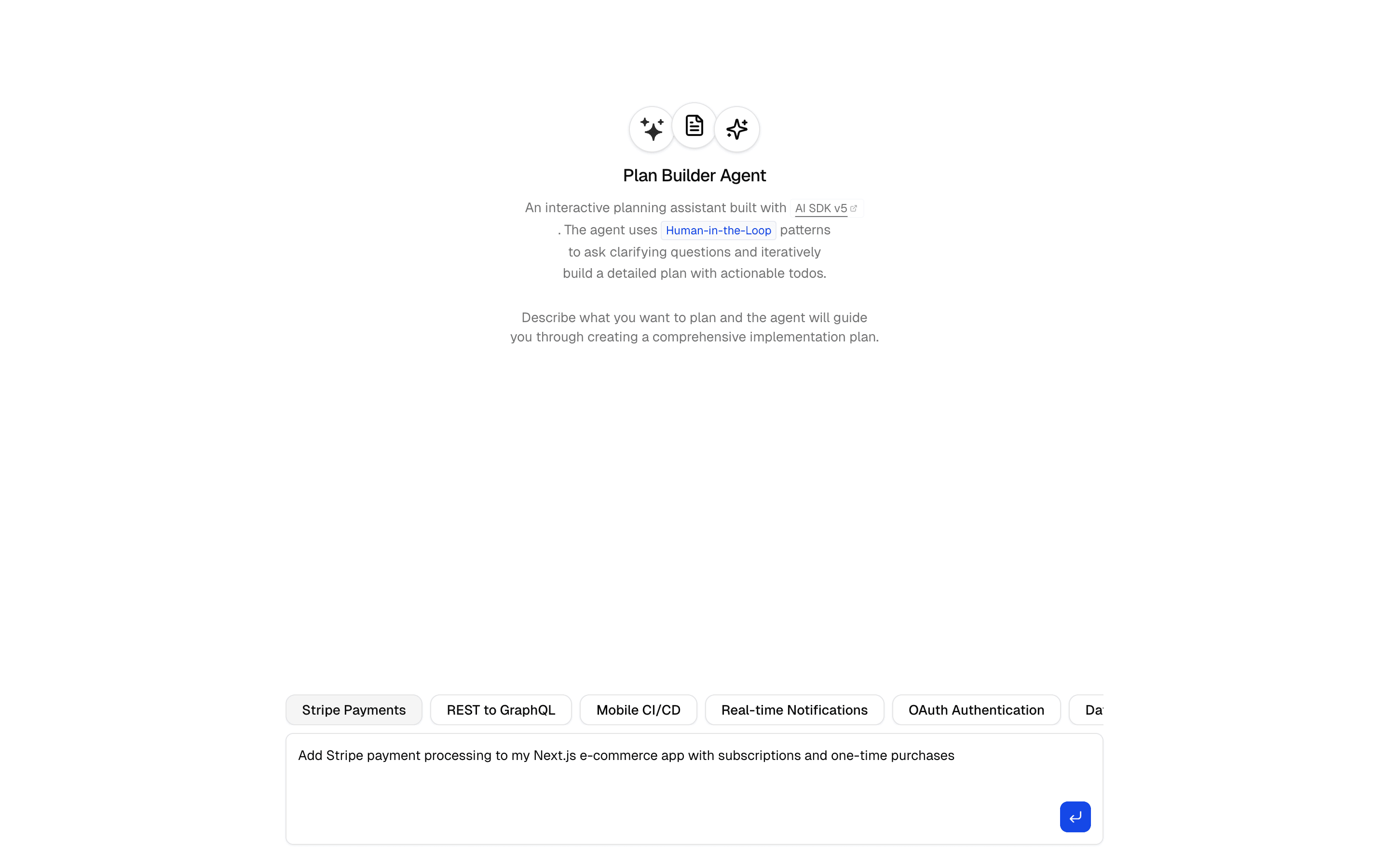
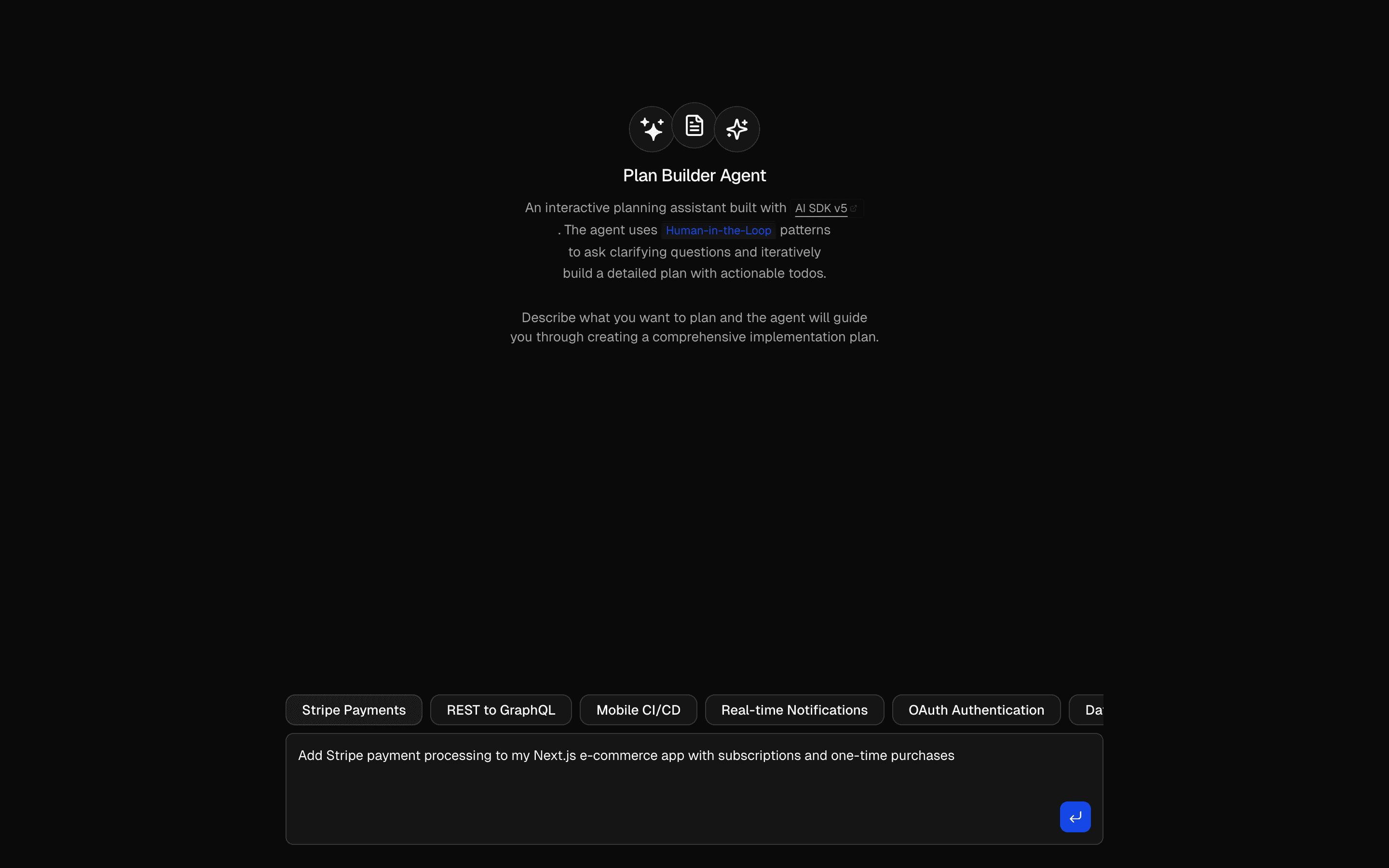 Human in the Loop Plan Builder AgentUses ToolLoopAgent pattern to gather requirements and generate plans. Generates markdown plans with structured todo lists.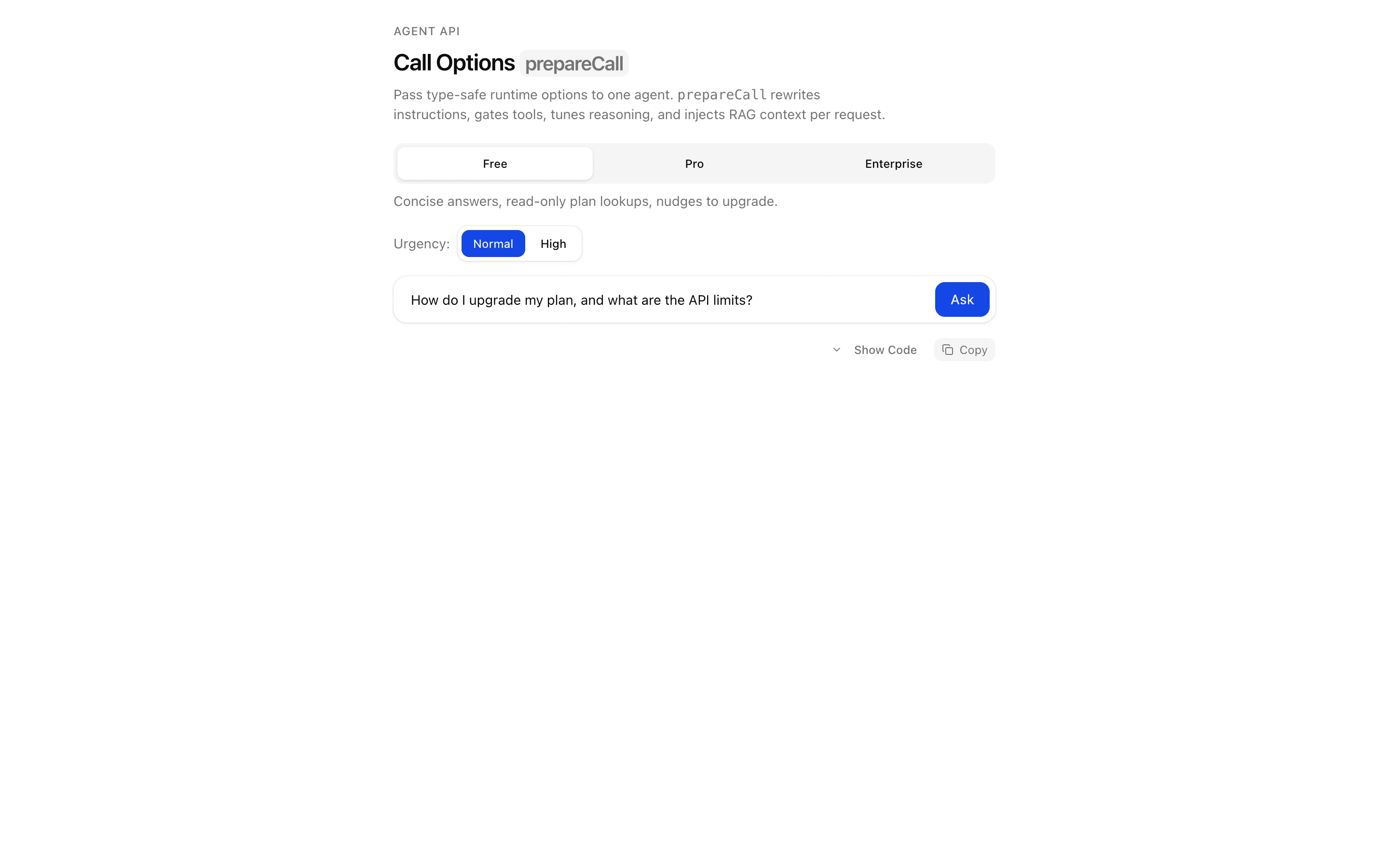
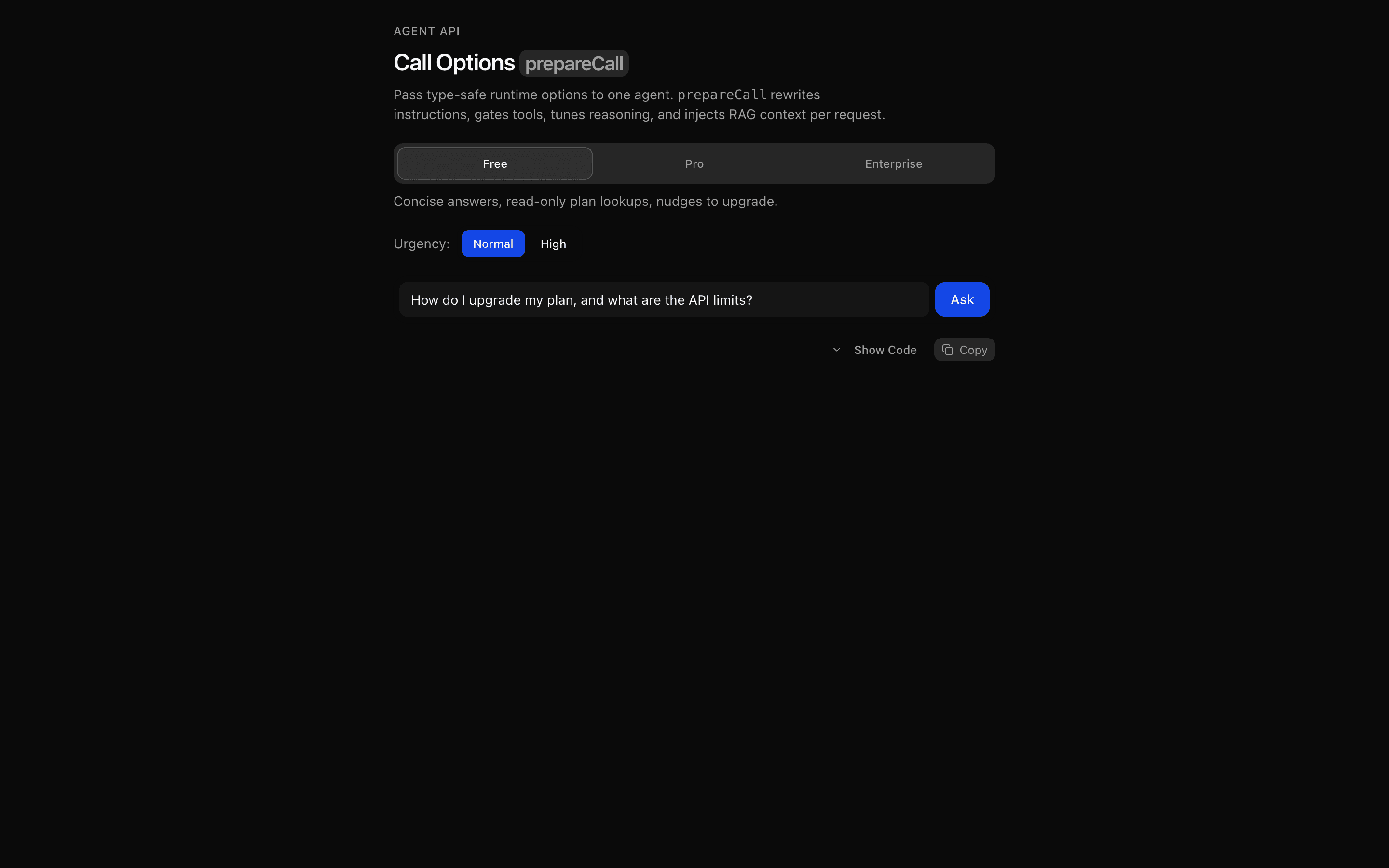 Call Options: prepareCallUse this when you need to inject per-user context, such as retrieved documents, into an agent's instructions at call time using typed call options.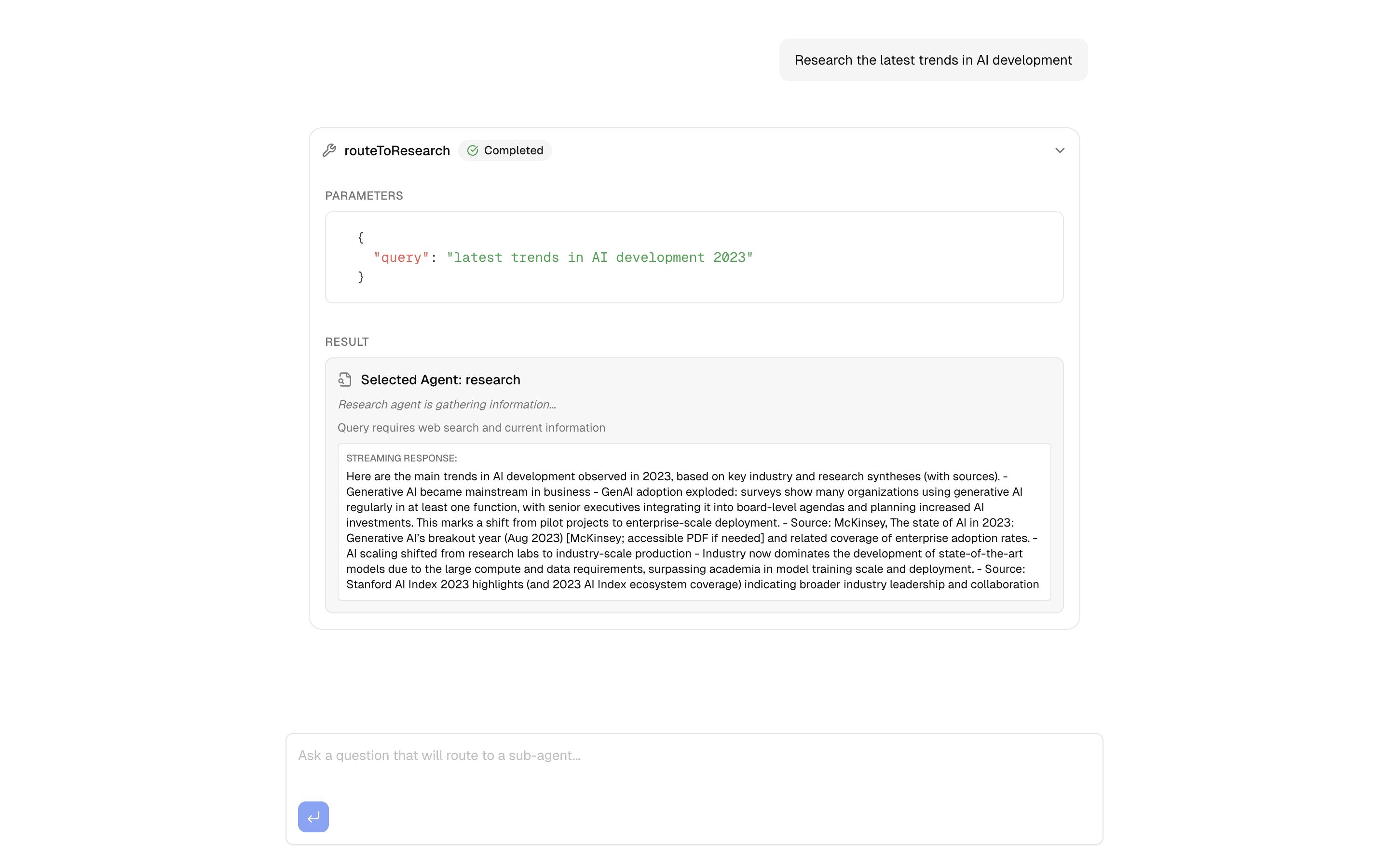
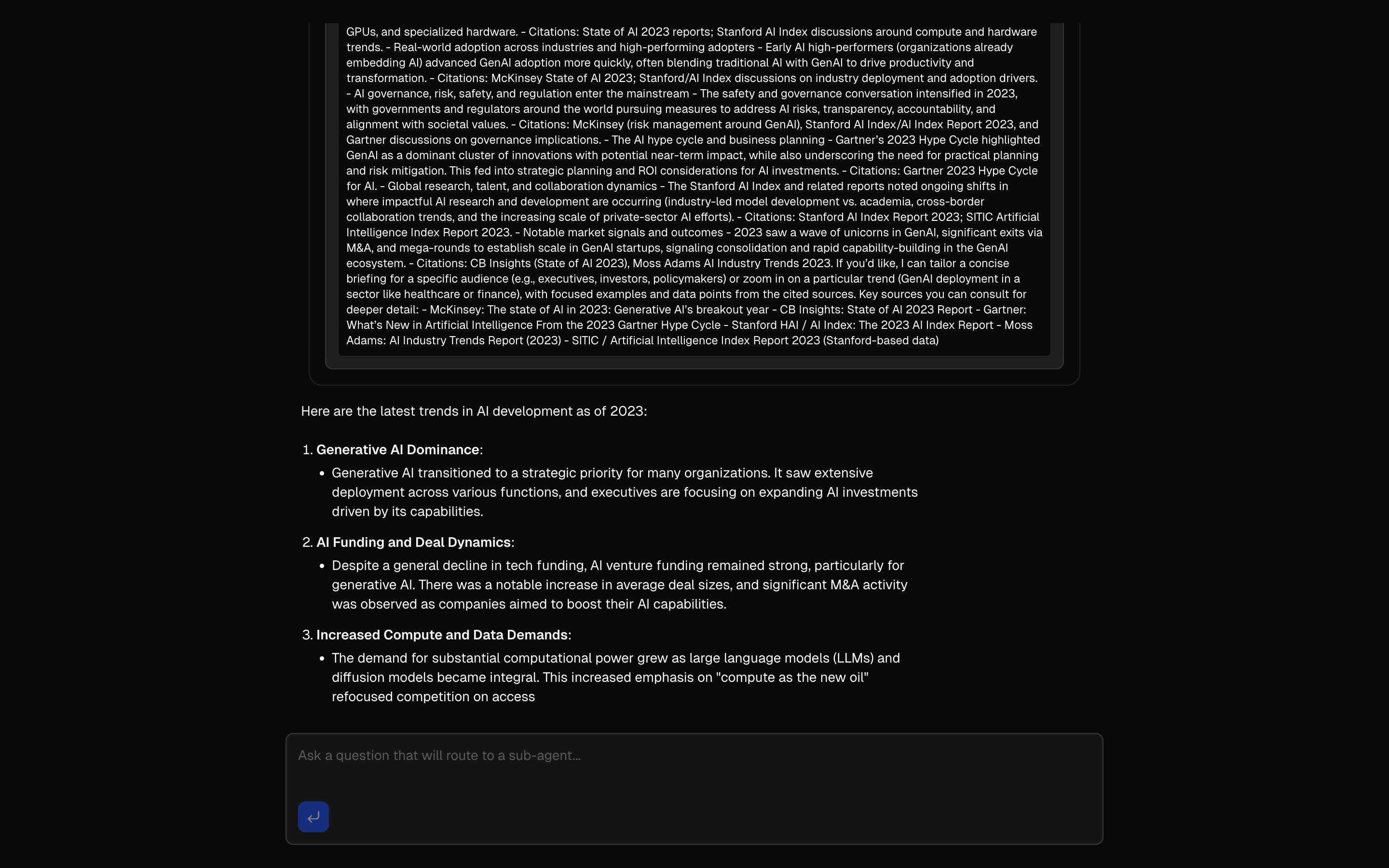 Sub-Agent OrchestratorCustom Agent implementation demonstrating the Agent interface abstraction with an orchestrator that routes queries to specialized sub-agents (research, analysi…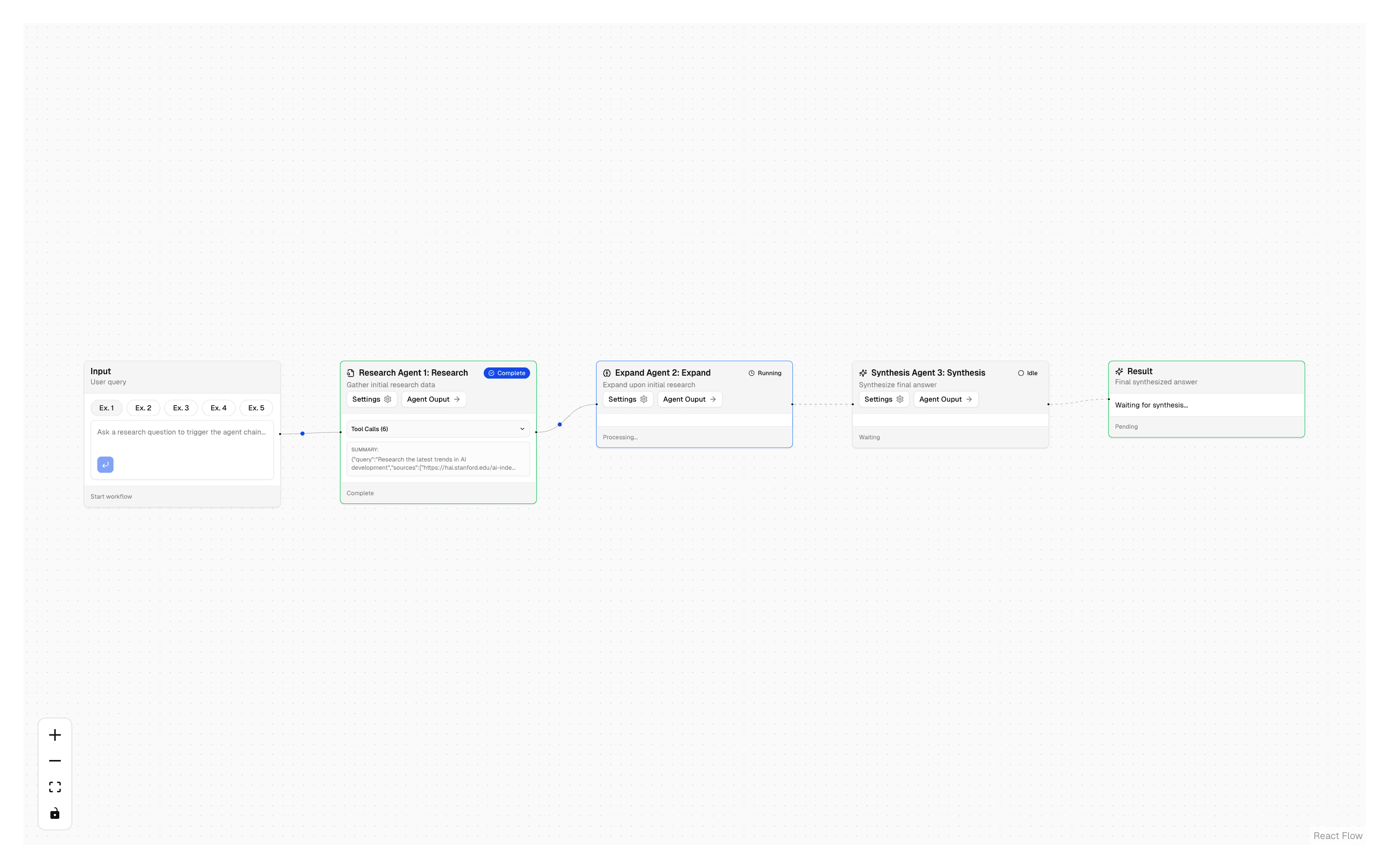
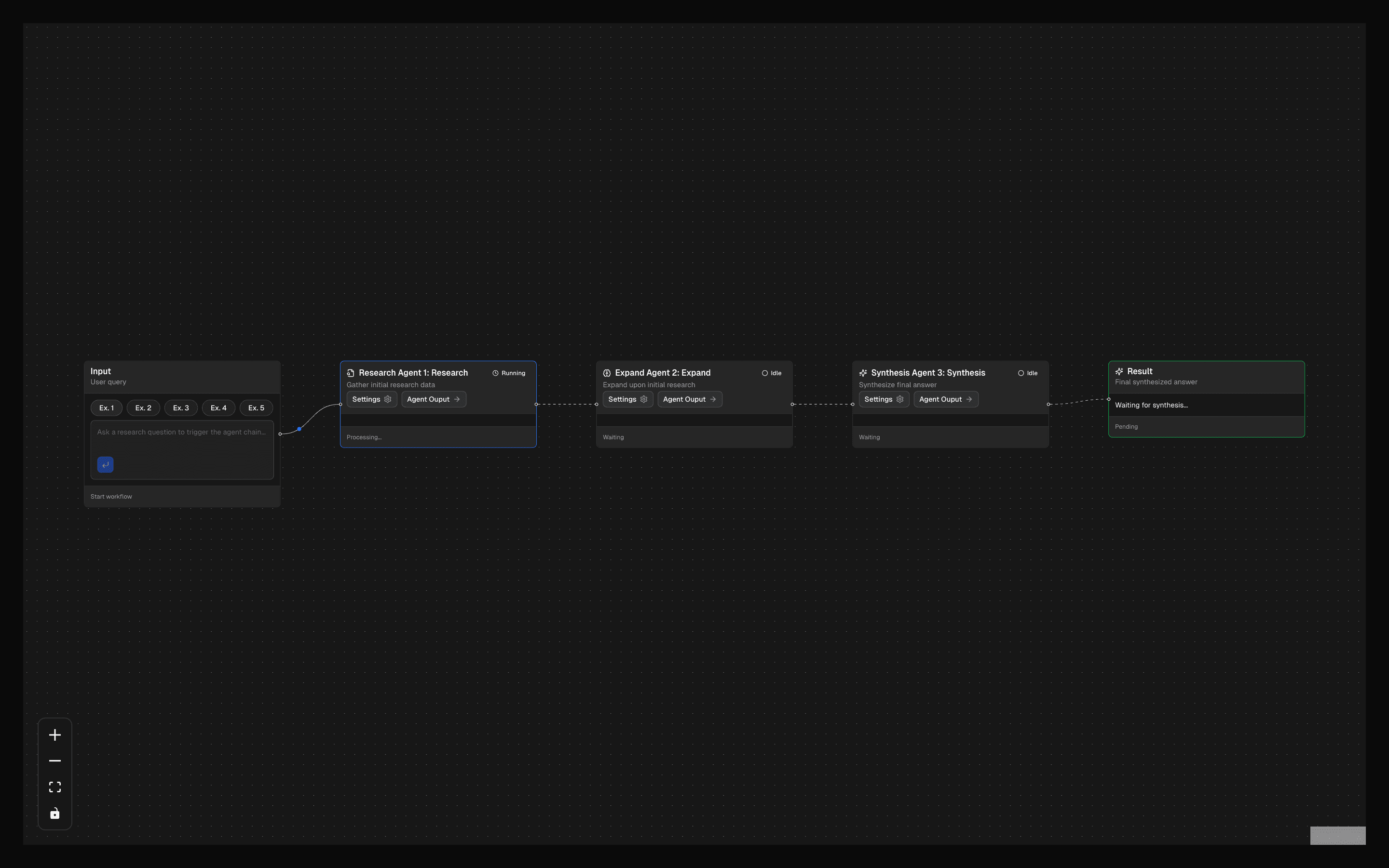 Research Agent ChainUse this when one agent doing all the research is too broad and you want separate gather, expand, and synthesize agents run in order with Exa search.
Setup
Requirements, wiring steps, and what this pattern adds to your project.
Getting started
Pick how you want to pull this pattern in. Then wire env vars and routes the same way.
- 1
Download → Next.js app
Use Download → Next.js app in the preview toolbar. You get a zip scaffold (Pro downloads rewrite preview `/view/.../api/*` paths to `/api/*` automatically).
- 2
Extract the zip and install dependencies
Unzip the archive, then run `pnpm install` (or npm / yarn) in the project folder.
- 3
Fill .env.local
The download includes .env.local placeholders when needed. Add real values for: OPENAI_API_KEY, FIRECRAWL_API_KEY.
- 4
Customize the agent and tool files
Adapt prompts, tools, and stop conditions in the generated project for your product.
- 5
Run the app and open the pattern route
Run `pnpm dev`, open the setup/checklist page if present, then navigate to the generated pattern route and verify responses.
Environment variables
Capabilities
AI SDK APIs
useChatgatewayToolLoopAgenttoolgenerateObjecthasToolCallstepCountIscreateAgentUIStreamResponseInferAgentUIMessagecallOptionsSchemaprepareCallexperimental_contextProviders
OpenAI
External services
Firecrawl
Files added
24 files
app/page.tsxapp/layout.tsxapp/api/agent-usecase-marketing-plan/route.tsapp/api/agent-usecase-marketing-implement/route.tslib/marketing-plan-types.tslib/marketing-plan-actions.tslib/cheerio-scraper.tslib/utils/format-brand-context.tslib/ai/plan/plan-agent.tslib/ai/plan/tools/index.tslib/ai/plan/tools/ask-multiple-choice.tslib/ai/plan/tools/ask-text-input.tslib/ai/plan/tools/generate-plan.tslib/ai/plan/tools/refine-plan.tslib/ai/implement/implement-agent.tslib/ai/implement/tools/index.tslib/ai/implement/tools/read-plan.tslib/ai/implement/tools/update-plan.tslib/ai/implement/tools/read-todo.tslib/ai/implement/tools/update-todo.tslib/ai/implement/tools/finalize.tslib/ai/implement/tools/firecrawl.tslib/ai/implement/tools/url-scraper.tsREADME.md
Dependencies
20 total
npm packages
11AISDKcheeriofirecrawl-aisdklucide-reactNext.jsReactsonnerstreamdownuse-stick-to-bottomZod@mendable/firecrawl-js
 Registry components
buttoncollapsibleemptyinputtextareatooltiptabslabelresizable
Critical files
16 files
agent-usecase-marketing-plan/route.tsPlan phase API route using createAgentUIStreamResponse with callOptions to pass brandContext at runtime.
agent-usecase-marketing-implement/route.tsImplement phase API route passing both brandContext and plan via callOptions.
plan/plan-agent.tsPlan builder ToolLoopAgent with callOptionsSchema + prepareCall for runtime brand context injection into instructions and experimental_context.
tools/ask-multiple-choice.tsBrand-context-aware multiple choice tool. Reads brandContext from experimental_context to tailor AI-generated questions.
tools/generate-plan.tsPlan generation tool with brand context awareness using generateObject with planSchema.
tools/refine-plan.tsPlan refinement tool with brand-context-aware iteration.
tools/ask-text-input.tsBrand-context-aware text input tool for gathering open-ended requirements.
implement/implement-agent.tsAutonomous implementation agent with prepareStep for phased workflow (triage, process todos, research, synthesis, finalize). Most advanced agent pattern: callOptionsSchema, prepareCall, prepareStep, stopWhen.
tools/finalize.tsImplementation finalization tool that reads plan from experimental_context and signals completion.
tools/update-plan.tsTool for updating plan sections from experimental_context.
tools/update-todo.tsTool for updating todo status with validation against plan.
tools/read-plan.tsTool for reading current plan state from experimental_context.
tools/read-todo.tsTool for reading/filtering todos by ID or status from the plan context.
tools/firecrawl.tsFirecrawl web search tool for real-time web research during plan implementation.
lib/marketing-plan-types.tsComplete type system including Zod schemas (BrandContext, Plan, Todo) and all type definitions for both plan and implement phases.
utils/format-brand-context.tsUtility that formats BrandContext into markdown for injection into agent instructions.
Requirements
- Complexity
- Advanced
- Setup time
- ~20 minutes
- Node
- 24+
- Memory
- 512MB