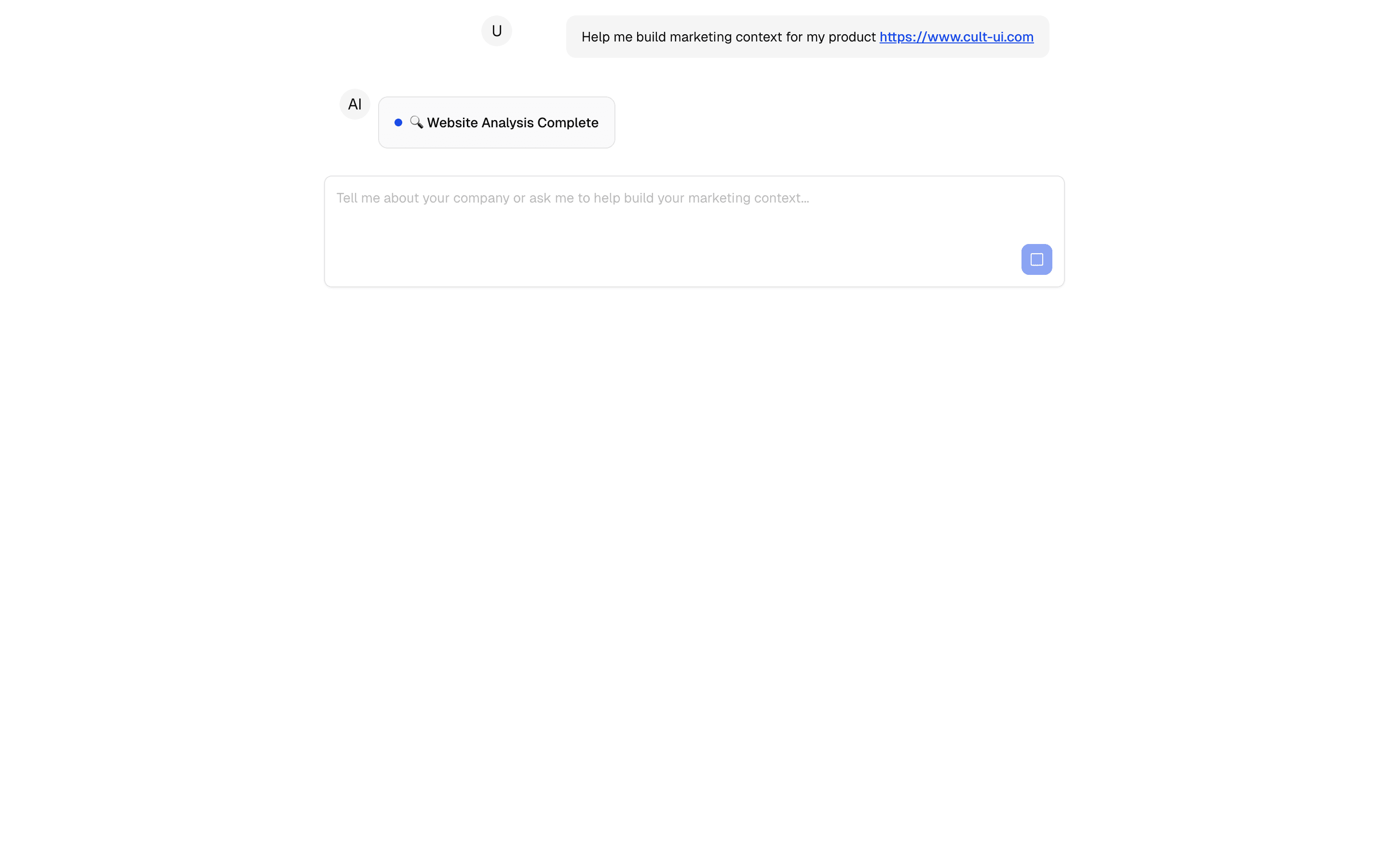
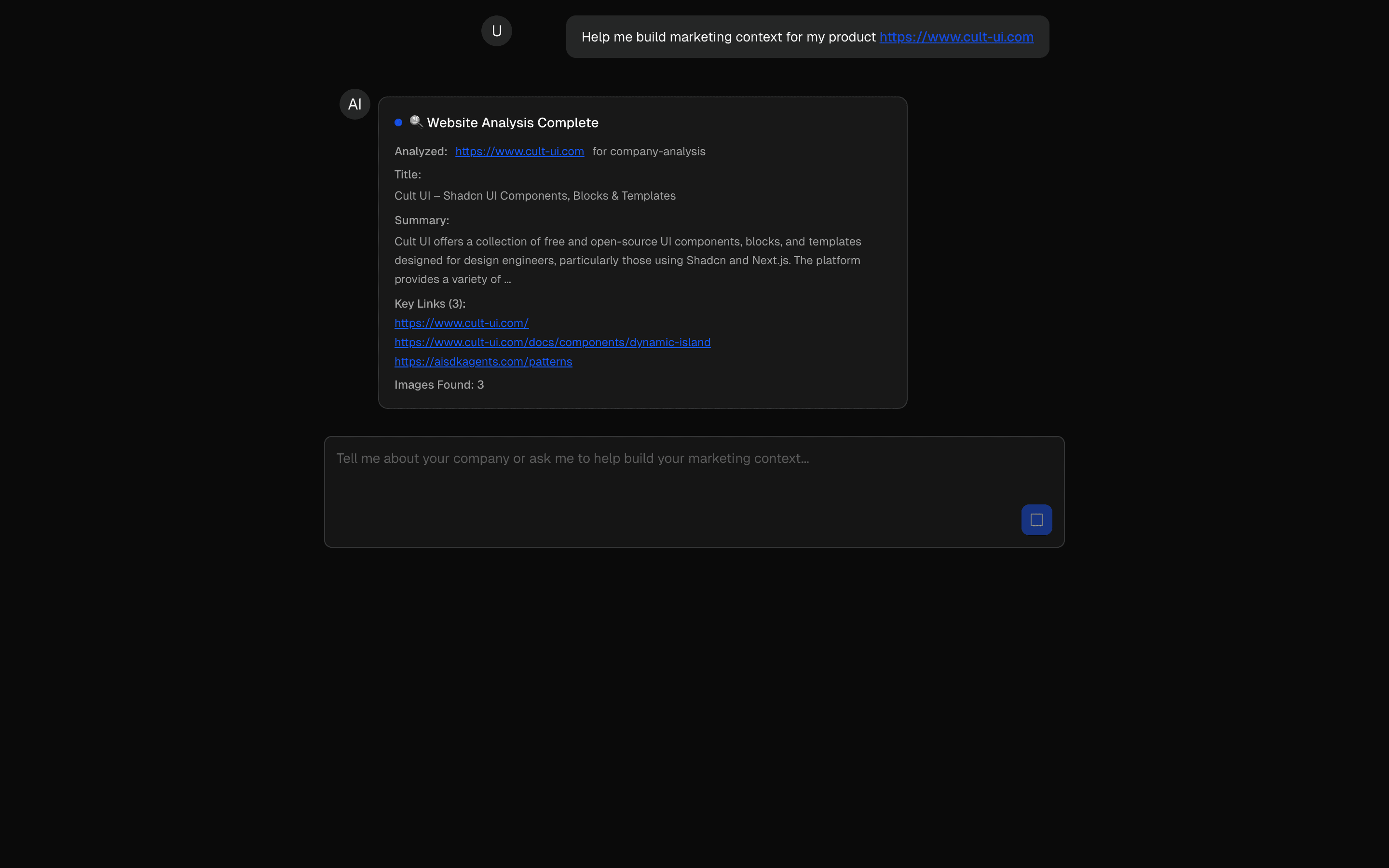
Loading pattern preview
BlocksHuman-in-the-Loop
HIL Agentic Context Builder
HIL Agentic Context Builder
Build brand context through AI-guided questioning and web research. Gathers insights to create detailed brand profiles.
Use this when an agent must interview a user and research the web to build a brand profile, stopping once a completion tool fires.
Loading pattern preview
Problems solved
Technical challenges this implementation handles out of the box.
- Build brand context through guided AI questioning and web research
- Stop the agent loop when a completion tool is called
- Share AsyncLocalStorage context across a rich toolset
- Synthesize competitive and audience insights into a brand profile
Use cases
Products and workflows this pattern is designed to support.
- Brand discovery interviews
- Marketing strategy intake agents
- Competitive landscape research sessions
- Campaign briefing copilots
Compare with
Similar patterns, and when each one is the better fit.
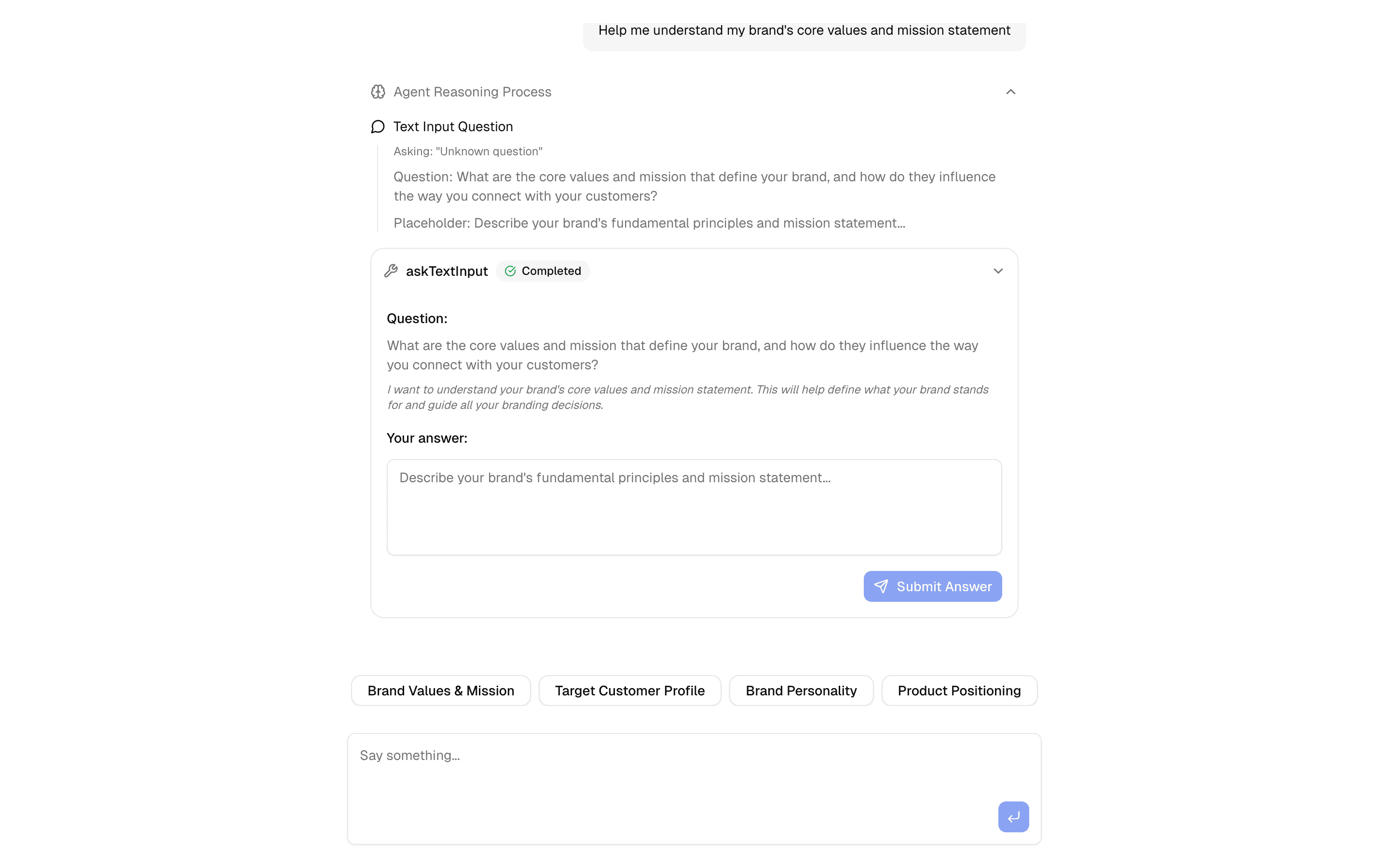
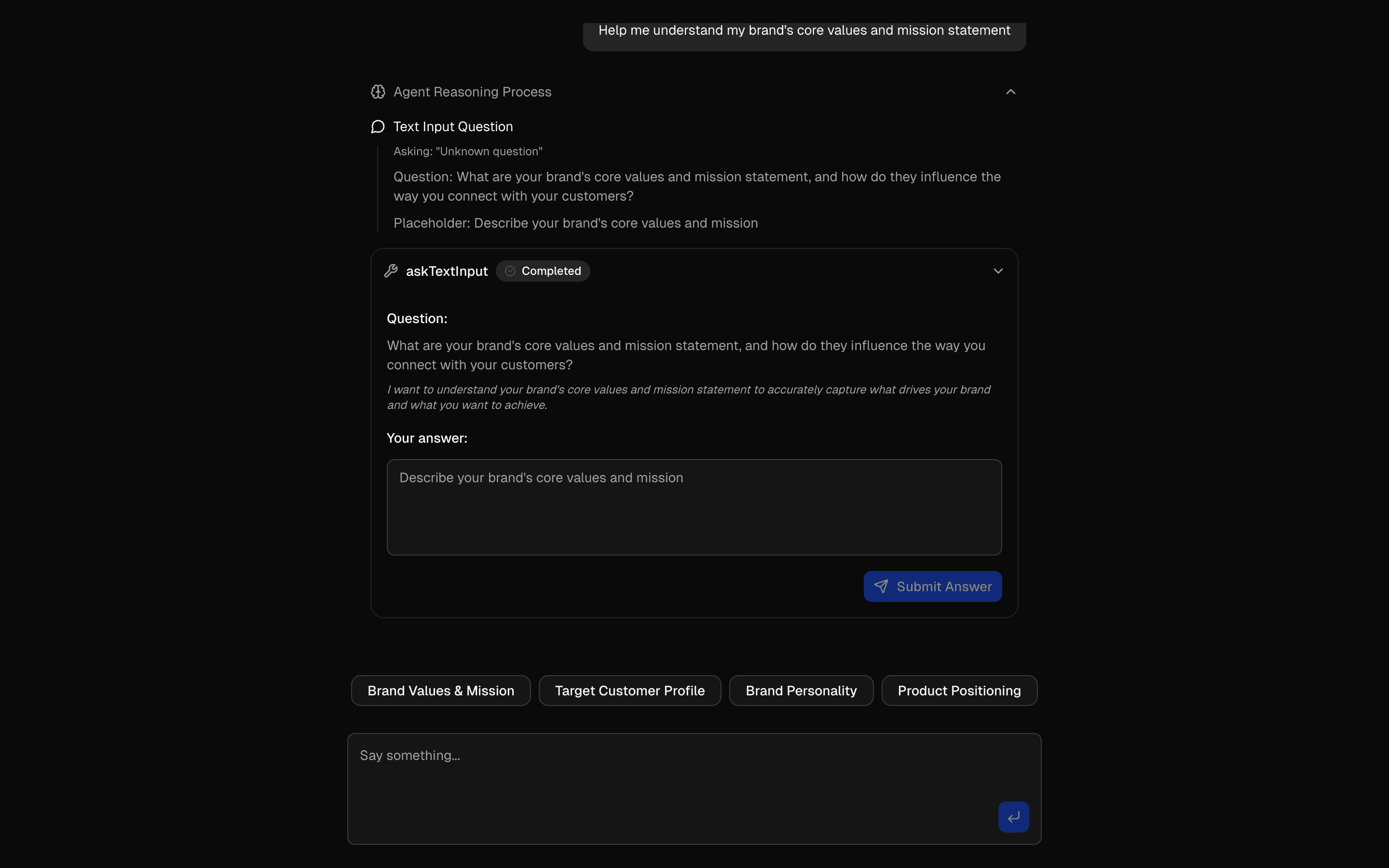 HIL Inquire Text InputUse this when your agent needs to pause mid-loop, ask the user an open-ended question, and resume once they type a free-text answer.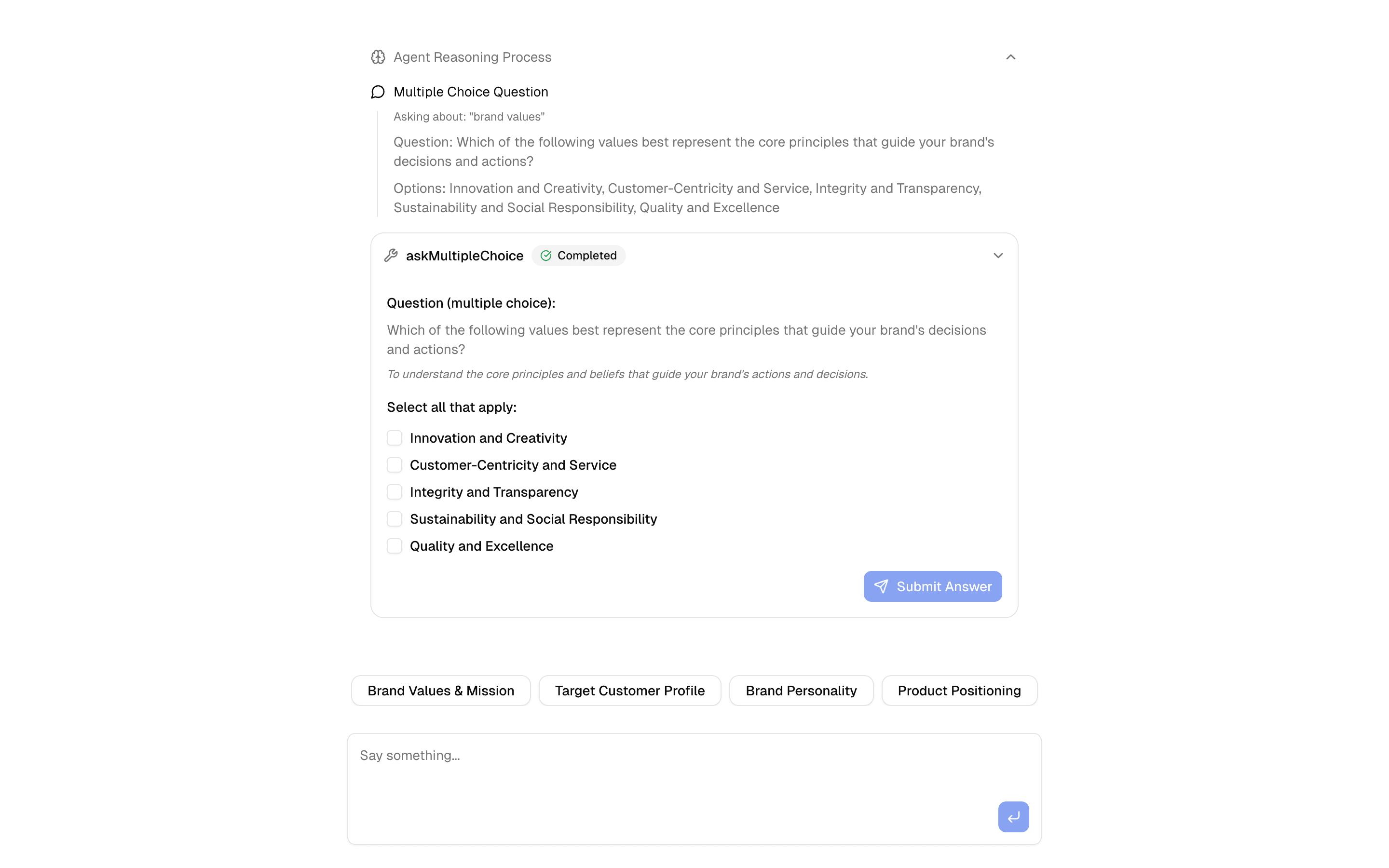
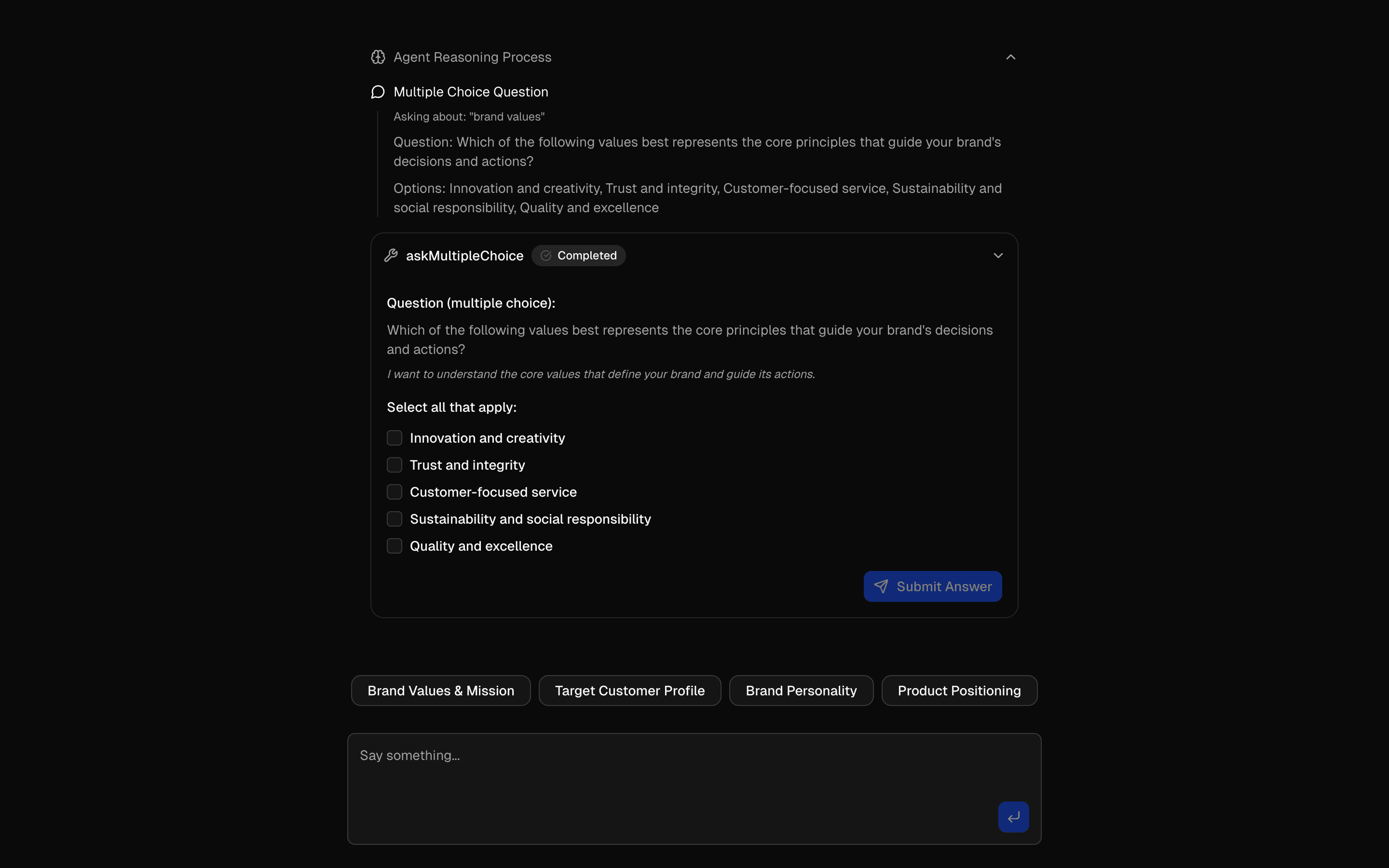 HIL Inquire Multiple ChoiceUse this when an agent loop must stop on an inquire tool call to collect a multiple-choice answer before continuing with that context.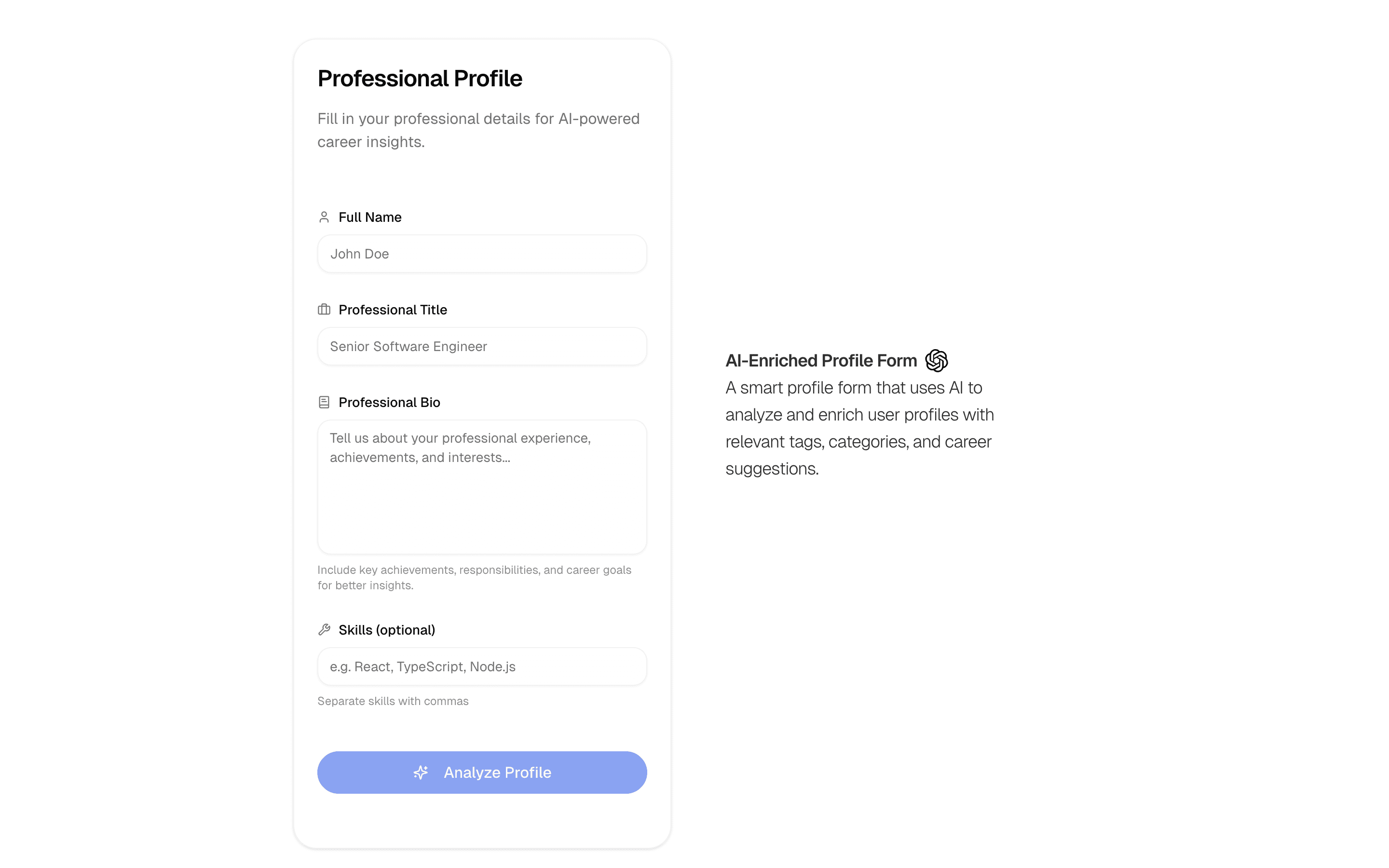
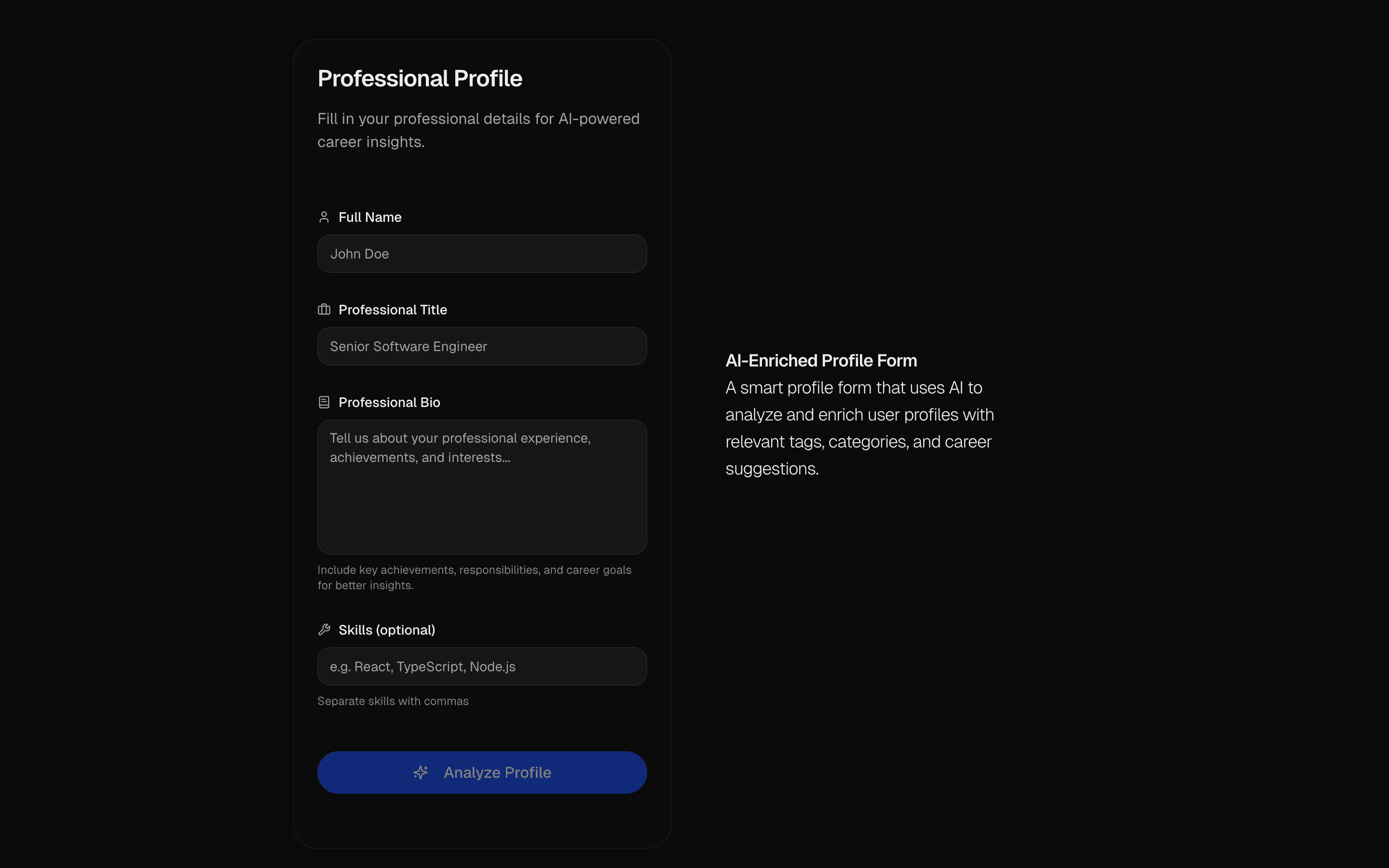 AI Profile Enrichment FormUse this when users fill out a sparse profile form and you want AI to stream in the missing fields for them to review before accepting.
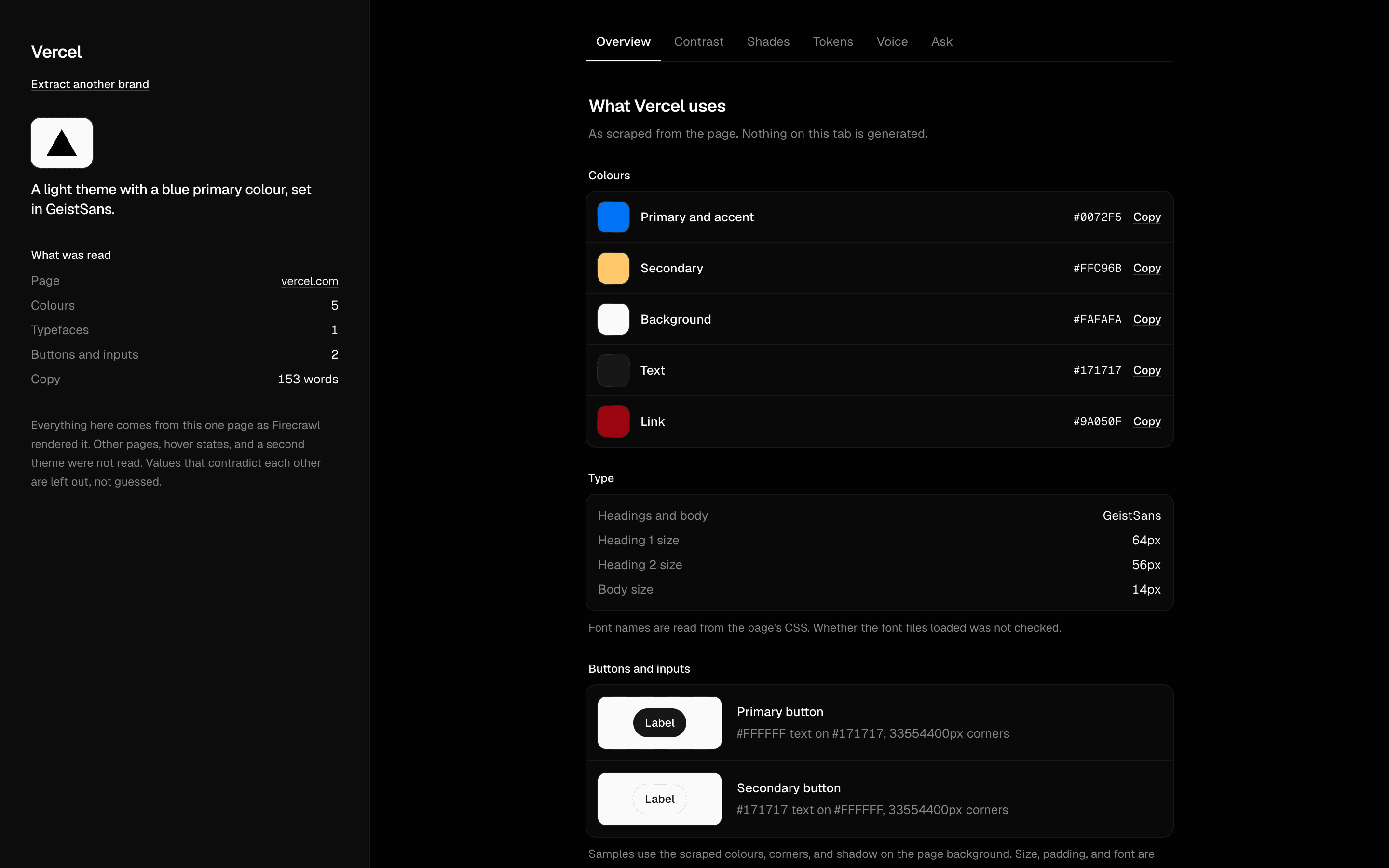 Branding AgentUse this when you want a grounded agent that pulls a site's brand tokens and answers contrast, palette, and voice questions from the scraped page.
Setup
Requirements, wiring steps, and what this pattern adds to your project.
Getting started
Pick how you want to pull this pattern in. Then wire env vars and routes the same way.
- 1
Download → Next.js app
Use Download → Next.js app in the preview toolbar. You get a zip scaffold (Pro downloads rewrite preview `/view/.../api/*` paths to `/api/*` automatically).
- 2
Extract the zip and install dependencies
Unzip the archive, then run `pnpm install` (or npm / yarn) in the project folder.
- 3
Fill .env.local
The download includes .env.local placeholders when needed. Add real values for: OPENAI_API_KEY, EXA_API_KEY.
- 4
Customize the agent and tool files
Adapt prompts, tools, and stop conditions in the generated project for your product.
- 5
Run the app and open the pattern route
Run `pnpm dev`, open the setup/checklist page if present, then navigate to the generated pattern route and verify responses.
Environment variables
Capabilities
AI SDK APIs
streamTexttoolconvertToModelMessagesgenerateObjectProviders
OpenAI
External services
Upstash
Files added
6 files
app/page.tsxapp/layout.tsxapp/api/marketing-context/route.tslib/ai/tools/index.tslib/ai/tools/marketing-context.tsREADME.md
Dependencies
24 total
npm packages
8AISDKExalucide-reactNext.jsReactsonnerZodreact-resizable-panels
 Registry components
alertavatarbadgebuttoncardcheckboxemptyinputlabelprogressresizableseparatorskeletontabstextareatooltip
Critical files
5 files
marketing-context/route.tsAPI route for the agentic context builder. Uses runWithContext for AsyncLocalStorage, streamText with a rich toolset. Uses hasToolCall stop condition alongside stepCountIs(20).
tools/brand-artifact.tsDefines 8 tools for the brand context builder agent: question-gathering tools, Exa API-powered research tools, completeness scoring, and final artifact generator using BrandArtifact.create().
tools/marketing-context.tsAlternative tool implementations with generator pattern. Contains brandIdentifyTool (streams progressive artifact updates), askQuestionTool, webResearchTool (Exa API), and reviewMarketingContextTool.
artifacts/brand-artifact.tsDefines the BrandArtifact using artifact() helper. Schema captures marketing context data: company info, target audience, marketing channels, competitors, research, progress, and stage.
ai/context.tsAsyncLocalStorage-based context management providing runWithContext, getContext, getWriter, and getCurrentUser.
Requirements
- Complexity
- Advanced
- Setup time
- ~20 minutes
- Node
- 24+
- Memory
- 512MB
Upstash Redis