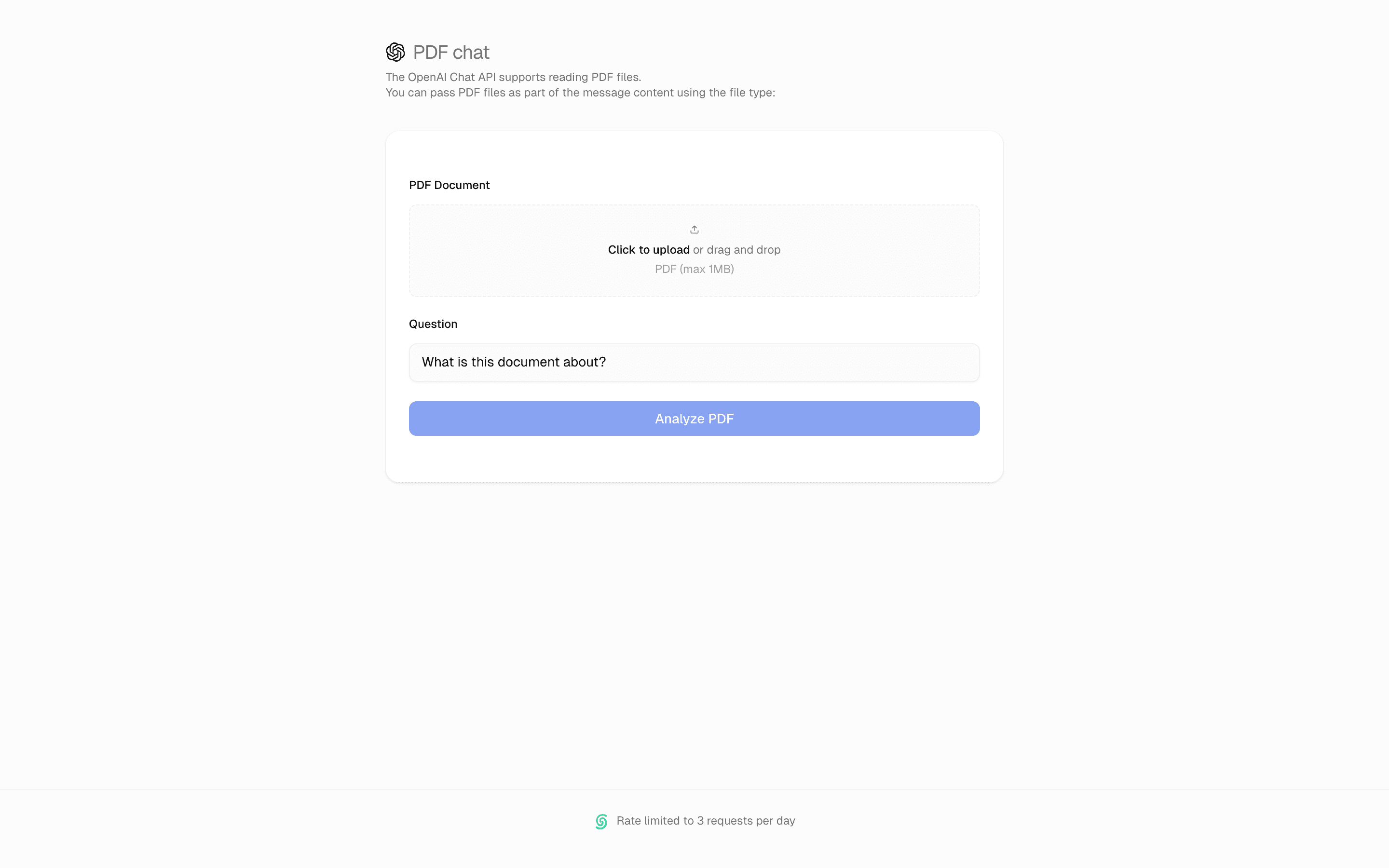
Loading pattern preview
BlocksTools & Utilities
PDF Analysis Tool
PDF Analysis Tool
Process PDFs with AI analysis. Extract text, generate summaries, and identify key insights.
Use this when users upload PDF files and you need the model to read the raw document bytes and stream back a summary or key points.
Loading pattern preview
Problems solved
Technical challenges this implementation handles out of the box.
- Analyze uploaded PDF files with multimodal streamText
- Send PDF bytes to the model as application/pdf media
- Reject oversized uploads before analysis begins
Use cases
Products and workflows this pattern is designed to support.
- PDF document analysis tools
- Contract and policy summarizers
- Research paper quick-read assistants
- Upload-and-analyze document demos
Compare with
Similar patterns, and when each one is the better fit.
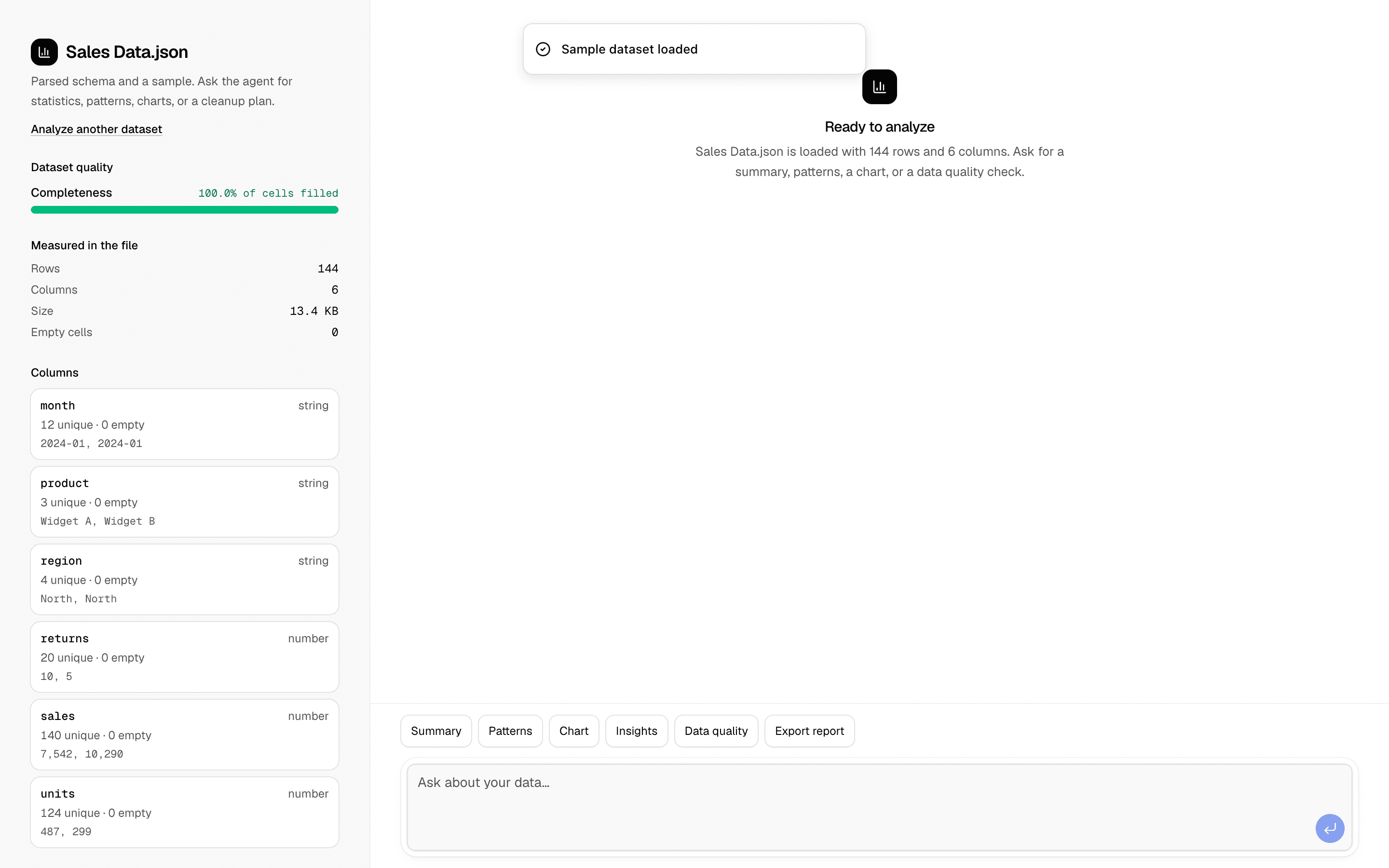
 Data Analysis AgentUse this when users upload a CSV or JSON dataset and need an agent to find correlations, outliers, and trends, then chart them and export a report.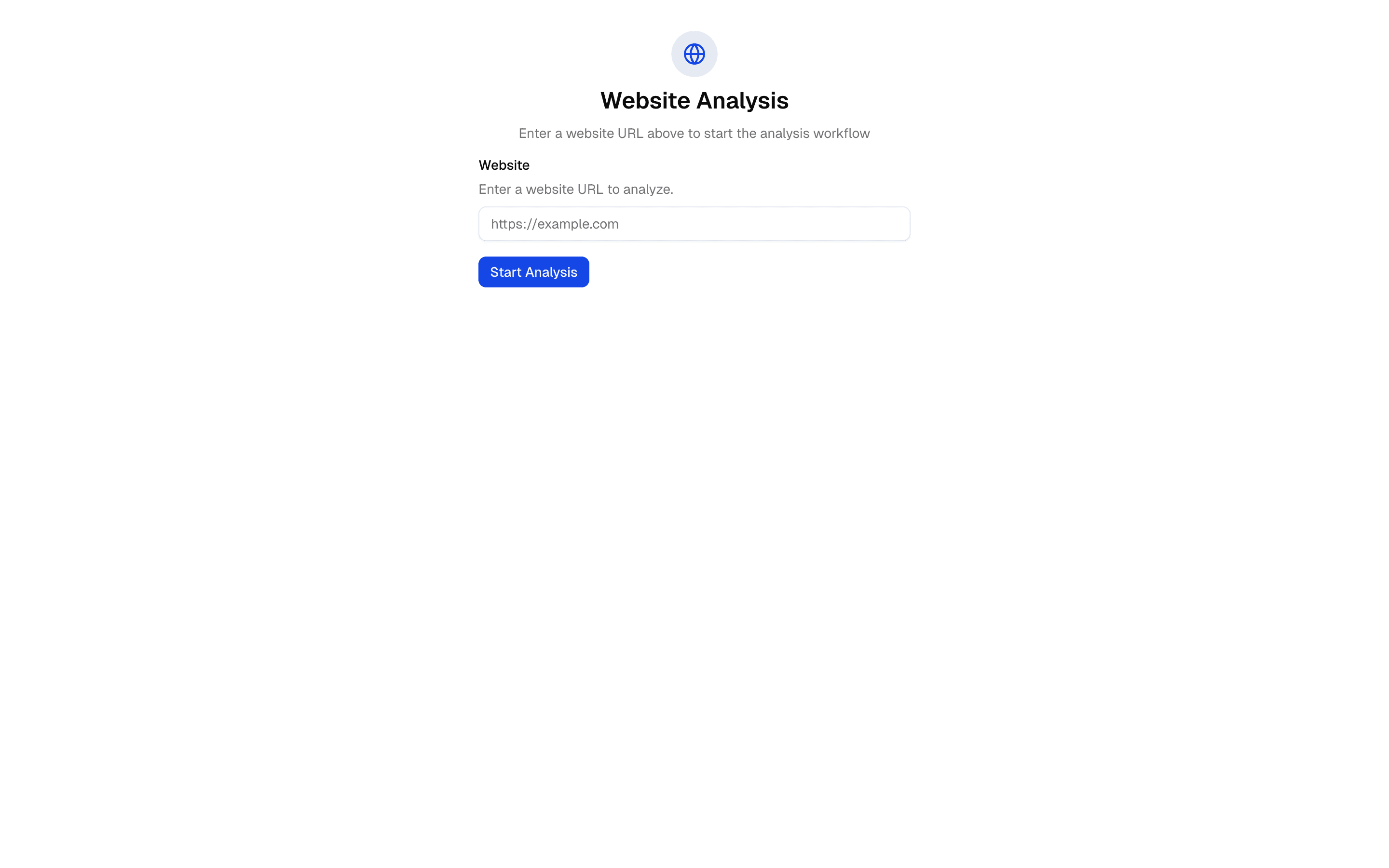
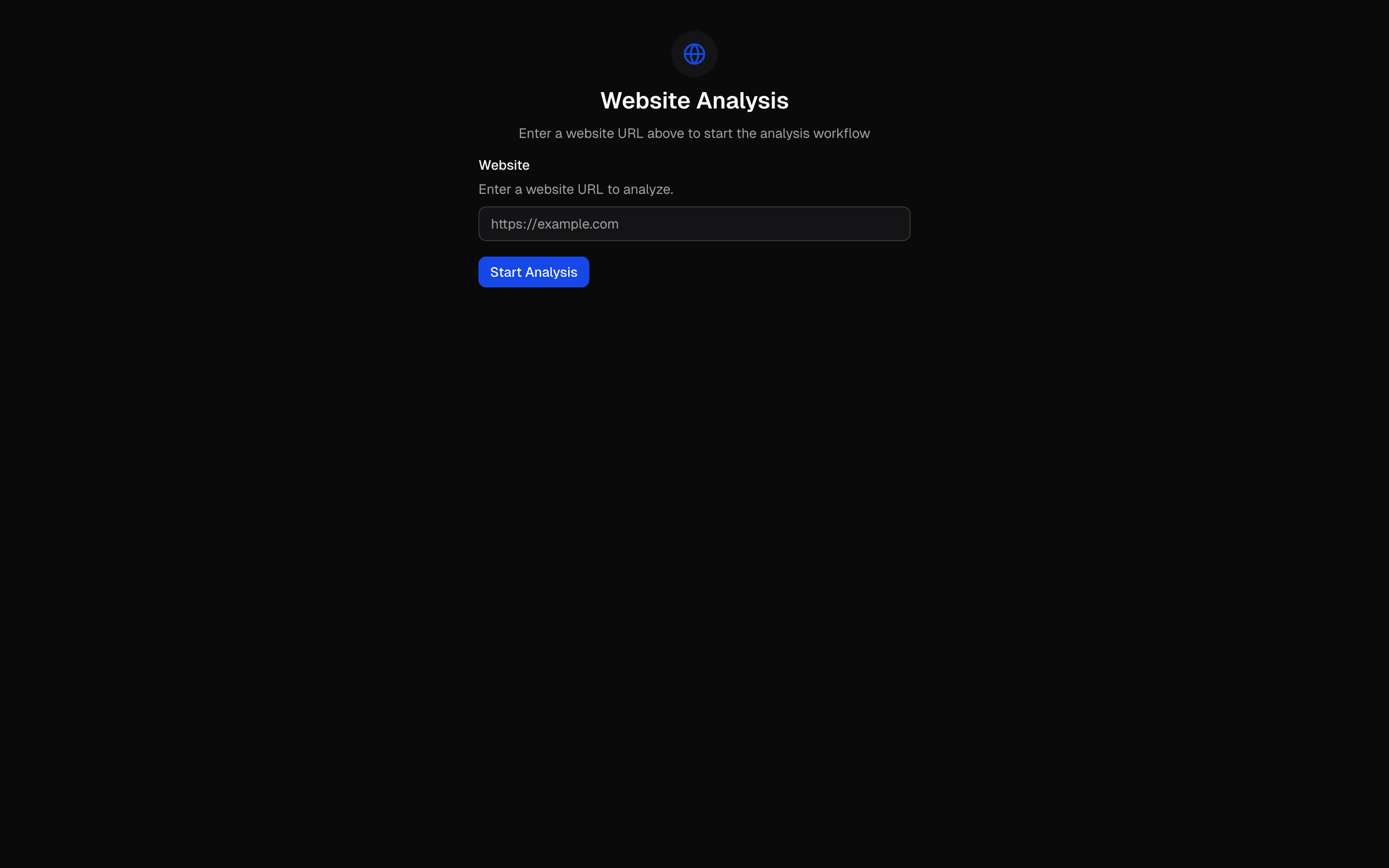 Workflow - URL AnalysisUse this when you need to run a URL through fixed scrape, analyze, and summarize steps in sequence and stream each step's status to the UI.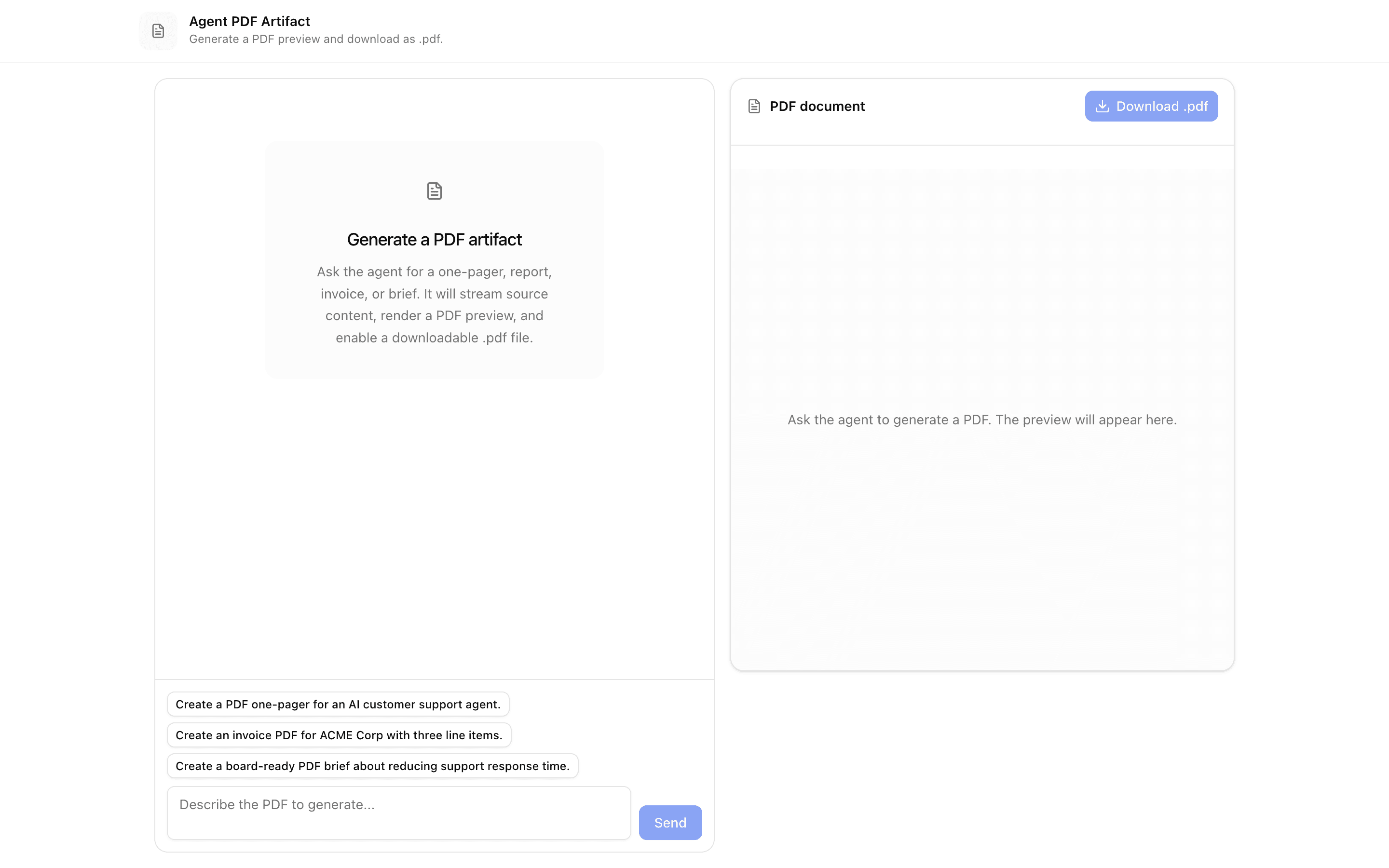
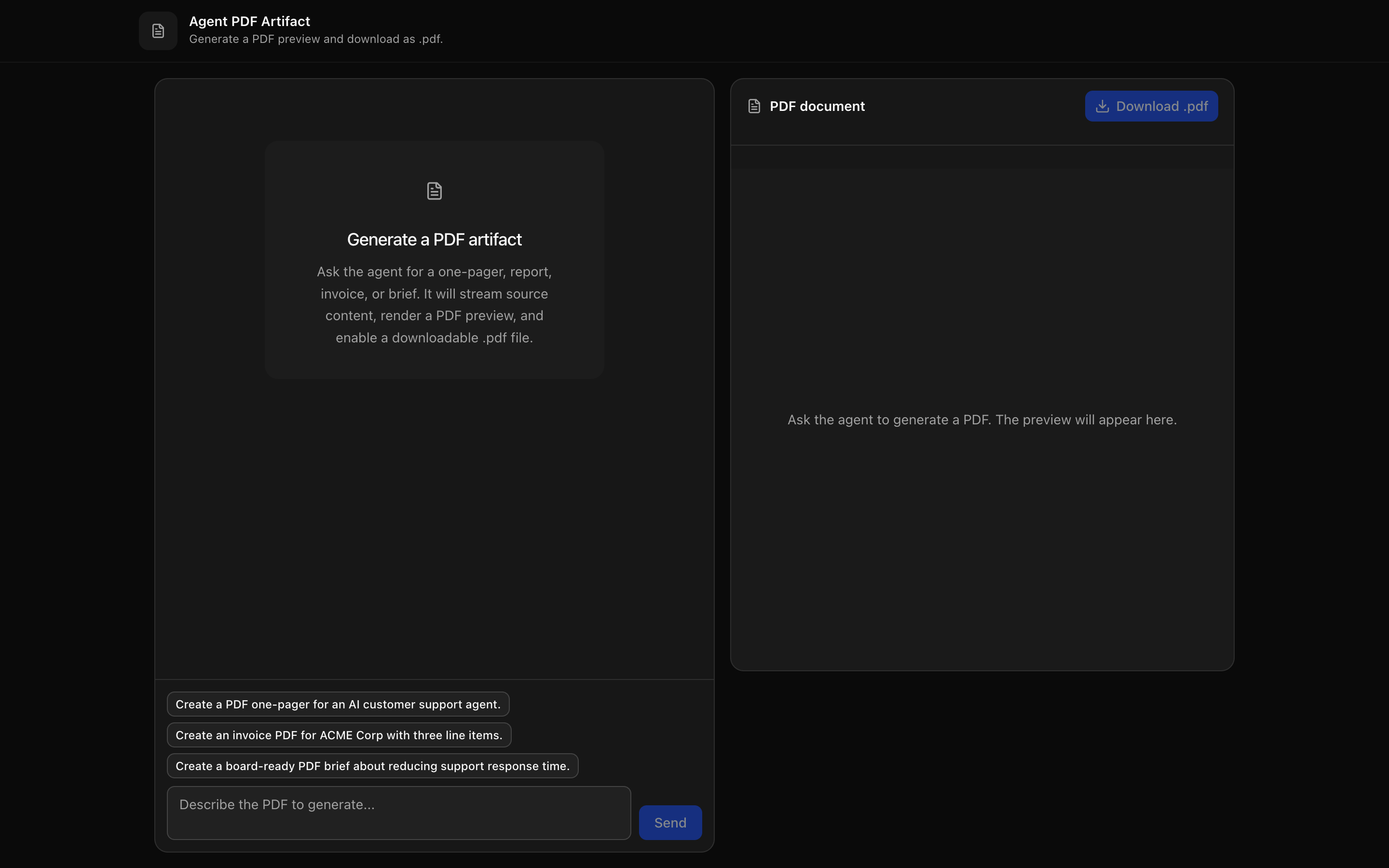 Agent PDF ArtifactUse this when your agent writes a report or brief and users need to watch a live PDF preview fill in, then download it as a .pdf file.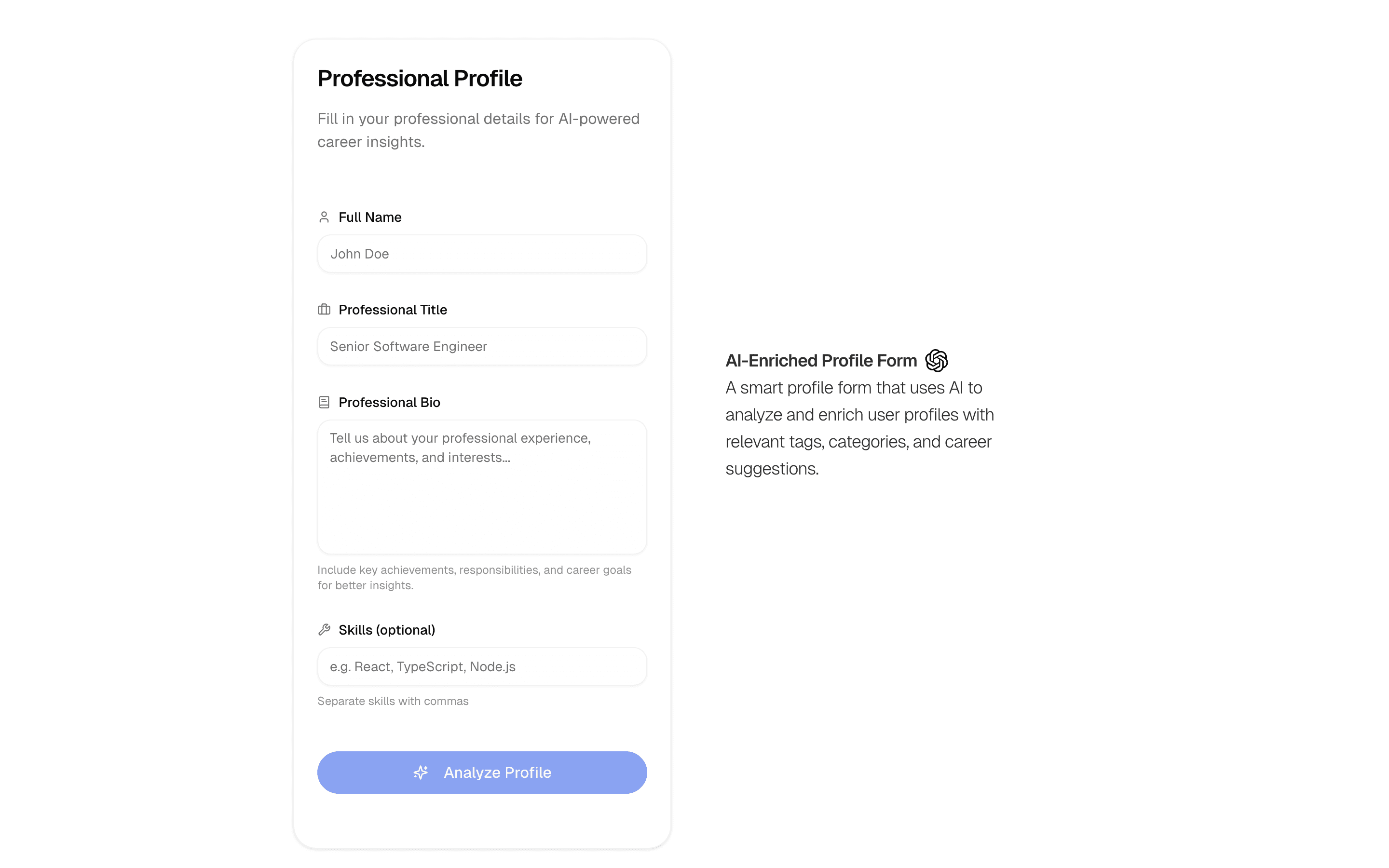
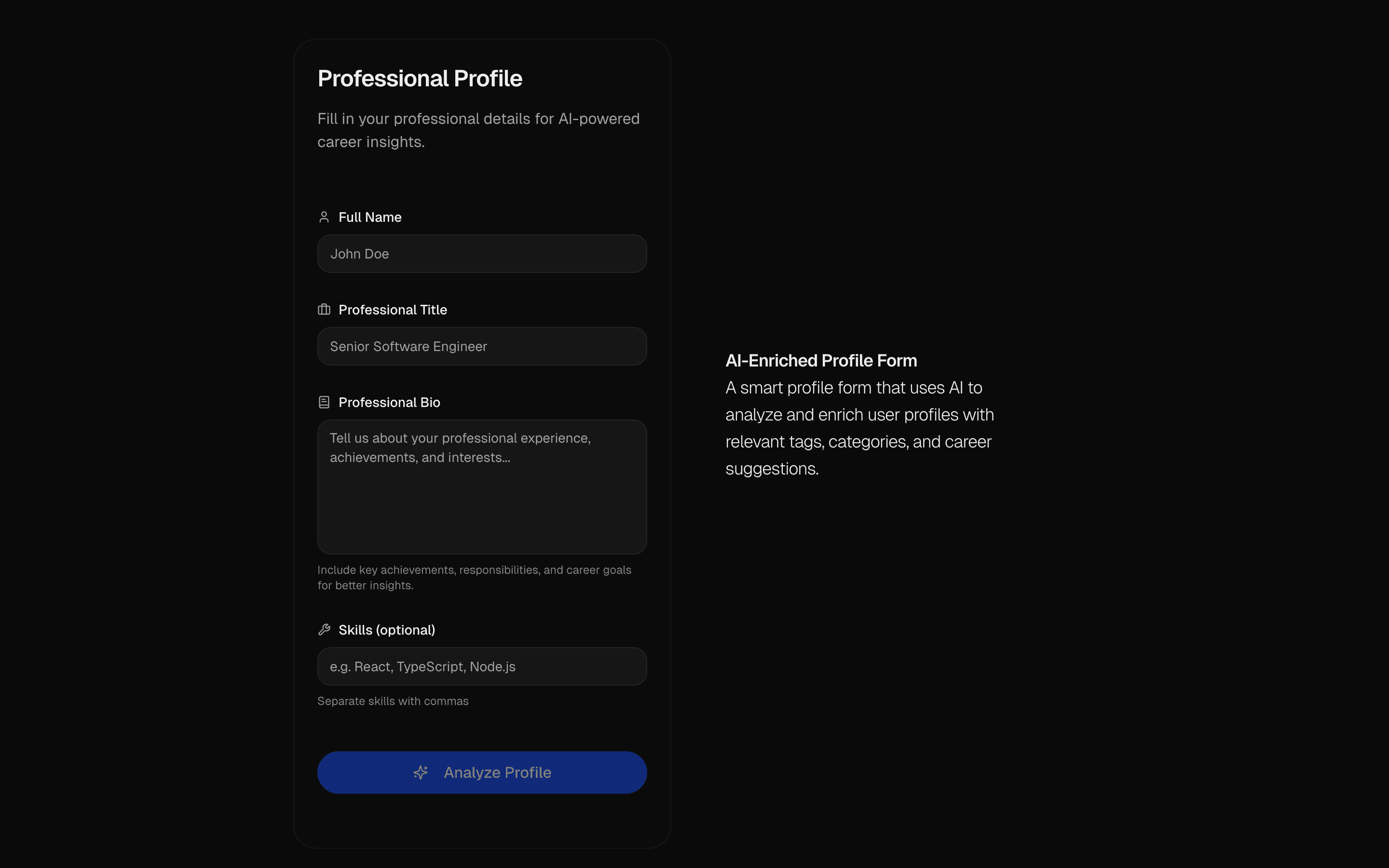 AI Profile Enrichment FormUse this when users fill out a sparse profile form and you want AI to stream in the missing fields for them to review before accepting.
Setup
Requirements, wiring steps, and what this pattern adds to your project.
Getting started
Pick how you want to pull this pattern in. Then wire env vars and routes the same way.
- 1
Download → Next.js app
Use Download → Next.js app in the preview toolbar. You get a zip scaffold (Pro downloads rewrite preview `/view/.../api/*` paths to `/api/*` automatically).
- 2
Extract the zip and install dependencies
Unzip the archive, then run `pnpm install` (or npm / yarn) in the project folder.
- 3
Fill .env.local
The download includes .env.local placeholders when needed. Add real values for: OPENAI_API_KEY.
- 4
Customize the agent and tool files
Adapt prompts, tools, and stop conditions in the generated project for your product.
- 5
Run the app and open the pattern route
Run `pnpm dev`, open the setup/checklist page if present, then navigate to the generated pattern route and verify responses.
Environment variables
OPENAI_API_KEYGet key
Capabilities
AI SDK APIs
streamTextProviders
OpenAI
Files added
4 files
app/page.tsxapp/layout.tsxhooks/use-file-drop.tsxREADME.md
Dependencies
11 total
npm packages
6AISDKUpstashlucide-reactmotionNext.jsReact
 Registry components
buttoncardinputlabeltextarea
Critical files
1 file
lib/actions.tsCore AI PDF analysis pipeline: uses streamText with gateway, sends PDF as base64-encoded file content with mediaType in a multimodal message. Shows the pattern for PDF ingestion with AI SDK.
Requirements
- Complexity
- Intermediate
- Setup time
- ~5 minutes
- Node
- >=18.0.0