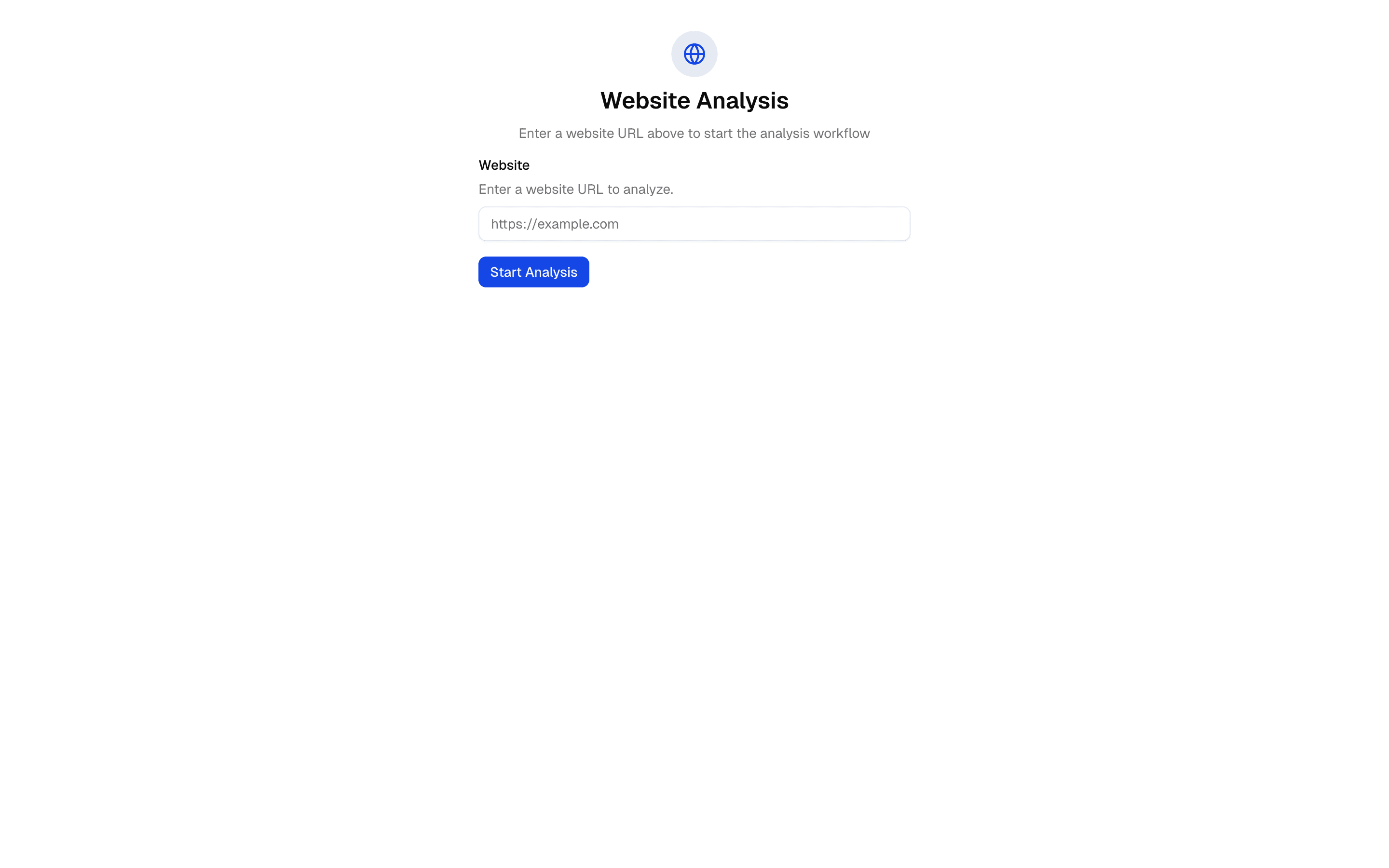
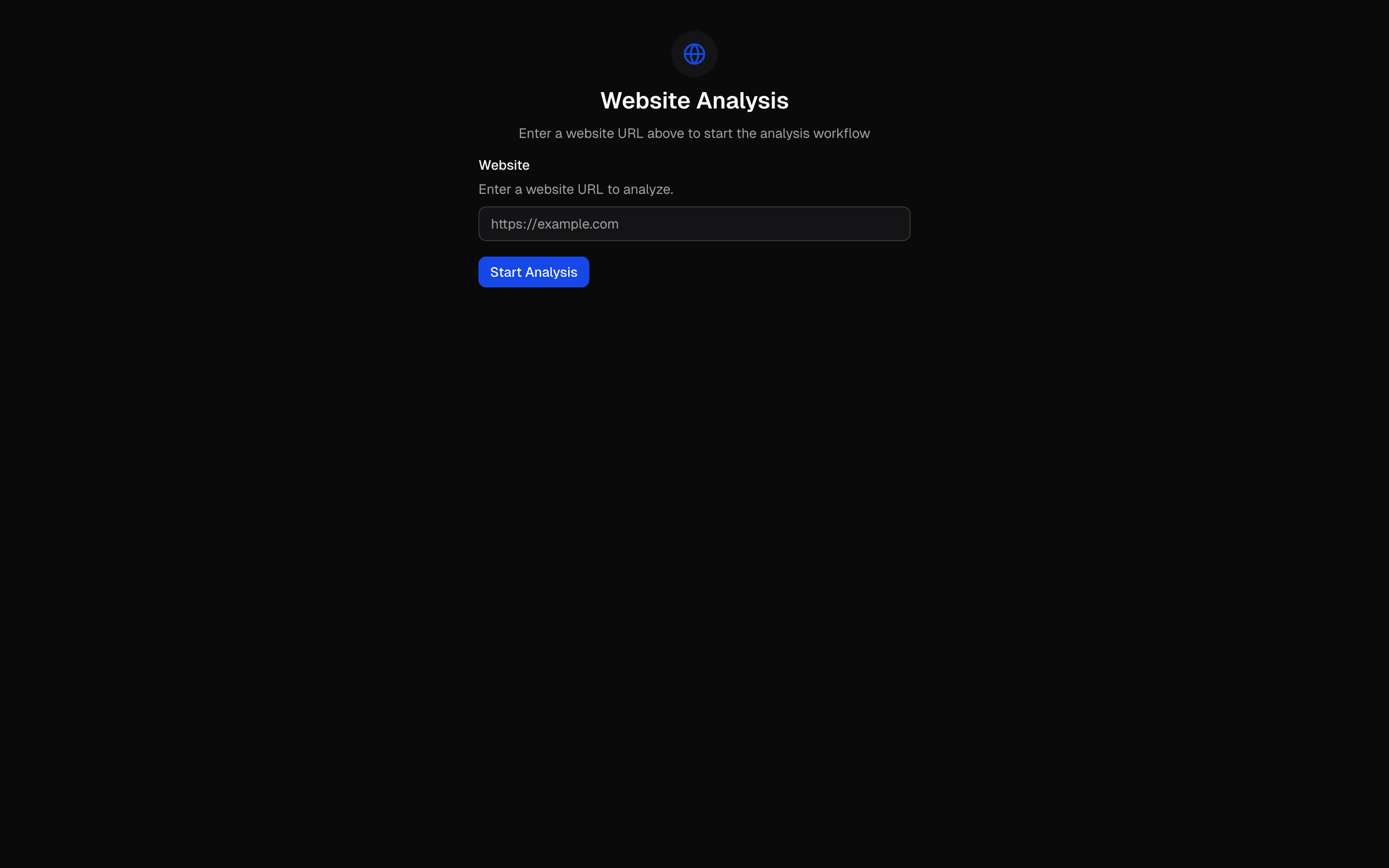
Loading pattern preview
BlocksWorkflows
Workflow - URL Analysis
Workflow - URL Analysis
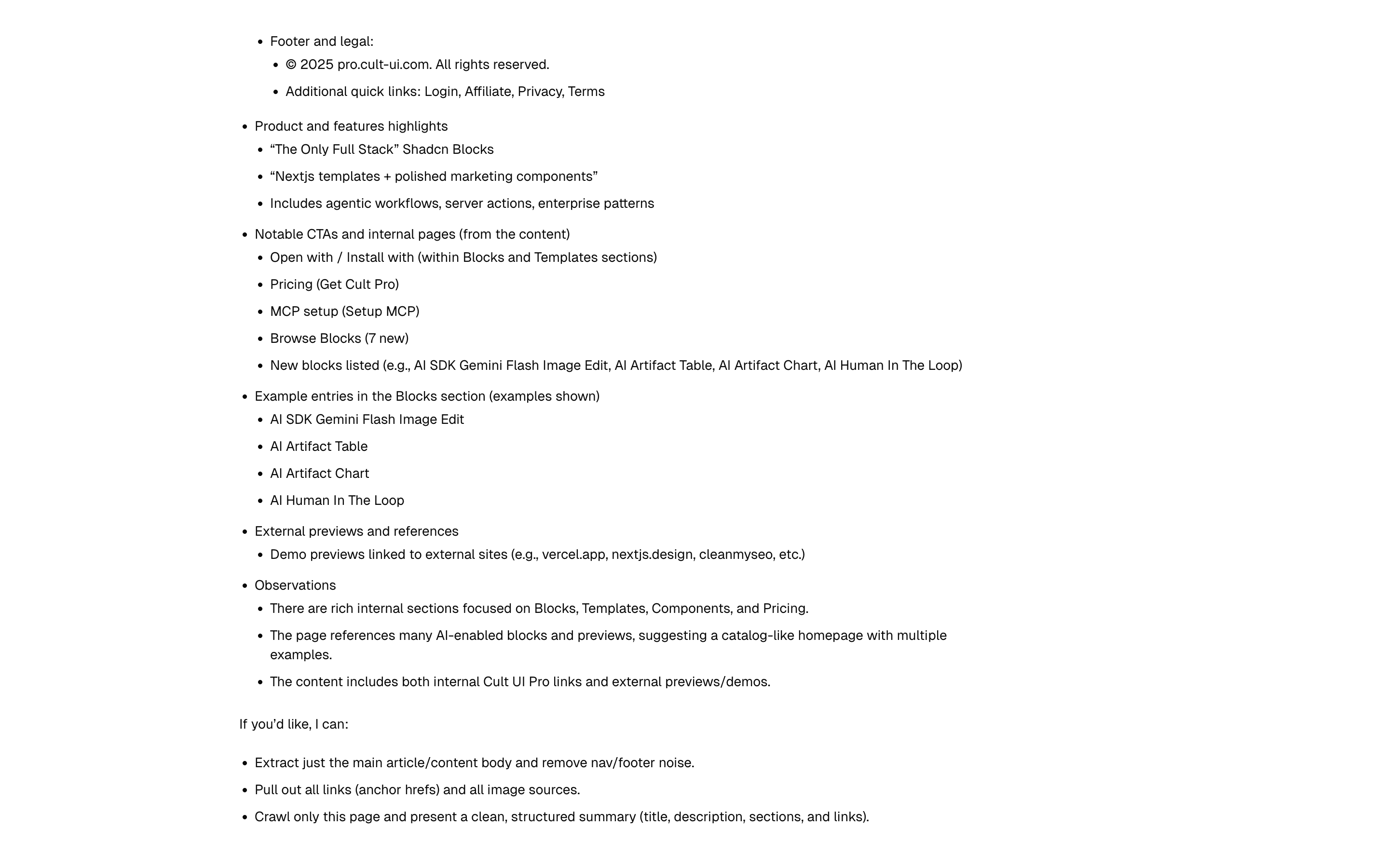
Analyze URLs through AI prompt chaining. Scrapes content, analyzes it, and generates summaries.
Use this when you need to run a URL through fixed scrape, analyze, and summarize steps in sequence and stream each step's status to the UI.
Loading pattern preview
Problems solved
Technical challenges this implementation handles out of the box.
- Chain scrape, analyze, and summarize steps for a URL
- Stream per-step workflow status with typed data parts
- Produce structured analysis via generateObject before summarization
Use cases
Products and workflows this pattern is designed to support.
- Website evaluation tools
- Competitive URL brief generators
- Content research pipelines
- Teaching sequential AI workflow chaining
Compare with
Similar patterns, and when each one is the better fit.
 Scrape - Jina AI (advanced)FreeUse this when you are prototyping a research or docs ingestion chat that turns links users paste into markdown via Jina Reader.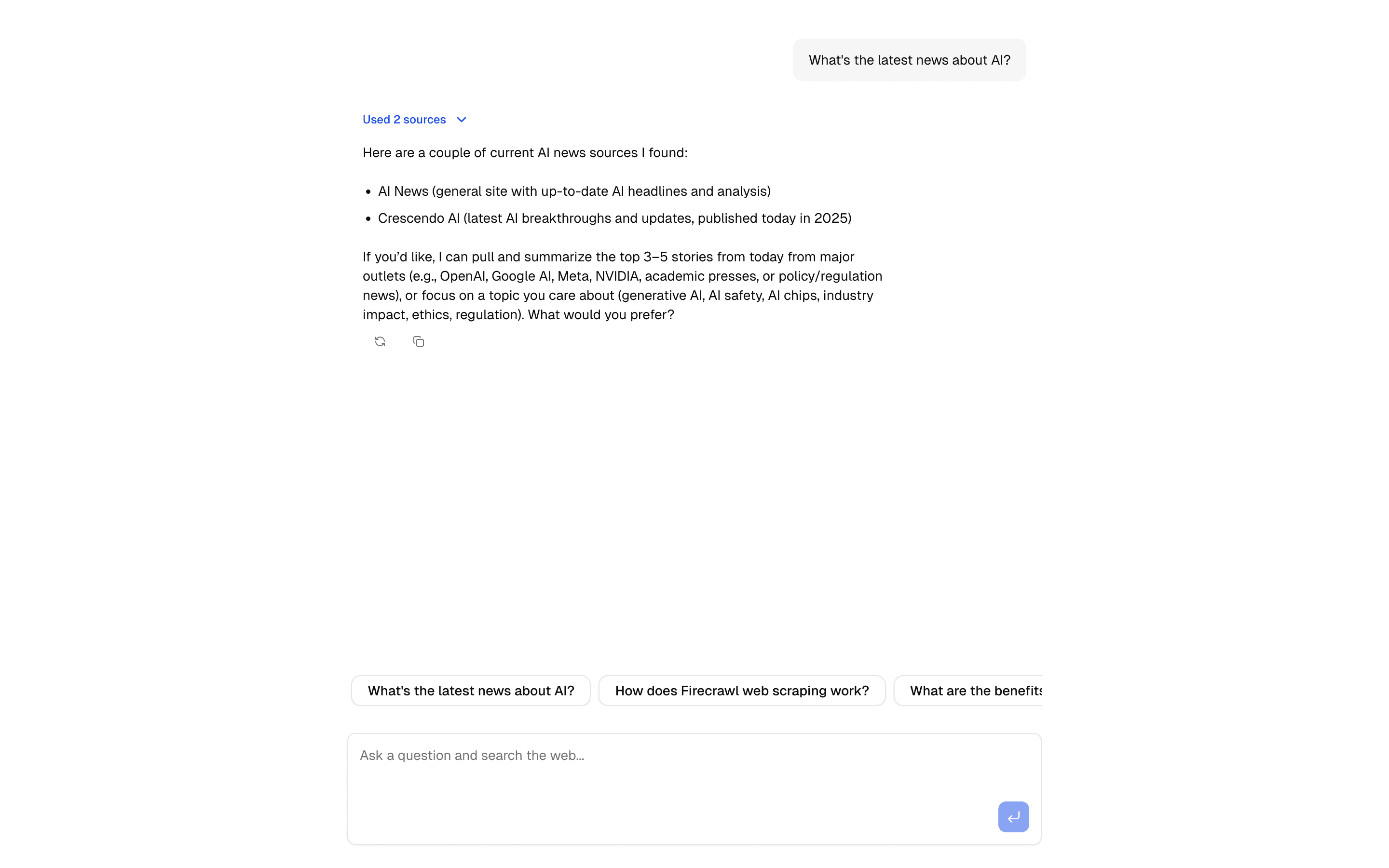
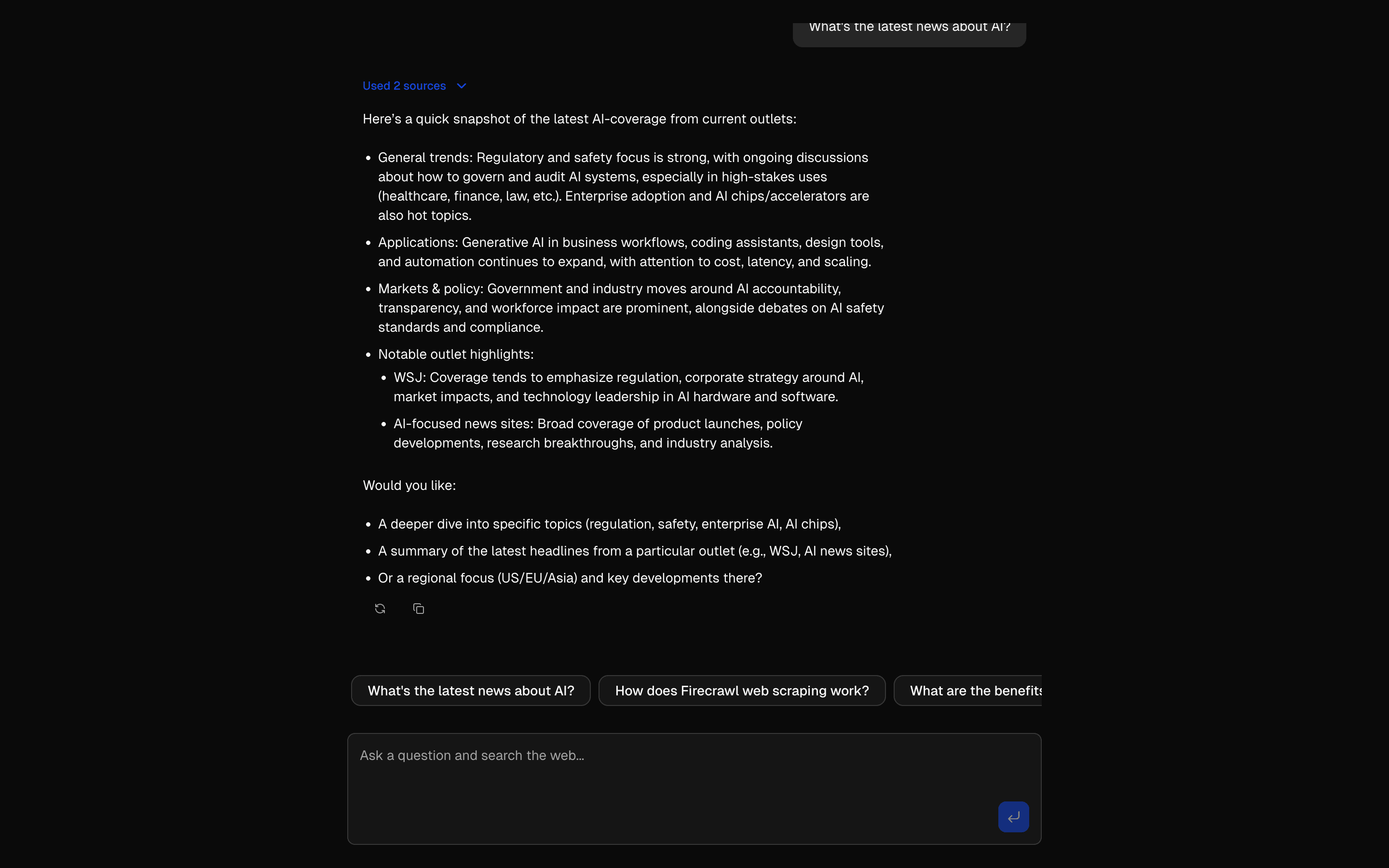 Firecrawl Scrape Tool ChatCrawl and extract content using Firecrawl's API. Includes URL processing, markdown conversion, and structured data extraction.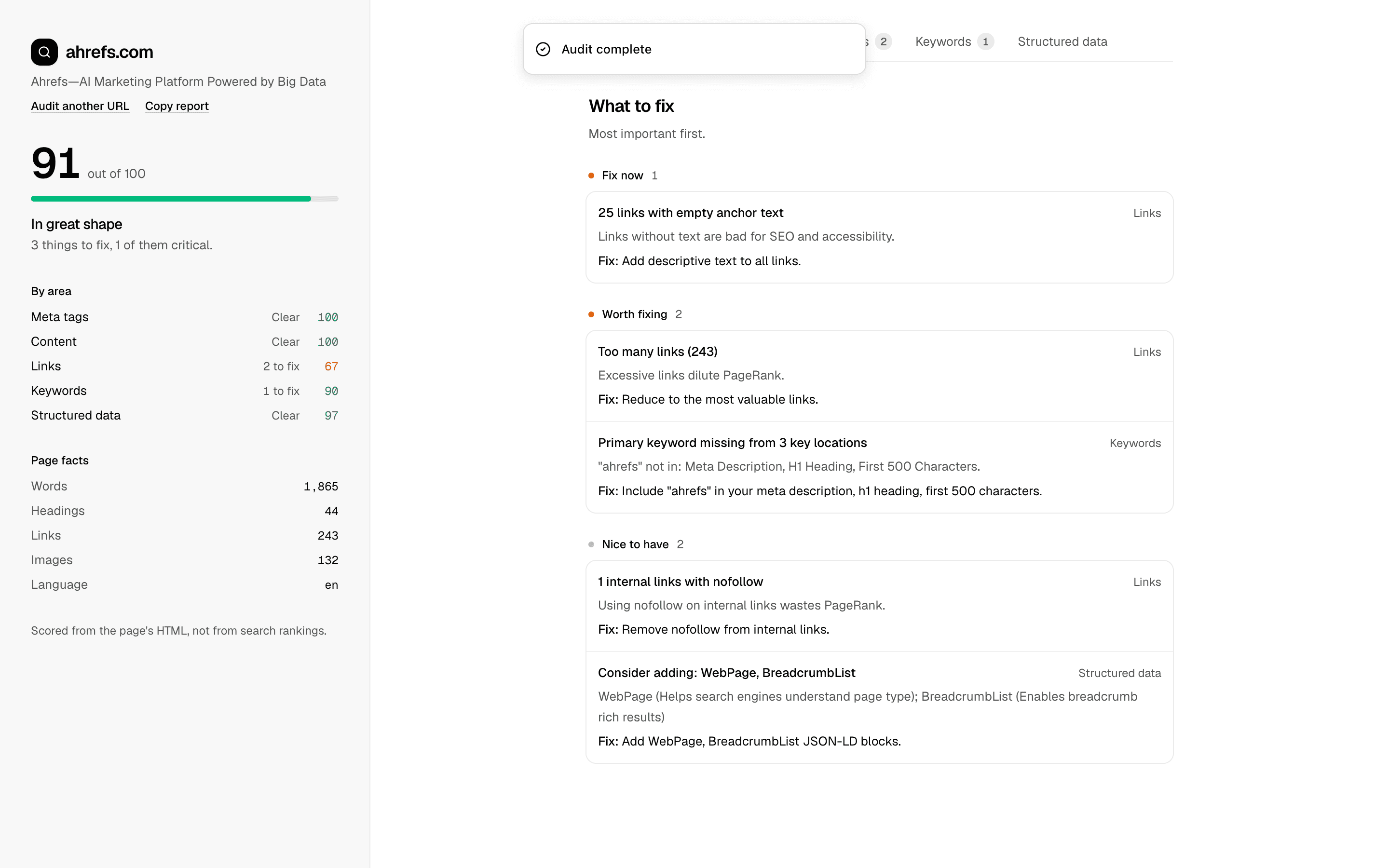
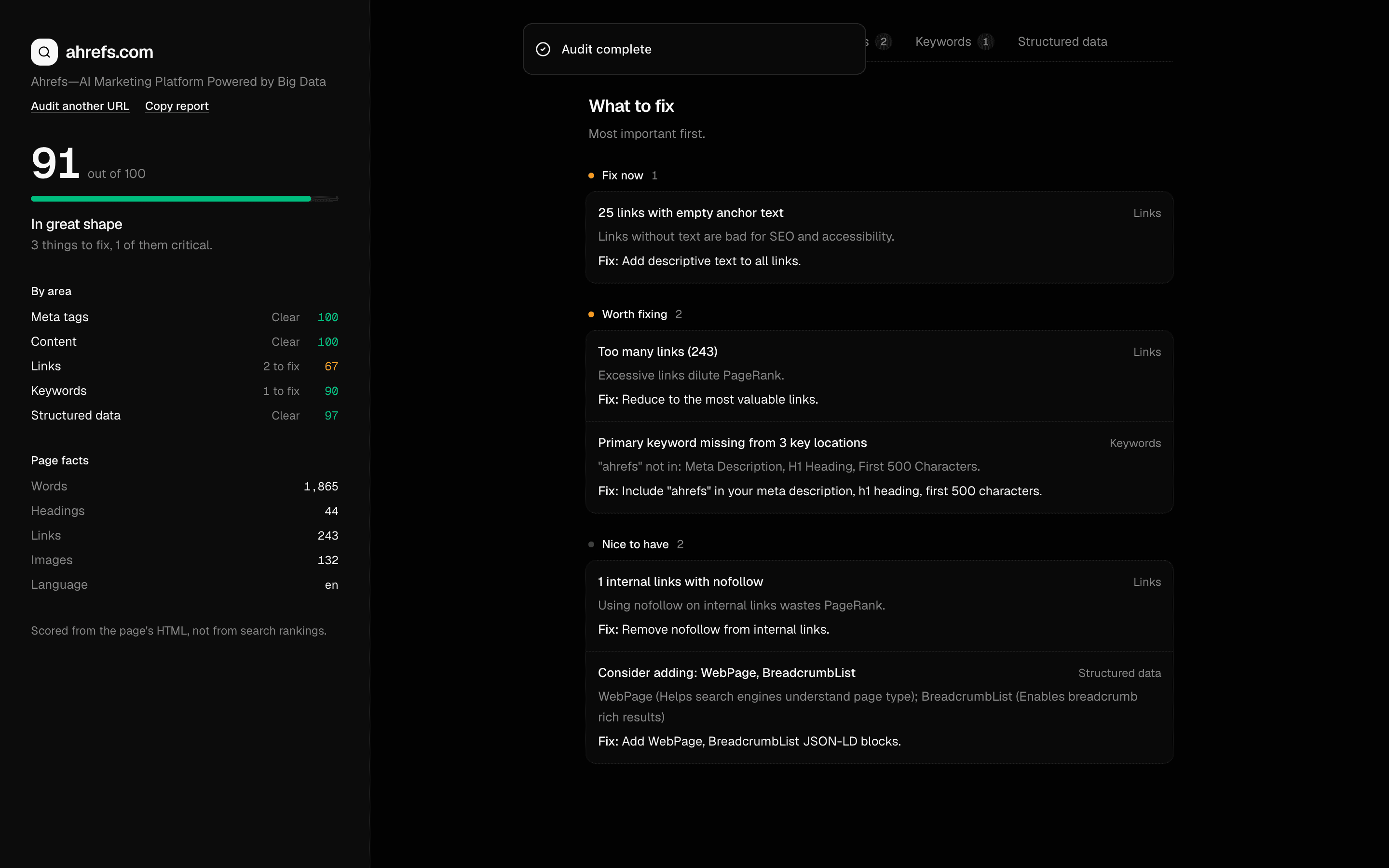 SEO AuditUse this when a marketing team needs exportable SEO scorecards that check title, meta description, and Open Graph tags and list top fixes for a page.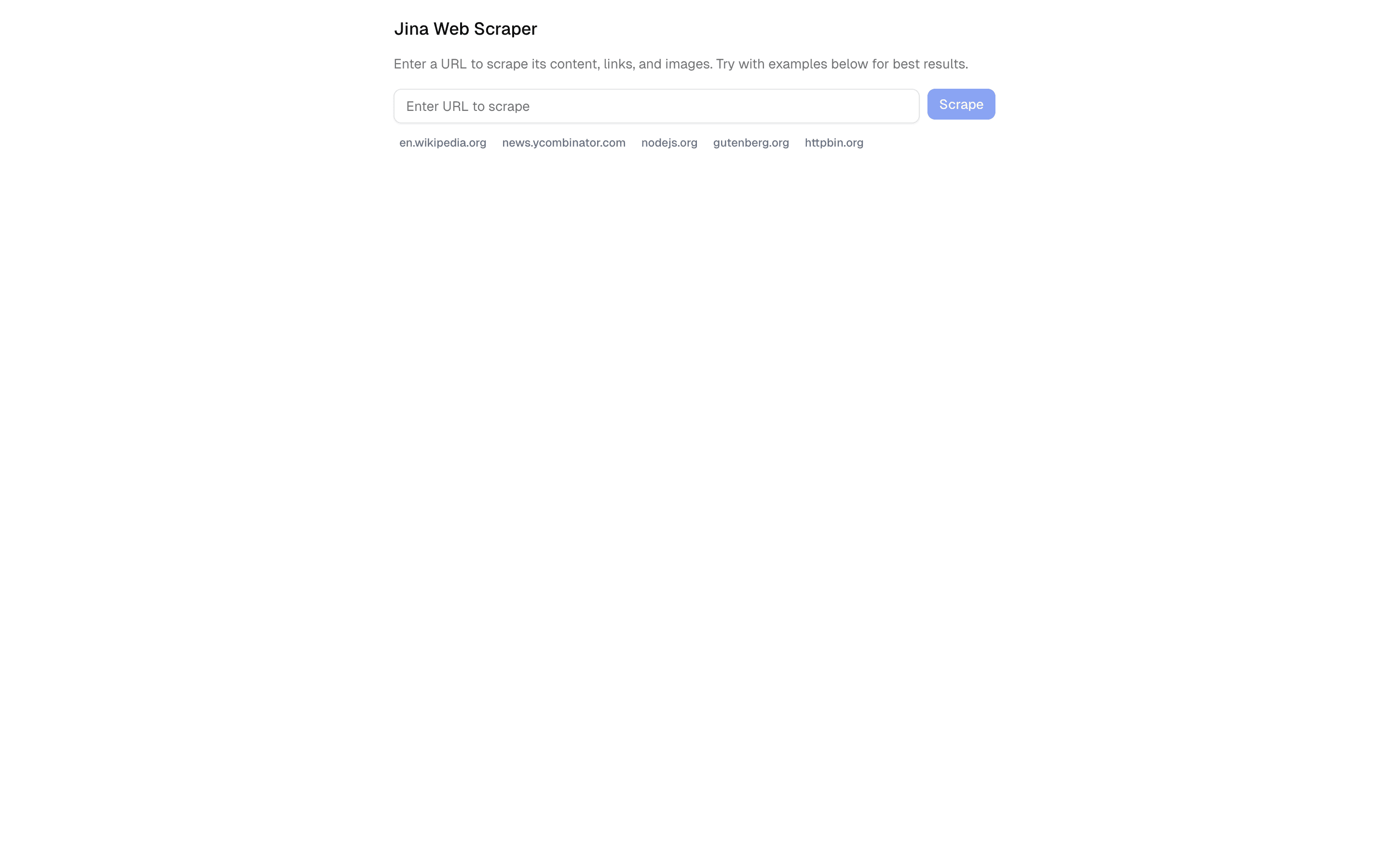
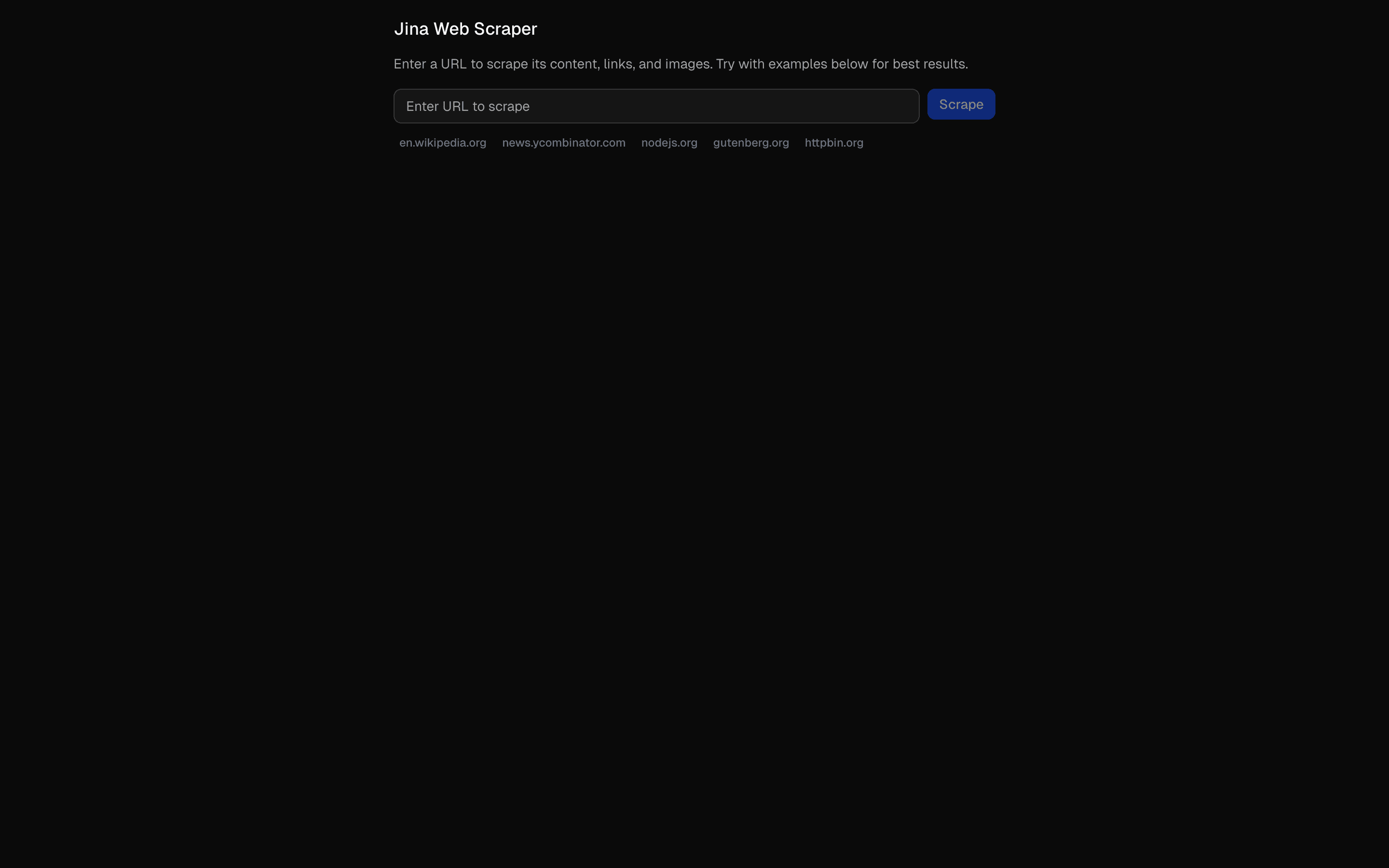 Jina AI Web ScraperUse this when you need a URL form that fetches a page through Jina Reader in a rate-limited server action, with no chat or model involved.
Setup
Requirements, wiring steps, and what this pattern adds to your project.
Getting started
Pick how you want to pull this pattern in. Then wire env vars and routes the same way.
- 1
Download → Next.js app
Use Download → Next.js app in the preview toolbar. You get a zip scaffold (Pro downloads rewrite preview `/view/.../api/*` paths to `/api/*` automatically).
- 2
Extract the zip and install dependencies
Unzip the archive, then run `pnpm install` (or npm / yarn) in the project folder.
- 3
Fill .env.local
The download includes .env.local placeholders when needed. Add real values for: OPENAI_API_KEY, EXA_API_KEY.
- 4
Customize the agent and tool files
Adapt prompts, tools, and stop conditions in the generated project for your product.
- 5
Run the app and open the pattern route
Run `pnpm dev`, open the setup/checklist page if present, then navigate to the generated pattern route and verify responses.
Environment variables
Capabilities
AI SDK APIs
streamTextconvertToModelMessagescreateUIMessageStreamstepCountIstoolProviders
OpenAI
External services
ExaUpstash
Files added
7 files
app/page.tsxapp/layout.tsxapp/api/workflow-basic/route.tscomponents/url-analysis-workflow.tsxlib/ai/tools/index.tslib/ai/tools/url-analysis.tsREADME.md
Dependencies
15 total
npm packages
9AISDKExalucide-reactNext.jsReactsonnerZod@hookform/resolversreact-hook-form
 Registry components
alertbuttoncardinputtooltipform
Critical files
1 file
workflow-basic/route.tsCore workflow pipeline using createUIMessageStream with typed data parts. Implements a 3-step sequential workflow (scrape via Exa, analyze via generateObject, summarize) with streaming status updates per step.
Requirements
- Complexity
- Intermediate
- Setup time
- ~10 minutes
- Node
- 24+
- Memory
- 512MB
Upstash Redis