Loading pattern preview
BlocksMedia
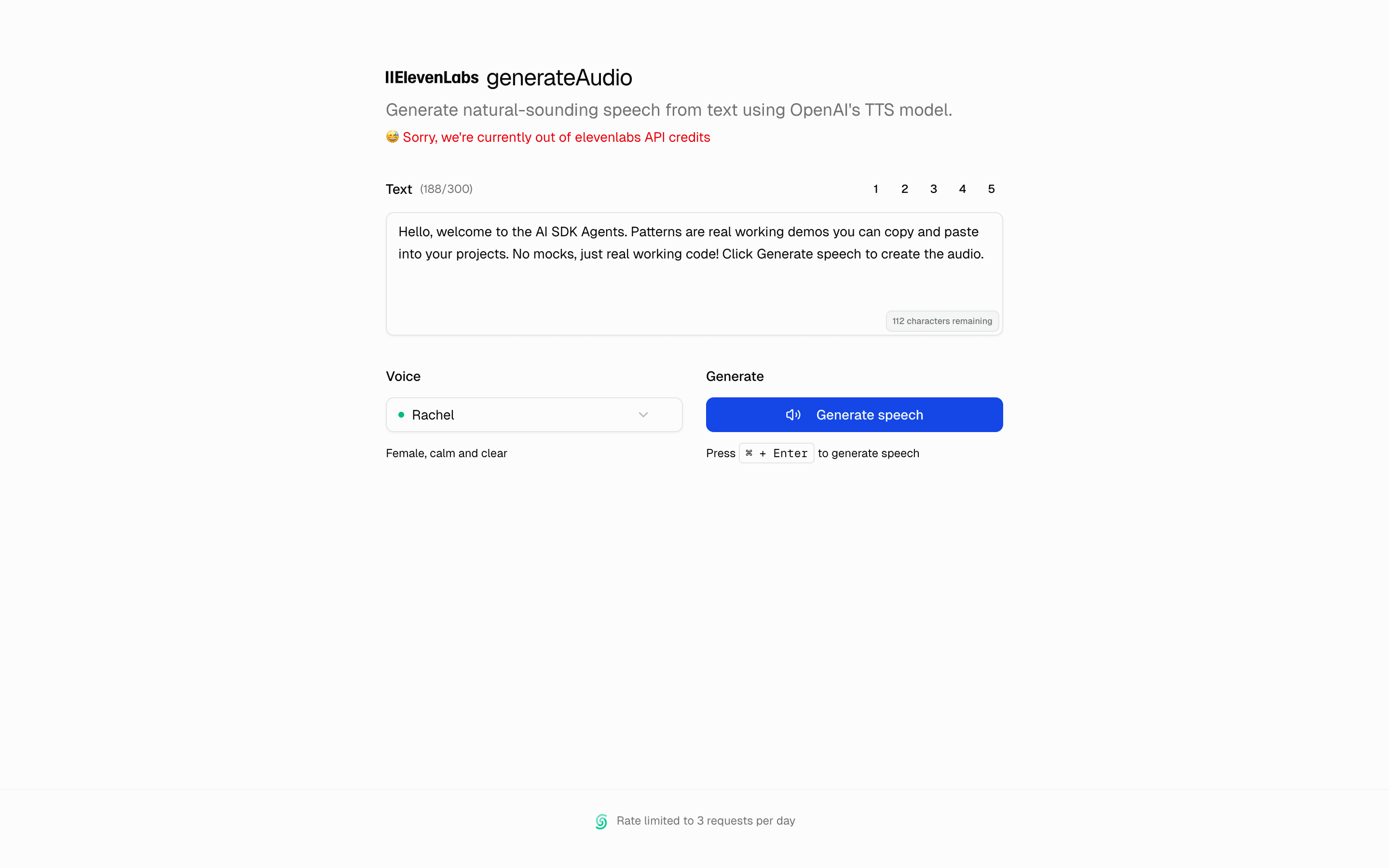
Generate Speech (OpenAI)
Generate Speech (OpenAI)
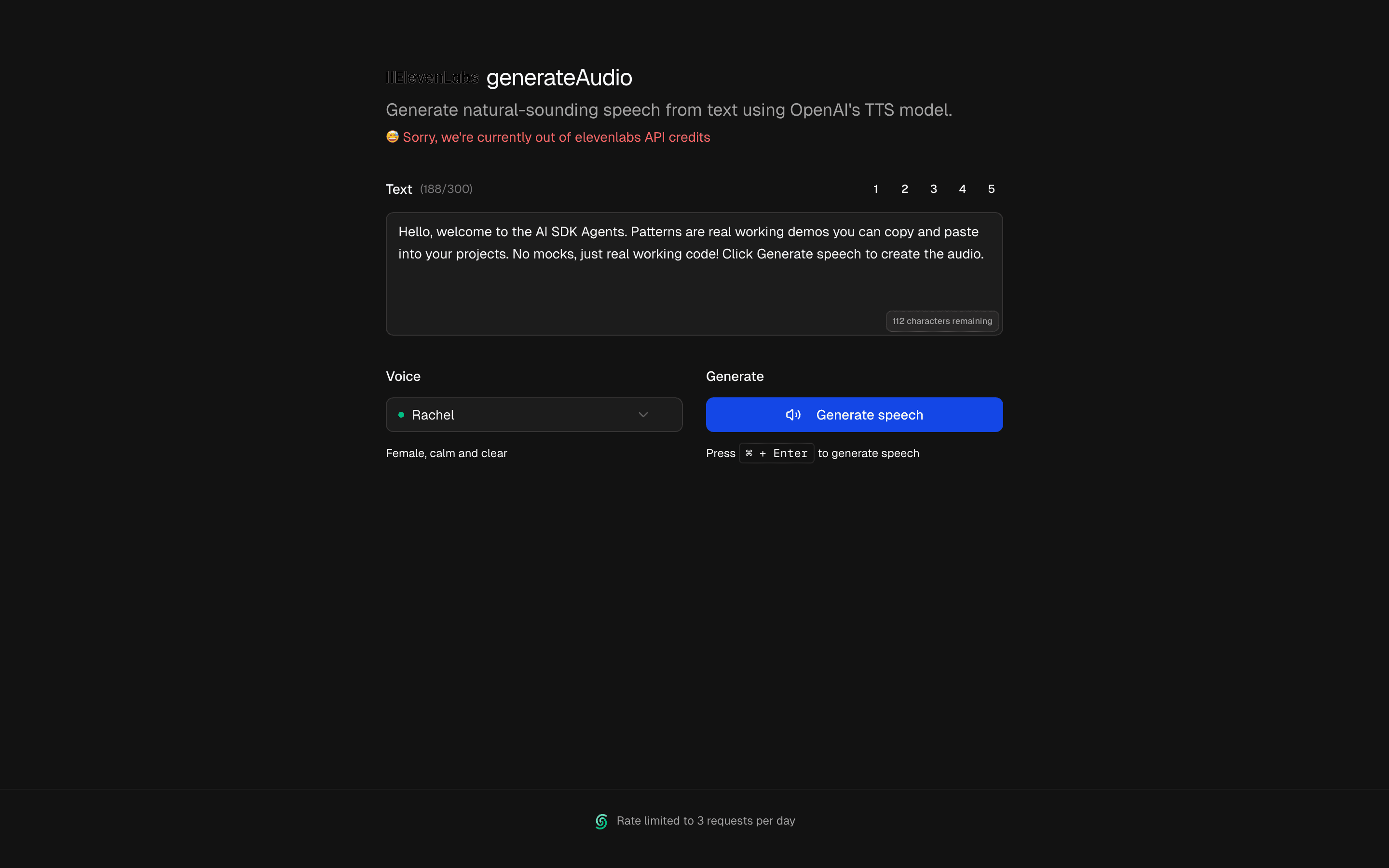
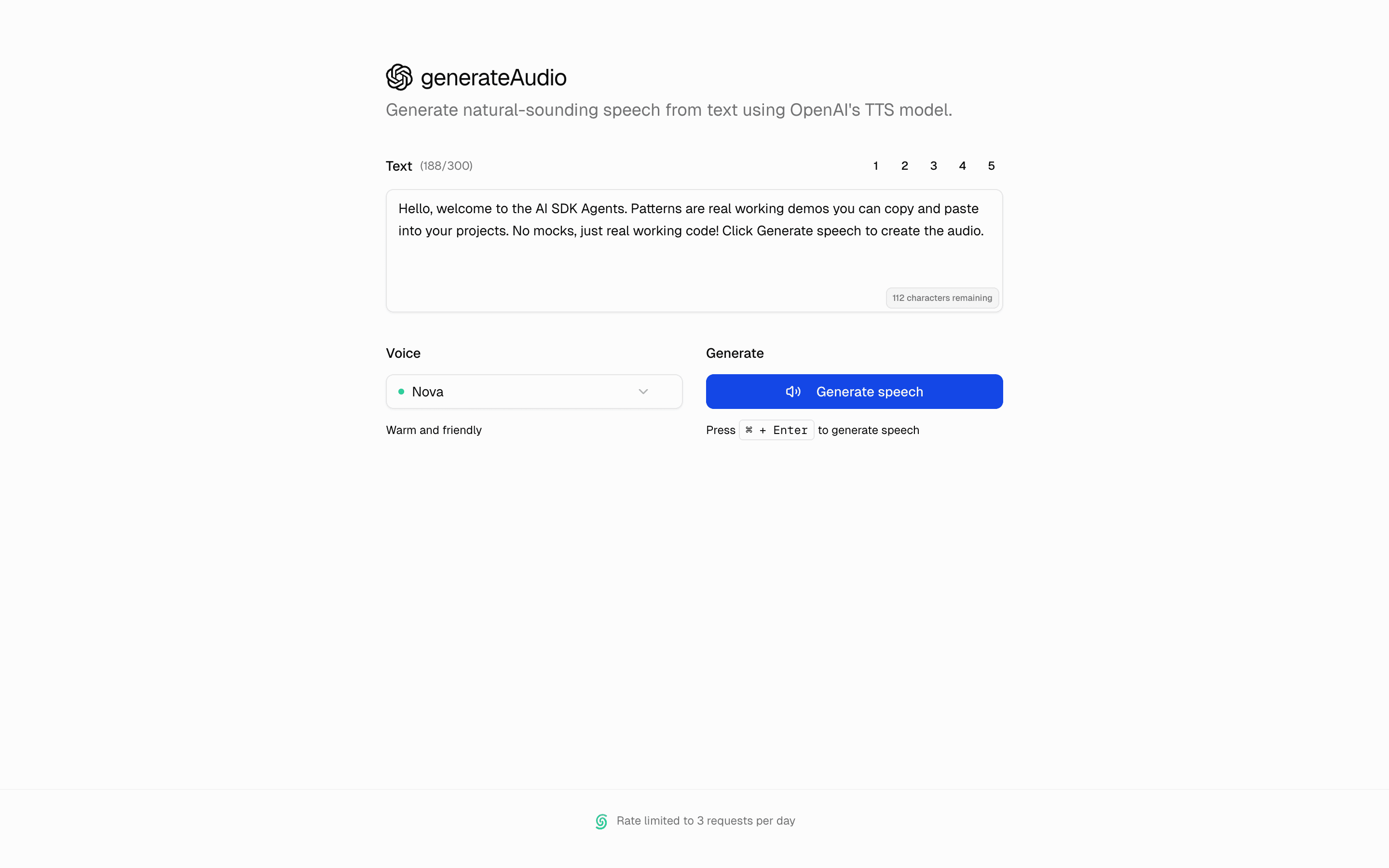
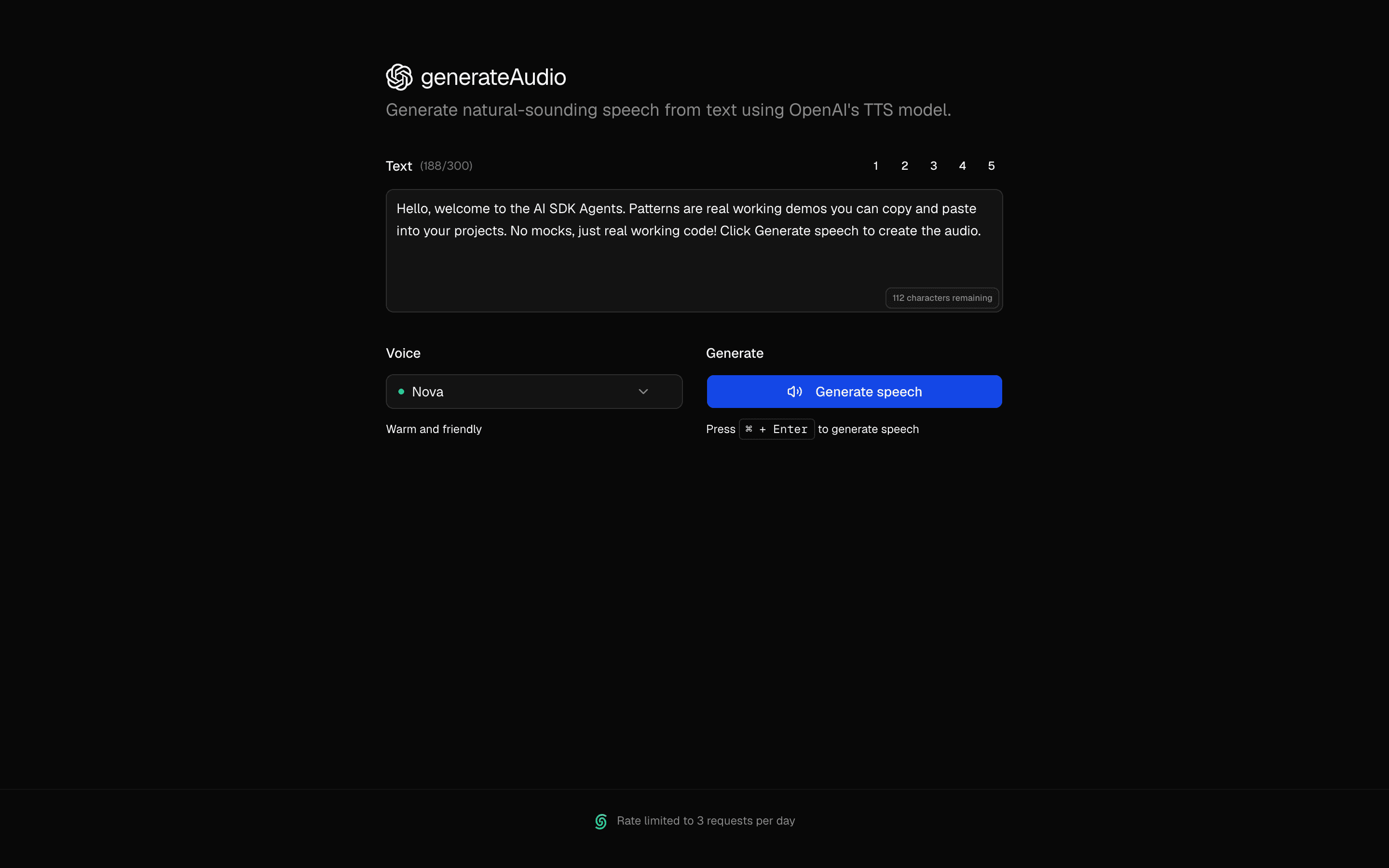
Convert text to speech using OpenAI's API. Includes multiple voices, speed control, and real-time playback for voiceovers and accessibility.
Loading pattern preview
Problems solved
Technical challenges this implementation handles out of the box.
- Generate spoken audio from text with OpenAI speech models
- Play or download synthesized speech in a minimal demo UI
- Wire AI SDK speech generation through a simple API route
Use cases
Products and workflows this pattern is designed to support.
- Text-to-speech playgrounds
- Accessibility read-aloud prototypes
- Voiceover drafts from written copy
- OpenAI speech API onboarding demos
Setup
Requirements, wiring steps, and what this pattern adds to your project.
Getting started
Pick how you want to pull this pattern in. Then wire env vars and routes the same way.
- 1
Download → Next.js app
Use Download → Next.js app in the preview toolbar. You get a zip scaffold (Pro downloads rewrite preview `/view/.../api/*` paths to `/api/*` automatically).
- 2
Extract the zip and install dependencies
Unzip the archive, then run `pnpm install` (or npm / yarn) in the project folder.
- 3
Fill .env.local
The download includes .env.local placeholders when needed. Add real values for: OPENAI_API_KEY.
- 4
Customize the agent and tool files
Adapt prompts, tools, and stop conditions in the generated project for your product.
- 5
Run the app and open the pattern route
Run `pnpm dev`, open the setup/checklist page if present, then navigate to the generated pattern route and verify responses.
Environment variables
OPENAI_API_KEYGet key
Capabilities
AI SDK APIs
generateSpeechProviders
OpenAI
Files added
3 filesapp/page.tsxapp/layout.tsxREADME.md
Dependencies
18 totalnpm packages
11AISDK@hookform/resolversUpstashlucide-reactmotionNext.jsReactreact-hook-formsonnerZod@radix-ui/react-slider
 Registry components
alertbuttonformselecttextareatooltipdropdown-menu
Critical files
lib/actions.tsServer action using AI SDK experimental_generateSpeech with OpenAI tts-1-hd model. Handles text-to-speech conversion, voice selection, and returns base64-encoded audio with rate limiting.
Requirements
- Complexity
- Beginner