Loading pattern preview
BlocksBasics
Stream Text
Stream Text
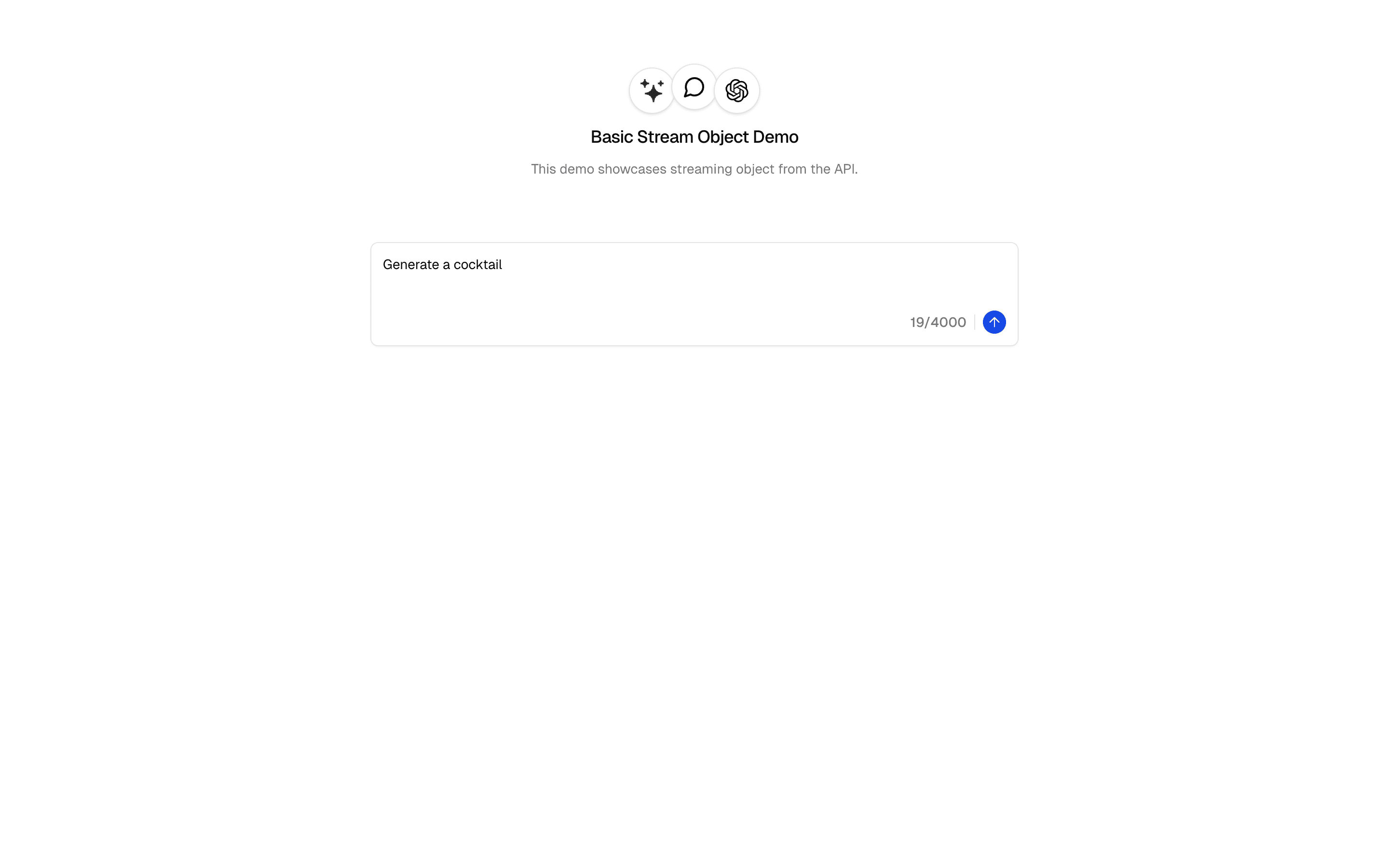
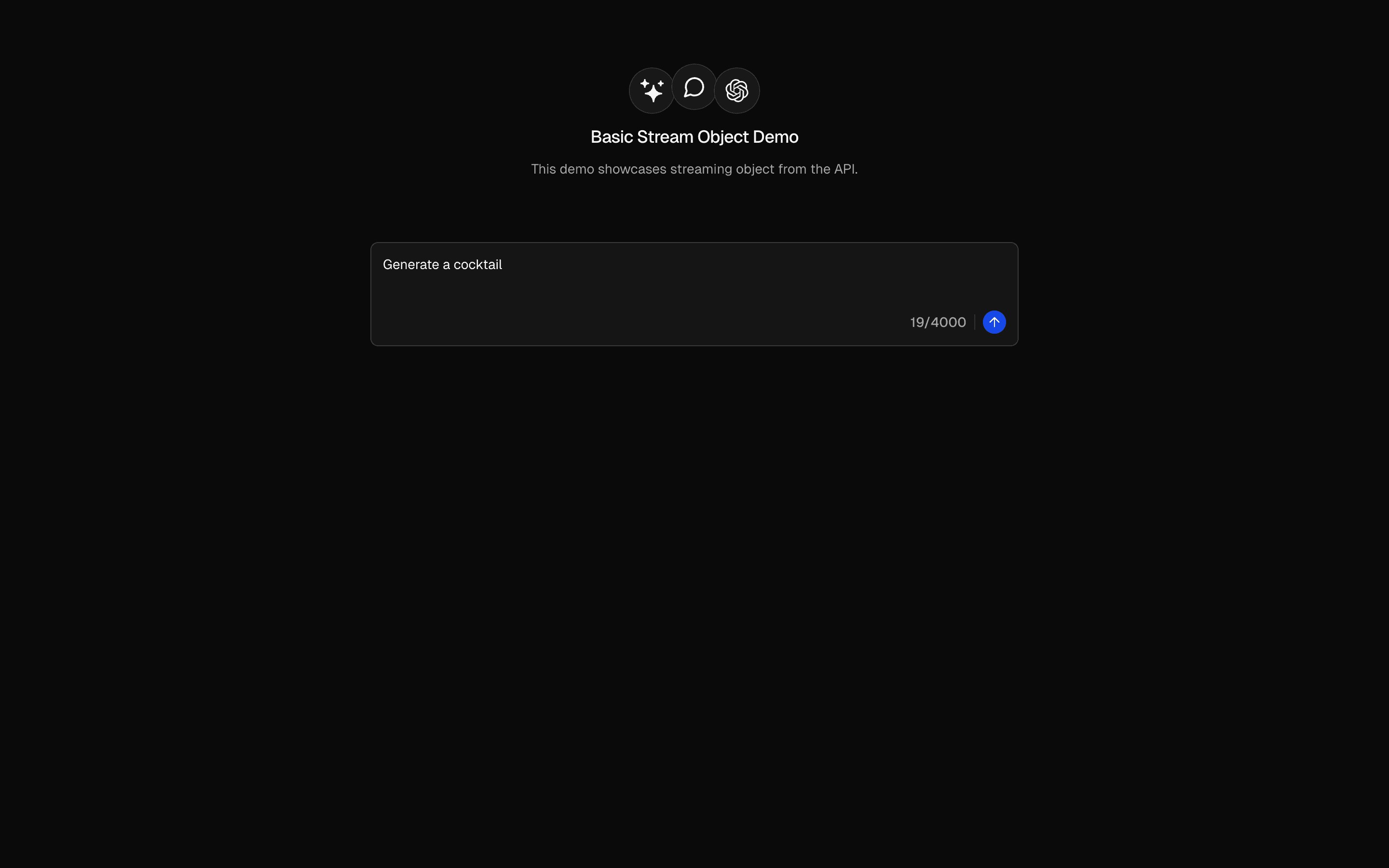
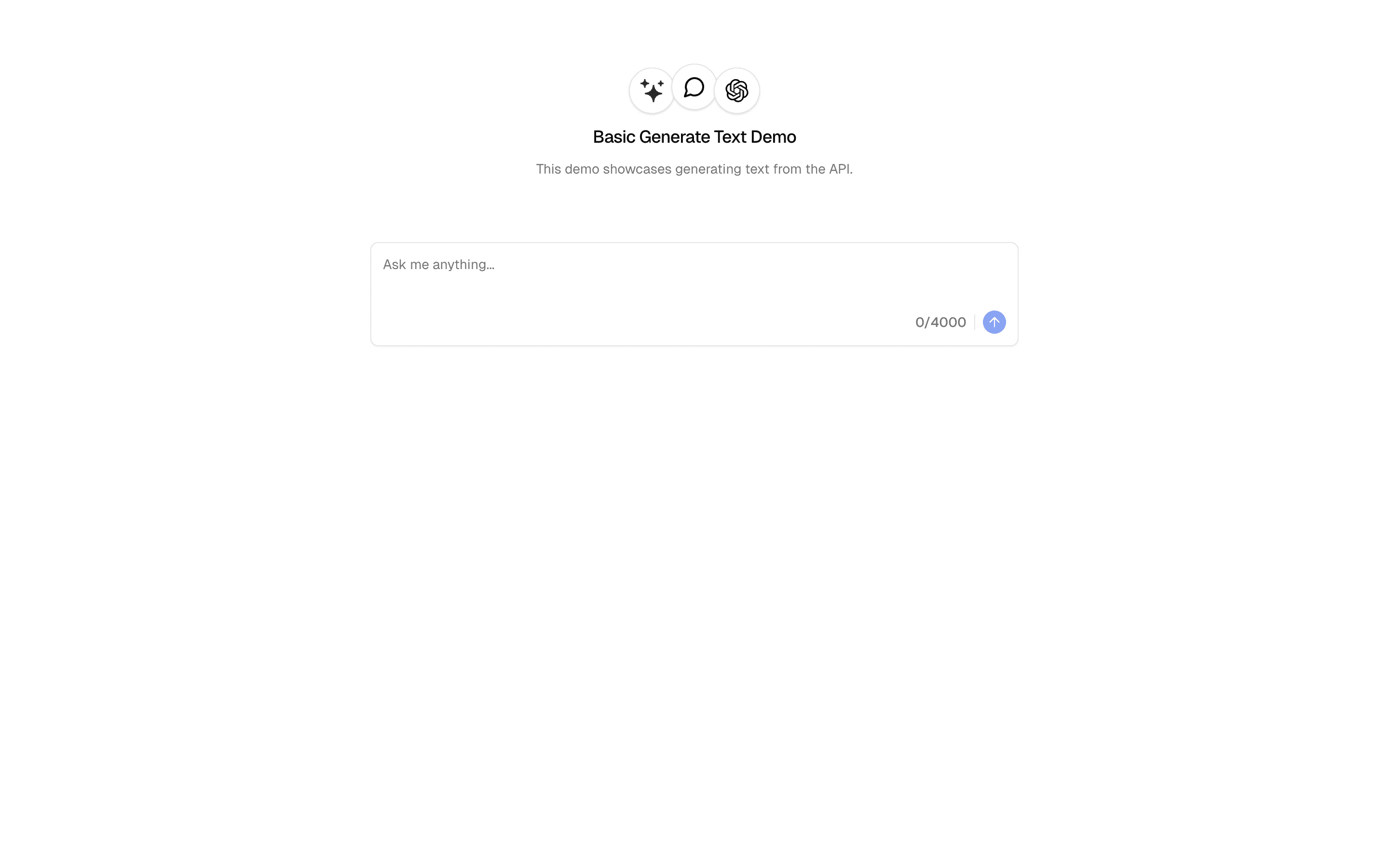
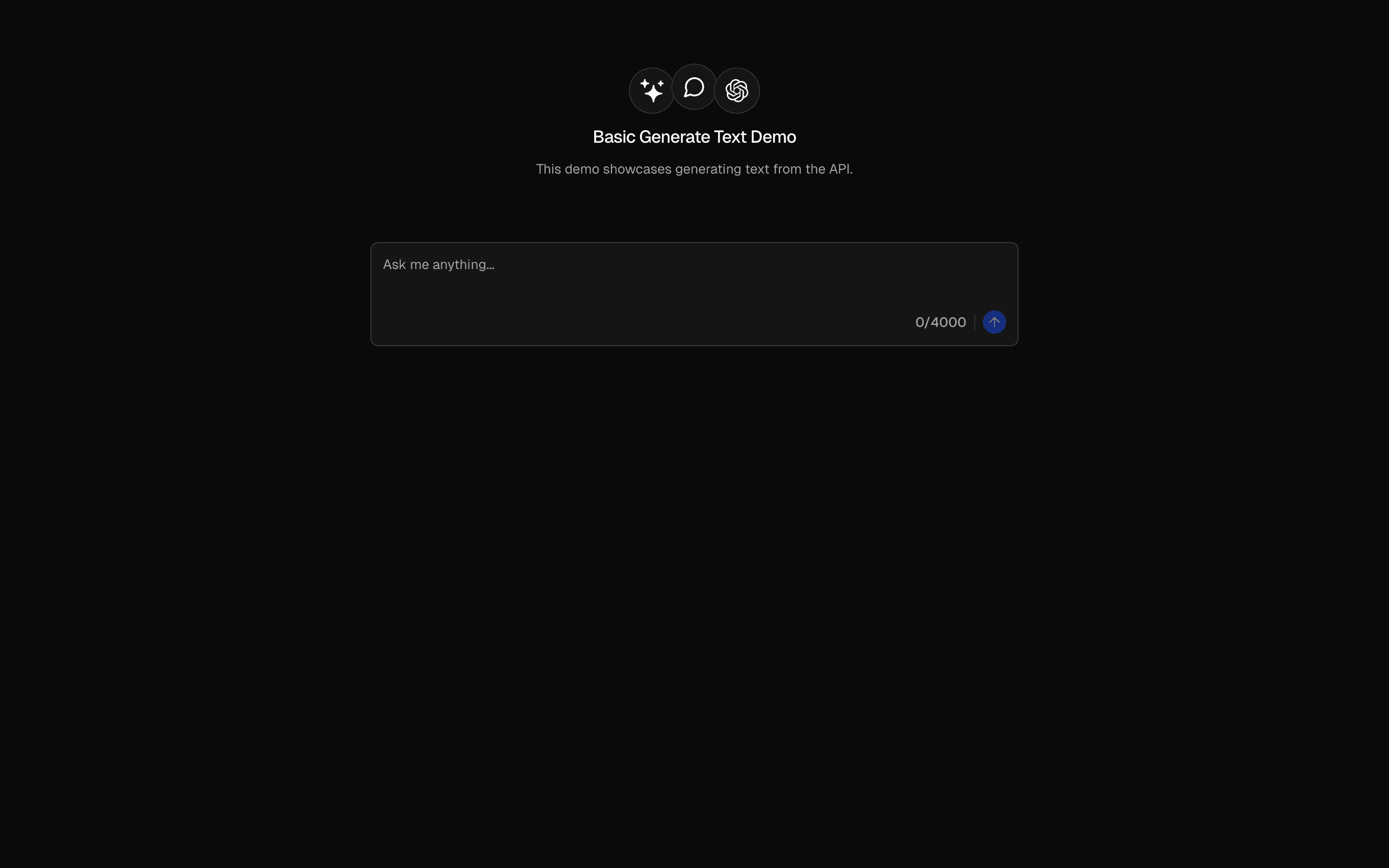
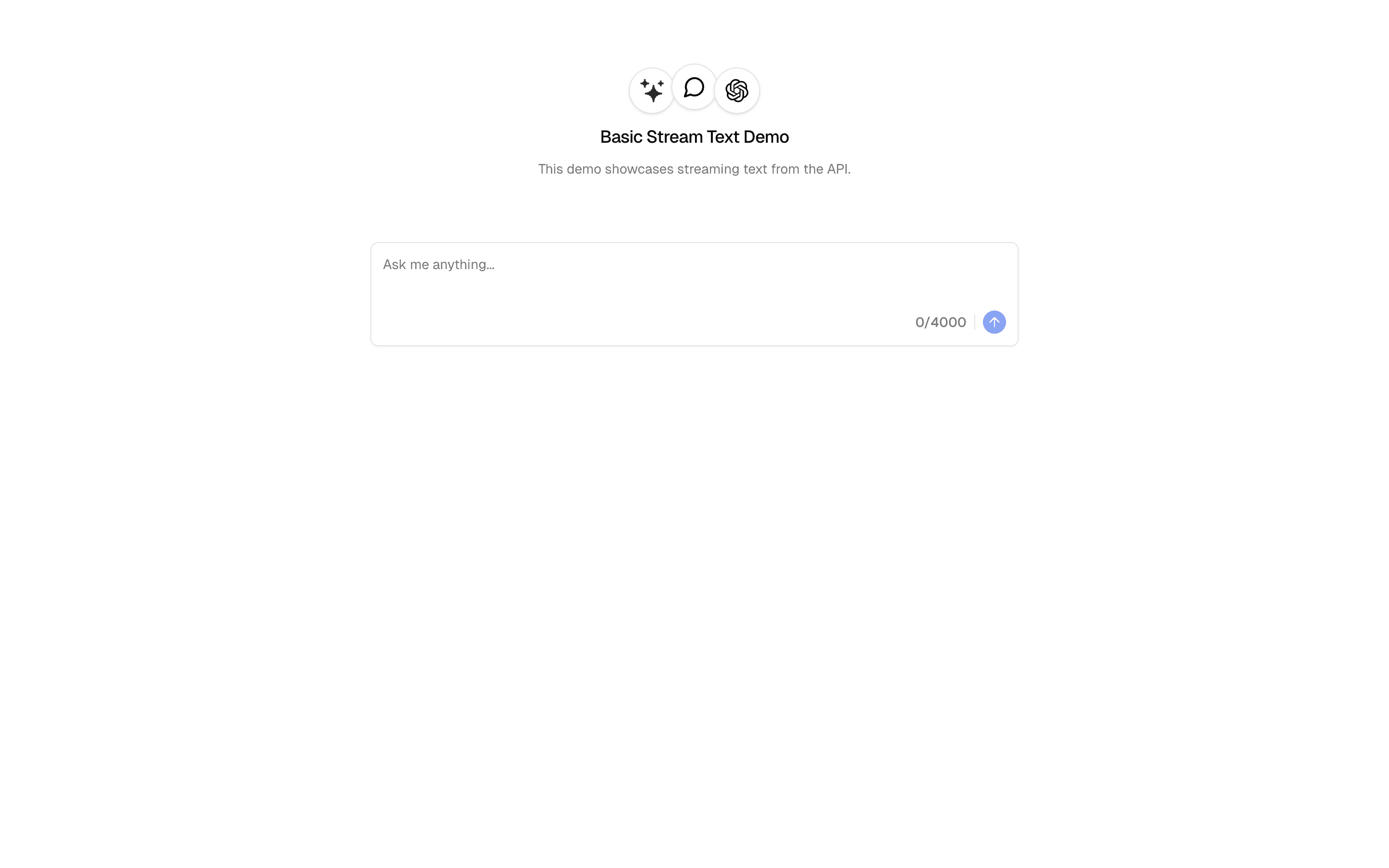
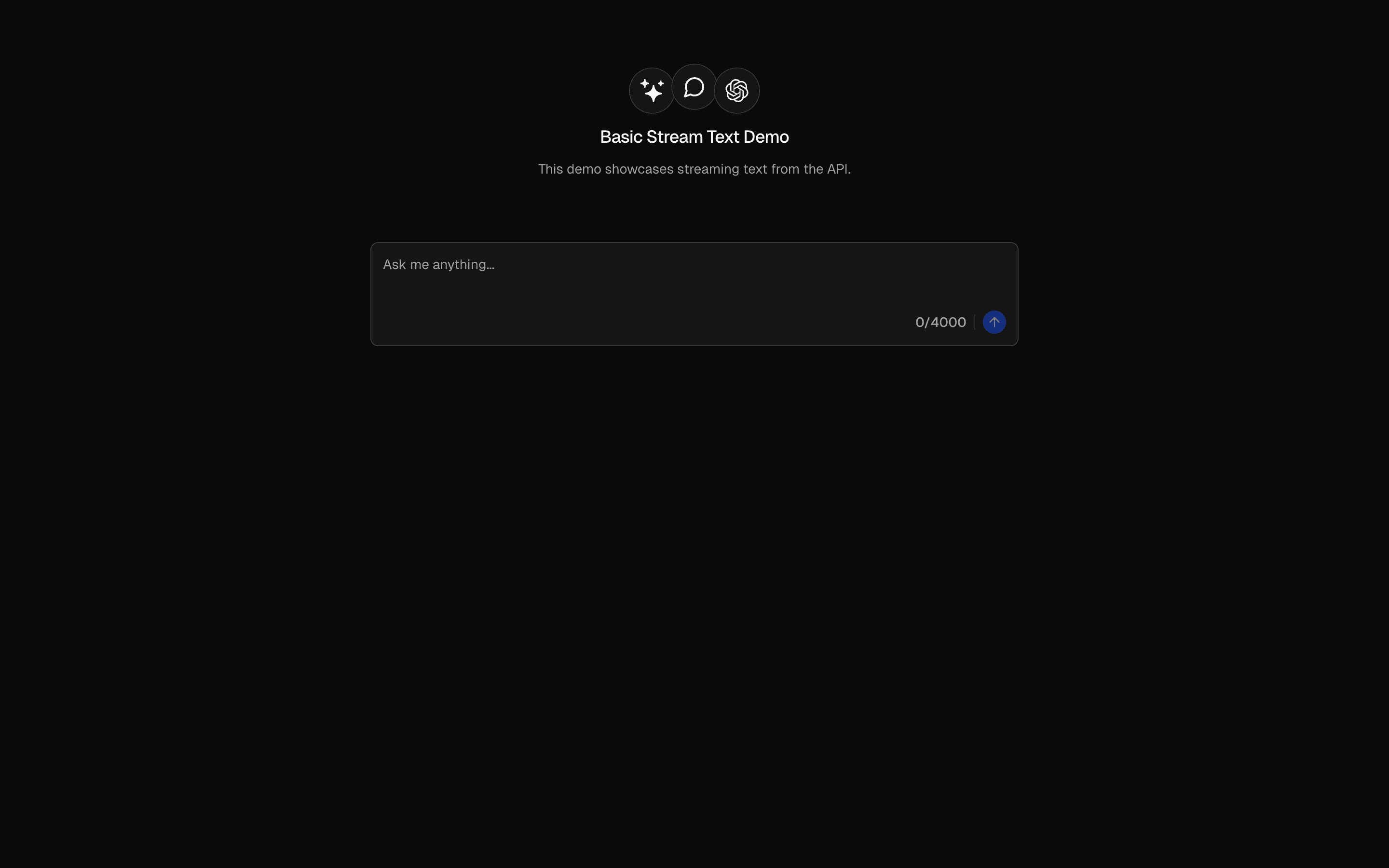
Stream text responses from AI prompts in real-time. Includes character counting and live response rendering with useCompletion.
Loading pattern preview
Problems solved
Technical challenges this implementation handles out of the box.
- Stream text tokens to the client in real time
- Render live completions with useCompletion
- Demonstrate AI SDK streaming text over an API route
Use cases
Products and workflows this pattern is designed to support.
- Streaming chat input demos
- Live writing assistants
- AI SDK streamText onboarding samples
- Character-counted prompt UIs
Setup
Requirements, wiring steps, and what this pattern adds to your project.
Getting started
Pick how you want to pull this pattern in. Then wire env vars and routes the same way.
- 1
Download → Next.js app
Use Download → Next.js app in the preview toolbar. You get a zip scaffold (Pro downloads rewrite preview `/view/.../api/*` paths to `/api/*` automatically).
- 2
Extract the zip and install dependencies
Unzip the archive, then run `pnpm install` (or npm / yarn) in the project folder.
- 3
Fill .env.local
The download includes .env.local placeholders when needed. Add real values for: OPENAI_API_KEY.
- 4
Customize the agent and tool files
Adapt prompts, tools, and stop conditions in the generated project for your product.
- 5
Run the app and open the pattern route
Run `pnpm dev`, open the setup/checklist page if present, then navigate to the generated pattern route and verify responses.
Environment variables
OPENAI_API_KEYGet key
Capabilities
AI SDK APIs
streamTextuseCompletionProviders
OpenAI
Files added
4 filesapp/page.tsxapp/layout.tsxcomponents/basic-stream-text-form.tsxapp/api/stream-text/route.ts
Dependencies
9 totalnpm packages
4AISDKlucide-reactNext.jsReact
 Registry components
input-groupseparatoremptyalerttooltip
Critical files
stream-text/route.tsAPI route demonstrating the AI SDK streamText function with gateway pattern. Shows the streaming text pattern using toUIMessageStreamResponse() for real-time token delivery.
Requirements
- Complexity
- Beginner