Scrape - Markdown.new (free)
Scrape - Markdown.new (free)
Scrape websites using Cloudflare's markdown.new service. Extract clean markdown content from any URL. No API key required.
Use this when a chat model should read a URL as markdown through a markdown.new tool, with no scraping API key to set up.
Problems solved
- Convert URLs to markdown via markdown.new
- Feed free scraped markdown into a tool-calling flow
- Demonstrate markdown.new scraping with the AI SDK
Use cases
- markdown.new onboarding demos
- Free URL-to-markdown utilities
- Documentation ingestion samples
- Lightweight scrape-and-summarize tools
Compare with
Similar patterns, and when each one is the better fit.
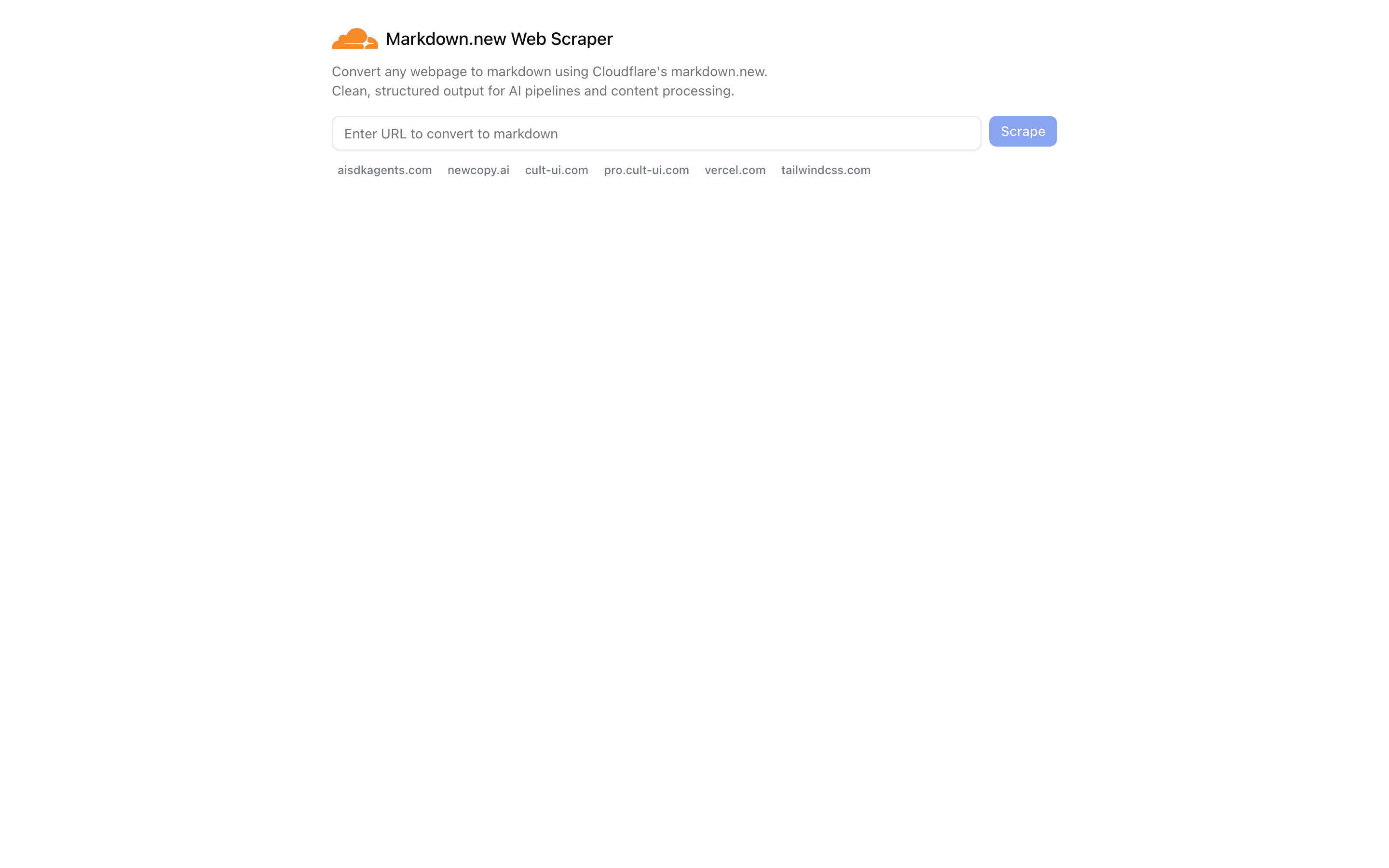
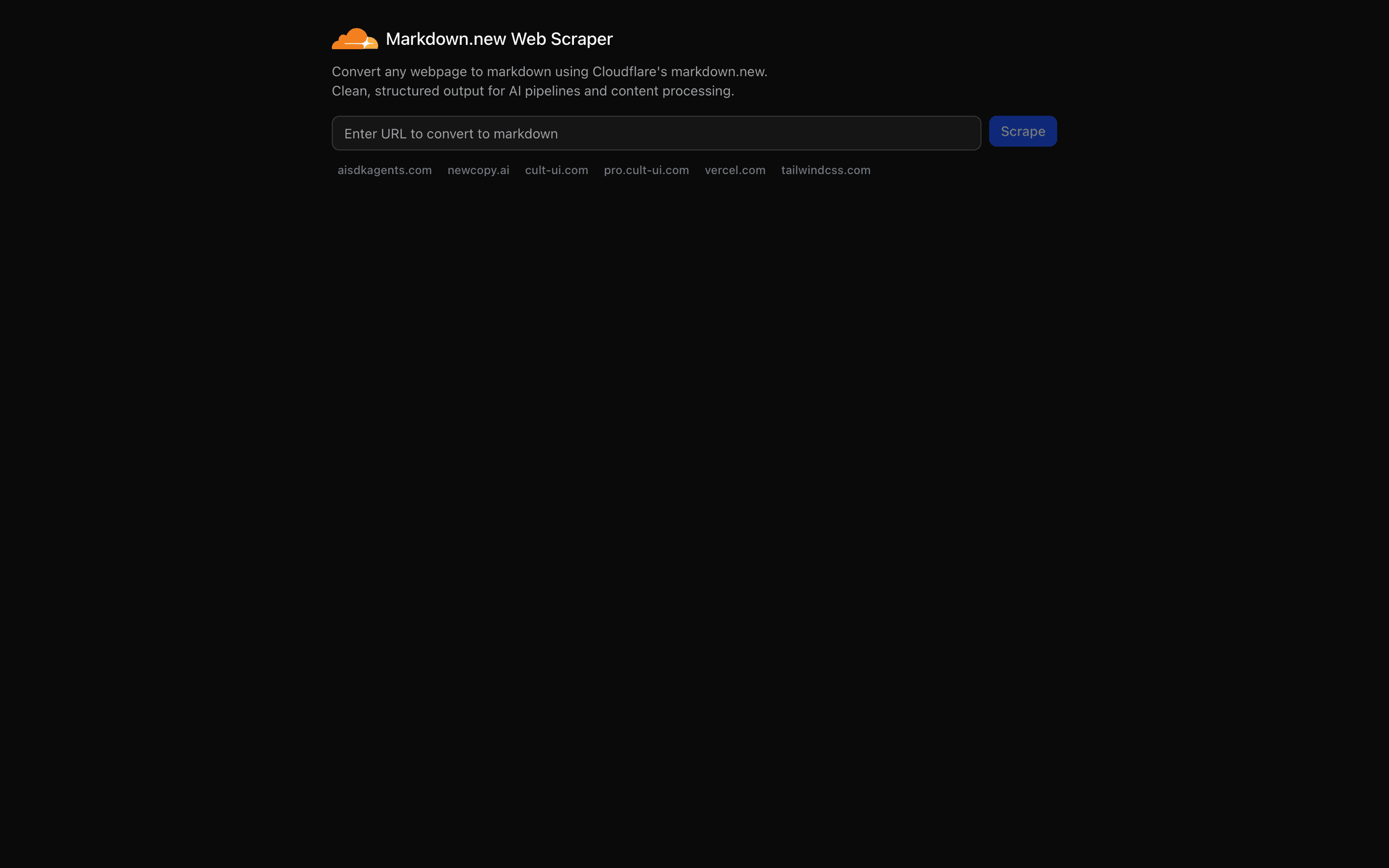 Cloudflare Markdown.new Web ScraperUse this when you need a URL form that converts a page to markdown via markdown.new in a rate-limited server action, with no chat or model.
 Scrape - Cheerio (lightweight)FreeUse this when a chat model should scrape one page or crawl a site's internal links itself with Cheerio tools, without a scraping service.
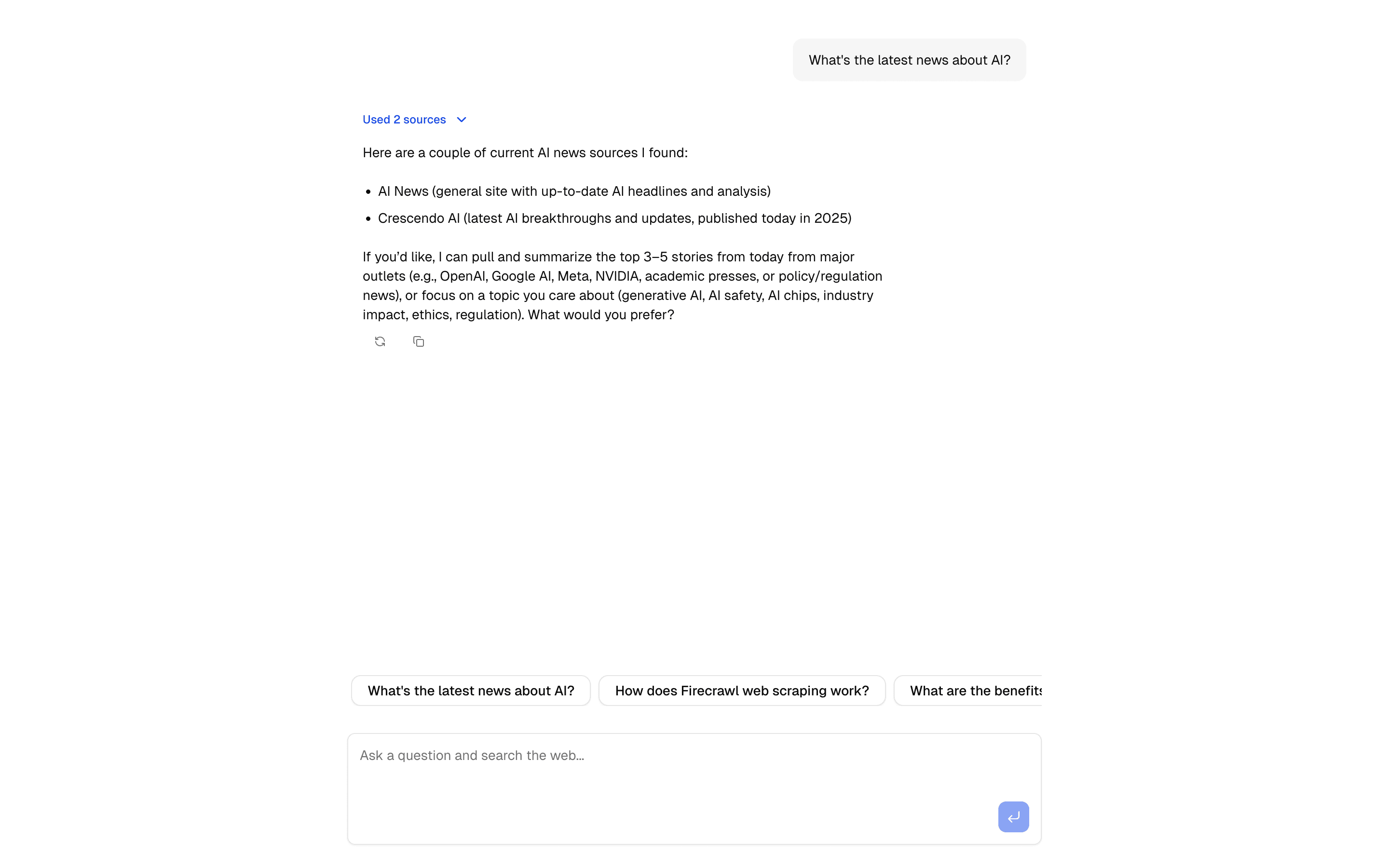
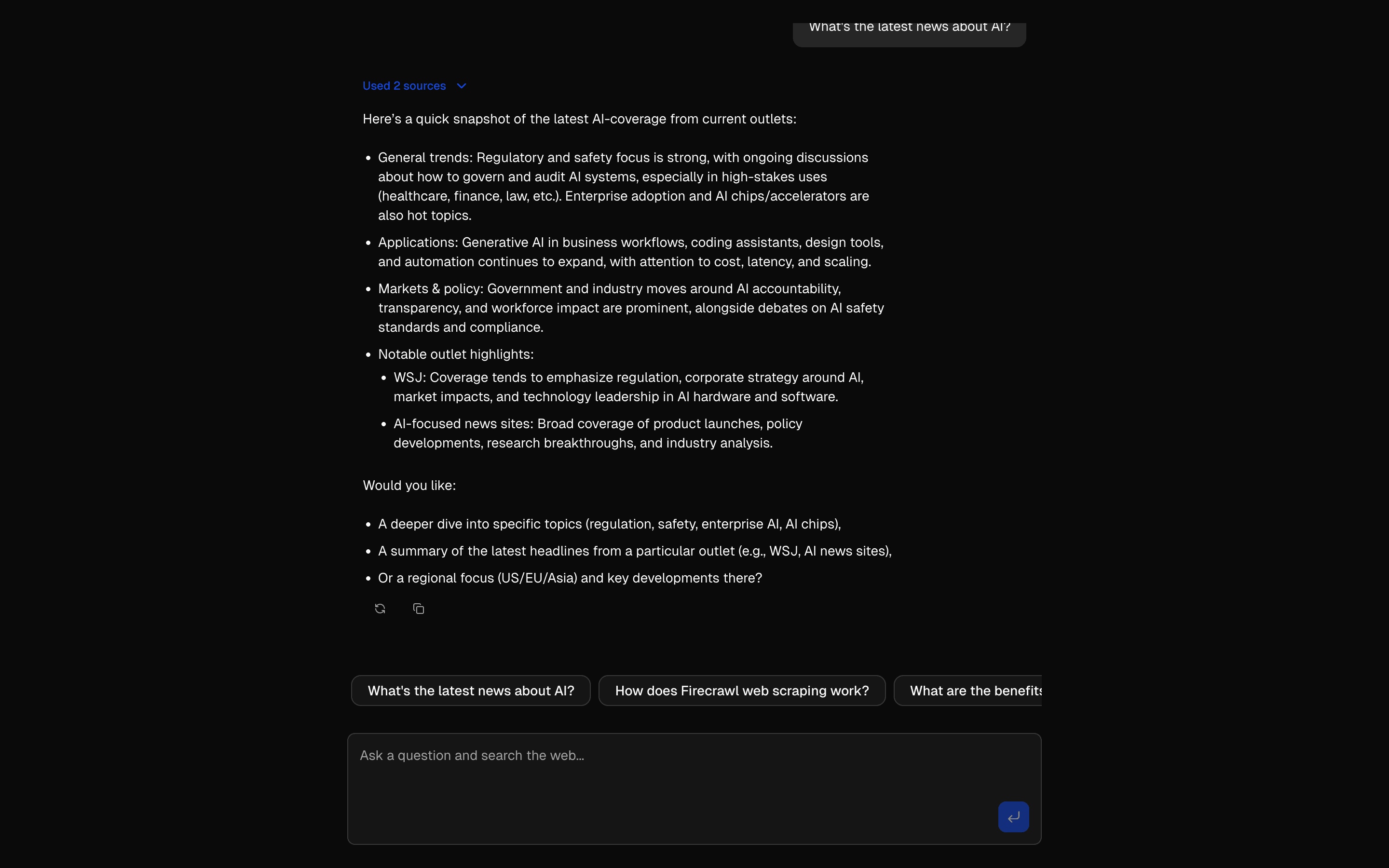 Firecrawl Scrape Tool ChatCrawl and extract content using Firecrawl's API. Includes URL processing, markdown conversion, and structured data extraction.
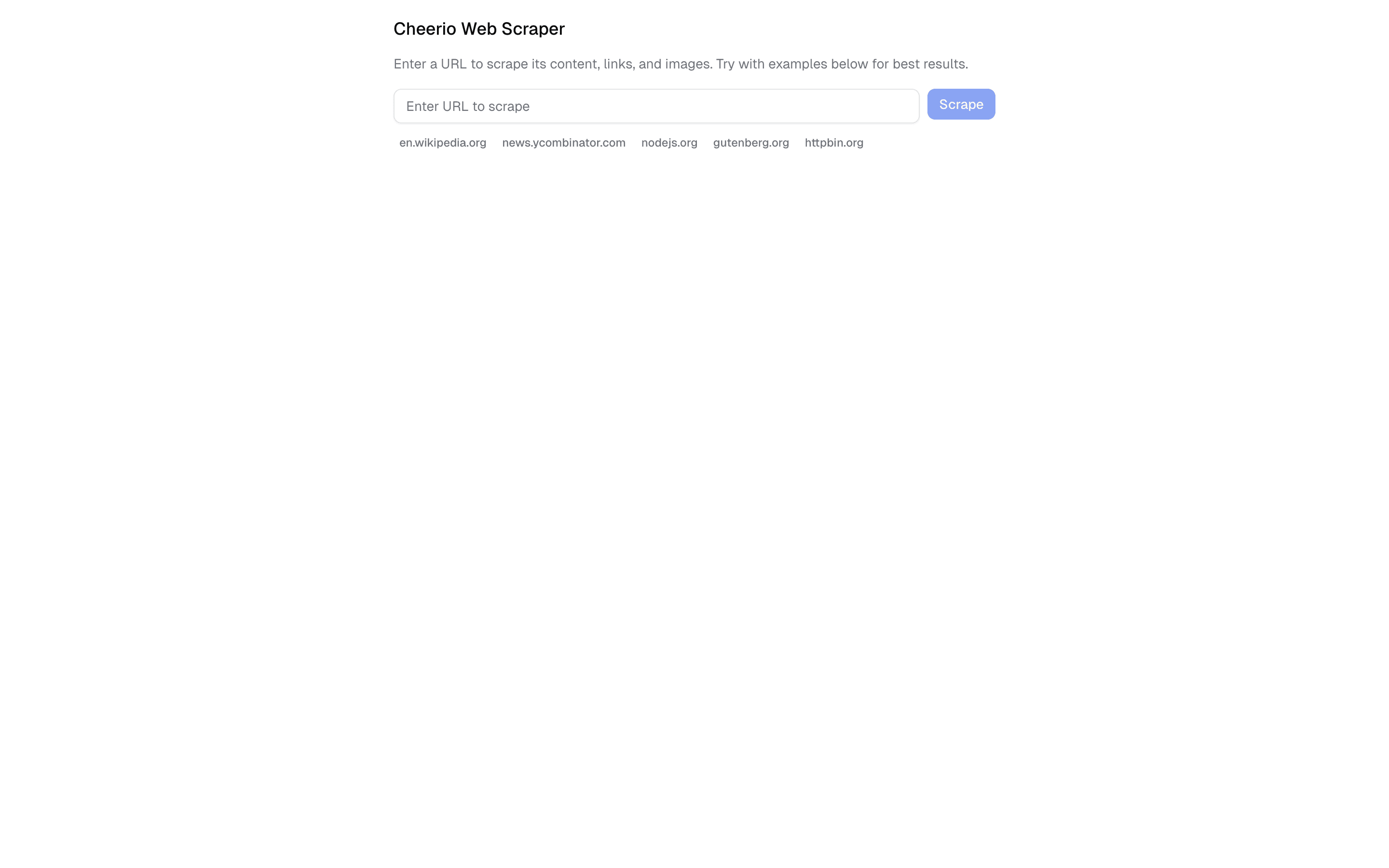
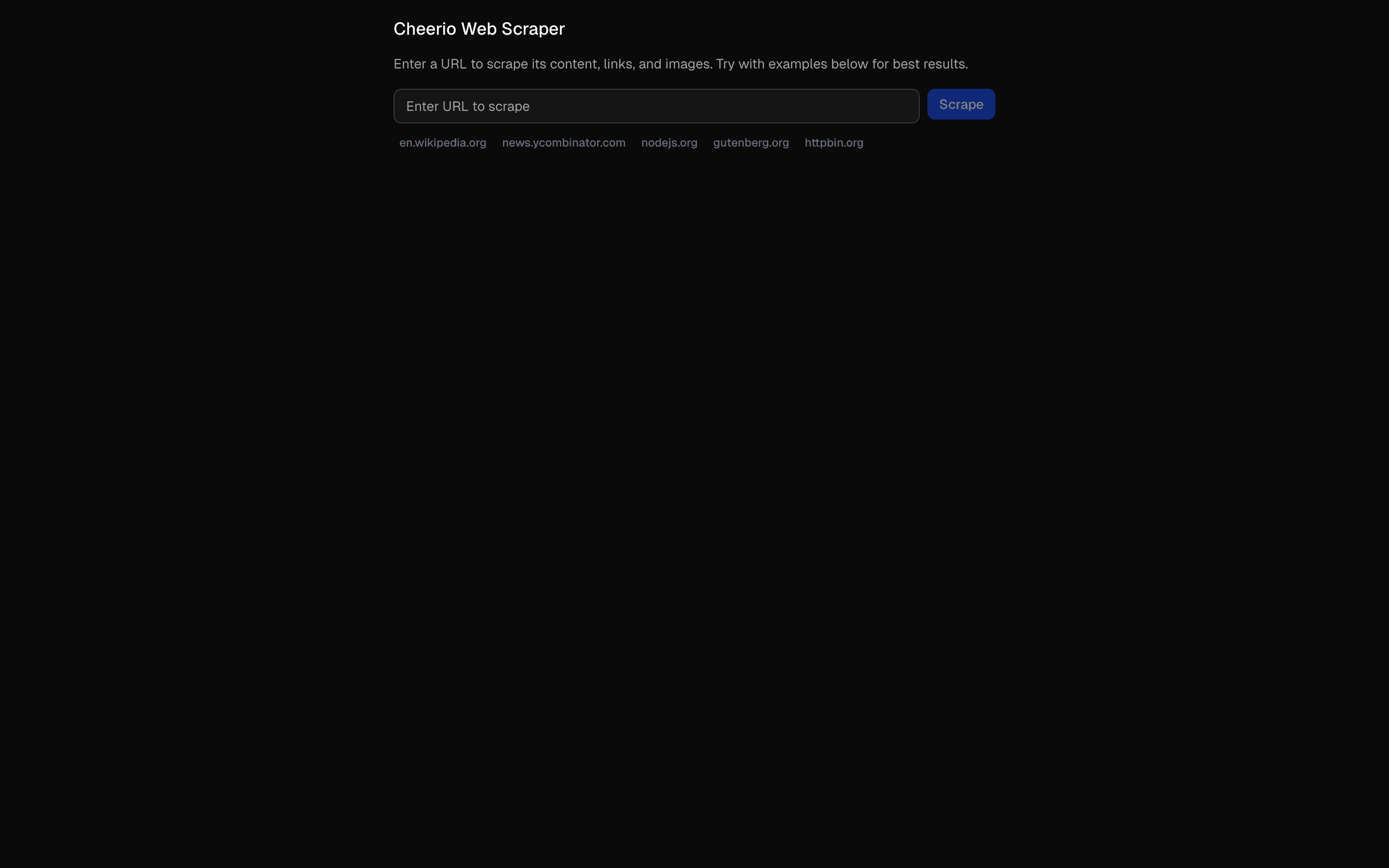 Cheerio Web ScraperUse this when you need a URL form that scrapes a page with Cheerio in a rate-limited server action, with no chat or model involved.
Setup
Requirements, wiring steps, and what this pattern adds to your project.
Getting started
Pick how you want to pull this pattern in. Then wire env vars and routes the same way.
- 1
Download → Next.js app
Use Download → Next.js app in the preview toolbar. You get a zip scaffold (Pro downloads rewrite preview `/view/.../api/*` paths to `/api/*` automatically).
- 2
Extract the zip and install dependencies
Unzip the archive, then run `pnpm install` (or npm / yarn) in the project folder.
- 3
Fill .env.local
The download includes .env.local placeholders when needed. Add real values for: OPENAI_API_KEY.
- 4
Customize the agent and tool files
Adapt prompts, tools, and stop conditions in the generated project for your product.
- 5
Run the app and open the pattern route
Run `pnpm dev`, open the setup/checklist page if present, then navigate to the generated pattern route and verify responses.
Environment variables
OPENAI_API_KEYGet key
Capabilities
AI SDK APIs
streamTextconvertToCoreMessagestooluseChatconvertToModelMessagescreateUIMessageStreamResponseProviders
External services
Files added
6 files
app/page.tsxapp/layout.tsxapp/api/tool-scrape-markdown-new/route.tscomponents/markdown-new-scrape-demo.tsxtools/markdown-new.tstools/markdown-new-ui.tsx
Dependencies
12 total
npm packages
6 Registry components
Critical files
2 files
tool-scrape-markdown-new/route.tsAPI route implementing a web scraping assistant using streamText with markdown.new tools. Contains the AI pipeline with system prompt, tool binding, and step count limits.
tools/markdown-new.tsCore scraping engine using Cloudflare markdown.new. Implements scrapeUrl (fetches from markdown.new, parses title/url/markdown). Strips protocol from URLs before sending.
Requirements
- Complexity
- Beginner