Loading pattern preview
BlocksChat UIs
Chat-Base Clone
Chat-Base Clone
A comprehensive Chatbase clone demo with widget interface, model selection, web search integration, and human-in-the-loop tool approval workflows.
Use this when building a Chatbase-style support widget that lets users pick models via AI Gateway and cites web search sources in the stream.
Loading pattern preview
Problems solved
Technical challenges this implementation handles out of the box.
- Ship a Chatbase-style embeddable chat widget shell
- Switch models through an AI Gateway router
- Enable web search with sources and reasoning in the stream
- Gate tools behind human-in-the-loop approval
Use cases
Products and workflows this pattern is designed to support.
- Support widgets for marketing sites
- Multi-model help desk chats
- Search-backed product assistants
- Embedded agents with approval-gated tools
Compare with
Similar patterns, and when each one is the better fit.
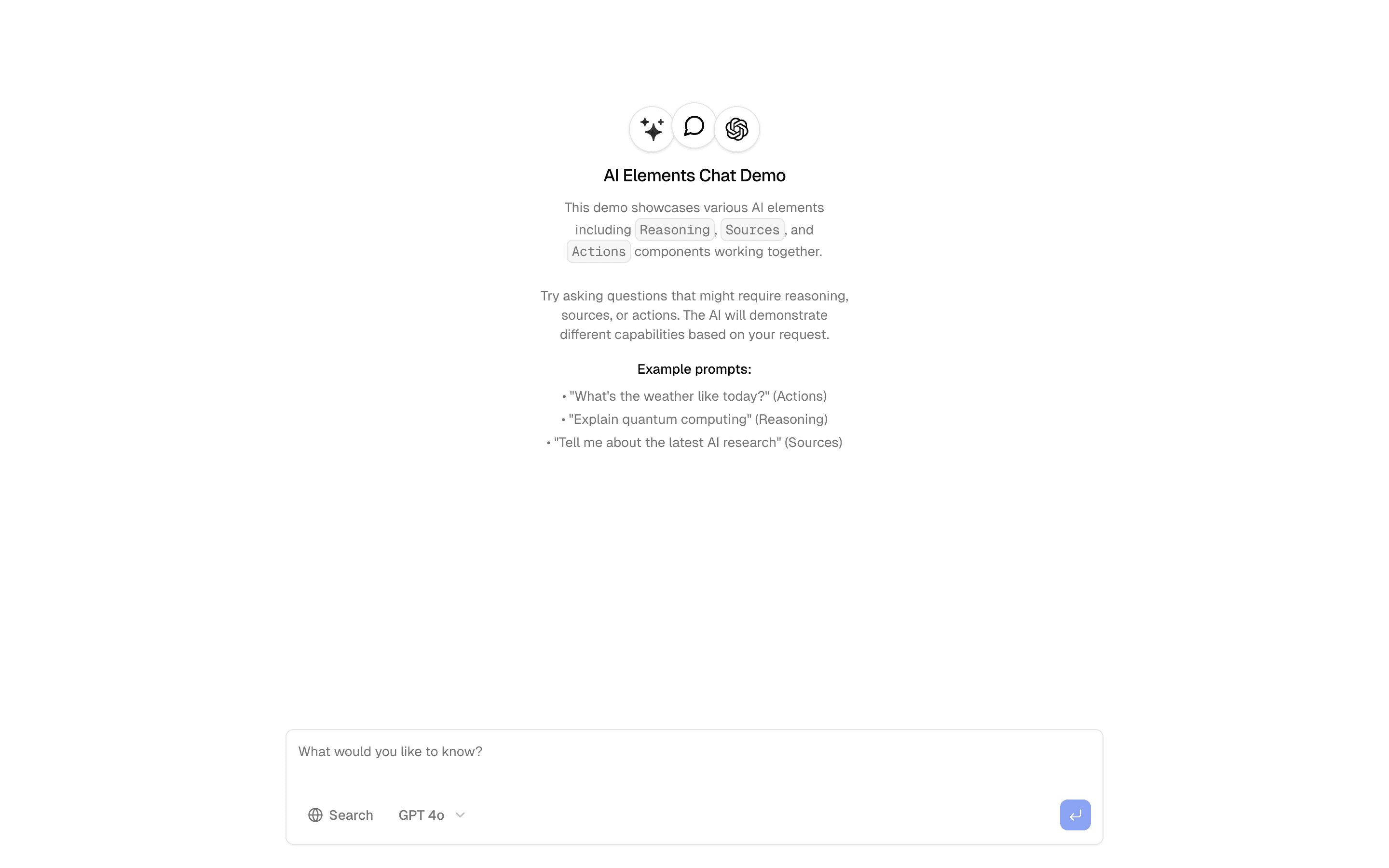
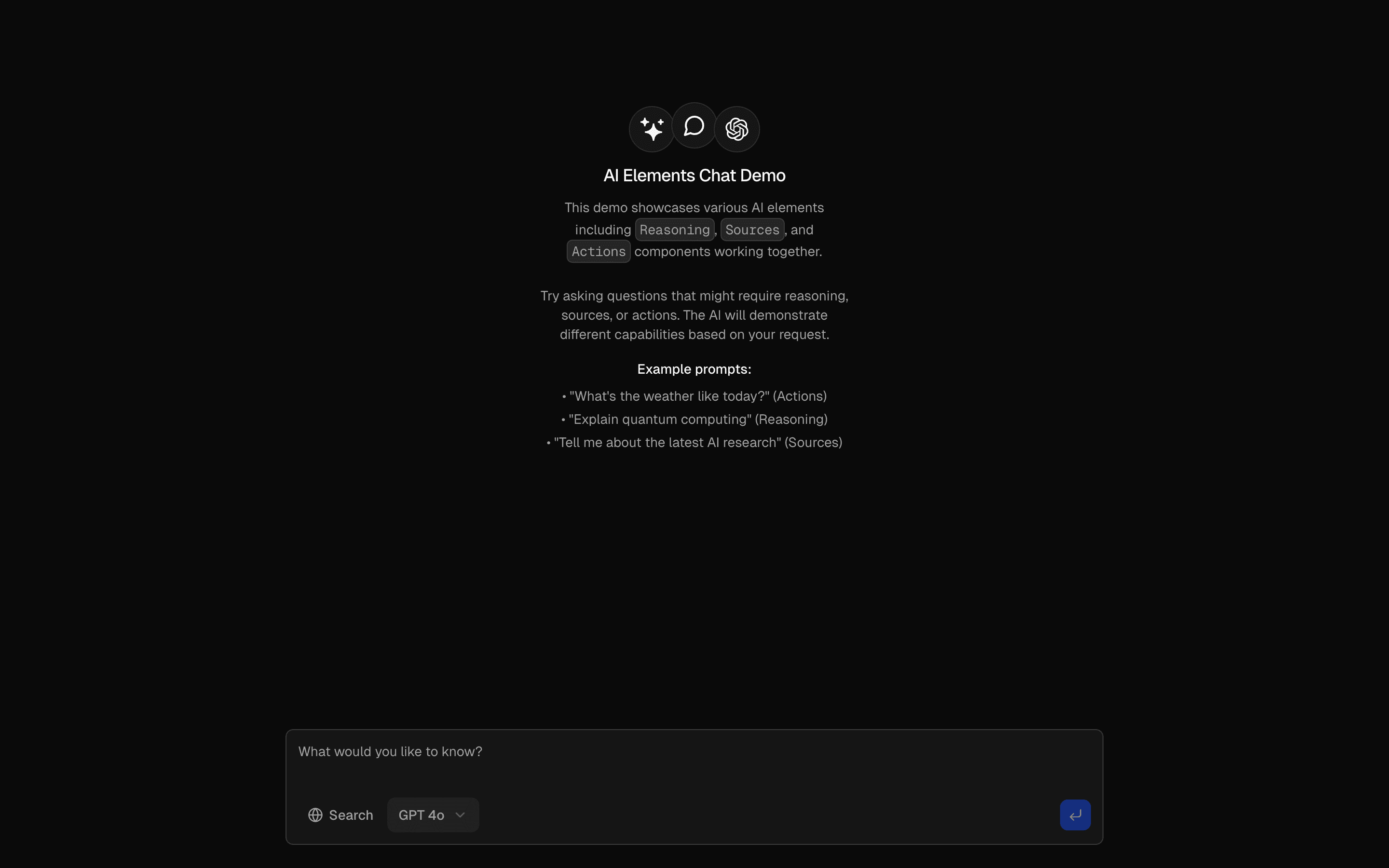 Basic Chat InterfaceChat interface with streaming responses and message history. Includes typing indicators and message status tracking.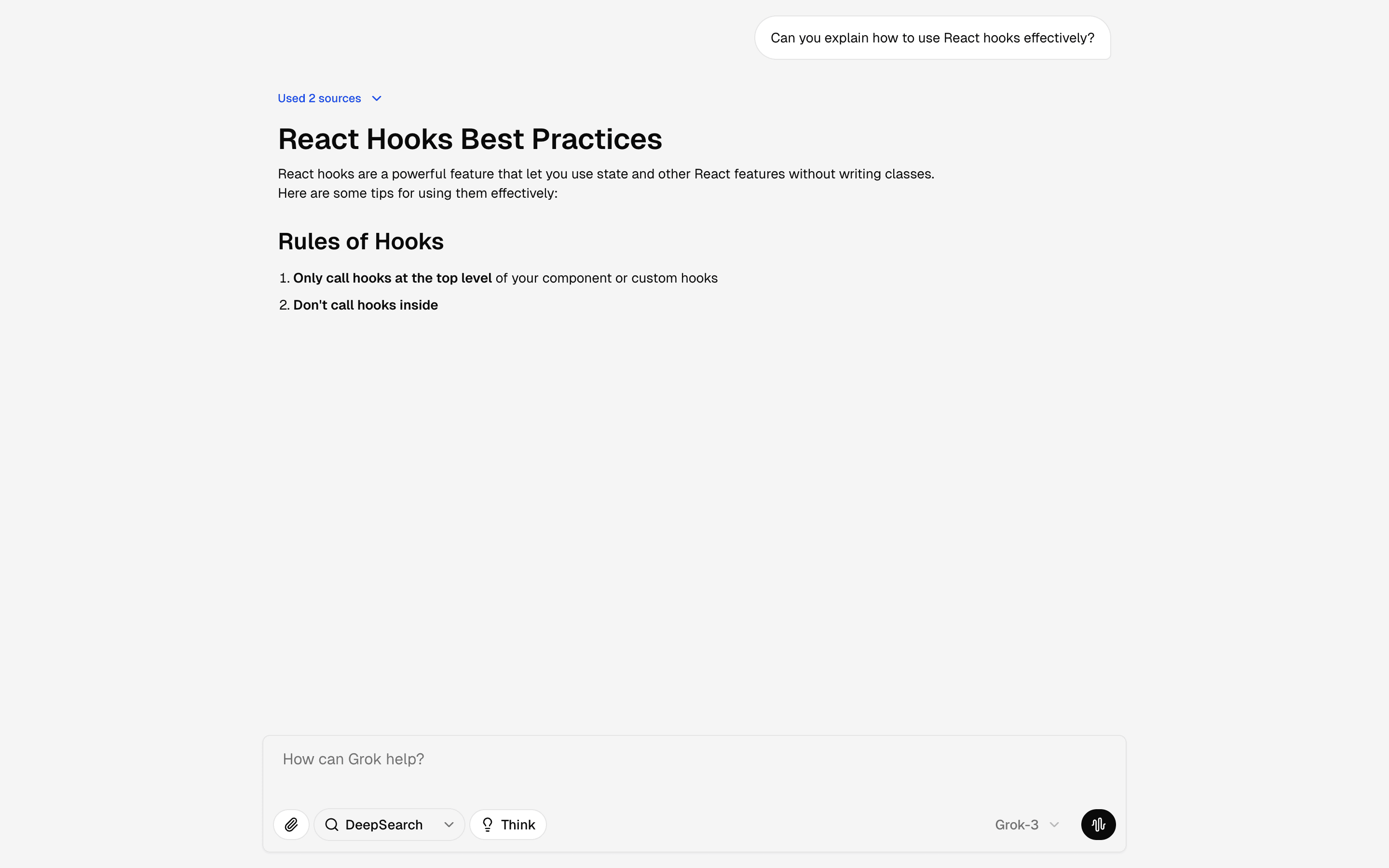
 Chat GrokFreeUse this when you want a front-end reference for a Grok-like assistant shell with prompt tools and suggestions for demos or design reviews.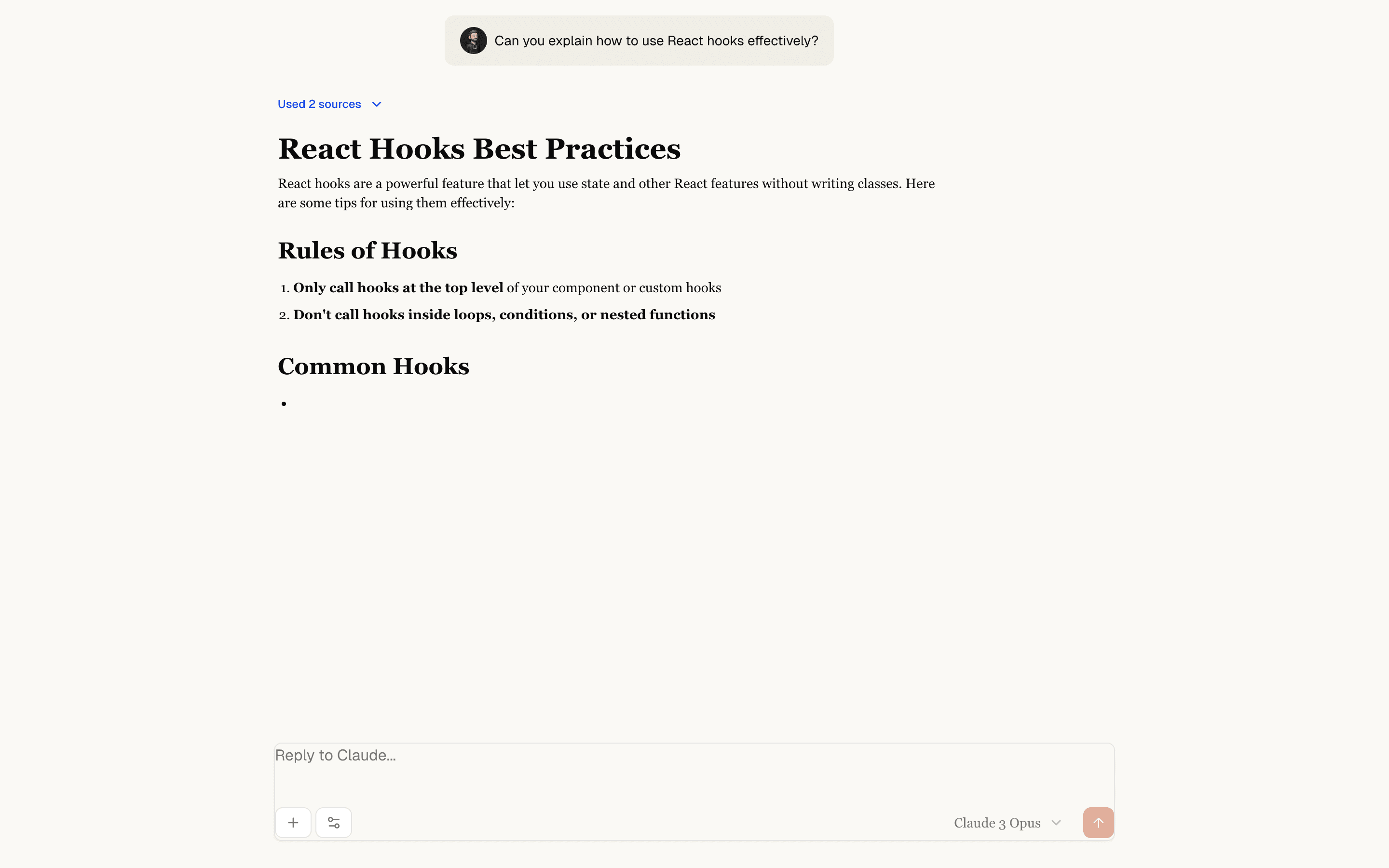
 Chat ClaudeFreeUse this when you need a Claude-style chat layout with reasoning, sources, and message branching on mock replies, before any model is connected.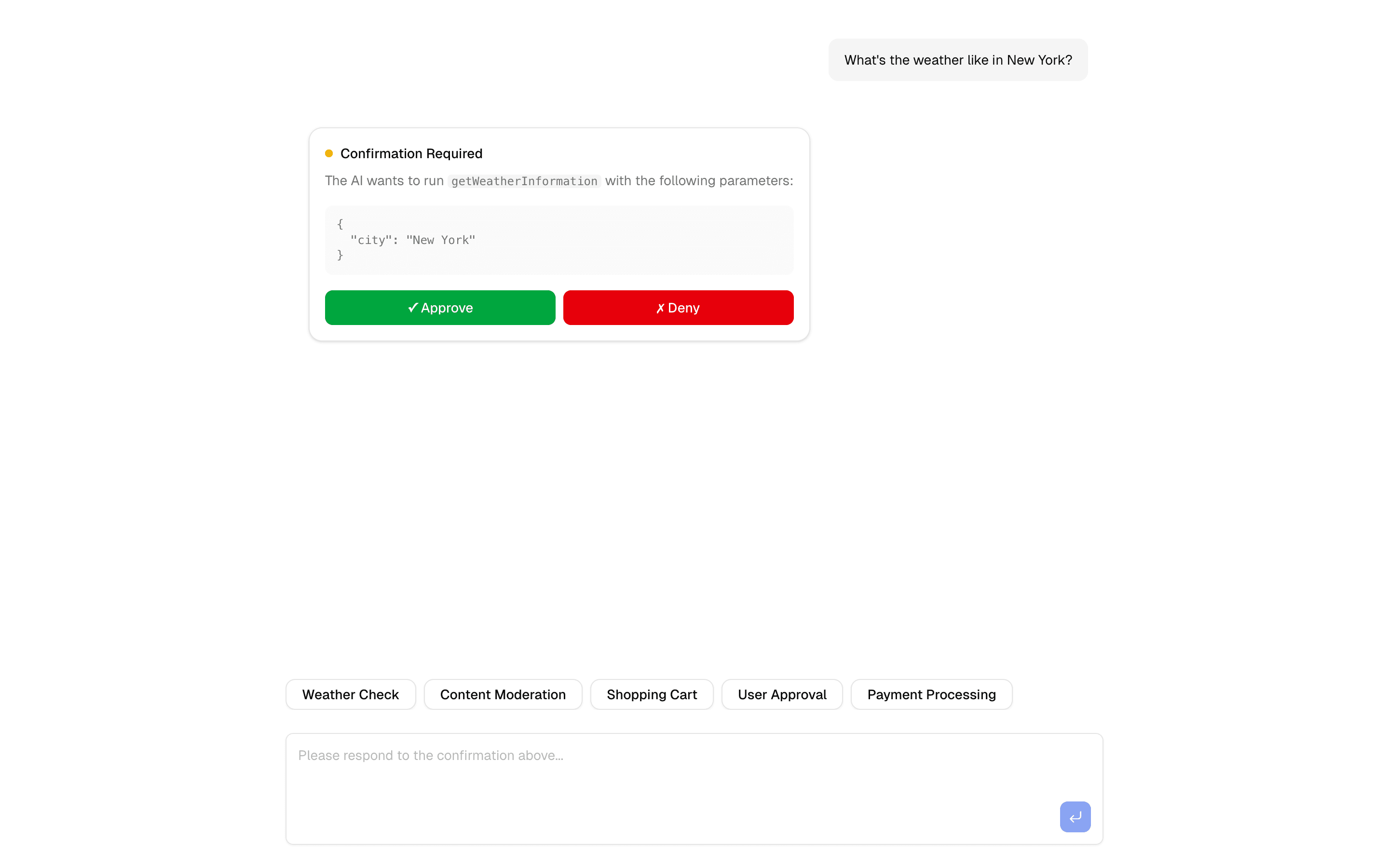
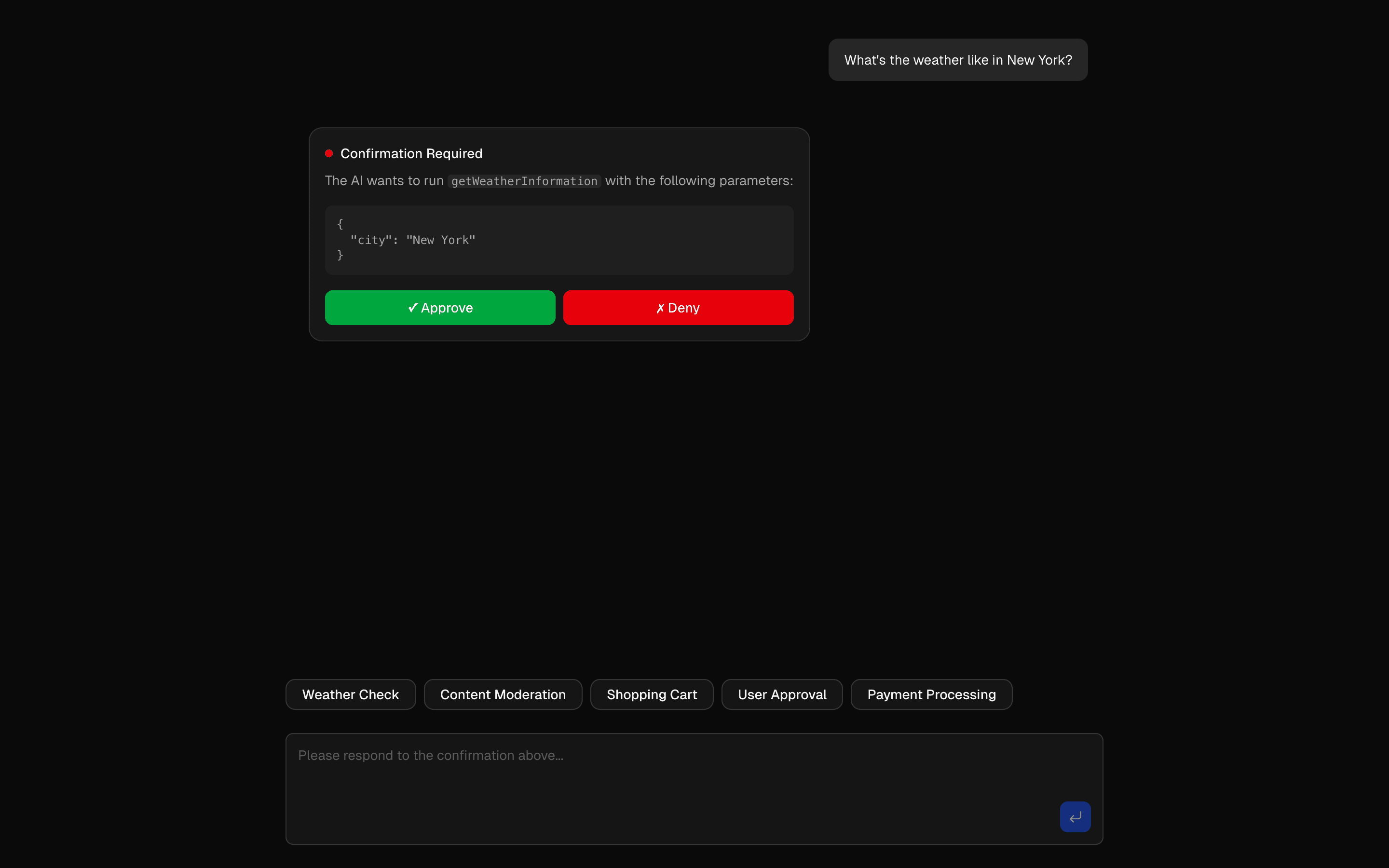 HIL Tool Approval BasicUse this when you want a basic starting point for gating risky agent tool calls behind a human approve or deny step, with Upstash in the stack.
Setup
Requirements, wiring steps, and what this pattern adds to your project.
Getting started
Pick how you want to pull this pattern in. Then wire env vars and routes the same way.
- 1
Download → Next.js app
Use Download → Next.js app in the preview toolbar. You get a zip scaffold (Pro downloads rewrite preview `/view/.../api/*` paths to `/api/*` automatically).
- 2
Extract the zip and install dependencies
Unzip the archive, then run `pnpm install` (or npm / yarn) in the project folder.
- 3
Fill .env.local
The download includes .env.local placeholders when needed. Add real values for: OPENAI_API_KEY, PERPLEXITY_API_KEY.
- 4
Customize the agent and tool files
Adapt prompts, tools, and stop conditions in the generated project for your product.
- 5
Run the app and open the pattern route
Run `pnpm dev`, open the setup/checklist page if present, then navigate to the generated pattern route and verify responses.
Environment variables
Capabilities
AI SDK APIs
streamTextconvertToModelMessagesuseChatgatewaytooltoUIMessageStreamResponseProviders
OpenAIPerplexity
External services
Upstash
Files added
5 files
app/page.tsxapp/layout.tsxapp/api/chat-base-clone/route.tslib/tools.tslib/utils.ts
Dependencies
8 total
npm packages
7AISDKlucide-reactNext.jsReactsonnerZodmotion
 Registry components
button
Critical files
3 files
chat-base-clone/route.tsAPI route demonstrating multi-model routing via gateway(), streamText with convertToModelMessages, and toUIMessageStreamResponse with sendSources/sendReasoning.
lib/tools.tsHuman-in-the-loop tool definitions. Tools WITHOUT execute functions require human approval. Tools WITH execute functions run automatically. Core HIL pattern.
lib/utils.tsServer-side HIL execution engine. Contains processToolCalls() which checks for APPROVAL.YES/NO, executes approved tools, streams results. Also getToolsRequiringConfirmation(). Most critical file for the human-in-the-loop pattern.
Requirements
- Complexity
- Intermediate
- Setup time
- ~15 minutes
- Node
- 24+
- Memory
- 512MB
Upstash Redis