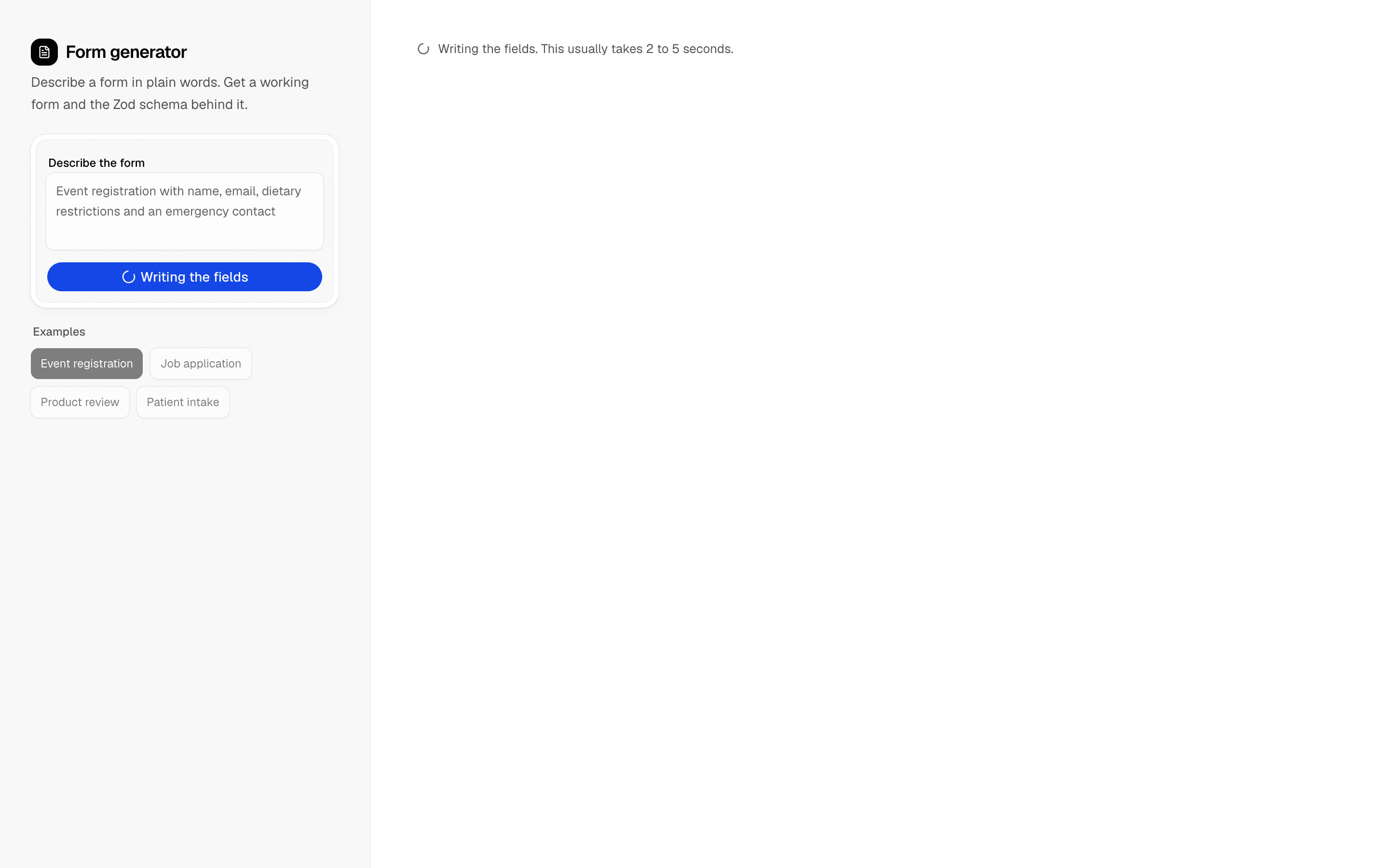
Loading pattern preview
BlocksReal-world Examples
AI Form Generator
AI Form Generator
Describe a form in plain words and get a working, validated form plus the Zod schema behind it. The model returns a typed field list, so no generated code is ever executed.
Use this when you are prototyping forms, such as surveys or admin inputs, and want a validated Zod schema generated from a description.
Loading pattern preview
Problems solved
Technical challenges this implementation handles out of the box.
- Generate Zod schemas from natural-language form descriptions
- Render interactive forms from an AI-produced field list
- Avoid evaluating model-written code in the browser
Use cases
Products and workflows this pattern is designed to support.
- Rapid form prototyping
- Internal admin form builders
- Survey schema generation
- AI-assisted form development
Compare with
Similar patterns, and when each one is the better fit.
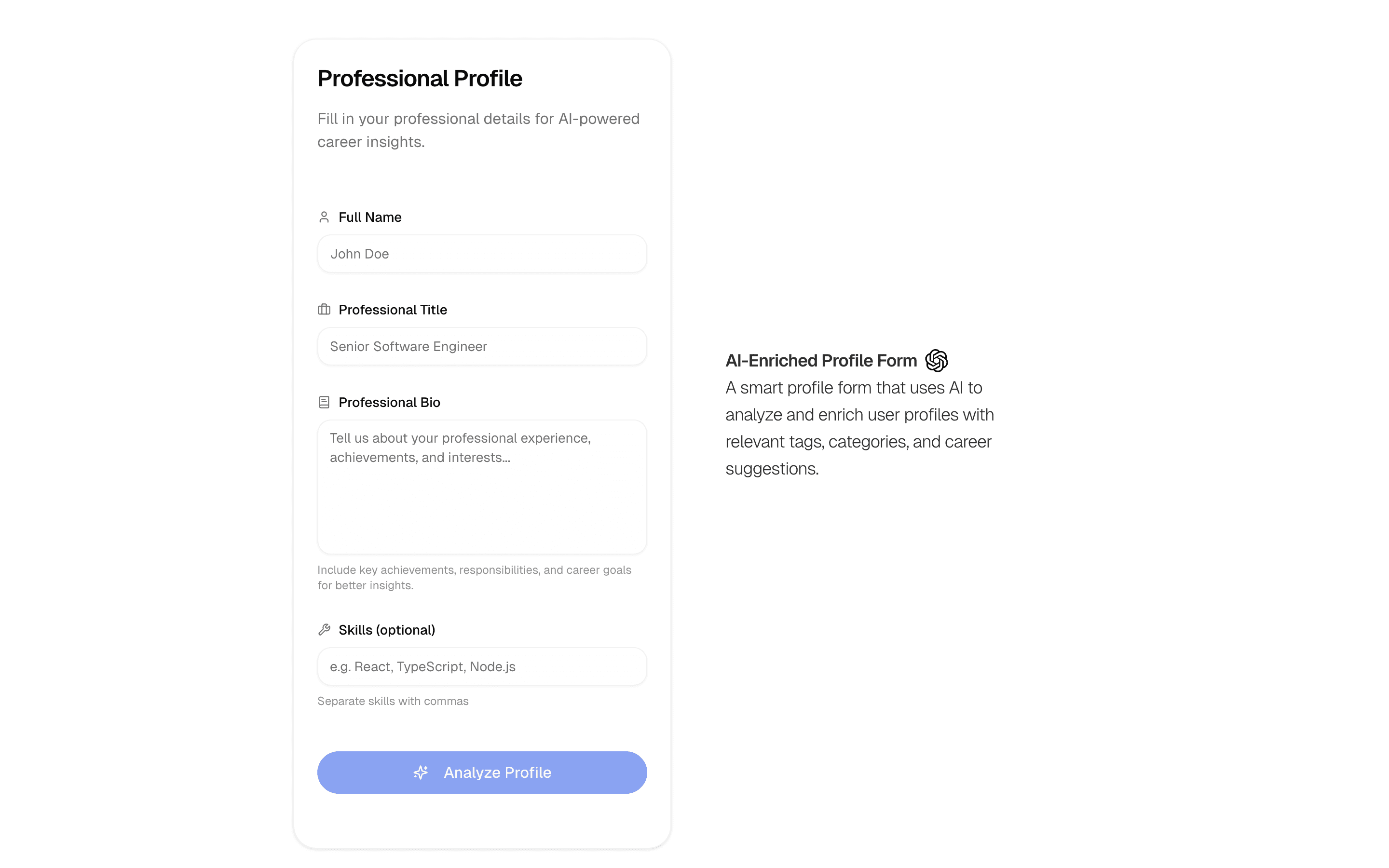
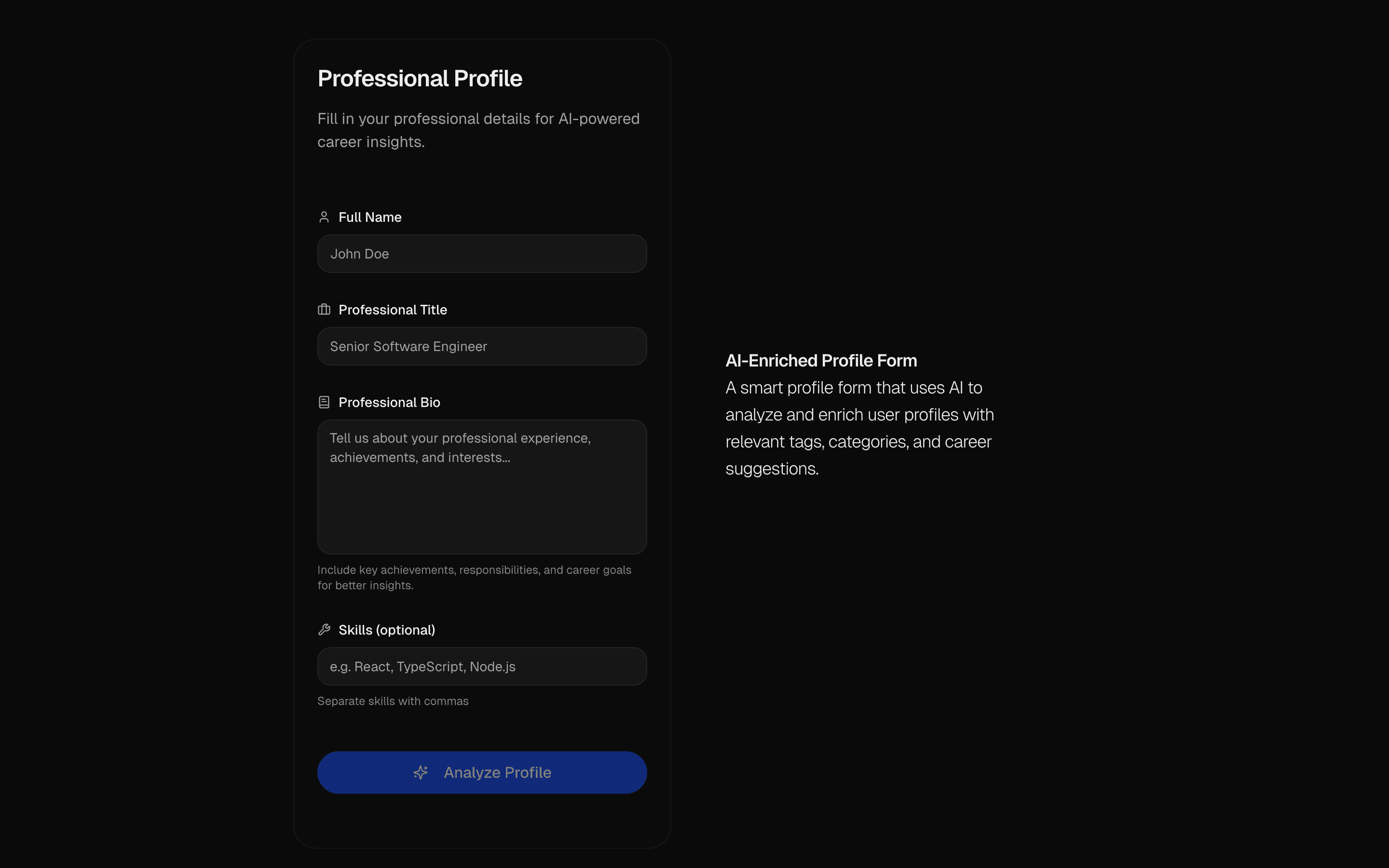 AI Profile Enrichment FormUse this when users fill out a sparse profile form and you want AI to stream in the missing fields for them to review before accepting.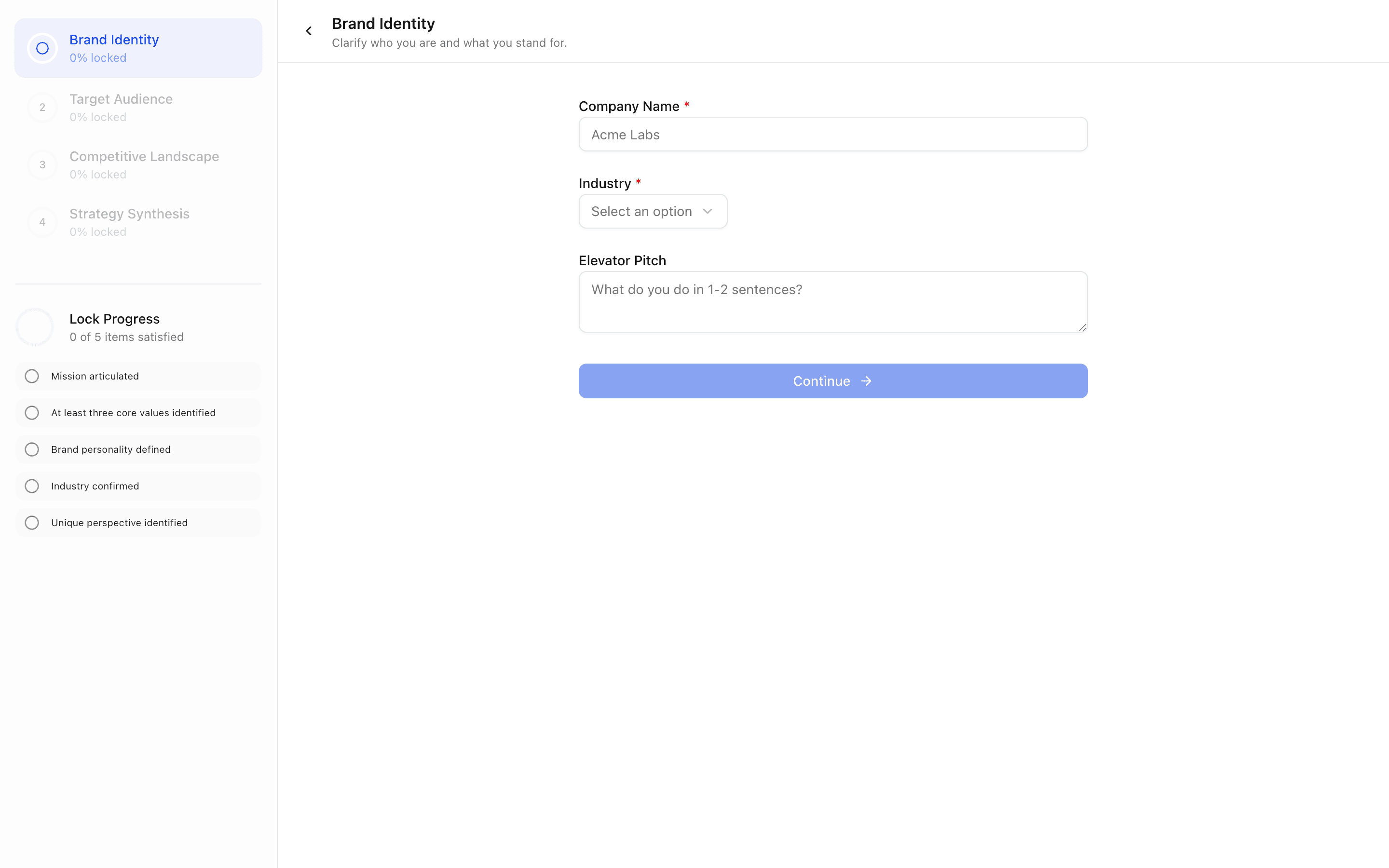
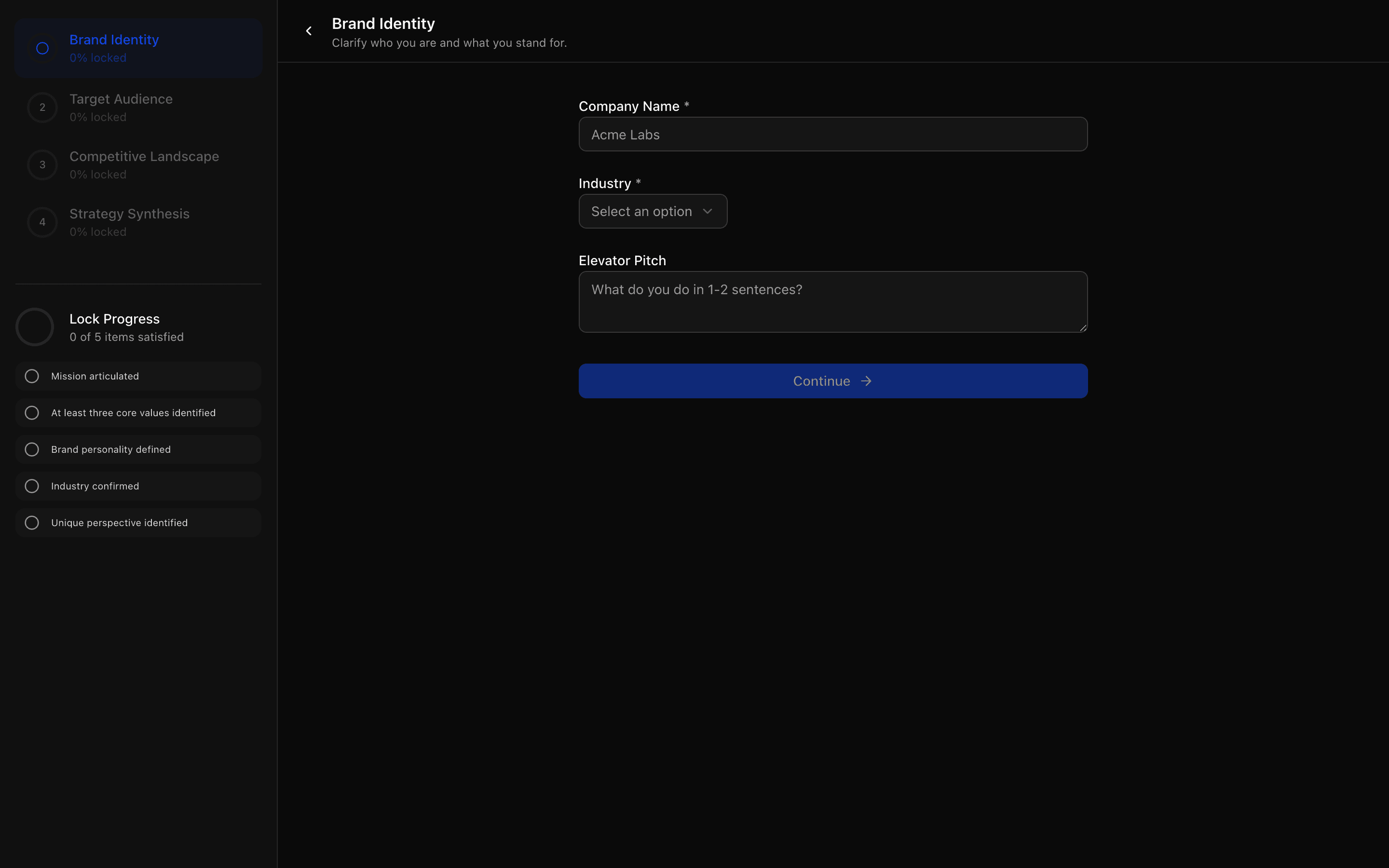 AI Wizard Brand StrategyUse this when you are building a brand discovery or marketing onboarding flow where AI interviews gate progress and end in a written strategy.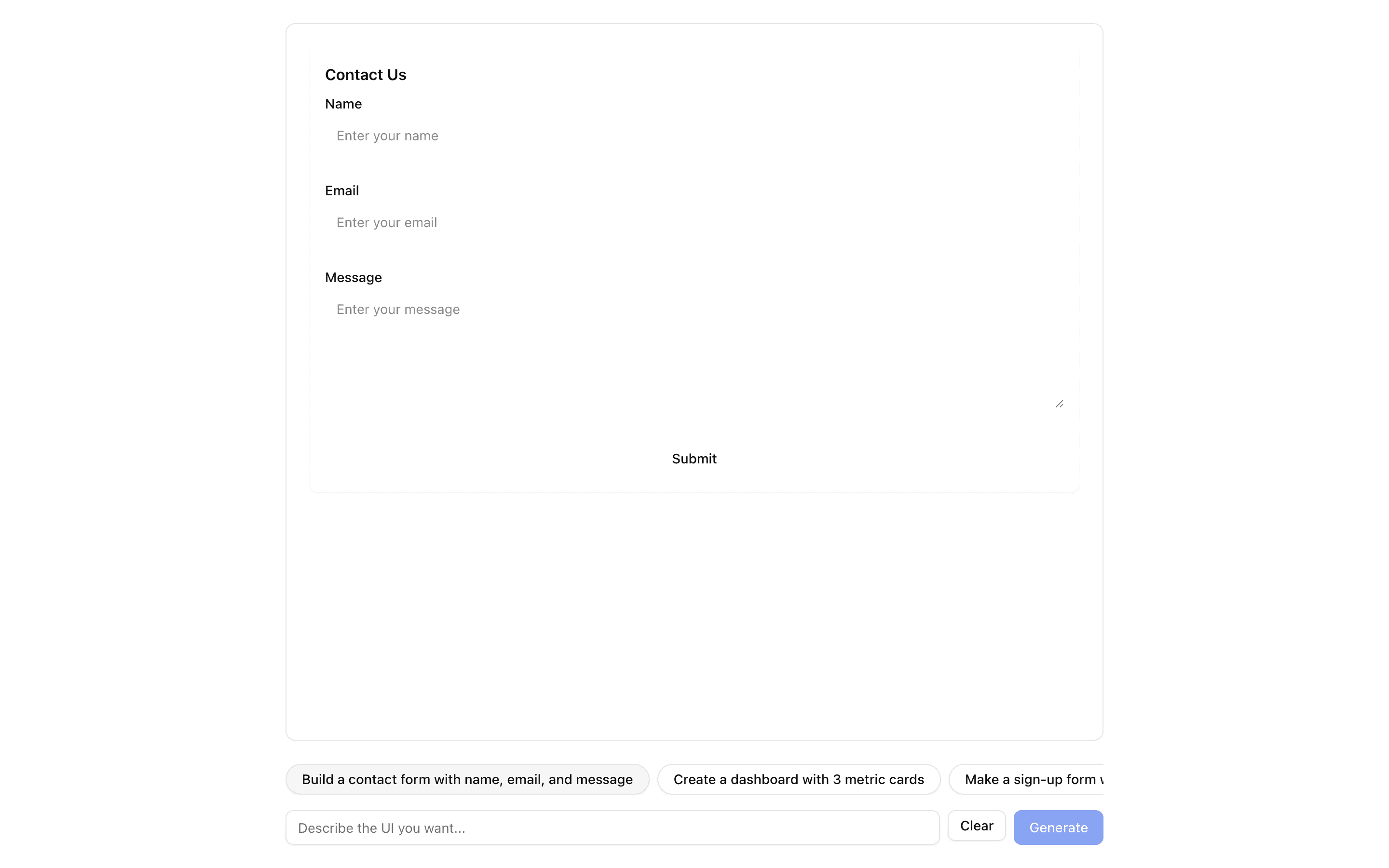
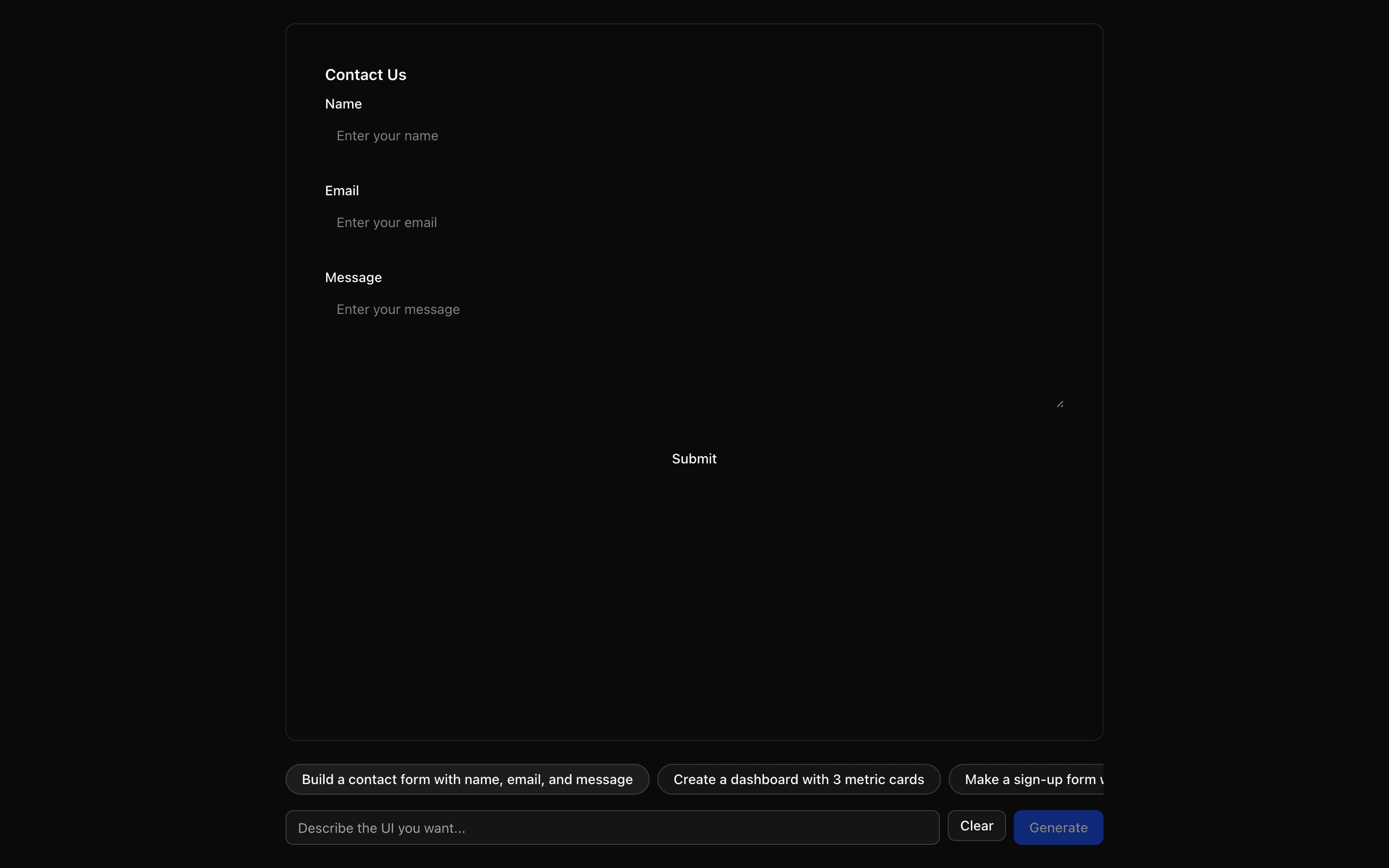 JSON Render ReactUse this when you want to define your own small component catalog and render streamed JSON specs with the base @json-render React renderer.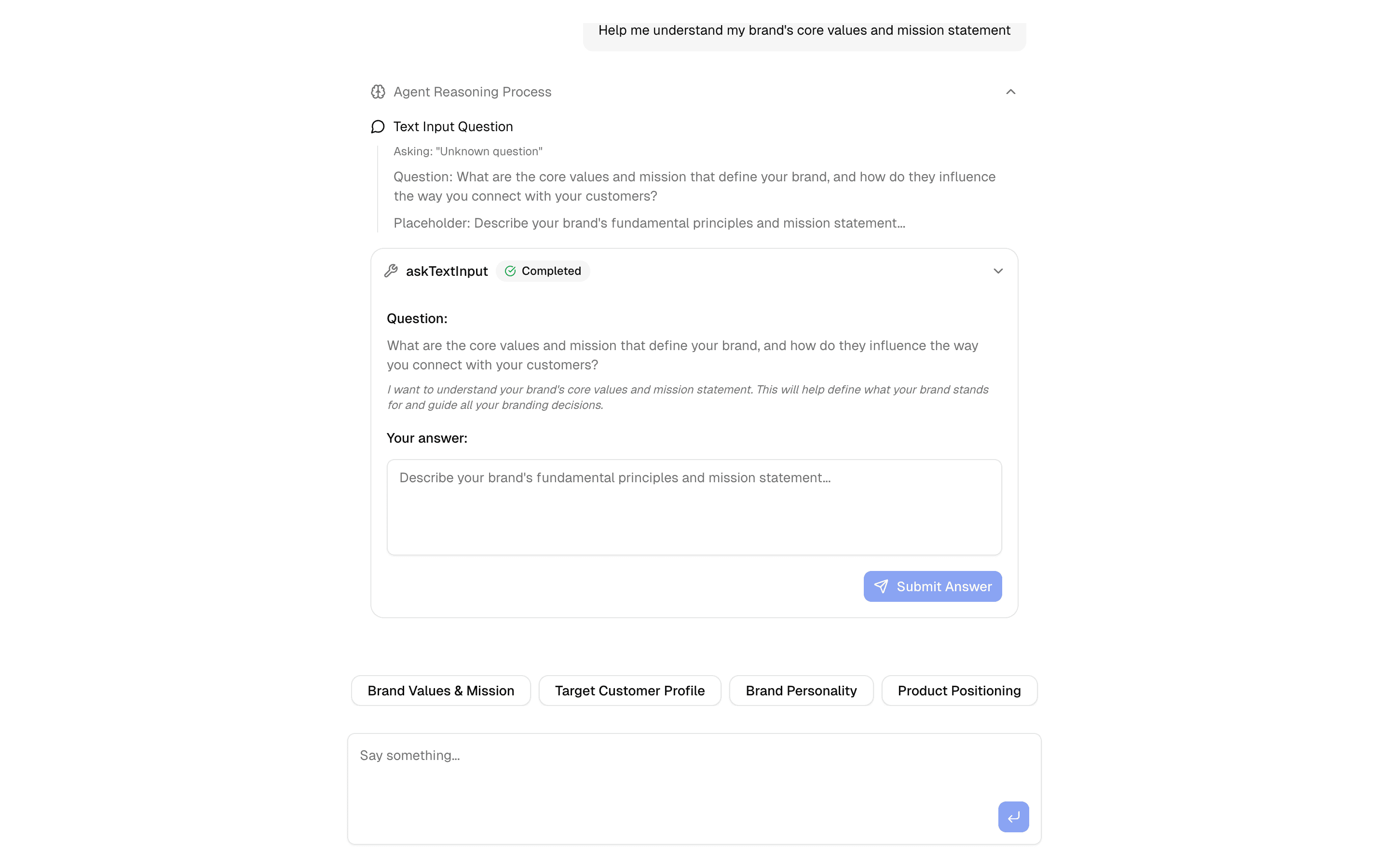
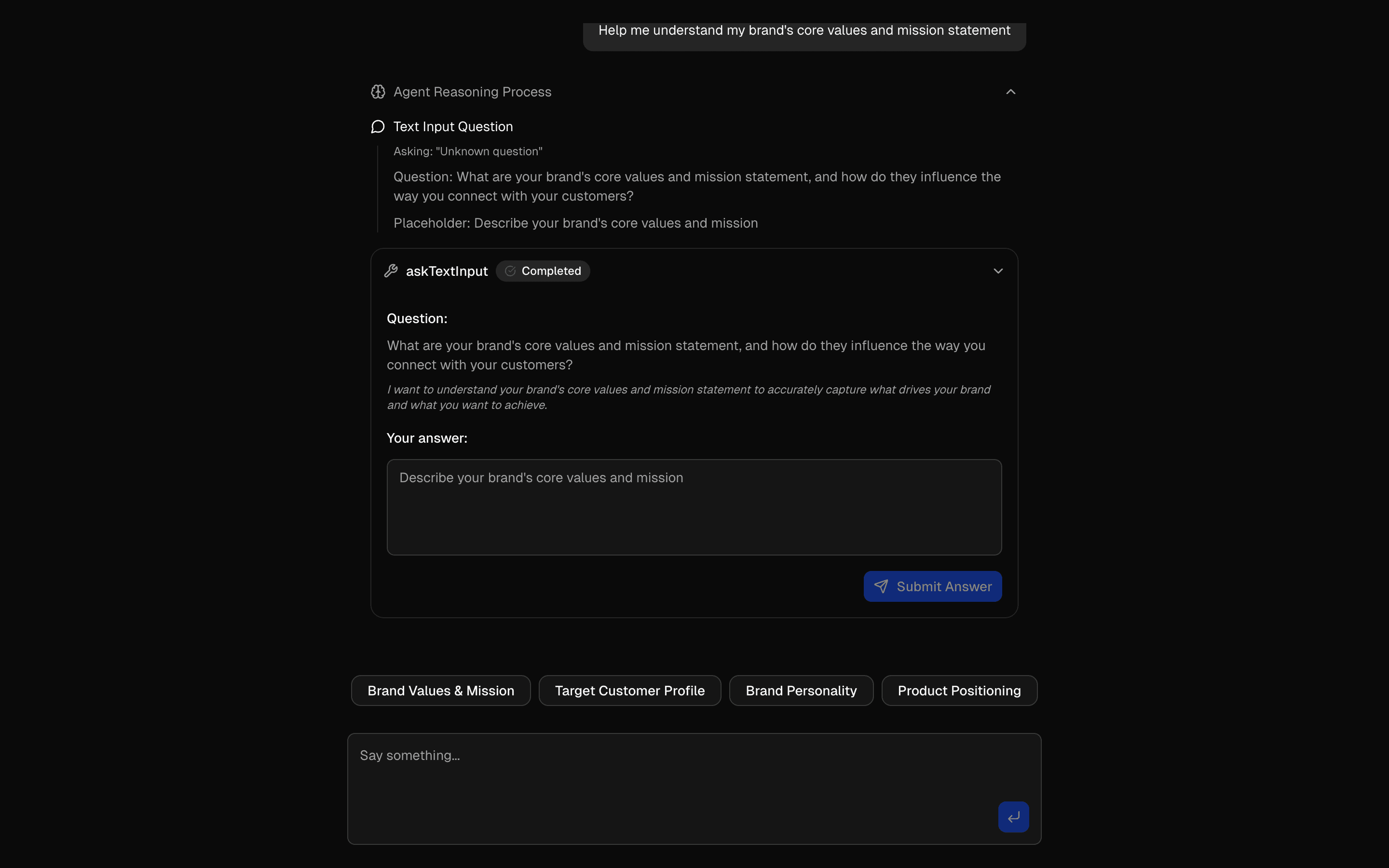 HIL Inquire Text InputUse this when your agent needs to pause mid-loop, ask the user an open-ended question, and resume once they type a free-text answer.
Setup
Requirements, wiring steps, and what this pattern adds to your project.
Getting started
Pick how you want to pull this pattern in. Then wire env vars and routes the same way.
- 1
Download → Next.js app
Use Download → Next.js app in the preview toolbar. You get a zip scaffold (Pro downloads rewrite preview `/view/.../api/*` paths to `/api/*` automatically).
- 2
Extract the zip and install dependencies
Unzip the archive, then run `pnpm install` (or npm / yarn) in the project folder.
- 3
Fill .env.local
The download includes .env.local placeholders when needed. Add real values for: AI_GATEWAY_API_KEY.
- 4
Customize the agent and tool files
Adapt prompts, tools, and stop conditions in the generated project for your product.
- 5
Run the app and open the pattern route
Run `pnpm dev`, open the setup/checklist page if present, then navigate to the generated pattern route and verify responses.
Environment variables
AI_GATEWAY_API_KEYGet key
Capabilities
AI SDK APIs
generateObjectExternal services
gatewayvercel-ai-gatewayUpstash
Files added
9 files
app/page.tsxapp/layout.tsxapp/actions.tsxcomponents/autoform/index.tscomponents/autoform/types.tslib/form-spec.tslib/build-schema.tslib/schema-code.tslib/rate-limit.ts
Dependencies
13 total
npm packages
9@autoform/zodUpstashAISDKlucide-reactNext.jsReactZod@autoform/reactreact-hook-form
 Registry components
buttoncheckboxinputselect
Critical files
3 files
app/actions.tsxServer action using generateObject() to turn a form description into a typed field list. Returns a result union (form, not-a-form, rate-limited, failed) instead of throwing, and never returns code.
lib/form-spec.tsResponse schema (formResponseSchema) the model must fill, plus normalizeForm(), which cleans keys, choices and bounds before anything is rendered.
lib/build-schema.tsbuildSchema() turns the field list into a Zod schema with AutoForm labels and renderers. This replaces evaluating model-written code.
Requirements
- Complexity
- Intermediate
- Setup time
- ~10 minutes
- Node
- 24+
- Memory
- 512MB
Upstash Redis (for rate limiting)