Loading pattern preview
BlocksArtifacts
JSON Render React
JSON Render React
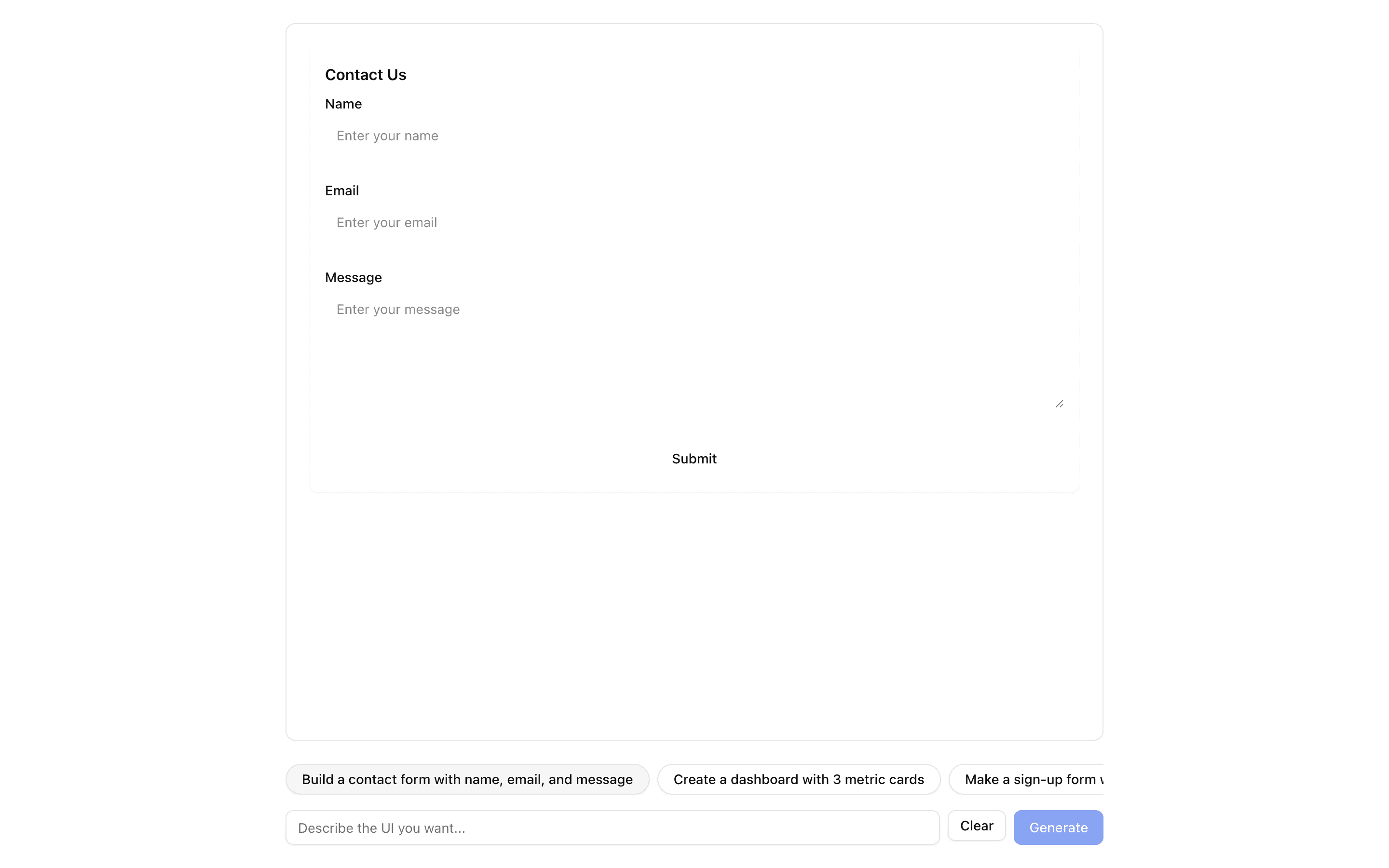
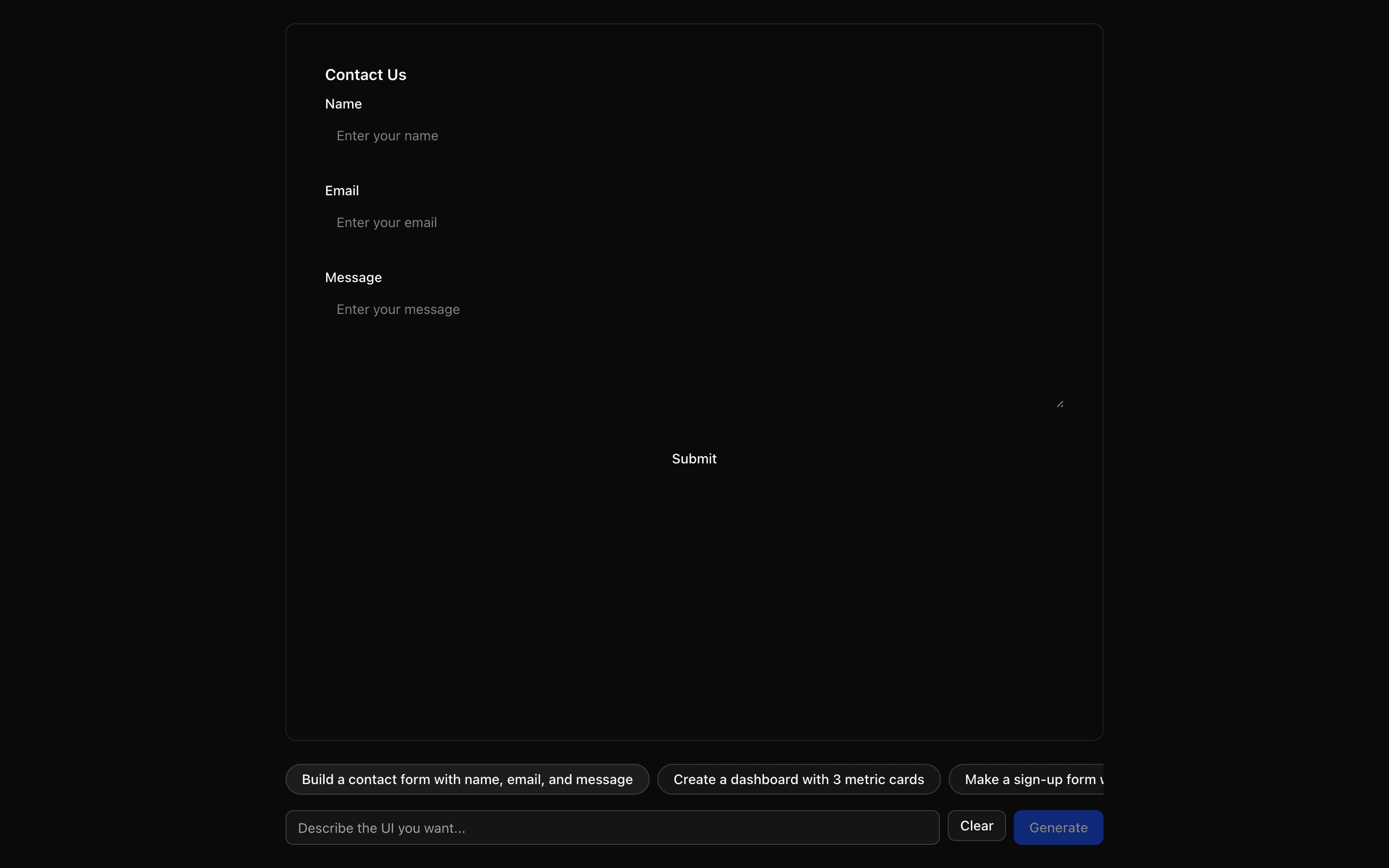
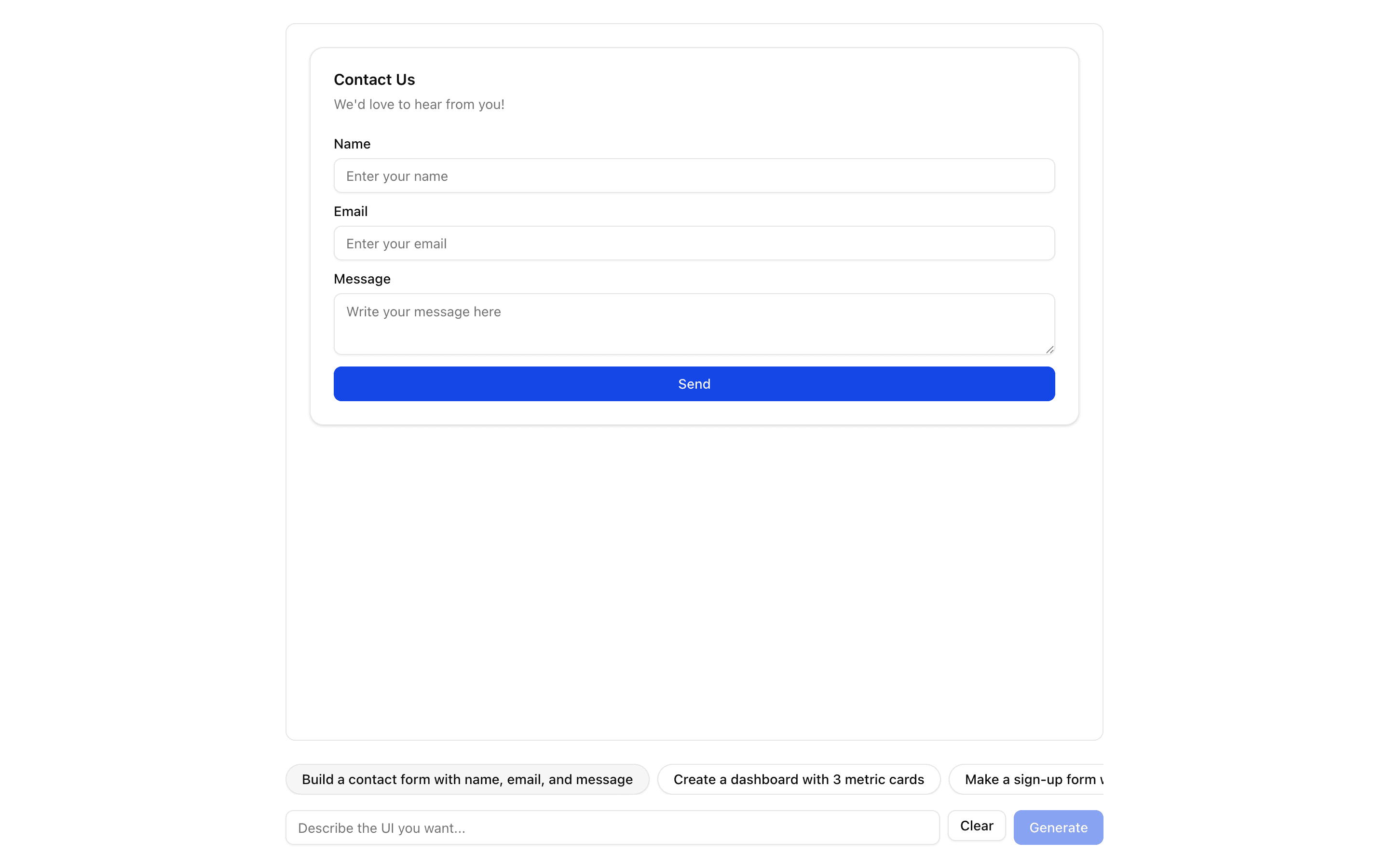
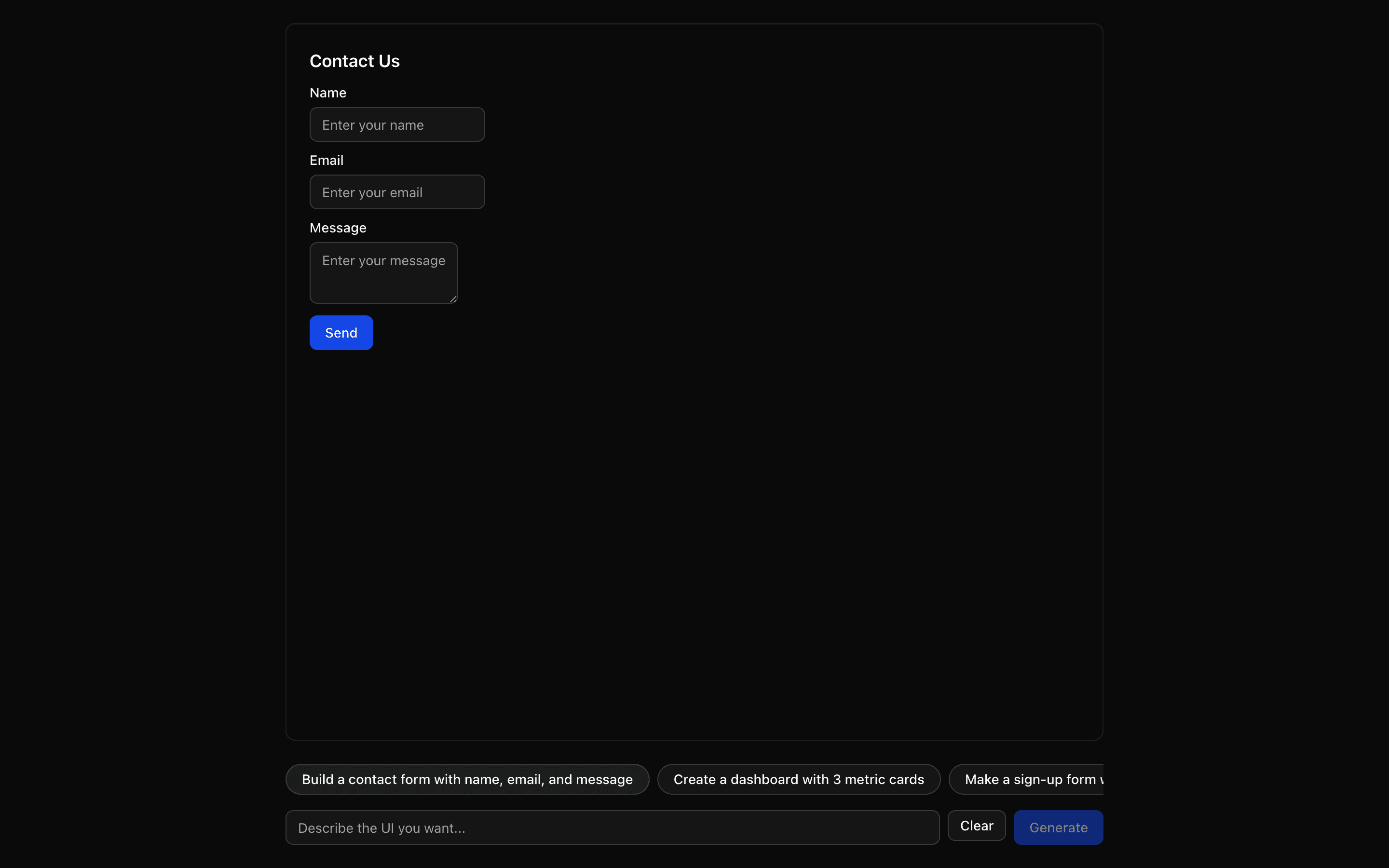
AI-generated UI from natural language using @json-render. Describe a UI and watch it stream in progressively with shadcn components.
Use this when you want to define your own small component catalog and render streamed JSON specs with the base @json-render React renderer.
Loading pattern preview
Problems solved
Technical challenges this implementation handles out of the box.
- Build UIs from natural-language prompts with @json-render
- Stream AI-generated component specs progressively
- Render a shadcn component subset from JSON specs
Use cases
Products and workflows this pattern is designed to support.
- UI playgrounds
- Dashboard builders
- Form generators
- Prompt-to-React prototyping
Compare with
Similar patterns, and when each one is the better fit.
 JSON Render ShadcnUse this when prompts should render only from a fixed catalog of shadcn components provided by the @json-render/shadcn package.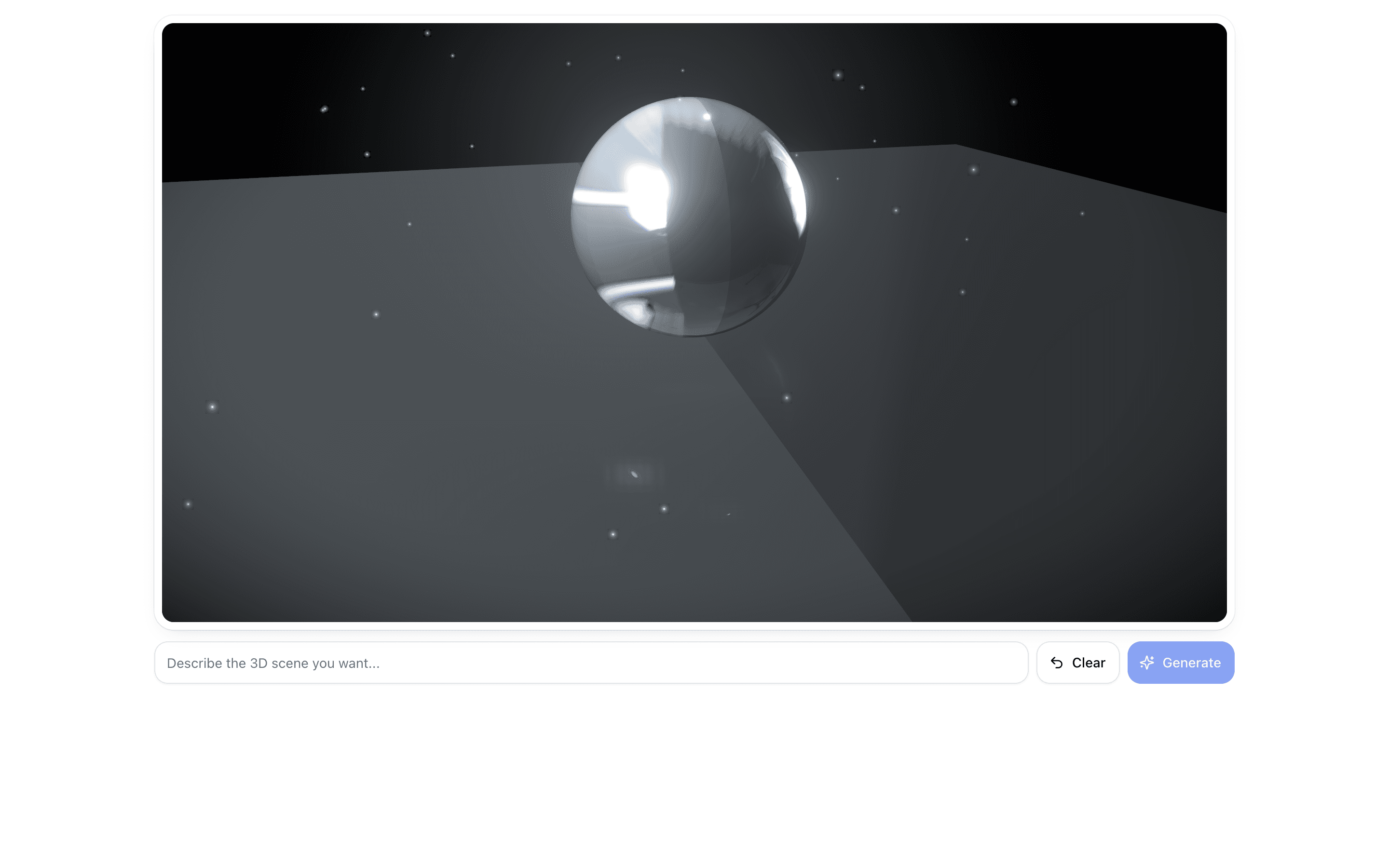
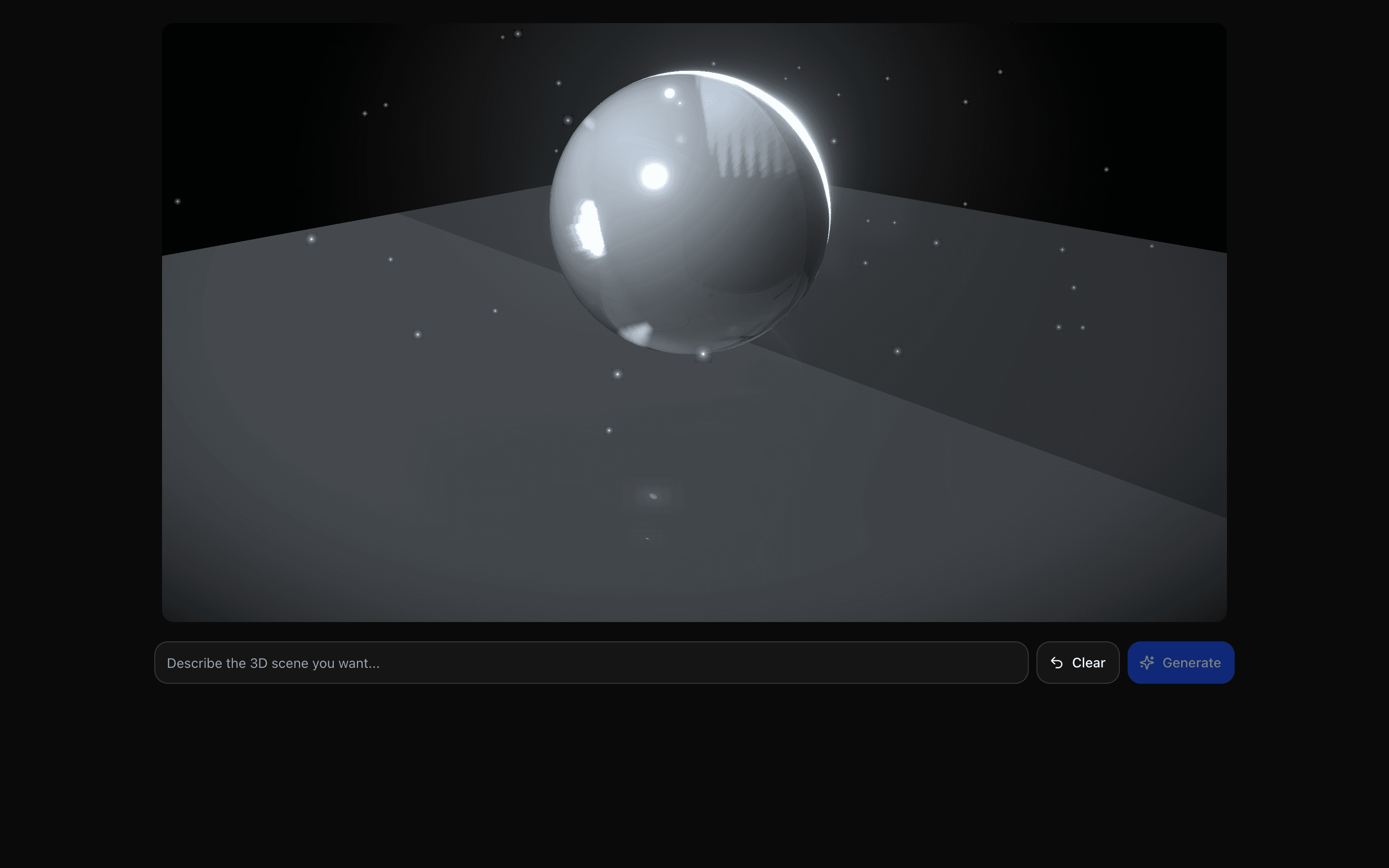 JSON Render Three.jsUse this when users describe a 3D scene in plain language and need it streamed as a live React Three Fiber render they can orbit right away.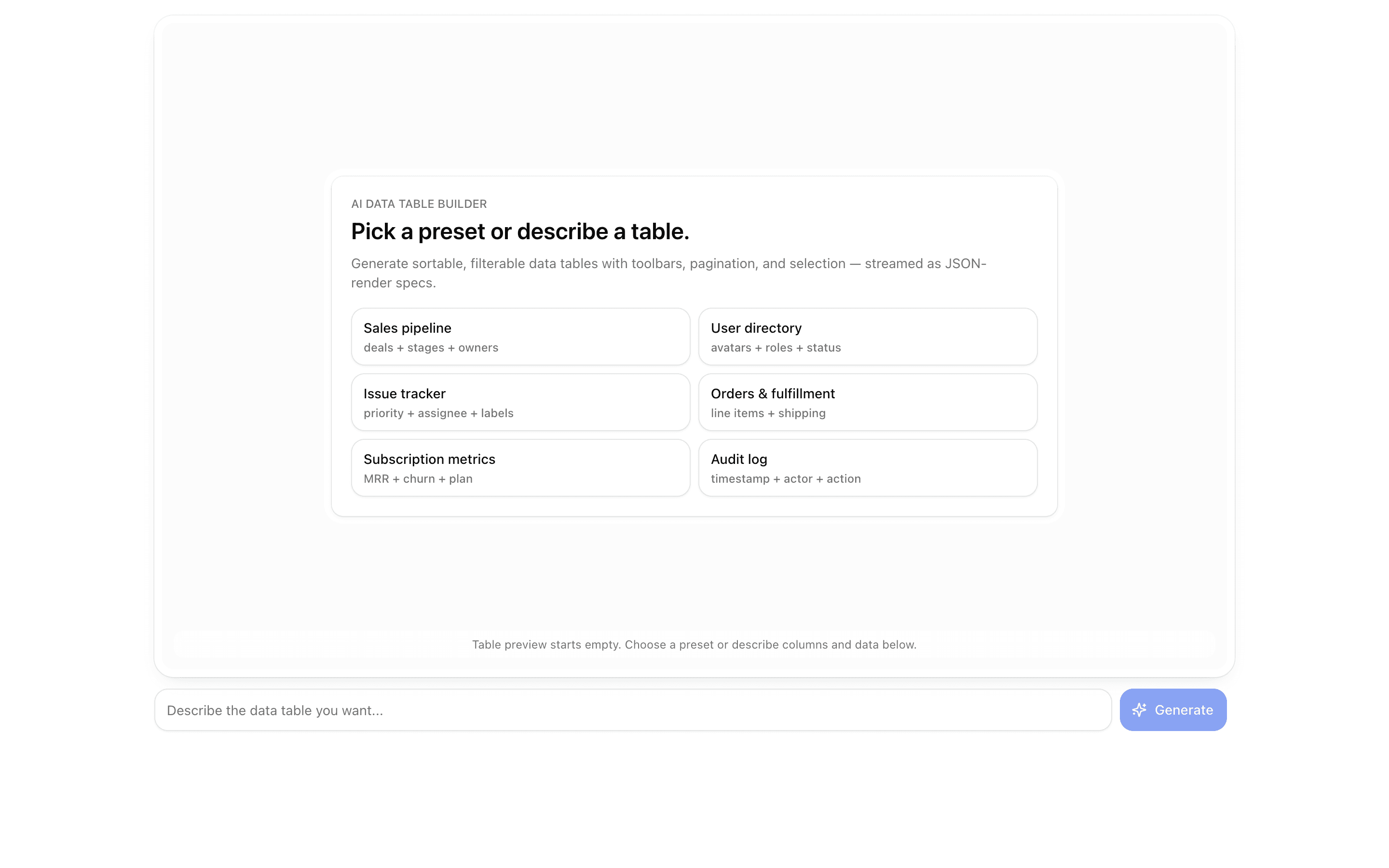
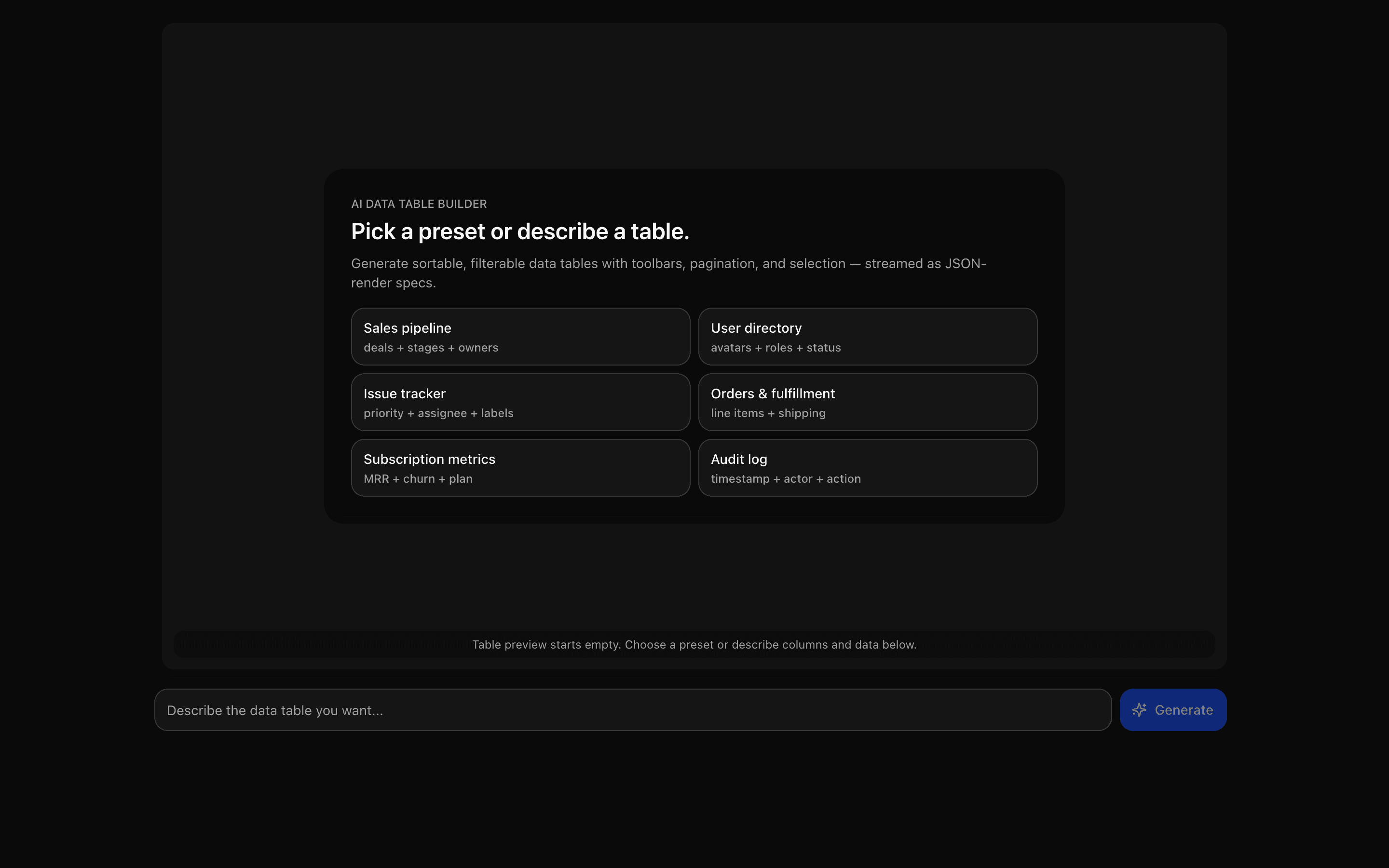 JSON Render Data TableUse this when you are building a prompt-driven data grid with search, filter, pagination, and bulk action toolbars generated from a json-render spec.
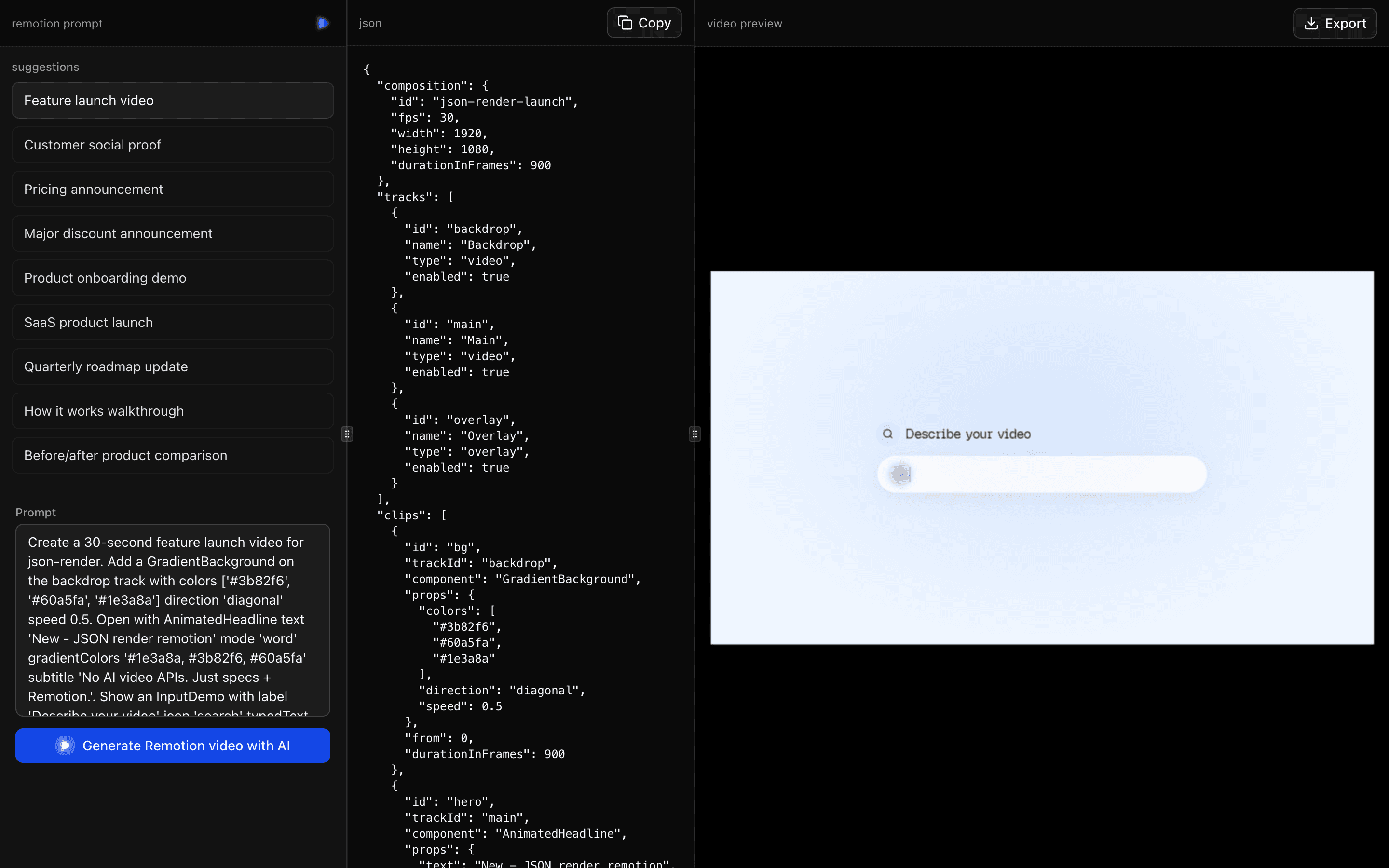 JSON Render RemotionUse this when you are prototyping prompt-to-video features, such as intro or slideshow drafts, and want output that plays in Remotion.
Setup
Requirements, wiring steps, and what this pattern adds to your project.
Getting started
Pick how you want to pull this pattern in. Then wire env vars and routes the same way.
- 1
Download → Next.js app
Use Download → Next.js app in the preview toolbar. You get a zip scaffold (Pro downloads rewrite preview `/view/.../api/*` paths to `/api/*` automatically).
- 2
Extract the zip and install dependencies
Unzip the archive, then run `pnpm install` (or npm / yarn) in the project folder.
- 3
Fill .env.local
The download includes .env.local placeholders when needed. Add real values for: AI_GATEWAY_API_KEY.
- 4
Customize the agent and tool files
Adapt prompts, tools, and stop conditions in the generated project for your product.
- 5
Run the app and open the pattern route
Run `pnpm dev`, open the setup/checklist page if present, then navigate to the generated pattern route and verify responses.
Environment variables
AI_GATEWAY_API_KEYGet key
Capabilities
AI SDK APIs
streamTextgatewayProviders
OpenAI
External services
Upstash
Files added
10 files
app/page.tsxapp/layout.tsxapp/api/json-render-generate/route.tsapp/api/generate/route.tscomponents/json-render-demo.tsxcomponents/empty-state.tsxlib/catalog.tslib/registry.tsxlib/rate-limit.tsREADME.md
Dependencies
15 total
npm packages
10@json-render/core@json-render/react@json-render/shadcnUpstashAISDKlucide-reactNext.jsReactZodmotion
 Registry components
buttonemptyinputscroll-areatooltip
Critical files
2 files
lib/catalog.tsCatalog and registry definitions. Uses defineCatalog with shadcn component subset and defineRegistry for React implementations. Exports catalog (for API prompt) and registry (for Renderer).
generate/route.tsAPI route for Generate mode. Uses streamText with catalog.prompt() as system prompt, returns toTextStreamResponse() for JSONL-only stream. Includes rate limiting.
Requirements
- Complexity
- Intermediate
- Setup time
- ~5 minutes
- Node
- 24+
- Memory
- 256MB
Upstash Redis