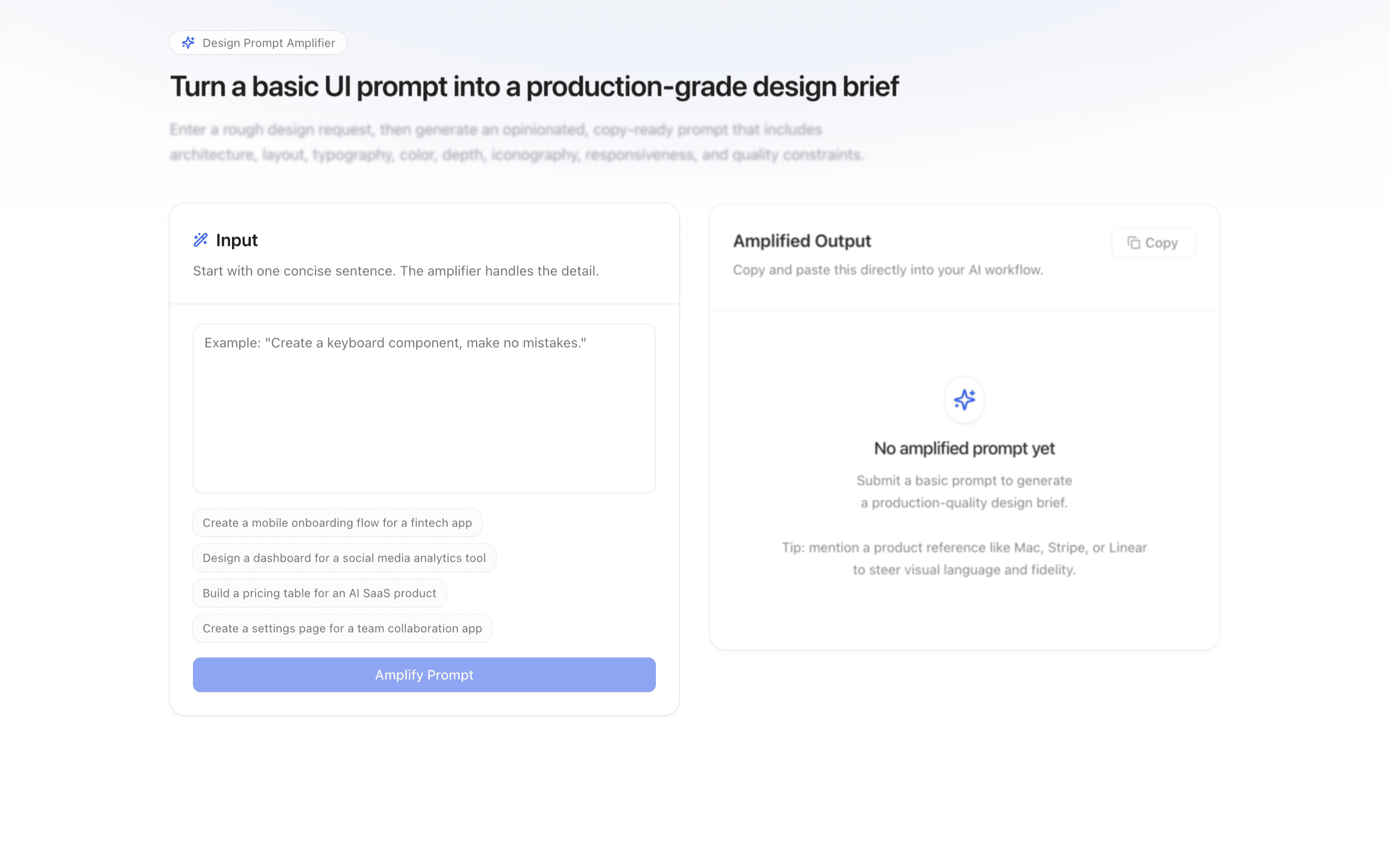
Prompt UI Improver
Prompt UI Improver
Transform short, vague UI requests into production-grade design briefs with strong visual, interaction, and implementation detail.
Use this when you have a one-line UI request and need it expanded into a detailed design brief to hand to another model or engineer.
Problems solved
- Amplify vague UI prompts into exhaustive design briefs
- Cover layout, interaction, accessibility, and edge cases in one prompt
- Produce a copy-ready prompt for another model or engineer
Use cases
- Design-system prompt workshops
- UI generation brief writers
- Component spec drafting for AI builders
- Turning one-line UI asks into buildable prompts
Compare with
Similar patterns, and when each one is the better fit.
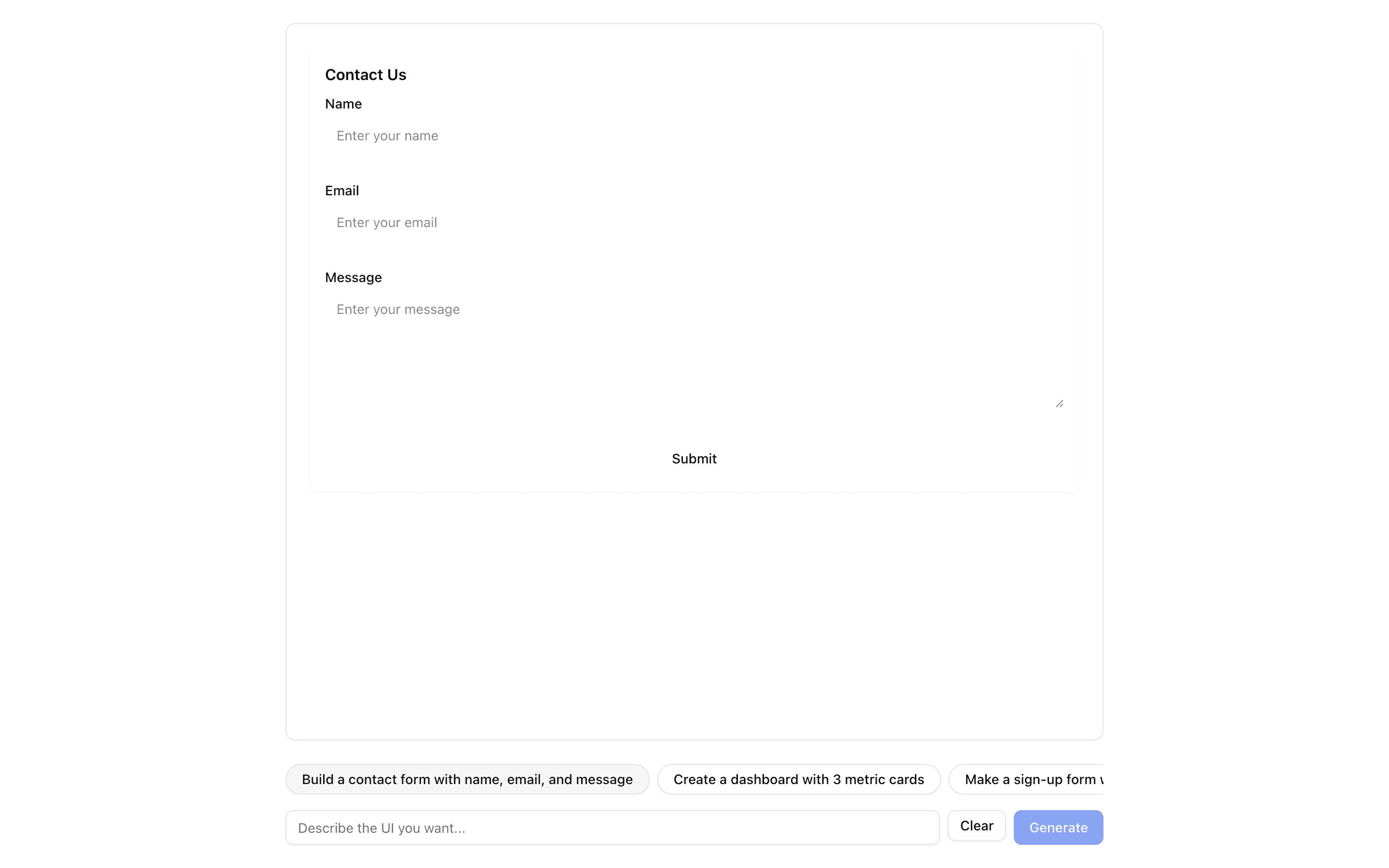
 JSON Render ReactUse this when you want to define your own small component catalog and render streamed JSON specs with the base @json-render React renderer.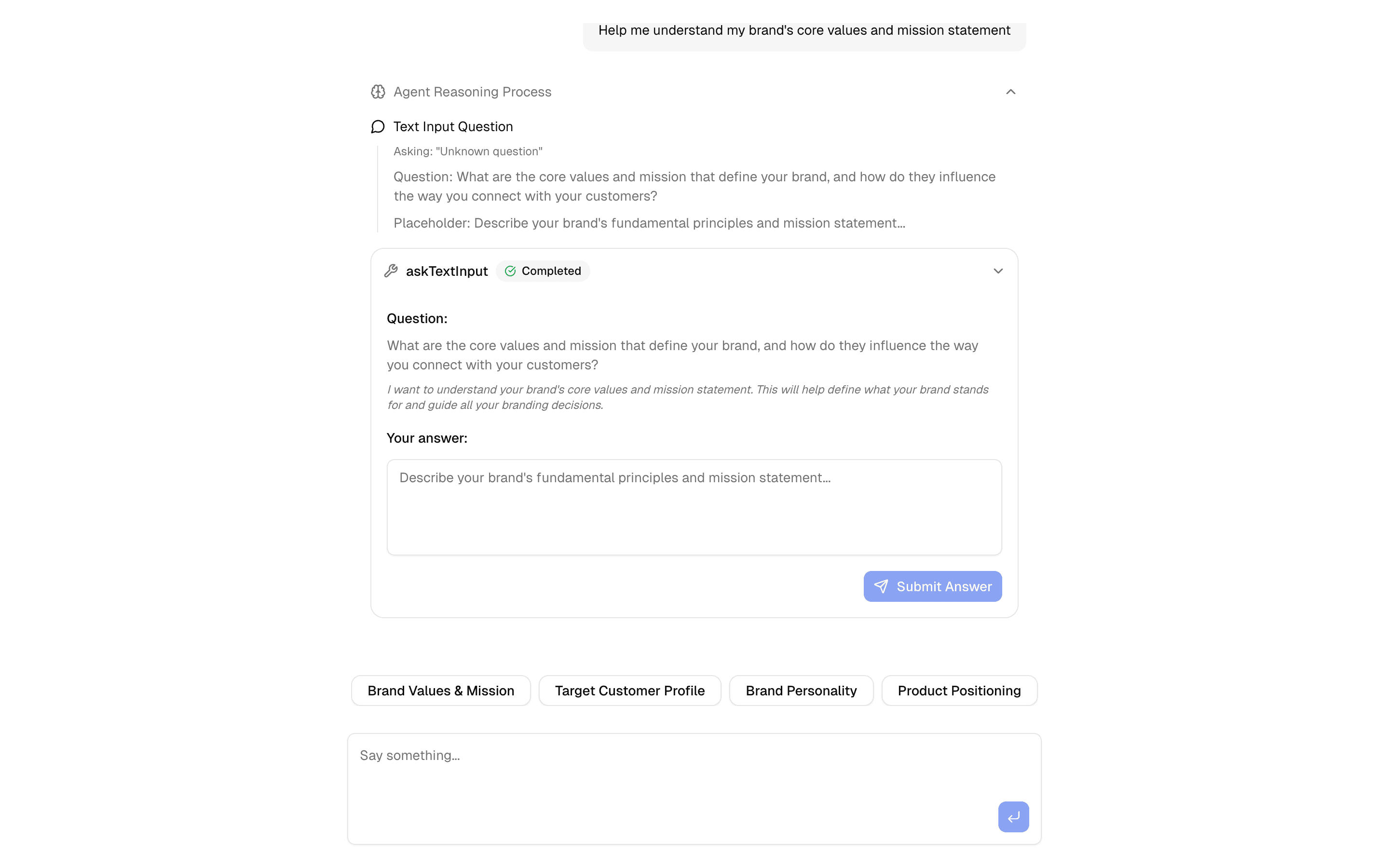
 HIL Inquire Text InputUse this when your agent needs to pause mid-loop, ask the user an open-ended question, and resume once they type a free-text answer.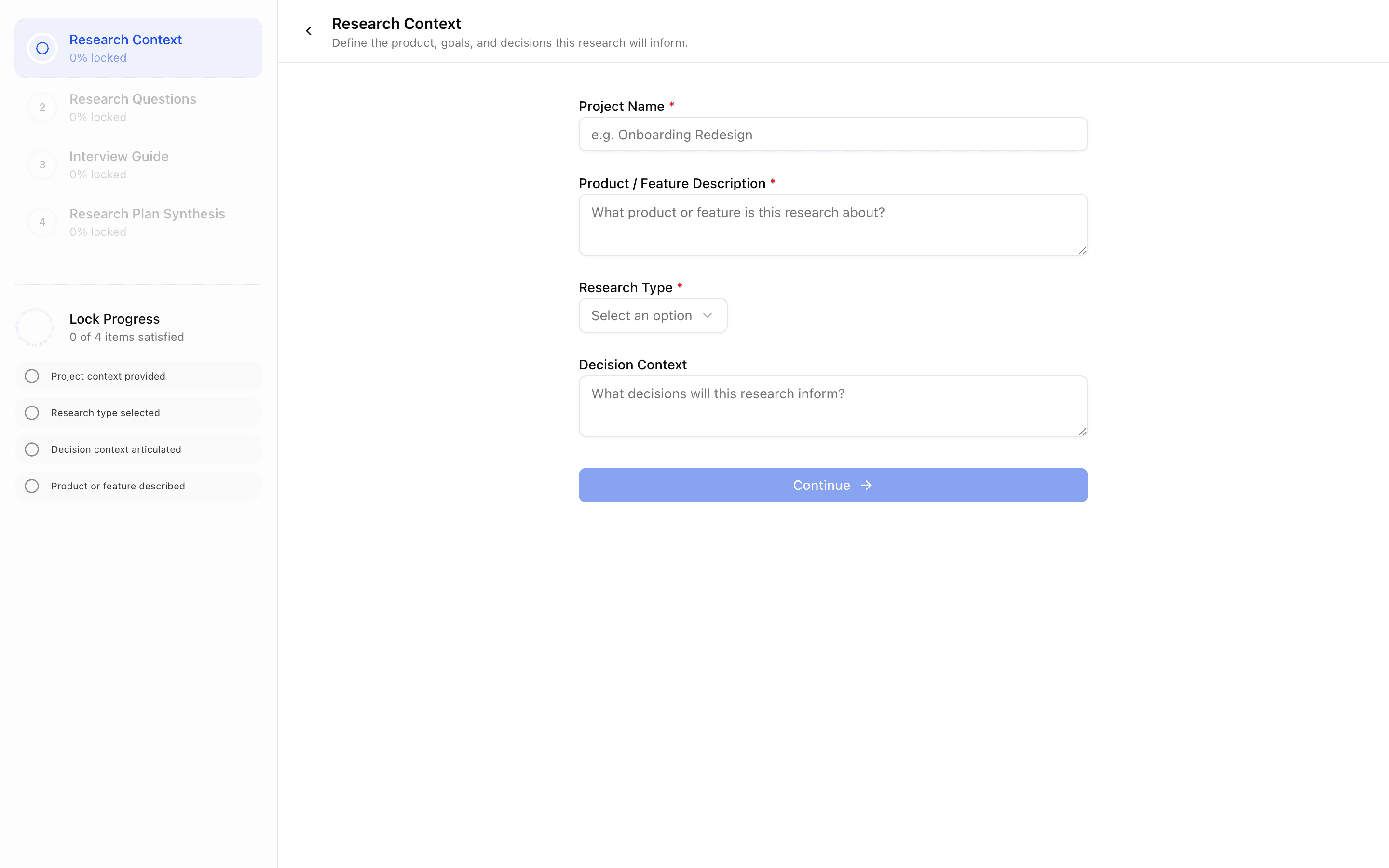
 Levee User ResearchUse this when you are building a product research onboarding tool where each locked stage feeds earlier answers into a generated research plan.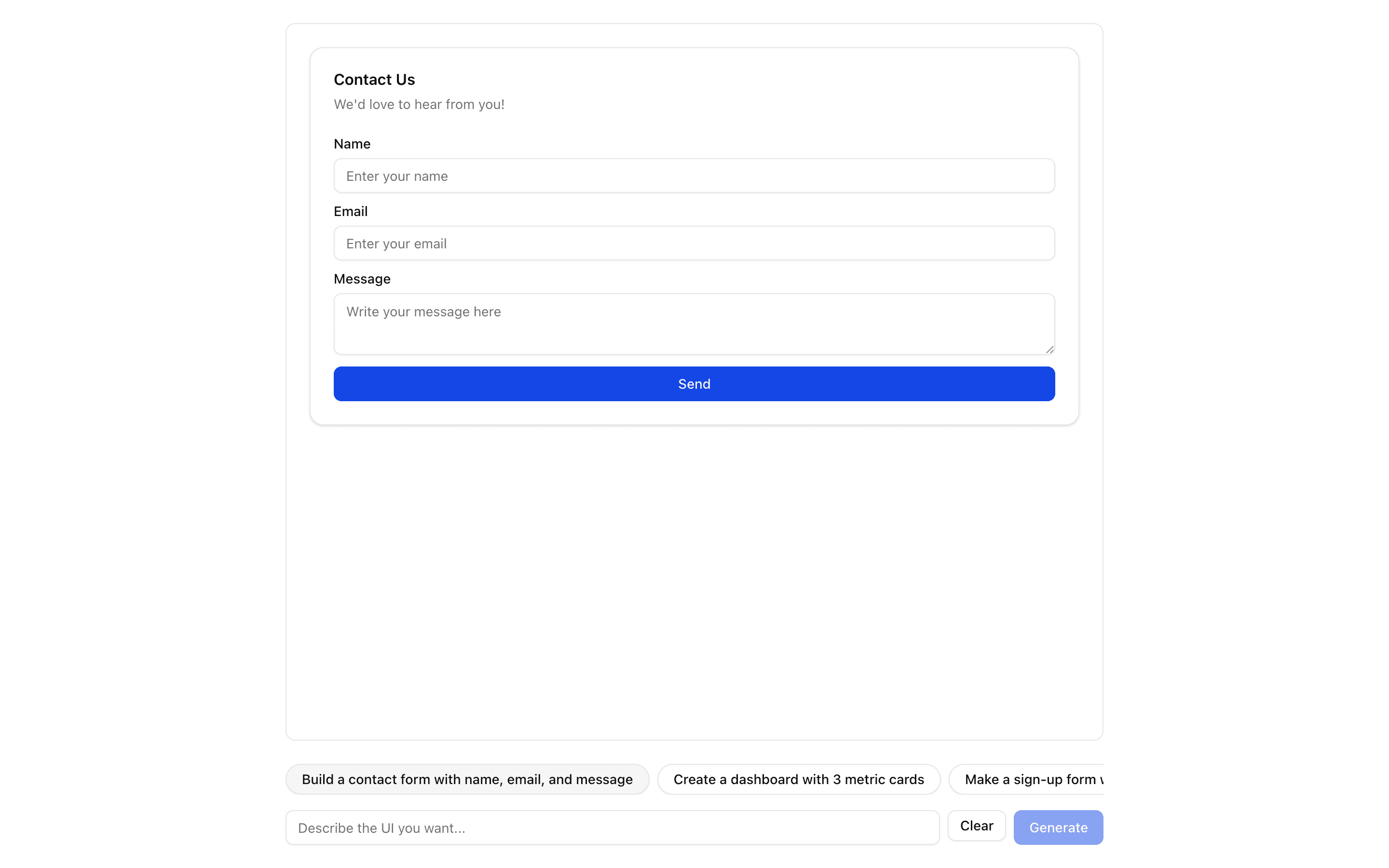
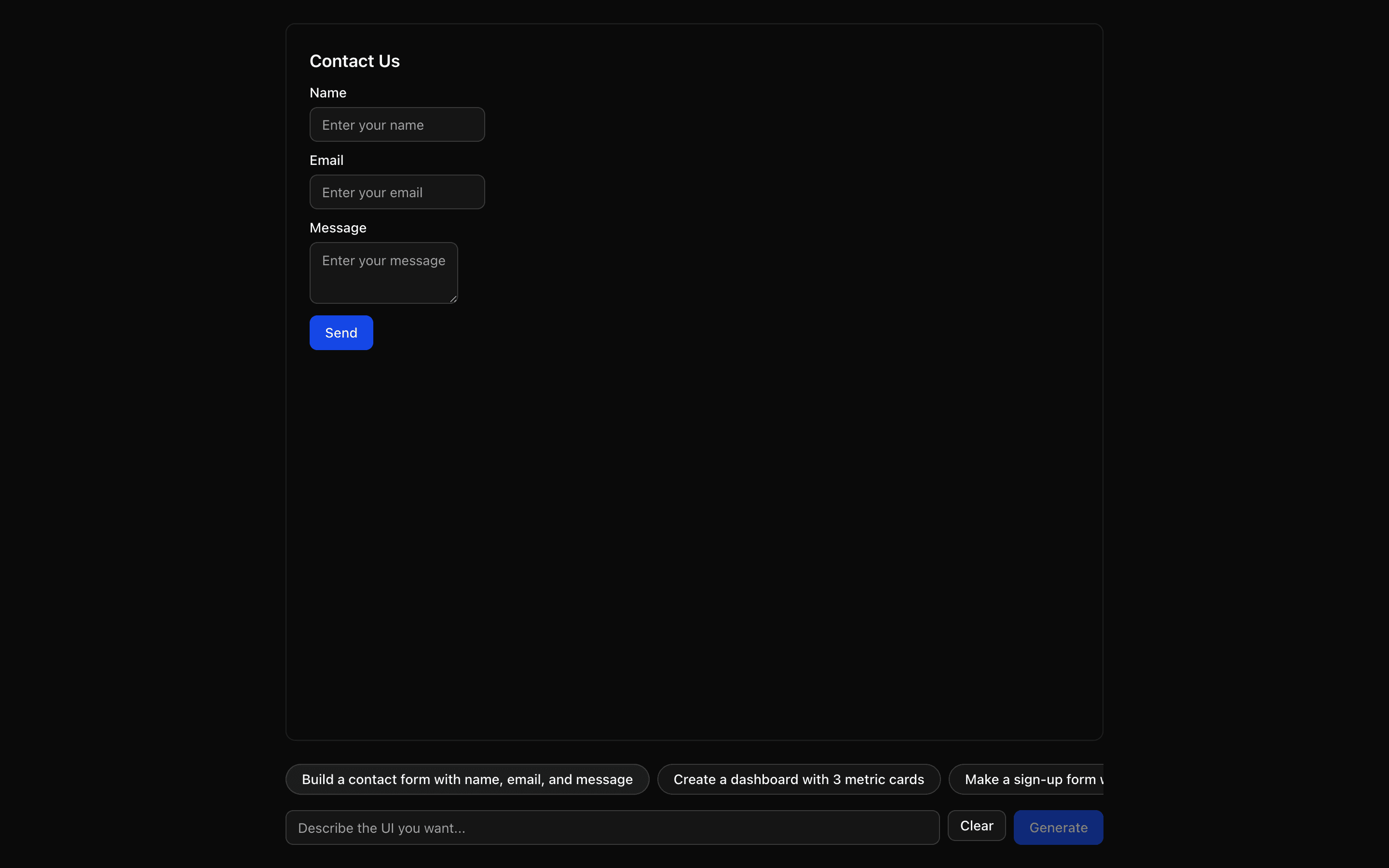 JSON Render ShadcnUse this when prompts should render only from a fixed catalog of shadcn components provided by the @json-render/shadcn package.
Setup
Requirements, wiring steps, and what this pattern adds to your project.
Getting started
Pick how you want to pull this pattern in. Then wire env vars and routes the same way.
- 1
Download → Next.js app
Use Download → Next.js app in the preview toolbar. You get a zip scaffold (Pro downloads rewrite preview `/view/.../api/*` paths to `/api/*` automatically).
- 2
Extract the zip and install dependencies
Unzip the archive, then run `pnpm install` (or npm / yarn) in the project folder.
- 3
Fill .env.local
The download includes .env.local placeholders when needed. Add real values for: OPENAI_API_KEY.
- 4
Customize the agent and tool files
Adapt prompts, tools, and stop conditions in the generated project for your product.
- 5
Run the app and open the pattern route
Run `pnpm dev`, open the setup/checklist page if present, then navigate to the generated pattern route and verify responses.
Environment variables
OPENAI_API_KEYGet key
Capabilities
AI SDK APIs
generateTextProviders
External services
Files added
5 files
app/page.tsxapp/layout.tsxapp/actions.tsxlib/rate-limit.tsREADME.md
Dependencies
13 total
npm packages
8 Registry components
Critical files
2 files
app/actions.tsxServer action for prompt amplification: validates user input with Zod, enforces Upstash rate limits per IP, and uses AI SDK generateText with a production-grade design system prompt.
lib/system-prompt.tsCore instruction set defining the 11 required UI design dimensions and output constraints for transforming short prompts into production-ready design briefs.
Requirements
- Complexity
- Beginner
- Setup time
- ~10 minutes