Loading pattern preview
BlocksArtifacts
Spreadsheet Agent
Spreadsheet Agent
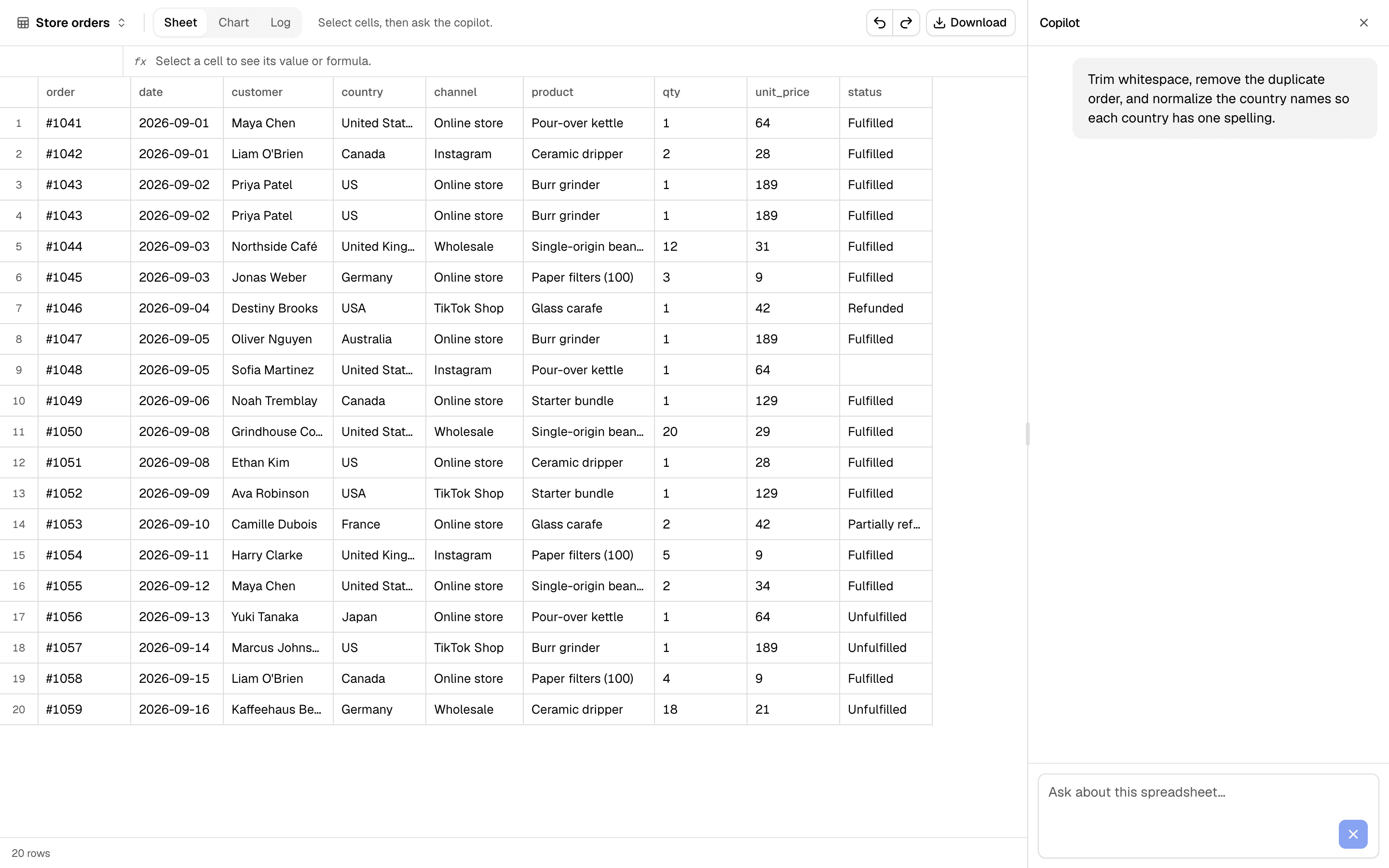
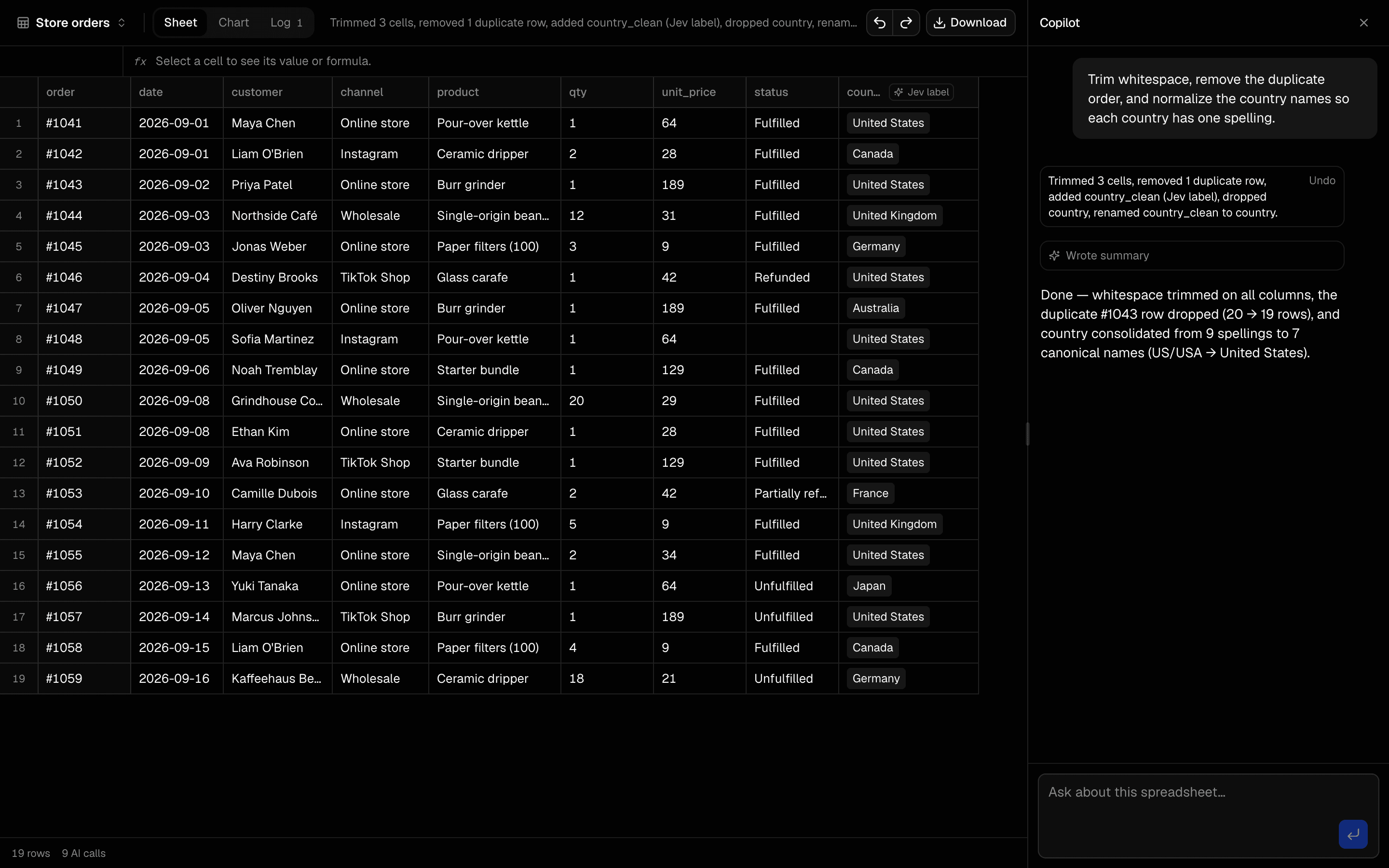
Spreadsheet-first agent: the grid is the main UI with a floating copilot. Demo samples only (no uploads). The agent emits deterministic clean/transform ops applied client-side, charts results, and exports a multi-sheet .xlsx.
Use this when users need a multi-sheet .xlsx with cleaned data, a chart, a summary, and a log of every transform the agent applied.
Loading pattern preview
Problems solved
Technical challenges this implementation handles out of the box.
- Put the spreadsheet grid front and center with a floating copilot
- Clean demo datasets with auditable deterministic ops
- Export cleaned data, chart, summary, and change log as .xlsx
Use cases
Products and workflows this pattern is designed to support.
- Spreadsheet cleaning agents
- CSV to Excel report pipelines
- Client-side data transform with AI planning
- Download-first analysis workbooks
Compare with
Similar patterns, and when each one is the better fit.
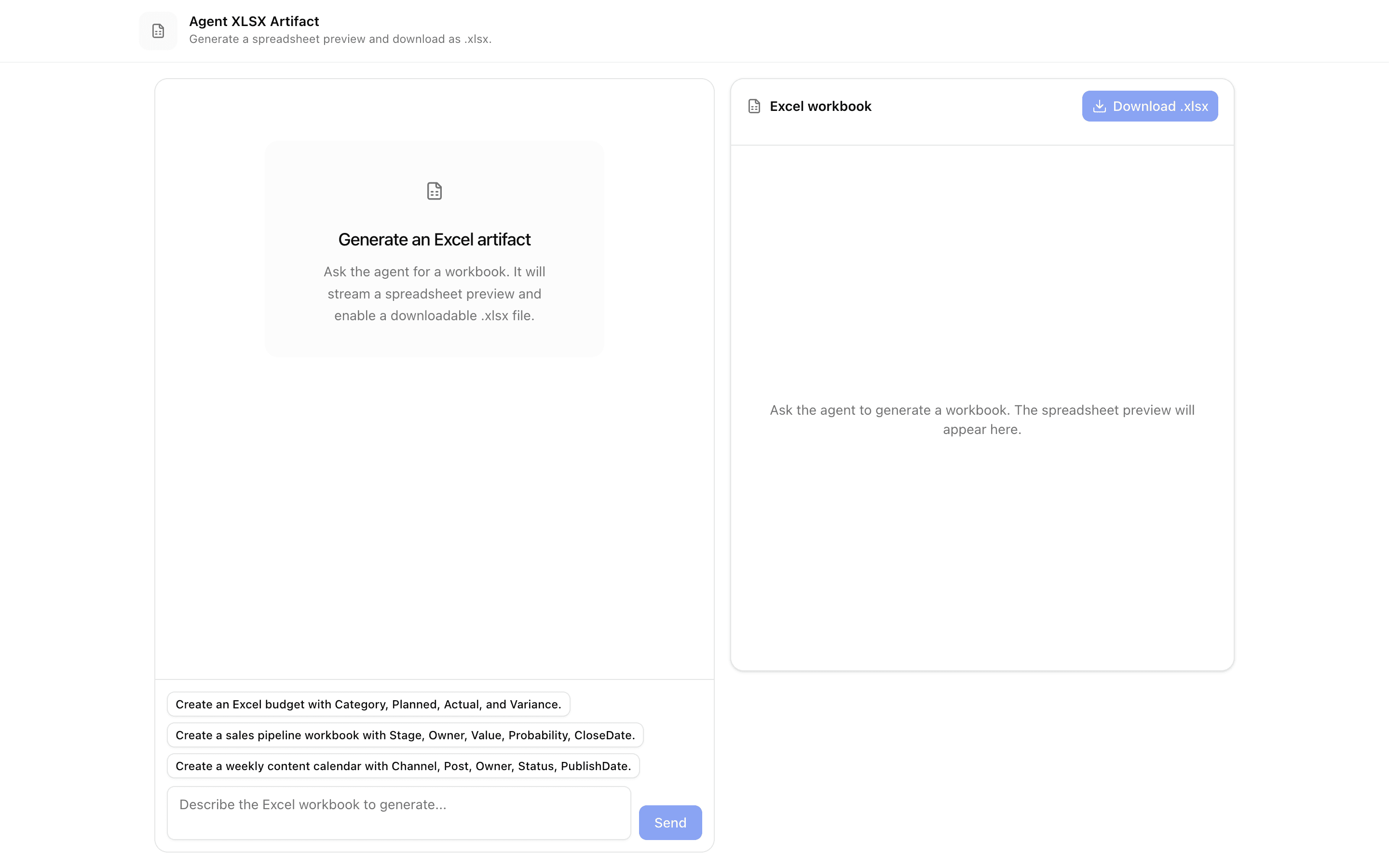
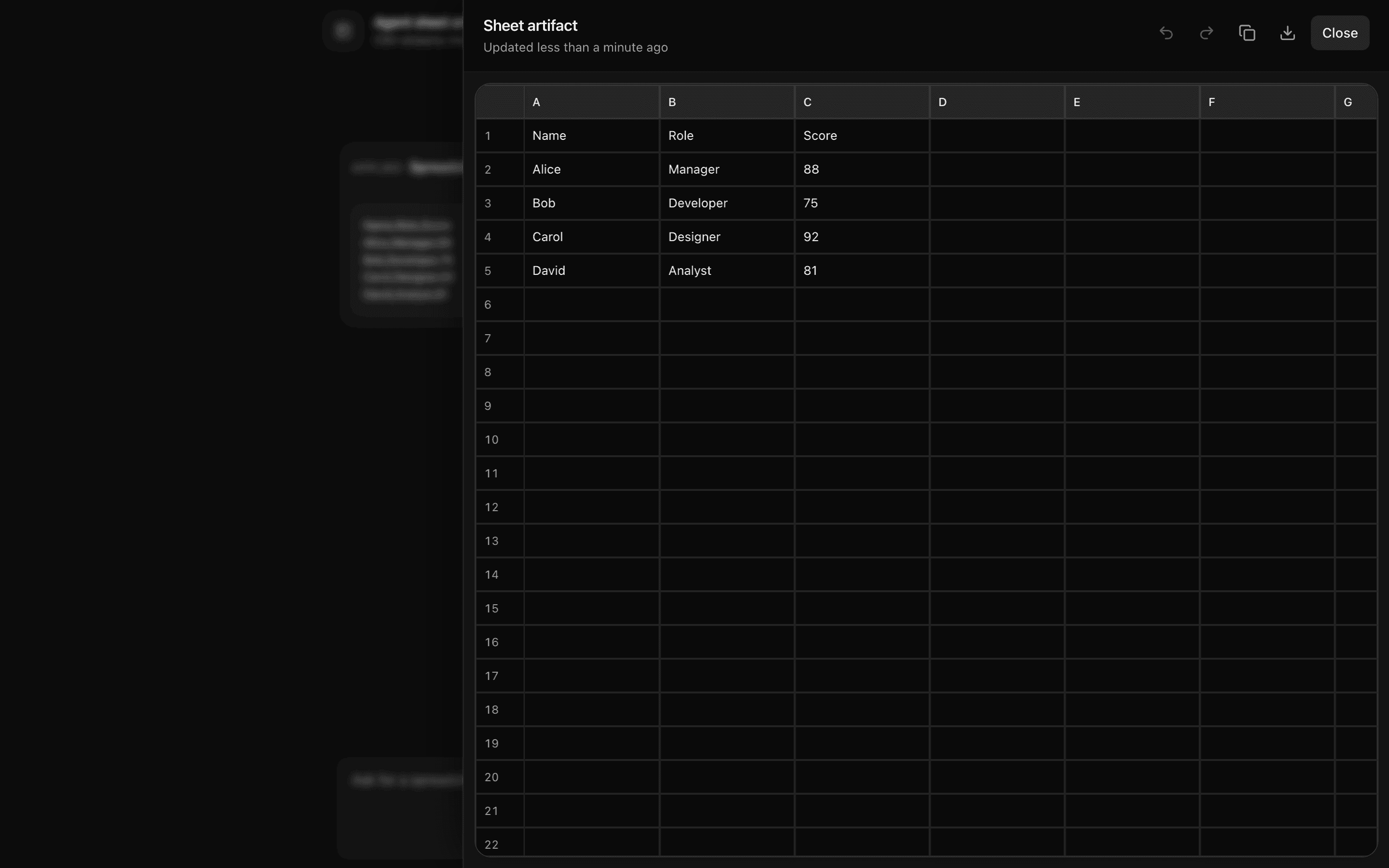
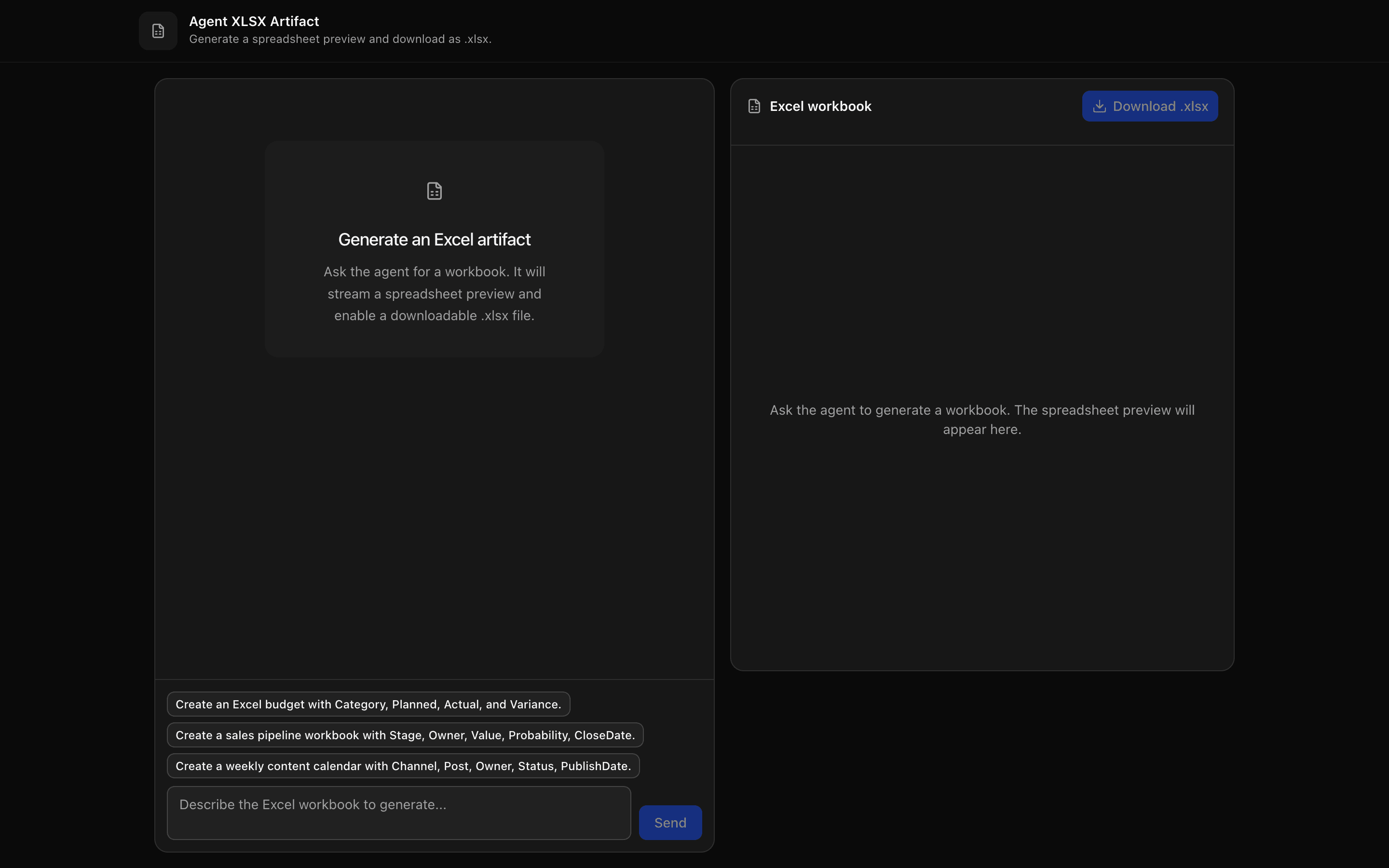 Agent XLSX ArtifactUse this when your chat agent needs to hand users a downloadable .xlsx file, previewing the tabular data it streams as CSV before export.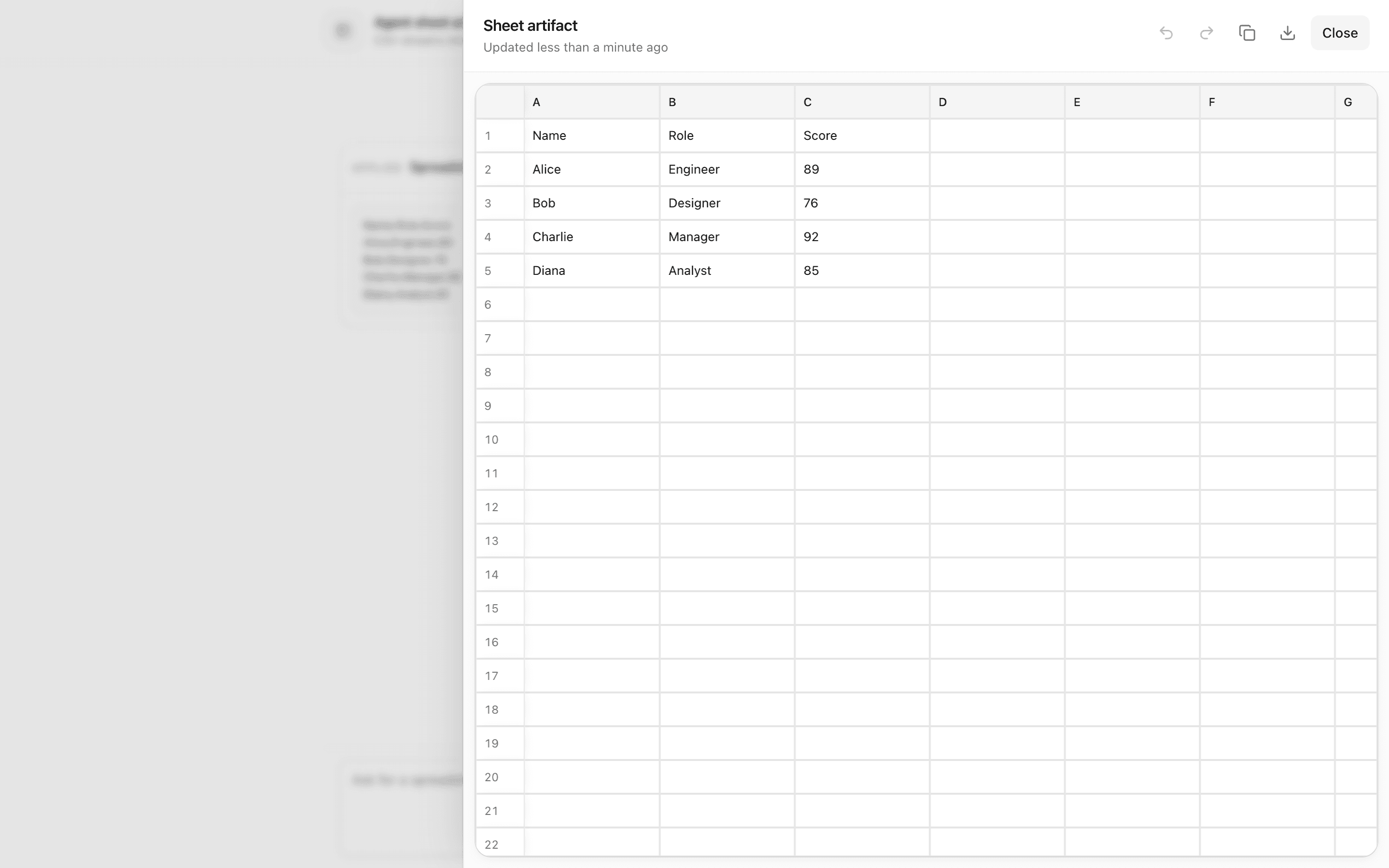
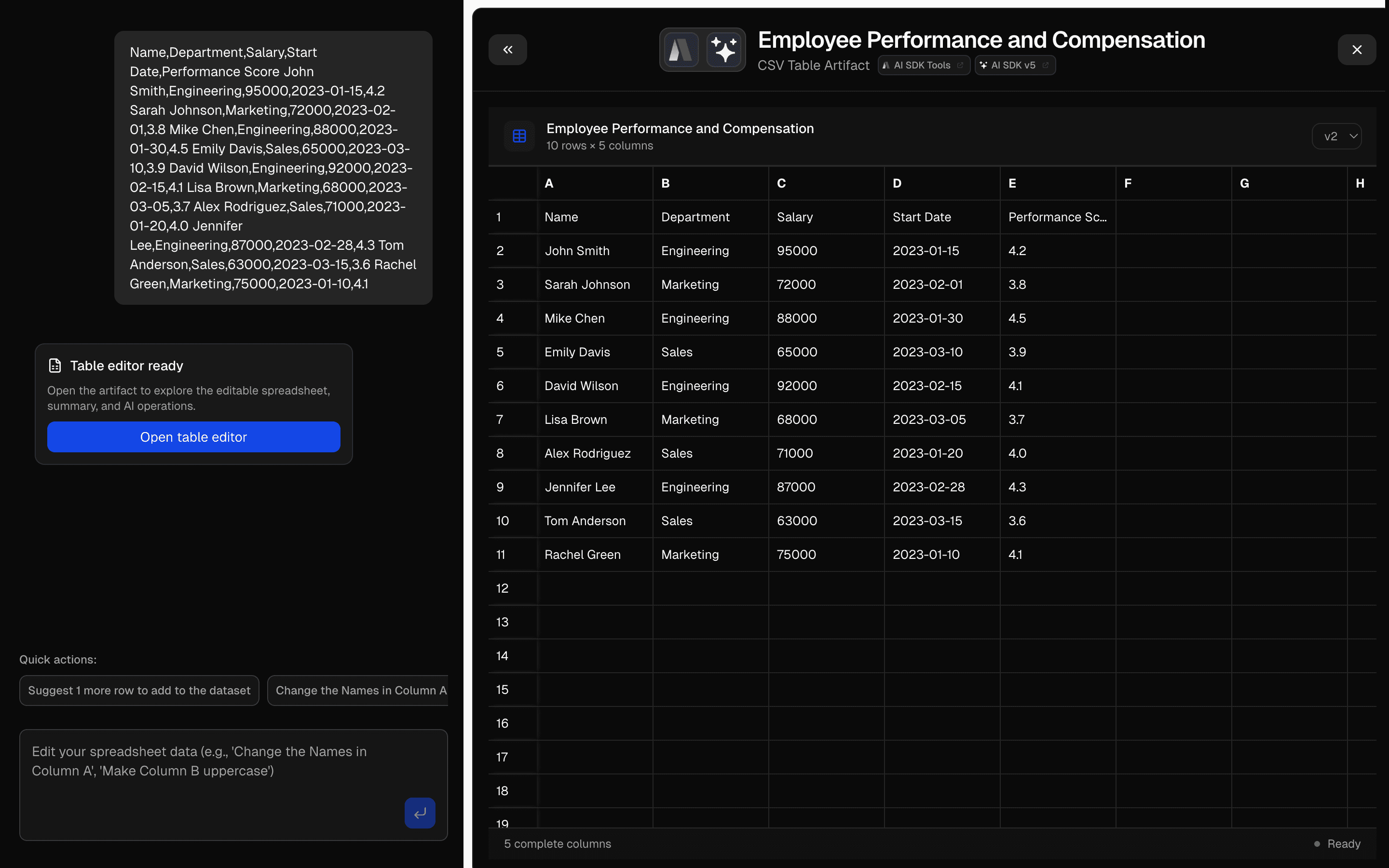
 Agent Sheet ArtifactUse this when a chat agent should stream CSV table updates into a side artifact panel the user can edit as a grid, with versions kept in memory.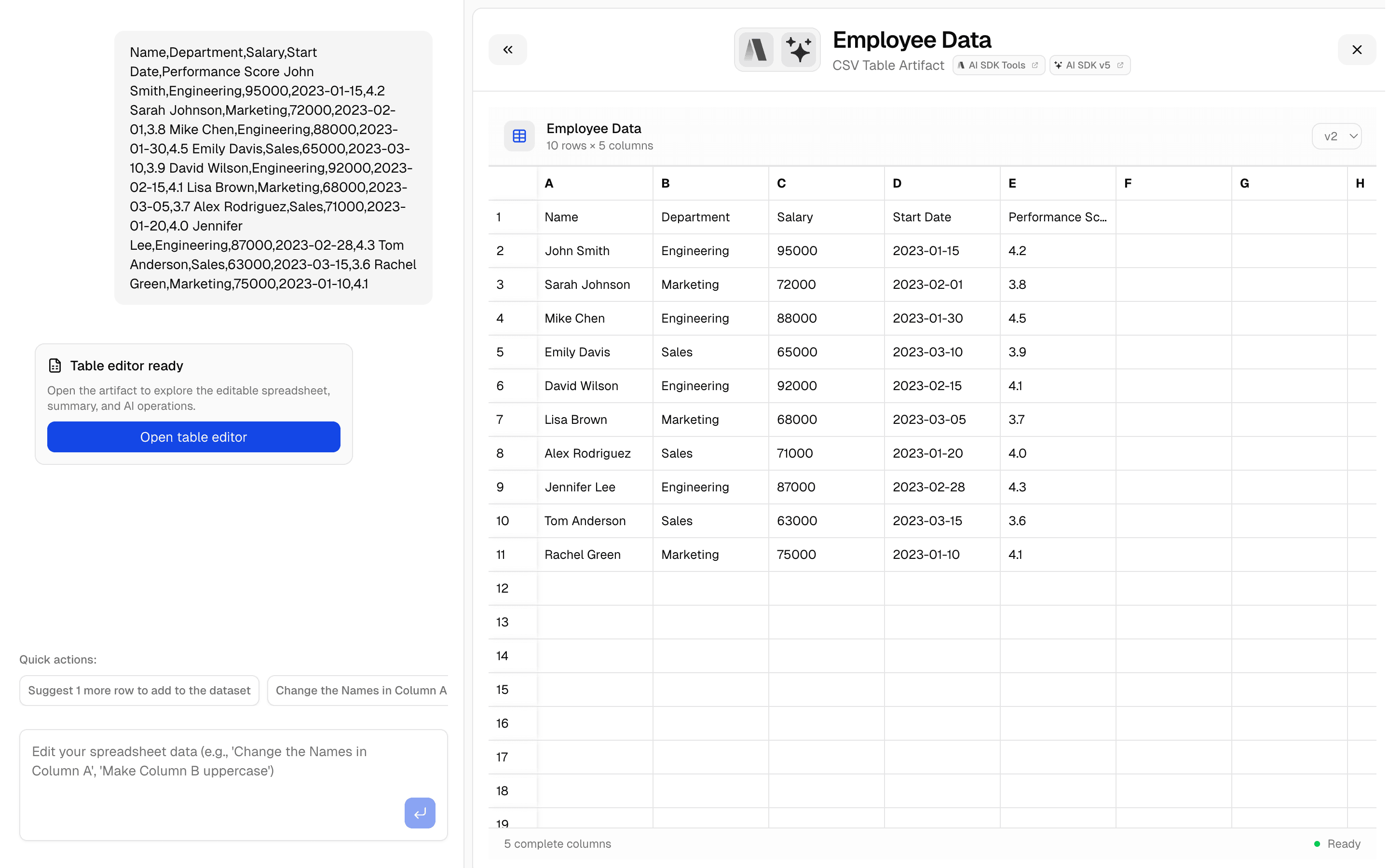
 CSV Editor ArtifactUse this when your chat app needs a spreadsheet artifact that auto-detects column types and is backed by Upstash storage.
 XLSX → CSV exportUse this when your app takes existing Excel workbooks as input and must hand back CSV files, such as for data migration prep or offline conversion.
Setup
Requirements, wiring steps, and what this pattern adds to your project.
Getting started
Pick how you want to pull this pattern in. Then wire env vars and routes the same way.
- 1
Download → Next.js app
Use Download → Next.js app in the preview toolbar. You get a zip scaffold (Pro downloads rewrite preview `/view/.../api/*` paths to `/api/*` automatically).
- 2
Extract the zip and install dependencies
Unzip the archive, then run `pnpm install` (or npm / yarn) in the project folder.
- 3
Fill .env.local
The download includes .env.local placeholders when needed. Add real values for: AI_GATEWAY_API_KEY.
- 4
Customize the agent and tool files
Adapt prompts, tools, and stop conditions in the generated project for your product.
- 5
Run the app and open the pattern route
Run `pnpm dev`, open the setup/checklist page if present, then navigate to the generated pattern route and verify responses.
Environment variables
AI_GATEWAY_API_KEYGet key
Capabilities
AI SDK APIs
ToolLoopAgentcreateAgentUIStreamResponsegatewaytooluseChatInferAgentUIMessageProviders
OpenAI
External services
Upstash
Files added
75 files
app/page.tsxapp/layout.tsxapp/api/spreadsheet-agent/route.tsapp/api/spreadsheet-cells/route.tscomponents/ai-cell.tsxcomponents/column-resize-handle.tsxcomponents/formula-bar.tsxcomponents/formula-editor.tsxcomponents/grid-context-menu.tsxcomponents/cell-editor.tsxcomponents/column-header-menu.tsxcomponents/find-bar.tsxcomponents/grid-header.tsxlib/grid/column-actions.tslib/grid/column-stats.tslib/grid/fill.tslib/grid/find.tslib/grid/formats.tslib/grid/formula-colors.tslib/grid/grid-keys.tslib/grid/use-find.tslib/grid/use-formula-editing.tslib/grid/use-sheet-view.tslib/grid/use-row-window.tslib/grid/stored-state.tslib/grid/filters.tscomponents/selection-stats.tsxcomponents/sheet-status-bar.tsxcomponents/sheet-toolbar.tsxlib/grid/column-widths.tslib/grid/types.tslib/grid/use-grid-editing.tslib/sheet/commands.tslib/sheet/formulas.tslib/sheet/formula-syntax.tslib/sheet/row-ops.tslib/cells/types.tslib/cells/ai-ops.tslib/cells/run-jobs.tslib/cells/use-cell-runner.tscomponents/spreadsheet-agent-demo.tsxcomponents/spreadsheet-copilot.tsxcomponents/workbook-chart.tsxcomponents/data-grid-preview.tsxcomponents/step-log.tsxlib/sheet/types.tslib/sheet/reducer.tslib/sheet/replay.tslib/sheet/diff.tslib/sheet/scope.tslib/sheet/persistence.tslib/sheet/tool-results.tslib/sheet/use-sheet.tslib/sheet/use-flash-cells.tslib/sheet/use-undo-shortcuts.tslib/ai/spreadsheet-agent.tslib/ai/tools/apply-operations.tslib/ai/tools/render-chart.tslib/ai/tools/summarize-findings.tslib/ops/schema.tslib/ops/engine.tslib/parse-file.tslib/samples.tslib/sample-data/orders.tslib/sample-data/pipeline.tslib/sample-data/reviews.tslib/sample-data/support.tslib/sample-data/tweets.tslib/selection.tslib/profile.tslib/xlsx-export.tslib/types.tslib/rate-limit.tslib/request-utils.tsREADME.md
Dependencies
19 total
npm packages
10AISDKUpstashlucide-reactNext.jspapaparseReactrechartssonnerxlsxZod
 Registry components
buttonbutton-groupchartcontext-menudropdown-menukbdresizablespinnertooltip
Critical files
3 files
ai/spreadsheet-agent.tsToolLoopAgent that receives a compact data profile via callOptions and emits applyOperations, renderChart, and summarizeFindings tools. Client applies ops to the full dataset.
ops/engine.tsPure deterministic ops engine (drop/rename/fill/dedupe/cast/trim/filter/sort/computed/aggregate) plus buildChartData. Keep data local; never send full rows to the server.
spreadsheet-agent/route.tsAPI route using createAgentUIStreamResponse with profile callOptions and Upstash rate limiting.
Requirements
- Complexity
- Intermediate
- Setup time
- ~10 minutes
- Node
- 24+
- Memory
- 256MB
Upstash Redis