File Processing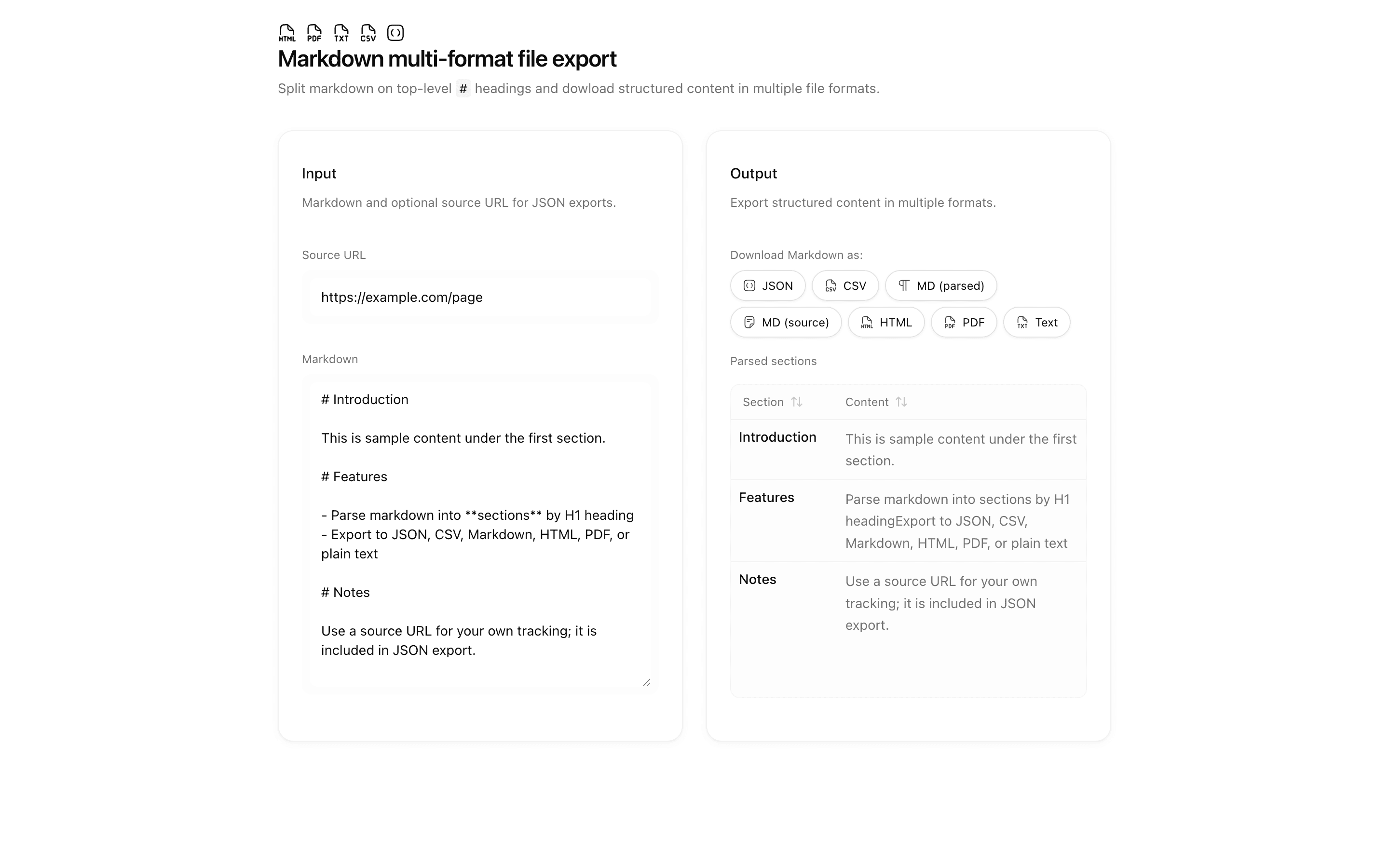
Pattern
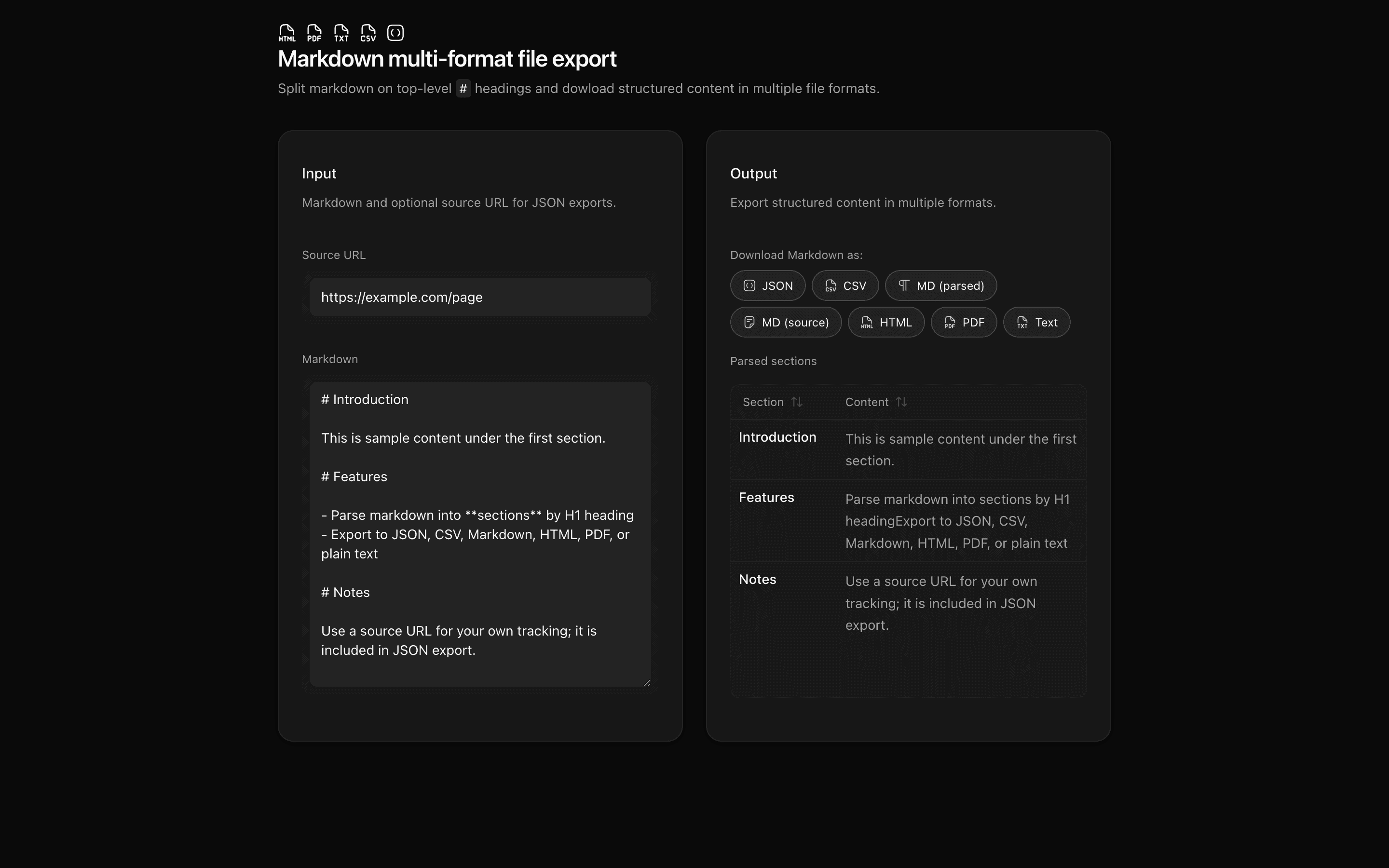
Markdown multi-format file export
Parse markdown into H1 sections with unified and remark, then export normalized content as JSON, CSV, Markdown, HTML, PDF, or plain text in the browser.
BeginnerApr 2026View the full pattern on desktop
Problems solved
- Split markdown on H1 headings into named sections
- Export structured content to JSON, CSV, Markdown, HTML, PDF, or text
- Parse and export entirely in the browser without API keys
Use cases
- Content migration tooling
- Documentation section exports
- Offline markdown processing
- Section-based copy handoff
Tags
markdownremarkunifiedexportcsvjsonpdfclient-only
Ready to use?
View the full interactive pattern with live preview and copy the source code.
View the pattern on desktop